3-Way Shape Changing Sculpture
by xX_christopher_Xx in Living > Decorating
542 Views, 11 Favorites, 0 Comments
3-Way Shape Changing Sculpture


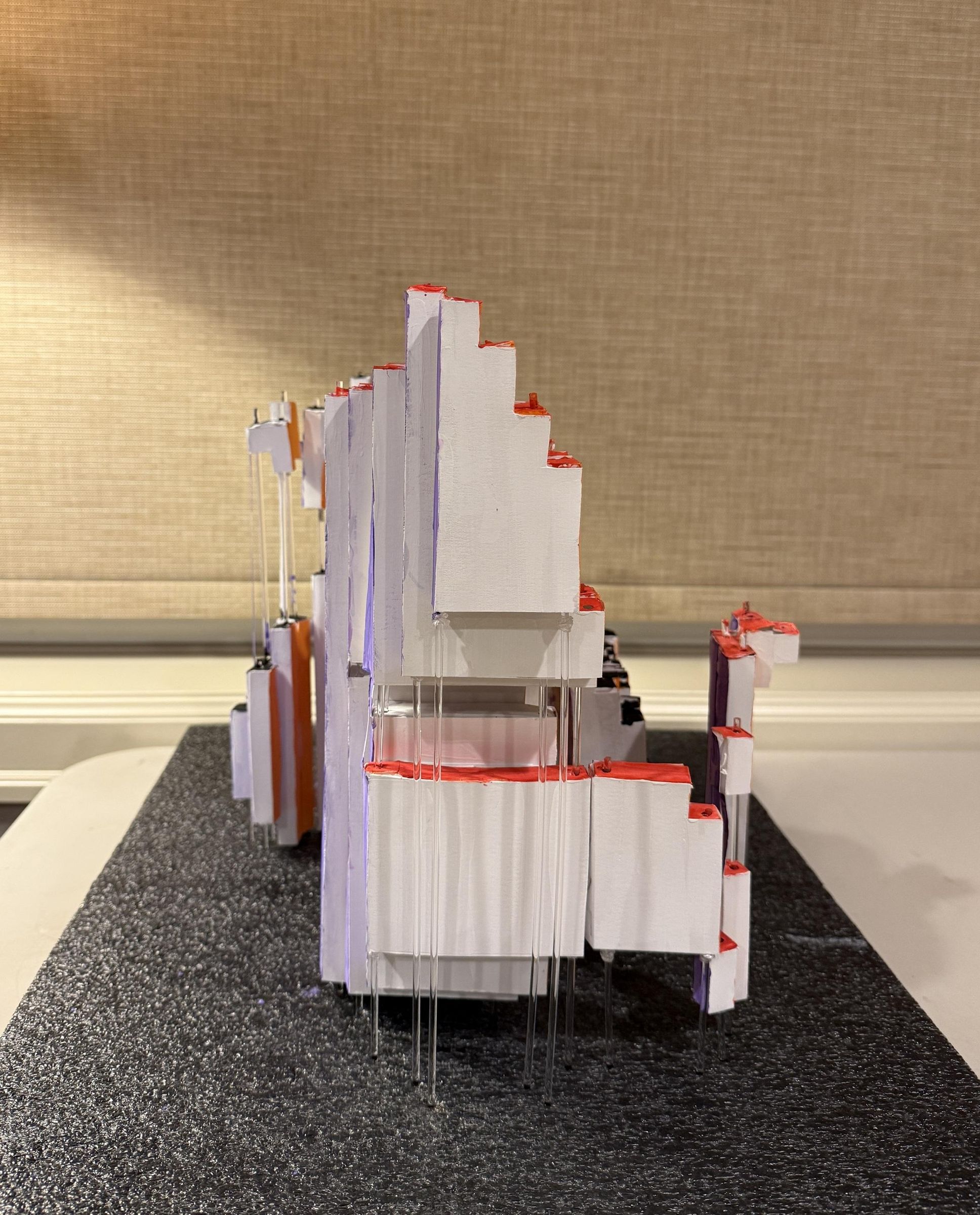

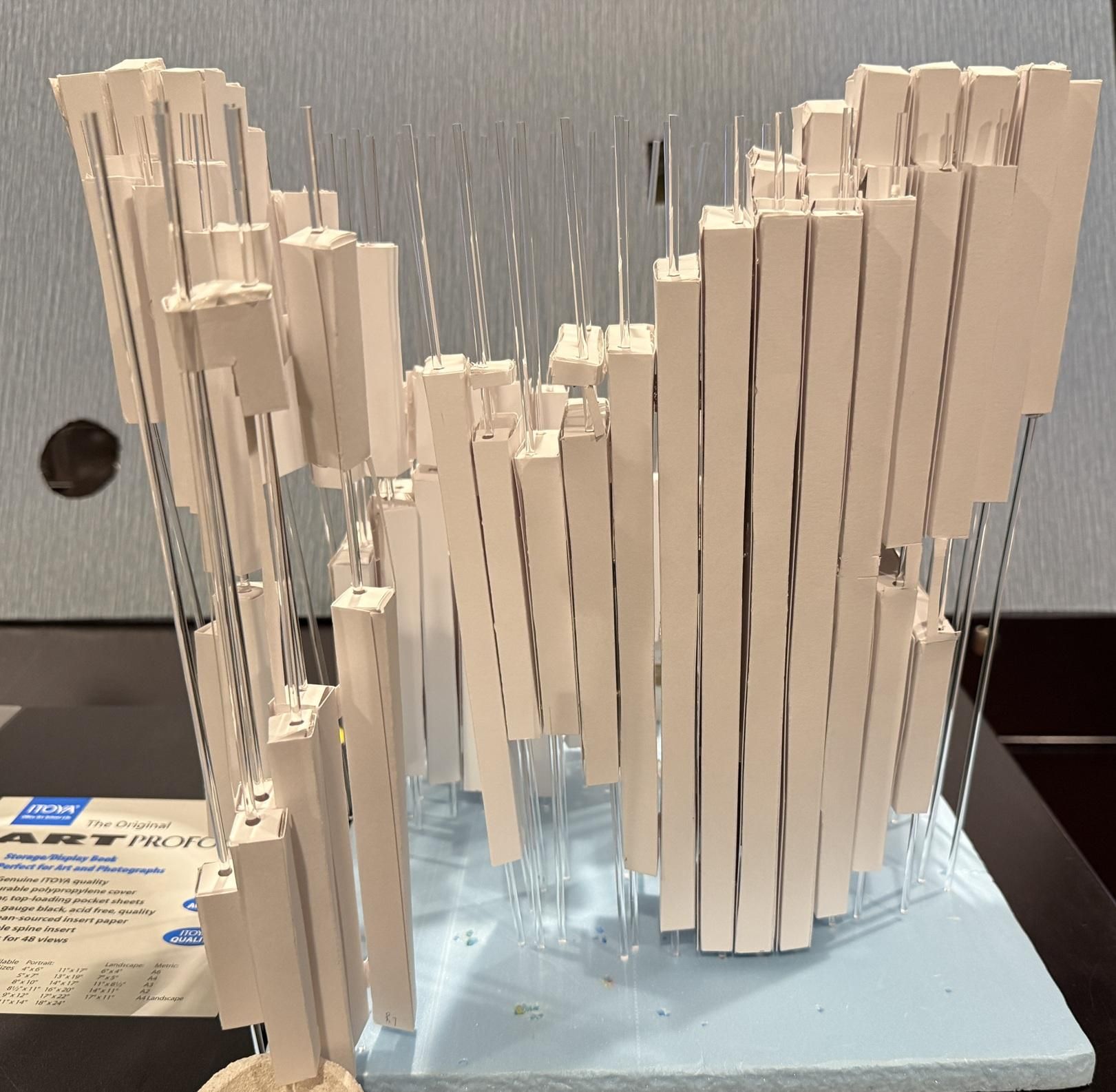
From the front side, this sculpture looks like a butterfly - but from the right side, it becomes a cat, and from the top side, it becomes two fish.
I went into this project trying to bridge the gap between art and STEM. One of the central tenets of quantum physics is superposition - the idea that particles can be in two distinct states at the same time. I created this sculpture to embody this principle by having it appear in different forms at the exact same time.
The cat is a nod to Schrödinger's cat — the cat that is both dead and alive, as detailed in Schrödinger's famous thought experiment. The butterfly comes from an ancient Chinese philosopher named Zhuangzi, who once dreamed that he was a butterfly - and once he awoke, he could not be certain which was the dream: the man or the butterfly. The koi represent balance - they come in a pair, swimming around each other, just like the yinyang symbol.
Supplies
- Cardstock (I used Bristol paper)
- Cardboard
- Clear round acrylic dowel rods for crafts 1/8 x 12in
- Glue/Tacky putty
- Acrylic paint
The Making of the Digital Form


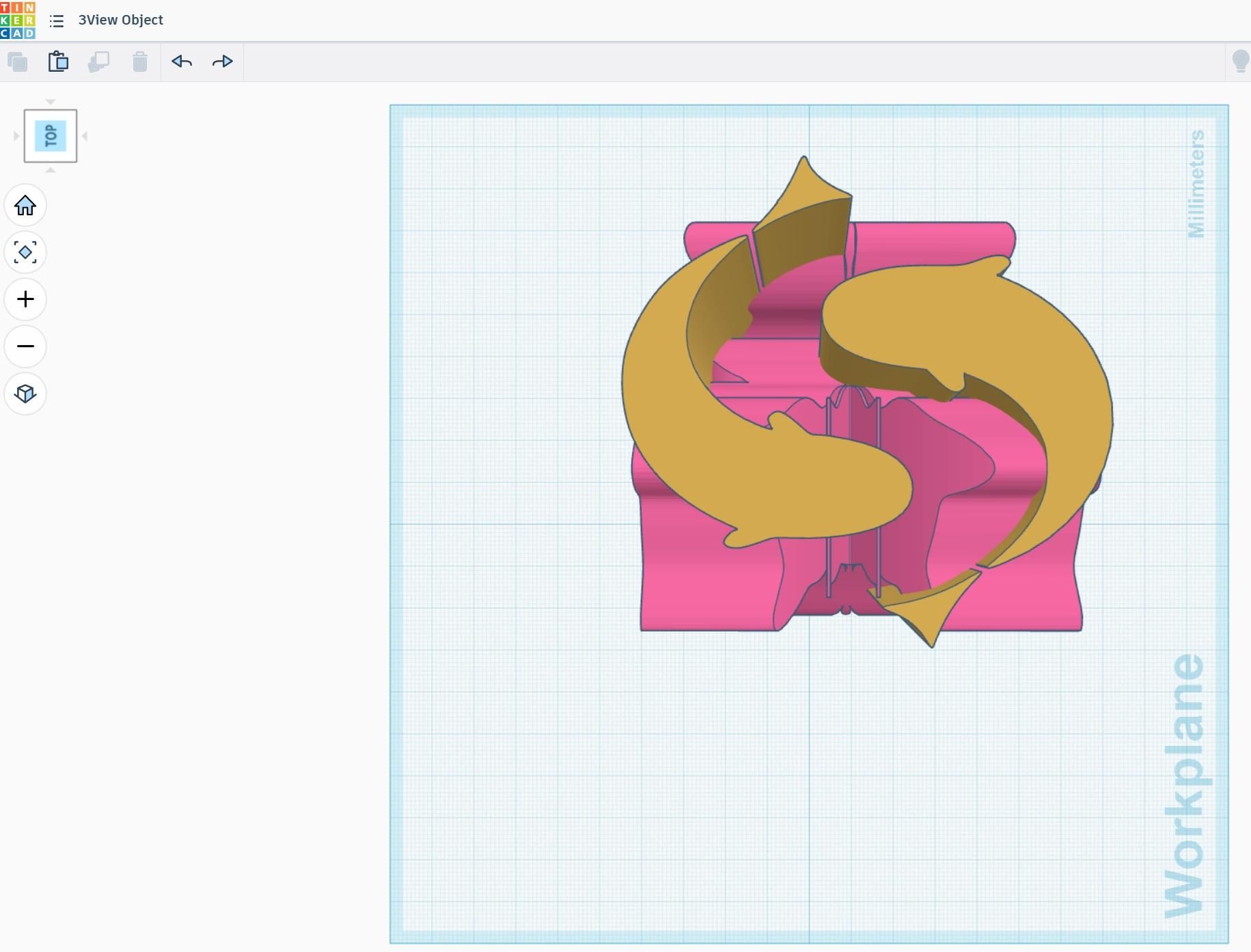
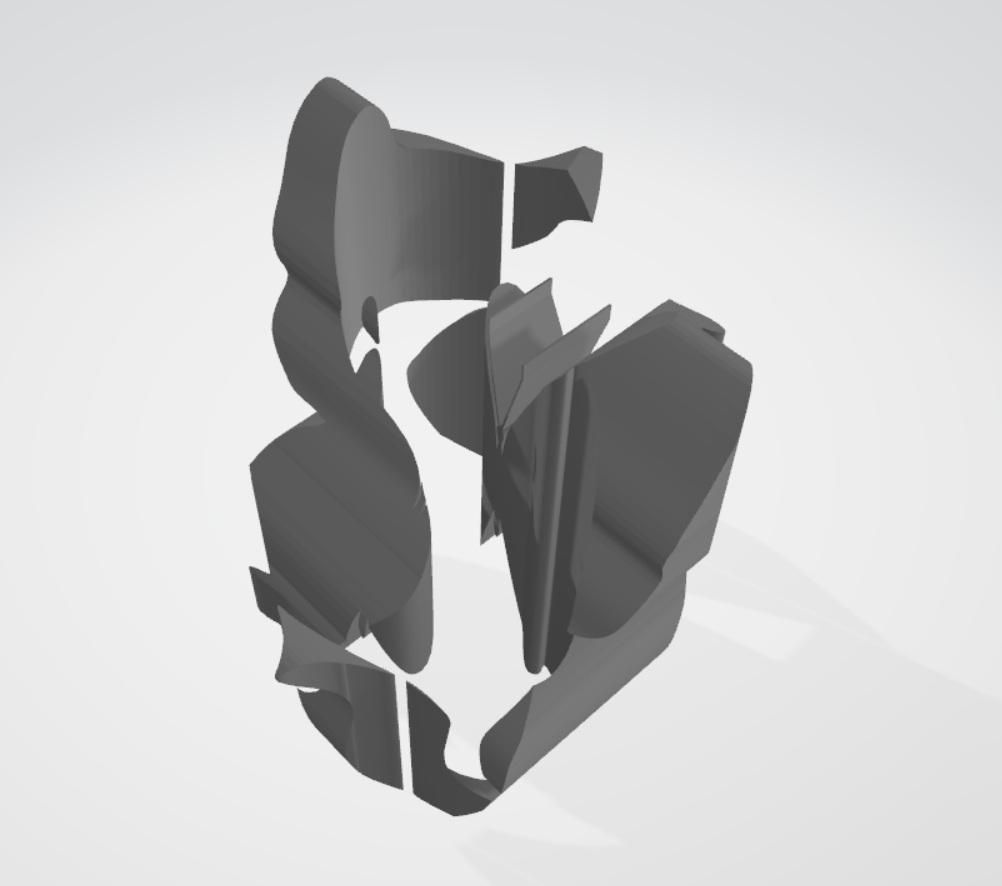

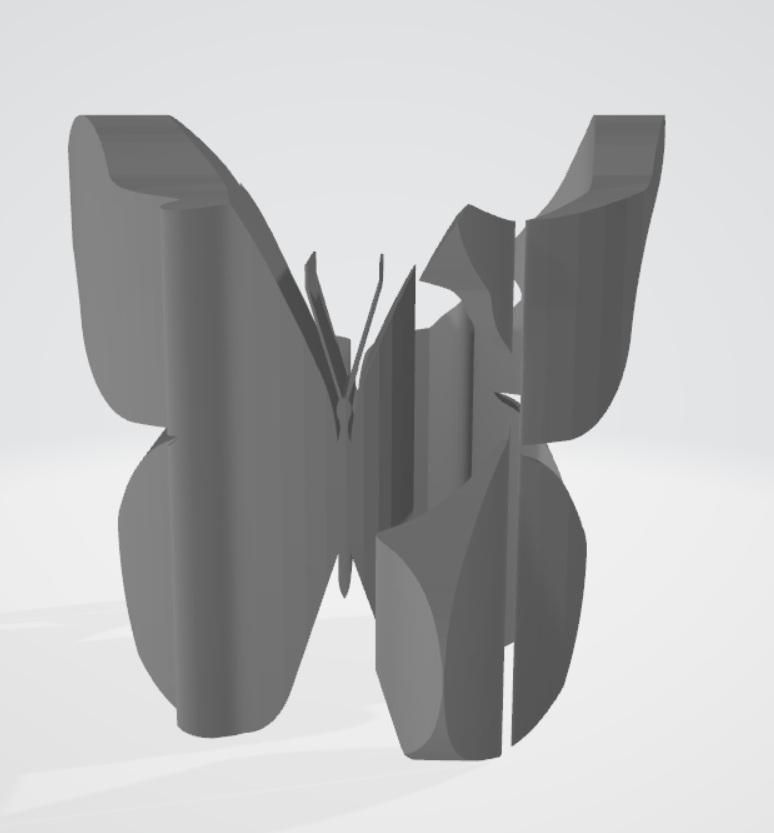


This kind of illusory sculpture is known as orthographic sculpture — a three-dimensional object constructed so that its shadow, cast from the front, traces one silhouette, and its shadow cast from the side traces something entirely different. The object is essentially the solid you get when two shapes are extruded through space and intersected — like pressing a cookie cutter through clay from two perpendicular directions at once.
Most of the existing artworks change between two perspectives, so they are relatively achievable. For this work, I tried to challenge myself with three views. All three views had to resolve into distinct images — cat from the front, butterfly from the side, koi from above. That means the three extruded forms had to intersect in a way that satisfies all three silhouettes simultaneously.
The cat and butterfly silhouettes began as existing three-dimensional templates generously shared by the maker community at Thingiverse. The koi came from a double-fish design found online, which was modified and converted into a workable outline.
From those three starting points, the work is to reconcile them into a single coherent object. This was done in TinkerCAD as highlighted in the attached screenshots.
Sources & Credits
This work would not have taken its final form without the generosity of the maker and design communities who share their work openly.
The cat silhouette was adapted from a three-dimensional model by djtronics on Thingiverse
(thingiverse.com/thing:6643601)
The butterfly silhouette was adapted from a three-dimensional model by Quincy_M on Thingiverse
(thingiverse.com/thing:552835)
The double koi motif was adapted from a design found on Pinterest
(pinterest.com/pin/588212401381724836)
From Digital Form to Physical Structure-cutting Template

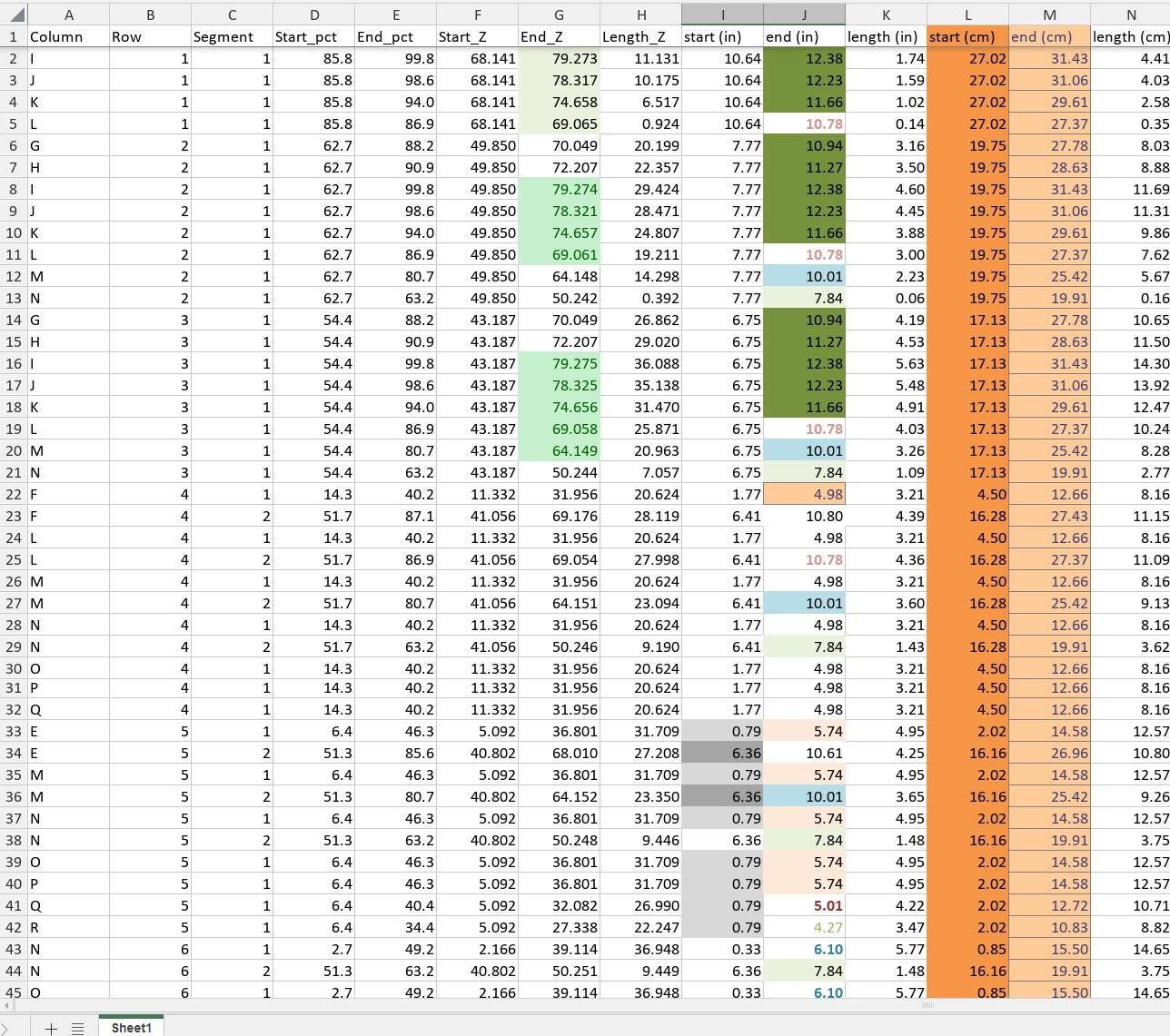
With the 3D model finalized, the next challenge was translating it into a physical form while preserving room for creative exploration. Although I could have used 3D printing, I chose to work with paper structures instead, as they offer greater flexibility for experimenting with color, texture, and decorative elements.
Using the AI tool Claude.ai, I generated a series of precise PDF cutting templates—one for each row of the 24×24 matrix.
Here is the cutting template:
https://docs.google.com/spreadsheets/d/1Ynj5d9ERW7O91pV6QTxUFyR97jTkSriM/edit?usp=sharing&ouid=105934761372608681077&rtpof=true&sd=true
Here is the cylinder visualizer:
https://drive.google.com/file/d/1TsSPQJM23byrlu3hwd4HnijcqmpAiCuR/view?usp=sharing
Downloads
Making the Structure
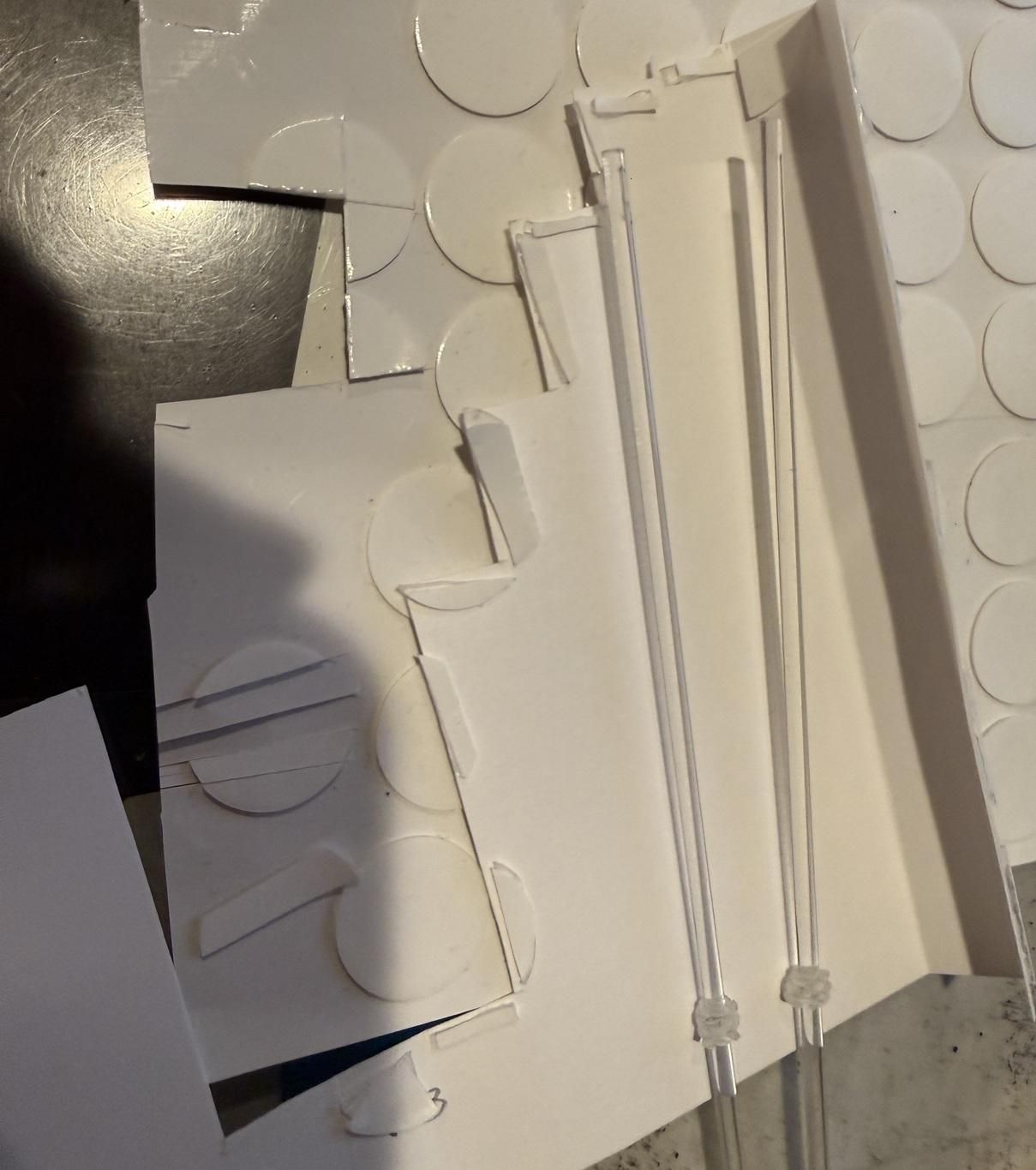


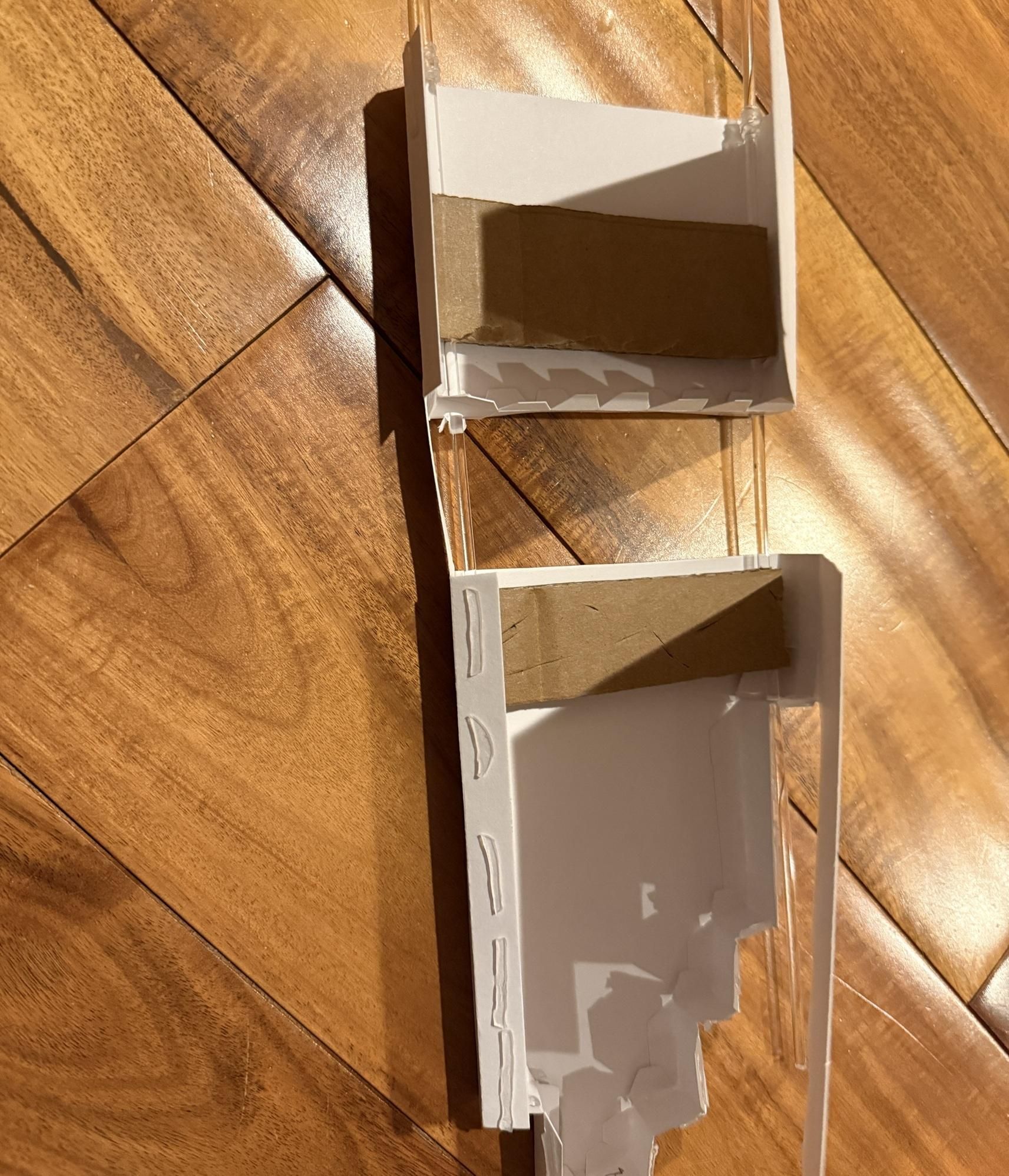


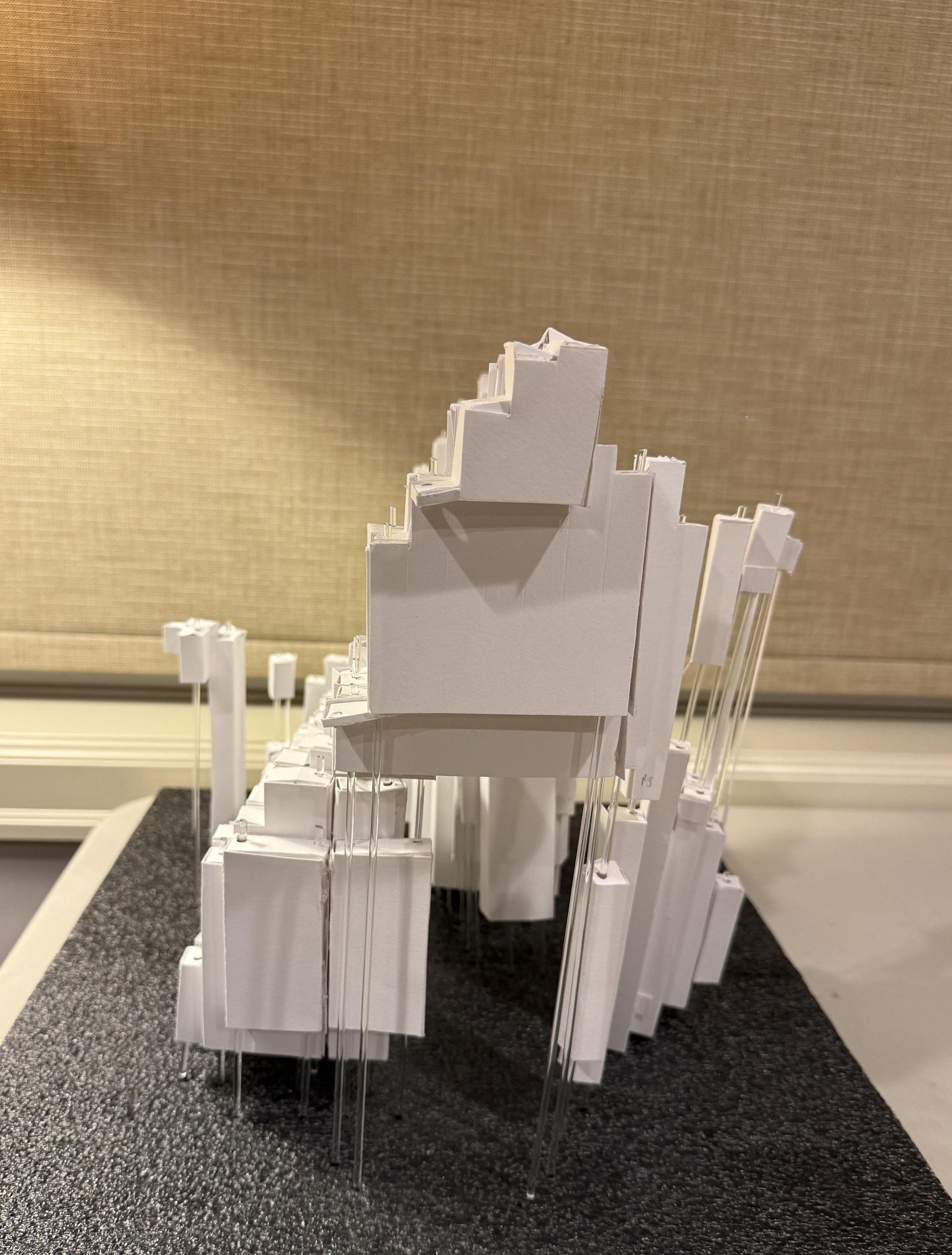
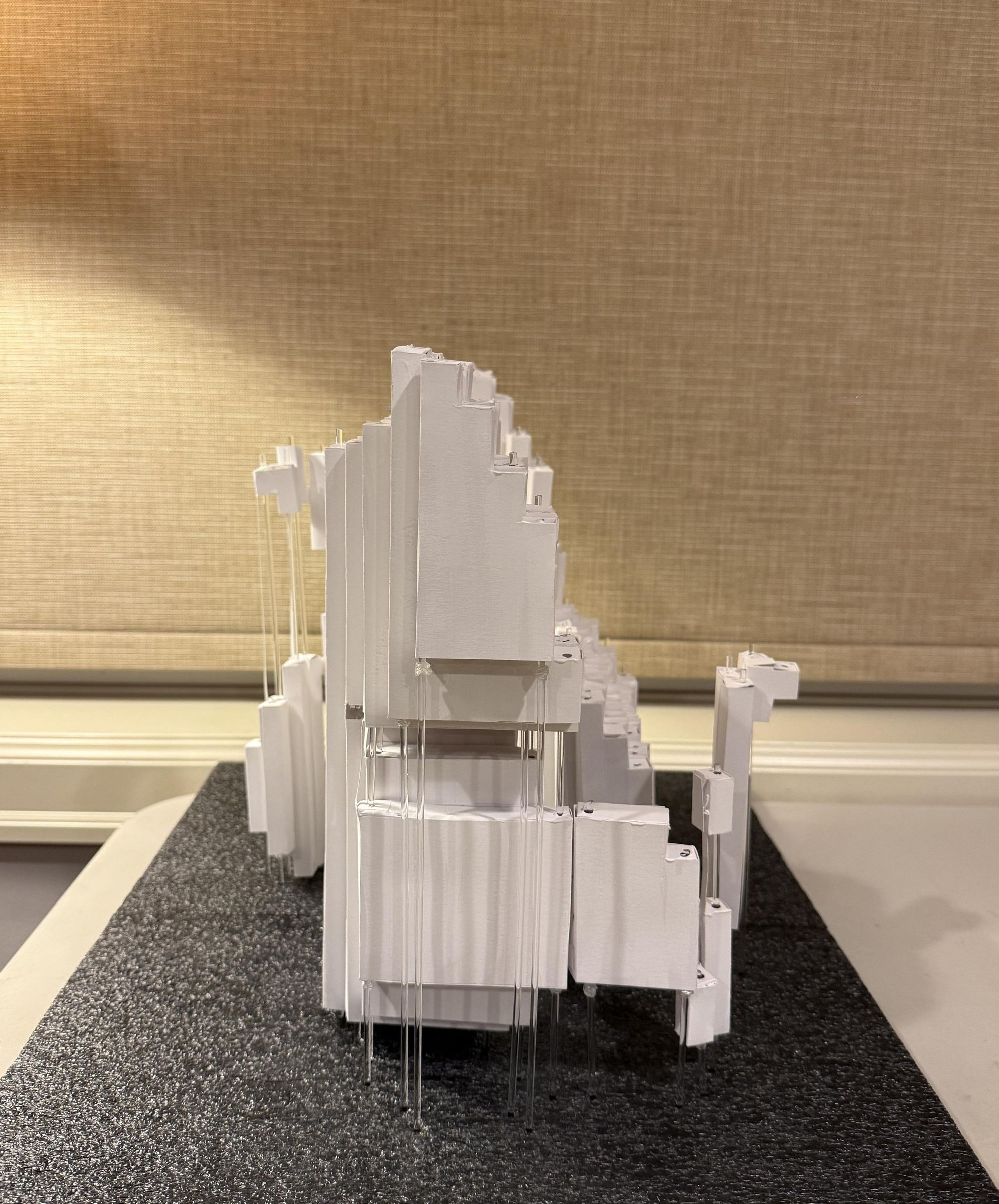
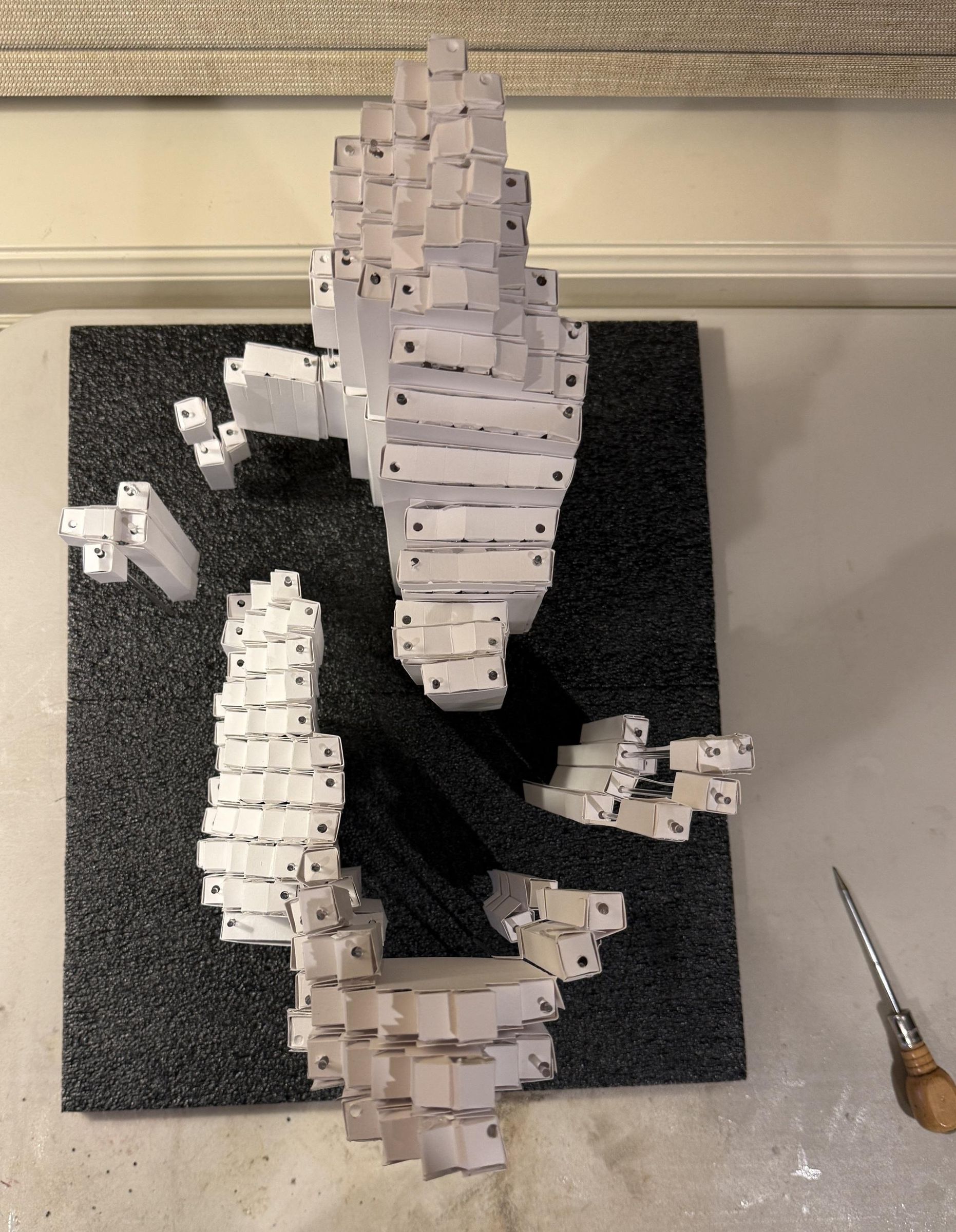
Cut out all side panels and top pieces according to the template. Label each piece by row number and group pieces from the same row together for easier assembly.
Cut a piece of cardboard to match the width of each cylinder. This will help stabilize and secure the acrylic rod in place.
Important: For cylinders with more than one section, do not fully separate the connecting areas. Leave a thin strip intact so the sections remain linked. This will make it much easier to align and position the upper pieces correctly.
Glue the top pieces in place and secure them firmly.
Tip: If the cardboard fits too loosely around the acrylic rod, use a rubber band to hold it securely in position.
Trim the extra rods as shown.
Decoration

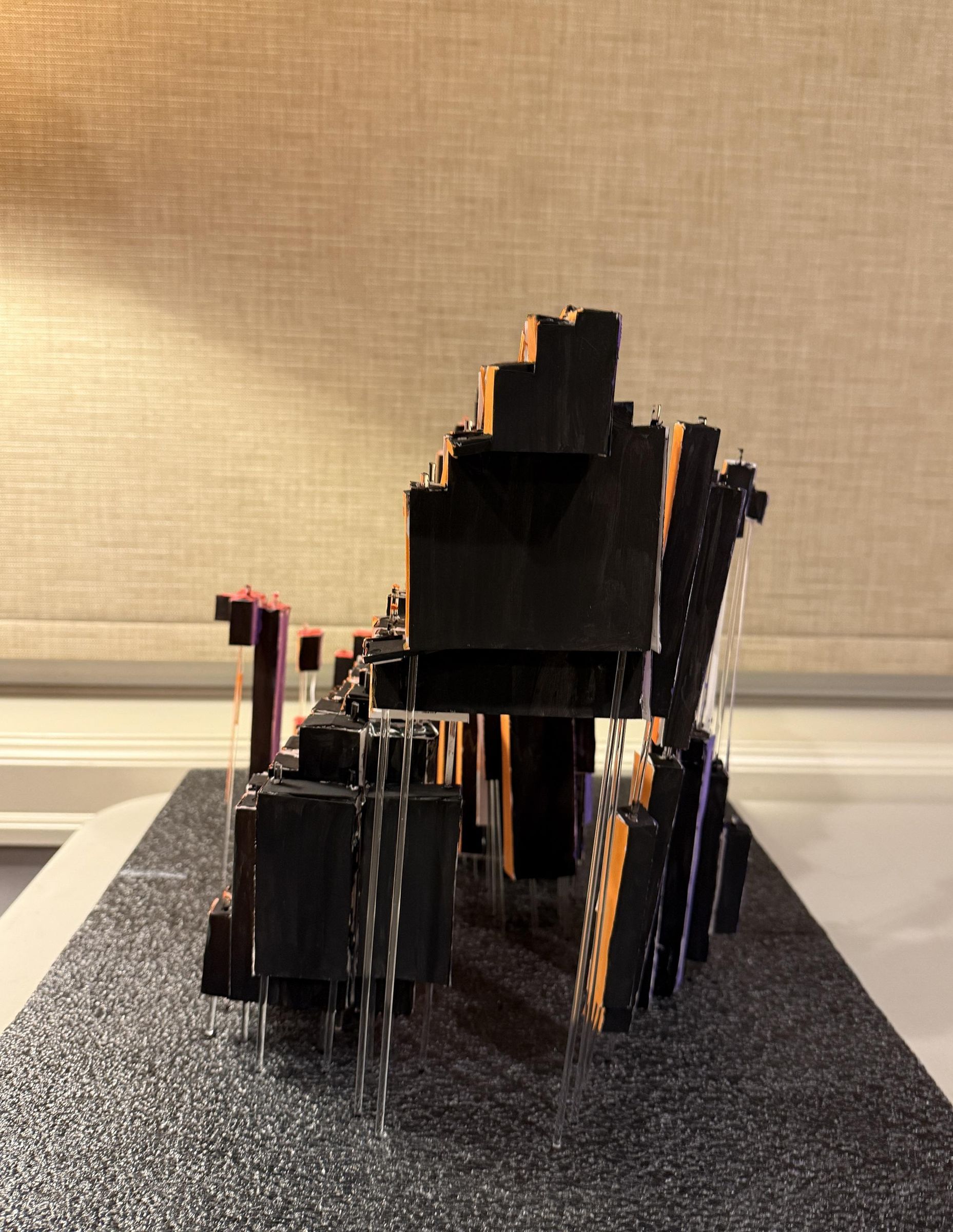

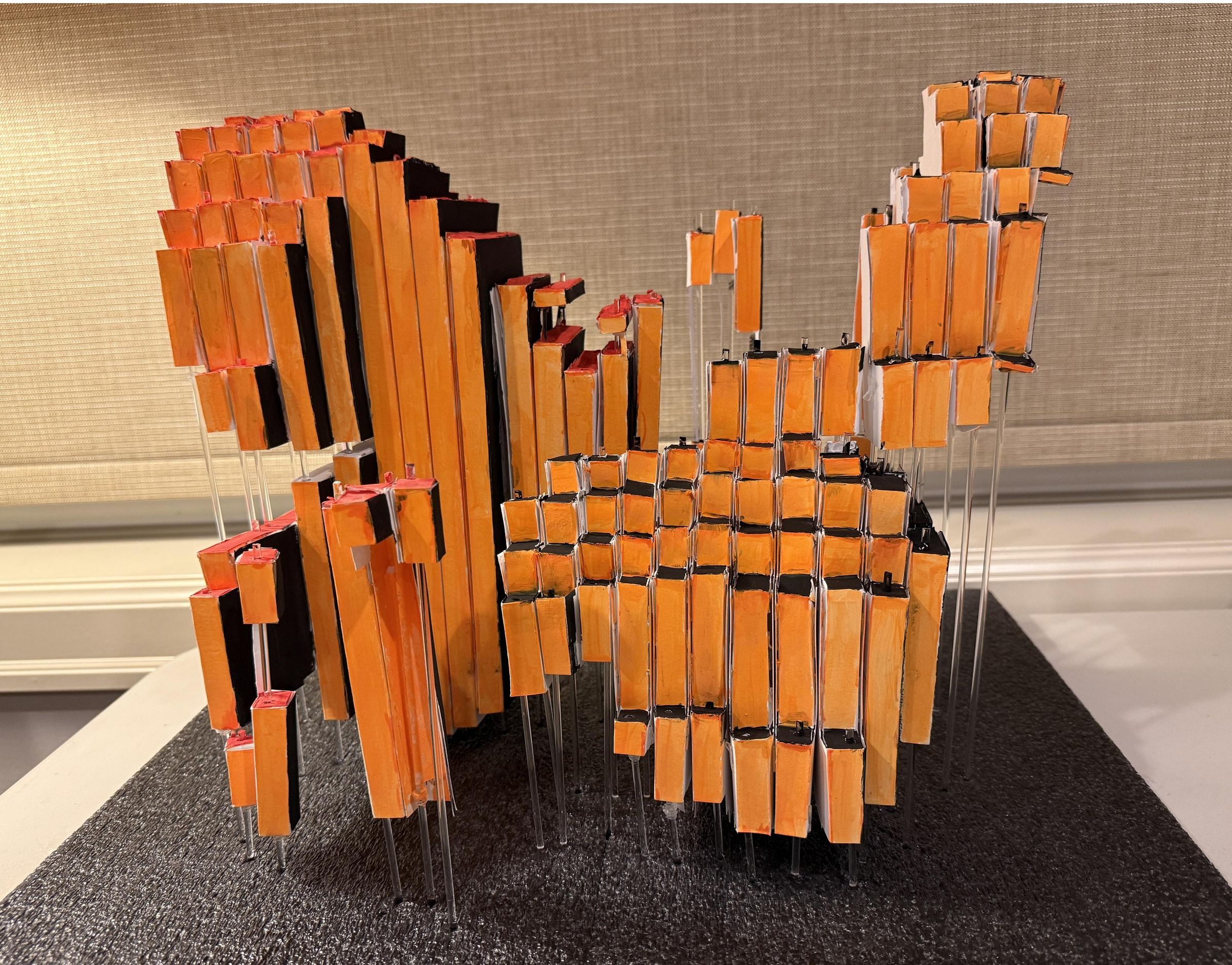


Decorate the structure in any way you choose, using materials such as acrylic paint, decorative tape, stickers, or other embellishments.
In my design, I used white and black to represent life and death. The koi fish are highlighted with gold and silver accents to enhance their sense of motion, while the contrast of a purple butterfly against orange tones reflects the relationship between dream and reality.
Feel free to interpret and decorate your piece in your own unique style and have fun!