3D Print Braille Keyboard - Yonas Y.
by yona_s in Living > Education
76 Views, 1 Favorites, 0 Comments
3D Print Braille Keyboard - Yonas Y.
 (1).jpg)
This short guide shows how to design simple, 3D-printable mechanical keyboard keycaps with Braille dots using Autodesk Fusion 360.
Supplies
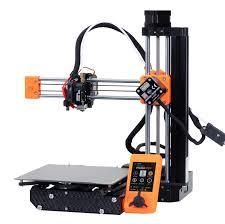
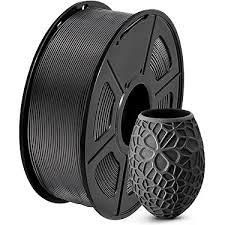
You'll need access to a 3d printer, filament to print with, a slicing application on your computer, and
Sketch the Side Profile
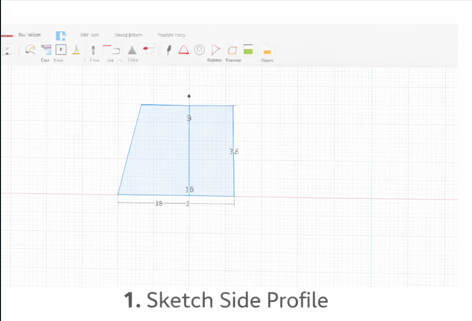
Start a new sketch on the XZ plane. Draw a trapezoid that represents the side profile of the keycap, including the slight inward slope typical of mechanical keycaps. Fully constrain the sketch with dimensions.
Extrude Into Keycap Shape
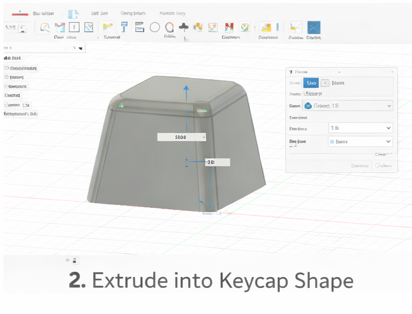
Finish the sketch and use the Extrude tool to pull the profile into a 3D body. Extrude to the desired keycap width (usually around 18–19 mm for standard keys).
Fillet the Top Edges
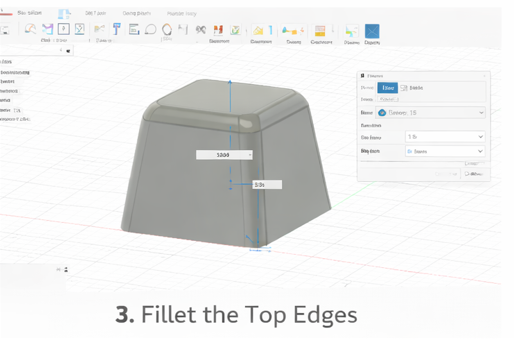
Apply Fillet to the top edges of the keycap. This softens the corners and gives the keycap a smooth, ergonomic feel similar to commercial keycaps.
Add Braille Dots
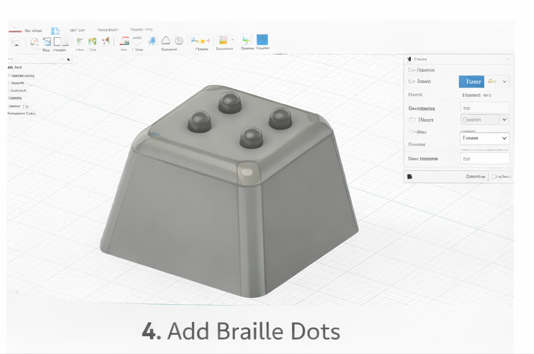
Create small spheres or circular extrusions on the top surface. Position them according to the Braille character layout and adjust their height slightly so they are easy to feel but still comfortable to press.