3D Printed and Painted Retro Arcade Cabinet
by NickZero in Circuits > Computers
971 Views, 9 Favorites, 0 Comments
3D Printed and Painted Retro Arcade Cabinet
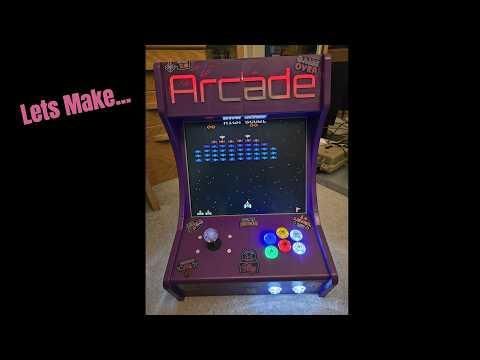

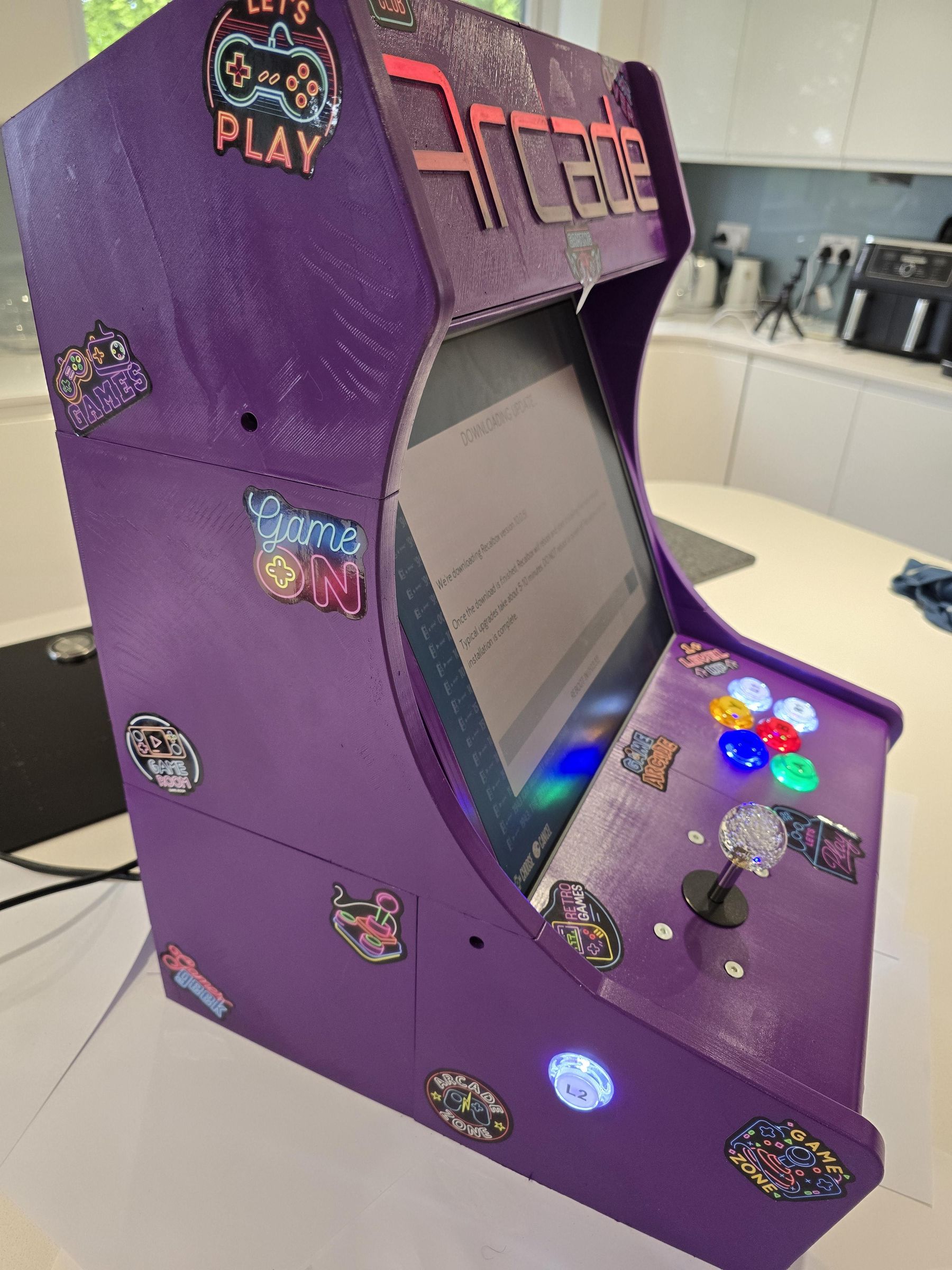
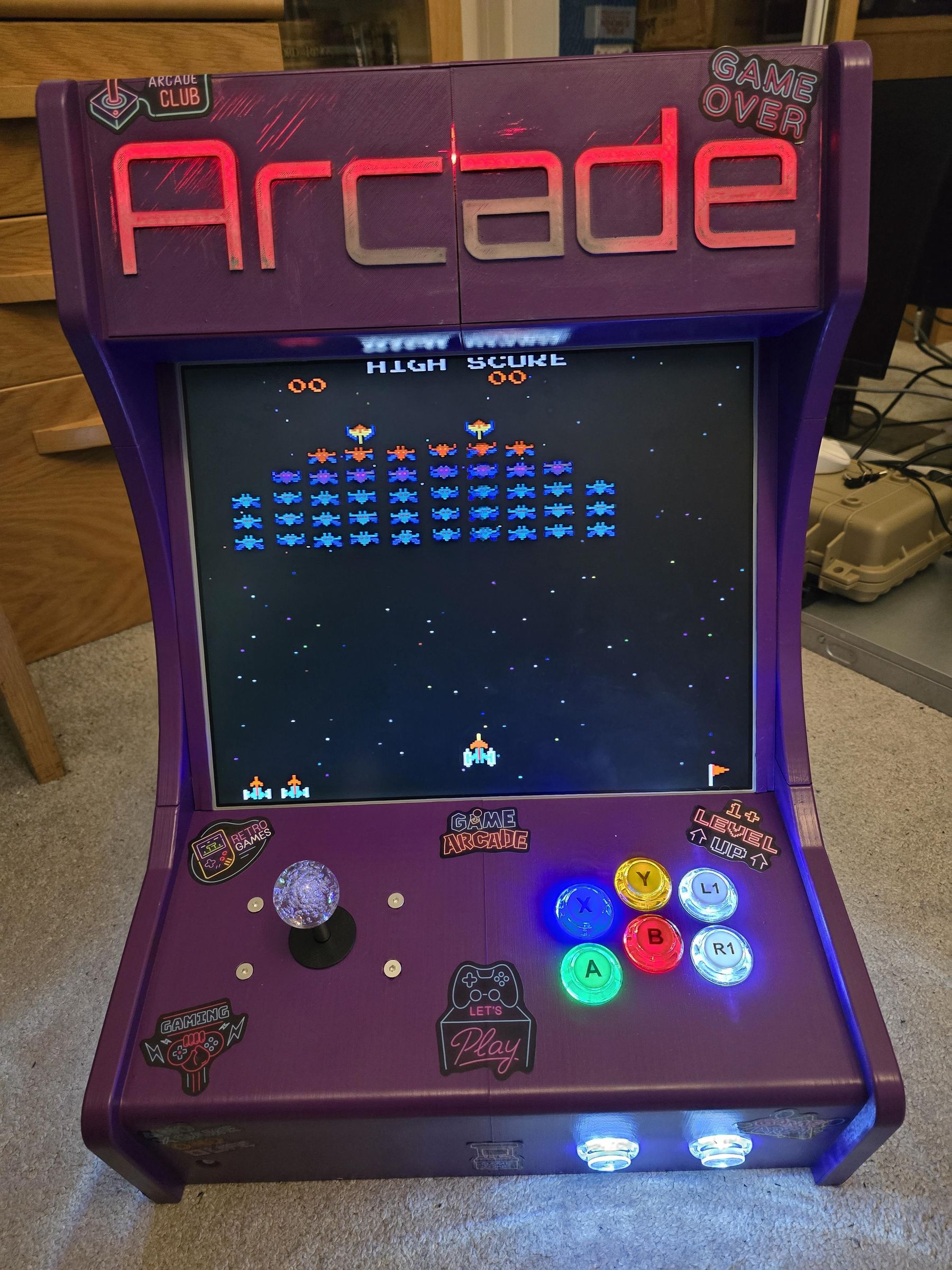
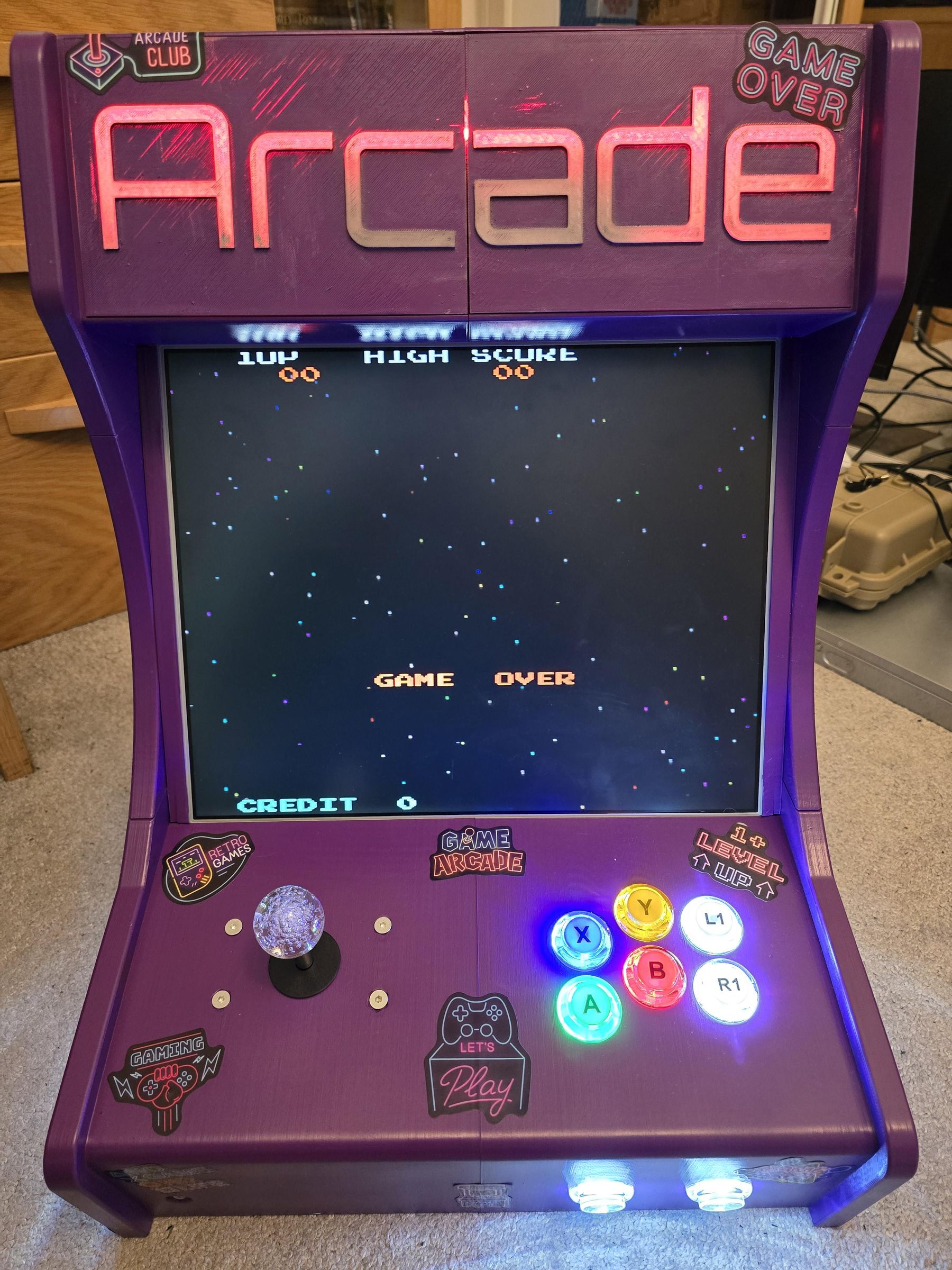
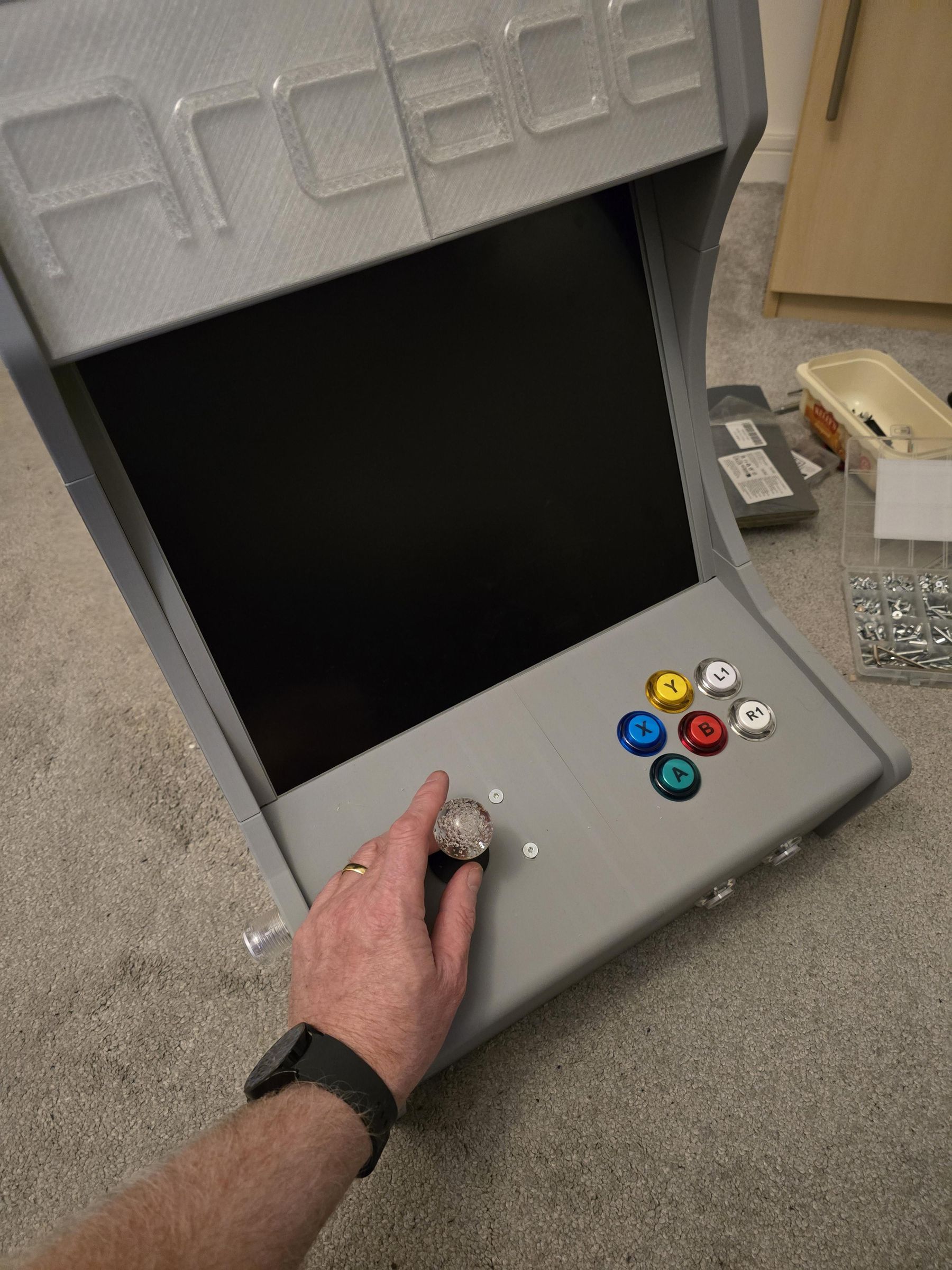
This is a 3D printed and pained retro arcade cabinet, using an embedded mini PC, old 17" monitor and an arcade joystick kit. The 3D parts are all small enough to be printed on a regular printer, and the whole thing is bolted together and painted.
Supplies
- Mini PC - Dell Optiplex 7050
- 17" Monitor
- HDMI (Or Display port) to VGA connector
- Arcade Joystick Kit - this is a two player version, but you really only need one. https://www.amazon.co.uk/dp/B0816XPGBD?ref_=ppx_hzod_title_dt_b_fed_asin_title_0_0&th=1
- LED Strip
- USB Speaker
- 3D Printer - cable of printing 256mm cubed
- M4 Nuts and bolts (minimum of 40mm length)
- Spray Paint
- Stickers ()
Monitor Screen
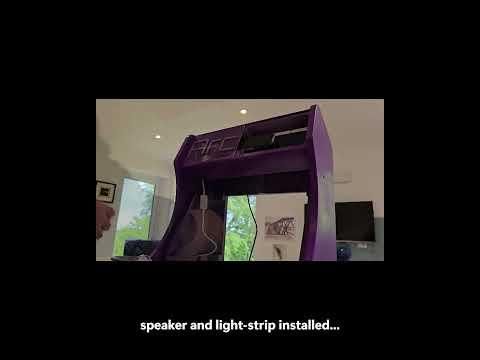
First we need to remove the LCD panel from the monitor. This will depend on your monitor. The video shows a time-lapse of removing the panel and all of the electronics from the monitor I had.
3D Printing the Parts
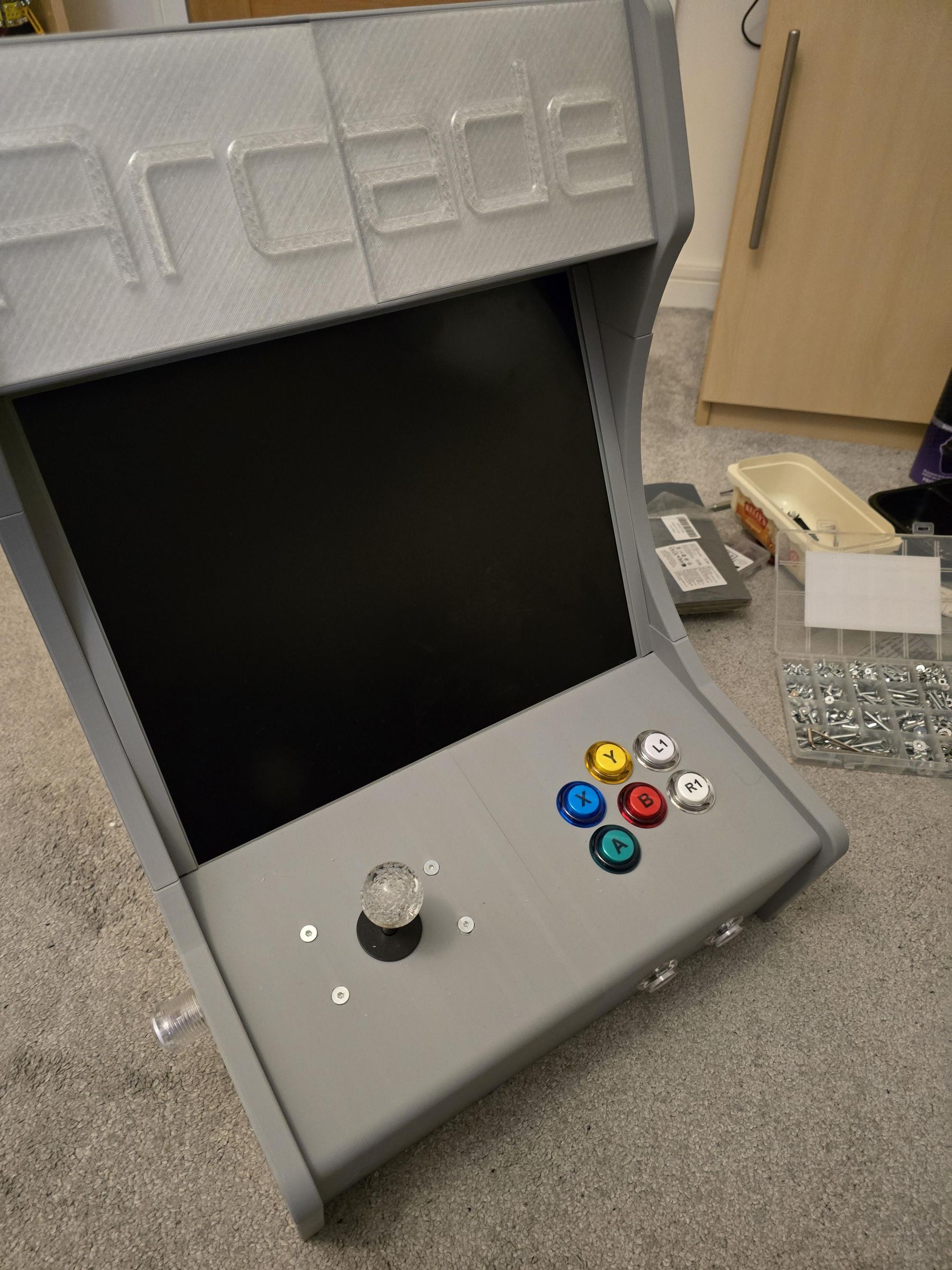
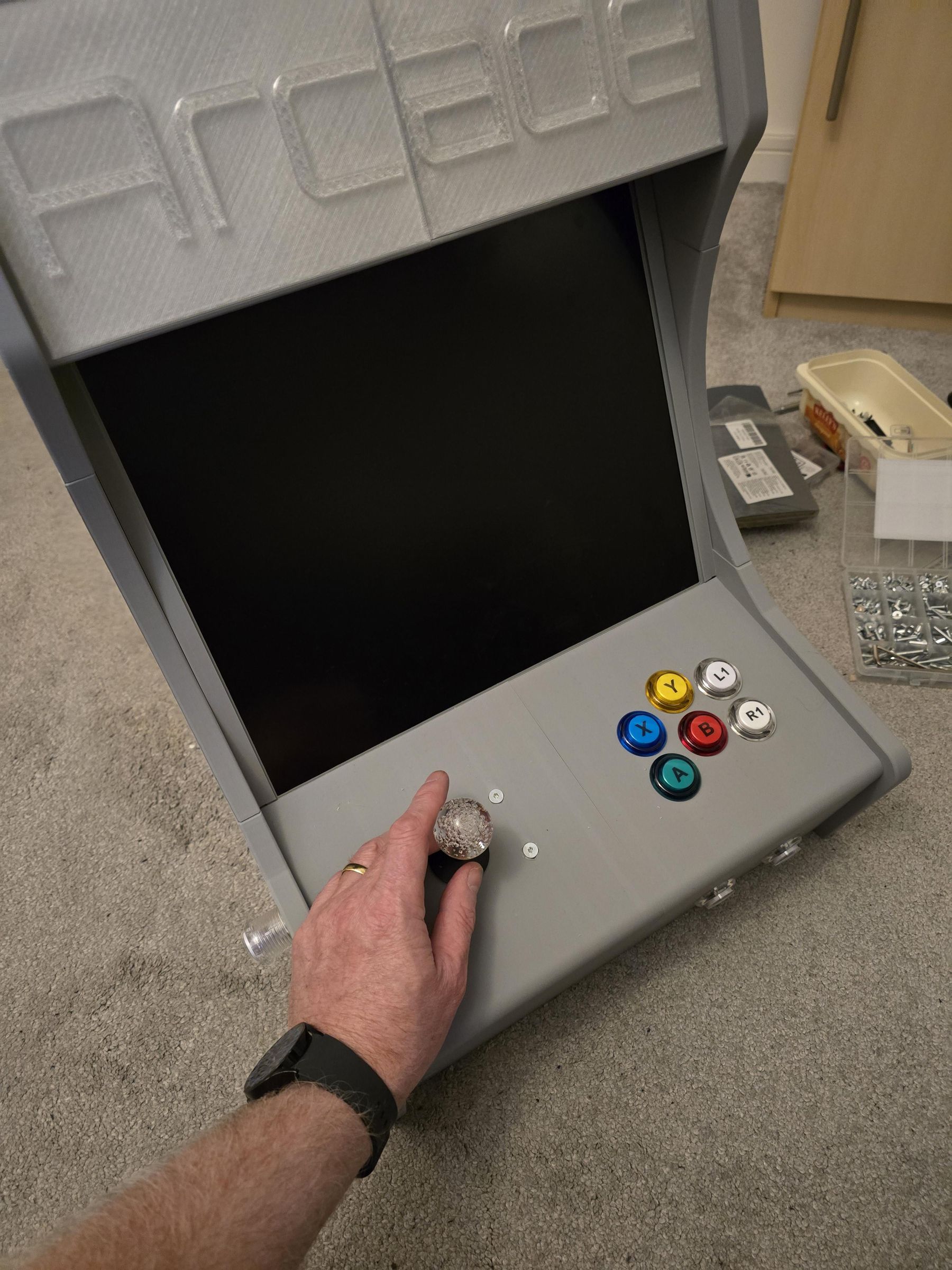
We need to 3D print all of the parts. This is a LONG process. I printed the main cabinet in gray PLA as I wanted to sand and paint it later.
The main body is 8 parts:
- Case - Left Lower Front
- Case - Right Lower Front
- Case - Left Lower Back
- Case - Right Lower Back
- Case - Left Mid
- Case - Right Mid
- Case - Left Top
- Case - Right Top
The Inner Leg is also a bracket for the joystick controller board, there are 2 screen bezels, a filler and some brackets if needed.
Print the Power button and Top Panel Left & Right in clear PLA.
I printed everything in layer height 0.2, infill 15%, no supports, with brim
Downloads
Putting It Together

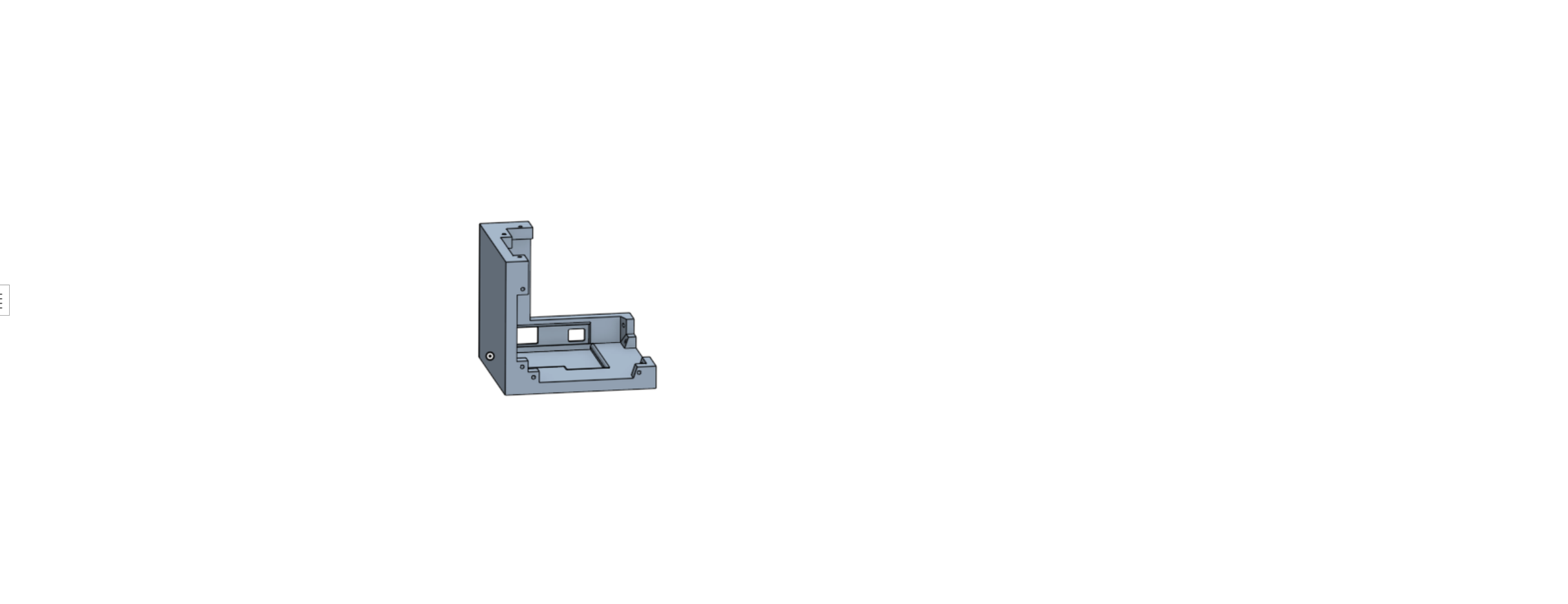


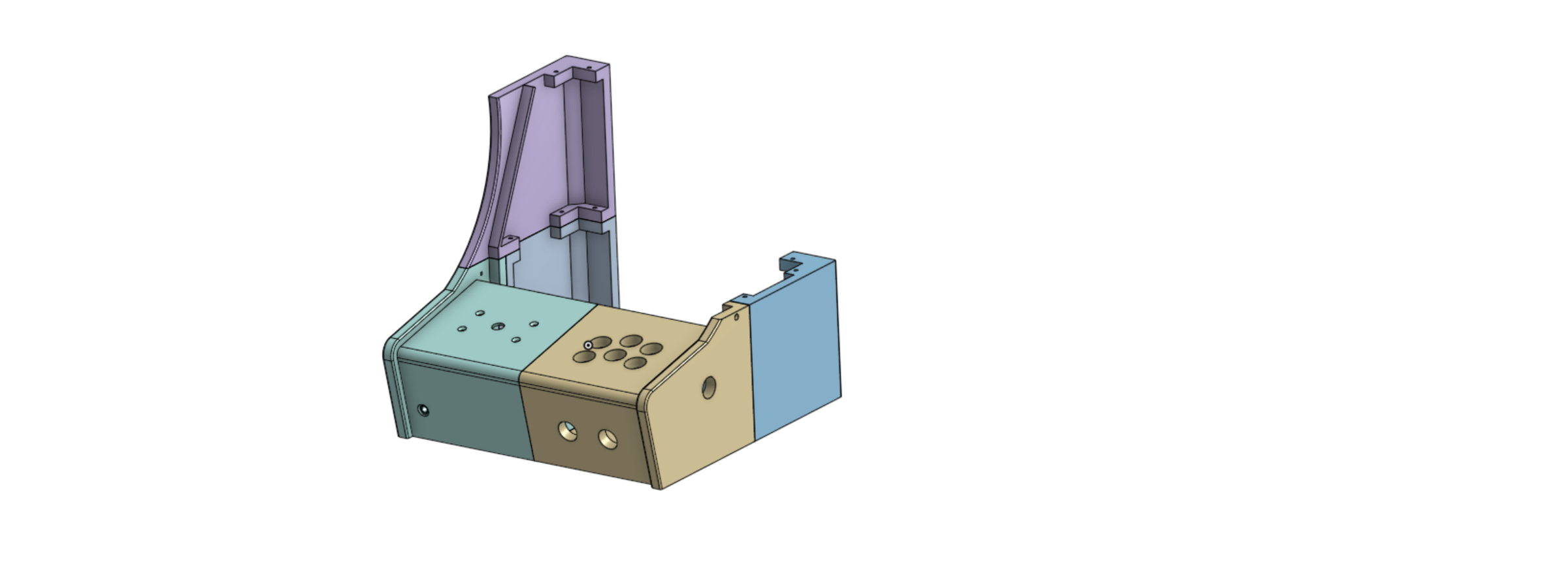

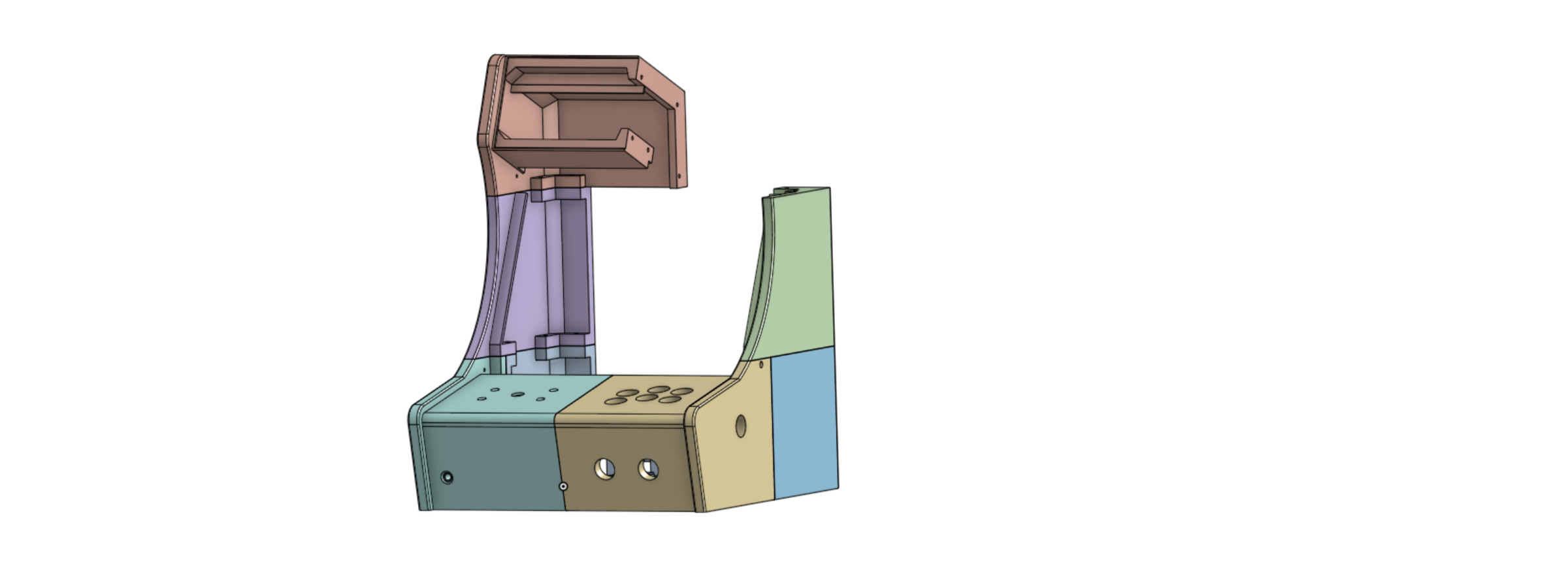
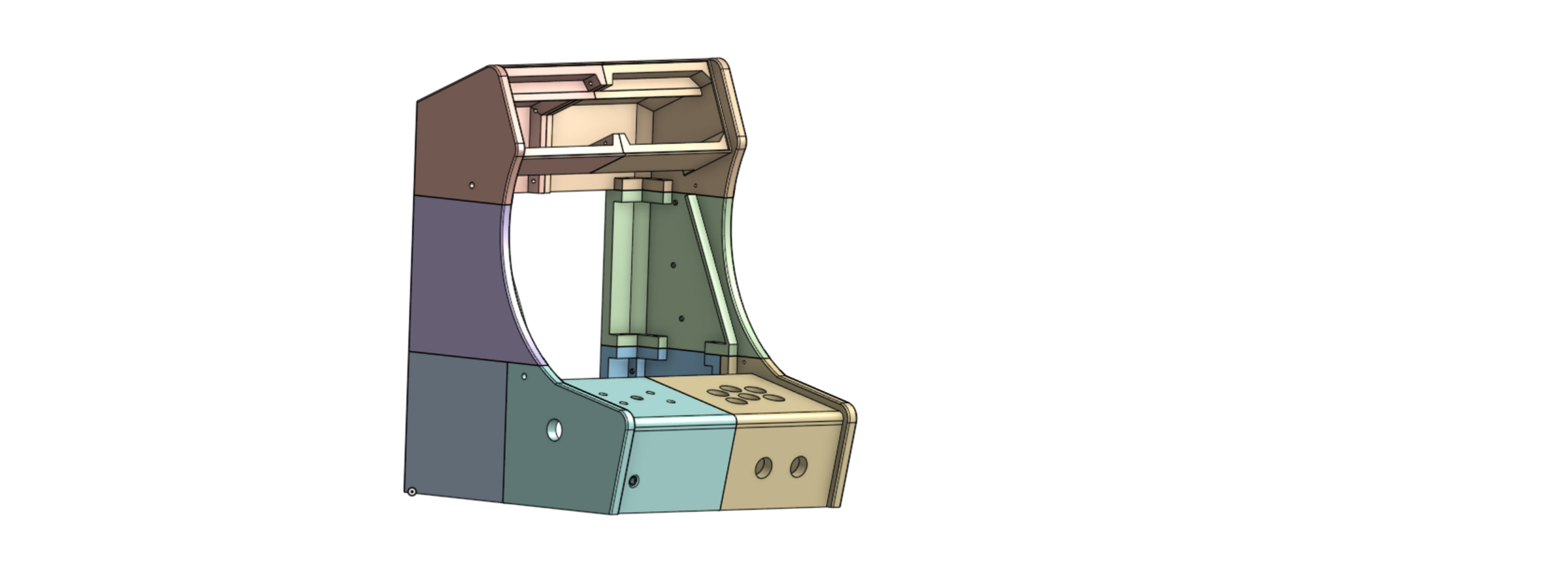
Use the following sequence to bolt the cabinet together;
- x3 M4 40mm bolts for the lower back left and right parts
- x4 M4 40mm bolts for the lower front right
- x8 M4 40mm bolts for the lower front left (leave out the bolts where the inner leg fits for now)
- x3 M4 40mm bolts for the mid left
- x3 M4 40mm bolts for the mid right
- x2 M4 40mm bolts for the top left
- x6 M4 40mm bolts for the top right (leave out the bolt where the speaker holder sits)
Sanding and Painting

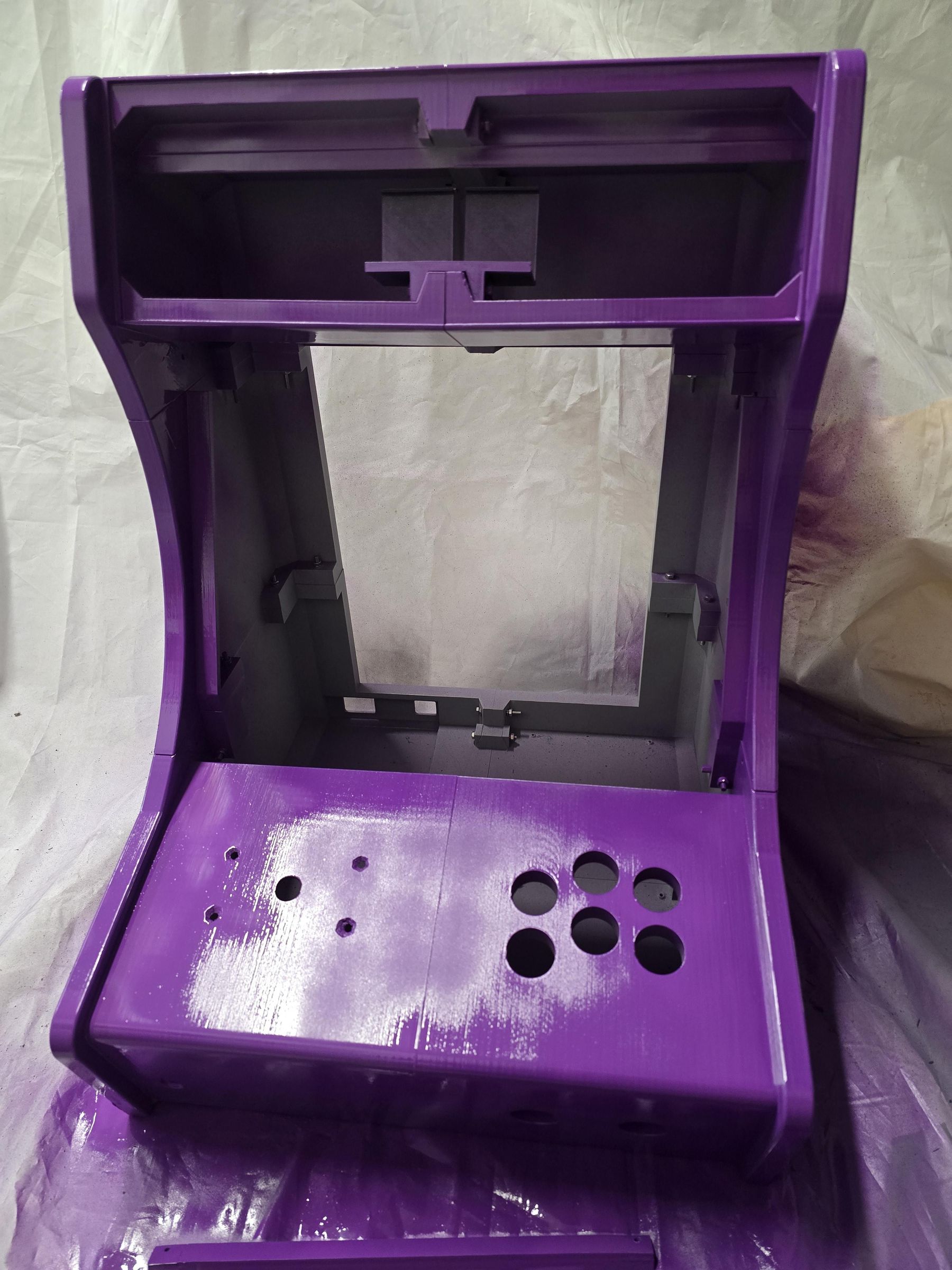
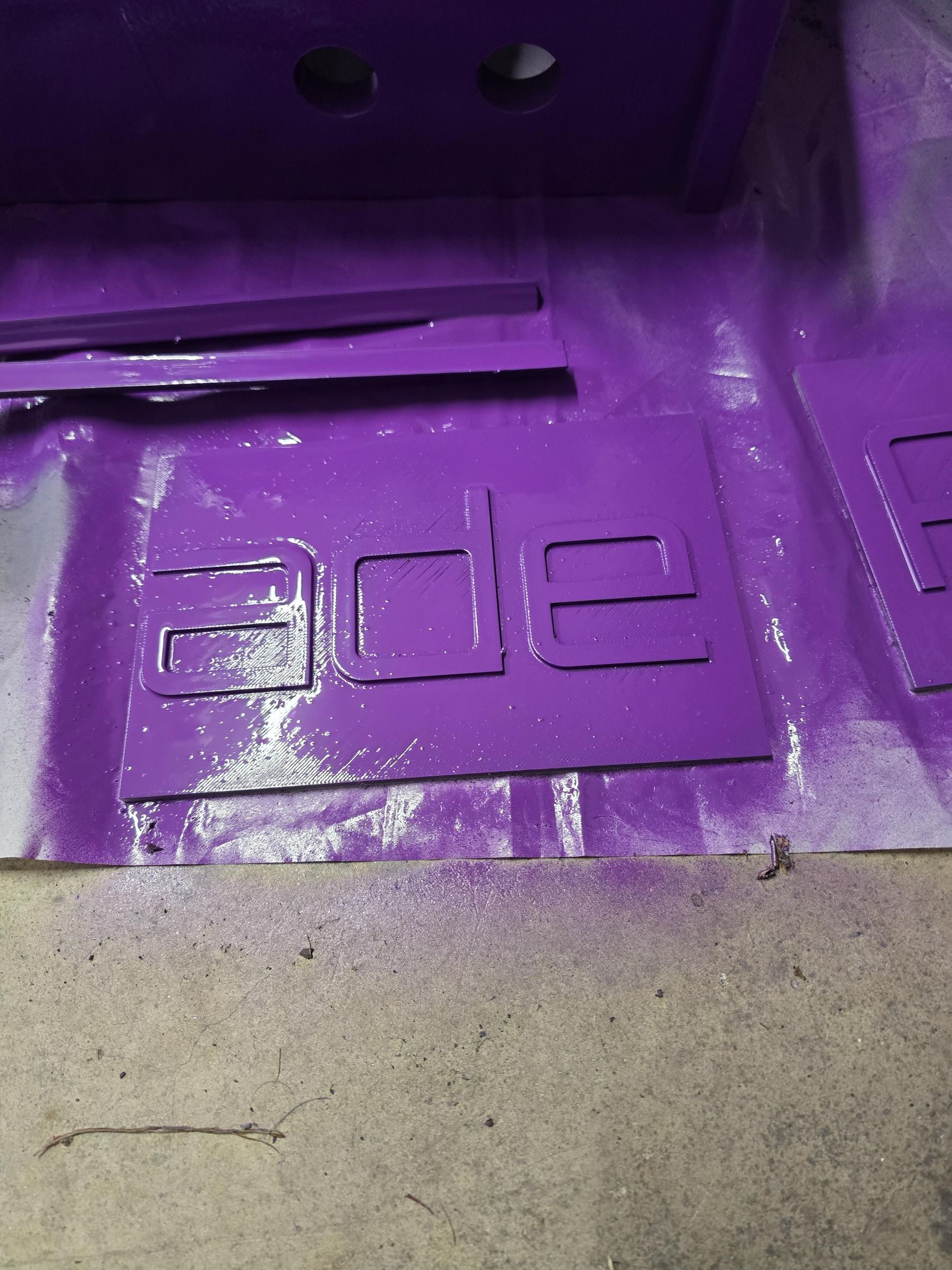
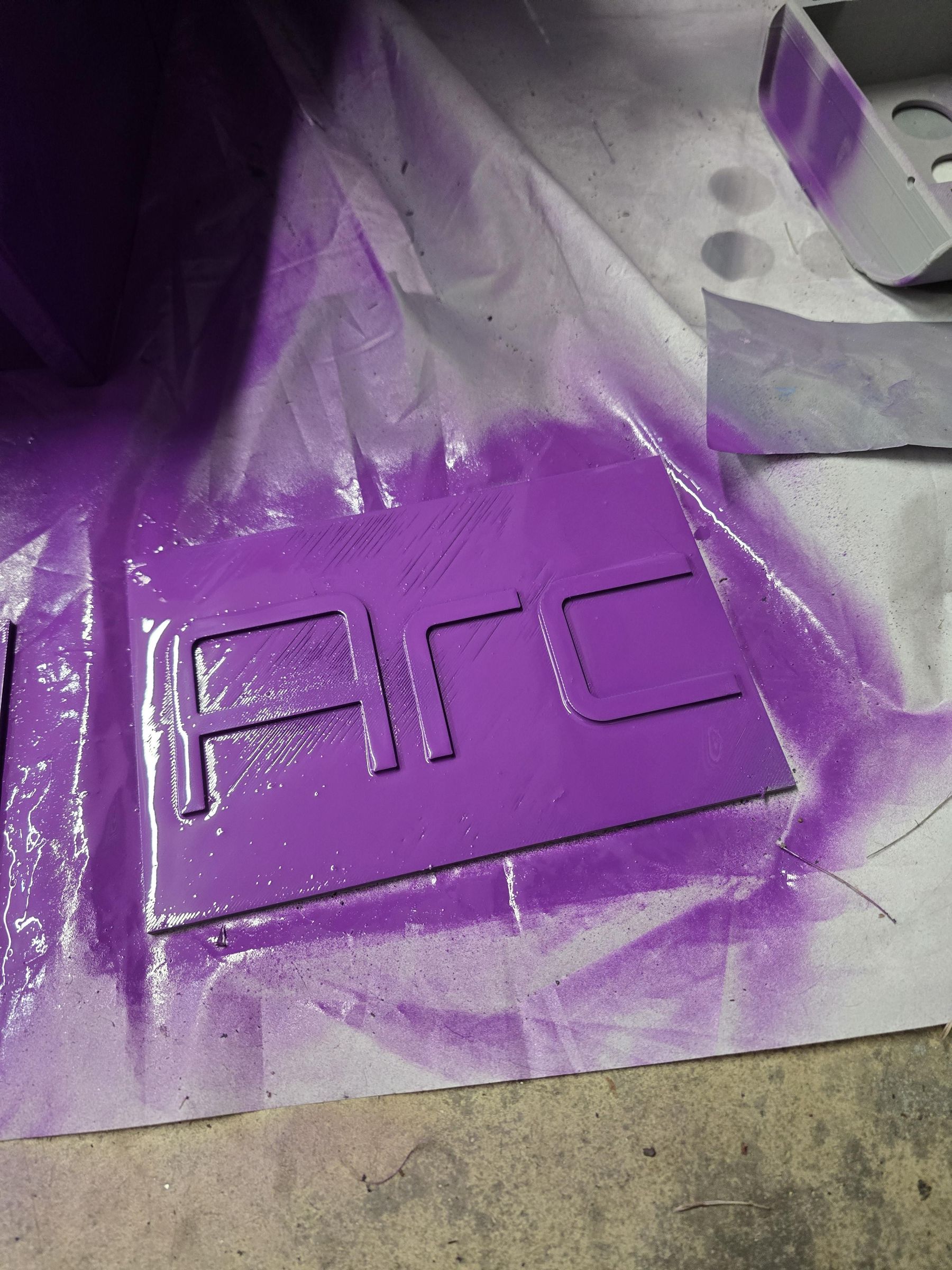

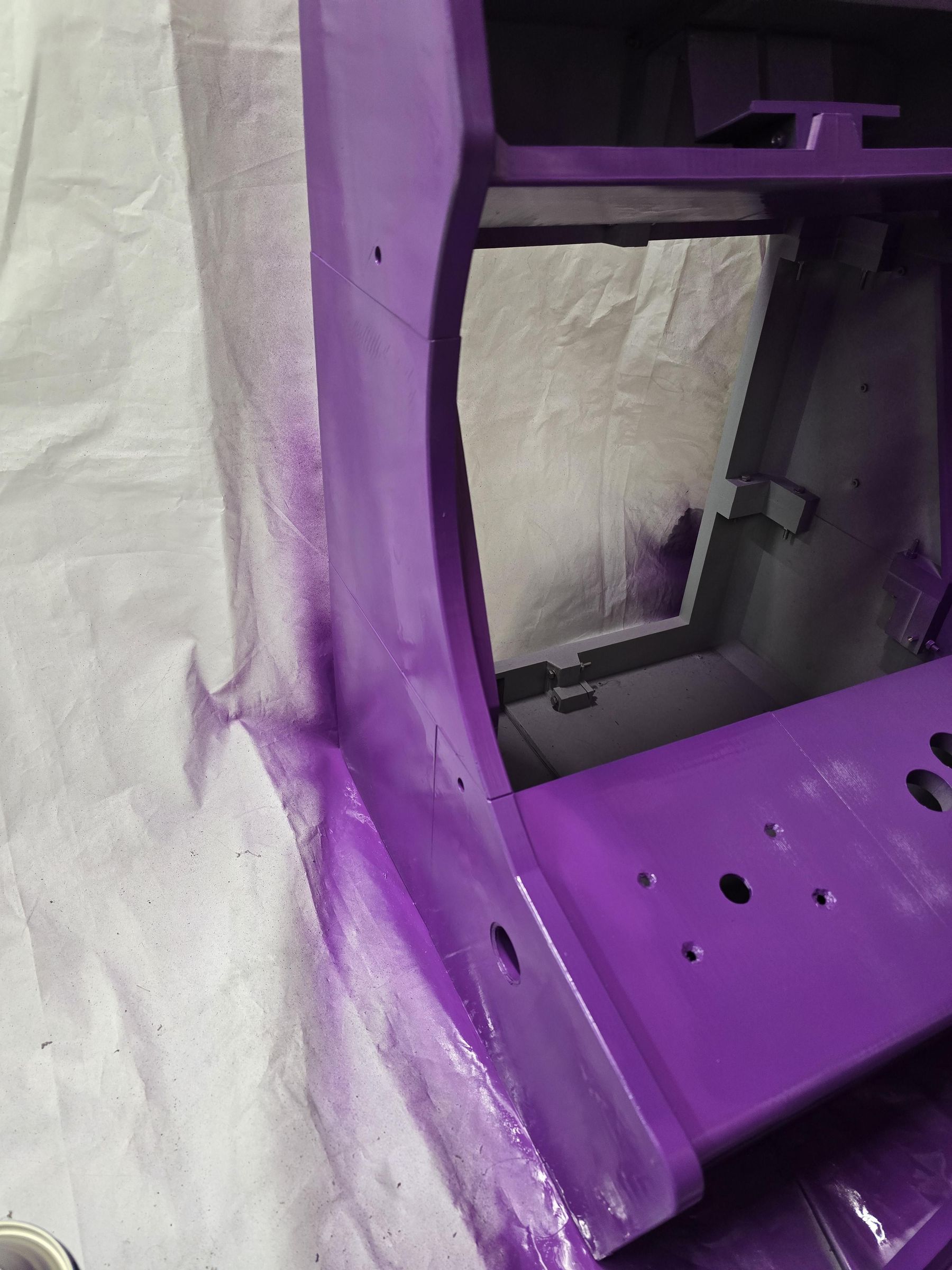
Give the whole thing a sand with rough paper then smoother paper - this makes for a better paint finish and hides any imperfections and layer lines.
Spray the cabinet as per your paint's instructions, in a well ventilated area.
Leave to dry for 24 hours.
Now we can sand off the paint from the letters on the top panel so that the light from the LED strip shines through... 😁
Build Sequence
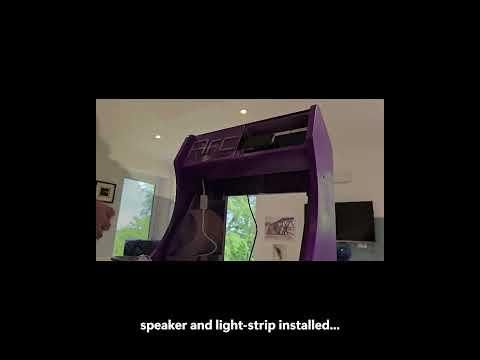
Check the video for the best sequence to complete the build
LED Screen Controller Boards
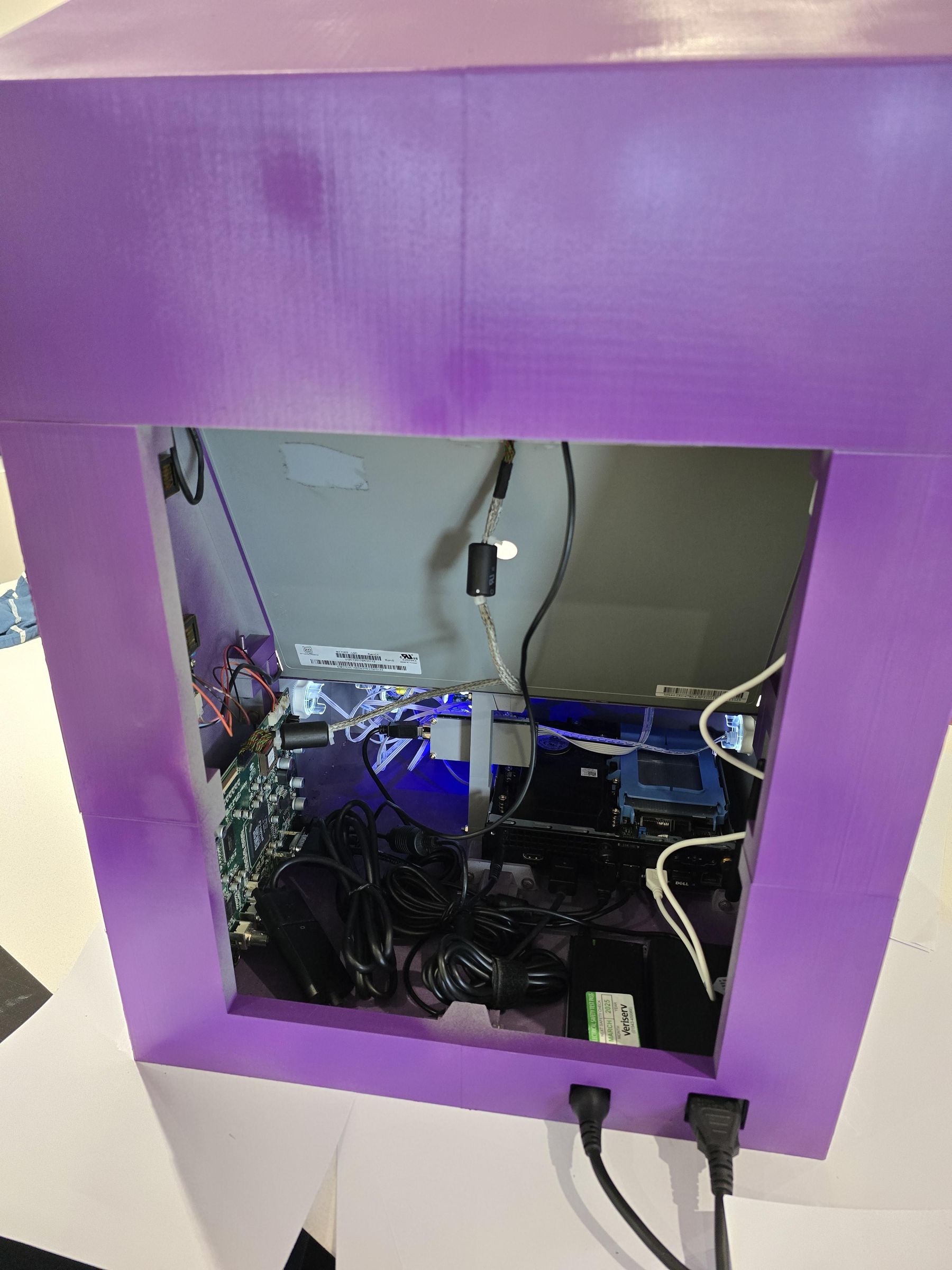

The monitor had 2 boards, one for the backlight and the other larger controller board, these can be screwed on, inside the case at the back right.
Speaker and Light Strip
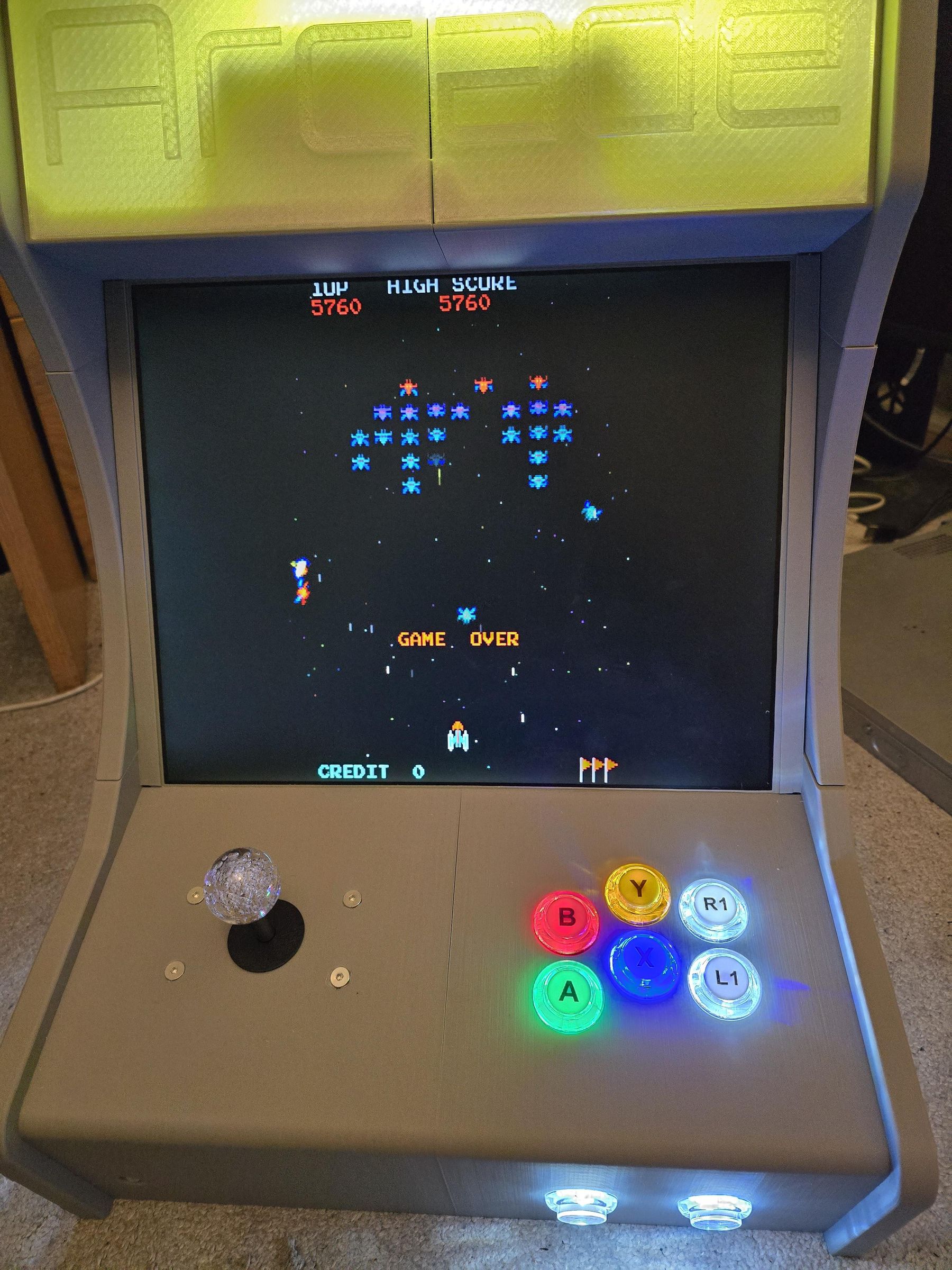
Bolt the speaker holder at the top with a 45mm M4 Bolt
Cut the light strip to size and stick it along the inner top ridge so that it sits just behind the cop covers
The light mostly shines towards the top so its not perfect - this might need a bit of a re-think to be better, but works ok.
Joystick and Buttons
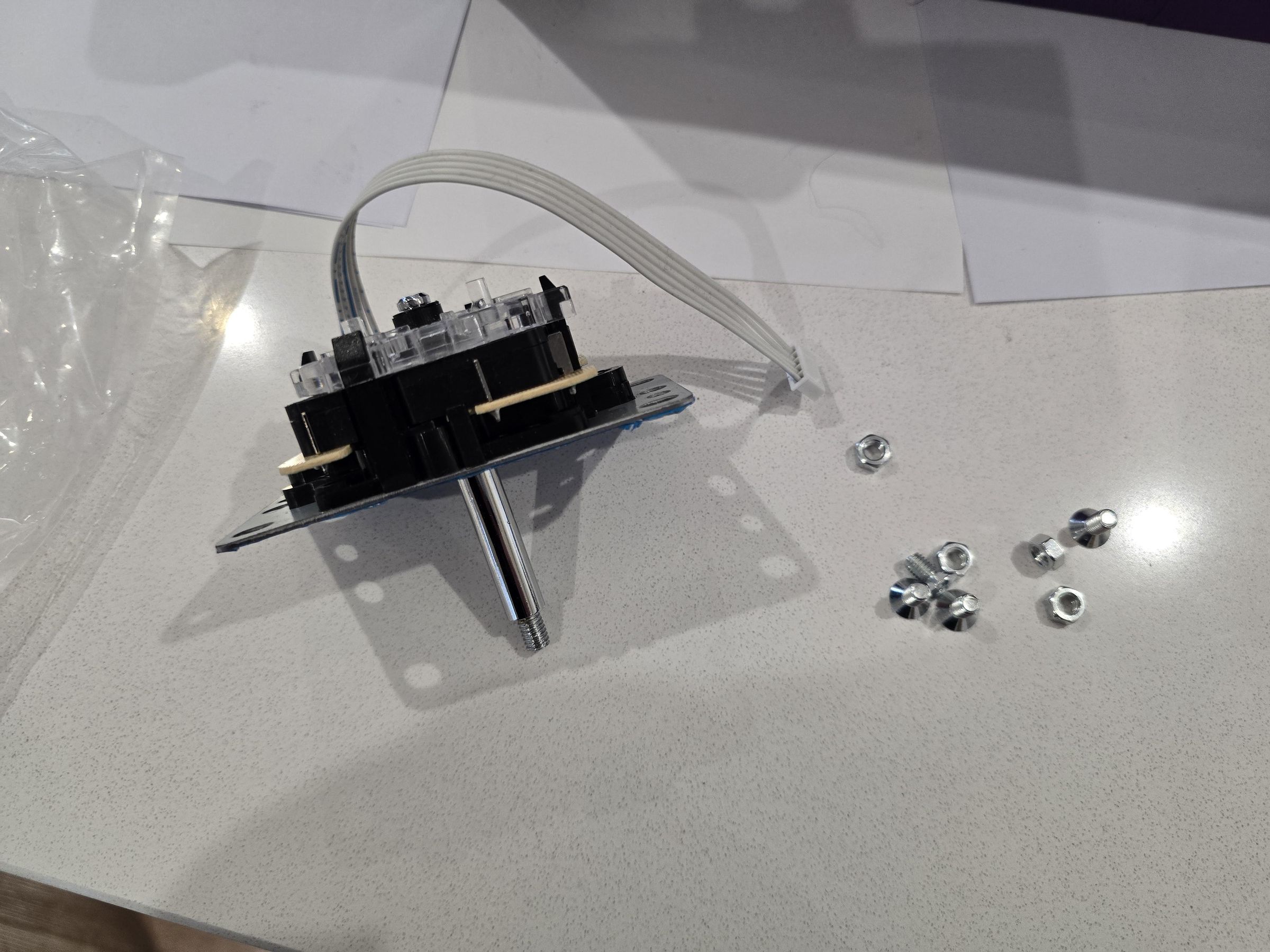

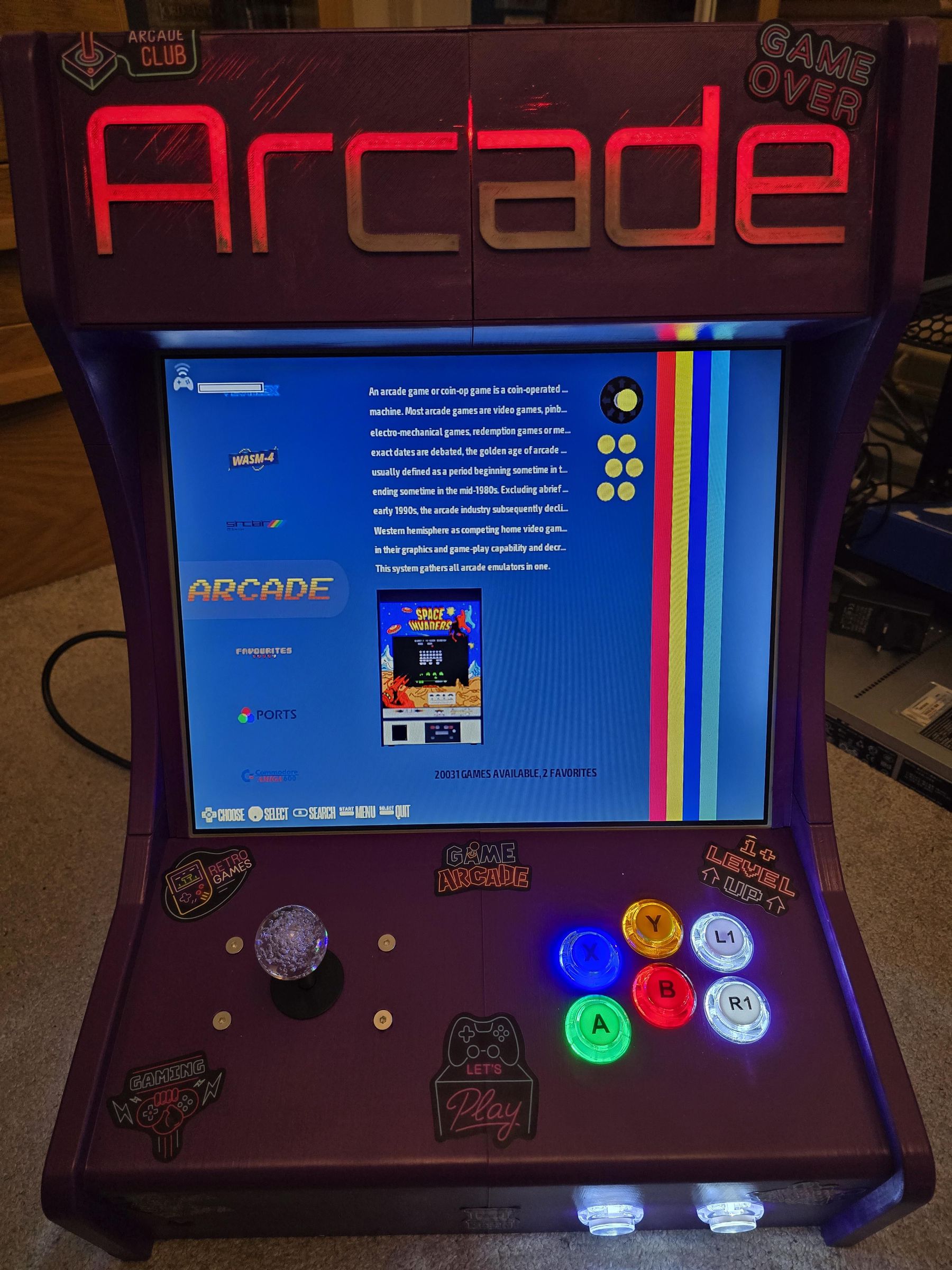
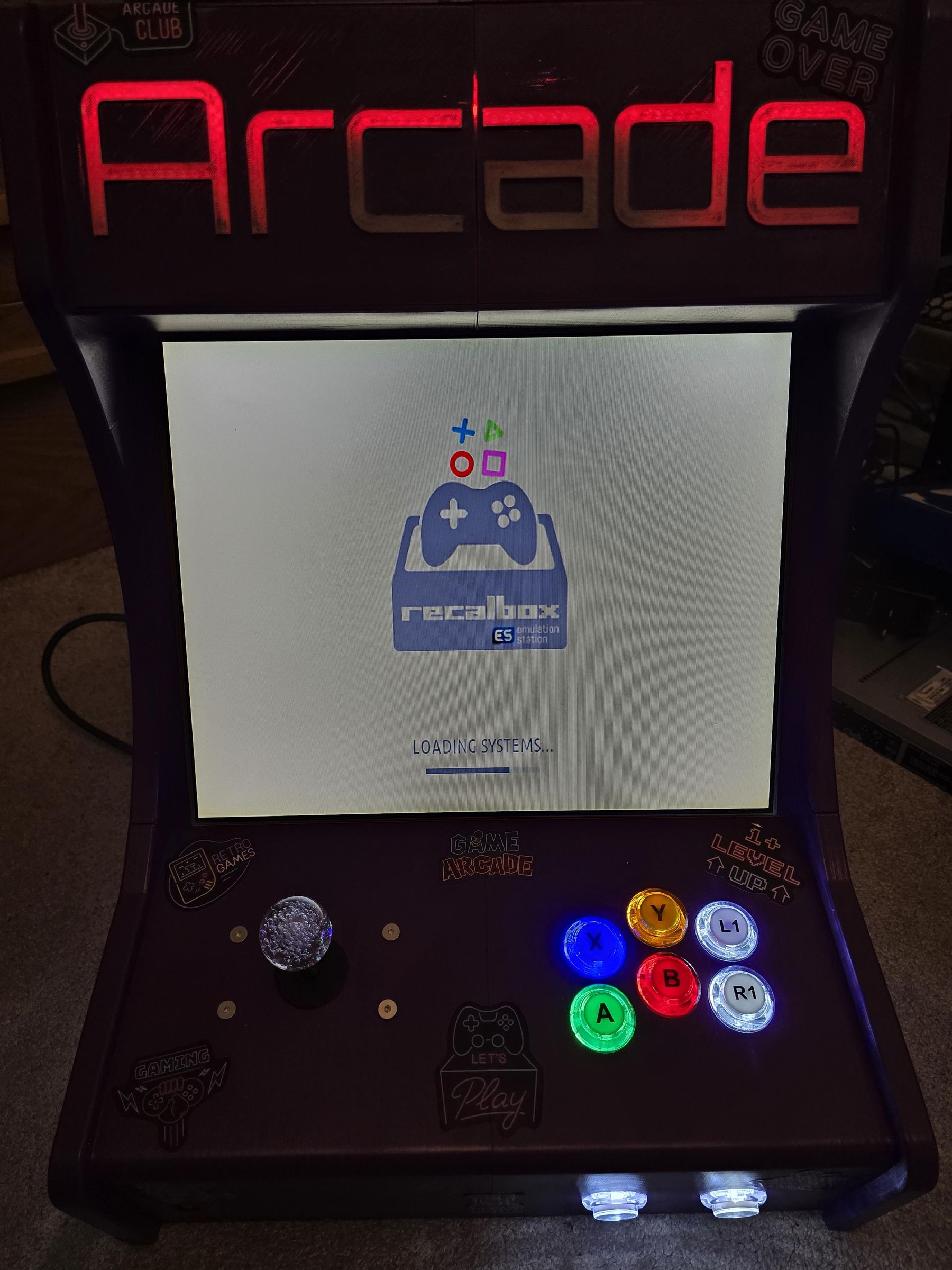


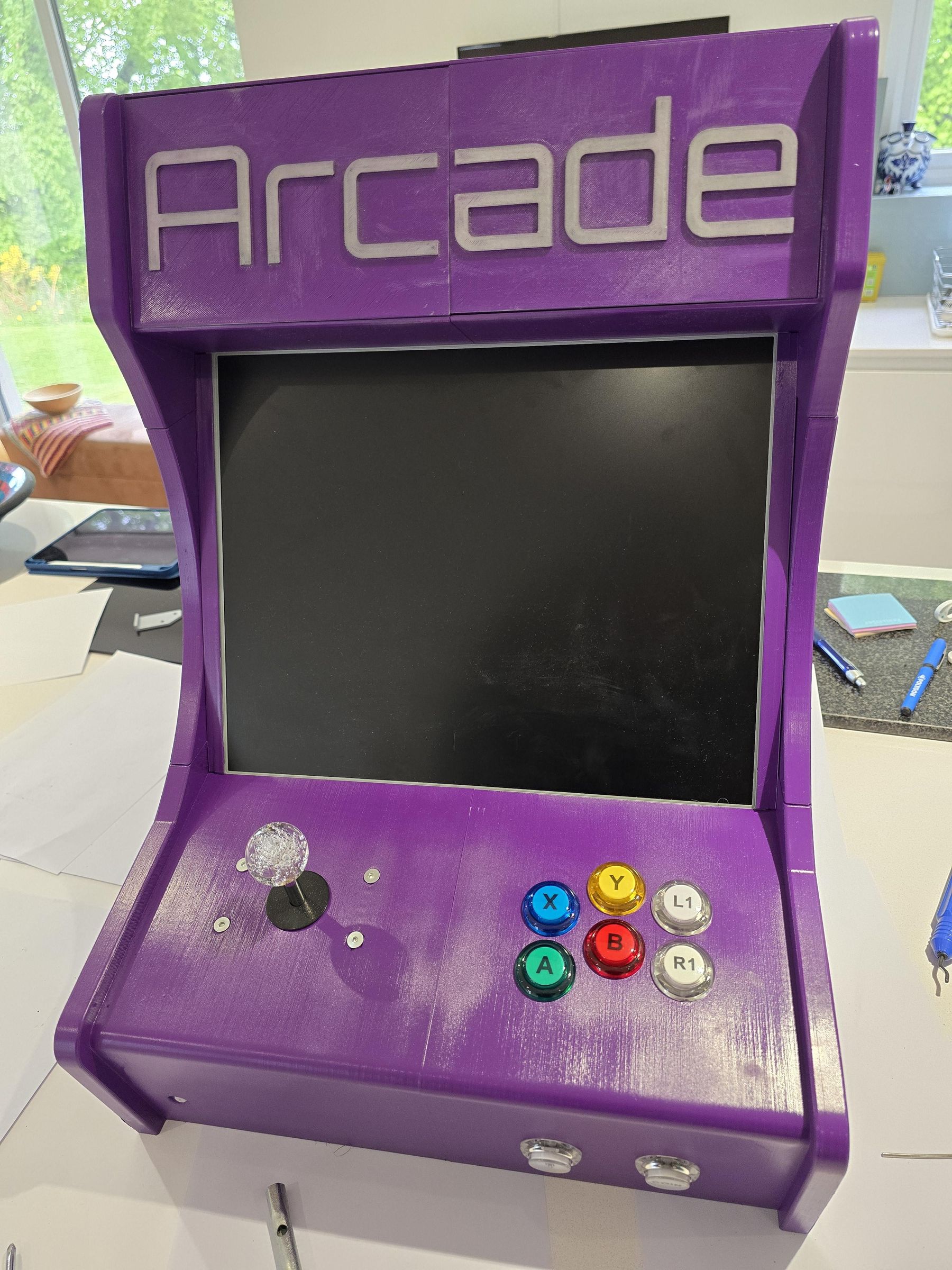

Connect all of the cables in the kit to the Joystick and the buttons (not to the controller board at this stage.
Bolt the joystick in under the top left using 4x M4 countersunk 6mm bolts
Insert each of the buttons as show in the pictures and tighten the rear screw on each tightly. We dont want these to become loose during play.
Power Button and Mini PC
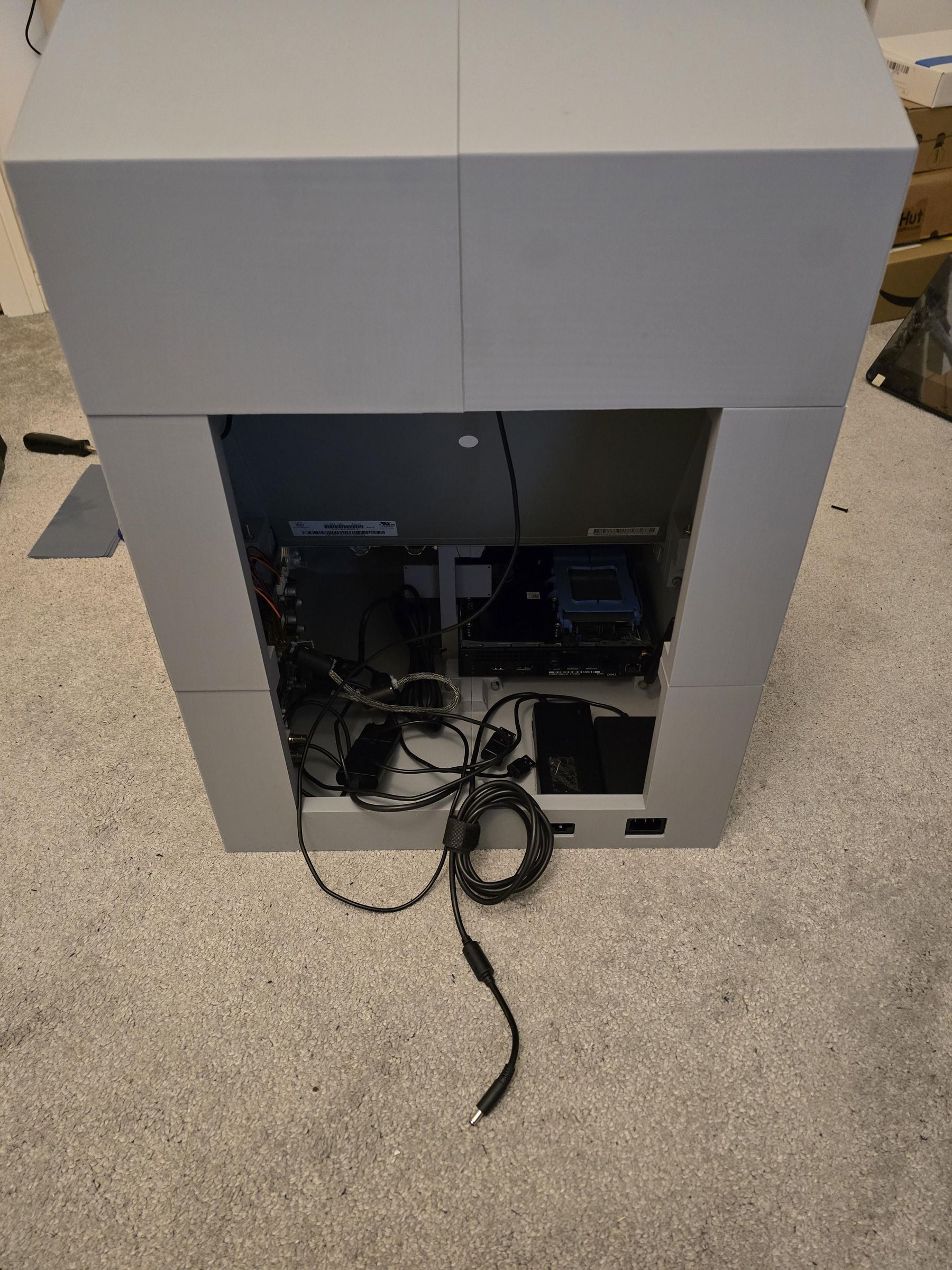
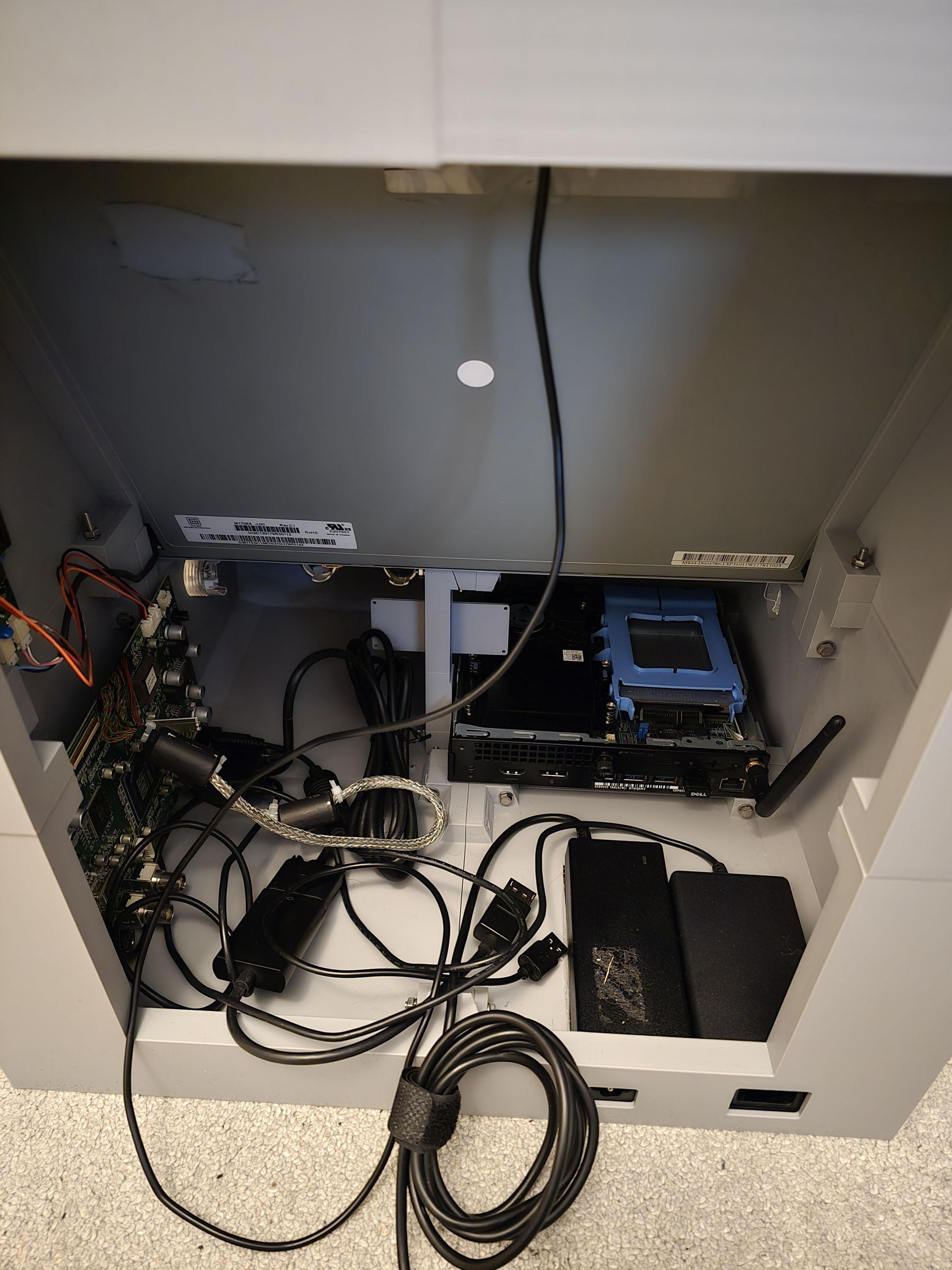
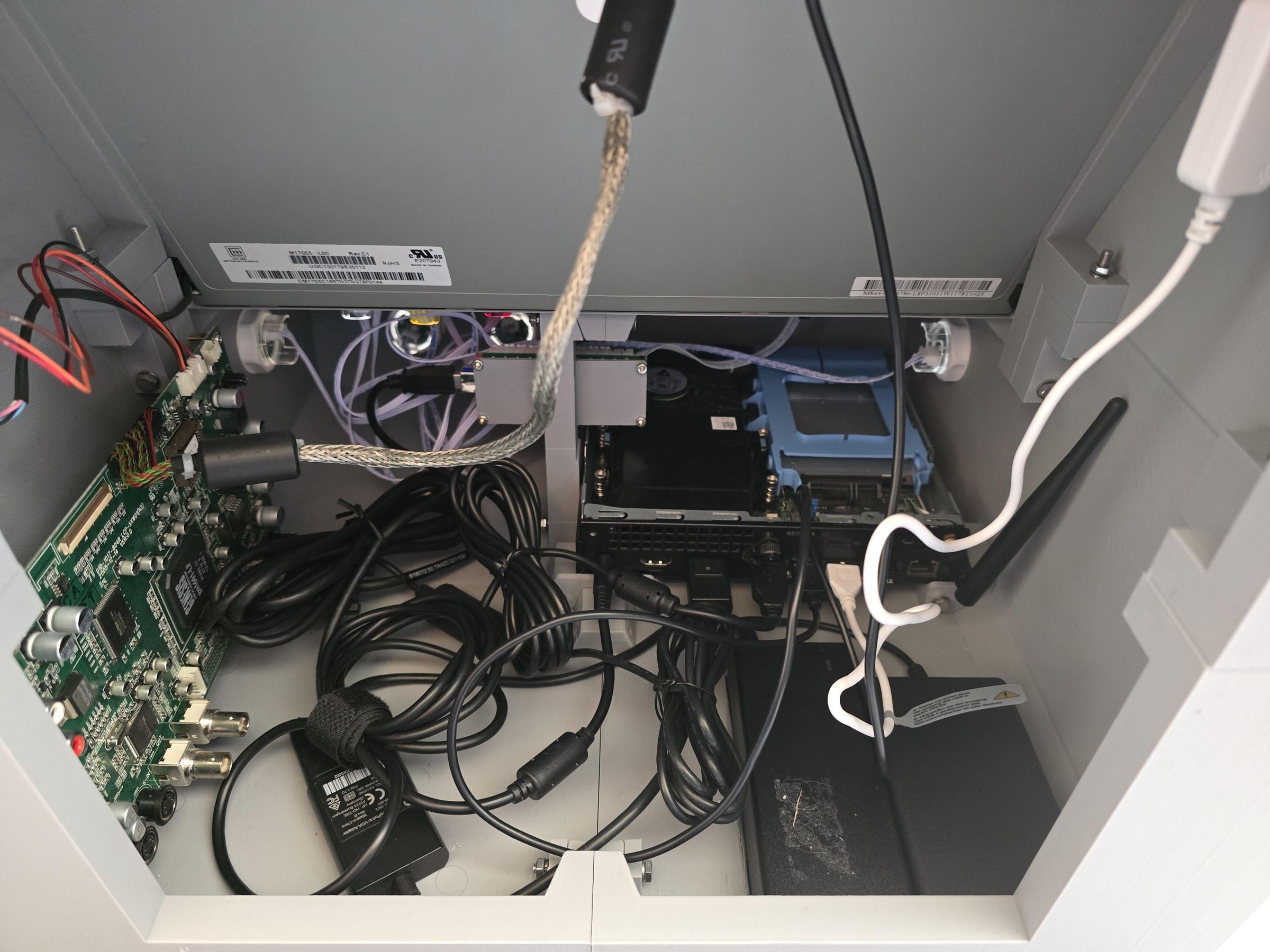
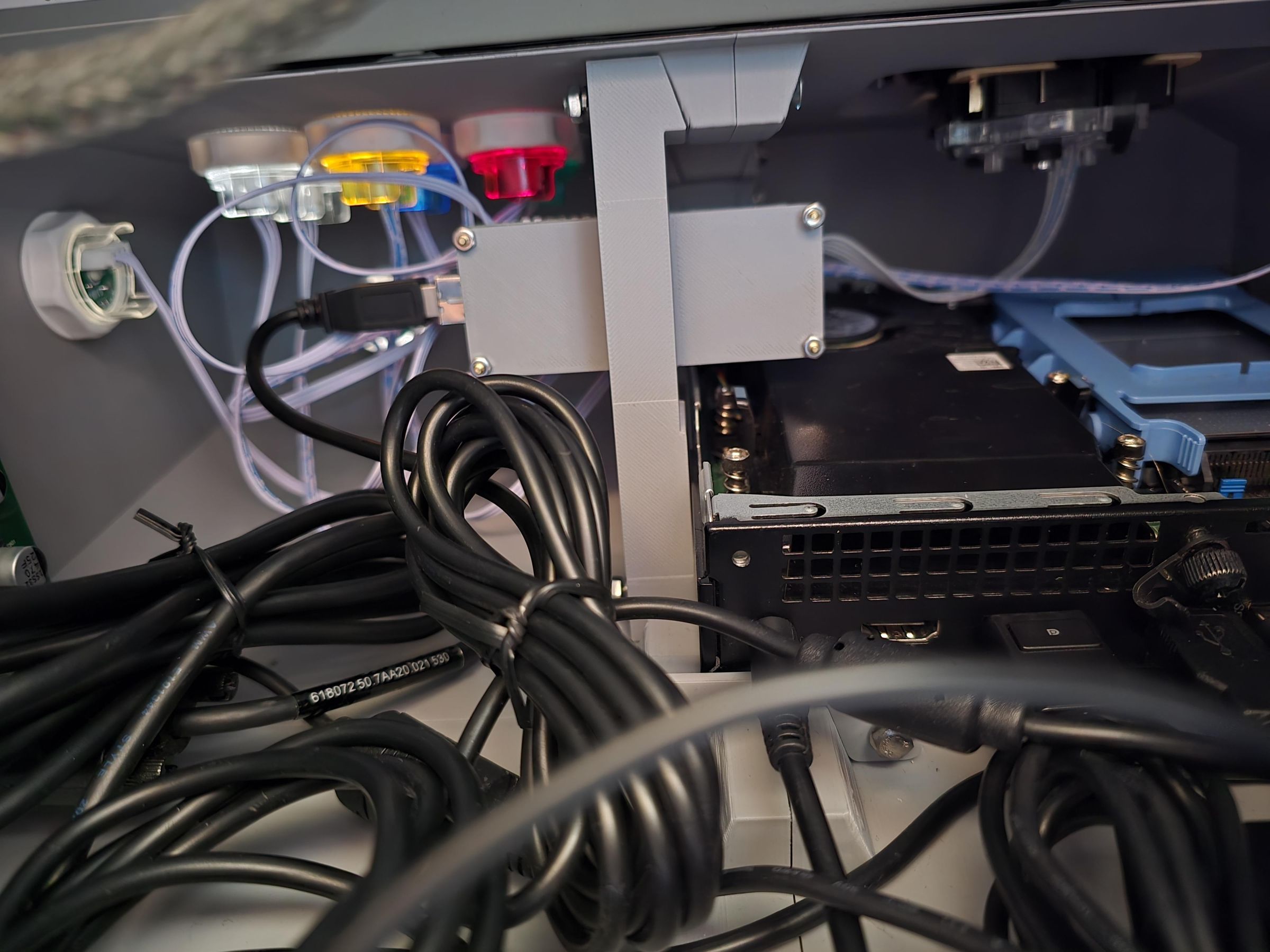
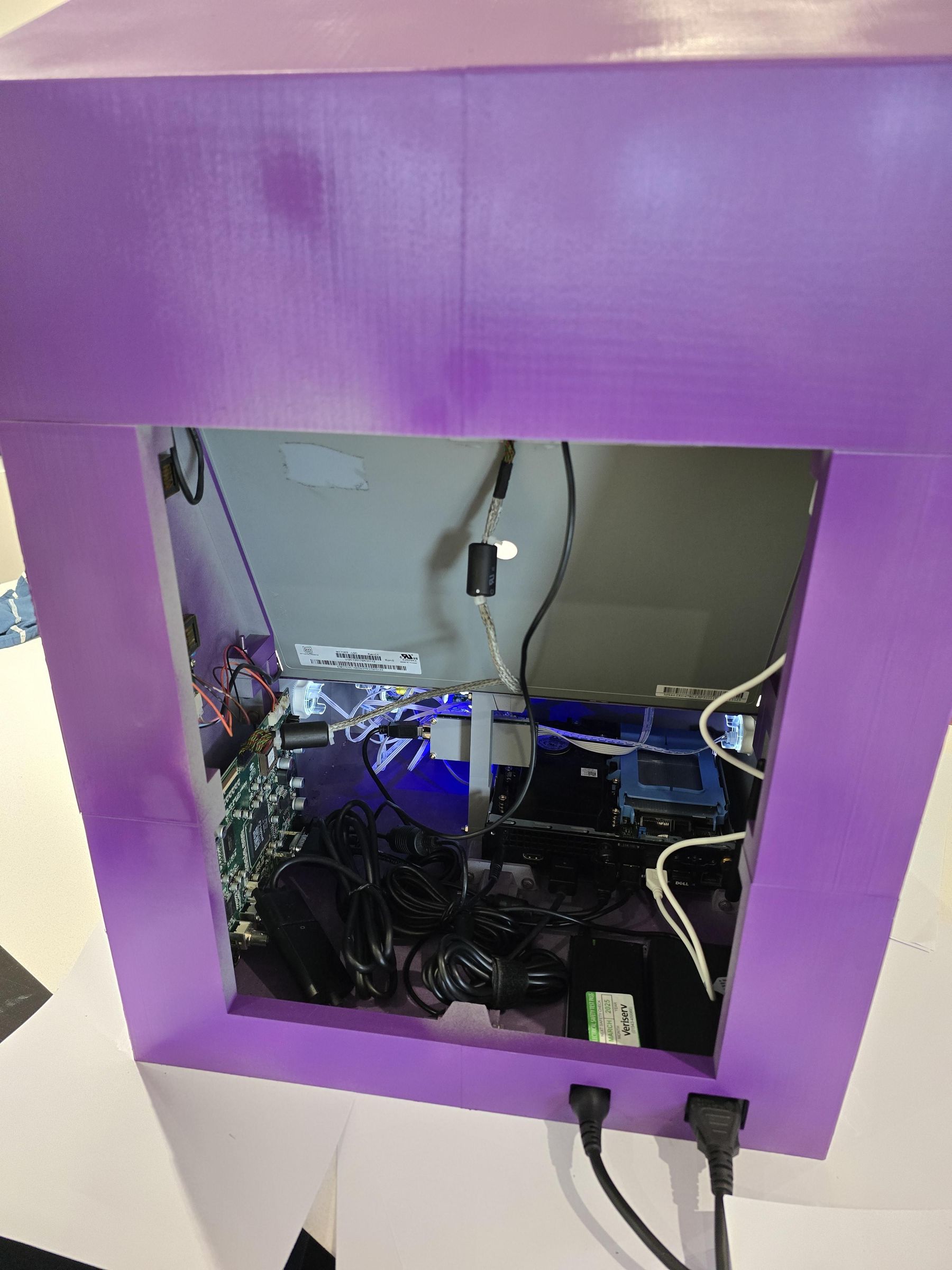
The power button can be printed in clear PLA so that the PC power light can shine through (kinda don’t need this as all the joystick buttons light up anyway)
Slot in the power button from the rear, making sure that it slides freely.
Place the PC in place (without the top cover) so that the button lines up with the PCs power switch.
PC Software Setup


Ive used Recall Box for this project, but there is also Batocera and a few other dedicated Linux Distro's that could be used. Im not going to go into the detailed install process here as there are plenty of guides elsewhere. The process of installing the distro usually involves writing the image direct to the hard drive using another computer, then installing the hard drive into the PC.
PC and Joystick Connections

Screw the controller board onto the inner leg, and connect all of the joystick and button cables as per the picture. Bolt in the inner leg and connect the controller board to the PC with the USB A-B cable. You can also connect the USB speaker, Light-strip and VGA cable to the monitor controller board.
Fitting the Screen
You need to loosen the top section of the cabinet to be able to fit the screen, so remove these sections and slide the screen down into the base, using the bezels to centre and hide the sides. these should line up with the screw holes one the sides - they are not the same left and right so check first!
Now the top can be re-secured and the screws fitted at the sides.
Fire It Up and Play!
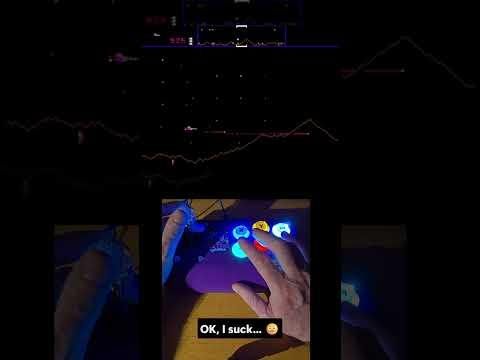

The video here is actually my stand alone arcade joystick https://www.instructables.com/Arcade-Joystick/ and shows Defender being played (badly 🤣)
Please comment if you like the look of this, built it or let me know if anything could be improved 👍😊