A Reservoir of Resilience: Adobe Style Water Conscious Apartment Building
by jjlongo01 in Craft > Cardboard
645 Views, 8 Favorites, 0 Comments
A Reservoir of Resilience: Adobe Style Water Conscious Apartment Building

Hi! Our names are Jessi and Hannah. We just graduated from high school a few weeks ago and are about to start our first year at college. In high school, both of us were heavily involved in climate action, from lobbying at the capital in support of environmentally conscious legislation to organizing tree-planting events at our school. The Make It Heal Instructables contest stood out to us because our experiences have made us mindful of how climate change is at the root of many community-changing events, including ones that have affected us personally.
Project
We created an adobe-style apartment complex that is centered around water conservation and addressing the impacts of drought in Boulder County, Colorado, where we live. We wanted our building to be carbon neutral, accessible for all people, sustainable, and to support local ecosystems.
Group Members:
Jessi (Team Captain)
Hannah
Supplies
- Foam Board - 4 thin 20in by 30in foam boards, 2 thick 20in by 30in foam boards.
- Knick-knacks that resemble plants (we used beads, fake moss, and vines).
- Kinetic Sand - essential for fake gravel that is not super messy
- Fusion 360 - for the virtual model
- Visio - great for making an easy floor plan, but paper and pencil also work.
- Pencils! - You will need lots of them as we lost several during the process.
- Mini-Containers - 4-5 of circular and rectangular containers for the appliances.
- X-Acto Knives - this is for cutting the foam board (please use adult supervision if applicable)
- Paint - for painting the model.
- Paint Brushes - used for paper mache and paints
- Paper Mache Supplies - Achieves the adobe texture.
- Glue mixture (2 parts glue, 1 part water)
- Newspaper
- Plastic Gloves (optional, but they were very helpful)
- Card Stock (x9) - Used for the base of the building
- Popsicle Sticks - used for Garden Boxes
- Ruler and Yardstick - a ruler makes good small lines, while a yardstick makes larger measurements
- Corrugated Board - used for the roof creation
- Wood or Cardboard Protection - prevents furniture from getting ruined by paint or X-Acto knife cuts.
- Painting Clothes - You don’t want to get your nice clothes dirty!
Research - Why Colorado?

The Southwestern United States is in the driest 22-year period of the last 1,200 years. We chose Colorado specifically because our lives and those of our communities have been personally impacted by the extreme drought.
Local events impacting the lives of our community:
- Denver, Colorado - On May 1st, Denver Water began draining Antero Reservoir and transferring its water to Cheesman Reservoir. The Cheesman Reservoir evaporates more slowly, allowing the water to last longer. The Antero Reservoir supplied 15,000 households with water per year. Due to the drainage, fishermen were called to catch the fish so they would not die and rot at the bottom of the reservoir.
- Both Denver and Boulder County have declared drought to be a prevalent issue in the current year. About 88% of Denver County is in Severe Drought (D2), and about 12% is in Extreme Drought (D3). That means 100% of the county, which supports over 700,000 people, is facing drought on some level. Similarly, the City of Boulder has declared a Drought Watch and is asking residents to voluntarily cut back on water usage, especially limiting irrigation of grass between 10 am and 6 pm to prevent evaporation.
- Boulder County, Colorado - On December 30th 2021, the Marshall Fire occurred. 1,084 houses were destroyed, and 149 were damaged. The fire had a variety of causes; however, it was aggravated by high winds, heat, and drought, causing the fire to spread rapidly. My family’s house (Jessi) was a refuge for some of my close family fleeing from the fire. The image provided of the fire was taken by my father (Jessi) from a road.
- Skiing, Colorado (2025-2026) - In Colorado, every ski resort was affected by a severe lack of snow (drought). In particular, Wolf Creek, Eldora, Snowmass, Crested Butte, Keystone, Telluride, and Steamboat all closed early because of a lack of snow. Close family friends who worked at a small ski resort near Grand Junction, Colorado, saw these negative effects firsthand. Ski resorts are an important factor in the economy and culture of Colorado, and their early closures had a tangible impact on the state. Personally, my family was unable to enjoy the resorts with family and friends, which is a big part of the many reasons why I enjoy Colorado.
- Data Centers coming to Colorado - In recent years, with the rise of AI, data centers have become more prevalent. They use massive amounts of water to cool the machinery, aggravating already severe droughts. In Colorado, a bill to prevent the spread of Data Centers and their harmful impacts (SB26-102, Measures to Ensure Accountability for Large-Load Data Centers) was indefinitely postponed. This was a major loss; however, an opposing bill (HB26-1030 Data Center and Utility Modernization) was also indefinitely postponed, which was a huge win. This bill would have given Data Centers a tax exemption for 20-years if they invested at least $250 million dollars. Both of us lobbied at the State Capitol against the second bill and in support of the first. Even though the second bill was not passed, Colorado hosts 56 data centers, which are aggravating the drought because of the extreme water usage. If you want to read more about these bills, here are the links:
- SB26-102 - https://leg.colorado.gov/bills/SB26-102
- HB26-1030 - https://leg.colorado.gov/bills/hb26-1030
How Does Colorado Lend a Helping Hand - Legislation!
How Does Colorado Lend a Helping Hand - Legislation!
Colorado has several pieces of legislation that we took into consideration when designing our building. They are as follows:
- HB26-1051 - This piece of legislation, which was passed in the Colorado House, allows the microgrid grant program to continue indefinitely. This continuation of microgrids is for community resilience. To qualify for the grant, the area has to be at risk of severe weather or natural disasters. Microgrids are essential for our building as they allow the building to have its own energy supply. This means that power outages will have less of an effect on our building. In Boulder County, power outages have been happening more frequently, causing the shutdown of local schools (including ours). It can be hard to go without power, especially in extreme heat or cold; thus, a microgrid is imperative. If you want to read more about the legislation, please follow the link below.
- https://leg.colorado.gov/bills/HB26-1051
- HB26-1007 (Improve Customer Use Distributed Energy Resources) - passed in the Colorado House, this legislation encourages plug-in or balcony solar panels up to 1,920 watts, allowing renters and apartment owners to generate their own electricity, and lowers utility bills. This legislation also prevents energy providers from requiring expensive upgrades to connect solar/electric car charging. This legislation is a huge necessity for our building, as we want it to be carbon neutral. This legislation will allow all of our apartment complexes to be powered by the sun. With this bill, we are also able to offer more electric car parking. If you would like to read more about this legislation, please follow the link below.
- https://leg.colorado.gov/bills/hb26-1007
It is so important when building something new that a person thinks about the impact every aspect of the building has on the climate. We are so happy that this legislation is helping us achieve our environmentally conscious goals for this build.
Material - Why Adobe?
- Carbon Emissions - Compared to traditional construction materials like concrete, Adobe has a very small carbon footprint. One of the biggest carbon emitters in the world is concrete because of its reliance on cement production. It was very important to us that we use little to no concrete in our design to decrease the building's carbon footprint.
- Recycled Materials - Adobe is mostly made of recycled materials (clay, sand, silt) readily found in the environment. Adobe is also biodegradable, meaning it can become part of the earth again.
- Insulation - Adobe is a fantastic insulator. This helps decrease the energy consumption of the apartment complex because there is less of a need for heating and cooling systems to always be running.
- Climate - Adobe is best for dry climates, such as Colorado. The drawbacks of Adobe is that it is very climate-dependent, but luckily Colorado’s climate is conducive to the Adobe style of building.
- Aesthetics - We both love the look of Adobe and how it is grounded in nature. We wanted our building to be nature-based and inspired by architectural habits that already exist. Adobe lends to an earthy feel that cannot be achieved by many other structures. As our goal is to combat drought, we wanted to highlight that our building gives back to nature and doesn’t contribute to the driving forces behind climate change—which is the driving force behind the Midwest’s current drought.
Sources:
https://www.acash.org.pk/topics/adobe-construction-material/
https://www.treehugger.com/are-adobe-houses-sustainable-5116189
Native Plants

.png)
Boulder is between 5,000 and 14,000 ft above sea level, meaning there is a lot of diversity in plants and wildlife. Over 700 species of trees, shrubs, grasses, and ferns can be found in Boulder County Open Space and Mountain Parks, and our building’s gardens reflect this local diversity.
- Why only native grass? - Standard yard grasses, like Kentucky Blue Grass, are known to need a lot of water to stay green and thick. For instance, Kentucky Blue Grass requires at least 2in water per week, often more during the summer, whereas a native grass to Boulder County called Blue Grama needs 8-10in of supplemental irrigation in its entire growing season (May-October). For our apartment complex, we chose to plant only these types of native grasses that are accustomed to the dry climate and won’t take away from water that can be used for human needs. Additionally, Kentucky Blue Grass does not foster the types of healthy ecosystems that can be found in this area and therefore can only be used for aesthetic purposes. Native plants and grasses have the added benefit of sustaining local ecosystems and wildlife.
- Cacti and Succulents - Even more so than Blue Grama grass, cacti and succulents are especially equipped to survive and thrive in dry climates. In Boulder County, there is a selection of native cactus species such as prickly pear cactus, nylon hedgehog cactus, and Missouri foxtail. In the summer, most cacti only need water every 2-4 weeks and can go for even longer periods of time without water due to the water they store. Succulents are similarly drought-resistant plants, and Boulder County’s resident succulent is considered to be Wormleaf Stonecrop, which produces star-shaped yellow flowers.
https://coloradonativegrass.org/grass/blue-grama-grass/ - image credits
https://bouldercountyopenspace.org/i/nature-studies/cactus-close-up-ouch/ - image credits
What Is Greywater?


In the face of drought, there are a few sustainable building practices that can help mitigate this large-scale issue on a small level. One of them is the use of a greywater system. In our apartment complex, there is a greywater system installed that traps and filters water from showers, laundry machines, and bathroom sinks for reuse as irrigation and to flush toilets, while also separating “blackwater,” which is the impotable water from kitchen sinks and toilets, and redirecting only this water to the city sewers. This system allows for around 70% of apartment water to be reused.
Filtration - For our greywater system, we use a gravel filter with various rock sizes that filter out debris as water seeps downwards. As the graywater settles in the gravel bed, beneficial microbes form a biofilm on the gravel that breaks down organic matter and other impurities in the water. This renders the greywater safe to use for irrigation and toilet flushing.
Brac Water Tank - We added brac water tanks in the first floor of our complex, which serve as an additional, fine filter for water, as well as a place to hold greywater.
We followed the diagram above from WECF International to gain a better understanding of greywater systems and add the gravel filter component to our physical model.
Separate Plumbing - Because our system needs to direct greywater to a separate place from blackwater, we needed to implement two different plumbing setups to keep these types of water separate and avoid cross-contamination. I demonstrated this in the above floor plan, with the red lines representing blackwater, which goes straight to the city sewer (green line), and the blue lines representing greywater, which goes to the brac water tanks for storage and filtration, and overflow also goes to the sewer. Additionally, a blue line to the side shows where greywater goes to a nearby gravel filter to then be used for irrigation. The gravel filter would be dug/buried on the property.
Other Water-Conscious and Sustainable Building Practices
Rain Barrels - In addition to greywater, we decided to install two rain barrels, able to collect 55 gallons of rainwater each, as this complies with state law. This water can also be used for irrigation or filtered for human use.
Permeable Paving - Our Apartment parking lot uses permeable Interlocking Concrete Pavers (PICP), which are solid, interlocking clay blocks with intentional gaps that allow rainwater to seep through them and into the soil.
Heat Pumps - We have a heat pump system in our apartment because it is very close to carbon neutral, and works well in Colorado’s climate. Heat pumps work efficiently to transfer heat from inside to outside, and vice versa, only moving existing heat. Because they aren’t generating new heat, they are very energy efficient, although expensive. For our apartment, the heat pump acts as a water boiler as well, and does most of the heating and cooling work not covered by the insulation offered by adobe walls and vertical gardens.
Solar Panels - Solar panels are a great way to harvest electricity without becoming reliant on big corporations or contributing to environmental damage. Additionally, in Boulder County, high winds have recently led to large power companies shutting down power supply on high-risk days. Therefore, having a local supply of energy is prevalent to the location of our apartment complex.
Sources:
https://www.fhwa.dot.gov/pavement/concrete/pubs/hif15006.pdf
https://www.wecf.org/wp-content/uploads/2018/11/Manualgreywaterfilter_website.pdf - image credits
Affordability
Balcony Solar Panels - Having balcony solar panels greatly decreases the cost of living because the energy is provided by the sun. Use of plug-in solar panels avoids the extra cost energy providers impose when adding solar panels to a building. This will help residents save money, and the energy provided is carbon-neutral. Additionally, in 2020, the International Energy Agency reported that solar panels have become the cheapest source of energy available.
Heat Pumps and Adobe - While it is true that heat pumps can be expensive and adobe is about the same price as other construction materials, both objects decrease the need to heat and cool buildings. Adobe is a wonderful insulator, causing the price of heating and cooling to decrease, making it cost-effective. Heat Pumps aren’t entirely cost-effective, but they produce little to no carbon, meaning they cause a significantly less harmful impact on the environment.
Water Consumption - Using greywater greatly decreases the cost of water consumption. Since greywater allows us to reuse about 70% of our everyday water use, it is not only cost-effective but also greatly helps fight against the negative impacts of drought. Rainwater can also be collected in Colorado (up to 110 gallons). Our building relies a lot less on the consumption of reservoir water, meaning it is cost-effective and helps the environment.
Source:
https://www.iea.org/reports/world-energy-outlook-2020
Accessibility!
One of our main goals for this build was to make sure that those with disabilities were able to fully use our building.
Wider Doorways - Often, doors are too small to fit a wheelchair or walker through. People with disabilities need doorways that are wider, so we made sure each of our doors was no smaller than 3ft, allowing for those with assistive technology to enter and exit their homes.
First Floor Priority - Those who have difficulty accessing stairs are given priority on the first floor. Even though our building contains a large elevator in case of a fire, the elevators will be non-operational. Since those who have trouble accessing stairs may be placed at a higher risk in the case of a fire, they will have priority in staying on the first floor.
Housing Accommodations - Each room has the ability to be outfitted with assistive technology. For example, a shower chair and handrails can be installed in each room at the request of the resident. In all second-floor rooms, there will also be the ability to access a portable stair lift at the request of the resident. It is important to note that all modifications are at no cost to the resident.
Automatic Door Openers - All main entrances will be equipped with automatic door openers so that those who need them can easily open the doors to the main building.
Compact Gravel Paths - We did not want to include much concrete in our build to decrease carbon emissions. Therefore, we decided to use gravel paths. Deep, uneven gravel paths are often inaccessible for those in wheelchairs or walkers. To accommodate this issue, we opted for compact gravel that would be hard and fine enough for wheelchair users.
The Floor Plan Initial Steps:
Visio - the technology we used for the floor plan was Visio; however, paper works just as well. One bonus of using Visio is that rooms, walls, and appliances are all programmed in, so we did not have to create them. Visio also allows you to keep your notations in the life-sized measurements and then automatically scales the measurements for you.
Scaling - for Visio, the scaling started with us deciding the length of our building. We originally wanted our building to be 242ft long, so to make the scale factor, we divided this number by 11 inches (the longest side of a piece of printer paper). This gave us 22 feet to 1, which was our scale. At the end of creating the floor plan, we ended up shrinking our building to 170ft, but the scale remained the same.
Building the Floor Plan
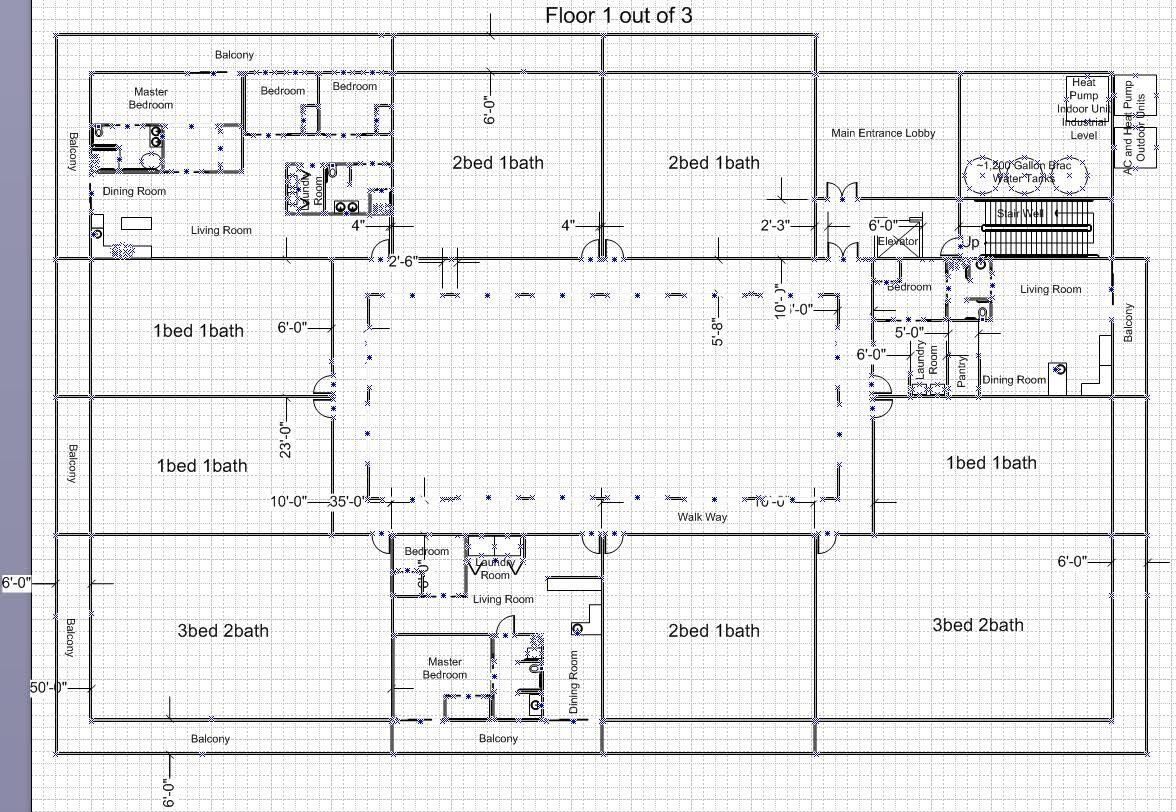
Initial Walls - the main building was created to be 170ft long and 108ft wide. This allowed for 10 apartments per floor encompassing 3bed 2bath (3x), 2bed 1bath (4x), and 1bed 1bath (1x). We wanted to make as many types of rooms as possible to offer housing to all sorts of people, whether they have kids or not. Everyone should be able to live in a sustainable apartment building.
Doors - When thinking about the doors, it was important that each were 3ft or wider, preferably. All resident doors are 4ft wide, and main entrance doors are 6ft wide to accommodate those in wheelchairs or walkers. We made sure all floors had the ability to access an elevator or the stairwell.
Balcony - When thinking about the balcony, we wanted it to be big enough for balcony solar panels, and we wanted them to have high privacy. Each balcony has floor-to-ceiling divider walls to create a high amount of privacy, and each balcony is six feet wide to accommodate solar panels and other furniture.
Arches - We created an archway path to increase the aesthetics of the building and provide structural support to the second floor. These arches increase the appeal and the willingness for someone to live in our apartment building. We made sure all paths were 6ft wide to accommodate wheelchairs, walkers, and more.
Individual Room Floor Plan - We wanted to create a floor plan for one of each type of room. This is to help us visualize the utilities that would need to be supplied with grey water. This also helped us think about plumbing and water usage. We were also able to show the accessibility in our floor plan by including shower chairs and handrails that can be placed in the rooms at the request of the resident.
Utility Room - This was one of the most important rooms because it highlights our main goal (fighting the impacts of drought on Boulder County). This room helped us visualize the actual appliances that are needed for greywater use and heat pumps.
Stair Well and Elevator - We placed an elevator and stairwell in the floor plan to ensure that all residents have easy access to the roof gardens and second floor. The elevator is extra large, far beyond the normal size, to ensure that all residents are able to access the elevator.
If you want to see our floor plan in detail, please reference the image above.
Key Take Aways - Floor Plan
- It's okay to restart! This may not be ideal or time-effective, but if something is not working, it is okay to omit it. You are not bound to any one idea.
- Doors are Important. This may seem obvious, but sometimes we found ourselves making rooms that had no entrance, so it is important to check all rooms before completing the floor plan.
- Thinking about accessibility starts with the first draft. Accessibility cannot be an afterthought, as it is important for everyone to be able to have access to the places they live. It may be a tedious task, but the floor plan was one of the most essential elements of our project.
- Keep trying until something works! This goes for Visio, Fusion 360, and the physical model. It is important to keep working to bring your vision alive, even if it gets discouraging at times. Your ideas matter and you should keep trying to make them happen
Fusion 360 Time!: Scaling for Fusion 360 - Second Times the Charm!
For Scaling to Fusion 360, I took the measurement of 170ft and converted it to millimeters (51,818mm). Then I divided 457.67mm (the length of the longest wall in Fusion 360) by 51,818. This gave me the scale factor of about 0.0088. I then used this number times the real-world dimensions to get my dimensions in Fusion 360.
Fusion 360 Initial Steps

Floor Plan - The foundation of this build is the floor plan. I first placed the floor plan in as a canvas, setting the p scale to 50. Second, I used the scale factor calculated in step 11 to create an initial rectangle over the floor plan. After this rectangle was created. I then outlined all of the lines on the floor plan using my scale factor to make sure each line was scaled proportionally to the life-sized version (please see scale key for the dimensions of each wall). I also made sure to leave a 4ft (10.77mm in the model) gap for the doors. One tip I would give is to label this sketch because I returned to it several times during the making of the model. The one thing I did not outline in this stage is the arches and the balconies.
Extruding! - Since I now had my foundation, I extruded only the main walls to be 14ft (real size). Make sure not to extrude the gaps left for the doors, as this could create extra work in the future (speaking from experience).
The Creation of Key Features:


Heat Pumps and Brac Water Tanks - After I created all my rooms, I added the brac water and heat pump systems to the inside of the building. I wanted to make sure to clearly outline where they were, as they are essential to the sustainability of the building. I made the brac water tanks 20mm apart, or about 7.5ft apart. Each brac water tank and the heat pump system were 10ft tall.
Arches - The arches in our original design were key to the Adobe feel of the building; thus, their creation was just as important. I made each pillar 2ft 6in wide or 6.73mm. I made each arch 27mm apart, or about 10ft. This placement is to allow an open feeling in the building while maintaining the Adobe style look. I then made each pillar 7ft tall (half a wall) and added a 27mm diameter circle at the top. There is a row of arches on the longer sides of the building.
- Inner Balcony - a bonus of creating the arches was that they support the balcony! As I was creating the arches, I added a 2mm thick and 6ft (16.15mm) walkway above the arches.
Finishing Touches of Floor 1:


Fixing the Door Height - At this point in the process, all of the doors were as tall as the walls (14ft, wow, that’s a tall door!). I needed to make the doors half that height, or 7ft. The best way I found to do that is by creating a sketch on the frame of each door, then creating a rectangle that is locked in place at the halfway mark. After this, I extruded these rectangles to shrink the doors. This process must also be done for the outside doors.
A Note on the Open Flooring - I left the bottom of the build open so one can easily access the underside for viewing the floor plan or making the second floor easier to create.
The Walls of Floor 2 Initial Steps:

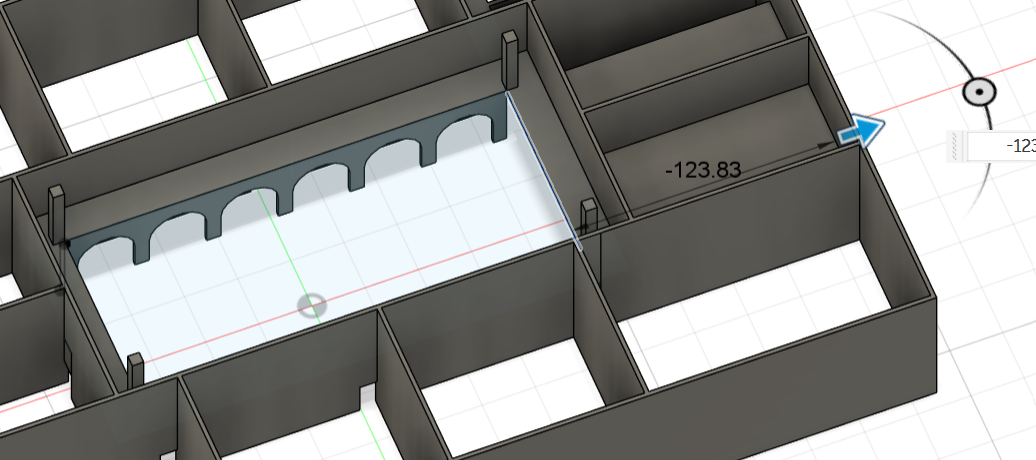
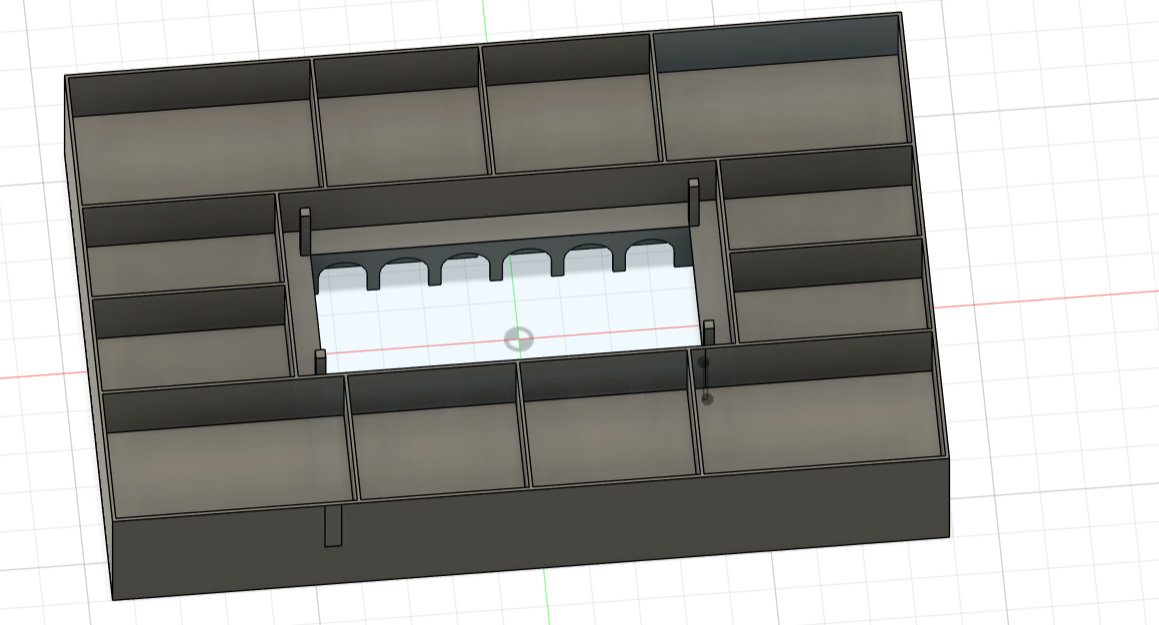
Extending the walls - Since the outline of the walls was already made for floor one, I simply extruded them all to be 14ft taller than before, creating a second floor! I created the walls before creating the floors to ensure all the walls would line up and to save on the time it would take to outline each one.
Creating the floors - This is when the inner balcony came in handy! I extruded the sketch used to create the balcony towards the outside walls. This created a base that I could then extrude to create the rest of the flooring.
Little Details of the Second Floor:

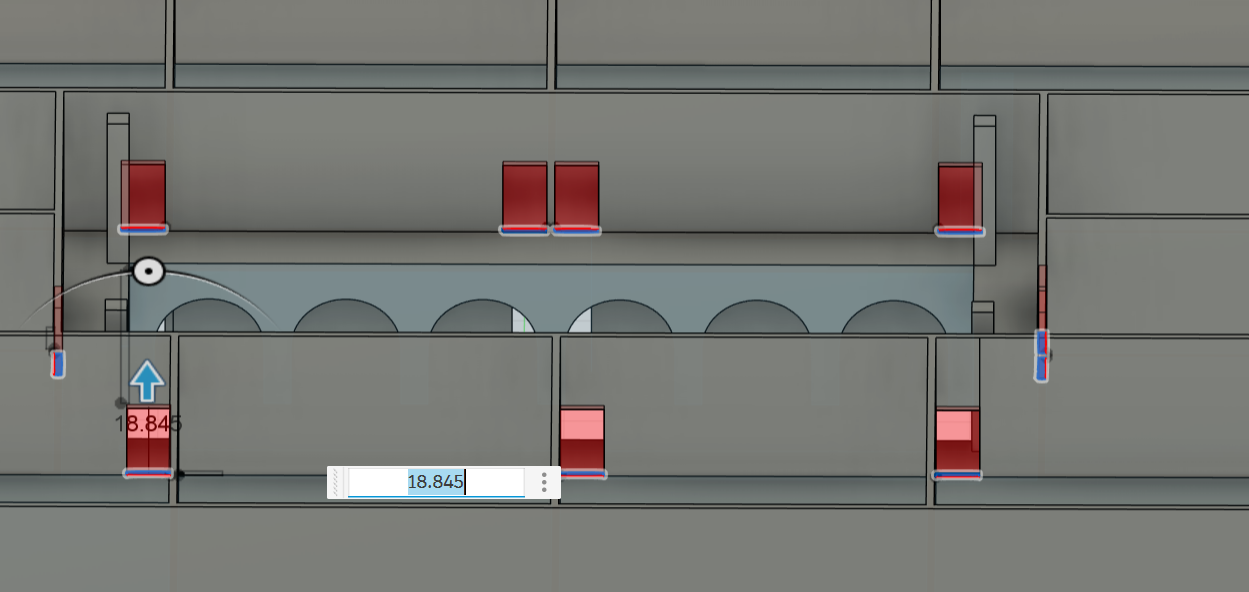
Pillars - I placed pillars around the balcony on the second floor to later hold up the roof. They are 4ft by 4ft to accommodate a larger roof. Each pillar is placed as close to the edge as possible to further open up the walking path for those who need a wider path (ex. Those in a wheelchair).
Doors - Each door was created by sketching on the floor, then forming a rectangle 4ft by 0.7ft. Then I extruded the rectangles halfway up the wall.
Outside the Building

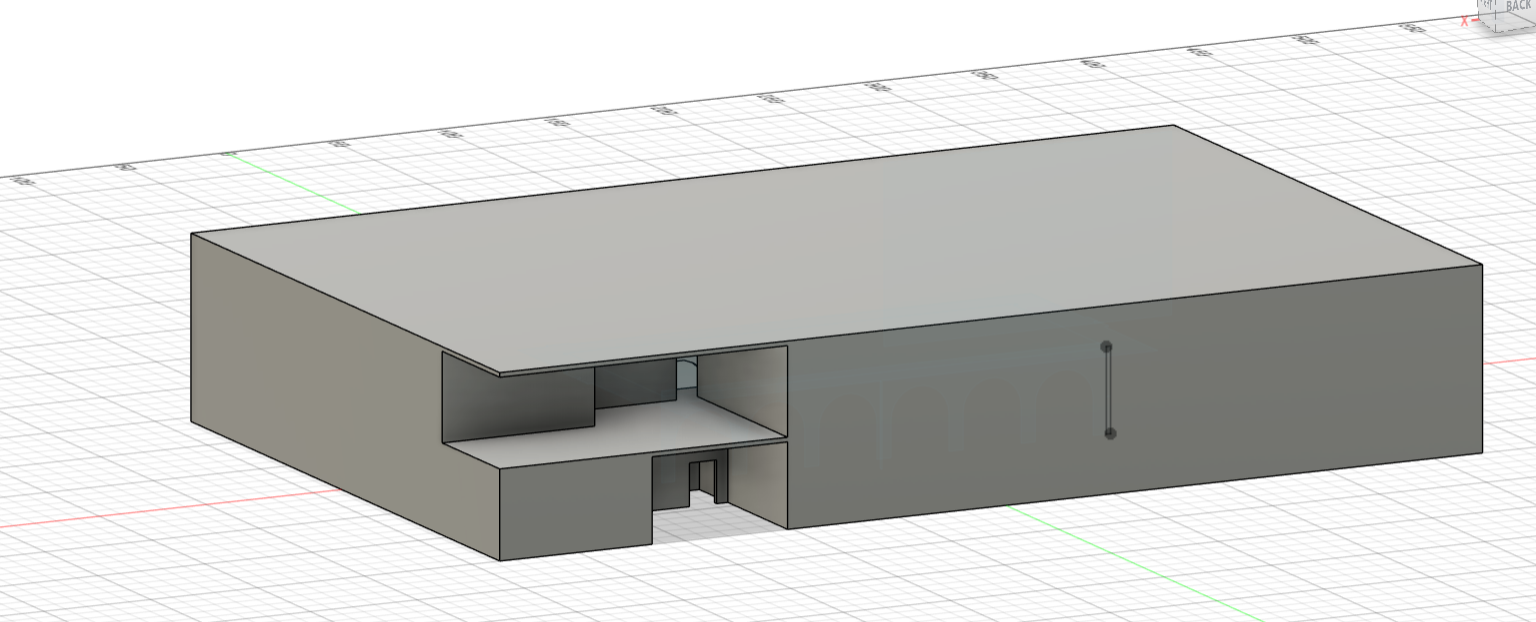

Stairwell - The stairwell on the bottom floor walls were extruded to the second floor, allowing residents to exit the stairwell in the soon-to-be rooftop garden!
Creating the Ceiling - For the ceilings of the apartments, I created a rectangular sketch along the longest wall and extruded the sketch to the opposite wall. The ceiling was about 1ft thick.
Opening up the entrance and the garden- At this point, you may have noticed, but there is no entrance to the building! To open up the entrance, I took advantage of leaving the floor open and extruded the wall blocking the doors up to the ceiling of the first floor. For the rooftop garden, I clicked on each surface of the outer walls. Then I extruded them out to delete them, creating an open area.
Elevator Shaft - For the elevator, I had to go back to the first sketch I made (the one that was labeled). Then I added an elevator shaft 5ft by 6ft with an allowance on all sides of 2mm to account for the machinery. Then I extruded this sketch to the same height as the stairwell (make sure to also extrude the center of the rectangle to make the shaft hollow). At this point, I also took the opportunity to remove the roof on the open garden.
Roofing
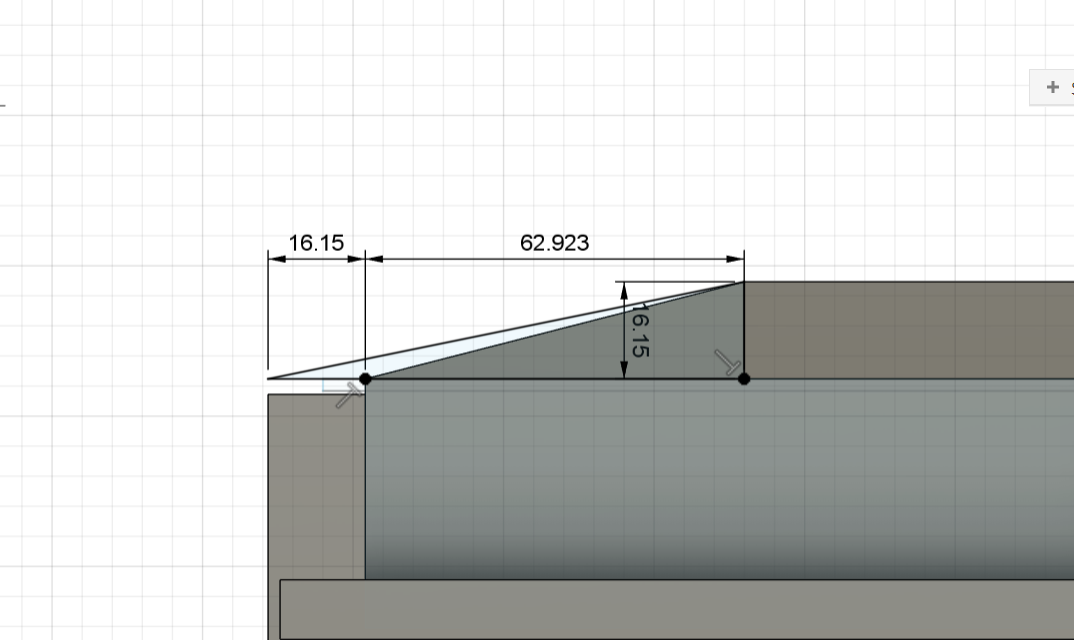


The roofing was my favorite part of this build, even though initially it can seem intimidating.
Initial Sketch - I first created a sketch on one face of the building. Then I found the midpoint between the inner wall and the outer wall. We wanted the roof to be 6ft (16.15mm) tall so I added a perpendicular line at the midpoint. After this, create a triangle on both sides. It is important that on the outer wall, you make the base of the triangle 6ft longer to account for overhang. I did not do this originally, so I had to correct it later. Finally, repeat this step for each corner of the building.
Extruding - For this, I extruded the sketch to the opposite wall. I then repeated that for the sketch perpendicular to the original. Finally, I made one last sketch on the slanted face of the roof and cut out the excess left behind by the extruding.
Yay! You have created a slanted roof! (Note there is no overhang on the outside wall, as it needed to be added later)
Outdoors Finishing Touches
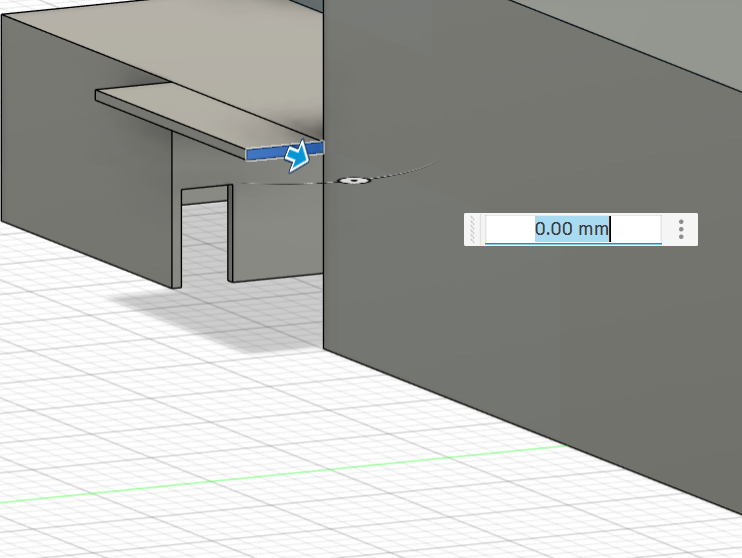

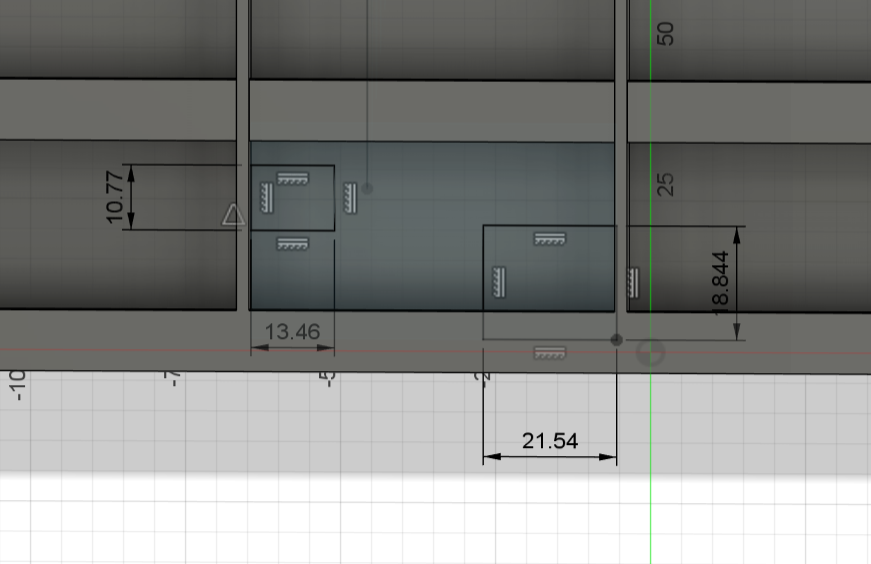


Balcony and railings - For the balconies, I created a sketch on the wall next to the rooftop garden. Then I made a rectangle 2mm wide and a random number of millimeters long (this length does not matter because the rectangle should be locked to the garden floor). Then I extruded the sketch out 6ft and wrapped it around the building. Then create another sketch on the balcony. This sketch is to make the railings! Each railing was 3ft tall and 0.4ft wide (about 1mm). Repeat the railing step for the inner balcony.
Balcony Dividers - For this step, I referenced my original sketch so I could extend the divider walls 6ft past the outermost wall. This allowed me to extrude the sketch to the roof, creating floor-to-ceiling divider balcony walls for all rooms.
Windows! -
- 1-bed 1-bath: contains 1 window and 1 sliding door with measurements of the door being 8 ft by 7 ft and the window being 4 ft by 5 ft.
- 2-bed 1-bath: contains one circular window and two sliding doors with measurements of the doors being 6ft by 7ft and the window having a diameter of 3ft.
- 3-bed, 2-bath: contains 2 windows and 4 sliding doors. 3 doors have dimensions 8ft by 7ft, 1 sliding door has dimensions of 6ft by 7ft, and the window has dimensions of 8ft by 7ft.
Gardens

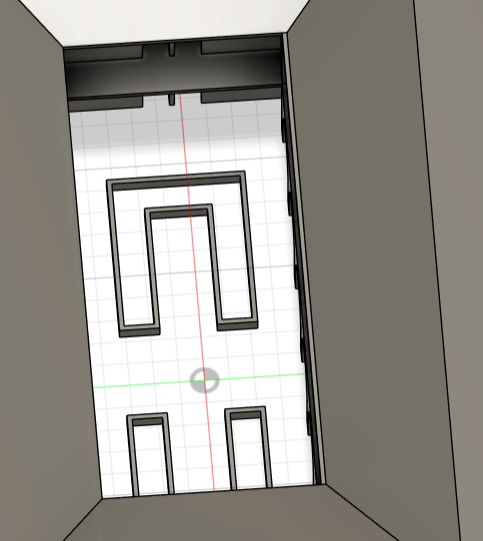
Roof Top Gardens - On the roof, there are 5 garden beds, each with dimensions 6ft by 10ft by 2ft. In order to make these, it is important to center one box between the stairwell and the railing. I used the pattern tool to make five boxes and then extruded the sketches.
Horseshoe Garden Beds - For these, the process is similar to the rooftop gardens. First, I centered the sketch of two boxes (20ft by 25ft). Since each is an equal distance from the arches and the back wall, I did not need to set the distance between the two. Next, outline a horseshoe shape 6ft wide with a perimeter of 2mm in thickness. Finally, extrude the perimeter 2ft tall.
Fillet Time!

To really achieve that final Adobe look, I placed a fillet of 6mm on all the outer edges of the building. This creates the rounded signature Adobe look.
Key Take Aways From Fusion 360
- It is okay to make mistakes! There were many moments where I measured something wrong or messed up a calculation. This caused certain elements to be slightly off. After I established the problem, I was able to fix it no matter how tedious it was.
- Label your sketches. I sometimes forget to label my sketches, or I forget to label my bodies. During this build, that really turned out to hurt me in the long run. I often had to go back and edit sketches; however, I had no idea where they were. You may be able to get away with not labeling sketches for a smaller piece, but for this piece, it is so important that you label the sketches.
- Real World Feasibility - when creating a digital model, it is important to think about what is actually feasible in real life. There were some aspects of the model that were easy to create and took little time, but when putting it on the physical model, these changes proved to be difficult or defied physics. For example, we almost did not put support pillars on the physical model because it was nearly overlooked in the online model.
Building!: Scaling (It’s More Fun the Third Time You Do It, Probably)

The first thing we did in order to begin constructing a physical model of the apartment complex was to print out a copy of our floor plan. This allowed us to better visualize the proportions of the building and choose a scale for the model that felt feasible yet fully representative of our vision. We decided that a scale 4x the printed floor plan fit these requirements, which we used to convert the true measurements of the building (if it were constructed to scale) into measurements for our model.
Here’s an example of my process in finding the scale factor (which, in hindsight, is slightly more complicated than it had to be):
- Measuring the printed floor plan with a ruler, I found the long side of the building, with true measurements of 170 ft, to be 7.25 in.
- Dividing 170 by 7.25 gave me a scale factor of 23.45
- Multiplying 7.25 by 4 gave me the model measurement of 29 in. for the long sides of the apartment.
Following this process each time, I made a list of model measurements as they corresponded to the true measurements of the building.
Why Foam Board?
With this fancy conversion process, I could get to measuring the structural walls of the apartment. This is where foam board comes into play.
Foam board made sense as our base material for the following reasons:
- It offers built-in wall thickness. In fact, after research into adobe-style building practices, we found that adobe walls should be at least 14in thick—thicker than standard wood-frame walls (which are usually 8-10 inches). This is because adobe walls have high thermal mass, meaning they absorb and then gradually release heat. In warmer, dry climates, this allows for indoor temperatures to be cool during hot days, and warm during cold nights. The thicker the wall, the more thermal mass, and this process works sort of in place of the insulation provided by standard wood-frame walls. In our model, foam board width measured in at a little less than a quarter of an inch, translating to about 1.28 ft, or 15-ish inches.
- Ease of use. We had access to heavy-duty X-Acto knives, making cutting foam board fairly simple. Additionally, the light color of the board allowed for marking specific measurements directly onto the board with ease, as well as made for a good surface to paint over with few layers.
Sources:
https://codelibrary.amlegal.com/codes/yuma/latest/yuma_az/0-0-0-41808
https://geoinfo.nmt.edu/publications/periodicals/nmg/6/n4/nmg_v6_n4_p69.pdf
Measuring Structural Walls
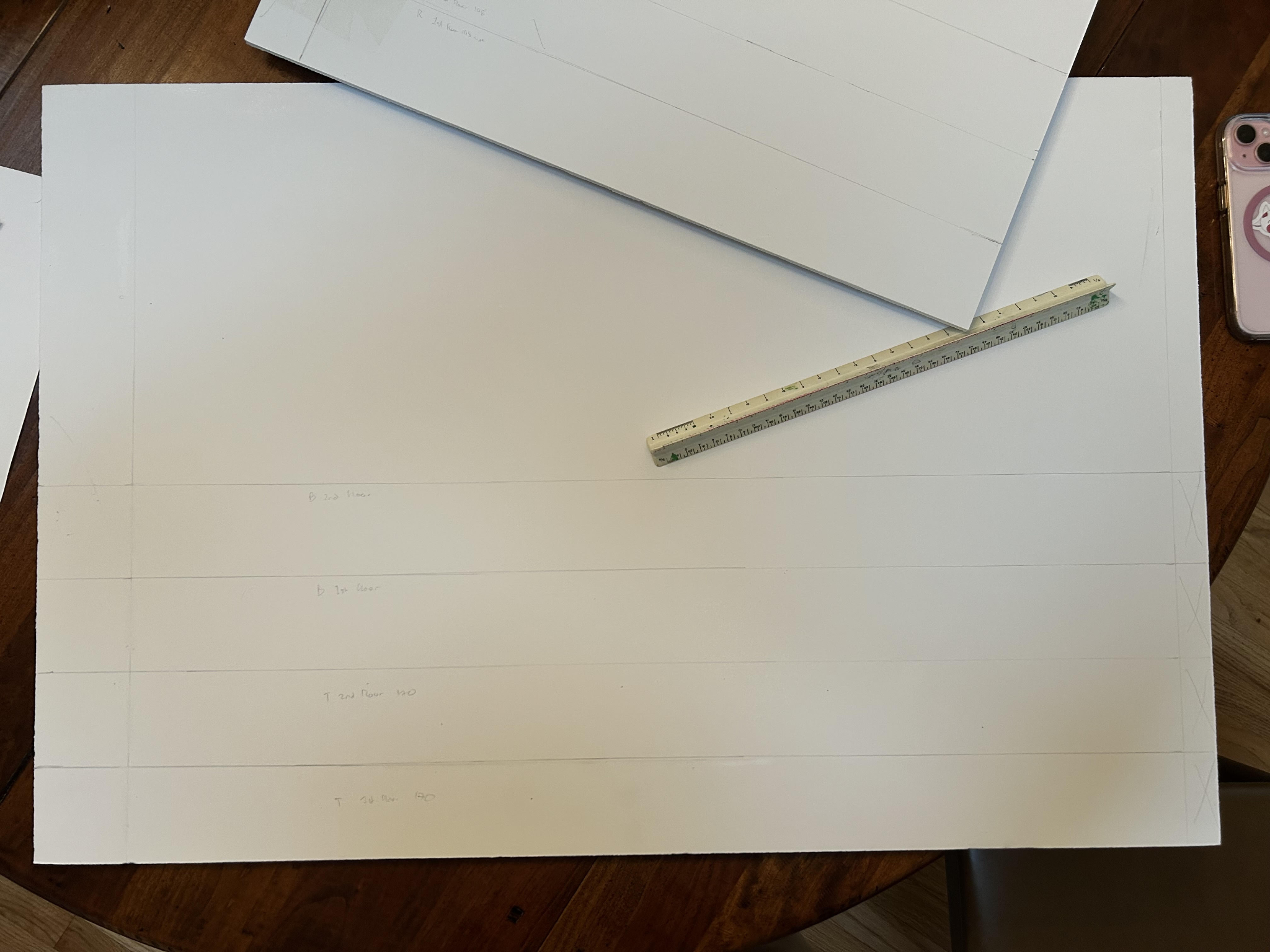

When measuring walls for the model apartment, I had to keep a few things in mind:
- Leave room for that almost-quarter-inch of foam to avoid any awkward overhang. This gave me quite a bit of grief, and was the reason behind more than a handful of erased lines.
- Memorize the height of the walls! I discovered that marking my ruler with the universal height of the walls was a great way to keep that number on hand. I measured many walls, and the only dimension that remained relevant through it all was wall height, which doesn’t change throughout the apartment (thank goodness).
- Measure twice, cut once. We knew this rule before even starting this project, but did we listen? After a lot of mistakes and several cut walls that became useless due to poor measuring, I think we can finally say we’ve learned our lesson.
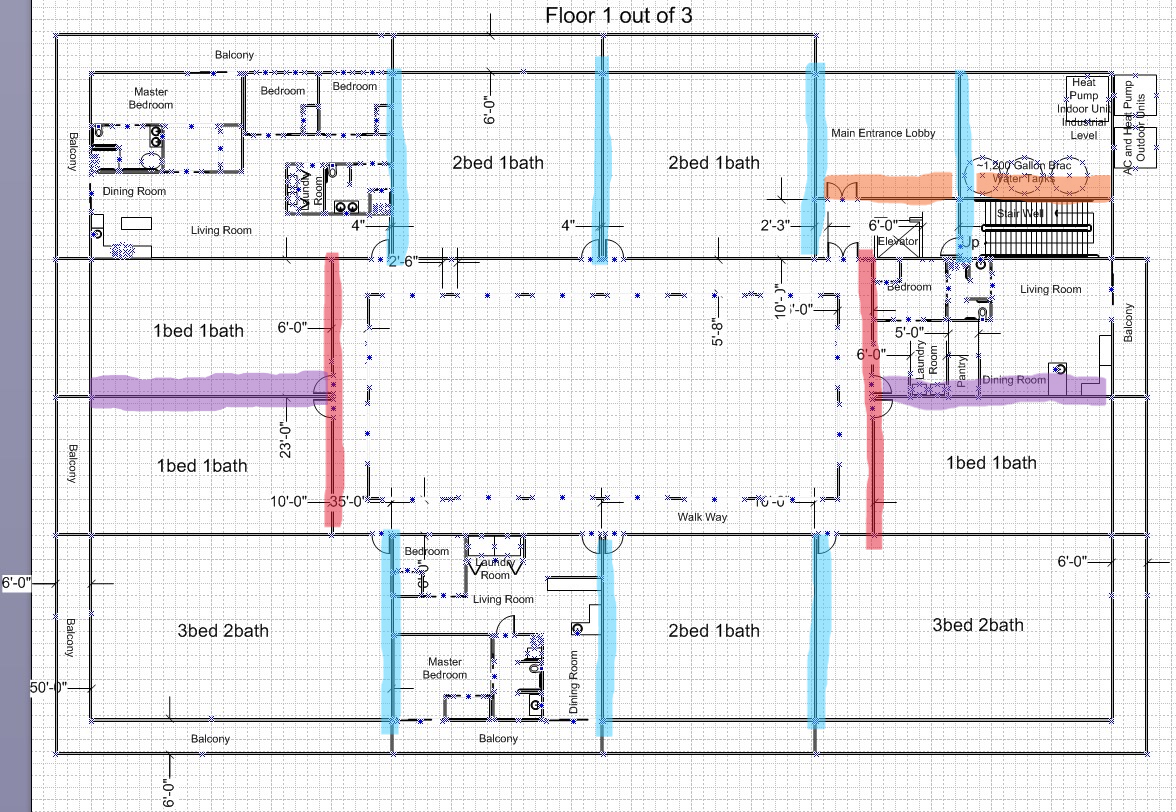
The dimensions of the long exterior walls (170 ft) are 29in by 4.4in I measured eight walls with these measurements to account for the first floor exterior walls (x2), the second floor exterior walls (x2), and the first and second floor interior walls that also stretched across the full building (x4). These are highlighted in yellow in the above image.
The dimensions for the short exterior walls (108 ft) are 18.5in by 4.4in However, to account for the extra thickness of the foam board, I added a little under 2 quarters of an inch to these walls. I measured 4 of these walls, 2 for each floor. These are highlighted in green.
I used my list of room dimensions to measure the remaining structural walls. For instance, the 1 bed/1 bath apartment is 40 ft by 23 ft, meaning I knew to cut 4 of the 40 ft walls (which I found to be about 6.8 in on the model), 2 for each floor. I highlighted these purple in the image above.
With this same logic (and process of scaling), I measured 13 walls with dimensions of 5.3 by 4.4 in. (highlighted blue), 4 walls with dimensions of 7.86 by 4.4 in. (highlighted red), and 2 walls with dimensions of 4.3 by 4.4 in. (highlighted orange).
Cutting Structural Walls
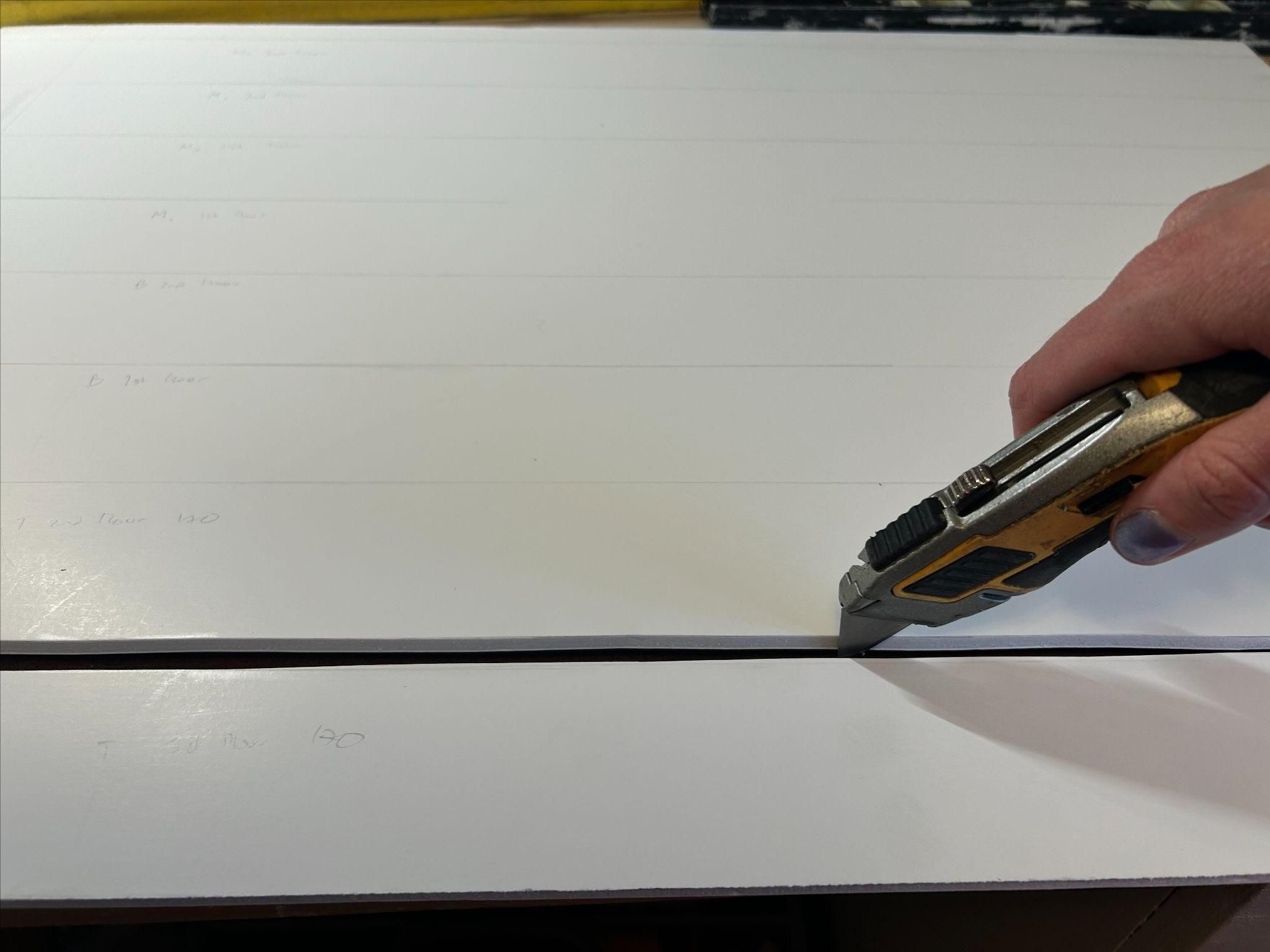
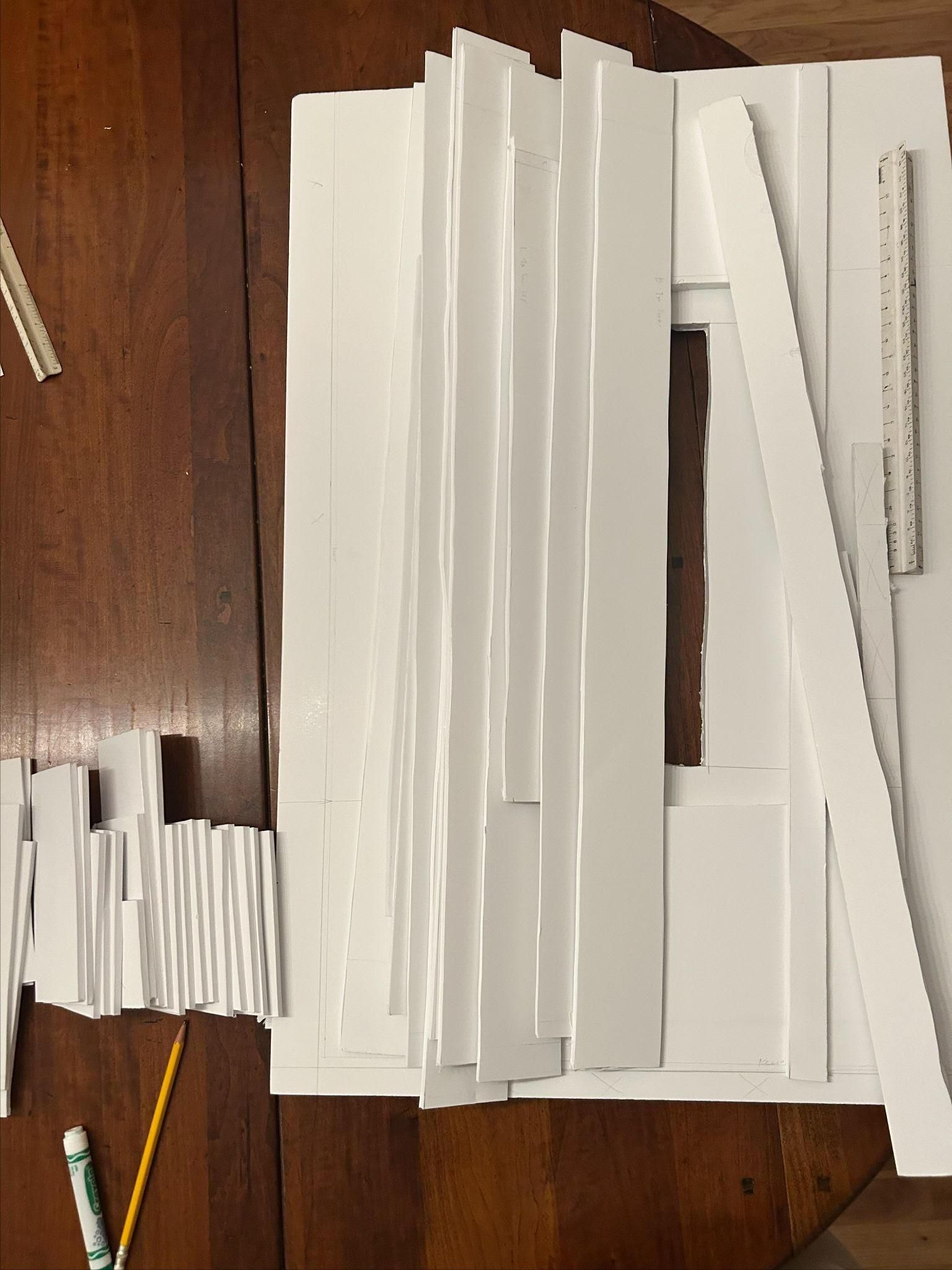
This is either the most fun part, or the most exhausting thing I’ve ever done. As previously mentioned, we used X-Acto knives to cut the foam board after all structural walls were measured and outlined using a ruler. Some things to keep in mind during this step:
- Be mindful of the surface used for cutting. We did the majority of measuring on a kitchen table, which would be a horrible surface to use an X-Acto knife on. We initially decided to cut everything on a work table, but eventually moved back to the kitchen table, placing a scrap wooden board underneath the foam boards so we didn’t mark the furniture.
- Cut away from yourself. Please. We only had a couple of small injuries during this process, but if we hadn’t abided by this rule, we probably would have had more.
- Measure twice, cut once! This was prevalent in the previous step, but it’s even more prevalent now! Once it’s cut, it’s cut, and while foam board is a more flexible resource than wood, we still had a limited supply—every cut counted.
- Make sure all measured lines are straight. Straight, confident lines are a lot easier to cut than wobbly lines.
Cutting structural walls ended up not being very complicated, as we just followed the lines I’d already marked with a ruler. It was a workout, however. We put all our finished cuts in organized piles. Or at least, we really tried to make them organized.
Measuring and Cutting the Second Floor and Roof
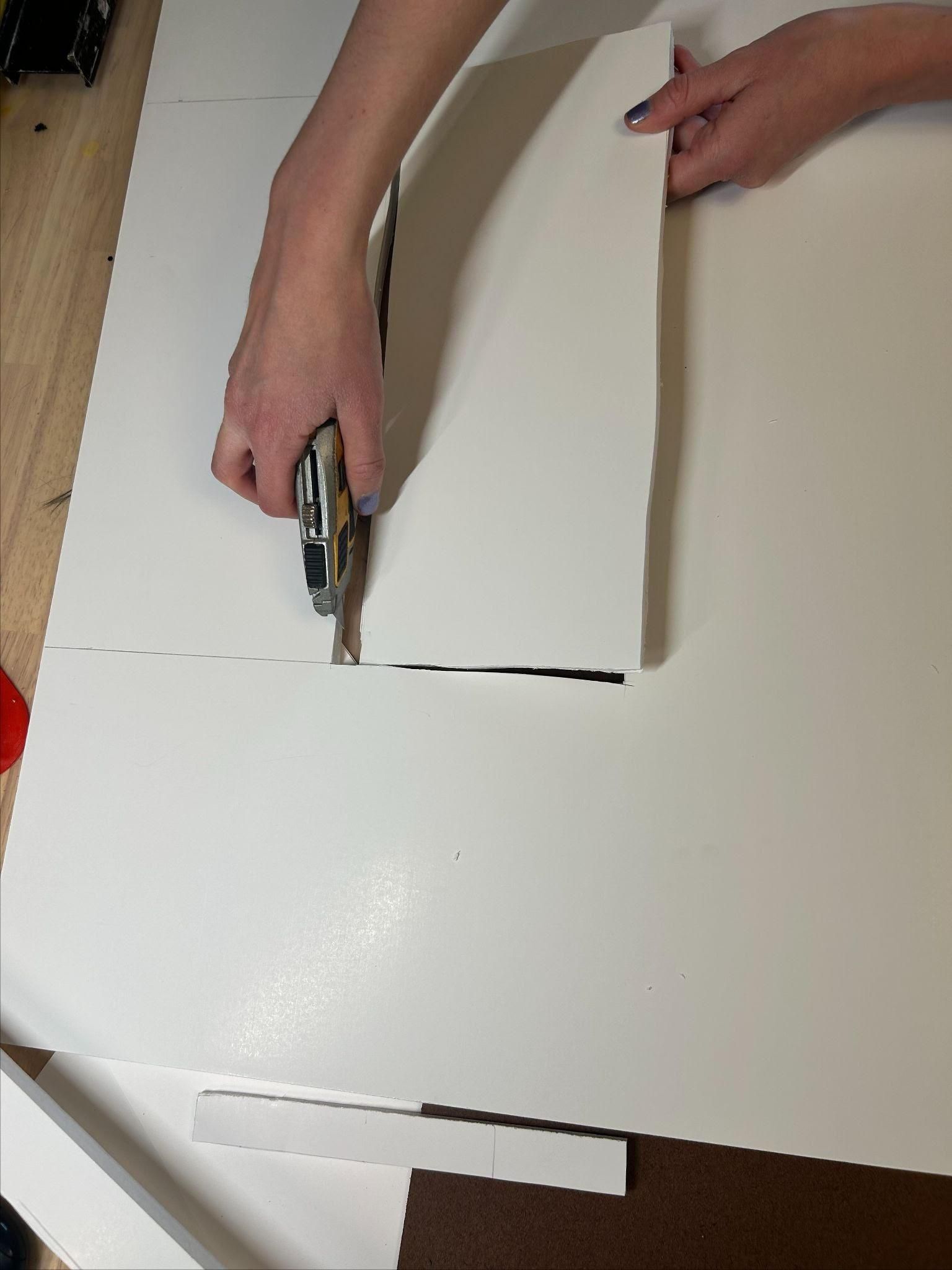
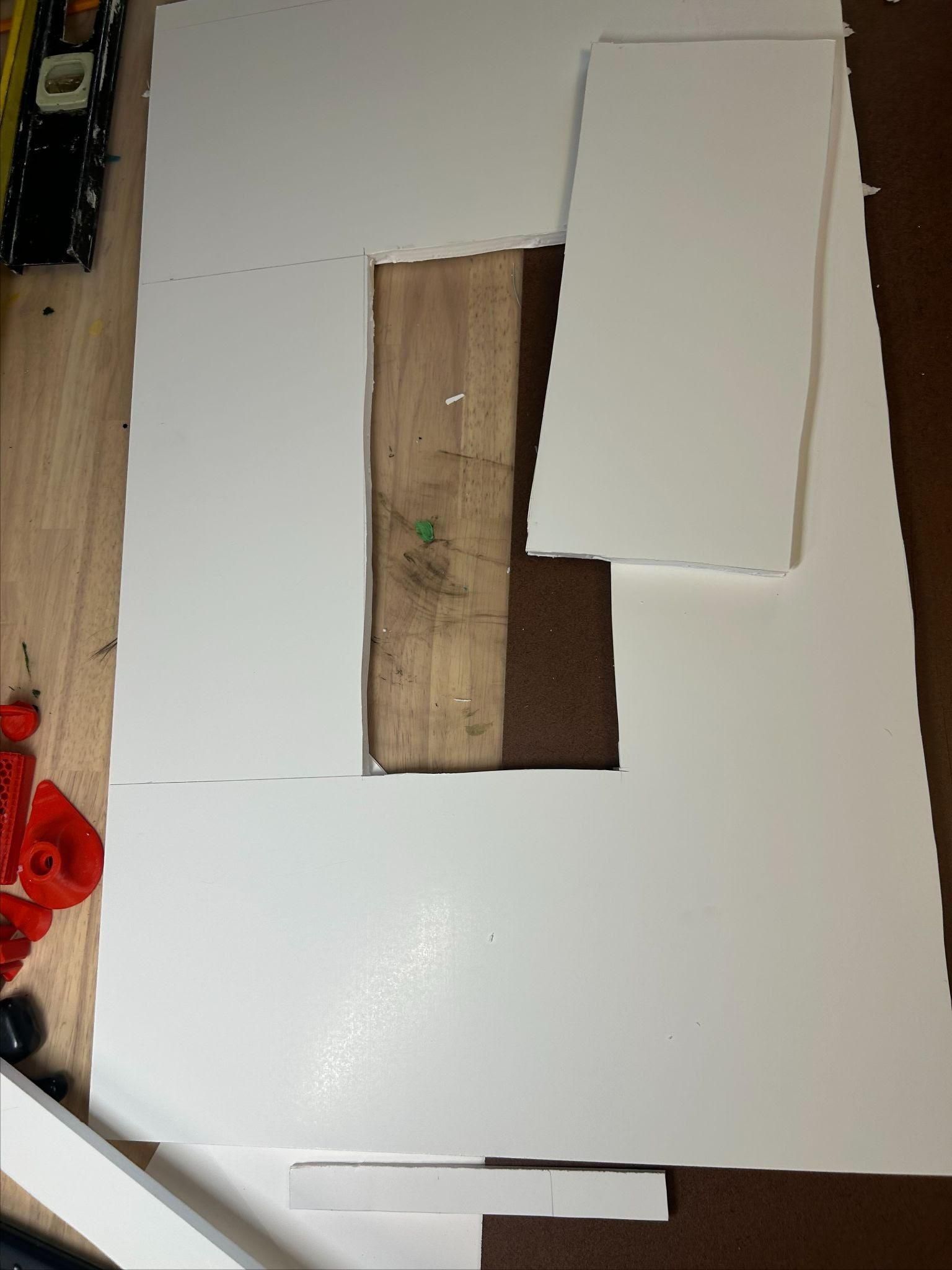
Undoubtedly, the second floor and roof were the hardest measurements for me to wrap my head around. This is reflected in some wonky measurements for the second floor, but I learned my lesson for the roof.
For the second floor:
- First, I measured the foam board to be the appropriate dimensions (170 by 108 ft, or 29 by 18.5 in). The leftover spaces were cut and set aside for later use.
- I measured 6.8in (40 ft) from the short side of the remaining board, then another 1 inch (6 ft) to account for the inner balcony included in the second floor. After marking this spot, I then measured 5.3in (31 ft) from the long side, plus another 1 inch, and marked this spot. The dimensions I got for the resulting rectangle (34 by 78 ft, or 5.8 by 13.3 in.) became the opening for the apartment complex’s center courtyard.
- We cut this out of thicker foam board because structurally, the thickness of a floor is much better off being much thicker than an interior wall. This meant that the workout intensity increased when removing the center, but we prevailed.
- I failed to account for the extra almost-quarter-inch added by the foam board on the walls, which made it so the floor wasn’t a clean fit. Additionally, because this was our first time cutting the thicker board, some of the lines were slightly angled, which contributed to some slightly off measurements.
For the roof:
- Luckily for us, we learned from our blunder with the second floor and changed our measuring method to make the roof. Since the lines weren’t 100% straight on the second-floor board, we decided to forgo trusting a ruler and instead found the midpoint of our designated roof foam board and matched that up to be in the center of the space we cut out of the second floor. This ensured that even with some mistakes, the model would maintain symmetry wherever possible.
Model, Assemble!
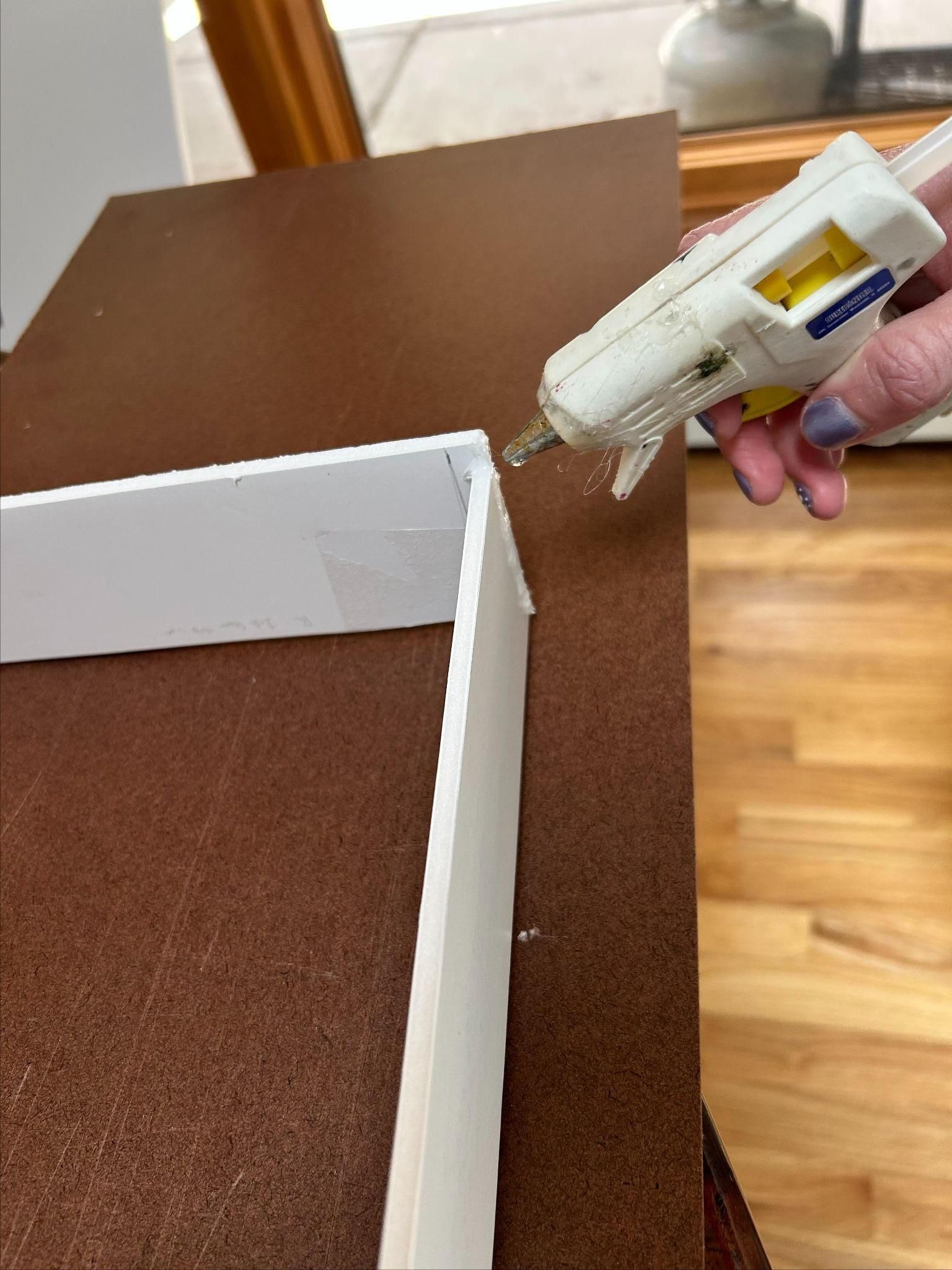
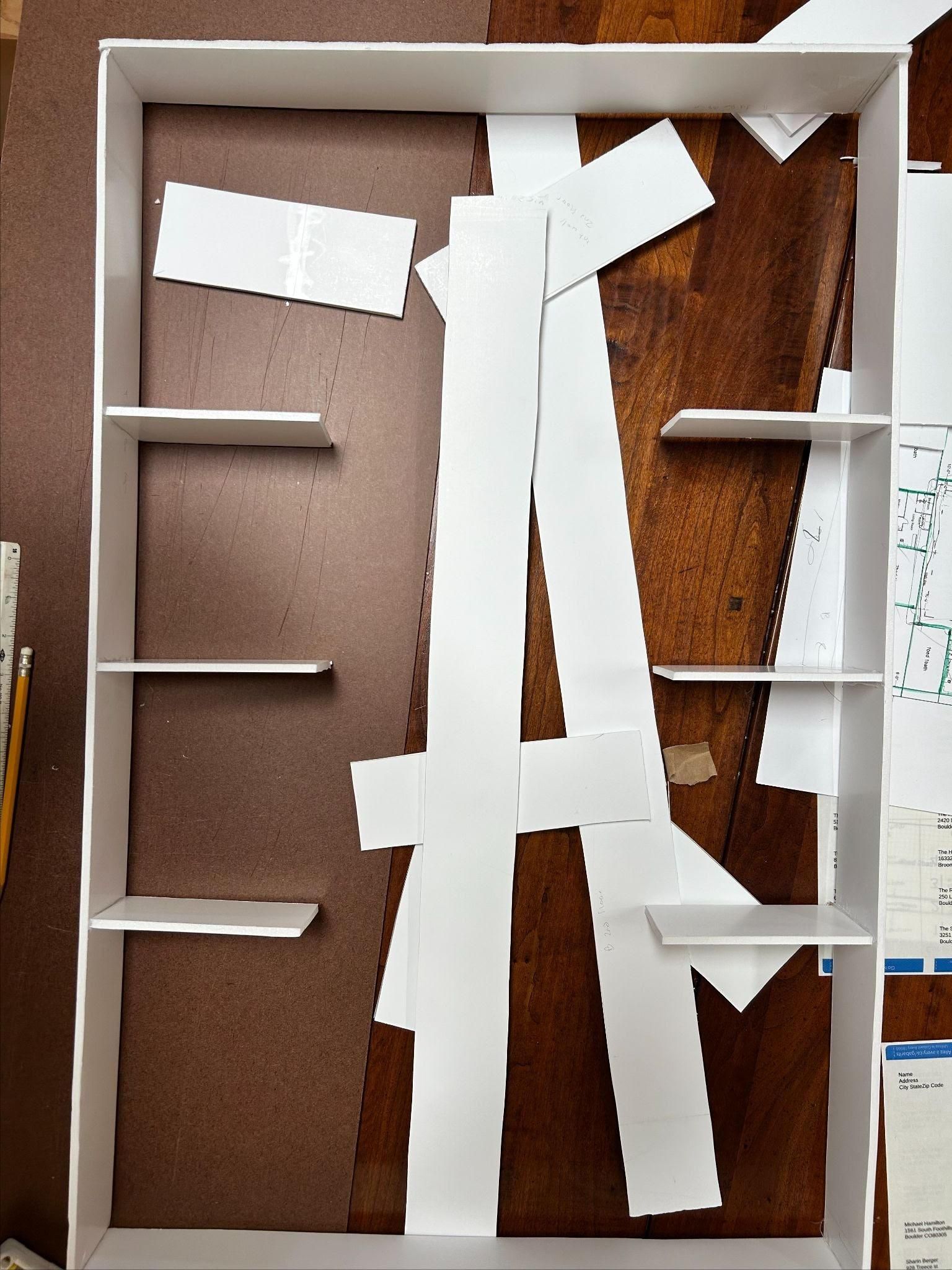
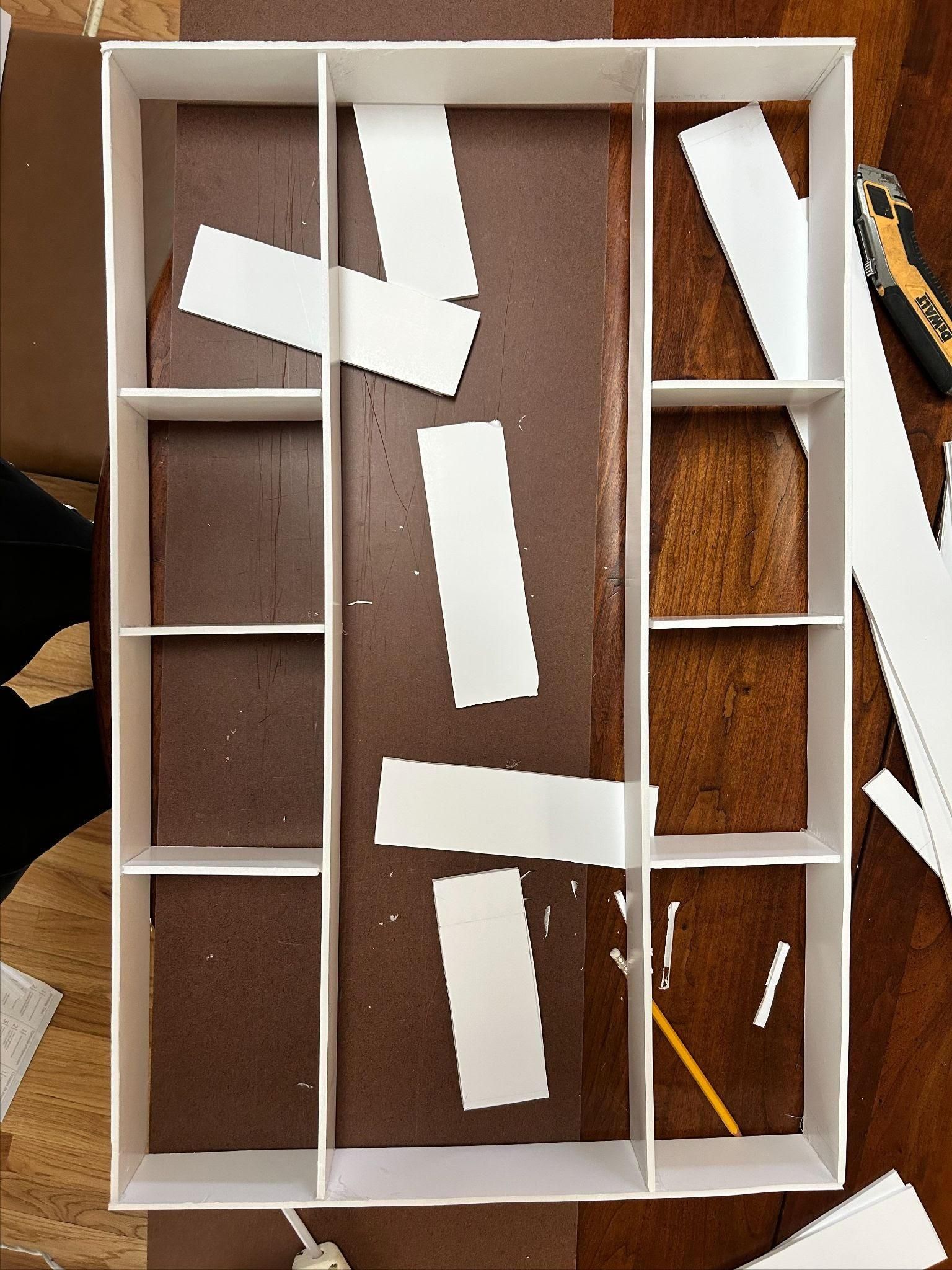

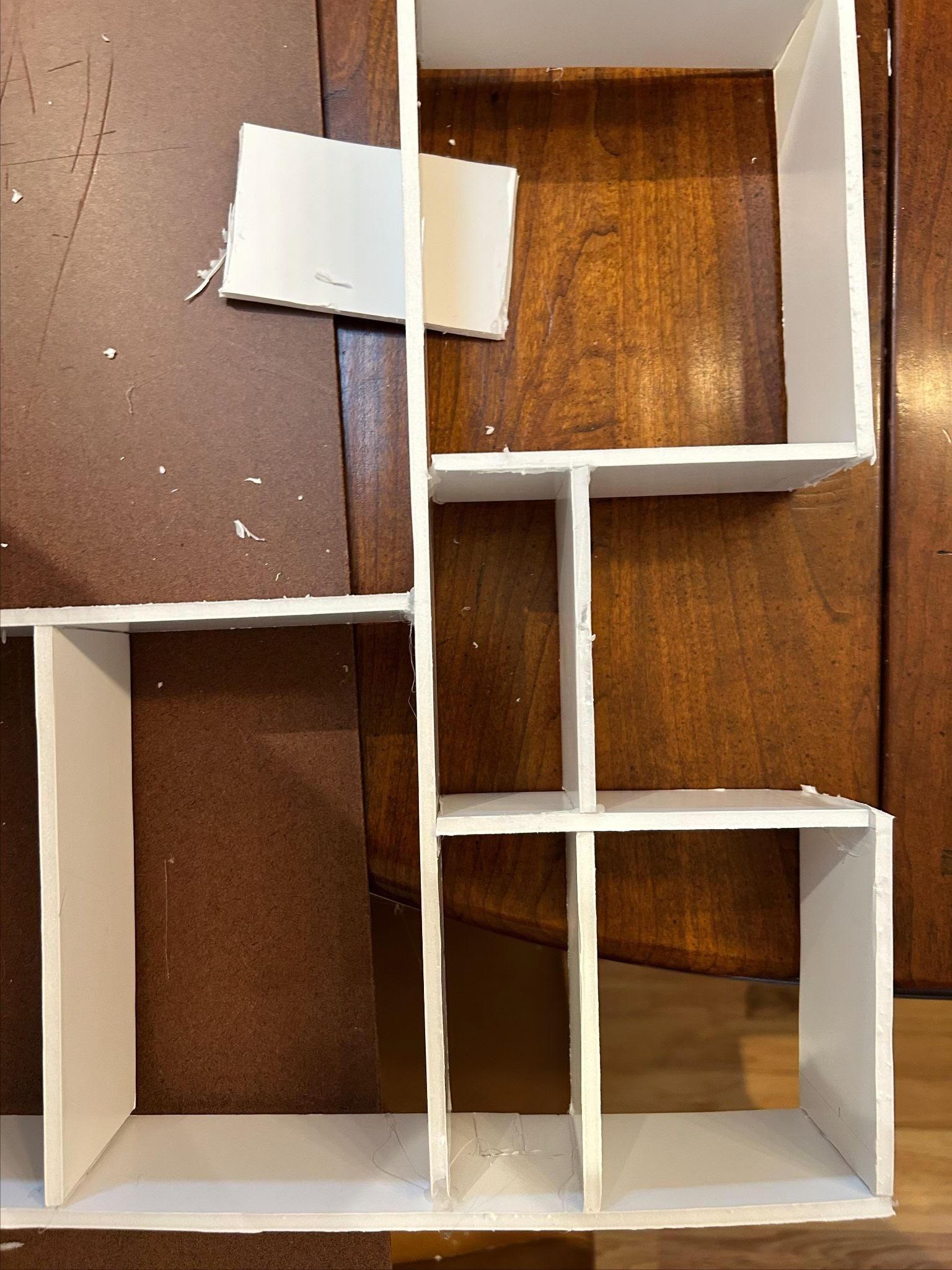
With all the walls cut out, we hot-glued them together. This was the moment of truth to see if I had truly left enough space for the foam board edges, and for the exterior walls (I had!). These walls fit together snugly, and hot glue worked well to attach foam edges.
Before adding interior walls, I attached all the exterior walls and re-measured them to ensure the dimensions were correct. In this sense, it’s kind of like a puzzle—the edges come first, then the details.
To attach interior walls, I started with small walls on each side, and worked my way to the center. I thought this was smart because it ensured that, once again, the building remained as symmetrical as possible. After attaching three of the 5.3in by 4.4in walls on each side, I added in two more long walls (29in), and held them in place until the glue was dry and the model sturdy.
Closing in on that line of symmetry, I added in the final two major walls of the first floor—and discovered one was too short. So, I measured again, cut again, and after much ado, was back in a good place to glue these final walls in. The second time, the walls were all the right length.
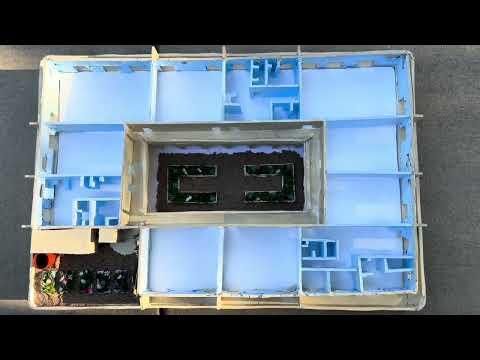
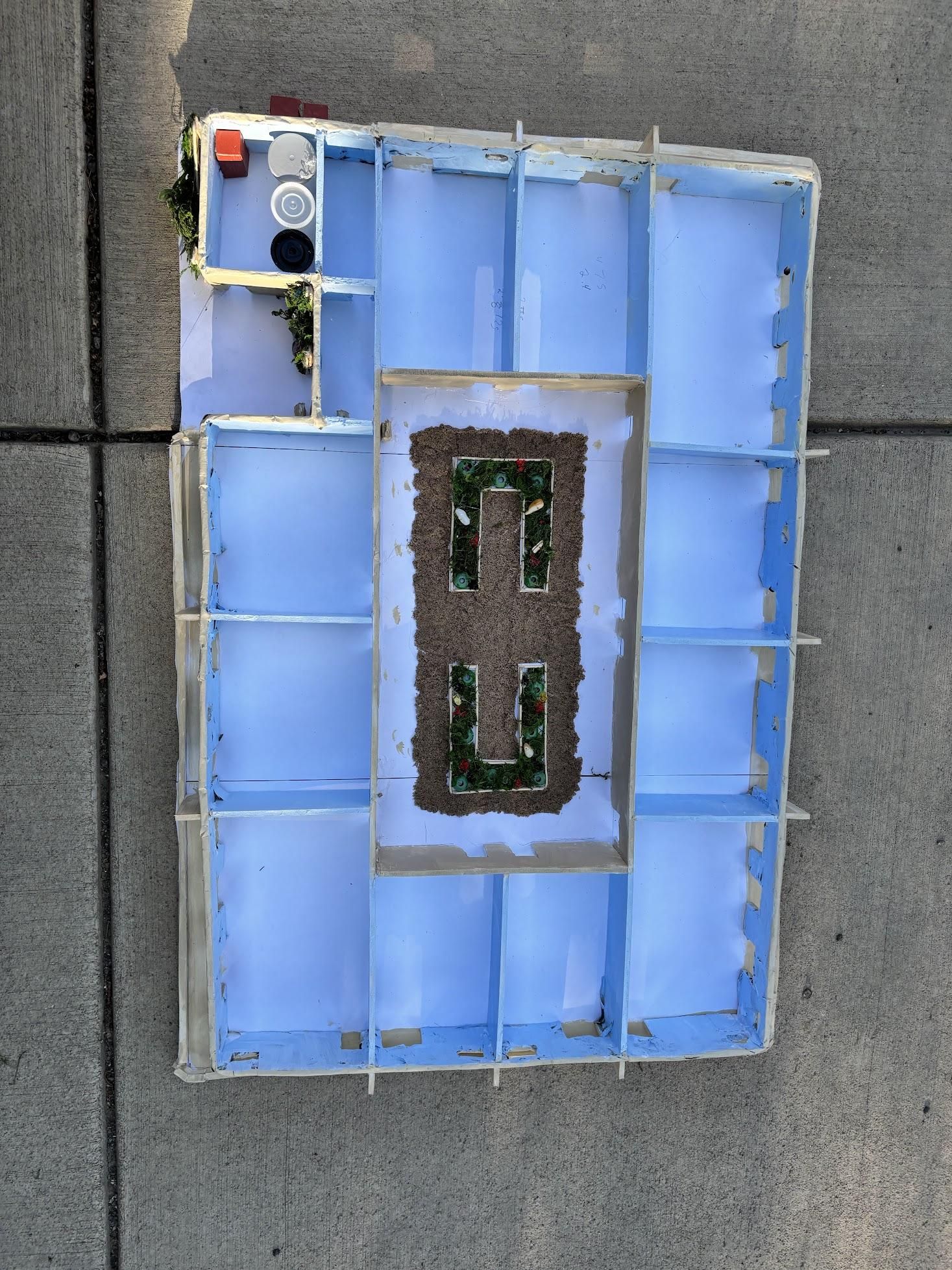
I did this exact process again for the second floor, which is virtually identical except for the front left room/space, where I eventually added in the extra walls for a staircase and elevator, a maintenance room on the first floor, and removed a decent-sized chunk of the exterior wall for the second floor garden, and a smaller chunk of the exterior for the entrance on the first floor.
Little Things

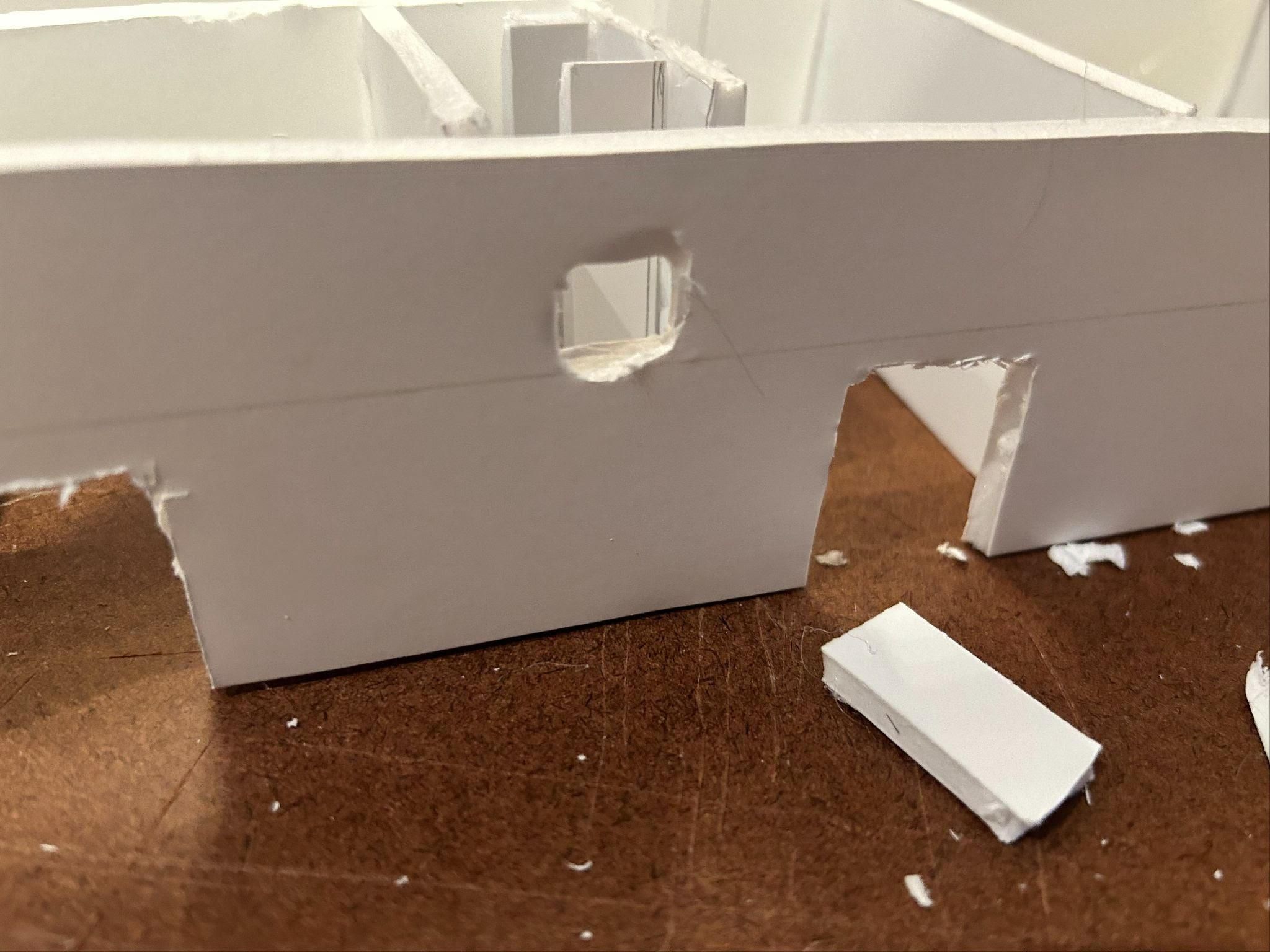

In our floor plan, we had decided to show the specific layout of one of each type of apartment in the physical model, despite not including this detail in the Fusion 360. For this, I got to work cutting out little doors and windows.
Doors - In our apartment complex, we have a couple of different types of doors. In the physical model, some notable mentions are sliding glass doors, hinged doors, and pocket doors. For each sliding glass door, we cut a space out of the exterior wall, usually about 1.2in tall and 1.4in wide (7ft by 8ft). For hinged doors, I cut space out of the innermost wall, leaving room for entrances. These doors were all about 7 ft. tall and 4 ft. wide. Lastly, for the three detailed apartments, I cut out spaces for doors after measuring and cutting new small interior walls (e. g., for bedrooms and bathrooms). Most of these doors are representative of pocket doors, though for our model, I made them a standard size similar to hinged doors, as if they are partially closed. The reason for this was to try and create a sense of unity with each door, and to avoid any mistakes with measuring since we gave each pocket door slightly different dimensions depending on its location.
Windows - Since we waited until after gluing together the structural walls to add exterior windows, we had some trouble cutting these spaces out. In hindsight, this step should have come before the majority of the gluing, but as it was, we were able to cut out 28 windows across the two floors. I followed our Fusion 360 model for placement: For the 2 bed/1 bath apartments, I gave them each one rounded window above the bathroom, for each of the 1 bed/1bath apartments, I cut one window over the kitchen, and for each 3 bed/2bath apartment, I cut two windows in the master bedroom.
Rooms - Using our Visio floor plan as a guide, I measured out and cut walls for individual rooms in each detailed apartment. Initially, I tried measuring each of these walls carefully, but due to time constraints, this method wasn’t sustainable. To speed things up, I started using more rudimentary measuring practices, like finding halfway marks instead of using the scale, or eyeballing roughly where a wall should be placed. However, with more time and practice, I would have preferred to be more precise with some of these small measurements.
I waited to glue some of the interior walls to the overall structure until after painting, but above there is a picture of all three apartments laid out fully
And then it was time for painting!
Panting!
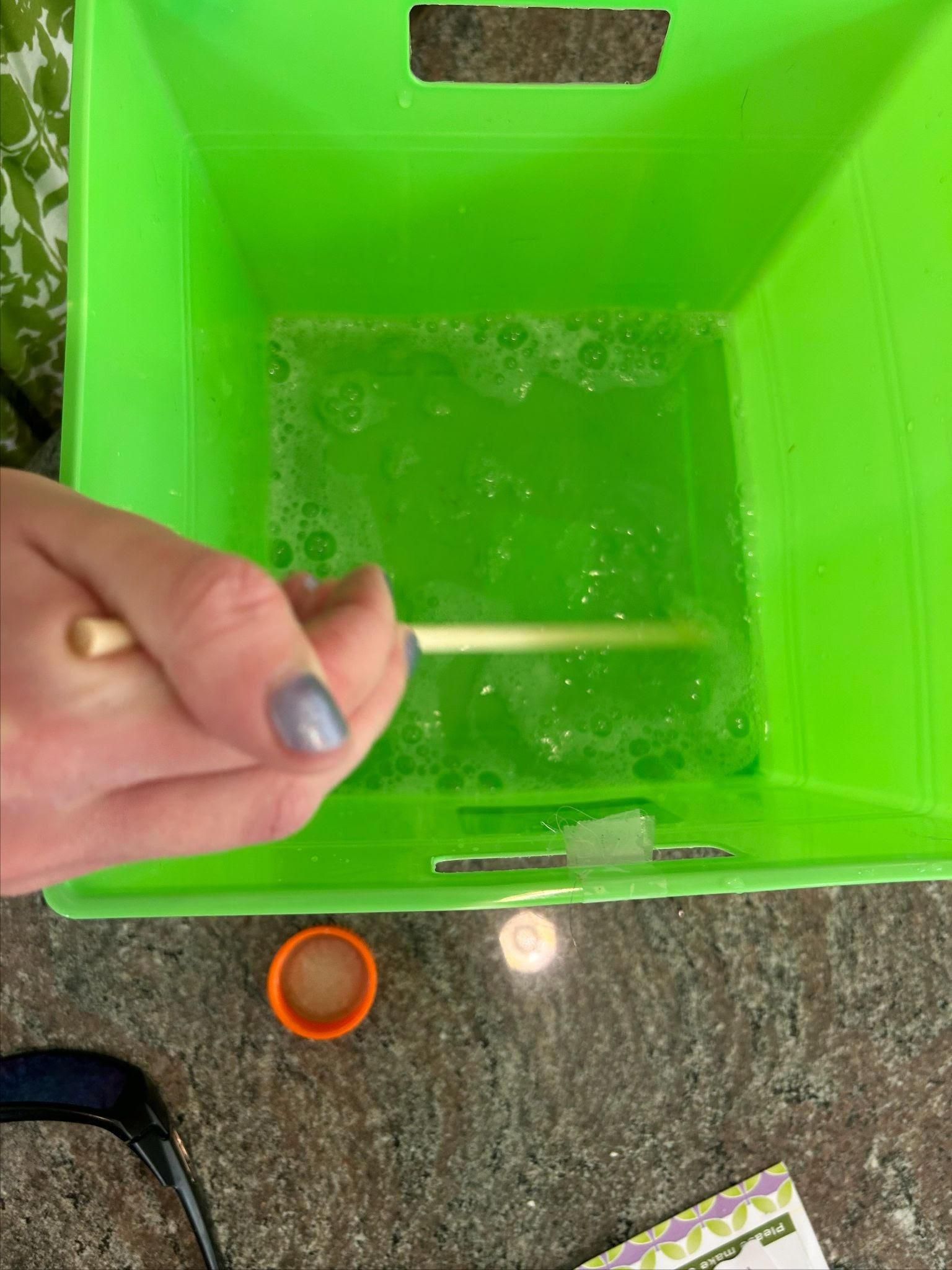
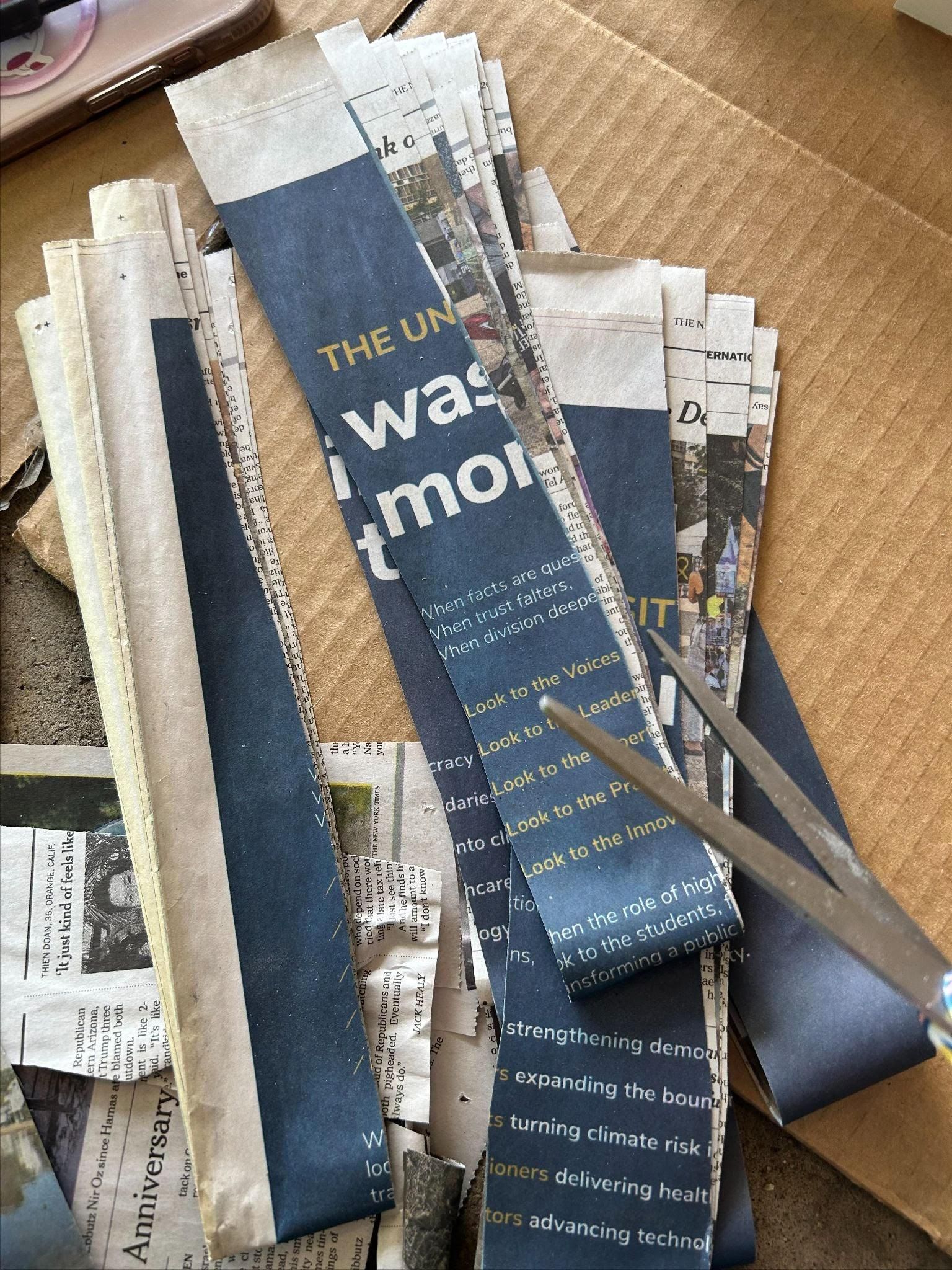

- Outer Walls
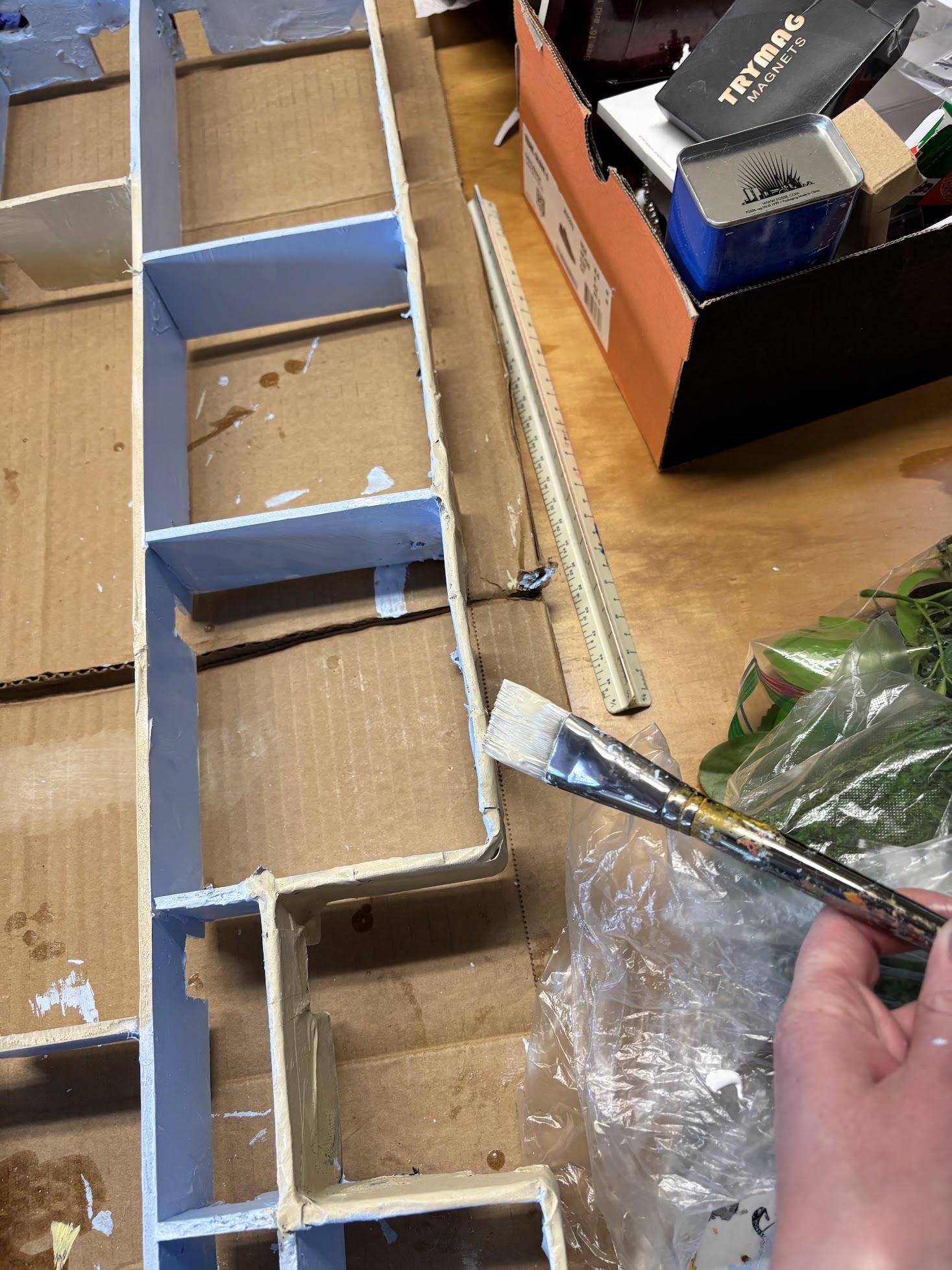
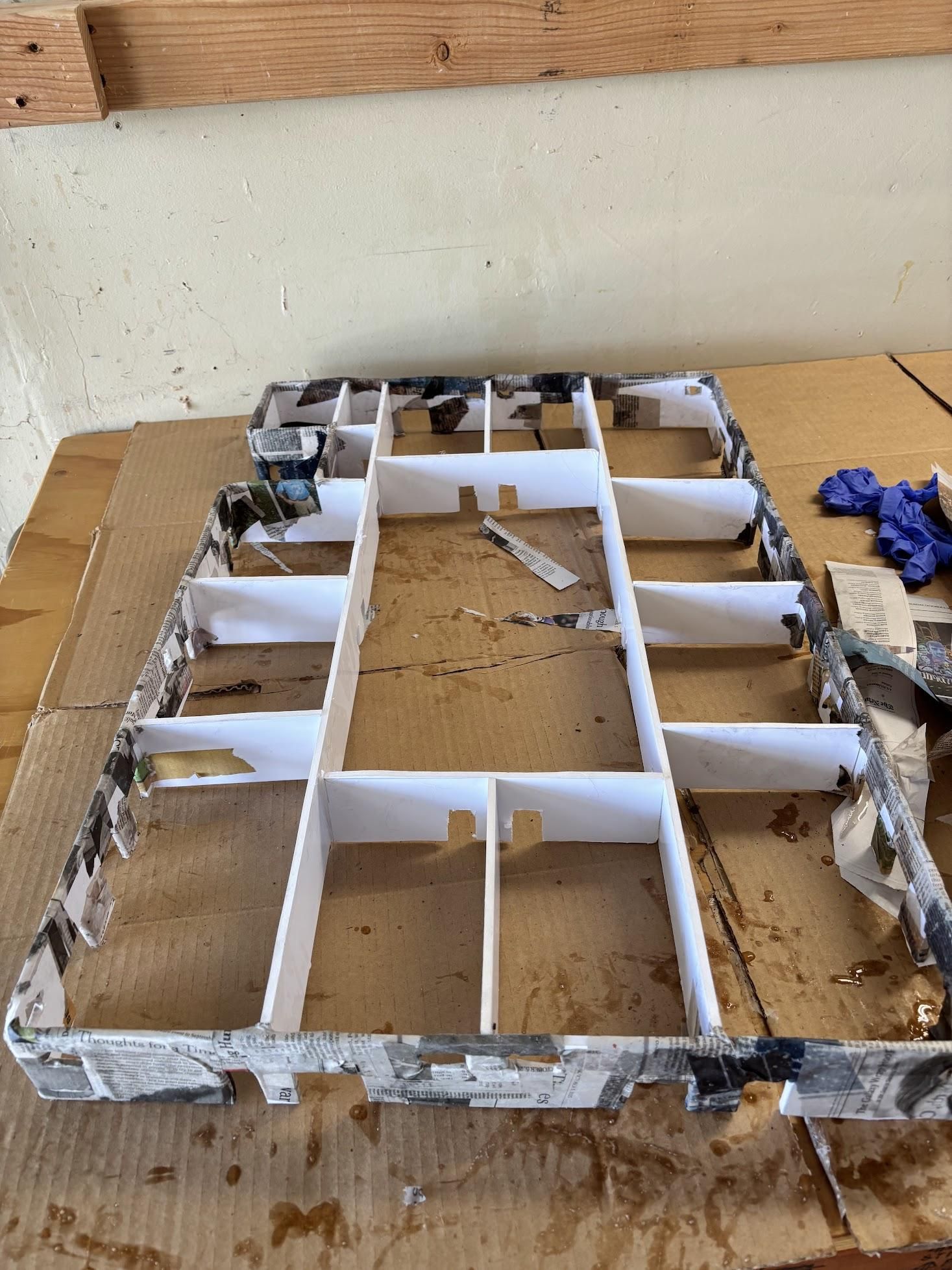
- Paper Mache - before starting the painting process of the outermost walls, we created a mixture of 2 parts glue and 1 part water to create paper mache. We used old newspapers as the material to dip in the glue mixture and paste on the building. It is highly recommended to wear gloves for this step. The paper mache was used to smooth out imperfections and create an Adobe texture on just the outermost wall.
- Painting - we used a light tan paint on all the exterior walls after the paper had dried. Then it was time to stipple the paint with a sponge! This furthered the Adobe texture.
- Inner Walls - Since blue and orange are complementary colors, we painted the inner rooms baby blue (this will take a lot of paint). A good tip for this step is to paint the small walls in each of the showrooms separately and then glue them in.
- Inner Courtyard Walls - For the walls adjacent to the inner courtyard, we painted them a light tan color just like the outer walls. However, these walls did not need to be stippled.
- The Trim - For the tops of the walls, we painted them baby blue for the inner rooms and light tan for the outer walls.
- The Railings and Balconies- For the balcony railings and balconies, we also painted them light tan.
Garden Bed Furnishing

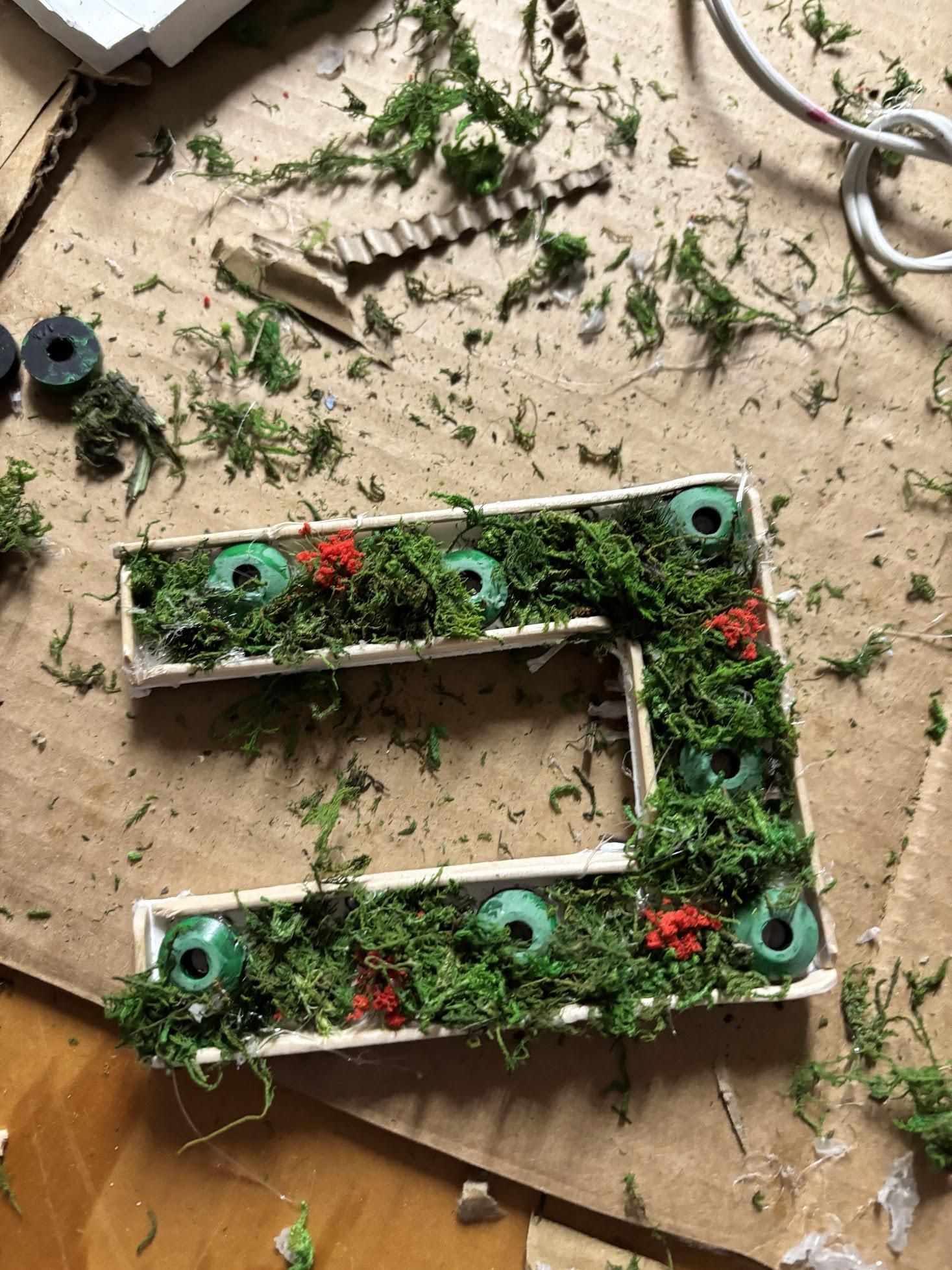
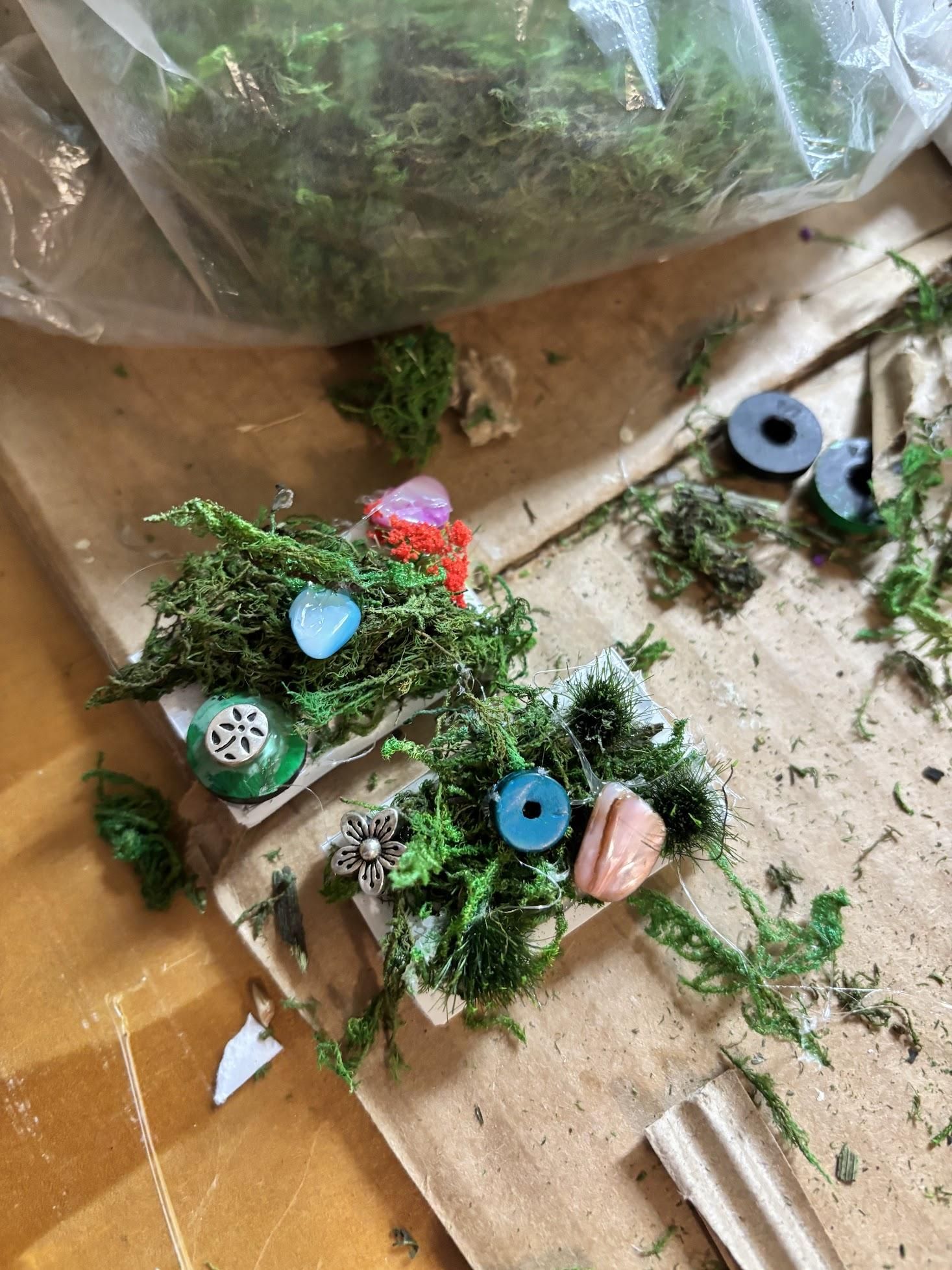
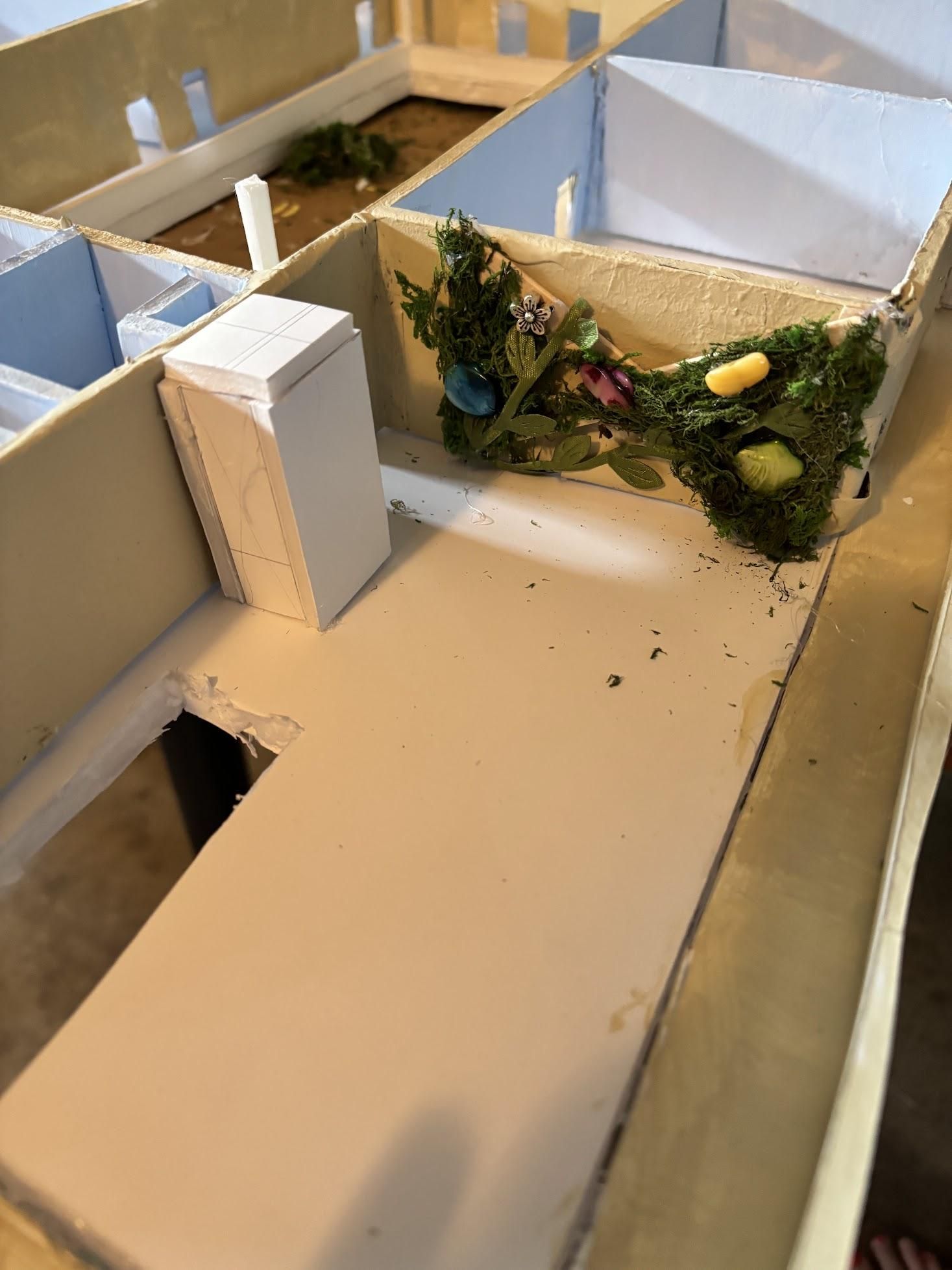
Garden beds on the roof and in the center courtyard assist in cooling, support pollinators, and add to a natural, environmentally-conscious atmosphere that we strived to create in our model.
- Why use knick-knacks in the model? - We used knick-knacks for the greenery in the garden beds because we wanted to demonstrate the use of reused materials in the model. This further exemplifies that we want our building to be sustainable, whether big or small. Therefore, for the garden beds, knick-knacks assemble!
- Painting the Knick -Knacks - We wanted to use little black rings to represent cactus, so we painted these rings green with light green highlights.
- Horseshoe and Rooftop Gardens - For these garden beds, place a few decorative Knick-Knacks and then fill in the blank space with fake moss representing other plants.
- Vertical Gardens - Vertical gardens assist in water retention during rainfall. They also act as natural insulation, much like adobe building material, and dampen environmental noise. However, because adobe requires a dry climate and is susceptible to moisture damage, using a trellis is ideal to limit wall contact.
Gravel Paths - For the areas around the gardens, we wanted to include compact gravel paths. This was most easily achieved through the use of kinetic sand. The kinetic sand created the illusion of gravel without the mess of real sand. It was also easy to implement in our Design.
The Physical Roof - Tiles:
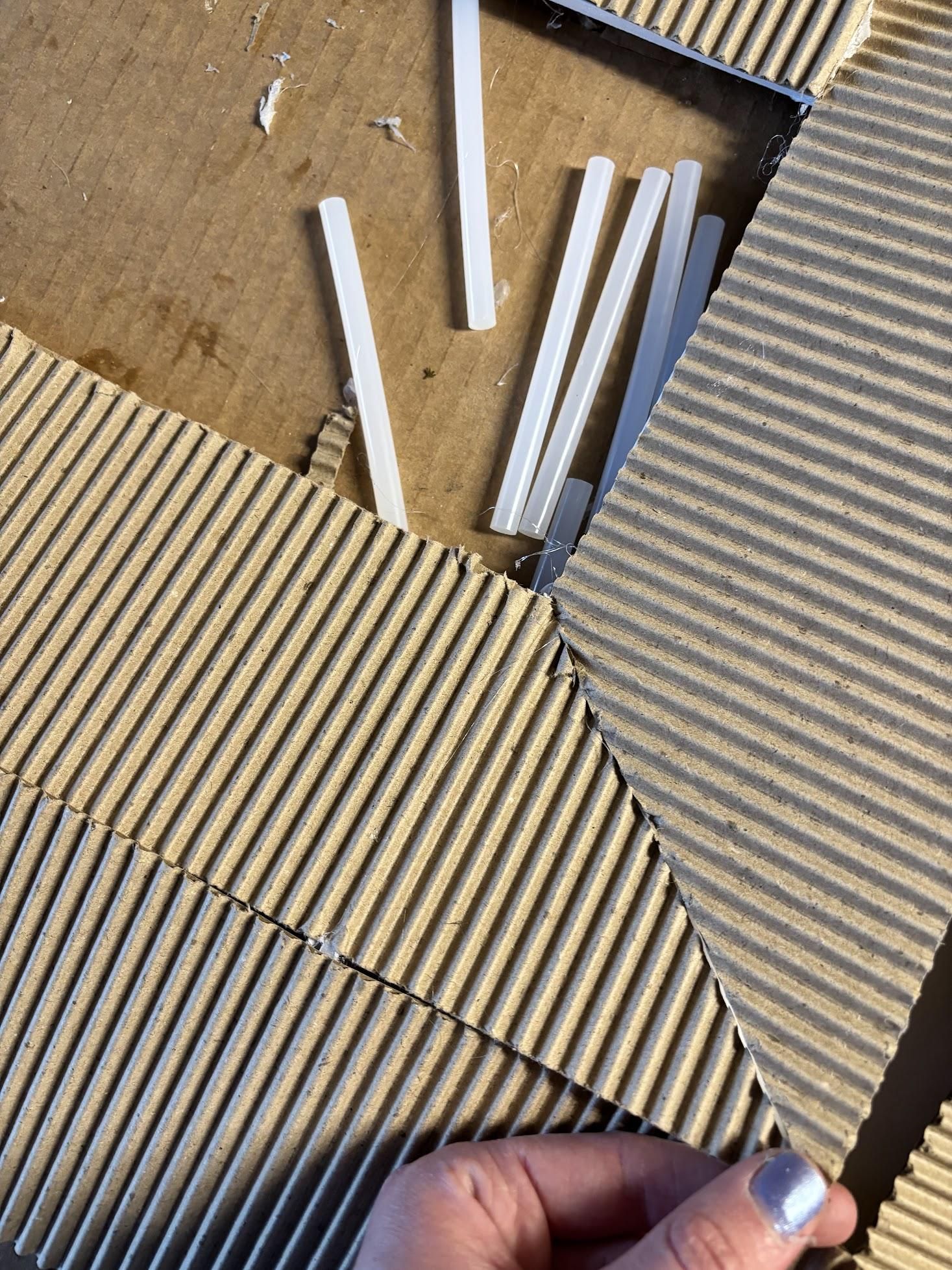
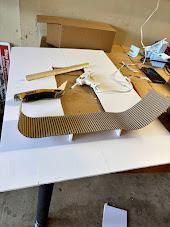

- Creating the triangles - here we used the same technique as on Fusion 360. First, we found the midpoint between the inner wall and the outer wall. Then, on a separate foam board, we traced a right triangle with leg lengths of one inch and the length of the midpoint (this is different for each side). After that, we cut a piece of corrugated board to fit the longer leg of the right triangle and the length of the side we were working on. Lastly, we glued the tips of the triangles at the corners of the inner rectangle and glued the outer triangles 1in leg to the other 1in leg. We repeated this for all sides of the building.
- Note - The roofing that is on the outermost side of the building needs to have an overhang. To do this, we made the longest leg 1/2in longer. This adjustment is similar to what was done in the Fusion 360 model.
- Cutting the Corrugated board - We first established which corner will have the rooftop garden (we will cut this later). Next, for the non-rooftop garden sides, we cut the corrugated board along the slanted line where the two corrugated boards met. Lastly, we glued everything together.
- Roof Top Garden - For the garden, we lined the roof up with the floor below so that the overhang would match the inner balcony. Then we flipped the roof over and traced the cut-out meant for the garden. Lastly, we cut the garden into the roof.
- Roof next to the Garden - For the roof next to the garden, we placed the triangles at the edge of the cutout, then glued the corrugated board to the triangles. After that, we cut the excess corrugated board, so it was flush with the triangles.
Finishing Touches


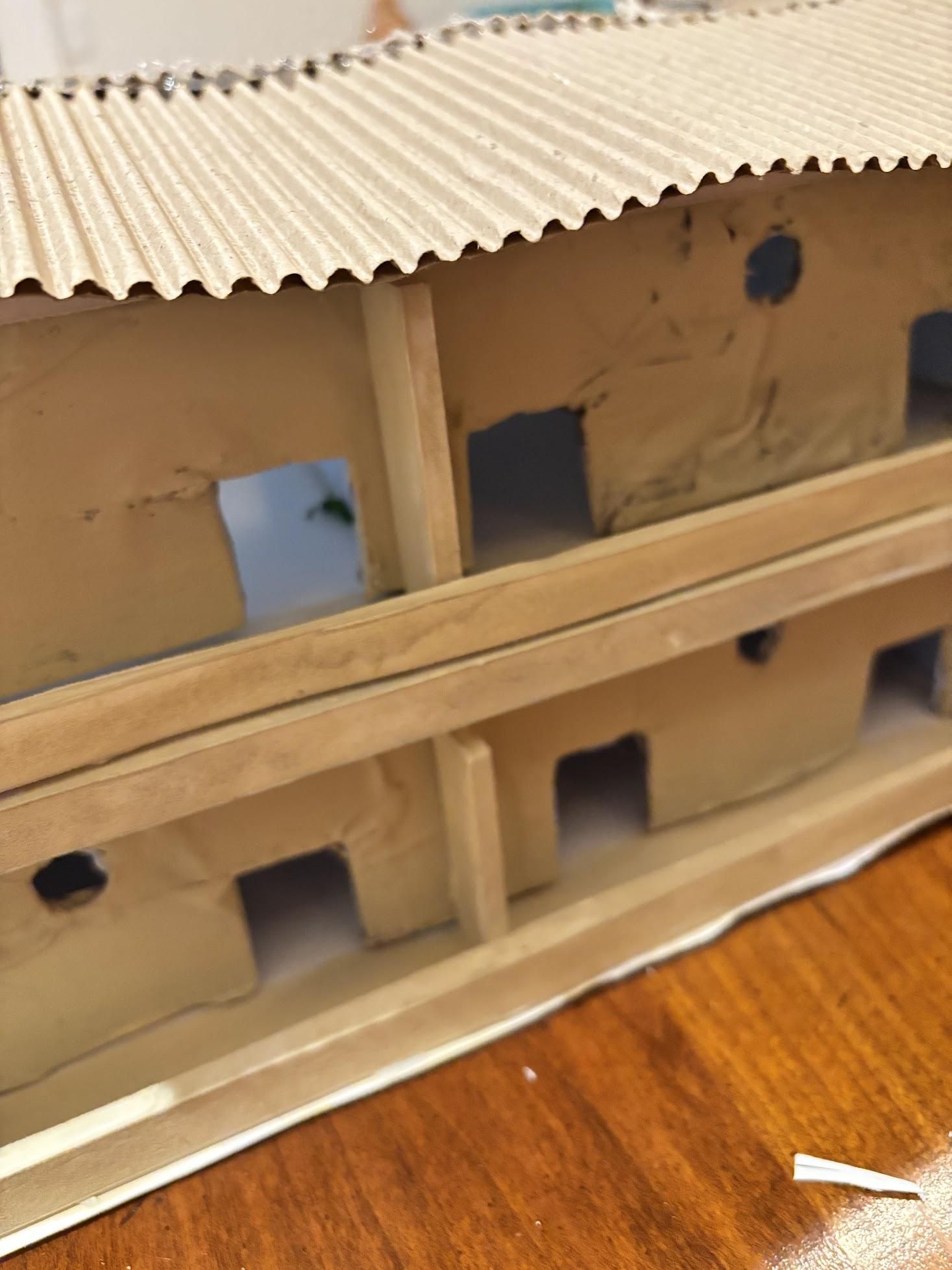
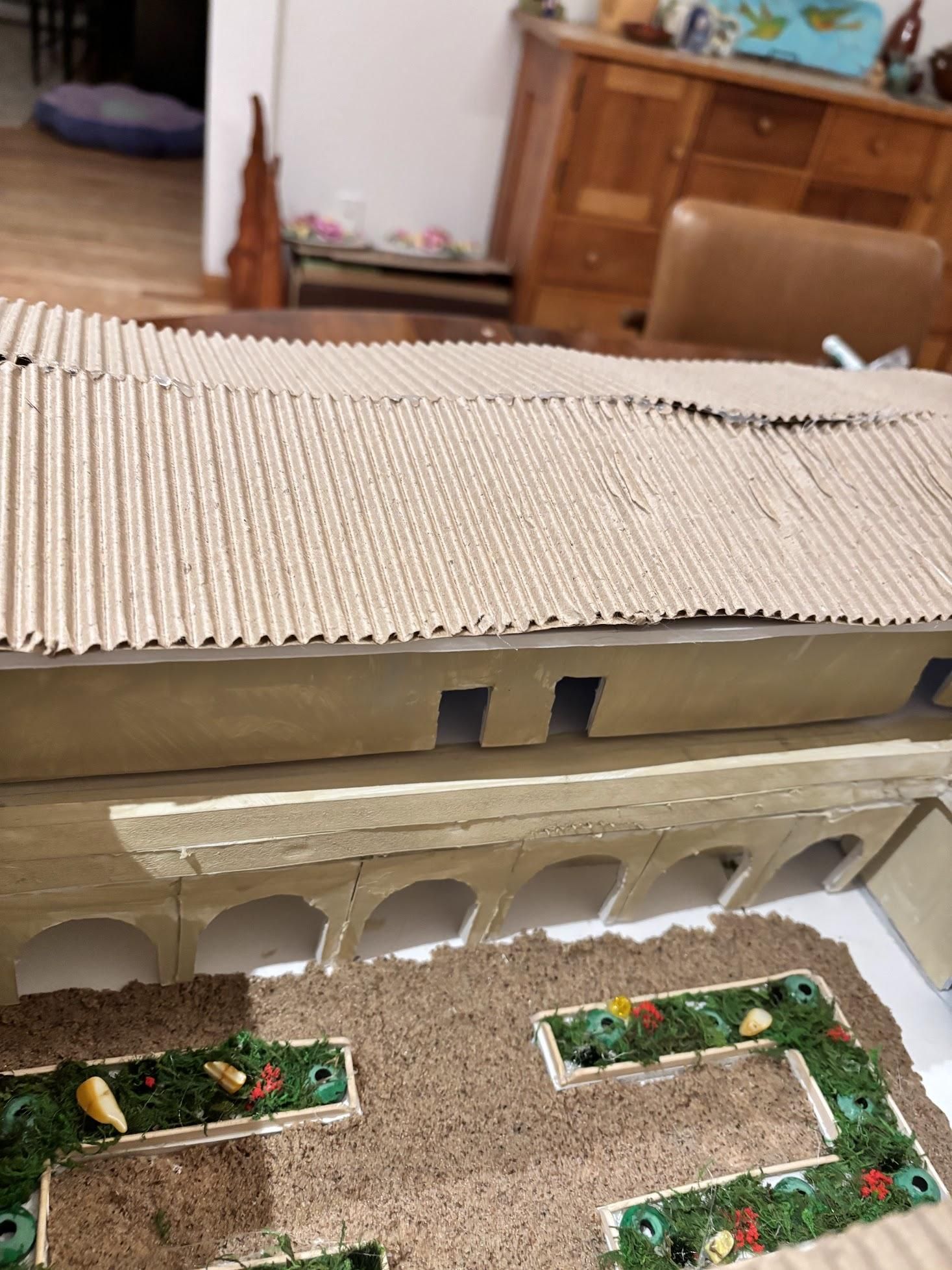
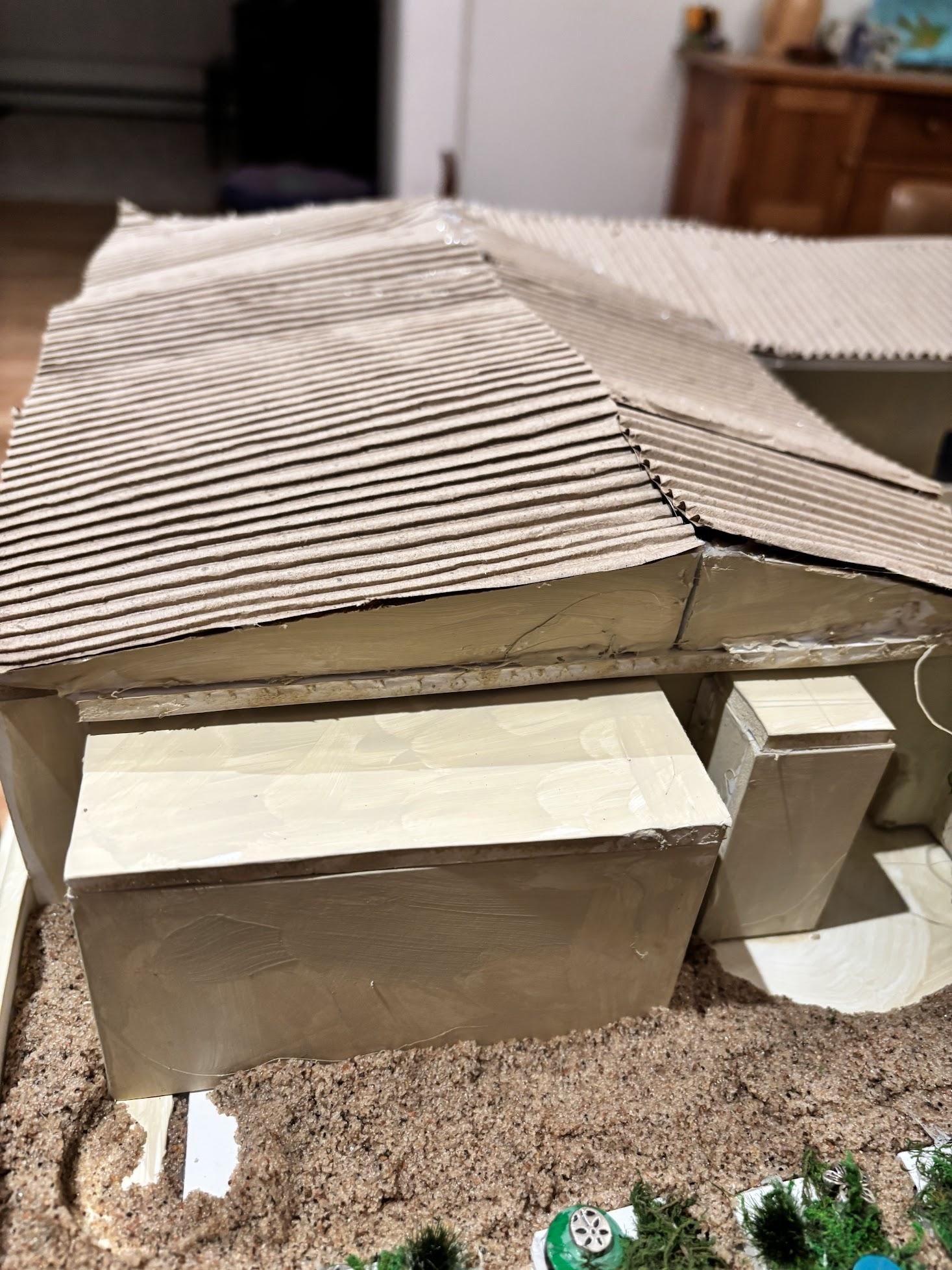
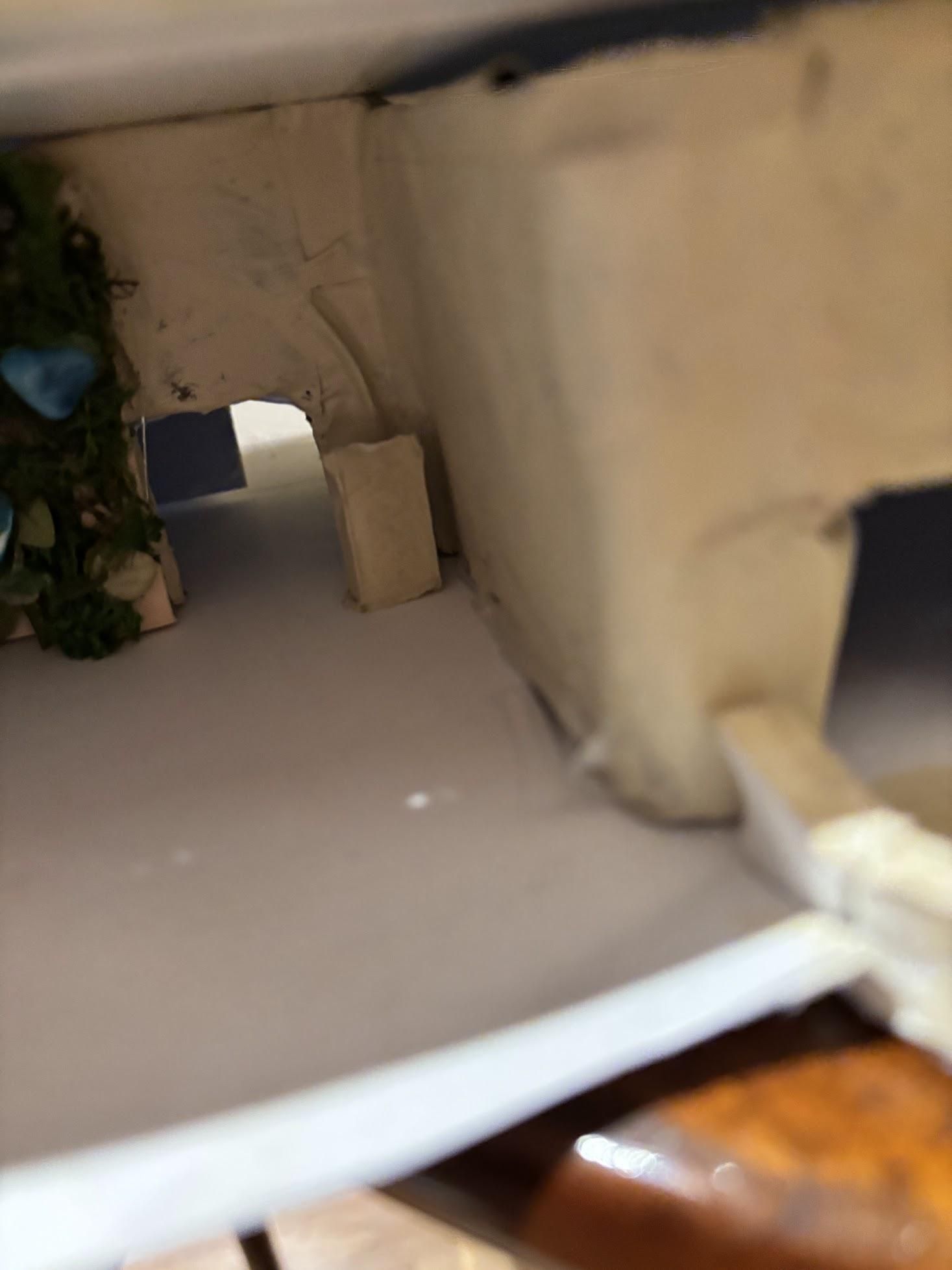
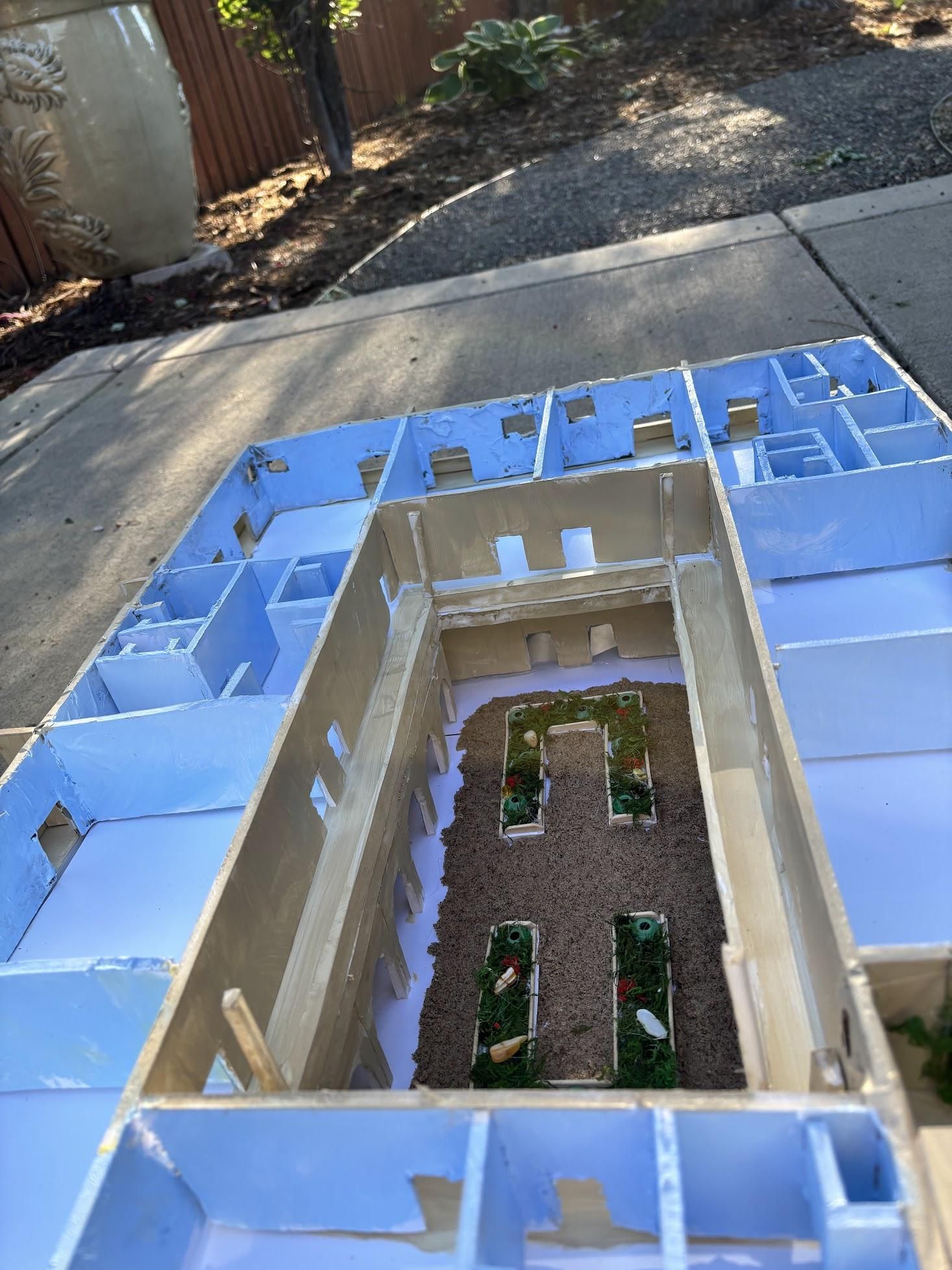
- Automatic Door Openers - These were very important in our vision. We wanted these at all main entrances on the second and first floors. To create these, we cut 5 strips of the thick foam board to represent these buttons. These buttons will allow residents to thoroughly enjoy all the amenities without having to worry about accessibility.
- Divider Walls On Balconies - Walls separating apartment unit balconies should be 14ft tall (2.4in on our model), and about 6ft wide (1in on our model). However, to account for the thickness of foam that we used to model the balconies, this measurement became a little skewed and varied depending on the wall. I cut out several walls with dimensions somewhat close to 2.4in by 1in, and then used trial and error to custom fit each wall.
- Arches - To measure and cut 12 perfectly fitting arches, we had to rely heavily on our Fusion 360 3D model. For our model, arches measured 2.4in tall and 2.1in wide, with the arch beginning after 1in of wall and reaching a total height of 1.85in. After measuring one arch, we cut it out and traced it to make the rest. Then we glued half of our completed arches on one side of the court yard, and half on the other side.
- Support Pillars - These were almost not added but they were very important for the integrity of our building. These pillars were cut from foam board (1/4in by 1/4in) and were measured to be the same height as the roof. Then we fastened them to the inner balcony railing with hot glue.
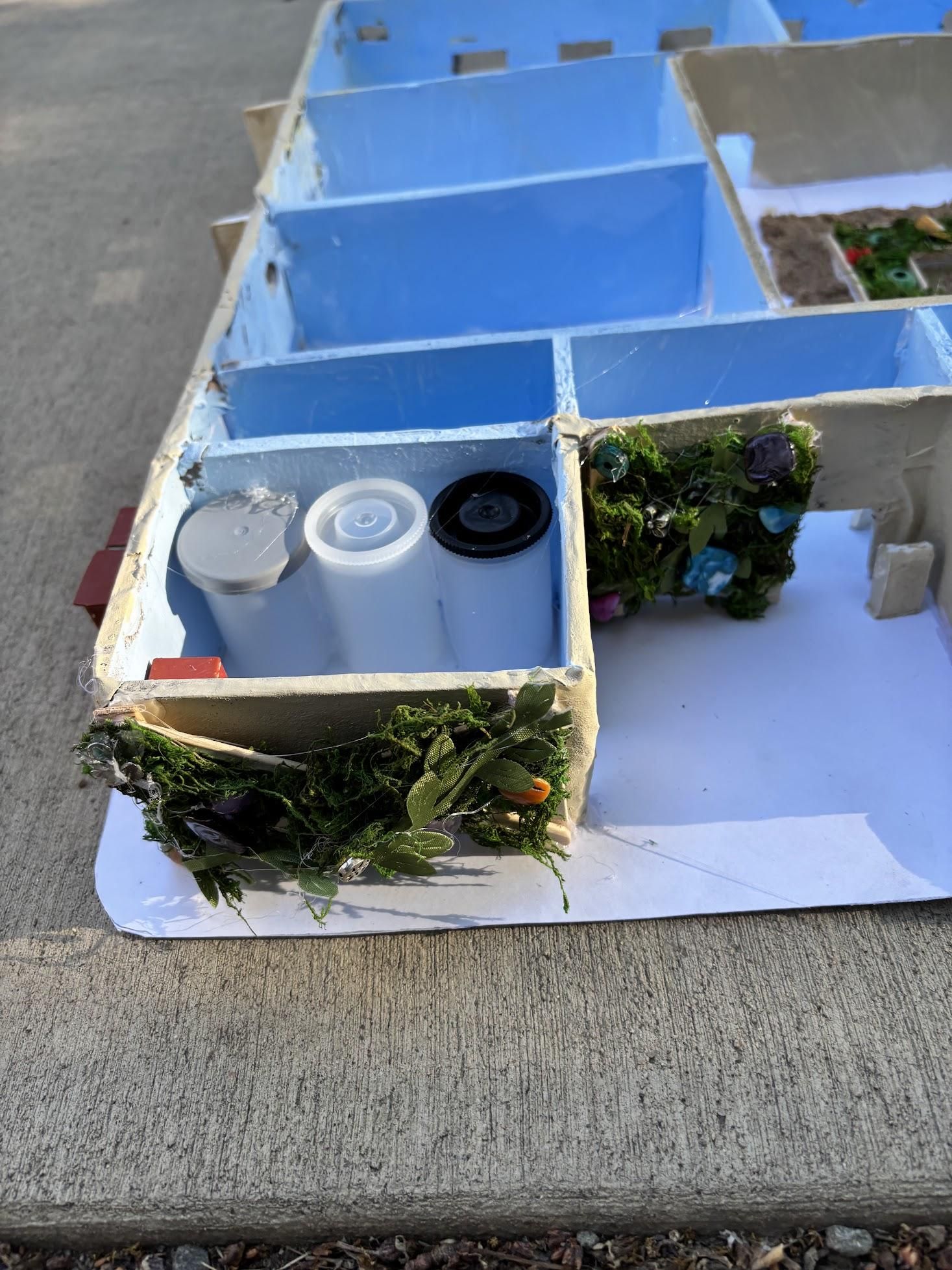
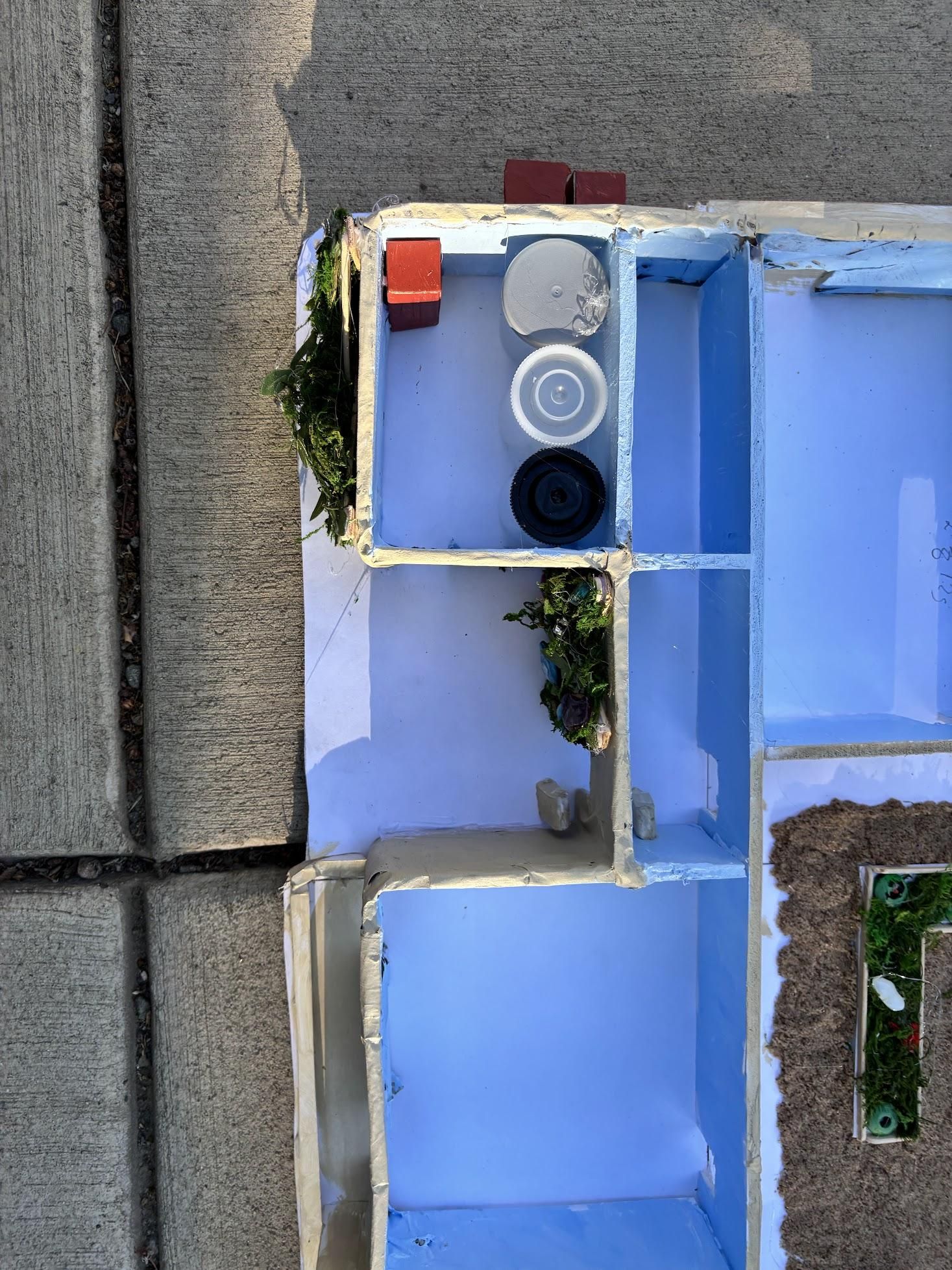
- Brac Water Tanks - For these, we used old circular containers that would have ended up in the trash. We wanted to use these containers because they were the perfect size and emulated our goal of sustainability even on a smaller scale. The brac water tanks were also imperative to our main goal: reducing the impact of drought on Boulder County. These tanks store and filter greywater for reuse.
- Heat Pumps - We also made sure to add the indoor and outdoor aspects of the heat pump systems, which supply heating and cooling to our building. These will decrease carbon use while cooling or heating our building. We painted these units terracotta.
- Elevator and Stair Shaft - To make the stair shaft, we cut a hole with dimensions from our Fusion 360 model. We did the same for the elevator shaft. Both of these exit onto the second-floor roof garden.
- Rain Barrel - We used a round container we had left over from a previous project as our rain barrel. We painted it the same color as the heat pump components and placed it on the second-floor rooftop opening. A PVC pipe connects the barrel to the garden, acting as a syphon to move water up out of the barrel and to the nearby soil/gardens.
Key Take Aways-Physical Model
- Aesthetics are important - people often choose to live in beautiful places and would prefer to have a beautiful home to come home to. In the physical building, it is important to not sacrifice aesthetics of the building for functionality because they are both equally important! We wanted people to want to live in our building, not just because of its functionality and sustainability, but also because it will be a place they will truly enjoy.
- The little details matter - throughout the process, we found ourselves overlooking some of the smaller details like garden beds and automatic door openers for the building. Even though these items seemed so small on the building, they were some of the most important items. The gardens were part of our desire to foster water reuse (greywater), and the automatic door openers were essential for accessibility. Without these things, our building would not be as enjoyable or functional.
- Measure twice, cut once - Enough said, really.
- Stay hydrated - We spent a lot of hours in a garage, and the passage of time became a little hazy at points. Anyway, this is all to say, don’t forget to take care of yourself!
Finally - Lets Clean Up the Mess!
Sometimes our daily lives can be fueled by the future. As young people, it is so important that we take action to help our community heal, especially in this time of climate uncertainty. It is time to clean up the mess by not only cleaning up our workshop but also cleaning up our building practices to help our community. We must take this opportunity and strive to create new sustainable, water-conscious, and welcoming environments for everybody to enjoy and have security in their lives. Our building is meant to ease the anxiety of the future and help those who are greatly impacted by the drought in Boulder County and beyond. Now we must literally clean up the mess in my garage.
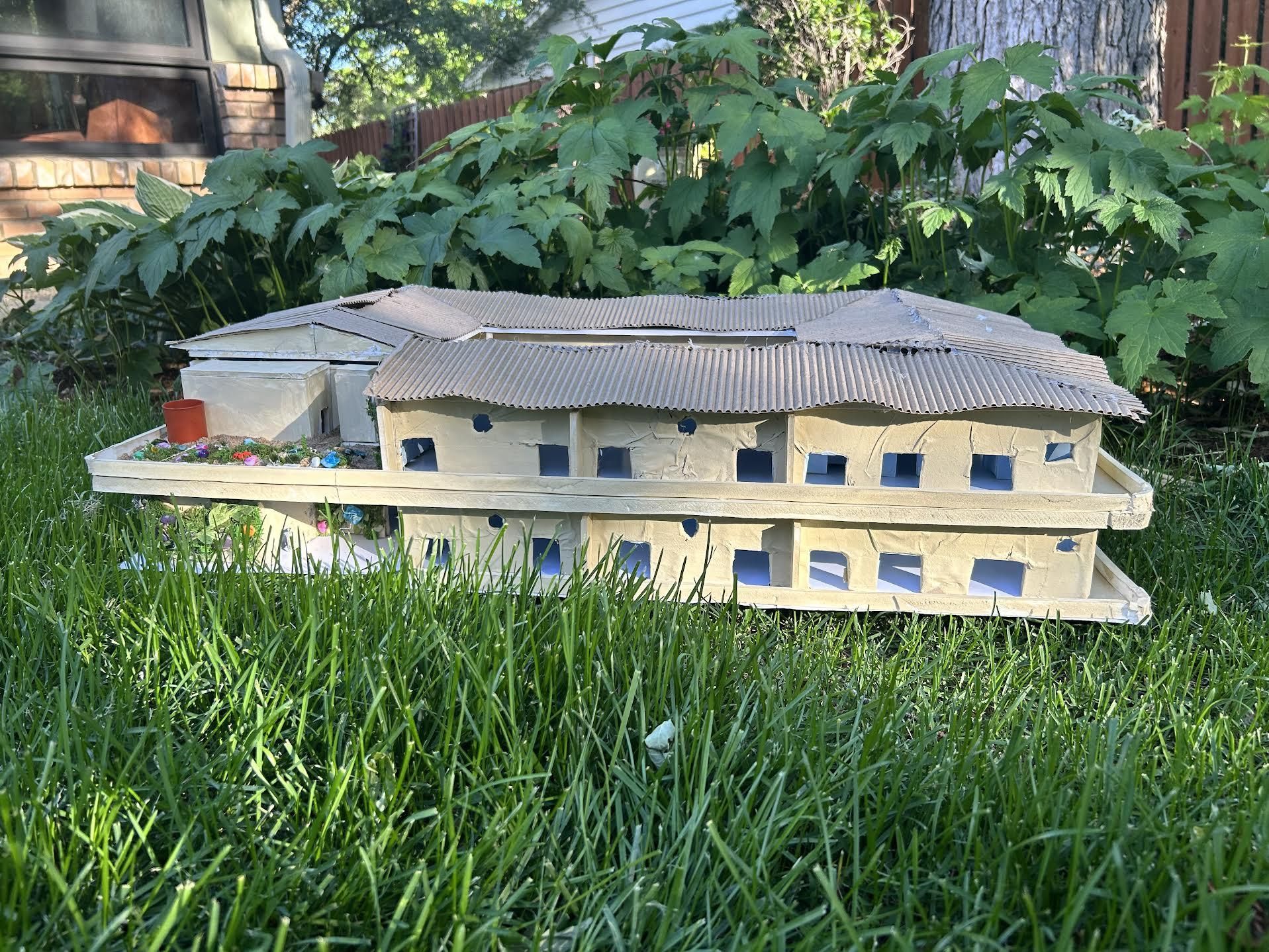
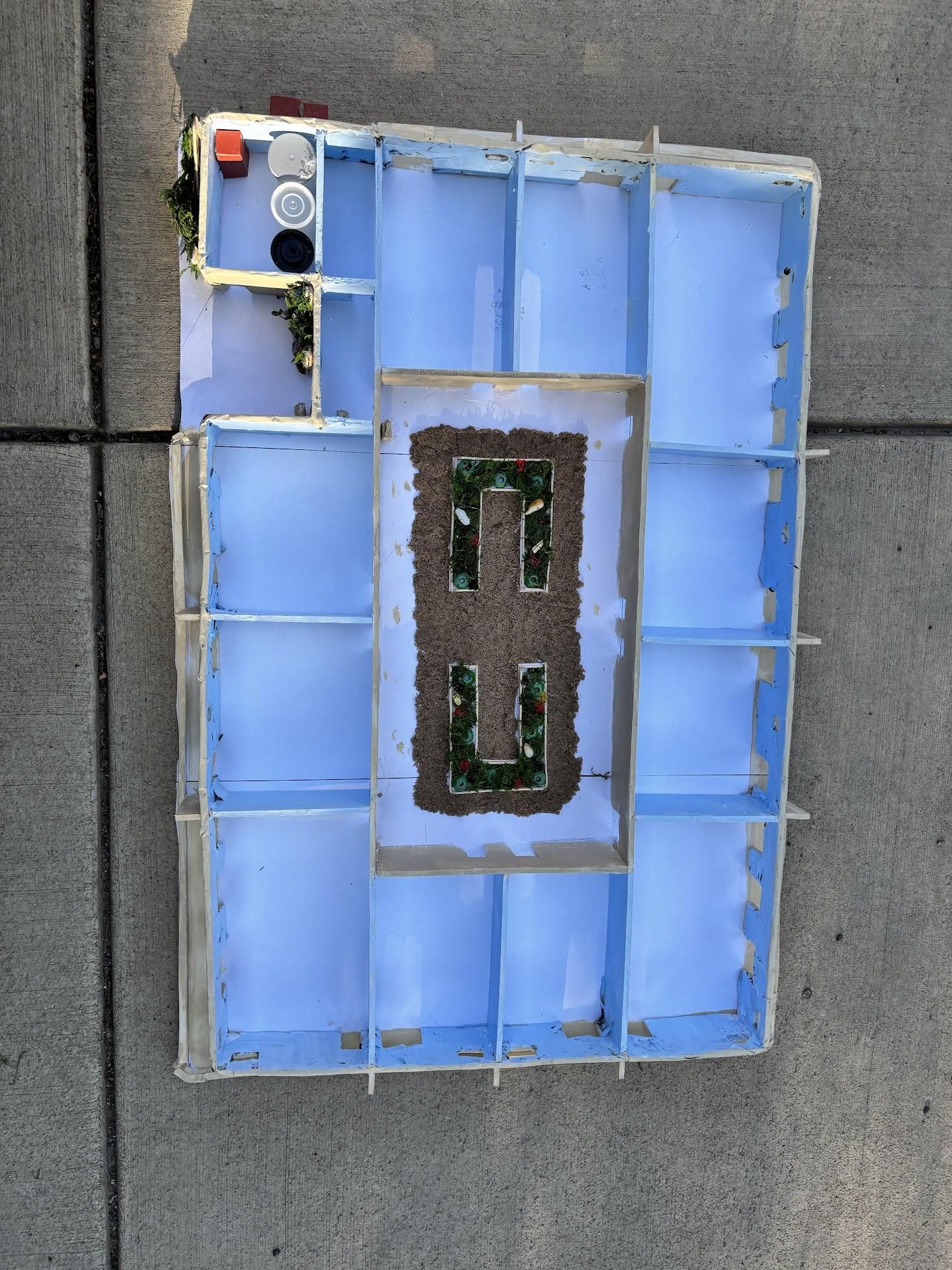
Please Enjoy a Drone Shot and the Final Images