AI Smart Reading Coach Using Quarky and PictoBlox - This Project Will Help to Enhnce Speaking Skills.
by karishmathakur in Circuits > Microcontrollers
350 Views, 0 Favorites, 0 Comments
AI Smart Reading Coach Using Quarky and PictoBlox - This Project Will Help to Enhnce Speaking Skills.
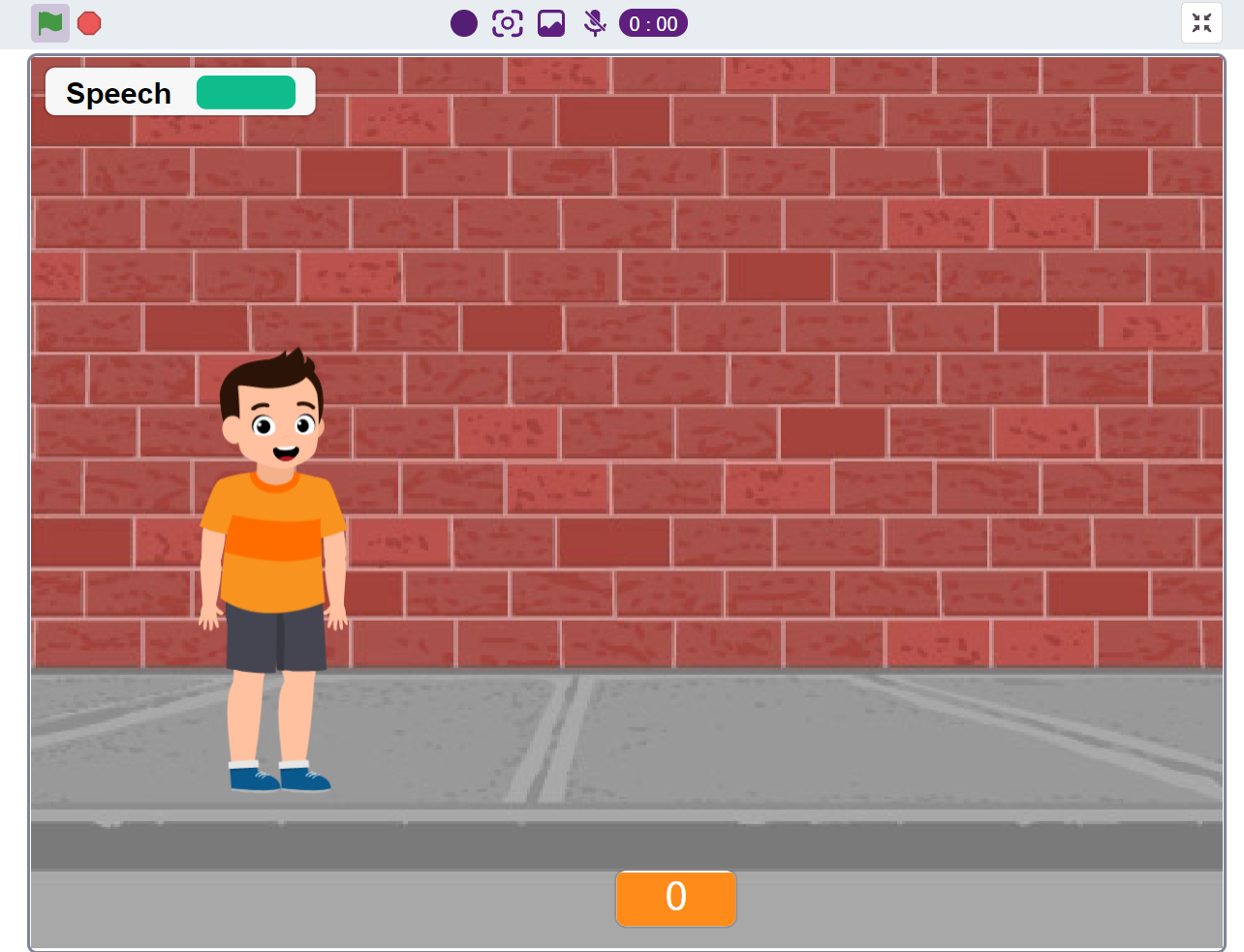
Introduction
Reading is one of the most important skills for young learners. However, students often need continuous guidance and feedback to improve their reading fluency and pronunciation. Teachers may not always be available to provide one-on-one support.
To solve this challenge, I developed the AI Smart Reading Coach, an interactive educational project using Quarky and PictoBlox. The system listens to a student reading aloud, analyzes the spoken text using Artificial Intelligence, and provides instant feedback through Quarky's LED Matrix and Speaker.
This project makes reading practice engaging, interactive, and fun while introducing students to the power of AI.
Features
✅ AI-powered Speech Recognition
✅ Instant Reading Feedback
✅ LED Matrix Visual Responses
✅ Audio Encouragement through Quarky Speaker
✅ Reading Score Tracking
✅ Multiple Reading Levels
✅ Fully Built Using Block Coding
Supplies
Supplies
Hardware Required
- Quarky
- USB Cable
- Computer/Laptop
- Built-in or External Microphone
Software Required
- PictoBlox
- Speech Recognition Extension
- Text-to-Speech Extension
- Quarky Extension
Understanding the Project
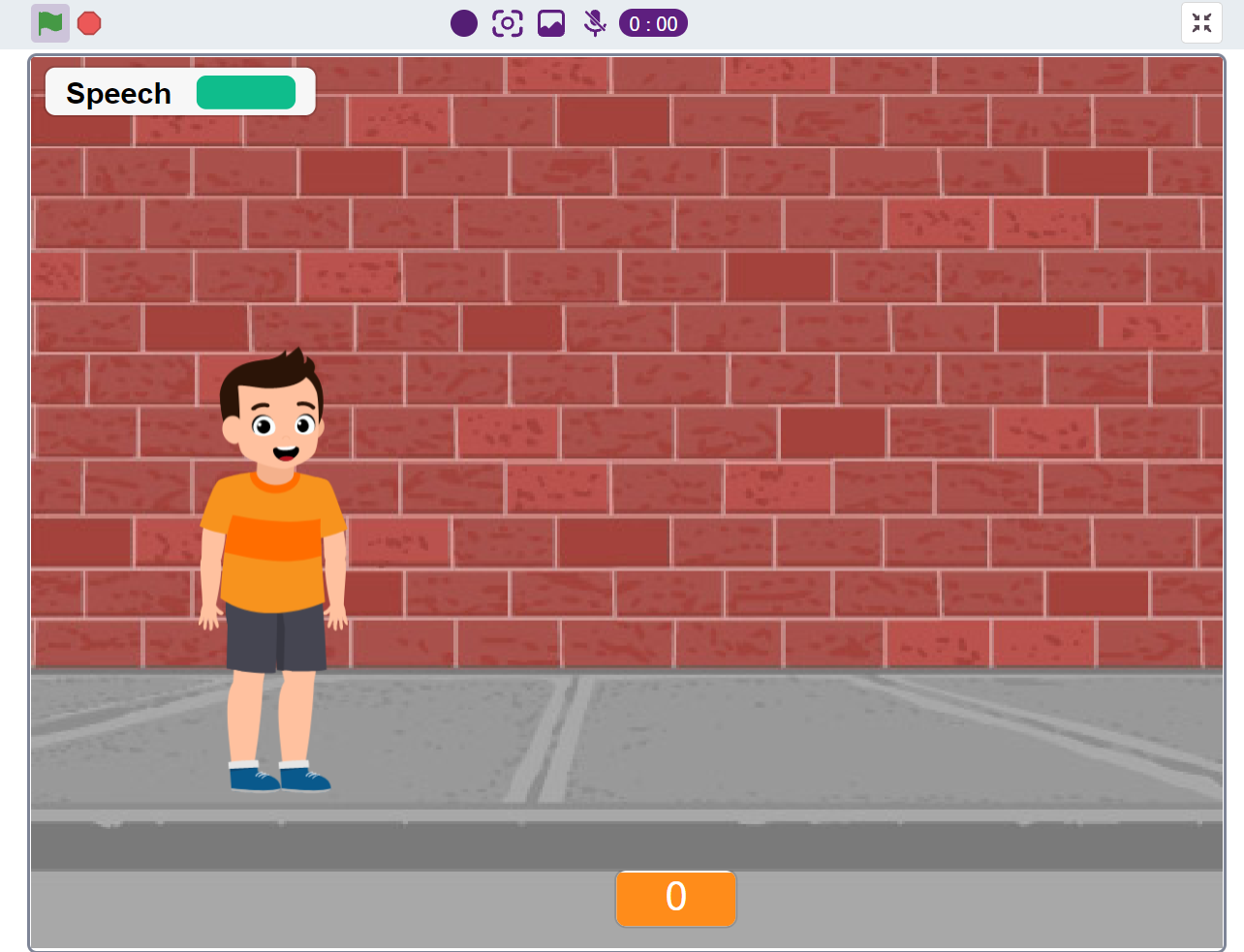
The AI Smart Reading Coach works as follows:
- Student presses the Left Button on Quarky.
- A reading sentence appears on the screen.
- Student reads the sentence aloud.
- Speech Recognition converts voice into text.
- The spoken text is compared with the original sentence.
- Quarky provides feedback:
- Correct Reading → Happy Face + Audio Praise
- Incorrect Reading → Try Again Message
- Reading score is updated automatically.
Connect Quarky With PictoBlox
- Open PictoBlox.
- Connect Quarky via USB.
- Select Stage Mode.
- Add the following extensions:
- Quarky
- Speech Recognition
- Text-to-Speech
Verify that Quarky is successfully connected.
Create Reading Sentence
Create a variable of sentence.
Example:
Project Code and Flow
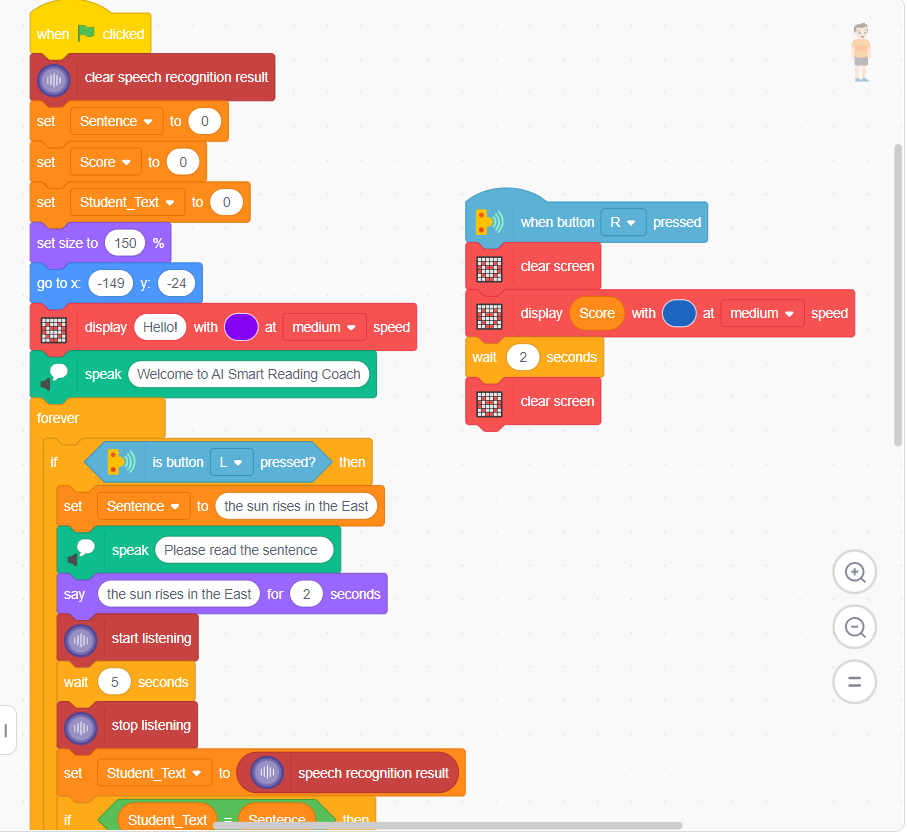
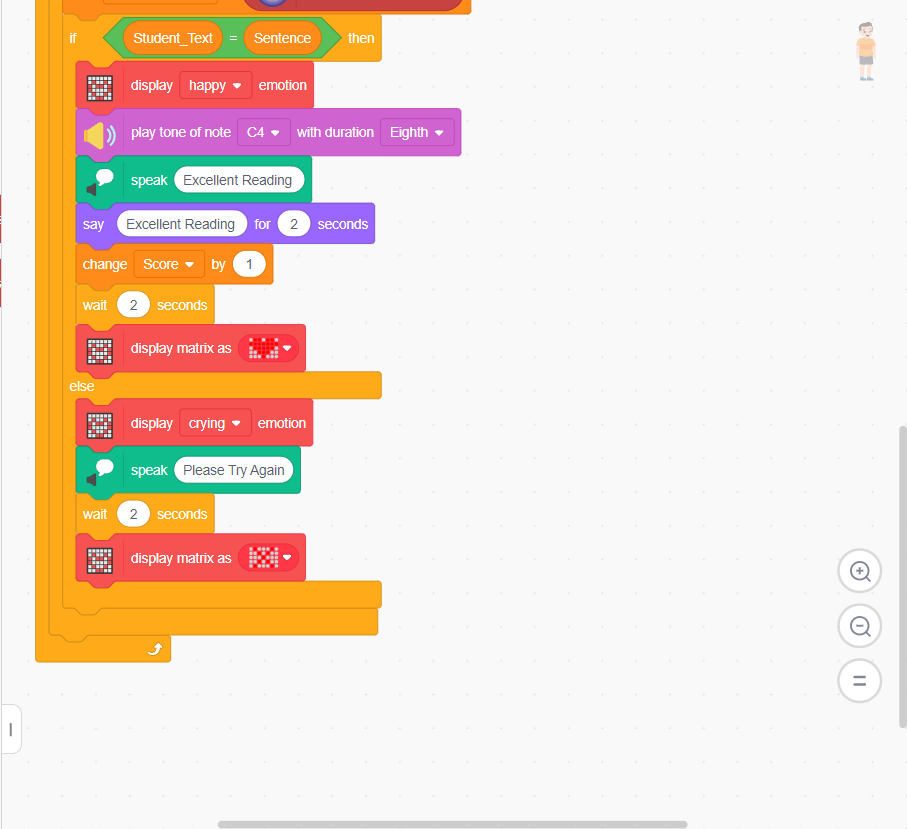
Green Flag
↓
Welcome Message
↓
L Button Pressed
↓
Sentence Display
↓
Student Reads
↓
Speech Recognition
↓
Compare Text
↓
Correct ?
↓ ↓
YES NO
↓ ↓
Happy Sad
Face Face
↓ ↓
Score Retry
↓
R Button
↓
Show Score
Add Difficulty Levels
Beginner Level
Intermediate Level
Advanced Level
This allows the project to be used by different age groups.
Multiple Sentences System
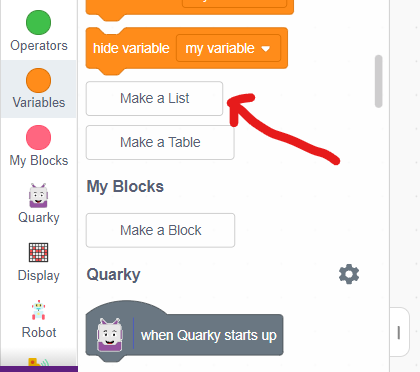
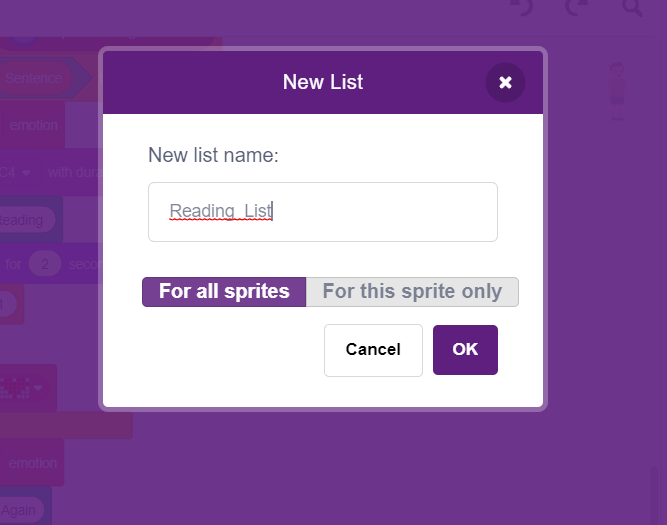
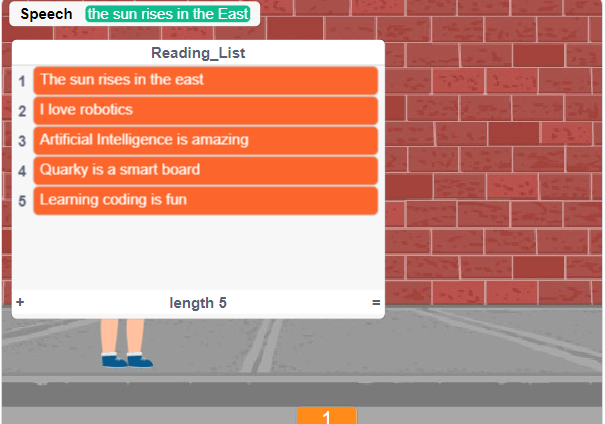
Create List:
Add: