AZIMUT Lamp : Connect to Where You Belong.
by etienne_makes in Circuits > Arduino
1484 Views, 9 Favorites, 0 Comments
AZIMUT Lamp : Connect to Where You Belong.


This is AZIMUT, a compass lamp that points toward any meaningful place on Earth. A mini web map connected to the lamp calculates the bearing from your current position to a chosen destination. When you rotate the lamp toward that azimuth, the light turns on. More than a lamp, it’s a discreet ritual—a reminder that everyone carries an internal 'North'—a place, a person, or an origin.
In my version, I use a piece of Paris sidewalk: a beautiful granite stone that shines under the light. This project is tailor-made as a gift for someone who lives far away from their beloved city. But the place can be a city, a childhood home, a mountain, a lighthouse, a friend, or any point you want to keep in mind. The lamp works like a compass. You place a personal object on it, choose a destination, calculate the azimuth, and rotate the base. When the object is aligned with the right direction, the light turns on.
The object on the lamp can be a stone, a shell, a key, a small souvenir, a piece of wood, or anything that connects you to the chosen direction. The important part is not the exact shape of my lamp. The important part is the system: turning geographic data into a daily, subtle gesture that reconnects you with a meaningful place.
In this Instructable, I will show you how to:
- build the electronics with an ESP32-C3 and an AS5600 magnetic angle sensor
- build the 3D printed rotating base
- assemble and calibrate the lamp
- use an optional NFC tag to open the digital map page
- choose a meaningful destination
- use a small HTML compass website to calculate the azimuth
You can adapt the size of the base, the top plate, and the arm to fit your own object and lamp design.
Supplies
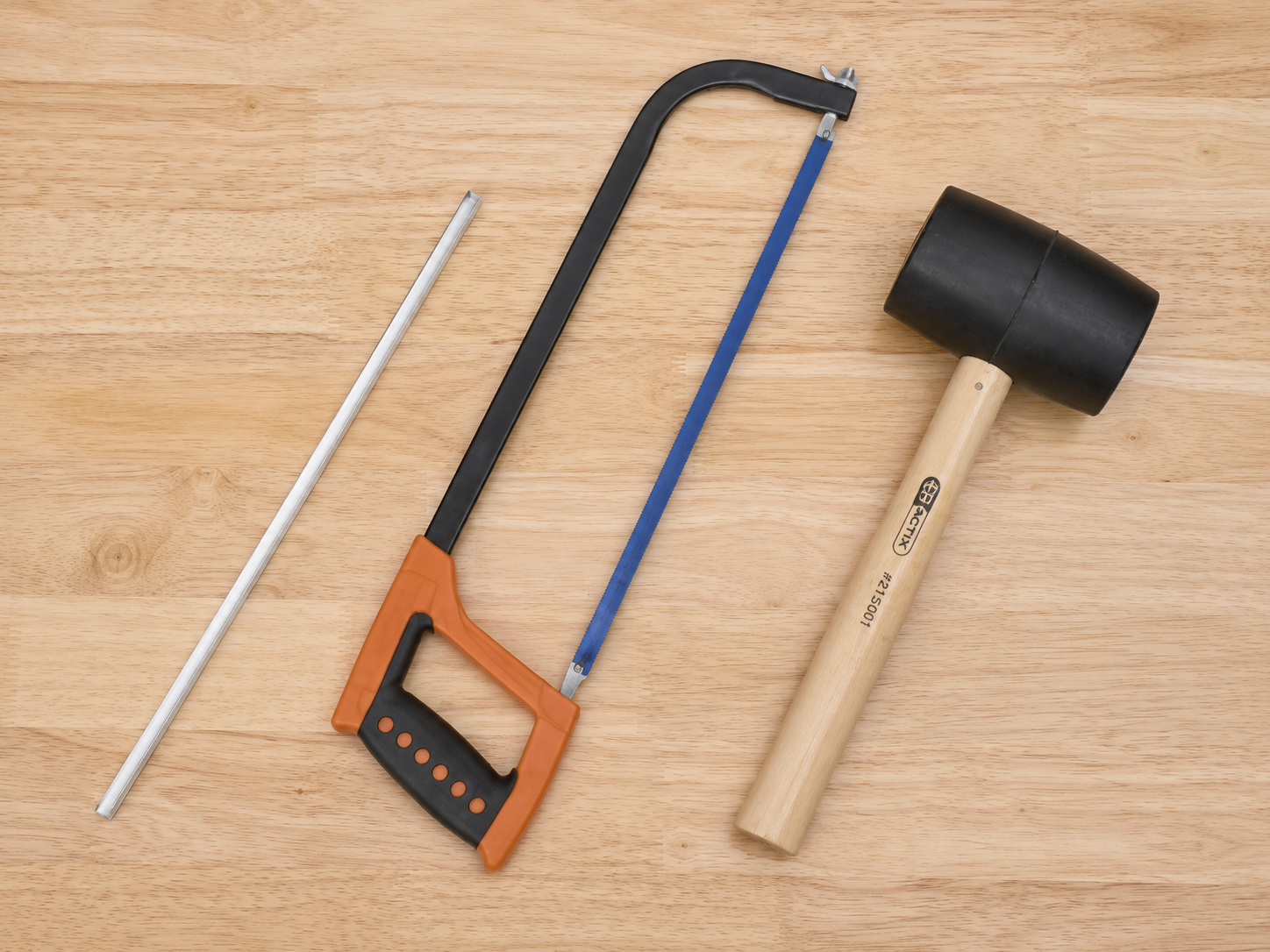

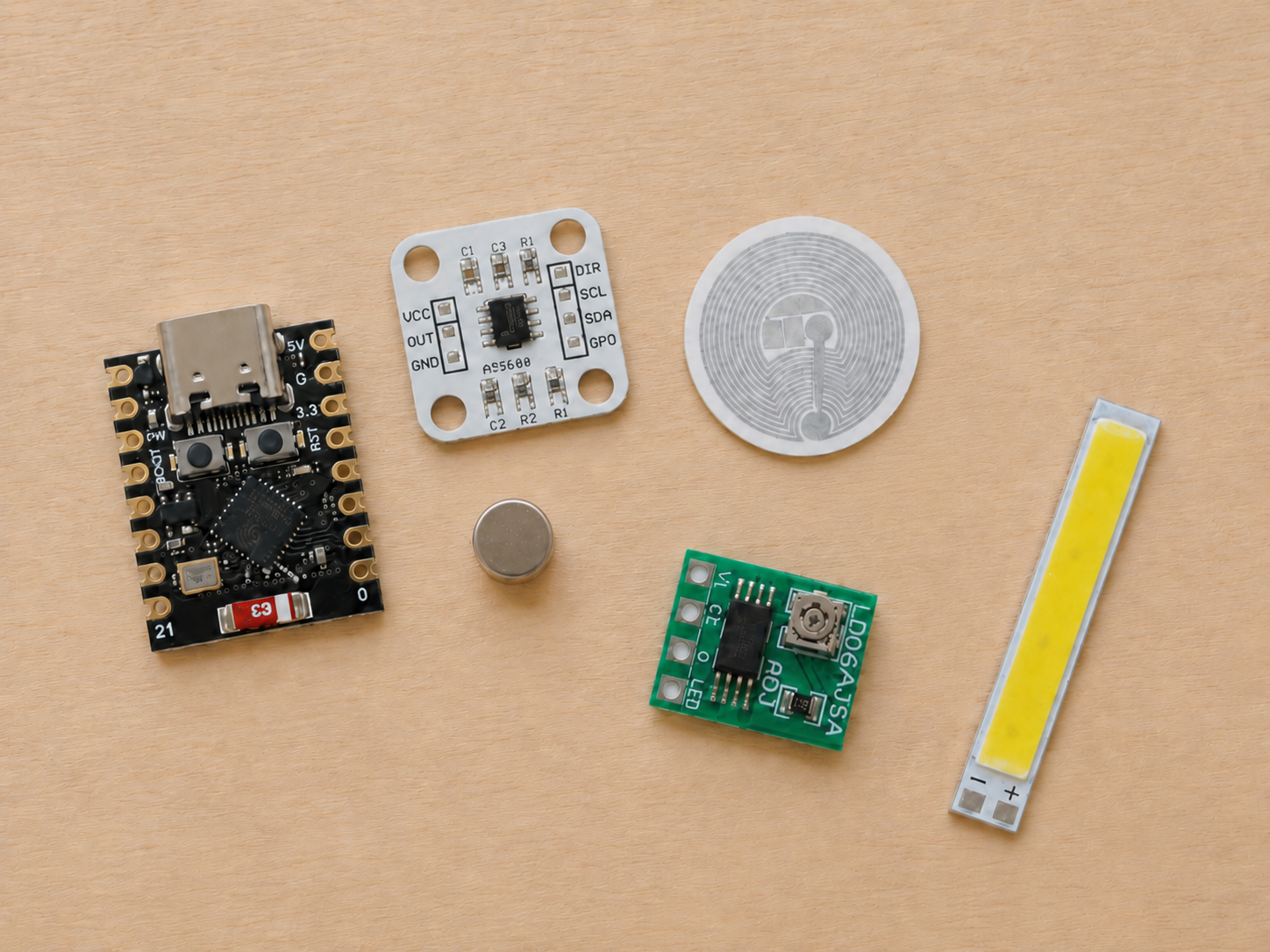
This version uses a simple structure: seven 3D printed parts, a 10 mm aluminium U profiles, an ESP32-C3, an AS5600 angle sensor, a 1W LED with driver, and an NFC tag.
Electronics
- ESP32-C3 Mini or ESP32-C3 SuperMini
- AS5600 magnetic angle sensor module
- Diametrically magnetized round magnet
- LD06AJSA constant-current LED driver board
- 1W warm white LED, 3000K, 3.2–3.4V
- NFC tag or NFC sticker
- USB cable
- 5V USB power supply
- Thin wires
- Heat-shrink tubing
Lamp Structure
- one 10 × 10 × 10 mm aluminium U profile, 1 mm thick, about 500 mm long
3D Printed Parts
The lamp is assembled from seven 3D printed parts:
- Fixed base with space for the electronics
- Lazy susan rotating part
- Object support / totem holder
- First elbow connector for the aluminium U profiles
- Second elbow connector for the aluminium U profiles
- Compass pointer
No screws are required in this version. The parts are designed to fit together directly, with hot glue used where needed.
Tools
- 3D printer
- Soldering iron and solder
- Wire cutter / stripper
- Multimeter
- Computer with Arduino IDE
- Smartphone with NFC writing app
- Drill
Files
- STL files for the 7 printed parts
- Arduino code for the ESP32-C3
- HTML file for the azimuth calculator / map page
Safety Note
This project is powered by 5V USB. Do not connect it directly to mains voltage.
3D Print the Parts
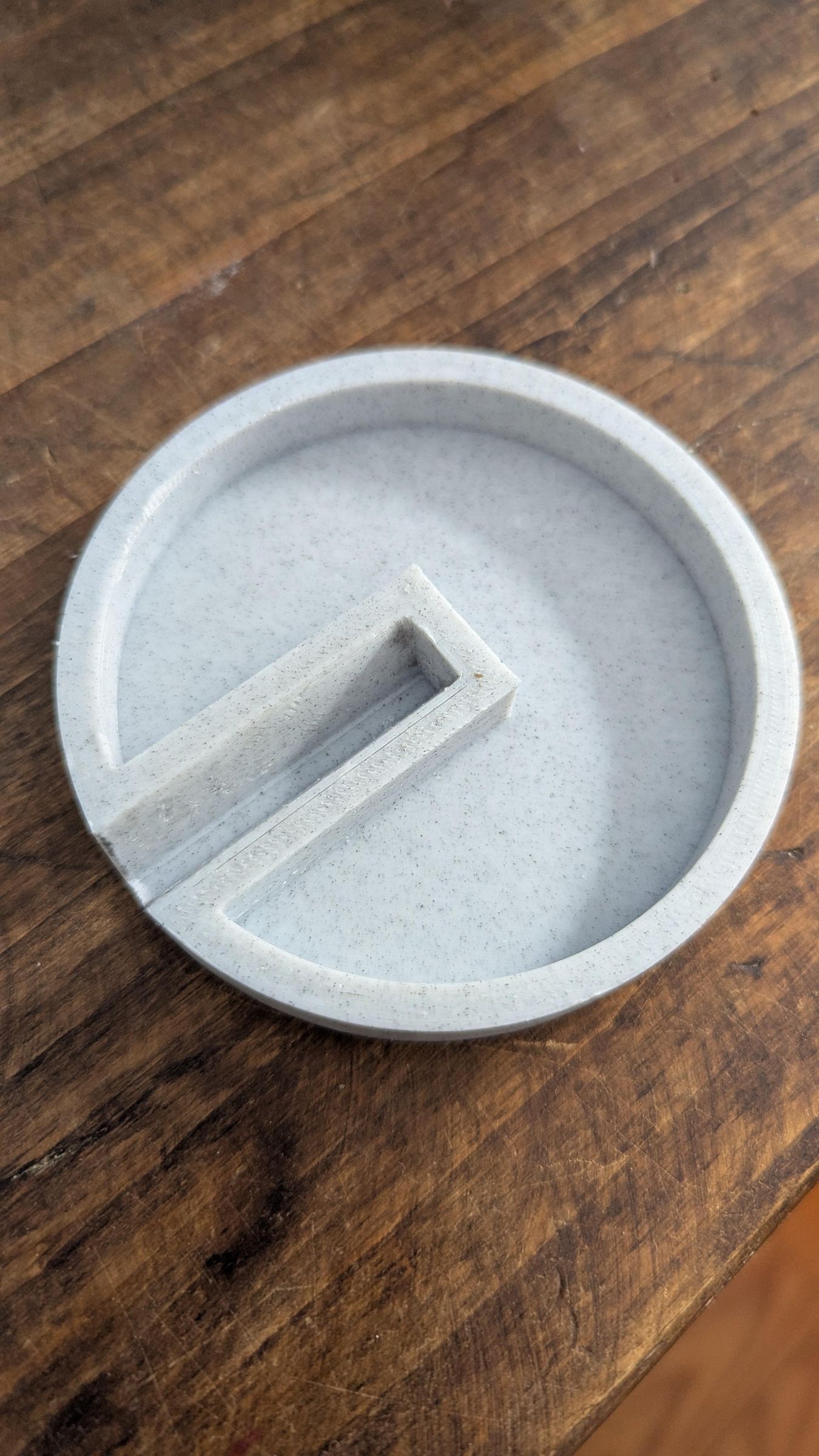
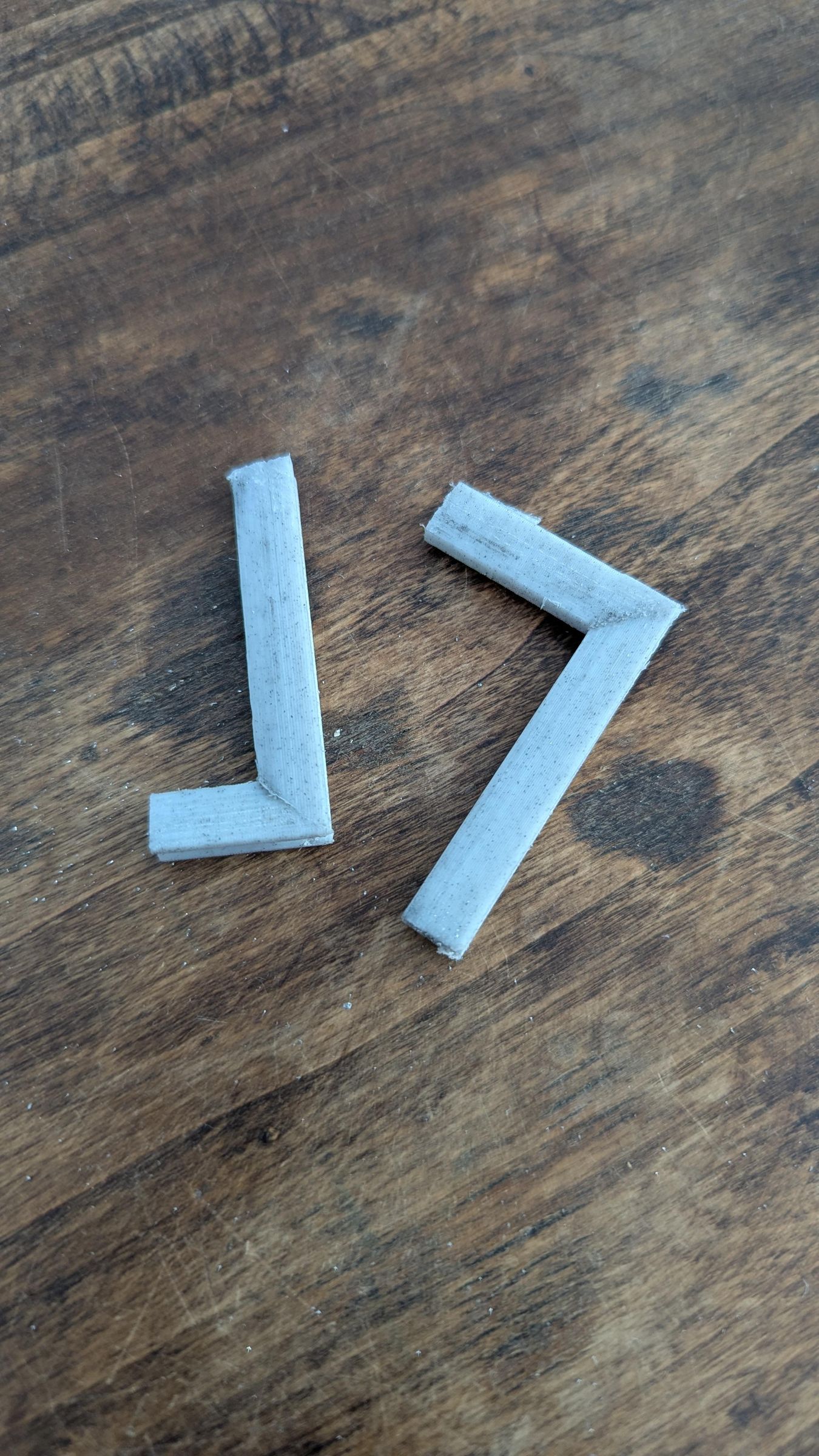
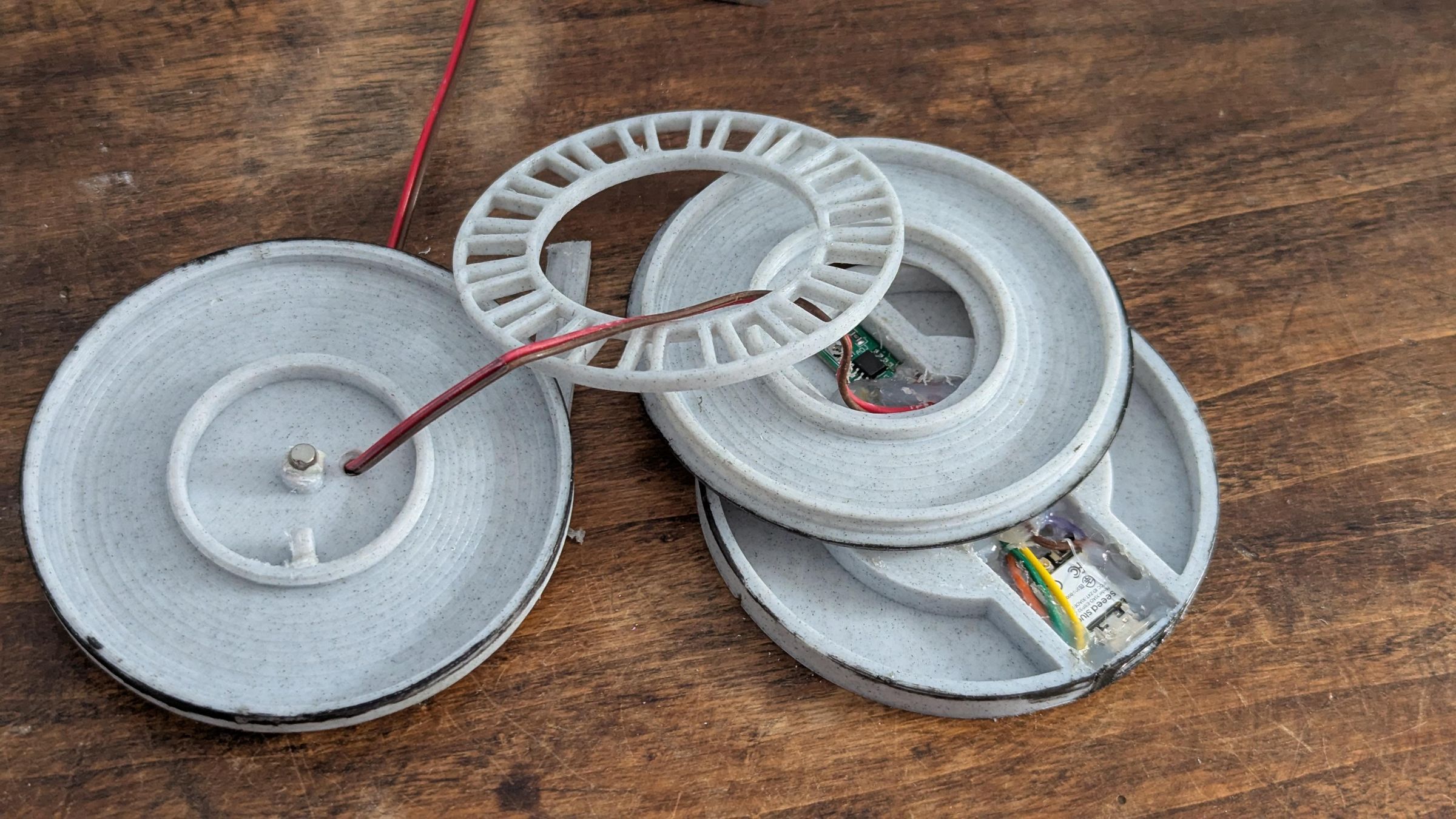
Start by printing the seven structural parts of the lamp:
- the fixed base, which contains the electronics
- the lazy susan rotating part with rollers
- the object support in 2 parts
- the two elbow connectors for the aluminium U profiles
- the compass pointer
I printed them in PLA, with 30% infill.
The dimensions are not critical. You can adapt the size of the base, the top plate, and the arm to fit your own object and lamp design. The important part is to keep enough room in the fixed base for the ESP32-C3, the AS5600 module, the LED driver and the wiring.
Wire the Electronics


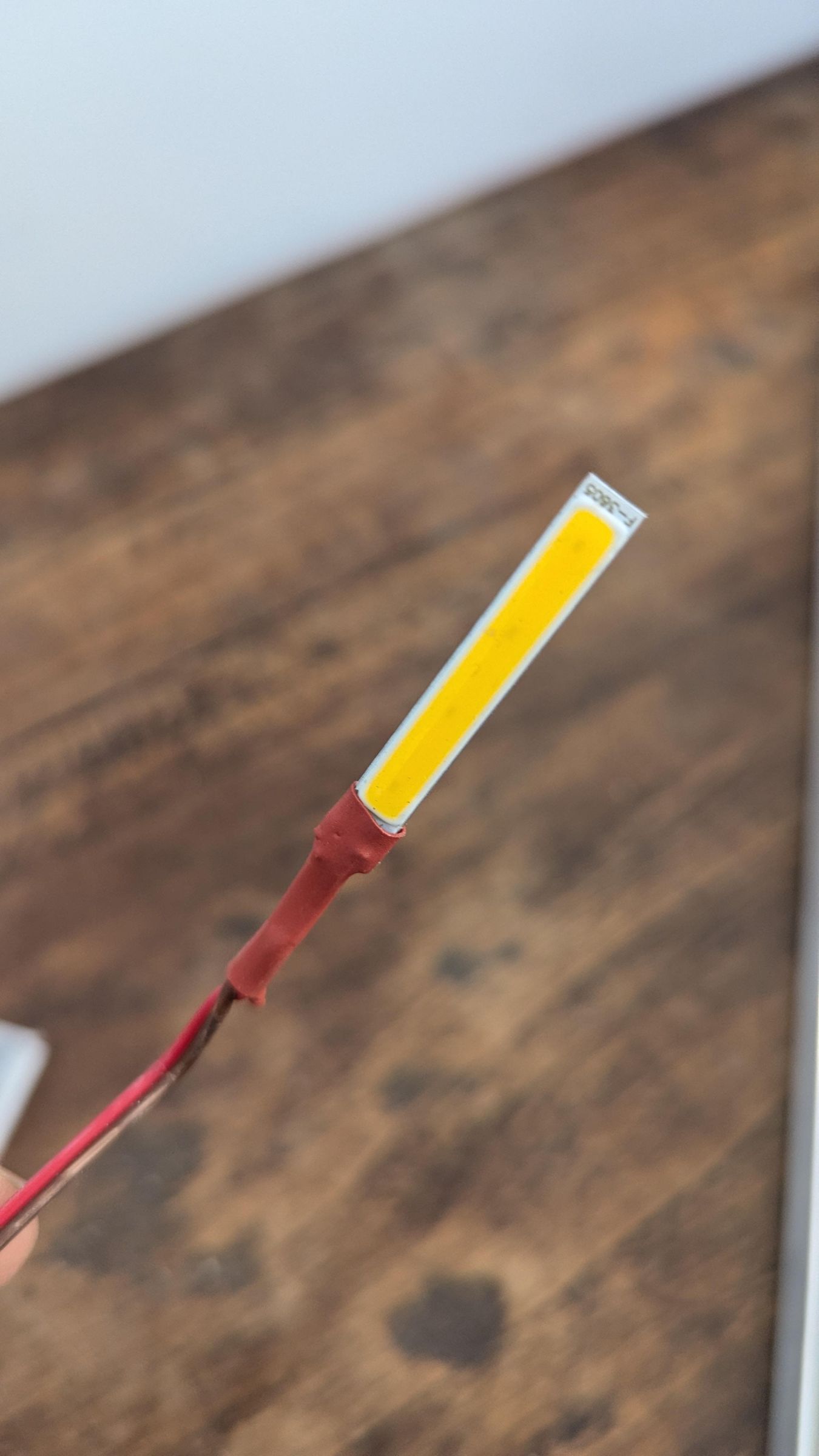
The electronic system is simple: the AS5600 reads the rotation angle, the ESP32-C3 compares that angle with the target azimuth, and the LD06AJSA driver powers the 1W LED when the lamp is aligned.
The AS5600 communicates with the ESP32-C3 over I2C.
Follow the connection guide, and keep the same GPIO as the code will refer to them.
1. AS5600 TO ESP32-C3
ESP32-C3 3V3 -> AS5600 VCC
ESP32-C3 GND -> AS5600 GND
ESP32-C3 GPIO2 -> AS5600 SDA
ESP32-C3 GPIO10 -> AS5600 SCL
2. LD06AJSA LED DRIVER TO ESP32-C3
ESP32-C3 5V / VBUS -> LD06AJSA VIN+ / IN+
ESP32-C3 GND -> LD06AJSA VIN- / IN- / GND
ESP32-C3 GPIO5 -> LD06AJSA CE / EN / DIM
3. LED TO LD06AJSA DRIVER
LD06AJSA LED+ / OUT+ -> LED +
LD06AJSA LED- / OUT- -> LED -
IMPORTANT NOTES
GPIO5 does not power the LED.
GPIO5 only controls the CE / DIM input of the LD06AJSA driver.
The LED must be powered through the constant-current LED driver.
All grounds must be connected together:
Keep the wires short inside the base, but leave the LED wires long for now. You will need that extra length when you assemble the aluminium arm.
Solder carefully and insulate exposed joints with heat-shrink tubing and / or hot glue.
Before closing anything, test the system on the table:
- Plug the ESP32-C3 into USB.
- Upload this simple AS5600 test code with Arduino IDE
- Open the Serial Monitor.
- Rotate the magnet above the sensor.
- Check that the angle value changes smoothly.
- Upload this new test code.
- Rotate the magnet above the sensor until the LED lights up.
- When the LED is on, measure the LED current with a multimeter in current mode, connected in series with the LED. Adjust the small potentiometer on the LD06AJSA driver until the current is around 200–250 mA. Do not exceed 300 mA.
- Upload the final code.
Do not run the 1W LED for long without a heatsink.
Insert the Electronics Into the Base


Once the wiring has been tested, place the electronics inside the fixed base.
The base should contain :
- the ESP32-C3 placed in its slot
- the AS5600 sensor module in the center
- the LD06AJSA LED driver on the side.
The magnet is held on the top part of the lazy Susan. It should be centered above the AS5600 chip and should rotate with the lazy susan part. Make sure you leave a small air gap between the magnet and the sensor. It should not rub.
Use hot glue to hold the boards and magnet in place once you are sure everything works.
Drill a hole to route the LED wires through, then assemble all the parts. Add either ball bearings or the 3D-printed cones to the lazy Susan mechanism.
Leave the LED wires long.
Assemble the Lamp
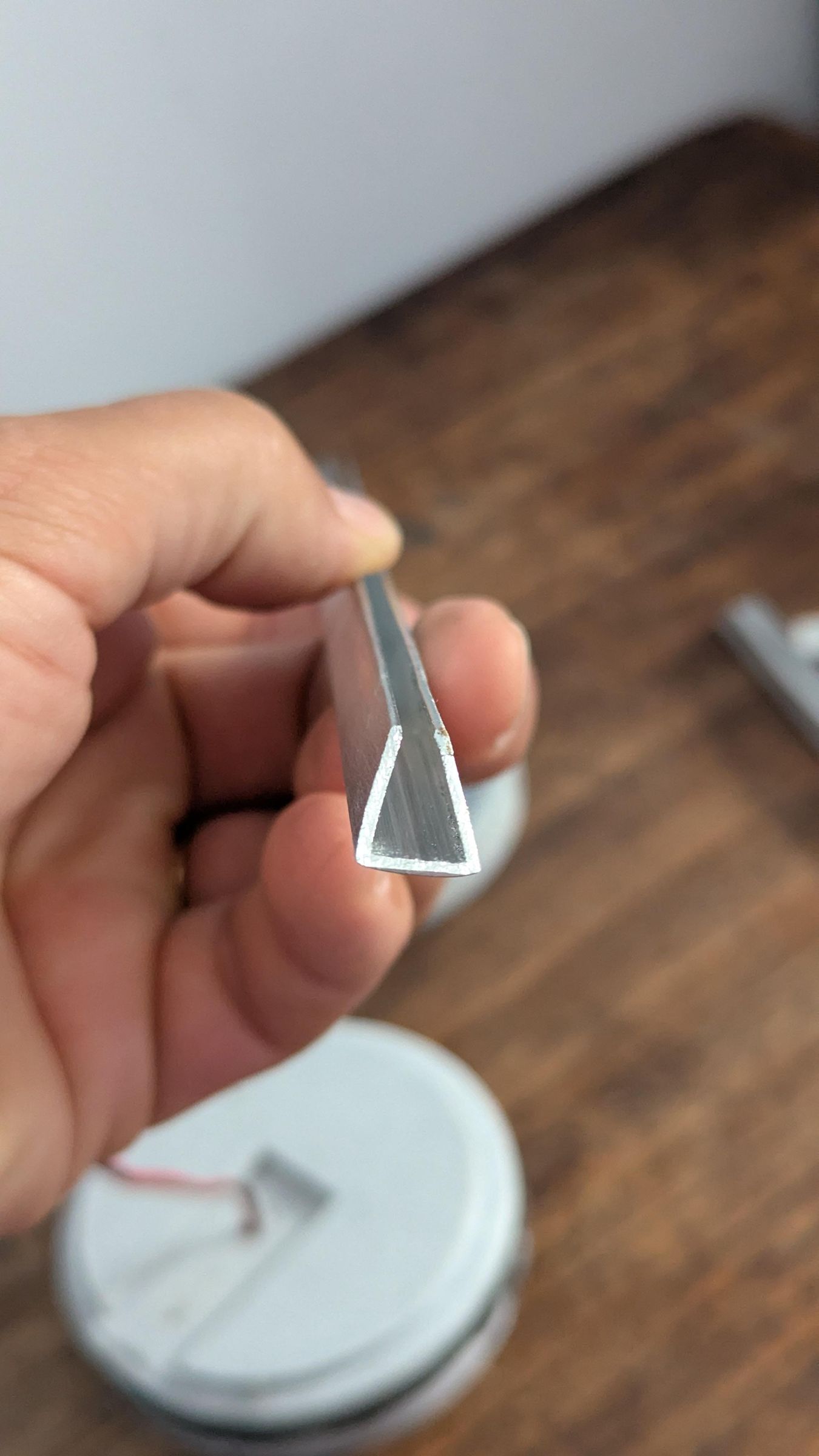
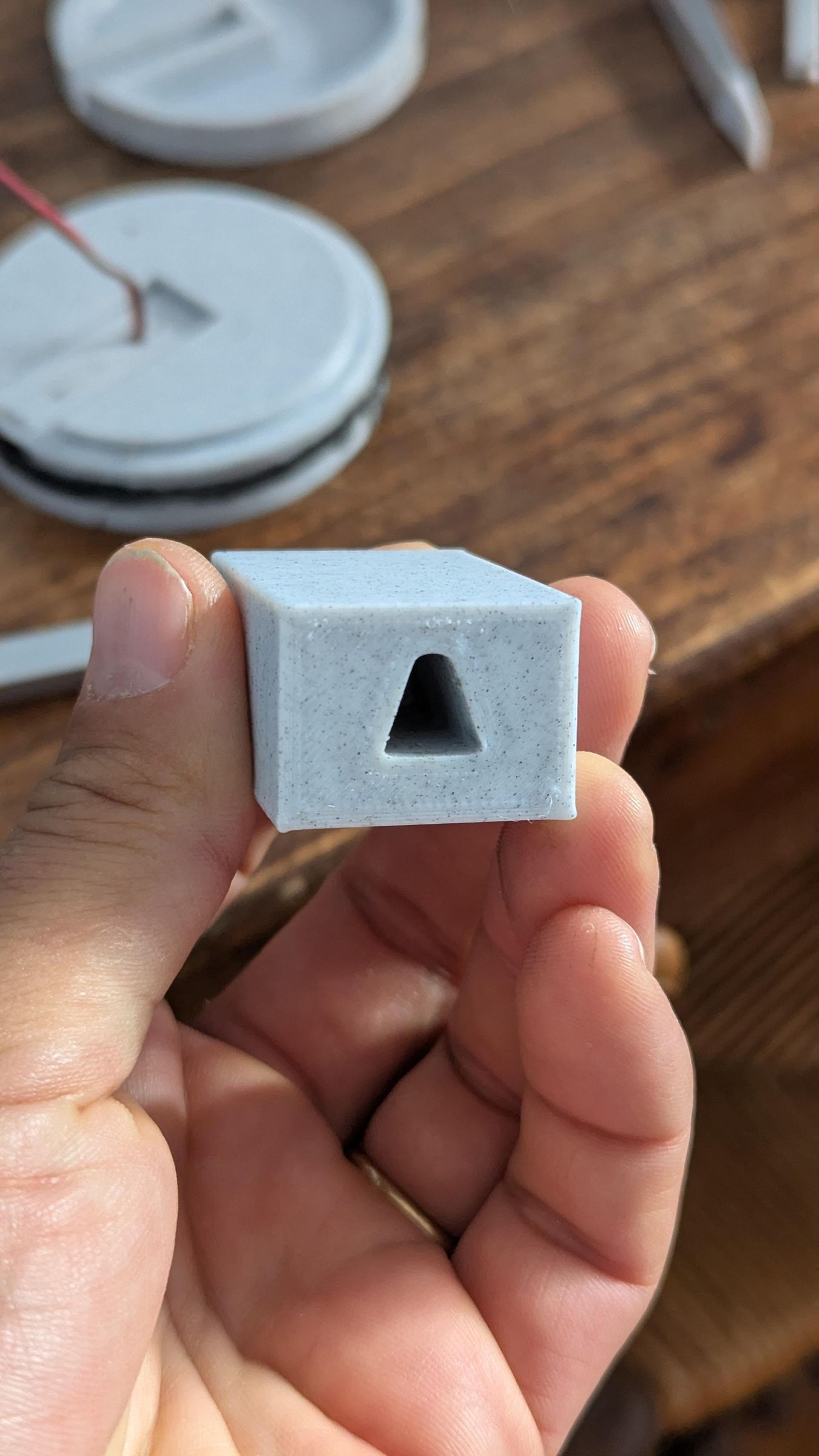

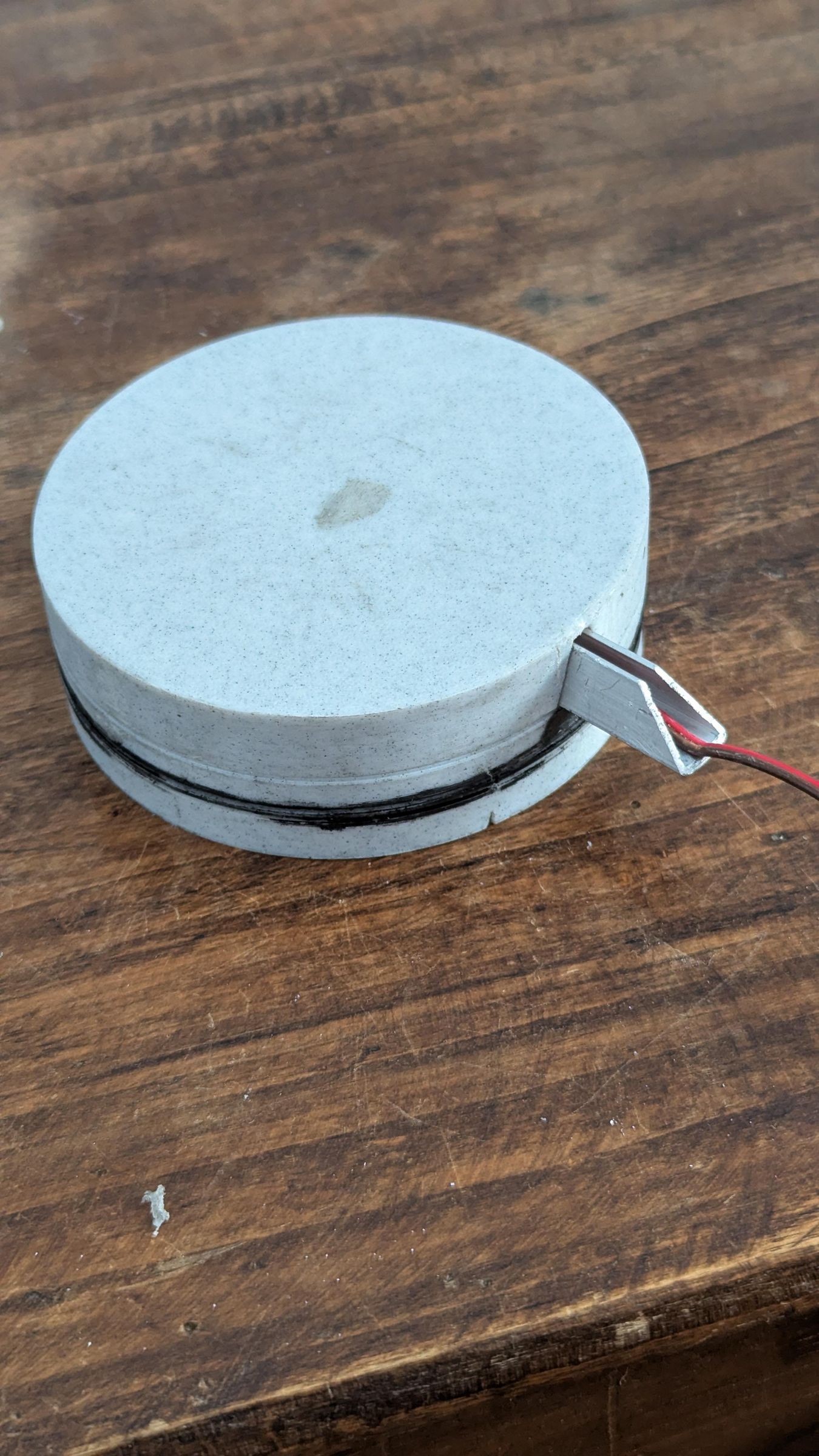
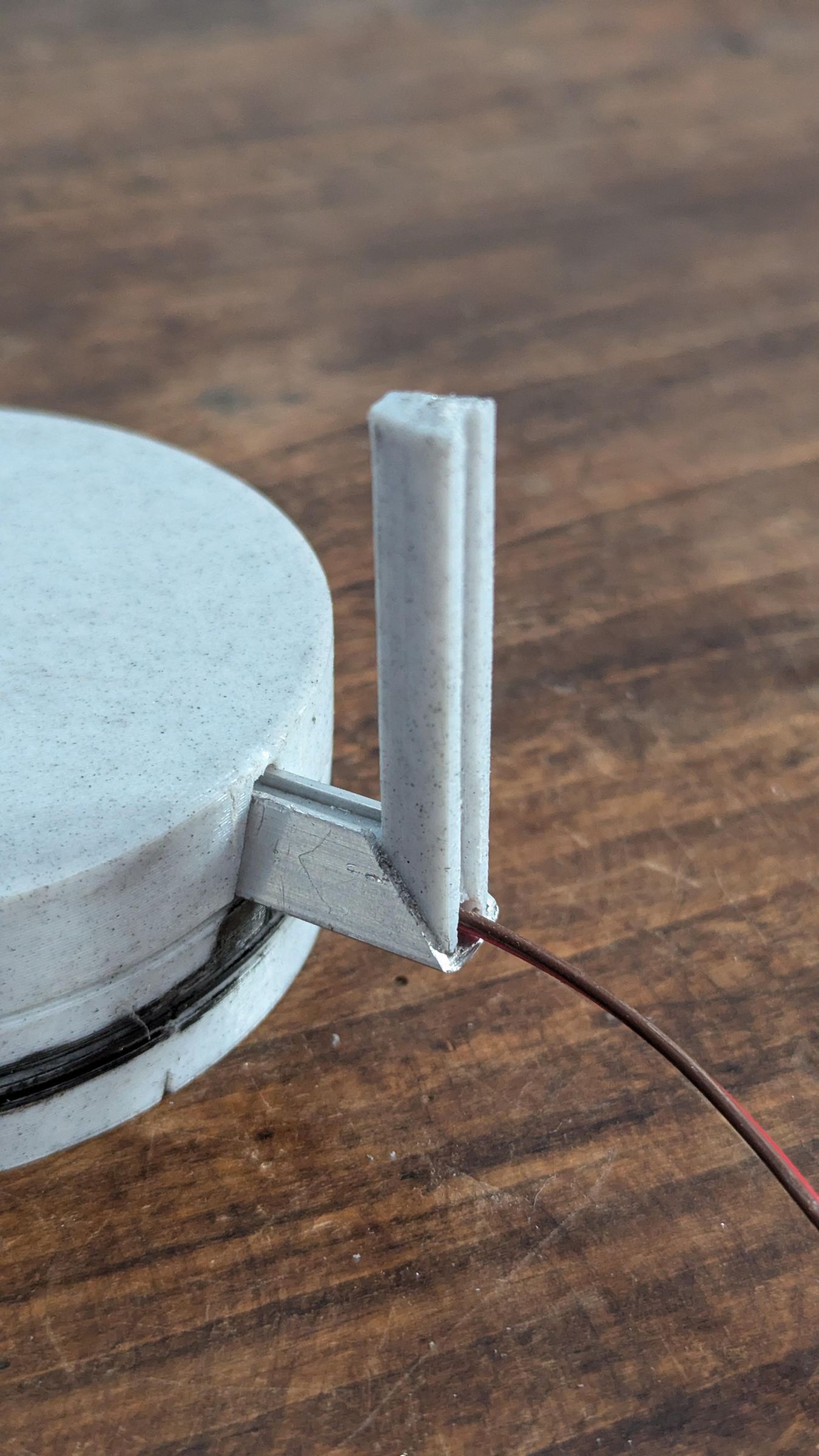
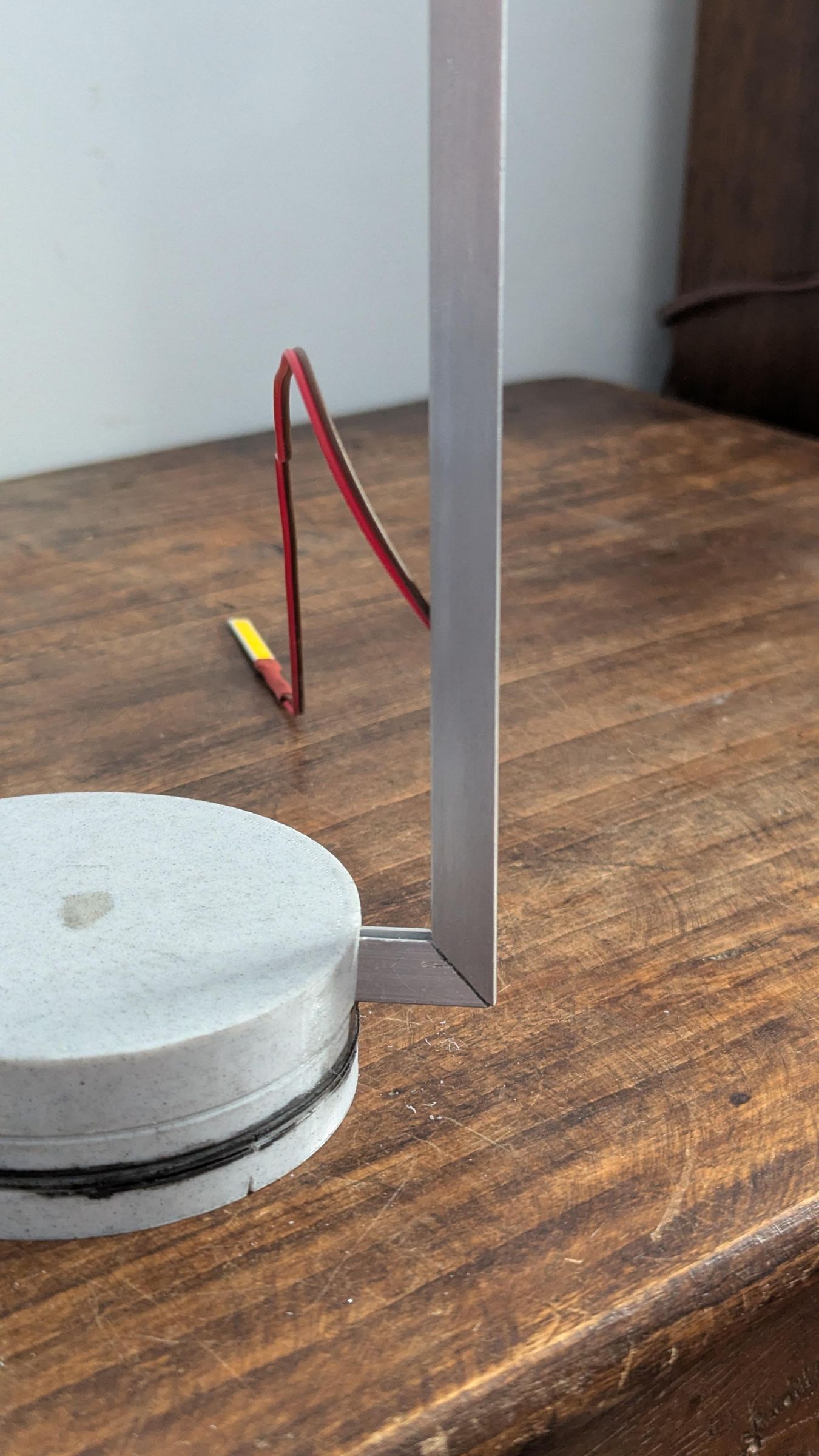


The lamp arm is made from a 10 mm aluminium U profile.
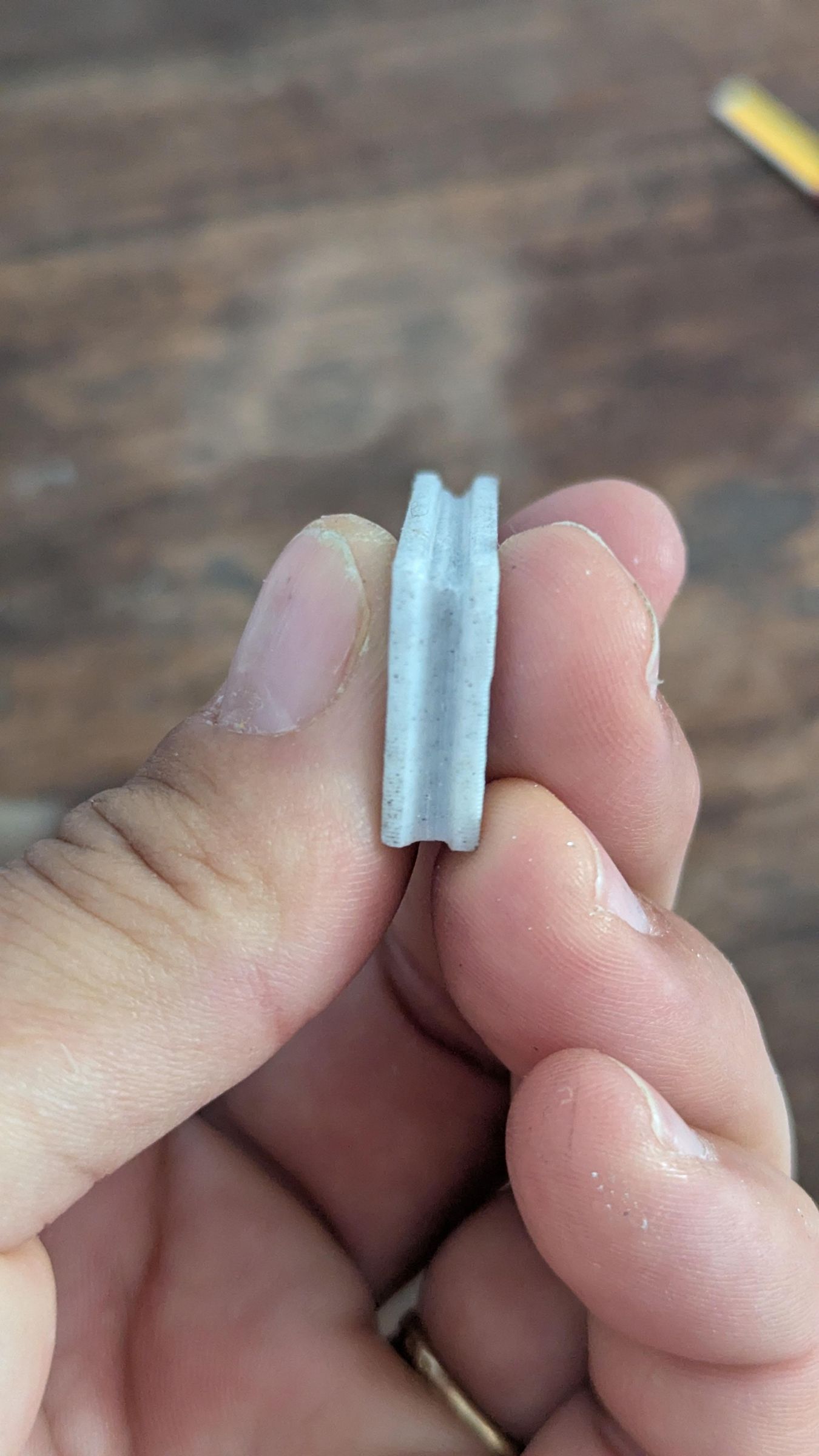
Print the 45° cutting jig and the small pass-through forming tool. Use PLA at 100% infill.
Cut the profile into three segments according to the proportions you want for your lamp. The exact dimensions are up to you. The arm only needs to hold the LED above the object and hide and guide the LED wires.
In my version, I cut the profile into three parts: one 25 cm segment, one 7 cm segment, and one 10 cm segment. Then I cut the ends at 45° with the printed jig so the segments could form a clean angled arm with the 3D printed elbow connectors.
Push the U-profile slowly through the forming tool. You'll feel resistance. Use steady hammer taps (not violent). The two sides will gradually close, forming a triangular section.
General method:
1. Mark the length of each segment.
2. Mark the 45° cuts.
3. Cut the aluminium slowly with a hacksaw, rotary tool, or metal saw.
4. Deburr the edges with sandpaper or a small file.
5. Push each aluminium segment through the tool with a hammer to close the two sides and form a triangular profile.
6. Test the fit in the 3D printed elbow connectors.
7. Pass the LED wires through the aluminium profile before final assembly, if your design requires it.
Set Up the Mini Compass Website and NFC Tag

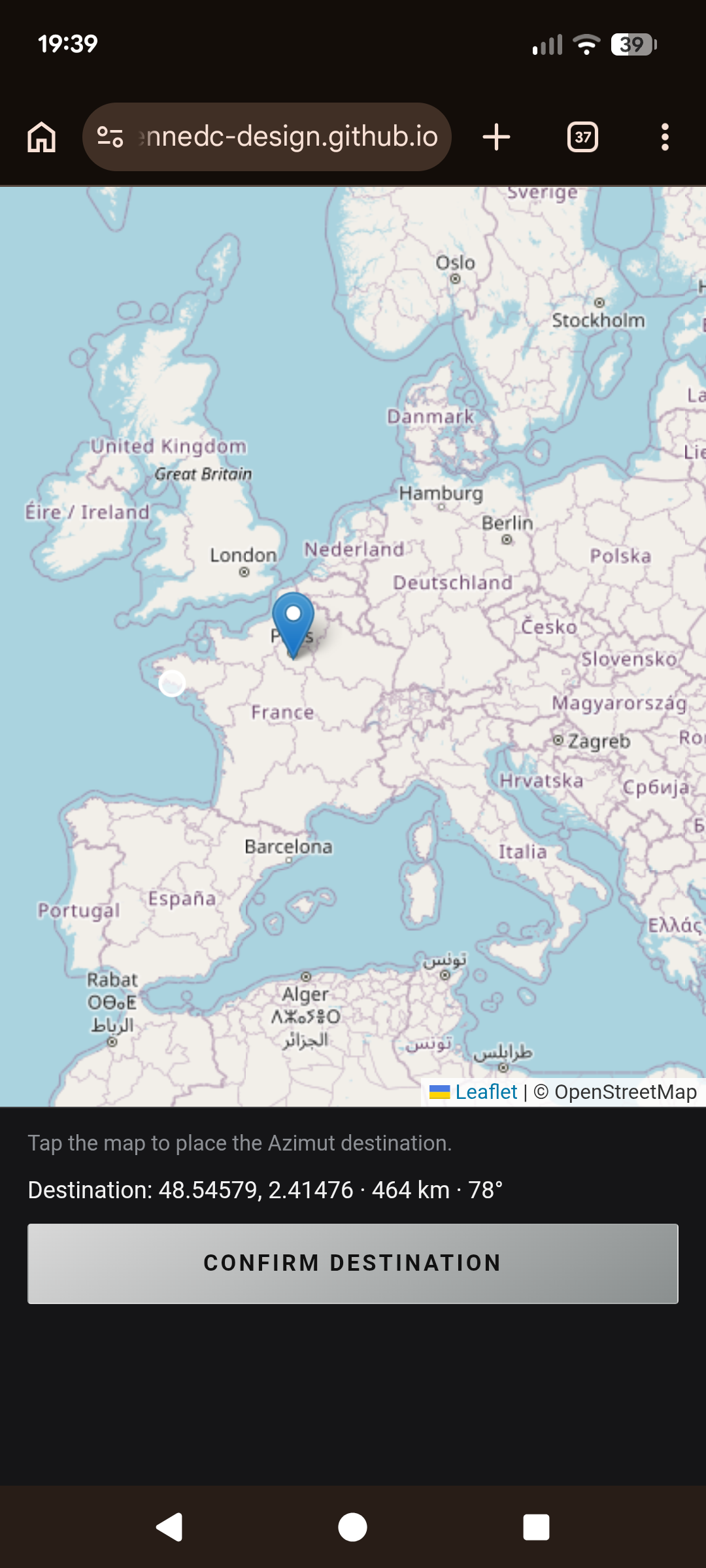
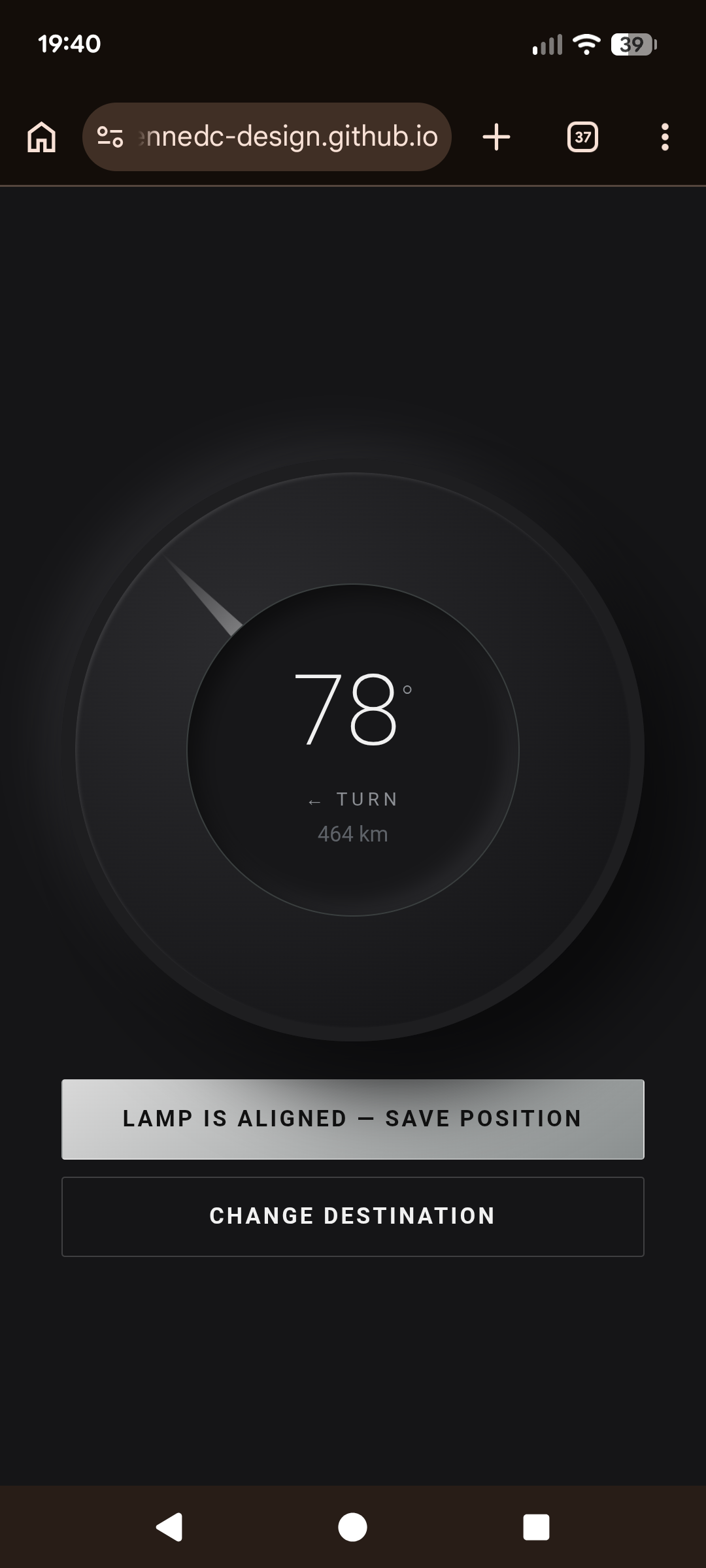
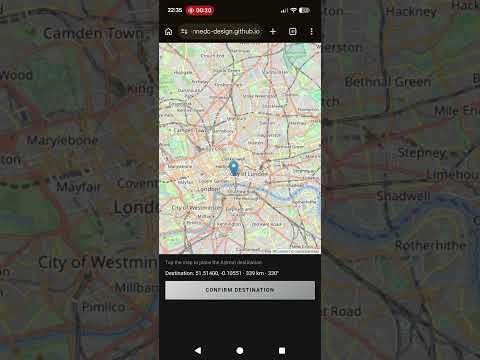
The mini website is the mapping layer of the project.
The physical lamp reveals one direction. The website explains where that direction comes from.
The HTML page lets you:
1. geolocate your current position
2. choose a destination on a map
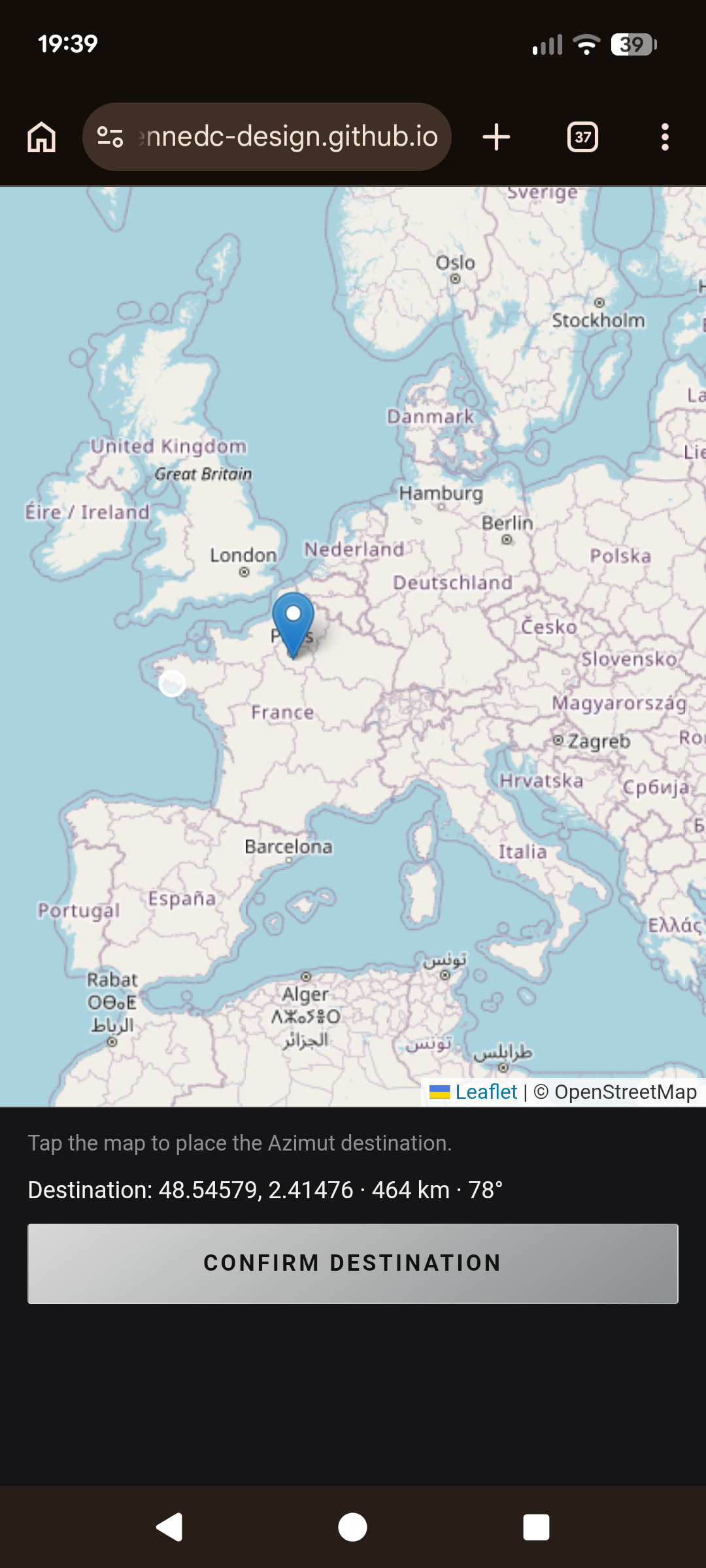
3. calculate the bearing and display the target angle
4. connect to the Azimut Wi-Fi network created by the lamp
5. lock the current physical orientation into the lamp’s processor
Here is the html code :
Feel free to adapt the code. Once the page is ready, host it online or you can use mine (https://etiennedc-design.github.io/boussole/). A static HTML page is enough. You can use GitHub Pages, Netlify, Vercel, or any simple static hosting service.
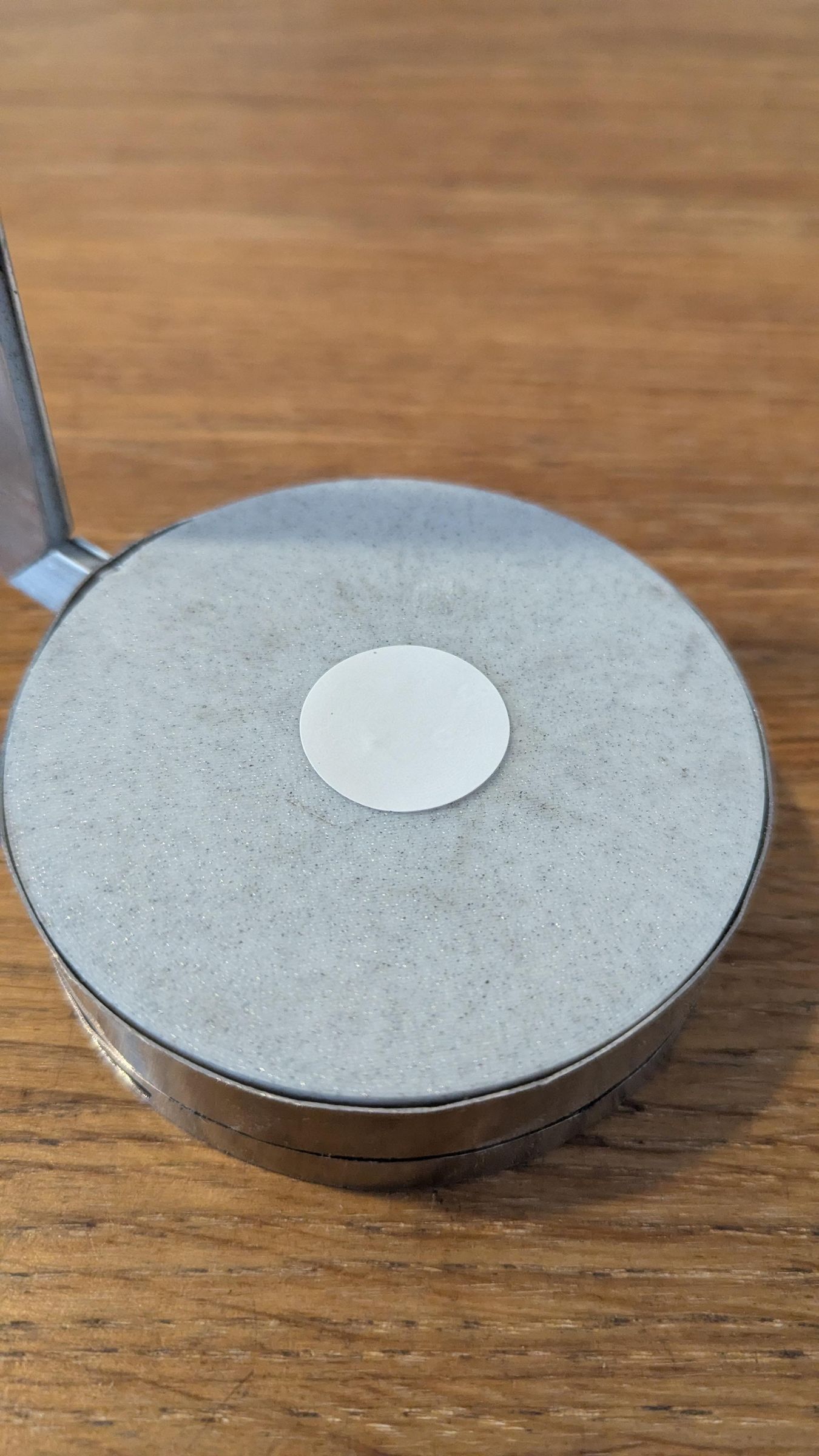
Stick the NFC tag on top of the base, then program it with the page URL.
1. Open an NFC writing app on your phone.
2. Choose “Write URL”.
3. Paste the URL of your azimuth page.
4. Write it to the NFC sticker.
5. Test it by tapping your phone on the tag.
Calibrate and Use the Lamp

Now you can use the lamp.
1. Place your object on the support.
2. Tap the NFC tag to open the map page.
3. Allow geolocation access.
4. Tap the map to choose your destination.
5. Confirm the destination.
6. The web app displays the bearing.
7. Slowly rotate the lamp until the pointer matches the direction shown on the phone.
8. Press “Lamp is aligned — save position”.
9. The ESP32 stores this AS5600 angle as the target position.
10. From now on, the LED fades in when the lamp is rotated back toward that direction.
That moment is the whole point of the object: a small daily gesture that turns a meaningful place into a physical direction.