🤖 Build BIA – Your AI Robot Voice Assistant That Talks, Moves & Dances (part 1 : Laptop)
by TylerDDDD in Circuits > Electronics
740 Views, 1 Favorites, 0 Comments
🤖 Build BIA – Your AI Robot Voice Assistant That Talks, Moves & Dances (part 1 : Laptop)
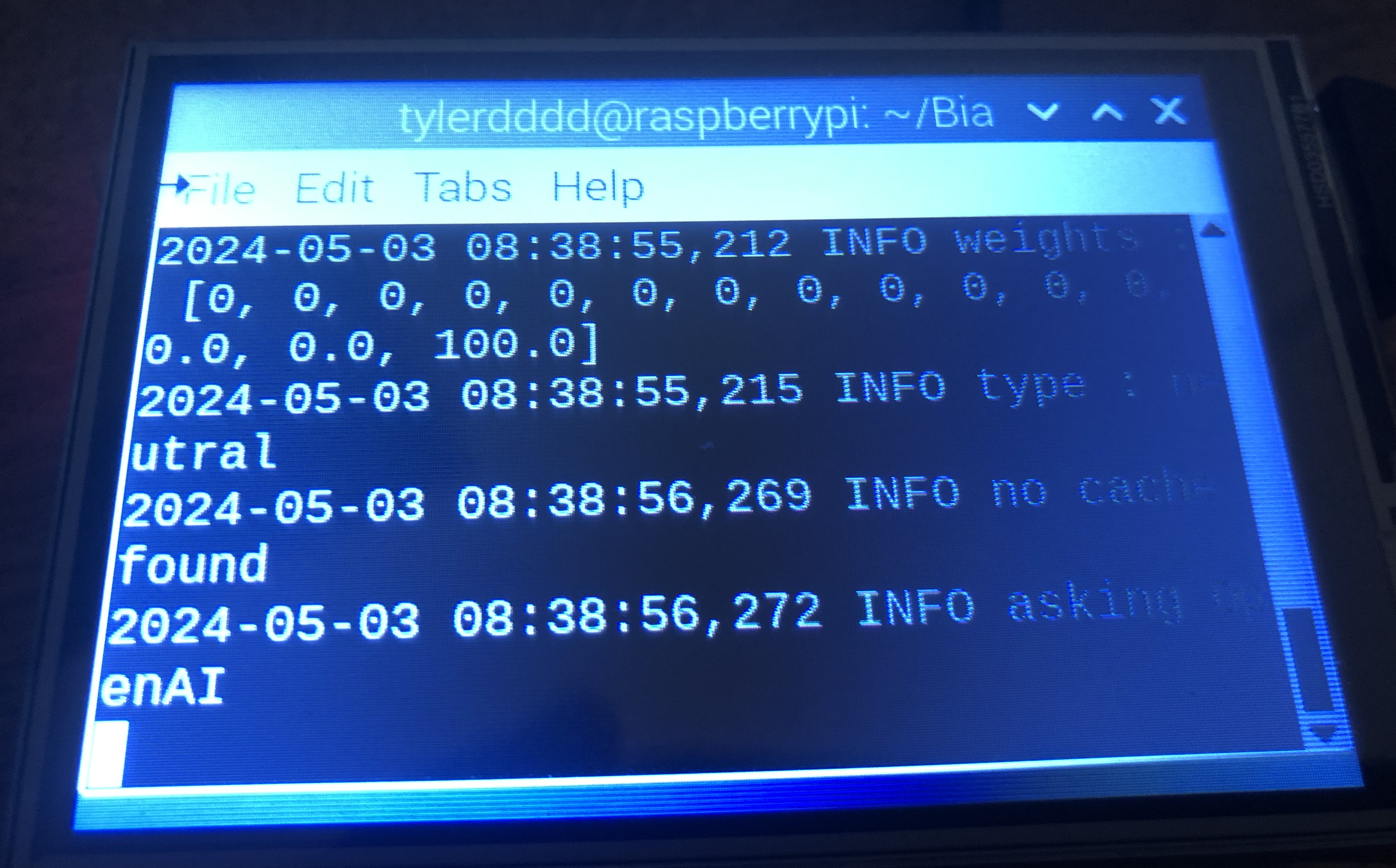

Welcome to BIA – your AI Voice Assistant project!
This guide is designed for makers of all levels, from beginners who just want to experiment with AI, to advanced builders who want a fully functional AI robot assistant. BIA comes in three progressive versions, so you can choose the setup that fits your skills and goals — and upgrade at your own pace.
🔥 What This AI Robot Can Do
✅ Chat with you (ChatGPT engine)
✅ Open a web page, YouTube, a radio, a TV channel or Netflix
✅ Make a picture
✅ Process complex instruction with a If This Then That logic
✅ Save complex instructions as a macro
✅ You can ask Otto the robot to dance, sing, walk, ...
✅ And some more
⚡ Level 1 – Laptop AI Assistant
Start simple by running BIA directly on your laptop.
- Learn the basics of voice recognition, AI responses, and command testing.
- No extra hardware required — just your laptop and microphone.
- Perfect for beginners who want to get hands-on with AI.
💡 Tip: This version lets you experiment and gain confidence before moving on to physical builds.
⚡ Level 2 – Raspberry Pi Assistant
Take it to the next level with BIA on a Raspberry Pi.
- Compact, portable AI assistant.
- Introduces hardware integration, GPIO control, and small robot actions.
- Includes step-by-step setup, from installing the OS to running the AI modules.
This is ideal for makers ready to move from software experimentation to embedded hardware projects.
⚡ Level 3 – Full AI Robot
Go all-in with BIA as a fully functional robot.
- Voice interaction + physical robot movements and dance routines.
- Combine AI, robotics, and electronics for a premium maker project.
- Includes servo motor control, custom chassis, and upgradeable parts.
This version is perfect for showing off your skills — and sharing on social media, forums, or maker communities.
💰 Each version comes with full parts lists and recommended upgrades, so you can scale your project while getting the best components. Using the recommended links helps support future BIA projects and keeps this guide free for everyone.
📈 Why BIA is Unique
- Combines AI voice assistant + robotics + movement.
- Teaches AI integration, embedded electronics, and physical robotics.
- Progressive design allows you to start simple and expand as you learn.
- Perfect for makers, hobbyists, students, and tech enthusiasts.
🔗 Next ?
- Start with Level 1 if you’re new — then upgrade to Raspberry Pi or full robot.
- Check the parts lists above for the recommended hardware and upgrades.
- Follow my profile for more AI, robotics, and maker builds.
- Share your build in the comments or on social media — I’d love to see your custom BIA!
Supplies


You need a Macbook, iMac or a laptop :)
The program was developed on MacOS Catalina version 10.15.7 and Python version 3.8. Should run also on Windows or Linux, to be tested still :) .. Any MacBook can be a good starting point or any laptop, the minimum configuration is that python 3.8 minimum and Arduino IDE can be installed on it.
Please note that the links above are part of the Amazon associates program.
We are using ChatGPT, we need an OpenAI key..
As a prerequisite you need to create an open account in order to use ChatGPT. Then you need to request an API Key.
Check the instructions directly at the OpenAI help page : here.
Note : the usage of the API of chatGPT is not free but indeed very cheap. In general a few cents by month only. After 3 months developping and testing the program I was charged only 14 cents.
Take note of the API key and go to the next step.
We are using Python, you need to install it on your laptop..
Download and install Python 3.8 : link
Optional, for the next instructables : 3D printer.. or ask a friend or your school !!
The Concept


Concept
A double layer IA mechanism provide fast and accurate answers :
First layer
The first layer is powered by OpenAI (chatGPT), it takes care of answering the questions
Second layer
The second layer is processed by a native AI, it takes care of :
- Cache management : questions and answers are cached in a local database. The goal of it is to get rid of the network latencies whenever possible (requests to chatGPT are network dependent, requests to the cache are not). The goal of it is ensuring faster answers
- Categorization : the input is categorized with a NLP (Natural Language Processing) technique into categories like question, feedback, action, etc
- Paraphrases : if for example you ask "how are you", and then later "how are you doing" both questions will be considered similar and the same answer will be picked up from the cache
- Emotions : the user input is scored on several axis (positive, negative, neutral). Based on the emotion the previous answer will get promoted or deprecated in the cache
- Scoring : each prompt/interaction is scored, in this way only the best answer is given
- Smart actions (complex requests), like If This Then That requests, instructions to Otto Robot, etc
Install the Python Dependencies


Prerequesites
Download and install homebrew-4.2.4.pkg
Install one by one the libraries :
pip install openai
pip install websockets
pip install argostranslate
pip install py3langid
pip install pyautogui
pip install pyaudio
pip install speechrecognition
pip install pyttsx3
pip install parrot
pip install opencv-python --verbose
pip install customtkinter
pip install pyduinocli
pip install pyserial
pip install sounddevice
Install the languages :
argospm install translate-de_en
argospm install translate-en_de
etc with all the languages needed
Download the nltk ressources :
pip install nltk
python3
>> import nltk
>> nltk.download('punkt')
>> nltk.download('vader_lexicon')
Install the Arduino Client
Programs to manage the Arduino of the robot
Install arduino-cli and arduino avr. Important : the Arduino-cli file must be in the bin folder
<<python package>>/bin/.
The command to install arduino-cli and arduino avr are :
curl -fsSL https://raw.githubusercontent.com/arduino/arduino-cli/master/install.sh | sh
./arduino-cli core install arduino:avr
Install the Python Package Biaspeech
Package Biaspeech
Biaspeech is available online on PyPi. It is the BIA engine core program.
pip install biaspeech
Run file
Create a file run.py. Enter the code as below. Save the file
# --------------------------
# Main folder
#
# run definition
# --------------------------

import os
os.environ['OPENAI_API_KEY'] = "xxxx" # openAI API key.. replace xxxx with your own key :)
os.environ['OS'] = "macos"
os.environ['ARDUINO'] = ""

from biaspeech import biaspeech
biaspeech()
To make it easier, you can also create a shortcut on your desktop.
Play With It


Basic usage of BIA, app mode :
- Open a terminal, then type :
python3 run.py
- The BIA app will open, just push the button and ask a question. BIA will answer ... Enjoy :)
Advanced usage of BIA, command line mode :
- Open a terminal, then type :
python3 run.py "what can I do a friday afternoon in Paris?"
python3 run.py -help
python3 run.py -version
- BIA will answer ... Enjoy :)
Developer usage of BIA, keyboard mode :
- Open a terminal, then type :
python3 run.py
- Write a question. BIA will answer ... Enjoy :)
Note : the UI parameter under the [main] section must be set to "keyboard".
The config file can be found under :
<<python package>>/utils/config.cfg
Developer usage of BIA, voice mode :
- Open a terminal, then type :
python3 run.py
- Ask a question. BIA will answer ... Enjoy :)
Note : the UI parameter under the [main] section must be set to "voice".
Example of some prompt :
- Quelle est la capitale de la France?
- How are you today?
Advanced Options
Advanced prompts :
- I do not like this answer => a negative prompt will decrease the scoring of the latest answer, it will go down in the cache
- I like this answer very much => a positive prompt will increase the scoring of the latest answer, it will stays up in the cache
Skills. The special prompts are the following :
- camera : take a picture => Example : Camera now
- macro : save the last command as a keyword => Example : Macro salsa
- netflix : run netflix and search for a movie => Example : Netflix breaking bad
- python : run a combination of prompts => Example : Python if the capital of France is Paris then Arduino walk one meter
- radio : open the web radio site and search for a station => Example : Radio deutschlandfunk
- tv : open molotov tv => Example : TV m6
- web : open a website => Example : Web google.com
- youtube : open youtube and search for some => Example : Youtube dire straits
- arduino or robot : ask the otto robot to do something
The predefined keywords for the robot are : walk, back, left, right, stop, happy, sad, surprise, moonwalkerleft, moonwalkerright, sing
A predefined keyword means that the Arduino code for the keyword/action is preloaded in Arduino. For others than those 11 predefined actions, a live request to chapGPT will dynamically build the Arduino code.
=> Example : "robot walk" .. the keyword walk is predefined... the Arduino code for it is preloaded
=> Example : "robot dance the salsa" .. this is a new action, chatGPT will generate live the Arduino code
Remote control
You can remote control BIA with VNC, this is explained in the next Instructables.
Update the paraphrases
Run the command below to update the paraphrases. Paraphrases are synonyms sentences stored in the local database. The cache will use those sentences to speedup the answers.
python3 run.py -update
Next Steps
Check those instructables
- BIA (AI) on Raspberry Pi (#2/3) : the second instructables explains how to install BIA on Raspberry Pi.
- BIA (AI) and Otto the robot (#3/3) : in the third instructable is detailed how Otto the robot can be used together with BIA
Annexes
Small donations matter : you can buy me a coffee :)
BIA(AI) © 2024 by Nicolas CHRISTOPHE is licensed under CC BY-NC-ND 4.0. To view a copy of this license, visit http://creativecommons.org/licenses/by-nc-nd/4.0/
The python package is available on PyPi : https://pypi.org/project/biaspeech/