Baller Witch
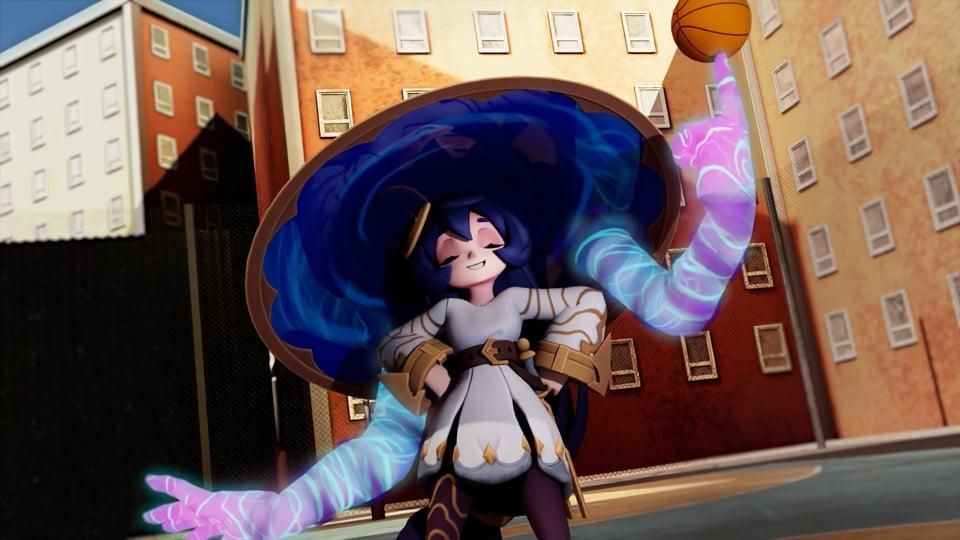
Hello! I'm Kiara Tyler-Cooper and I'm a 3D animator! Here is my step-by-step pipeline for my new animation based on the prompt Make It Bounce!
While the prompt is simple, I thought I'd push the performance of how the character interacts with the ball.
I spent quite some time on this project, trying to block, spline, and polish it to perfection. I hope everyone enjoys it and follows along too!
Supplies



For the tools, of course, I needed a ball rig! This one is free from Gumroad.
For the character, I used this Ystra the Astral Witch rig that's been saved in my files for some time now. This is the perfect time to give it a whirl!
For the software, I used Autodesk Maya, but any animation software works just as well.
For audio and editing, I used Adobe After Effects, but, as with the last point, any editing software can work too!
Lastly, I used my notes app to plan out the animation and write ideas.
Reference and Research


This step is the most important part before you start, it's reference and research, of course!
I never start a project without this step. It helped me plan out what my animation would look like and which basketball motions are most used or most natural for players. Since I'm not really a basketball fan, I watched NBA clips and training videos to understand dribbling and passing movement.
Setting
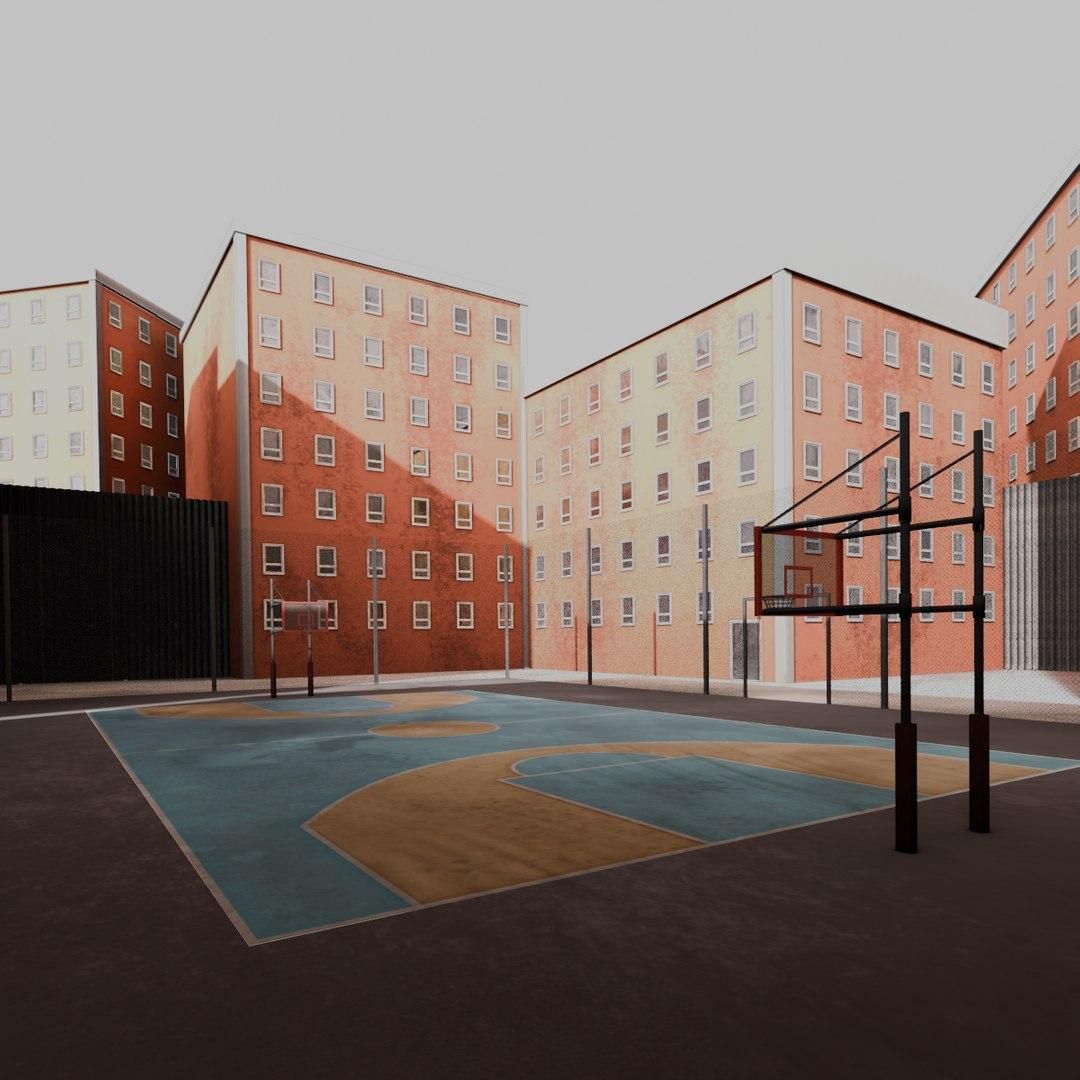
To set the scene, I went to Turbosquid to find a free basketball court scene.
After importing the basketball court, I referenced the basketball rig and the Ystra rig.
It's fun and a good idea to experiment with different camera angles and lenses. Ultimately, I chose to go with a full-body shot to fully showcase the mechanics. When I got closer to rendering the animation, I decided to have the camera move to a medium shot at the end.
Ball Bounce
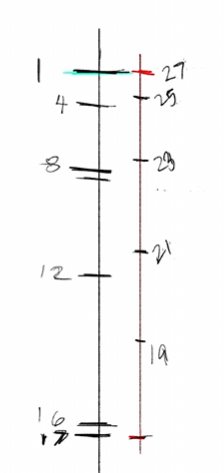
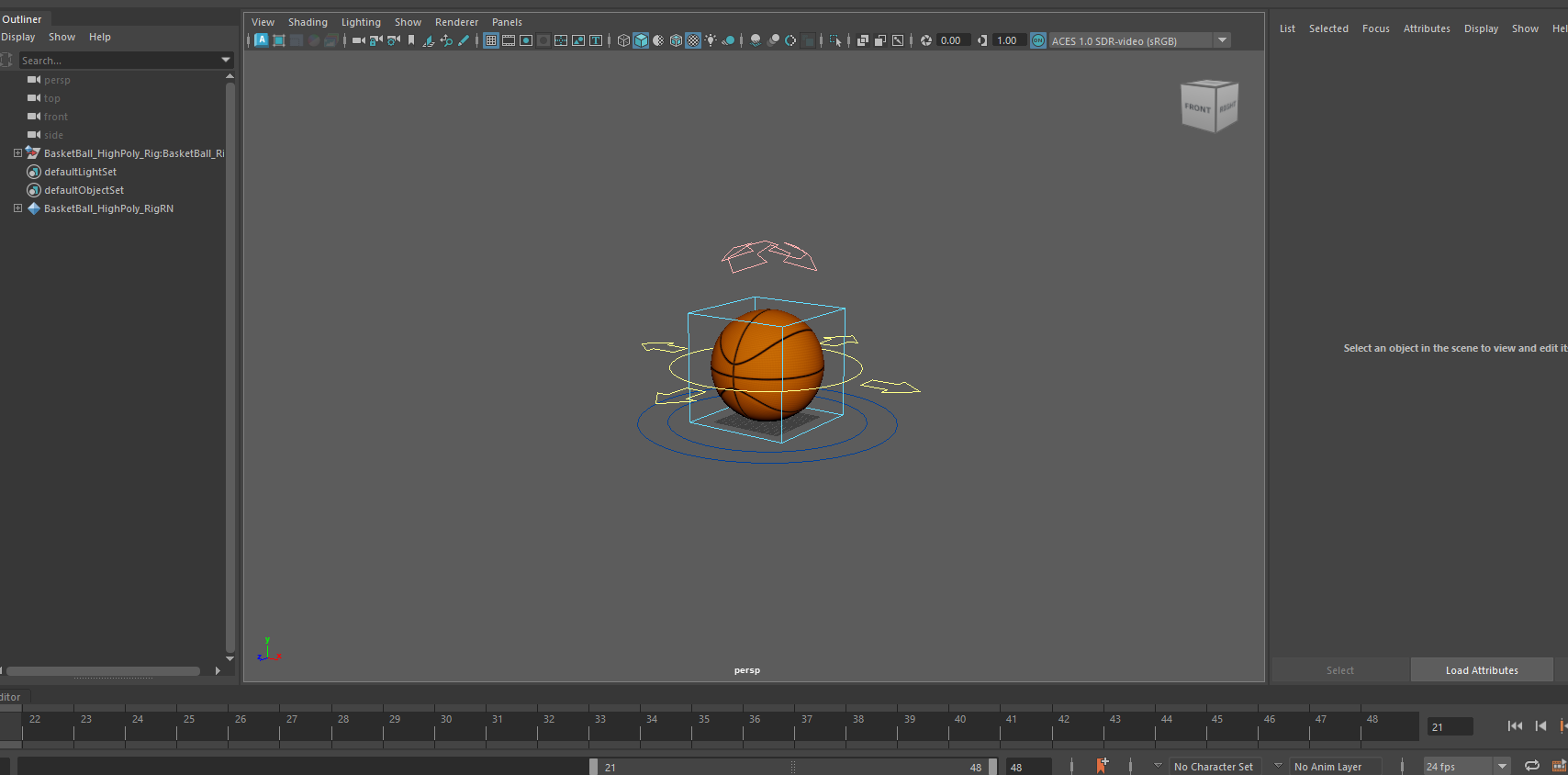

To warm up and start the project, I do a simple ball bounce with the basketball.
Blocking
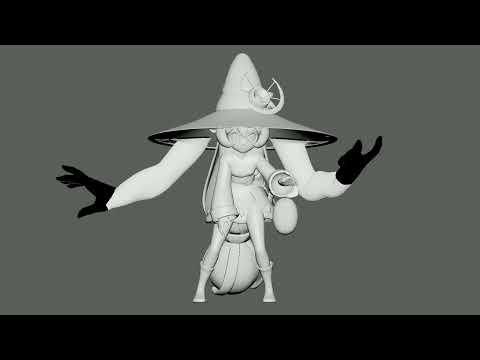
After watching plenty of basketball training videos, it's time for me to start.
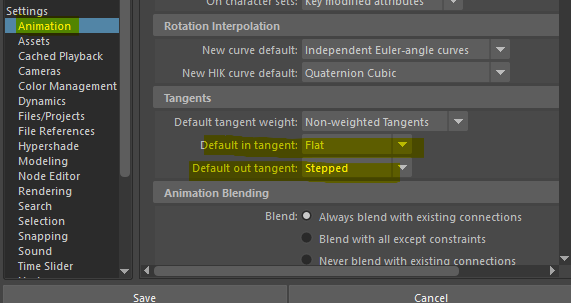
In Maya, I changed this setting so my keys automatically stay in step. This allows me to easily adjust timing and focus on the key poses, and not have to worry about making things look pretty YET
Spline
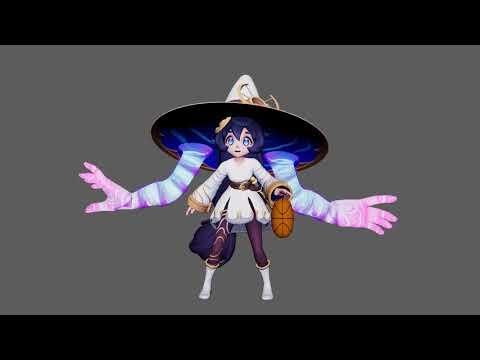
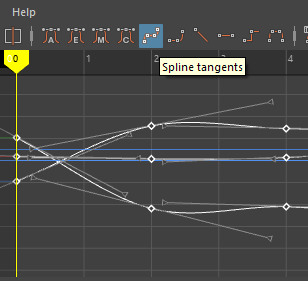

After blocking, go into the graph editor, select all those keys, and spline them! Make sure to change the setting back.
This phase mainly involves adding supplementary keyframes that help fix timing, weight, or drifting
Polish

Lighting
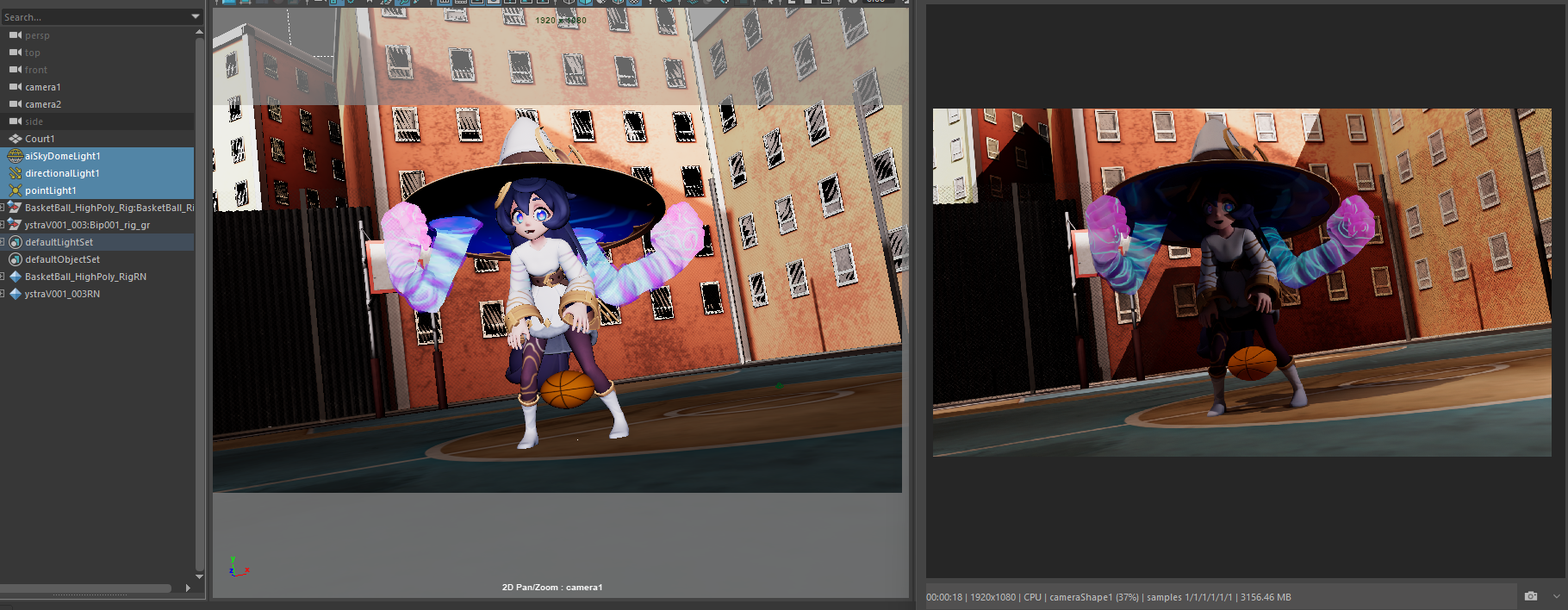
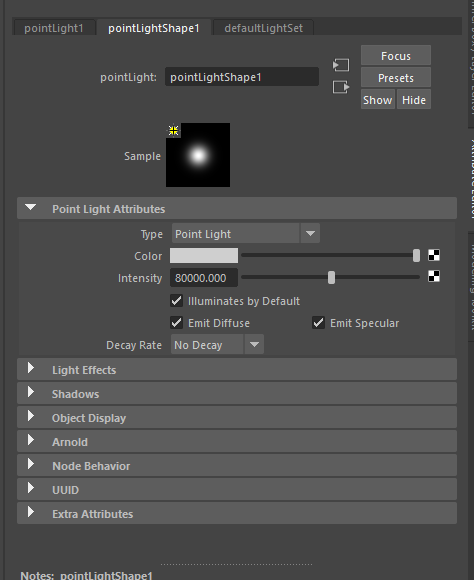

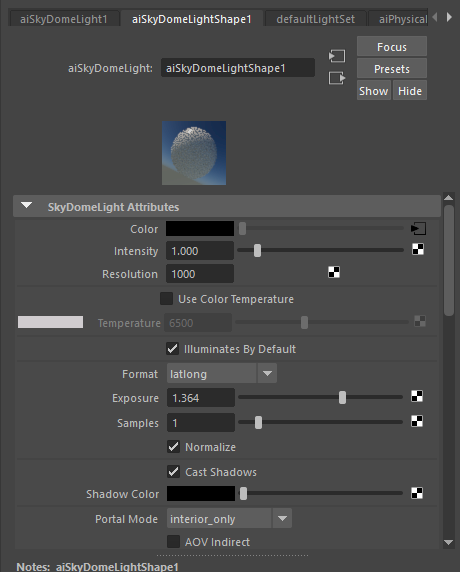
For lighting, I kept it simple:
Skydome light to light the whole scene, directional light to enhance the sunlight, and a point light to light up Ystra!
I give the directional light a slight orange tint to give the scene some color as well
Render Settings
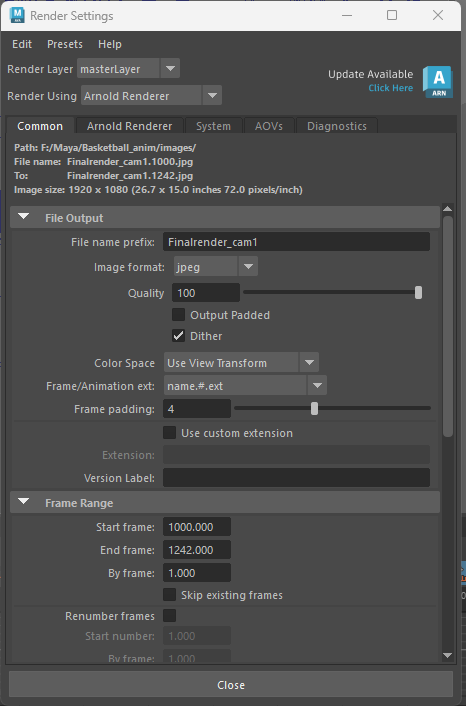

As an extra step, I decided to render out my animation! To render out an animation, make sure to change the render settings accordingly.
- Make sure to name the file name prefix to something you can remember, and take note of the file path it will render to
- Image format is up to personal preference but I like jpeg
- Change is the Frame/Animation ext needs to be changed to name.#.ext to render out a frame sequence.
- Frame range, of course, should be the frame range for the animation
For the render settings, run multiple test renders to find the minimum number of samples that still maintain quality. The fewer samples, the shorter the render time!
Rendering

Once you are happy with the lighting and samples, hit the render sequence button! If you still aren't sure about the lighting or samples you have, it doesn't hurt to do a 720p render to see how they look in motion.
All thats needed now is patience as your animation renders
Get up, stretch, and take a much-needed break!
Editing
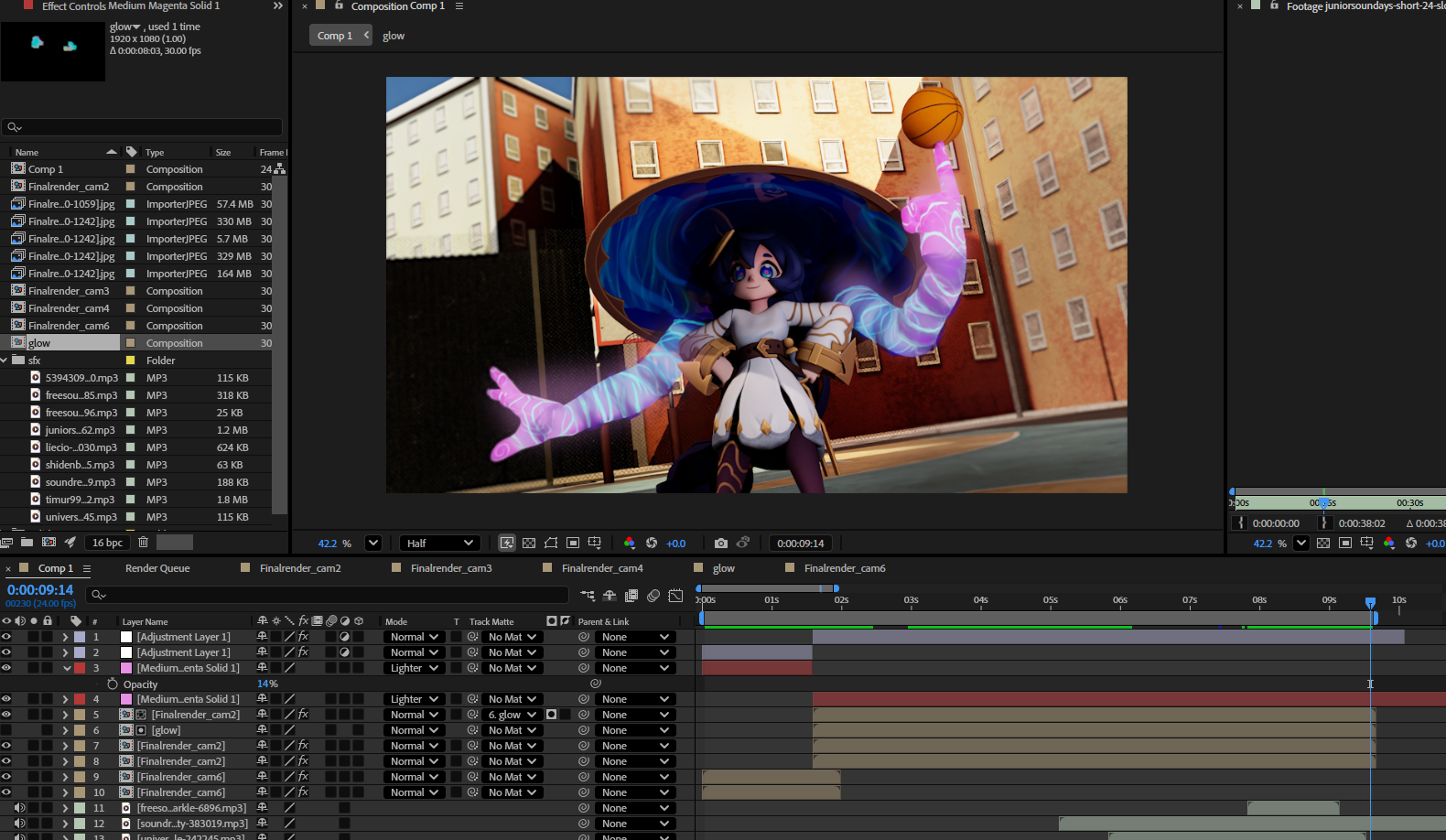
To compile the animation and add audio I used After Effects
To add in the sequence, I click the first frame and import it, making sure that image sequence is checked. This will add the whole animation automatically.
I added some color correcting effects to the animation to get the desired look, and also added a glow for the magical arms
Finally, I go to Pixabay to find appropriate sound effects such as ambient sound of the city, basketball effects, and magical sparkling noises.
Final

Voila! Our animation is complete! 🎊
I had so much fun with this project, this is the first time ever that I have animated someone dribbling a basketball and looking super cute and cool while doing it 😎
I'd like to say thank you to all my friends and family who gave feedback and advice during this project!
I hope everyone had fun reading this Instructable and feels inspired to experiment and try new things! 💚