Bipedal Robot With Humanoid Legs: How to Make It
by Nix Robot in Circuits > Robots
64 Views, 0 Favorites, 0 Comments
Bipedal Robot With Humanoid Legs: How to Make It

In this instructable, we are going to rapidly construct a sort of humanoid robot with two legs with ankle, knees, and hip joints. The machine will not have arms, however. The arms could be later designed and added using microservos: four tiny servos will be enough and quite possible to mount on the machine to have some arms to grab basic objects.
So, the core of this project is to actually build these complex robotic legs and power them with either Raspberry Pi or Arduino (the latter could be replaced with ESP32, STM32 or similar development boards supporting Arduino core).
Supplies
- Raspberry Pi [4 or 5] or Arduino [UNO or UNO Q or UNO clone] - 1 pc.
- LX-16A serial bus servos - 8 pcs.
- LX-16A bus linker - 1 pc.
- Micro-USB to USB-A cable for the bus linker serial communication - 1 pc.
- USB-C to to USB-A cable to power Rasperry Pi or cable to power Arduino [varies] - 1 pc.
- Battery Talentcell YB1203000-USB - 1 pc.
- DC voltage regulator step-down - 1 pc.
- Barrel DC connector, male - 1 pc.
- Mini speaker, USB - 1 pc.
- Wires, Resistors, LEDs.
- M2.2 6 mm and 8 mm thread forming screws - 1 pack of each type.
- M2 heat-set inserts for plastic [brass] - 1 pack.
- M2 screws of various sizes, preferably 8 mm and 16 mm - 4 pcs.
- M4 screws 40 mm and locknuts for them - 2 pcs. of each type.
- M4 washers - 4 pcs.
- Miniature plastic cable holders - 6-8 pcs.
- Miniature round rubber bumpers - 4 pcs.
- Nylon spacers for M2 screws [variable height].
- Access to tools, other screws, nuts, cables, wires, power adapters, etc. is highly recommended.
Get 3D Files and Print Them
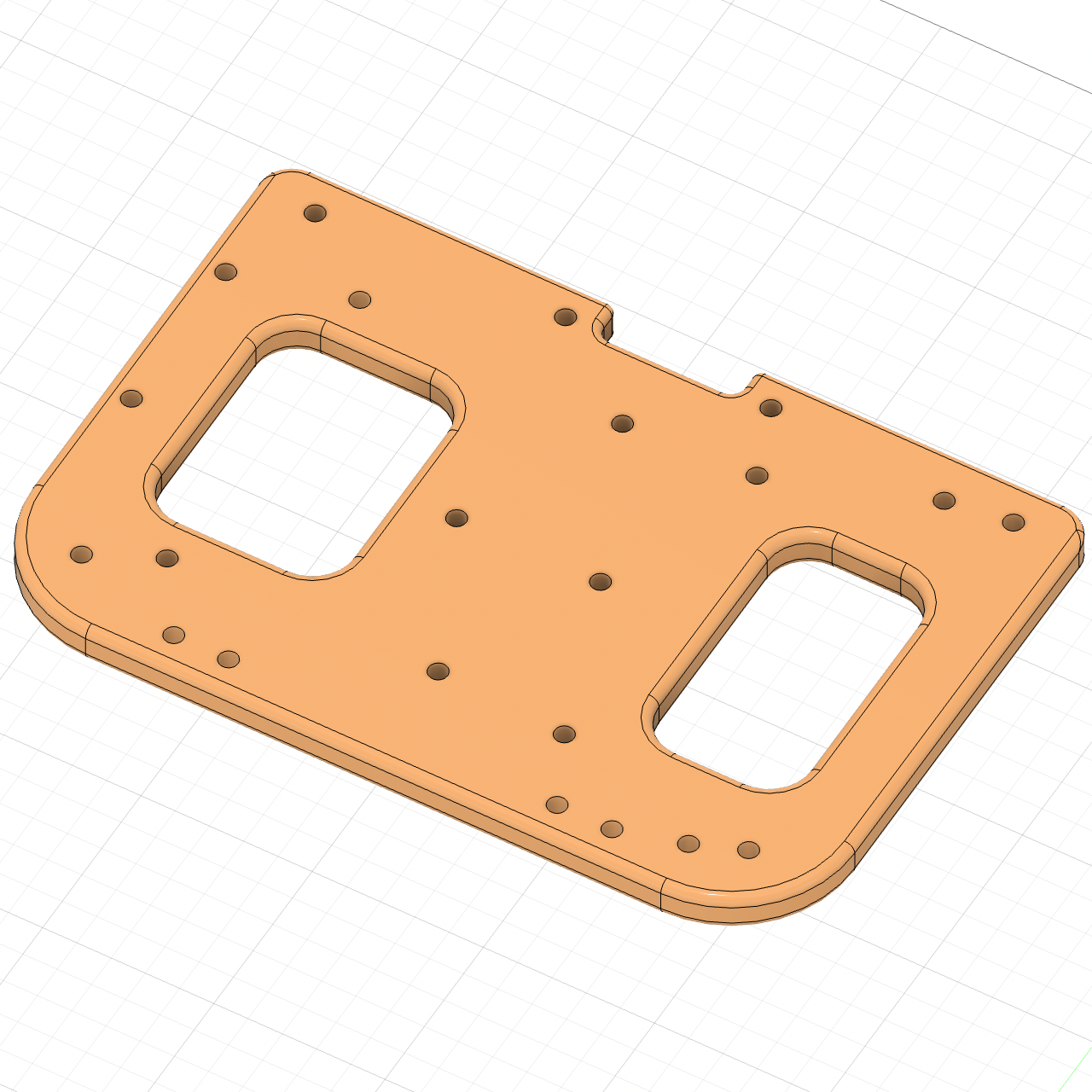
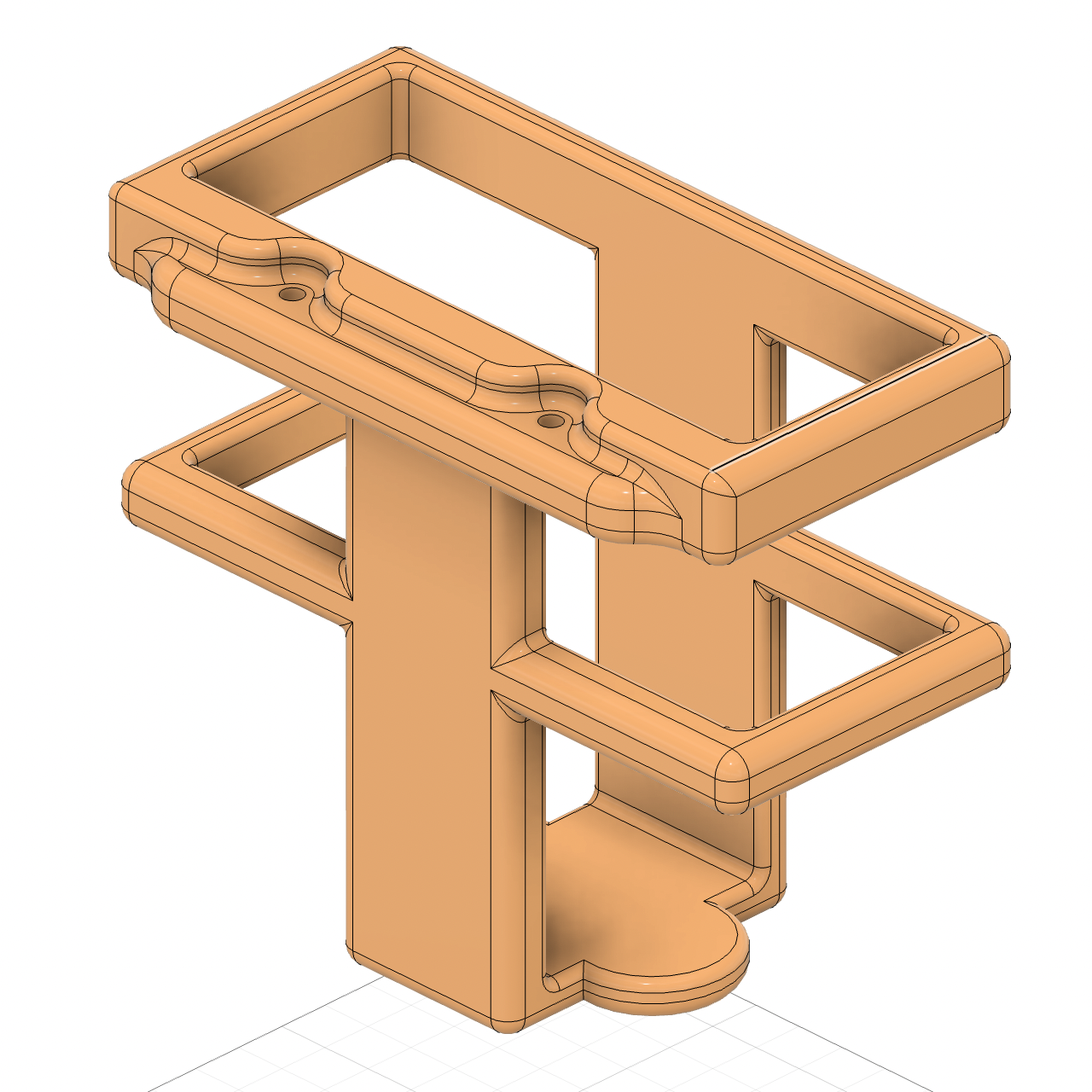
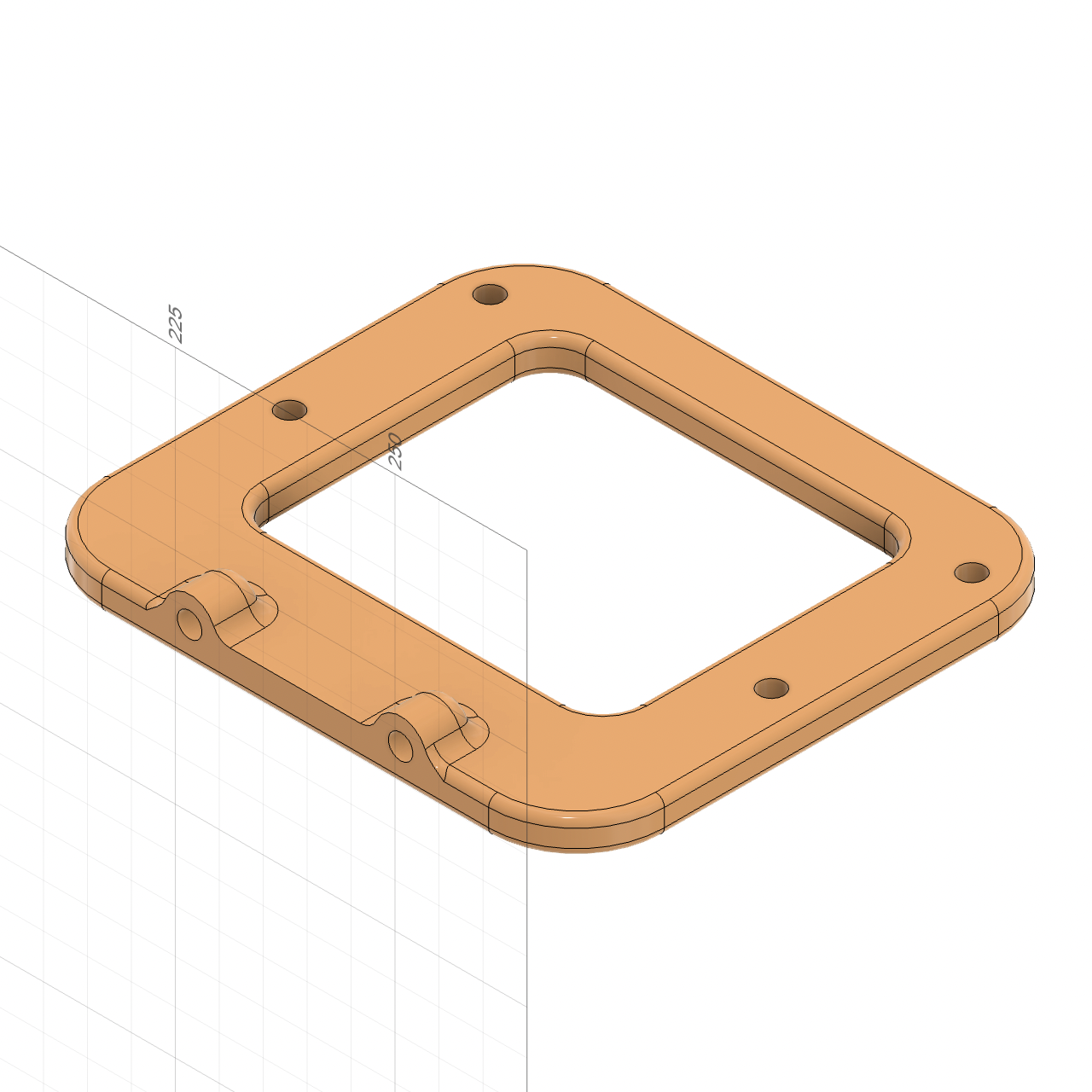


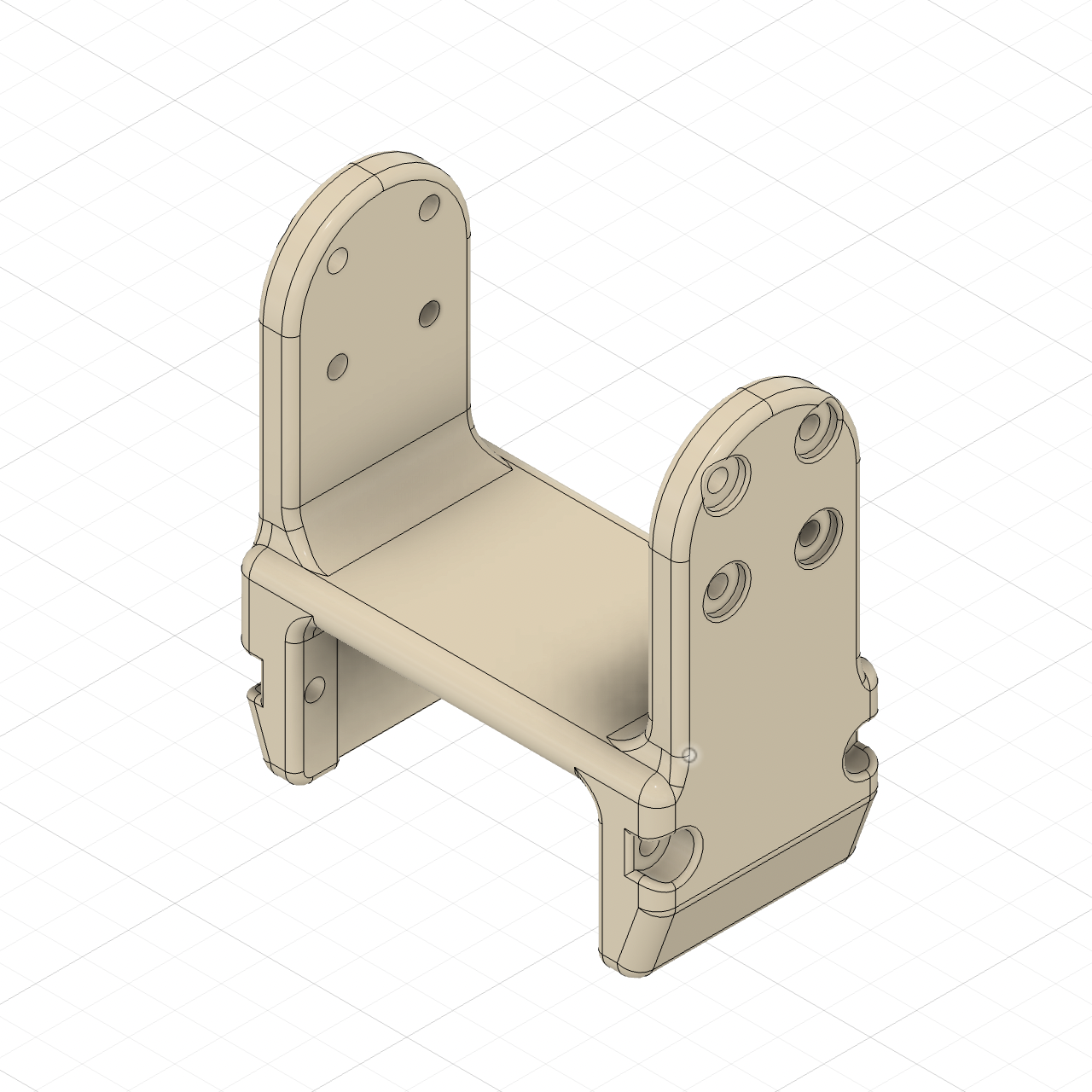


This robotic system, called Nix Robot, comes with freely available open STL and STEP files.
Grab them on GrabCAD.
Then print these files on a PLA printer. Carefully position each part on the print plate to avoid unnecessary support structures and make them maximally strong in configuration as they are quite thin.
STL files are good for printing, while STEP files will allow you to make modifications to the robot.
Assemble the Machine


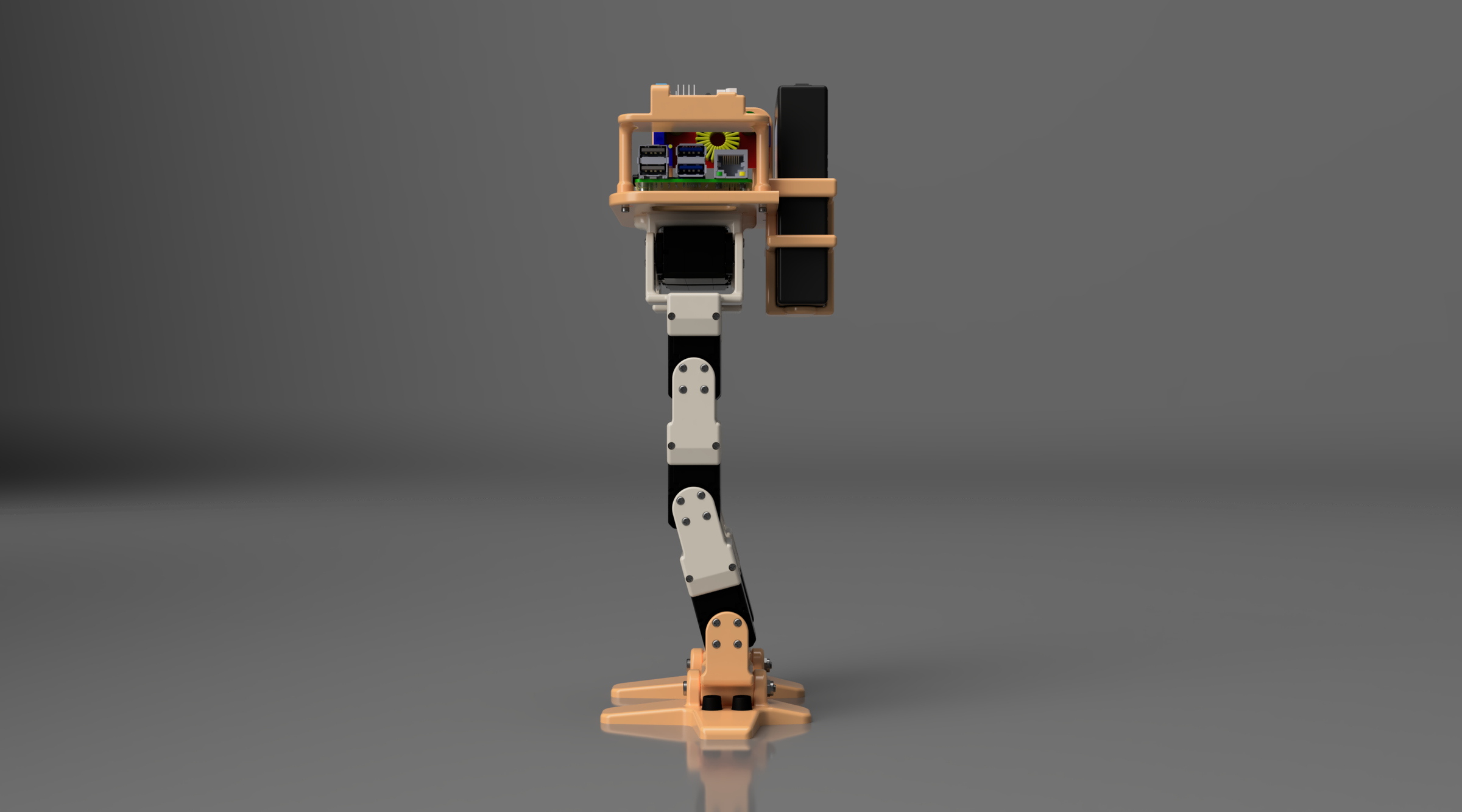
We construct this robot like a building: from the basement (feet) to the top. On the picture of the assembled robot, you can see how its parts are connected together.
The leg segments and pretty much all other components are generally fit onto servos in one way or another. In most cases, use M2.2 or M2 screws to fix the components.
Remember to reassign a number or id for each servo motor programmatically. You can do it also after assembly, but it is highly recommended to do that before. Why reassign ids? As these motors are on the same bus, and they sold with default id 1, you cannot communicate with them if they have conflicting ids.
Some holes on the feet and on the body components need brass heat inserts to be melted into their surfaces; otherwise you will see that they are not connectable to other parts. The simplest way to deal with the inserts is to just use soldering irons for that.
For detailed assembly instructions with drawings of each part, showing where and what screws and nuts to insert, use this book: ISBN 9798278222026 or ISBN 9798278612087.
Some people might say that this robot, when all components are ready to assembly, is very simple to build. I would agree to the extent that, if you know the system, then yes, you can build it just in one day. But if you see it for the first time, the sequence or algorithm of assembly from that guide book might be extremely handy.
Programming for Raspberry Pi
Here is the code example. Yes, straight code, explanation follow below.
In this example, which is very basic, coded in Python, we move a servo motor from 80 to 160 degrees back and forth. The robot should move one of its limbs, if already assembled.
Download the lx16a.py module attached here in this section in order to make this code work (notice the import instruction).
This code runs on Raspberry Pi or can run directly on your PC (Mac) via serial communication device when the bus linker is connected to an USB port of your laptop (computer) like /dev/device_name or COM3, depending on your operating system and configuration.
Typically, we use SSH to log into Raspberry Pi and often a headless setup (it means that the RPi computer does not need a display, keyboard, or mouse).
If this code works, then you can design any gait or other moves of the robot using purely your imagination, and if needed, machine learning. But if you want ready-to-use solutions for Raspberry Pi, for multiple moves like walking, standing, kneeling, turning, kicking, then this guide (ISBN 9798278222026 or 9798278612087) contains the comprehensive setup, code listings, and files to download. Due to complexity of that programming, I decided to keep it closed-source. By the way, any new code you develop with this robot, you can easily make open or closed source; it is entirely up to you.
Downloads
Programming for Arduino
Here is the code, again, as simple as possible.
In this example, in C++, we again move a servo motor from 80 to 160 degrees back and forth. The robot shall move one of its limbs, if assembled.
Install this LX16A-bus library for Arduino from the Arduino Library Manager.
You can use the Arduino IDE or VS Code with the PlatformIO extension to compile the code and upload onto the development board.
ESP32 or STM32 boards with Arduino core should also work, although the design of the robotic body does not have mounting holes for them. You can redesign the holes: it is quite easy if you know basic CAD.
If you want ready-to-use solutions for Arduino, for many moves like walking, standing, kneeling, turning, kicking, then this guide (ISBN 9798278222026 or 9798278612087) has the complete code listings and links to source code files. You can modify them as you wish, design new moves. And only you decide how to license your code: open or closed source.
More Things

What the next is step is entirely your decision: you can alter 3D models in CAD software, you can implement new moves, you can install new electronics on the system, you can add sensors, you can integrate computer vision and AI into it.
AI is particularly interesting in this project if you add a microphone: in that case the machine would be able to recognize speech, and physical world interaction can be fused with intelligence. If you design small arms on top of that, this machine will become a really fascinating engineering project.
Good luck with your robotic builds!