Chameleon Lamp
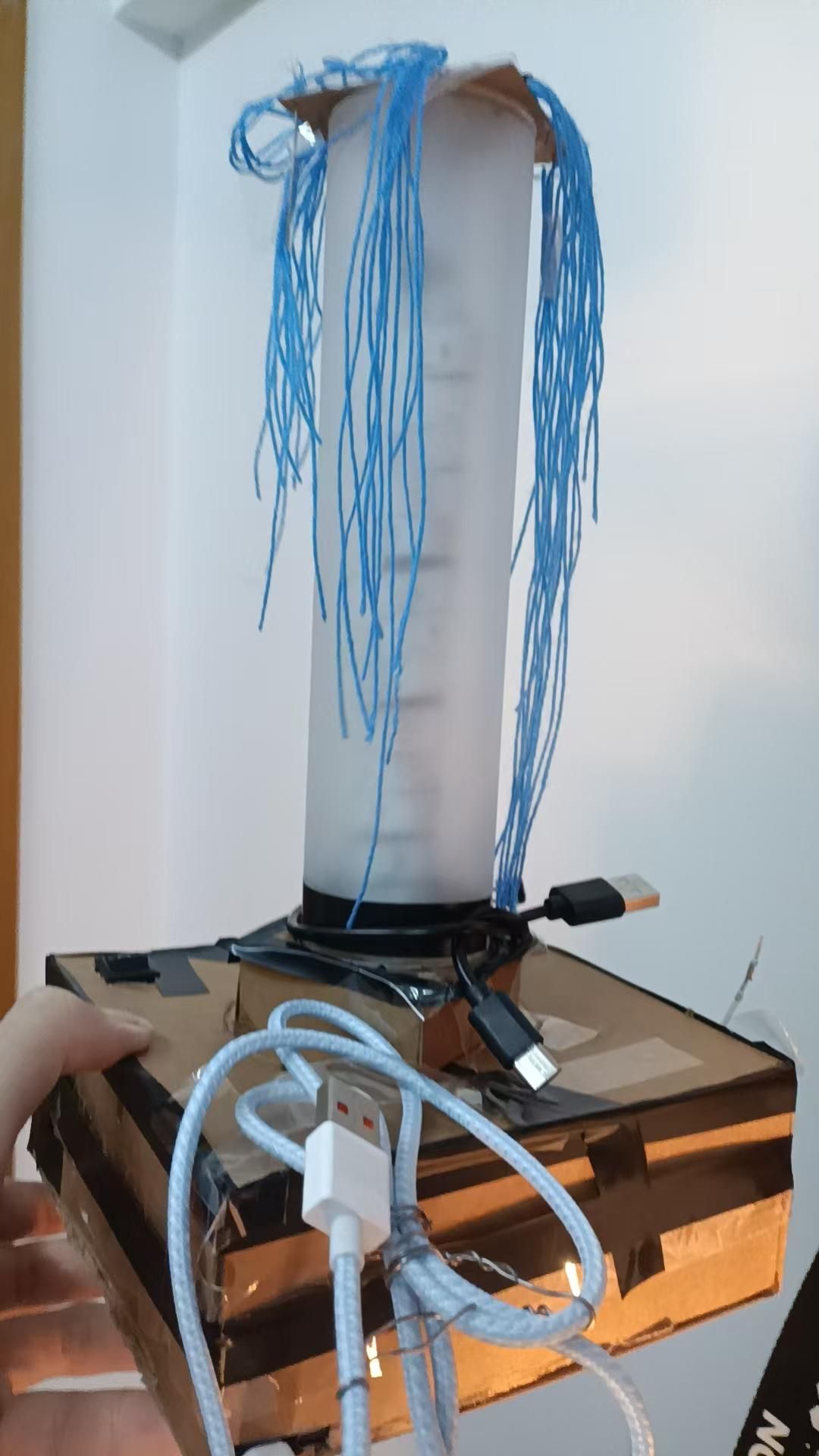
Chameleon Lamp.sensor reads the RGB color dataand LED strip emits color.
EZ, safe and secure.Good for babies' growth.Little naive for teens.
Supplies
Key Components
1.**Rechargeable 5V Power Supply**
2.**ESP32-S3 Development Board**
3.**TCS34725 Color Sensor** (pins bent to the back side)
4.**WS2812B LED Strip** (60 LEDs, 5V)
5.**Switch** (Dupont wire version)
6.**Three types of Dupont wires**
7.**Electrical tape, scissors** (need to understand the wire twisting and splicing technique)
**Optional:**
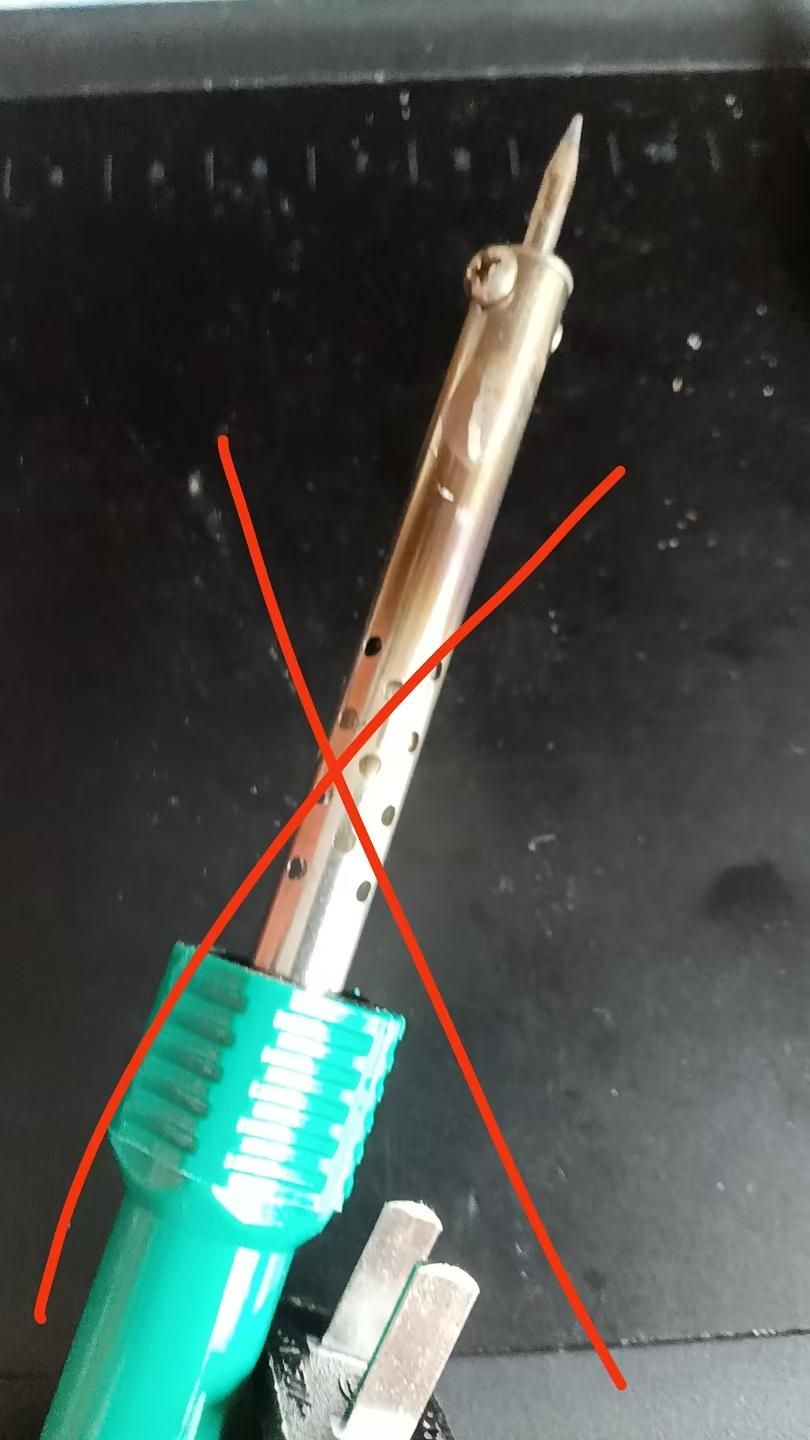
***For soldering experts**: Soldering wire, soldering iron.
***For soldering beginners**: DO NOT TRY.Be aware of the dangers.
---
### 5V Power Supply Options
**Option 1 (Requires soldering/basic wiring):**
*Two 18650 batteries
*MT3608 Boost Converter Module (requires a flathead screwdriver to adjust voltage)
*TP4056 Charging Module
*Multimeter
**Option 2 (No soldering required):**
* All-in-one 5V rechargeable battery pack (power bank style)
The Power
- **If using an all-in-one battery pack:**
Red wire → switch pin 1
Black wire → ESP32 GND
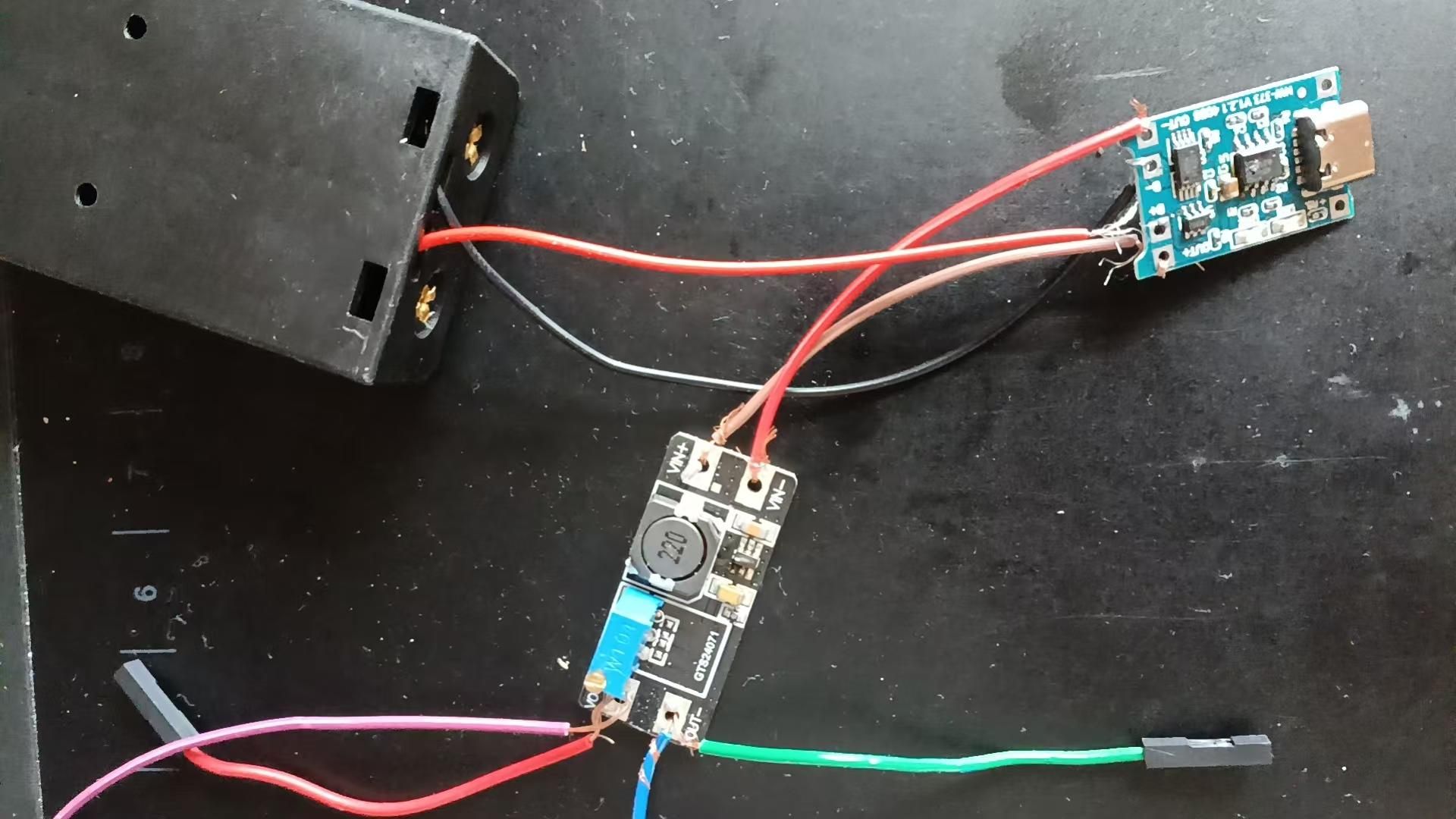
- **If using the 3-module (battery + charger + booster) setup:**
Battery red → charger module B+
Charger module OUT+ → booster module VIN+
Booster module OUT+ → switch pin A
Battery black → charger module B-
Charger module OUT- → booster module VIN-
Booster module OUT- → ESP32 GND
*Use a flathead screwdriver and multimeter to adjust booster output to 5V.*
**Note:** Keep the switch OFF. Ask the switch manufacturer which side is OFF.
soldering, wiring, Dupont connectors omitted as discussed. Repeated info blanked a bit.
Circuit Connection
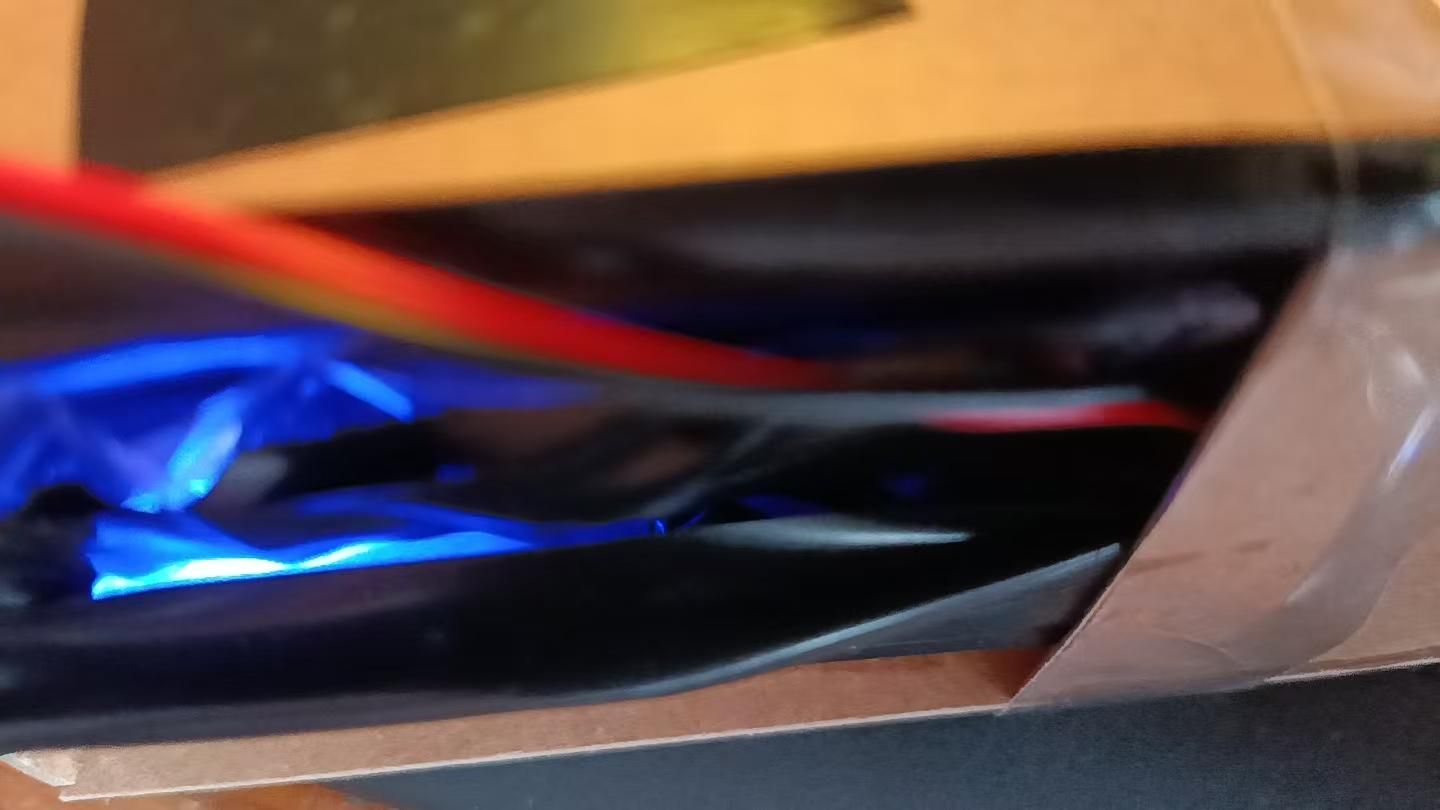
2. ESP32 Section:**
5V → switch pin B
GND → LED strip GND (black/white wire)
GND → power supply (-)
GND → sensor GND
3V3 → sensor VIN
13 → LED strip DIN (green wire)
16 → sensor SDA
17 → sensor SCL
Pins 2 & 4 → connect Dupont wires (expose male pins for touch)
**3. Sensor:**
VIN → board 3V3
GND → board GND
SDA/SCL → board pins 16/17
**4. LED Strip (pay attention to arrow direction):**
Red → switch pin B
Green → board pin 13
White → board GND
Enclosure
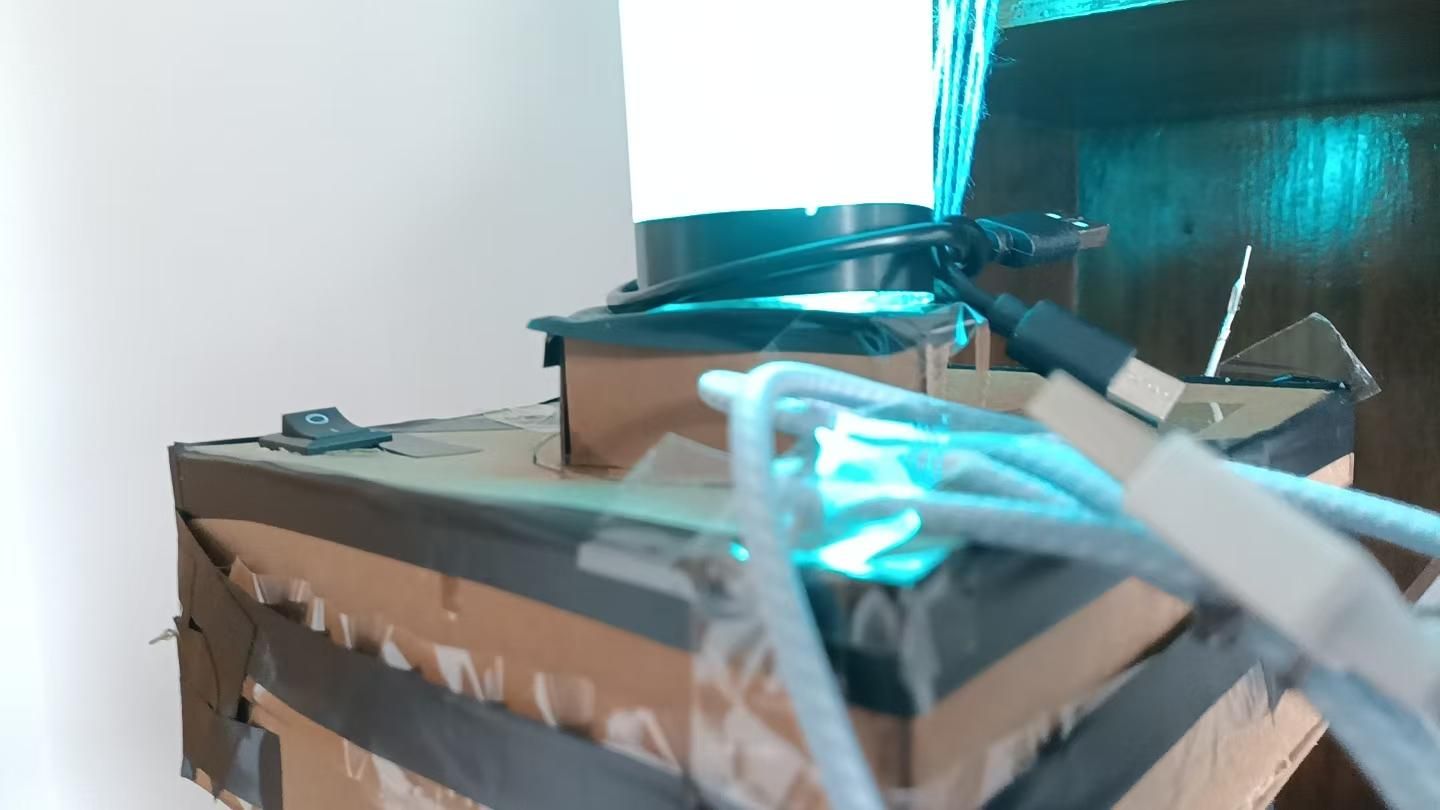
**Enclosure — ensure the following are exposed:**
0. Switch
1. Sensor (facing outward)
2. ESP32 — COM port
3. Battery charging port
*(Only use 5V slow charging!)*
4. ESP32 touch jumpers on pins 2 and 4
Code
**Key points:**
1. **Touch sensor (jumper wire)**
- Capacitance increases when touched.
- Take 50 baseline capacitance readings, discard the highest and lowest 10, calculate the average 、
- Capacitance > avg + 10000 → considered touched.
2. **Color sensor**
- The built-in light source is slightly orange‑red, so G and B values need extra gain.
3. **Color mapping**
- I use a mapping function that only outputs **12 saturated colors**.
- Can be modified if needed.
4. **Behavior**
- Automatically reads the color and updates the LED strip **every 10 seconds**.
- **Jumper on pin 2** → changes mode.
- **Jumper on pin 4** → triggers an immediate color reading and update.
as follows:::
#include <Wire.h>
#include "Adafruit_TCS34725.h"
#include <FastLED.h>
#define LED_PIN 13
#define TOUCH_PIN 4
#define BTN_PIN 2
#define NUM_LEDS 60
#define BRIGHTNESS 120
Adafruit_TCS34725 tcs = Adafruit_TCS34725(TCS34725_INTEGRATIONTIME_50MS, TCS34725_GAIN_4X);
CRGB leds[NUM_LEDS];
CRGB currentColor = CRGB::White;
int currentMode = 0;
int base4 = 0, base2 = 0;
unsigned long lastAutoUpdate = 0;
int readStableTouch(int pin) {
int readings[50];
for (int i = 0; i < 50; i++) {
readings[i] = touchRead(pin);
delay(10);
}
for (int i = 0; i < 49; i++) {
for (int j = i + 1; j < 50; j++) {
if (readings[i] > readings[j]) {
int temp = readings[i];
readings[i] = readings[j];
readings[j] = temp;
}
}
}
long sum = 0;
for (int i = 10; i < 40; i++) sum += readings[i];
return sum / 30;
}
void setup() {
Serial.begin(115200);
delay(100);
Serial.println("Chameleon Lamp Starting...");
Wire.begin(16, 17);
FastLED.addLeds<WS2812B, LED_PIN, GRB>(leds, NUM_LEDS);
FastLED.setBrightness(BRIGHTNESS);
fill_solid(leds, NUM_LEDS, CRGB::White);
FastLED.show();
delay(500);
fill_solid(leds, NUM_LEDS, CRGB::Black);
FastLED.show();
if (!tcs.begin()) {
Serial.println("Sensor ERROR!");
while (1) delay(1000);
}
Serial.println("Sensor OK");
base4 = readStableTouch(TOUCH_PIN);
base2 = readStableTouch(BTN_PIN);
Serial.print("Base4="); Serial.print(base4);
Serial.print(" Base2="); Serial.println(base2);
updateColor();
currentMode = 0;
fill_solid(leds, NUM_LEDS, currentColor);
FastLED.show();
}
void loop() {
int val4 = touchRead(TOUCH_PIN);
int val2 = touchRead(BTN_PIN);
bool touch4 = (val4 > base4 + 8000);
bool touch2 = (val2 > base2 + 8000);
static bool last4 = false, last2 = false;
if (touch4 && !last4) {
Serial.println("Touch GPIO4");
updateColor();
if (currentMode == 0) {
fill_solid(leds, NUM_LEDS, currentColor);
FastLED.show();
}
delay(200);
}
last4 = touch4;
if (touch2 && !last2) {
Serial.println("Touch GPIO2");
currentMode = (currentMode + 1) % 3;
Serial.print("Mode="); Serial.println(currentMode);
delay(200);
}
last2 = touch2;
if (millis() - lastAutoUpdate > 10000) {
lastAutoUpdate = millis();
updateColor();
if (currentMode == 0) {
fill_solid(leds, NUM_LEDS, currentColor);
FastLED.show();
}
}
runAnimations();
FastLED.show();
delay(20);
}
void updateColor() {
uint16_t r, g, b, c;
tcs.getRawData(&r, &g, &b, &c);
currentColor = mapTo12Color(r, g, b);
Serial.print("Color: R="); Serial.print(currentColor.r);
Serial.print(" G="); Serial.print(currentColor.g);
Serial.print(" B="); Serial.println(currentColor.b);
}
CRGB mapTo12Color(uint16_t r_raw, uint16_t g_raw, uint16_t b_raw) {
float r = r_raw * 1.0;
float g = g_raw * 1.6;
float b = b_raw * 2.1;
float maxVal = max(r, max(g, b));
if (maxVal > 0) { r = r / maxVal * 220; g = g / maxVal * 220; b = b / maxVal * 220; }
float rf = r / 220.0, gf = g / 220.0, bf = b / 220.0;
float maxRGB = max(rf, max(gf, bf)), minRGB = min(rf, min(gf, bf));
float delta = maxRGB - minRGB;
if (delta < 0.05) return CRGB(220, 220, 220);
float hue = 0;
if (maxRGB == rf) hue = 60 * fmod(((gf - bf) / delta), 6);
else if (maxRGB == gf) hue = 60 * (((bf - rf) / delta) + 2);
else hue = 60 * (((rf - gf) / delta) + 4);
if (hue < 0) hue += 360;
int idx = ((int)(hue / 30)) % 12;
CRGB colors[12] = {
CRGB(220, 0, 0), CRGB(220, 110, 0), CRGB(220, 220, 0),
CRGB(110, 220, 0), CRGB(0, 220, 0), CRGB(0, 220, 110),
CRGB(0, 220, 220), CRGB(0, 110, 220), CRGB(0, 0, 220),
CRGB(110, 0, 220), CRGB(220, 0, 220), CRGB(220, 0, 110)
};
return colors[idx];
}
void runAnimations() {
switch (currentMode) {
case 0: break;
case 1:
{ static unsigned long last = 0; static bool on = true;
if (millis() - last > 200) { last = millis(); on = !on;
if (on) fill_solid(leds, NUM_LEDS, currentColor);
else fill_solid(leds, NUM_LEDS, CRGB::Black); } }
break;
case 2:
{ static unsigned long last = 0; static int step = 0;
if (millis() - last > 100) { last = millis();
if (step < 3) fill_solid(leds, NUM_LEDS, currentColor);
else if (step < 4) fill_solid(leds, NUM_LEDS, CRGB::Black);
else if (step < 7) fill_solid(leds, NUM_LEDS, currentColor);
else if (step < 8) fill_solid(leds, NUM_LEDS, CRGB::Black);
else if (step < 11) fill_solid(leds, NUM_LEDS, currentColor);
else fill_solid(leds, NUM_LEDS, CRGB::Black);
step++; if (step >= 12) { step = 0; delay(500); } } }
break;
}
}