Colombia/America Maps - Paper Shadow Lamp
by SaritaQ in Workshop > Lighting
149 Views, 0 Favorites, 0 Comments
Colombia/America Maps - Paper Shadow Lamp
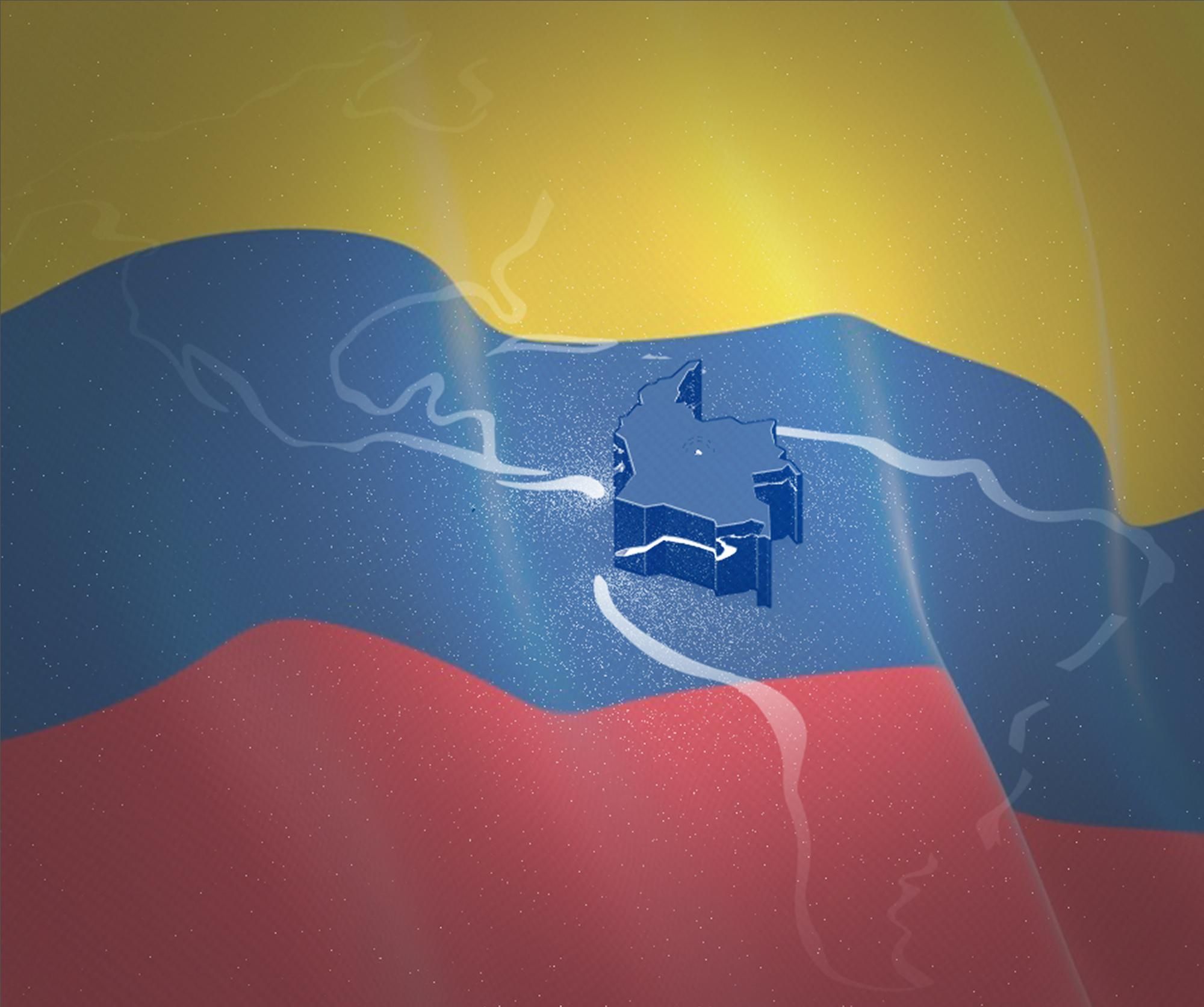
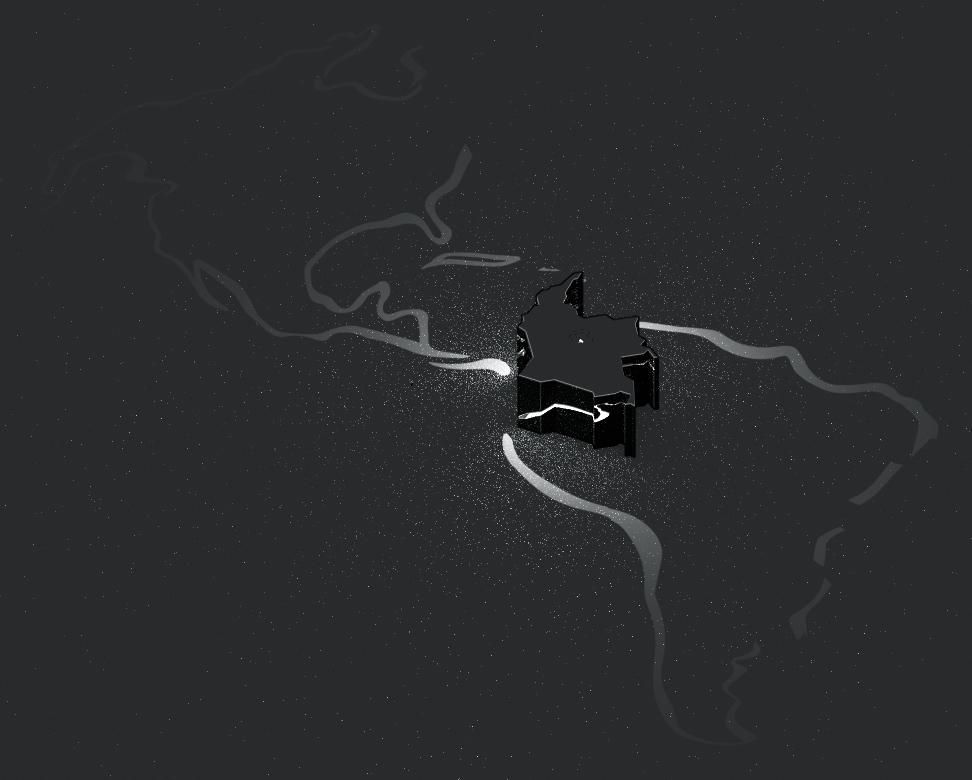
Hi friends here Sara, Today I want to share with you how to make shade lamp inspired by the shapes of the maps of Colombia and America
In this case, the process will be to create a lamp in the shape of the map of Colombia so that when it's turned on at night, it projects the shape of the American continent.
So let's start building a Colombia/America Maps shadow lamp.
Supplies

-Blender
-Paper prints
-1 Battery LED Light Bulb
-Scisors
-Cutter
-Glue
Idea

After participating in the Pi contest and experimenting with circular shapes and light in that project, it occurred to me, what if those light/shadow projections could be formed not only from cylindrical 3D shapes? so I decided to experiment with the shape of a map, but in a more complex way. So join me to show you my creative process for the Colombian-America map lamp.
I'm from Colombia, so the first thing that came to mind was to create a lamp in the shape of my country's map. But I didn't want it to be just like my previous project, where I added some text besides the pi symbol. I wanted to change that, I wanted somethin beyond that, something cool.
But what else could be projected from my paper map lamp? And what else, when combined, would be extraordinary?
So the silhouette of the American continent came to mind.
Design
.jpg)
.jpg)
.jpg)
.jpg)
.jpg)
I looked for a map of my country, but it had too many details, so I redrew it in a way that didn't have too many details but still maintained the essence of its shape.
After that, fill in the resulting shape and export it in SVG file format so you can later edit it in Blender and convert it into a 3D model
Blender Process Start
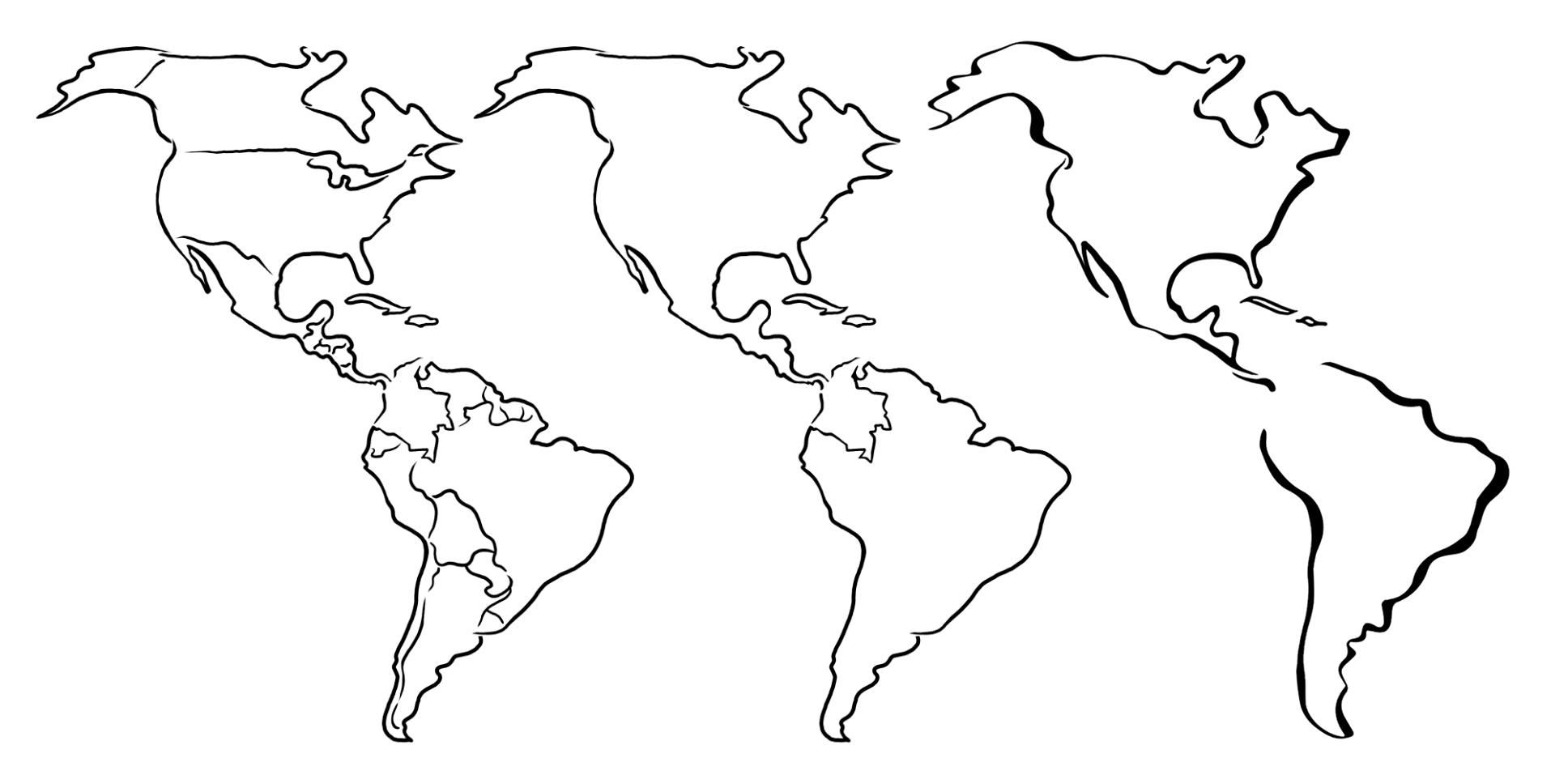
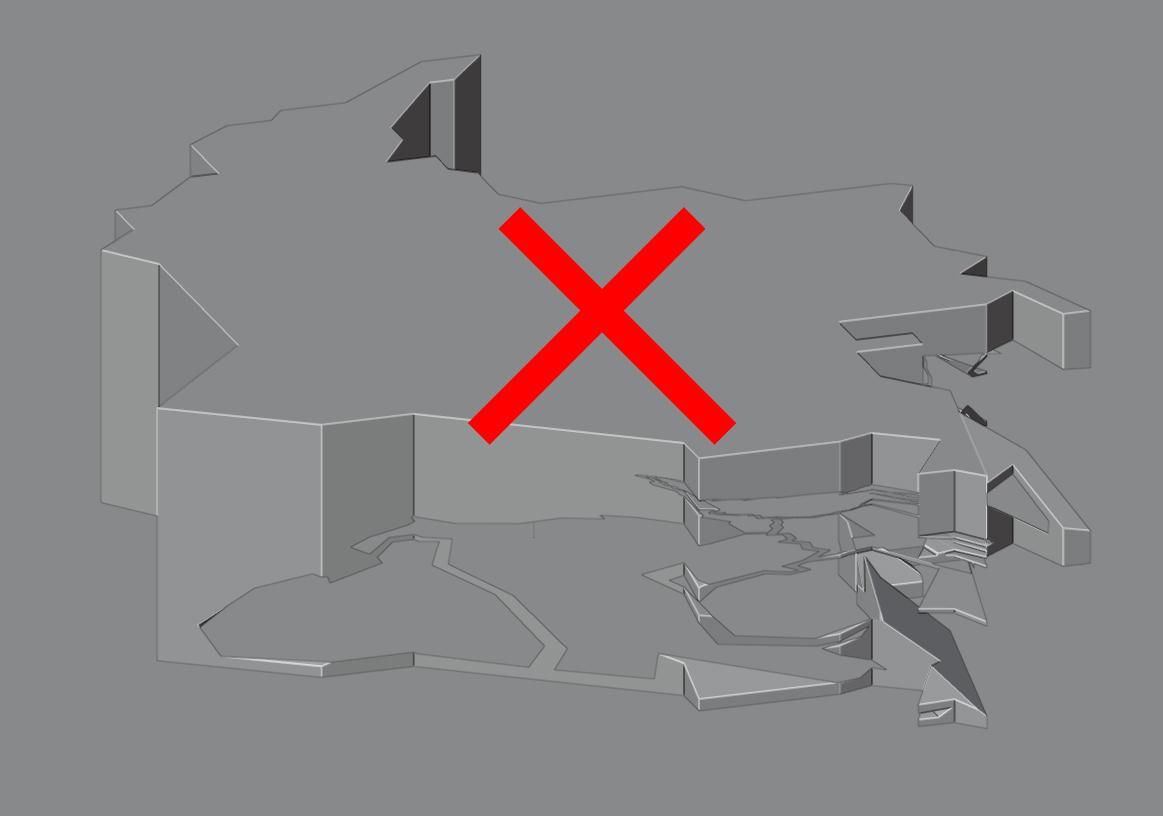
Then I redrew the map of America as well to simplify it and avoid problems when generating the light projections, although I did many tests in the end I realized that the simpler the shape the better, the more organic the more chaotic and impossible.
So in the end I left it as I felt it retained the most important features but was also a bit more flexible to work with
Blender Import
Blender Simulation
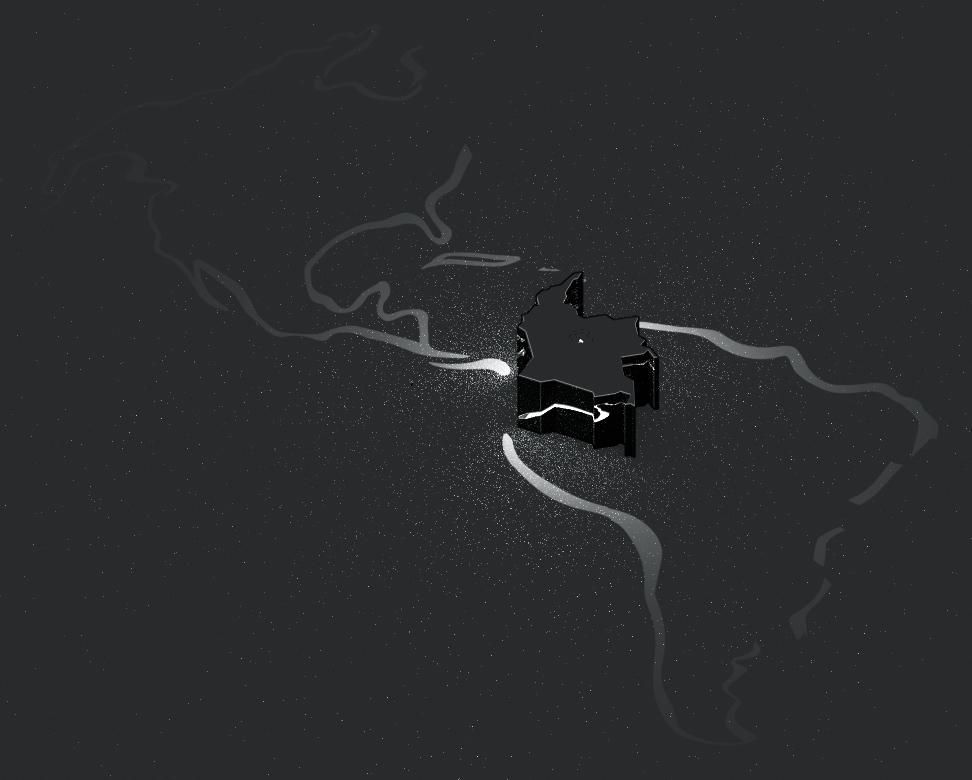
I created a simulation of how the light would be distributed and I loved it, so then I moved on to the physical design.
Print Template

Due to the size of this project, I recommend printing it on manageable paper that allows for flexible folding. The paper should be lightweight, as printing on stiff cardboard will prevent you from making clean folds.
Here is the main template; it's up to you to adjust the size to suit your needs.
Downloads
Cut Template


Using scissors, cut out all the pieces shown on the templates.
Cut Details


Now use the cutter to outline the remaining details.
Base Folds


Enhance the folds with an old pen or a Scoring Tool, do it gently so as not to break the paper.
Please note that when working with the pattern reversed, the folds are also reversed.
Map Folds
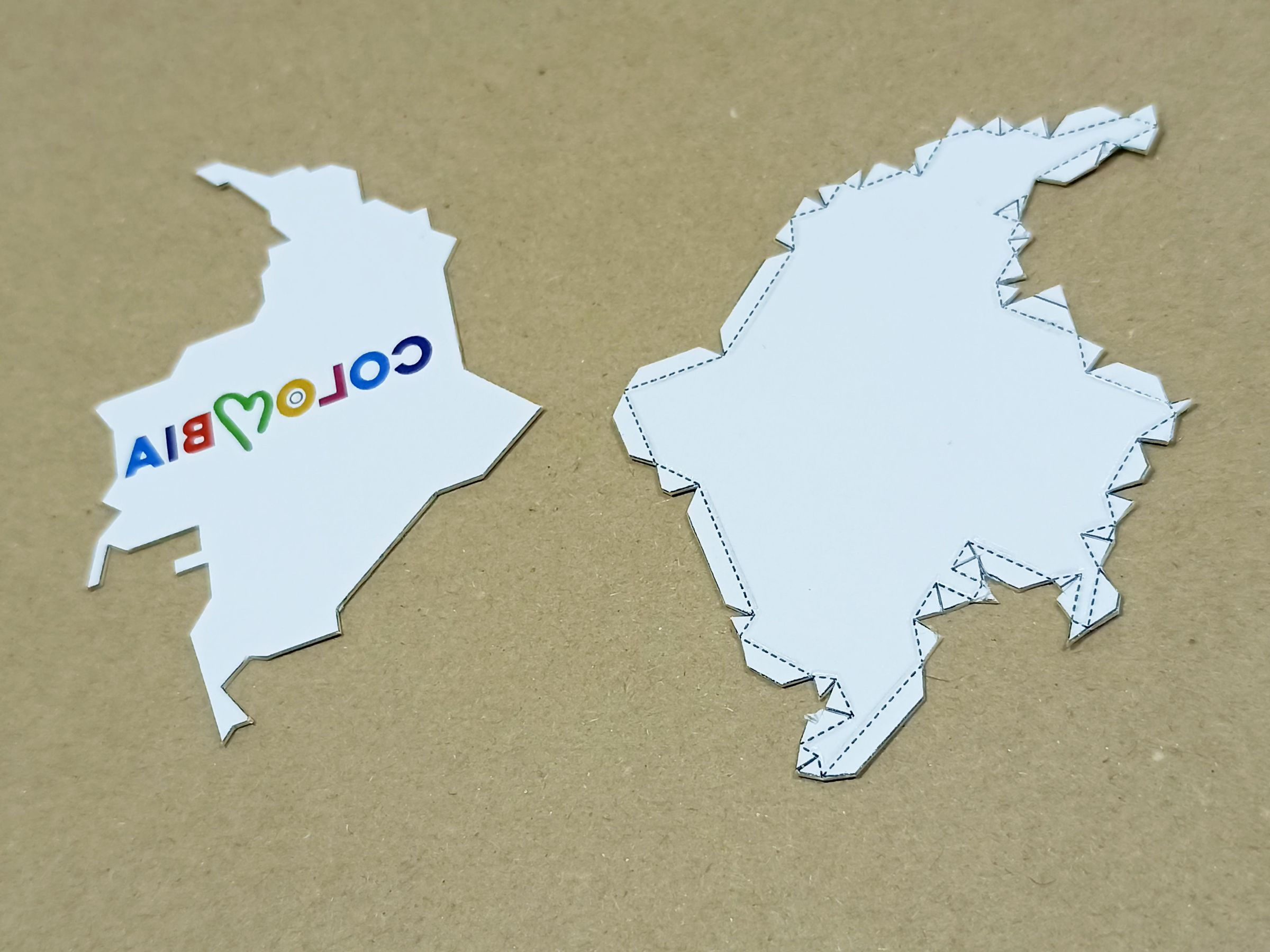

Repeat the same process on all pieces before making any silhouette cuts.
Cut the Silhouettes


Cut out all the shapes and silhouettes on the templates. Be careful, as a bad cut can damage the final result of the projected light.
I recommend leaving some strips at the folds or wherever you think this is necessary to give the lamp more strength; these strips will not affect the final design.
Mark the Folds
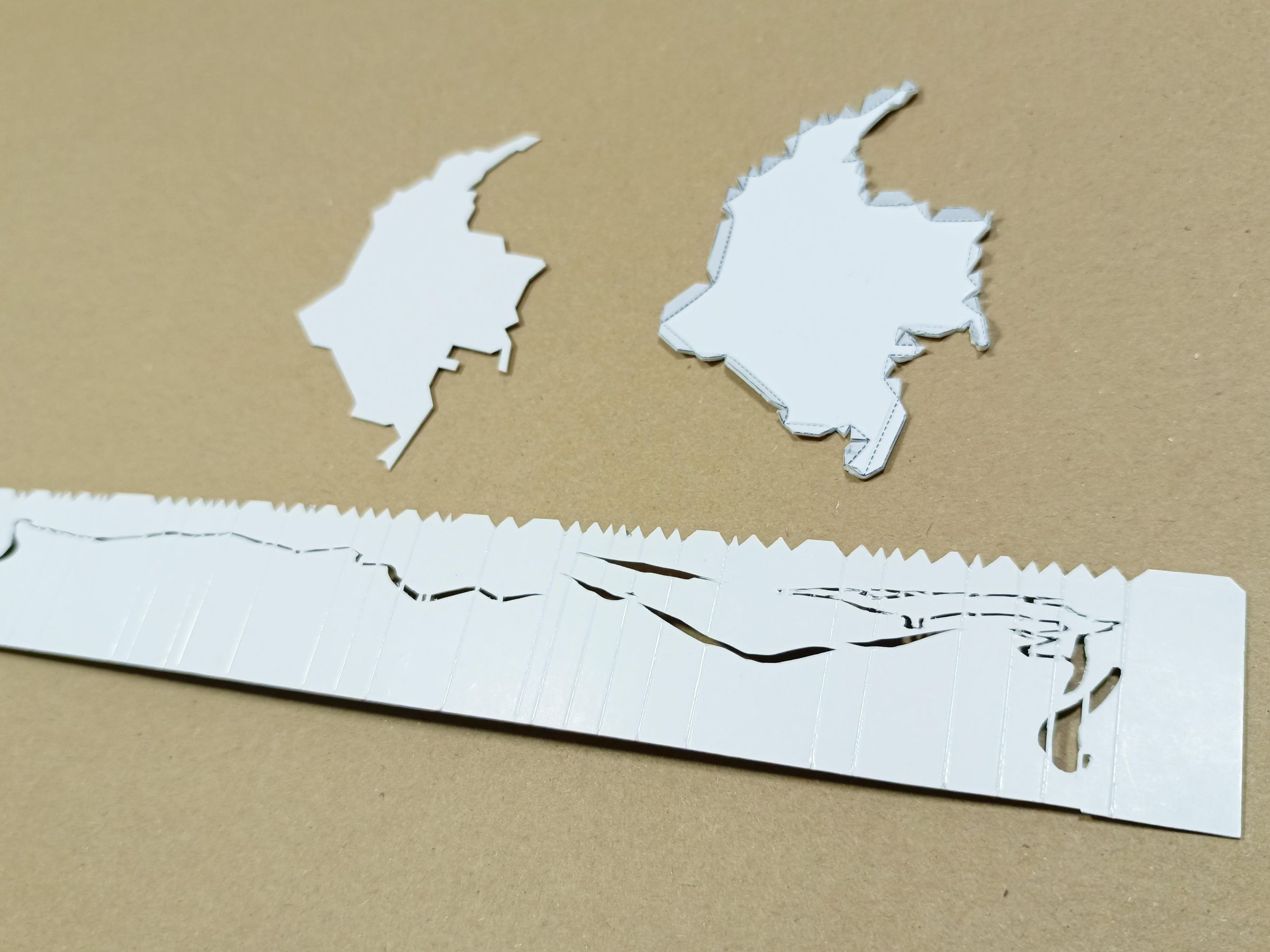
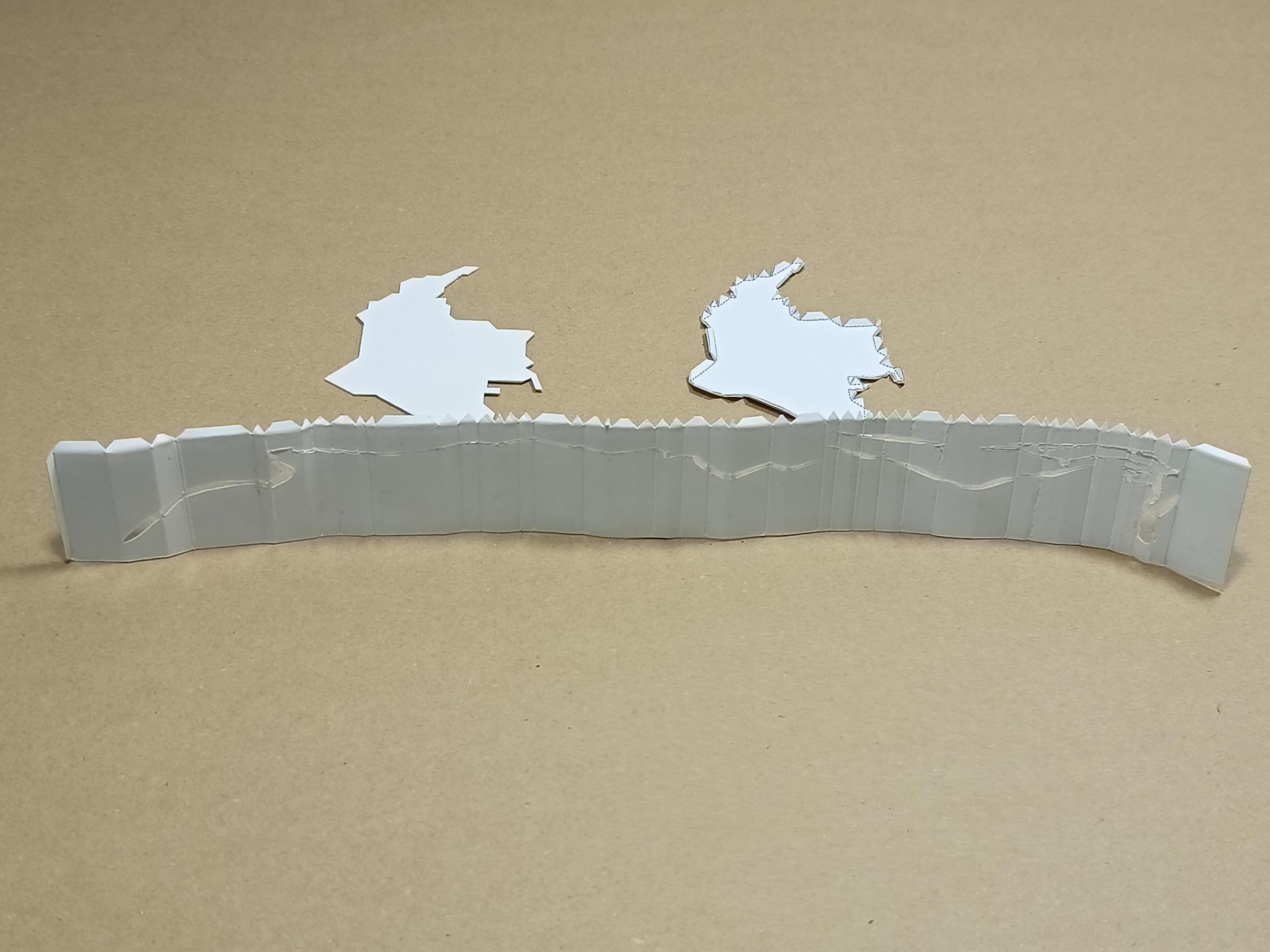
Now make the corresponding folds, being careful not to tear the paper.
Cut Led Hole


Using the cutter, make the circular cut where the LED bulb will go. It all depends on the size of your LED. I recommend working with party LEDs, which are very small but efficient and their battery lasts a long time.
Install the Led
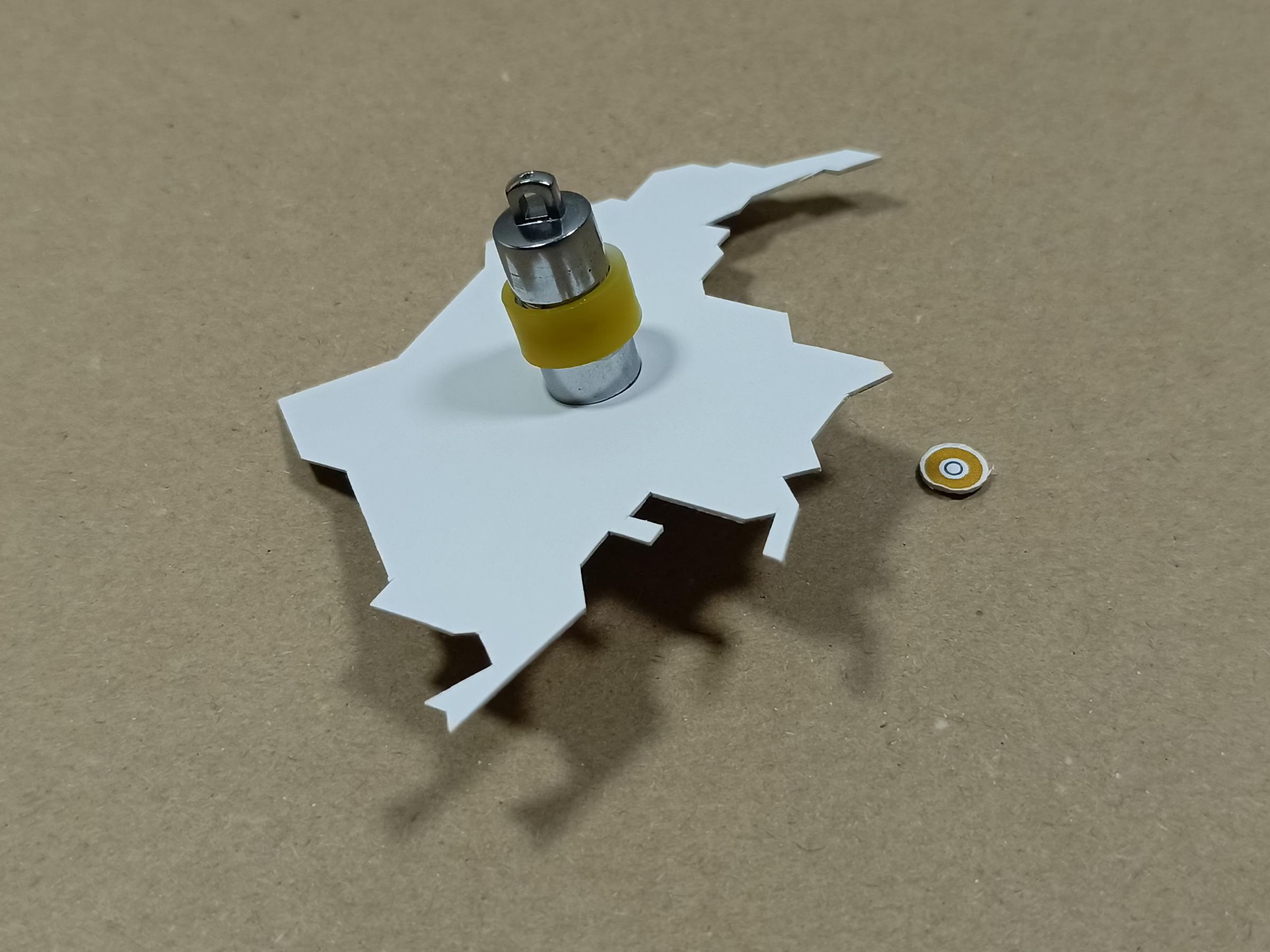


Install the LED at the marked point in templates.
Use a powerful LED so that the silhouettes are clearly visible and have defined edges.
I recommend using a bulb that emits direct light, (meaning one without internal mini-LEDs, and that also has good brightness.)
If you use one with more than 1 LED, it will create strange shapes in its projections.
Glue
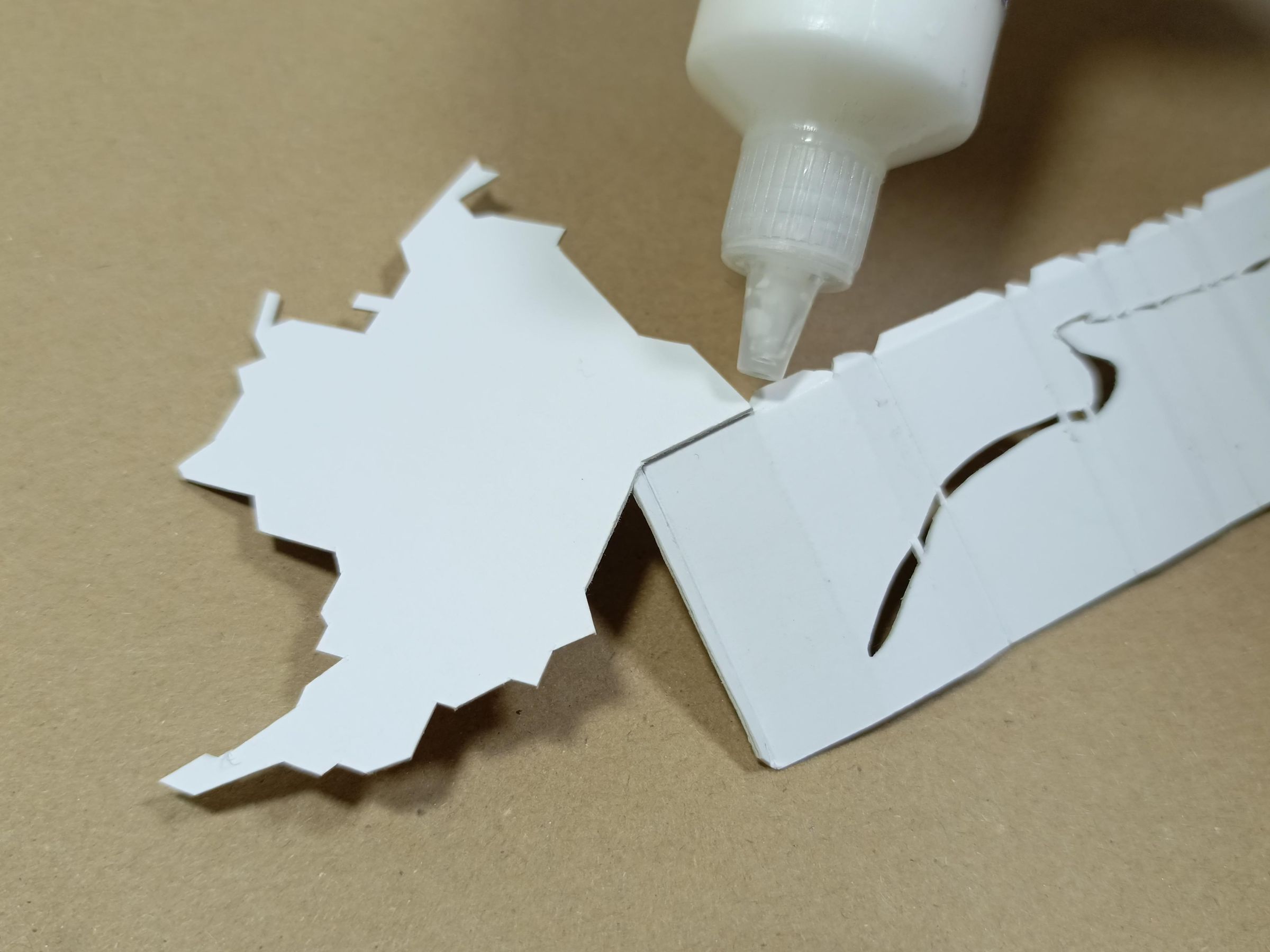
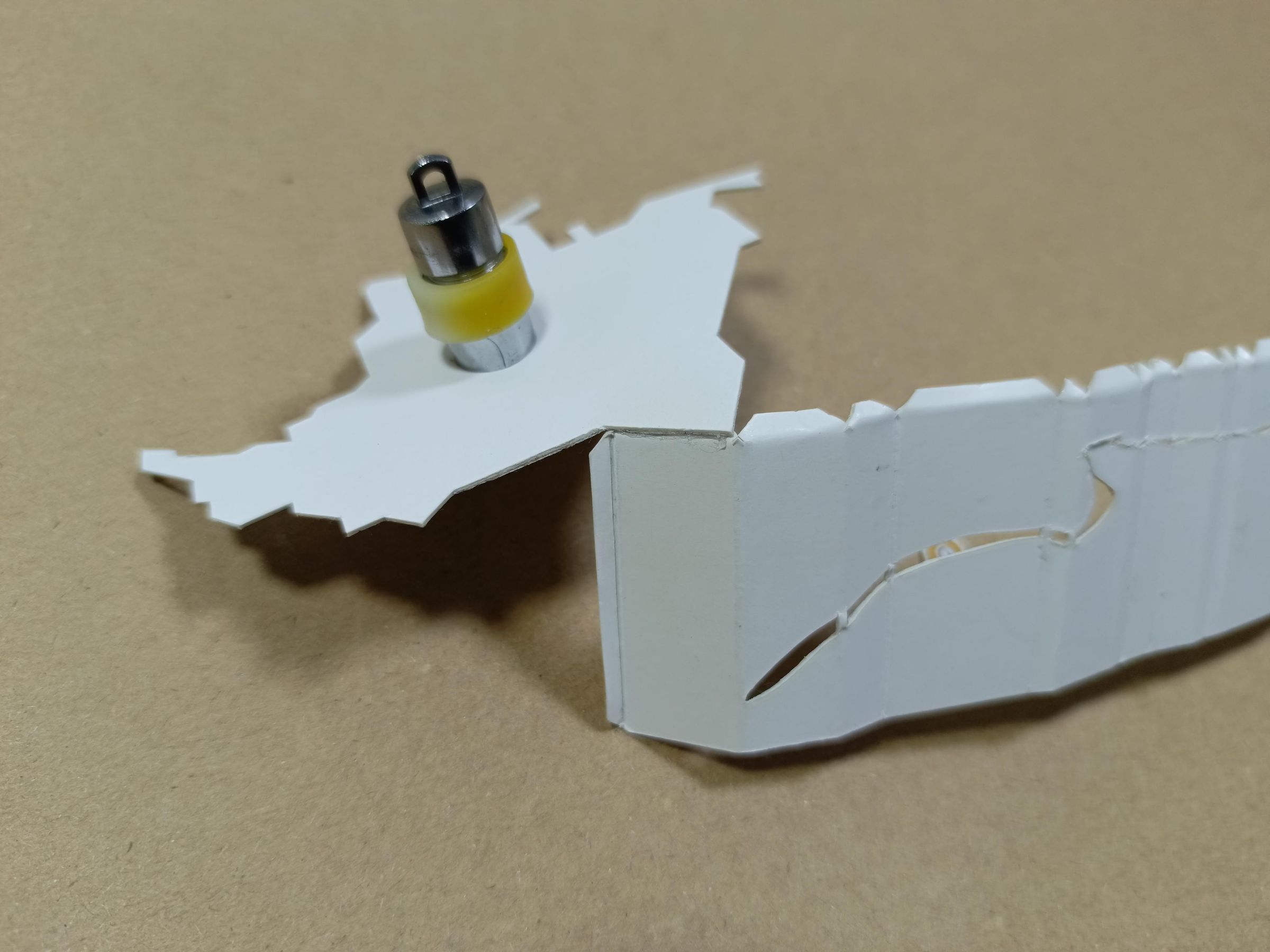
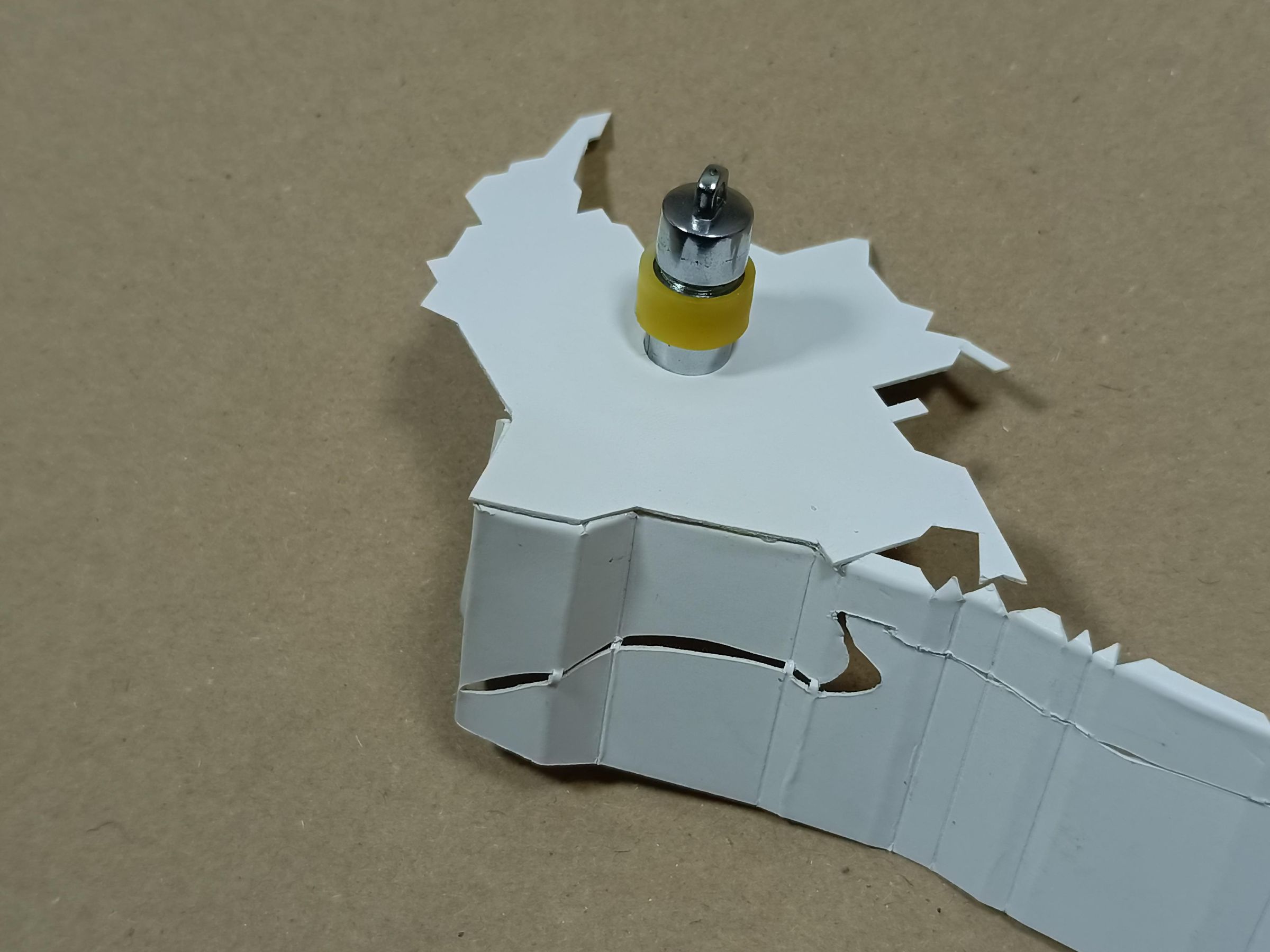

Make the corresponding folds and, using glue, attach each tab to its corresponding part. Start with the main part where the map joins the base, as shown in the images, and then continue tab by tab, applying pressure until you form the map in an extruded version.
Here I performed a light test to see if the light projected well after the silhouette cuts
Full Lamp
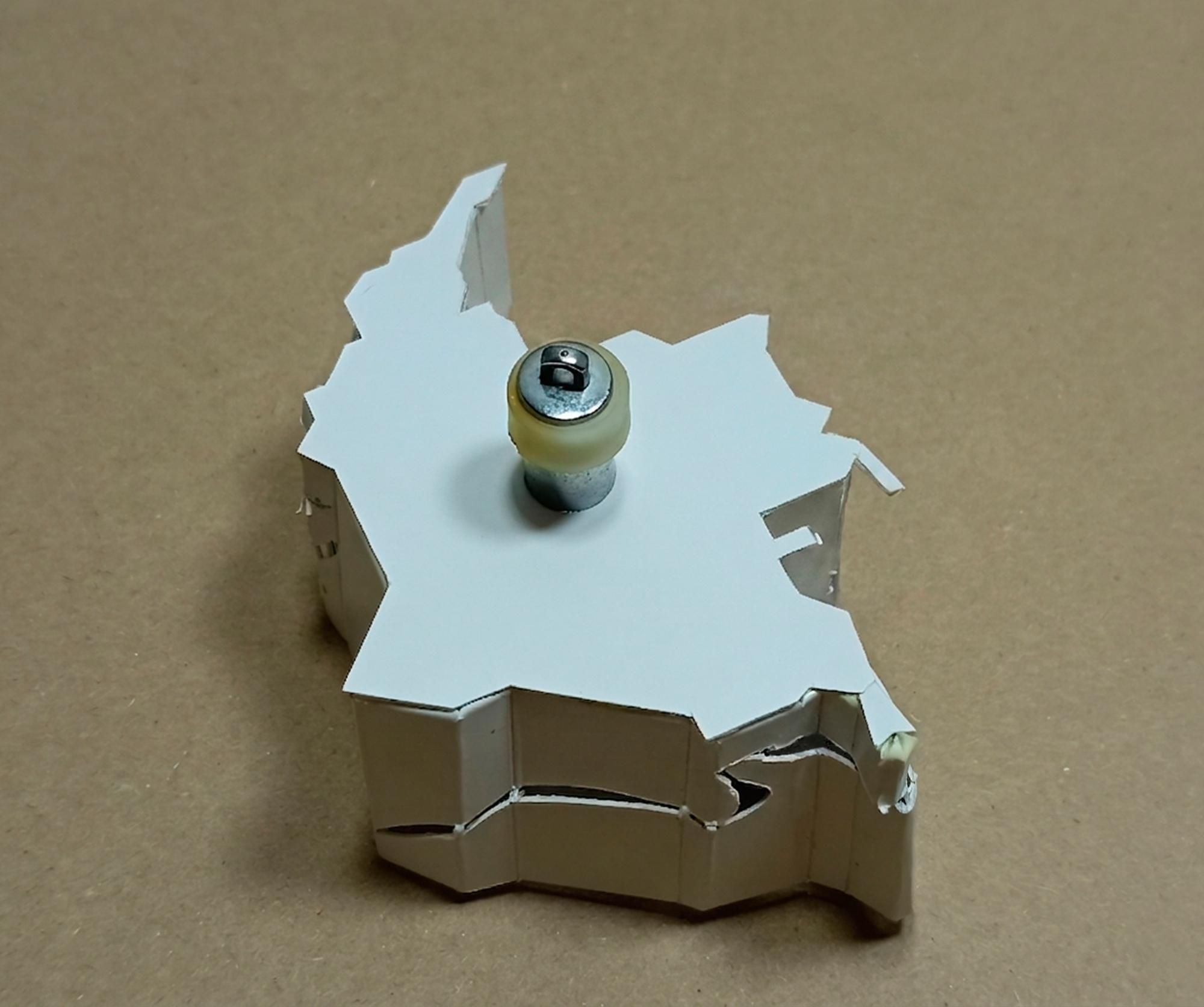
If you follow the process correctly, you will obtain an extruded 3D version of the map of Colombia, so to speak. Furthermore, the LED will already be installed, and you will only need to activate it to see the magic.
Thanks
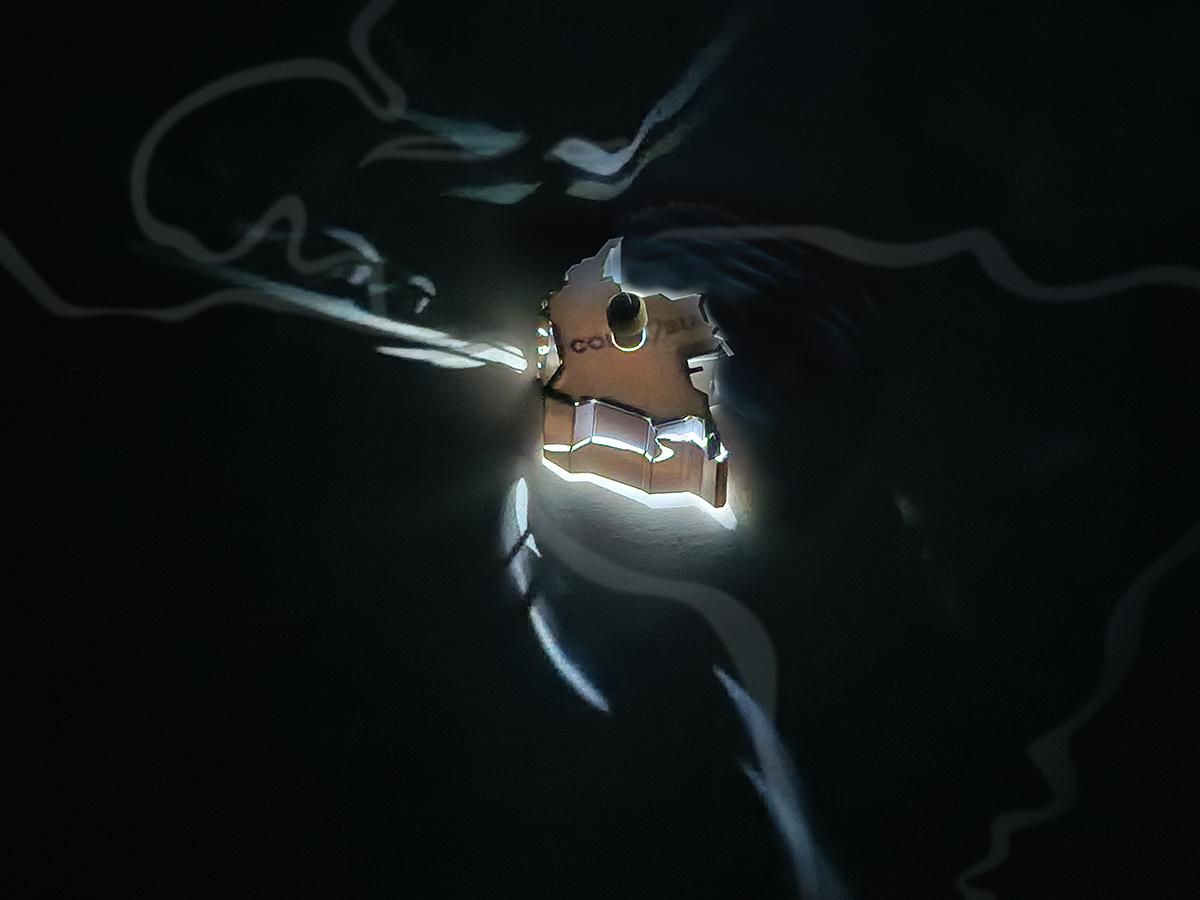
In the end, if you follow all the steps correctly, you will be able to create unique lamps with the craziest shapes you can imagine from scratch.
At this stage of complexity, working with paper is almost masochistic, so the idea is to 3D print the next lamp, as it greatly simplifies the process and I believe the finish can be impeccable. However, if you enjoy challenges, puzzles, and have a lot of patience, this paper project is perfect for testing yourself.
Here's a picture of the finished Maps lamp. My current camera doesn't capture images very well in the dark, so until I get a camera with a good ISO range, I'll leave this image here. I'll update it during the day.
The final size of the Maps lamp is 10cm X 8cm , and the light projection is approximately 70 cm x 70 cm.