Connecting the Ultrasonic Sensor to the Micro:bit
by Benji45631 in Circuits > Sensors
57 Views, 0 Favorites, 0 Comments
Connecting the Ultrasonic Sensor to the Micro:bit
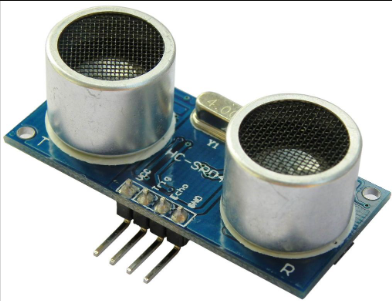
I have connected a HC-SR04 ultrasonic sensor to the BBC micro:bit. An ultrasonic sensor is a device that can measure by emitting sound waves.
Supplies
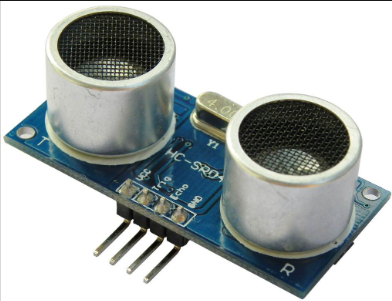
- An ultrasonic sensor
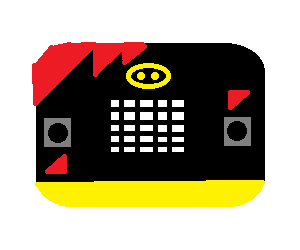
- A BBC micro:bit
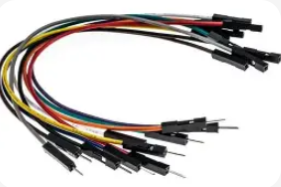
- Jumper wires x4 (male to female)
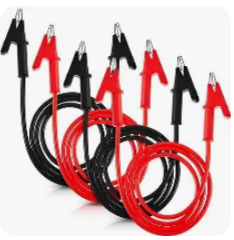
- Alligator clips or Crocodile clips (optional)
Connecting the Compartments
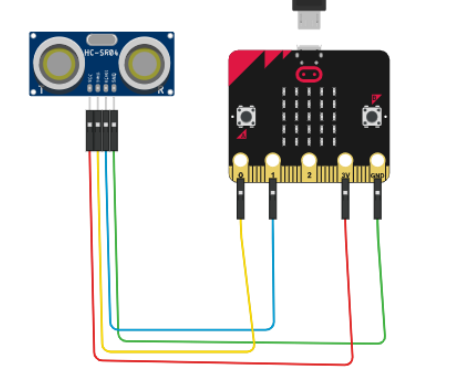
There are 4 pins on the ultrasonic sensor. VCC, TRIG, ECHO, and GND. Use your jumper wires.
Connect the VCC pin on the sensor to the 3V pin on the micro:bit.
Connect the GND pin on the sensor to the GND pin on the micro:bit
Connect the TRIG pin on the sensor to pin 0 on the micro:bit
Connect the ECHO pin on the sensor to pin 1 on the micro:bit
Coding the Sensor to Function
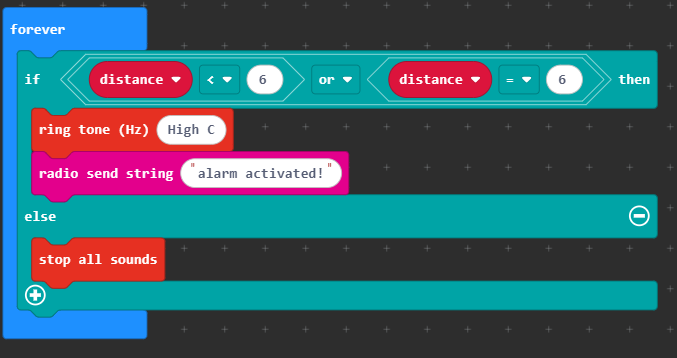
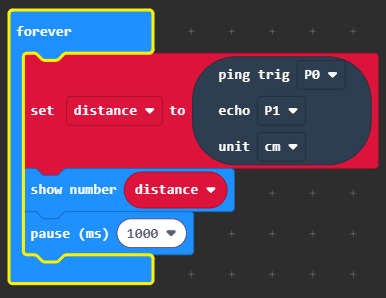
This is the script for it to actually work. You can get the black block by adding the sonar extension in extensions.
The forever loop with the if / else senses if the distance is lower or equal to 6cm.
Note: Set the radio group to 1 for the next step to work.
Here is the hex file.
Downloads
Radio
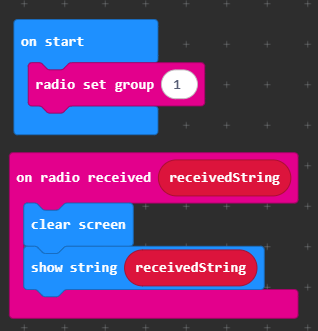
If you have another micro:bit, download this code to it.
Optional Additions
If you want to use alligator clips, connect the male end (rod) of the jumper wires to each of the alligator/crocodile clips.