Cool Ball Vs Evil Ball - Rotoscope Animation
by NikoParada in Design > Animation
28 Views, 0 Favorites, 0 Comments
Cool Ball Vs Evil Ball - Rotoscope Animation

For this project, I wanted to combine live action with traditional frame-by-frame animation.
This process is known as rotoscoping, and it was achieved using recorded footage
In this instance, I explored the physics behind the bounce of a water-filled balloon.
So let's begin!
Supplies

Marker
Balloons
Camera/Smarthphone
PC/Mac
Digitizing software (Photoshop/Krita)
Drawing tablet (Huion, Wacom)
Water

Fill the balloons with water.
When a balloon is filled with water, it stretches and takes on a heavy, soft shape. Since water is nearly incompressible, the balloon becomes dense and exerts an inward elastic force; however, be careful not to overfill it, for if filled to excess, the tension becomes too great and the balloon bursts.
Depending on what you do with the water balloon, several fun and physical reactions can occur.
-Upon Impact:
-Soft Surfaces: When a water balloon hits a soft or springy surface, it deforms rather than bursting. The rubber stretches and the water displaces, absorbing the impact and then pushing back to create a significant, fluid bounce.
-Hard Surfaces: Dropping a water balloon onto a hard surface (like concrete or asphalt) will generally result in the balloon popping. Instead of bouncing, the kinetic energy shatters the rubber. when the balloon strikes a surface at high speed, the sudden pressure causes the thin, stretched latex to burst, releasing the water to splash outward.
-What we are looking for: A small, elastic balloon, tied off with a little air and a prudent amount of water, that can bounce continuously on a smooth surface without breaking.
Expressions
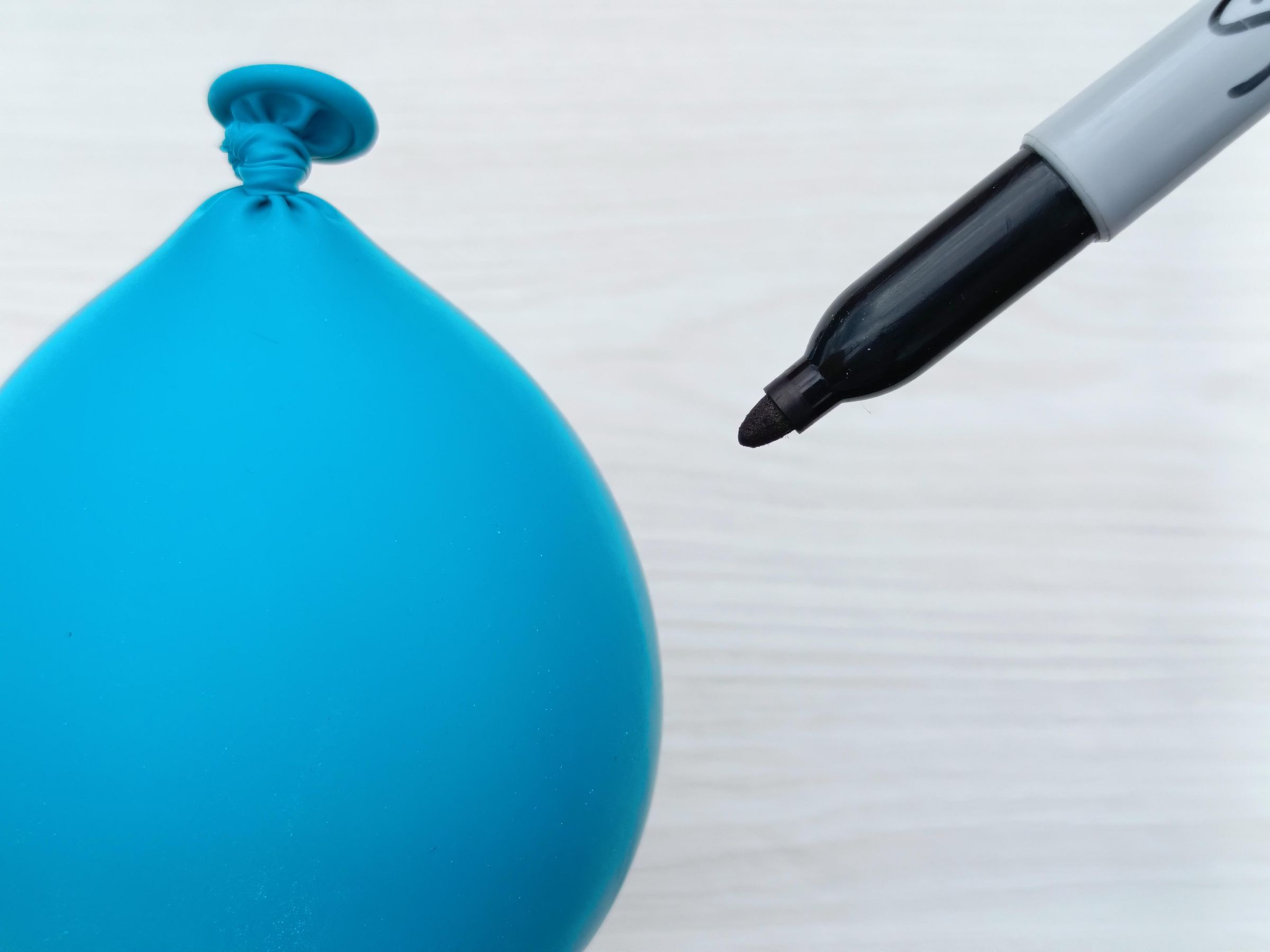
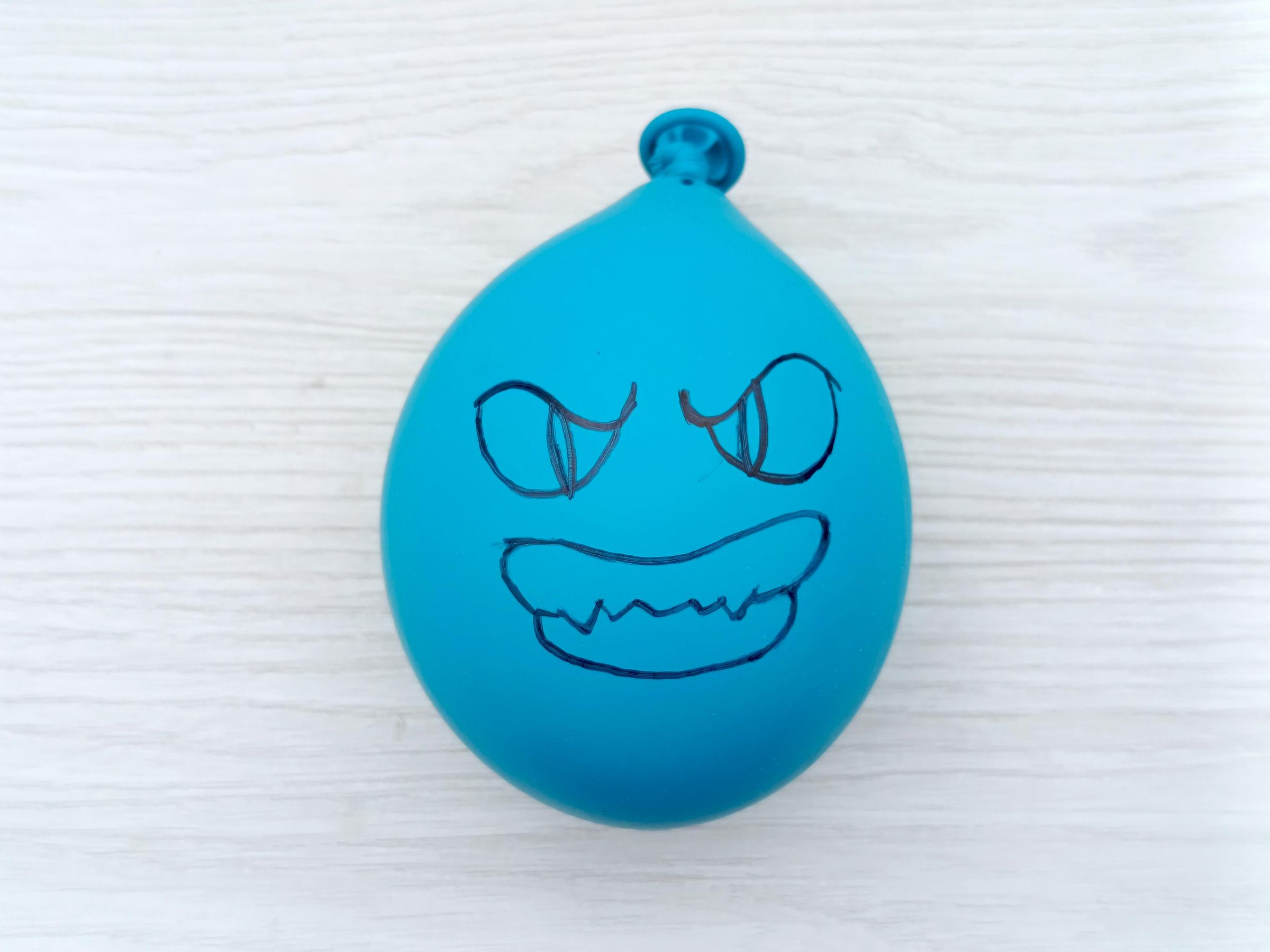
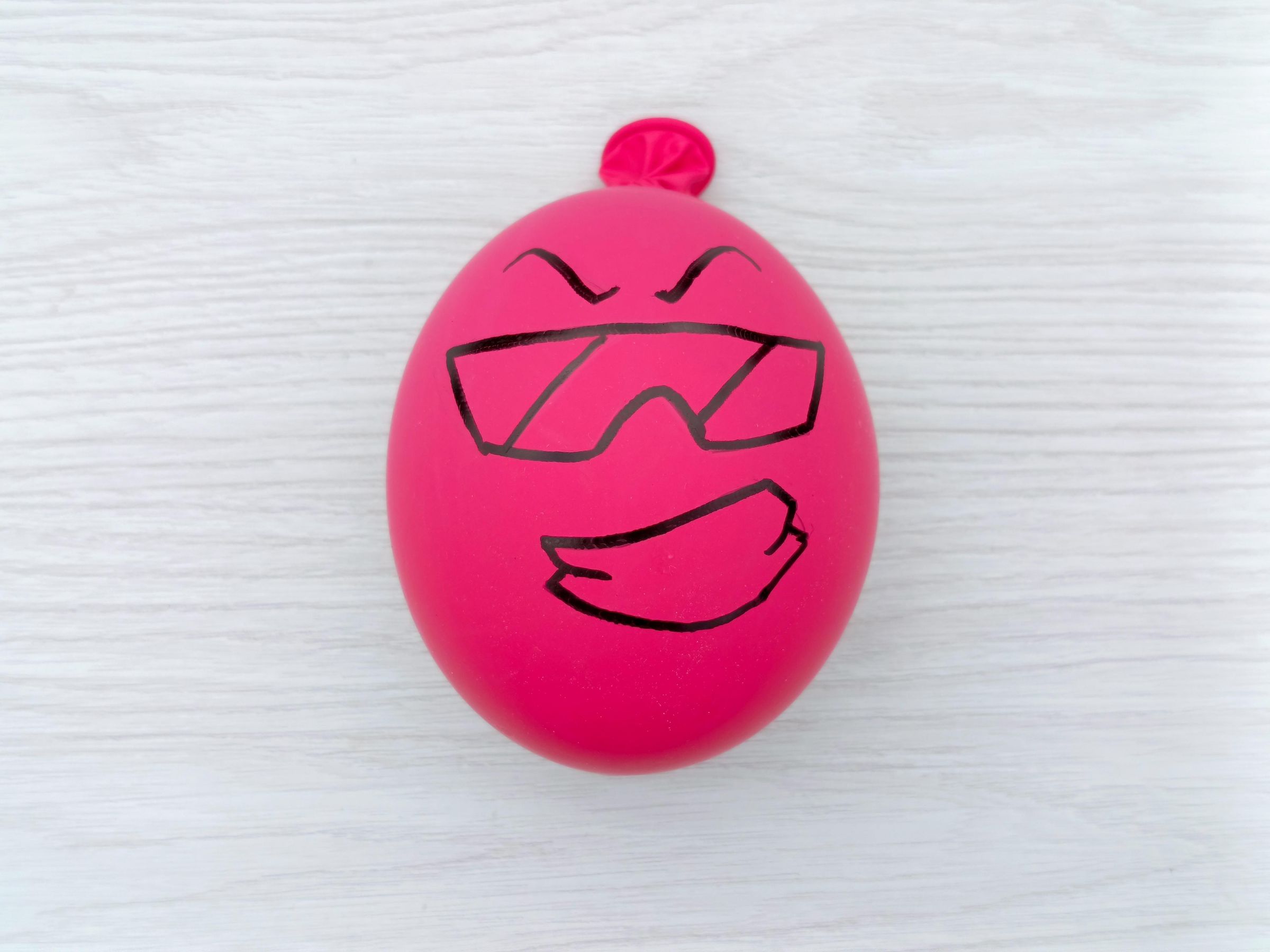
Let the surface of the balloons dry, if necessary, and then, using the marker, draw two faces with whatever expressions you like
—I drew one fun/cool face and one evil/angry one.
Script
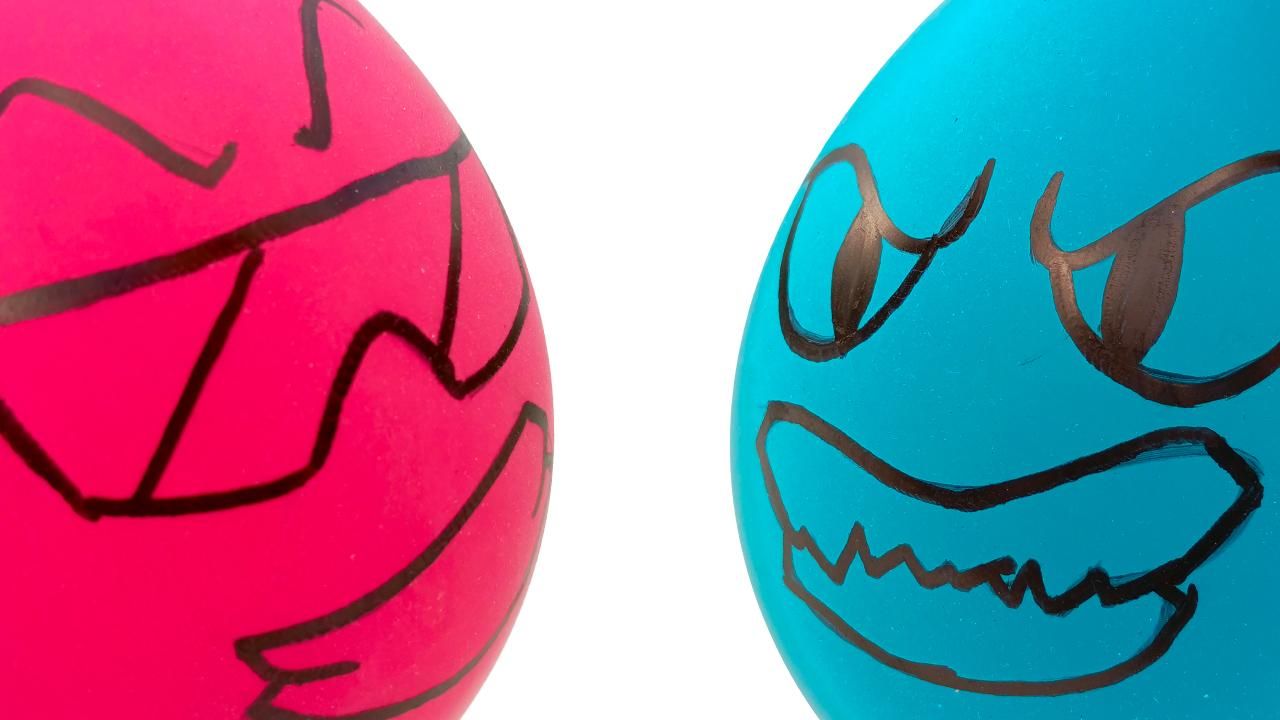
For my script, I wanted to create two elastic characters who obey only the laws of physics; they have no control of their own and move solely according to the pull of gravity, through bouncing.
So, since it was going to be a rotoscope animation, I initially thought about using tennis balls or rubber balls, but their flexibility didn't appeal to me.
Finally, I thought about the random bouncing ability of balloons when playing with them filled with water.
And to demonstrate the randomness of the balloons' bouncing, I drew inspiration from video game battles and decided to create an animated short depicting an epic fight between these two characters.
The Cool Vs The Evil.
Scene 1

In Scene One, the characters approach.
Scene 2
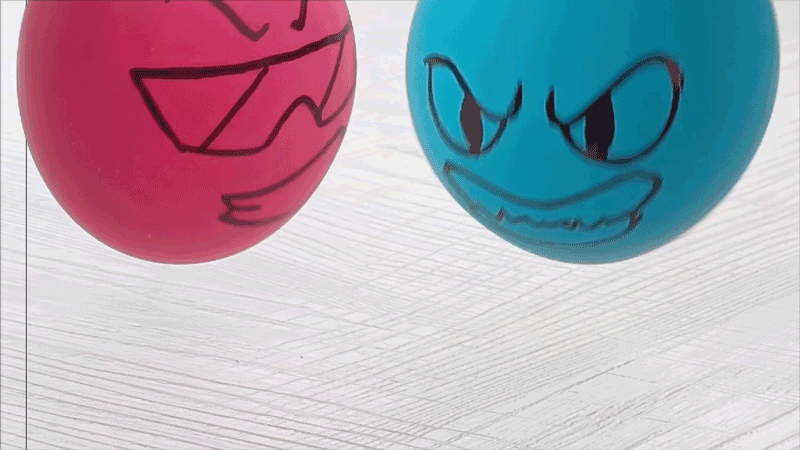
In Scene 2, a frontal shot is used to initiate the bouncing combat.
Scene 3

In Scene 3, the characters confront one another, and upon colliding, they generate an impact that sends them bouncing uncontrollably.
RED Scene
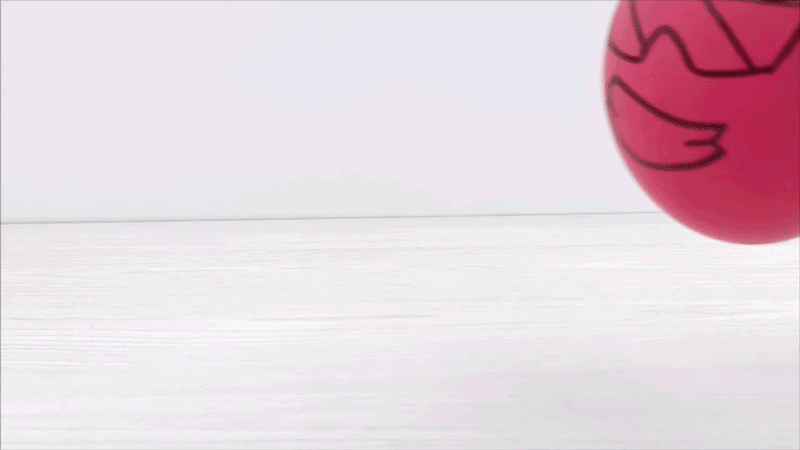
The following scene demonstrates the red ball's lack of control as it bounces.
BLUE Scene

Just like the RED scene, the lack of control over the blue ball is shown here.
The short film ends with this scene.
Draw Frame by Frame


Now, use any digital drawing software that supports layers—I will be using Photoshop, but feel free to use your favorite.
First, load the pre-recorded video into the photoshop; then, in the Layers menu, create an empty video layer.
Using your graphics tablet, go frame by frame and trace directly over the original video. Advance one frame at a time, and repeat this process for every scene.
Make each frame as detailed as possible for smooth animation, and for better tracing, reduce the opacity of the video layer.
Clean Scene


I added a few lines to create a sense of movement; where it looks blurry, I spaced the lines further apart, and where it looks closer, the lines are closer together.
After tracing all the frames, delete the original video and export the scene , go to File > Export > Render Video. Select Adobe Media Encoder and the H.264 format (creates standard MP4 files), choose your destination folder, and click Render
Repeat
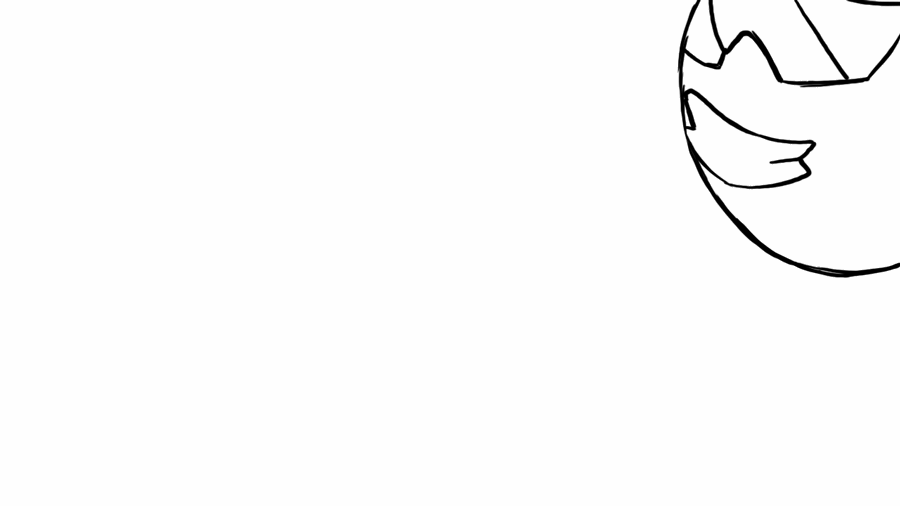
Try to replicate every detail as closely as possible to ensure a flawless rotoscoping process.
After several hours of frame-by-frame tracing, you will obtain a smooth animation to which you can add backgrounds, color, or more details.
Thank you for viewing my project.
No AI was used in this project.