Cyberpunk Greek Column — DIY Painted Pedestal for Gamepads
by Rostislav48 in Craft > Paper
860 Views, 6 Favorites, 0 Comments
Cyberpunk Greek Column — DIY Painted Pedestal for Gamepads


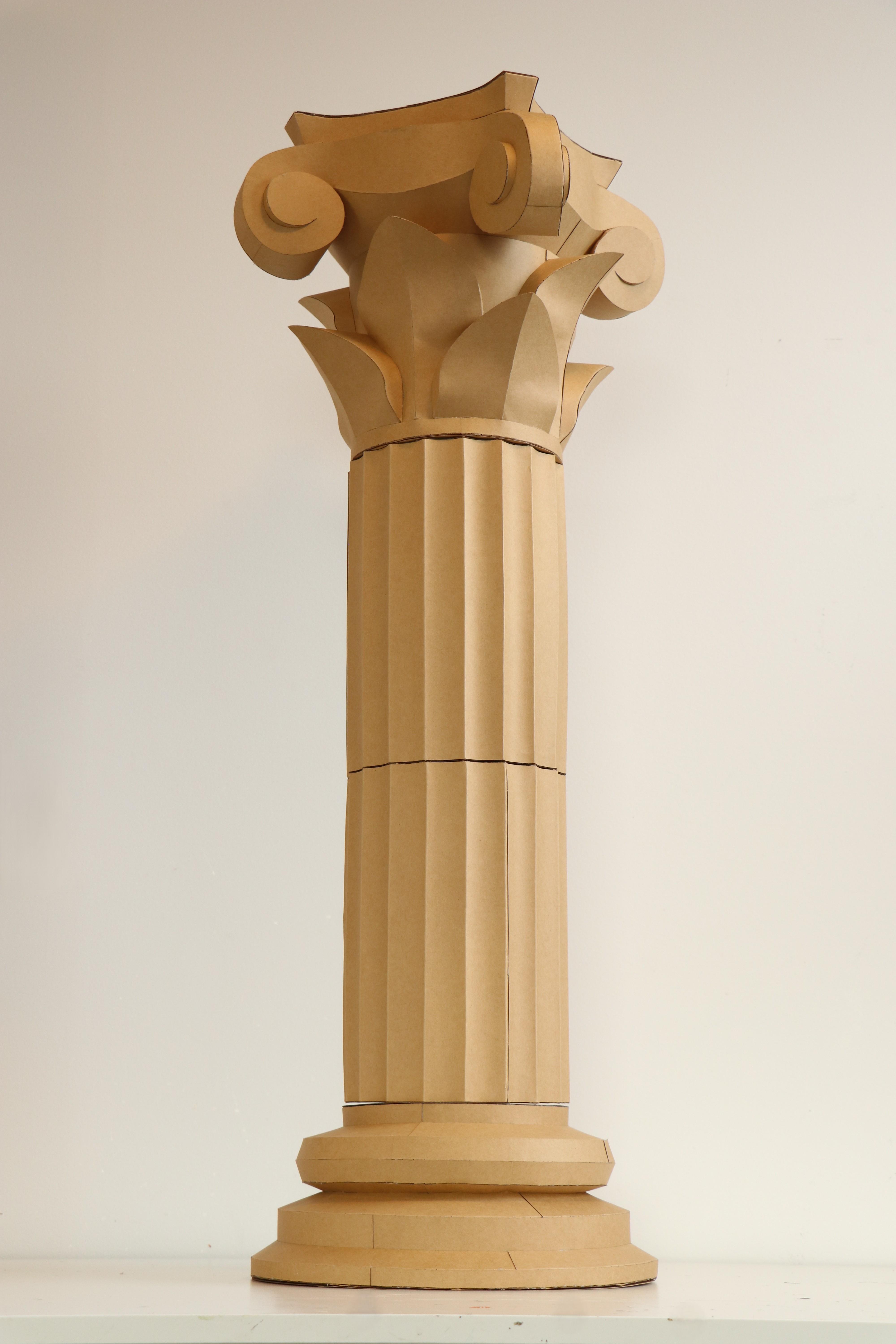


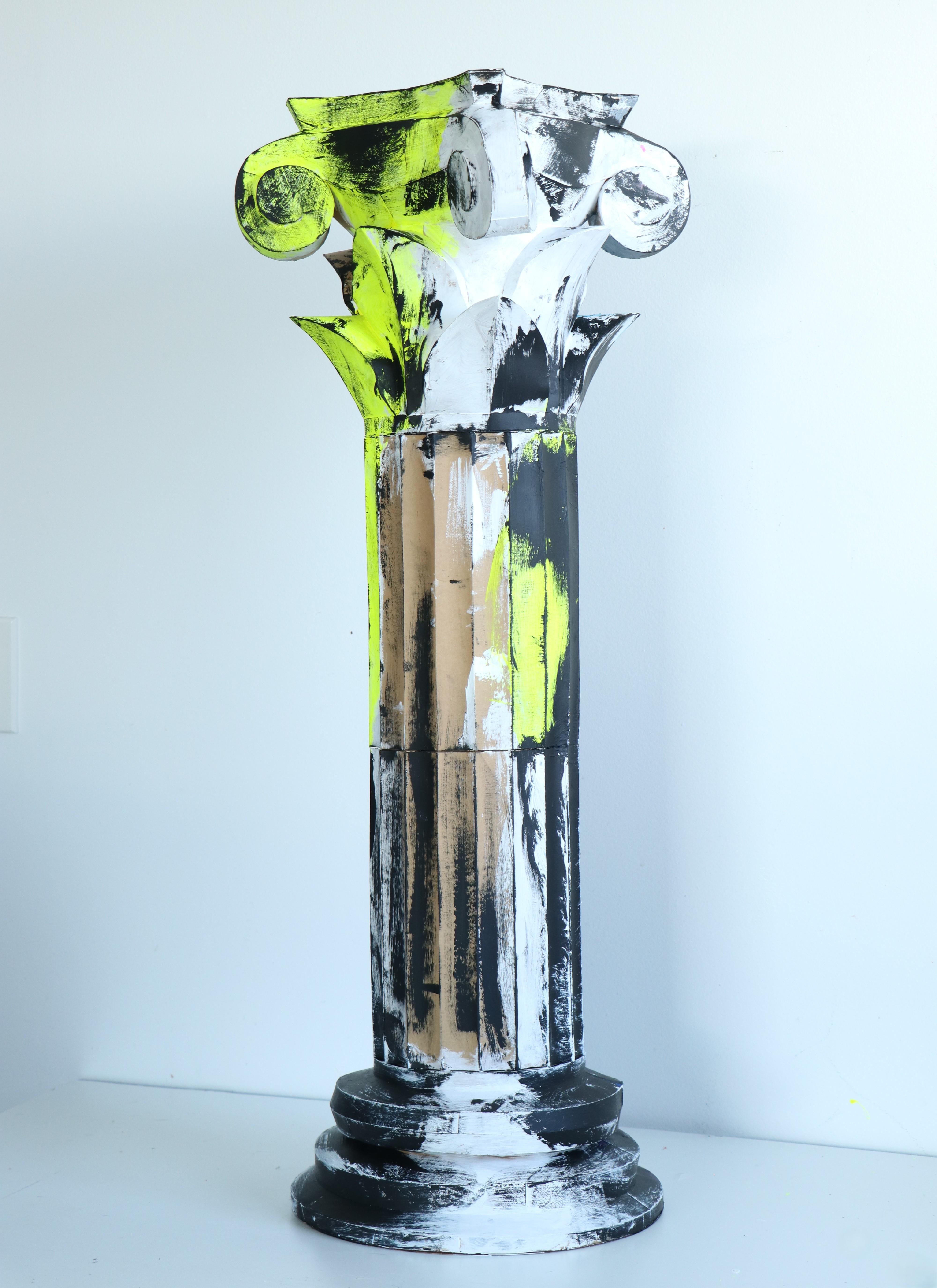


Create a lightweight 3D Greek column out of paper and turn it into a striking cyberpunk-style pedestal for your items — from collectibles to gamepad controllers.
The template is easy to assemble and works with both paper and cardboard. Smart flaps ensure clean, precise construction while maintaining a smooth, sculpted shape. The height can be adjusted by adding extra middle sections, allowing you to build ruins, arches, or large display elements for shelves, exhibitions, or photo booths.
Included: PDF, SVG, DXF, versions with and without flaps.
You can print the template onto cardstock and cut it by hand, or speed up the process using a plotter or laser cutter, as I did.
The flap-free version is ideal for creating decorative covers for an existing column using flexible mirror plastic or fabric.
It can also be used separately if you want to build a large-scale version from thin metal or wet-formed plywood.
Recommended material: cardboard 280–350 gsm.
For extra strength, you can reinforce the inside with expanding foam or coat the exterior with epoxy resin.
Using corrugated cardboard allows you to scale the model to a much larger size.
Dimensions 99 × 37 × 37 cm (39 × 14.5 × 14.5 in)
Supplies
- The cardstock I used was purchased at Michaels.
- The entire template (3 elements) can be downloaded from the website.
- Designed and unfolded in the early beta version of Lacriator.
The file set includes:
- - 47-page letter-size PDF (with smart flaps) for 3 elements
- - 47-page A4-size PDF (with smart flaps) for 3 elements
- - DXF and SVG vector formats for cutting on a plotter or laser cutter (with smart flaps)
- - DXF and SVG vector formats for cutting on a plotter or laser cutter (without flaps)
- - Visual instructions
Cutting the Template


I’m using a diode laser cutter to cut the template from 300 gsm cardstock in US Letter format.
The cutting process is fast and clean — the entire set of parts takes about 30 minutes.
One thing I love about using kraft cardstock is the soft coffee-colored edge the laser leaves. It looks natural and clean, with almost no burn marks, very similar to cutting with scissors, but much more precise.
For scoring and folding guides, I switched the machine to a light engraving setting.
This gently marks the fold lines so the cardstock bends exactly where needed, without cracking or breaking.
All contours are already included in the project and labeled with different colors, so it’s easy to tell cutting lines from scoring and engraving lines.
Preparing the Folds


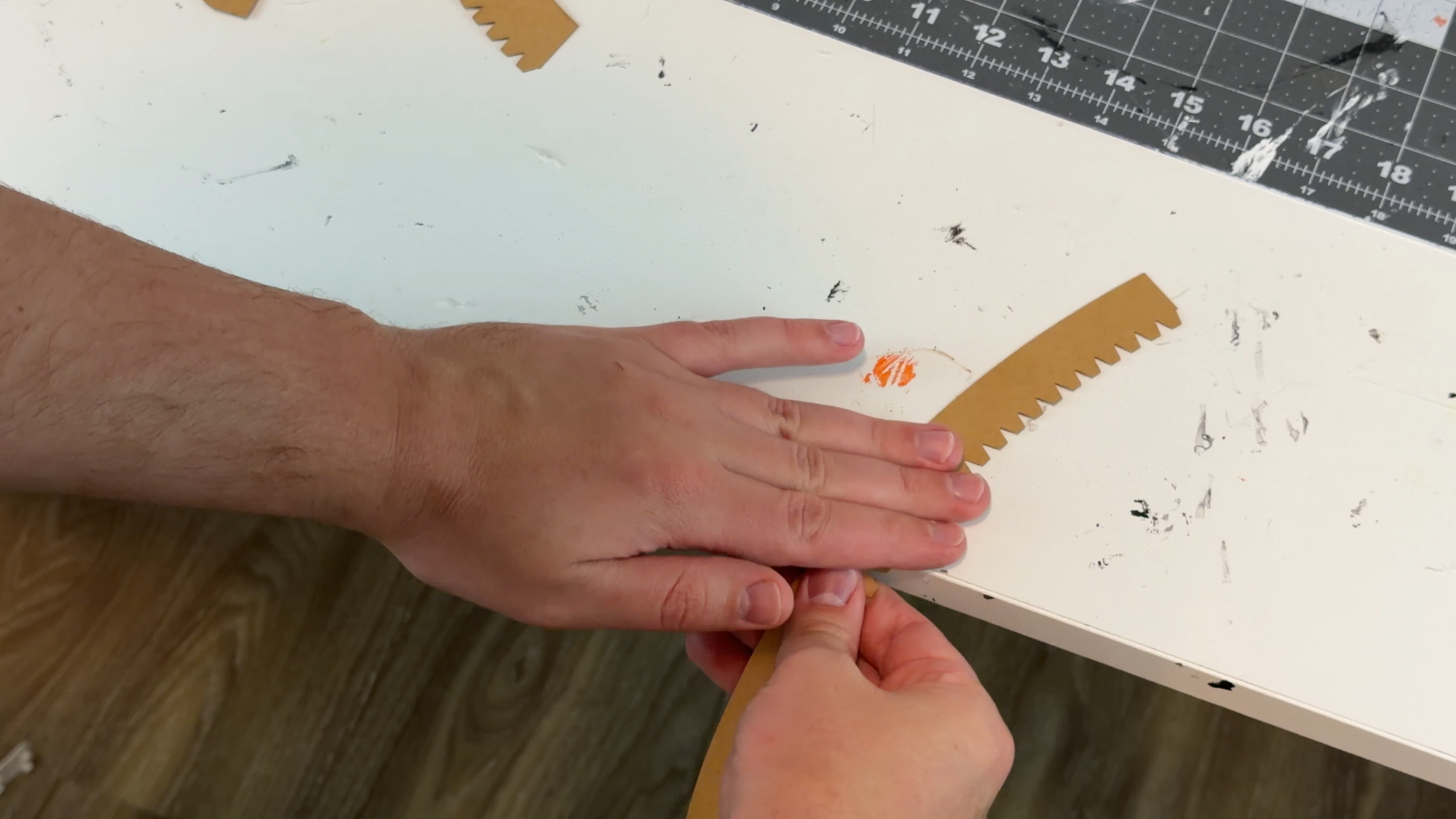
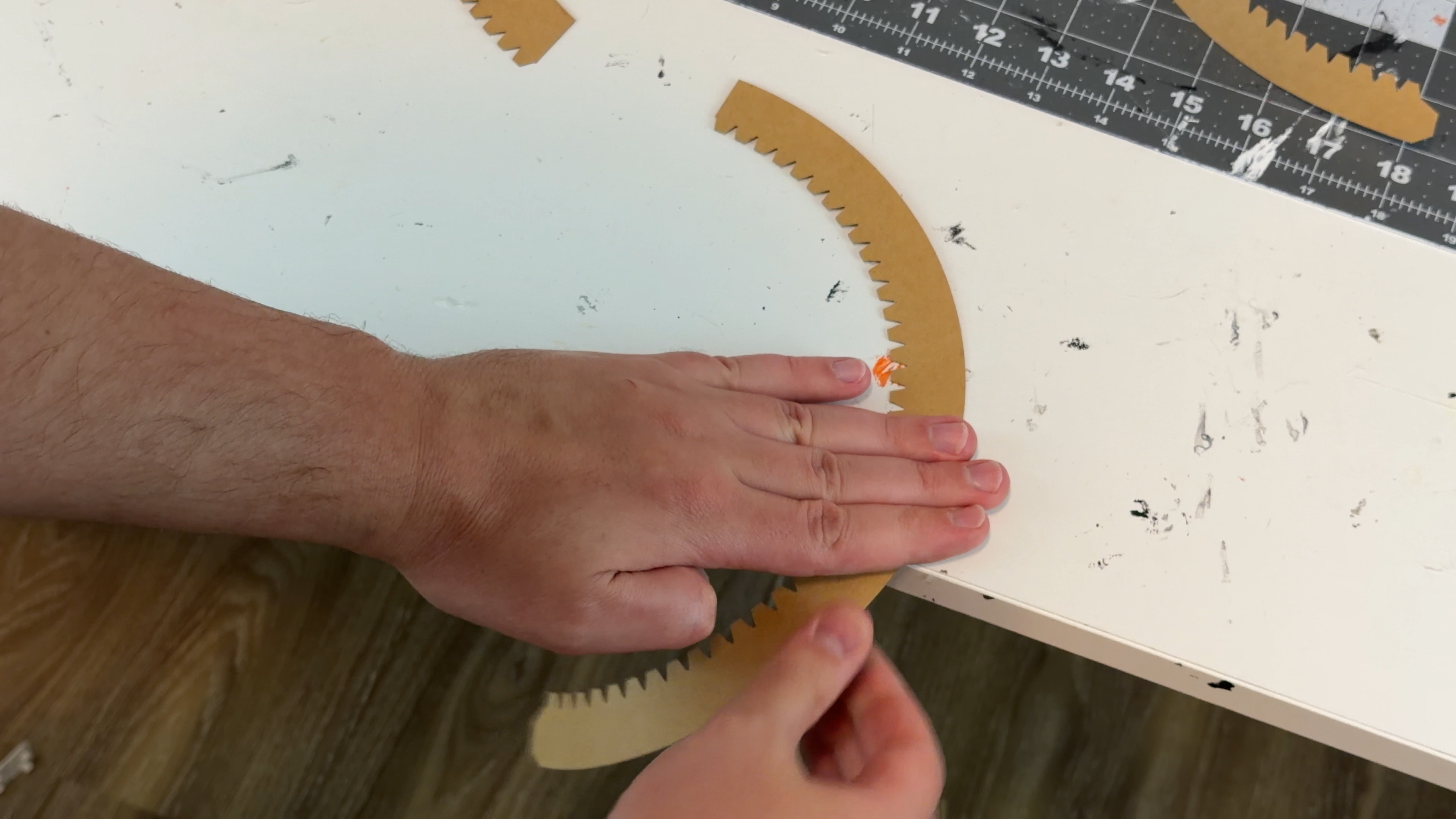

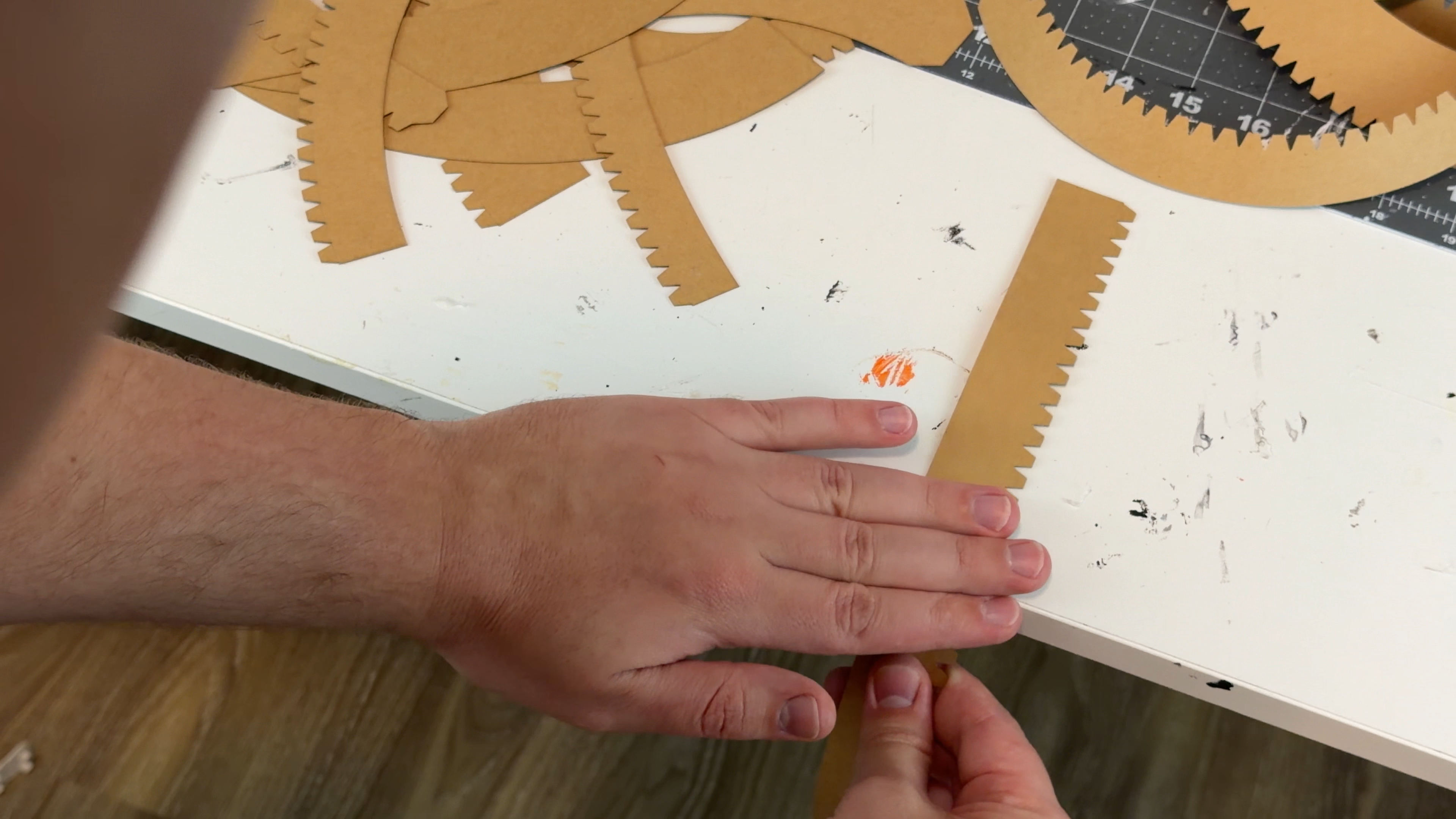
To shape the curved parts, gently pull each piece across the edge of a table with light pressure.
Perfect accuracy isn’t required — you only need to guide the material in the general direction of the curve.
If you're unsure which way to bend a piece, simply look at the visual instructions or the shape of the part itself — once you see how the final element should look, the correct bending direction becomes immediately obvious.
After pre-bending, the cardboard won’t resist or crack, and all parts will glue together smoothly and naturally, almost like closing a zipper.
Downloads
Folding the Glue Tabs


Fold all the glue tabs inward to prepare them for assembly.
The exact angle or amount of bending does not matter — a light initial fold is enough.
During gluing, the tabs will naturally adjust to the correct angle and position, fitting cleanly against the adjoining surfaces.
A gentle pre-fold is all you need.
Gluing the Parts Together


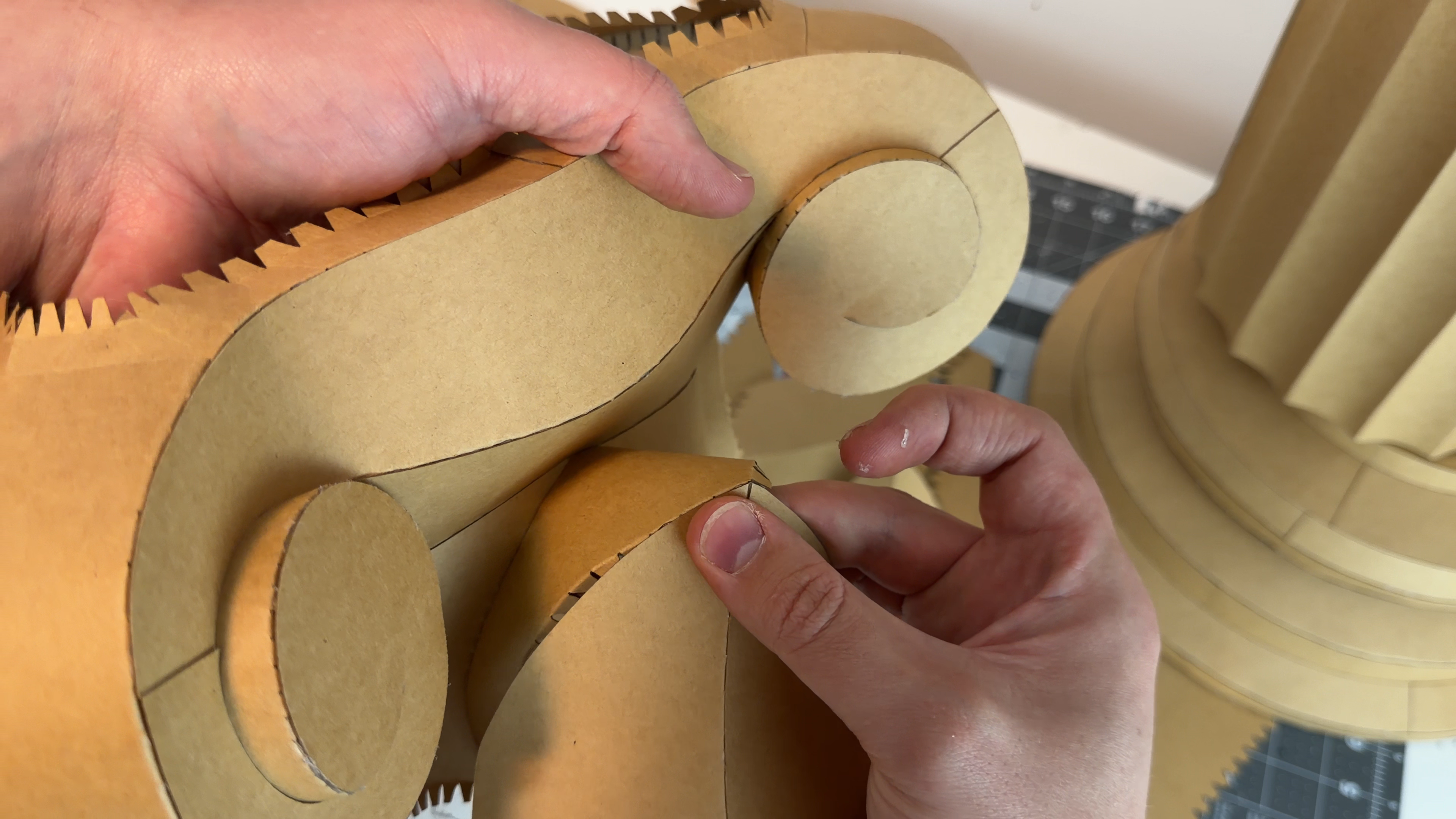
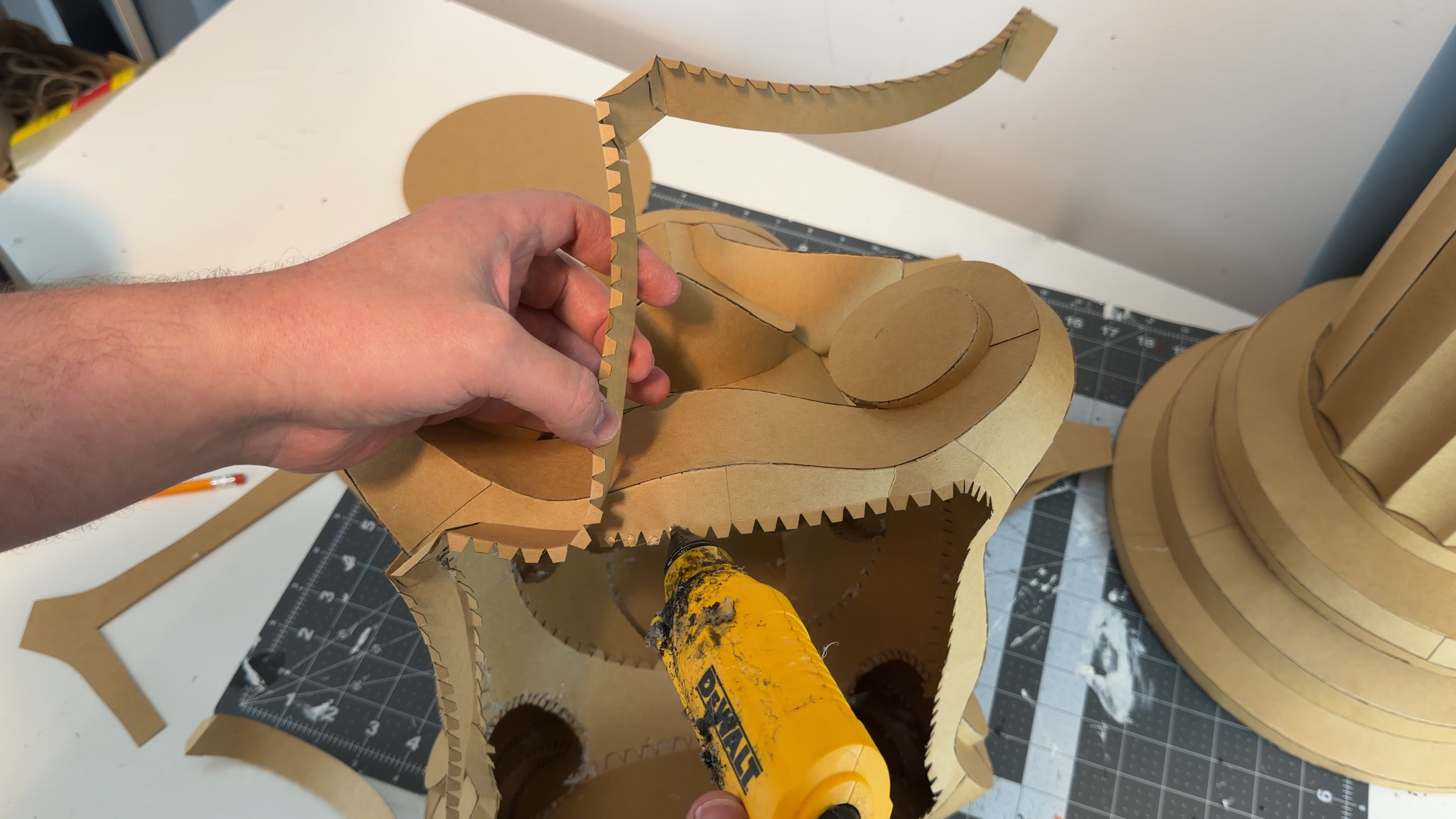
Assemble the model step by step.
All parts are numbered in the recommended sequence, ensuring that you always have full access with both hands to the area you're currently working on.
The closing elements — top and bottom — are designed as rings with a central opening.
This allows you to continue gluing comfortably without sealing the section too early.
Only at the very end should you close the opening with a solid disc.
If you plan to connect several column sections together, you don’t have to use the solid disc at all — the ring with the opening already provides enough strength for stacking.
Gluing tip:
I use hot glue and recommend applying it to 4–7 tabs at a time.
This is the perfect amount to position the segment accurately without rushing, ensuring a clean and precise fit.
Painting the Column
.gif)


I start by applying a first layer of white acrylic paint using a large brush.
The wider brush leaves intentional, slightly rough brushstrokes, which adds texture and gives the column a more artistic, handmade look.
I also leave some areas unpainted, because I really like how the natural kraft cardboard color shows through — it creates a nice contrast and adds character to the final piece.
Let the first coat dry completely before adding additional layers or color accents.
Adding Bright Color Accents


Now I apply bright color spots as the second layer.
These colors are not the final coat — they will stay underneath the black paint that comes later.
The purpose of this layer is to let the bright tones peek through from below, creating a subtle glowing effect once the final black layer is added.
Applying the Final Black Layer

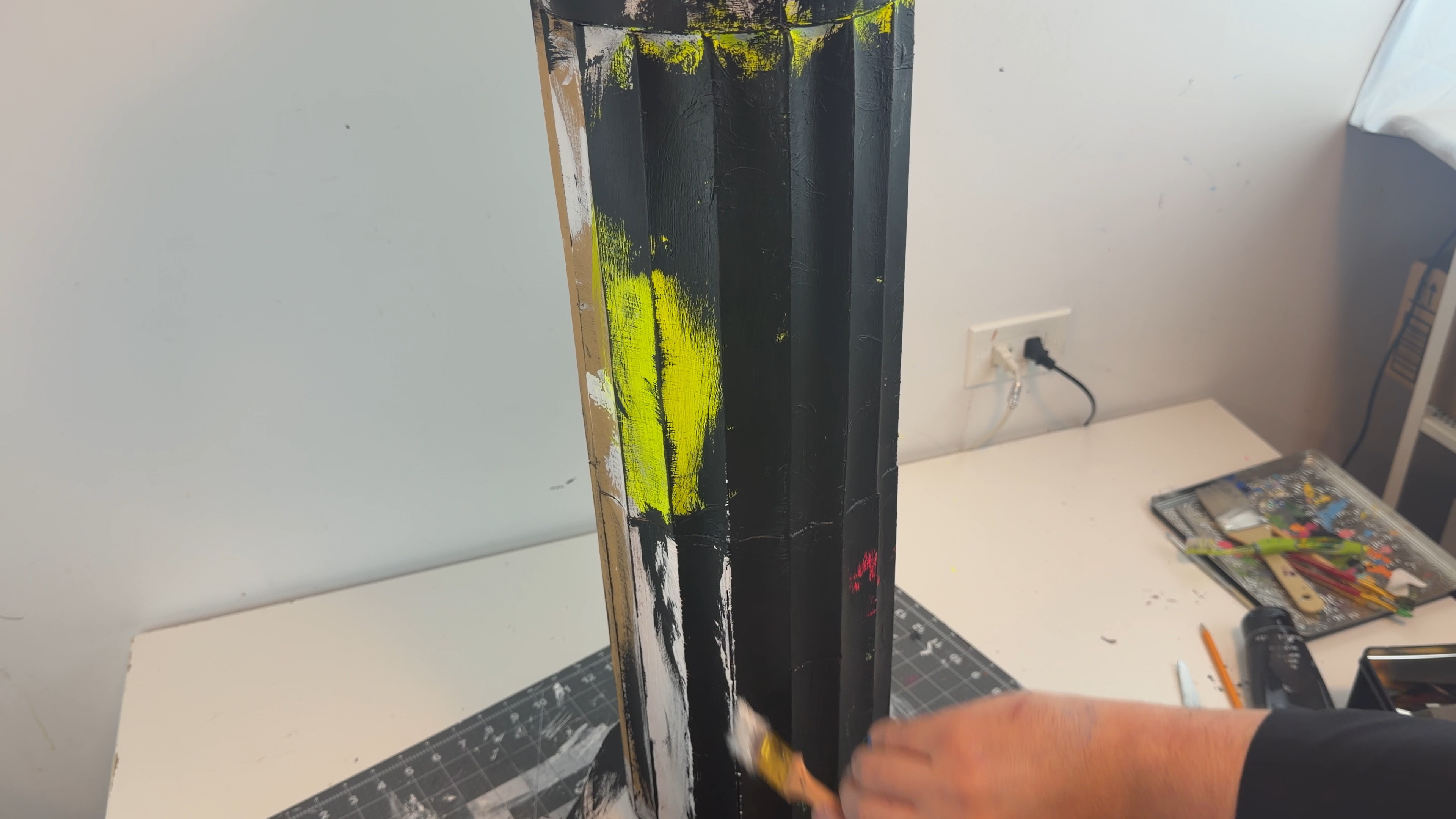


Now I apply the final black coat, using rough, wide brushstrokes.
This layer covers the surface while still allowing some of the bright underlayer colors to peek through, giving the column a textured, worn, cyberpunk-style finish.
Result


.gif)


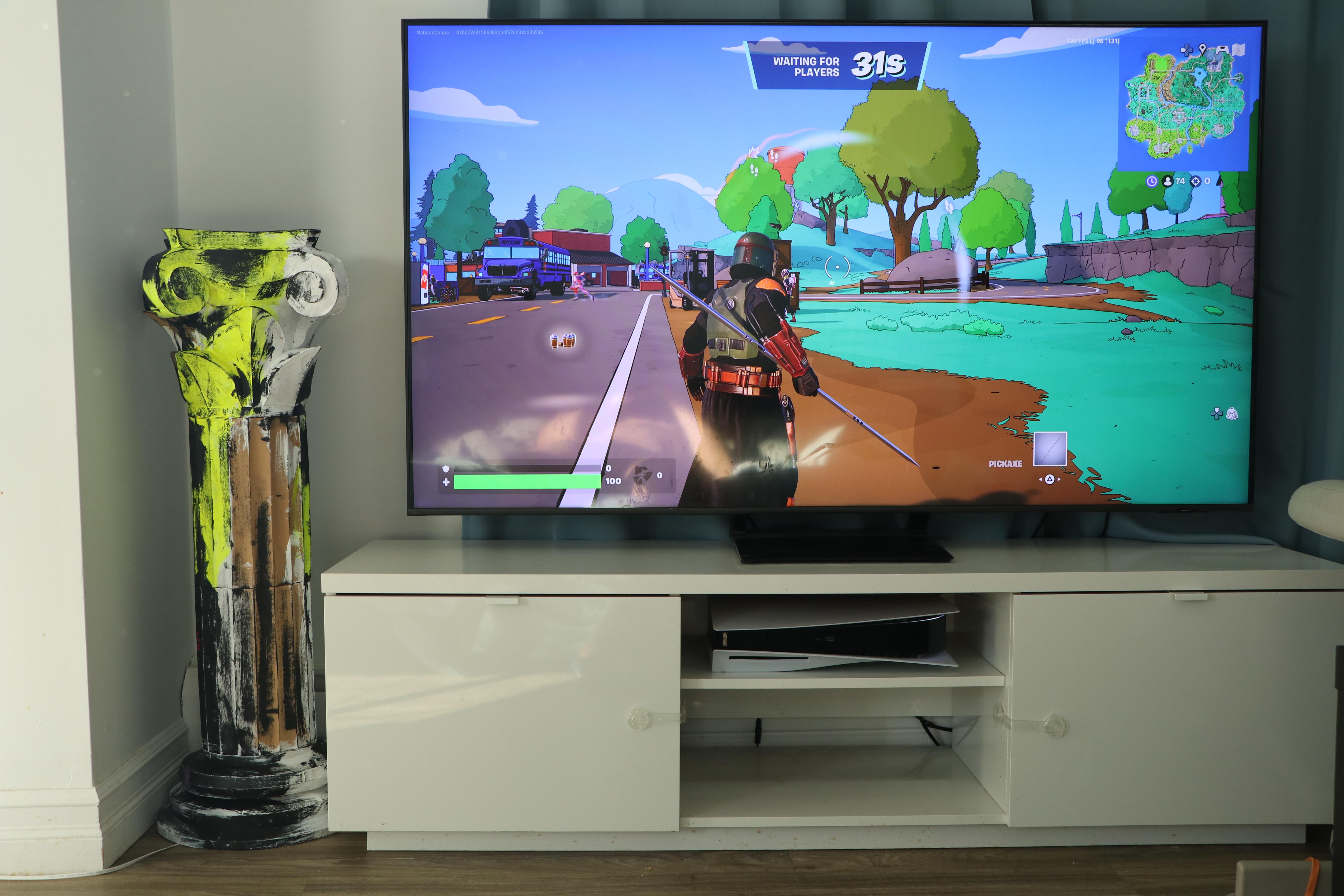


The finished column is lightweight, sturdy, and visually clean.
There are many ways to use this piece, and just as many possibilities for scaling and customizing it to your own style. With a bit of creativity, you can easily bring a touch of simple classical aesthetics into any space.
Good luck with your crafting — enjoy the process and make it your own!