DIY 35$ Polyphonic Synthesizer : the TYPE-2
by alxdreee in Circuits > Audio
143 Views, 3 Favorites, 0 Comments
DIY 35$ Polyphonic Synthesizer : the TYPE-2
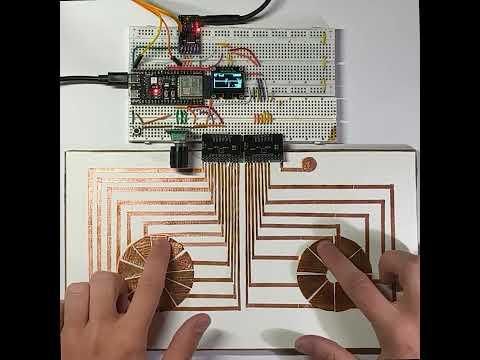
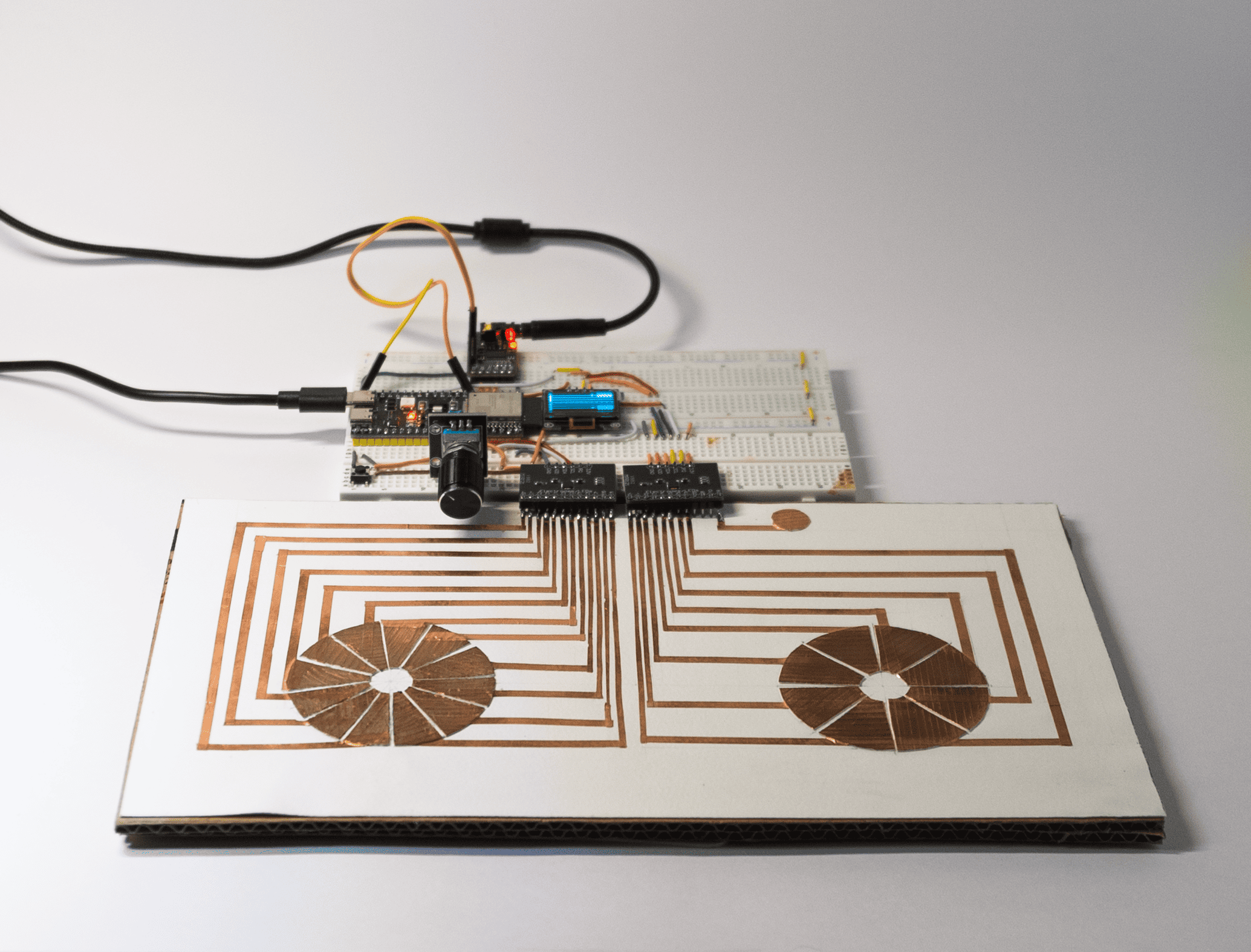
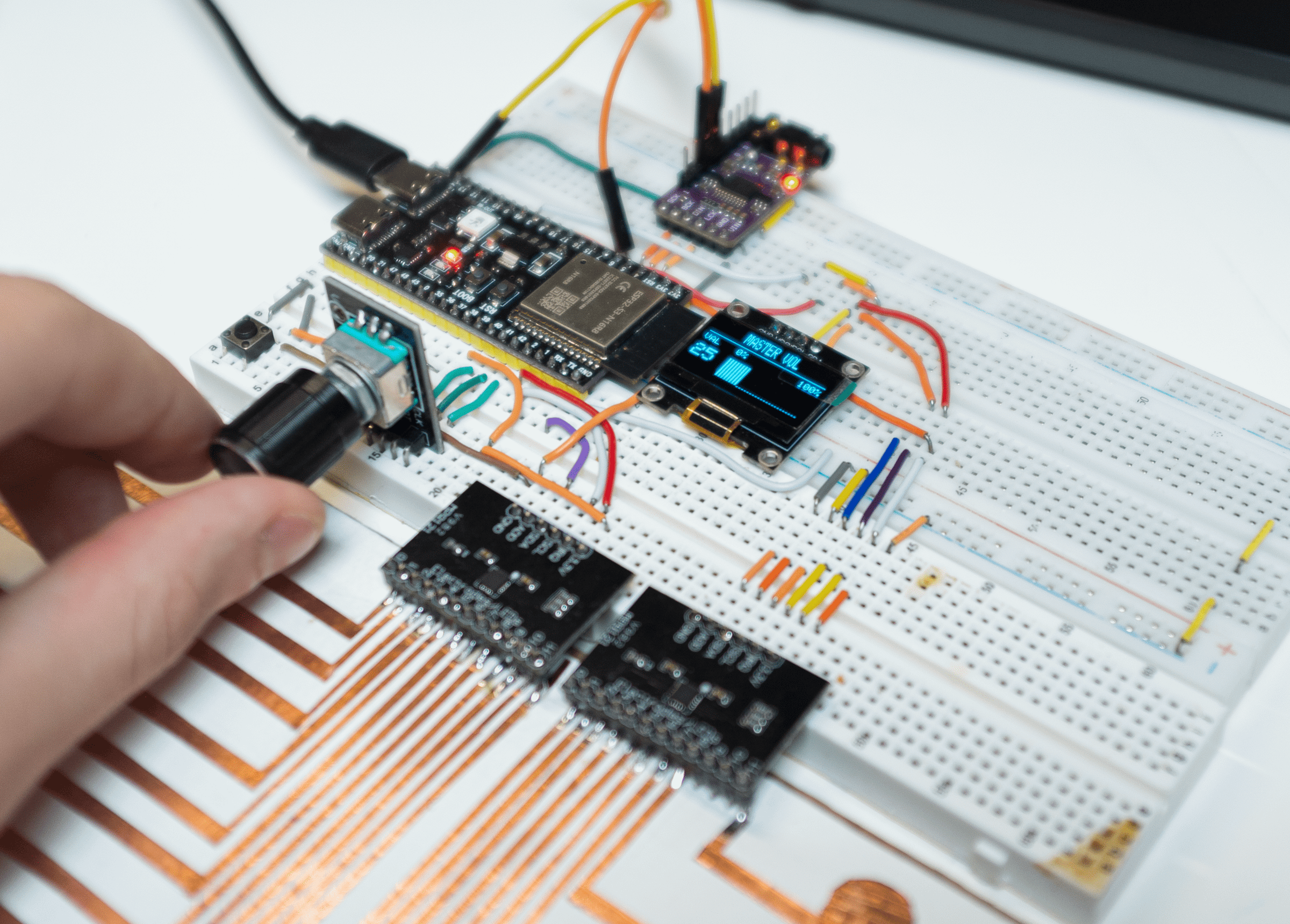
The TYPE-2 is a esp32-S3-based polyphonic synthesizer. Engineered entirely around a highly optimized DSP core, it leverages fast polynomial saturation, a dual-rate processing architecture, and analog-modeled filters to deliver a studio-quality audio signal flow.
Designed with accessibility in mind, it is highly affordable (around €35 in total components) and features a near-zero difficulty build process requiring minimal wiring.
Supplies
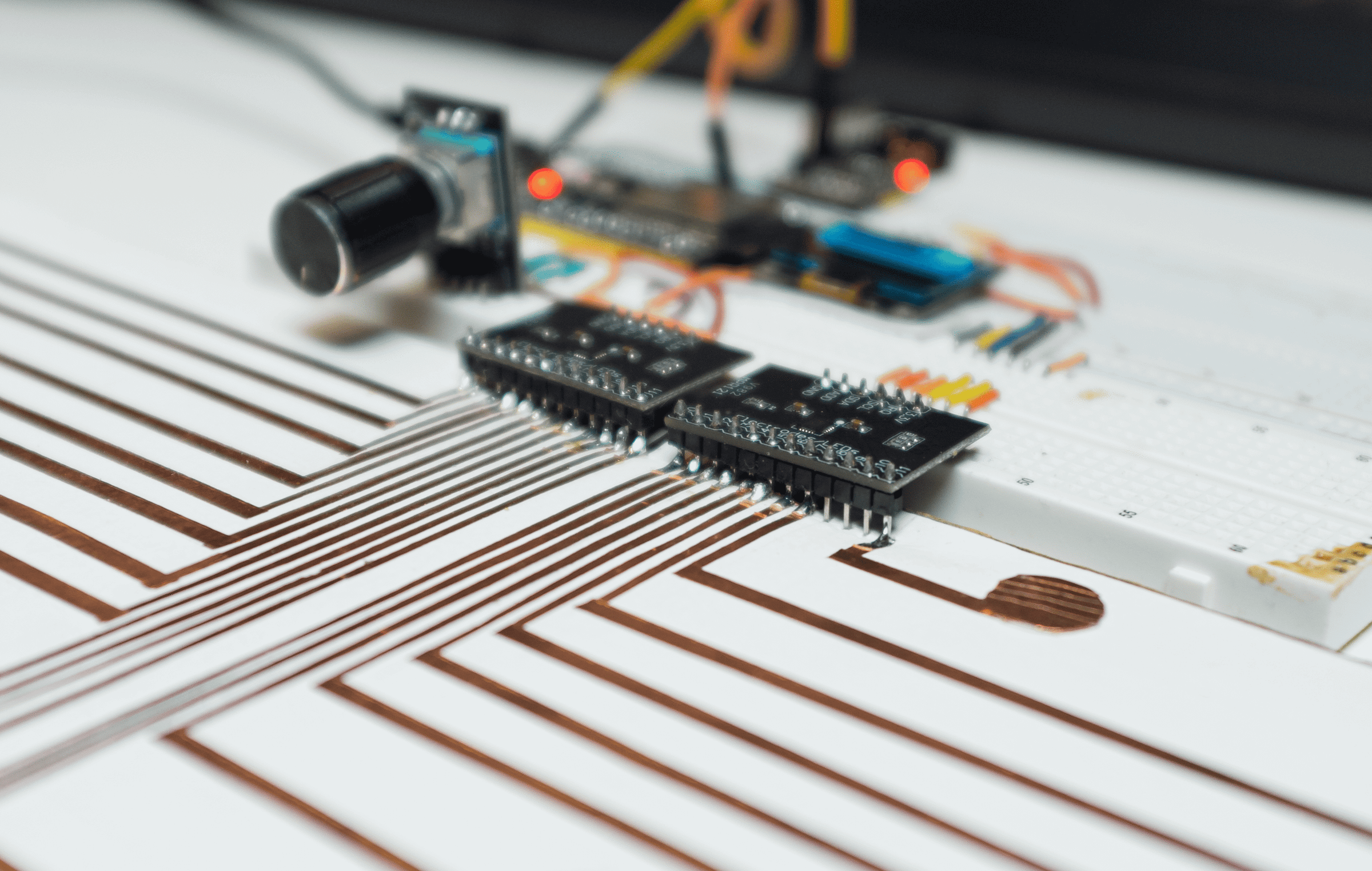
Here is the hardware needed for this project:
- ESP32-S3 Microcontroller (16MB Flash, PSRAM strictly required)
- PCM5102A I2S DAC Module
- SSD1306 128x64 OLED Display
- KY-040 Rotary Encoder
- 1x Tactile Navigation Button
- 2x MPR121 I2C Capacitive Touch Sensors
- Copper tape (for creating capacitive touch keys)
Core Features & Capabilities
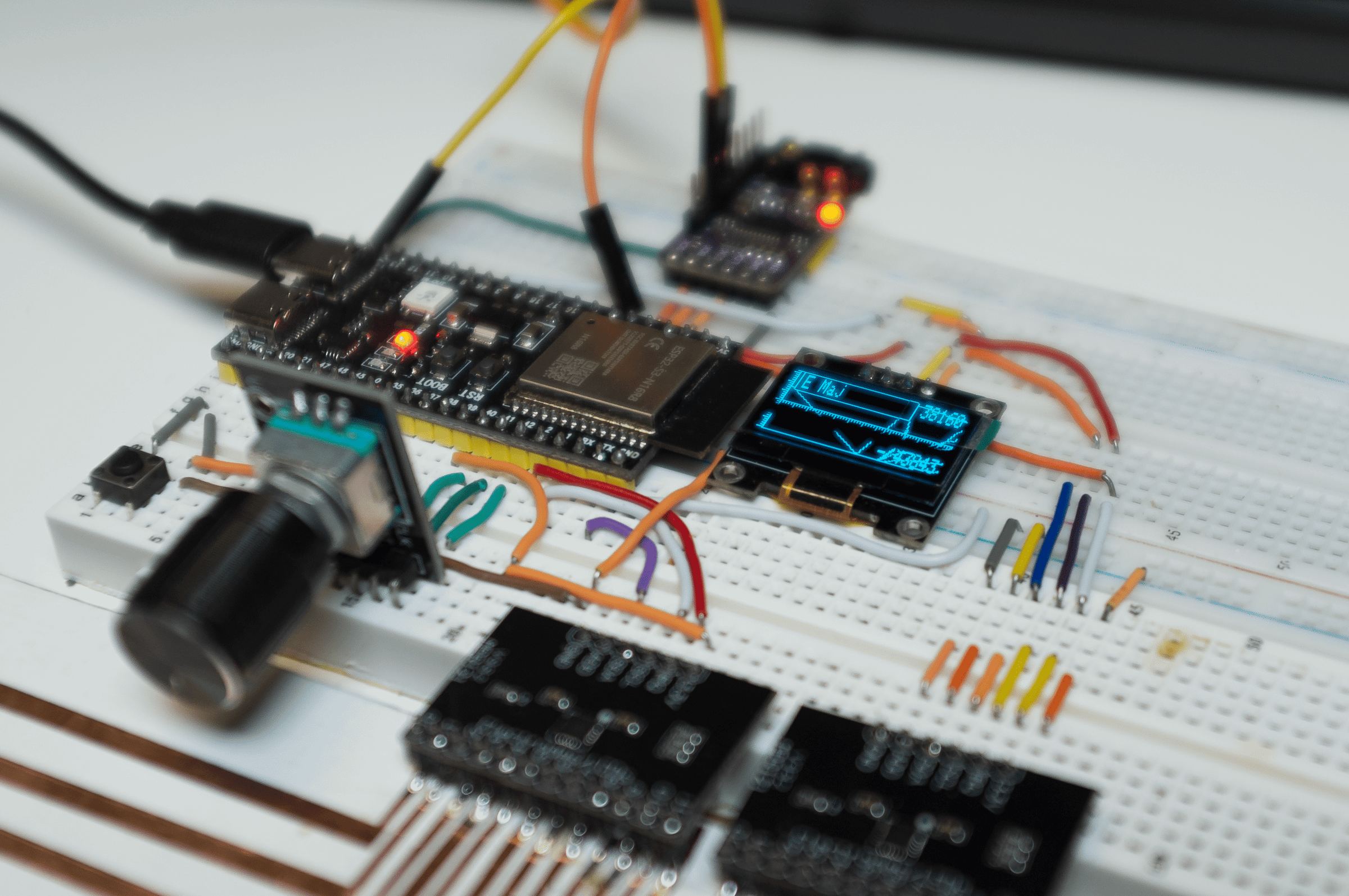
On the sound side, there are 7 voices and the classic waveforms (Sine, Square, Triangle, Sawtooth). The signal passes through a modeled 24dB/Oct Moog Ladder filter. To add some grit and warmth, I’ve included a tube overdrive effect and an “analog slop” parameter. The latter simulates the thermal drift of old VCOs to give unisons and chords a natural, breathing quality. A short delay ties everything together at the end of the chain.
No traditional keyboard here, but two touch-sensitive pads made of copper tape. The left hand selects the root note, and the right hand chooses the chord type from among 9 voicings (min7, Sus4, maj, etc.). I’ve also included a “Strum” function to strum the notes like you would with a pick!
For visual feedback, a 0.96-inch OLED screen displays the sound, which physically distorts in real time based on the frequencies being played.
The code and schematics are 100% open source, the entire project is available here:
https://github.com/Alxdreee/TYPE-2
IDE Setup & Installation
- IDE Setup: Install the Arduino IDE .
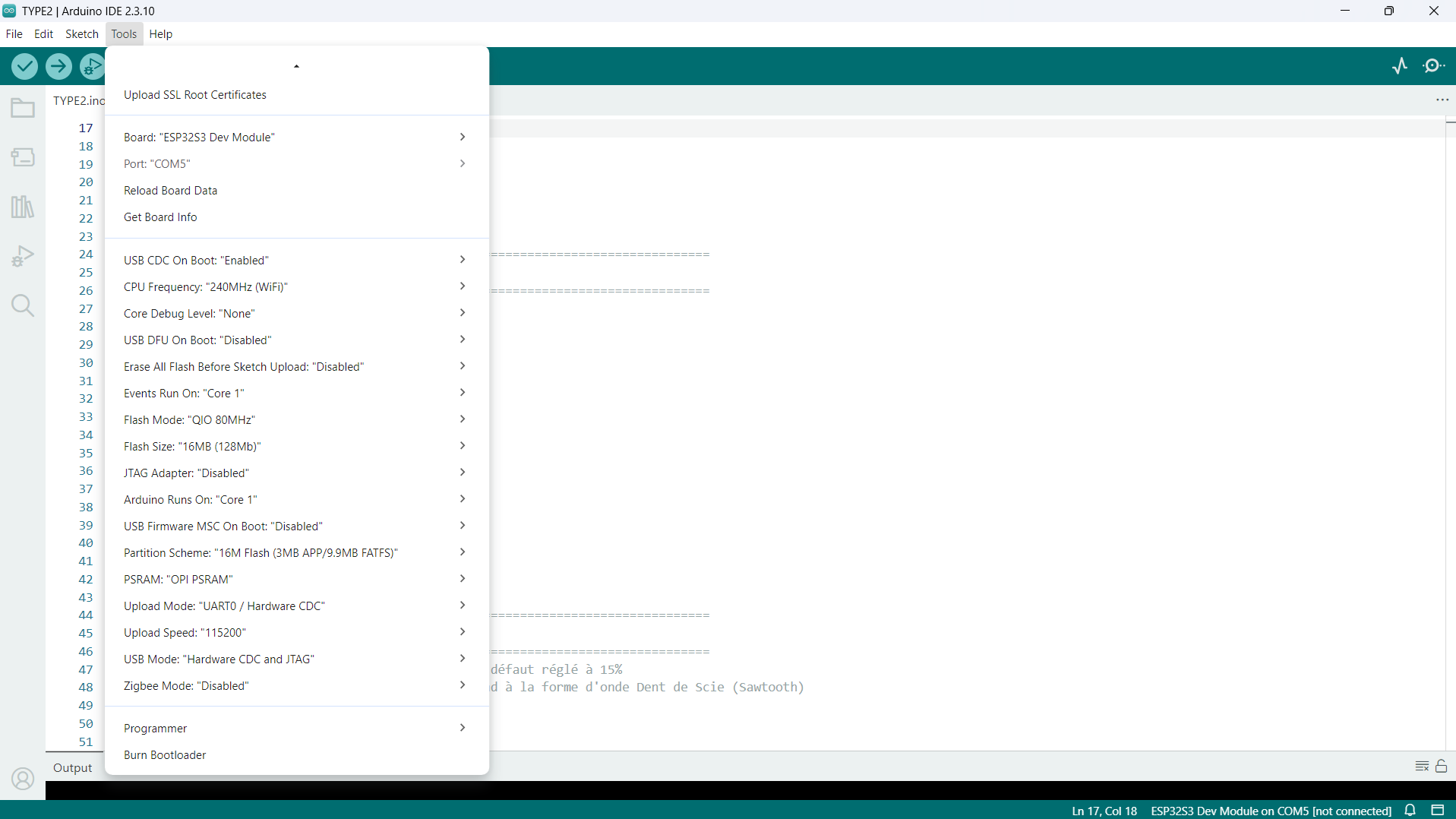
- Compiler Settings: To ensure the DSP engine and display tasks run properly, configure your IDE with the following exact parameters:
- USB CDC On Boot: Enabled
- CPU Frequency: 240MHz (WiFi)
- Flash Mode: QIO 80MHz
- Flash Size: 16MB (128Mb)
- Partition Scheme: 16M Flash (3MB APP/9.9MB FATFS)
- PSRAM: OPI PSRAM
- Upload Speed: 115200
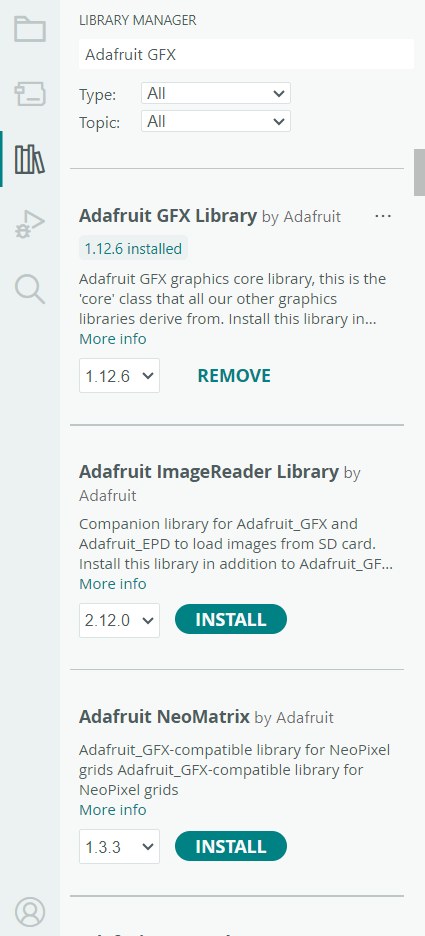
- Libraries: Install Adafruit GFX, Adafruit SSD1306, and Adafruit MPR121.
- Copy and paste the instrument's source code into the IDE's text editor
Downloads
Wiring the Components
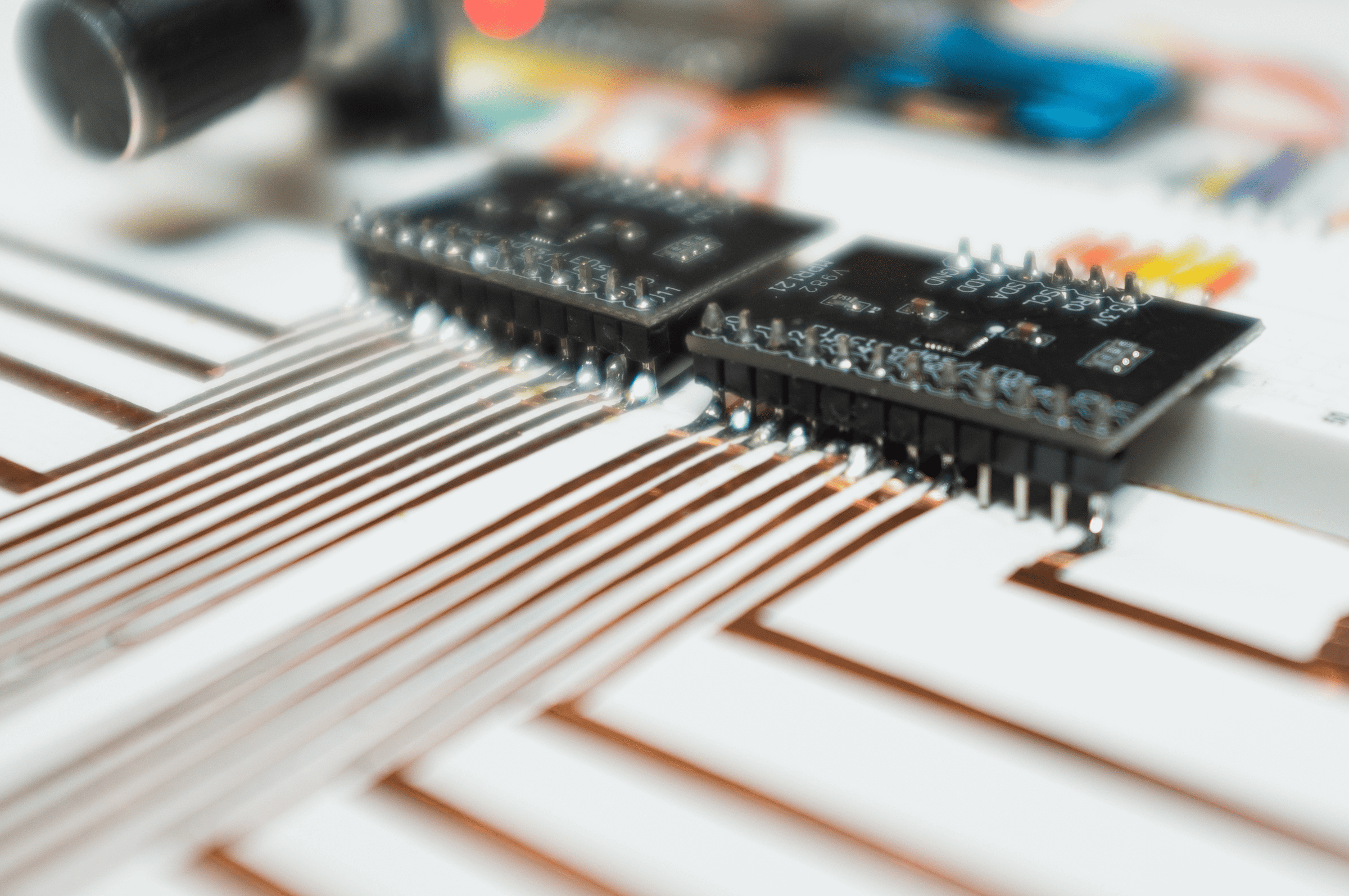
Use the copper ribbon to create custom capacitive touch buttons and connect them to the MPR121 inputs: 12 keys for the left MPR121 and 7 for the right MPR121, plus 1 effect keys on pin11. Get creative!
1. esp32-S3 ➔ PCM5102A
- GPIO 4 ➔ LRCK / WS
- GPIO 5 ➔ DIN
- GPIO 6 ➔ BCK
- GPIO 7 ➔ XSMT
- GND ➔ SCK
- 3.3V / 5V ➔ VIN
- GND ➔ GND
2. esp32-S3 ➔ OLED Display 128x64 (I2C0)
- GPIO 8 ➔ SDA
- GPIO 9 ➔ SCL
- 3.3V ➔ VCC
- GND ➔ GND
3. esp32-S3 ➔ MPR121 Right - Chords
Shares the I2C0 bus with the OLED display
- GPIO 8 ➔ SDA
- GPIO 9 ➔ SCL
- GPIO 18 ➔ IRQ
- GND ➔ ADD
- 3.3V ➔ VIN
- GND ➔ GND
4. esp32-S3 ➔ MPR121 Left - Notes
Uses the secondary I2C bus to avoid address conflicts
- GPIO 1 ➔ SDA
- GPIO 2 ➔ SCL
- GPIO 39 ➔ IRQ
- GND ➔ ADD
- 3.3V ➔ VIN
- GND ➔ GND
5. Main Controls (Rotary Encoder + Button)
- GPIO 42 ➔ KY-040 CLK
- GPIO 41 ➔ KY-040 DT
- GPIO 40 ➔ KY-040 SW
- GPIO 38 ➔ Menu Btn Leg 1
- GND ➔ Both GND (Connect Encoder GND and Btn Leg 2 to Ground)
Testing
Flash the code and let the party begin! Use the various settings in the menu to create your own sound. Feel free to share your remixes and jams!
The Future of the TYPE-2
The project is under active development. Here’s what’s planned for upcoming updates :
- Adding an arpeggiator effect
- Managing the creation of presets from a dedicated menu
- External MIDI communication (USB/Serial)
- Battery management and portable power components integration
- Custom PCB design
- Enclosure design
This project is 100% open-source and developed entirely on my own in my spare time, an open-source initiative developed for the benefit of the maker community and synthesizer enthusiasts. Don't forget to star the GitHub page !
I look forward to hearing your feedback!
Alexandre