DIY Digital Compass Using Pluto Drone Magnetometer and OLED Display
by parthkk in Workshop > Science
168 Views, 2 Favorites, 0 Comments
DIY Digital Compass Using Pluto Drone Magnetometer and OLED Display
Introduction
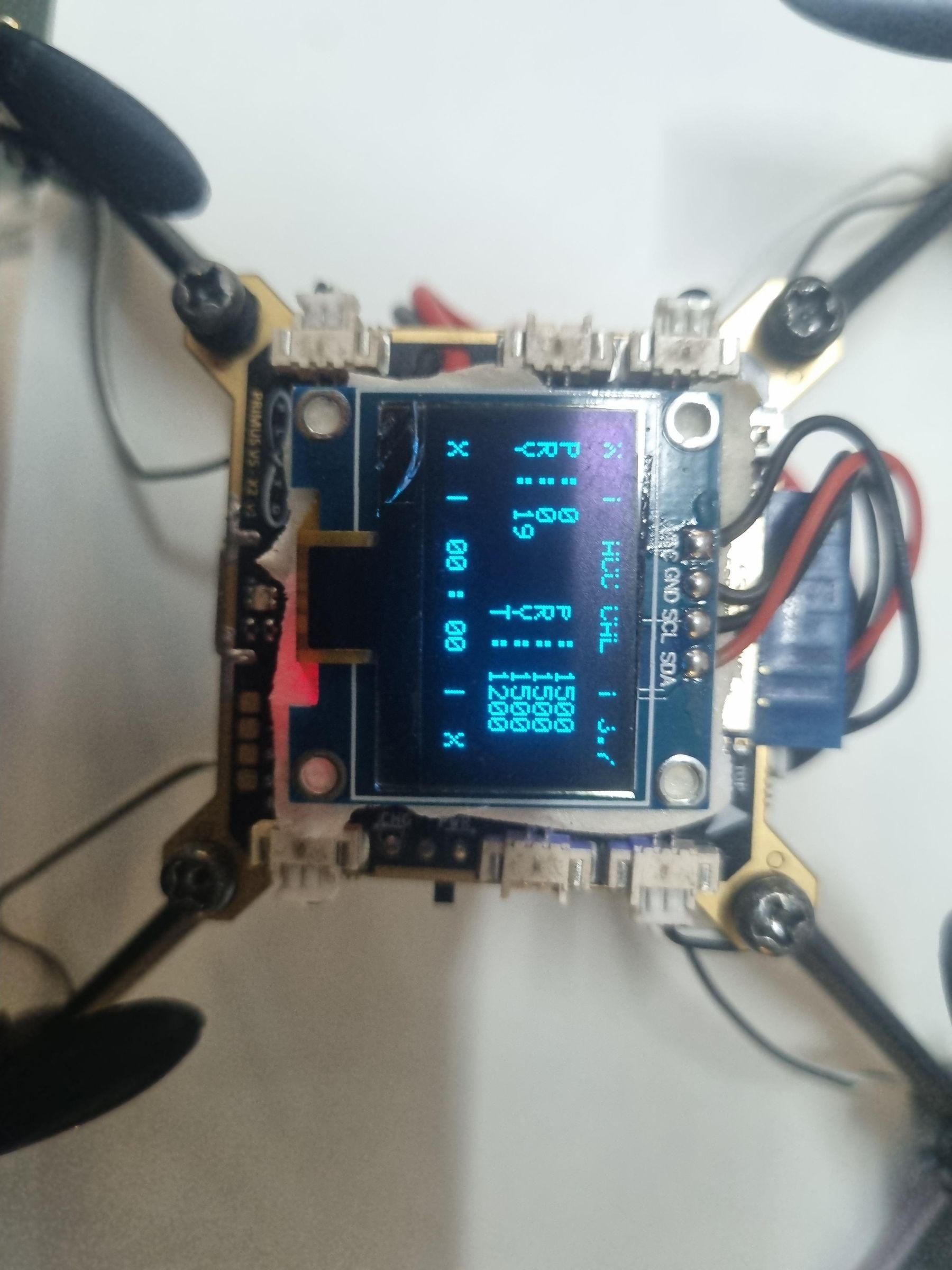
In this project, I replicated the functionality of a digital compass using the onboard magnetometer of the Pluto Drone developed by Drona Aviation. The heading information obtained from the drone's sensor was processed and displayed in real time on an OLED screen.
The objective was to understand how magnetometer-based navigation works and to create a stable digital compass system. During development, I encountered fluctuations in the heading values due to sensor noise. To overcome this challenge, I implemented a filtering technique that significantly improved the stability and accuracy of the displayed compass readings.
This project provided hands-on experience with sensor interfacing, embedded systems, signal processing, and real-time visualization.


Supplies
Components Required
- Pluto Drone by Drona Aviation
- PrimusX V2 Flight Controller Board (onboard in Pluto Drone)
- OLED Display (SSD1306)
- USB Cable
- Pluto IDE
- Jumper Wires (if required)
Software Used
- Pluto IDE
- Embedded C/C++ Programming
- OLED Display Libraries
- Pluto Drone SDK/Libraries
Understanding the Working Principle
Understanding the Working Principle
A magnetometer measures the Earth's magnetic field and acts like a digital version of a traditional compass.
The sensor provides magnetic field readings along different axes. These readings are processed to calculate the heading angle, which indicates the direction the device is facing.
The calculated heading is then displayed on the OLED screen.
Hardware Setup
- Connect the OLED display to the controller.
- Establish communication with the Pluto Drone.
- Read magnetometer data from the drone.
- Verify that heading values are being received correctly.
Ensure all connections are secure before powering the system
Reading Magnetometer Data
The first task was to obtain raw magnetometer values from the Pluto Drone.
The magnetometer continuously provides magnetic field measurements, which are used to calculate the compass heading.
Initially, the heading values were displayed directly on the OLED screen.
The Problem – Unstable Compass Readings
During testing, I noticed that the compass heading was constantly fluctuating even when the system remained stationary.
This happened because:
- Sensor readings contained noise.
- Small magnetic disturbances affected measurements.
- Raw yaw values changed rapidly.
As a result, the compass display appeared jittery and difficult to read.
Implementing a Filter
To improve stability, I introduced a filtering technique before displaying the heading.
The filter smooths sudden changes in the sensor readings and reduces the effect of noise.
Benefits of filtering:
- Reduced fluctuations
- Smoother heading transitions
- Improved accuracy
- Better user experience
After applying the filter, the displayed heading became much more stable.
Displaying the Compass Heading
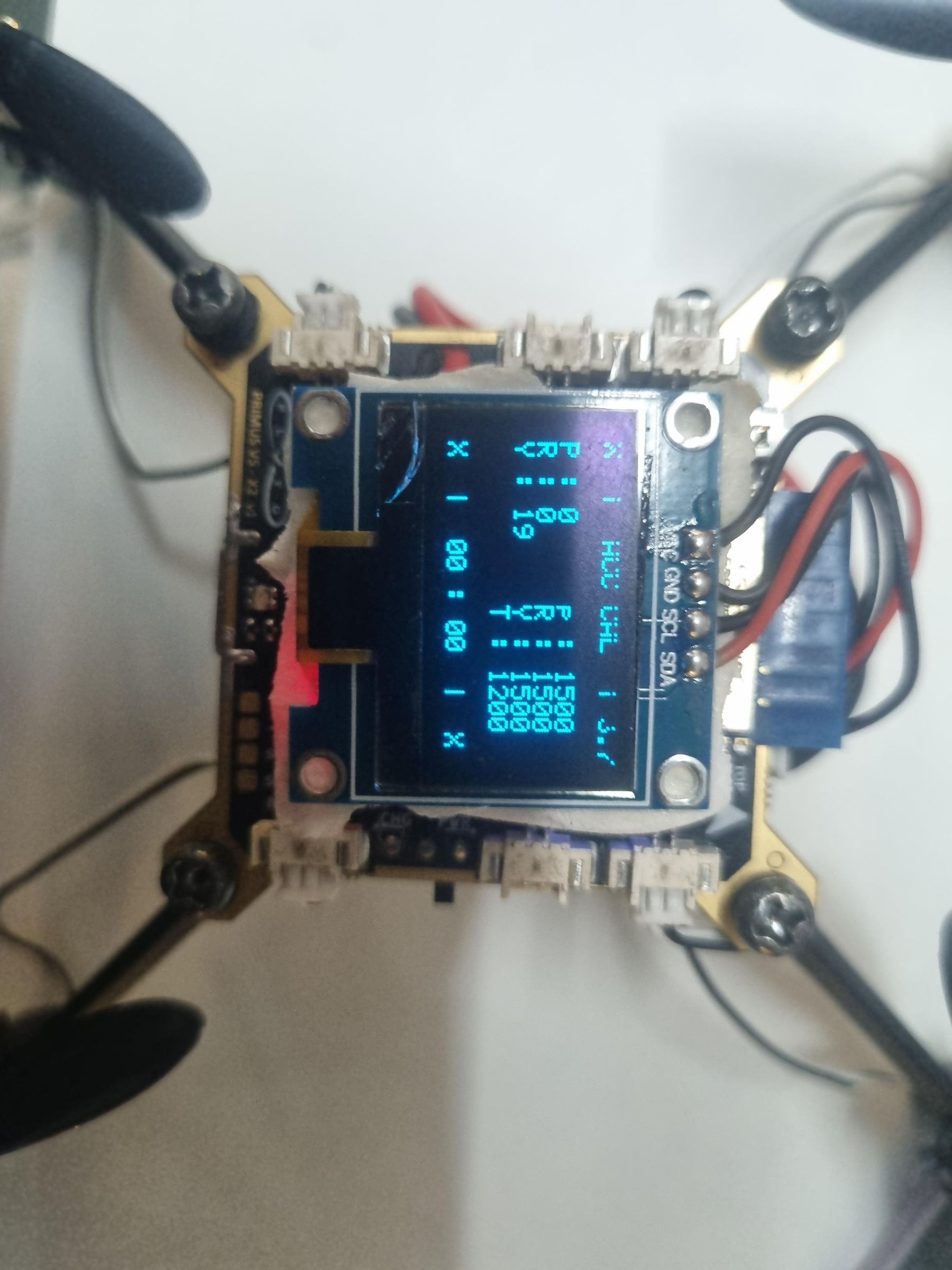
Once the filtered heading value was obtained:
- Calculate the heading angle.
- Convert it into compass direction information.
- Display the value on the OLED screen.
- Continuously update the display in real time.
The OLED now showed stable and readable compass information.
Testing and Results
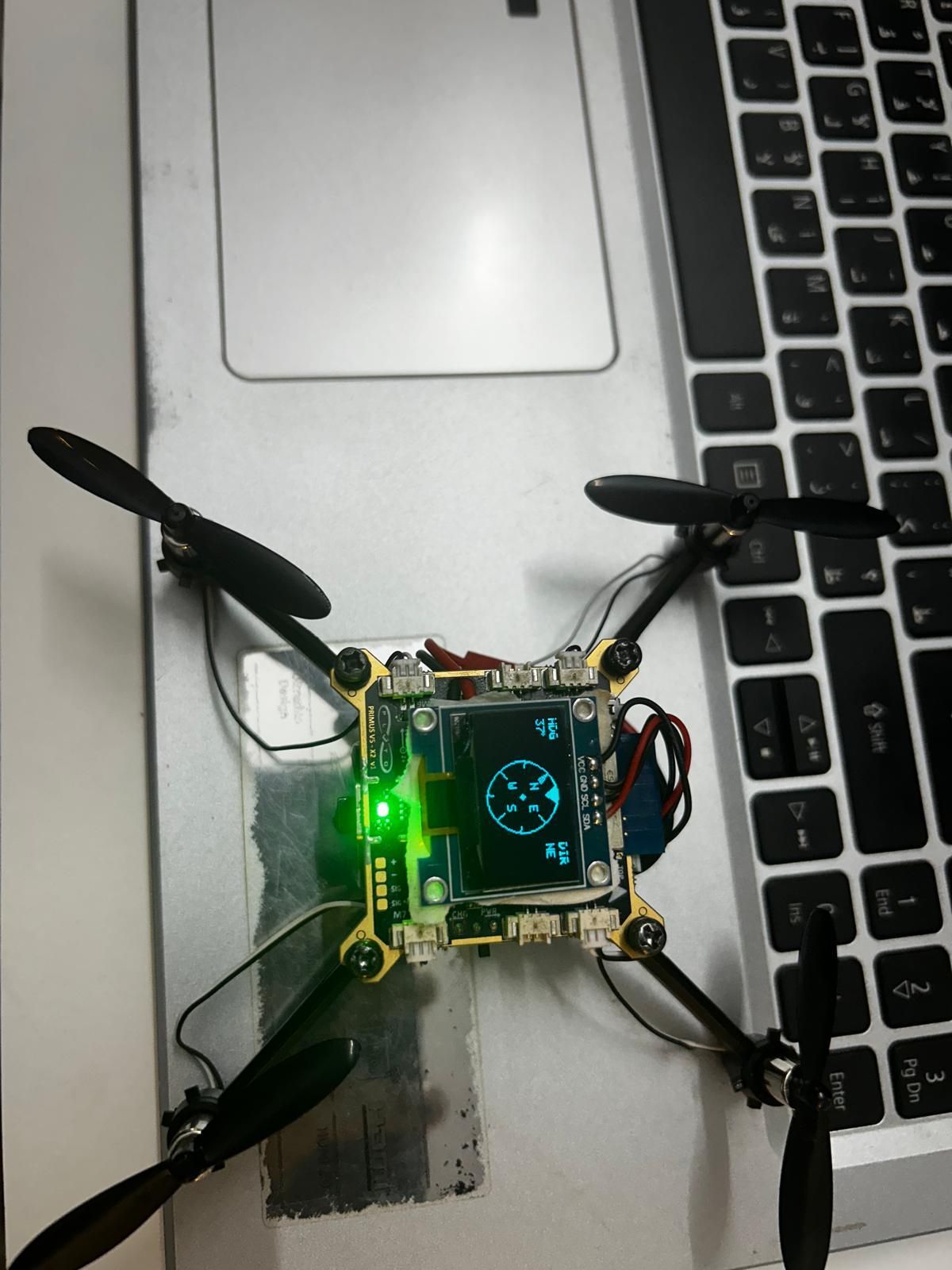
The system was tested under different orientations.
Results:
- Successful heading calculation using the Pluto Drone magnetometer.
- Stable OLED display output.
- Significant reduction in heading fluctuations.
- Reliable compass functionality.
The final system behaved similarly to a standard digital compass.
Future Improvements
Possible enhancements include:
- Magnetometer calibration for higher accuracy.
- Kalman filtering for advanced noise reduction.
- Graphical compass interface on the OLED.
- Integration with navigation and robotics projects.
- Real-time heading logging and analysis.
Conclusion
This project demonstrates how a magnetometer can be used to create a digital compass. A major challenge was handling noisy sensor data, which caused unstable heading values. By implementing a filtering technique, I was able to significantly improve compass stability and create a reliable heading display on an OLED screen.
This project helped me gain practical experience in sensor interfacing, signal processing, embedded systems, and real-time data visualization.