DIY Motorcycle Helmet Music Player
by tkalcec87 in Circuits > Audio
1027 Views, 7 Favorites, 0 Comments
DIY Motorcycle Helmet Music Player
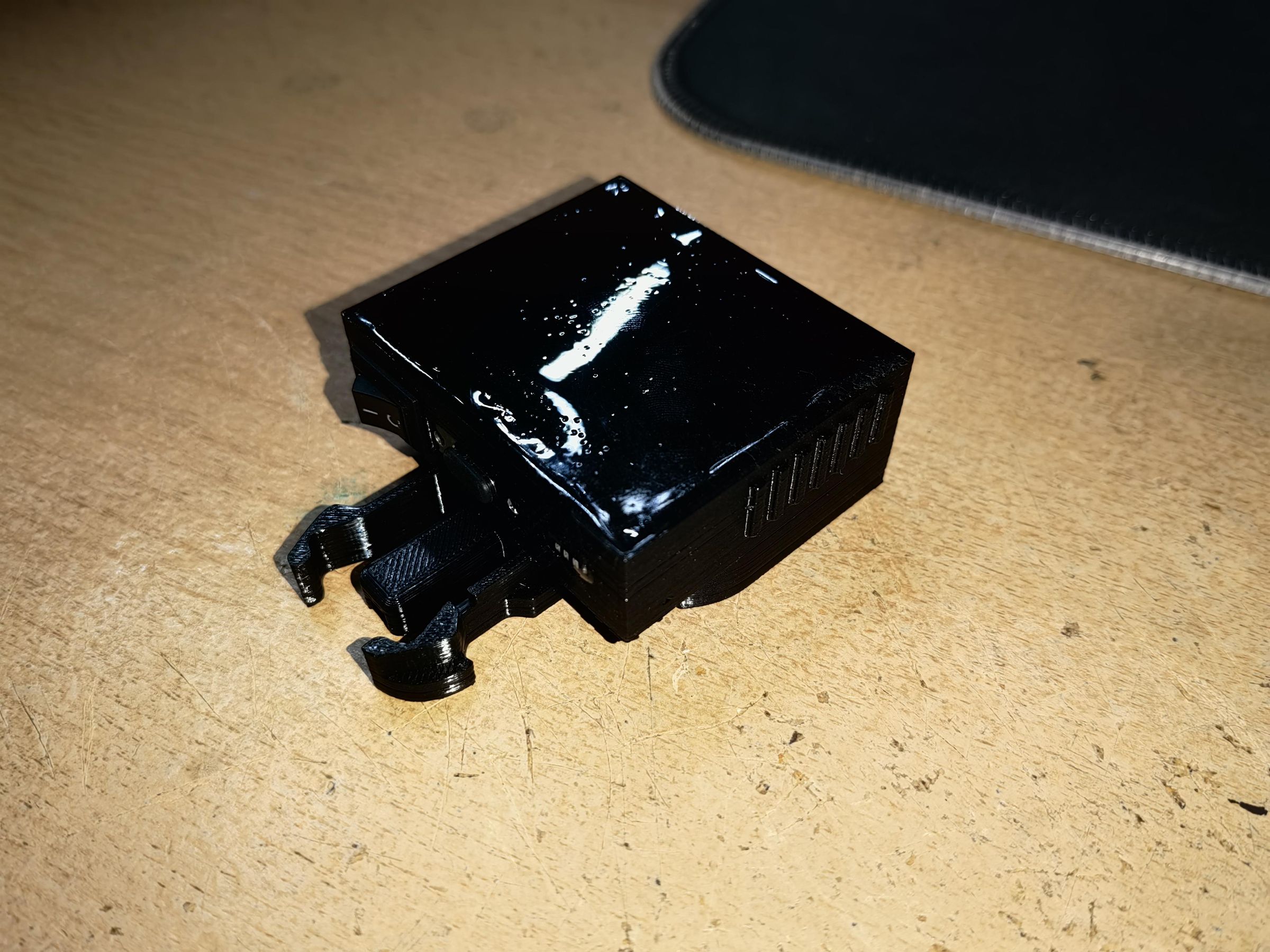
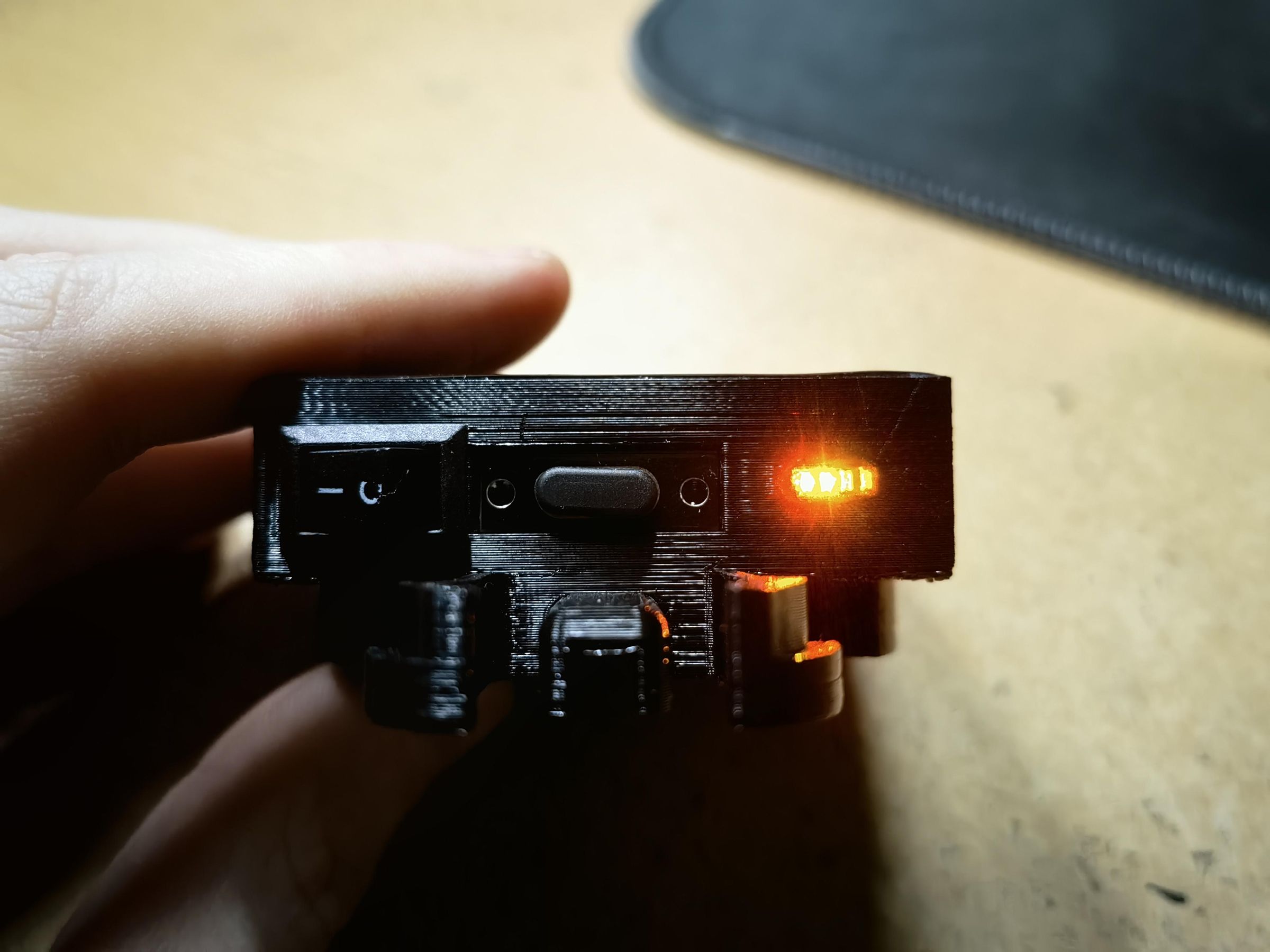

I wanted to listen to music while riding my motorcycle but didn't want to spend too much money on a music player so I made one myself. It's simple to make, the battery lasts a very long time and it's powerful enough to hear at 200+ kmh (personally tested :D). I think one full charge lasted for a few months of everyday 1 hour listening to music at about 80% volume. This uses the GoPro like mounting bracket.
Supplies



Tools needed:
- 3D Printer
- PETG filament (or any other filament that is not that sensitive to temperature)
- Soldering iron
- any type of glue (I used UV Resin since it's easy to work with)
- wires (preferably 2 colors)
- kapton tape (any other tape would be good too)
Parts needed:
- LiPo battery 3.7V 1200mAh (or smaller)
- MH-M38 Bluetooth receiver
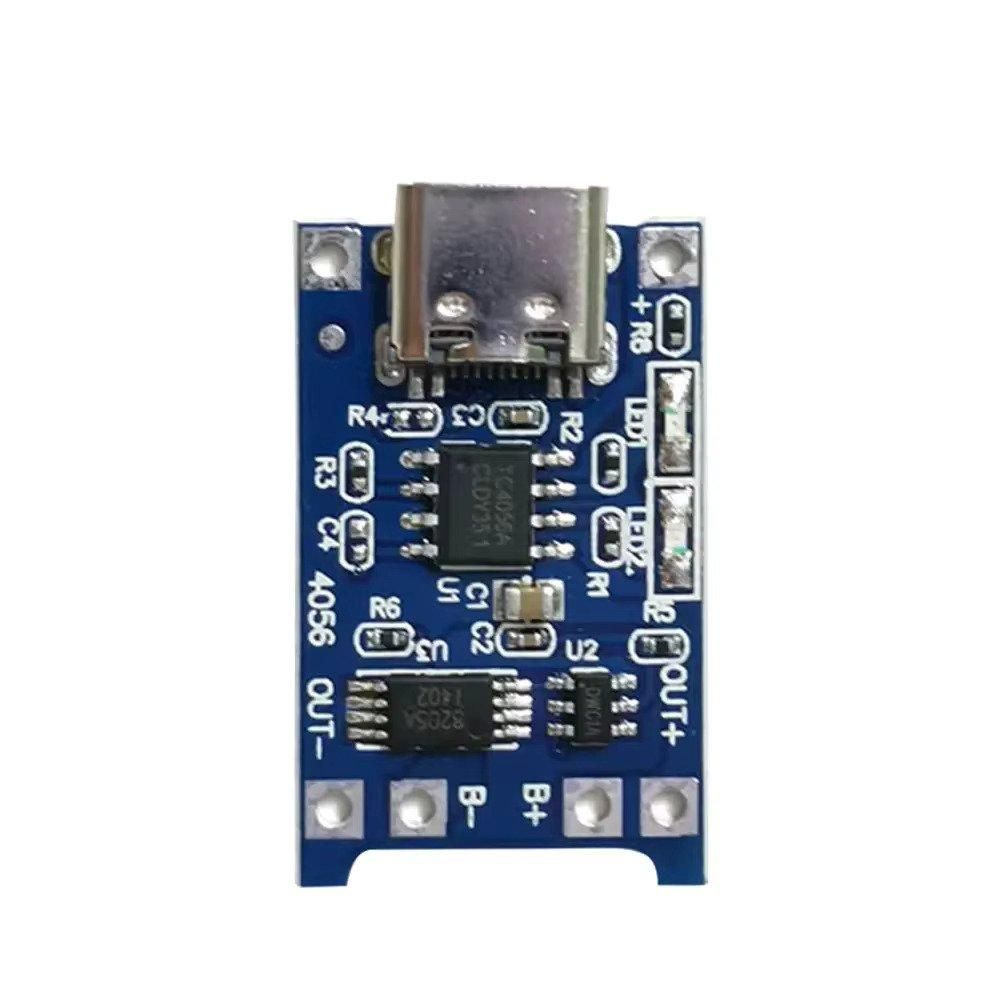
- USB Type-C jack PCB
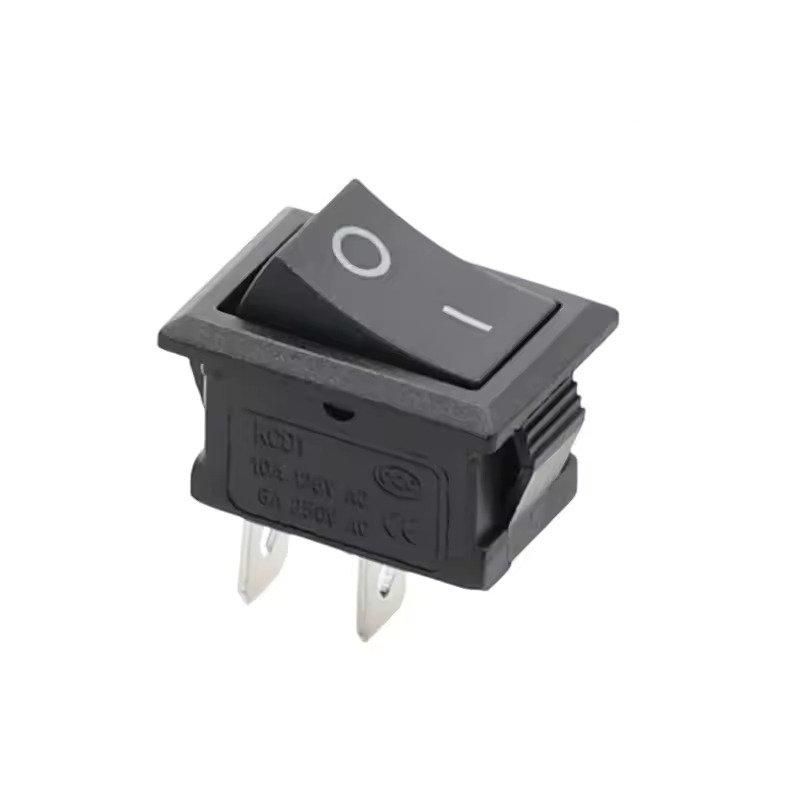
- KCD1 toggle switch 15x21mm
- 1S battery display module
Optional:
- 3.7V battery charging module (I chose not to put it, since I already have a 3.7V battery charger)
Printing
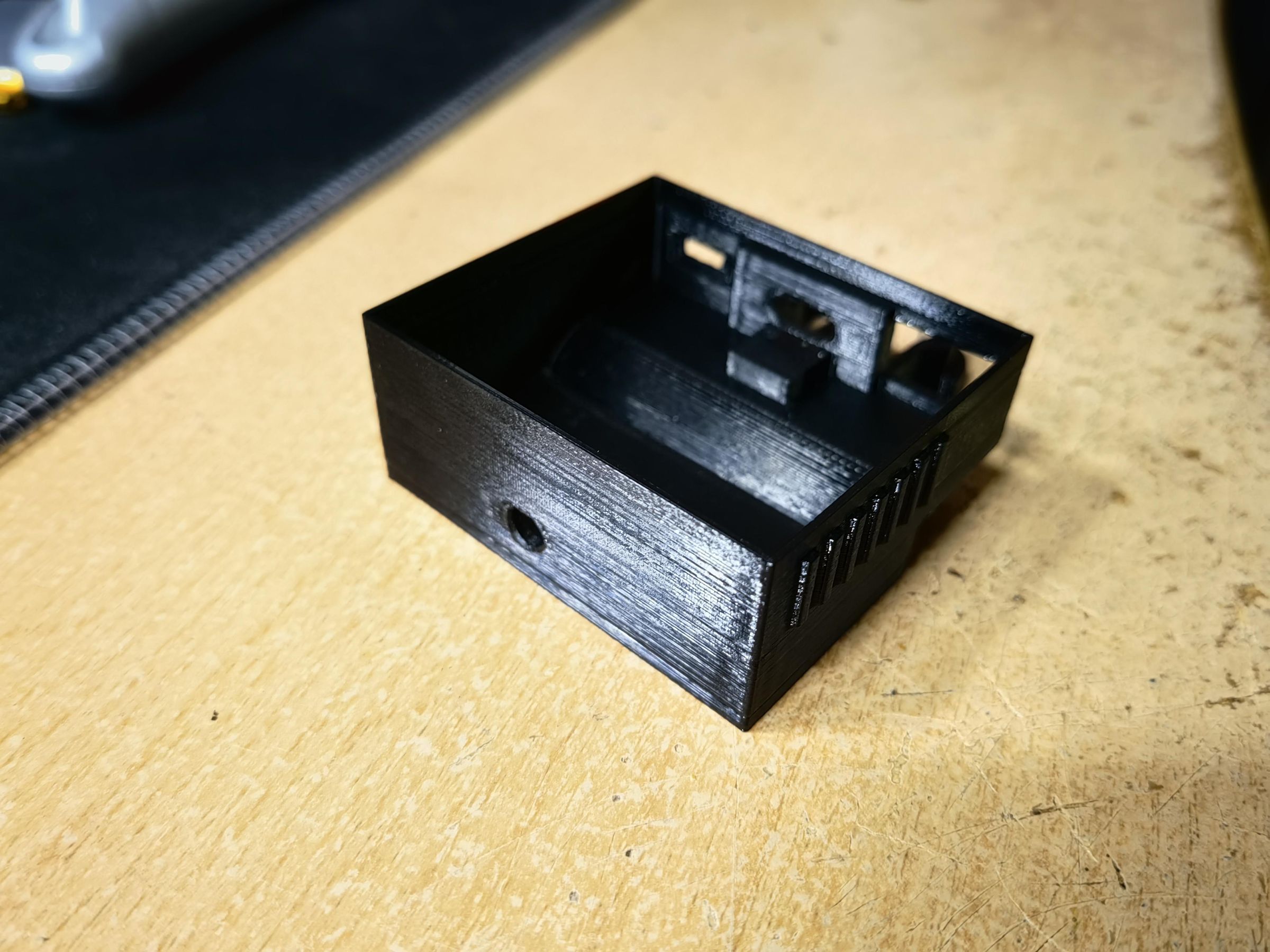
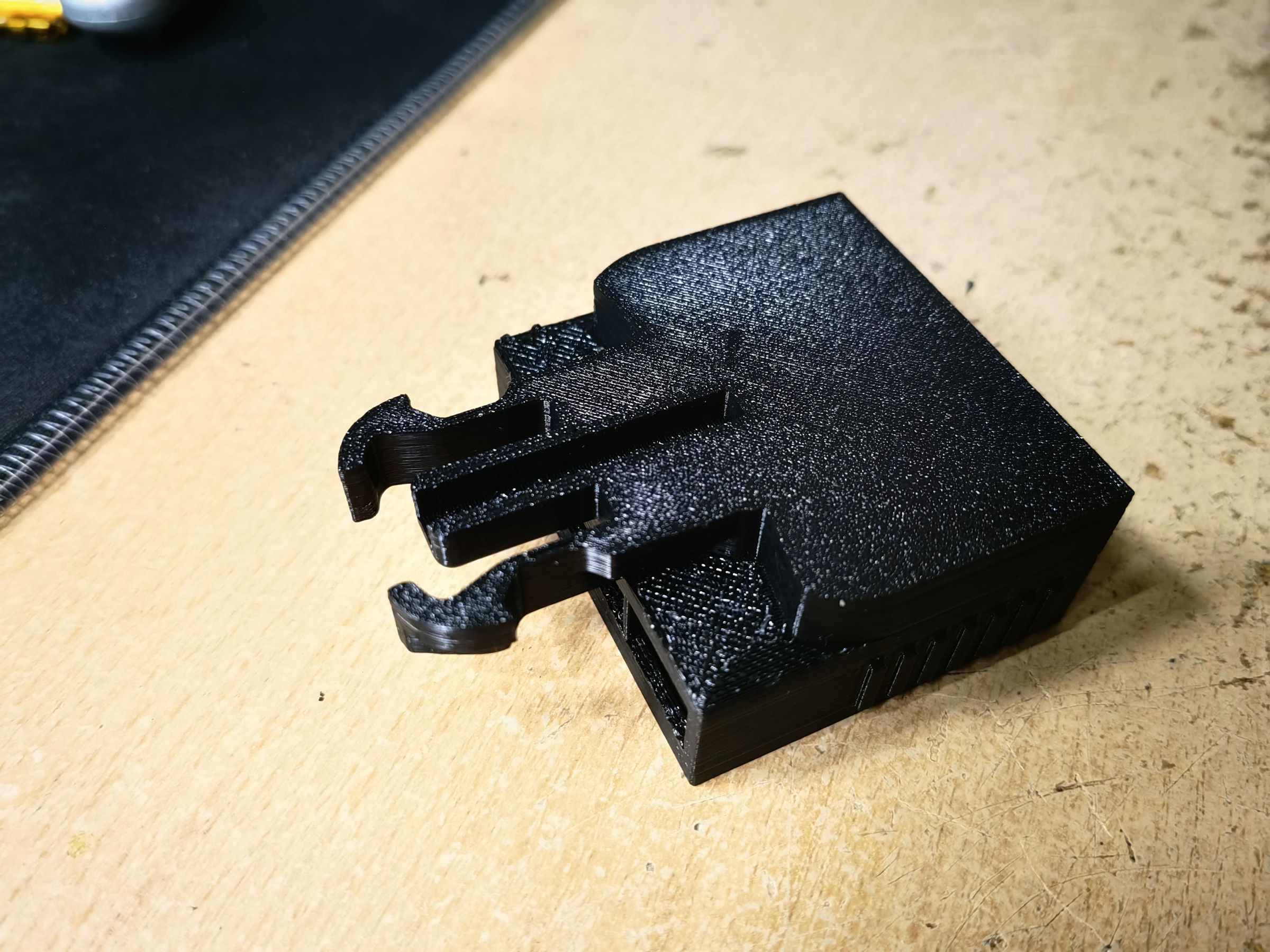

First things first. Print out the 3D model. As I said earlier, you can use any filament as long as it's not too sensitive to temperature. (PETG, ASA, ABS...)
BT Board and Power Switch

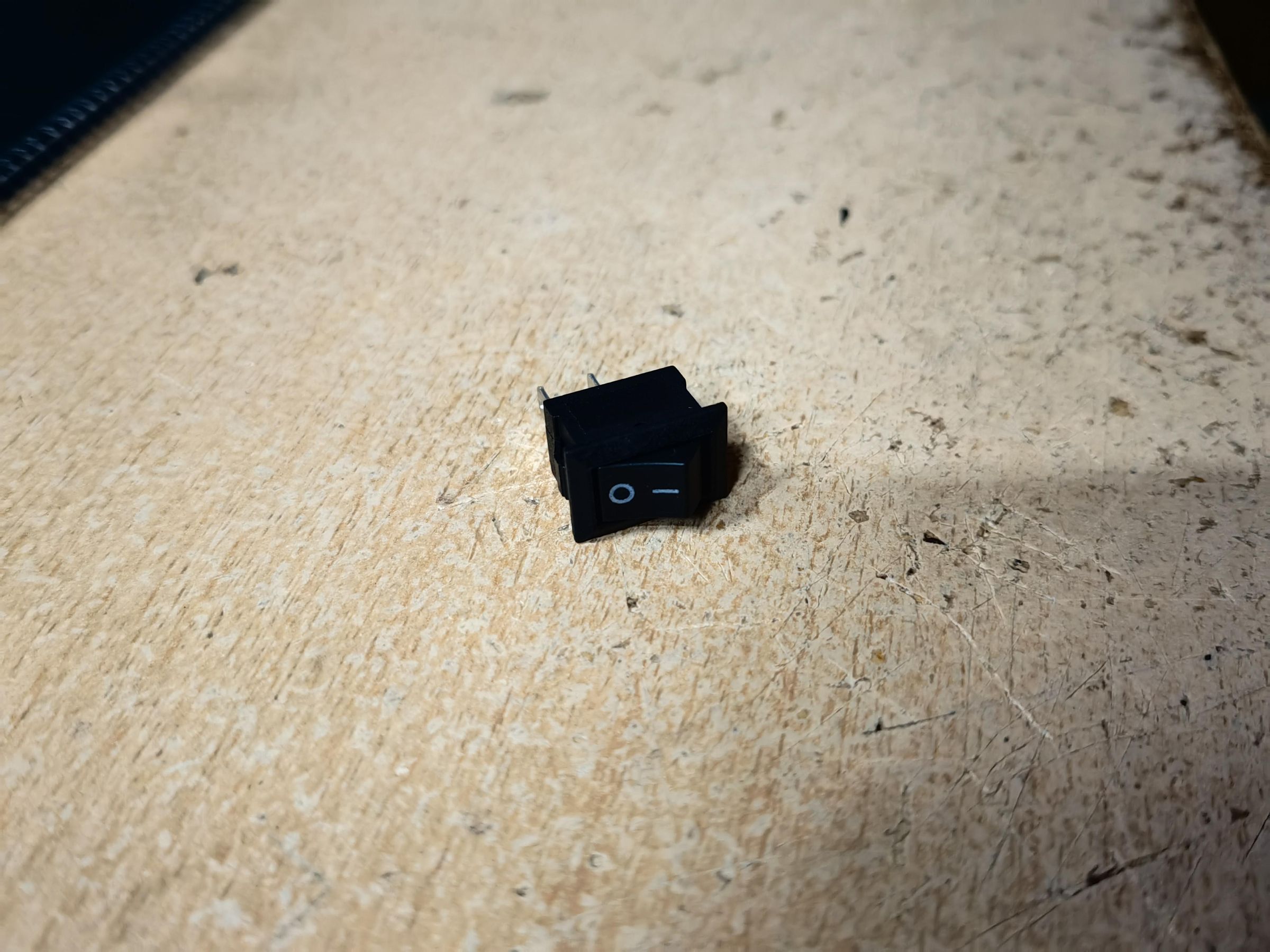
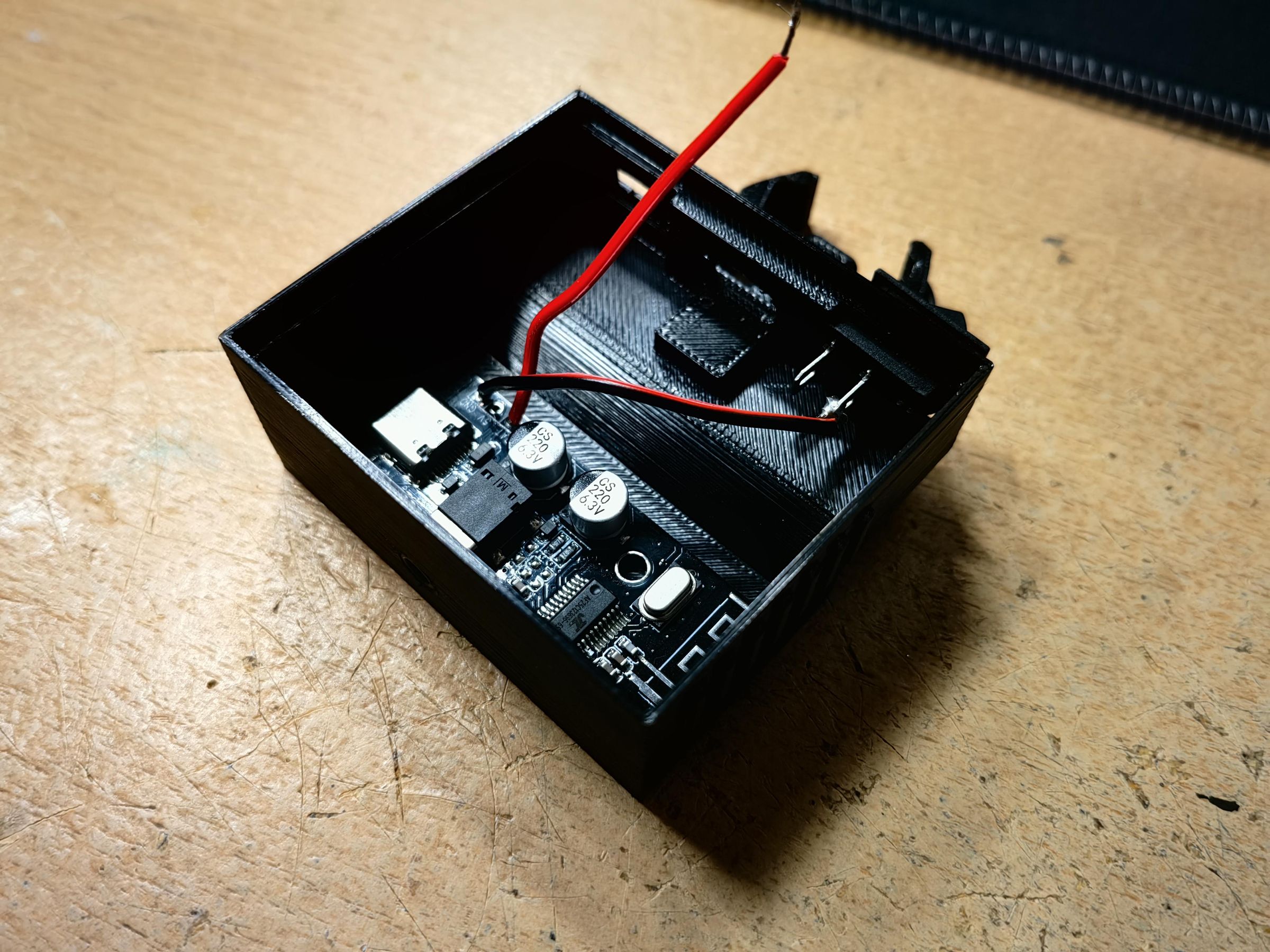
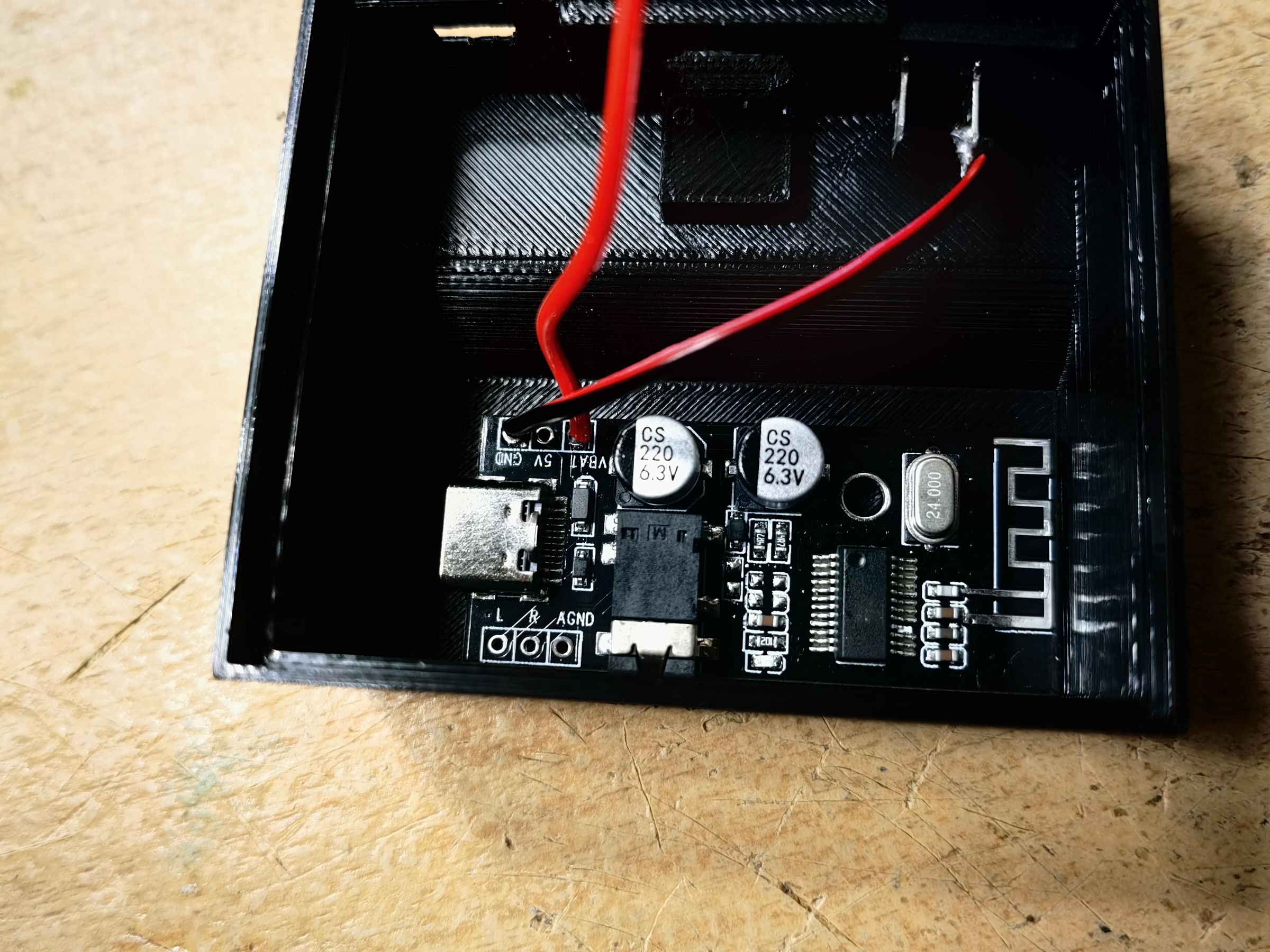
Just take the BT board, solder two wires to the VBAT and GND vias. After that put it inside the 3.5mm slot so it fits snugly.
Then insert the toggle switch into it's designated slot. If you want, you can now weatherproof the 3.5mm slot using glue.
Solder the VBAT pin wire from the board (to not be confused, I used the GND pin instead of VBAT) to the pin of the switch that's closer to the housing.
The full wiring diagram is under step 4.
USB Type-c Board and 1S Battery Indicator
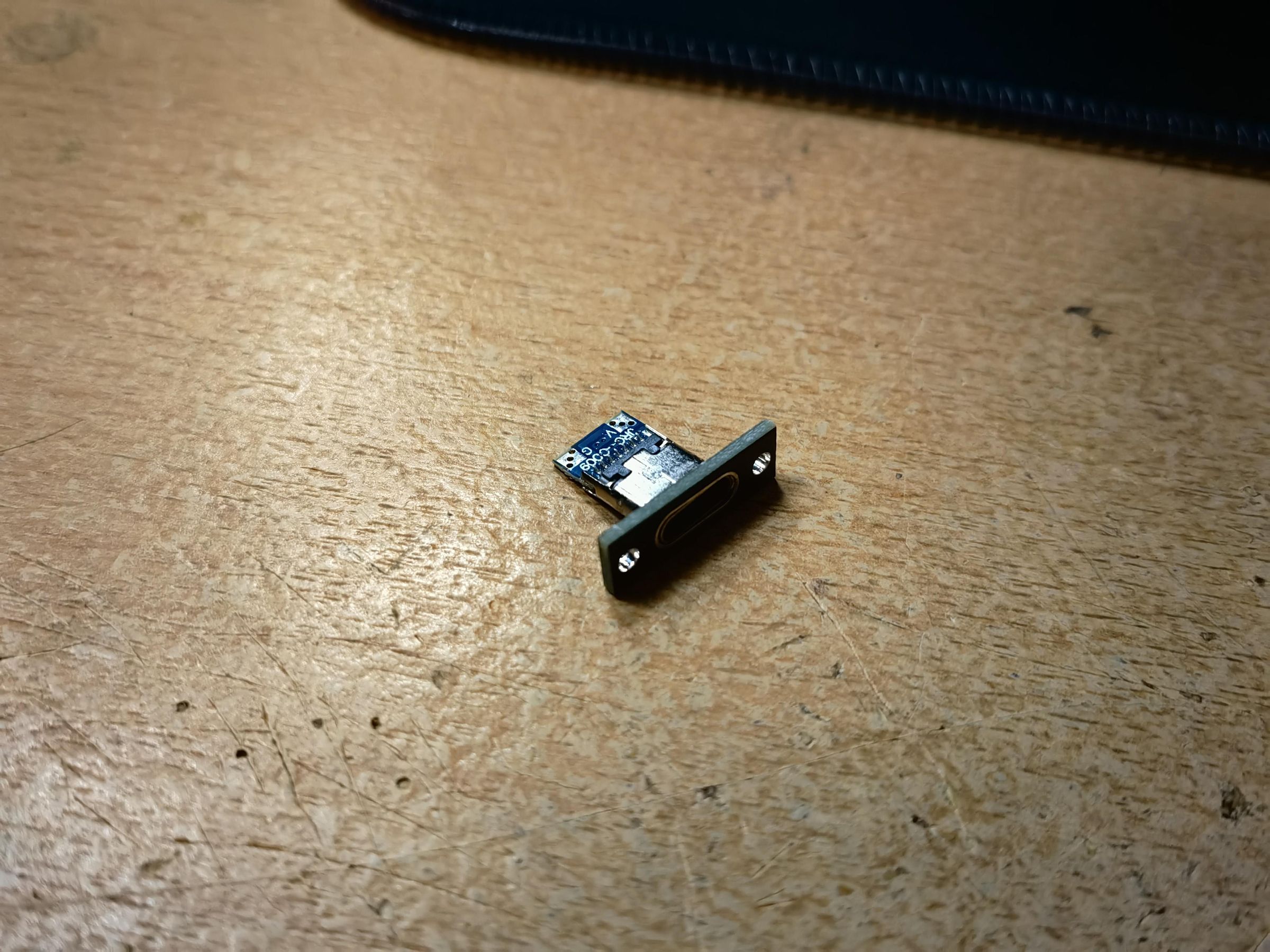


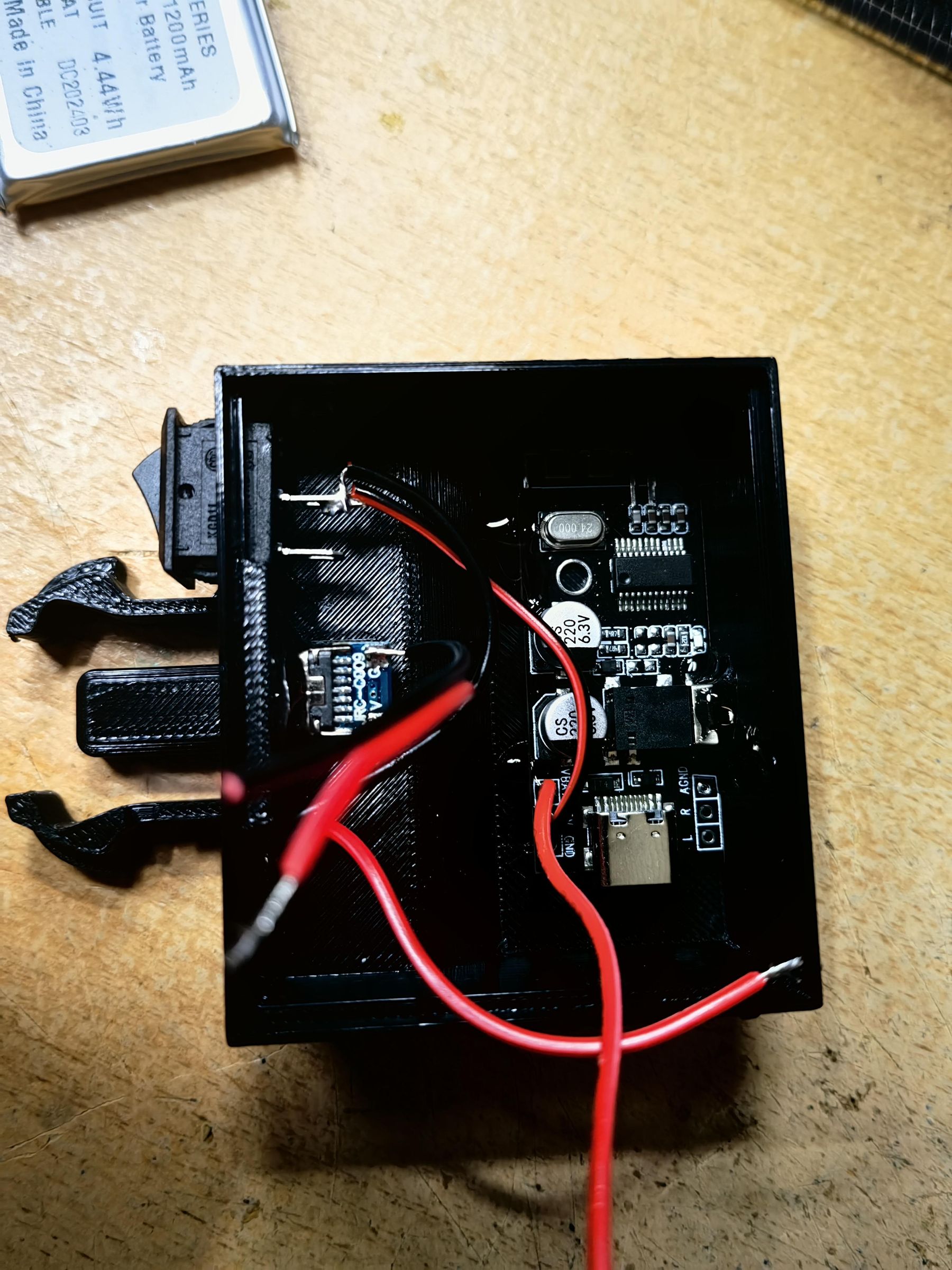
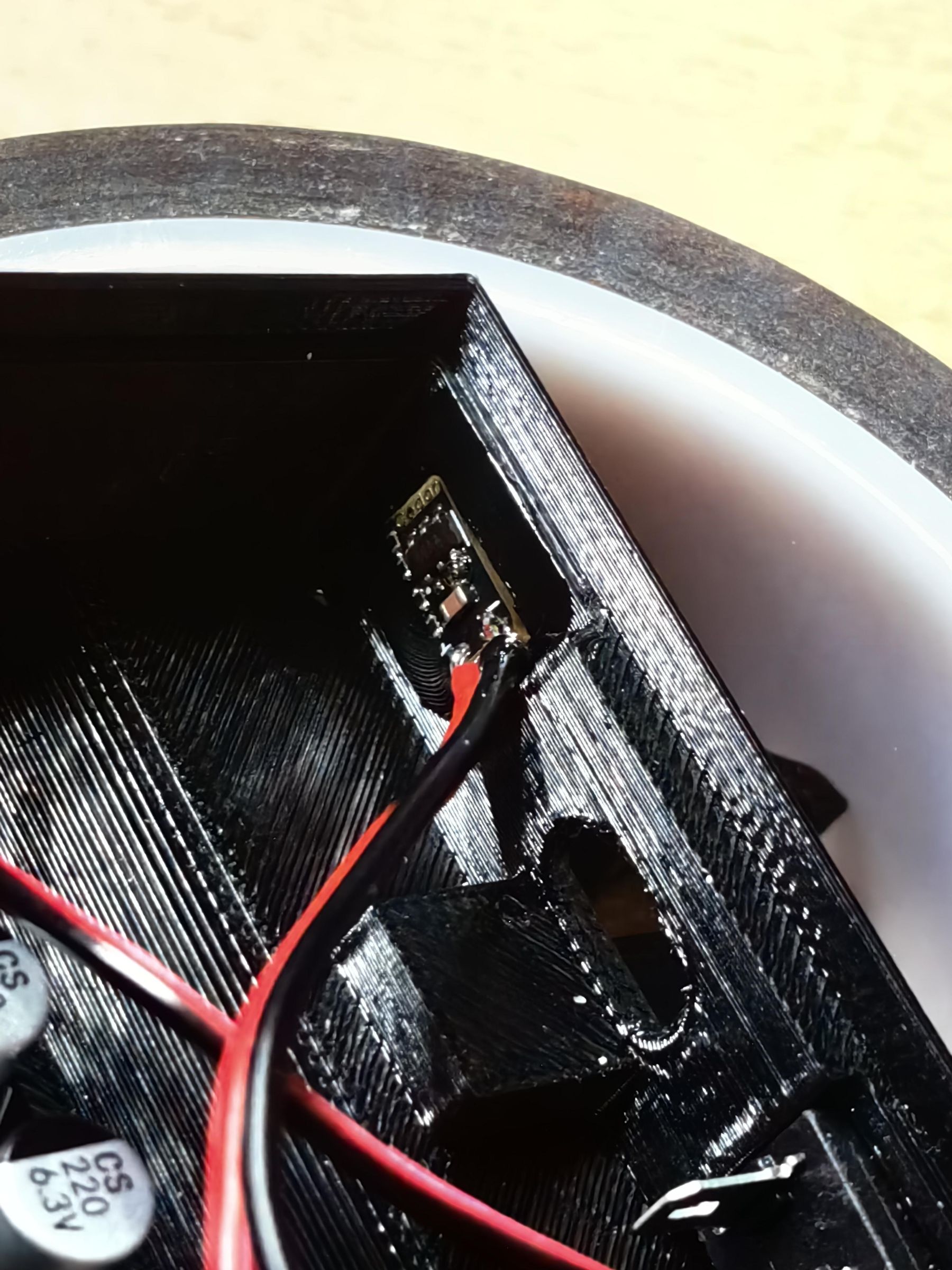
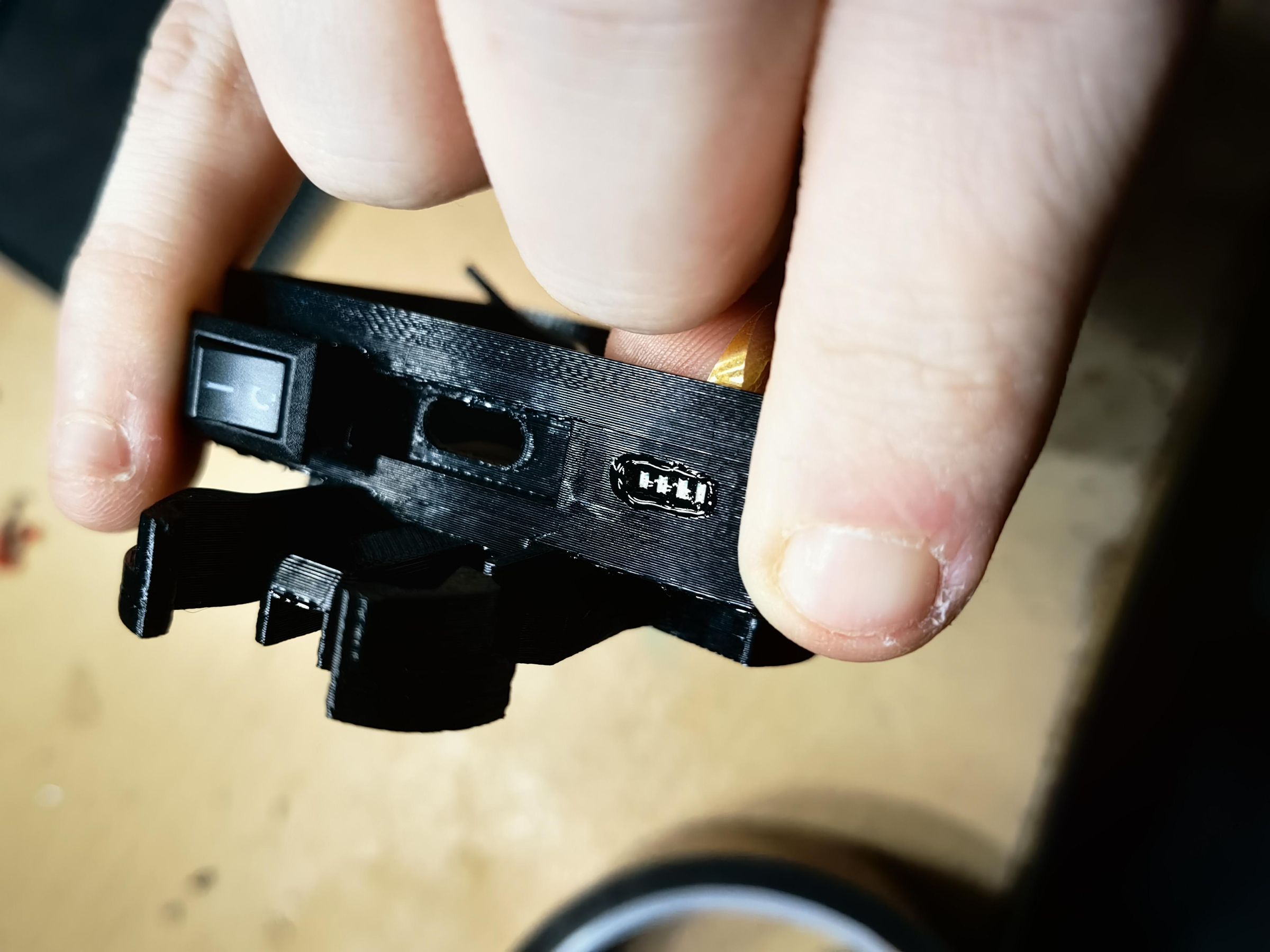
Solder two wires to the USB Type-C breakout board and if the board isn't weatherproof, just use solder to seal it.
Also solder two wires to the bottom side of the battery indicator and put it inside the slot. Secure it with some glue (this also helps to weatherproof it at the same time). To be sure no water goes inside, put some glue on the outside side too.
Remaining Wiring


Here's the full wire diagram. Solder everything except the battery for now.
If you're going to use an internal charging module (see step 6) then follow the wiring diagram v2, otherwise use v1 wiring diagram.
Battery
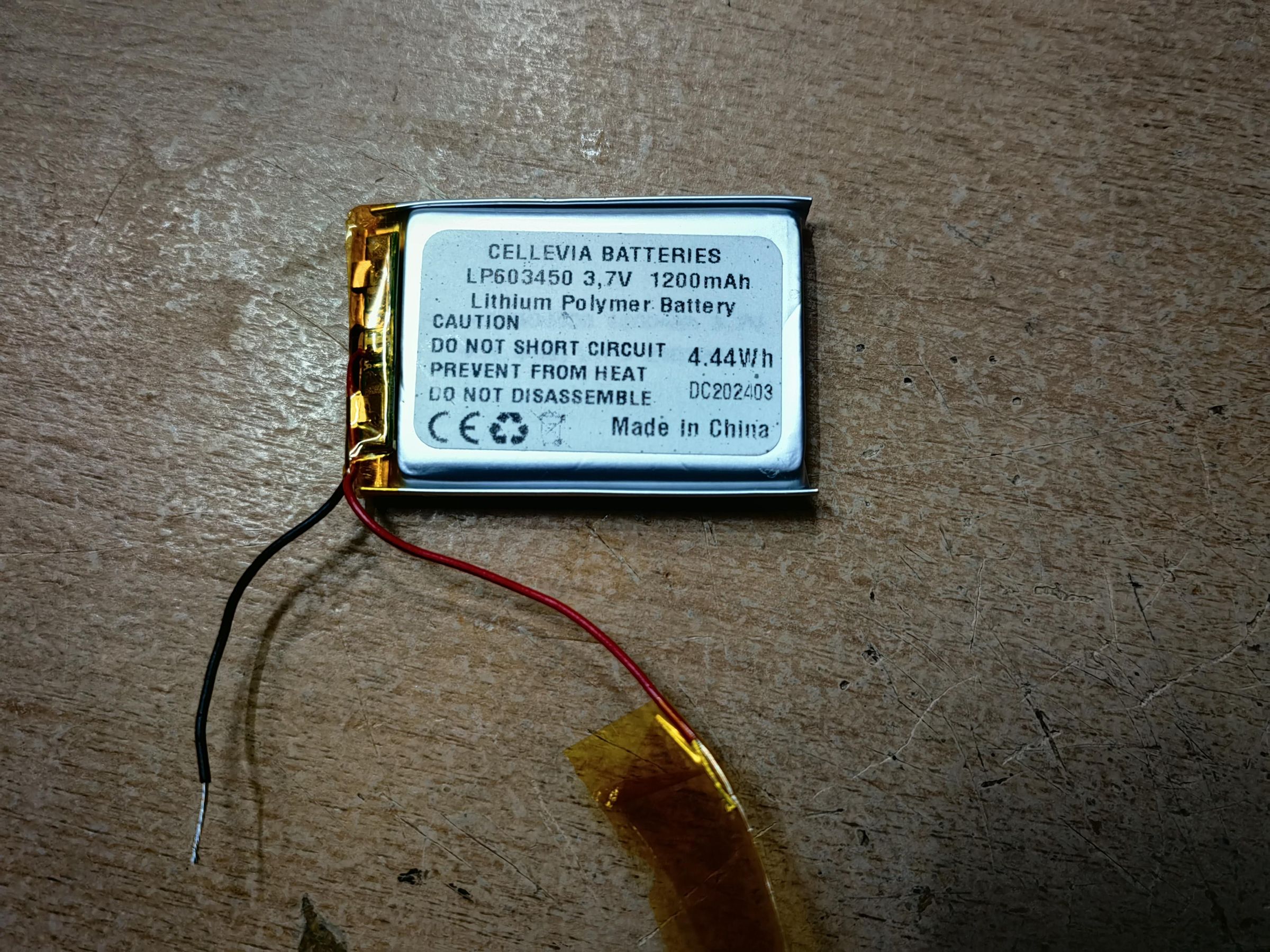

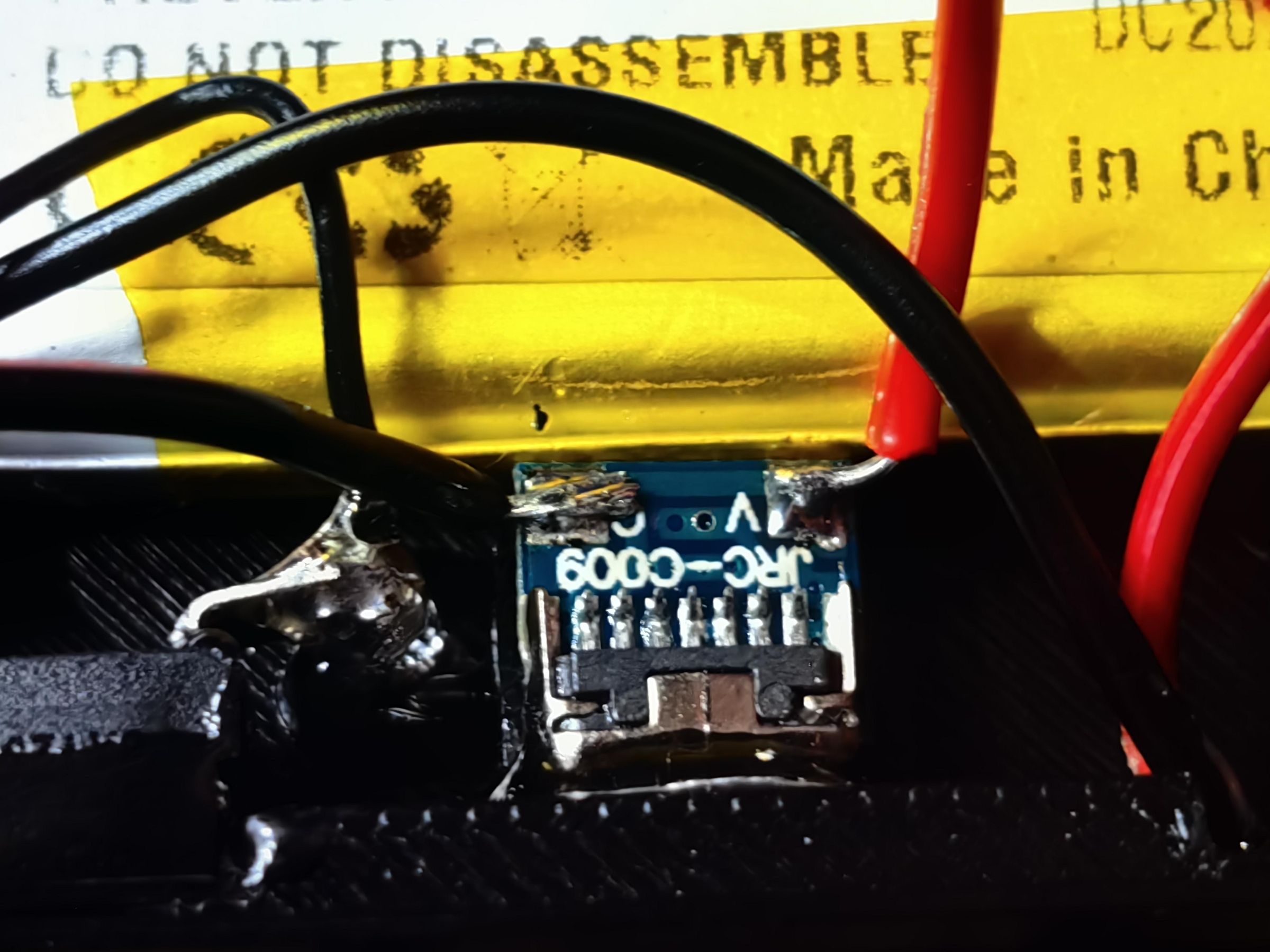
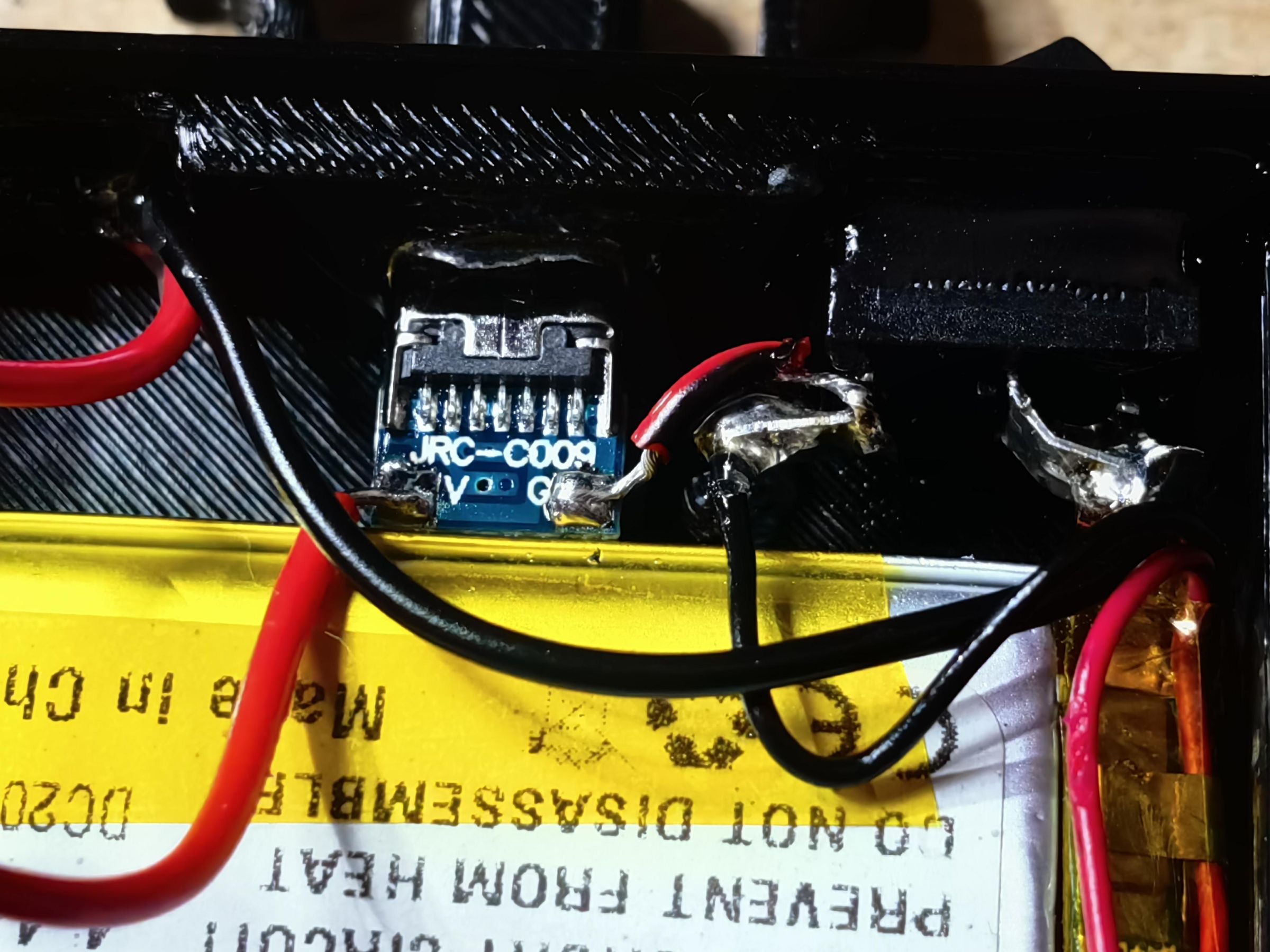
Put some kapton tape on the side of the battery where it will have contact with the USB Type-C board just to be sure it doesn't short the circuit.
After you've soldered everything except the battery, you may place the battery inside and insulate the wires of it just so you can test if it will fit inside. Also try to put the top cover on too. If there's no buldge it's good.
If the battery doesn't fit cause of the toggle switch, just bend the pins to each side.
Now that you've made sure it fits, proceed to solder the wires to the GND pin wire and toggle switch.
I had to rewire the pads on the USB Type-C board because the battery didn't fit.
Optional: Charging System
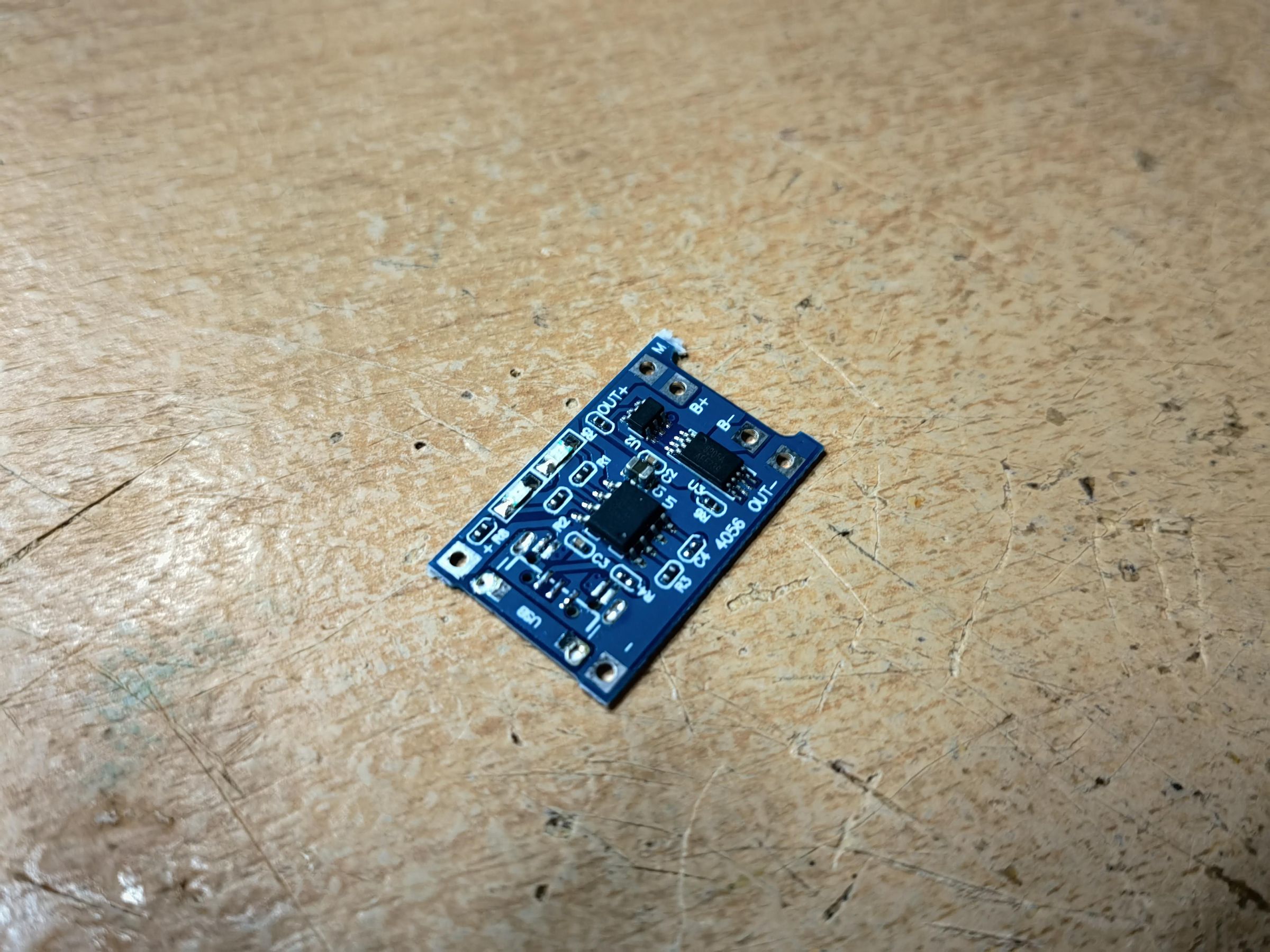
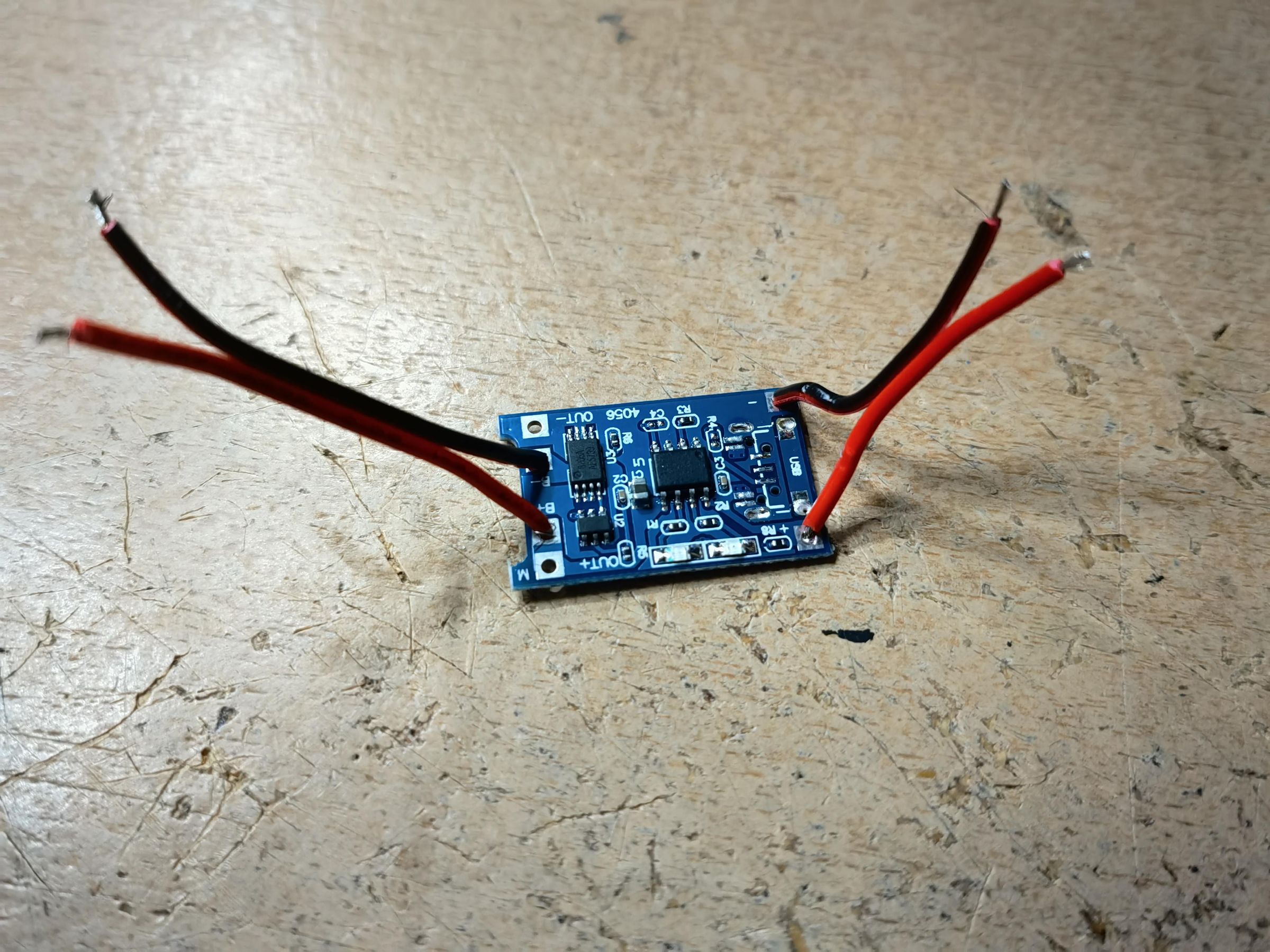
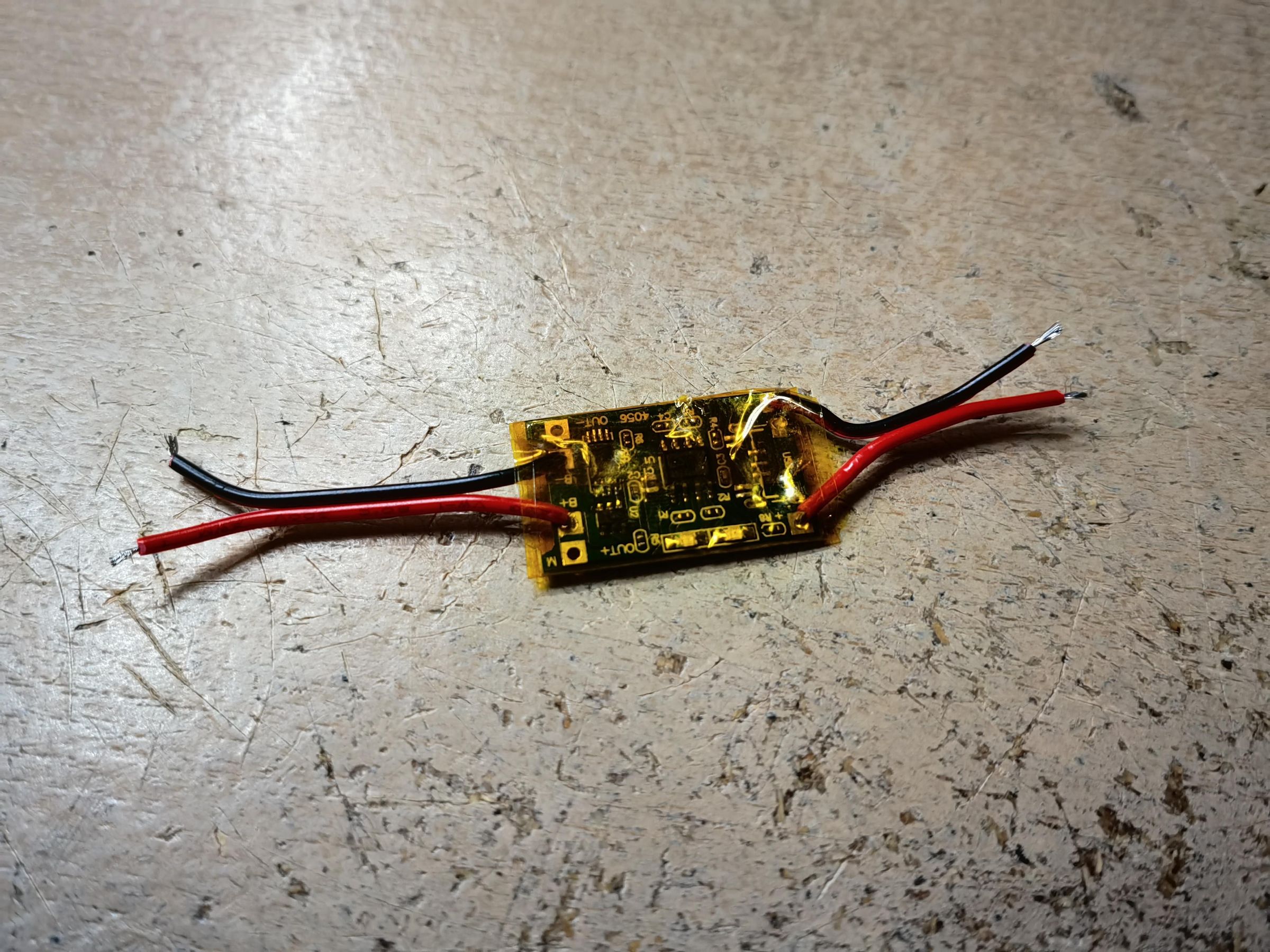
This step is OPTIONAL. I didn't add this because I have already made an USB C battery charger.
If you want you could include it inside the enclosure, just make sure it fits and insulate it beforehand. Also if you include it inside the enclosure, make sure to first remove the usb c connector so it fits better.
Closing and Sealing
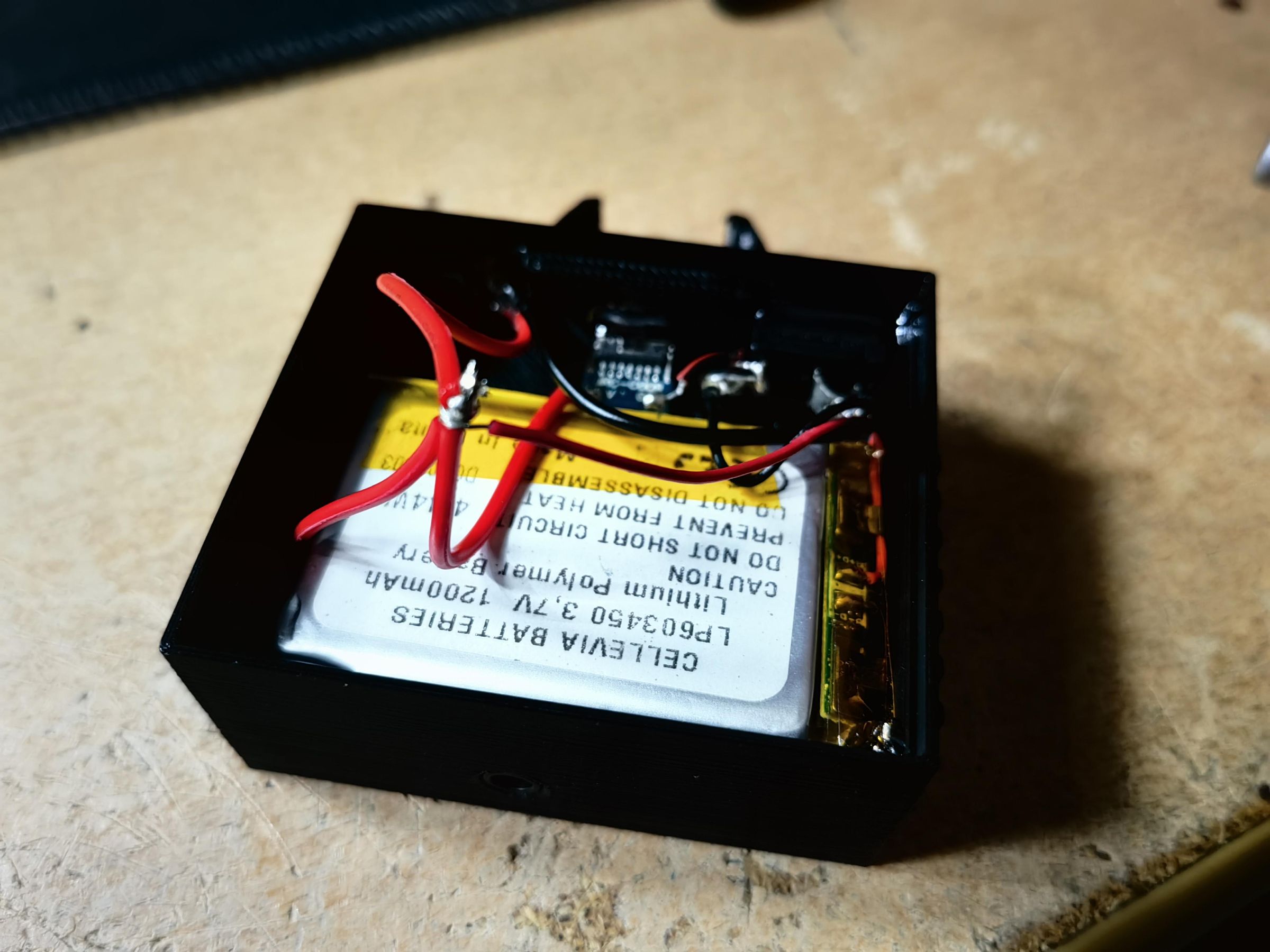
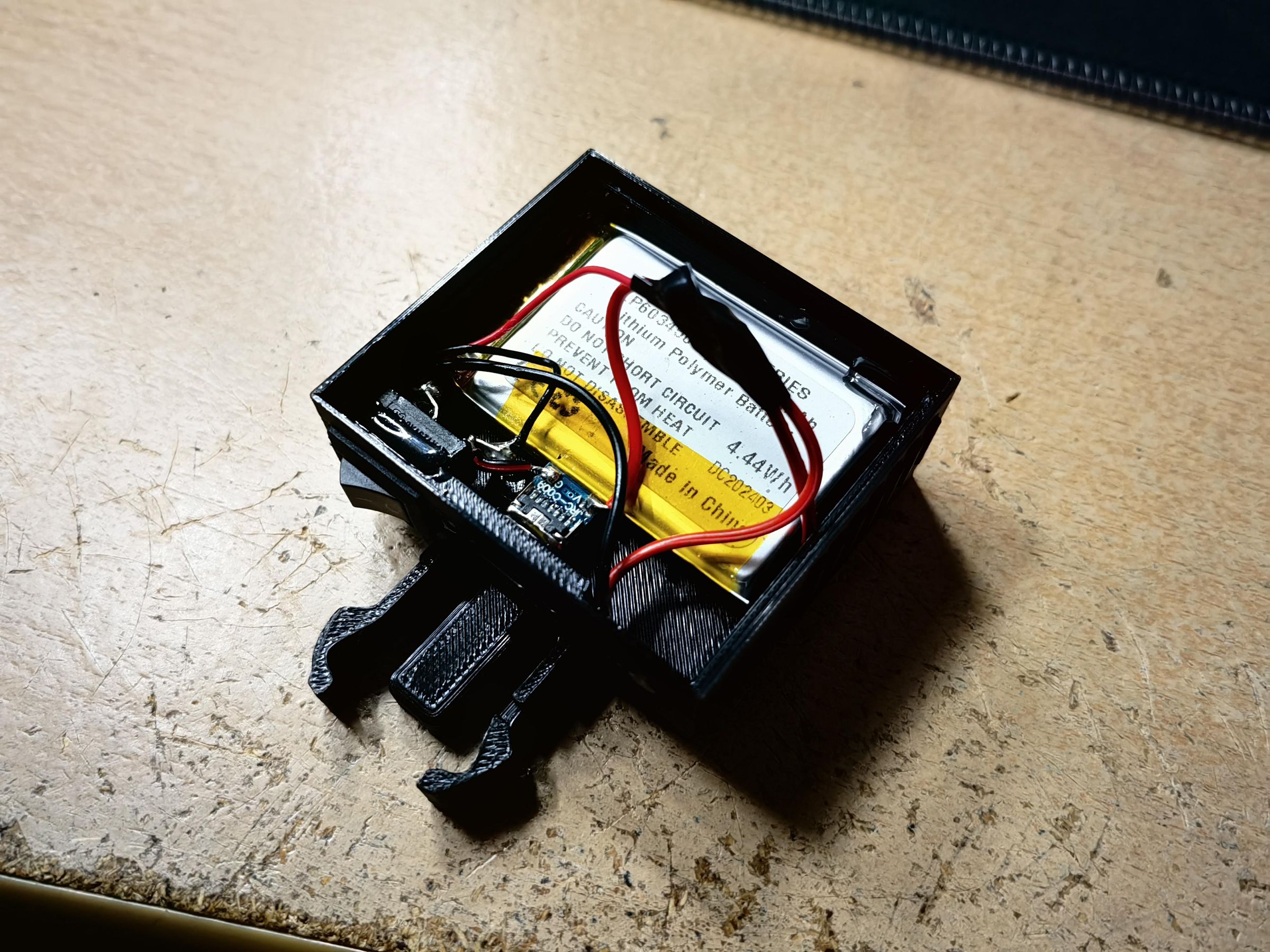


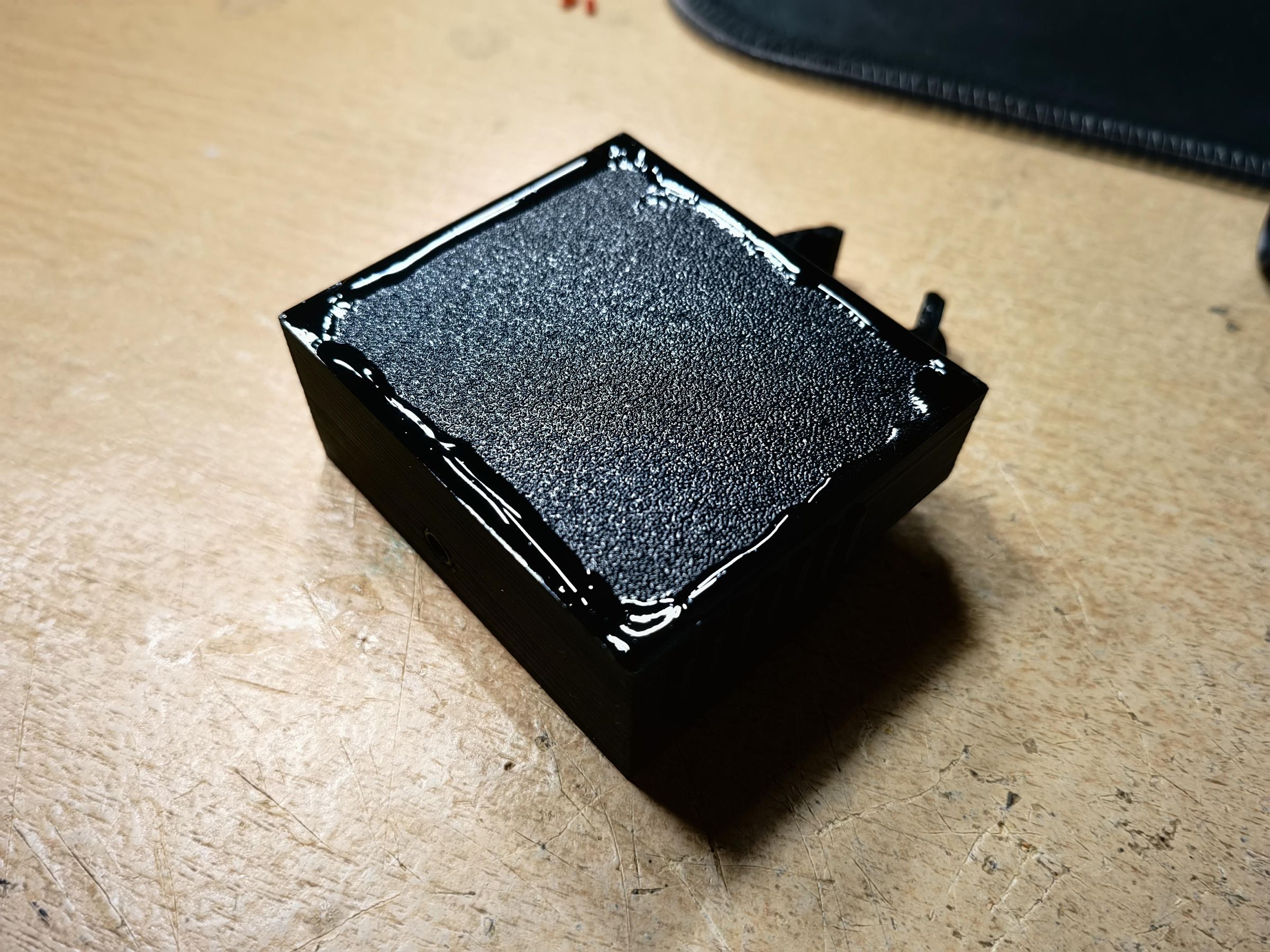

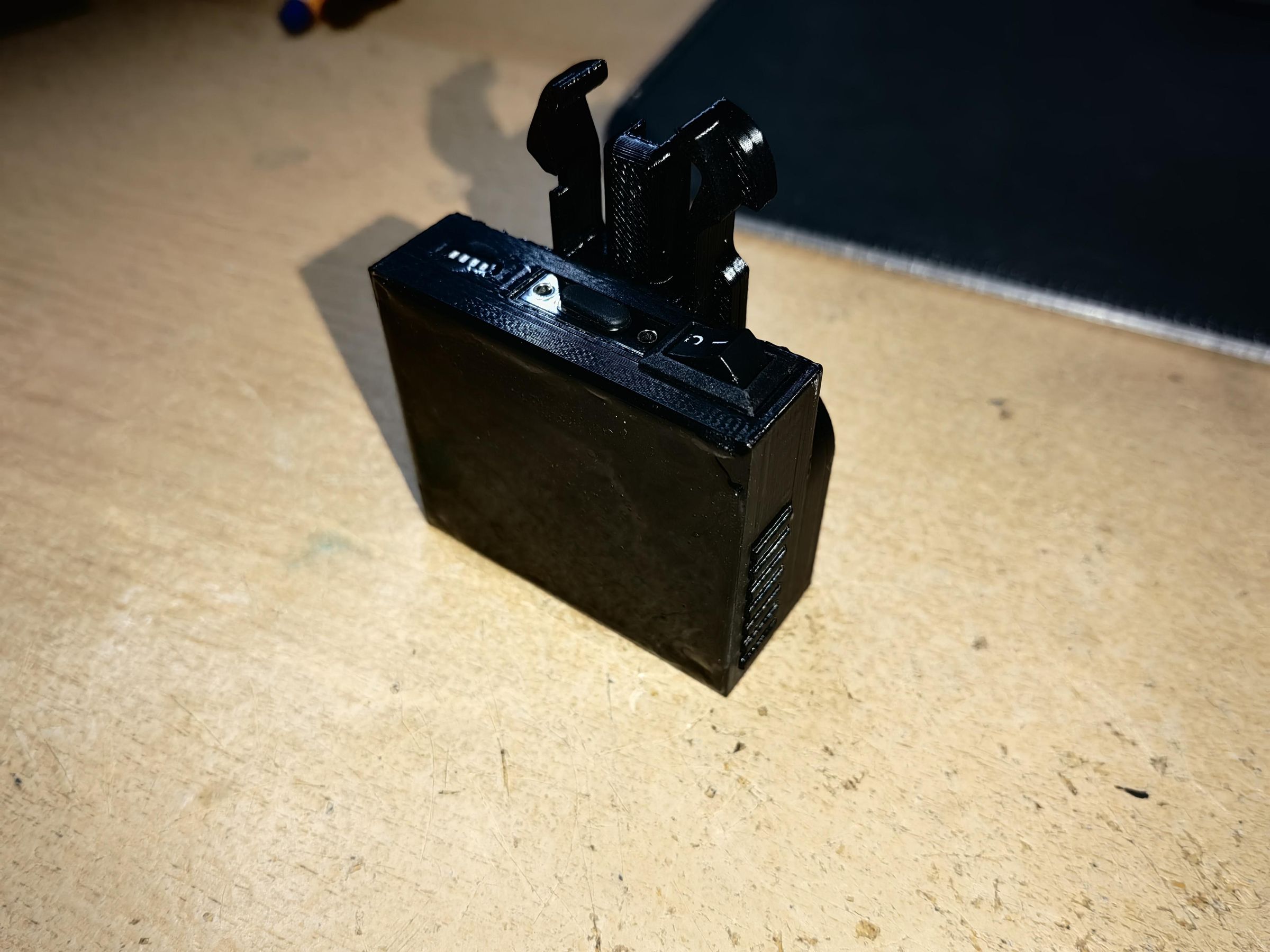
Insulate every wire so it doesn't cause a short circuit. Put the cover on and use glue to seal it place.
I suggest first sealing the corners, then borders and then for the esthetic the whole side. After it dries (or in my case, after I used a UV light to cure it) it's safe to use.
Have Fun and Drive Safe :)
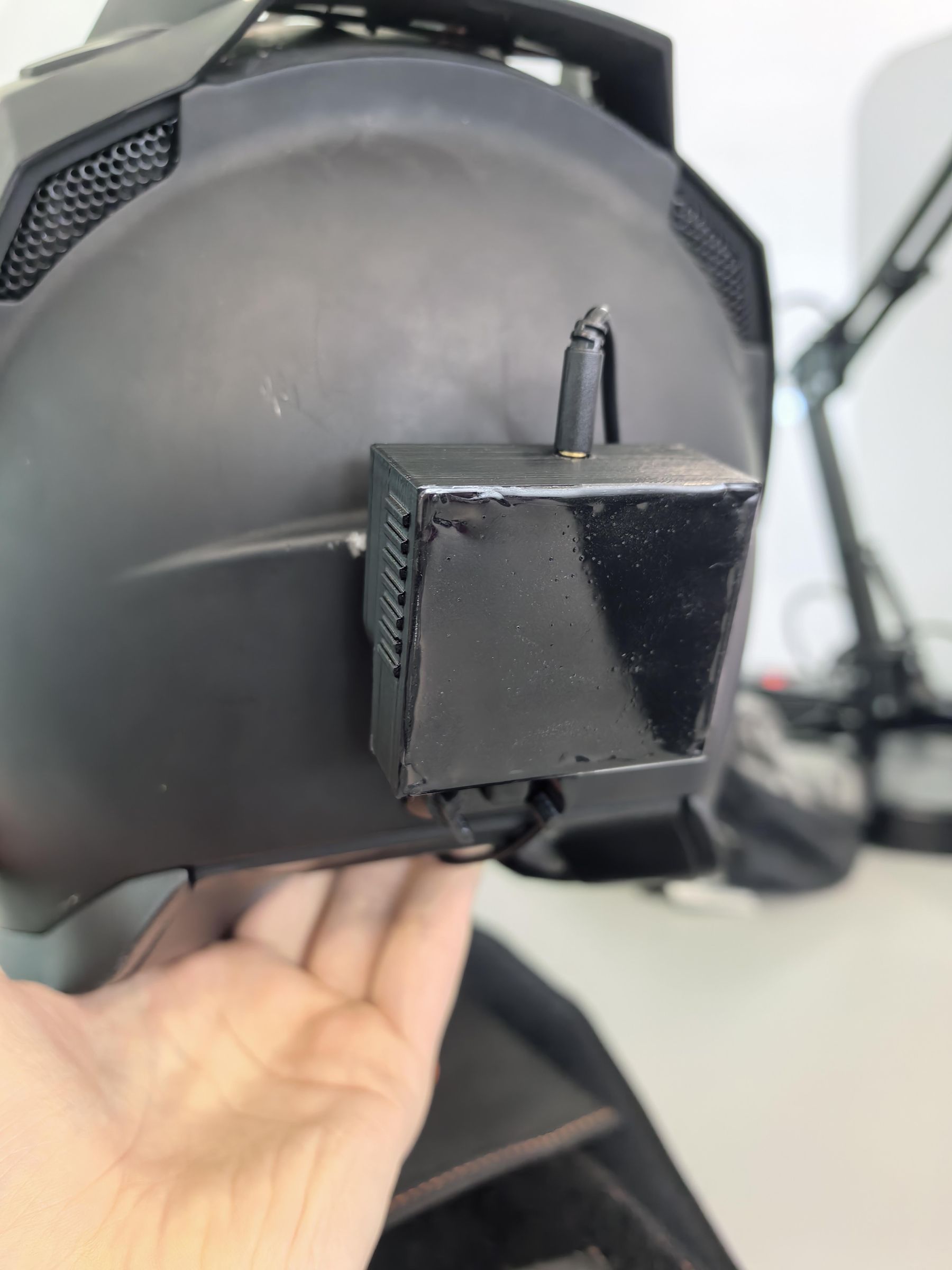

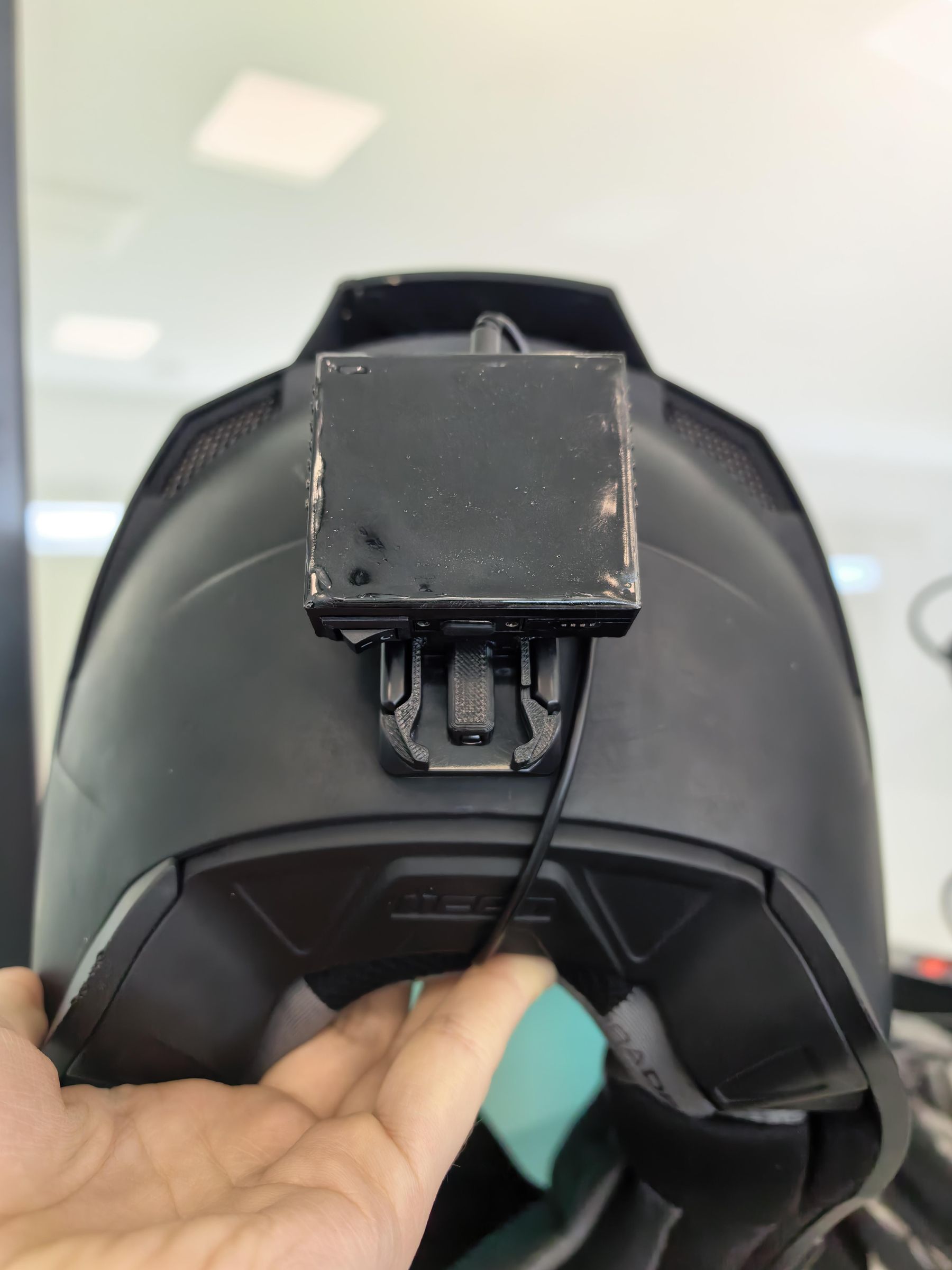
This is how the final product looks like on my helmet