Arduino-Controlled Power Bank With Programmable Bidirectional Buck-Boost (The Omnibus 4X8)
by Luq1308 in Circuits > Gadgets
2423 Views, 30 Favorites, 0 Comments
Arduino-Controlled Power Bank With Programmable Bidirectional Buck-Boost (The Omnibus 4X8)

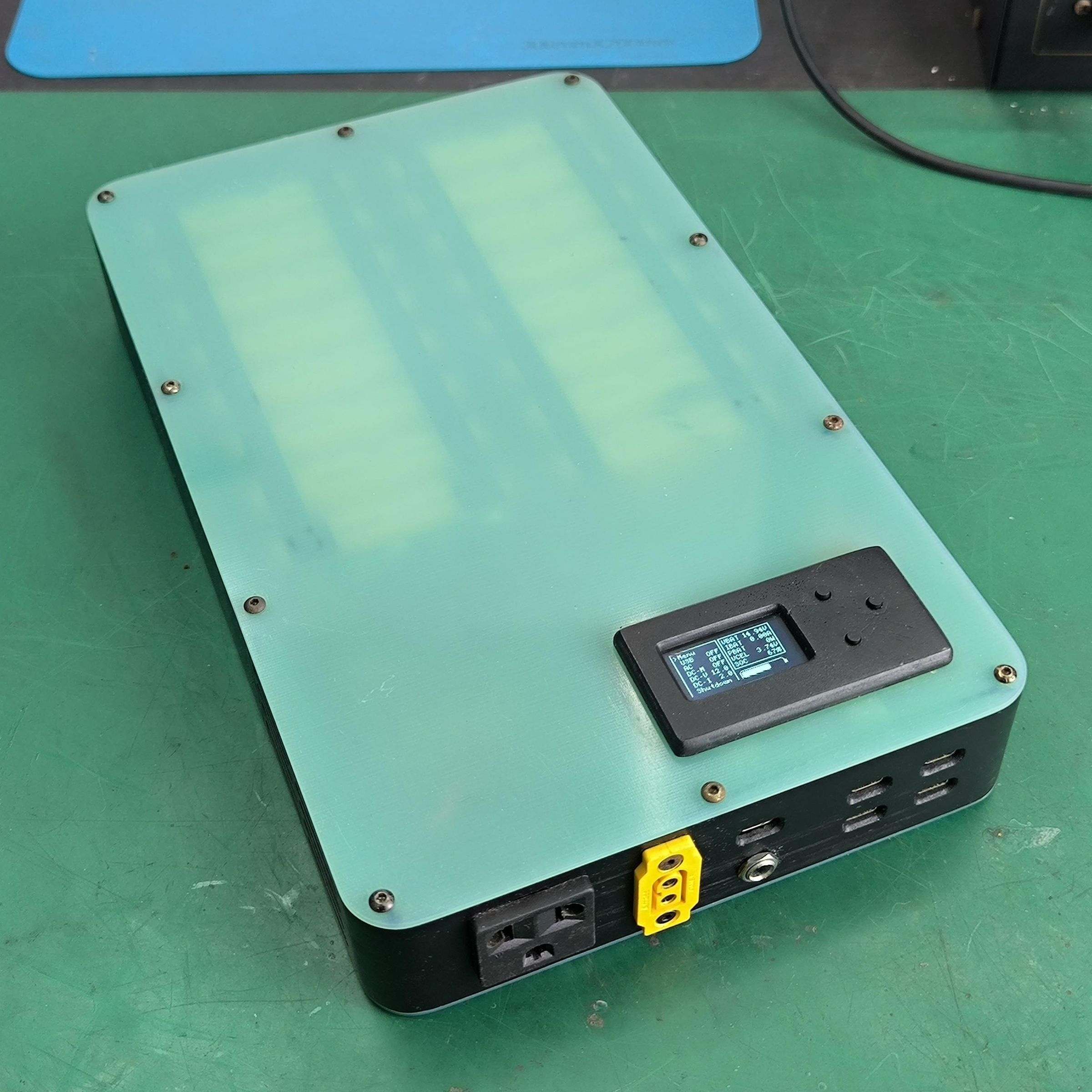


In this Instructable, I'm going to show you how to build the Omnibus 4X8 Power Bank. The Omnibus 4X8 is a custom-designed power bank engineered as a highly versatile portable power platform. It integrates high-density energy storage, Arduino-based control, extensive power input and output interfaces, and layered protection systems. This makes it a dependable all-in-one power solution capable of supporting a wide range of applications and operating conditions.
Key features:
- 4S8P 18650 battery configuration (up to 414 Wh with 3500 mAh cells).
- Compact 290x175x45 mm form factor and weighs 2.4 kg.
- Arduino control and automation with ESP32-C3 microcontroller.
- Informative 1.3” OLED display with intuitive 3-way navigation button.
- Customisable APO (auto power off) function.
- STA and AP Wi-Fi function for OTA firmware flashing.
- Programmable bidirectional DC port (up to 20V 6A) based on SC8812A chip.
- Constant voltage and constant current regulation in output mode.
- Adaptive charging current in input mode or automatic tracking in MPPT mode.
- 100W bidirectional USB-C port based on IP2368 chip.
- Quad 36W USB-C output port based on XPM52C chip.
- 150W AC mains output.
- 400W+ (30A) direct battery access over XT60.
- Thermal optimised design with temperature monitoring and active cooling.
- Overload and overcurrent protections on all outputs with redundancy.
Supplies
You will need the following items to build this power bank:
Battery:
- 32x 18650 lithium-ion cells
- 1x battery insulation sheet
Modules:
- 1x ESP32-C3 super mini module
- 1x SC8812A 120W bidirectional USB-C module
- 1x IP2368 100W bidirectional USB-C module
- 2x XPM52C 62W USB-C buck module
- 1x 4S 30A BMS module
- INA219 power sensing module
Electronics:
- 1x 1.3 inch OLED display
- 1x 12V to mains inverter unit
- 1x 2.54mm perf board
- 1x micro buck converter
- 2x 4010 5V fans
Components:
- 2x 10 mOhm 3W 2512 SMD resistors
- 1x 30A automotive fuse
- 4x DS18B20 temperature sensors
- 1x IRL3713 N-channel MOSFET
- 3x 6x6x7 tactile switches
- 7x 100nF ceramic capacitors
- 1x 6.3v 100uF electrolytic capacitor
- 1x AMS1117-33 LDO regulator
- 1x QN7533A LDO regulator
- 1x 2N5401 PNP transistor
- 1x 2N2222 NPN transistor
- 1x BD139 NPN transistor
- 1x 330R 1/4w resistor
- 3x 4k7 1/4w resistors
- 2x 10k 1/4w resistors
- 1x 22k 1/4w resistor
- 5x 47k 1/4w resistors
Connectors:
- 1x pair of XT60 connectors
- 1x XT60F-E connector
- 1x pair of 2.54mm JST-XH 7P connectors
- 1x 5.5x2.1 female DC jack
Wiring:
- 1x 8x0.2mm nickel strip
- 1x 2.5 mm square bare copper wire
- 0.5mm enamel copper wire
- 1x 14, 18, 22, and 30 gauge silicone wire
- 1x 8-row signal wire
Mechanical parts:
- 1x set of 3D-printed side case and brackets
- 1x 1.5mm G10 fiberglass plate
- 1x 2mm aluminium plate
- 9x M3x40 F-F brass spacers
- 7x M2x20 F-F brass spacers
- 4x M2x8 M-F brass spacers
- 4x M2x5 M-M brass spacers
- 10x M3x3 brass inserts
- 12x M2x3 brass inserts
- 1x set of M3 steel nuts and screws
- 1x set of M2 steel nuts and screws
- 1x set of M2 nylon nuts and screws
Miscellaneous:
- 1x fine metal mesh
- 1x 0.5mm silicone thermal pad
- 2x 40mm fan grills
Watch the Video

Watch the video for the feature overview and the detailed build process. This Instructables will focus on each stage of the build.
Get the Resources
Download the 3D files and the schematic for the Omnibus 4X8 here. Get the most updated code on my Github repository: https://github.com/Luq1308/Omnibus4X8
Print the 3D-printed Parts
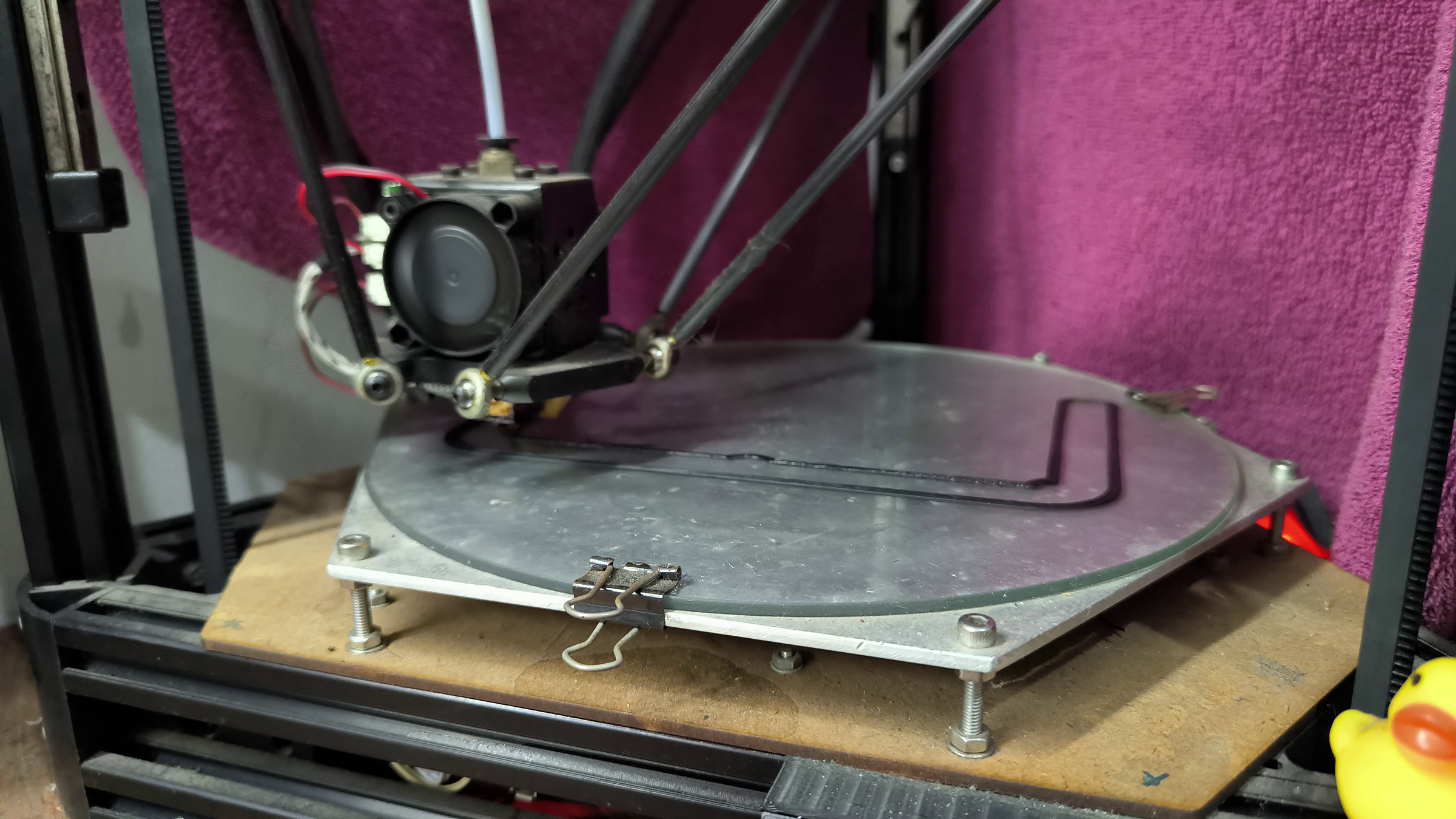
Begin the build process by printing all the required 3D-printed parts. I used the following settings:
- Black ABS
- 0.2mm layer height
- 0.4mm nozzle
- 0.4mm line width
- 1.2mm walls
- 1.2mm top/bottom
- 25% infill
Create the Top and Bottom Plates
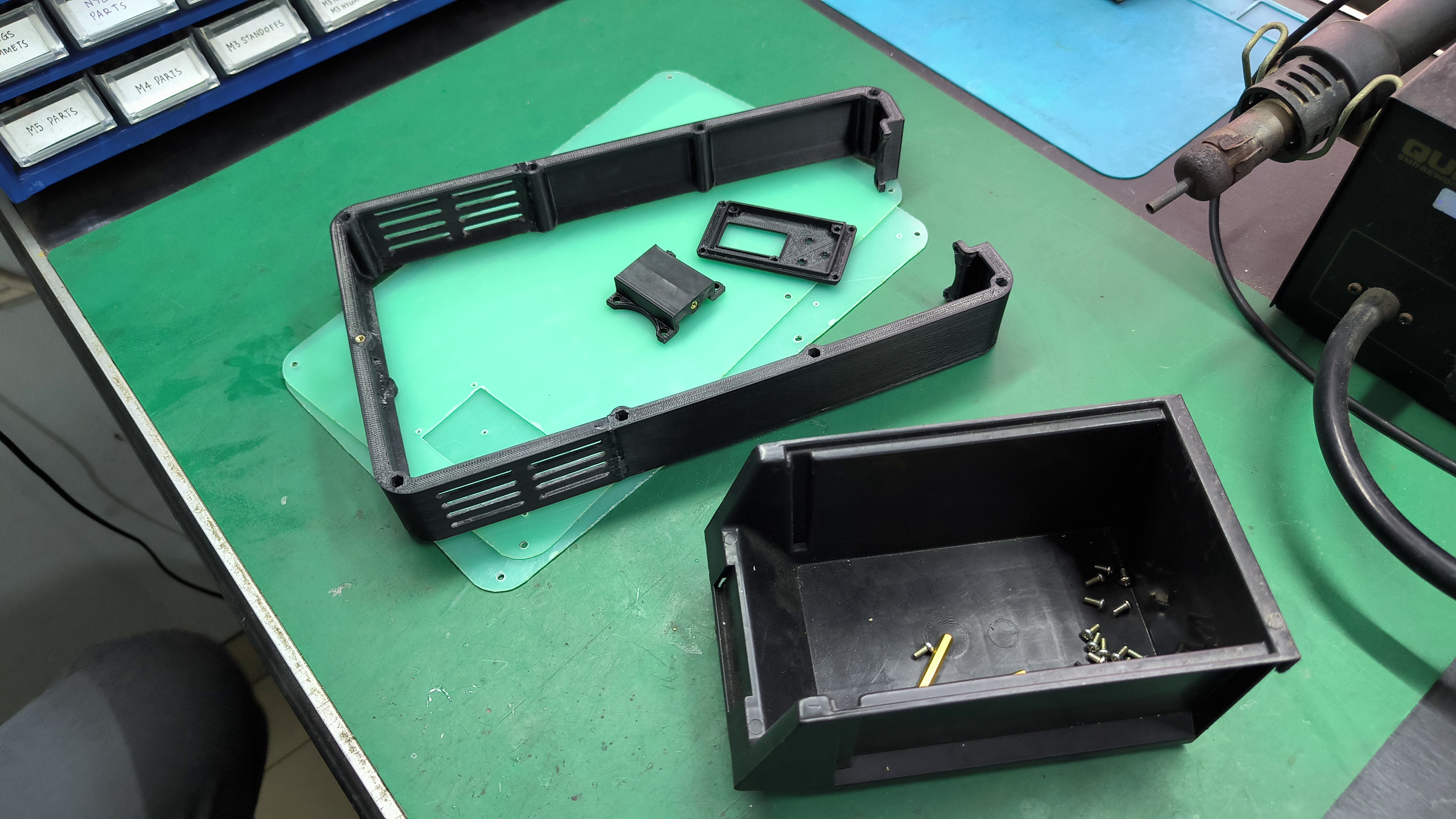
Use the 1.5mm G10 plate to create the top and bottom plates. I recommend to CNC machine these plates, but you can manually cut the plate like I did if you don't have one.
If you decided to manually cut the plates, begin by printing the top and bottom plate design onto a sheet of paper, and cut the outline of the paper. Glue the paper onto the plate and cut the plate according to the guide. Leave a bit of margin, because they will be sanded and filed to achieve precise finish.
Assemble the Case


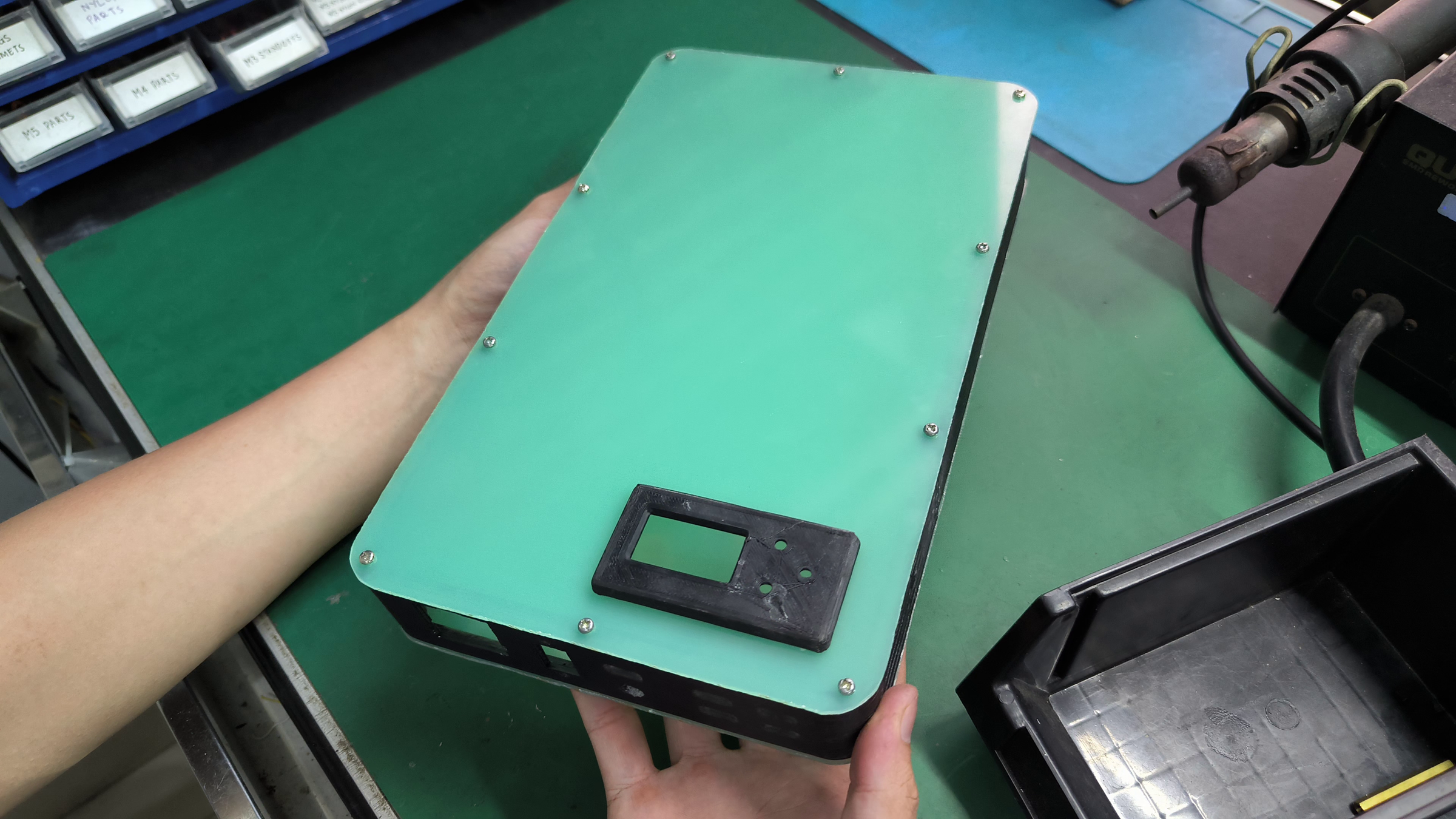
Assemble the case by inserting all brass parts into their designated holes and installing all of the screws. Install the fine metal mesh on the vent slot. The assembled case should feel solid thanks to the sandwiched construction.
Refine the Case
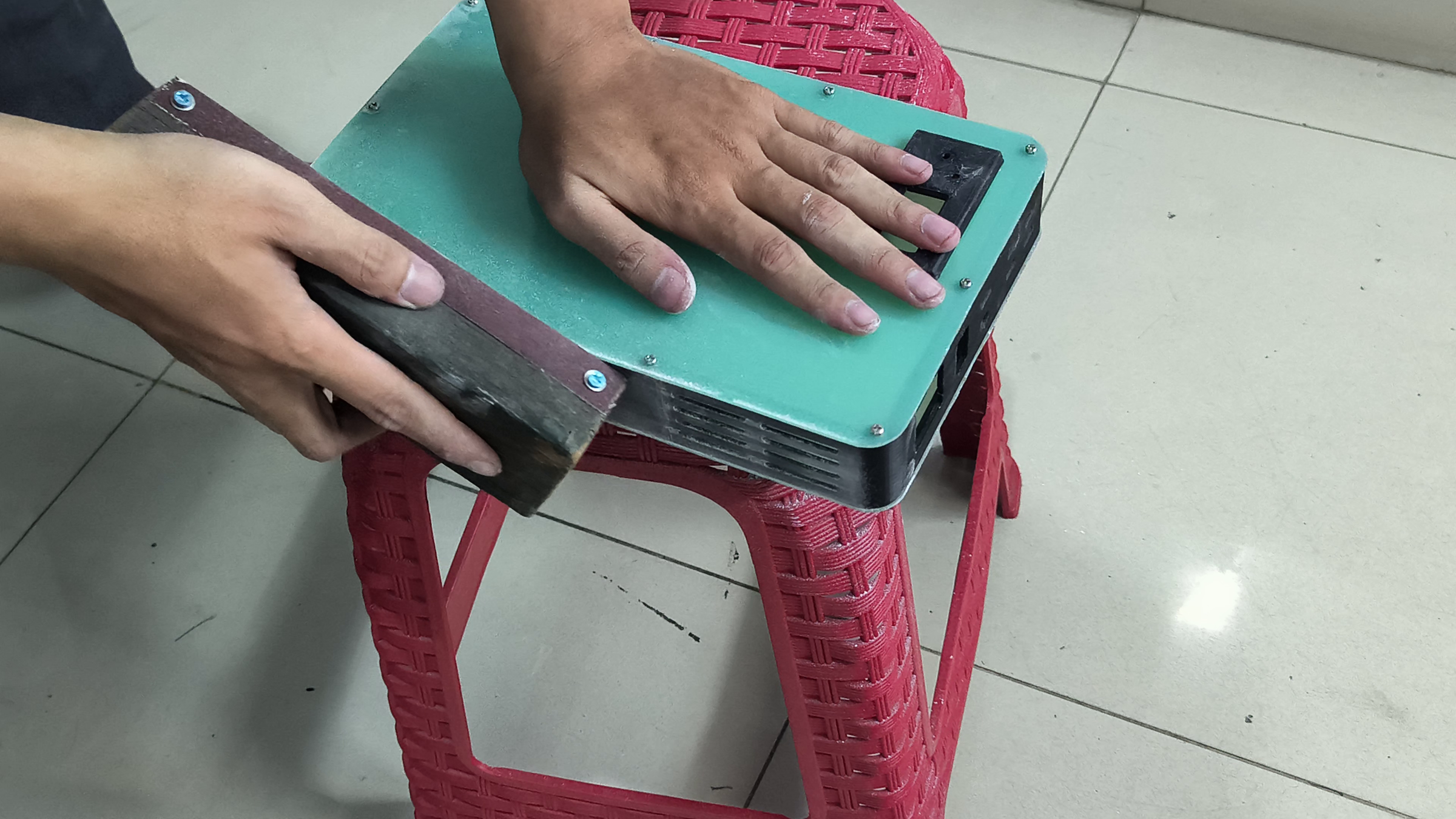

If you have machined plates, you may skip this step. Otherwise, to make the edges smooth and lined up with the 3D-printed side pieces, sand the edge of the case with a progressively finer sanding block. Restore the black appearance with a matte black spray paint.
Assemble the Battery Module
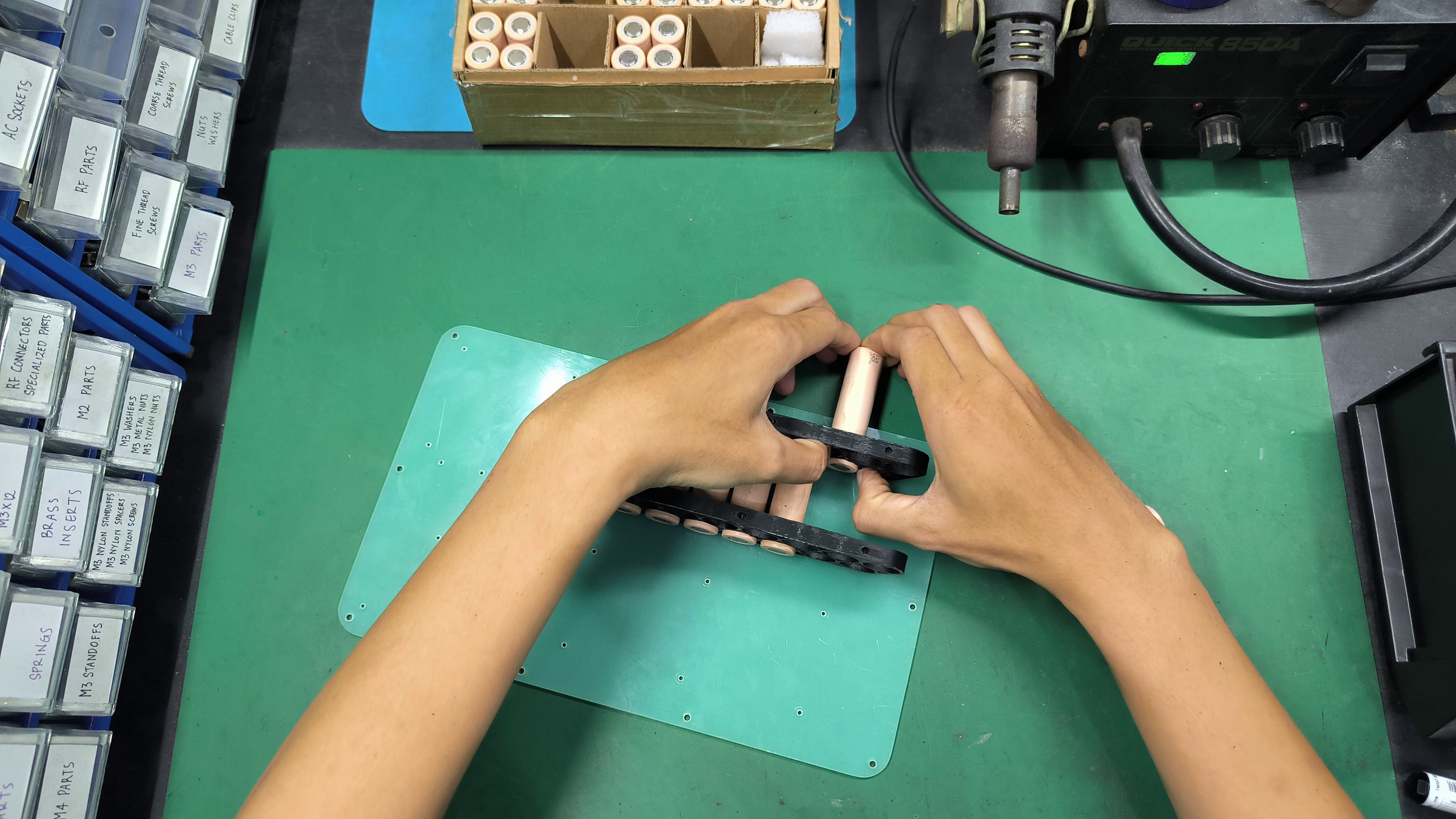
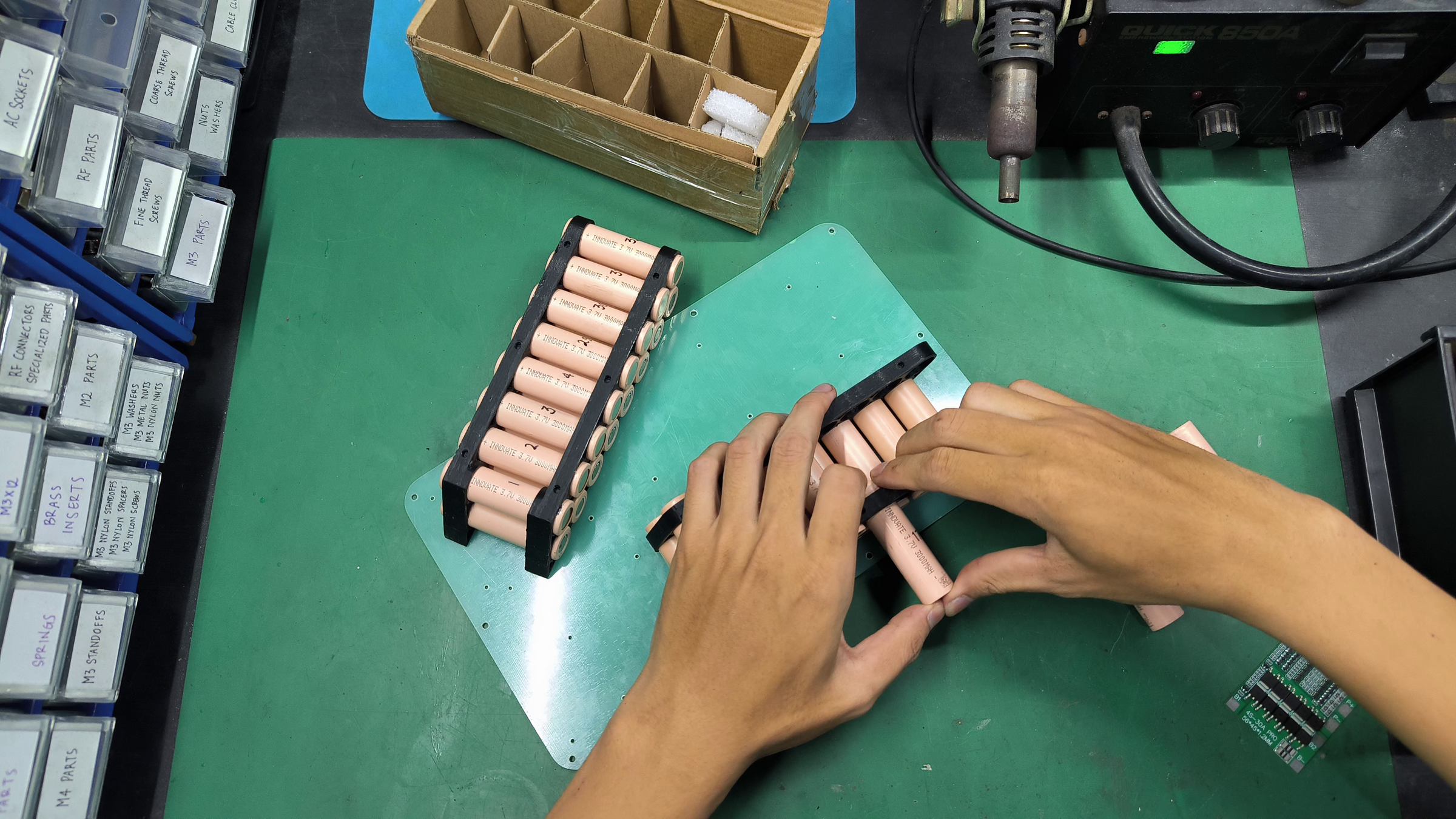
Warning! From this step, this project deals with live lithium-ion cells that can be dangerous if mishandled. Be careful and make sure you know what you're doing.
Mount the 3D-printed battery bracket onto the bottom plate and slide in the 18650 cells into place. Put a dab of CA glue to fix the cells in place. Repeat the process until there are 2 battery modules.
Wire the Battery Module
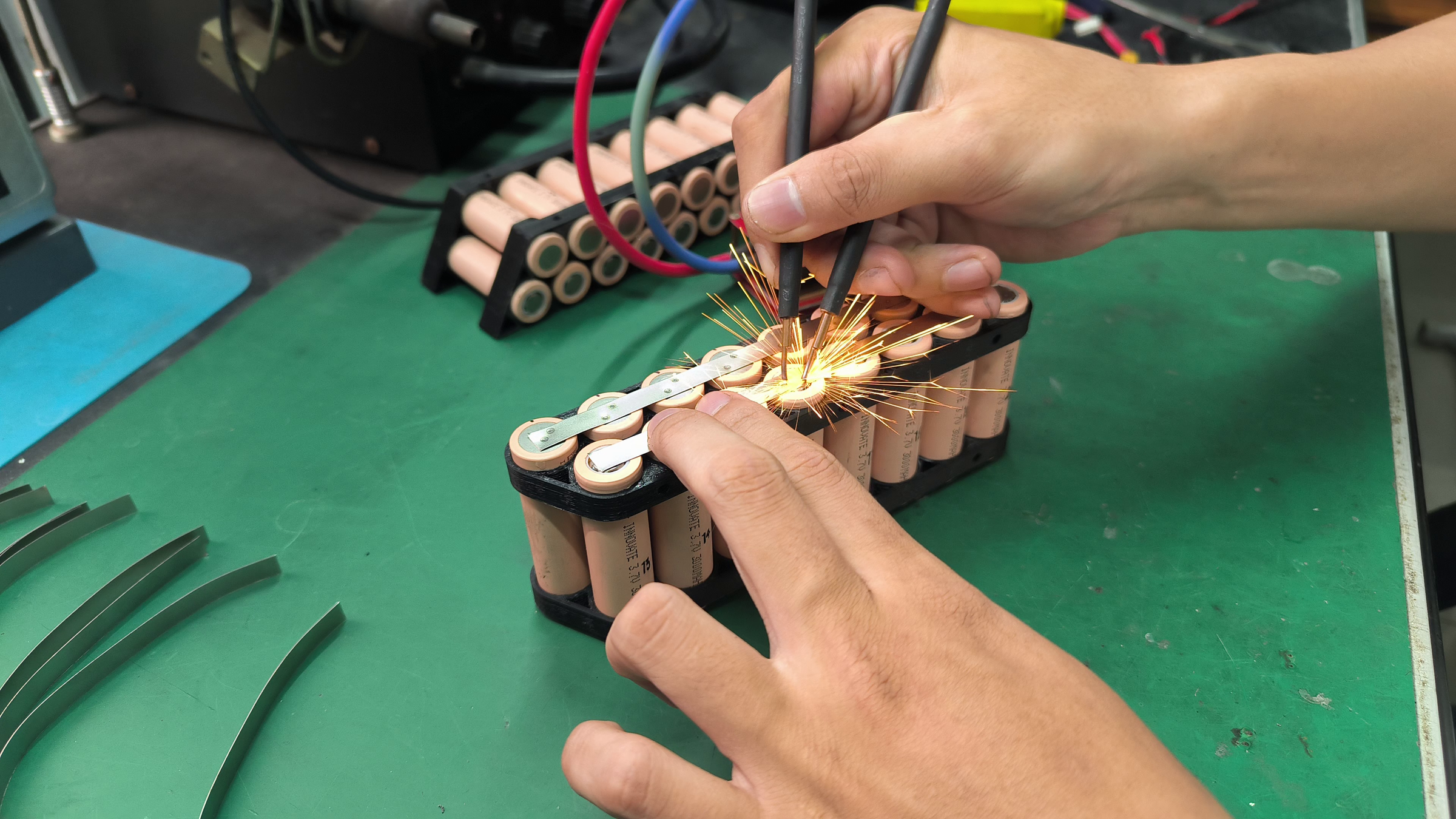
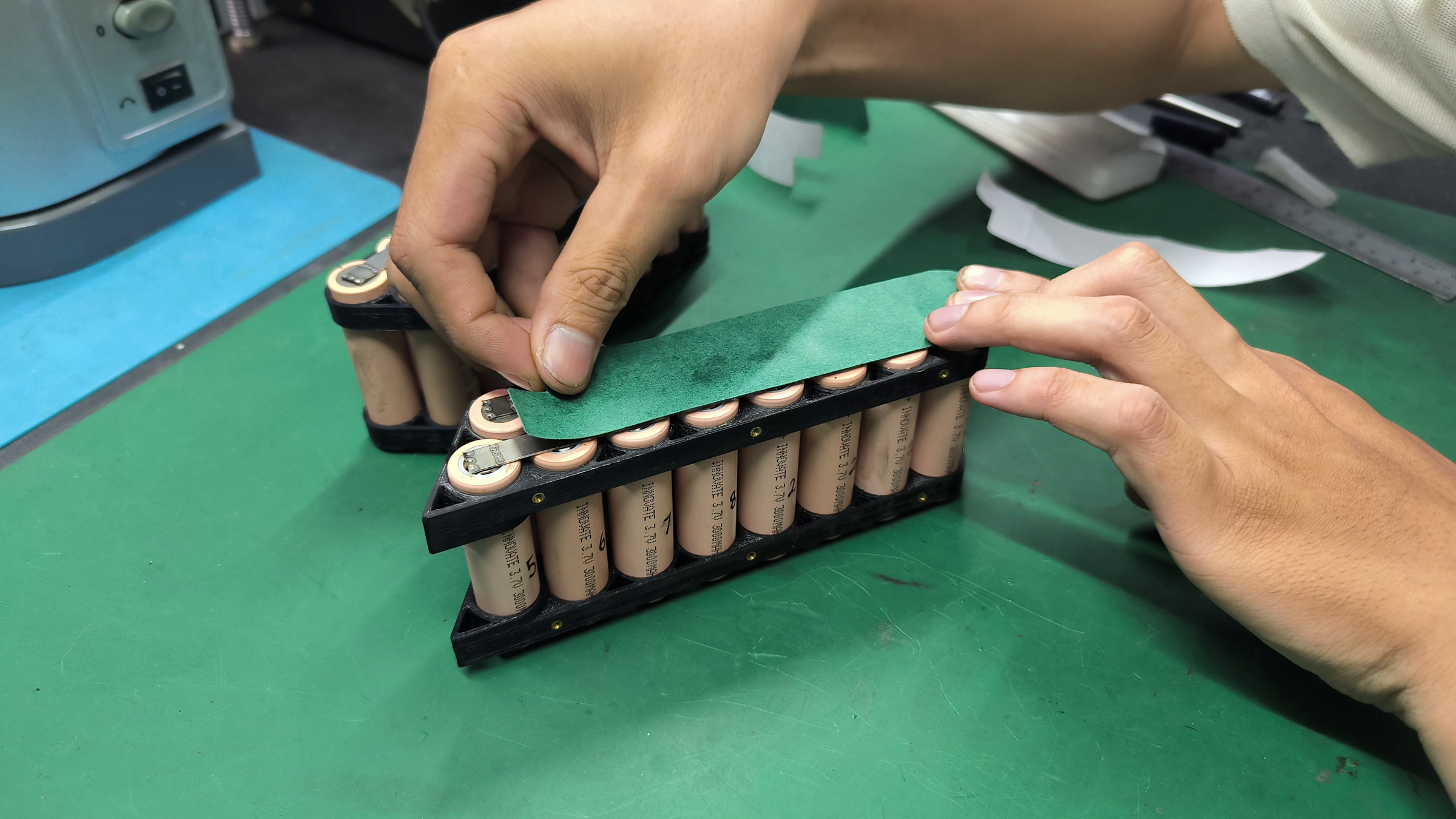
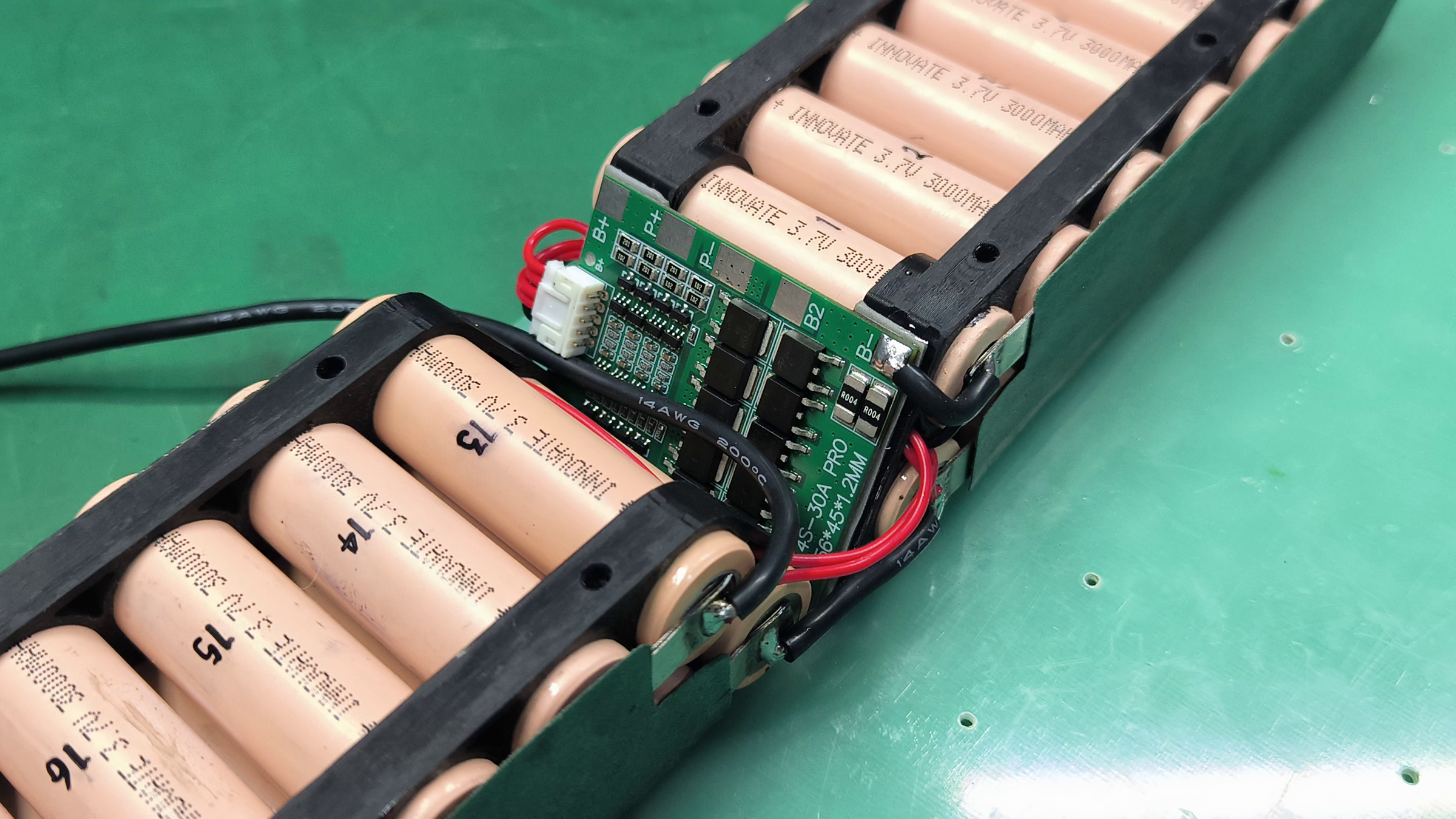
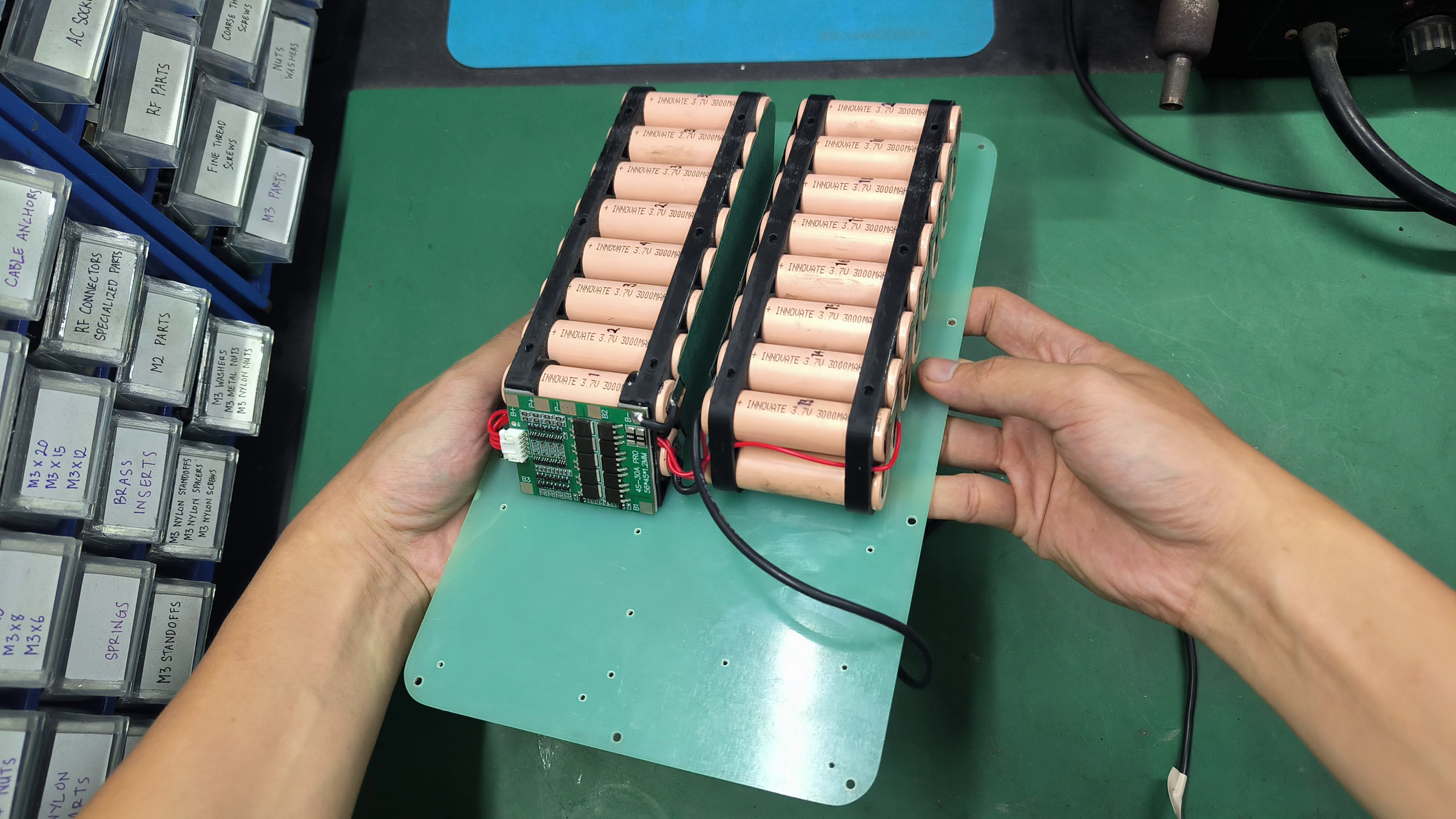
Spot weld the nickel strip to the terminal of the cells, forming a 2S8P configuration on each module. Insulate the adjacent side of the battery module, and wire up the battery modules according to the schematic.
Create the Power Distribution Board

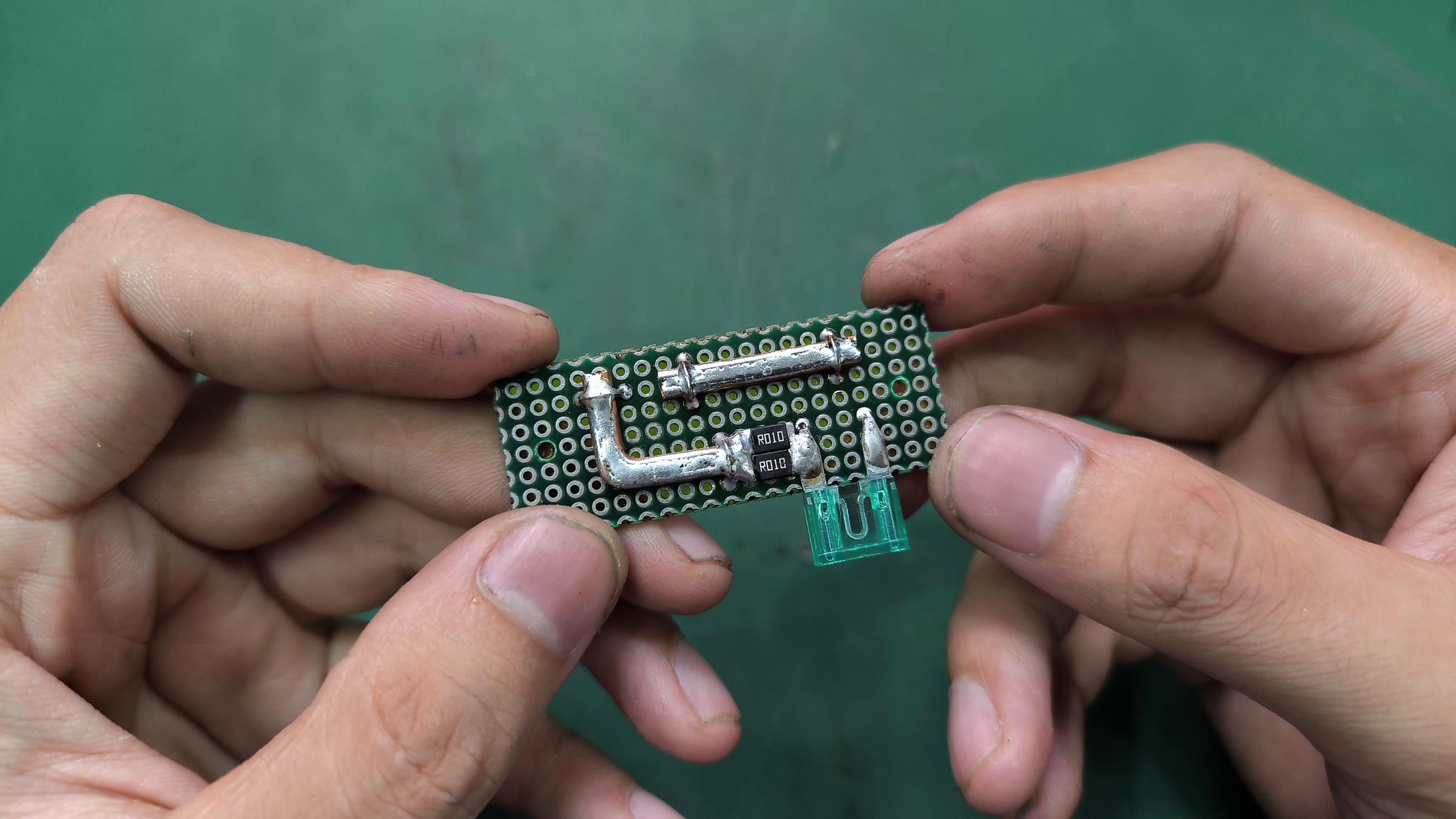
Cut a perf board to this size and prepare the components for this part. Fix the components in place and tin the traces with a generous amount of solder to ensure it can handle the full load current.
Create the Custom Heatsink
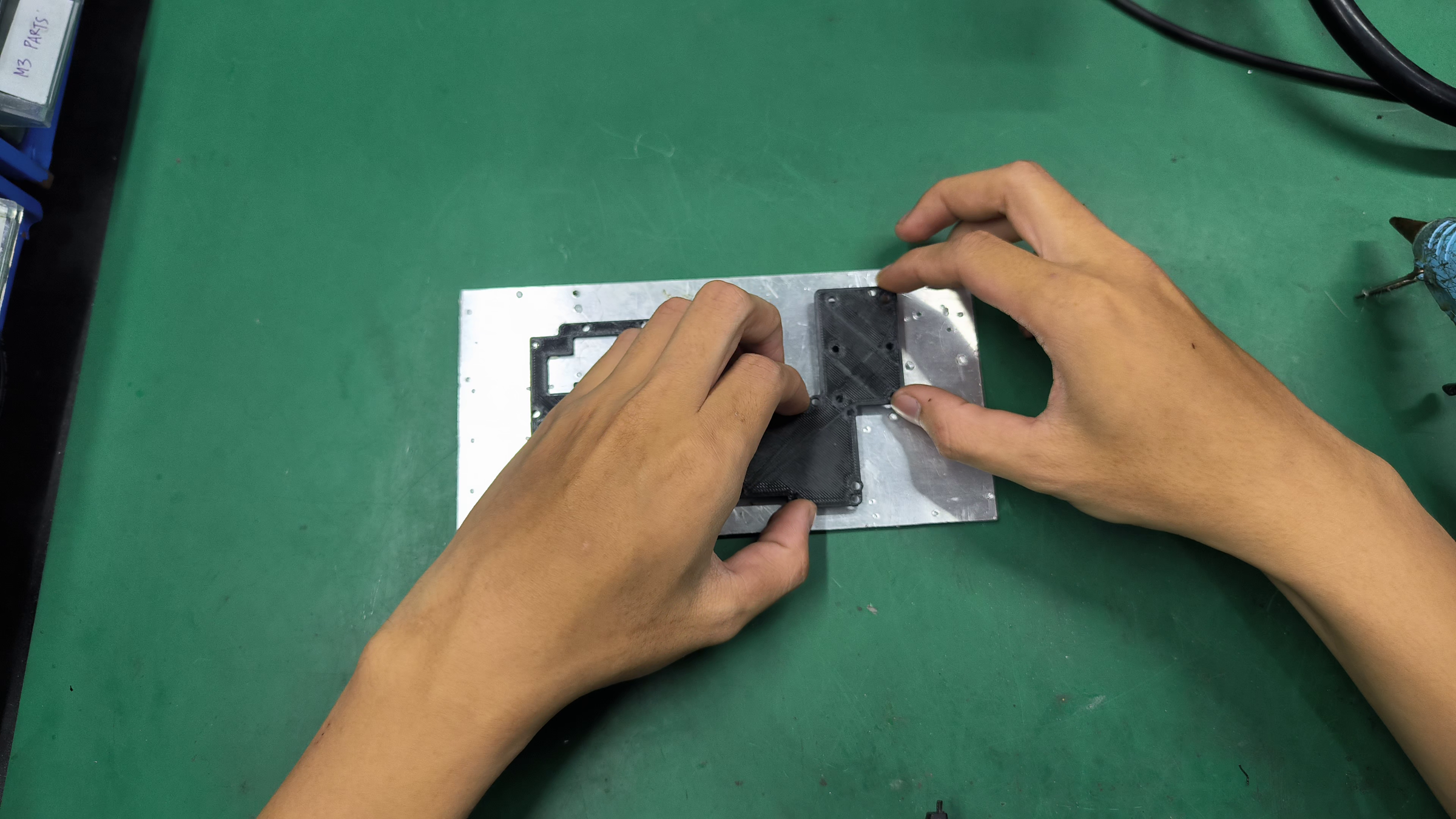
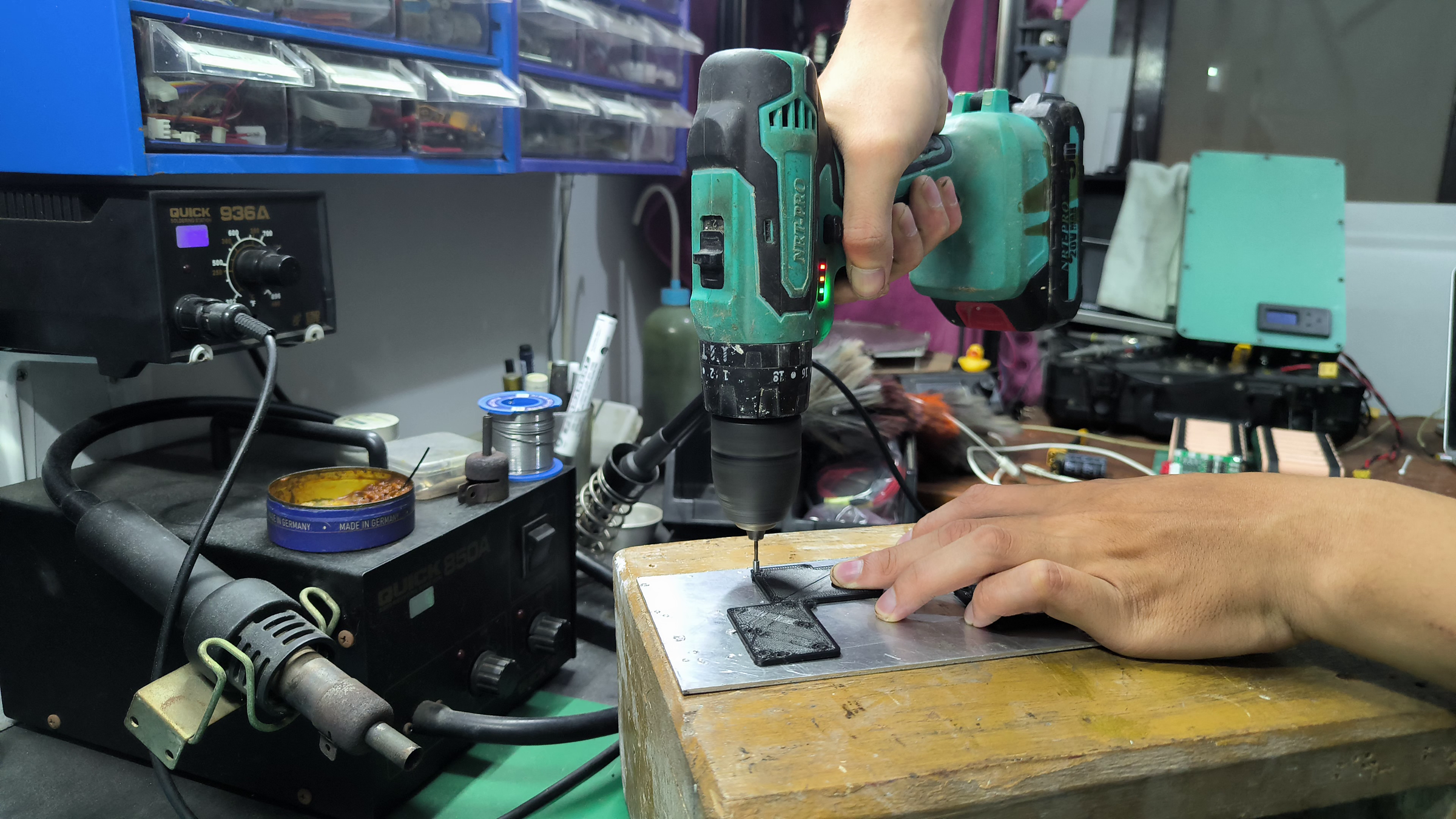

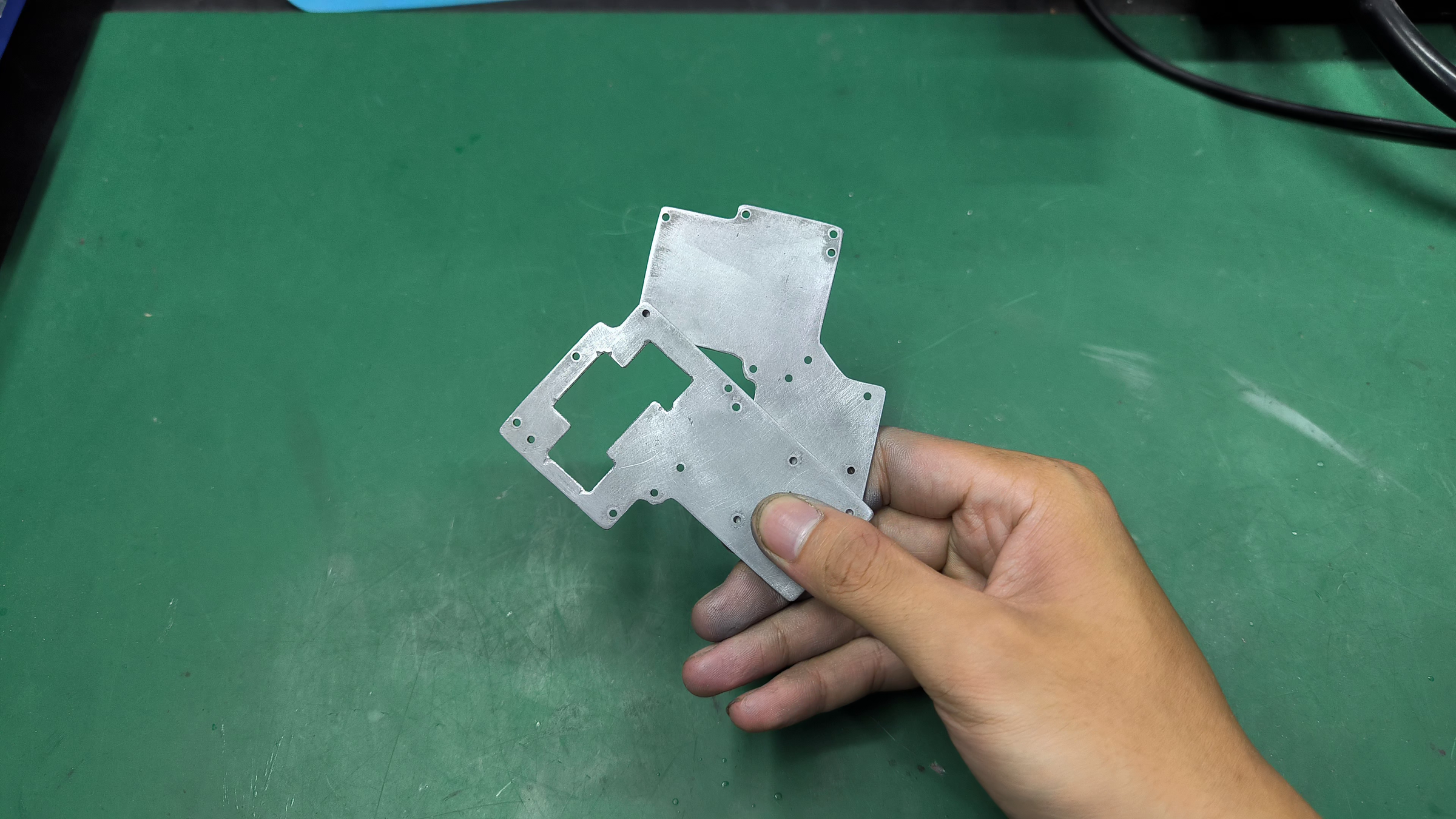
The heatsink uses 2mm aluminium plate. Machining this part is highly recommended, though it's doable the manual way. For the manual way, the process is about the same as the previous method for the top and bottom plate. Only difference is that it uses 3D-printed guide to make the result much more precise.
Mount the Modules to the Heatsink

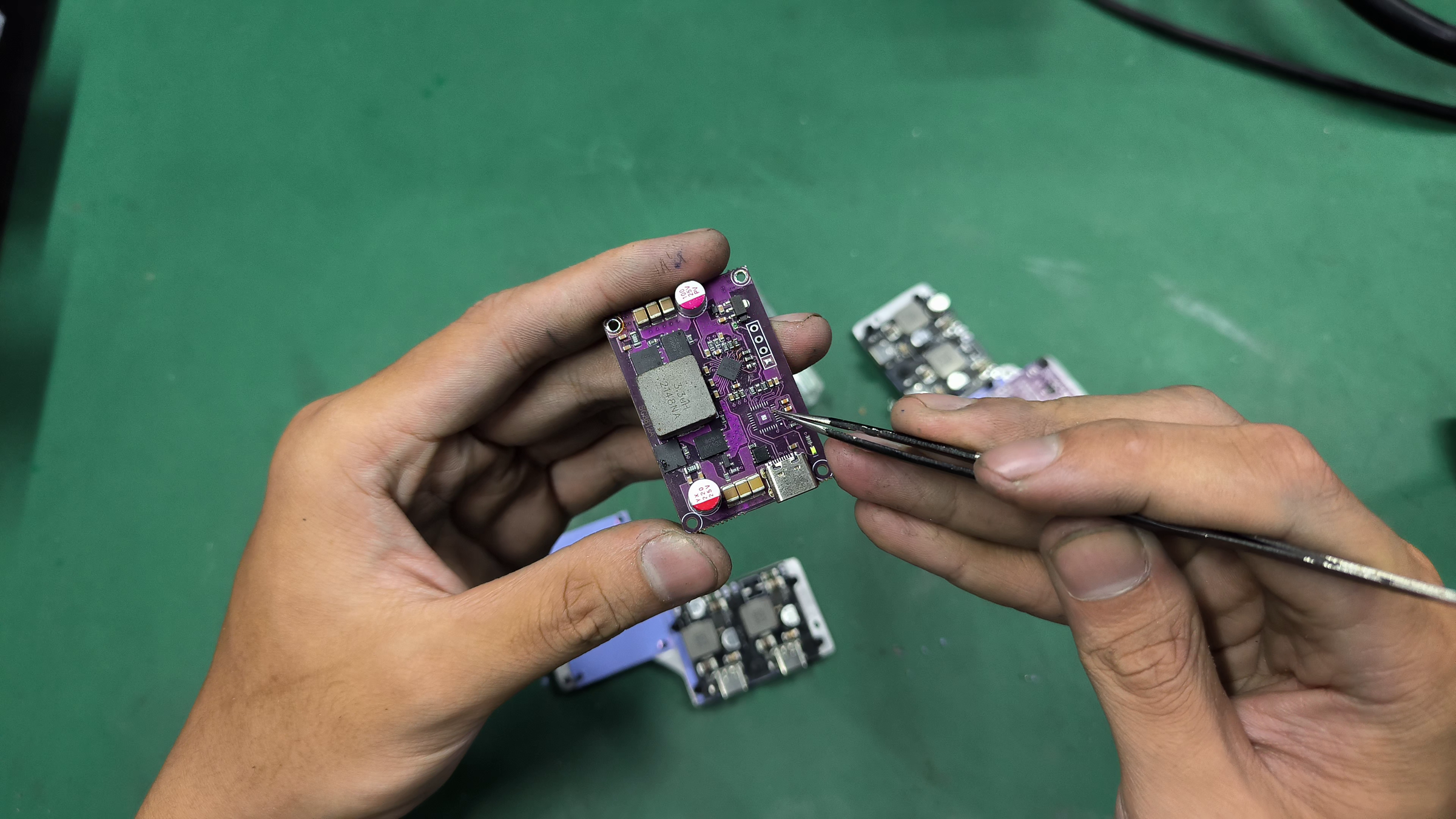

Use the 0.5mm thermal pad and the M2 nylon screws to mount the modules to the heatsink. Before mounting the SC8812A module, remove its onboard microcontroller (the one near the USB-C port) using a hot air gun and trim the protruding capacitor leads underneath, so it wouldn't pierce through the thermal pad.
Wire the Modules
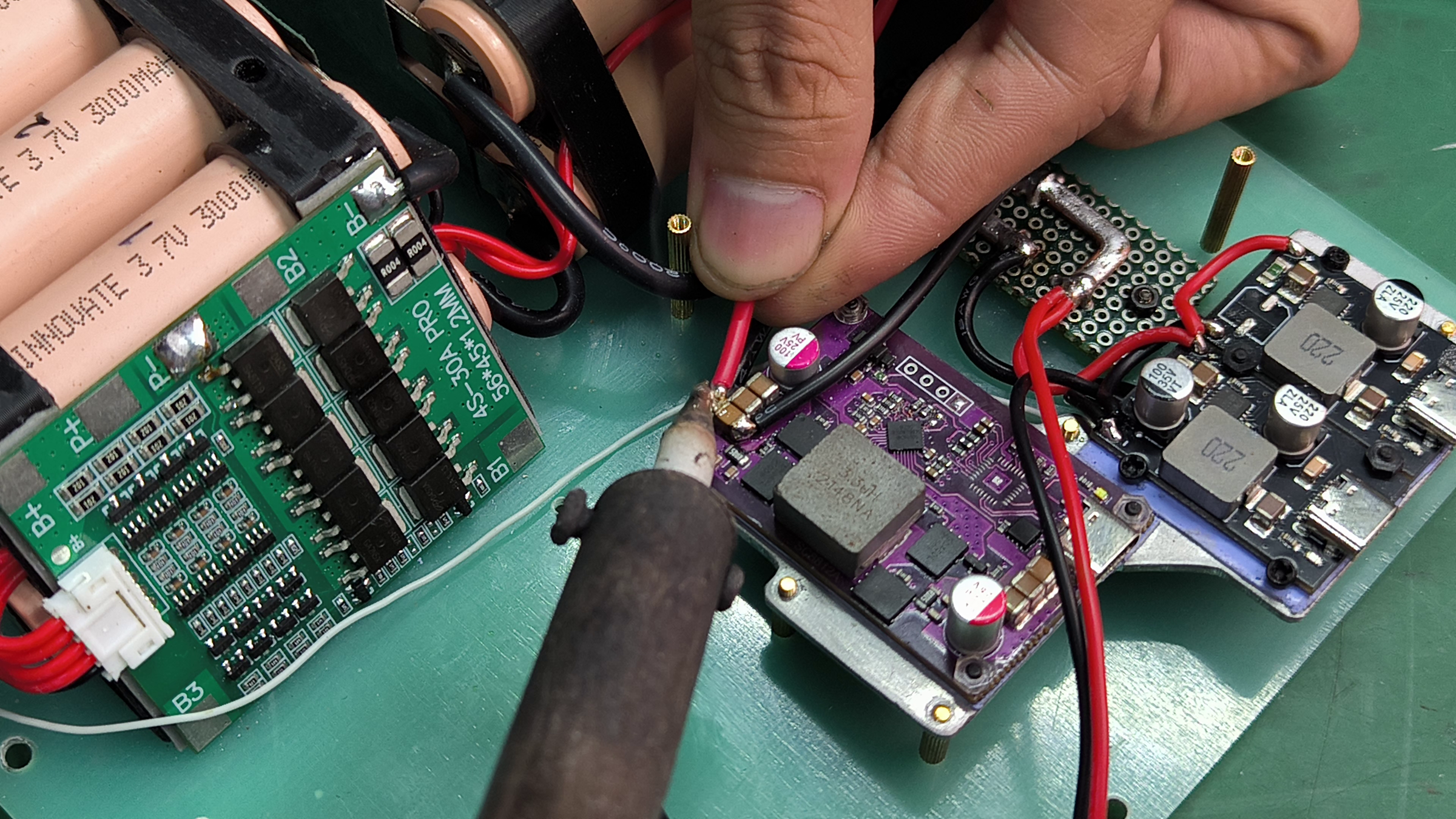
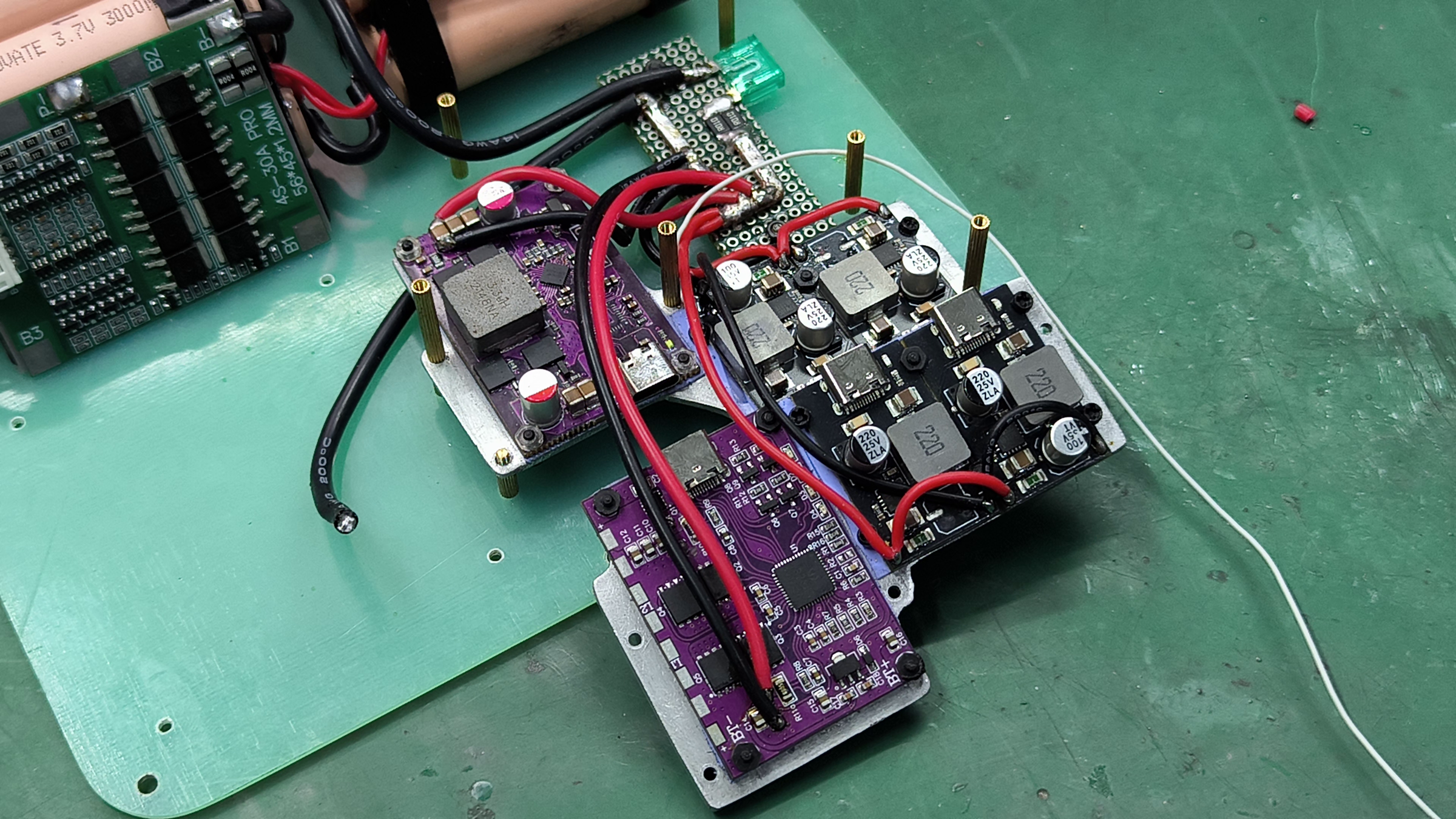
Mount the heatsink assembly to the bottom plate and begin to wire up the modules. Follow the wiring diagram to wire up the modules and the components together. Sandwich the MOSFET in-between the bottom plate and the bottom heatsink with a thermal pad to keep it cool.
Assemble the Display Panel
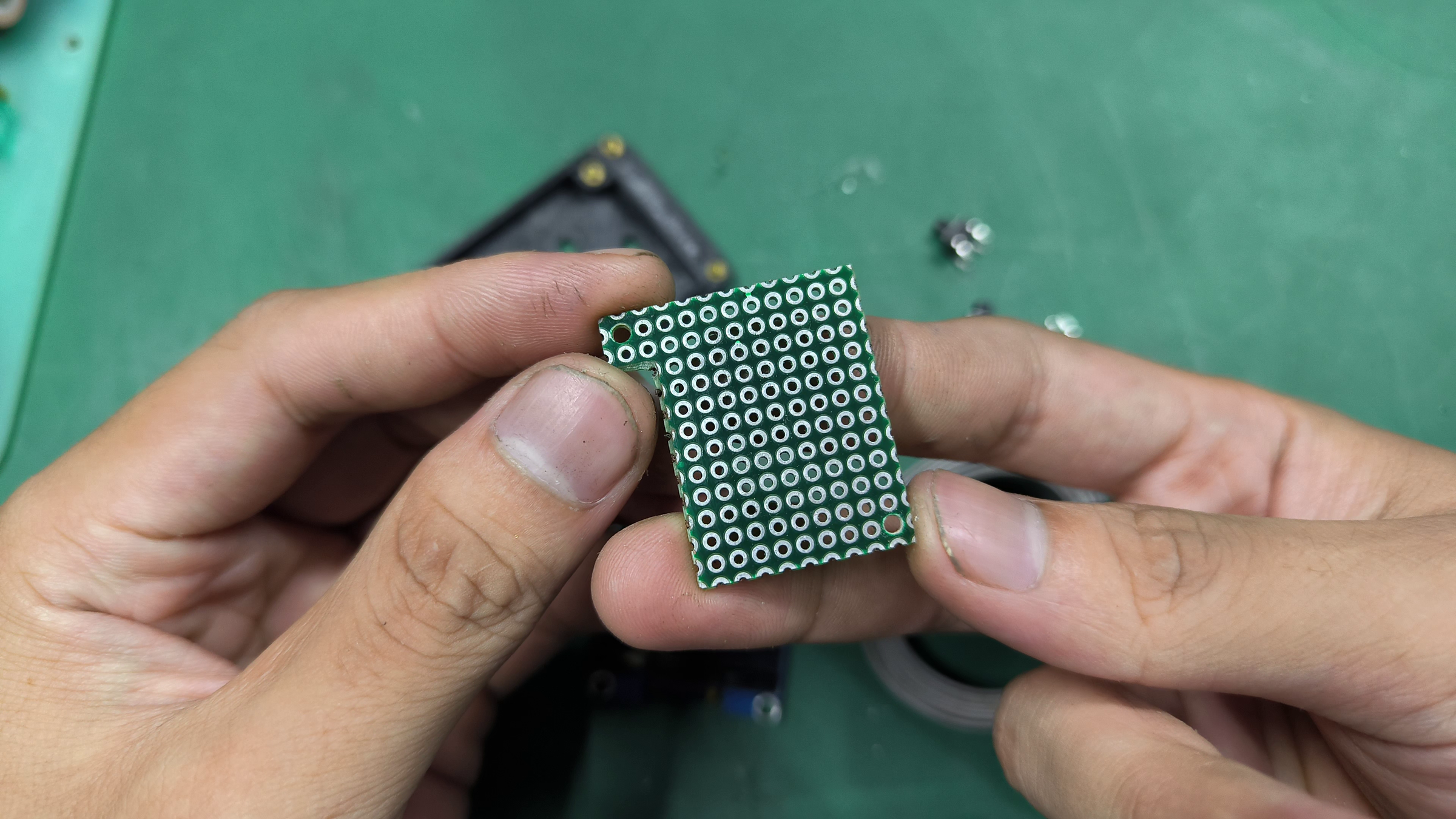
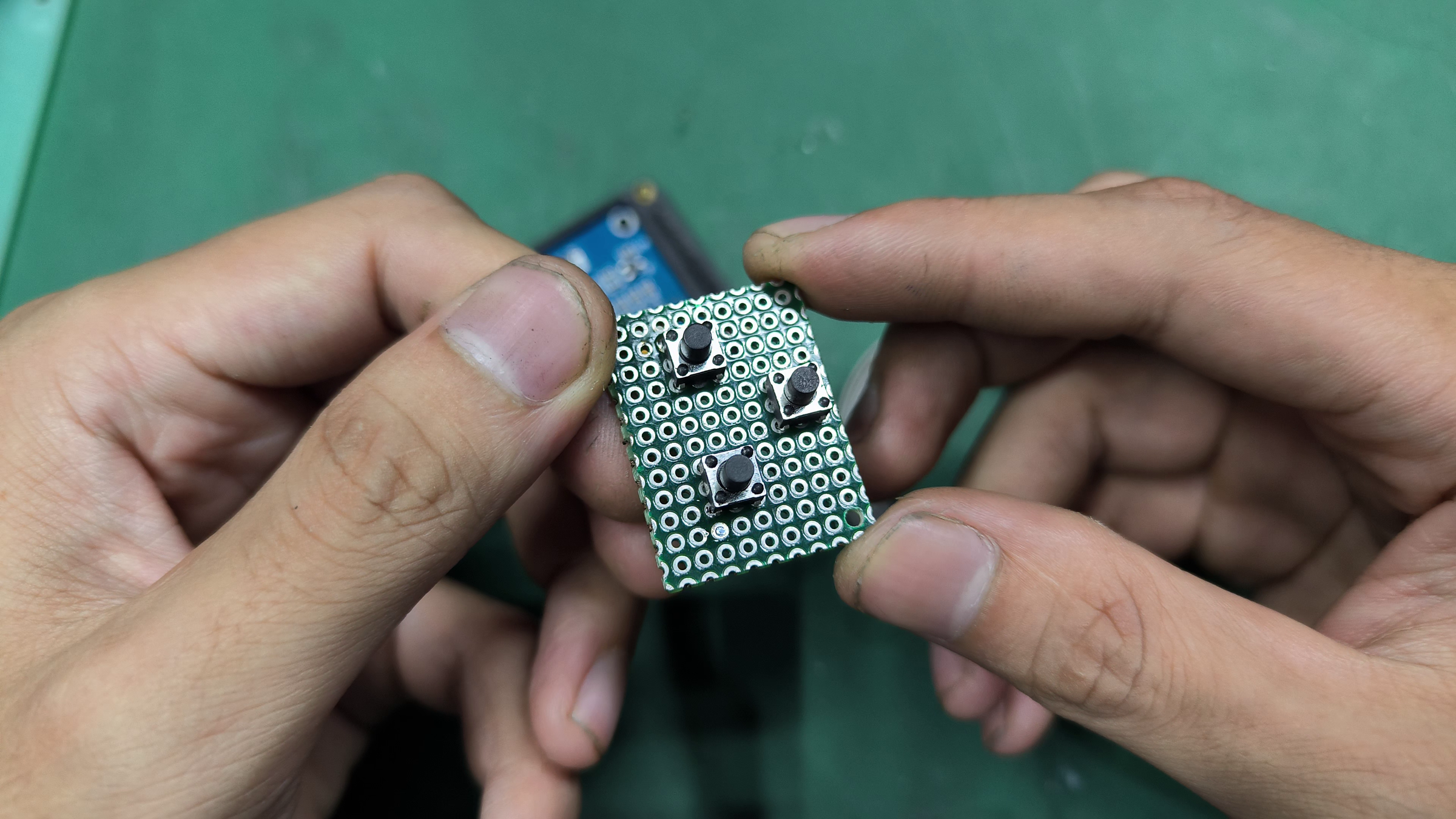

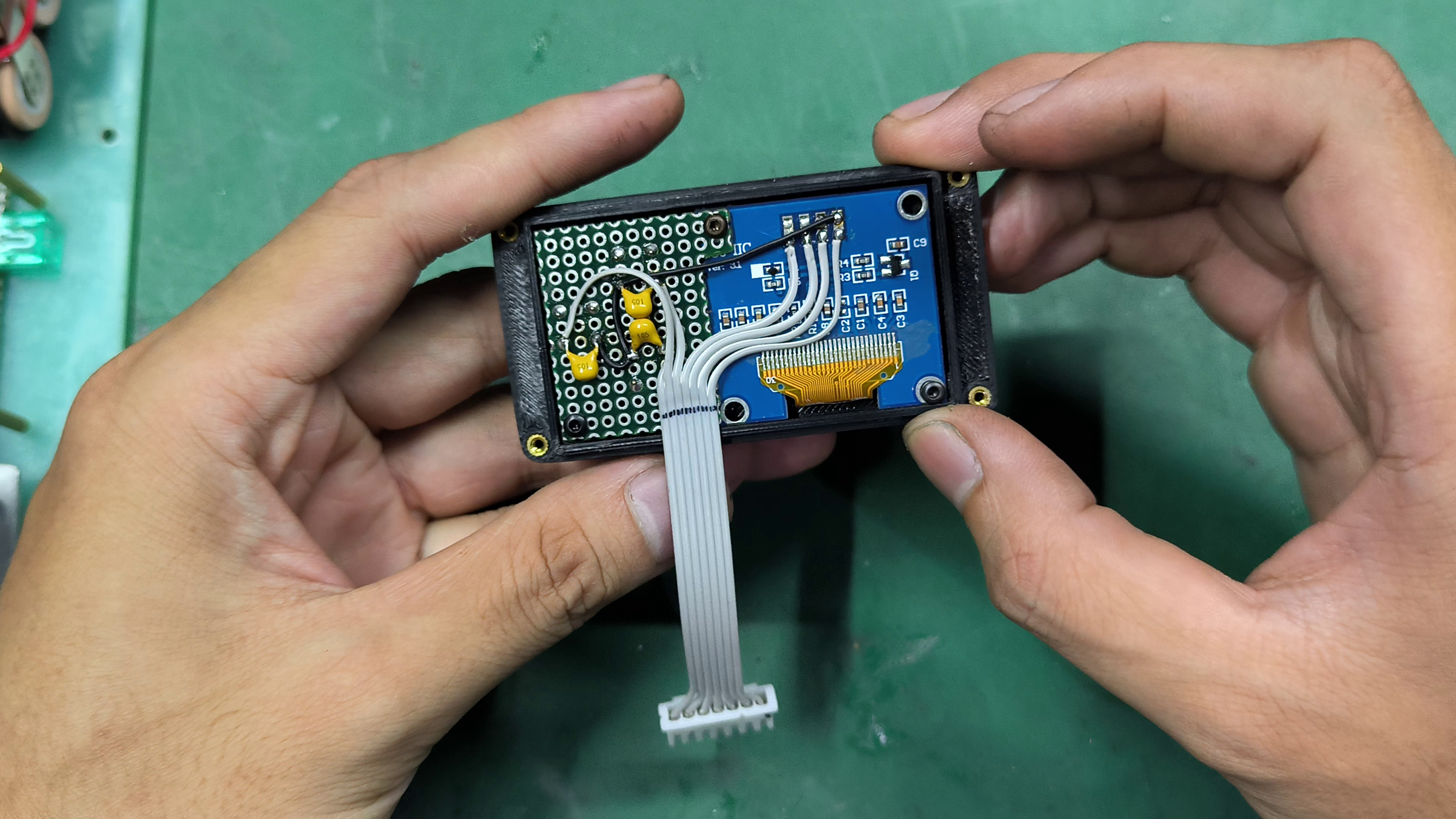
Cut a perf board to this shape and solder all the components in this layout. Mount all the parts to the 3D-printed panel and follow the schematic to wire up the components together.
Assemble the Main Control Board
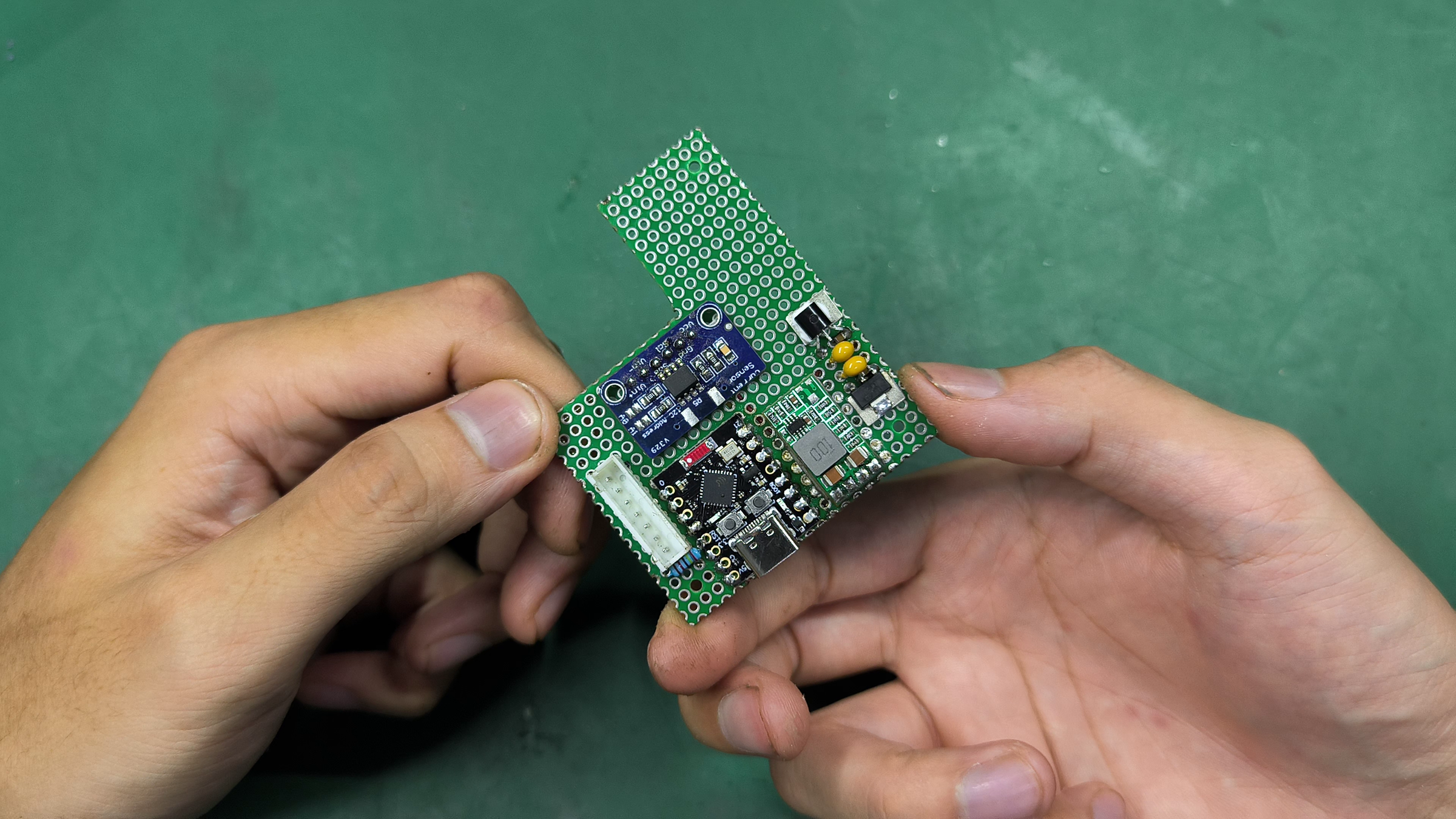
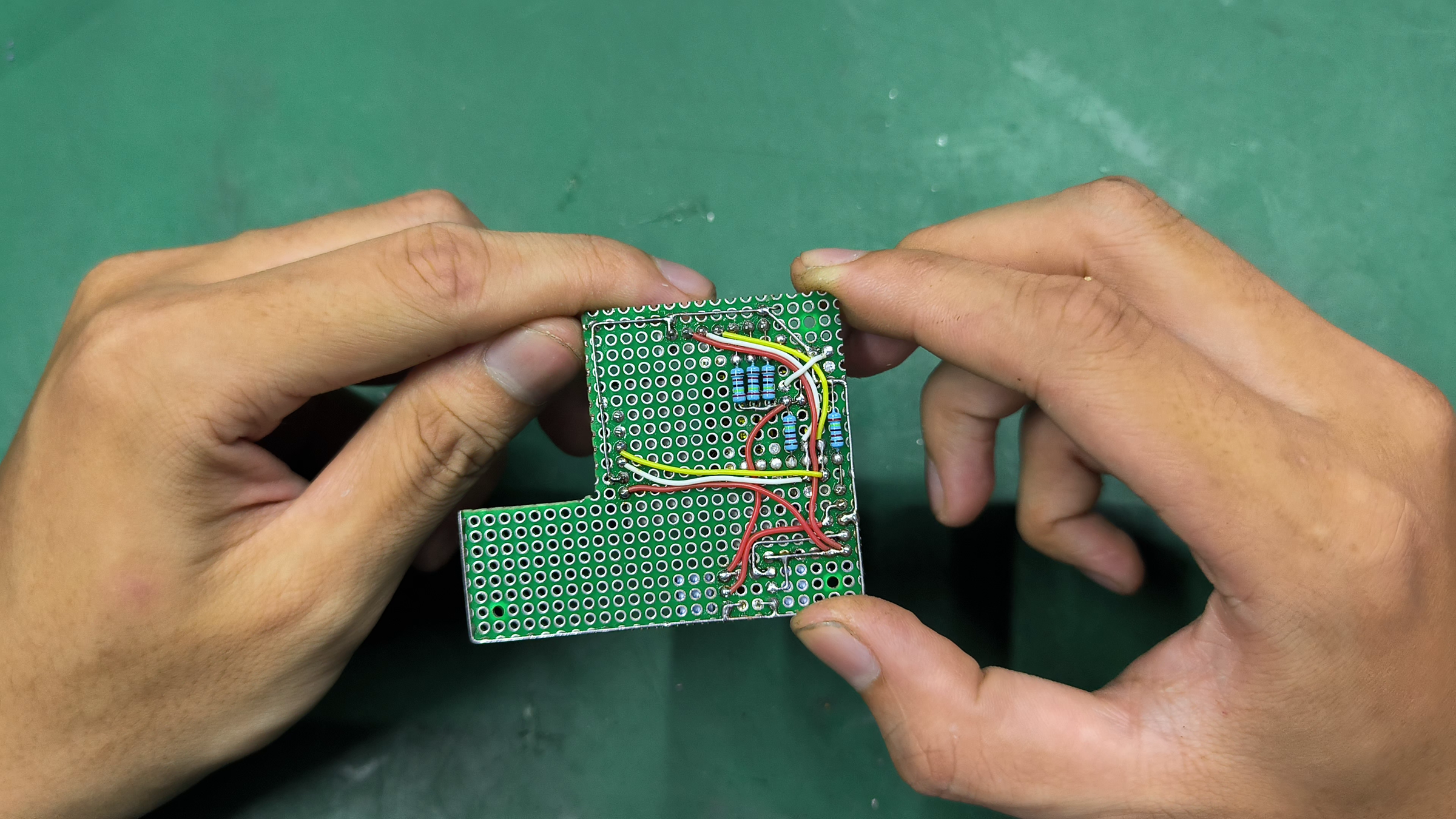
Cut a perf board to this shape and solder all the components and module in this layout. Remove the trimpot off the micro buck converter and set its output to 5V. Remove the I2C pull-up and the current sense resistor off the INA219 sensor. Follow the schematic to wire up the components together. Upload the code to the ESP32 module and check for the current functions and readings.
Dismantle the Inverter and Inspect the Components
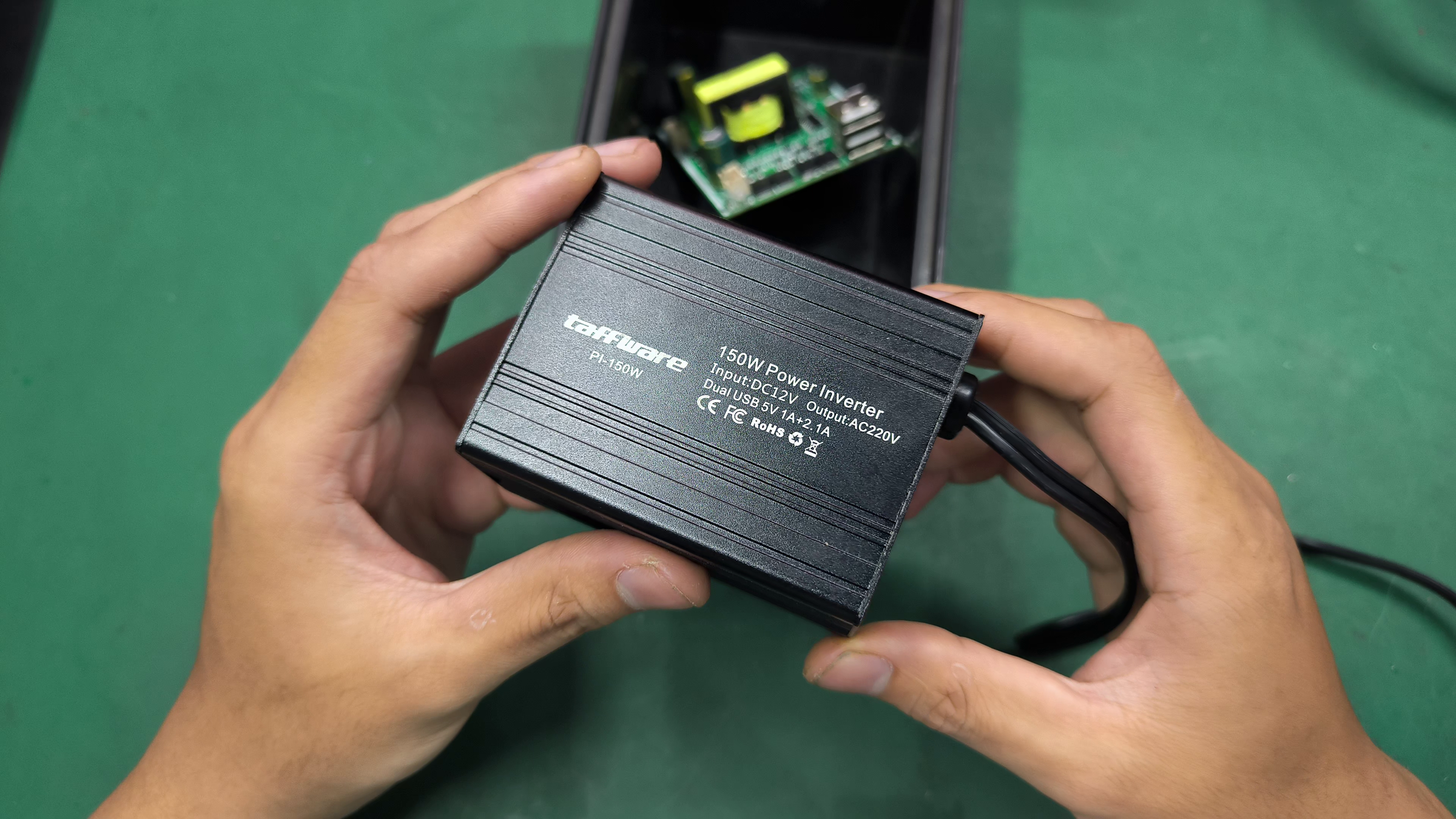
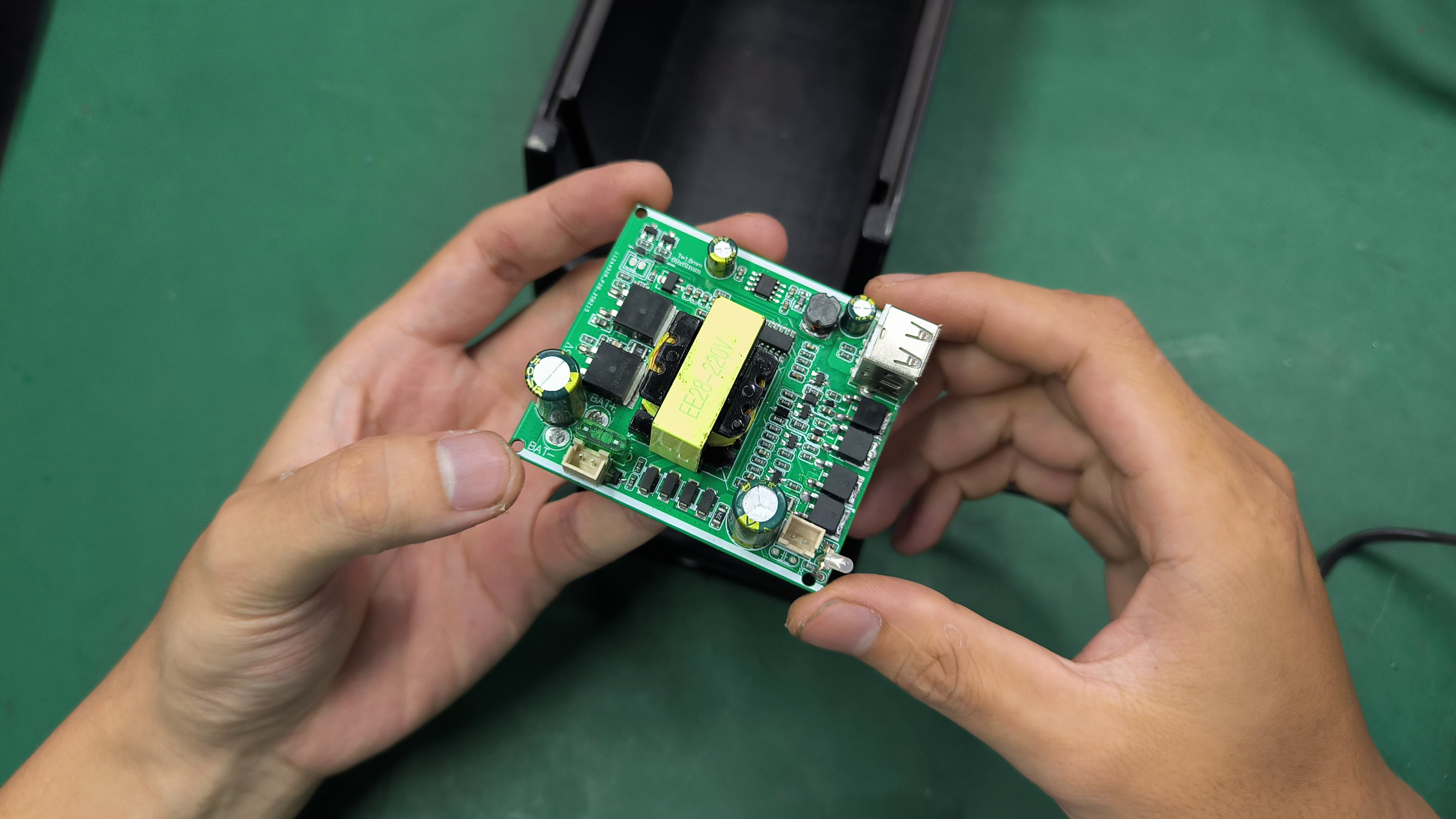
Warning! From this step, this project deals with high-voltage circuitry that can be dangerous if mishandled. Be careful and make sure you know what you're doing.
Remove the inverter board's from the case. Because this is a 12V inverter that will run at the higher 4s battery voltage, ensure the following:
- The input capacitor must be rated at least for 25V.
- The push-pull MOSFETs must be rated at least 40V drain-to-source.
- The controller topology (its power supply, pins, etc) can handle the higher voltage.
Do the modifications if needed and if all those 3 are satisfied, proceed with the next step.
Remove and Dismantle the Transformer
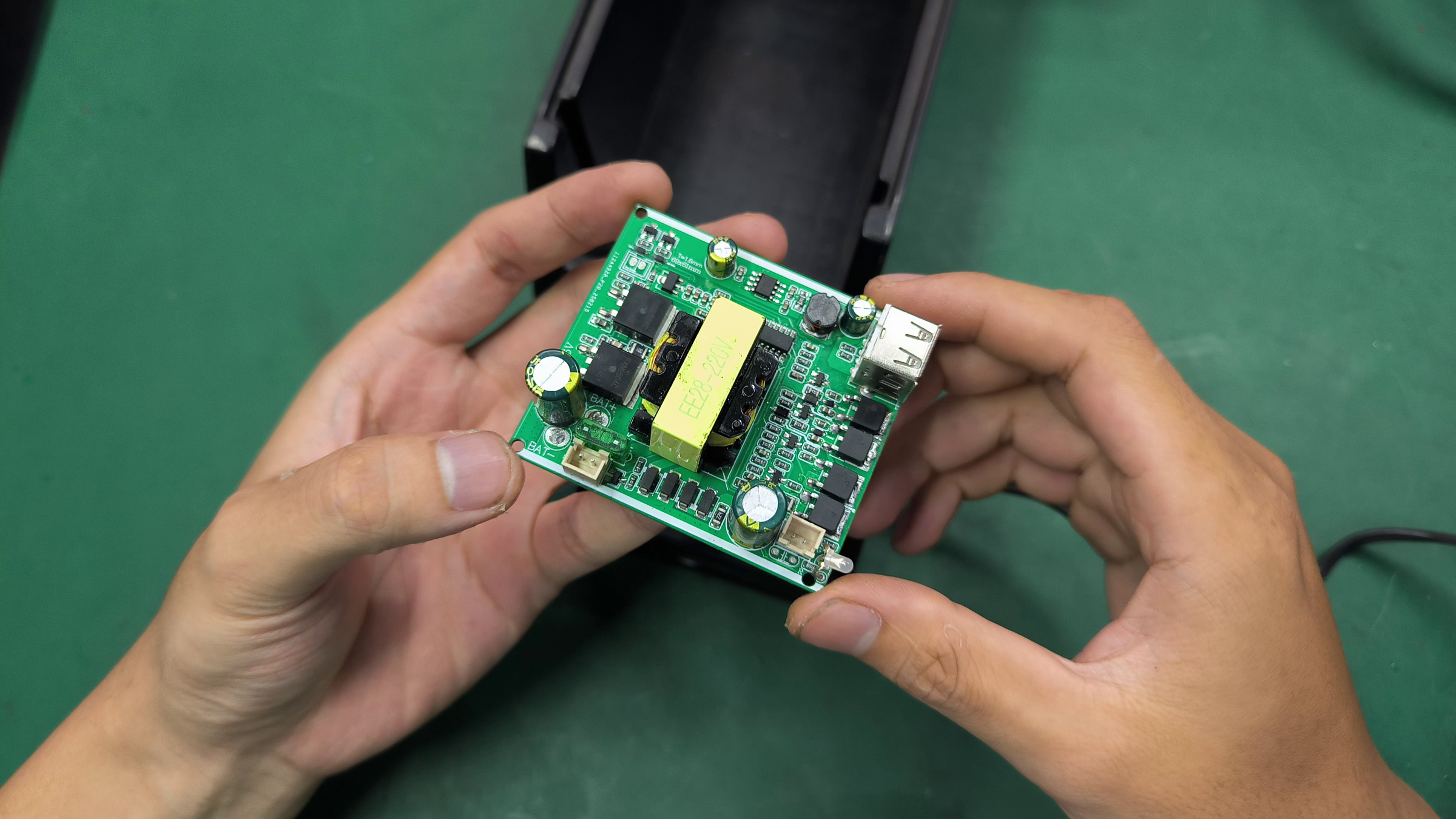
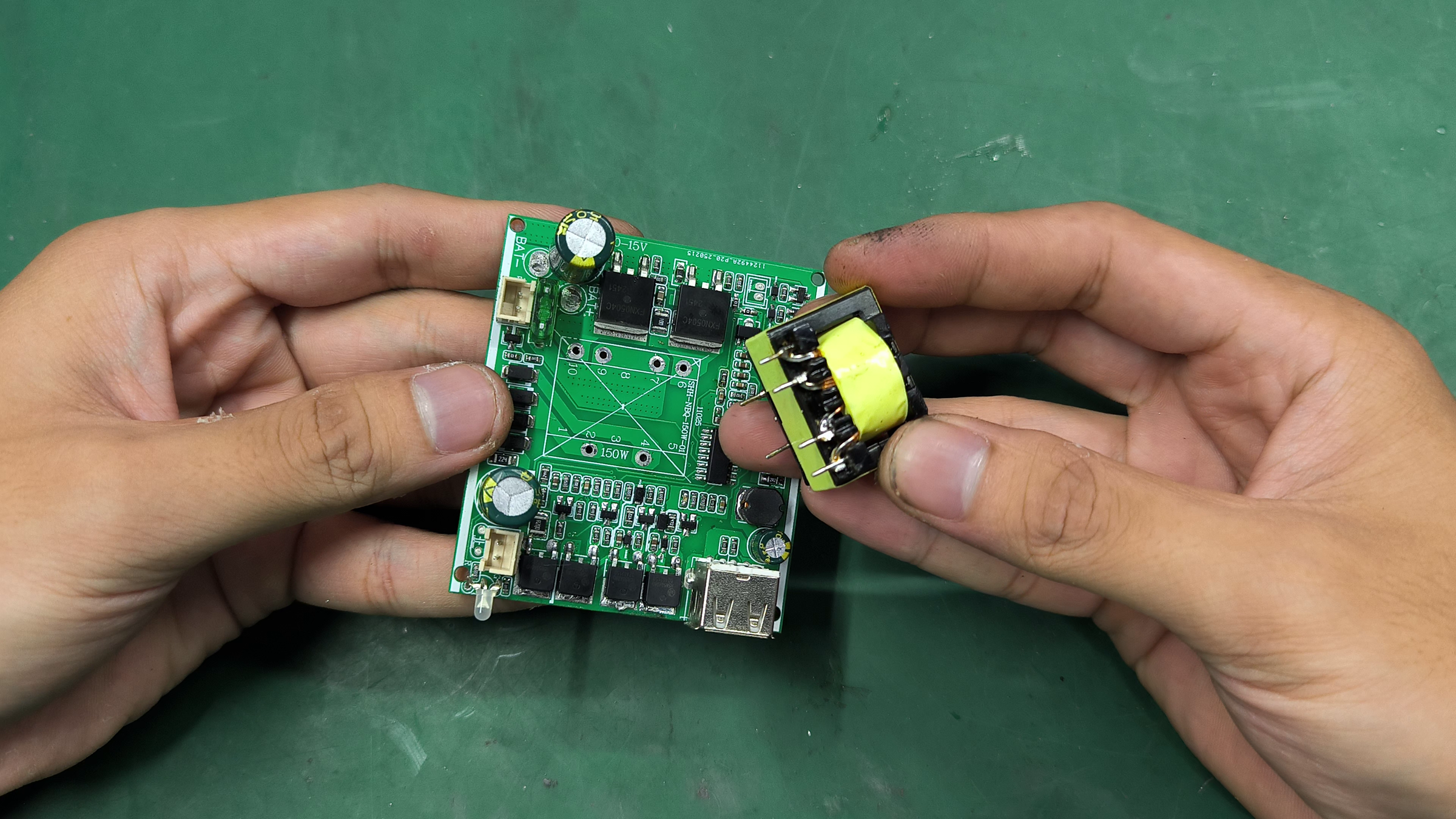
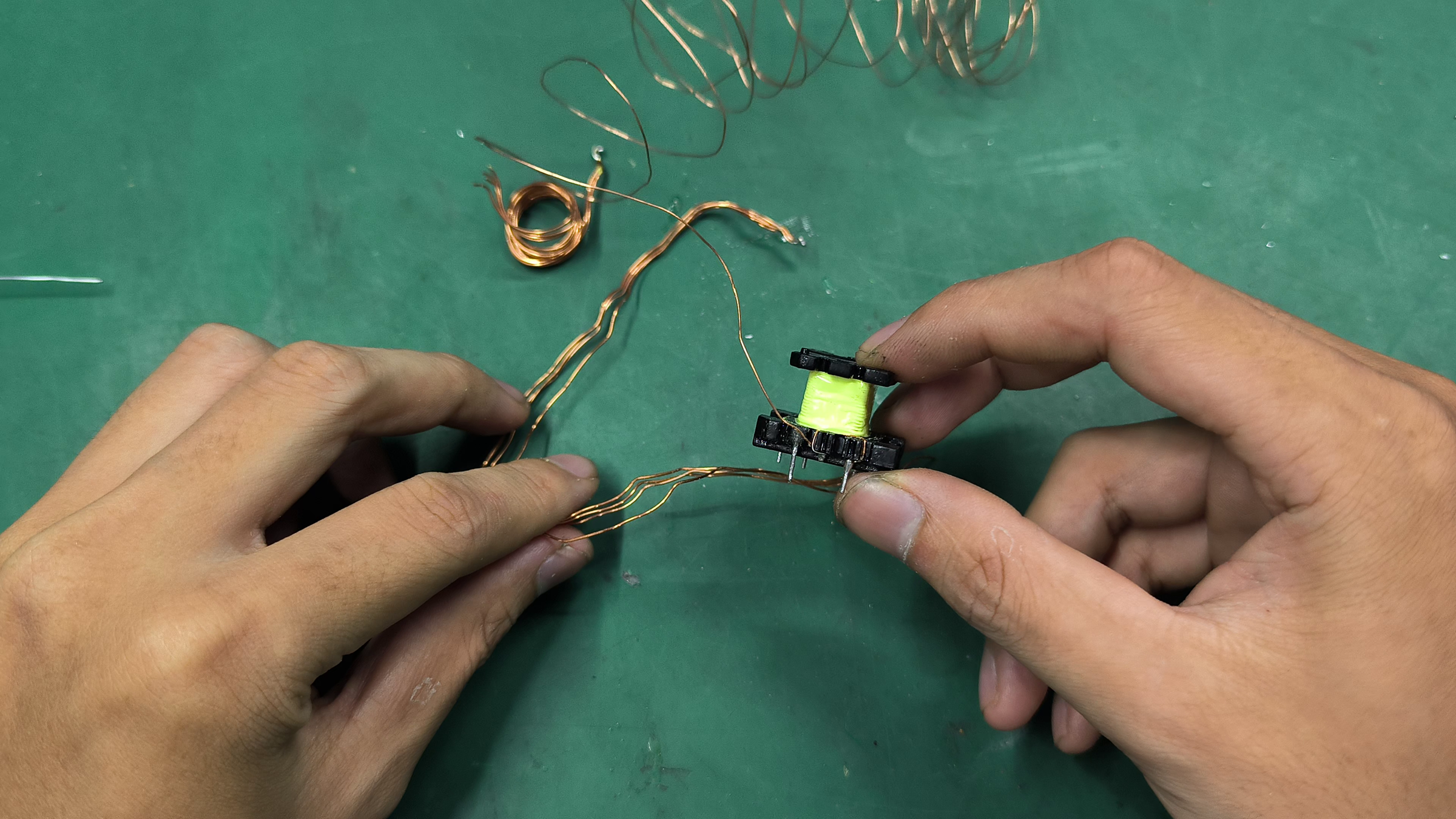
The transformer was wound for 12V input and needs to be rewound to safely run at the higher voltage. There's no way around it. Increasing the primary winding from 4 turns to 5 turns will do the job.
Start by removing the transformer off the board and dismantle the first half of the secondary and all of the primary winding. Leave the second half of the secondary winding untouched.
Rewind and Solder Back the Transformer
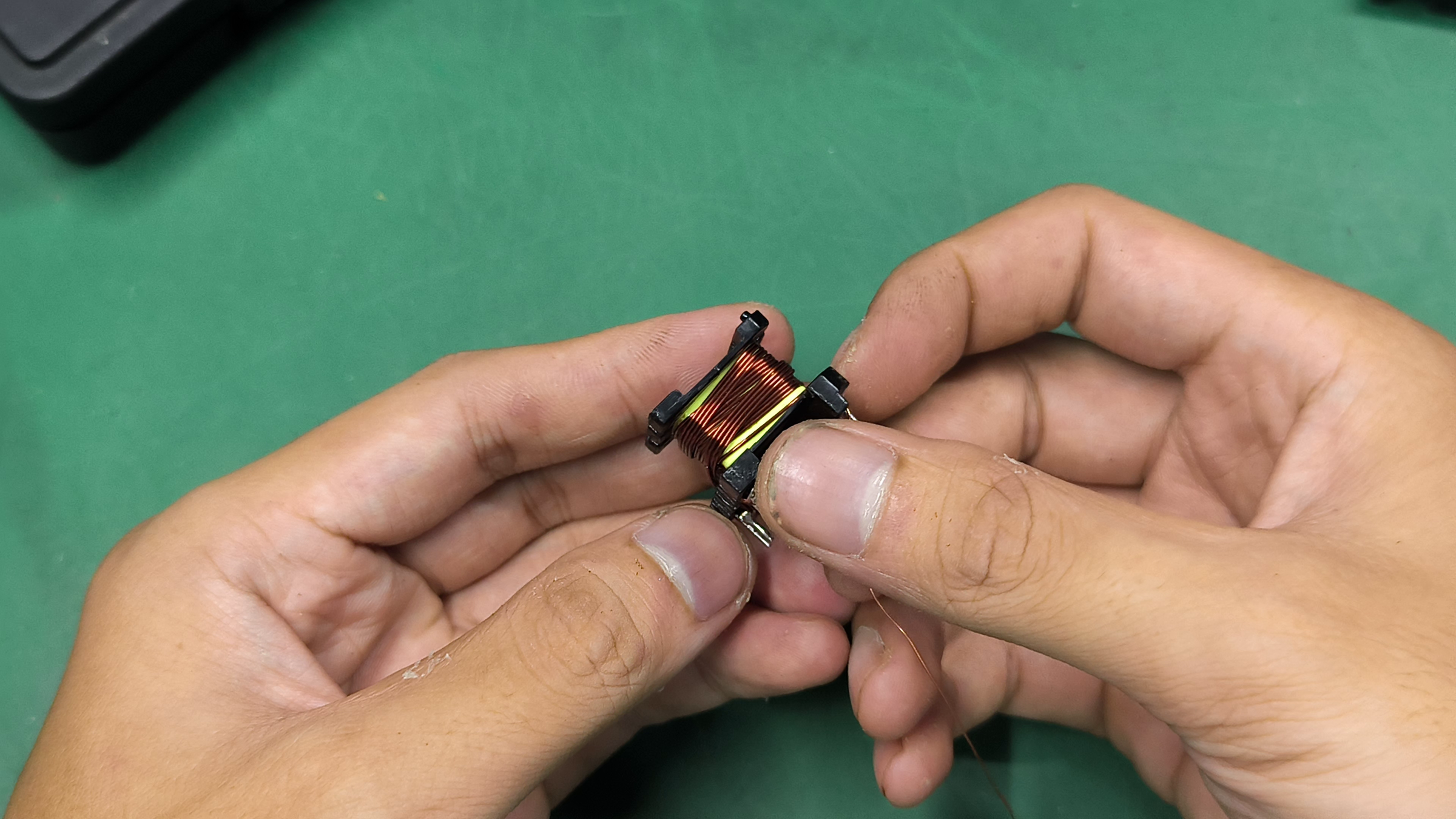
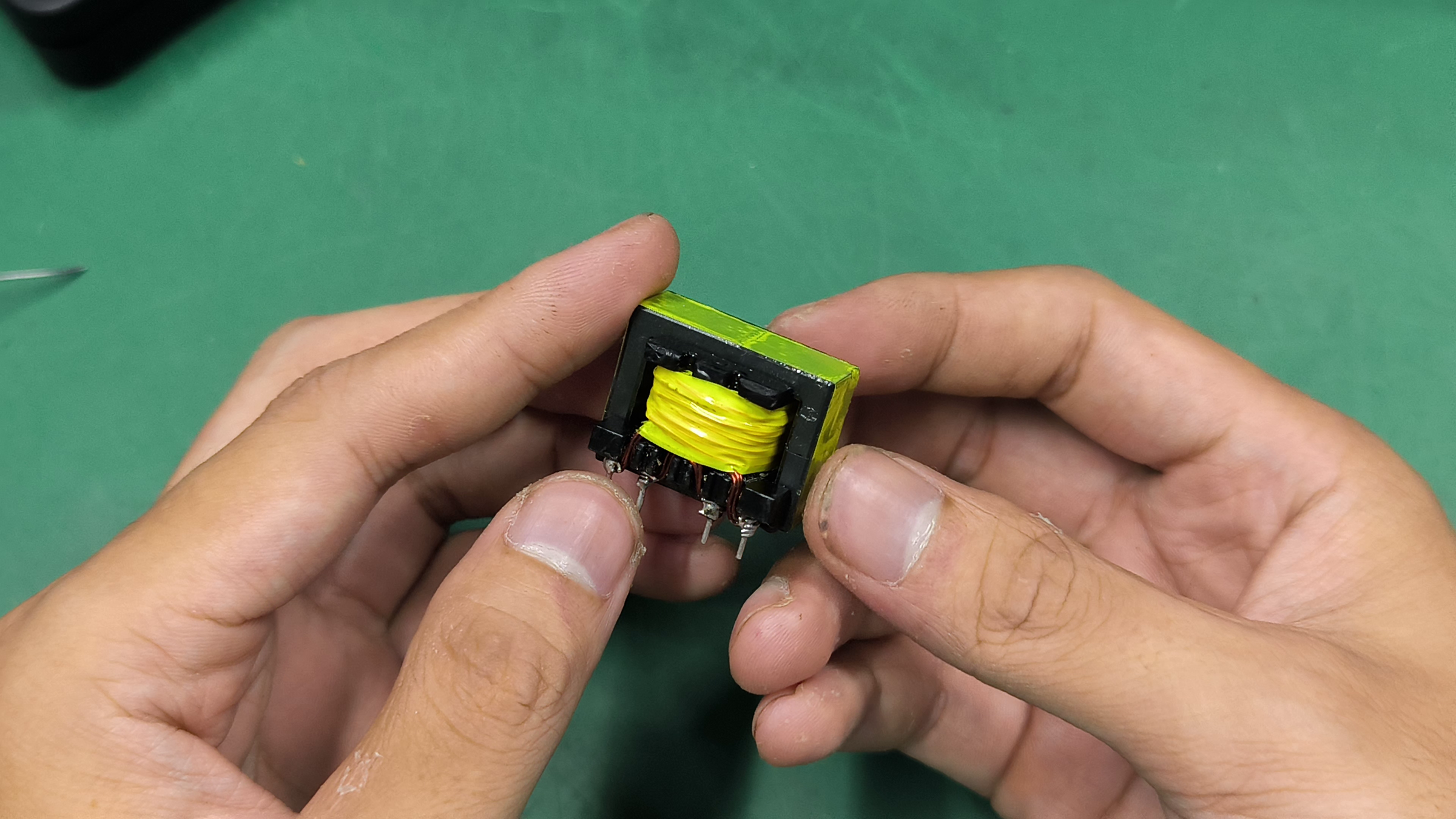

Rewind 4+4 turns on the primary of the transformer and rewind back the first half of the secondary like it was. Be careful about the orientation of the winding. Solder the transformer back into the board and test the board on a lab bench power supply. The output voltage now should be 20% lower.
Modify the Voltage Sensing Circuit
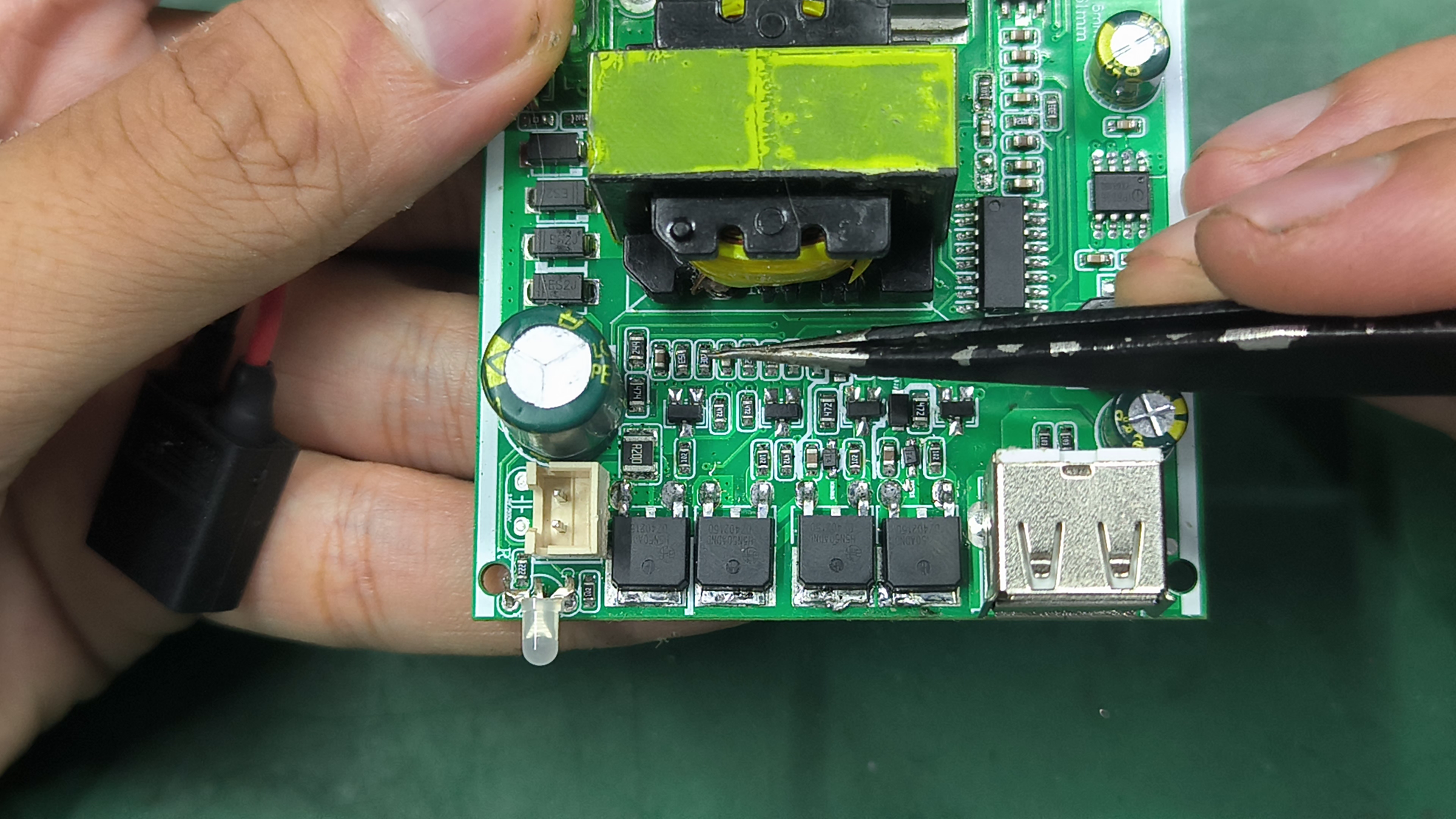
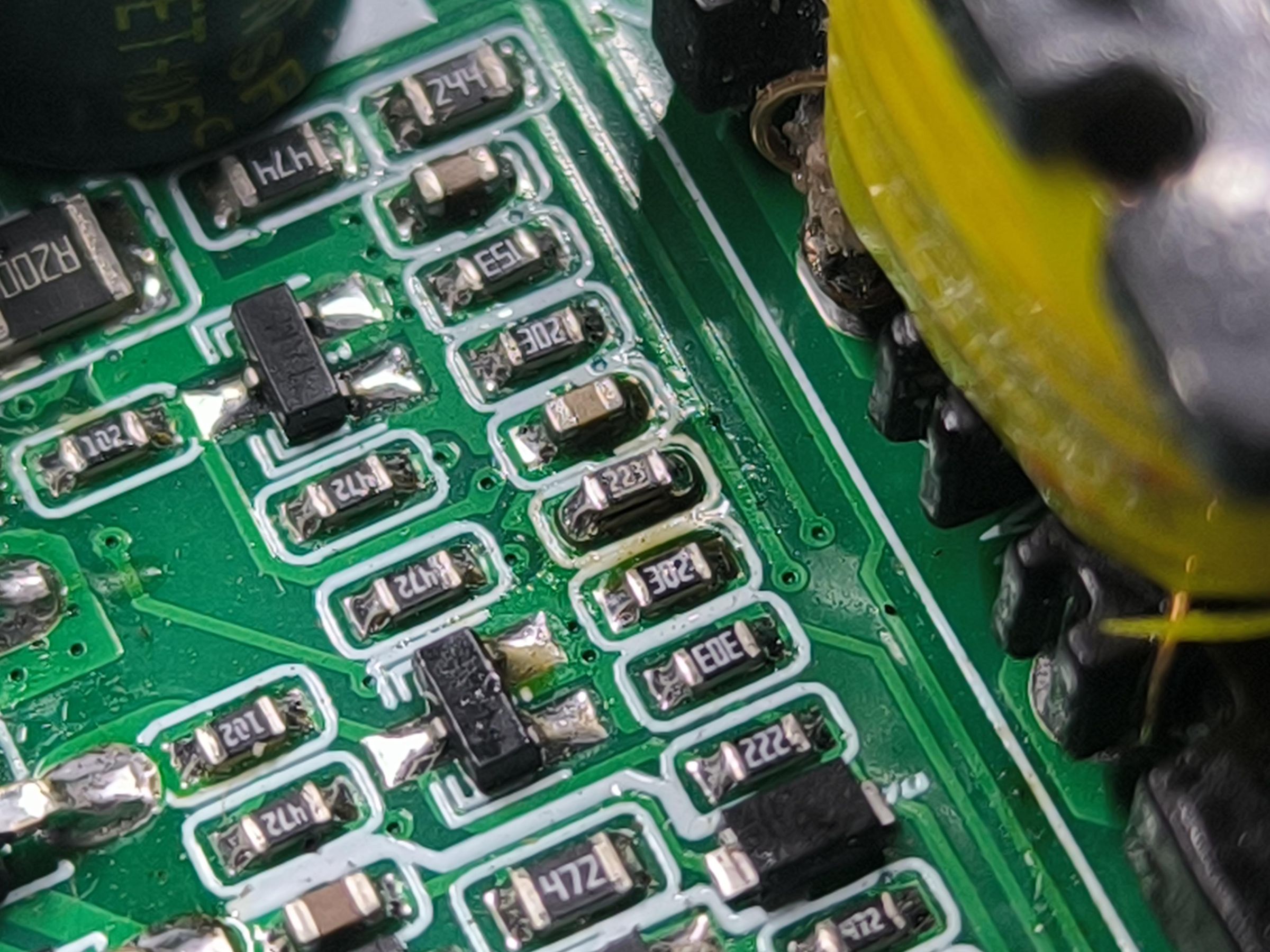
To enable the inverter board without the over-voltage protection kicking-in, modify the voltage divider responsible for the voltage sensing. Add a high-value resistor in parallel with the lower resistor to slightly shift the operating voltage higher. In my case, I added a 22k resistor that shifted the over-voltage trigger to 16.9V.
Final Mod for the Inverter Board
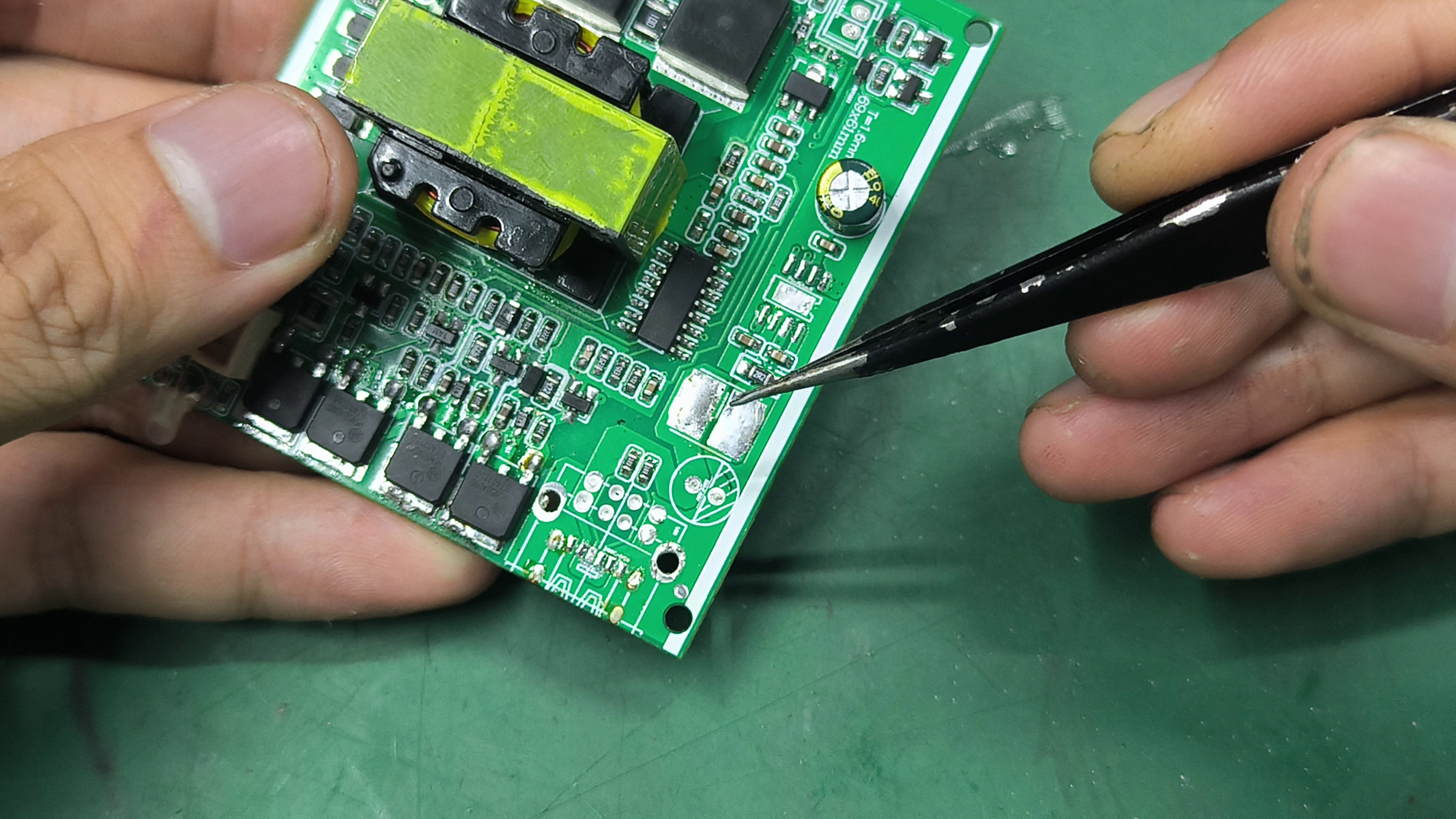
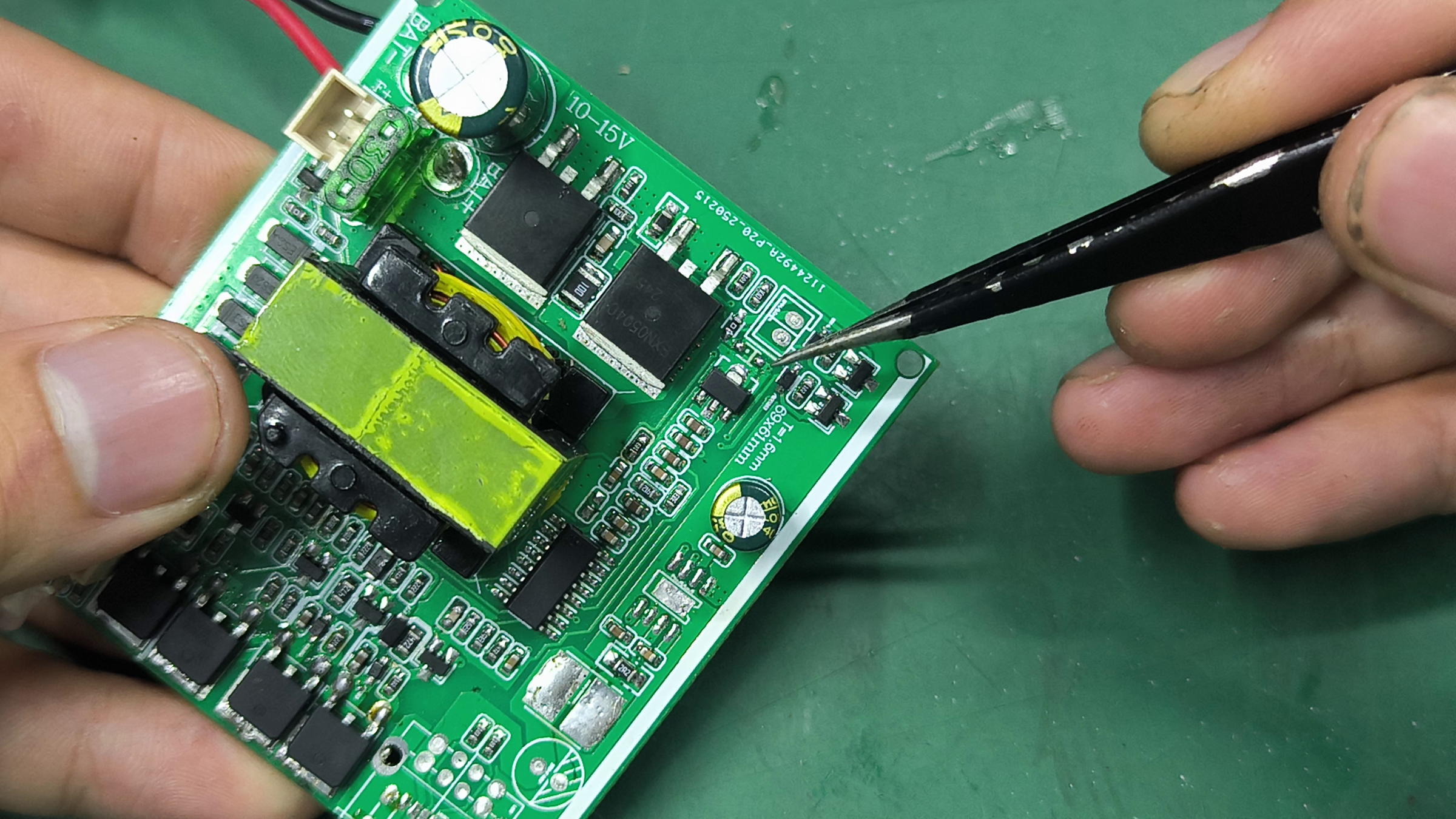
Remove all components for the USB output and remove the jumper resistor close to the power switch connector. This way, shorting the connector basically feeds power into the control circuit and enables the inverter. This pin is used for the microcontroller to enable the inverter board.
Install the Inverter Board
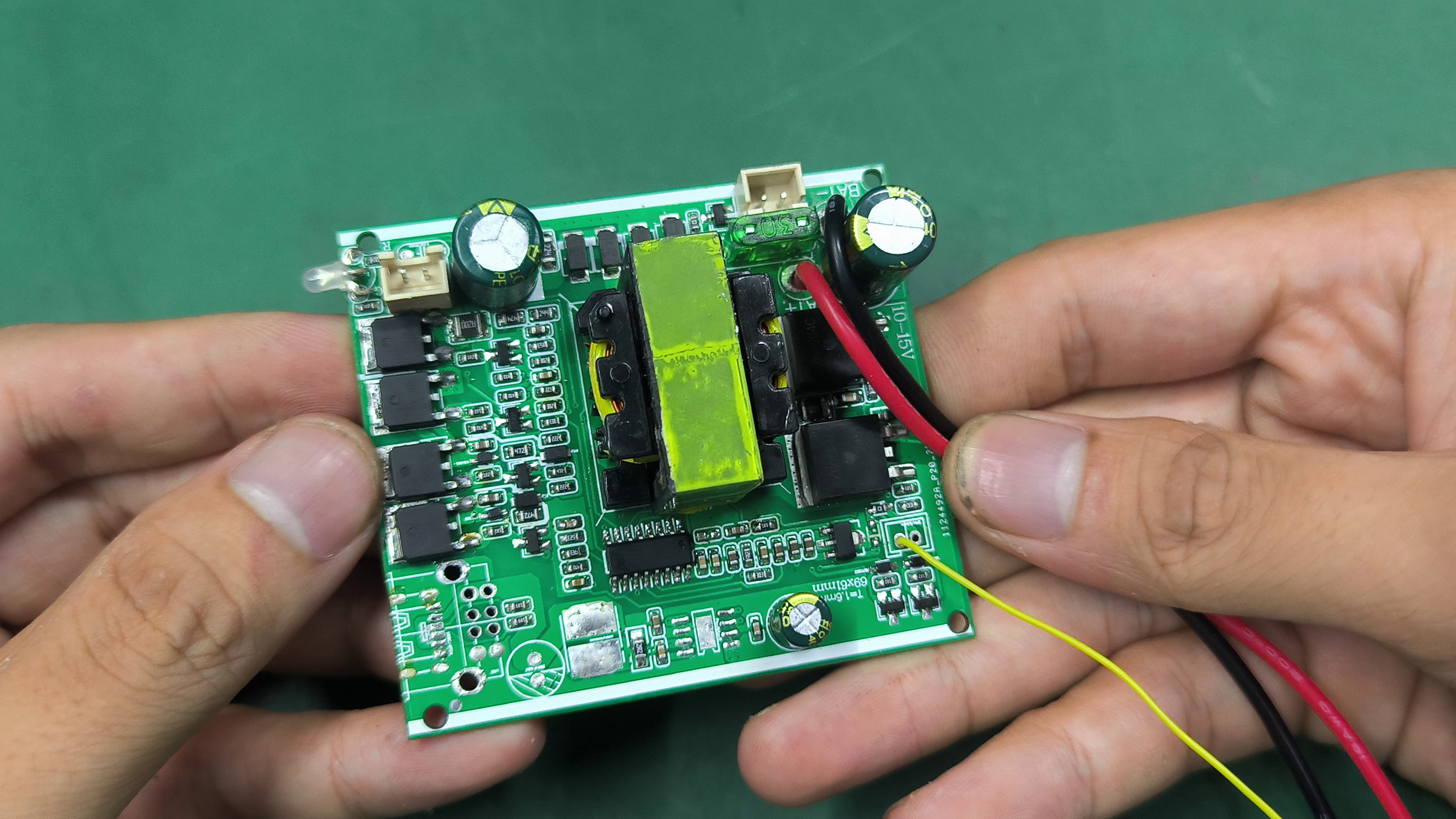
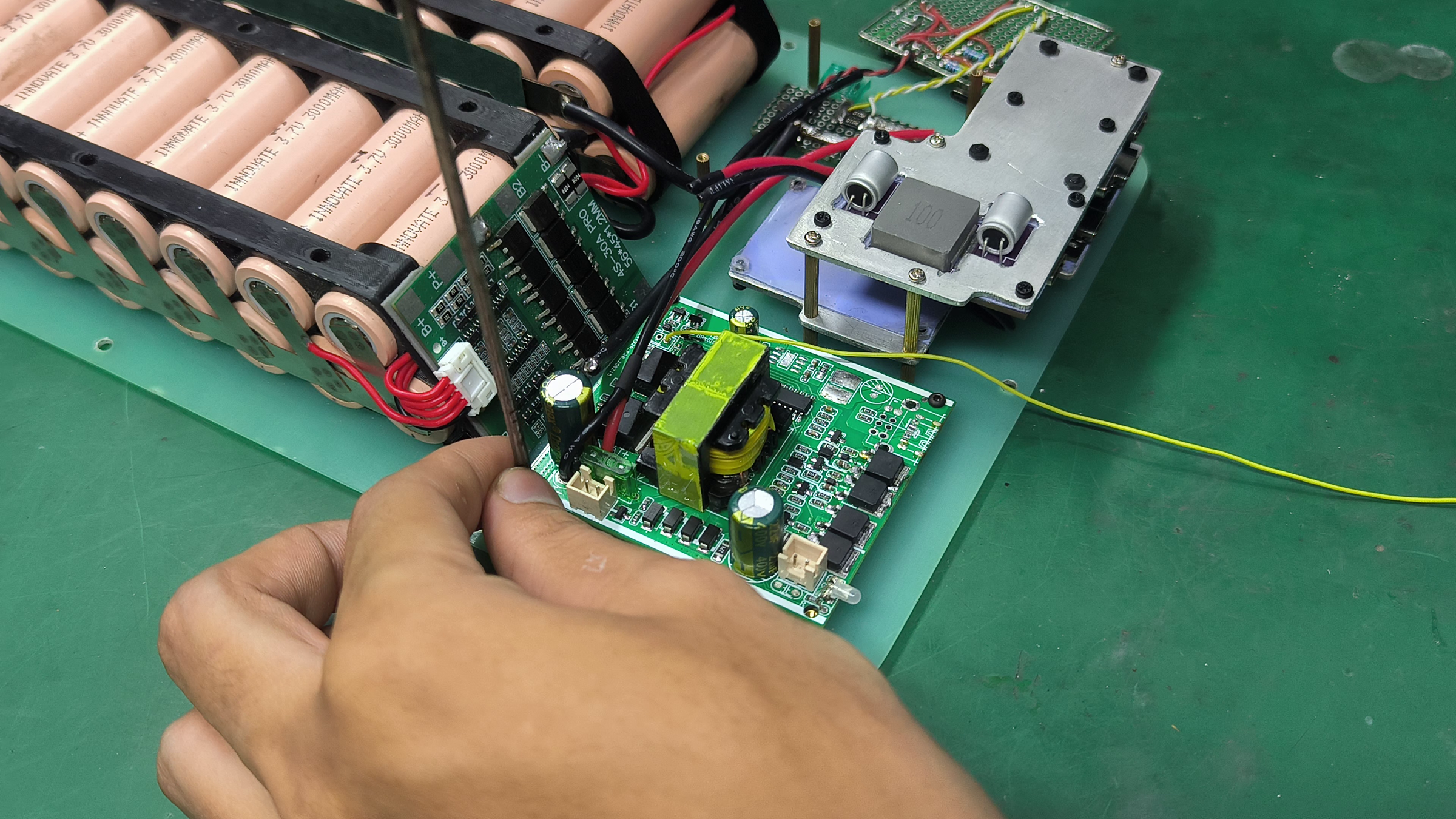
Install the inverter board to the bottom plate, and wire the inverter to the power distribution board and the control board.
Setup the DS18B20 Temperature Sensors
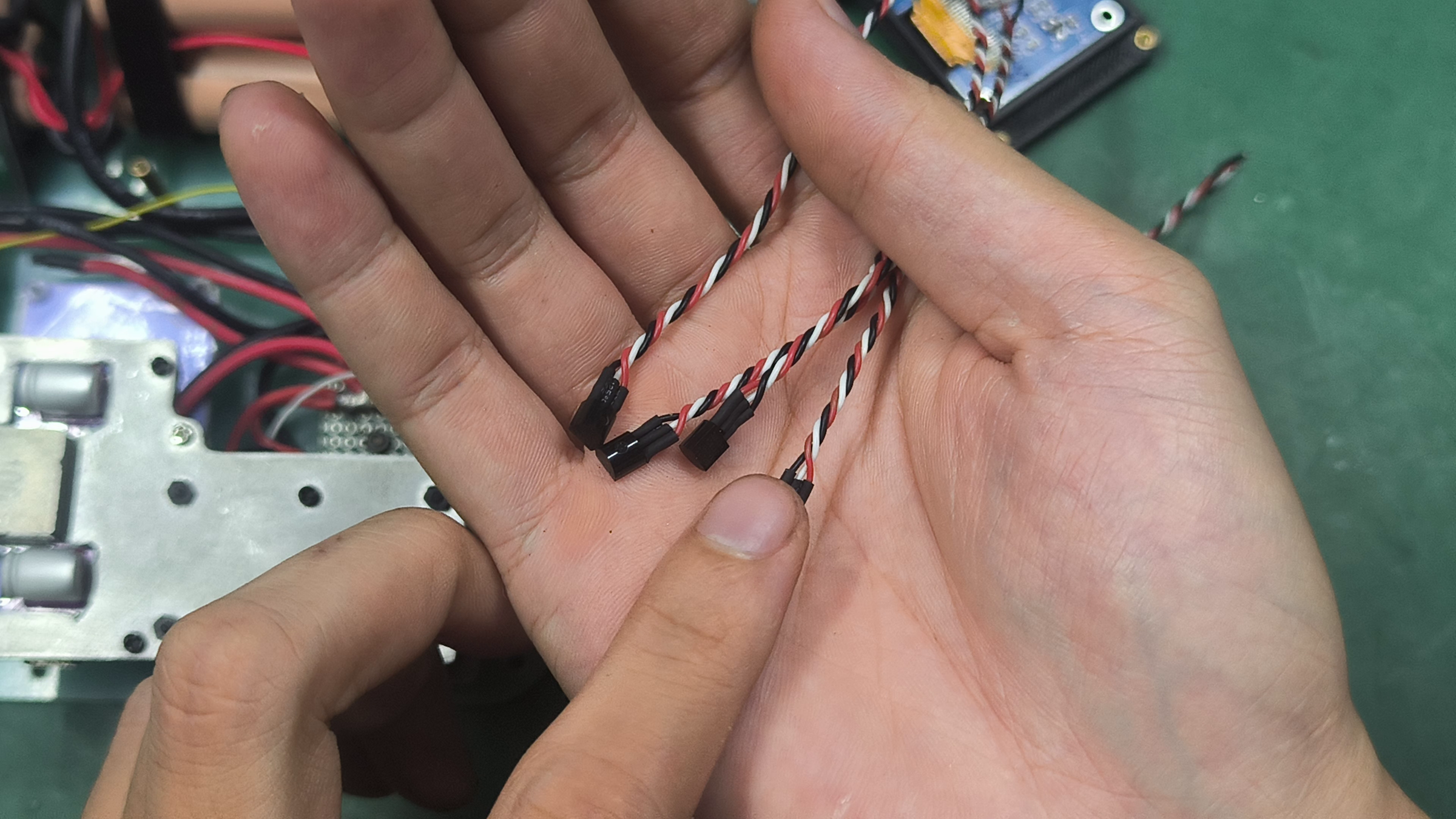
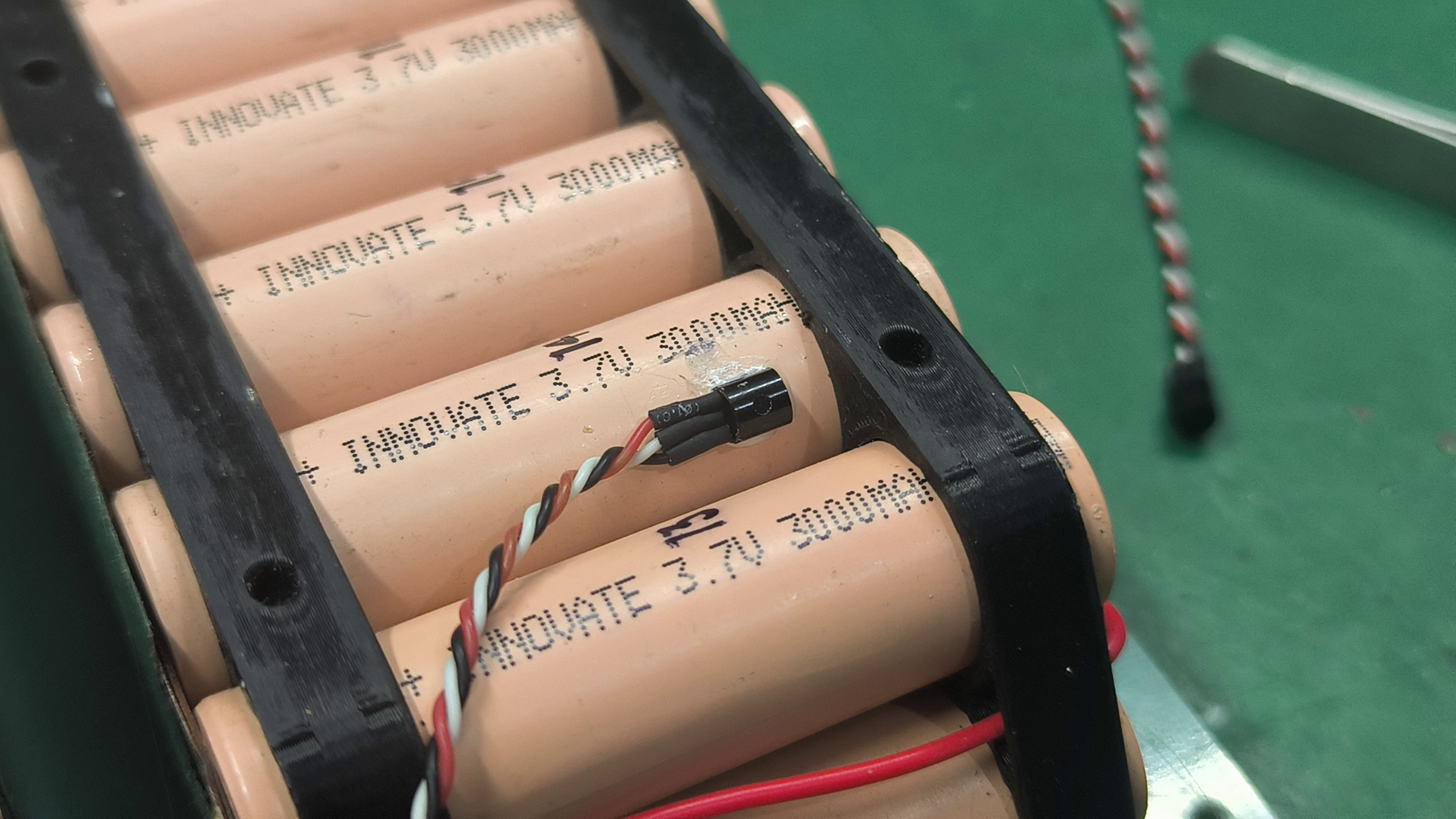
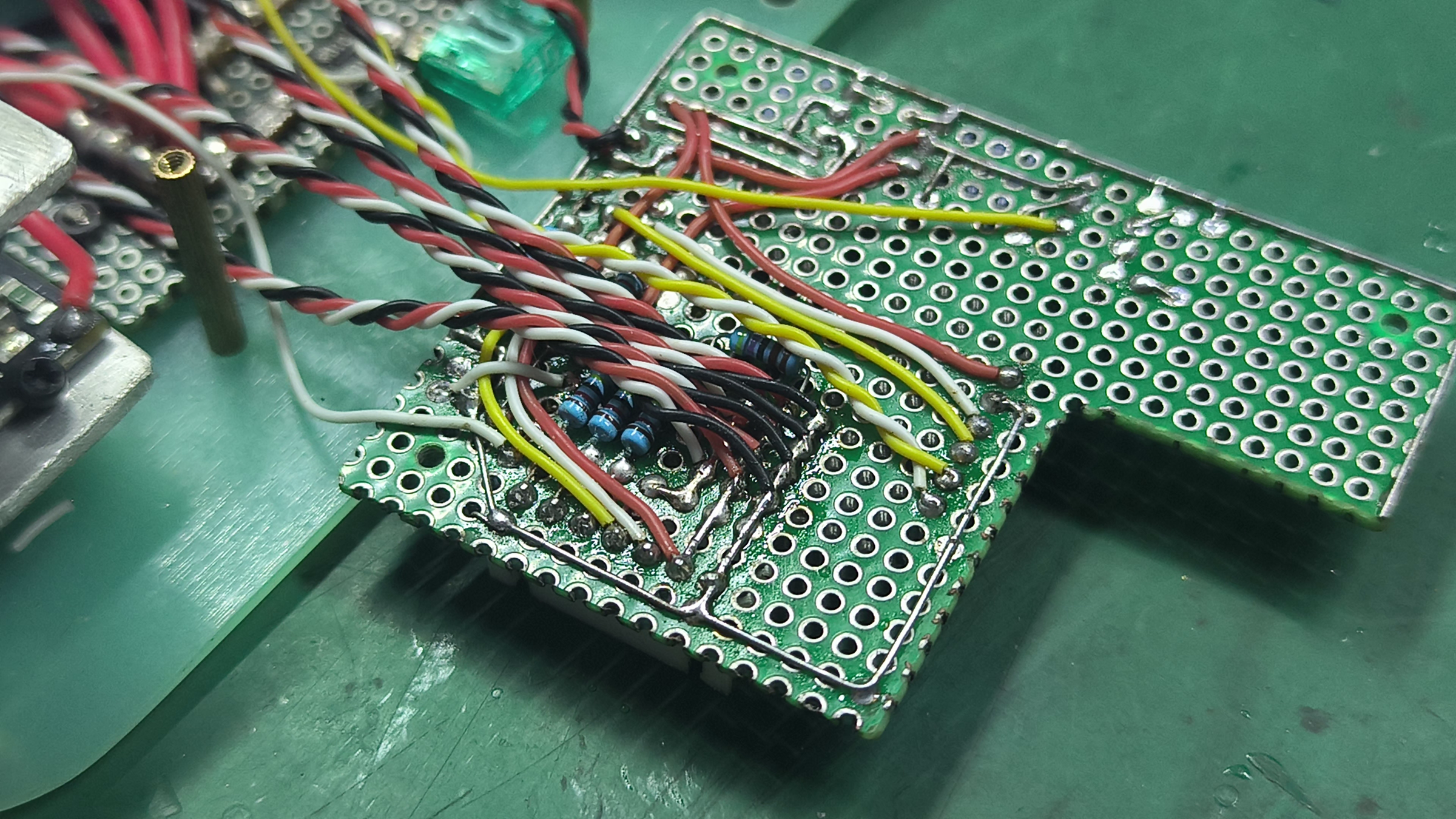
Wire up the DS18B20 temperature sensors and thermal glue them to one of the cell, top heatsink, bottom heatsink, and the inverter module. Wire them together to a single bus and connect the signal line to the pulled-up pin 0 of the ESP32. Adjust the addresses in the code to the actual address of each sensor.
Setup the Cooling Fan

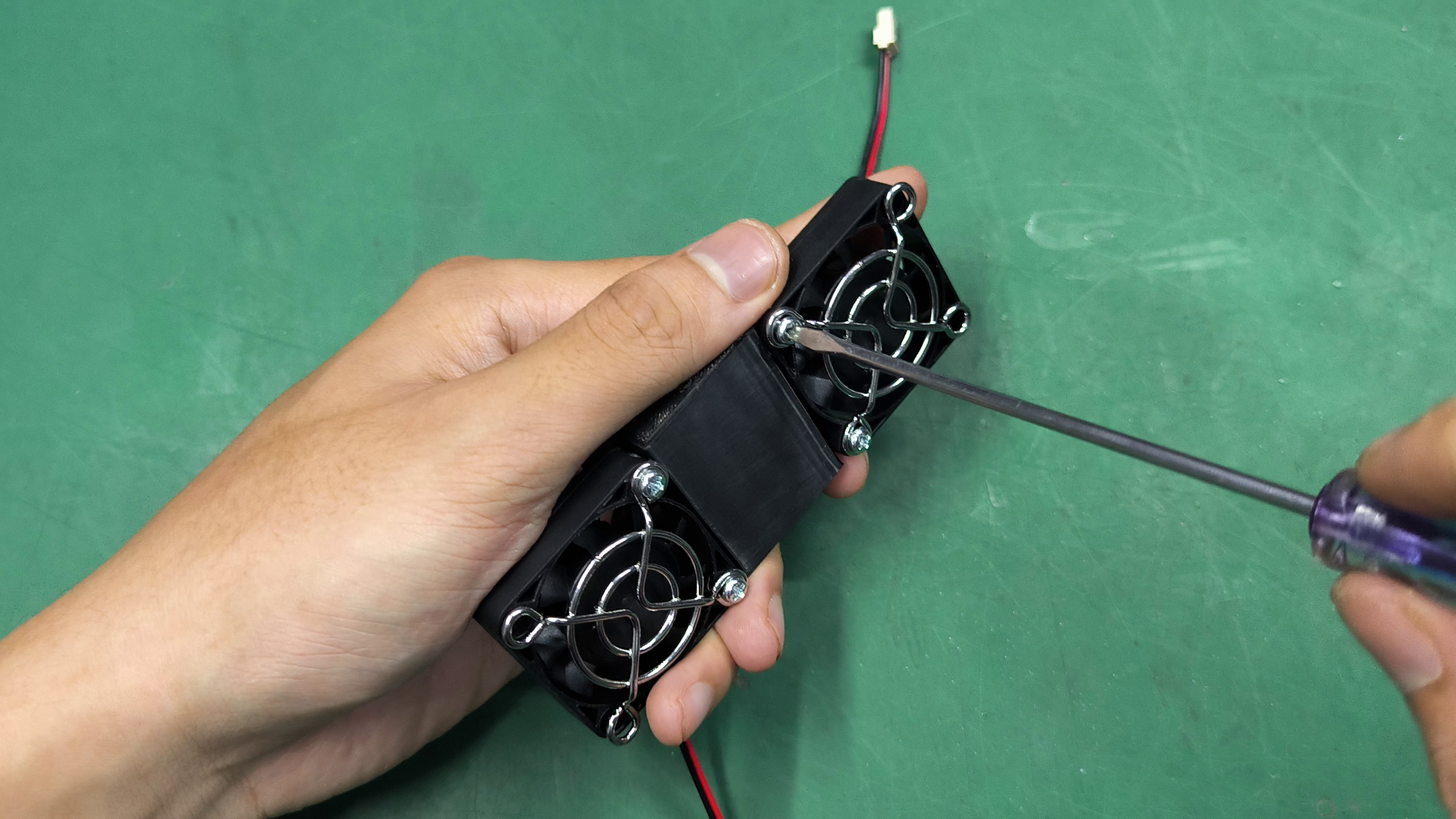
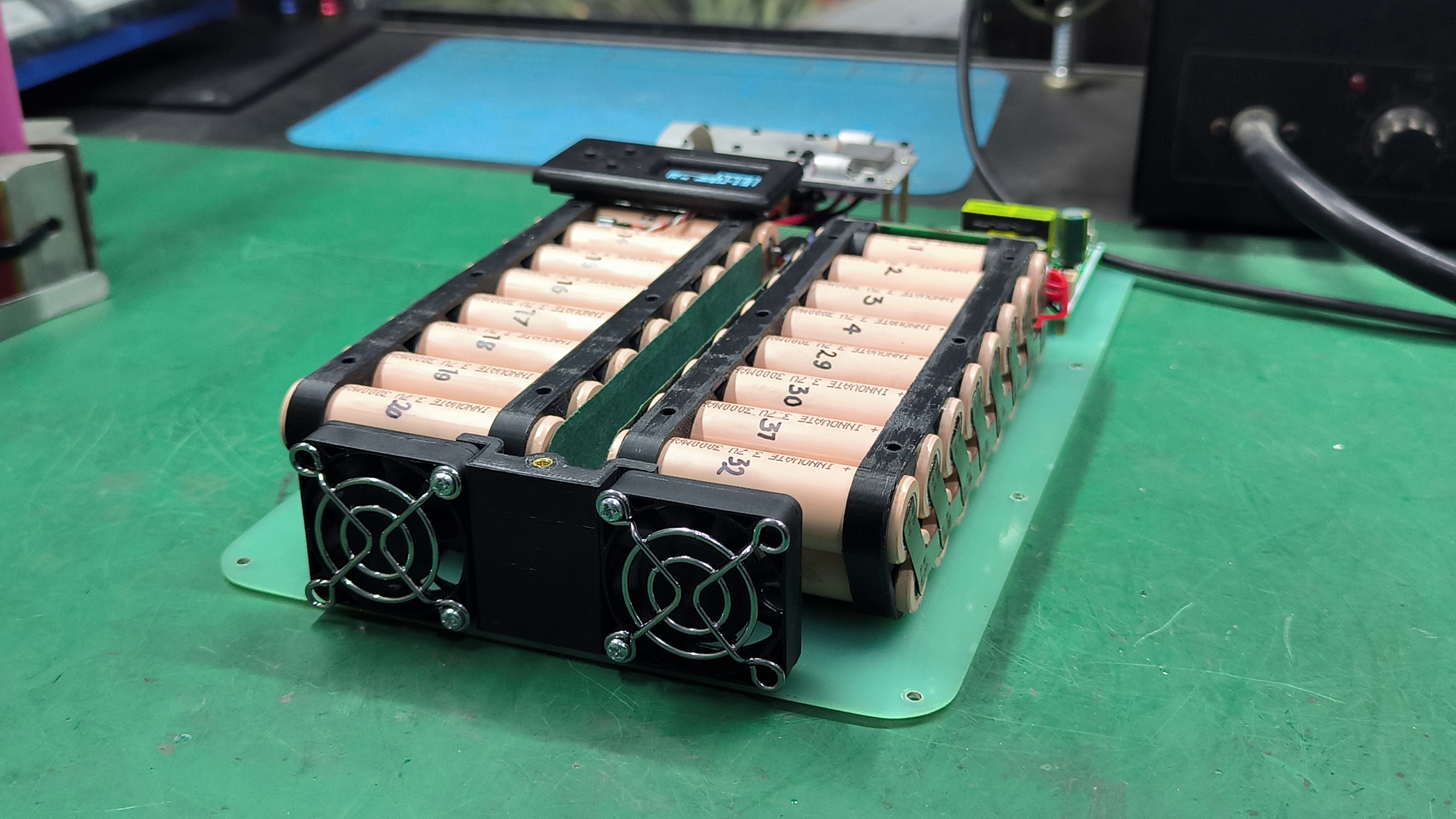
Secure the fans and their grilles to the 3D-printed side piece and wire both fans in parallel. Wire the fans to the control board.
Function Checks and Final Assembly
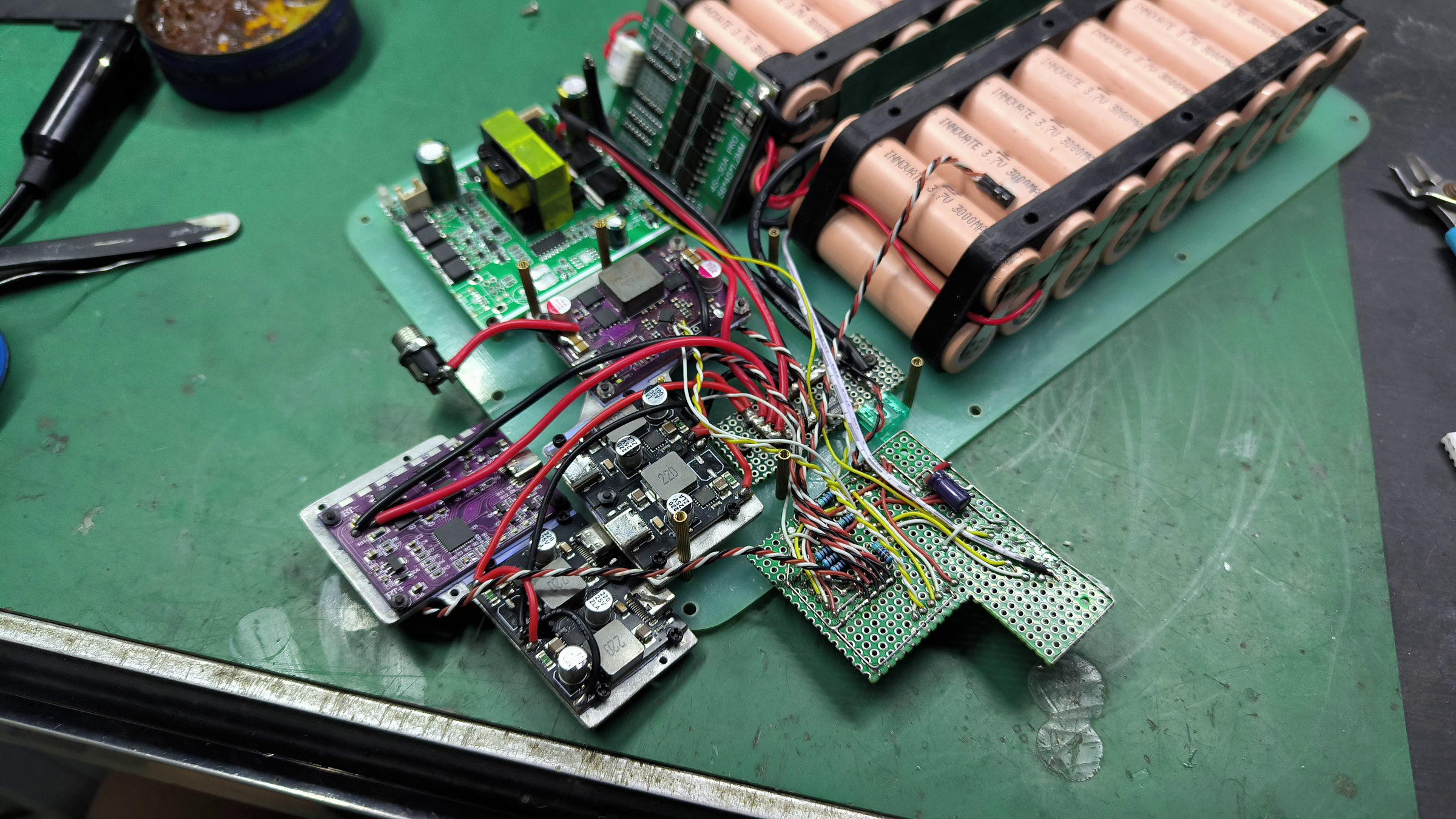
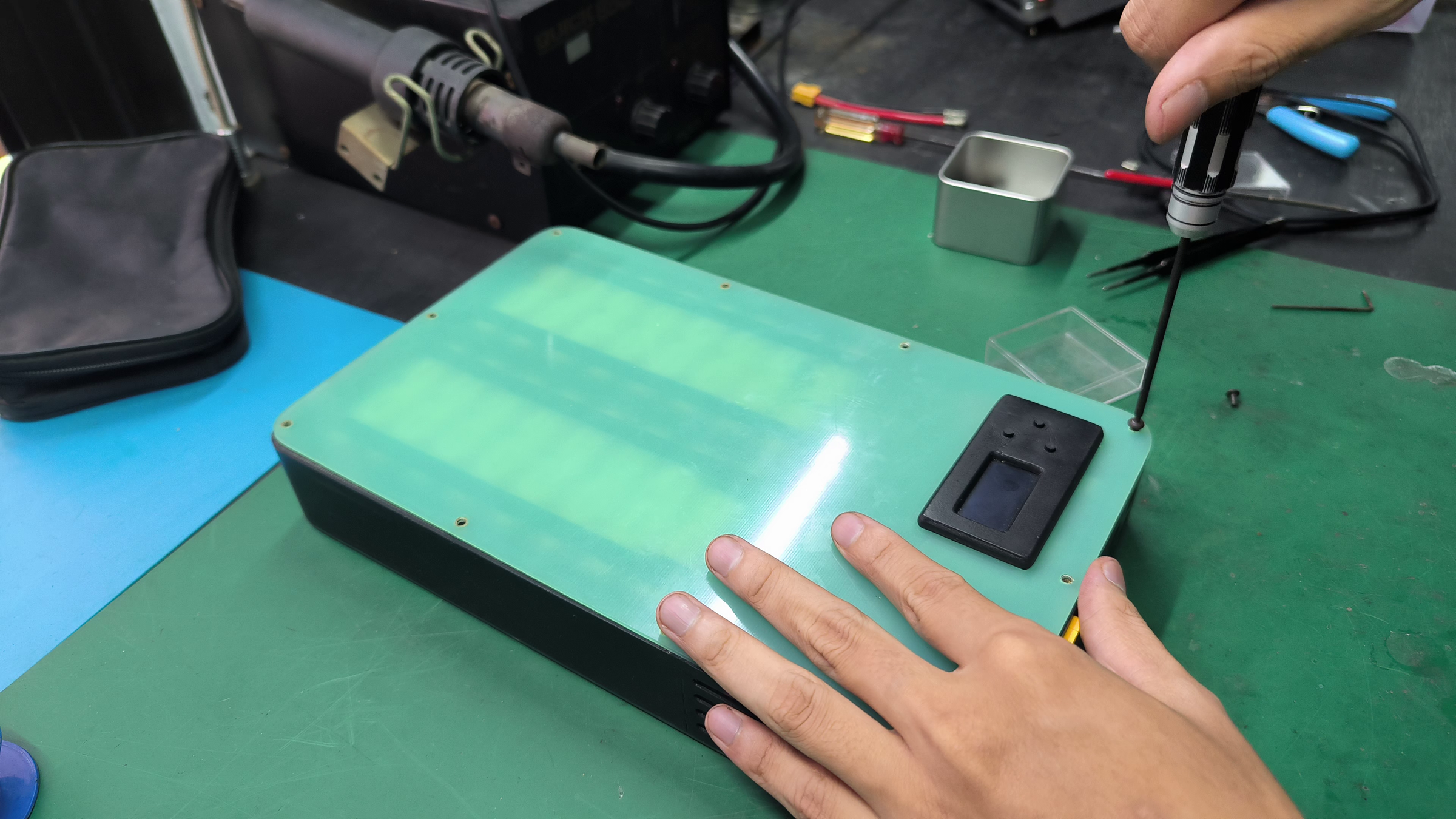
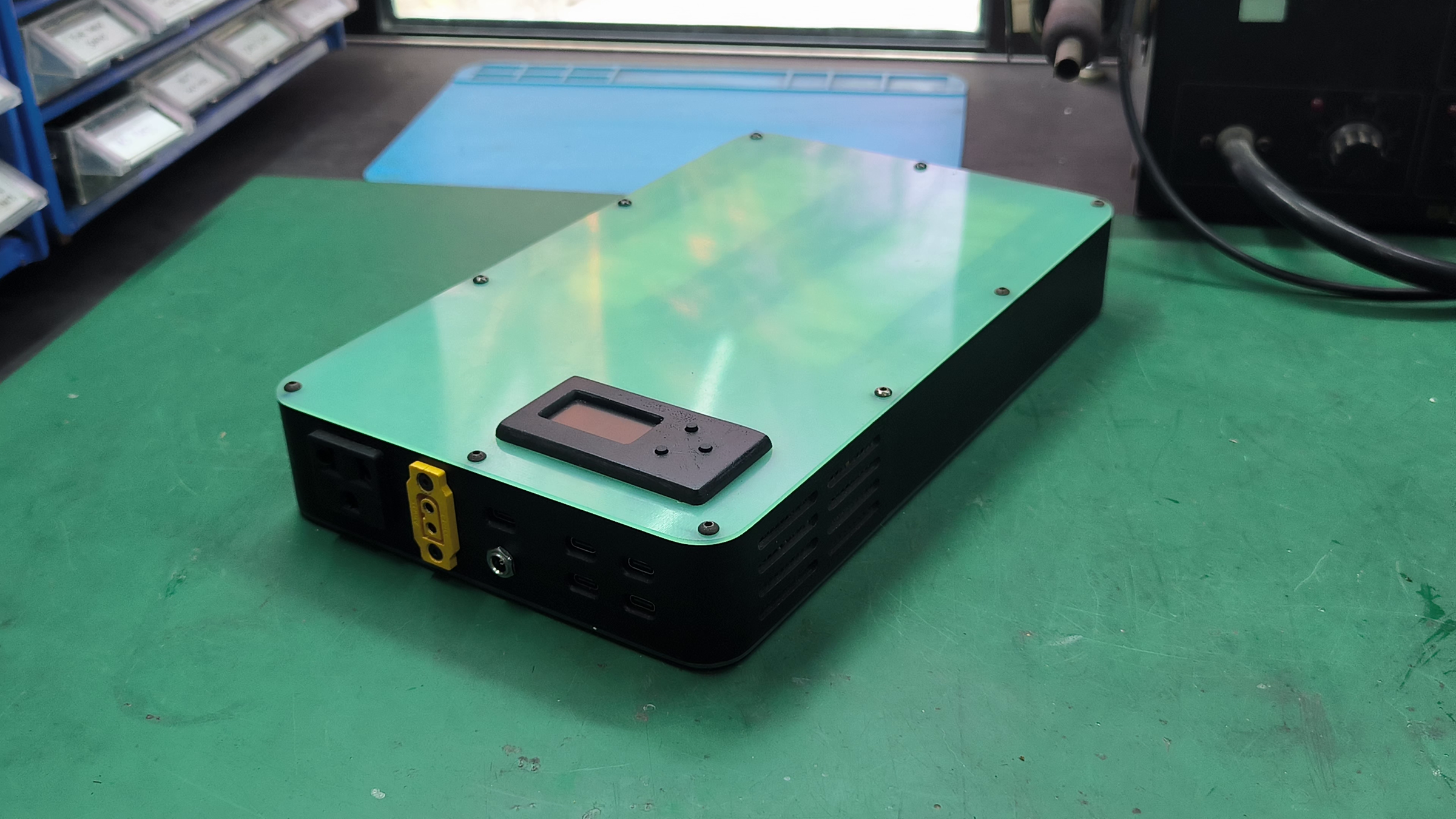
At this point, all of the components and modules wiring are complete. Check all the functions of the power bank and if all functions check, complete the build process by assembling the case together. The Omnibus 4X8 build is finally complete.
Closing
Thank you for following along this project! After 8 years since my last power bank build, I finally get to realise my dream power bank setup that I didn't manage to fulfill back then. But of course, just like last time, I do have a wish for my next power bank. These are some of the key features that I'd like to have in the future:
- Commercial-grade, customised PCB build
- Dual rail, hot-swappable battery pack system based on 21700 cell (2x 92Wh setup)
- 100W bidirectional USB-C
- 100W bidirectional DC
- 36W USB-C outputs
- LED lights
- Optimised passive cooling
- Expansion modules
- Advanced microcontroller control with wireless connectivity
- Informative and interactive user interface
That's all I have for now. I hope I get to work on this ambitious project soon and I'll see you next time!