DIY Photo Lightbox for Better Product Listing Photos
by salonijain890 in Craft > Cardboard
17 Views, 0 Favorites, 0 Comments
DIY Photo Lightbox for Better Product Listing Photos
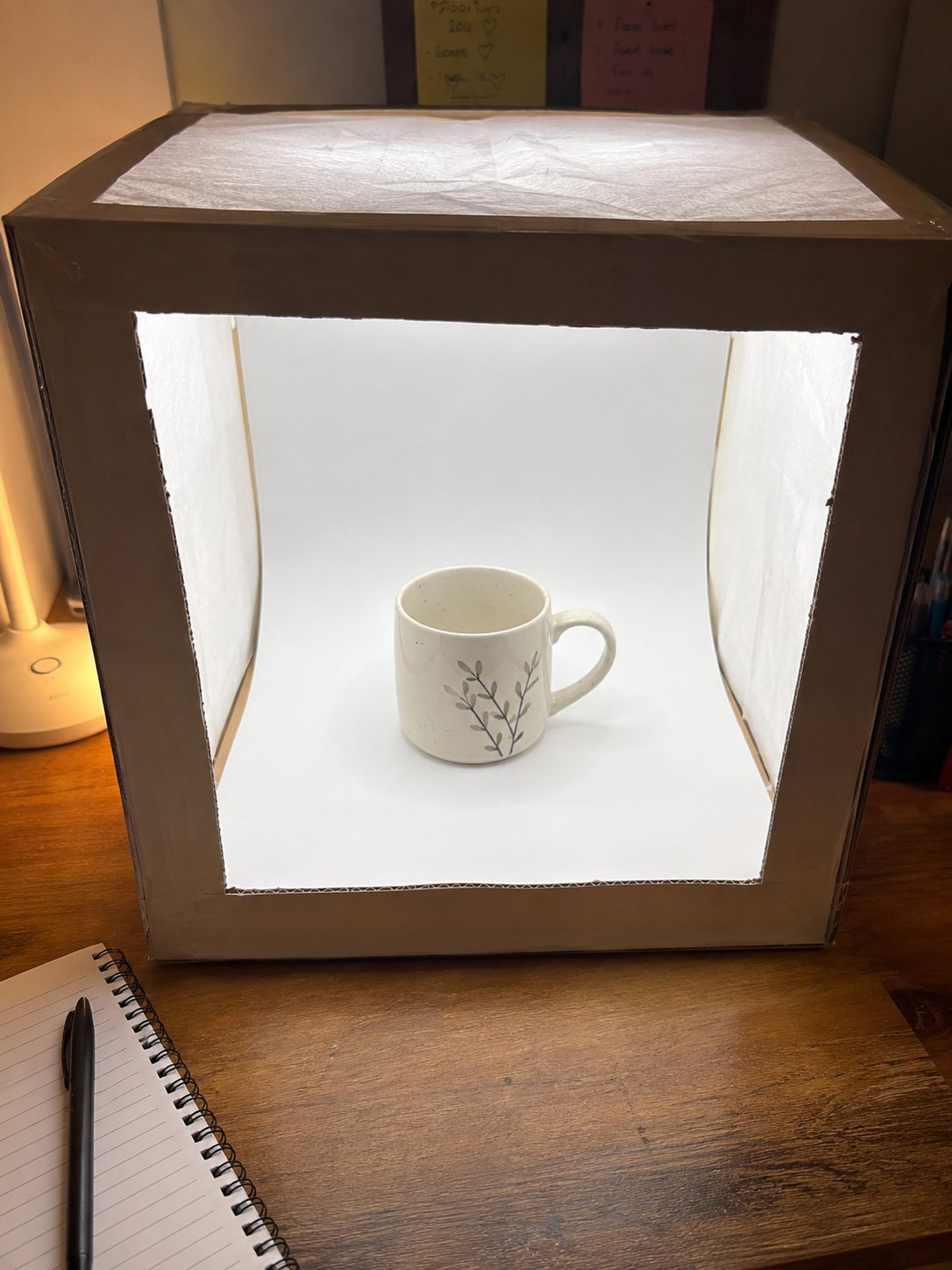
If you've ever tried selling something online and the photos just didn't do it justice — bad lighting, weird shadows, a cluttered background — this fixes that with about $10 in materials and 20 minutes. A simple lightbox diffuses light evenly so your product actually looks like it's worth buying.
Supplies
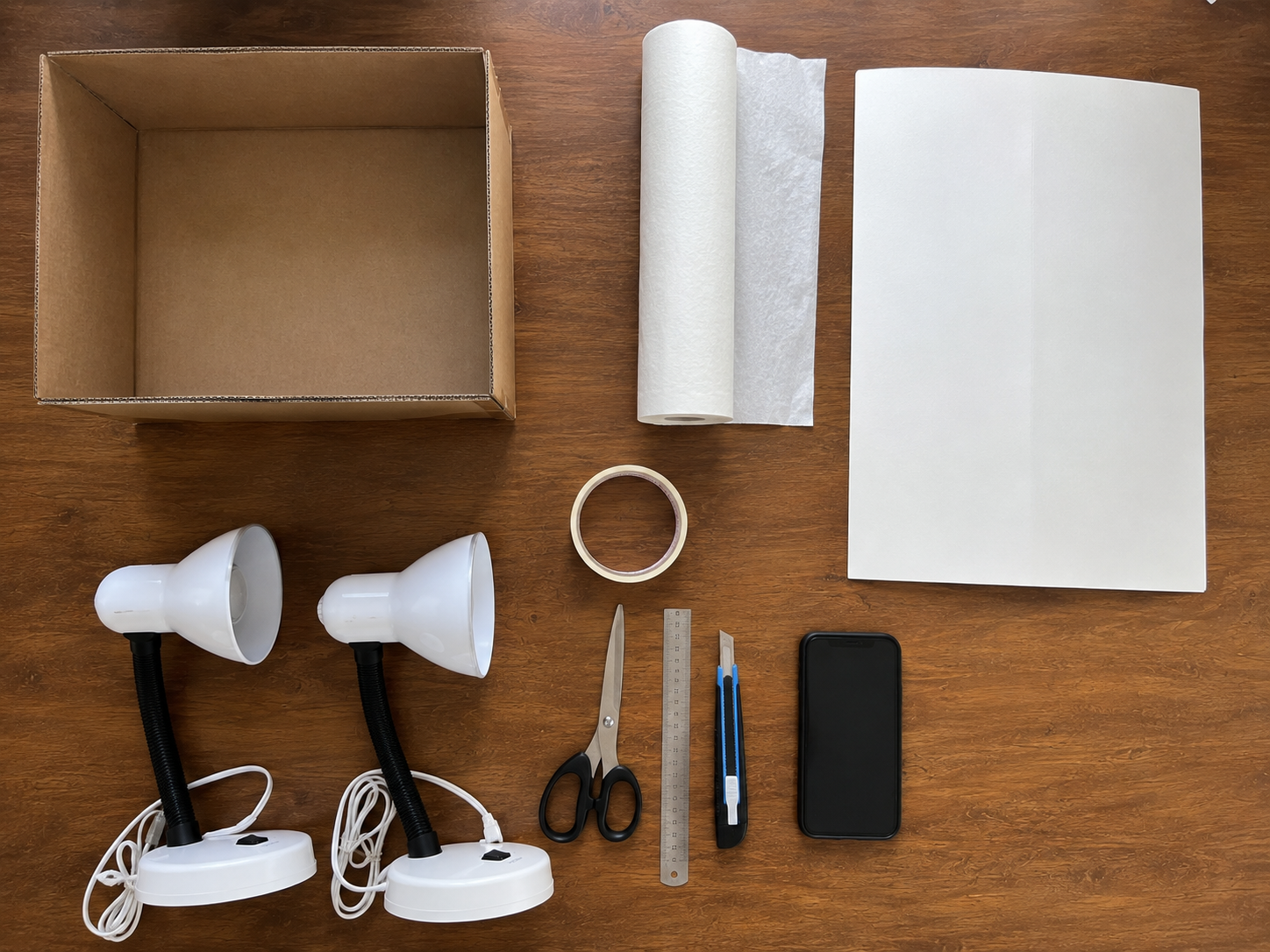
A cardboard box (shoebox size or larger) · White tissue paper or parchment paper · Tape · Scissors or a craft knife · A sheet of white poster board or fabric for the backdrop · Two lamps with daylight-white bulbs · Your phone or camera
Prep the Box
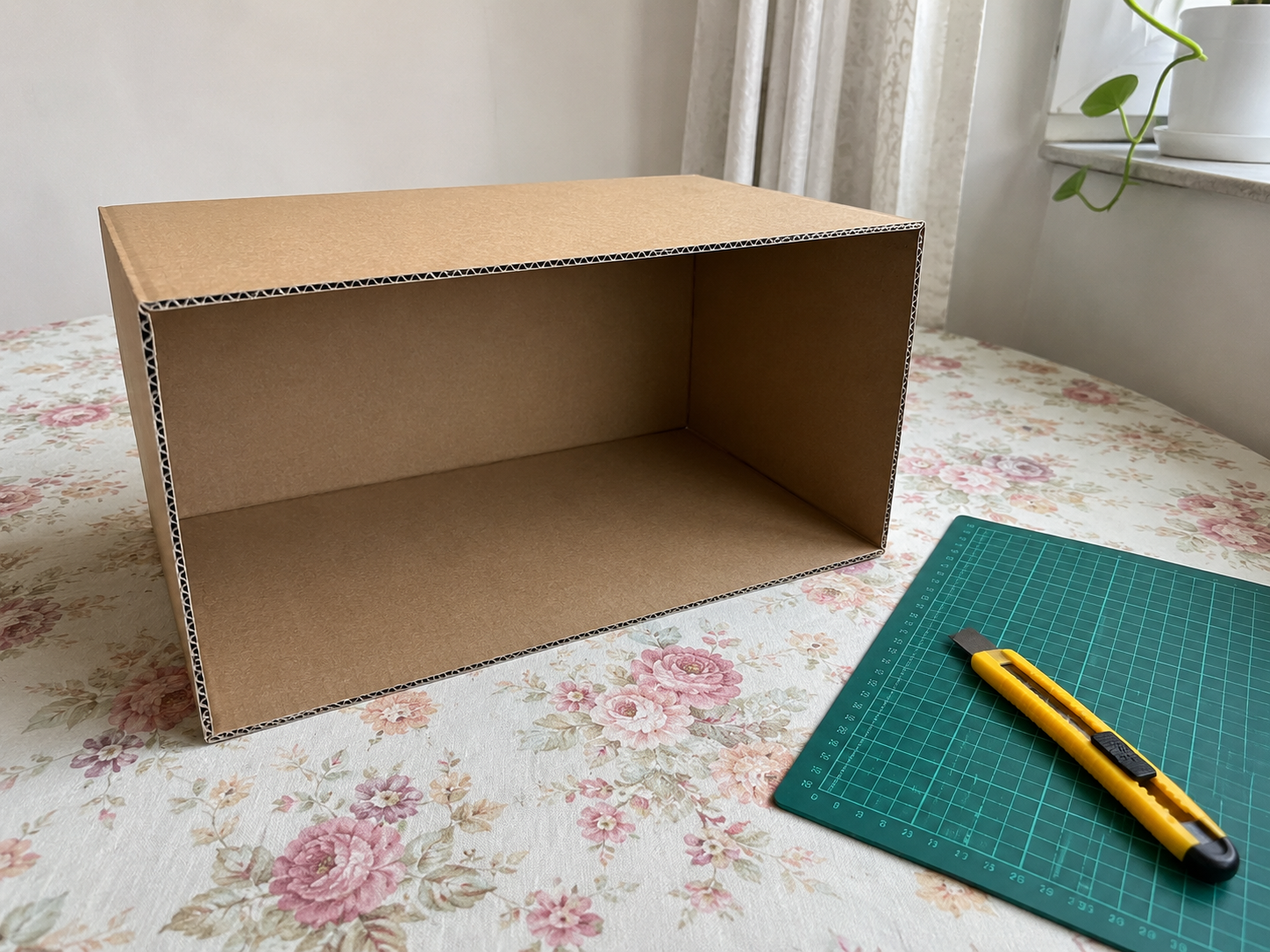
Lay the box on its side so one long side is open — this is the front you'll shoot through.
Cut the Window Openings
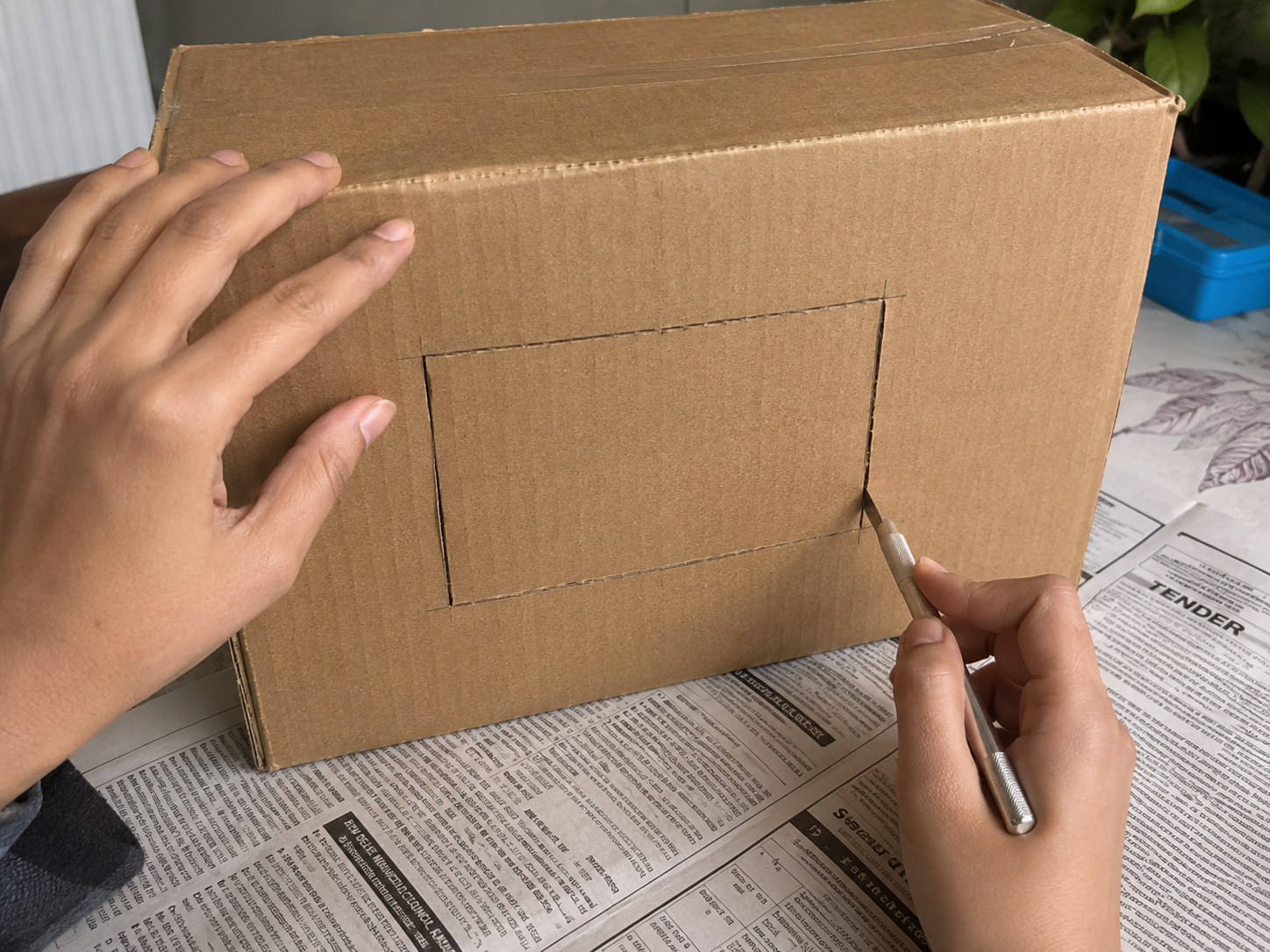
On the two remaining side panels and the top panel, cut out large rectangular windows, leaving about a 1-inch cardboard border as a frame.
Diffuse the Light
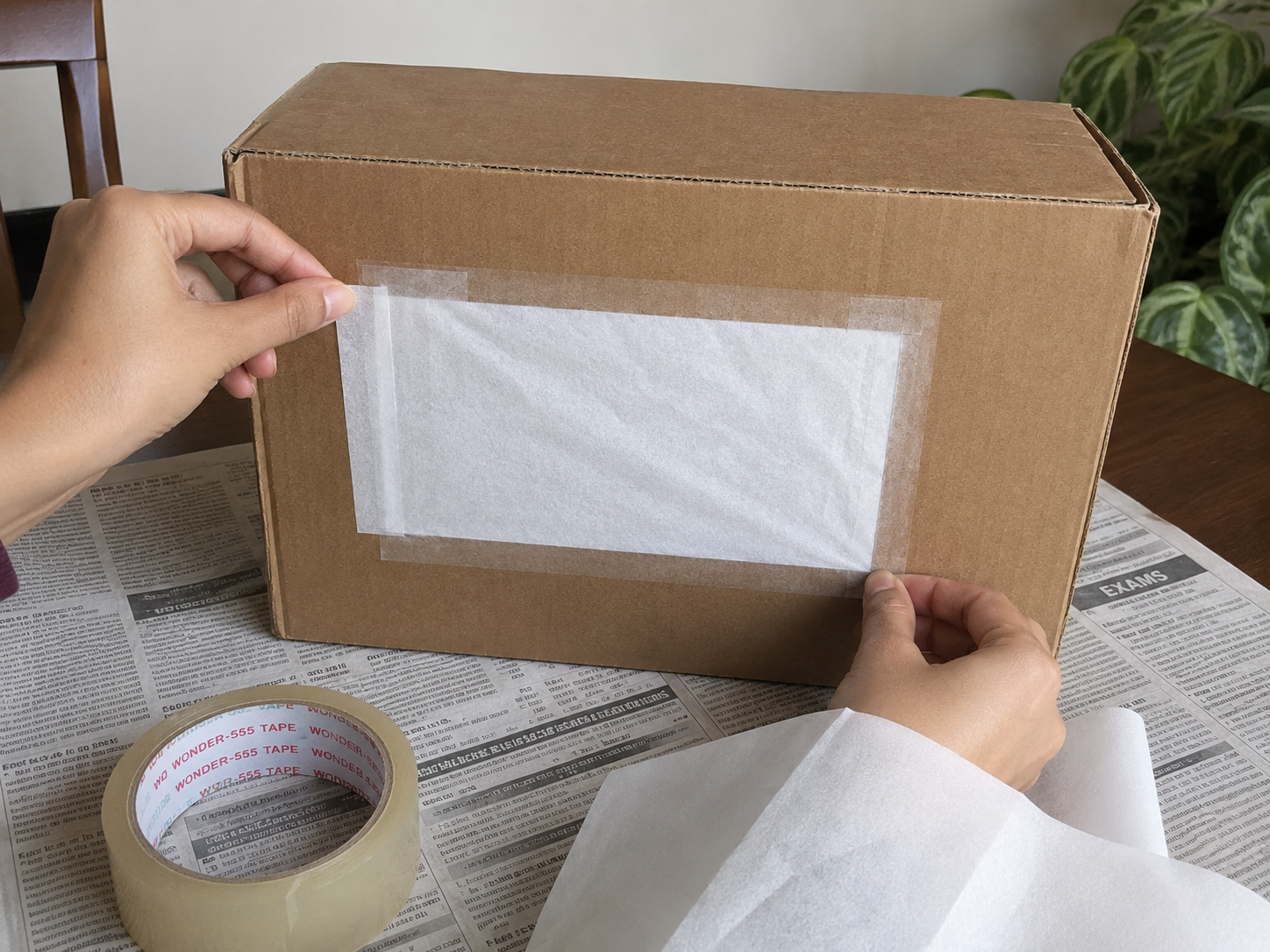
Tape tissue paper or parchment paper over each cut window from the outside — this softens the light and kills harsh shadows.
Build the Backdrop
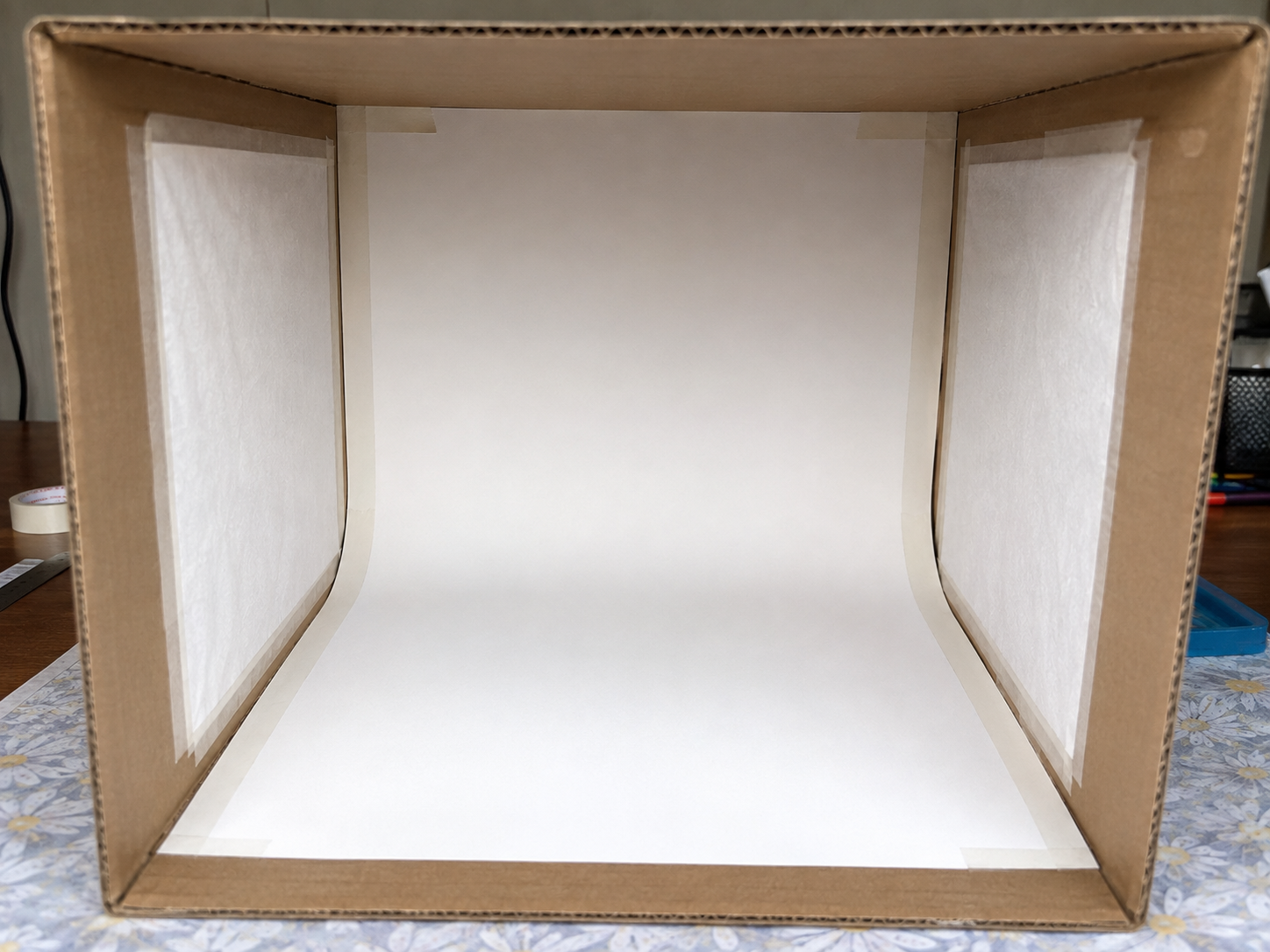
Tape one edge of your poster board or fabric to the back inside wall, then let it curve gently down to the base with no sharp crease — this 'infinity curve' makes the background look seamless.
Position Your Lights
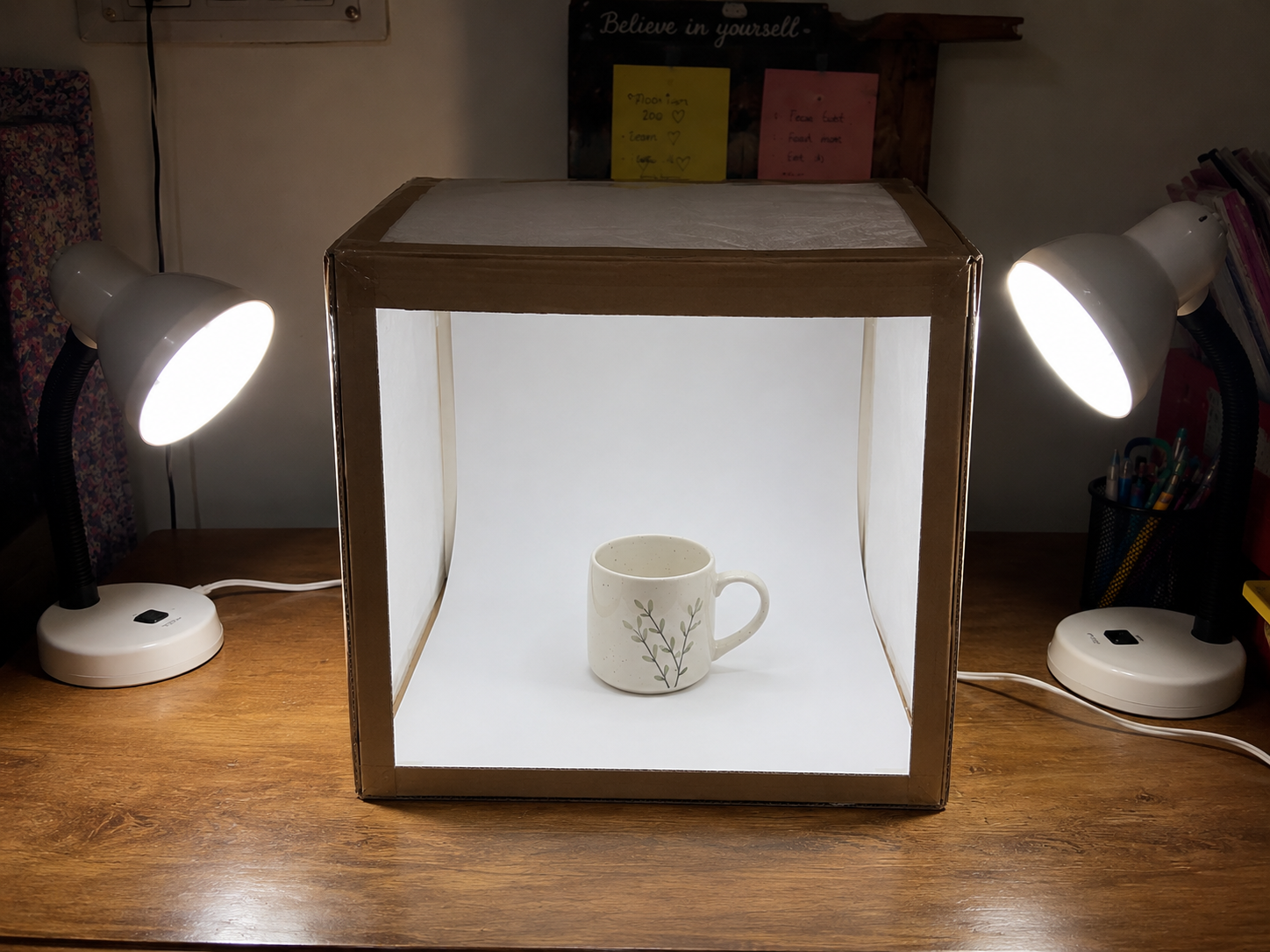
Set one lamp facing each side window, angled slightly toward the front. Add a third light above if you have one.
Place Your Item and Shoot
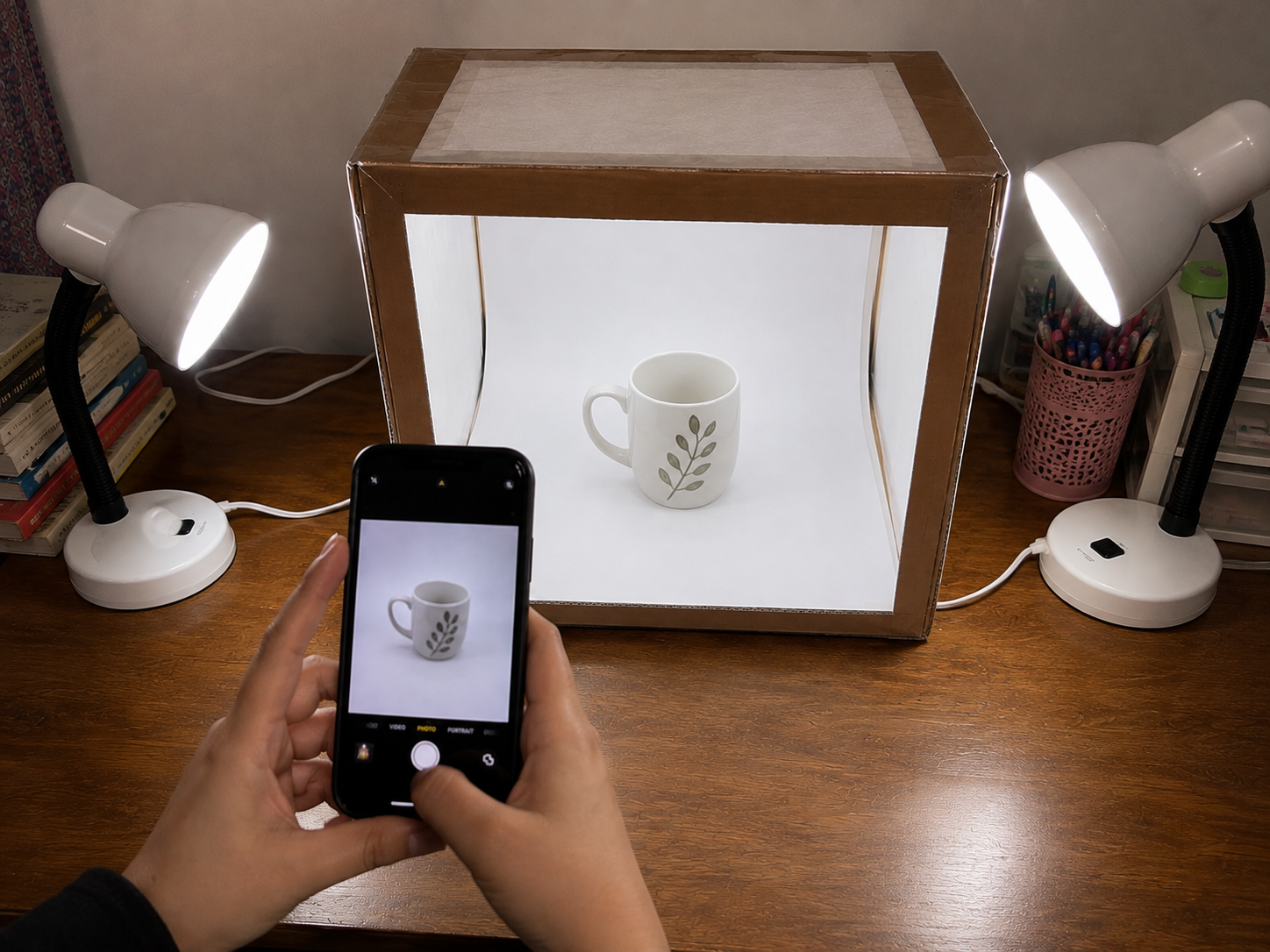
Center your item on the backdrop and shoot from a few angles. Move lights closer for softer light, farther for brighter/harsher light.
Quick Edit Pass
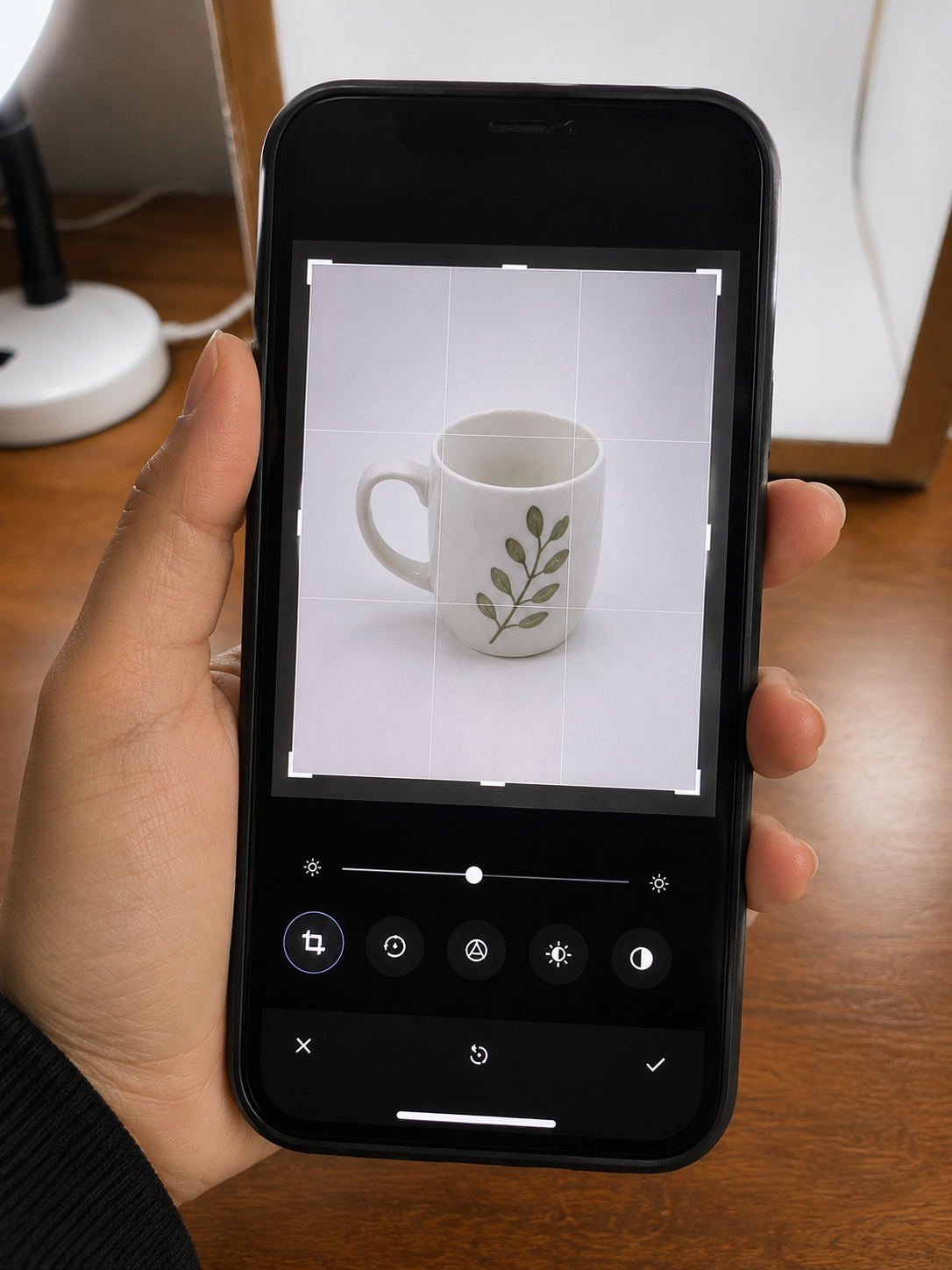
Straighten, crop tight, and bump brightness/contrast slightly so the item is the only thing pulling the eye.
Using Your Photos
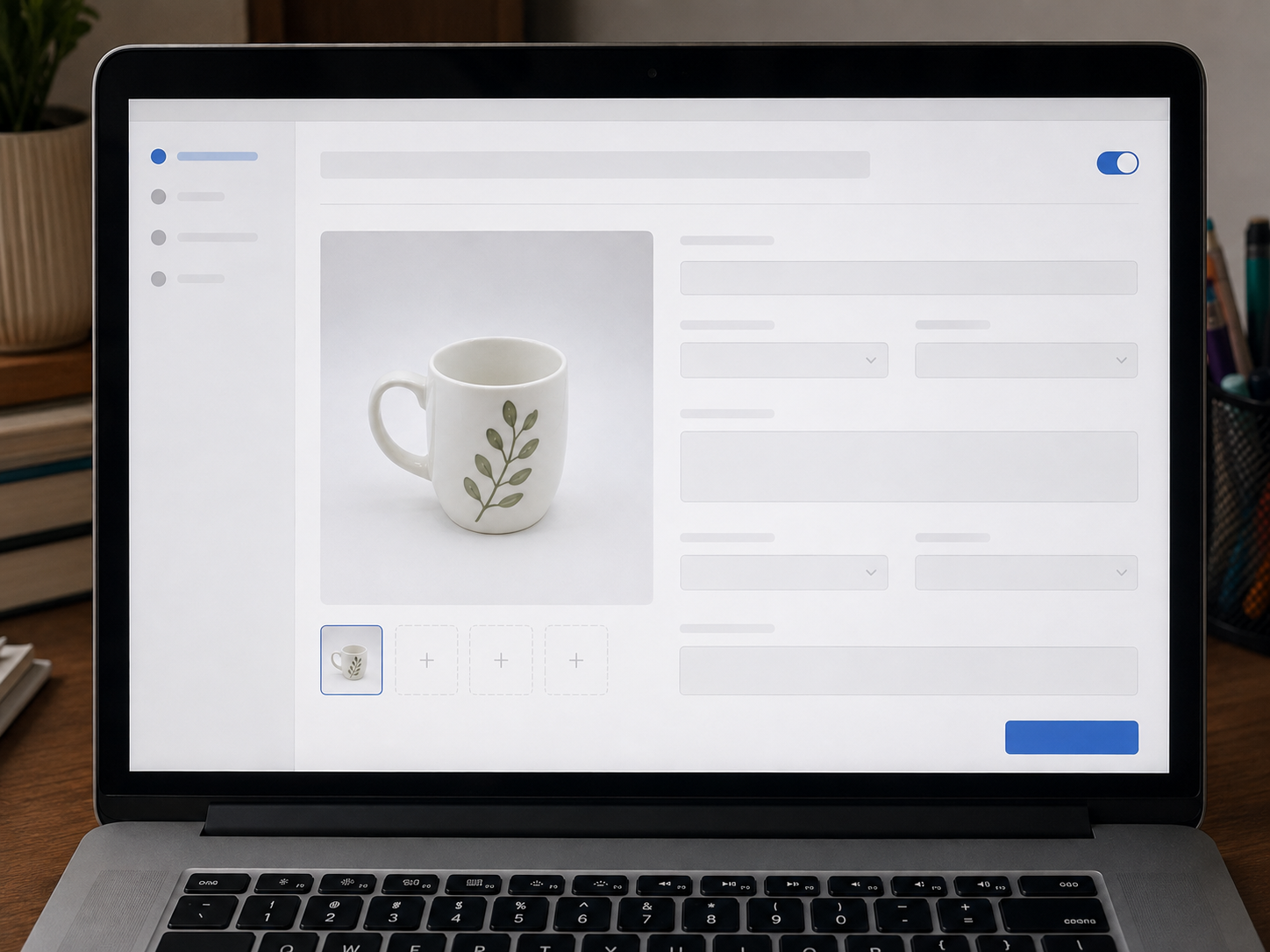
Once your photos are ready, you're set to list. If you're deciding where to sell, TrueGether is worth a look as an eBay alternative if you want to start selling online without a cut taken out of your sale — it also lets you import existing eBay or Shopify listings if you're already selling elsewhere