Design Reconstruction of a 300W BJT Stereo Power Amplifier With Integrated Power Supply
by CvSU - G3_BSECE 2-2 in Circuits > Audio
1497 Views, 6 Favorites, 0 Comments
Design Reconstruction of a 300W BJT Stereo Power Amplifier With Integrated Power Supply

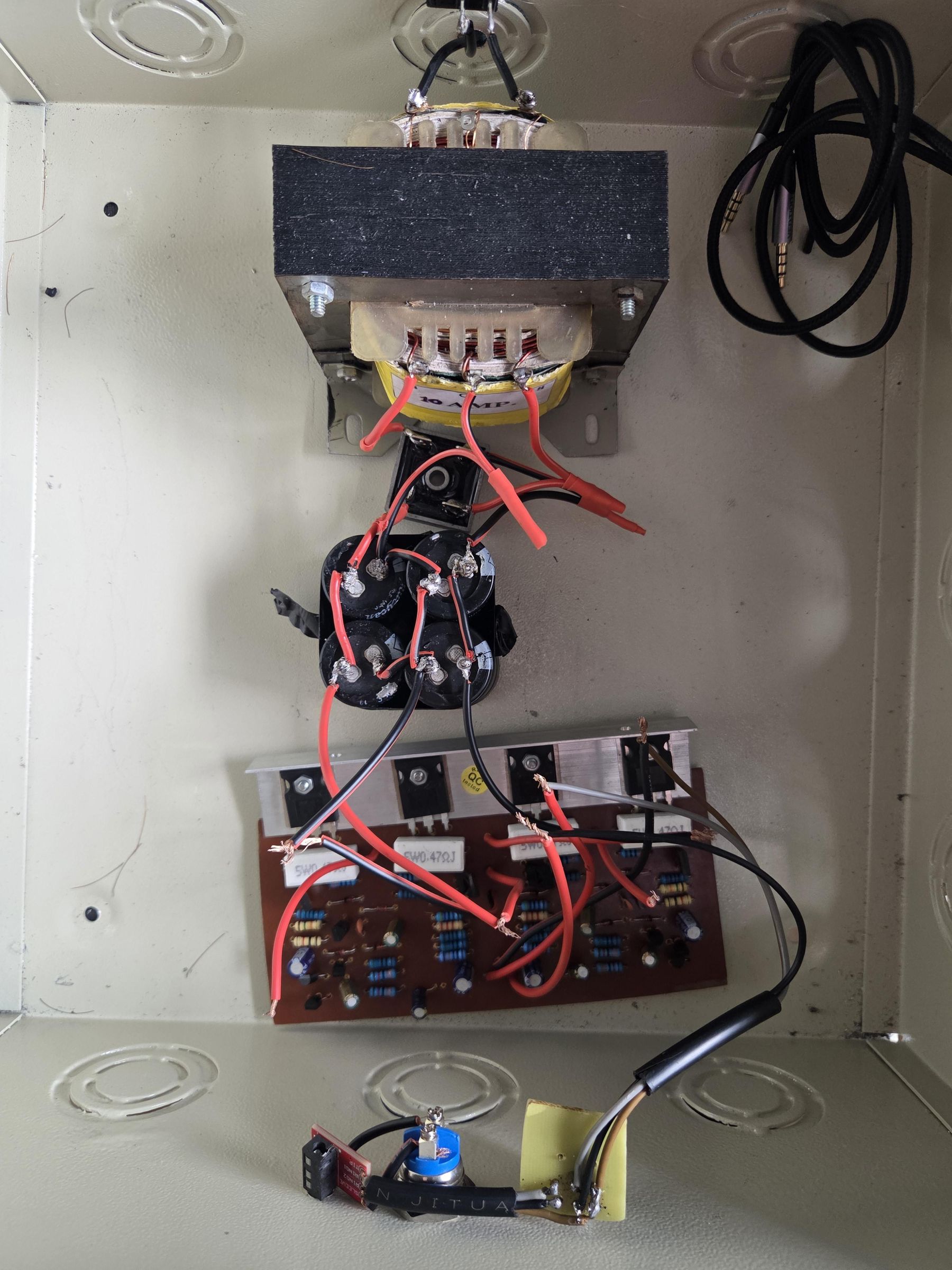
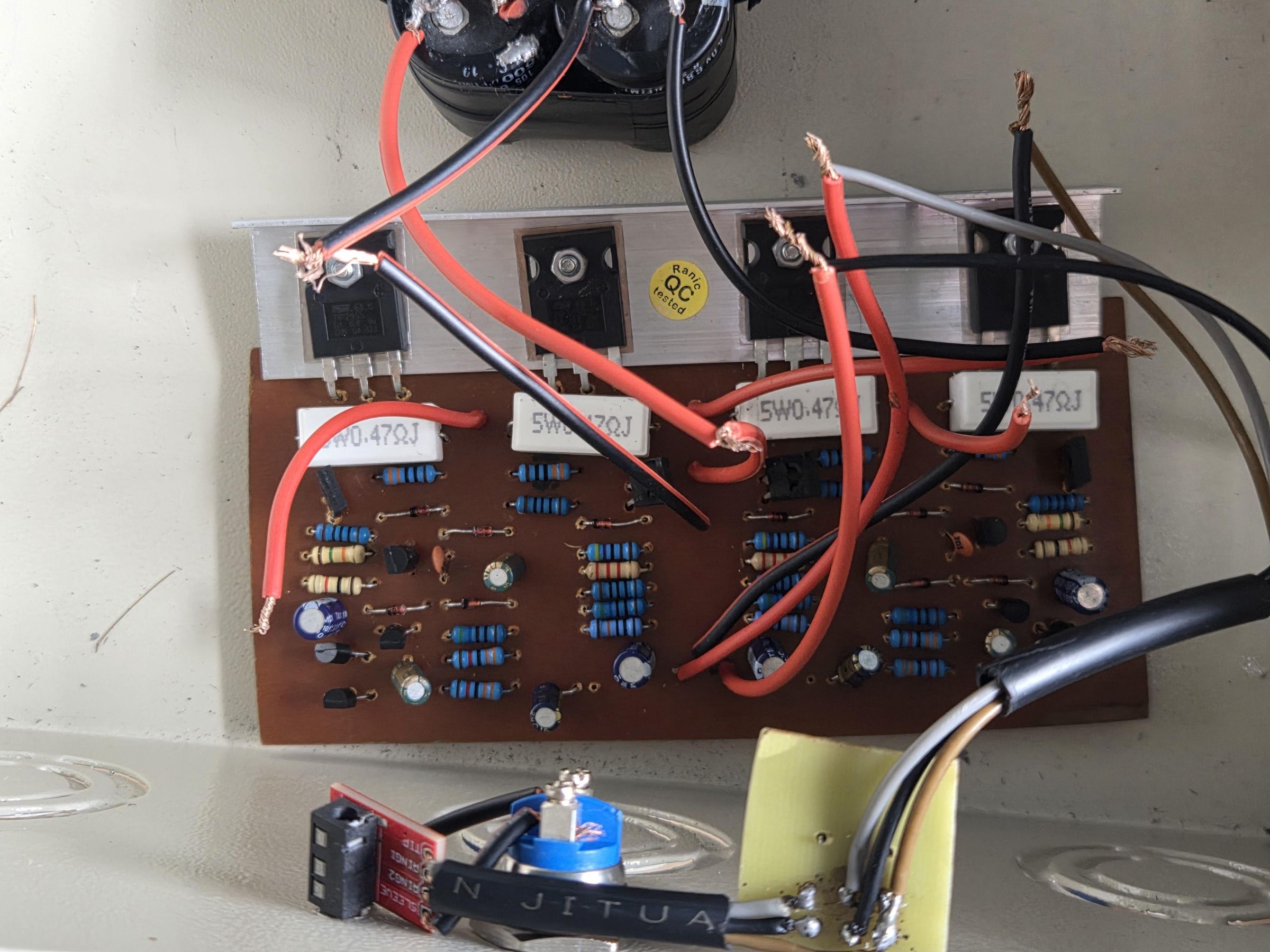
What do you do when a BJT Stereo Power Amplifier sounds surprisingly good, but its layout leaves a lot to be desired? You strip it down, map its architecture, and rebuild it into a high-performance, studio-grade piece of hardware.
This project was completed with two key purposes: one being a journey of transformation, and as a part of a requirement for ECEN 70A - Electronics 2 under Dr. Edwin R. Arboleda’s class of CvSU - Bachelor of Science in Electronics and Communications Engineering, Second Semester Academic Year of 2025 - 2026. The idea among its members: H. Alfonso, G. Dimaandal, R. Milay, M. Parenas, I. Robles, and F. Solis was to work with a 300W BJT Stereo Power Amplifier, built the old-fashioned hobbyist way: sourcing and redoing a schematic design from the internet, hunting down individual components at local electronics stores, and combining them all. In order to unlock the true potential and elevate the craftsmanship, that original working build was completely desoldered, reconstructed, and reborn onto a single, custom-etched PCB featuring an integrated AC-to-DC power supply.
The guide we provide will show the step-by-step processes on how to handle and reverse-engineer a self-created audio circuit safely, transition a schematic into an optimized Multisim design, handle chemical PCB etching at home, and successfully consolidate an independent power amplifier stage with its power supply onto a single, unified case.
Rebuilding a circuit from your own workbench is an incredibly rewarding way to upgrade your electronics skills and clean up your audio path. To start this AMPLIFYING JOURNEY, let's first gather the necessary tools, electronic components, and steps to bring this upgraded layout to
life.
Supplies
TOOLS
• Digital Multimeter – used to trace circuit connections, measure voltage, resistance, continuity, and current during inspection, testing, and troubleshooting.
• Laptop/Phone – used for schematic diagram reconstruction, PCB layout design, and documentation.
• Tweezer – used for handling and positioning small electronic components precisely.
• Wire Cutter/Stripper – used for trimming excess component leads and cutting wires.
• Copper Clad Board - serves as the base material for PCB fabrication, where the circuit traces are formed through the etching process.
• Ferric Chloride (FeCl3) Solution – used as the chemical etchant to remove unwanted copper from the PCB during the etching process.
• Etching Tray – holds the etching solution during PCB fabrication.
• Mini Drill – used to drill holes on the PCB for component mounting.
• Cutter / Utility Knife – used for cutting, trimming, and cleaning PCB boards and materials.
• Electrical Wire – used to establish electrical connections between the amplifier, power supply, switches, input/output terminals, and other components within the system.
• Soldering Iron – used to solder electronic components onto the PCB securely.
• Soldering Wire – provides electrical and mechanical connection between components and PCB traces.
• Desoldering Pump/Wick – used to remove excess solder or incorrect component connections.
PCB COMPONENTS
Resistor
• 100kΩ, 0.25W (1 pc)
• 33kΩ, 0.25W (2 pc)
• 560Ω, 0.25W (3 pcs)
• 15kΩ, 0.25W (1 pc)
• 1kΩ, 0.25W (1 pc)
• 2.2kΩ, 0.25W (1 pc)
• 4.7kΩ, 0.25W (1 pc)
• 100Ω, 0.5W (3 pcs)
• 330Ω, 0.5W (2 pcs)
• 0.5Ω, 5W Cement Resistor (2 pcs)
Diode
• 1N4148 Switching Diode (2 pcs)
Capacitor
• 100nF (100N), Ceramic / Polyester (1 pc)
• 100pF (100P), Ceramic (1 pc)
• 47µF, 25V Electrolytic (4pcs)
Transistor
• A564 (2SA564), PNP Transistor (3 pcs)
• D438 (2SD438) NPN Transistor (1 pc)
• B507 (2SB507) PNP Transistor (1 pc)
• D313 (2SD313) NPN Transistor (1 pc)
• MJ2955 PNP Power Transistor (1 pc)
• 2N3055 NPN Power Transistor (1 pc)
POWER SUPPLY COMPONENTS
• Transformer 15-0-15V 3A (1 pc)
• KBPC 5010 rectifier (1 pc)
• 6800uF capacitor (4 pcs)
EXTERNAL
• TRRS 3.5mm Jack Breakout Board (1 pc)
• 2 way switch (1 pc)
• H120 Stereo channel A50K Potentiometer (1 pc)
• 2A/36V DC Momentary Push Button (1 pc)
BJT Stereo Power Amplifier Inspection
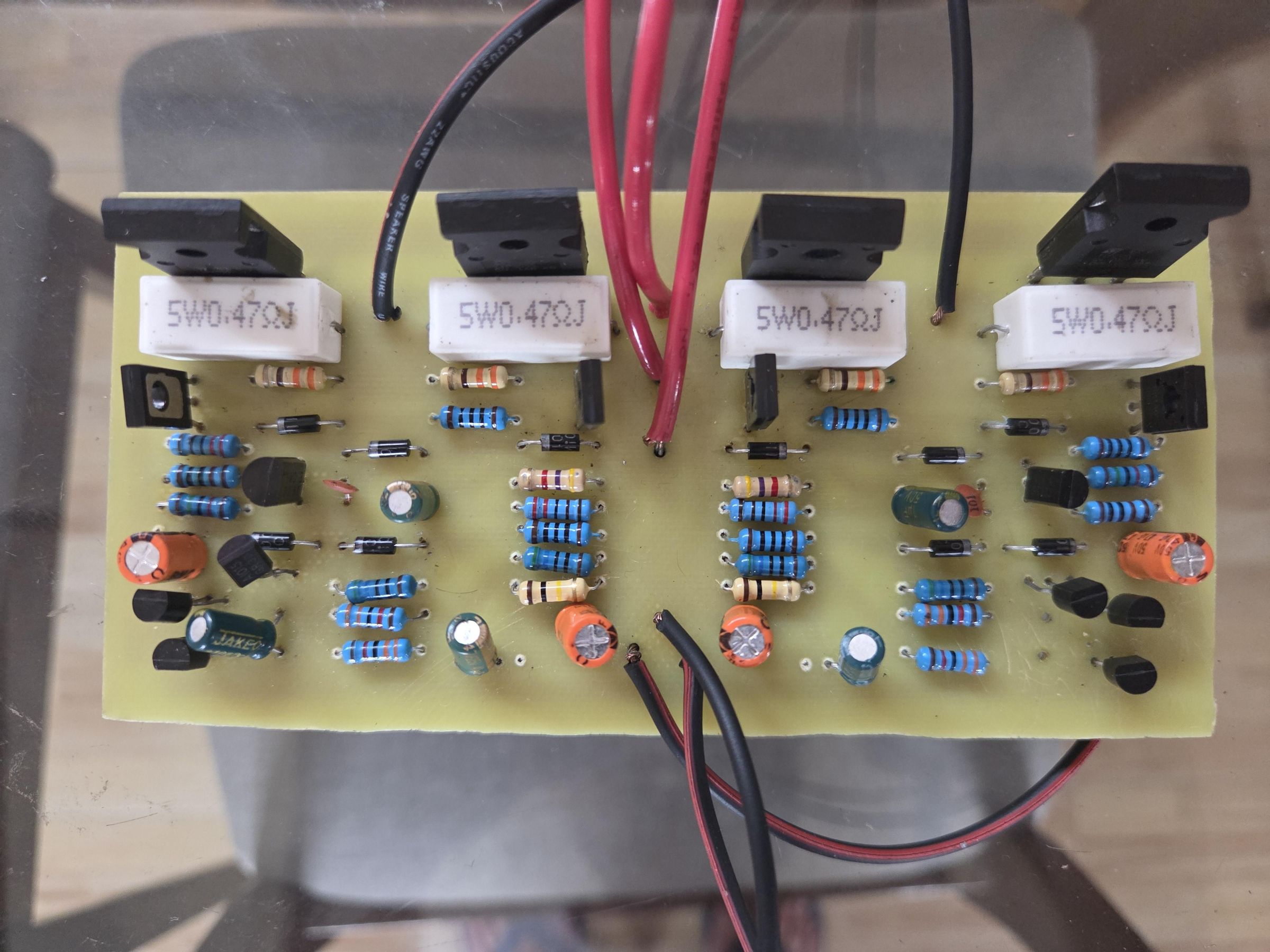
Before jumping into the software, the first step is to check the original hardware. Gather the needed tools and closely inspect the originally constructed BJT Stereo Power Amplifier to make sure it still works. Look carefully at the components, trace the PCB paths, and study the layout to understand exactly how the amplifier operates. Be sure to take clear reference photos and write down detailed notes. This information will guide you when it is time to rebuild the circuit
Schematic Diagram Reconstruction
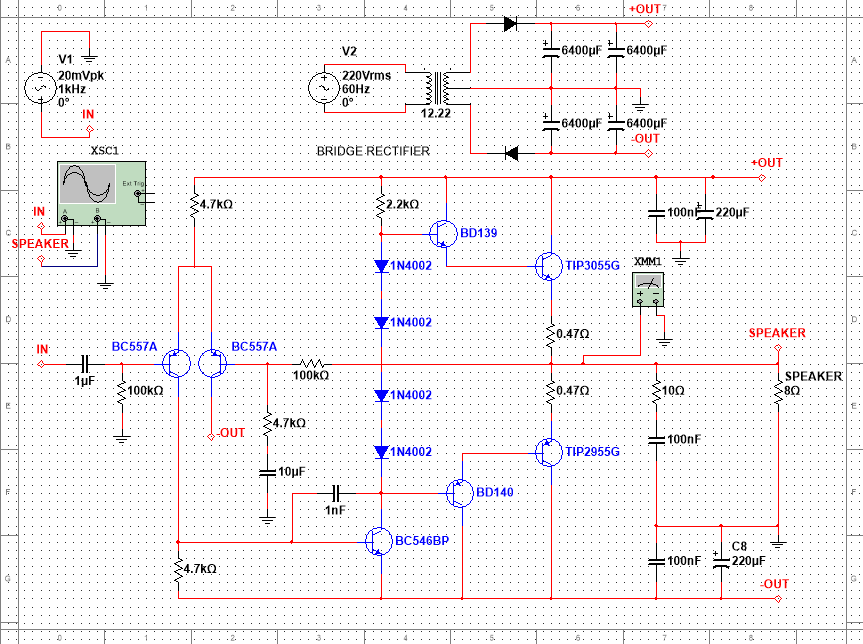
With your notes and photos ready, move from the workbench to your computer. Open the Multisim software application and begin rebuilding the circuit schematic diagram. As you place each part, check and verify every component value and setup. Accuracy is the key here; matching the original design exactly ensures the digital circuit matches the real-world hardware
PCB Layout Design
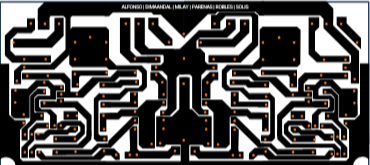
Once the schematic diagram is finished, it is time to turn it into a physical board layout. While trying an Artificial Intelligence generator might seem quick, automated tools often deliver messy and inaccurate results. Instead, take control by using applications like Canva and PowerPoint to arrange the components yourself. Manually trace the routes, position the holes, and organize the parts to create a clean, balanced, and fully working PCB layout design.
Power Supply Construction
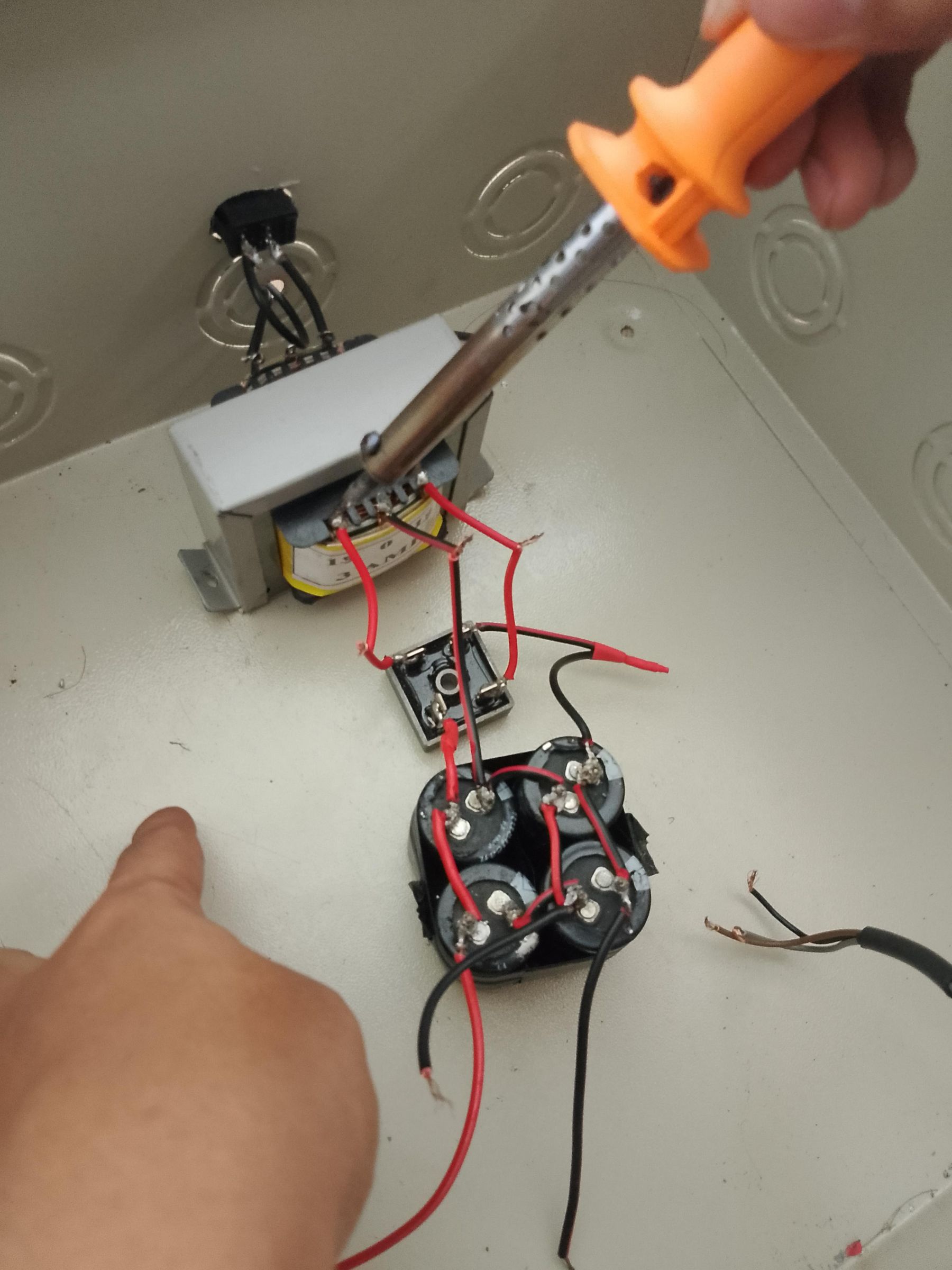
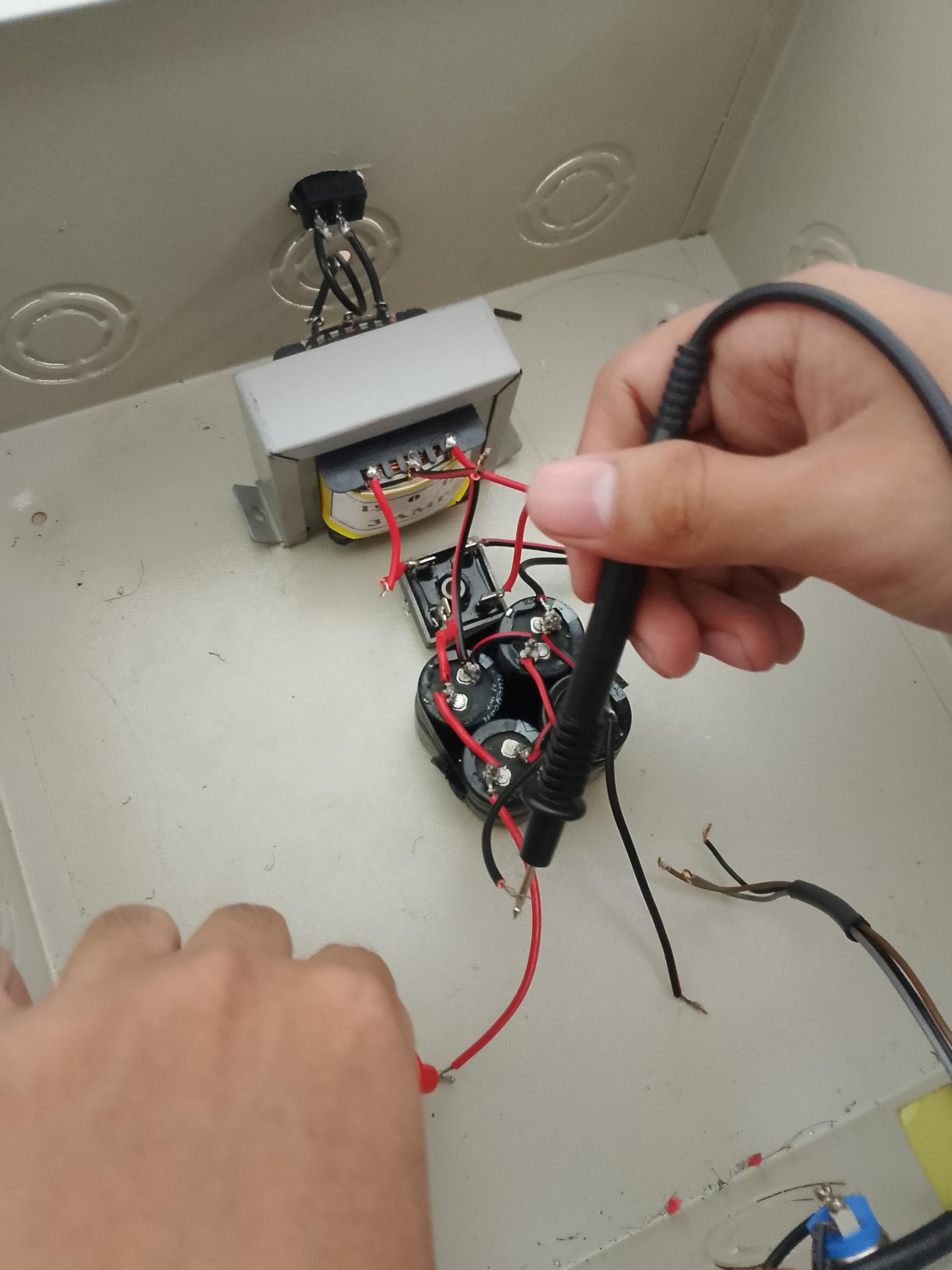
Set the amplifier PCB reconstruction aside for a moment and shift your focus to building the power supply, which is responsible for delivering a stable DC voltage within the amplifier's required voltage range. For this specific project, we used an 15V, 3A AC-DC transformer, followed by a KBPC 5010 bridge rectifier to convert the AC voltage into DC. Finally, connect four 6800uF capacitors by wiring them in pairs of two in series, and then connecting those pairs in parallel to filter and smooth the output. Once all the components are soldered, remember to test the power supply without a load first to verify that it safely outputs the required voltage. If it matches your desired result, your power supply is ready to power up the amplifier!
PCB Etching
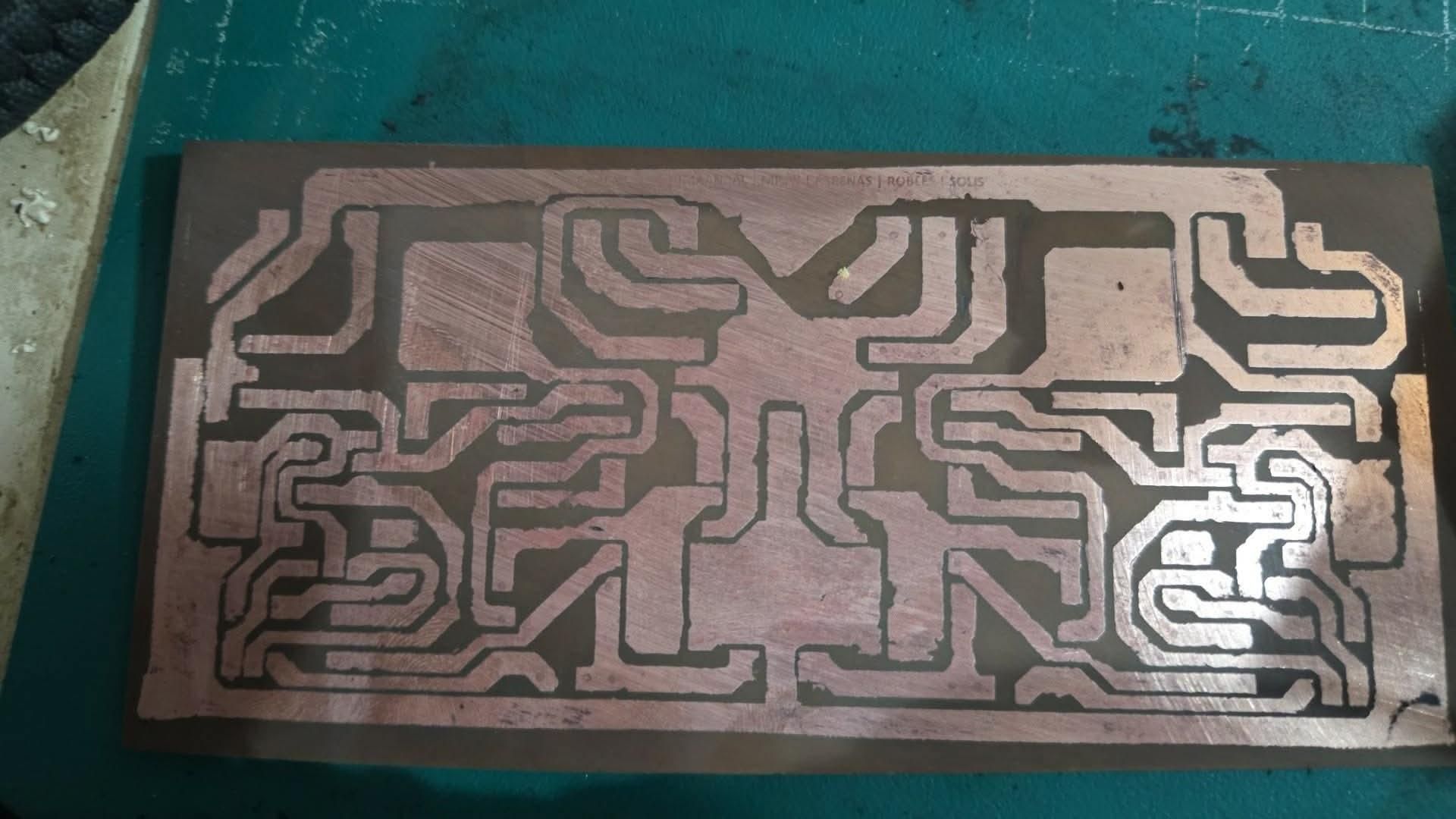
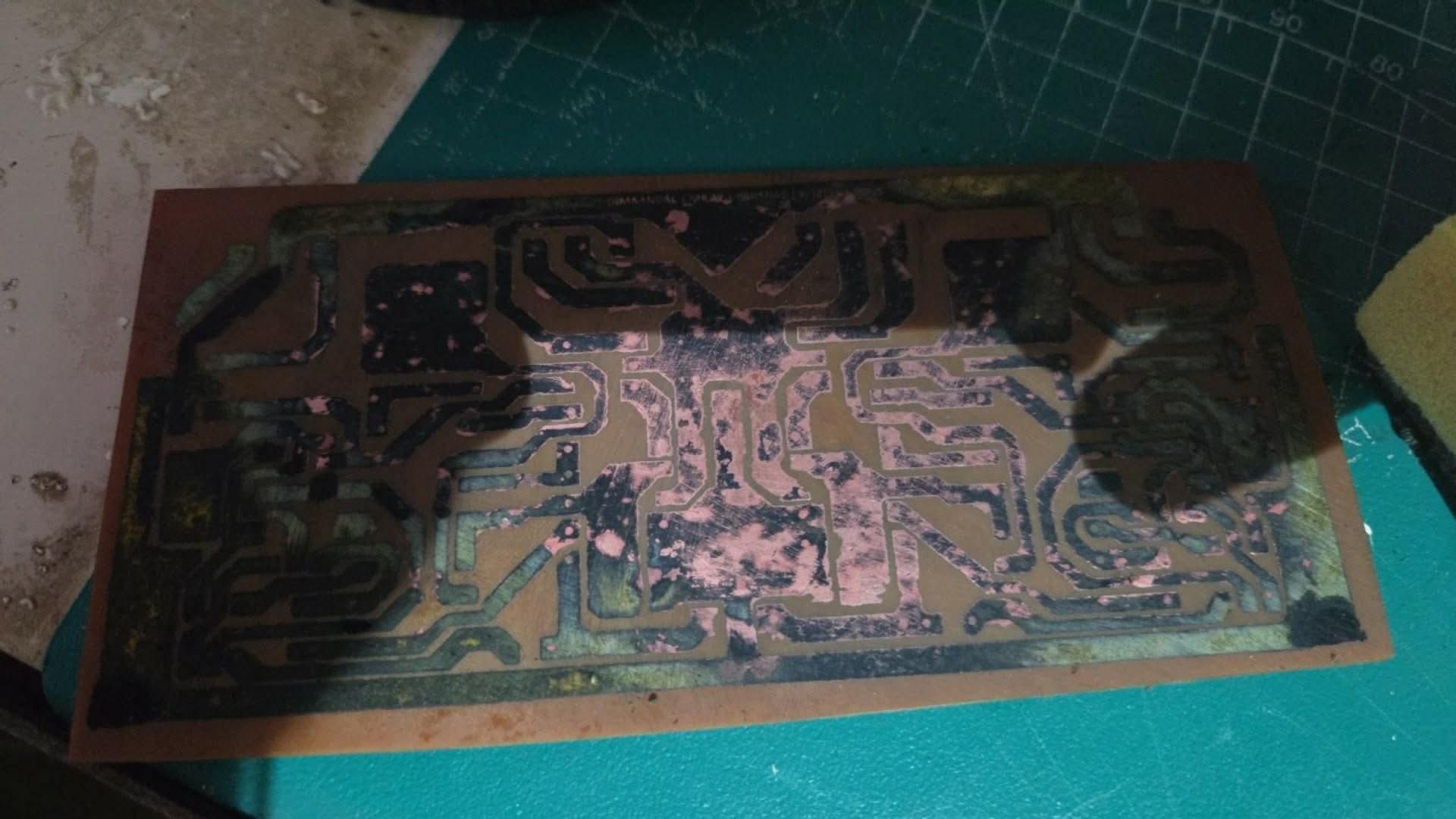

Now that the power supply is complete, return to the PCB amplifier reconstruction. Finalize your layout design and print it using a laser printer to ensure the toner can be transferred effectively onto the copper clad board. The etching process is done through the following procedures:
- Toner Transfer: Transfer the laser-printed design onto the copper clad board by firmly pressing a hot iron over it for about 10 to 15 minutes.
- Paper Residue Removal: Once the design has fused to the board, submerge it in cold water. Slowly and carefully peel away the paper, removing all remaining paper residue from the board bit by bit.
- Chemical Etching: After removing all the paper residue, soak the board in a Ferric Chloride (FeCl3) solution to dissolve the exposed, unprotected copper.
- Ink Cleaning: Use acetone to gently scrub away the remaining black ink, leaving only the clean copper traces behind. Give the board a final wash to ensure it is properly cleaned.
With the etching process finished, the board is now ready to move on to drilling and cleaning process
PCB Drilling and Cleaning
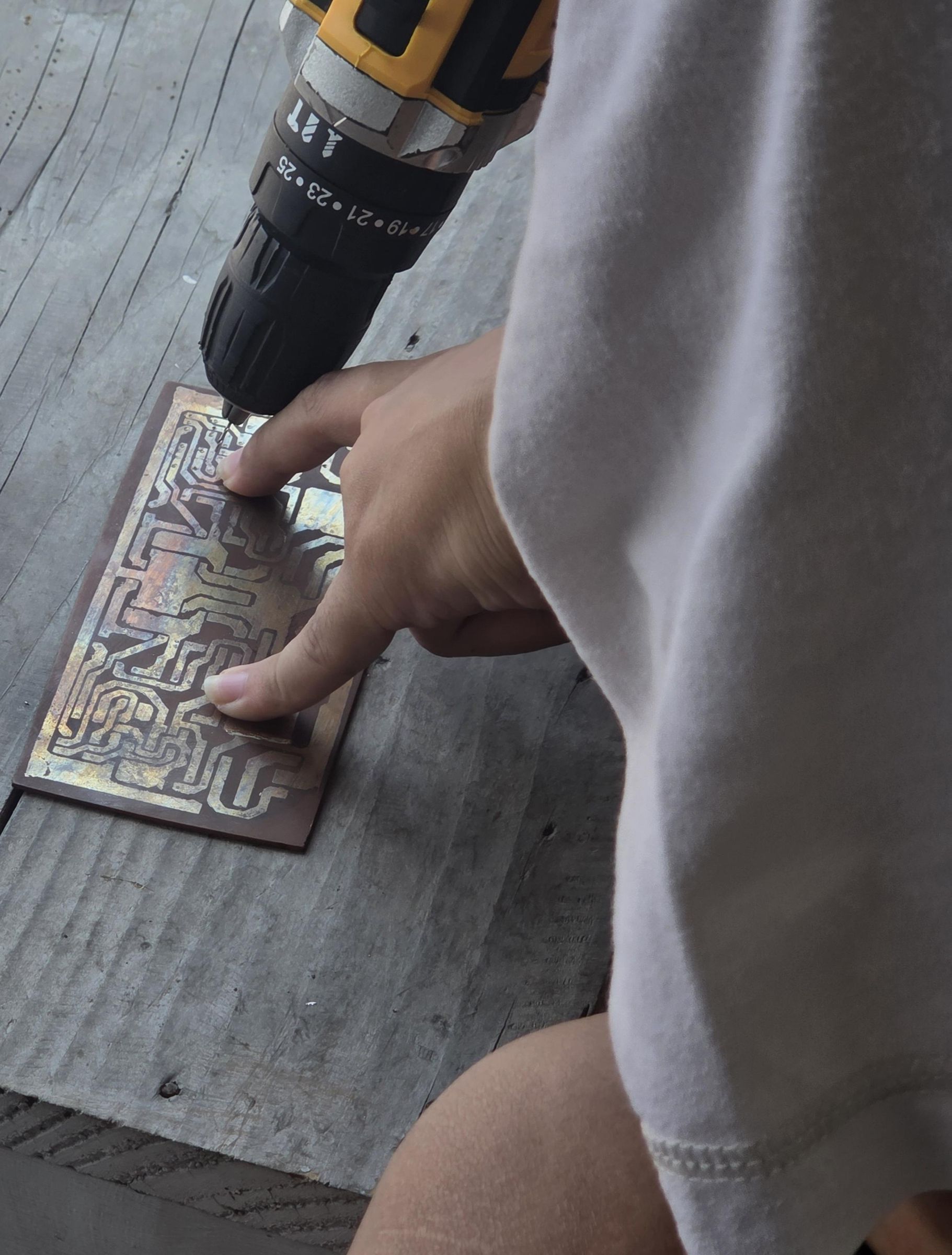
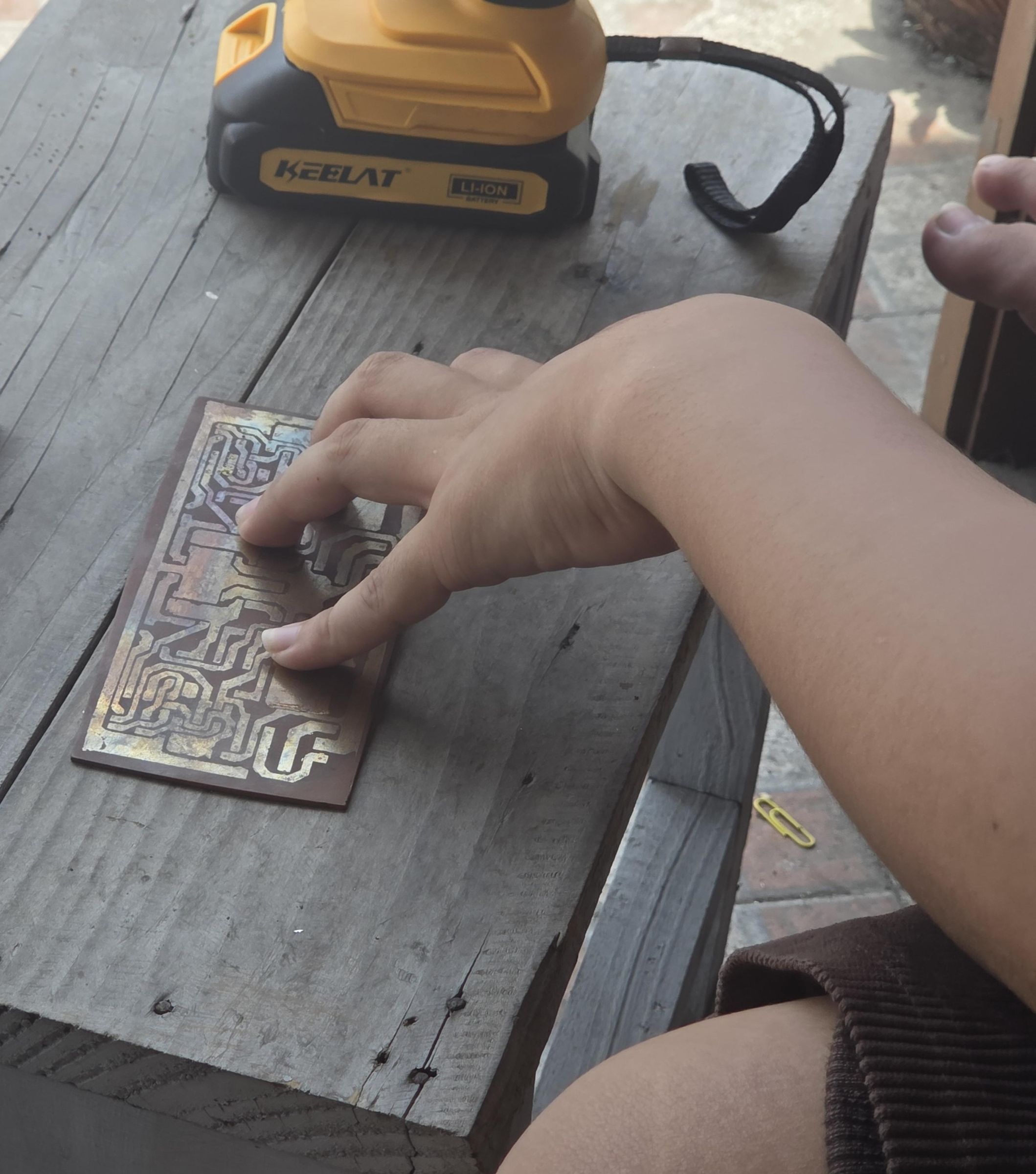
Once the PCB is fabricated, the next task is to drill the mounting holes for the electronic components. Carefully drill each hole to ensure they are complete and properly separated. Accuracy is important here to make sure no holes overlap, which could cause unwanted continuity between parts that should not be connected. After drilling, clean the board thoroughly to remove any remaining copper residue and unwanted particles before moving on to assembly.
Assembling and Soldering of Electronic Components
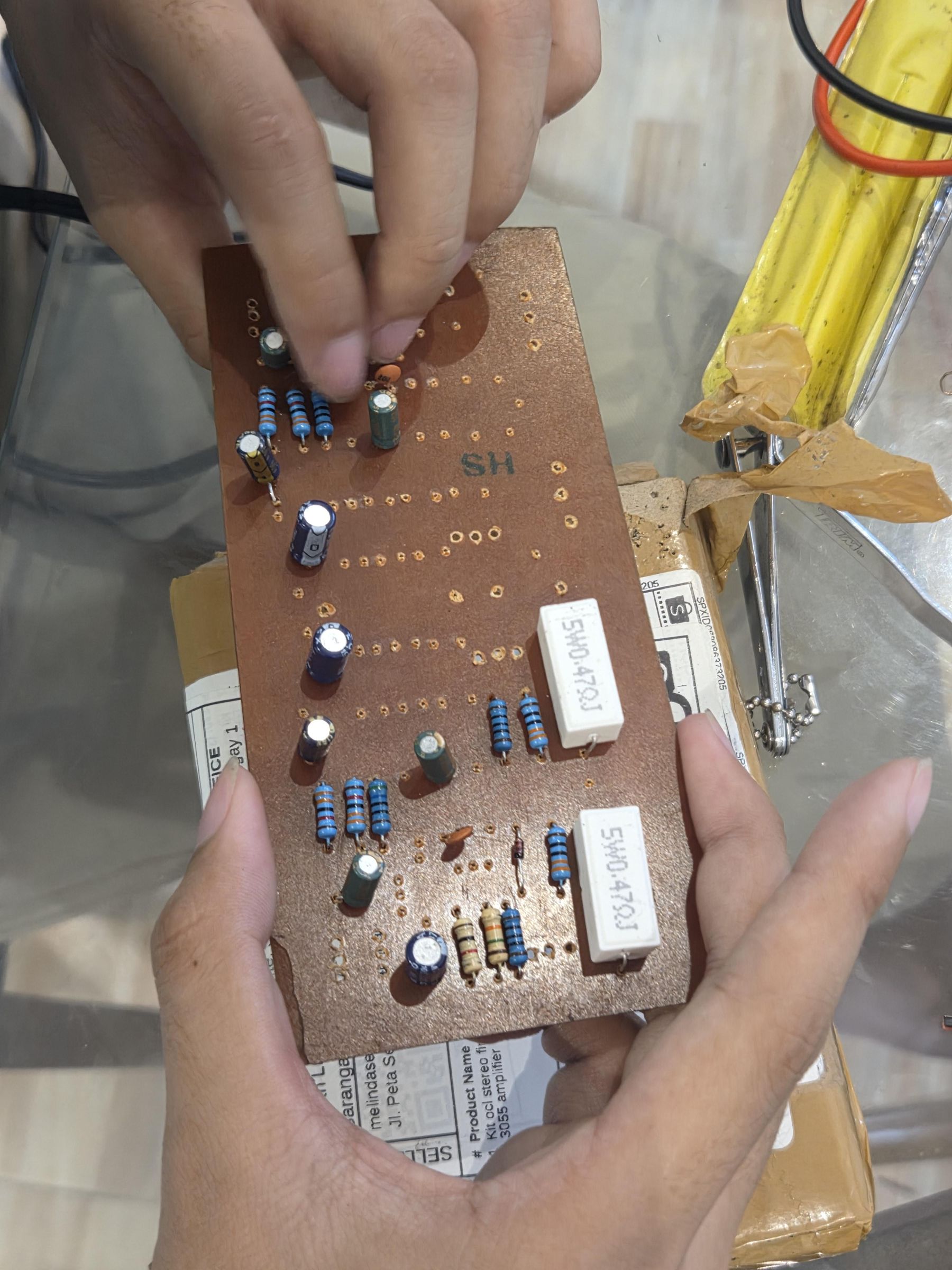

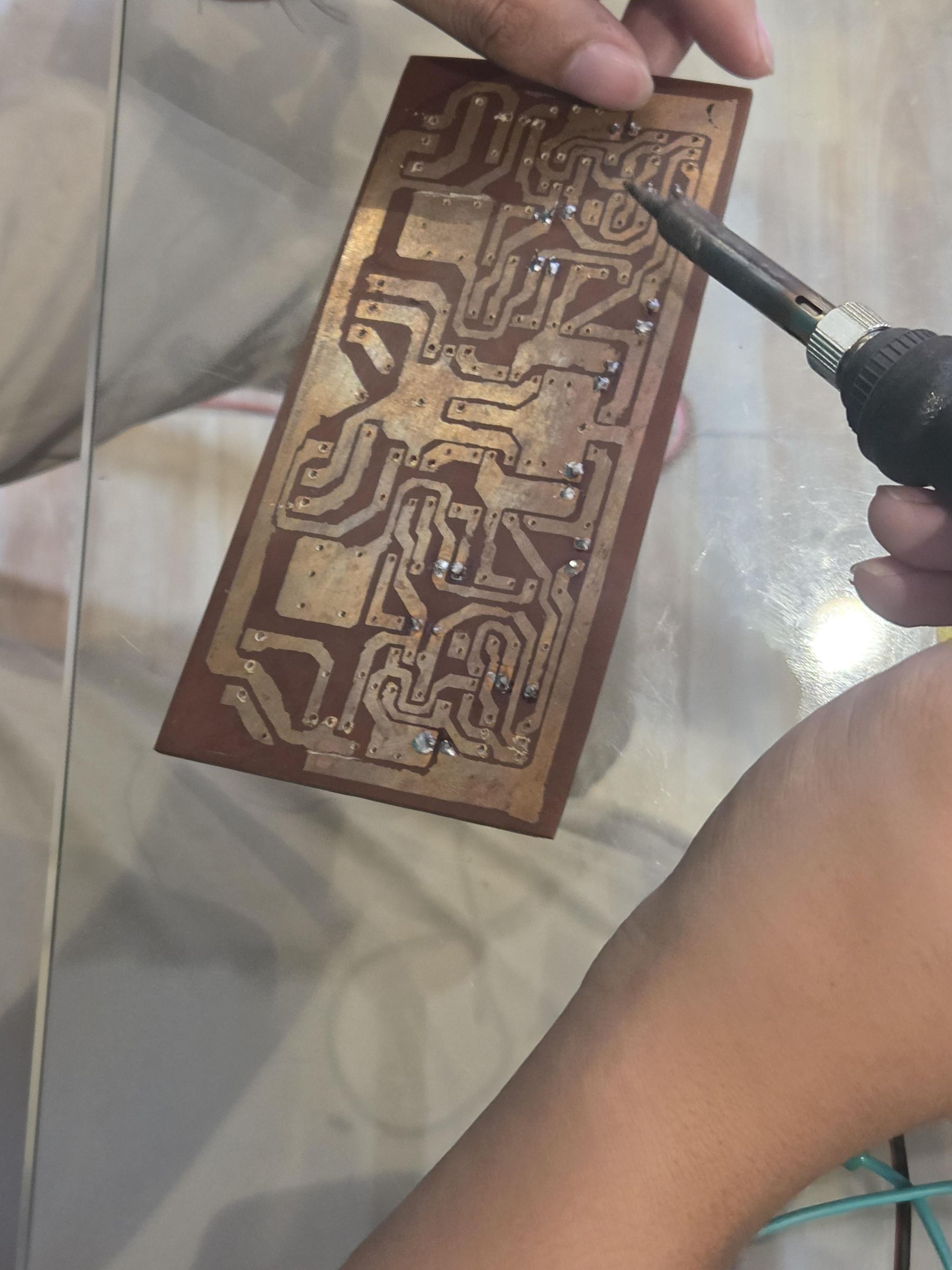
For the assembling and soldering phase, prepare your desoldering pump, soldering wire and let your soldering iron heat up to the proper temperature. It is best to handle the desoldering and soldering processes simultaneously, transferring components step-by-step from the original board to the new one to avoid any confusion about where each part belongs. Start by assembling the non-polarized components, such as resistors and ceramic capacitors, before moving on to the polarized components, like electrolytic capacitors and transistors. Assemble them onto your newly created PCB according to the reconstructed schematic and layout design. Take your time with the soldering to establish secure, clean electrical connections and ensure every component is perfectly placed.
Testing and Troubleshooting of the Reconstructed BJT Stereo Power Amplifier
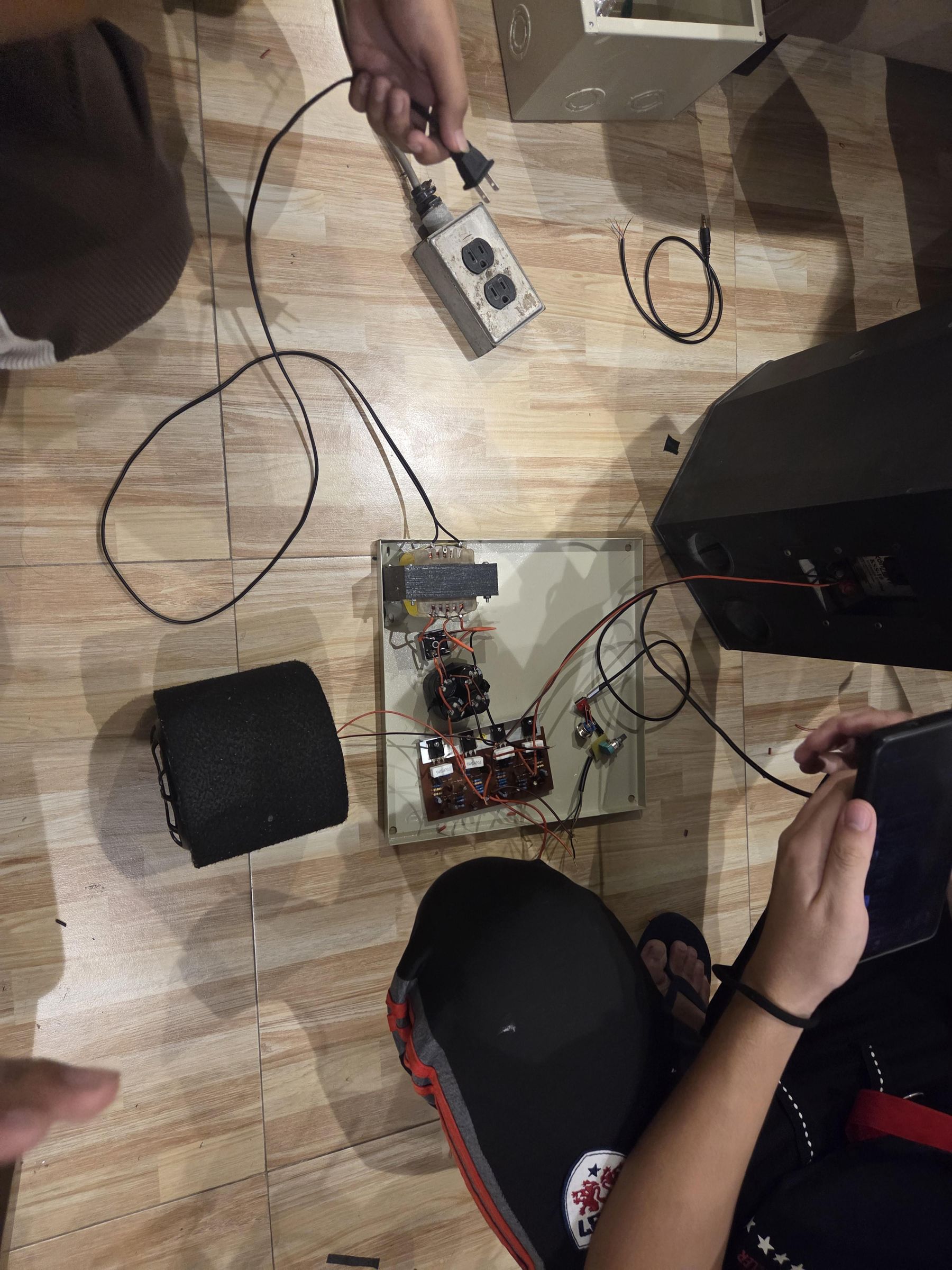
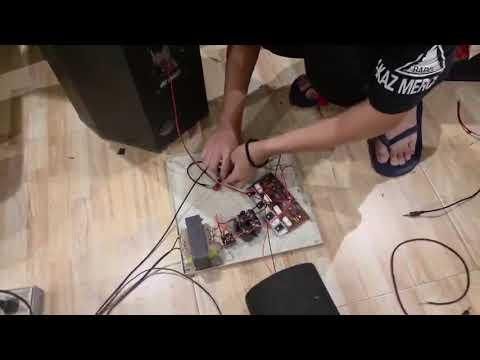
With the assembly and soldering completed, the next phase is to test the newly built BJT Stereo Power Amplifier and Power Supply circuits to verify their functionality and performance. Because specific circumstances did not allow us for full signal testing, the focus was placed entirely on careful voltage measurements. Conduct these voltage checks across key nodes in the circuit and perform troubleshooting procedures to quickly identify and correct any operational issues. Once the readings are stable and within the expected limits, the system is ready for its final protective housing.
Chassis Casing Installation
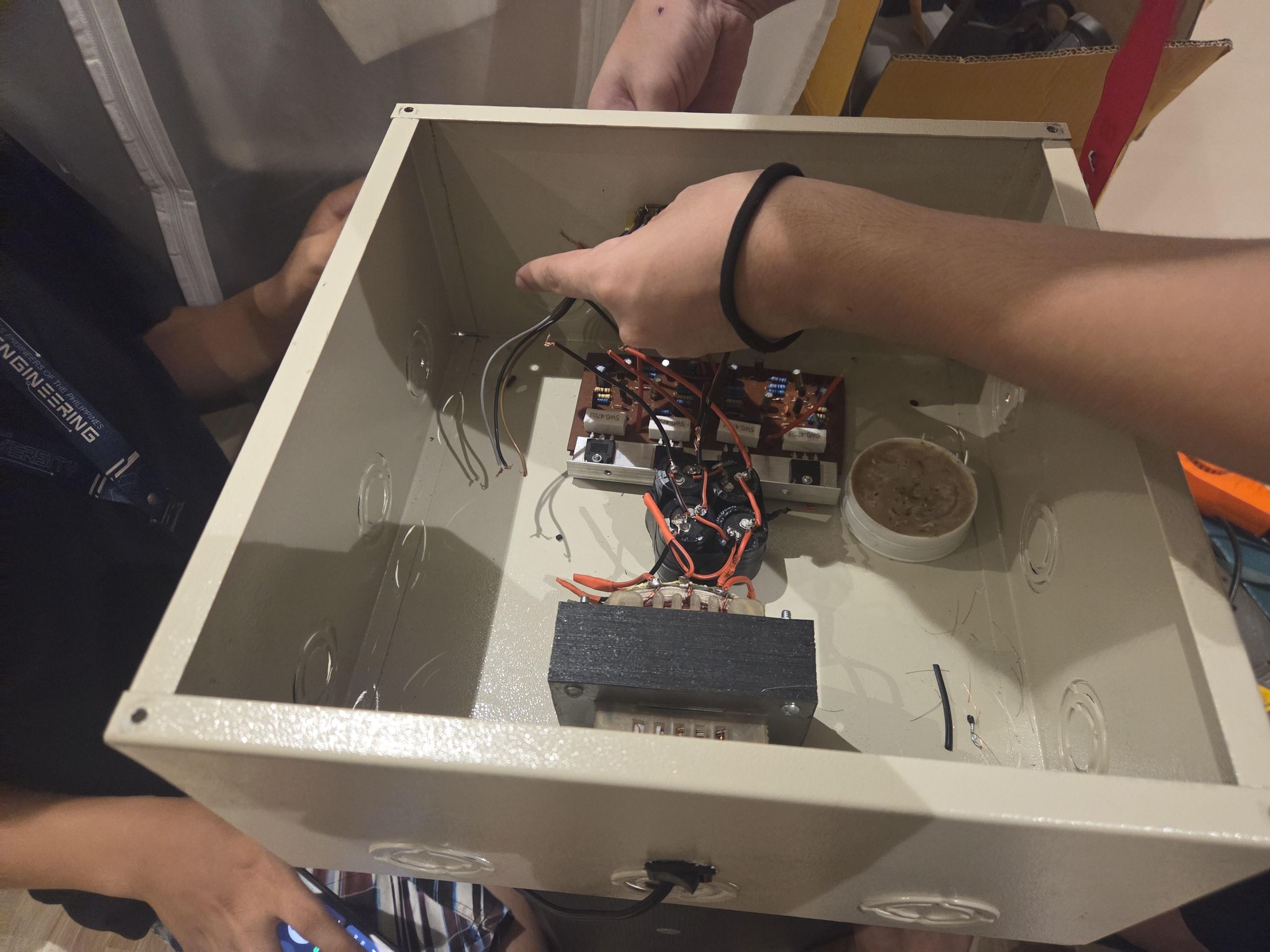
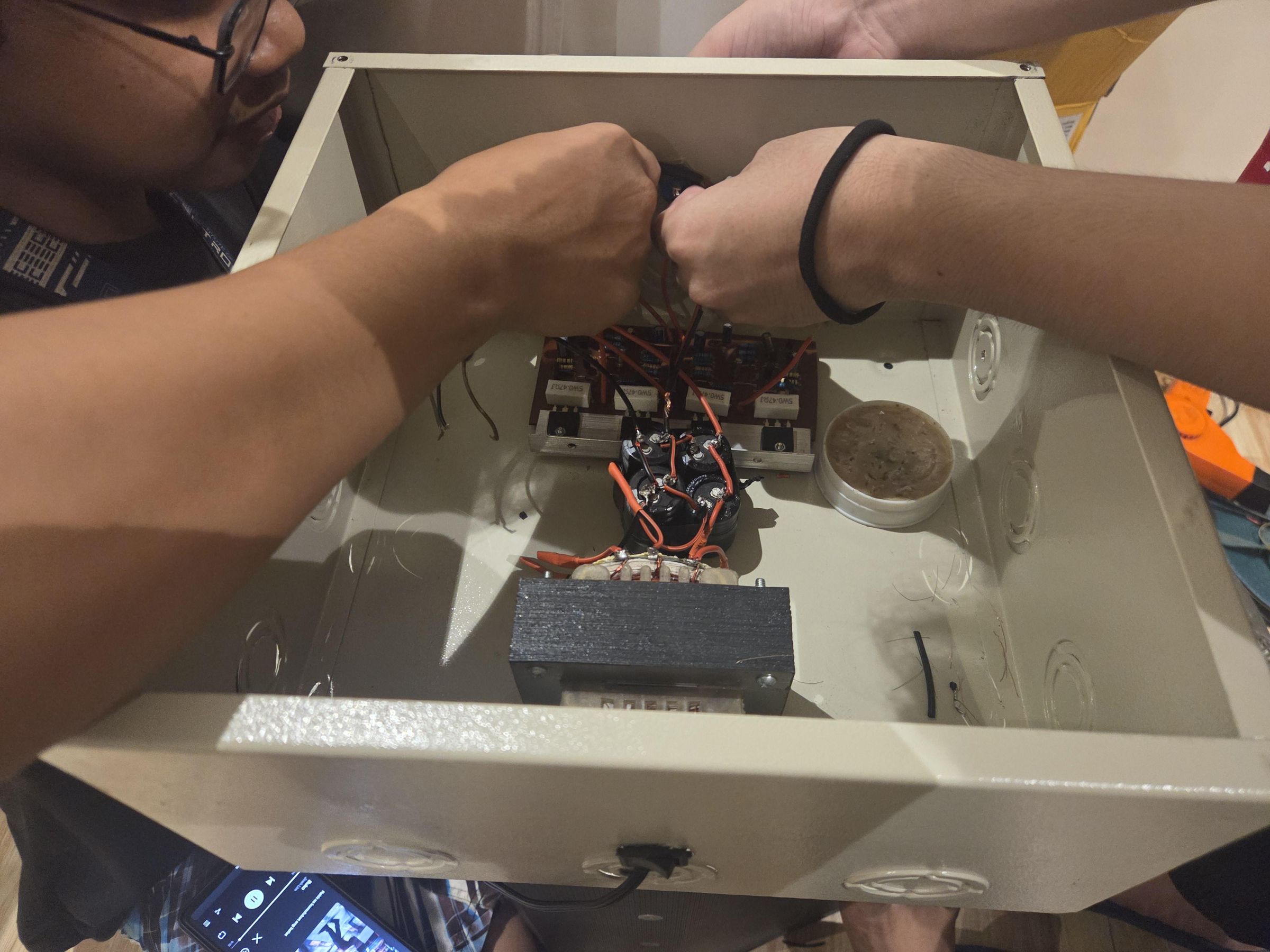
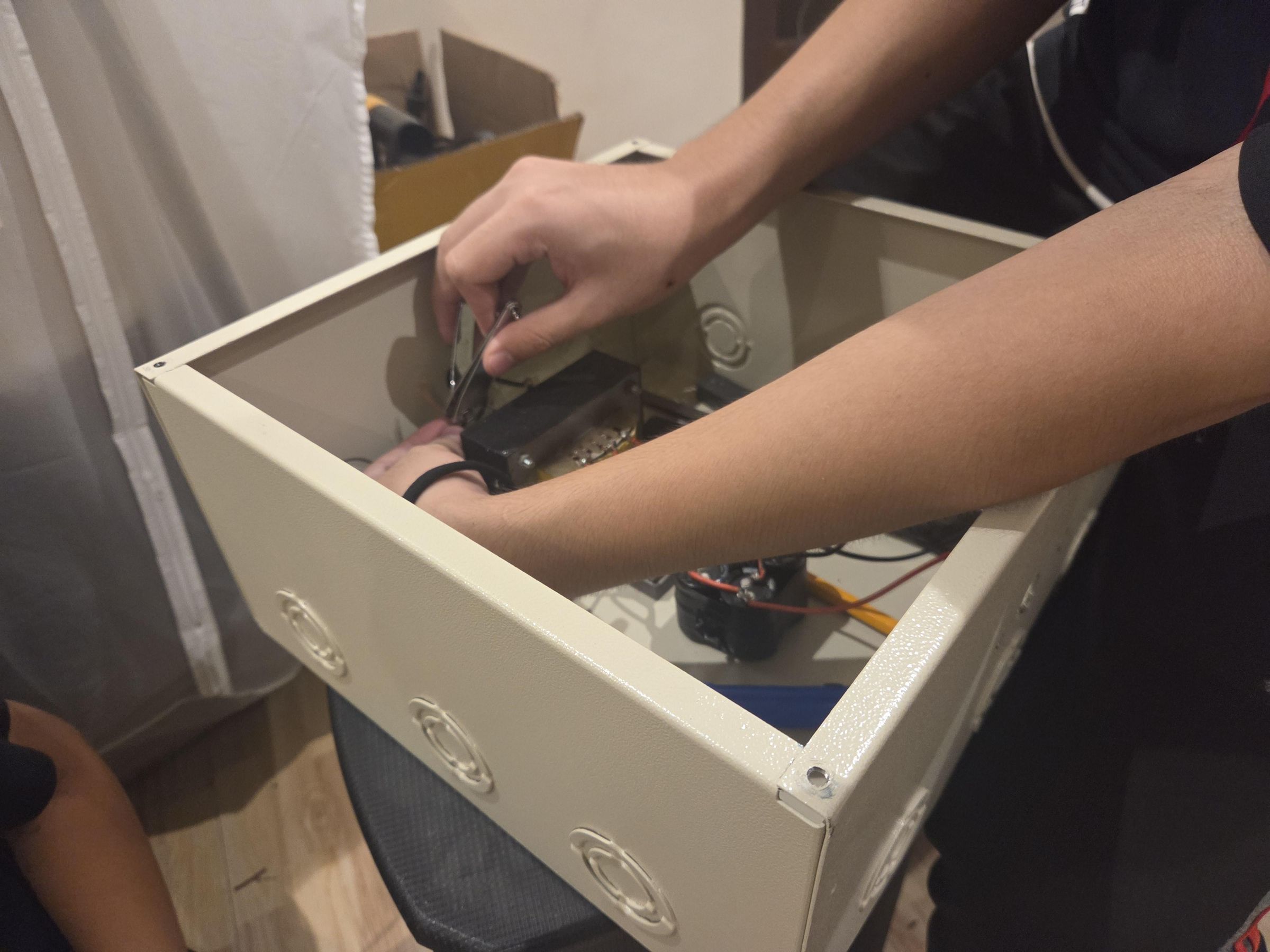
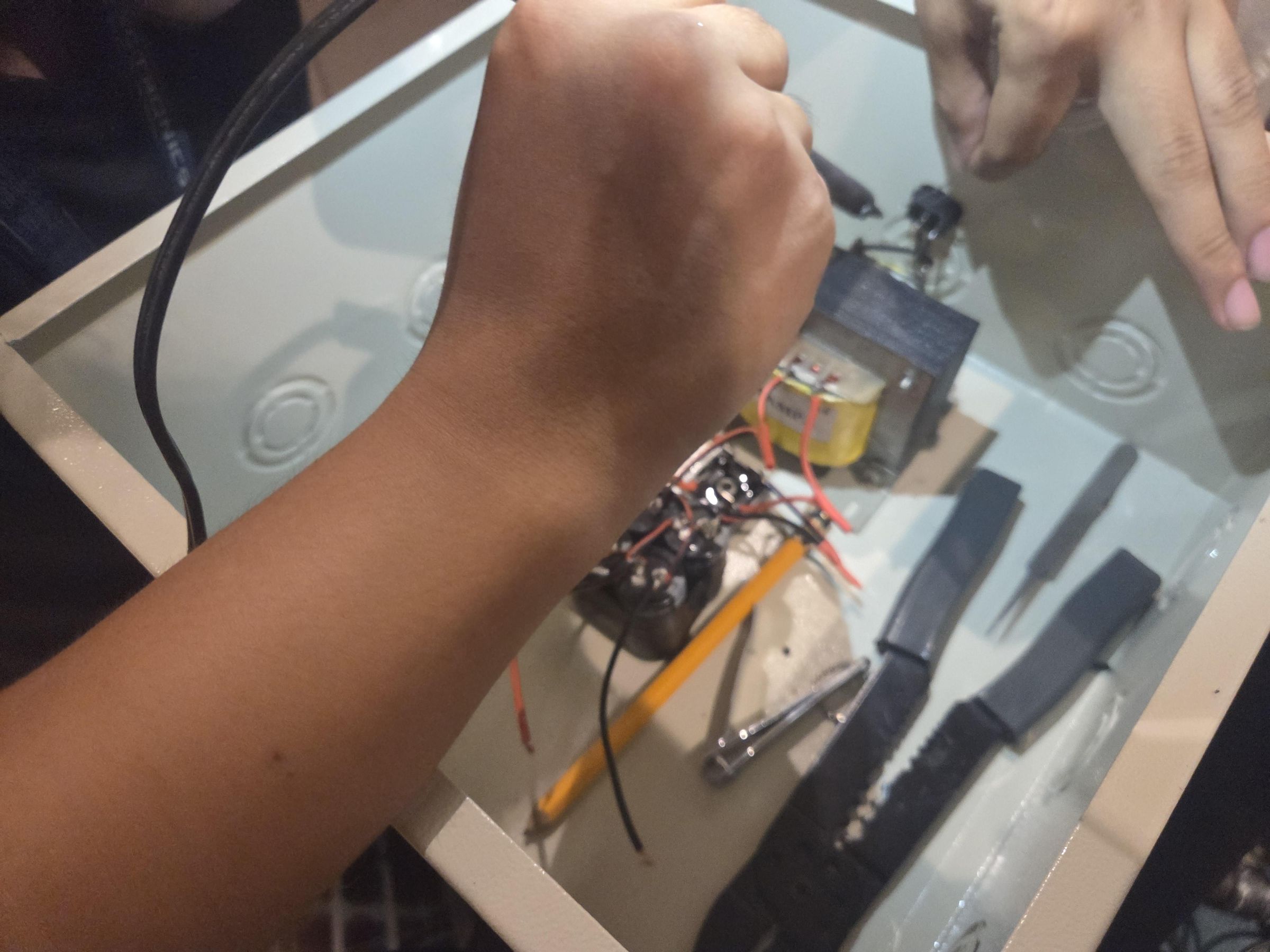
The final step in this project is to install the completed circuits into a secure chassis or casing. Carefully mount both the power supply unit and the amplifier board inside the enclosure, ensuring they are firmly fastened to prevent movement. Pay close attention to proper wire management, grounding the chassis safely, and positioning any external ports or switches for easy access. Enclosing the system not only protects the delicate electronic components from damage but also gives your BJT Stereo Power Amplifier a clean, professional, and complete look.