Diffraction Grating Clock

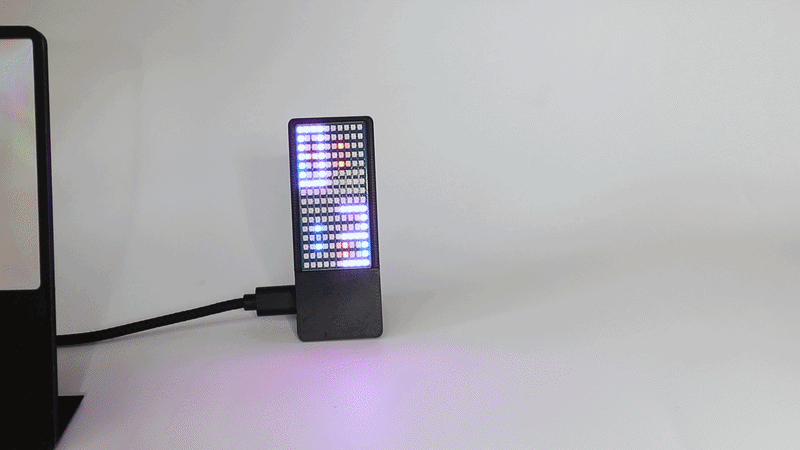

During my way out of the rabbit hole of making holograms I stumbled upon diffraction gratings. Both topics are closely related since a hologram actually is a type of diffraction grating.
I ordered some cheap diffraction grating sheets and thought about a way to turn this into some kind of display. I came up with the idea of using the grating to separate the colors from an RGB LED and found a design to turn this into a clock.
The clock consists of a RGB LED matrix where both digits for the hours are superimposed in red and blue, i.e. the LEDs which are shared by both digits light up in purple. Similarly the digits from the minutes are shown below also superimposed. When the diffraction grating is placed in front of the LED matrix the red and blue dots get separated because they are diffracted at different angles. In this way the time becomes readable. As a twist I also molded a diffraction grating onto the 3D printed holder of the screen making it shimmer in a rainbow pattern.
Supplies
Supplies
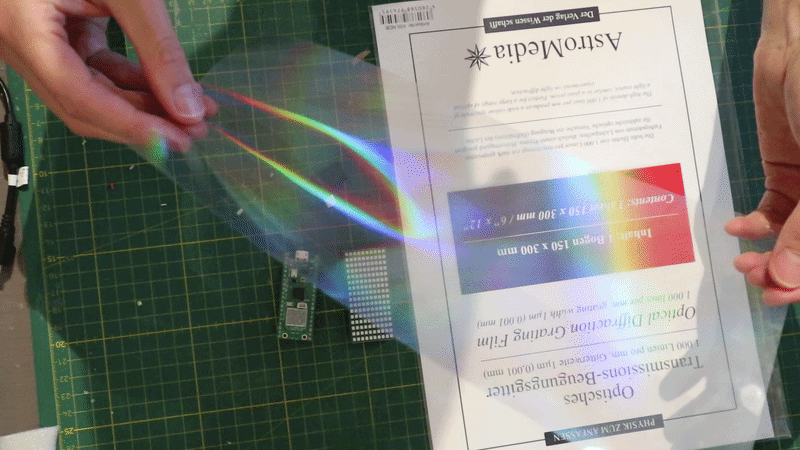
- 150x300mm, optical diffraction grating film, 1000 lines/mm
- 150x300mm, double axis 90° diffraction grating film, 500 lines/mm (optional)
- Raspberry Pi Pico W
- Waveshare Pico RGB LED matrix
- 90° micro USB to USB-C adapter
Tools
- 3D Printer
Choosing the Right Diffraction Grating
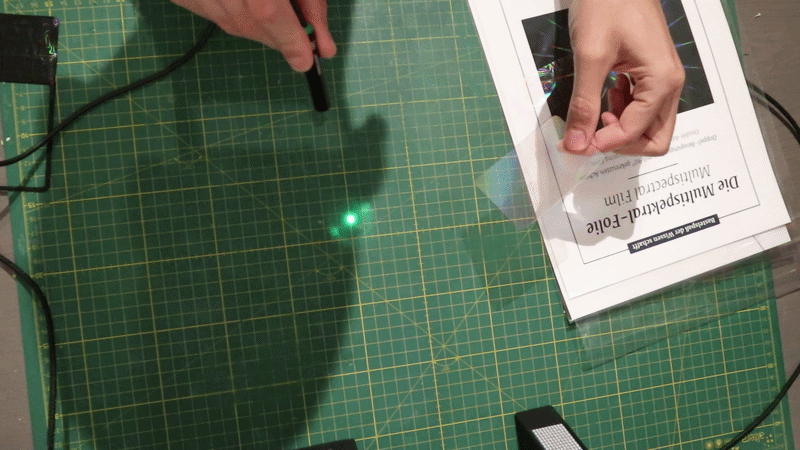
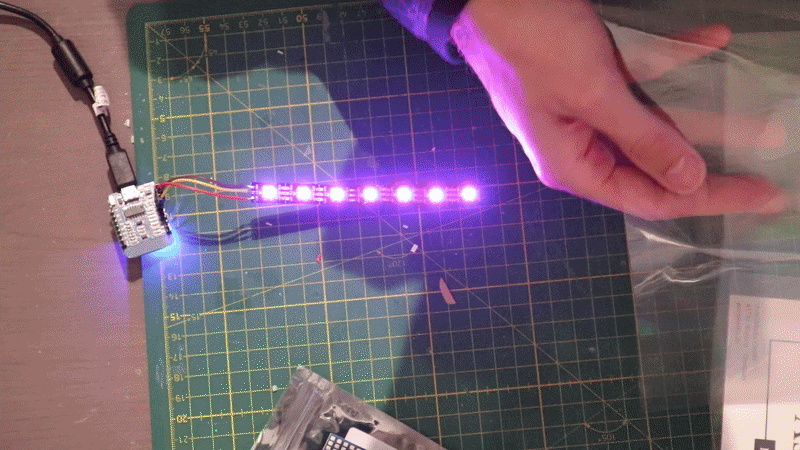
Diffraction gratings on glass substrates are quite expensive and usually come in small sizes. The diffraction grating film is a nice low cost option if you need a large area.
The first picture above shows the diffraction grating with a green laser pointer. You can clearly see the -1, 0 and +1 order of the diffracted light. If you want to play around with the behaviour of diffraction gratings I recommend this simulator by VisuPhy.
I did a proof of principle experiments with a strip of large 5050 WS2812B LEDs lighting up the blue and red colors simultaneously. In the second picture above you can see a side-by-side comparison of the 500 ln/mm and 1000 ln/mm gratings. Since the diffraction angle for 1000 ln/mm is twice as large you get better separation of the blue and red LEDs so it was the preferred choice. With the 500 ln/mm grating you would have to have a large distance between the LED matrix and the film in order for the digits to not overlap. It also became quickly clear that I needed a very densly packed small LED matrix in order for the display to work which is why I chose the Waveshare matrix that uses 0807 LEDs for the clock.
I also experimented to separate the LED light with a glass prism but the results where kind of underwhelming and looked nothing like the famous Pink Floyd cover ;-)
3D Printing
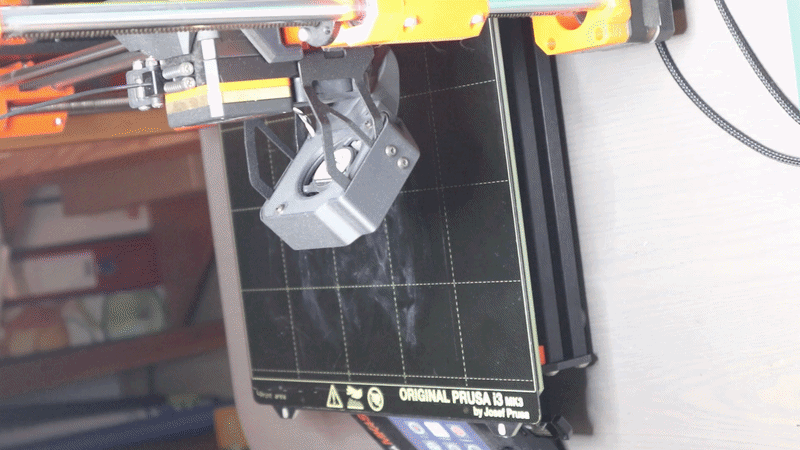
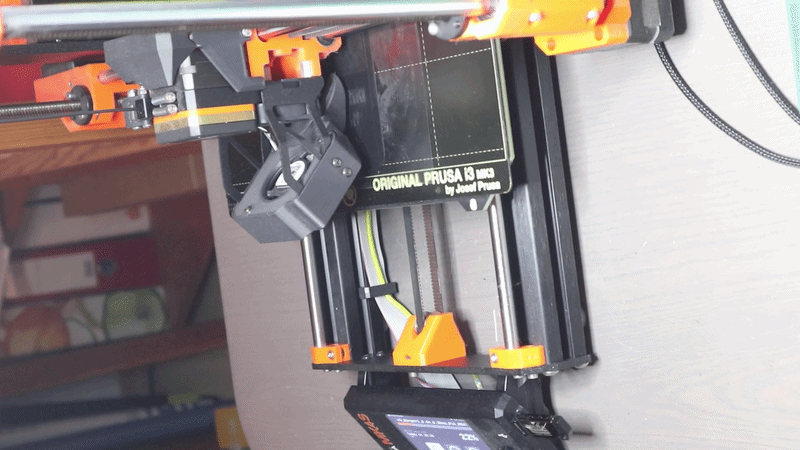
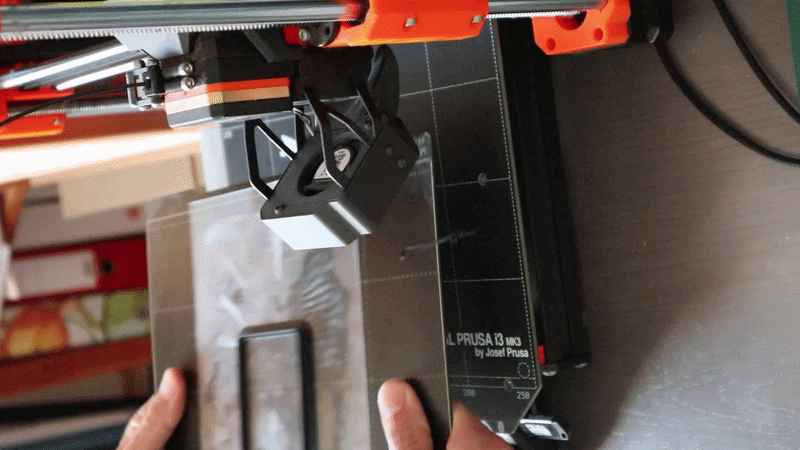
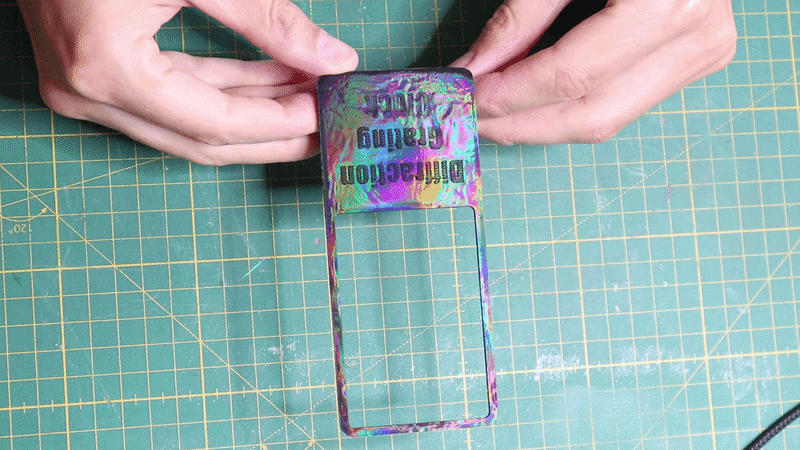
The clock housing was printed from black PLA. The stl files of all models can be found on my GitHub. All parts can be printed without supports.
For the screen that holds the grating film I transferred the structure of the double axis grating film onto the 3D print. This is simply done by placing the grating film on the printbed and then printing on top. The molten plastic actually fills the sub µm structures on the grating film so that they are embossed onto the 3D print. Afterwards the grating film can just be removed from the surface of the 3D print and reused. I found out you can also just buy print beds with holographic patterns online.
If you follow my route here are some caveats:
- You can find out the right orientating of the grating film by gently rubbing the surface. The one which makes a squeaky noise is the structured surface
- The grating film has to be free of dust or fingerprints
- The grating film has to be placed completely flat onto the printbed. I tried out magnets without success. In the end I used a gluestick to glue the sheet onto the steelsheet. I also recommend to heat up the printbed to the printing temperature before applying the grating film.
- Use a brim onto the 3D print to avoid warping
Cutting the Diffraction Grating
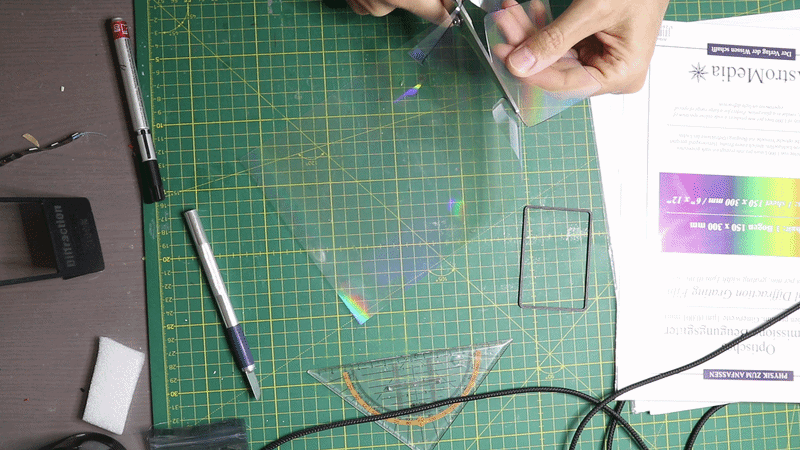
To cut a piece in the of the grating film in the right size I cut have used my vinyl cutter but out of laziness just used scissors. I used the 3D printed screen to mark the shape on the film. Take care that the film is oriented in the right direction. I deliberately tilted the grating by 15° so that the digits later appear diagonally.
Assembling the Clock
.gif)
.gif)
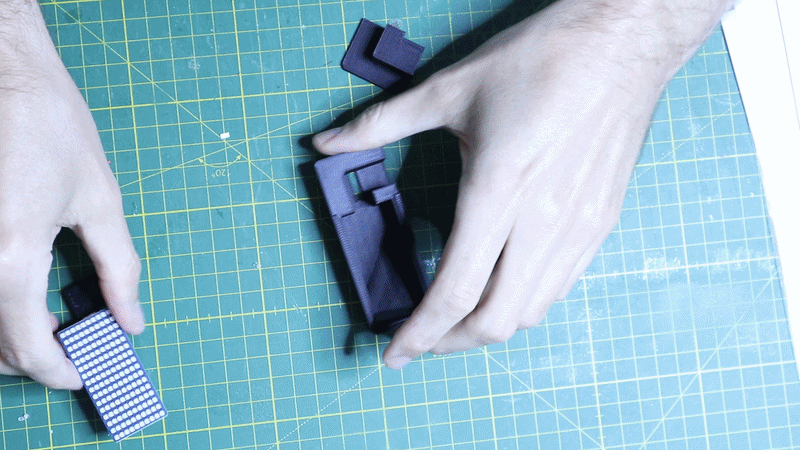
The 3D printed parts can simply be snapped together as shown above. No glue or screws are necessary. Take care to place the grating film in the right orientation.
Programming the Pi Pico
.gif)
I used VS code to write the code for the Pi Pico in micropython. I have to admit that it was mostly "vibe coded" which is where I find the use of LLMs very convenient.
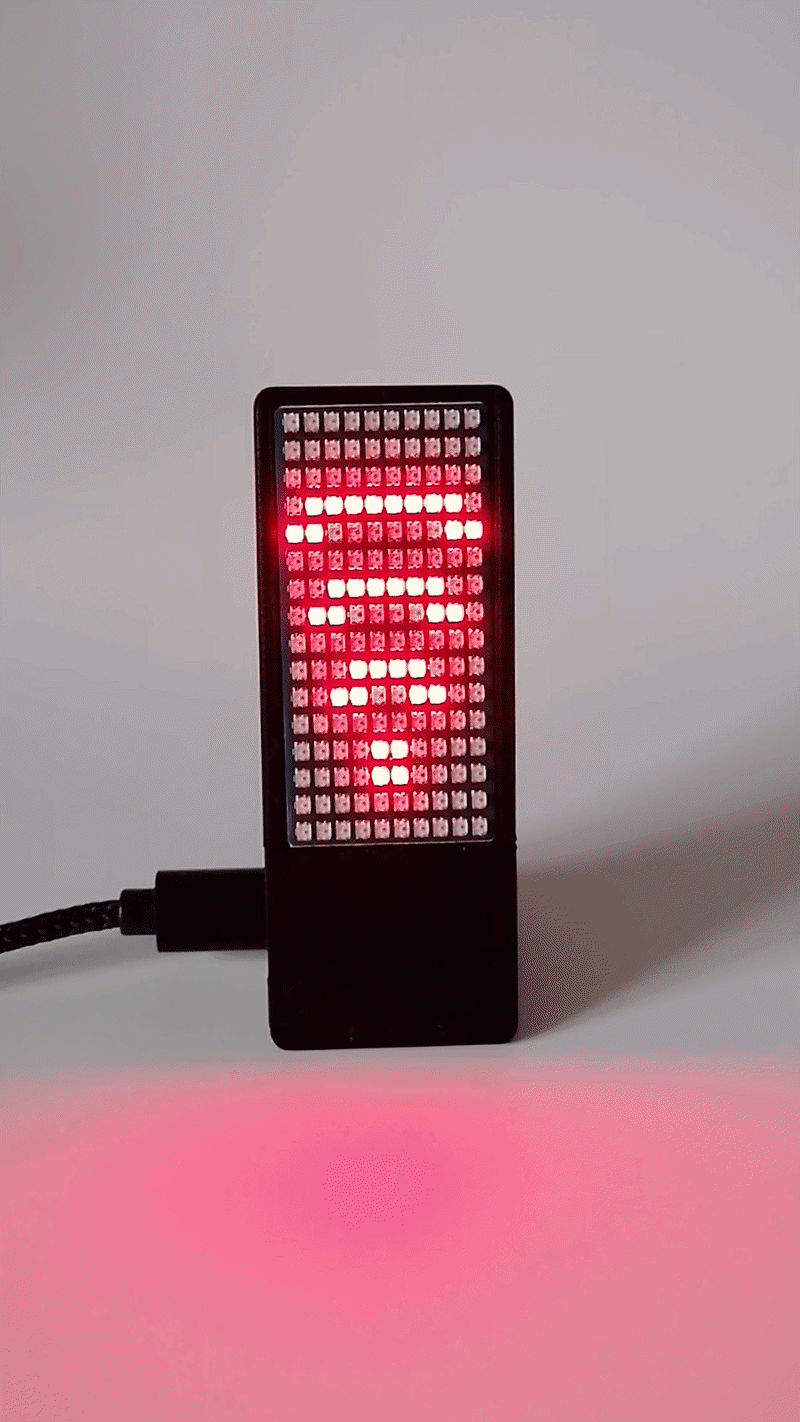
The clock connects to your local wifi and fetches time from an NTP server. If no wifi connection is found or the NTP sync fails the time is set to 00:00. The wifi search is indicated by a red wifi symbol. When connected successfully the symbol turns green. If the NTP sync failed a red dot is shown in the upper right corner.
The digits of the hours are shown at the top and the minutes are shown below.
The code can be found on my GitHub.
Final Result
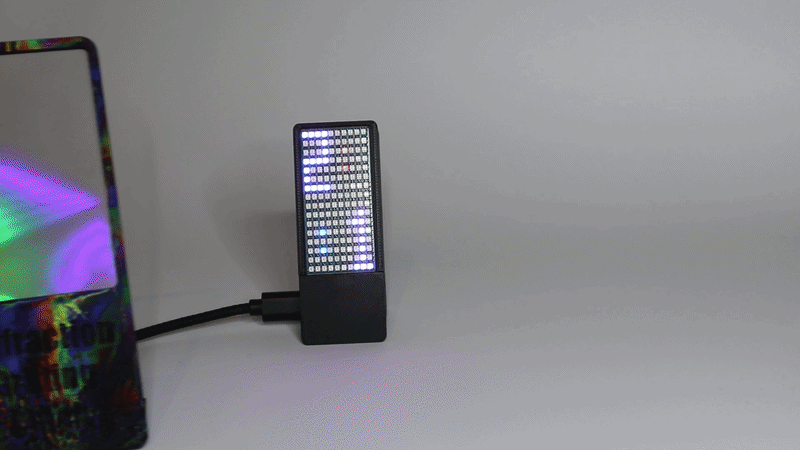
Voilà! The clock is finished. Just place the screen at a distance of about 5cm and the digits will magically appear.
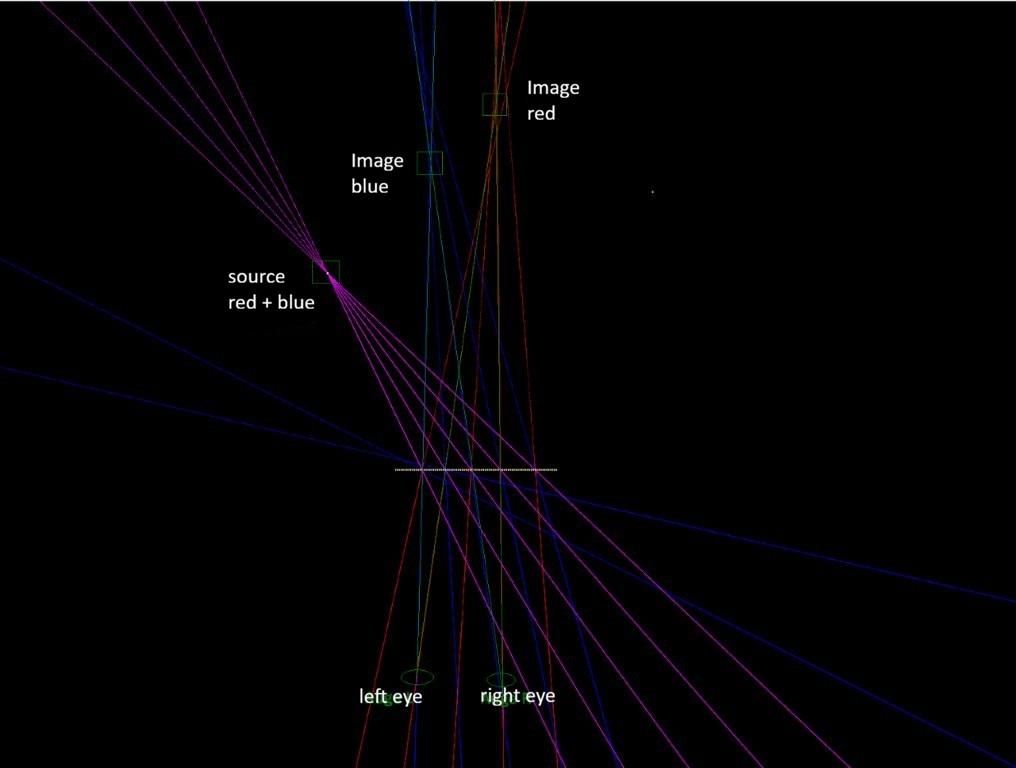
One interesting effect is that the red digits appear to be slightly farther away than the blue digits. At first I thought that this is due to the "angular dispersion" of the grating which is slightly larger for red (~625nm) than for the blue (~465nm) light. However, as a colleague of mine proofed using the attached ray tracing simulation, the effect results from a combination of the divergence of the LEDs, the different diffraction angles for blue and red light and stereoscopic vision.