Distance Sensor With Oled and Piezo Buzzer
by Astronaut1 in Circuits > Arduino
9 Views, 0 Favorites, 0 Comments
Distance Sensor With Oled and Piezo Buzzer
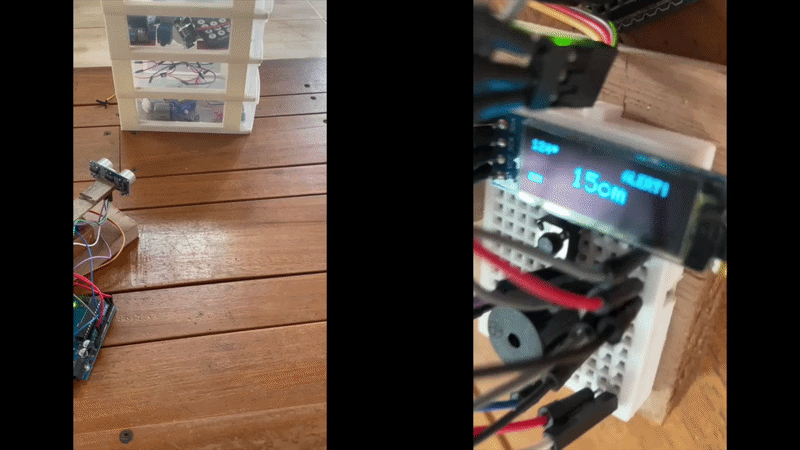
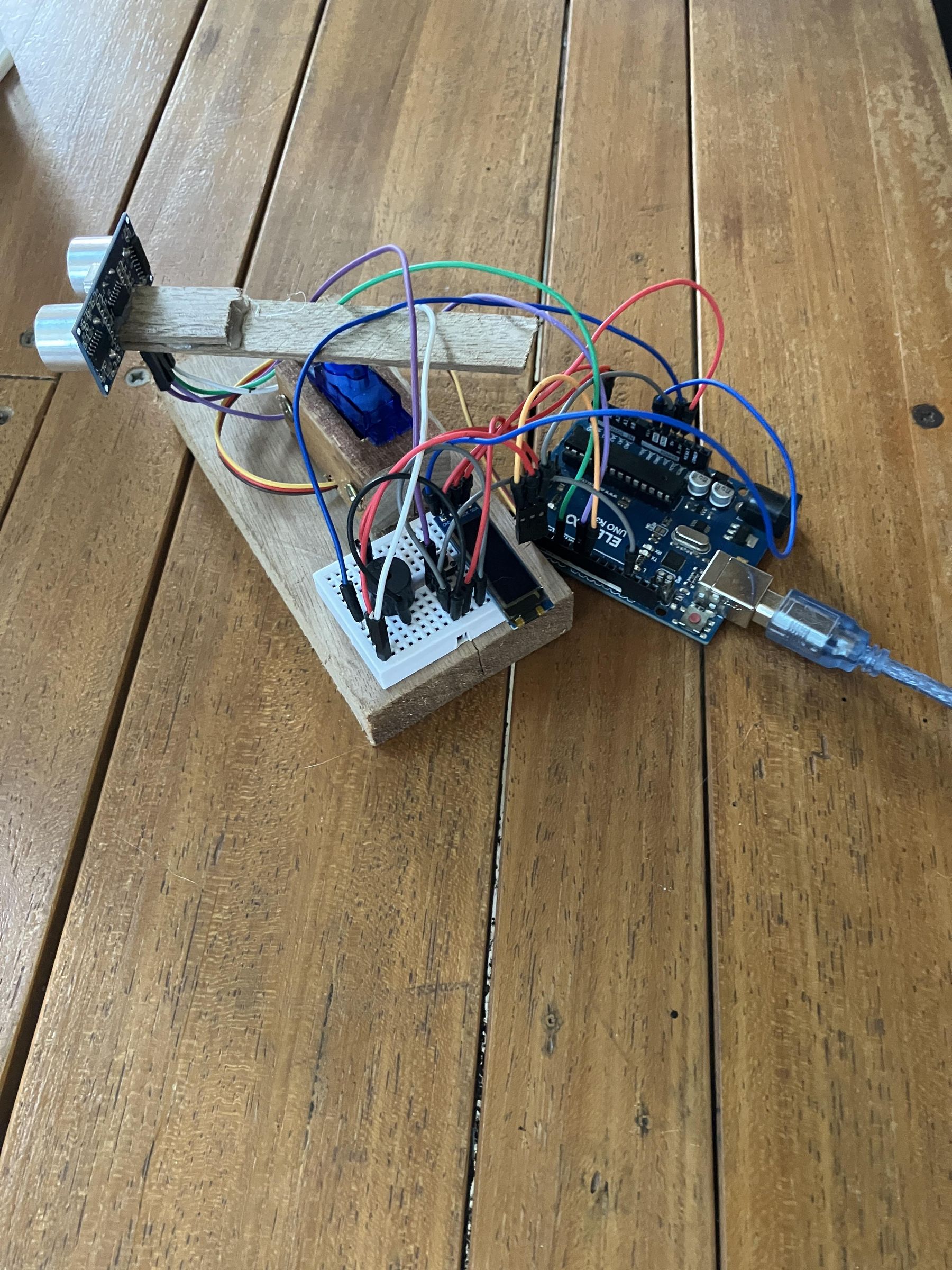
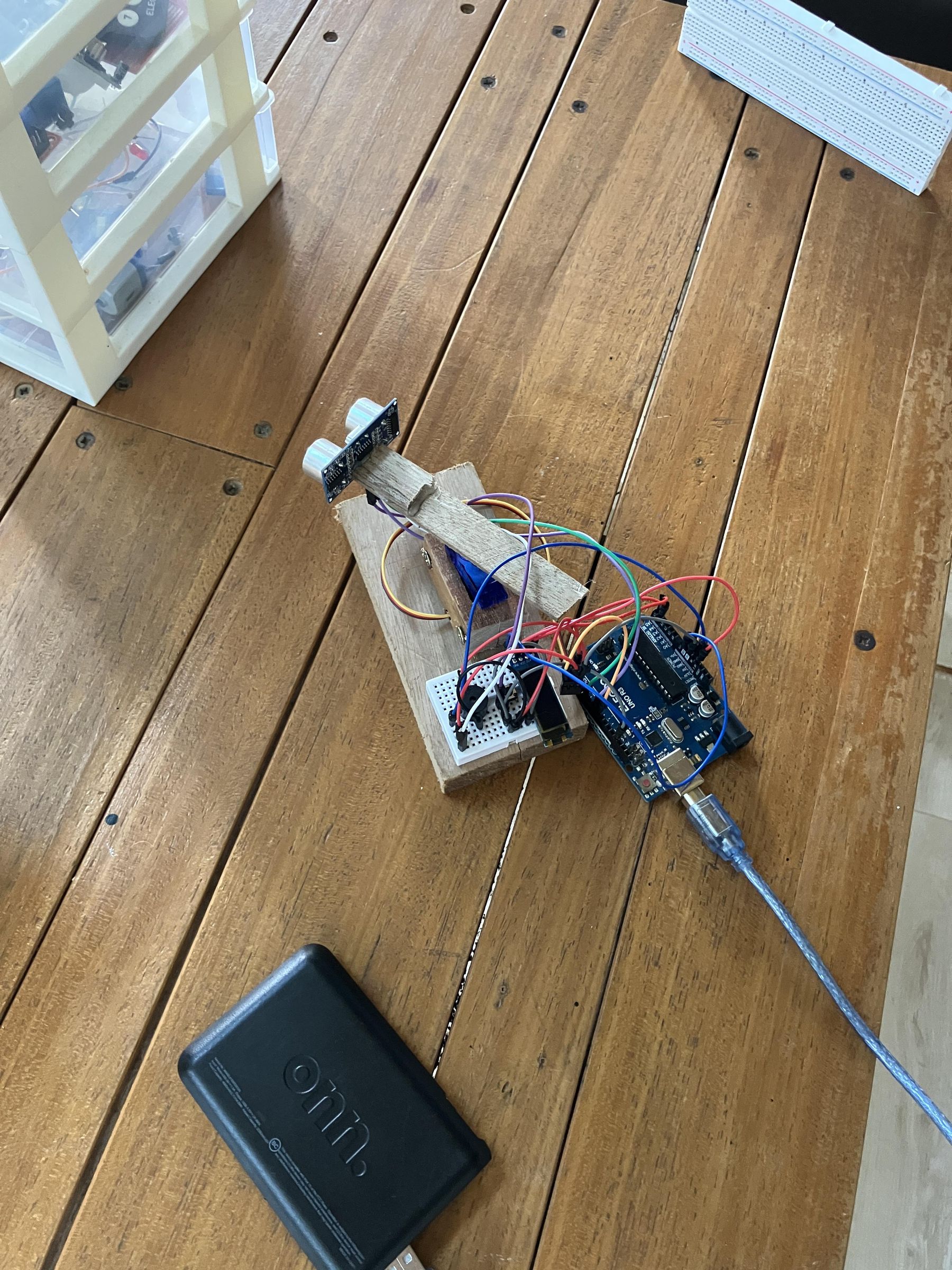
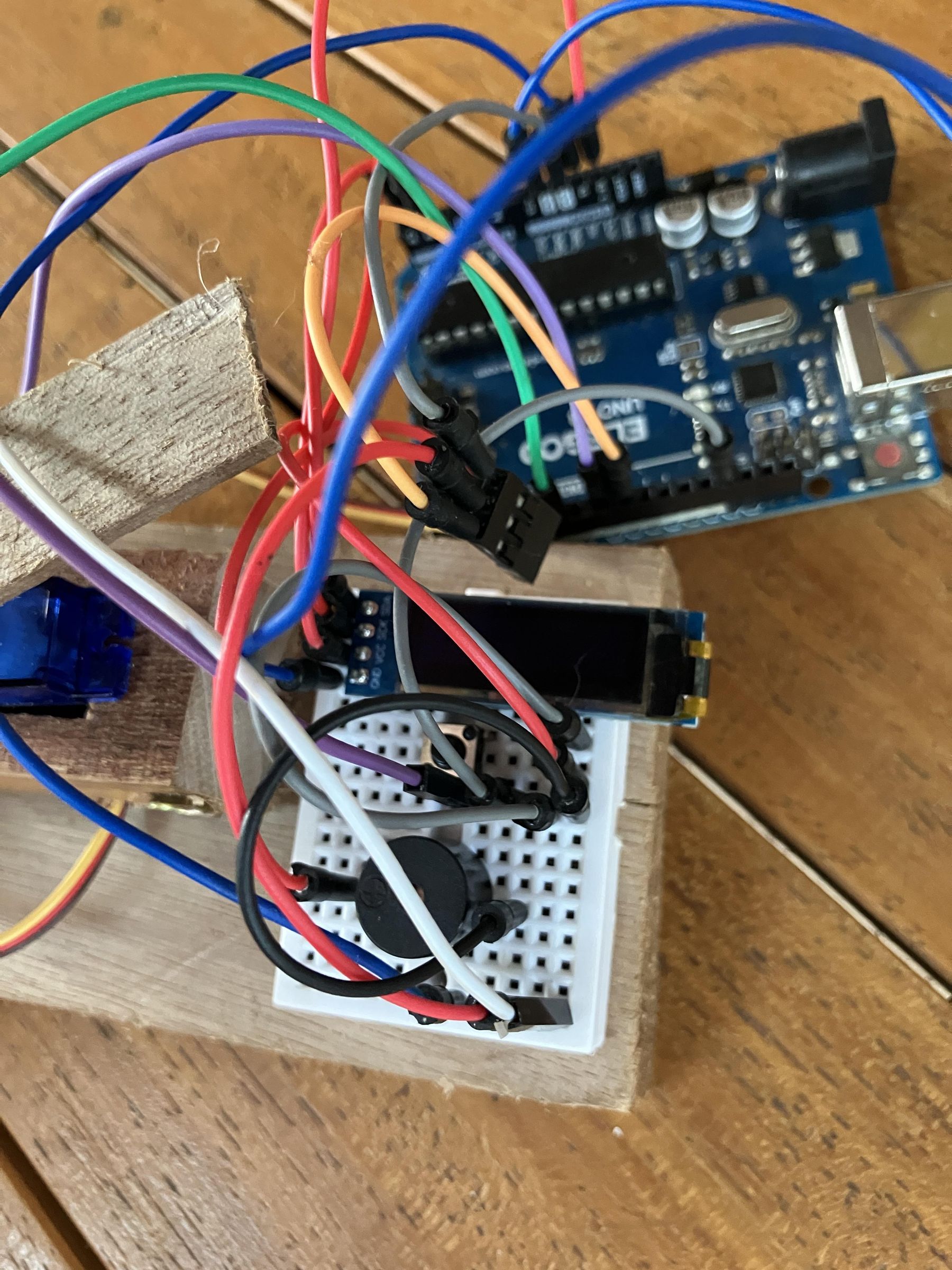
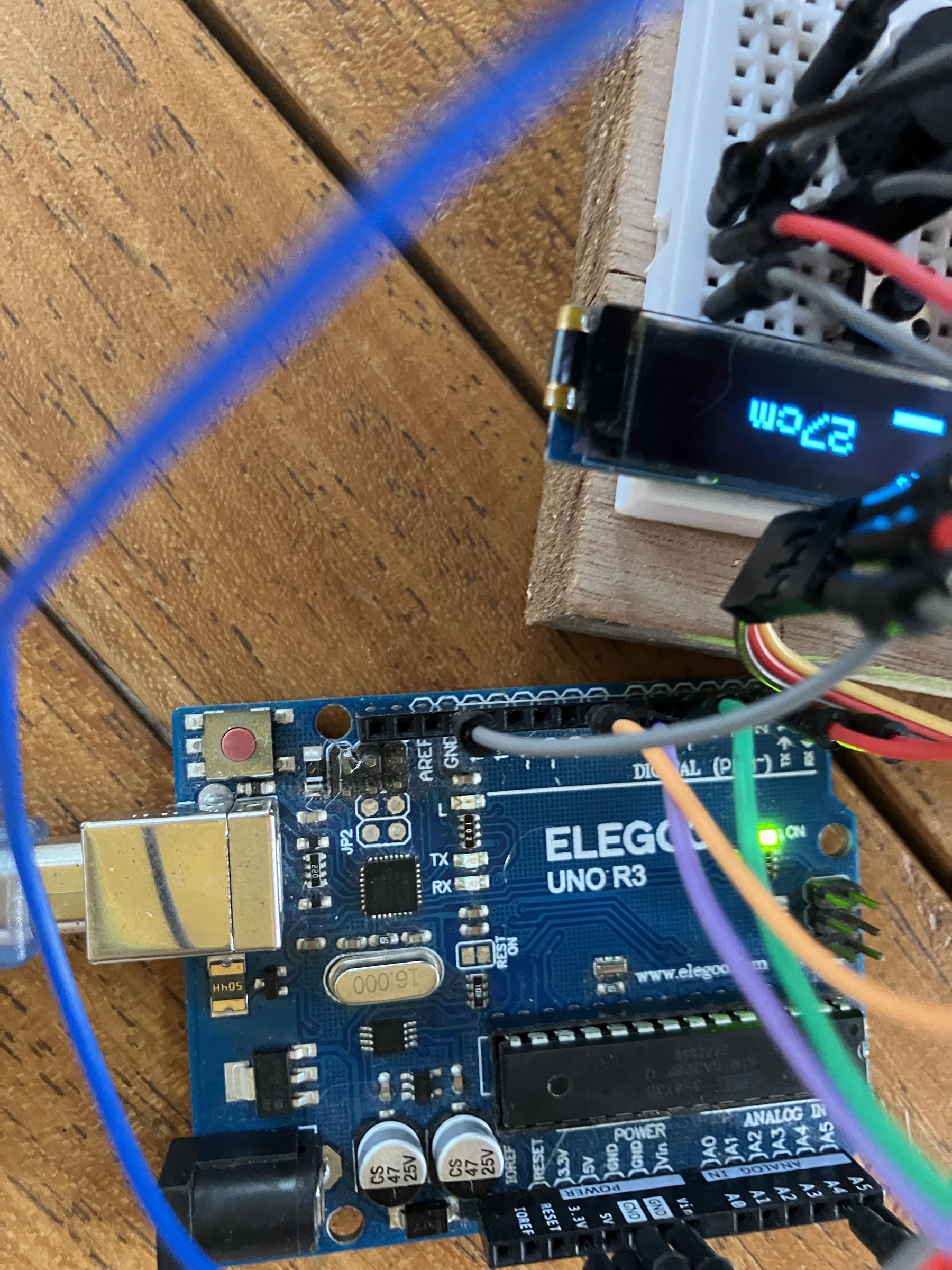
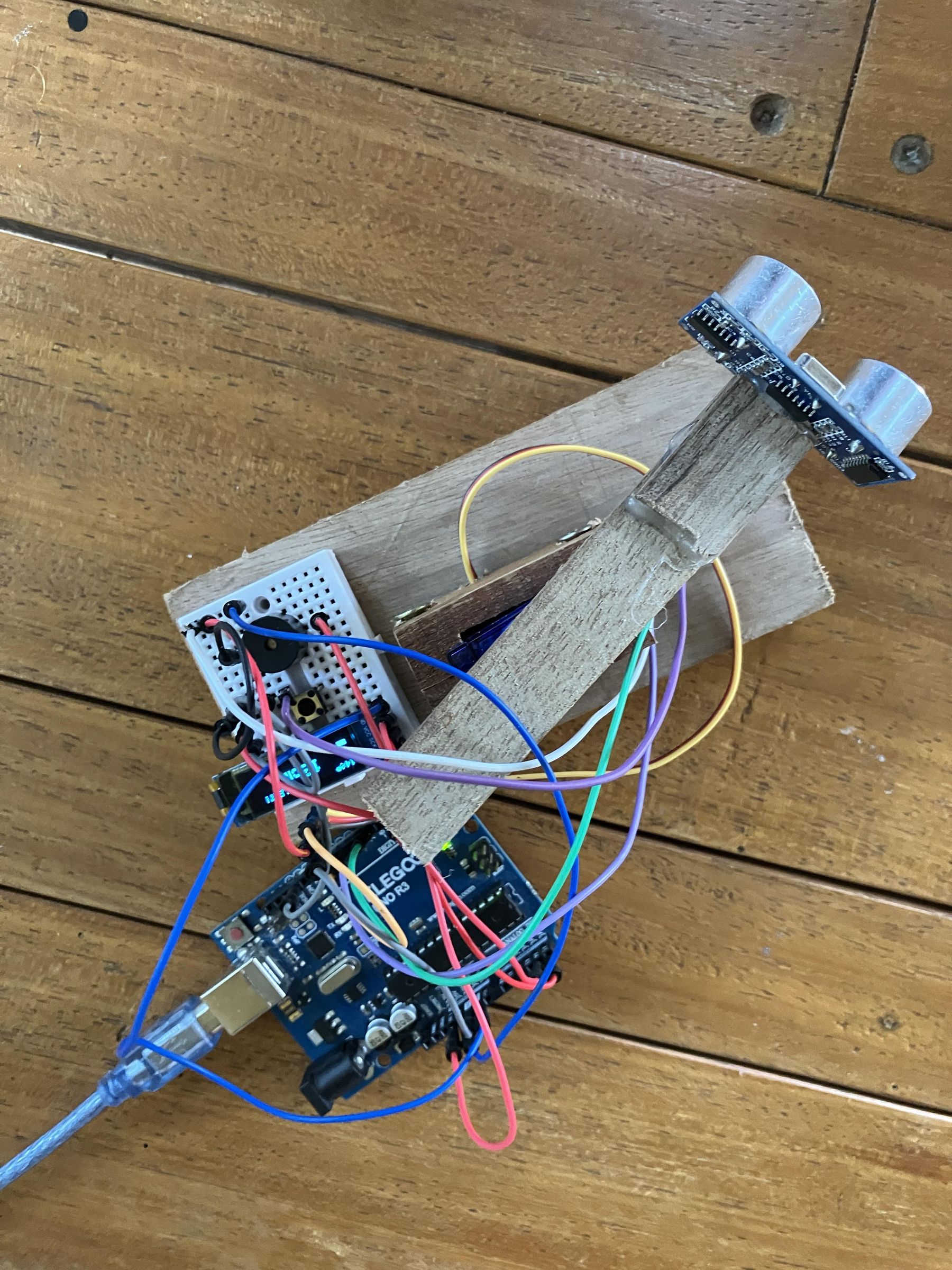
This is a project that uses an ultrasonic sensor, an Arduino Uno, a Servo, a .96 OLED, a button, and a Piezo buzzer. When you plug it in, it sweeps the servo across the room and displays the distance on the OLED. If the distance is less than 20cm, the buzzer goes off and if you press the button it pauses.
Downloads
Introduction
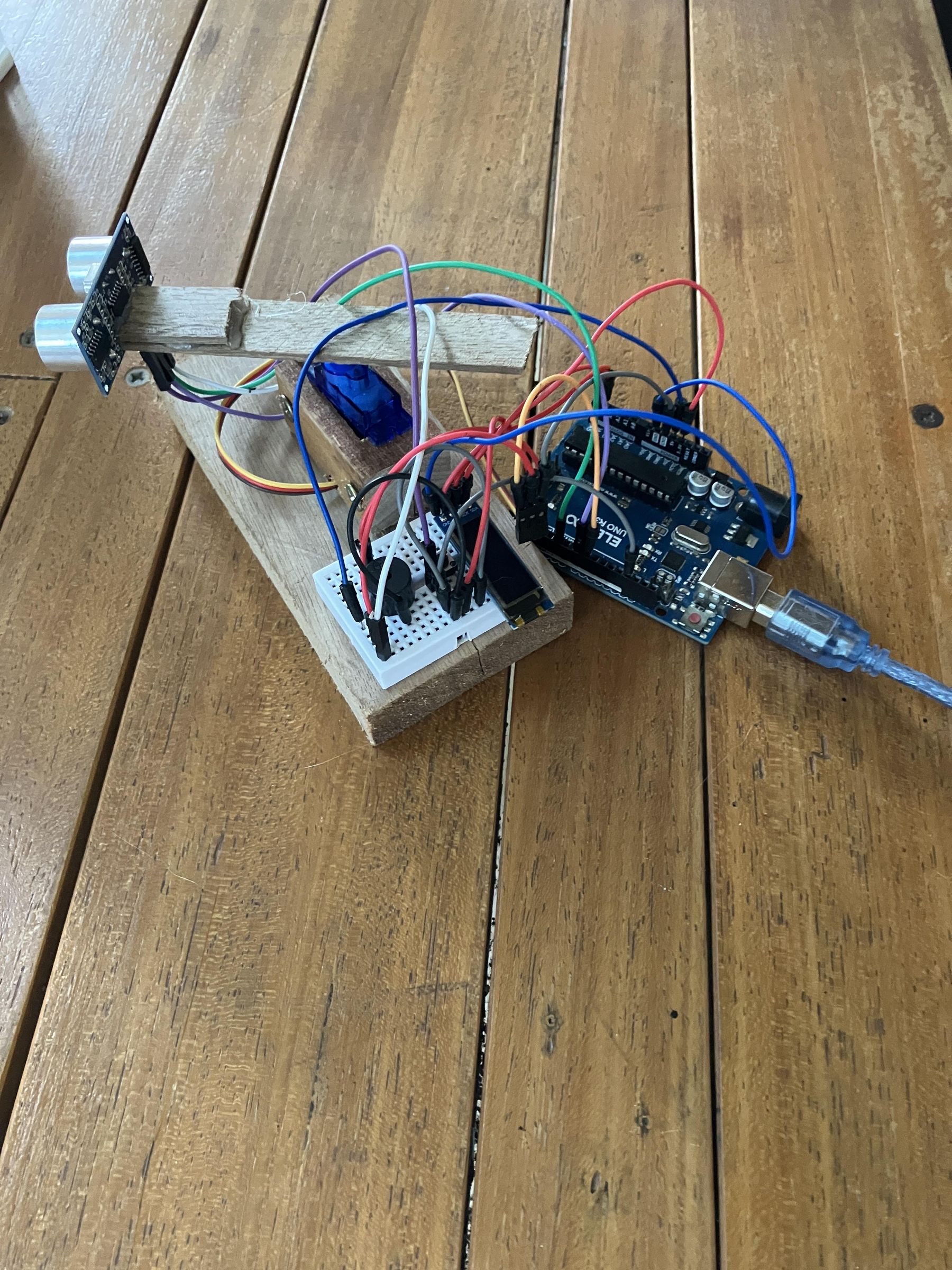
In this project we build a mini radar scanner using an Arduino Uno, a servo motor, an HC-SR04 ultrasonic sensor, a 0.91" OLED display, a piezo buzzer, and a button. The servo sweeps the sensor back and forth, the OLED shows the live distance and angle, and the buzzer alerts you when something gets closer than 20cm. The button lets you pause, switch between cm and inches, and manually control the angle.
Parts List
- Arduino Uno
- SG90 servo motor
- HC-SR04 ultrasonic sensor
- 0.91" SSD1306 OLED display (128x32)
- Piezo buzzer
- Push button
- Breadboard and jumper wires
- External battery pack for the servo
Wiring
- OLED VCC → 3.3V (NOT 5V or it will fry!)
- OLED GND → GND
- OLED SDA → A4
- OLED SCL → A5
- HC-SR04 VCC → 5V
- HC-SR04 GND → GND
- HC-SR04 Trig → Pin 6
- HC-SR04 Echo → Pin 8
- Servo signal → Pin 9
- Servo VCC → external battery pack positive
- Servo GND → battery pack negative AND Arduino GND
- Buzzer + → Pin 3
- Buzzer - → GND
- Button → Pin 2 and GND
Install Libraries
In Arduino IDE open Library Manager and install Adafruit SSD1306 and Adafruit GFX Library.
Upload Code
Upload the final code. The servo will start sweeping automatically and the OLED will show the live angle and distance.
Using It
- Single click → pause/unpause the servo
- Double click → switch between cm and inches
- Triple click → enter manual mode, hold button to sweep to any angle, triple click again to go back
- Buzzer → beeps when anything is detected closer than 20cm
- Mount the HC-SR04 on top of the servo horn pointing forward for best results