Distraction-Free Digital Writing Device With Raspberry Pi
by Nate Deitz in Circuits > Raspberry Pi
380 Views, 1 Favorites, 0 Comments
Distraction-Free Digital Writing Device With Raspberry Pi
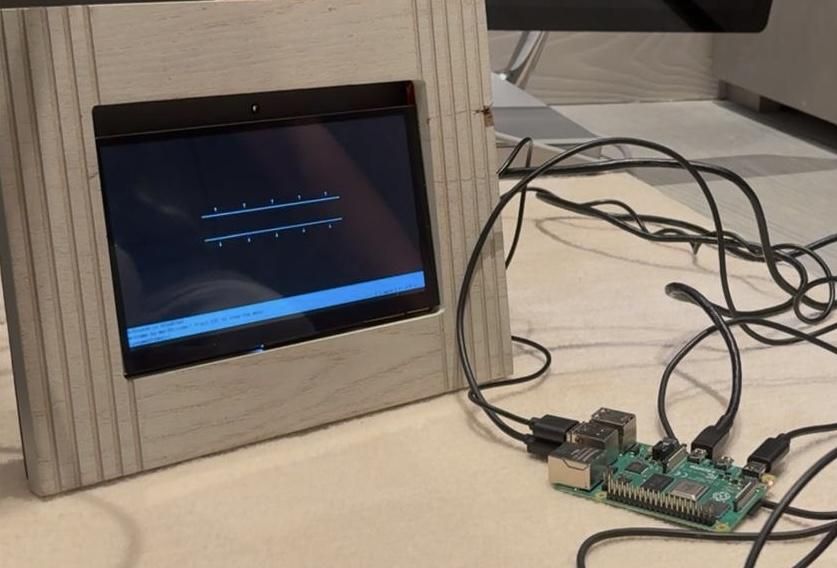
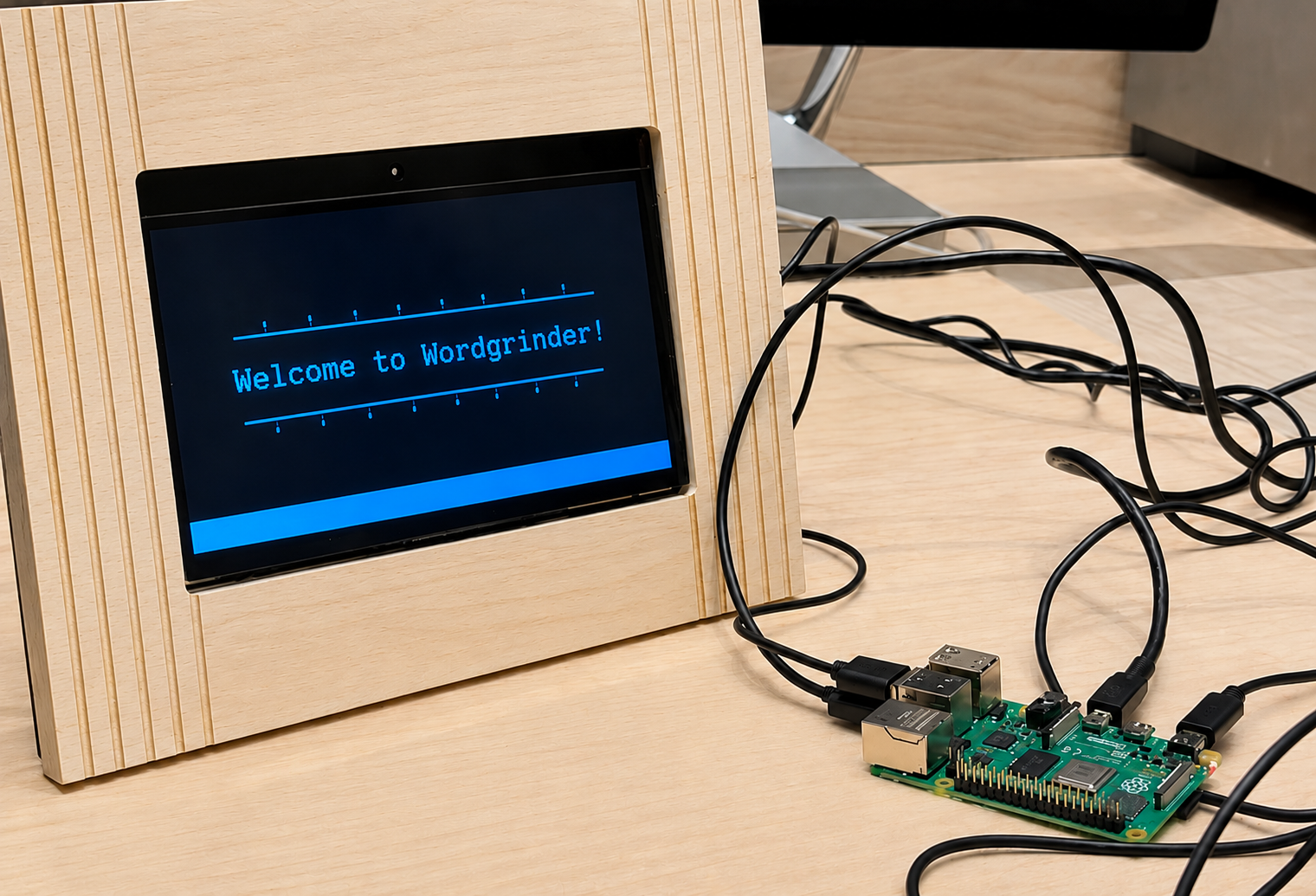
Draft, save and edit text documents quickly, efficiently, and without distractions.
Modern computers are incredibly capable machines, but for writers they can sometimes be a little too capable. E-mails, notifications, instant messages, and endless browser tabs can quickly end a productive writing session. For many makers and writers, the answer is a dedicated writing device that does one thing exceptionally well: write.
Supplies
- Raspberry Pi 4
- 32GB microSD card
- 7-inch display
- Mechanical keyboard
- Raspberry Pi OS Lite (64-bit)
- WordGrinder text editor (https://cowlark.com/wordgrinder/index.html)
Flashing the OS
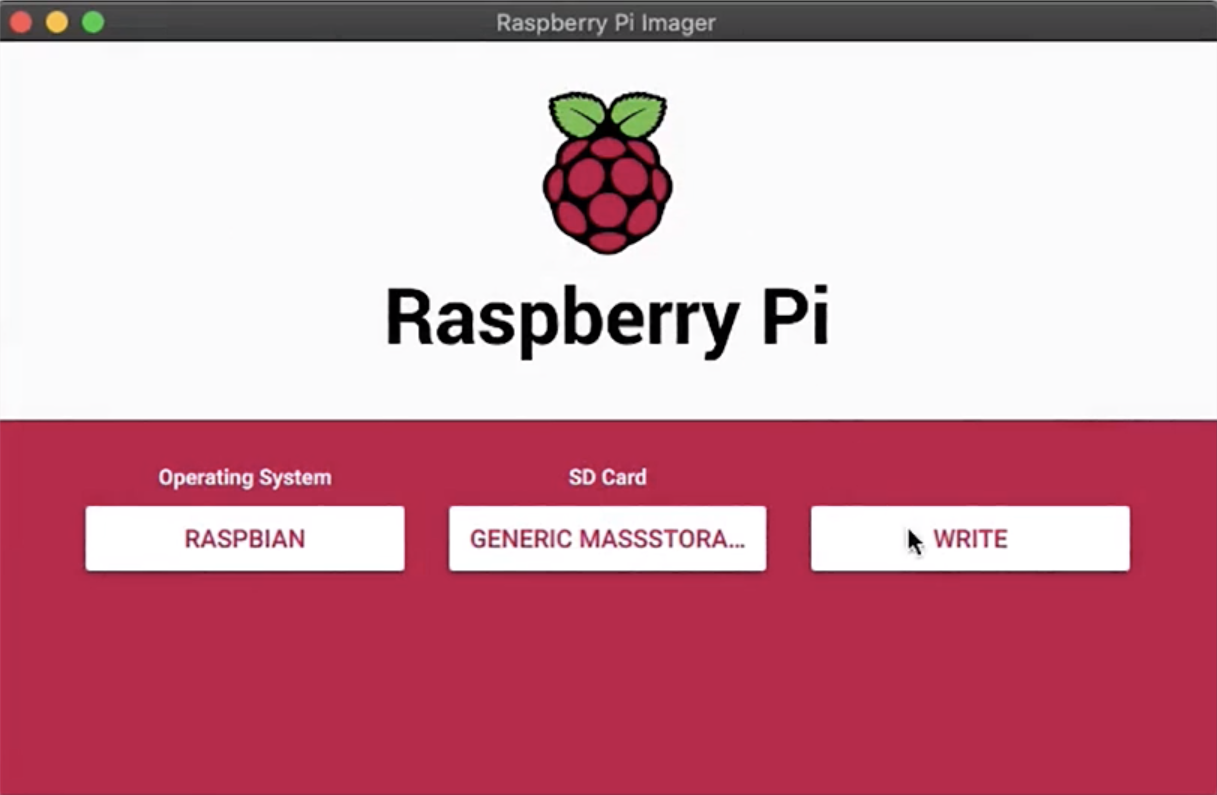
For the OS, I chose Raspberry Pi OS LITE (64 bit) on a 32GB SD card. The size of the SD card can be anywhere from 4GB upwards. It is important that the OS is LITE, because then the typewriter can be used with no desktop environment, perfect for just a keyboard and less distractions. Once the OS finished installing, it was time to install the typewriter software.
Installing the Software
Once the system had installed and I had entered the terminal, I ran the following commands:
- sudo apt update
- sudo apt install wordgrinder
the first command ensured that the system was up to date, and the second command installed the software. Once that was all done, I moved on to customizing the setup.
Customizing the Setup
After the software was installed, I ran the command:
- sudo raspi-config
I navigated through the settings and enabled auto-login in order to create a streamlined interface. From there, I edited the aliases and created the following aliases:
- off=kmsblank
- text=wordgrinder
- mount=sudo mount -o uid=1000,gid=1000 /dev/sda1 /mnt/usb
- unmount=sudo umount /mnt/usb
With just a handful of components and a free afternoon, you can create a modern writing machine that captures the simplicity of a classic typewriter while retaining the convenience of digital storage. Have fun writing!
Troubleshoot Tip!
If the system is constantly blacking out due to a power shortage, try using a USB hub for more power for the ports. This puts less strain on the pi itself