Alarm System

by 900012 in Circuits > Arduino

290 Views, 1 Favorites, 0 Comments

Alarm System

Super Amur.png

Are you looking to build your own secure, programmable alarm system? This project is perfect for learning about electronics, Arduino programming, and creating something practical for everyday use. With this DIY arming mechanism, you can use a 4-digit pin to control an alarm. It's simple to set up, fun to build, and a great way to learn the hardware basics.

Supplies

Arduino Uno.jpg
4x4 Keypad.jpg
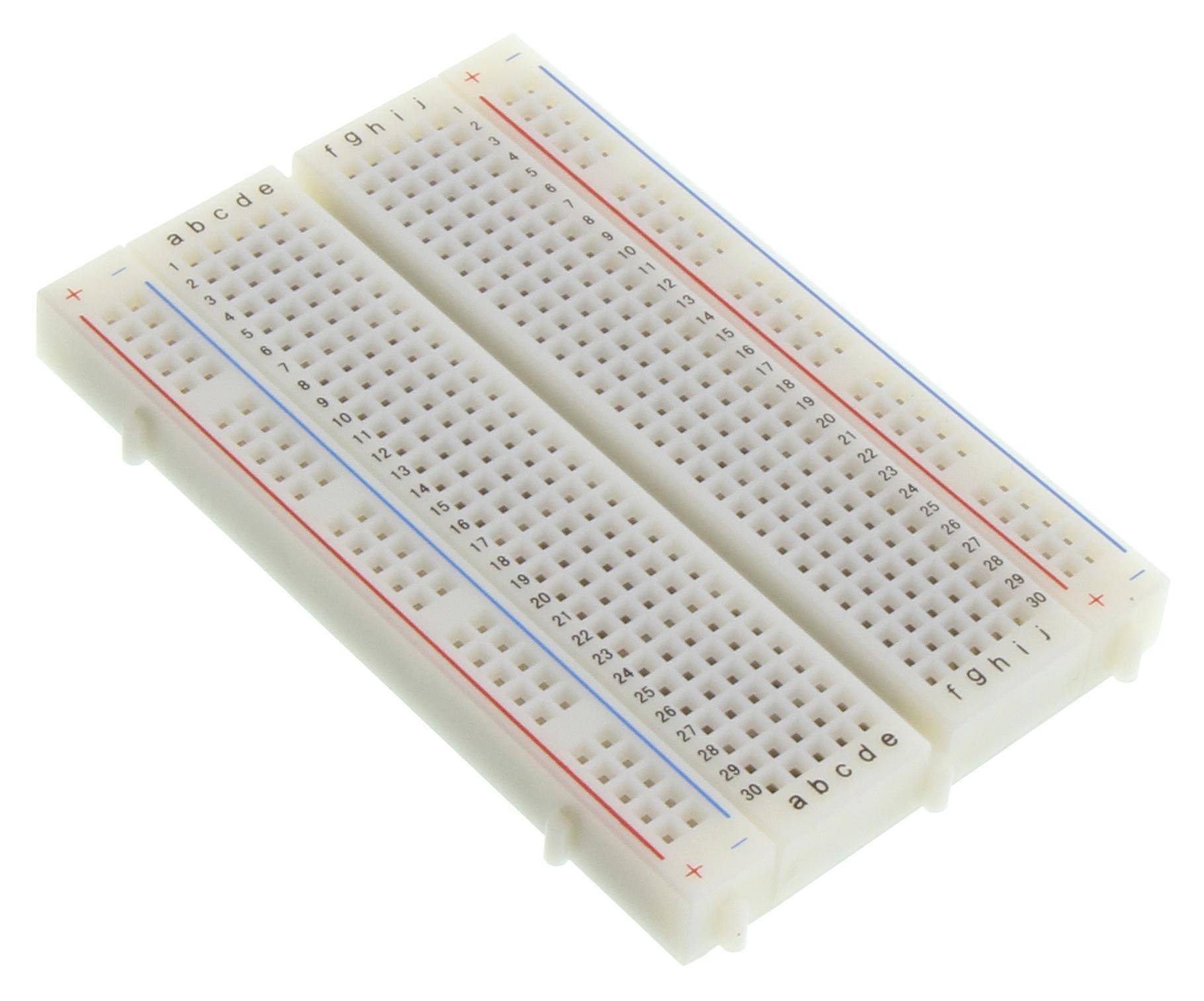
Breadboard.jpg
Jumper Wires.jpg
USB Cable.jpeg
Screenshot 2026-01-21 at 10.23.22 AM.png
Piezo.PNG
PIR.PNG

Assemble the Circuit

Screenshot 2026-01-21 at 9.55.06 AM.png


Connect the LCD Display

  1. Ground Pin to ground
  2. VCC Pin (power) to power
  3. SDA Pin to A4
  4. SCL Pin to A5


Connect the Keypad

  1. Rows to pins 10, 9, 8, 7, 6, 5, 4, 3 (in order from left to right)


PIR Sensor

  1. Signal Pin to pin 2
  2. Power Pin to 3.3V
  3. Ground Pin directly to ground


Piezo (buzzer)

  1. Positive to A0
  2. Negative to ground


Power the Arduino

  1. Connect via USB to a computer


LOOK AT DIAGRAM ABOVE FOR BETTER IDEA

Code

//YOU WILL NEED TO HAVE THESE FILES IN YOUR LIBRARY
#include <Keypad.h>
#include <LiquidCrystal_I2C.h>

// LCD setup
LiquidCrystal_I2C lcd(0x27, 16, 2);

// Pin assignments
const int buzzerPin = A0;
const int pirPin = 2;

// PIN code (fixed for now)
String storedPIN = "1234";
String inputCode = "";

// System states
bool isArmed = false;
bool disarmCountdown = false;
bool exitDelayActive = false;

unsigned long entryStartTime;
unsigned long exitStartTime;
const int entryDelay = 15000; // 15 seconds
const int exitDelay = 10000; // 10 seconds

// Timing for buzzer
unsigned long lastBeepTime = 0;

// Keypad setup
const byte ROWS = 4;
const byte COLS = 4;
char keys[ROWS][COLS] = {
{'1','2','3','A'},
{'4','5','6','B'},
{'7','8','9','C'},
{'*','0','#','D'}
};
byte rowPins[ROWS] = {10, 9, 8, 7};
byte colPins[COLS] = {6, 5, 4, 3};
Keypad keypad = Keypad(makeKeymap(keys), rowPins, colPins, ROWS, COLS);

void beep(int duration = 100) {
tone(buzzerPin, 1000);
delay(duration);
noTone(buzzerPin);
}

void setup() {
Serial.begin(9600);
pinMode(pirPin, INPUT);
pinMode(buzzerPin, OUTPUT);

lcd.init();
lcd.backlight();
lcd.setCursor(0, 0);
lcd.print("Enter PIN:");
}

void loop() {
char key = keypad.getKey();

if (key) {
beep();
handleKeyInput(key);
}

// Exit delay logic
if (exitDelayActive) {
unsigned long elapsed = millis() - exitStartTime;
if (elapsed >= exitDelay) {
isArmed = true;
exitDelayActive = false;
lcd.clear();
lcd.setCursor(0, 0);
lcd.print("System ARMED");
} else {
lcd.setCursor(0, 0);
lcd.print("Arming: ");
lcd.print((exitDelay - elapsed) / 1000);
lcd.print("s ");

if (millis() - lastBeepTime >= 1000) {
lastBeepTime = millis();
beep(100);
}
}
}

// Entry delay logic
if (disarmCountdown) {
unsigned long elapsed = millis() - entryStartTime;
int remaining = (entryDelay - elapsed) / 1000;

if (elapsed >= entryDelay) {
disarmCountdown = false;
soundAlarm();
} else {
lcd.setCursor(0, 0);
lcd.print("Motion Detected! ");
lcd.setCursor(0, 1);
lcd.print("Disarm: ");
lcd.print(remaining);
lcd.print("s ");

if (millis() - lastBeepTime >= 1000) {
lastBeepTime = millis();
beep(100);
}
}
}

// PIR detection when armed
if (isArmed && digitalRead(pirPin) == HIGH && !disarmCountdown) {
disarmCountdown = true;
entryStartTime = millis();
lastBeepTime = 0;
lcd.clear();
}
}

void soundAlarm() {
lcd.clear();
lcd.setCursor(0, 0);
lcd.print("!! ALARM !!");
for (int i = 0; i < 10; i++) {
tone(buzzerPin, 2000);
delay(200);
noTone(buzzerPin);
delay(200);
}
}

void handleKeyInput(char key) {
if (key == '#') {
checkPIN();
} else if (key == '*') {
inputCode = "";
lcd.clear();
lcd.setCursor(0, 0);
lcd.print("PIN cleared");
} else if (inputCode.length() < 4 && isDigit(key)) {
inputCode += key;
lcd.setCursor(0, 0);
lcd.print("Code: ");
lcd.print(inputCode);
lcd.print(" ");
}
}

void checkPIN() {
if (inputCode == storedPIN) {
// Disarm system in any state
if (disarmCountdown || exitDelayActive || isArmed) {
disarmCountdown = false;
exitDelayActive = false;
isArmed = false;
lcd.clear();
lcd.setCursor(0, 0);
lcd.print("System DISARMED");
} else {
lcd.clear();
lcd.setCursor(0, 0);
lcd.print("Arming in 10s...");
exitDelayActive = true;
exitStartTime = millis();
lastBeepTime = 0;
}
} else {
lcd.clear();
lcd.setCursor(0, 0);
lcd.print("Wrong PIN!");
}

inputCode = "";
}

Test the System

Screenshot 2026-01-21 at 10.27.16 AM.png

Startup Screen: Upon powering the Arduino, the LCD will ask you to enter a pin.

Locking and Unlocking:

  1. Enter a 4-digit PIN on the keypad (the default is 1234#)
  2. If the PIN matches the saved code, the lcd will display an arming countdown
  3. If the PIN is incorrect, the LCD will show a "Wrong Pin!" message
  4. Once the system is armed, you may disarm it by inputting the password again

PIR Motion:

  1. When armed, if motion is detected, the lcd will display "Motion Detected!" and start a countdown
  2. You have 20 seconds to disarm the system with the code, otherwise an alarm will sound

Other Features:

  1. The "*" pin clears the screen if you input the password wrong
  2. The buzzer makes a loud beeping sound, mimicking an actual alarm system
  3. Press 'D' when armed to sound the alarm

Final Notes

Congratulations! You've finally built a fully functional alarm mechanism powered by an Arduino. This project not only mimics an alarm system but also gives you a hands-on experience with programming, wiring, and hardware.


ALL CREDIT GOES TO: https://projecthub.arduino.cc/1higgin/simple-alarm-system-e5958f#section0