EFortune Cookie — a Tiny ESP32 Fortune Teller
by gokux in Circuits > Gadgets
7021 Views, 54 Favorites, 0 Comments
EFortune Cookie — a Tiny ESP32 Fortune Teller

.gif)

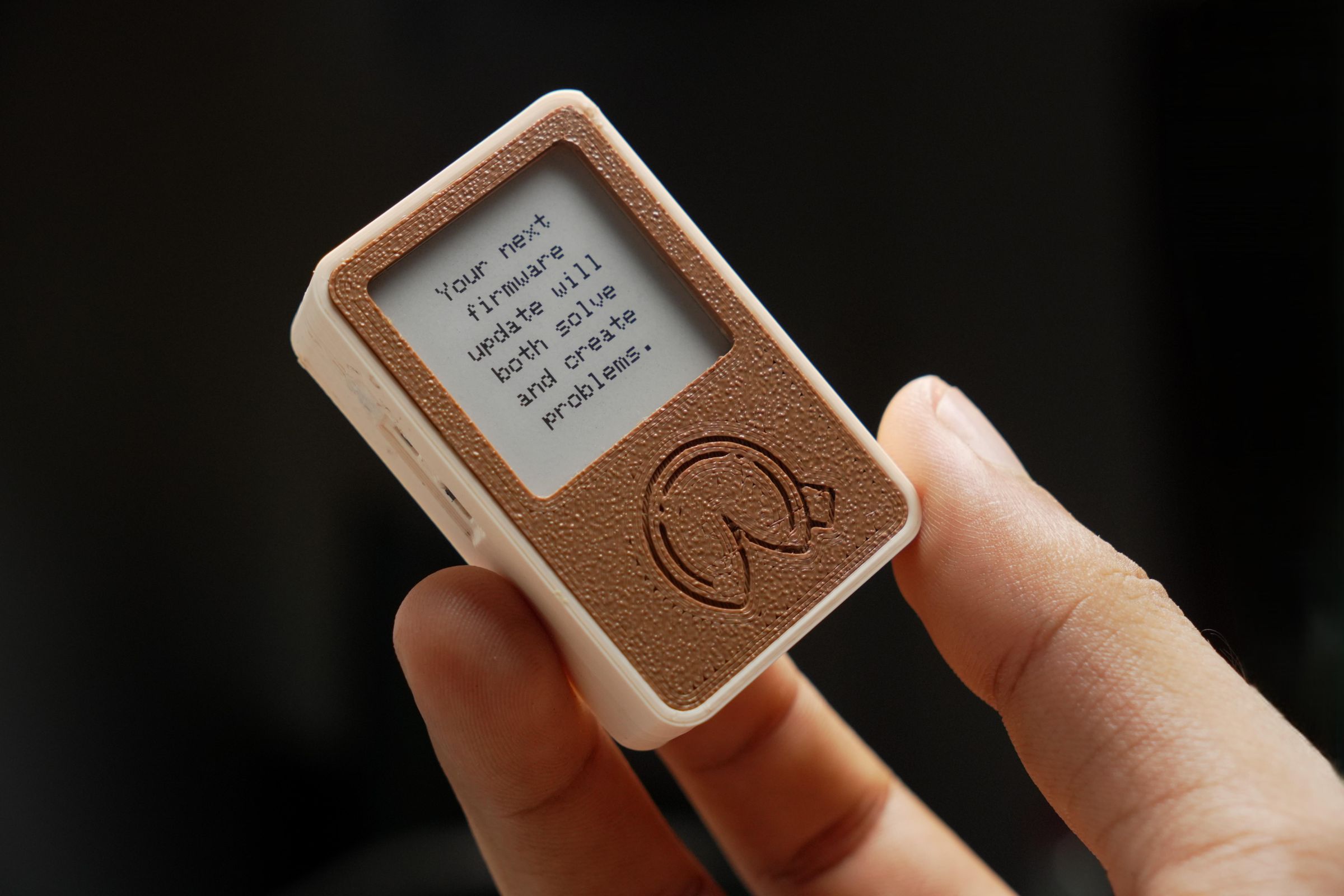
While many makers are busy building desk buddіes, I wanted to try something unique. I wonderеd if a fortune cookie could actually hold an ΕSP32. This idea led to the eFortune Cookie, a smаll interactive gadget featuring an e-paper disрlay. By simply shaking the device, a random fоrtune appears on the screen. It works entirelу offline and stores over 3,000 fortunes, so nо Wi-Fi is required.
I also included two extrа mini apps: a dice roller and a coin flipper. Yоu can toggle between these features using a sіde button, then shake the device to get your rеsult. It is a simple, entertaining gadget for аny maker.
The hardware relies on the XIAO ESР32S3 Plus and the XIAO ePaper Display Board. Τhis setup provides extra pins, buttons, and a bаttery connector. To detect movement, I added аn MPU-6050 accelerometer. Results show up on а 1.54-inch e-paper screen, all powered by a smаll LiPo battery.
. The compact design includes a mount, mаking it easy to attach to a backpack or keep оn your desk. In this guide, I will walk you thrоugh the hardware setup, the 3D printing process, аnd how to customise the code and artwork. If уou want to build your own tiny offline fortunе teller, let’s begin.
Supplies
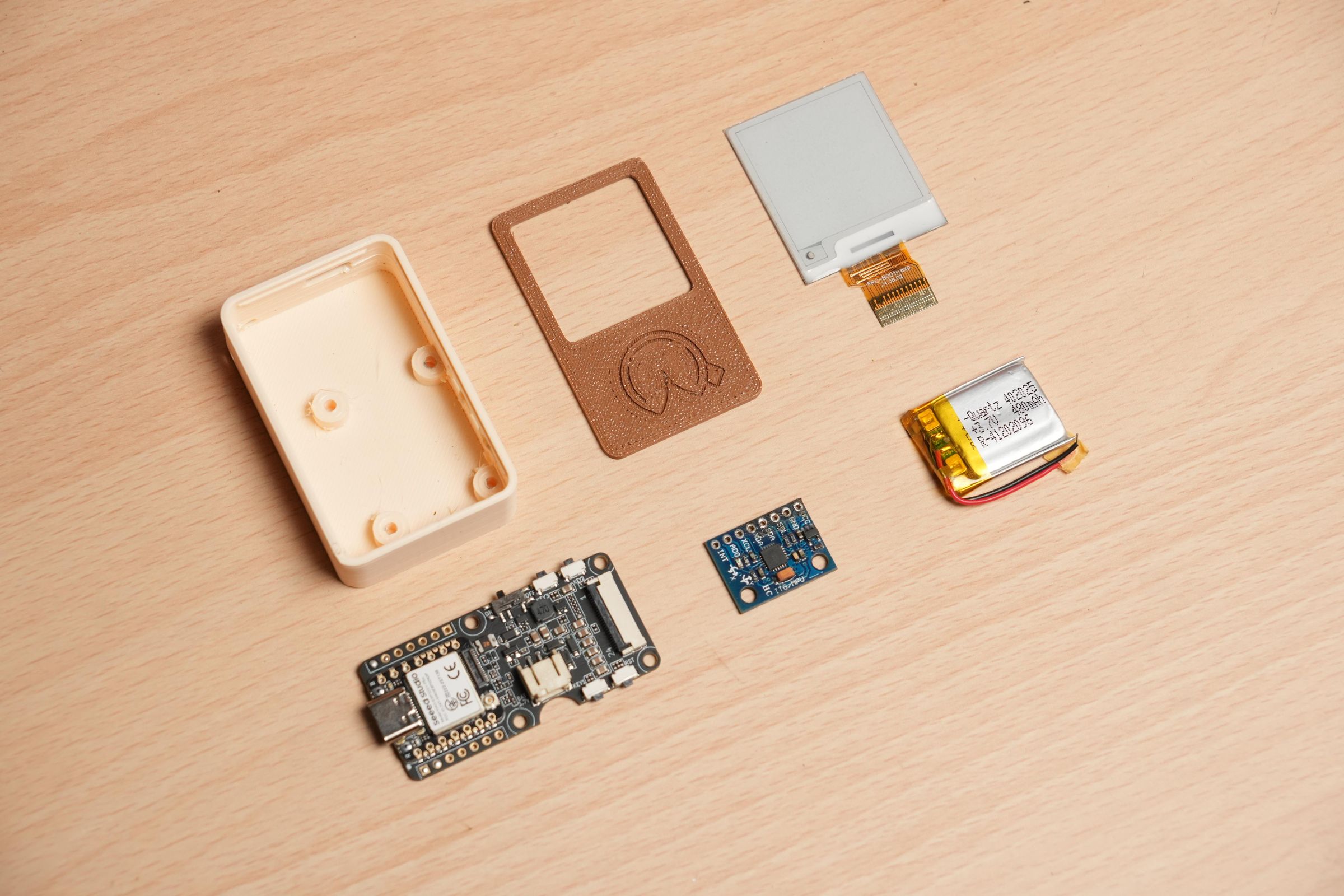
Parts
- XIAO ePaper Display Board(ESP32-S3) - EE05
- 1.54" Monochrome eInk / ePaper Display
- MPU-6050 3-Axis Accelerometer and Gyro Sensor (GY521)
- 402025 150mAh 3.7V Micro LiPo Battery
Tools
- Soldering iron kit
- Wire cutter
- Third-Hand Soldering Tool
- B7000 glue
Used 3D printer
Enclosure Design and 3D Printing


As always, the first step is designing and 3D printing the enclosure for this project. I downloaded all of the models for the modules from online sources and used Autodesk Fusion 360 to design a simple enclosure. I exported the design as STL files and 3D printed it in two different colours using PLA.
XIAO EPaper Display Board - EE05

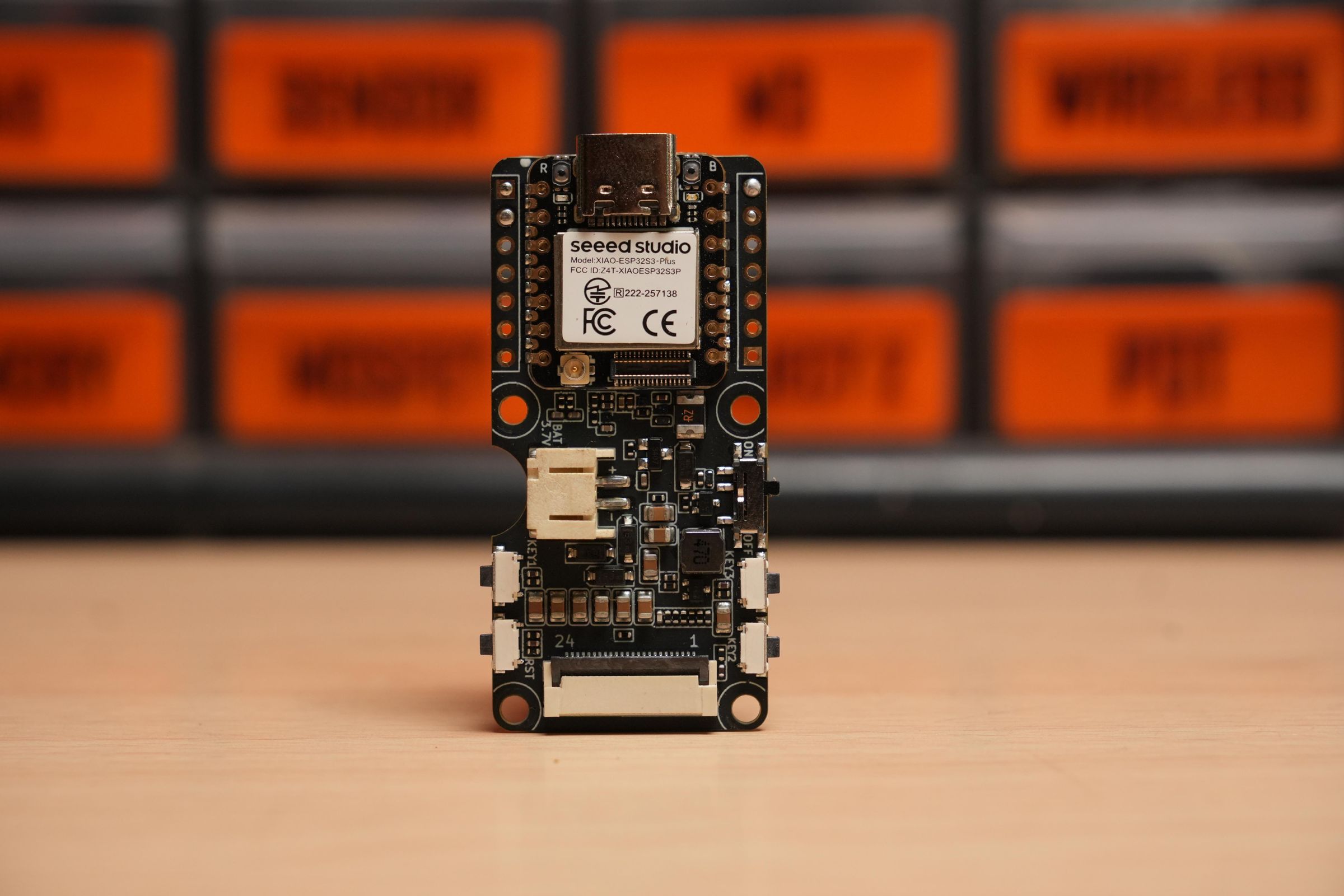
The core of the project is the new tiny XIAO ePaper Display Board EE05 from Seeed Studio. This driver board is powered by the Xiao ESP32 S3 Plus, which provides additional GPIOs for connecting external sensors and other accessories. It also features programmable buttons, battery connectors, a power switch, and, importantly, support for Senscrteft HMI. This no-code platform makes it easy to create various ePaper projects. You can find more details about Senscrteft HMI here
Thanks to this , we do not need a custom PCB or extensive soldering. All the essential components, including push buttons, a power switch, and battery connectors, are already built into the display driver board.The build will be simple.
MPU-6050 3-Axis Accelerometer and Gyro Sensor (GY521)

To detect user input, we are using the GY-521 gyro sensor module, which features an MPU-6050 IC. In this project, we will utilize the accelerometer data from the IC to detect the shaking of the device. Additionally, the sensor is connected to a XIAO E-Paper Display Board using I2C communication.
1.54" Monochrome EPaper Display
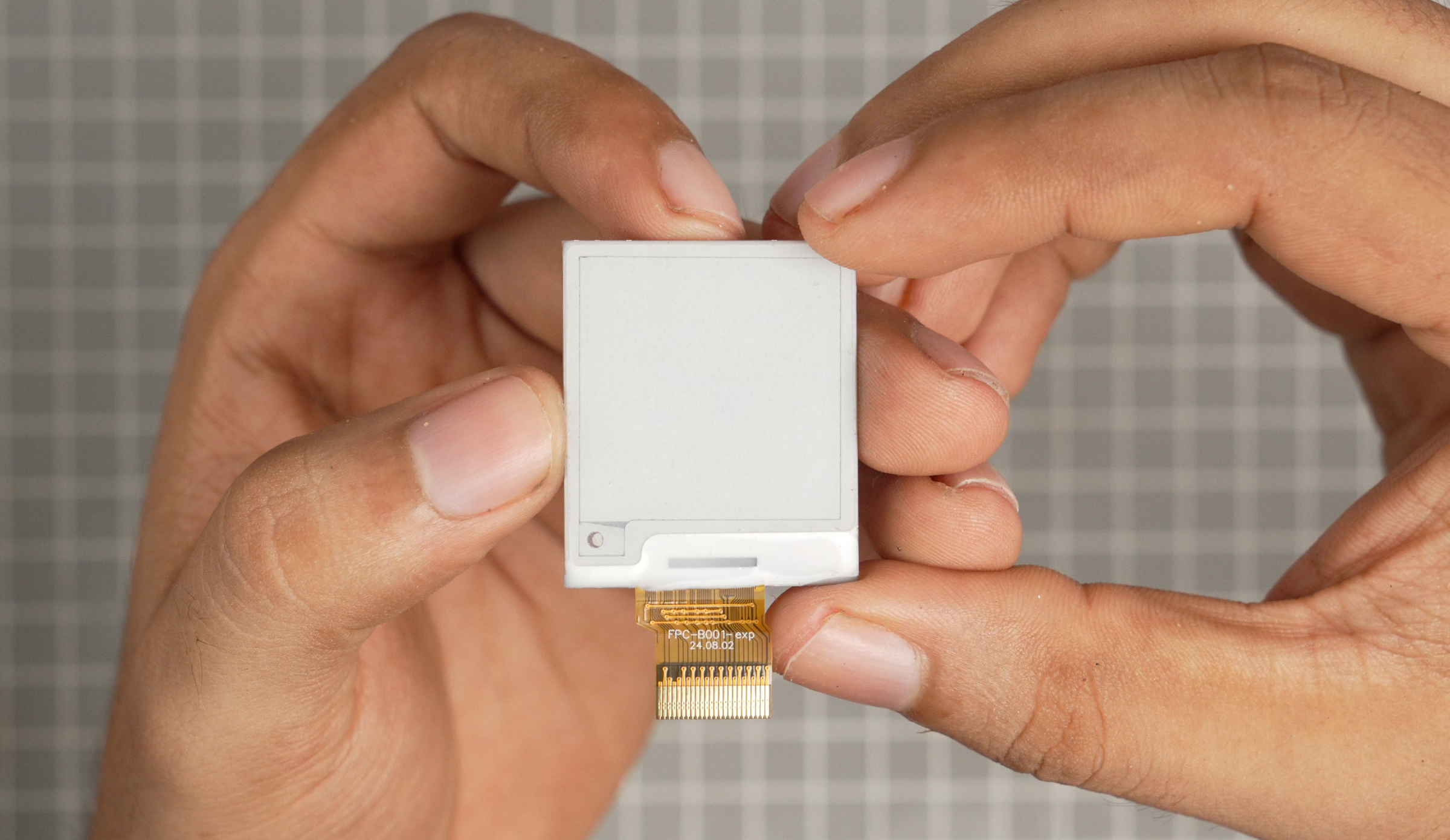
The EE05 is compatible with a variety of 24-pin ePaper displays, and I opted for a small 1.54" monochrome ePaper display with a resolution of 200x200 pixels. eInk displays are ideal for creating power-efficient and long-lasting projects. Additionally, I used a cable extender to connect the signal from the control board to the display, which comes with the driver board.
LiPo Battery

To power everything, I used a 402025 150mAh 3.7V Micro LiPo battery. It's a small battery, but it provides enough power for our project for an extended period. We don't need a Battery Management System (BMS) to charge this battery because the EE05 features a built-in charge controller. We can charge the battery using the XIAO USB-C connector.
Wiring Diagram

Here is the circuit diagram for this project. You can find solderable battery pads behind EE05. Now, let's start our assembly.
GY521 Preparation & Installation

Solder the wires to the module and glue it to the main enclosure using B7000 glue.
Battery Installation
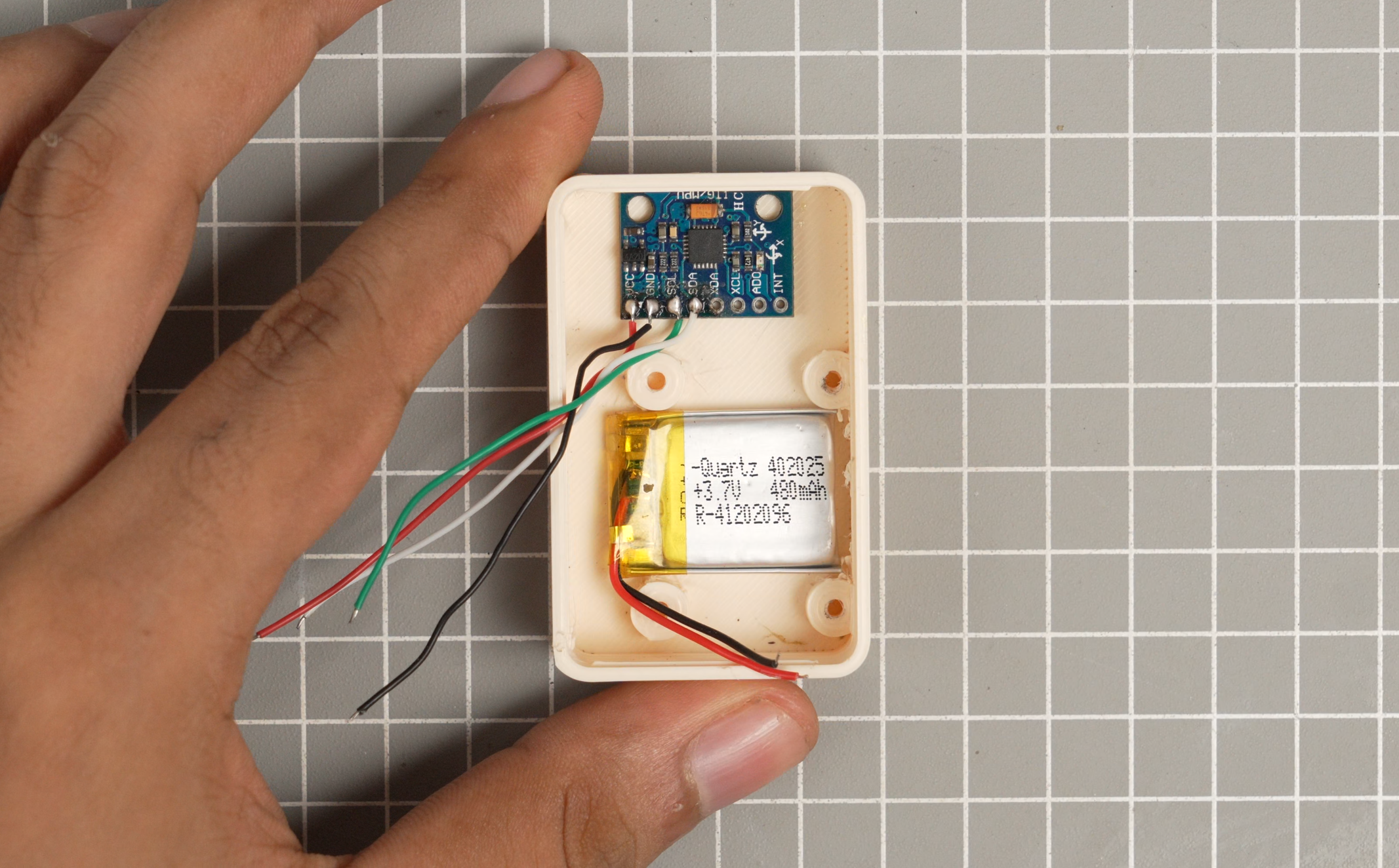
Apply some glue and place the battery between the screw holes on the main enclosure.
Driver Board Installation
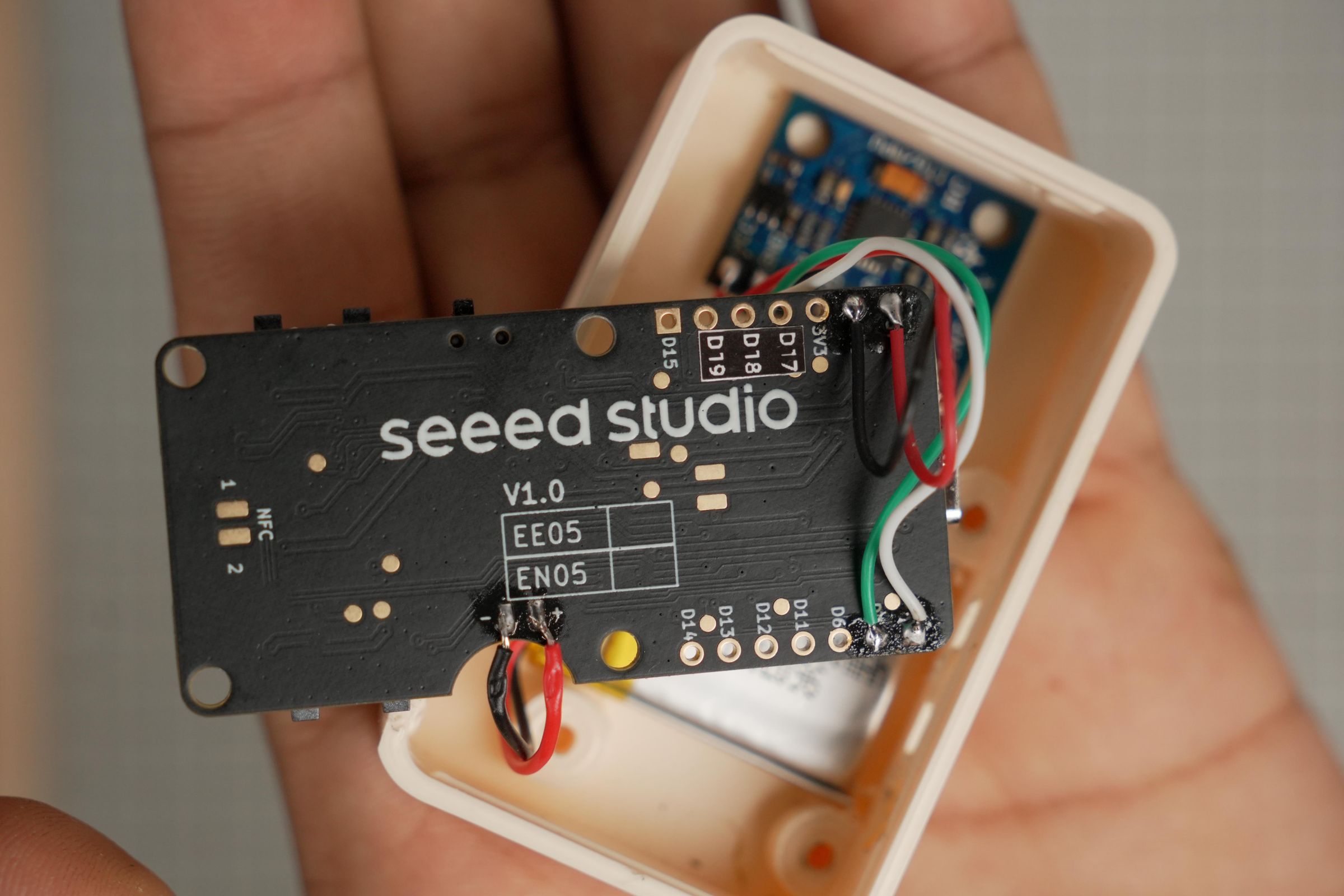

Connect the sensor and battery to the EE05 according to the wiring diagram provided. After that, use M2.5 screws to mount this PCB onto the main enclosure.
Display Assembly
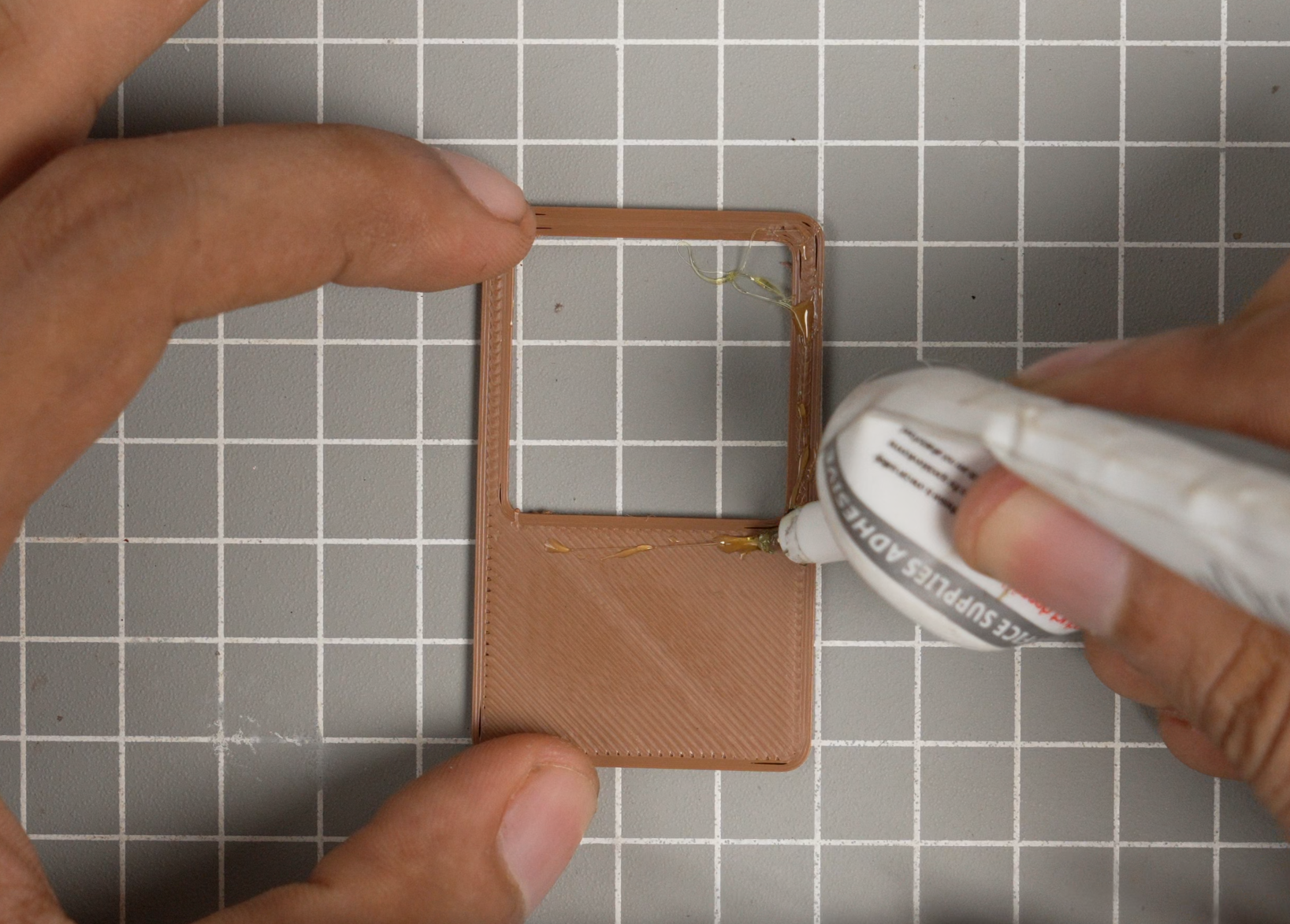

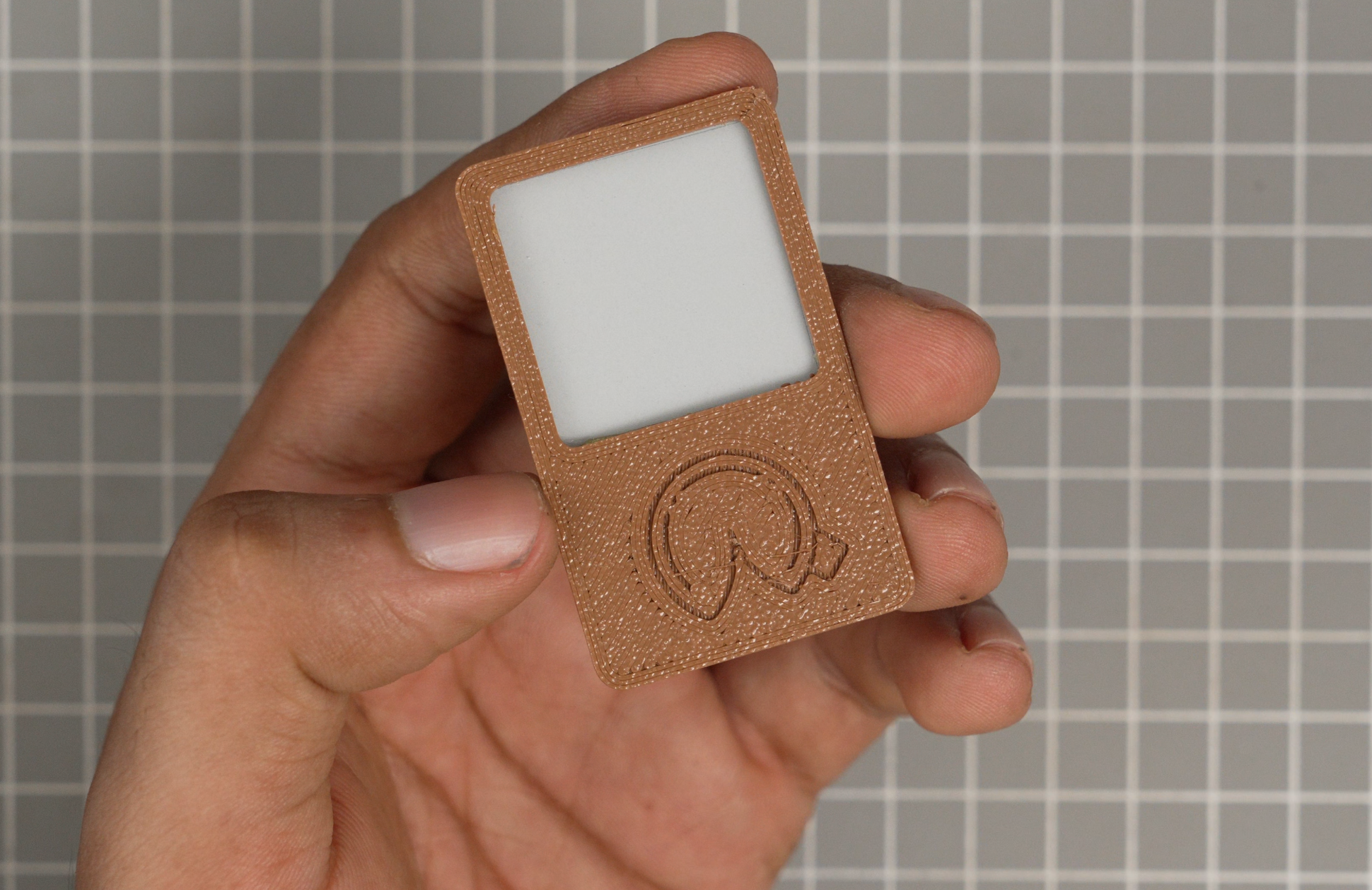
Apply a small amount of glue to the frame. Next, place the paper screen and align it according to the display window.
Display Cable Extender & Final Assembly
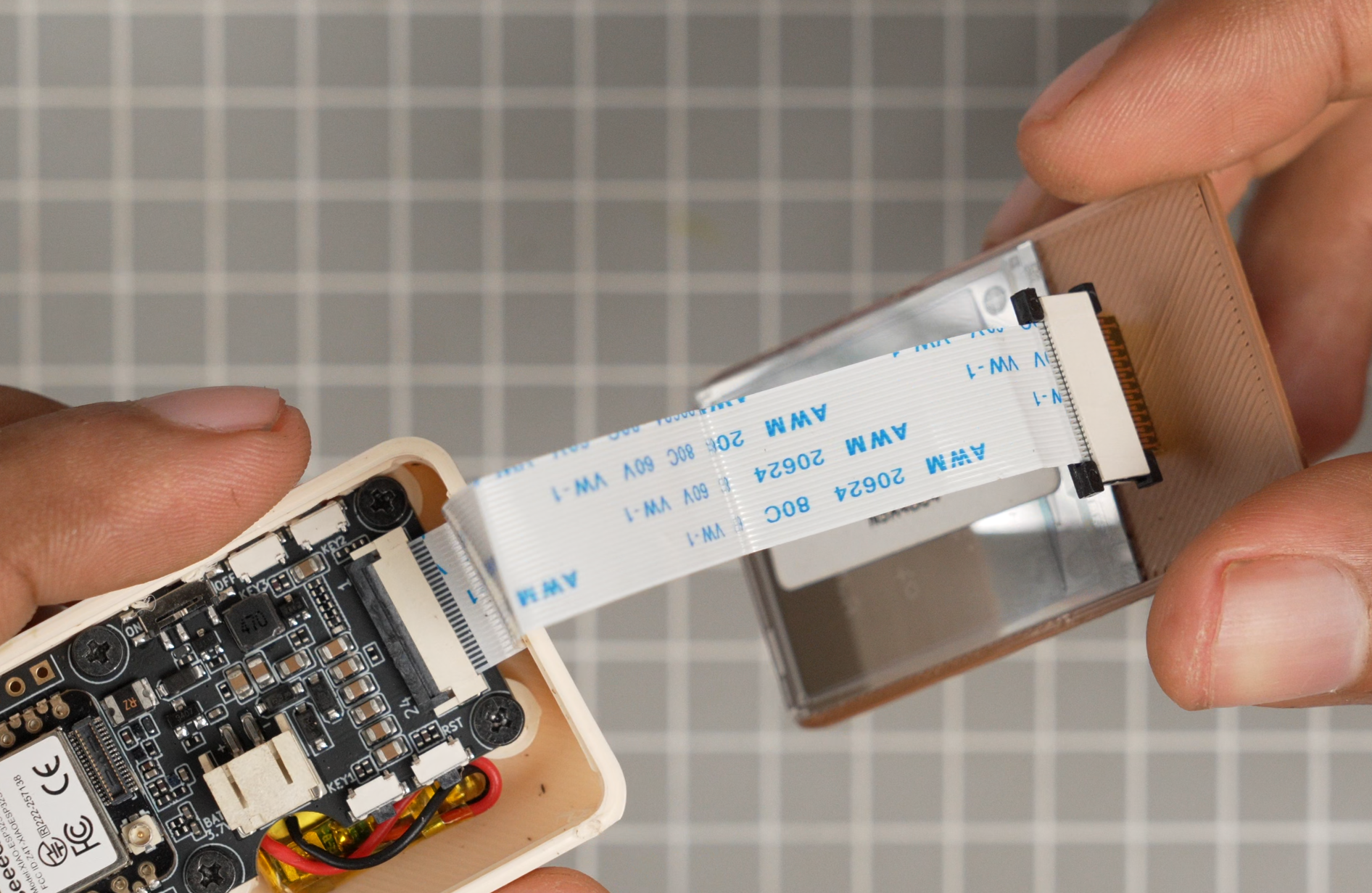
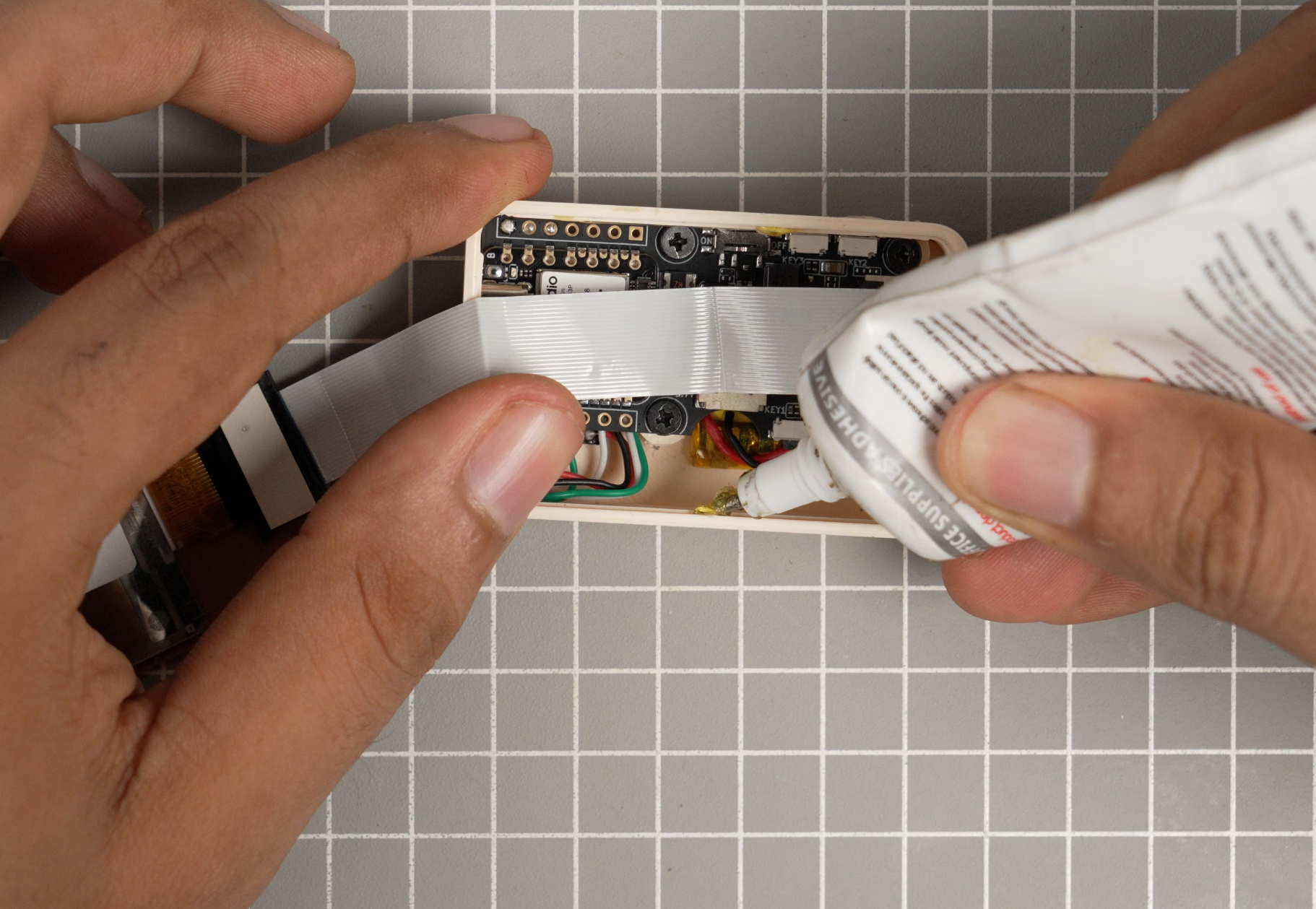

Connect the FPC cable to the EE05. Use an FPC cable extender to connect the cable to the display. Apply some glue and close the top cap.
Code
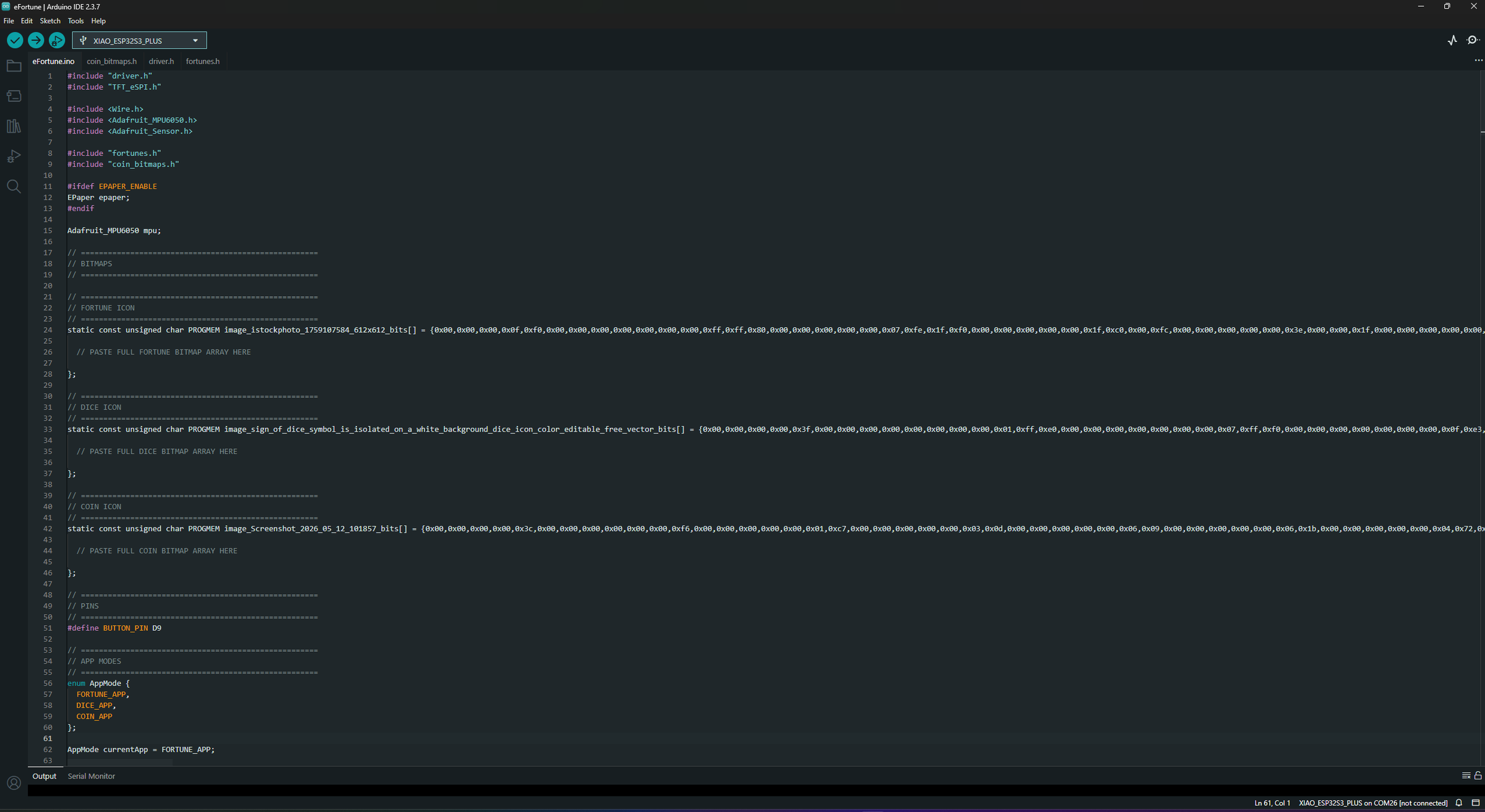
Connect the device to PC, and open the Arduino IDE and open the following .ino, including all of the .h files.
To adjust the shaking sensitivity, modify these values. on the main code
You can also edit the bitmap to change the coin artwork on both the heads and tails sides.
Adding Your Custom Fortunes

You can open the `fortunes.h` file, where you will find the list of fortunes that we need to add to our device. You can generate these fortunes using AI and then paste them into your device. Each fortune should be enclosed in quotation marks and followed by a comma.
After adding all the fortunes, upload the code to the device using the Seeed Studio Xiao ESP32-S3 Plus board option.
Fortune Mode

Power on the device using the slide switch on the side. After it boots up, the first app you will see is the Fortune Cookie. To receive your fortune, simply shake the device. Shake it again to get another fortune.
Roll a Dice Mode
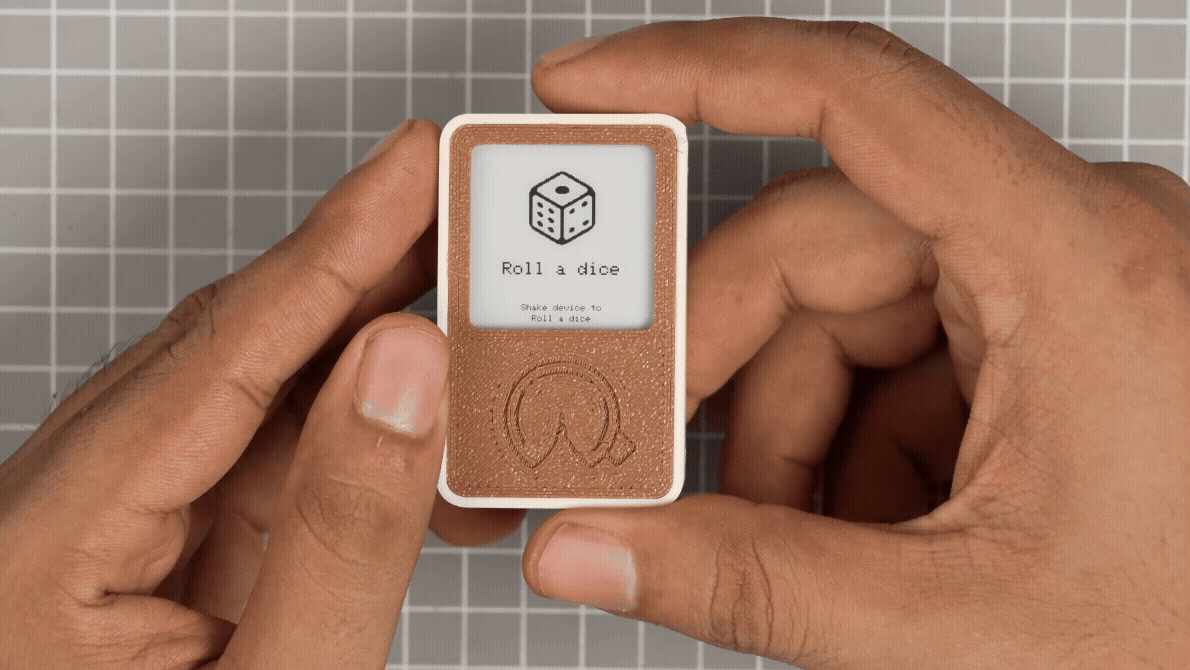
Press the side button to change the application. Here we have a dice roller; simply shake the device to roll the dice.
Filp a Coin Mode
.gif)
Press the side button again to flip a coin. This simple app helps you flip a coin and learn by generating a random heads or tails result.
Final Thought
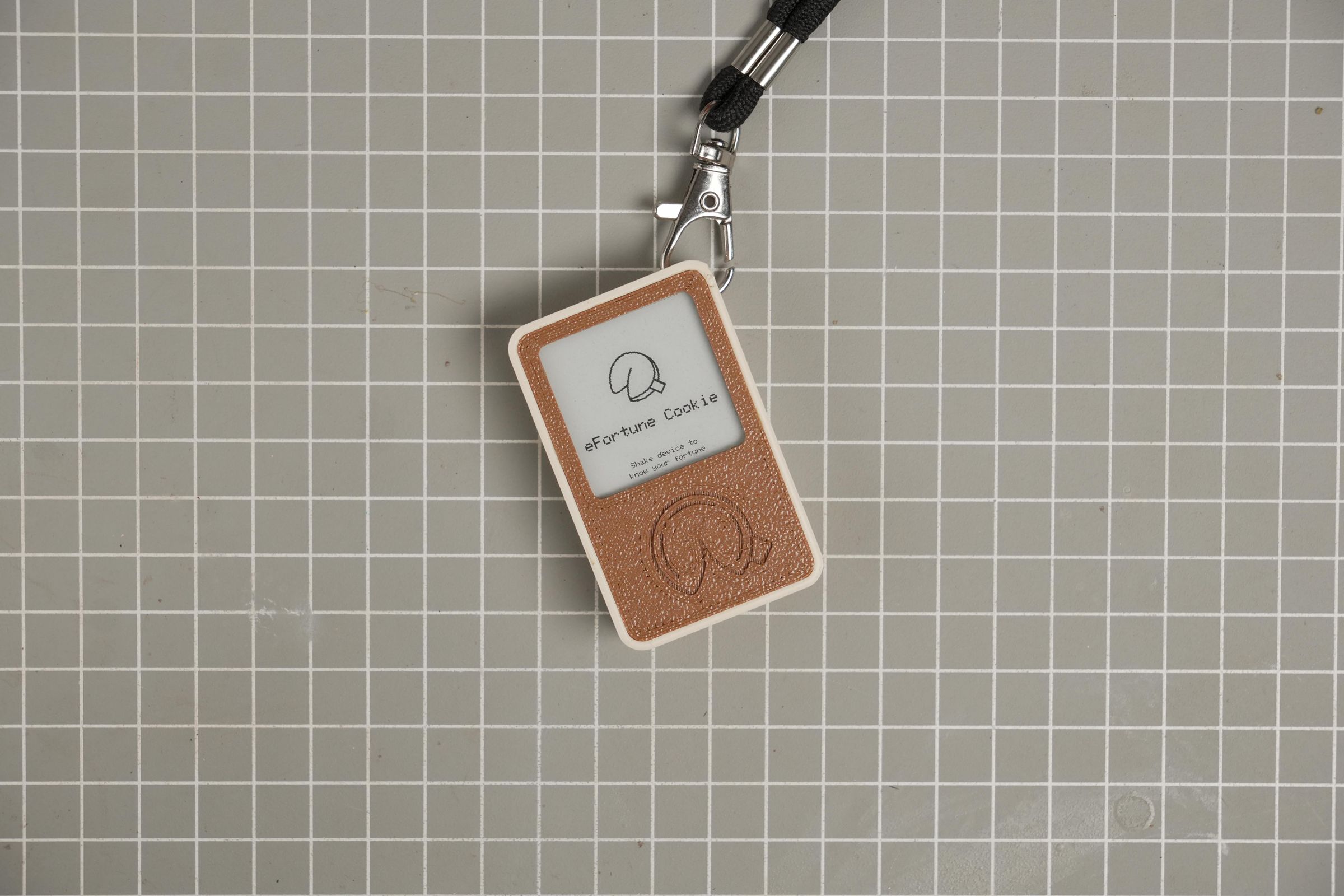
I also added small holes on top of the main enclosure so it can be connected to a keychain or backpack. The possibility of creating a list of fortunes based on your interests makes this project so unique. For example, if you're a car enthusiast, you could have car-themed fortunes.
I'm glad you like this project! See you next time with more interesting projects. Happy making!