Focus Pebble – a Smart Desk Companion to Help You Stay Focused
by write2varun in Circuits > Gadgets
92 Views, 0 Favorites, 0 Comments
Focus Pebble – a Smart Desk Companion to Help You Stay Focused
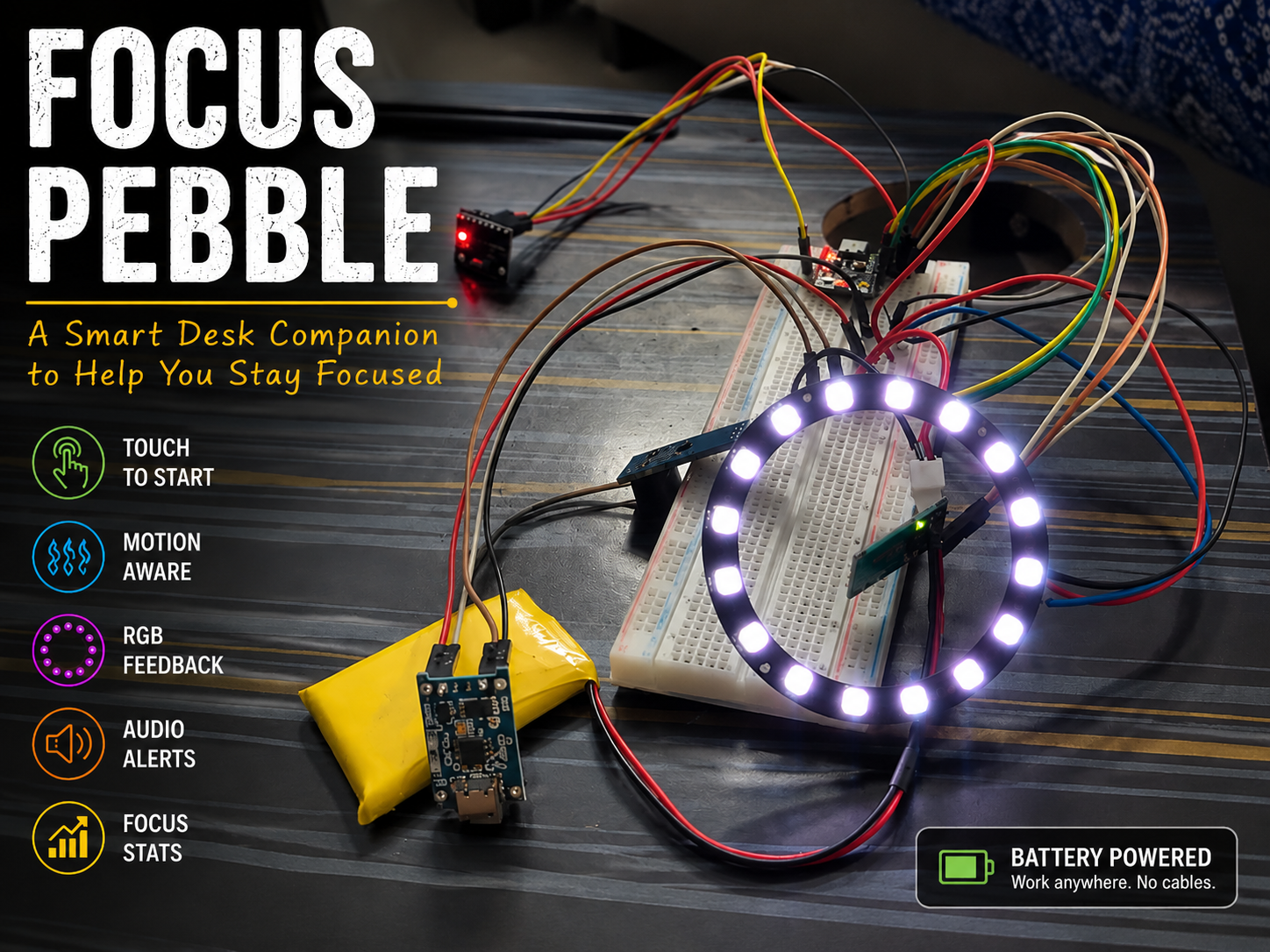
Like a lot of people, I often sit down to work with the best intentions, only to find myself getting distracted without even realizing it. Sometimes it's my phone, sometimes it's just fidgeting with whatever is on my desk. Before I know it, I've lost my concentration.
I wanted to build something simple that could gently remind me to stay focused without adding another screen, app, or notification to my day.
That's how Focus Pebble came about.
Why "Focus Pebble"?
I wanted the device to feel like a small stone that quietly sits on my desk. Like a pebble, it doesn't demand attention—it simply stays there until I need a gentle reminder to refocus.
It's a small, battery-powered desk companion that sits quietly beside you while you work. When you're ready to start, you simply touch the sensor to begin a focus session. As you work, the pebble watches for movement using a built-in motion sensor. If you keep picking it up or shaking it, it gives you a gentle reminder with lights and sound to help bring your attention back to your task.
When the session finishes, it celebrates with a short light show and a sound effect, then displays your focus statistics through the Serial Monitor.
This project combines an ESP32-C3, an MPU6500 motion sensor, a capacitive touch sensor, a WS2812 RGB LED ring, and an active buzzer into a compact device that's fun to build and surprisingly useful to use.
In this Instructable, I'll show you exactly how I built it, how the electronics are connected, and how the software works so you can build your own version or customize it with your own ideas.
What It Can Do
- Start a focus session with a single touch.
- Detect when the device is picked up or shaken.
- Provide gentle visual and audio reminders if you become distracted.
- Display a smooth breathing LED animation while you're focused.
- Celebrate when the session is complete.
- Track session statistics like pickups, shakes, and an overall focus score.
- Run from a rechargeable battery so it can be used anywhere.
Supplies
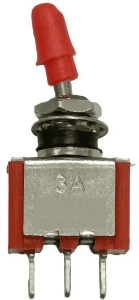
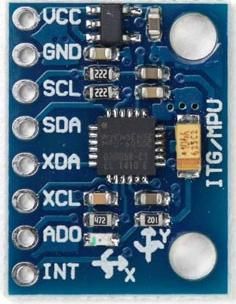
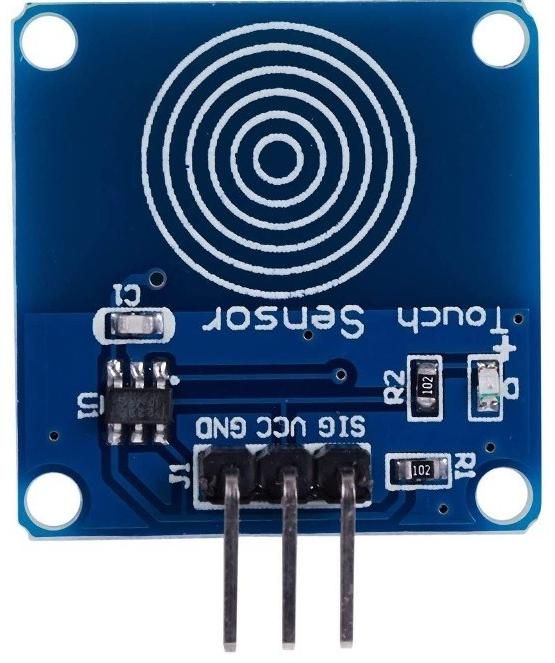
To build the Focus Pebble, I used the following components:
Electronics
- 1 × ESP32-C3 SuperMini Development Board
- 1 × MPU6500 (or MPU6050) 6-Axis Accelerometer and Gyroscope Module
- 1 × TTP223 Capacitive Touch Sensor Module
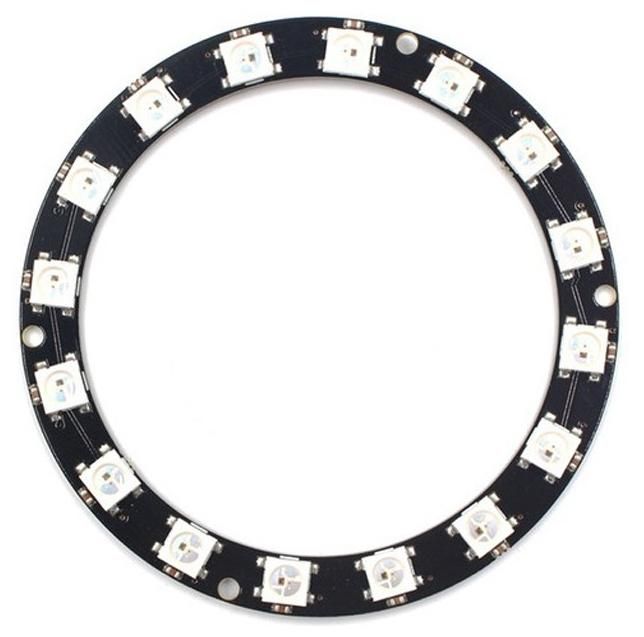
- 1 × WS2812B 16-LED RGB Ring
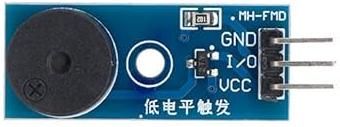
- 1 × Active Buzzer Module
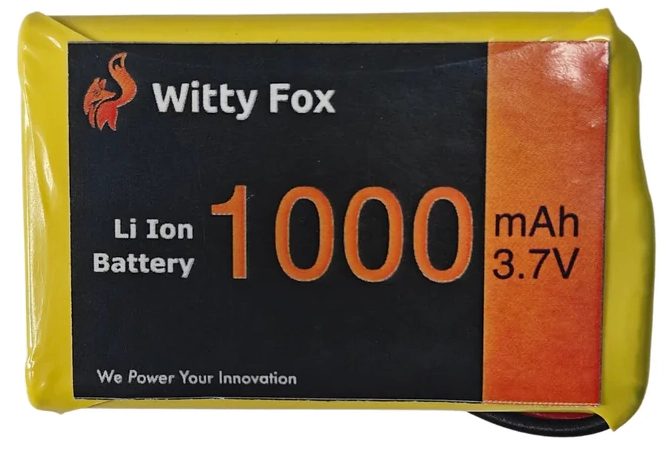
- 1 × 3.7V 1000mAh Li-ion Battery
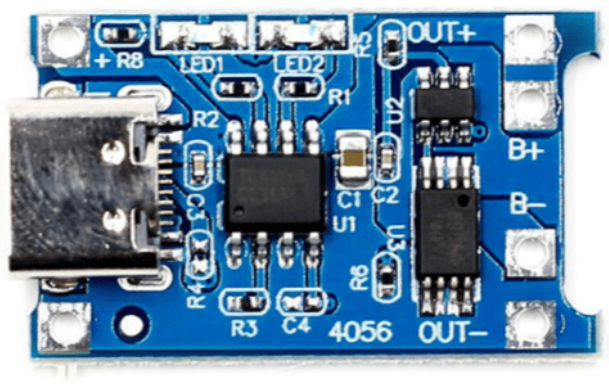
- 1 × TP4056 USB-C Lithium Battery Charging Module (with protection)
- 1 × 5V DC-DC Boost Converter (recommended for reliable battery operation)
- 1 × SPDT Toggle Switch
- 1 × 330Ω Resistor (for the WS2812 data line)
- 1 × 470µF to 1000µF Electrolytic Capacitor (recommended across the LED power supply)
Building Materials
- Vero Board (Stripboard) (For Final Build)
- Male Pin Headers
- Hook-up Wire (24–26 AWG)
- Heat Shrink Tubing (optional)
- Small Project Enclosure (optional but recommended)
Tools
- Soldering Iron
- Solder Wire
- Wire Cutter / Stripper
- Small Screwdriver
- Multimeter
- Hot Glue Gun or Double-Sided Tape (for mounting components)
- USB-C Cable
Software
- Arduino IDE 2.x
- ESP32 Board Package for Arduino
- FastLED Library
- Wire Library (included with Arduino)
Downloads
Meet the Focus Pebble
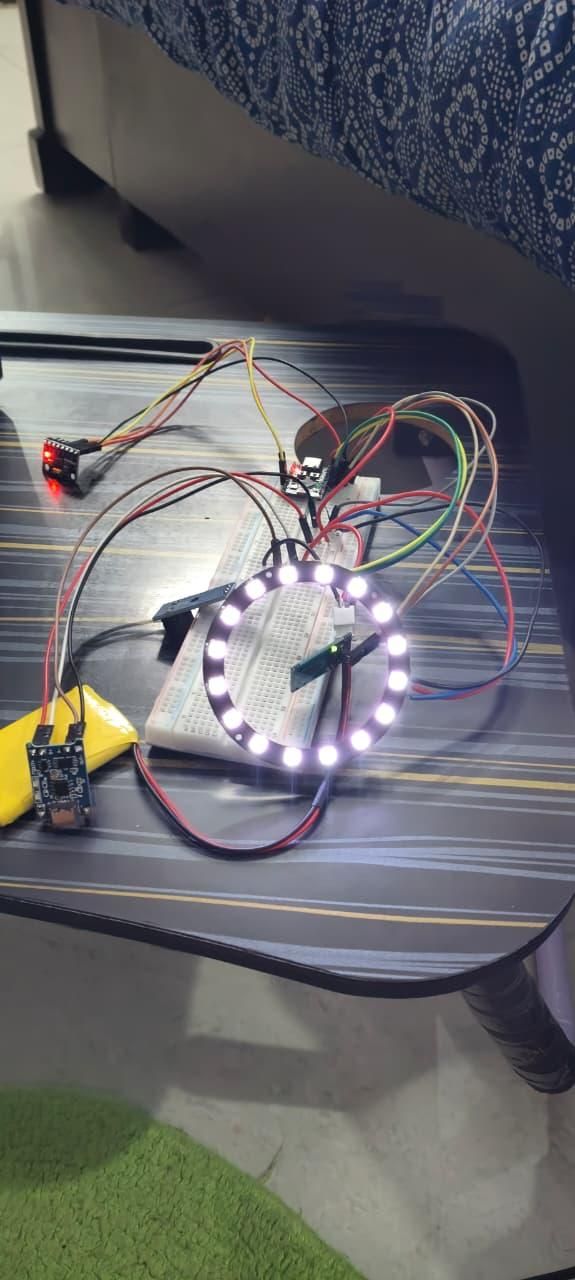
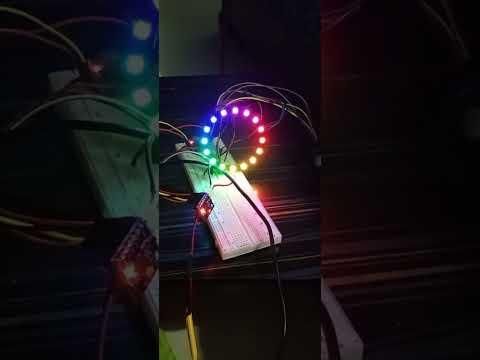
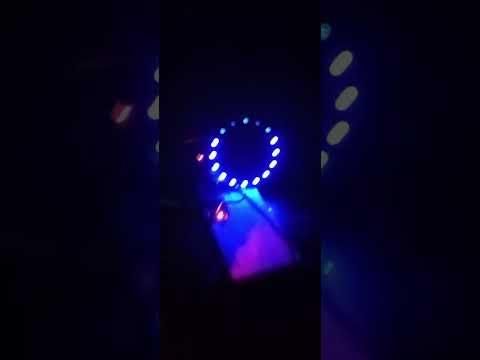
When I started this project, I didn't want to build just another Pomodoro timer or another gadget with flashing LEDs. I wanted to create something that quietly sits on my desk and helps me stay aware of my own distractions.
The idea behind the Focus Pebble is simple.
When I'm working, I place it next to my keyboard and start a focus session with a single touch. As long as I'm concentrating, it stays calm with a slow breathing light.
If I begin absentmindedly picking it up or fidgeting with it, the built-in motion sensor notices the movement. Instead of interrupting me with loud alarms, it gently reminds me to get back to work using light and sound.
At the end of the session, it celebrates with a colorful LED animation and displays a summary of how the session went.
This project combines several small modules into one compact device:
- An ESP32-C3 SuperMini acts as the brain.
- An MPU6500 detects movement.
- A capacitive touch sensor starts and stops focus sessions.
- A 16-LED RGB ring provides visual feedback.
- An active buzzer provides gentle audio cues.
- A rechargeable battery makes it completely portable.
By the end of this guide, you'll have a working Focus Pebble that you can customize further with your own animations, sounds, and features.
How It Works
Although the Focus Pebble contains several electronic components, the idea behind it is actually very simple.
The device is designed to sit quietly on your desk while you work. It doesn't display notifications or connect to your phone. Instead, it watches how you interact with it and provides gentle feedback whenever it detects signs of distraction.
Here's what happens during a typical focus session.
1. Power On
When the device is switched on, the ESP32 starts up and initializes all the connected modules. The LED ring performs a short startup animation before settling into a slow breathing effect, showing that the pebble is ready.
2. Start a Focus Session
Touching the capacitive touch sensor starts a focus session.
The Pebble:
- Records the session start time
- Resets the focus score
- Clears the previous session statistics
- Plays a short confirmation sound
Now it's ready to monitor your focus.
3. Motion Detection
The MPU6500 continuously measures movement in three directions (X, Y, and Z).
The software filters the sensor data and classifies it into four simple states:
- Still – The pebble hasn't moved.
- Normal – Small movements, like desk vibrations.
- Pickup – The pebble has been picked up.
- Shake – Significant movement that usually indicates distraction or fidgeting.
4. Gentle Feedback
Instead of constantly interrupting you, the Focus Pebble only reacts when necessary.
If it's picked up occasionally, the LED ring changes color briefly and the buzzer plays a soft reminder.
If it's shaken repeatedly, the warning becomes more noticeable with a brighter light effect and additional beeps.
The goal isn't to punish the user—it simply encourages you to return your attention to your work.
5. Session Completion
When the focus timer reaches its end, the Pebble celebrates with a colorful LED animation and a short melody.
It also records useful information about the session, including:
- Number of pickups
- Number of shake events
- Total still time
- Overall focus score
These statistics can be viewed through the Serial Monitor and could easily be expanded in future versions with Bluetooth or a mobile app.
System Overview
Flowchart illustrating the session lifecycle
Circuit Diagram
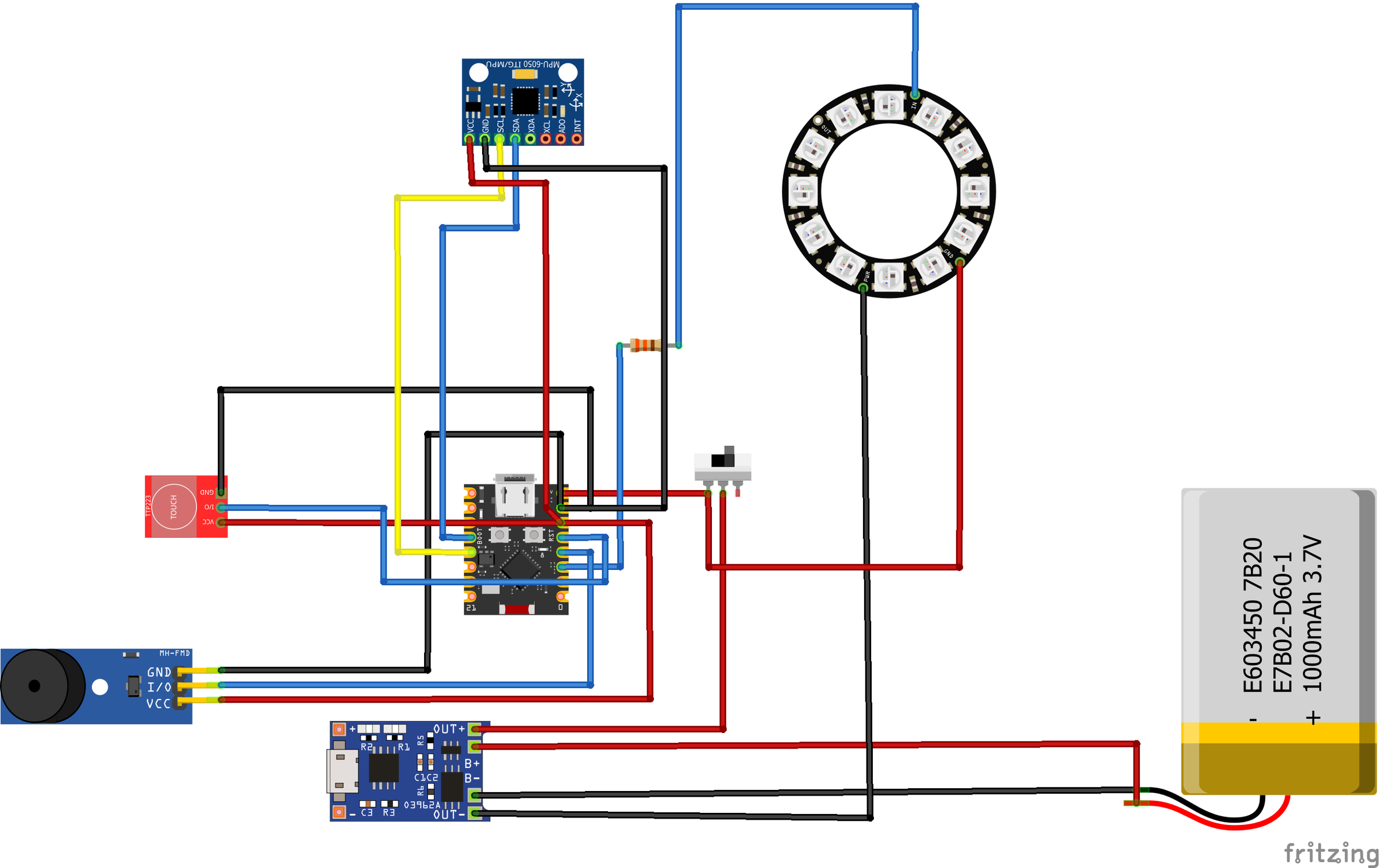
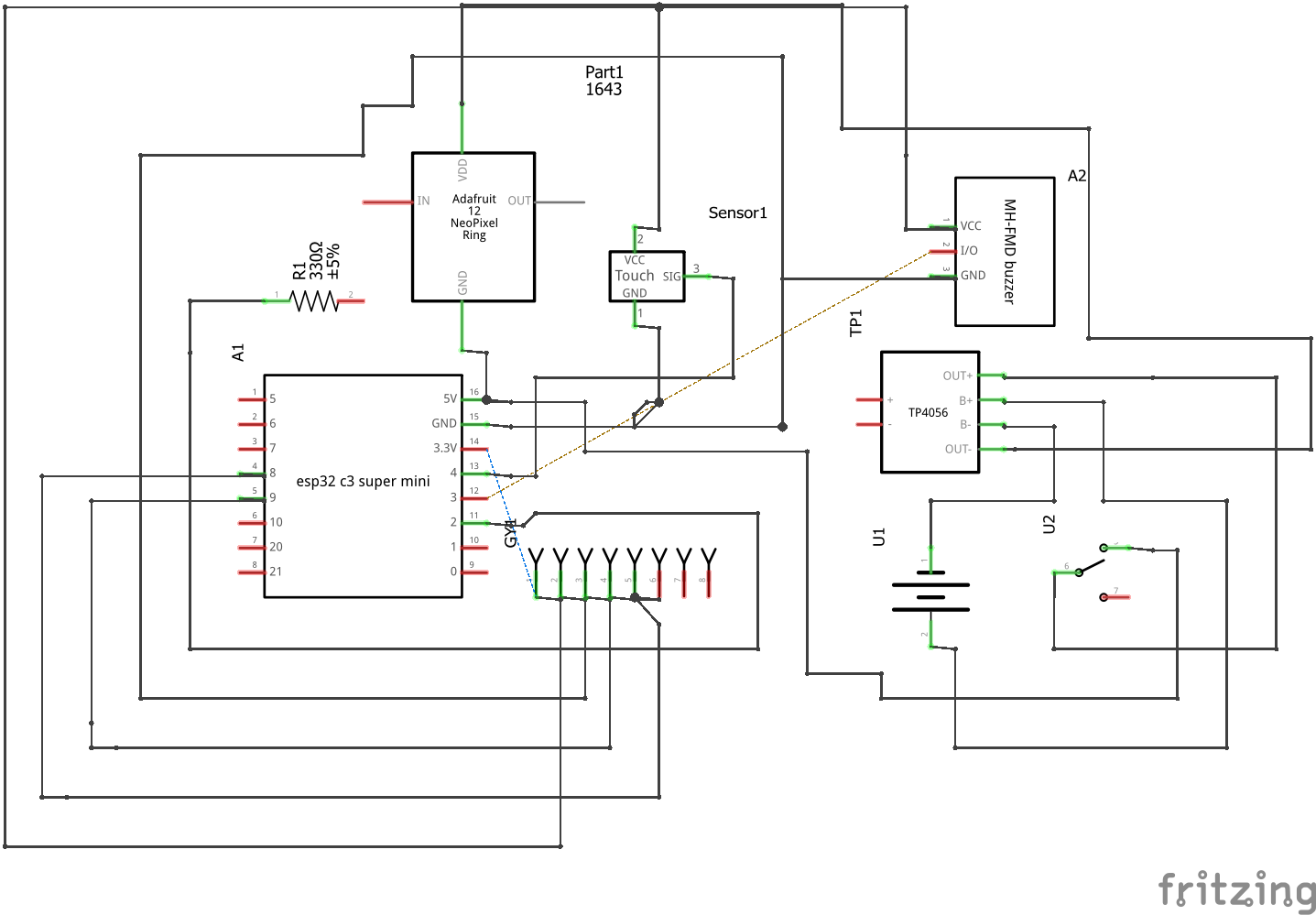
Building and Testing on a Breadboard
Now it's time to connect all of the modules together.
I built my prototype on a breadboard first, verified that every component worked correctly
ESP32 Pin Connections
5V -> 5V output from the boost converter
3.3V -> MPU6500 VCC, TTP223 VCC
GND -> Common ground for all modules
GPIO2 -> WS2812 LED Ring DIN (through a 330Ω resistor)
GPIO3 -> Active Buzzer IN
GPIO4 -> TTP223 Touch Sensor OUT
GPIO8 -> MPU6500 SDA
GPIO9 -> MPU6500 SCL
MPU6500 / MPU6050
VCC ->ESP32 3.3V
GND -> ESP32 GND
SDA -> GPIO8
SCL -> GPIO9
TTP223 Capacitive Touch Sensor
VCC -> ESP32 3.3V
GND -> ESP32 GND
OUT -> GPIO4
WS2812B LED Ring
5V -> 5V Power Rail
GND -> Common Ground
DIN -> GPIO2 through a 330Ω resistor
Active Buzzer
IN -> GPIO3
VCC -> ESP32 3.3V
GND -> ESP32 GND
Power Connections
The Focus Pebble is powered by a rechargeable 3.7V lithium-ion battery.
The power path is:
This setup allows the battery to be safely recharged through the USB-C connector while providing a stable 5V supply to the ESP32 and LED ring.
Before Powering On
Before connecting the battery, double-check the following:
- Every module shares the same GND.
- The MPU6500 is powered from 3.3V, not 5V.
- The LED ring receives 5V.
- A 330Ω resistor is installed between GPIO2 and the LED ring's DIN pin.
- The battery polarity is correct.
- There are no solder bridges or loose wires.
Programming the ESP32
The firmware is written using the Arduino framework and runs on an ESP32-C3 SuperMini. To keep the project organized and easy to maintain, I divided the code into separate modules instead of putting everything into a single .ino file.
Project Structure
Each file has a specific responsibility:
- Config.h – Pin assignments and project settings.
- States.h – Shared enums and state definitions.
- Motion – Reads the MPU6500 and detects movement.
- LED – Controls the WS2812 RGB LED ring.
- Buzzer – Handles audio feedback.
- Effects – Combines LEDs and buzzer into visual and audio effects.
- FocusController – The main state machine that controls the entire device.
Download the complete source code below.
Testing the Focus Pebble
With everything wired up and the firmware uploaded, it's time for the fun part—seeing the Focus Pebble come to life.
Power On
Turn on the power switch.
If everything is connected correctly, the ESP32 will boot and the LED ring will perform the startup animation. After a few seconds, it will settle into a slow blue breathing effect, indicating that the device is ready.
You can also open the Arduino Serial Monitor (115200 baud) to see the startup messages and debugging information.
Test the Touch Sensor
Touch the capacitive touch sensor once.
The Focus Pebble should:
- Start a new focus session
- Play a short confirmation sound
- Change the LED animation to indicate that the session has started
If nothing happens, double-check the wiring between the TTP223 module and GPIO4.
Test Motion Detection
While a focus session is running, gently pick up the device.
The motion sensor should detect the movement and the LED ring should briefly change color while the buzzer plays a reminder.
Now try shaking the device a little more firmly.
The Pebble should recognize the stronger movement and respond with a warning animation and additional beeps.
This confirms that the MPU6500 is correctly detecting different levels of movement.
Test the LED Ring
Watch the LED ring throughout the session.
You should see:
- A breathing animation while idle
- A different animation when the focus session begins
- A yellow reminder when the device is picked up
- A red warning when it is shaken
- A colorful celebration animation when the session ends
If some LEDs don't light correctly, check the DIN connection and make sure the data line passes through the 330Ω resistor.
Test the Buzzer
The buzzer should produce different sounds for different events:
- Startup
- Beginning a focus session
- Pickup reminder
- Shake warning
- Session complete
If the buzzer doesn't make any sound, verify that it is connected to GPIO3 and that the module is powered correctly.
Test Battery Operation
Disconnect the USB cable and power the device using only the battery.
Verify that:
- The ESP32 starts normally.
- The LED ring operates correctly.
- The touch sensor responds.
- Motion detection still works.
- The buzzer functions as expected.
Testing on battery power is important because it confirms that the charging module, boost converter, and power switch are all wired correctly.
Final Functional Check
Before closing the enclosure, run through this quick checklist:
- Device powers on from the battery
- Startup animation plays
- Touch sensor starts a session
- Motion detection recognizes pickup and shake events
- LED ring responds correctly
- Buzzer produces all sound effects
- Session completes successfully
- Device returns to idle breathing mode
If all of these checks pass, your Focus Pebble is ready to use.
Future Improvements
The current version is a fully functional breadboard prototype. My next milestone is to design a compact Vero board version, followed by a custom PCB and 3D-printed enclosure.
Although I'm really happy with how Focus Pebble V1.0 turned out, I see this as the beginning rather than the finished product.
One of my goals while writing the firmware was to keep it modular, so adding new features later won't require rewriting the entire project. I already have plenty of ideas for future versions, and I'd love to keep improving it over time.
Here are some of the features I'm planning to add next.
Battery Monitoring
At the moment, the device simply runs from the rechargeable battery.
A future version will monitor the battery voltage and display the remaining charge using the LED ring, making it easy to know when it's time to recharge.
Bluetooth Companion App
Since the ESP32 already includes Bluetooth, I'd like to build a simple mobile app that can display:
- Focus session history
- Daily and weekly statistics
- Battery level
- Firmware updates
- Device settings
This would let users track their progress over time without changing the core experience of the Pebble itself.
Custom Focus Modes
Different tasks require different working styles.
Future versions could include multiple focus modes, such as:
- Pomodoro (25/5)
- Deep Work
- Study Mode
- Reading Mode
- Custom session lengths
Users could switch between them with simple touch gestures.
AI-Based Focus Analysis
One of the ideas I'm most excited about is using the collected motion data to identify personal distraction patterns.
Instead of simply counting pickups or shakes, the device could learn how each person works and provide smarter, more personalized feedback.
For example:
- "You tend to lose focus after about 20 minutes."
- "Most distractions happen in the afternoon."
- "Your focus improves when sessions are kept under 30 minutes."
These kinds of insights could make the device much more useful over time.
Smarter Feedback
Right now, every user receives the same reminders.
I'd like future versions to adjust their behavior based on how the device is being used.
For example:
- Gentler reminders for occasional movement
- Stronger feedback for repeated distractions
- Longer breathing animations during periods of good focus
The goal is to make the Pebble feel supportive rather than distracting.
Better Power Management
Battery life can also be improved by making better use of the ESP32's low-power features.
Future versions could include:
- Automatic sleep mode
- Motion-based wake-up
- Low battery alerts
- Longer battery life between charges
Smaller and Better Looking
The current version was built as a working prototype.
I'd like to design a custom PCB and a compact 3D-printed enclosure that looks and feels like a finished consumer product.
That would make the device easier to assemble, more reliable, and much more portable.
Final Thoughts
This project started as a simple idea: could a small object on my desk help me stay focused without becoming another distraction?
After many hours of designing, soldering, debugging, and rewriting code, that idea became the Focus Pebble.
It's not meant to replace productivity apps or complicated task managers. Instead, it offers something much simpler—a quiet companion that gently encourages better focus through light, sound, and motion.
I learned a lot while building this project, from working with motion sensors and RGB LEDs to organizing larger Arduino projects into reusable modules. More importantly, it reminded me that some of the best projects start with a simple question and grow through experimentation.
If you decide to build your own Focus Pebble, I'd genuinely love to see what you create. Feel free to adapt it, improve it, and make it your own. If you come up with new features or a different design, share them—I think this project has plenty of room to evolve.