From Imagination to Wearable Art: a Gothic Jewelry Set That Tells a Story
by salonichauhan517 in Craft > Jewelry
2069 Views, 13 Favorites, 0 Comments
From Imagination to Wearable Art: a Gothic Jewelry Set That Tells a Story

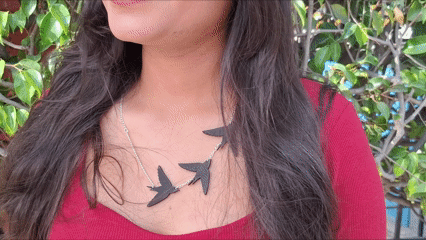
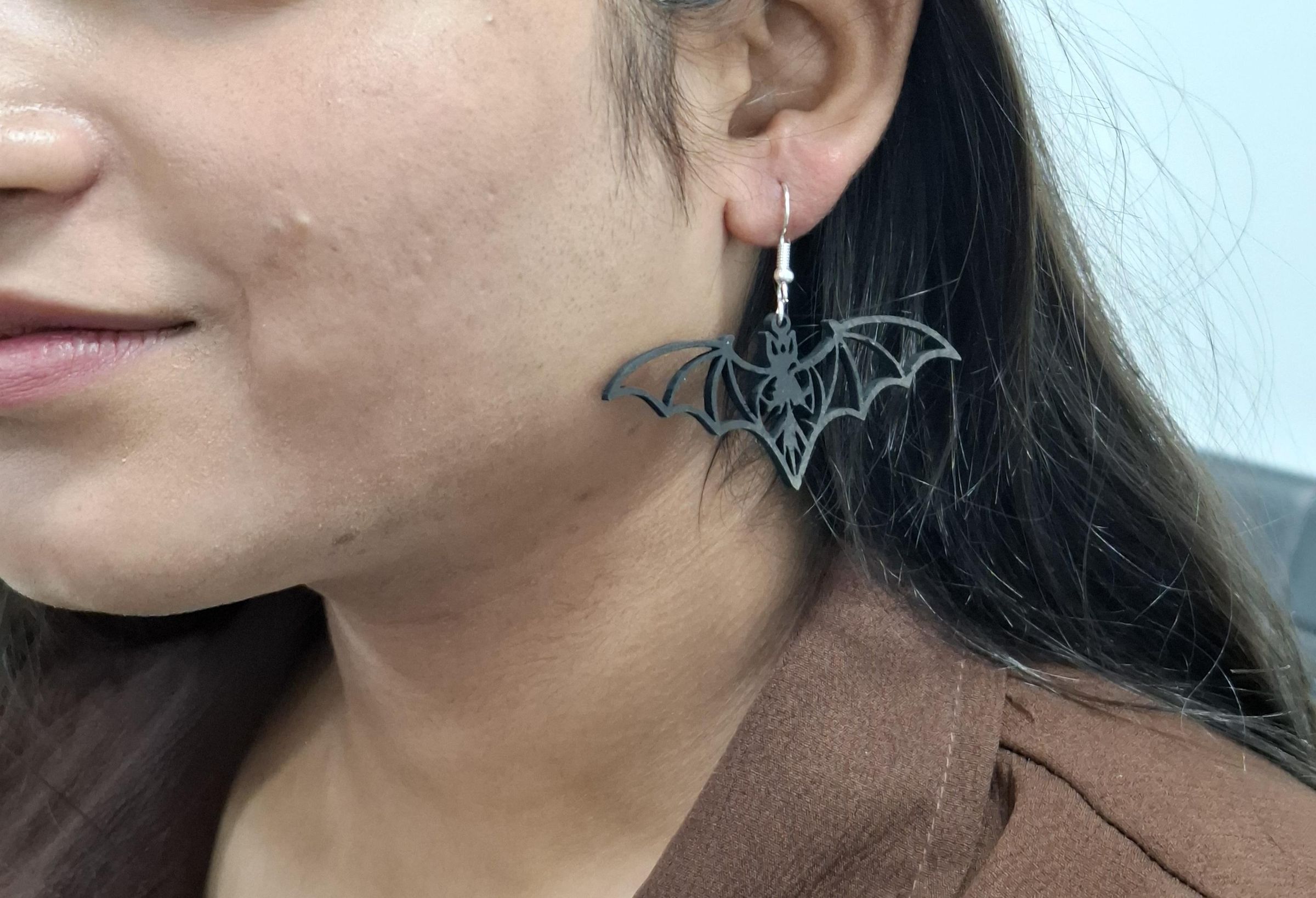
.png)
.jpeg)
Not just jewelry. A piece of your imagination, brought to life.
What if your imagination didn’t stay in your mind—but became something you could wear?
This project transforms dark, mystical ideas into a handcrafted gothic jewelry set, using laser cutting and creative design. Every curve, every silhouette, every detail reflects a story—your story.
🖤 Because the most powerful designs aren’t bought—they’re imagined.
This custom gothic necklace and earrings set blends digital precision with artistic expression. Inspired by bats, birds, and a mystical moon-cat, the design captures a dark aesthetic while remaining elegant and wearable.
It’s fully customizable, beginner-friendly, and visually striking—making it a perfect entry for a jewelry contest focused on originality and creativity.
Overview
Jewelry is more than decoration—it’s identity.
For this project, I didn’t just create accessories—I translated imagination into form. Inspired by the quiet mystery of night—flying silhouettes, hidden creatures, and cosmic symbolism—I designed a gothic jewelry set that feels alive with personality.
Each element represents freedom, mystery, and individuality. And the best part? Anyone can create their own version—because imagination has no boundaries.
Supplies
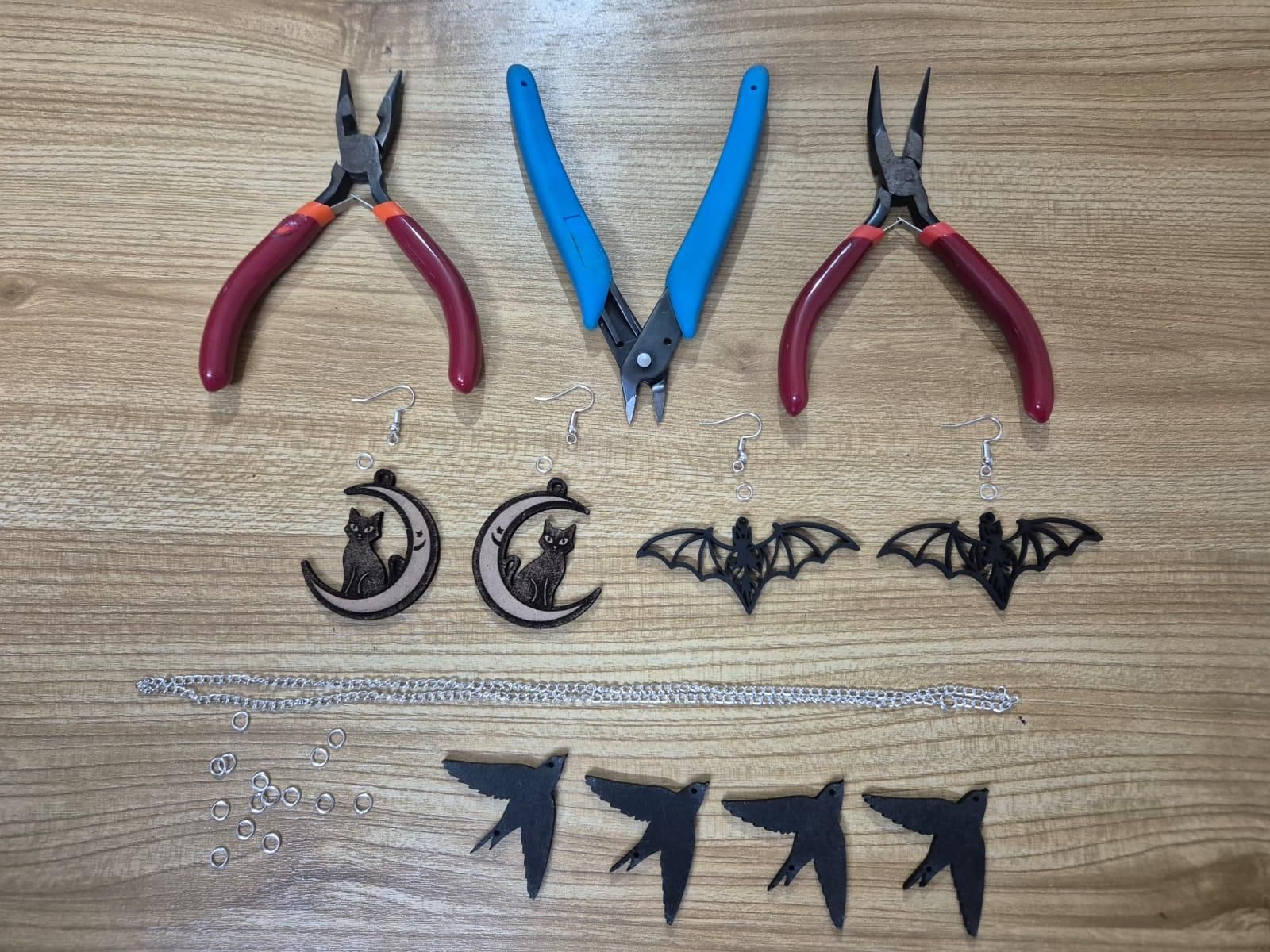
- Design software (I used Canva)
- CO2 Laser Cutter
- Acrylic or MDF sheet
- Spray paint (matte black recommended )
- Jewelry chain
- Jump rings
- Earring hooks
- Pliers
Design Your Imagination
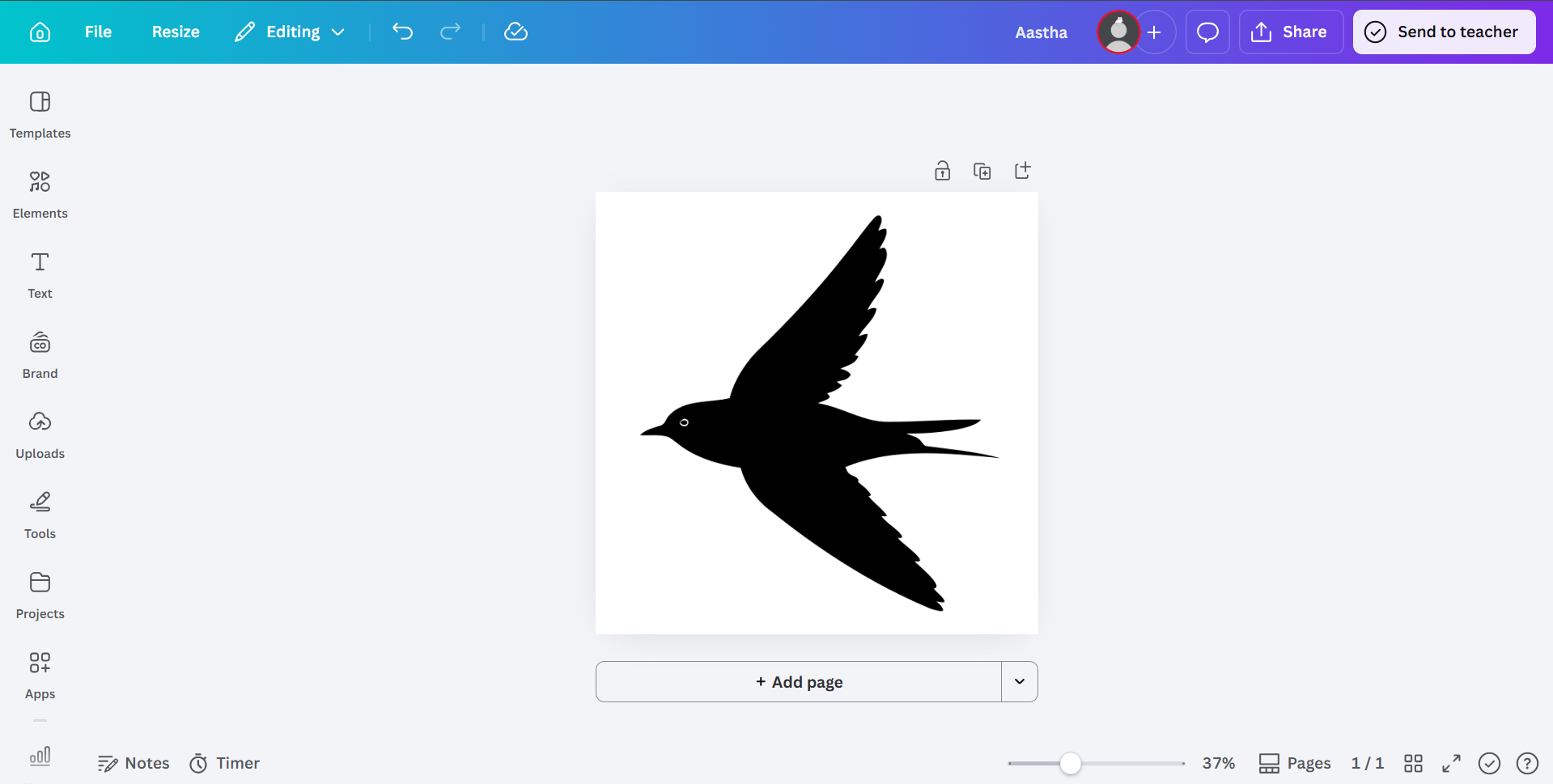
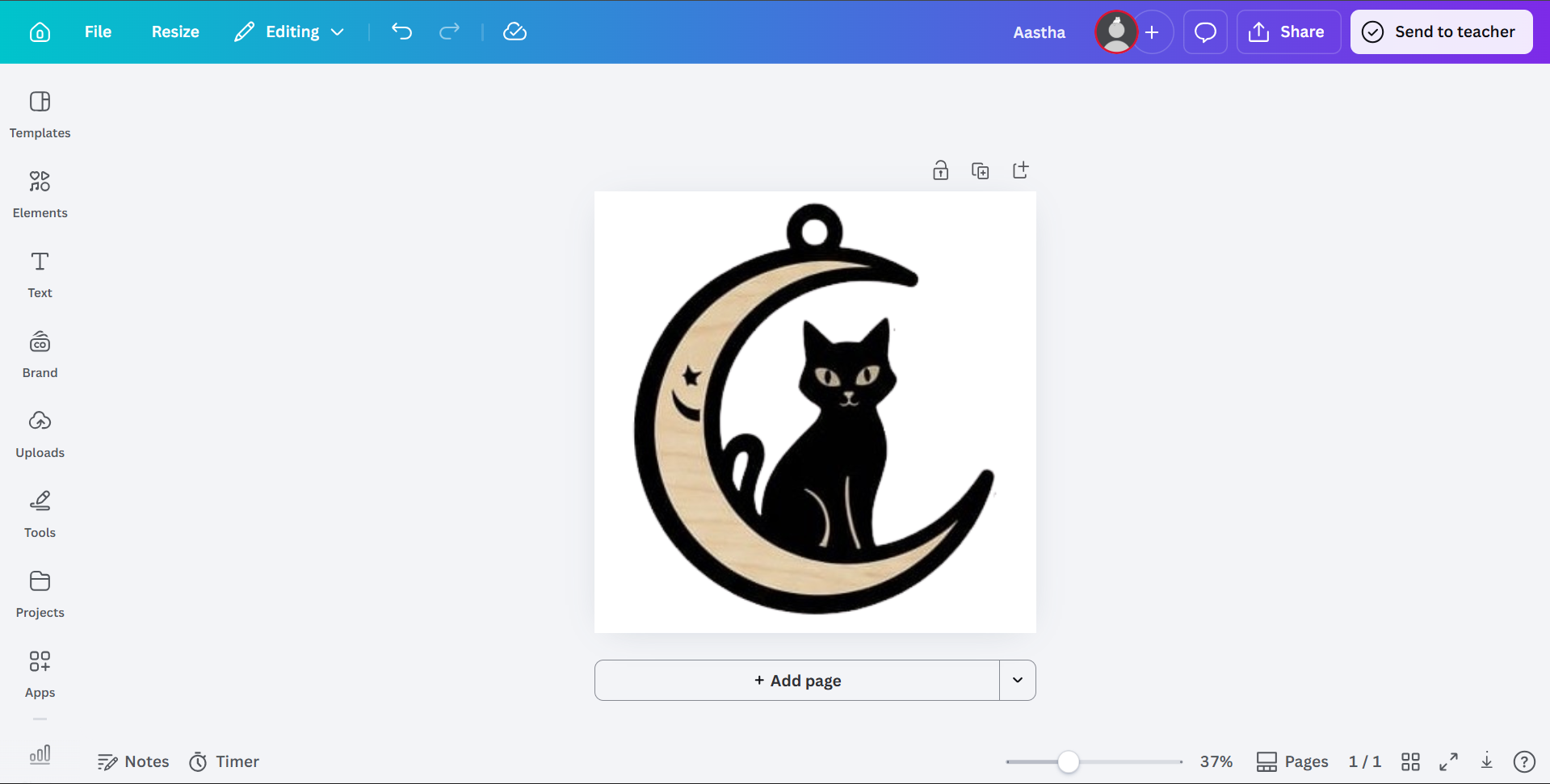
- Create your design digitally
- I used birds (necklace) and bats + moon-cat (earrings)
- Add connection holes for assembly
- Experiment freely—symbols, shapes, abstract forms
Laser Cutting

.png)

.png)

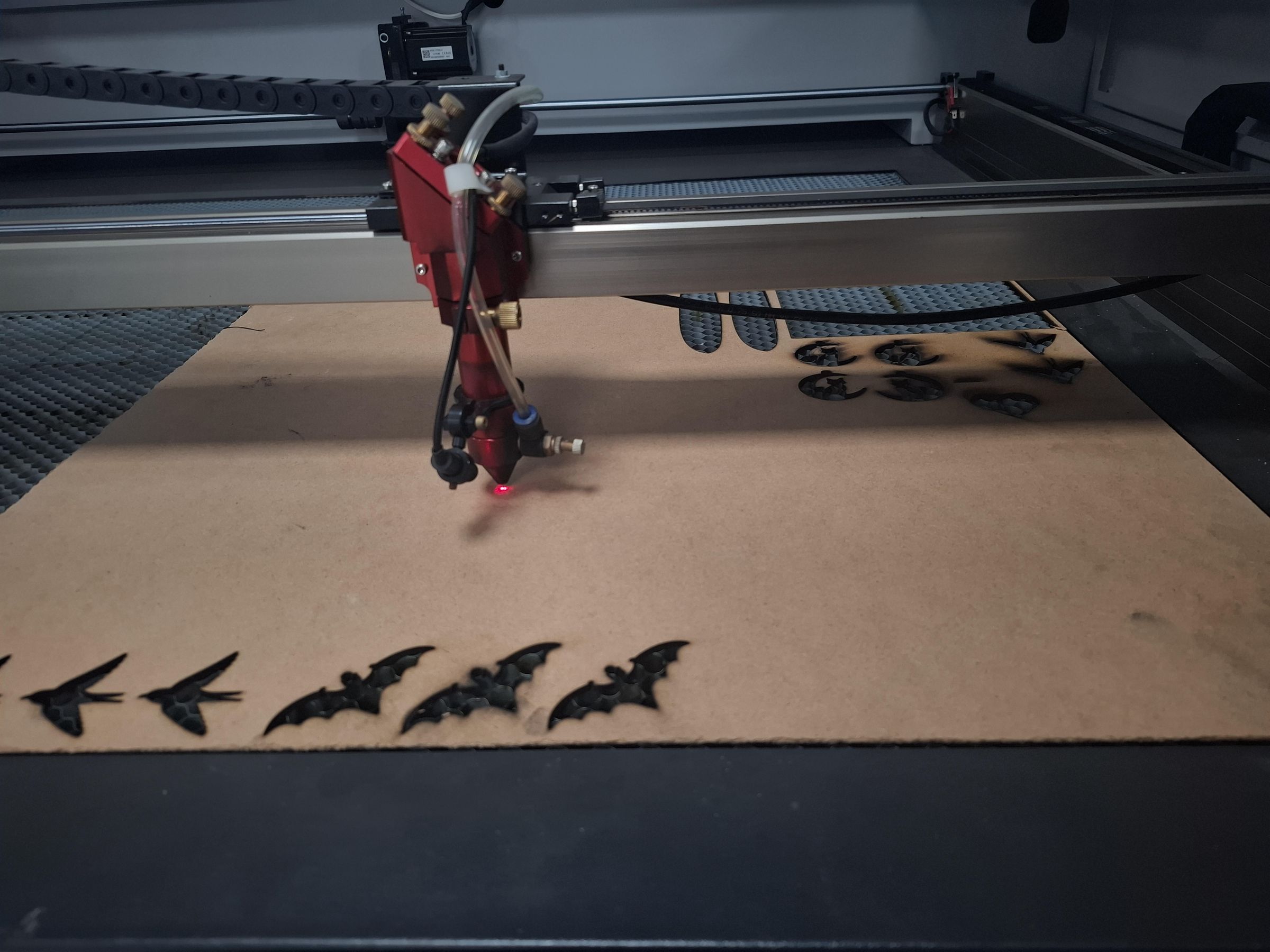
- Export your file in SVG/DXF format
- Clean up lines for precision
- Scale and align your design properly
- Import design into your laser software (Laser CAD)
- Separate layers for cutting
Recommended Settings (for clean results):
Engraving Settings (for MDF):
- Power: 25-30%
- Speed: 250–350 mm/s
- Use higher speed + lower power to preserve fine fingerprint details
Cutting Settings (for MDF ~3mm):
- Power: 65–80%
- Speed: 10–20 mm/s
- Use 1–2 passes depending on machine power
💡 Pro Tip: Always run a test cut to avoid burns or incomplete cuts.
- Carefully remove pieces
- Smooth edges if needed
Finishing the Aesthetic


- Apply matte black paint for a gothic vibe
- Let dry completely
- Add multiple coats for depth and richness
Chain Adjustment

- Customize chain length
- Ensure comfort and proper fit
Assembly
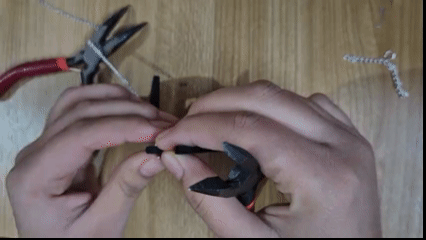


- Use jump rings to connect components
- Attach pendant and earrings
- Tighten securely with pliers
Final Result
.jpeg)
A bold, handcrafted jewelry set that is deeply personal and crafted with precision.
Creative Upgrades
- Add layered elements for depth
- Use contrasting colors (black + gold/silver)
- Mix materials (acrylic + wood)
- Add glow-in-the-dark or metallic finishes
✨ This project proves that creativity, when combined with technology, can turn ideas into wearable art.