Gates of Poseidon: Japan

For this project, we worked as a group of 2 for the "Make It Heal" Challenge. This is essentially coming up with a way to provide a sense of comfort and safety to communities in distressing situations such as natural disasters. In this instructible we decided to focus on the flooding aspect of typhoons located in Japan. Japan has continuously suffered major typhoons with high winds and dangerous flooding, while main cities like Tokyo have impressive draining systems the rural side does not, in this design the goal is to change that. To make rural Japan heal. The goal that we've set into motion is that the water levels are maintained so it doesn't spiral out of control and become deadly.
Supplies
- Filament (Preferably white)
- Cardboard
- Acrylic paint
-Paint brushes
- Acrylic markers
- Pillers
- Hot glue gun + glue sticks
- Box cuter
- Ruler
- Cutting mat
-Pipe Cleaner
Safety Considerations
- Be careful with sharp tools
- Follow proper 3D printer safety rules
-Careful using Hot Glue Gun
-Wear safety glasses when cutting
Sketching Design

First, initiate brainstorming of qualities that can withstand certain natural disasters. Such as pipes to redirect water elsewhere so communities will not be affected negatively. After brainstorming, it is now time to draft these ideas onto paper. The sketches don't necessarily have to be colored but we do recommend it because it'll save the time for deciding later on. Be sure to include measurements and texture labels throughout the sketch.
Tinker CAD 3 Design

Now that the sketching has been completed move on to bringing it into life in Tinker CAD. For this step we mainly used Basic Shapes, it can be found on the side. This goes for the building aspect & setting that is made in Tinker CAD. Speaking from personal experience it is better to duplicate certain factors if the reference image has a lot of symmetry. Reference images are practically my best friend because without them it wouldn't be accurate. After the design in completed in Tinker CAD click export and pick STL to 3D print. (I recommend white filament.)
Painting
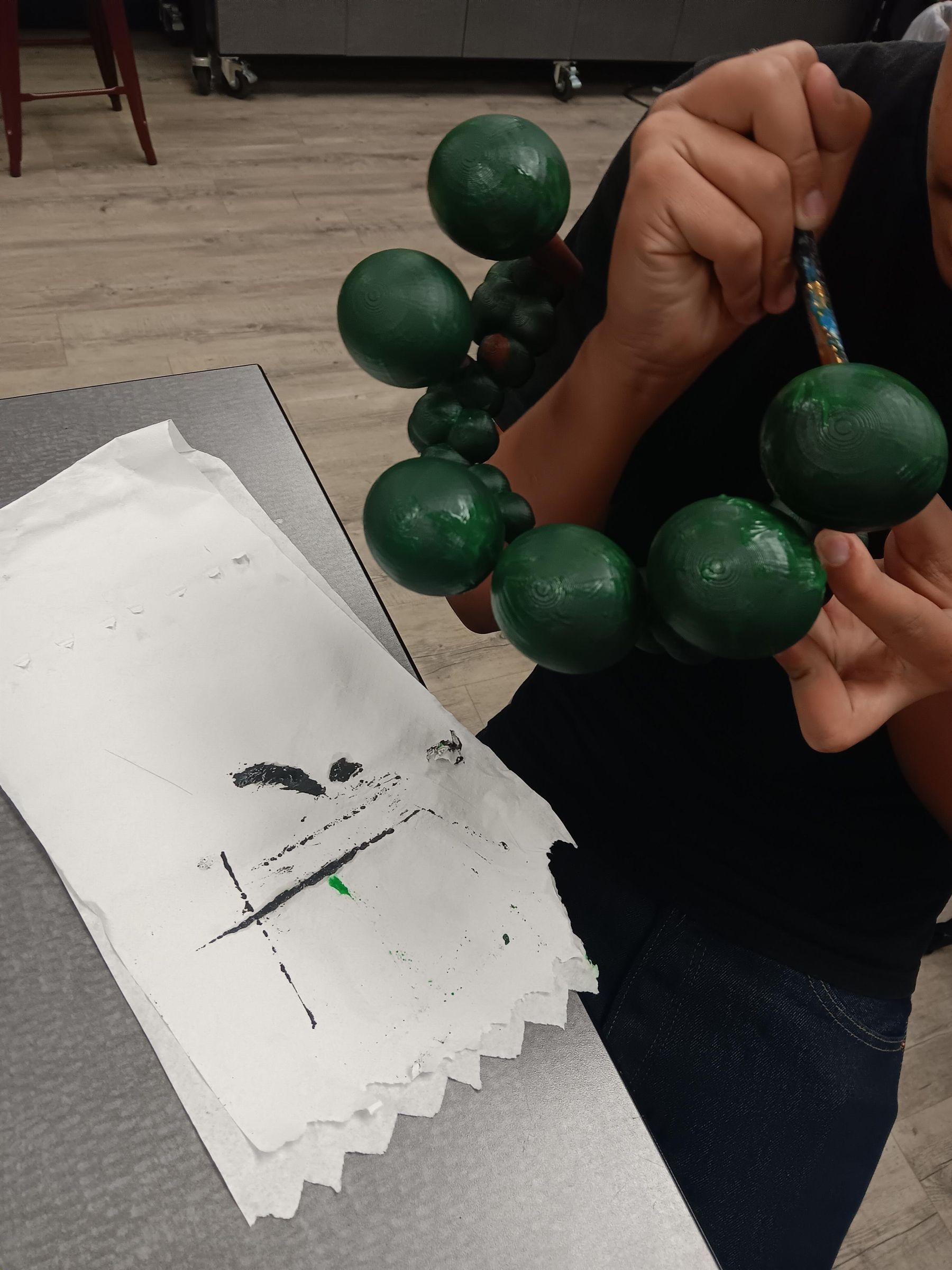
This part is fairly simple as it is just painting the 3d models once they are printed. To be specific the paint we used was acrylic & acrylic markers, do not be limited to only this because if you are able to do use other materials. Such as tissue paper, Cardboard, Markers, Pipe cleaners.
Final Product

Conclusion
To end this off this project can help many more and, in the future, can be remodeled into something even more help for and can make a big difference for the elderly that live at home that has no one to help them when they need it the most.