Home Made Telescope With Star Tracking Functionality
by scampieken in Workshop > Science
79 Views, 2 Favorites, 0 Comments
Home Made Telescope With Star Tracking Functionality

It all started by chaning work. I had to learn optics and I was always passionate on astronomy, the moon, the start, constellations (especially the Orion). Could I create my own telescope ?
Started looking to youtube instructions and decided to start bulding it.
This instructable will explain all steps I did to get a fully star tracking telescope, starting from just buying a couple of mirrors.
The telescope follows the principle of a Newtonian telescope.
Supplies


Buying a D160F1280 parabolic mirror pair. The numbers mean:
- 160: diameter of the main mirror in millimeter
- 1280: the focal length of the parabolic system.
This means that the telescope would be a rather long telescope. The distance between the mirror and the eyepiece should be 128cm.
That comes with the next part you need: an eyepiece. This is a lens that converges the light of the stars towards your eye. These eyepieces are put into place with the focusser. You put the eyepiece into the focusser and turning the gear, you are able to put star or planet in focus, really important if you want to see something sharp.
I bought 2 eyepieces: 10mm and 23mm.
A rough indications of the magnification of this optical system is : 1280/10 and 1280/23, or x128 and x55.
Perhaps this doesn't say a lot. The 23mm eyepiece shows the full moon, the 10mm you only see part of the moon.
That's it, only those 4 things you need to build the optical system.
The question is: how to construct the telescope ?
That I'll explain in the first step.
First Construction


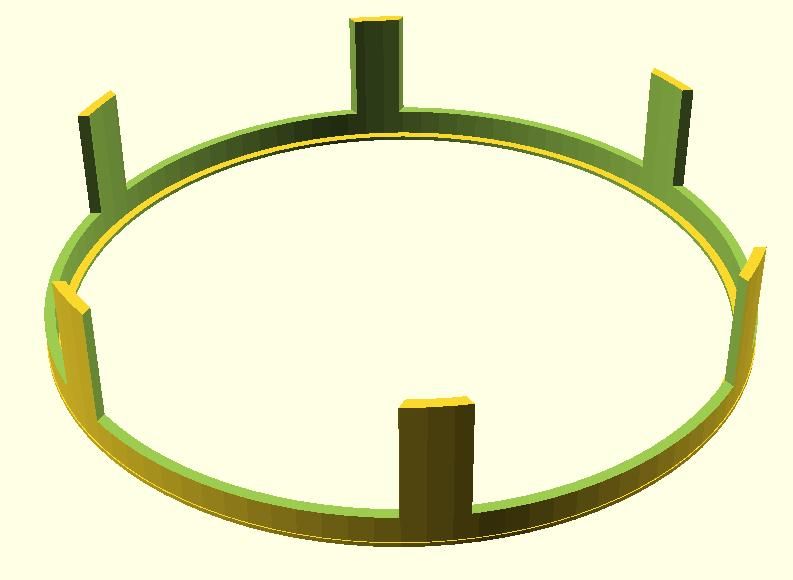
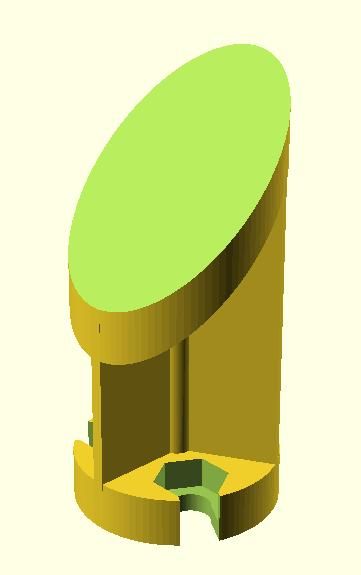
Required material:
- 4x aluminium profiles of 20x20, length 120cm.
- 3D printer
There are 3 important subjects that needs to be on the correct place to make it work. As some deviations in the design can happen, we need to make sure there is a certain degree of adjustment possible to tweak and tune.
Let's start with the main mirror construction. It is important that the mirrors can rotate a bit in the X and Y axis, to we can align the light beams perfectly towards the secondary mirror and the eyepiece. That's way I've designed 2 pieces: the fixation box towards the construction, and the flexible mirror holder that is put in place with 3 screws and some springs. These springs are important to keep the mirror stable.
The 3D design is done in OpenScad and sources are freely available.
PrimaryMirrorHolder_Update1:
- mirror_plate
- This is the carrier of the main mirror. My initial thought was to glue the mirror to this part. This was not good enough, the glue not strong enough of the mirror too heavy.
- mirror_base
- On this part, the mirror_plate is fixed with some bolts. Make sure to put some springs between the base and the plate, this is really needed !
As already mentioned, the mirror didn't stick well enough to the plate. So I designed a part the would fix the mirror to the plate with some screws (PrimaryFixationHolder).
The squares are a perfect fit for those aluminium bars. The holes are there to scren those bars to the base part.
Now, the construction of the primary mirror is ready. Now we can start the secondary mirror design.
The secondary mirror should be hanging in the middle of the tube. We should avoid to block too much light of those tiny stars. So, the design has 3 thin bars between the mainframe and the secondary mirror construction.
Again, flexibility is required the adjust the position of this mirror with respect to the primary mirror, but also to the eyepiece. This means freedom in X,Y and Z axis. Again, I chose for bolts as a solution: 3 pieces, and again with springs between both constructions.
The first part is where we glue the mirror on:
PrimaryMirrorHolder_Update1:
- secondary_mirror
- glue the mirror to this one. don't use double sided tape, as this will disconnect over time.
OpenScad files are not supported in this view. Everything is stored on GitHub : stevecampe/HomeMakeTelescope
Still 1 item is not done: connect the focusser. This part should be well aligned.
The first attempt is a simple holder, to be taped to the secondary mirror construction. In this way, I could align the focusser perfectly in the center of that mirror.
PrimaryMirrorHolder_Update1:
- eye_piece_connector
- drill holes of the focusser through this piece for good connection
- tape it on 2 bars of the secondary mirror construction
My First Images
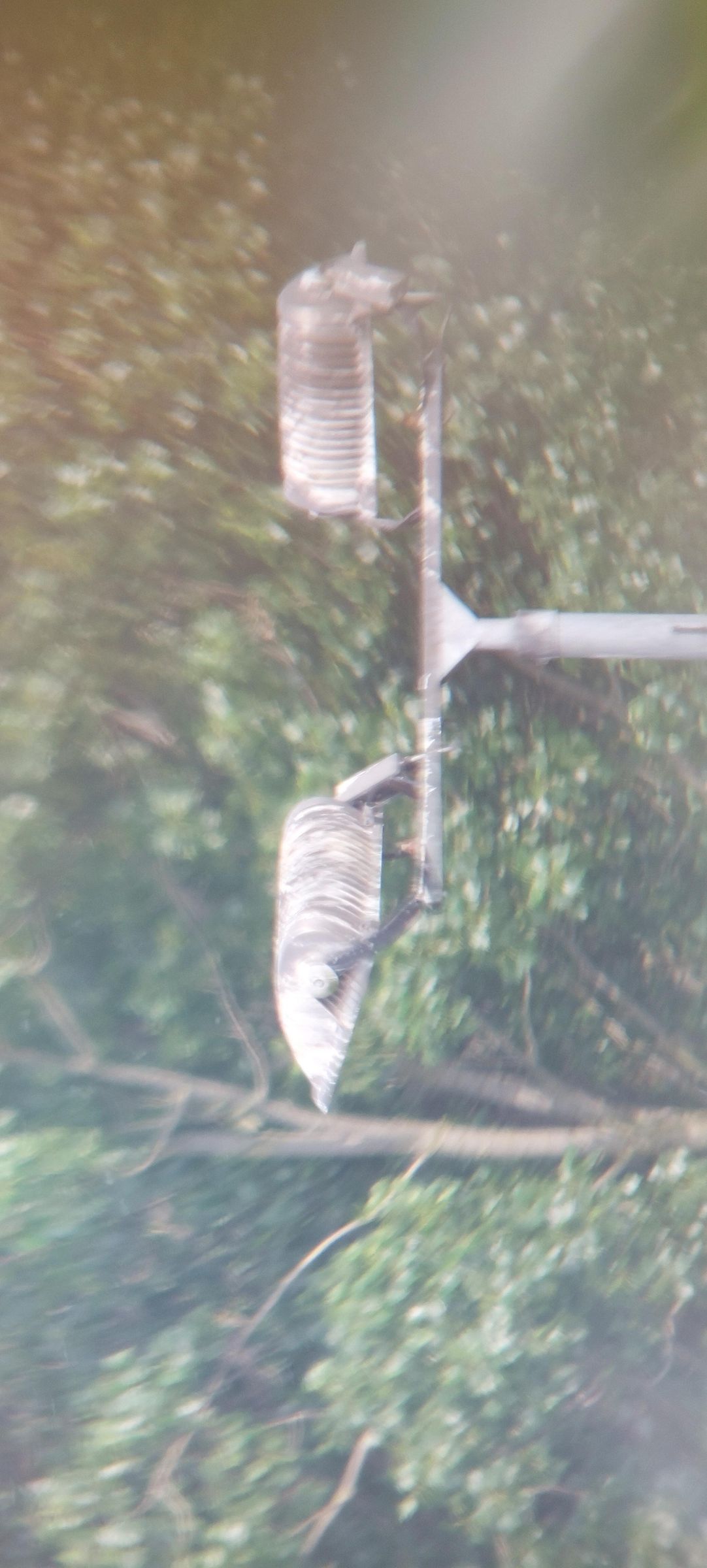

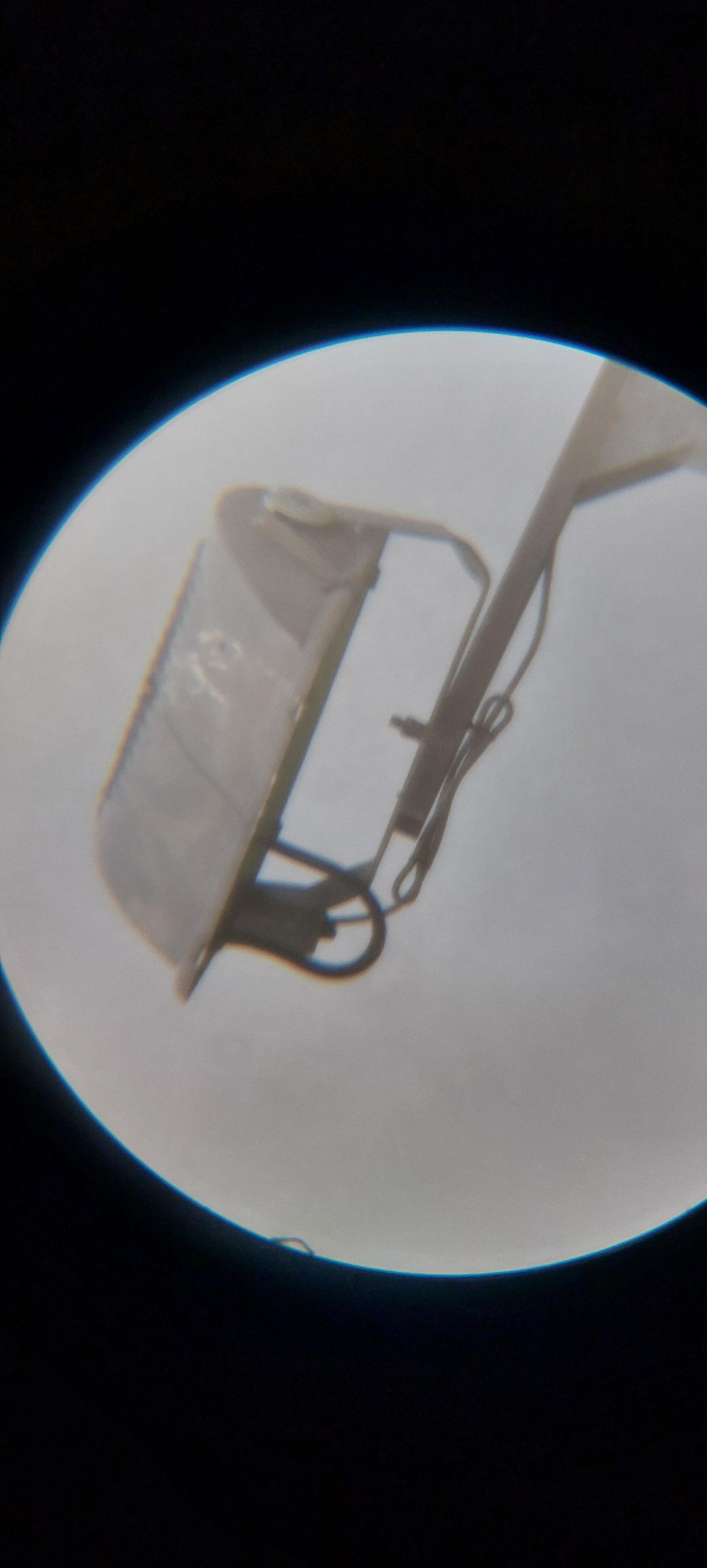


All bits and pieces are now available. Ready for the full construction. The major question is: how to align all those optical components ? 1 thing for sure: do this at day time ! At that time, I didn't had a laser to collomate the system. Everything to be done based on good eye sight.
1) Align main mirror
- look into the long tube, center your view, make sure your can see yourself clearly in the mirror
2) Align the secondary
- look into the focusser towards the secondary mirror
- make sure you can see the primary mirror and that the reflection of the secondary only shows the mirror side, not the construction behind the mirror
3) align the eyepiece
- Make sure you see the center of the second and fix it with tape
- Aim for a recognizable object outdoor: a tree, a light pilar on a soccer field, a house far away
- move the entire top construction until you start to see something recognizalbe
- tweak and tune the positions of the mirror until good quality.
I live 300m away from a soccerfield, I aimed for the light pilars. Those are the first images I took with a smartphone, handheld.
As you can see, my first pictures were not fantastic, but good enough to proof: the telescope is doing something. Let's see in the next chapters on the pain points of this design and what I did to improve. I can tell you, many improvements to come.
The Mechanical Carrier
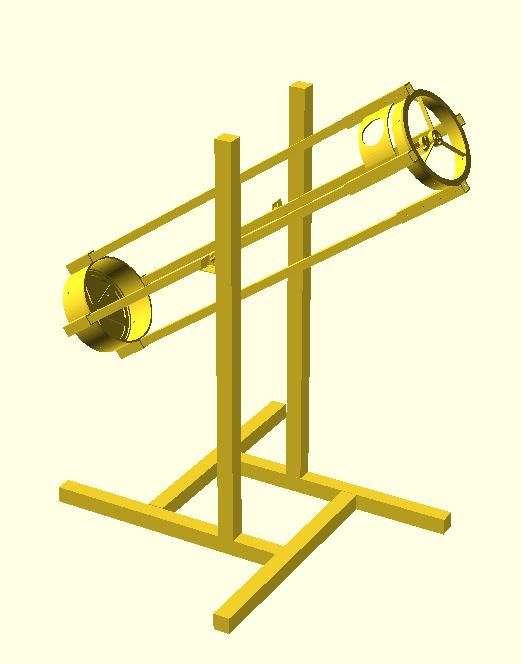
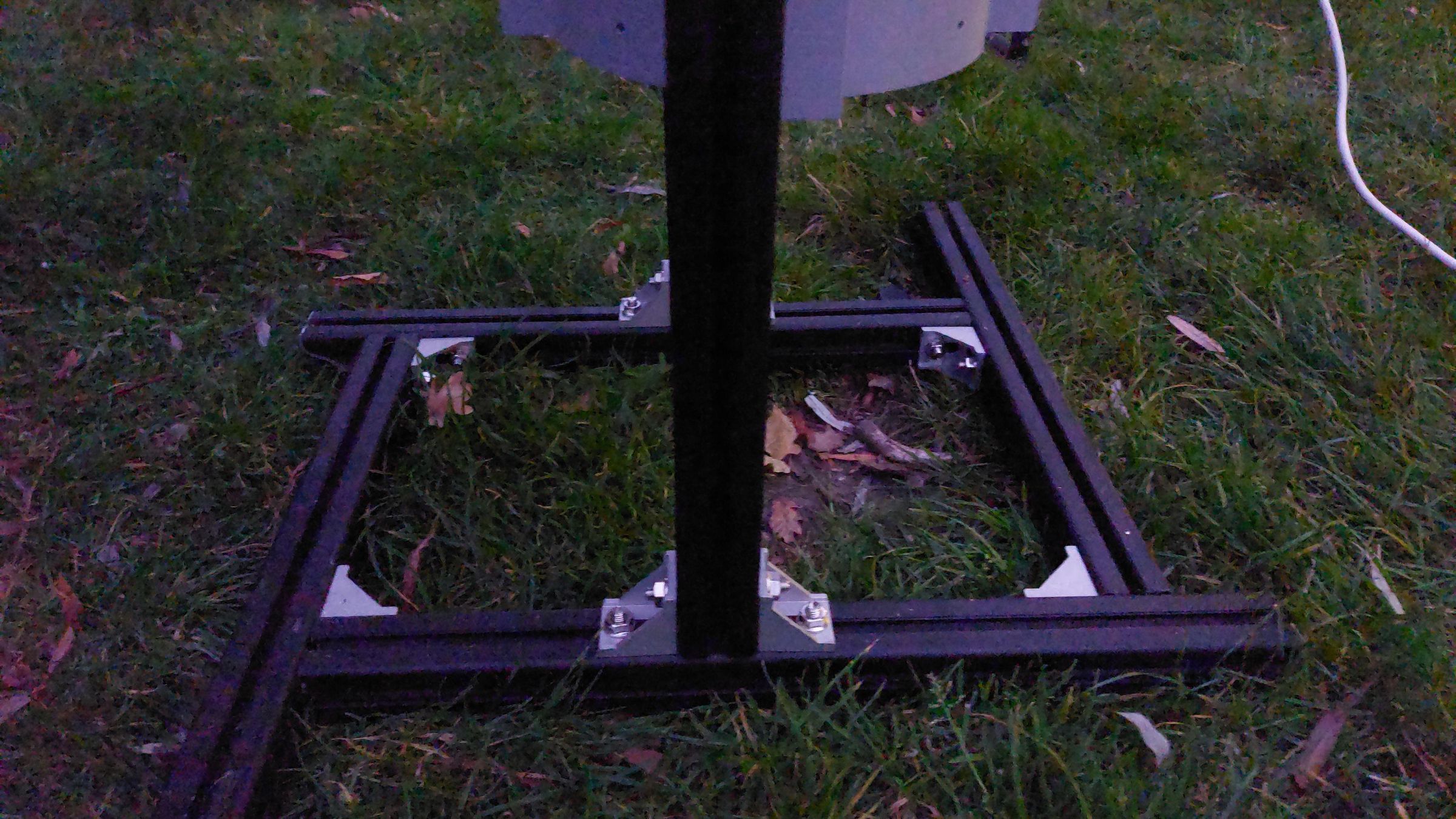
As you could see in previous pictures, the telescope is doing what it should: magnifying the views. The difficulty of it is simple: how to point easily to the point of interest ? As I want to photograph the moon, planets and deep sky objects, very difficult without a solid mechanical construction. Also, those objects are not fixed, they are moving. Using garden chairs, or Kapla's and tables is not the way forward.
Let's create a construction that can solve those issues.
There are several techniques to point a telescope. The easiest is using an Equatorial mount or Azimut/Altitude control. I choose the last one, due to the heavier weight of my scope. The equatorial mount will be my next project.
The azimut motion is a horizontal motion, from east to west and back, the altitude motion is from horizon to straigth up and back. In this phase, I'll describe the framework for the altitude and fixed azimut. This is all done with 3D printing and 40x40mm aluminium profiles.