How I Improved RetroPie With EmulationStation-X (ES-X)
by Renetrox in Circuits > Linux
62 Views, 2 Favorites, 0 Comments
How I Improved RetroPie With EmulationStation-X (ES-X)
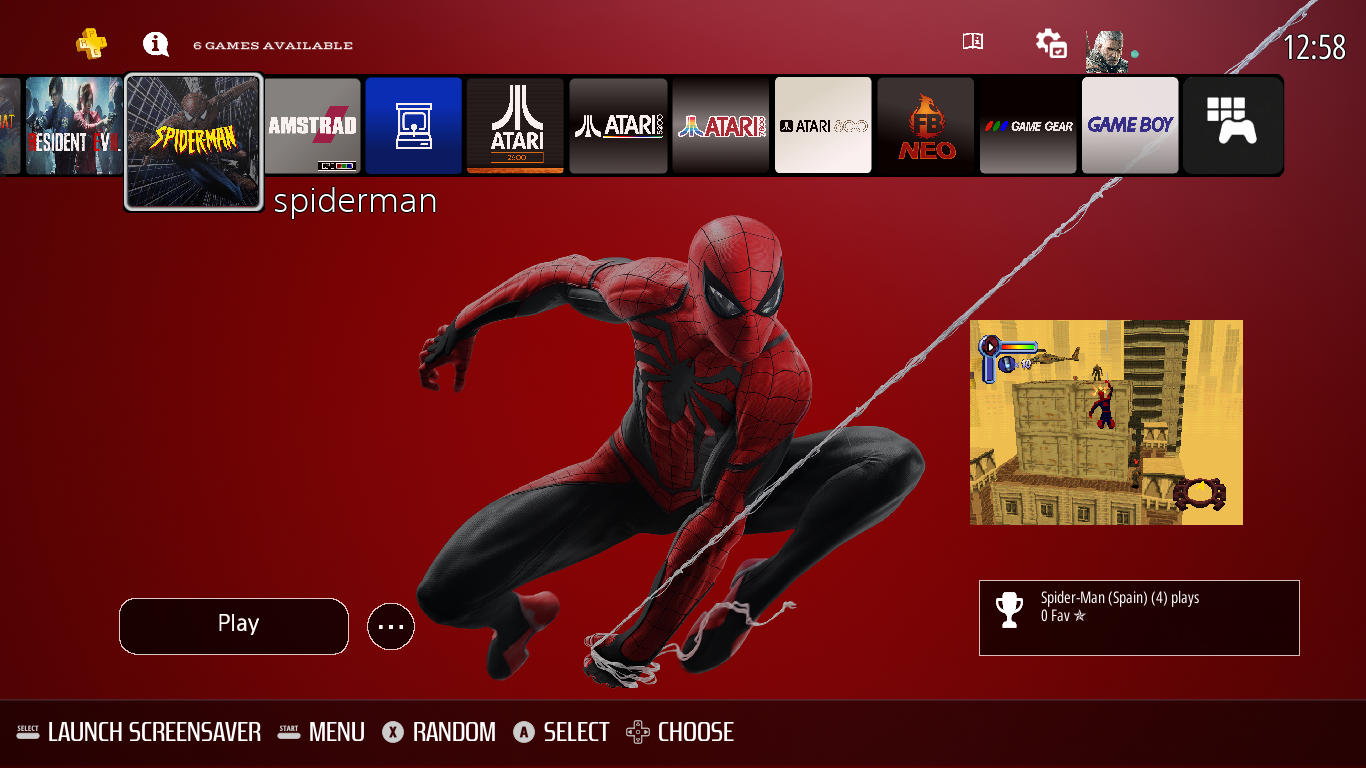
Many retro gaming projects focus on a small group of well-supported boards, while devices like Orange Pi are often overlooked. For people who still want a flexible retro gaming setup on Debian or Ubuntu, that creates a real gap.
For me, RetroPie became one of the few practical ways to use Orange Pi hardware for emulation and frontend customization. The problem was that stock EmulationStation, while solid, felt limited compared to more modern alternatives.
That is why I created ES-X, a personal fork of EmulationStation designed to improve the RetroPie experience while staying inside the RetroPie ecosystem. In this Instructable, I show why ES-X exists, how I install it through a module-based workflow, and what it changes in daily use, including better theme support, background music, and Skyscraper integration.
ES-X is meant for people who enjoy building their own retro gaming environment on hardware that often gets left behind.
Supplies
For this project, I used:
- An Orange Pi board running Debian or Ubuntu
- A functional RetroPie installation
- Access to RetroPie-Setup
- My ES-X module for installation and updates
- A keyboard or SSH terminal for setup
- A controller for frontend testing
- Network access for downloading themes, updates, and scraper data
- Optional music files for ES-X background music
- Optional Skyscraper media assets such as box art, screenshots, marquees, and videos
Why I Built ES-X for RetroPie on Orange Pi
Most retro gaming guides focus on popular boards, especially Raspberry Pi. Boards like Orange Pi usually receive far less attention, even though they are still useful for experimentation and custom setups.
RetroPie on Debian or Ubuntu gave me a practical base, but the frontend side felt limited when it came to themes, music, and scraping workflows. ES-X came from that need.
My goal was not to replace RetroPie, but to make it feel more capable and flexible on hardware that often gets ignored.
Installing ES-X Through the RetroPie Module
The easiest way to install ES-X on RetroPie is by using my ES-X module.
Instead of manually replacing frontend files, this method keeps installation and updates much cleaner. It also fits better with the normal RetroPie workflow, which is especially useful when testing on Orange Pi and other Debian/Ubuntu-based boards.
To install it:
- Download or clone the ES-X module
- Place it in your RetroPie-Setup scriptmodules location
- Open RetroPie-Setup
- Select the ES-X module
- Run the installation
- Restart EmulationStation and test the new frontend
This is the method I use because it is simpler, easier to maintain, and better suited for repeated updates.
Repository:
https://github.com/Renetrox/EmulationStation-X-Module-for-retropie
What Changes Compared to Stock RetroPie
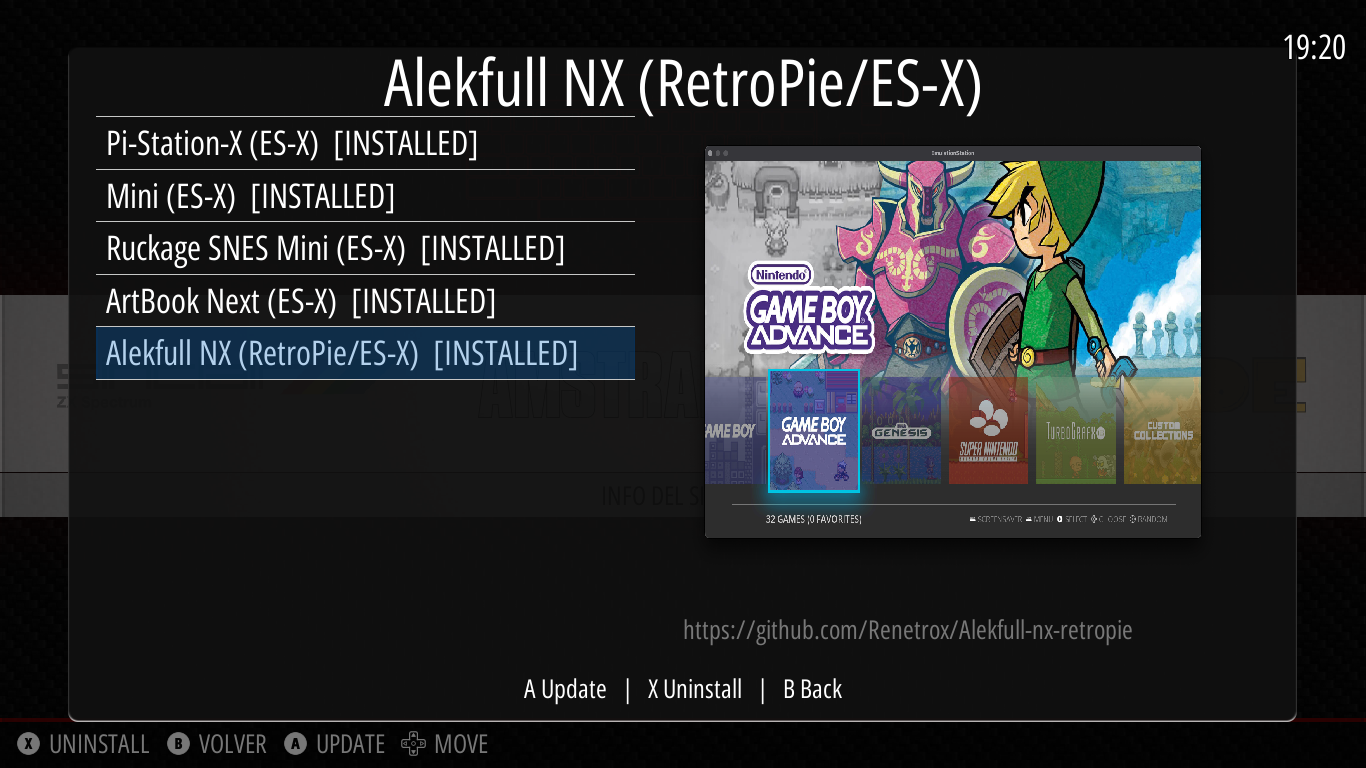
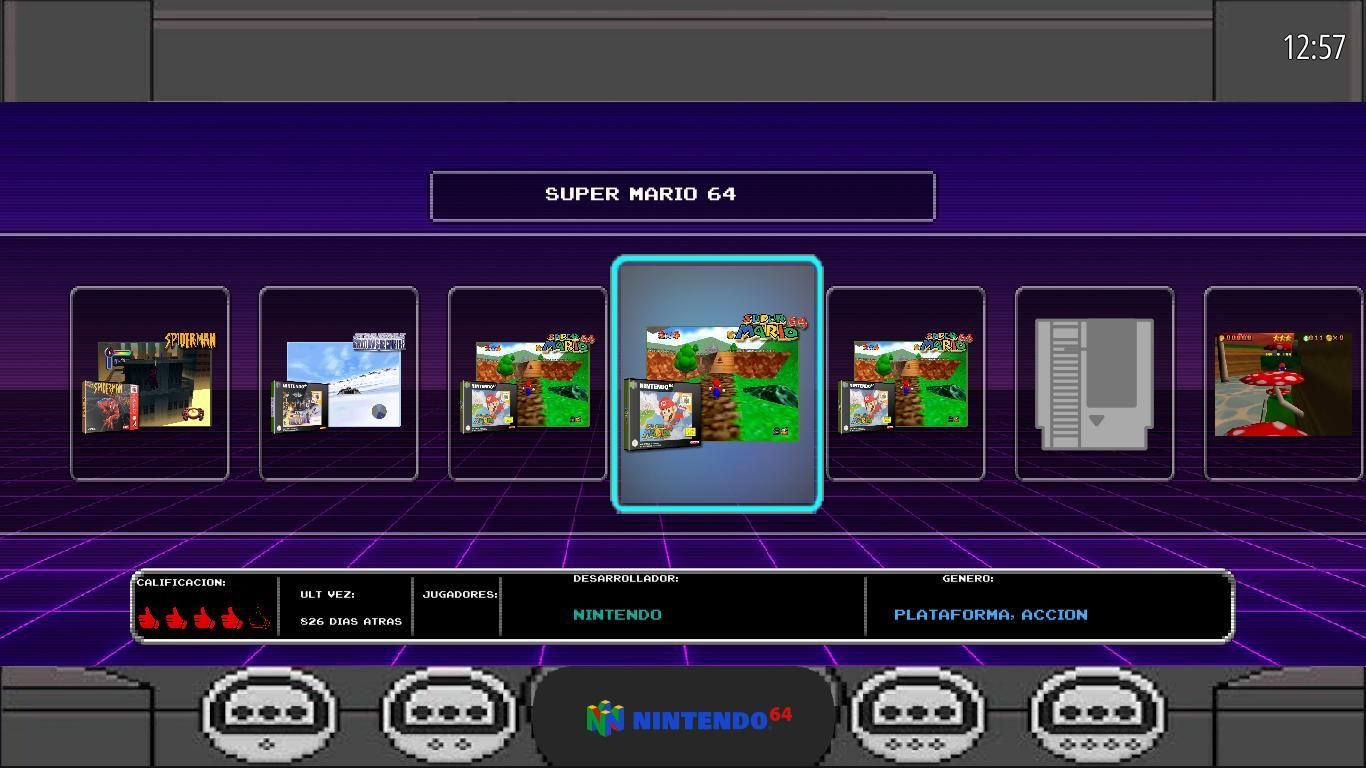
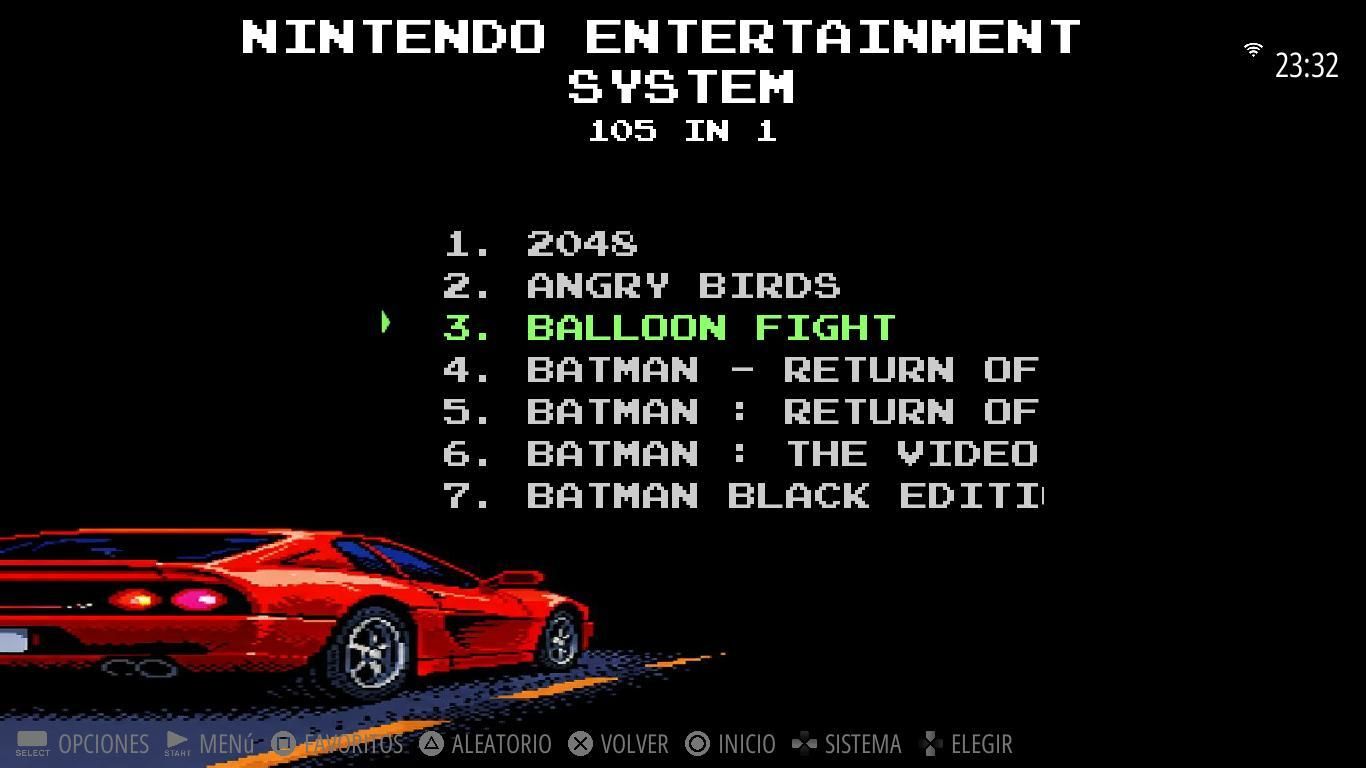
After installing ES-X, RetroPie still feels familiar, but the frontend experience becomes richer and more flexible.
The project is not about turning RetroPie into something completely different. It is about improving the parts that matter most in daily use.
With ES-X, I get:
- better support for more expressive themes
- background music support
- an integrated Skyscraper-oriented workflow
- more visual customization
- a frontend that feels more dynamic on boards like Orange Pi
Stock EmulationStation works well, but ES-X makes the experience feel less limited. For me, that is the main point of the project.
Final Thoughts
ES-X exists because I wanted a better frontend experience on RetroPie, especially on hardware that does not get much attention in the retro gaming scene.
It is not about replacing RetroPie, but about extending it in a practical way through better themes, music, scraper integration, and a more flexible interface.
If you also use Orange Pi or other under-supported boards, ES-X may help fill that same gap for you.
Thanks for reading.