How I Used a Scroll Saw to Make a Chocolate Pi Walk
by bippy8 in Workshop > Woodworking
3130 Views, 16 Favorites, 0 Comments
How I Used a Scroll Saw to Make a Chocolate Pi Walk
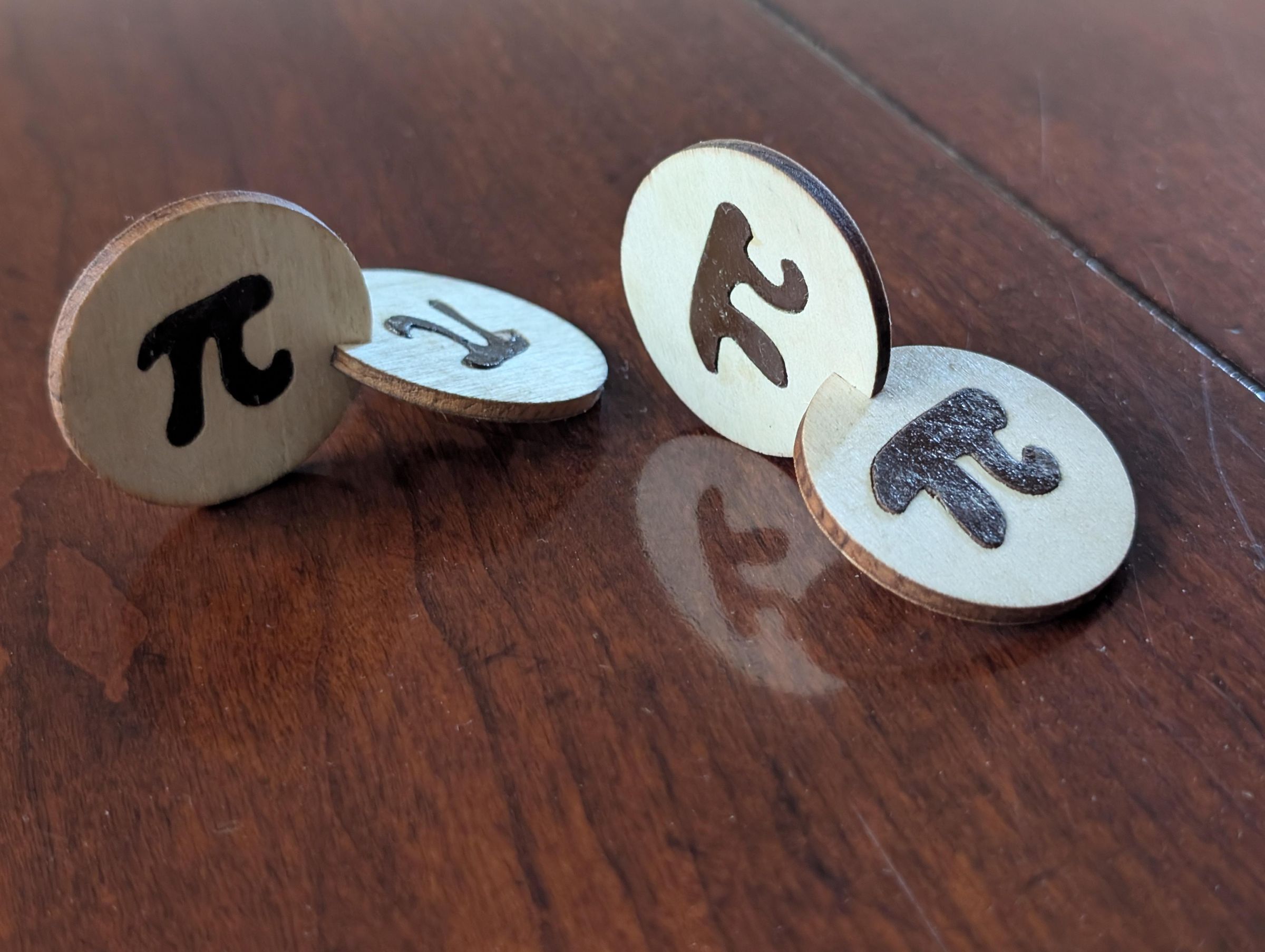

In honor of Pi Day, I wanted to create a tribute to one of mathematics’ most famous numbers: π — the magical ratio of a circle’s circumference to its diameter. Every year Pi Day brings pie jokes, raspberry Pi tech, pie recipes, and pie-shaped desserts. But that felt too obvious. So I asked myself a different question:
What if I could make Pi walk?
(No actually, I had a class on marquetry and thought this would be a good first project :-)
To make a "Walking Chocolate Pi", I started with two wooden circles and inlaid a chocolate-brown π symbol into each one using the double bevel marquetry technique. Then I joined the circles at right angles to create an Oloid ... one of geometry’s most remarkable rolling shapes.
As an oloid moves, every point on its surface eventually comes into contact with the ground. A cube can’t do that. A cylinder can’t do that. Even a sphere doesn’t behave the same way.
So this project became a celebration of two mathematical wonders: π, the secret hidden inside every circle… and the Oloid, a shape that turns circles into motion.
This Instructable shows how to make your own Strolling Chocolate Pi using marquetry techniques (get the pun ... "Strolling" and "Scrolling" sorry had to do it:-)
Supplies

Materials
Two hardwood disks, 1.5" diameter
Contrasting veneer or wood for π inserts
Wood glue ( I like this brand)
Sandpaper
Brown paint or stain (for chocolate effect)
Finish (I link Tung Oil)
Gear
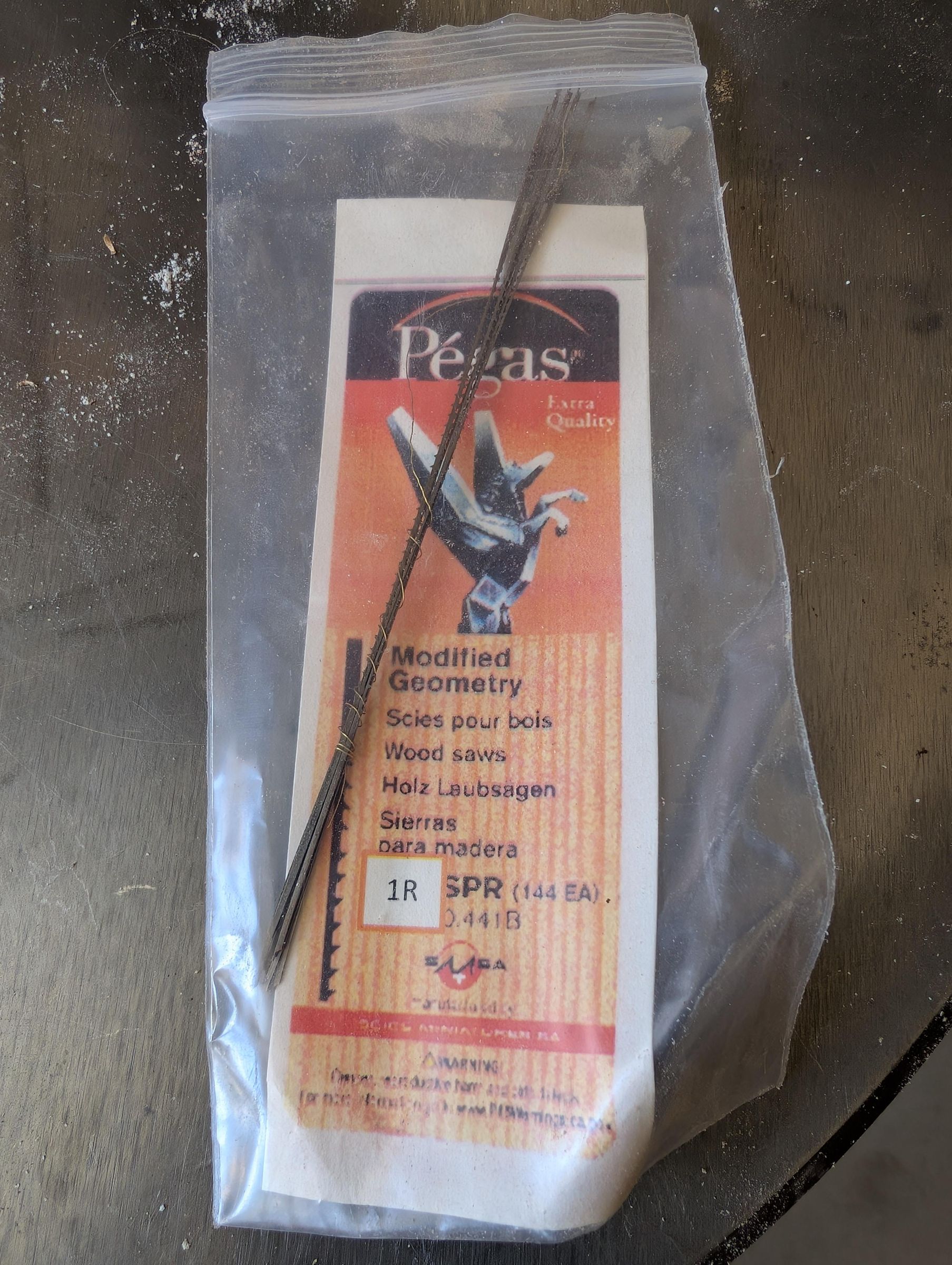
Scroll saw & blades (size 1) (Also check on Craigslist for Scroll Saws; you can often get for <$30)
Table saw (only if you want to make a bunch)
Jig Parts: Clamp, Forstner Bit
*Affiliate links added for convenience
Build a Simple Oloid Slotting Jig


Jig Build
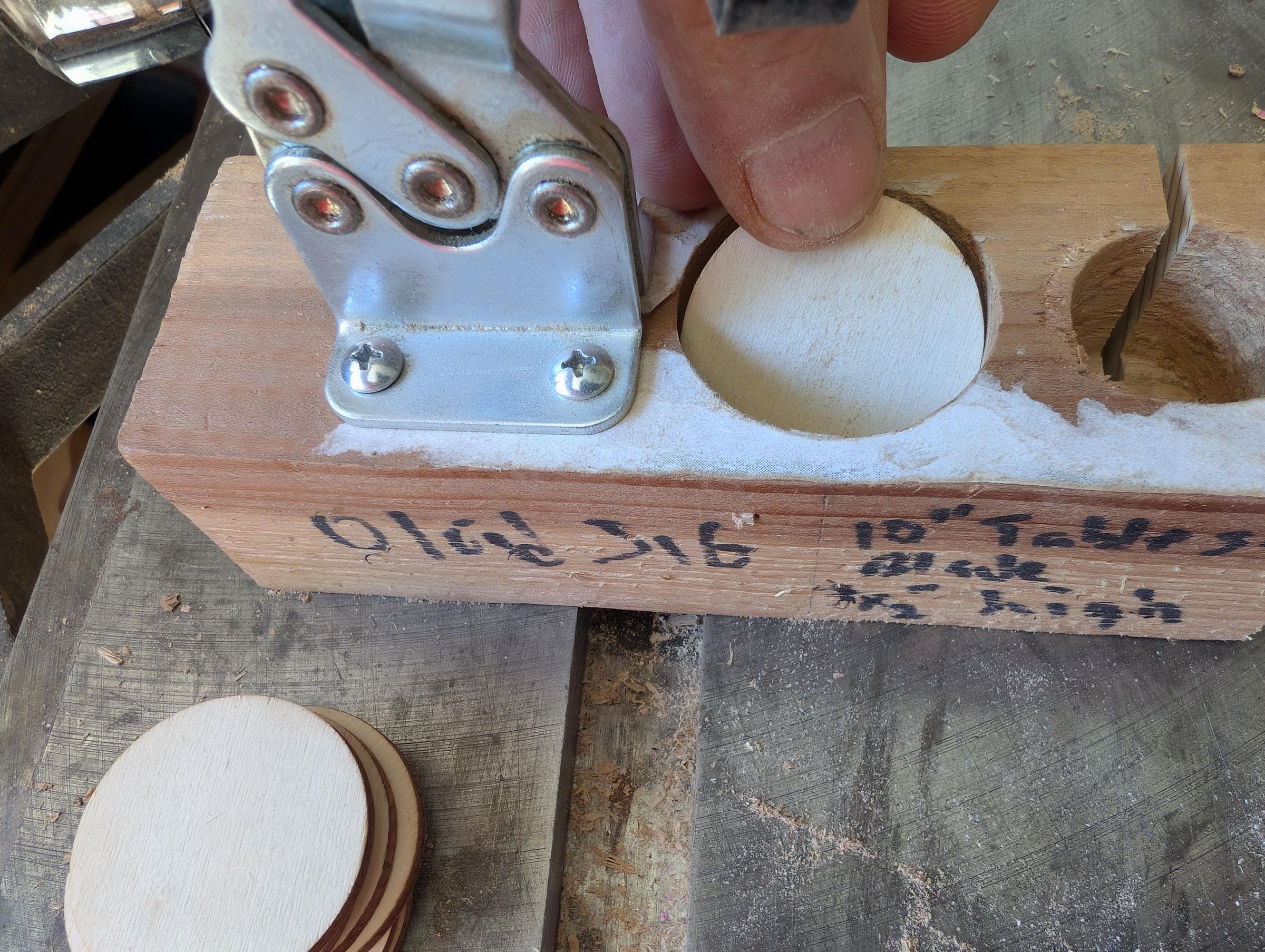
If you only plan to make a few Oloids, you might want to skip this step, but if you plan to make a lot then this jig is a big time saver.
I used a forstner bit (1.5") to make a hole around 1.5" deep in to a scrap piece of 2x4" pine. I then attached a hold down clamp. With this jig you can load up a bunch of wooden disk and a safely run through the table saw with a 10" blade to create a 3/16" slot into the disk so you can join them together.
Only making a few?
Skip the jig and just use your scroll saw to create the 3/16" slot the width of your disk thickness.
Make a Pi Sandwich
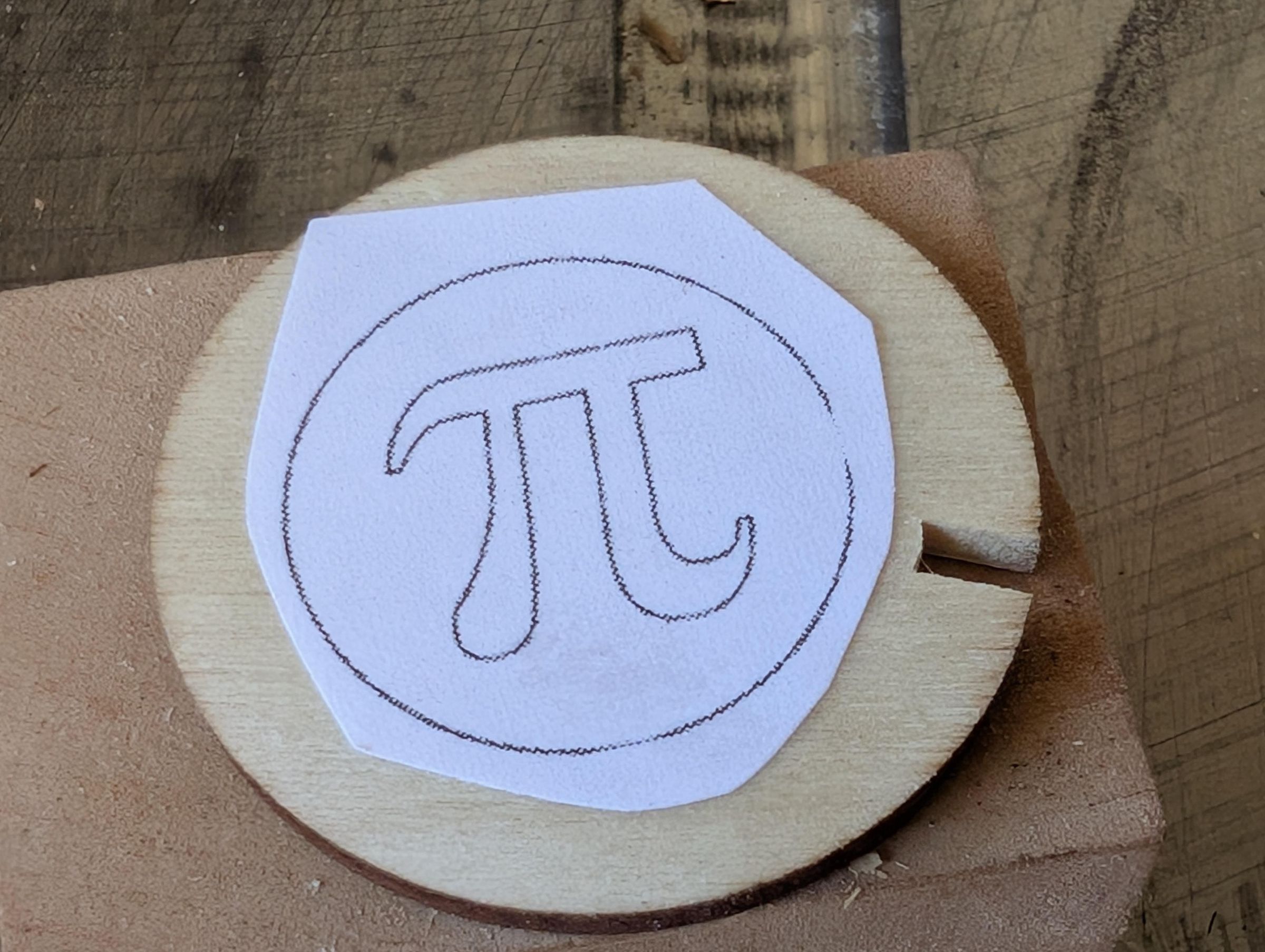


Now it’s time to add the π symbol. Print, trace, or draw a π sized to fit nicely inside each disk.
Tips:
- Leave a wood border around the symbol
- Keep it centered
- Use bold lines so the inlay is visible
Attach the pattern to the face of the disk. Then, stack a second disk or backing wood underneath the top piece. This creates the Pi Sandwich used for double bevel marquetry.
Mini drill. a tiny starter hole inside the waste area so the scroll saw blade can be threaded through.
Learn the Magic of Double Bevel Marquetry

Marquetry 101
This is the key technique that I learned and will share with you. The video above shows a simple schematic on how double bevel marquetry works. Basically, instead of cutting straight down which would cause the Pi to fall through the hole created due to the blade kerf (i.e., thickness), you tilt the scroll saw table or blade so the cut is made at an angle.
By tilting the saw table, the blade cuts at an angle instead. That turns the insert into a shallow wedge. As the piece is pressed into place, the wider face closes the kerf gap and locks tightly into the opening.
So the bevel angle does two jobs:
- compensates for blade kerf
- creates a self-centering friction fit with no visible gaps
That’s the magic behind double bevel marquetry.
Direction Matters: With the table tilted left and the pattern rotated counterclockwise, the lower piece fits into the upper piece. Reverse the direction and the opposite happens. Always make a quick test cut first.
Calculate the Bevel Angle
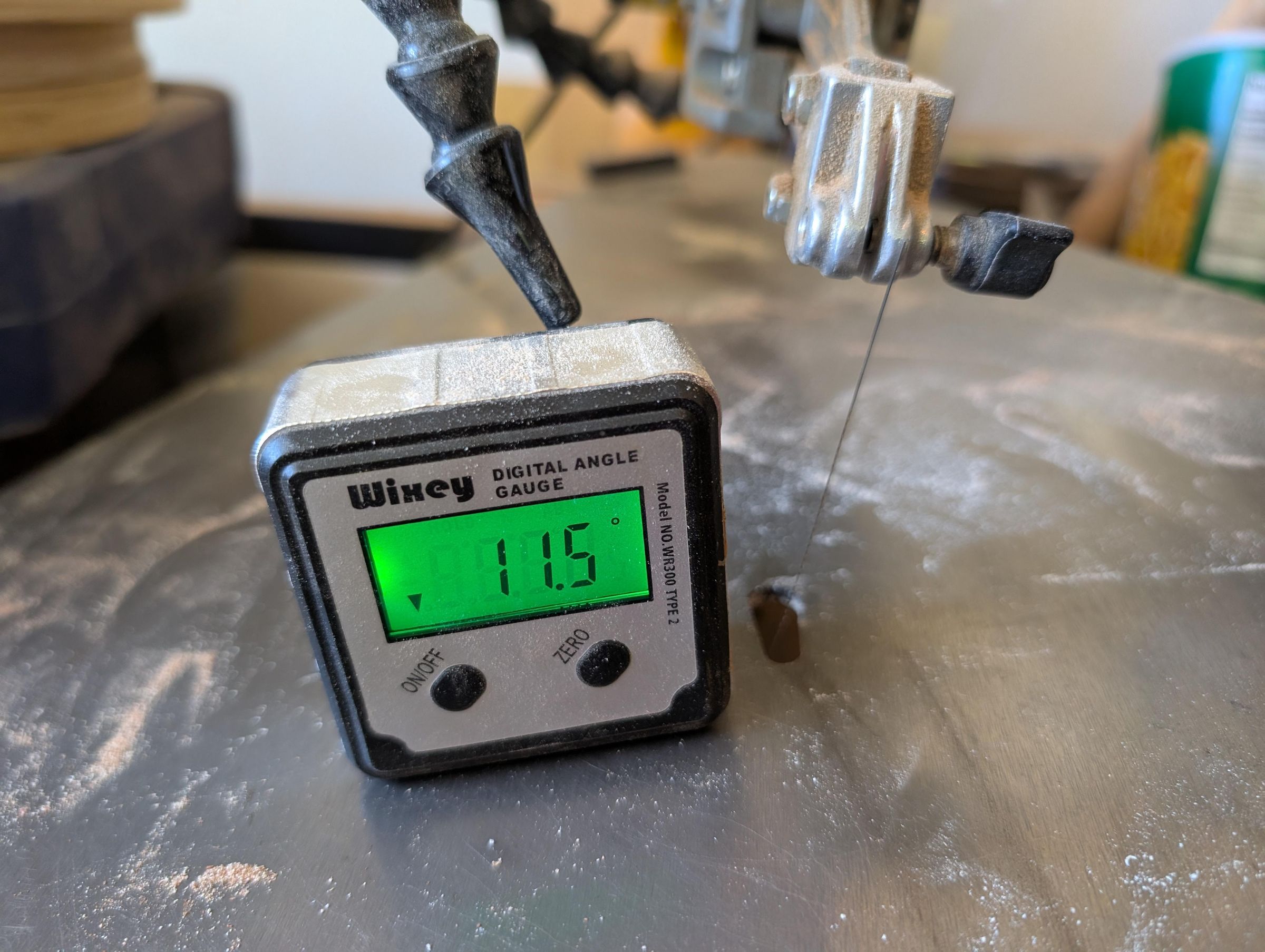
The bevel angle depends on 2 things: (1) the blade thickness and (2) the material thickness.
- Thicker wood = smaller angle
- Thin veneer = larger angle acceptable
You can find the ideal angle 2 ways: (1) trial and error or (2) using math.
A good starting range for small inlays like this is 8° to 12°. You can make a few test cost at 8°, 10° & 12° to test the fit.
The Math: θ ≈arcsin (Blade Kerf Width/Material Thickness) Mine was around gives roughly 11.5°.
Real Workshop Advice: A couple scrap tests are faster than overthinking the math.
Cut Your Pi Inserts


Start Scrolling
Thread the blade through the starter hole and begin cutting carefully along the π pattern.
Take your time on inside corners and tight curves.
Once complete, separate the pieces and gently test the fit.
If the fit is:
- Perfect: celebrate
- Tight: increase the bevel angle and retry
- Loose: reduce thebevel angle and retry
Glue the insert in place and clamp flat until dry.
Repeat for the second disk.
Add the Chocolate


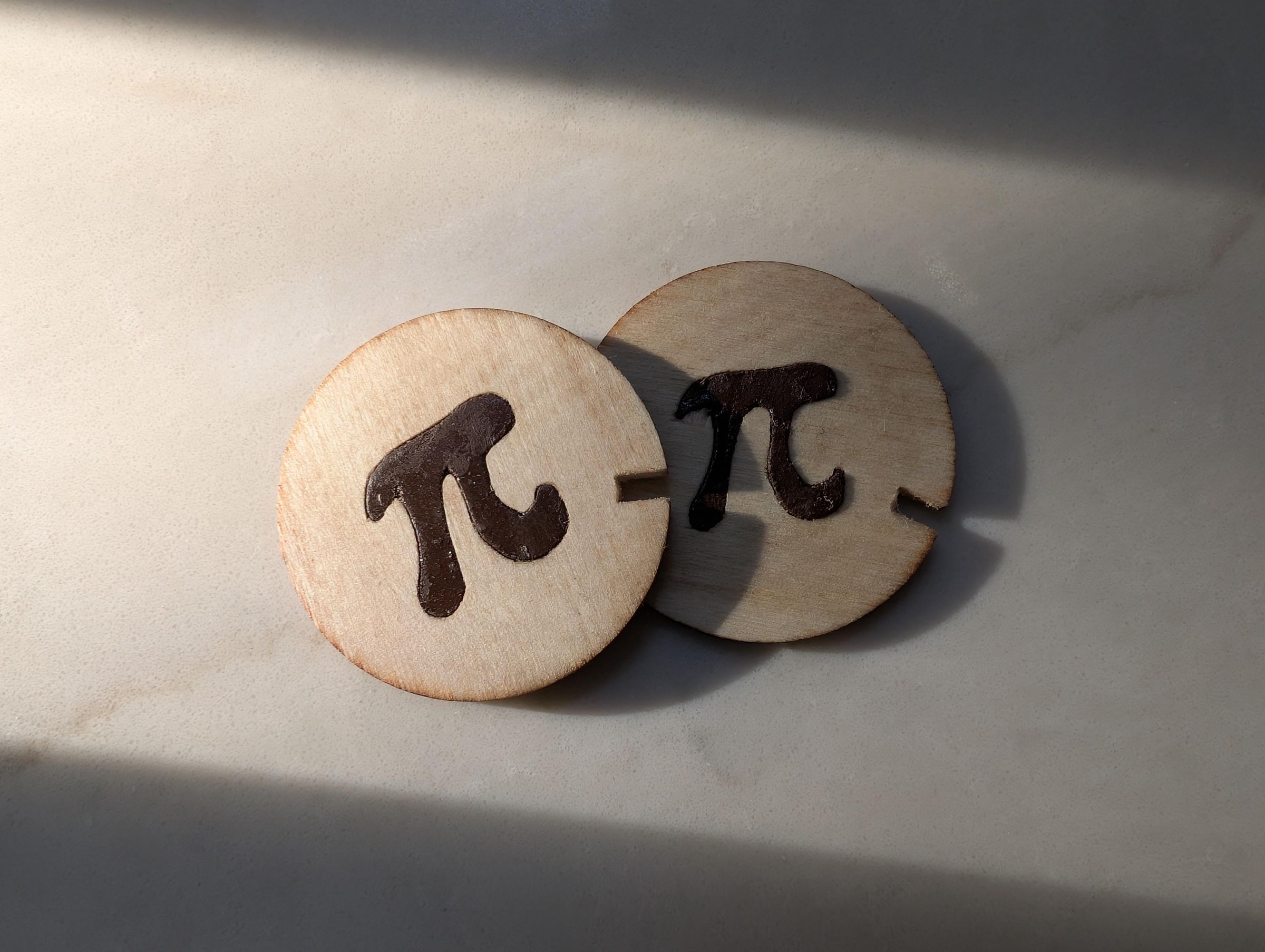
Now turn plain math into dessert humor.
Paint or stain the π symbols a rich chocolate brown.
This transforms the project from a geometry exercise into a Chocolate Pi.
Milk chocolate, dark chocolate, or fudge brown all work nicely.
Let dry fully before assembly.
Assemble the Pi Oloid

Give Birth to your Pi-Oloid (pr Pi-Loid)
Slide the two disks together through their slots at right angles. The fit should be snug enough to hold on its own. If desired, add a tiny amount of glue before final assembly. You now have a cross-section representation of an oloid.
It may look simple while standing still... but wait until it moves.
Let Your Baby Pi Oloid Take It's First Steps

Now the Fun
Place the oloid on a flat surface and give it a gentle push. Instead of rolling like a wheel, it wobbles forward like a young toddler. That unusual movement is what makes oloids so fascinating.
You didn’t just make a Pi marquetry... You made Pi Oloid Walk (or Pi-Loid).
Final Thoughts

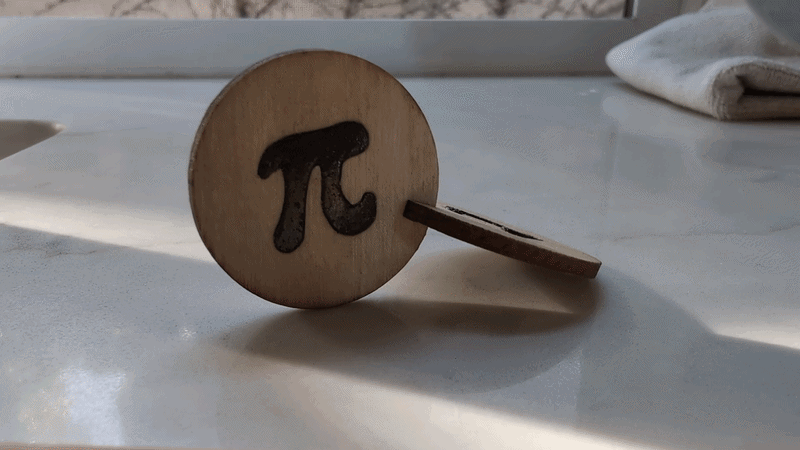
Many people can bake a Pie but only a few (and now you) can make Pi walk!
Two circles, one symbol, and a little woodworking turned Pi into a kinetic sculpture.
Try it.