How to Connect and Code a Servo Motor to a Micro:bit
by Benji45631 in Circuits > Robots
29 Views, 0 Favorites, 0 Comments
How to Connect and Code a Servo Motor to a Micro:bit
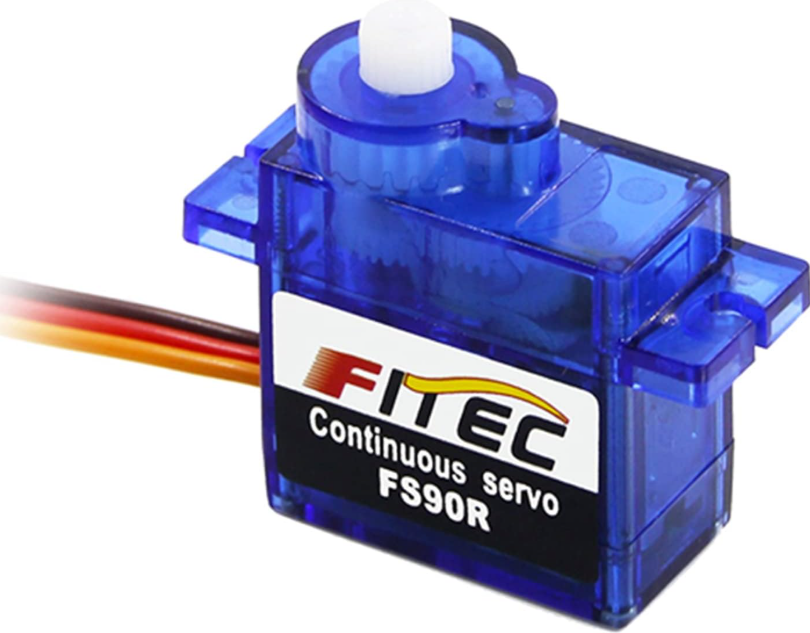
I connected a continuous micro servo to a micro:bit using a breakout board. It only takes 3 steps!
Supplies
Connecting the Servo
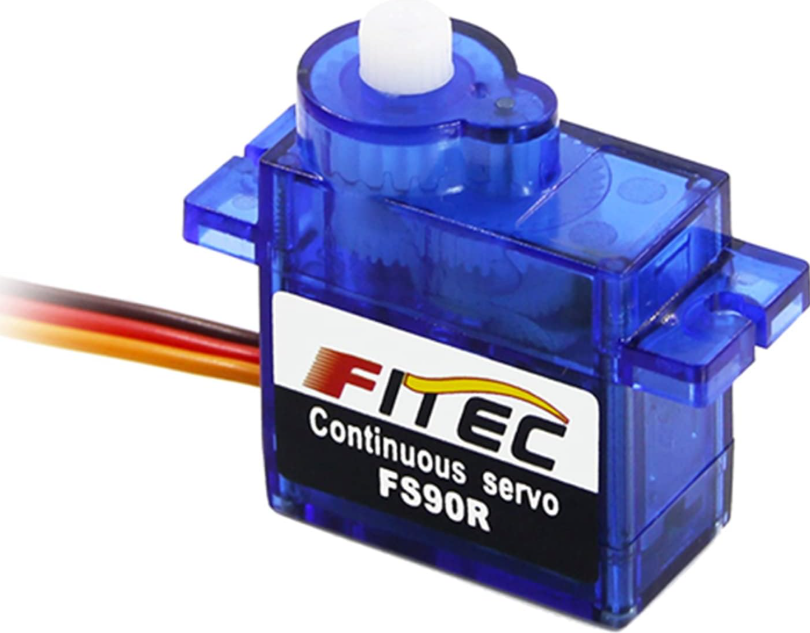
On the servo, you see 3 wires. Black or brown for GND, red for power, orange or yellow for signals from the micro:bit. Plug your wires into the female wires connectors on the servo.
Connecting Servo to Micro:bit
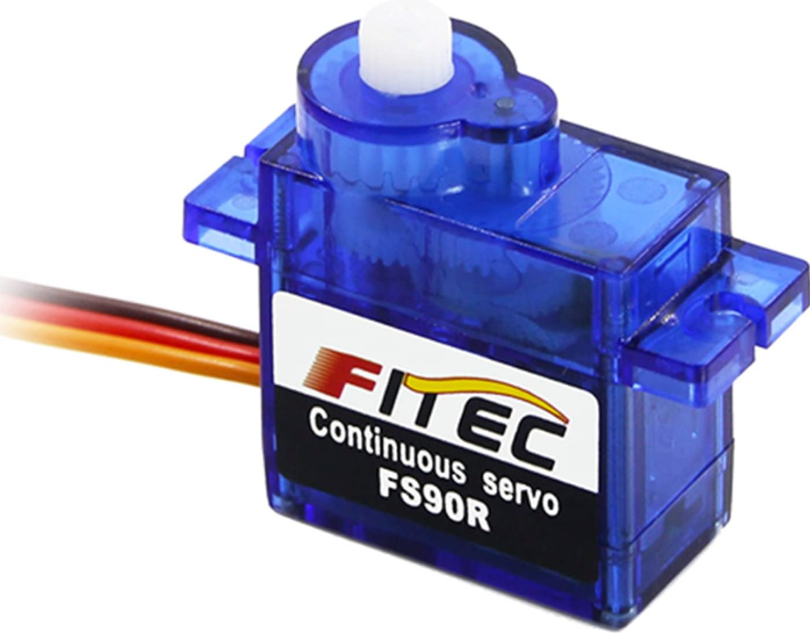
Now you should have 3 wires connected. You have 1 male side left on your wires. Take the wire that is connected to GND on servo, and put the metal piece on GND on micro:bit. Try to secure it as best you can. Do the same for the power and put the metal piece on 3V. And the last wire, the signal wire goes either on P0, P1, or P2.
Test Using the Servo Extension in Makecode
Open a new project in Microsoft Makecode. Go to extensions and search servo. Click on the first one. Experiment with different blocks!