How to DIY a Cat8 Ethernet Patch Cable: Step-by-Step Guide to Building Shielded RJ45 High-Speed Network Cables
by yanjoe9527 in Circuits > Electronics
77 Views, 2 Favorites, 0 Comments
How to DIY a Cat8 Ethernet Patch Cable: Step-by-Step Guide to Building Shielded RJ45 High-Speed Network Cables

Cat8 Ethernet cables represent the latest generation of copper network cabling, designed for ultra-high-speed data transmission up to 25G/40G over short distances. While pre-made Cat8 patch cables are widely available, building your own can be a rewarding project—especially if you need custom lengths or want to better understand high-performance network cabling.
In this guide, you’ll learn how to create your own Cat8 Ethernet patch cable from scratch. This tutorial focuses on shielded Cat8 cable construction, which requires precision and attention to detail to maintain performance.
Downloads
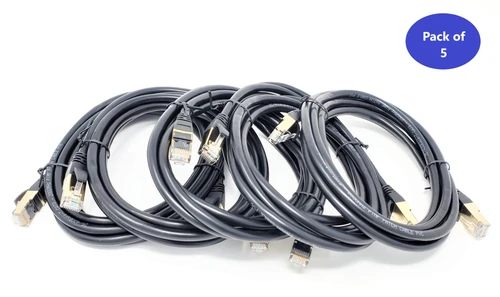
Supplies

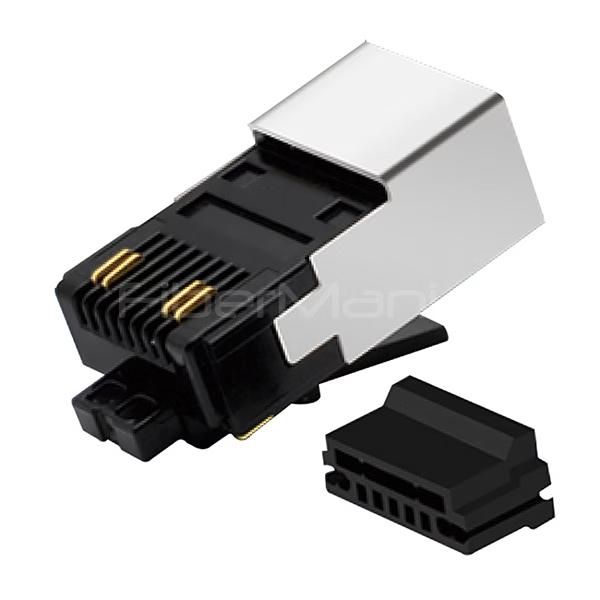
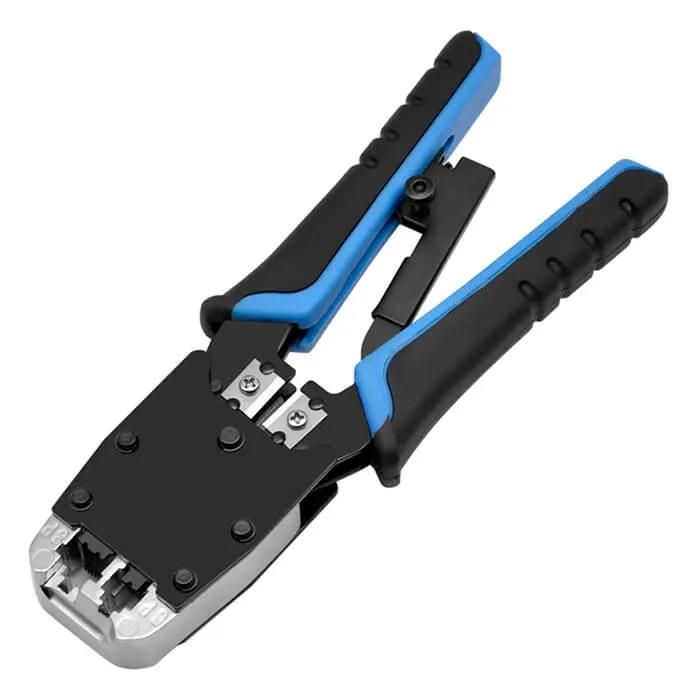
Before getting started, gather the following tools and materials:
- Cat8 bulk Ethernet cable (S/FTP or F/FTP recommended)
- Shielded RJ45 connectors (Cat8-compatible)
- Cable stripper (adjustable for thick jackets)
- Precision wire cutter
- RJ45 crimping tool (shielded connector compatible)
- Cable tester (preferably supports Cat6A/Cat8 testing)
- Aluminum foil tape or shielding accessories (optional, for grounding continuity)
- Protective boots (optional, for durability and strain relief)

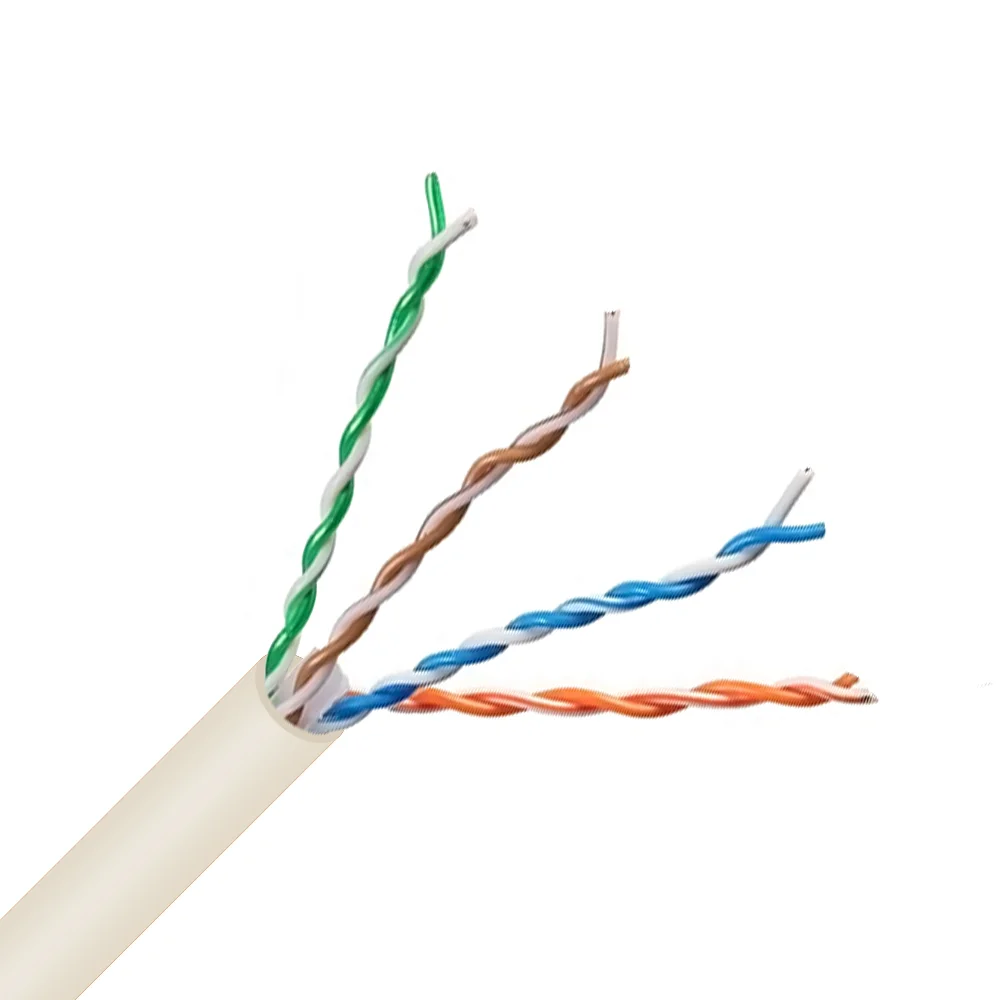
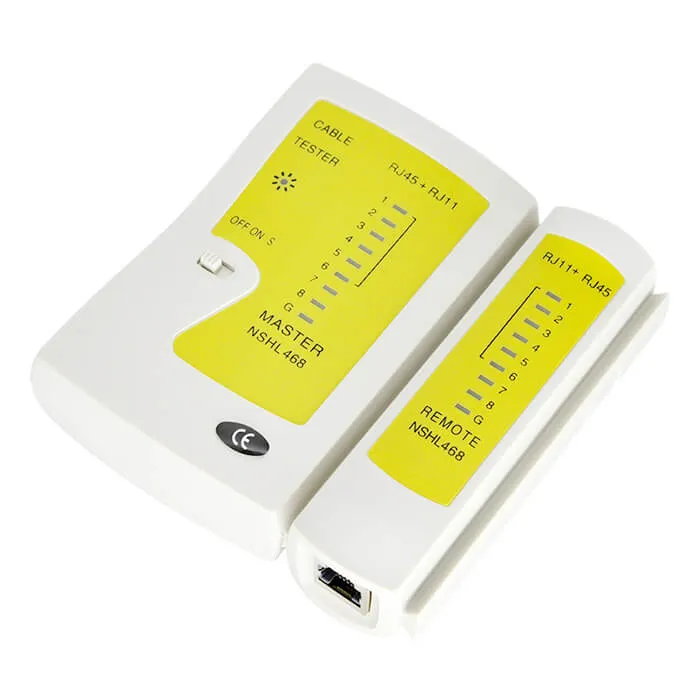
Step 1: Measure and Cut the Cable

Determine the desired cable length and cut the Cat8 cable cleanly using a wire cutter. Always leave a little extra length to allow for termination errors or adjustments.
Strip the Outer Jacket

Carefully strip about 1.5–2 inches (3–5 cm) of the outer jacket using a cable stripper.
Be cautious not to damage the internal shielding layers or twisted pairs, as this can significantly affect performance.
Cat8 cables typically include:
- An outer braided shield
- Foil shielding around each twisted pair
- A central spline (in some designs)
Prepare the Shielding

Fold back the braided shield over the cable jacket.
If foil shielding is present around each pair, keep it intact as much as possible—only remove what’s necessary to insert wires into the connector.
Maintaining shielding continuity is critical for Cat8 performance.
Untwist and Arrange the Wires

Untwist the pairs carefully and arrange them according to the T568B wiring standard (most common):
- White/Orange
- Orange
- White/Green
- Blue
- White/Blue
- Green
- White/Brown
- Brown
Keep the untwisted length as short as possible (ideally under 0.5 inch / 1.25 cm).
Trim and Align the Conductors
Straighten the wires and trim them evenly so they fit neatly into the RJ45 connector.
Ensure all wires are aligned and of equal length before insertion.
Insert Wires Into the RJ45 Connector
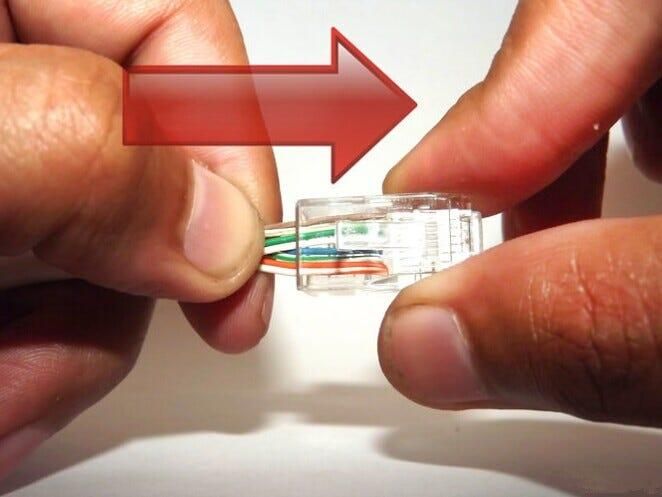
Carefully insert the wires into the shielded RJ45 connector, ensuring:
- Each wire goes into the correct channel
- The cable jacket goes slightly inside the connector
- The shielding makes proper contact with the connector’s metal housing
This step is crucial for both electrical performance and grounding.
Crimp the Connector
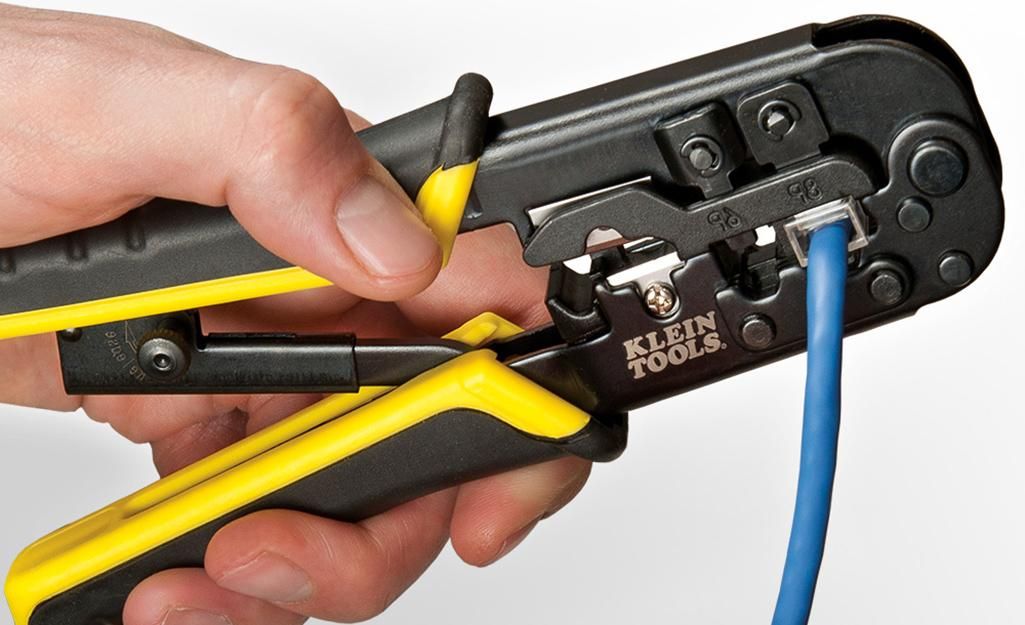
Place the connector into the crimping tool and apply firm, even pressure.
This secures the pins into the conductors and locks the cable in place.
Repeat for the Other End
Repeat Steps 2–7 for the other end of the cable.
Make sure you use the same wiring standard (T568B on both ends) to create a straight-through cable.
Test the Cable
Use a network cable tester to verify:
- Proper pin-to-pin continuity
- No shorts or miswiring
- Stable signal transmission
For best results, use a tester capable of validating high-frequency performance.
Final Thoughts
Building your own Cat8 Ethernet cable requires precision, but it’s a great way to customize your network setup and gain hands-on experience with high-performance cabling.
If you find the process too complex or need guaranteed performance for critical applications, professionally manufactured Cat8 patch cables remain the most reliable option.