How to Laser Cut a World Cup Beer Holder Step by Step Tutorial
by thunderlaser-nolan in Workshop > Laser Cutting
37 Views, 0 Favorites, 0 Comments
How to Laser Cut a World Cup Beer Holder Step by Step Tutorial
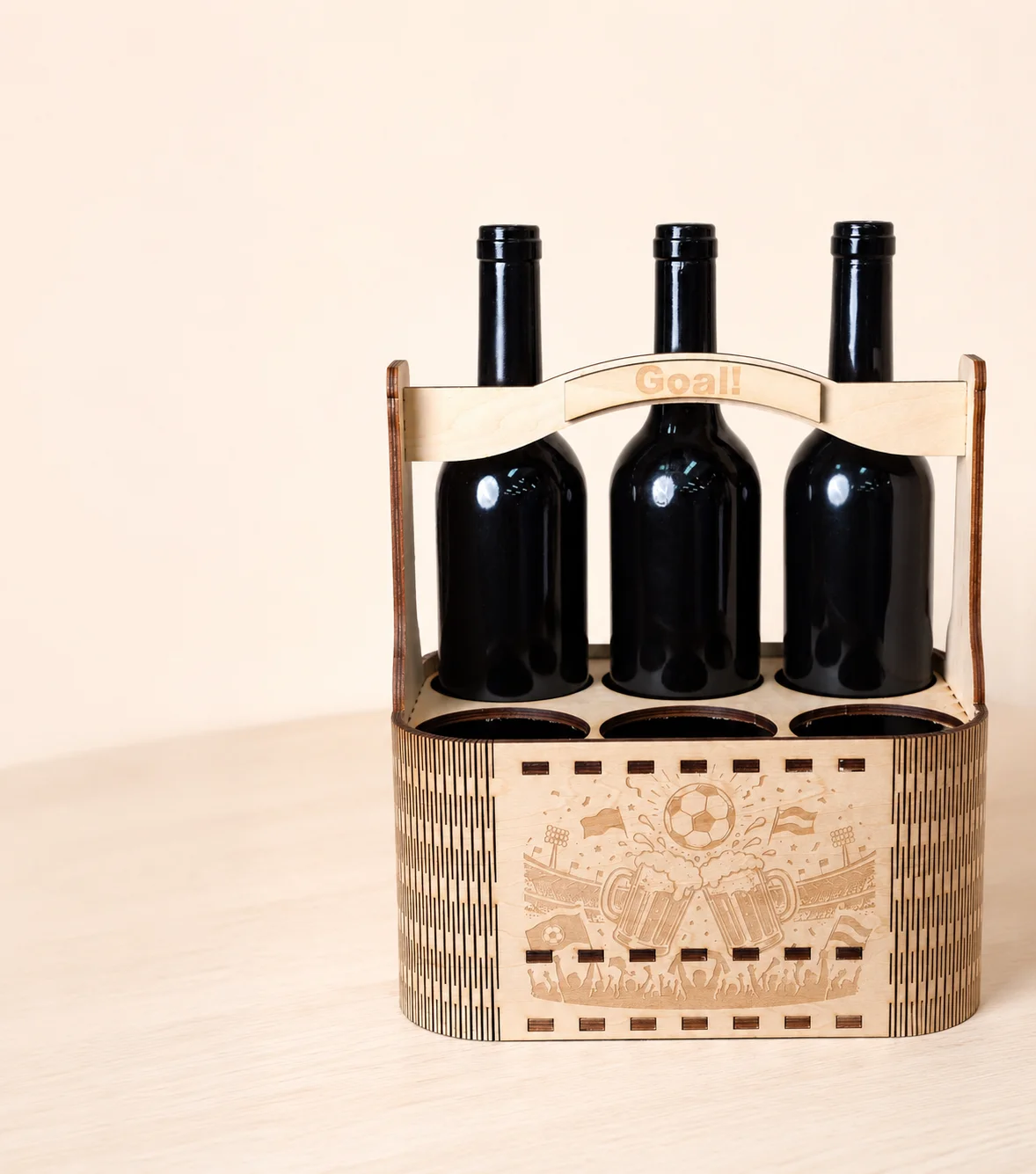
The World Cup is all about gathering with friends, cheering for your team, and enjoying every exciting moment of the match.
A custom wooden beer holder adds a fun football-themed touch to game day while making it easy to carry and organize your favorite drinks.
In this tutorial, you'll learn how to laser engrave and cut a World Cup beer holder from 5mm basswood plywood. The project is simple to make and perfect for match nights, watch parties, or football-themed gifts.
Supplies
Laser Machines
Material Needed
5mm Basswood Plywood
Setting 1
Laser Engraving
Speed: 800mm/s
Power: 30%
Passes: 1
Setting 2
Laser Cutting
Speed: 30mm/s
Power: 55%
Passes: 10
Downloads
Prepare & Position the Material
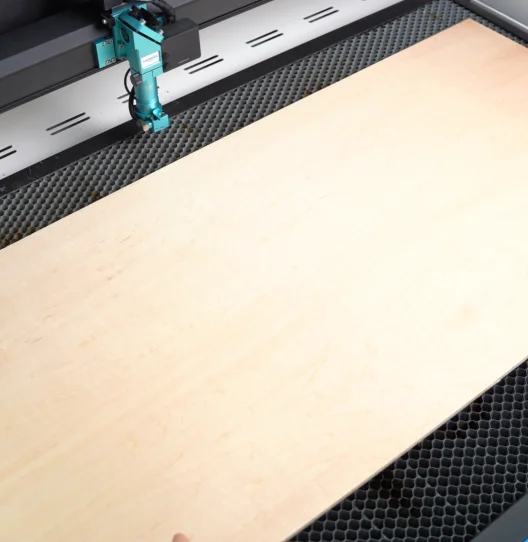
Prepare a sheet of 5mm basswood plywood large enough for the beer holder design. Place it flat on the laser bed and make sure it is fully supported within the machine's working area.
Before processing, wipe the surface clean to remove dust, fingerprints, or debris. If the plywood is slightly warped, use hold-down pins to secure the corners and keep the material stable during engraving and cutting.
Import & Adjust the Design File
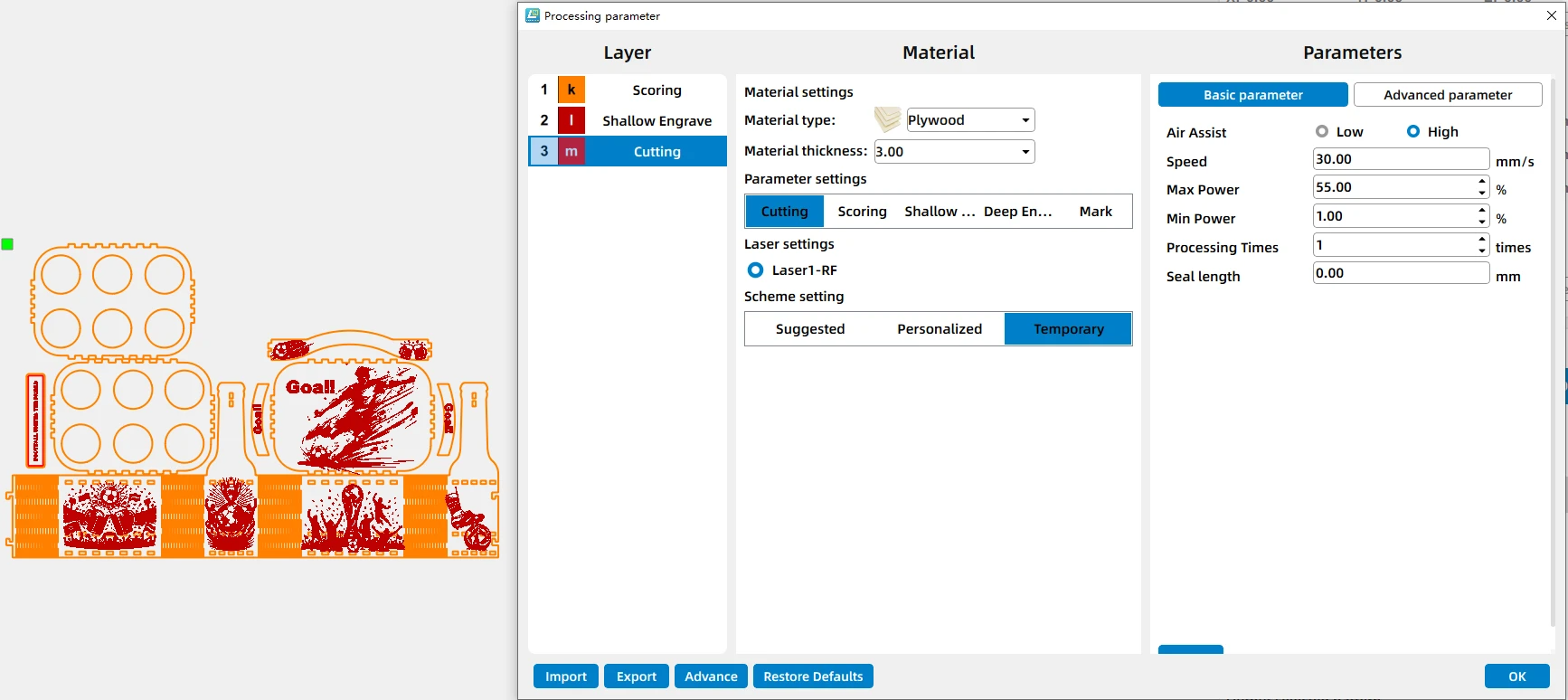
Open your laser software and import the World Cup beer holder design file.
Assign the engraving layers and cutting layers correctly. Set the engraving parameters to 800mm/s, 30% power, 1 pass, and the cutting parameters to 30mm/s, 55% power, 10 passes. Once all settings have been confirmed, send the file to the machine.
Set the Correct Laser Focus
.png)
Set the laser focus to the surface of the plywood before starting the job.
Accurate focus helps produce sharper engraved football graphics and cleaner cutting edges, which is especially important for assembly slots and handle details.
Frame the Design & Start Engraving and Cutting
.png)
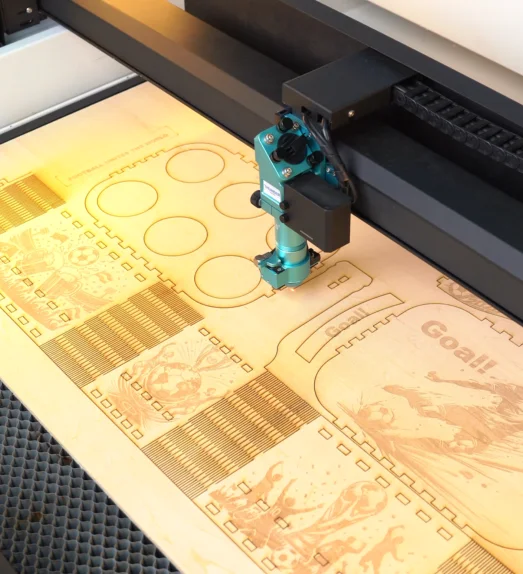
Before processing, use the Frame function to preview the entire working area and confirm that the design is positioned correctly on the material.
Once everything is aligned, start the engraving and cutting process. The machine will engrave the World Cup-themed graphics first and then cut the structural components. Monitor the machine throughout the process and ensure proper ventilation is maintained.
Post Processing
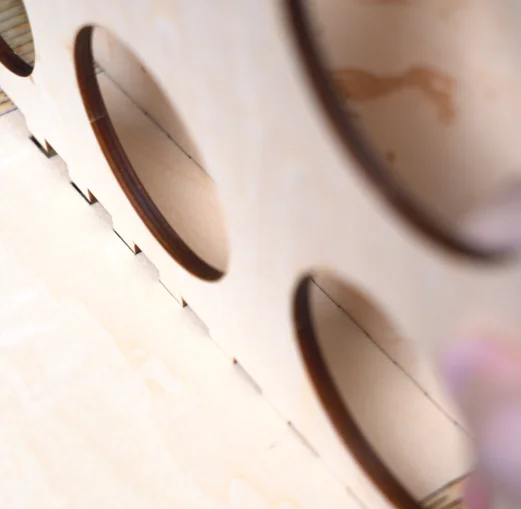
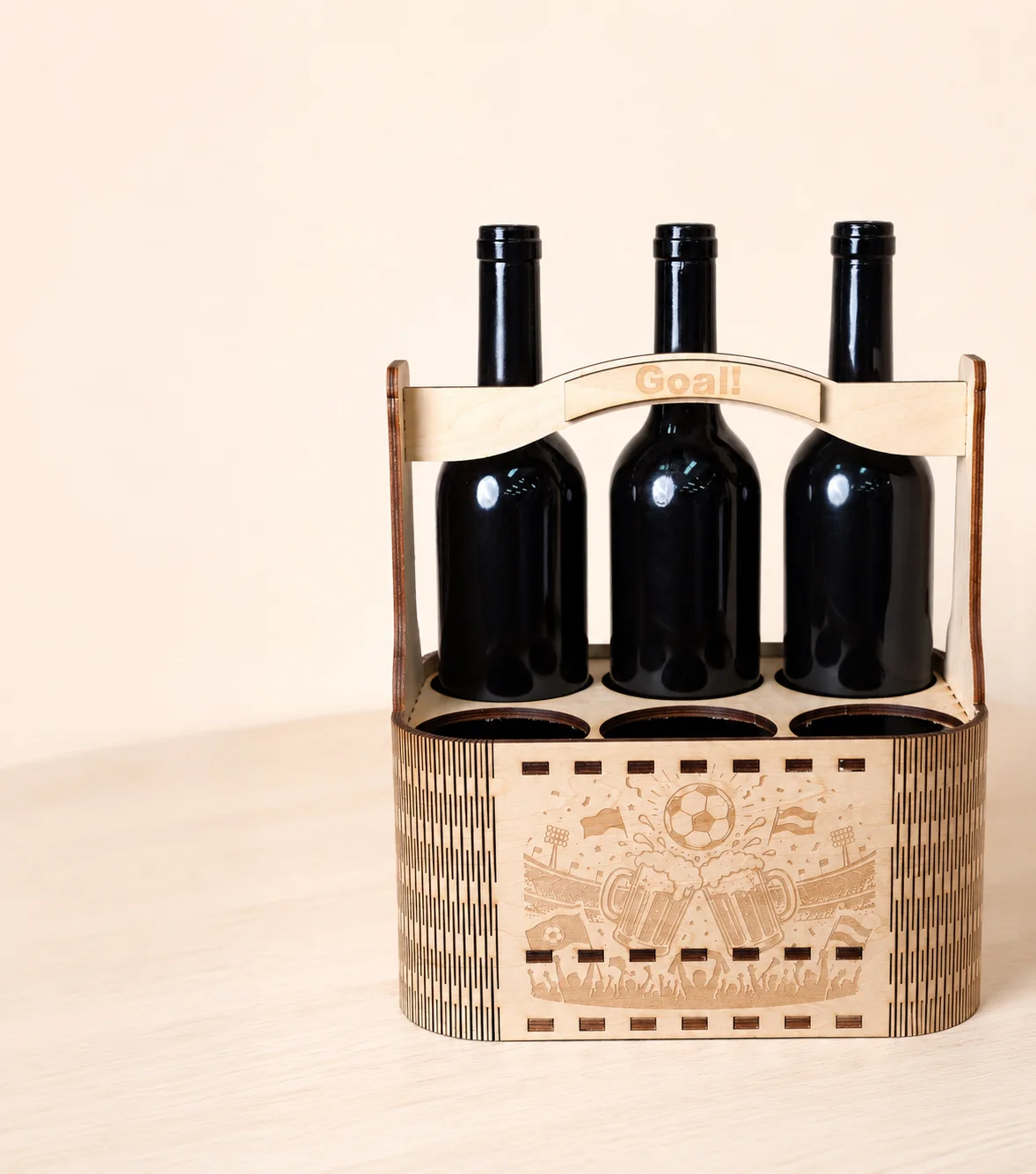
After processing is complete, remove all parts from the laser bed and gently clean away any dust or residue.
Assemble the beer holder according to the design and secure the joints with glue if needed. Allow the glue to dry completely before use and check that all parts fit together securely.
Your World Cup beer holder is now ready for match day.