How to Laser Mark a Father's Day Leather Bottle Opener by Step Tutorial
by thunderlaser-nolan in Workshop > Laser Cutting
42 Views, 0 Favorites, 0 Comments
How to Laser Mark a Father's Day Leather Bottle Opener by Step Tutorial
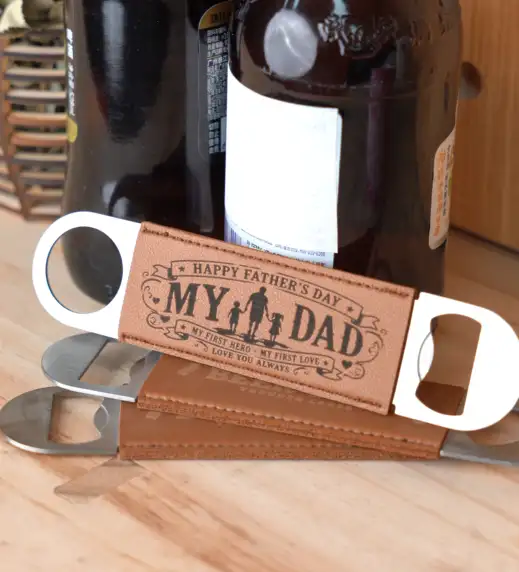
Father's Day is the perfect time to create a gift that's both personal and practical.
A custom marked leather bottle opener adds a unique touch to an everyday essential, making it a keepsake Dad can enjoy long after the celebration.
In this tutorial, you'll learn how to laser mark a Father's Day leather bottle opener using the Aurora Lite. The process is quick, beginner-friendly, and delivers a clean, professional-looking result.
Supplies
Laser Machines
Material Needed
Leather Bottle Opener
Settings
Laser Marking
Speed: 1000mm/s
Max Power: 60%
Frequency: 60kHz
Passes: 1
Line Interval: 0.1000mm
Bi-directional Fill: On
Defocus: +3mm
Prepare & Position the Material
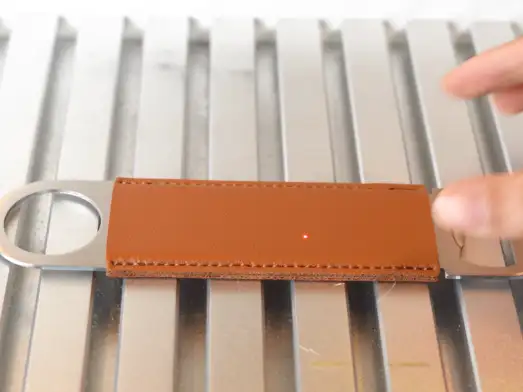
Place the leather bottle opener flat on the machine's worktable and make sure it cannot shift during marking.
Before processing, wipe the leather surface clean to remove dust, fingerprints, or any residue that could affect the marking quality. Position the marking area beneath the laser head and ensure the design has enough clearance from the edges.
Import & Adjust the Design File
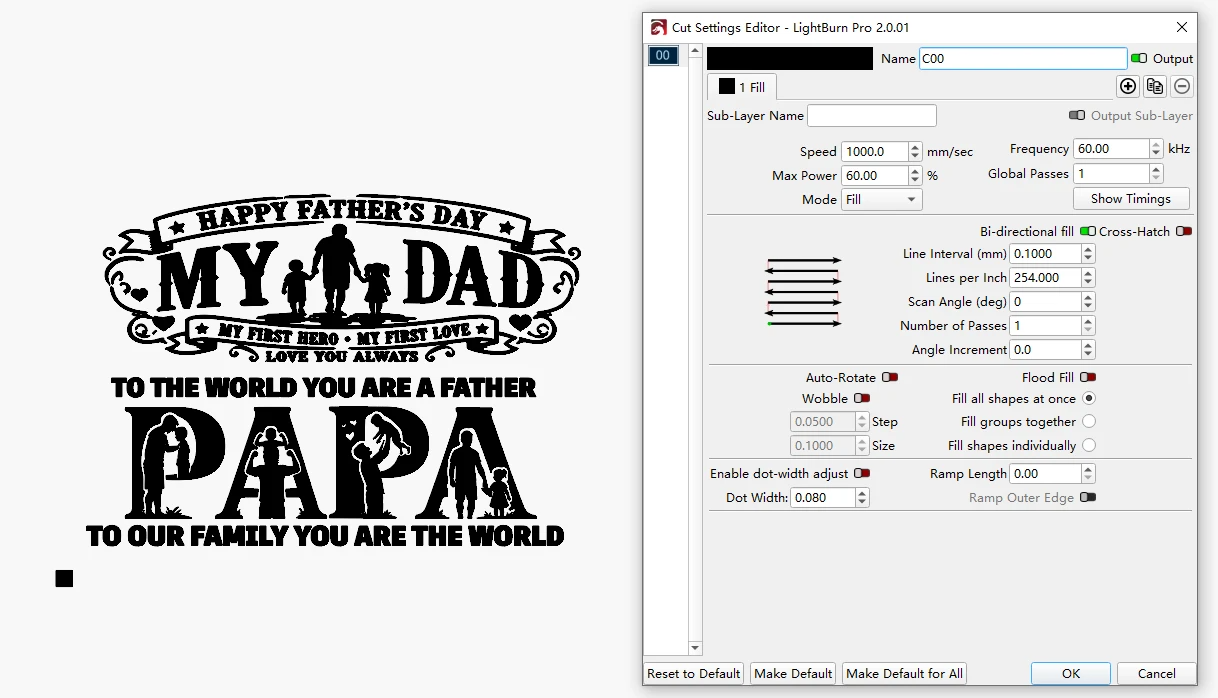
Open your laser software and import the Father's Day design file.
Set the marking parameters to 1000mm/s speed, 60% max power, 60kHz frequency, 1 pass, and 0.1000mm line interval, then enable Bi-directional Fill. After confirming the artwork size and position, send the file to the machine.
Set the Correct Laser Focus
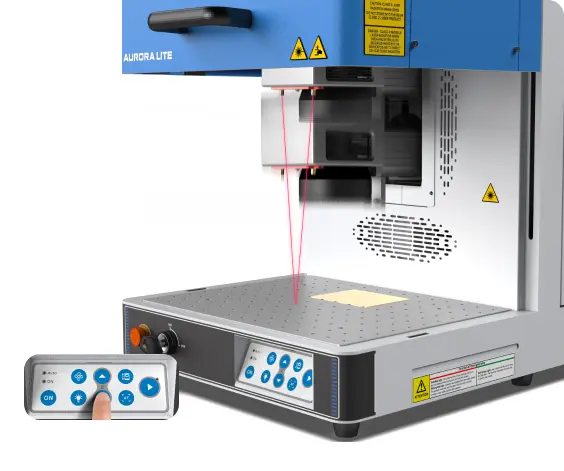
Begin by using the machine's Auto Focus function to focus on the leather surface.
Once auto focusing is complete, manually raise the laser head by 3mm to apply the required defocus distance. This defocused setting produces a cleaner, darker mark on leather while reducing the chance of overburning.
Frame the Design & Start Laser Marking
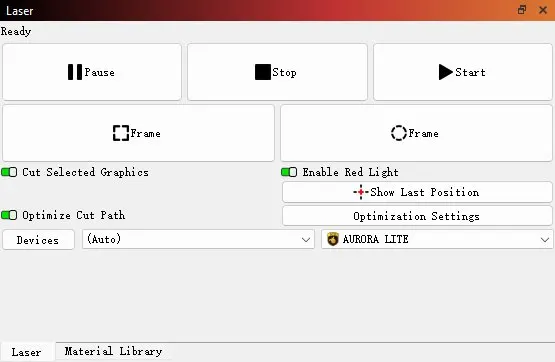
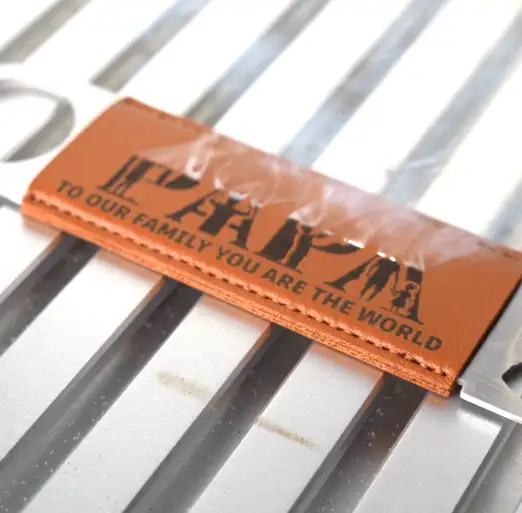
Before processing, use the Frame function to preview the marking area and verify that the design is correctly positioned on the bottle opener.
Once everything is aligned, start the laser marking process. Monitor the machine while it is running and make sure the leather remains securely in place until the marking is complete.
Post Processing
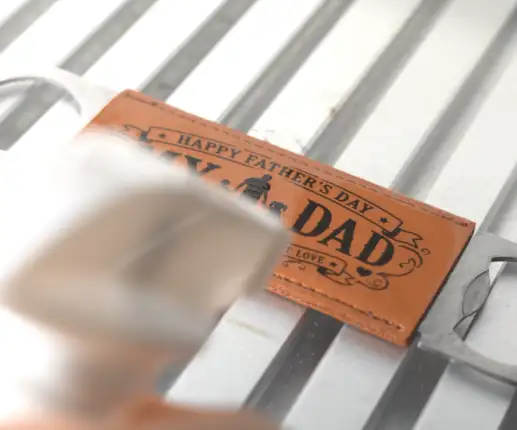
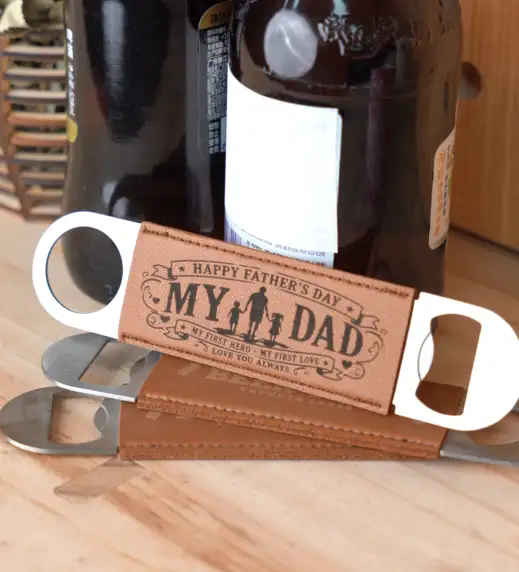
After marking, remove the bottle opener from the machine and gently wipe away any residue with a soft cloth.
Inspect the marked design for clarity and contrast. If necessary, lightly clean the leather surface again to reveal the final details.
Your personalized Father's Day leather bottle opener is now ready to gift.