How to Make a Decorative Steel Cube Box With Laser Cutting and Welding
by HelioxLab in Workshop > Metalworking
23912 Views, 24 Favorites, 0 Comments
How to Make a Decorative Steel Cube Box With Laser Cutting and Welding
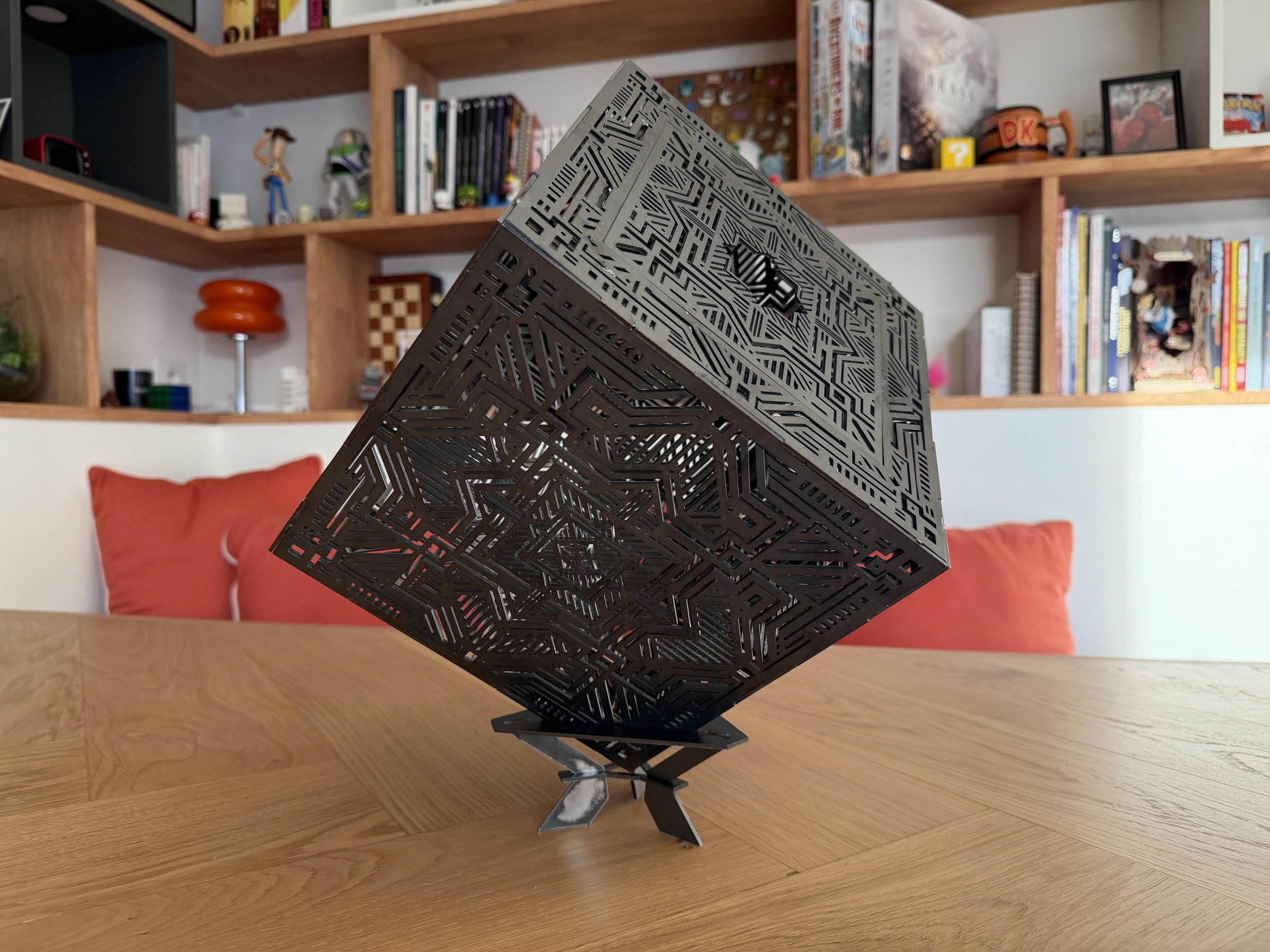

In this Instructable, I'll show you how to build a beautiful decorative steel cube box from scratch — designed in Fusion 360, laser-cut from 2mm steel sheet, and assembled by welding.
The finished piece is a 22cm × 22cm × 22cm steel cube with ornamental decorations on each face. It's not just a sculpture — it's actually a functional box: the top panel acts as a removable lid, so you can store items inside.
This project combines several skills: 3D CAD modeling (Fusion 360), DXF file preparation, laser cutting with an xTool metal laser cutter, metal grinding, and MIG/TIG welding. Even if you're a beginner, this step-by-step guide will walk you through each stage clearly.
Note: If you're making this from steel (not stainless), I strongly recommend applying a rust-prevention coating or primer once the welding is complete, as bare steel will oxidize over time.
Supplies
Materials:
- 2mm thick mild steel sheet (approximately 70cm × 70cm total area)
- Anti-rust primer or paint (recommended for bare steel)
Software:
- Autodesk Fusion 360 => for 3D modeling and DXF export
- Laser cutter software
Tools & Equipment:
- xTool Metal Laser Cutter (or equivalent laser cutter capable of cutting 2mm steel)
- Grinder with flap disc (for deburring and smoothing)
- Welder
- Welding clamps and magnets (optional)
- Strong tape
- Safety equipment => welding helmet, gloves, safety glasses, ear protection
3D Design in Fusion 360


The first step is to design the cube in Autodesk Fusion 360. This software allows you to model the 3D object precisely, including all the interlocking joints (tabs and slots) that will help the panels fit together during assembly.
Key design considerations:
- Cube dimensions: 22cm × 22cm × 22cm
- Steel thickness: 2mm — account for this in all tab/slot cutouts so pieces interlock cleanly
- The top panel is designed as a removable lid, held in place by an inner square frame that prevents it from falling through
- The base (bottom panel) includes feet/stand supports
- Each face can include ornamental patterns for the decorative effect
I designed the model while taking the thickness of my steel sheet into account. Each element is therefore 2 mm thick. This is important because the slots are designed according to this thickness: if the actual thickness of the steel sheet is different from the thickness used in the model, the assembly will not fit together properly.
Once satisfied with your design, you're ready to export each face as a DXF file for the laser cutter.
Export DXF Files and Prepare for Laser Cutting


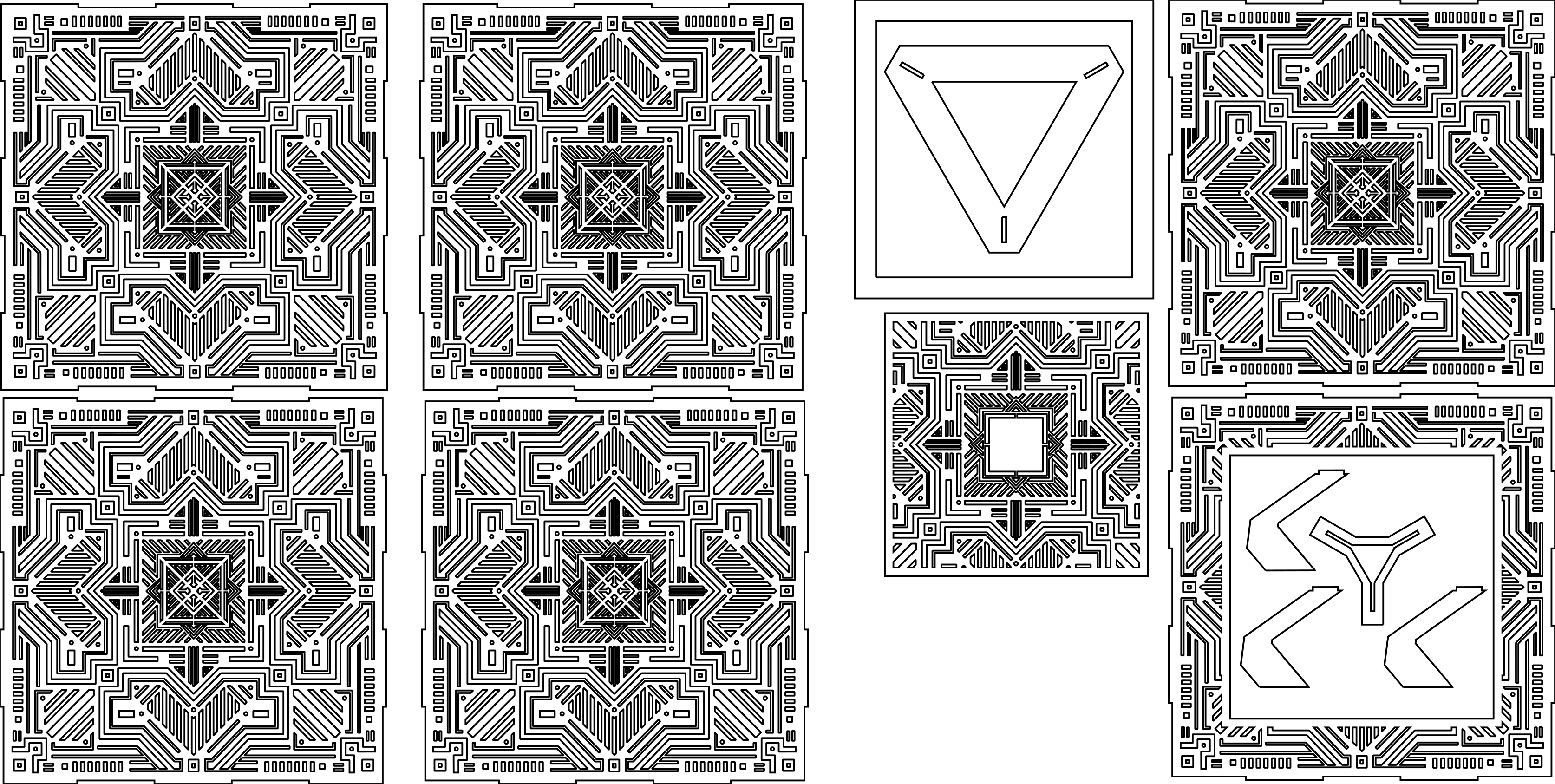
Once your 3D model is complete in Fusion 360, each face needs to be exported as a DXF file — the standard vector format used by laser cutters.
Exporting DXF files from Fusion 360:
- Open the sketch for each face
- Finish the sketch immediately
- In the sketch list, right-click and select Export as DXF
Importing into your laser cutter software:
- Open your laser cutter software
- Import each DXF file, you will get one file per face
- This is also the stage where you add your decorative ornamental patterns: import your ornament designs as additional vector layers and fit them to the shape of each panel
- Arrange all pieces on the cutting sheet to minimize material waste
- Set the correct cutting parameters for 2mm mild steel
Tip: Group all parts efficiently on the sheet before cutting to save material.
Downloads
Laser Cutting the Steel Panels
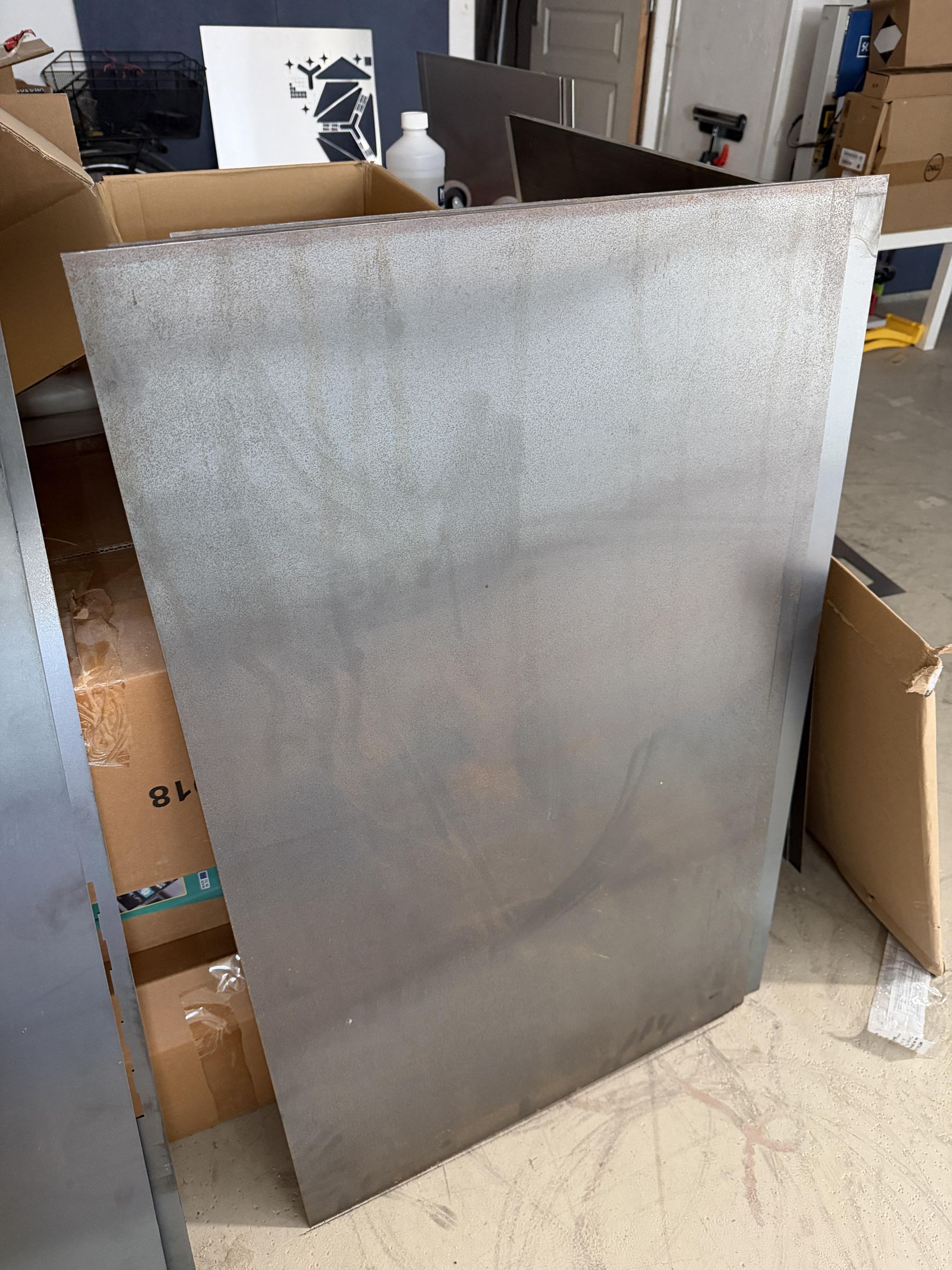


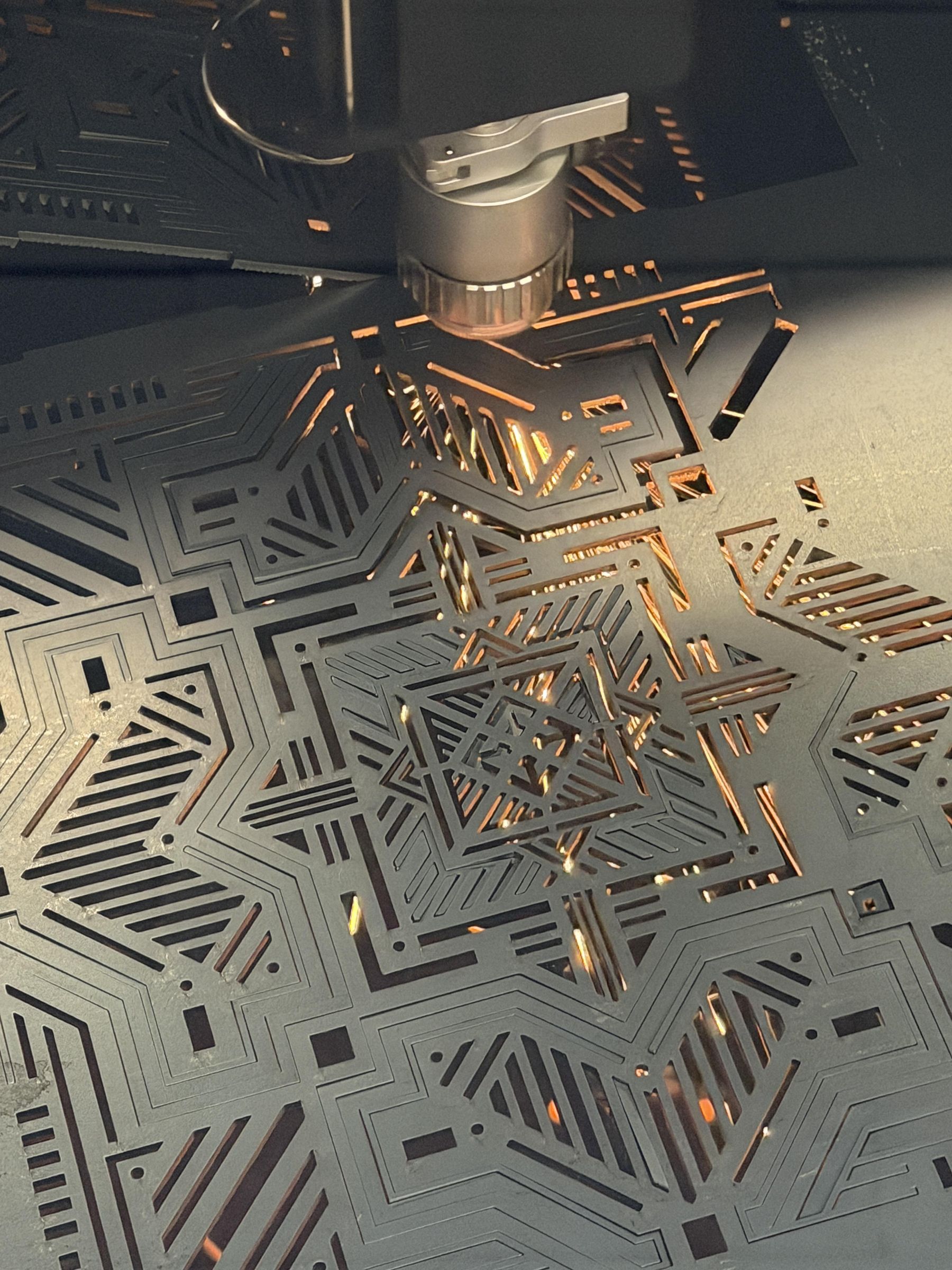


With your DXF files ready in your laser cutting software, it's time to cut the steel panels. This step uses the xTool Metal laser cutter (or equivalent) to cut through 2mm mild steel.
Safety: Always wear appropriate safety glasses during laser cutting. Ensure proper ventilation as cutting metal produces fumes. Never leave the laser cutter unattended during operation.
After the laser cutter finishes, carefully lift the steel sheet off the cutting bed. You'll now need to retrieve all the cut pieces.
Be careful, the steel and the cutting bed may still be warm from the laser process.
Note: The laser cutter produces slight burrs and scale on the cut edges — especially on the bottom face of cuts. These will be cleaned up in the next step.
Retrieving Parts and Removing Small Cutouts

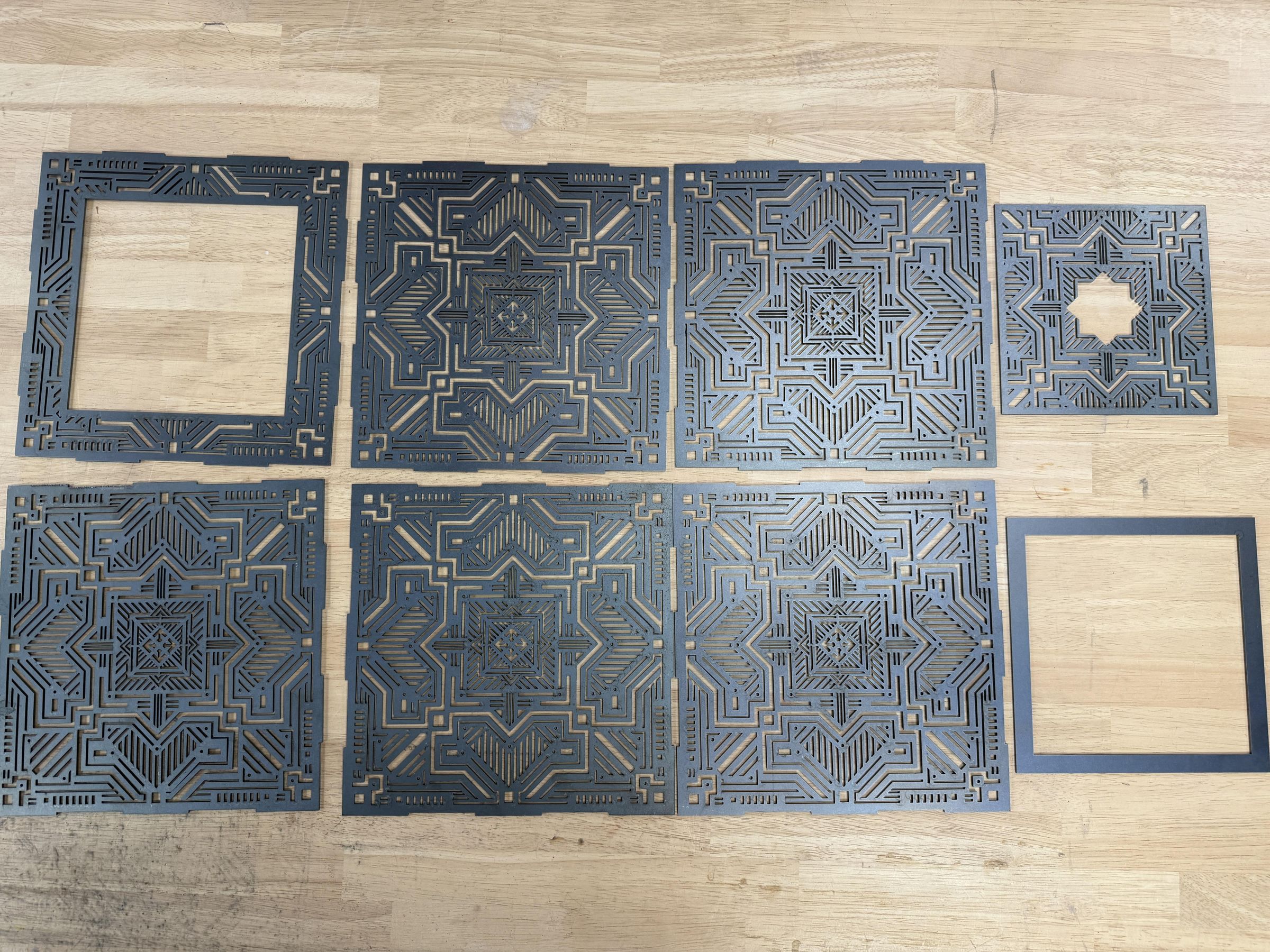
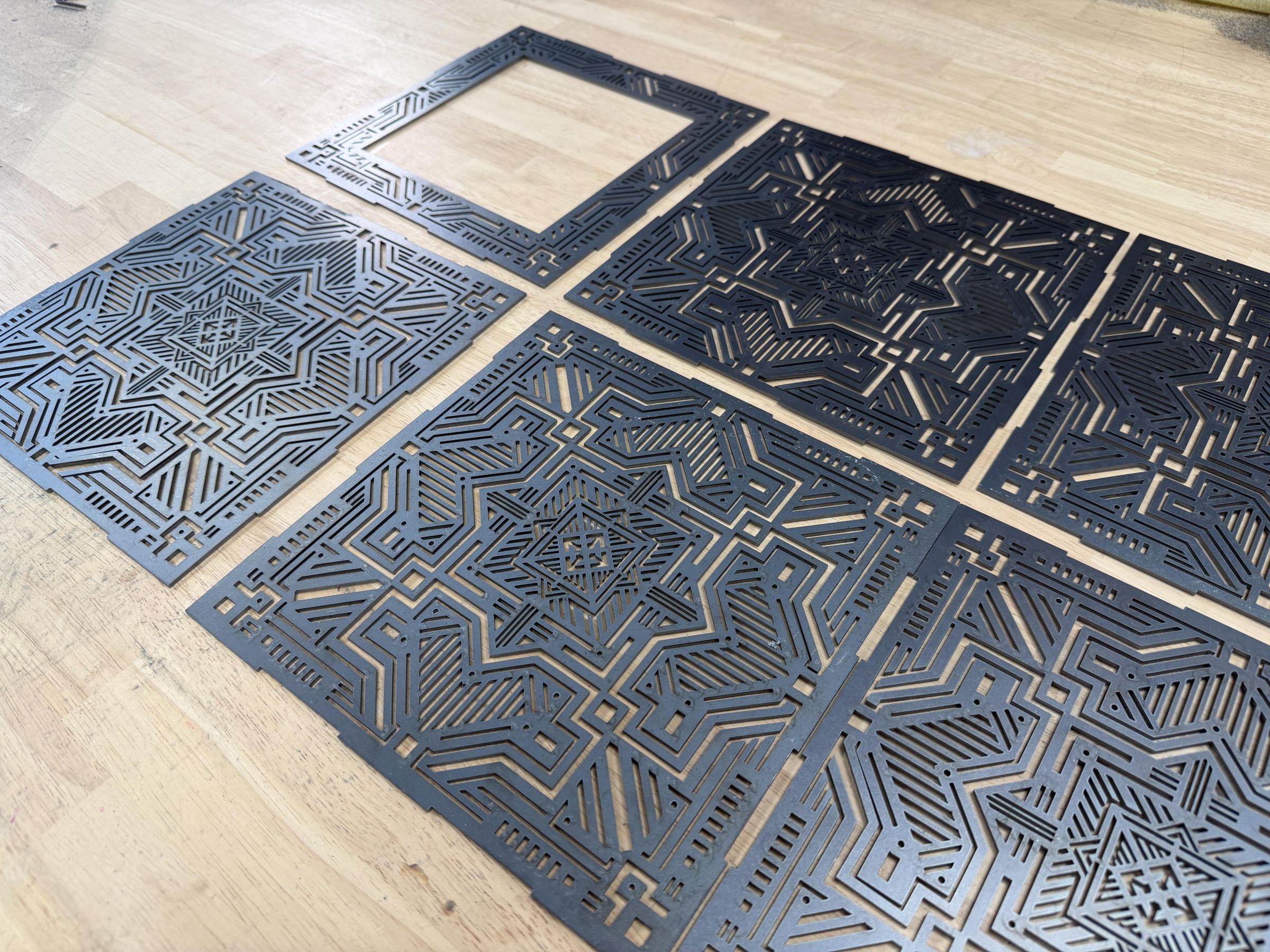


Removing small cutouts:
When laser cutting intricate decorative patterns, small pieces inside the design ("slug" pieces) sometimes don't fall through on their own — they get stuck in the kerf (the cut gap). This is especially common with small geometric cutouts in the ornamental designs.
To remove stuck pieces:
- Use a small punch, screwdriver tip, or pick tool to gently push them out from the top
- Some pieces may require a light tap with a hammer and punch
Once all parts are free, separate and organize them:
- 4 side panels
- 1 bottom base panel
- 1 top lid panel
- 1 inner retaining frame (the square that holds the lid)
- The decorative stand/feet
Inspect each piece for any cutting issues before moving to the finishing step.
Grinding and Surface Preparation


The laser cutting process creates burrs, oxidation scale, and rough edges on the steel — particularly on the bottom face of each cut. Before assembling and welding, you need to clean these up to ensure flat, clean surfaces for welding.
Grinding the bottom face:
- Place each panel face-down on a flat work surface
- Use an angle grinder fitted with a flap disc (80-120 grit)
- Grind the bottom face of each panel with light, even passes
- The goal is to remove the laser oxidation/burrs and get a smooth, flat surface
- Be careful not to grind too aggressively — you don't want to reduce the steel thickness significantly
The inner face will therefore have a rougher finish than the outer face of the cube.
Why this matters:
- Flat, clean surfaces ensure better contact for welding
- Removing burrs prevents the panels from sitting unevenly during assembly
- Clean welds are stronger and produce less splatter
Tip: After grinding, wipe down each piece with a clean rag to remove metal dust and debris before assembly.
Pre-Assembly


Before welding anything permanently, it's essential to do a dry fit, then tack weld the joints to lock the pieces in their correct position. Both operations help minimize the heat distortion that occurs during welding.
Dry fitting with tape:
- Most importantly, position the inner lid-retaining frame and check its fit: this small square frame sits just below the top opening and prevents the lid from falling inside. Confirm its exact placement now, because it must be welded before the cube is closed up.
- Identifying all your panels and the inner retaining frame.
- Place the bottom panel on a flat surface, then assemble the 4 side panels around it, using the interlocking tabs and slots from your Fusion 360 design to help align them.
- Check that all corners are square using a metal square.
- Secure the joints temporarily with strong tape
Why tape? It lets you check the overall fit without commitment, holds pieces in place while you plan your welding sequence, and gives you a preview of how the finished cube will look.
Welding


Before completing all the welds, you need to tack weld each joint. Tack welds are small, quick welds placed at regular intervals along a joint. Their purpose is to lock the pieces in their correct position before the full weld is run.
- First, weld the inner lid-retaining frame in place from the inside. This is critical: it must be done before the side panels are closed up, because once all four sides are assembled you can no longer reach inside to weld it. The frame is what holds the removable lid and stops it from falling through the top opening.
- Then place a tack weld at each corner of every joint (start and end of each seam), adding a tack every 5-6cm for longer seams.
- Check squareness again after tacking (90° corners) before completing the full welds.
- Once this is done, you can move on to welding all the edges of the cube.
- Then, weld the small support that will hold the cube on one corner.
Note: Do NOT weld the lid panel — it stays as a removable piece, held in place by the inner retaining frame.
You're Done!

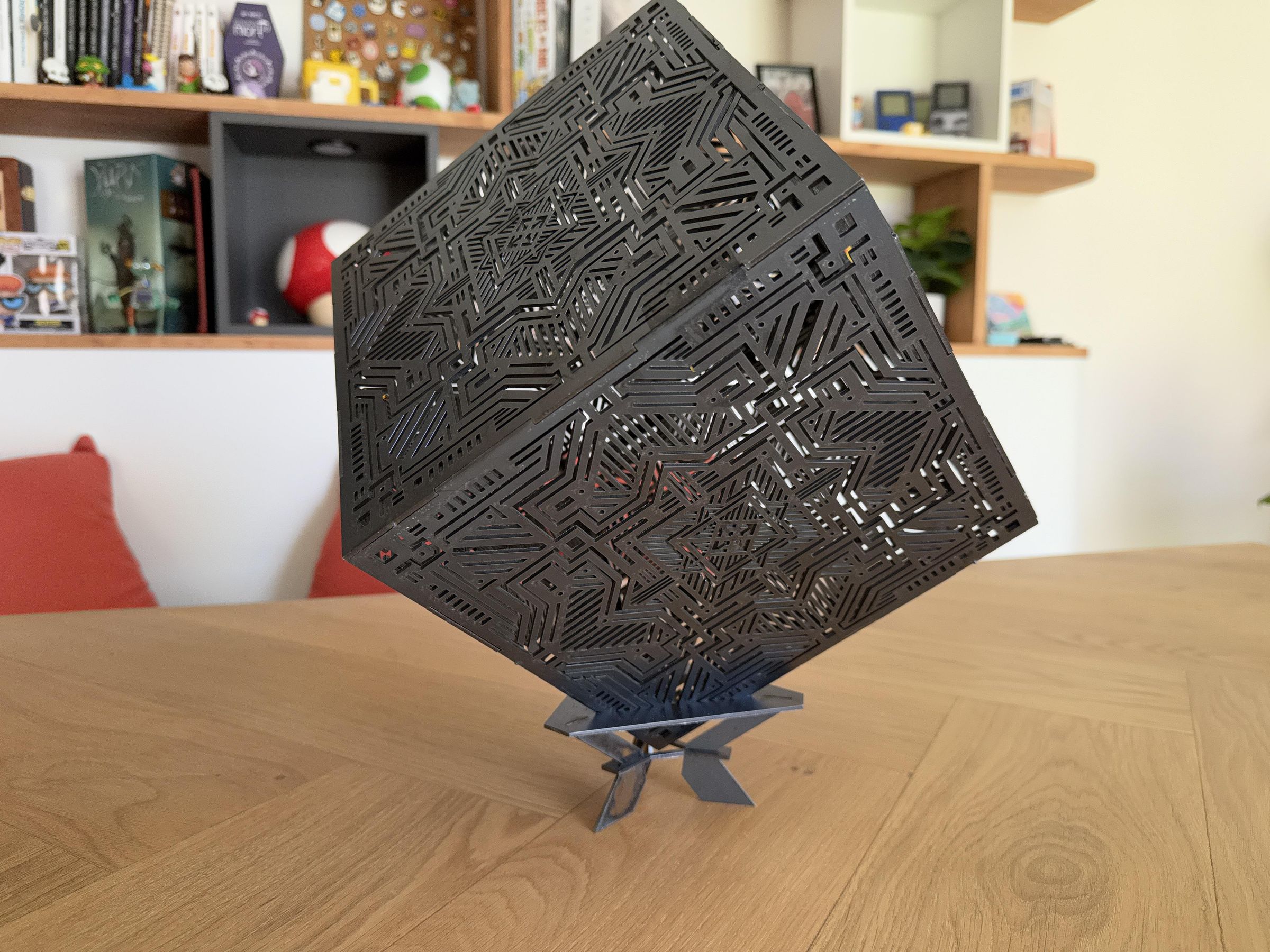

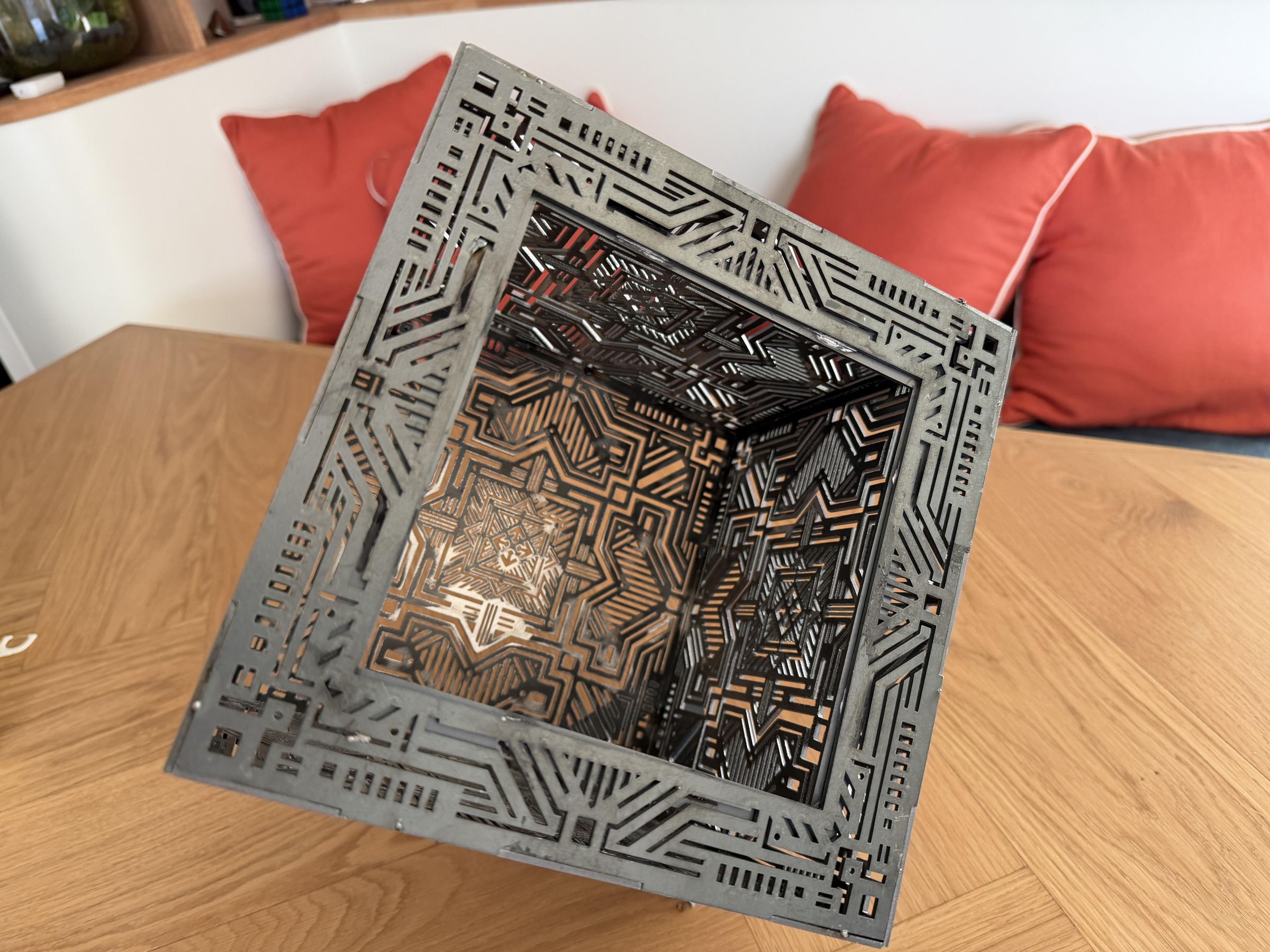
Congratulations — your steel cube box is assembled! The final step is finishing the surface to protect the steel and enhance its appearance.
Rust prevention
Mild steel will oxidize (rust) over time if left untreated, especially in humid environments. To protect your work:
Options:
- Anti-rust primer + paint: Apply a coat of metal primer first, then paint in your chosen color
- Clear lacquer or varnish: Preserves the natural steel appearance while protecting from moisture
- Patina oil (gun blue/black oxide): Gives a dark, weathered look and provides some protection
- Wax: Light protection for indoor use only
Your decorative steel cube box is now complete! Place the removable lid on top and use it as a decorative piece or storage box.