Designed Frisbee With a Map Pattern
by 3Designer game in Design > 3D Design
189 Views, 4 Favorites, 0 Comments
Designed Frisbee With a Map Pattern
Helo,
In this instructable, I am going to show you how I designed a frisbee with a map pattern.
Last year, I broke my frisbee and I wanted to get an other one but I wanted to get it with a 3d printer. The problem was that I was just starting to learn Blender. Now that summer is approaching and that I have a little more knowledge of 3d softwares, I decide to create my frisbee, and to realize my first project using a 3d printer.
Not everything went the way I had thought to get a simple frisbee with the 3d printer but the 3rd attempt was the good one, the problems were due to filaments that didn't stay put.
Enough talking, let's start this project !
Supplies
For this project, I'm going to use Blender to design, and Cura to have the gcode for the printing. With no forgetting the 3d printer to print.
Design a Simple Frisbee


In this project, we are going to have mainly two parts: design the frisbee and add the world map on it.
To start, we are going to design the frisbee. The one that I'm going to make has a diameter of 23 cm and 2 cm in height, but the ultimate disc has a diameter of 27.4 cm so if you have a bigger 3d printer, you can create one with that dimension.
To create this frisbee, take a cylinder with a large number of vertices to have a good circular shape. The goal of 4 cm in depth is to keep the half top part after the bevel and to have 2 cm in height.
Then, add the Bevel modifier to round the sides.
Remove the Half Bottom Part


Next, take an other shape which fill the bottom part of the cylinder, and then use the boolean modifier to remove this half bottom part.
Create the Hole Inside the Disc


Finally, duplicate the disc and modify the dimensions of the duplication to remove 0.1 cm of thickness on all sides and on the top. Then, use the boolean modifier to remove the duplication part of the disc and to have a disc with 0.1 cm of thickness.
Now we have our simple frisbee.
Get a 3D Map

 #map #software #process)
Now that we have our frisbee, It's time to add the map.
For this, let's start by getting a 3D map. You can find free 3D map on specialized websites like this one that I give you the link: https://cults3d.com/:58047. You can also take an image of a map and convert it into a 3D format, I put for you the video of how I convert the mine.
Adding the Pattern on the Frisbee


.gif)
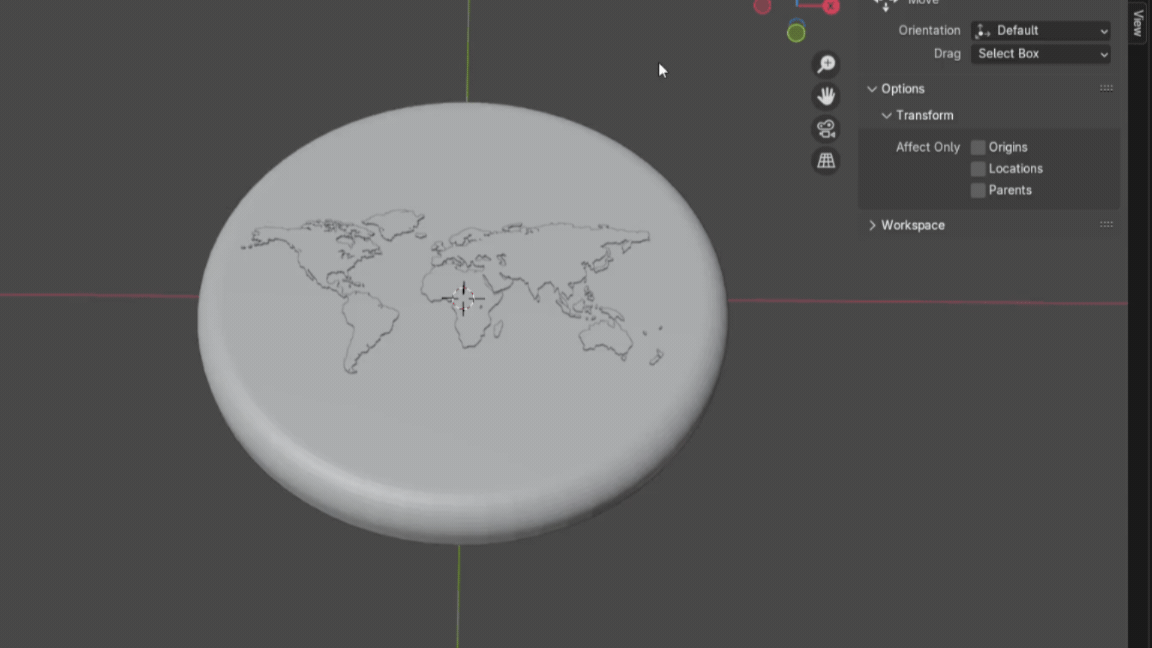
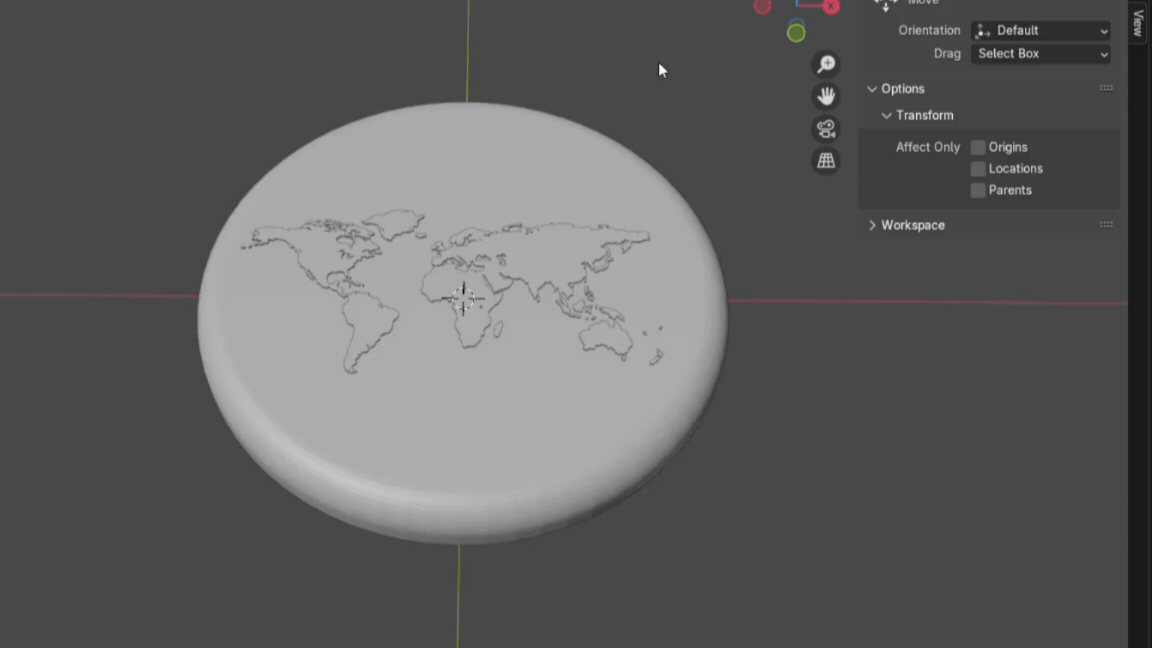
Next, add the map on the frisbee. For this, adapt the size of the map, and for my part, I put 0.1 mm in height for the map showed part.
As you can see in the 3rd picture, for my part, to reduce the supports for printing, I separate the frisbee and the map pattern in two pieces. Also, this avoid the risk to break islands when you take off the supports.
I put for you the two frisbee differents versions at the end.
Printing Parameters

To finish, Add the printing parameters which are adapted for your 3D printer, and all that remains is to print !
That's All


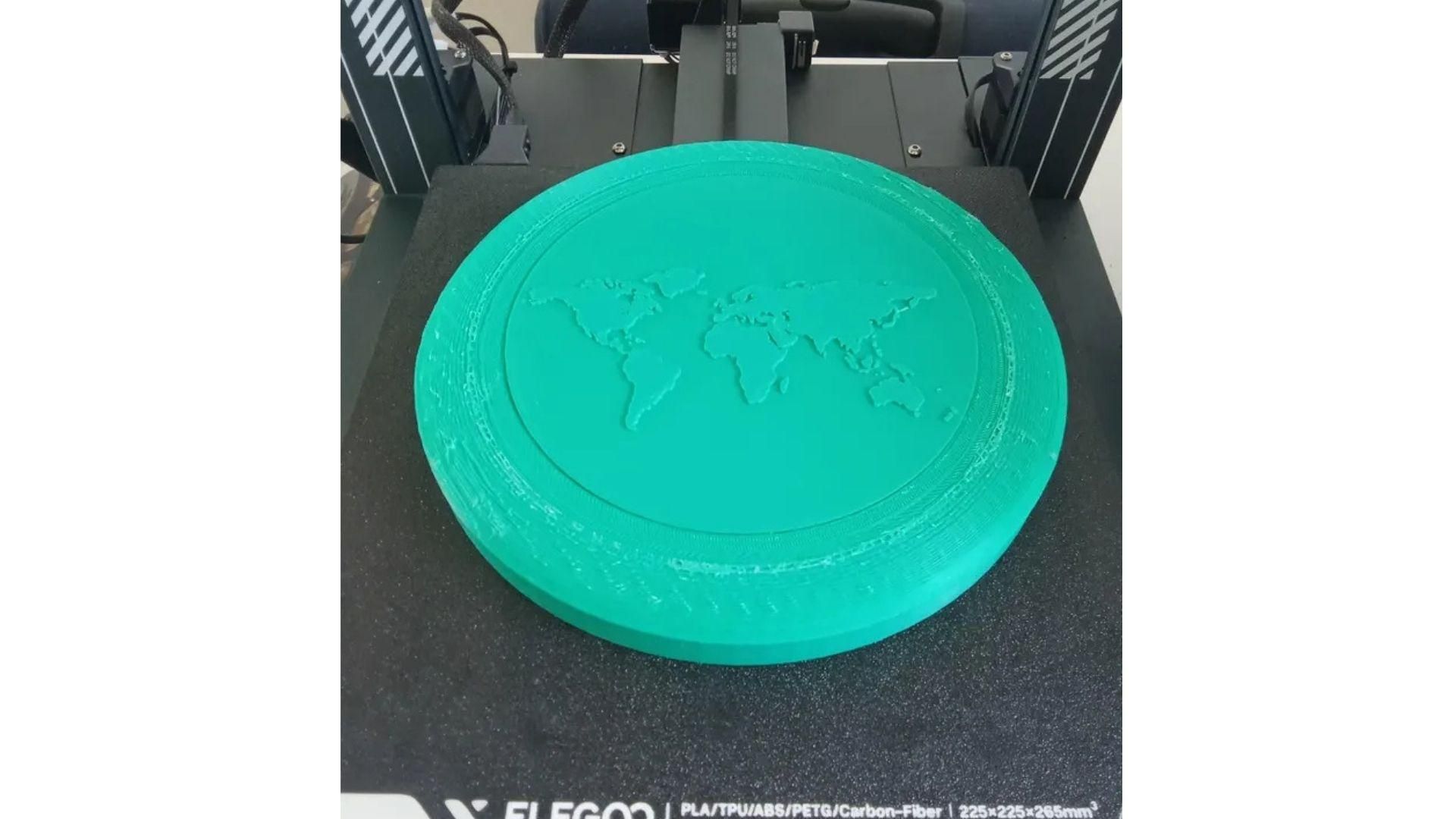
And that's all for my first project using a 3D printer ! I put for you the two versions of the frisbee in the supporting files.
Here is a video of my printed frisbee, and I used a superglue to fix the two pieces well.
I hope you have liked it, thank you for your attention.