How to Make a Samsung Galaxy Z Flip 8
by smalllittleduck in Craft > Cardboard
32 Views, 1 Favorites, 0 Comments
How to Make a Samsung Galaxy Z Flip 8
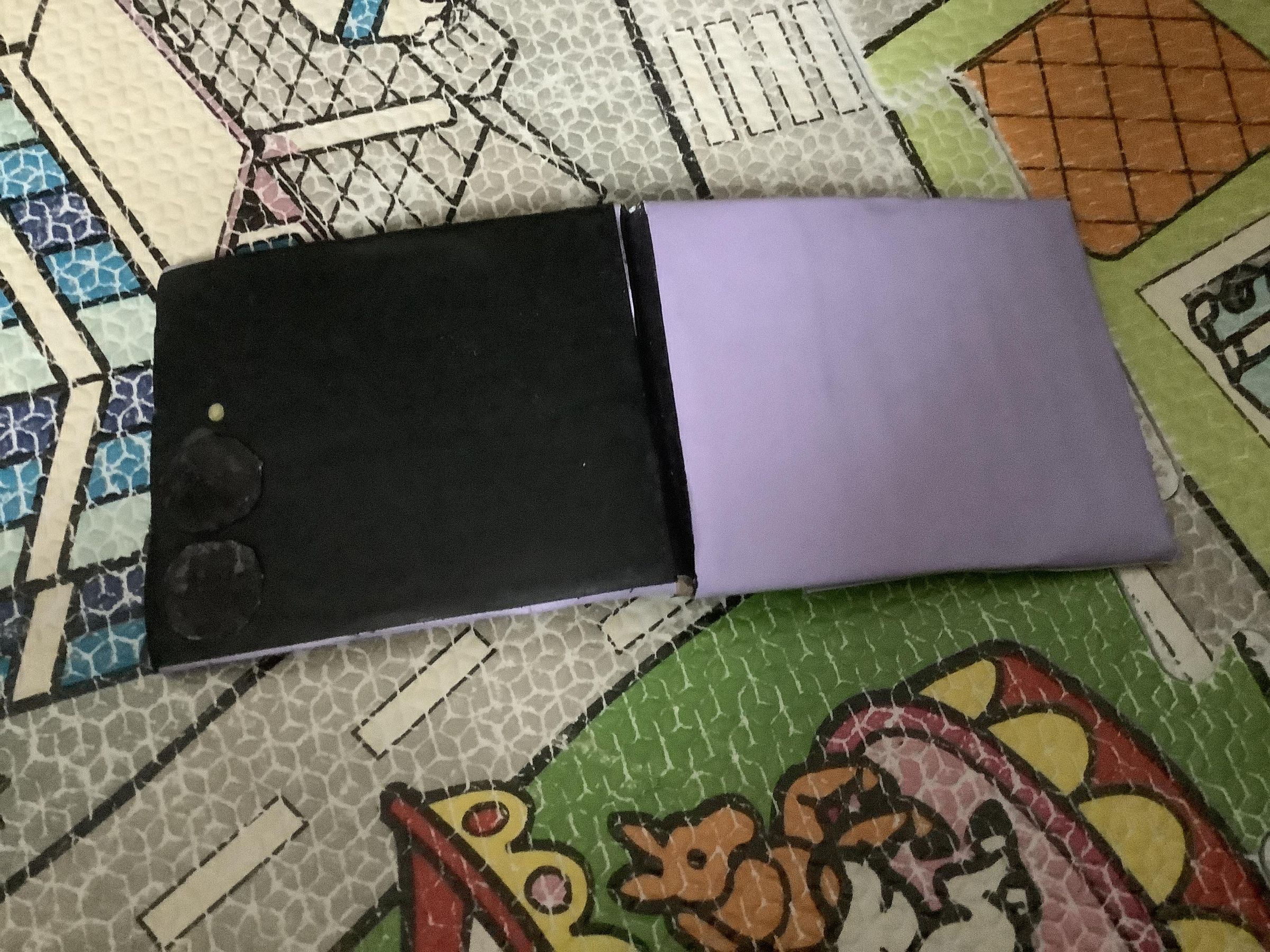
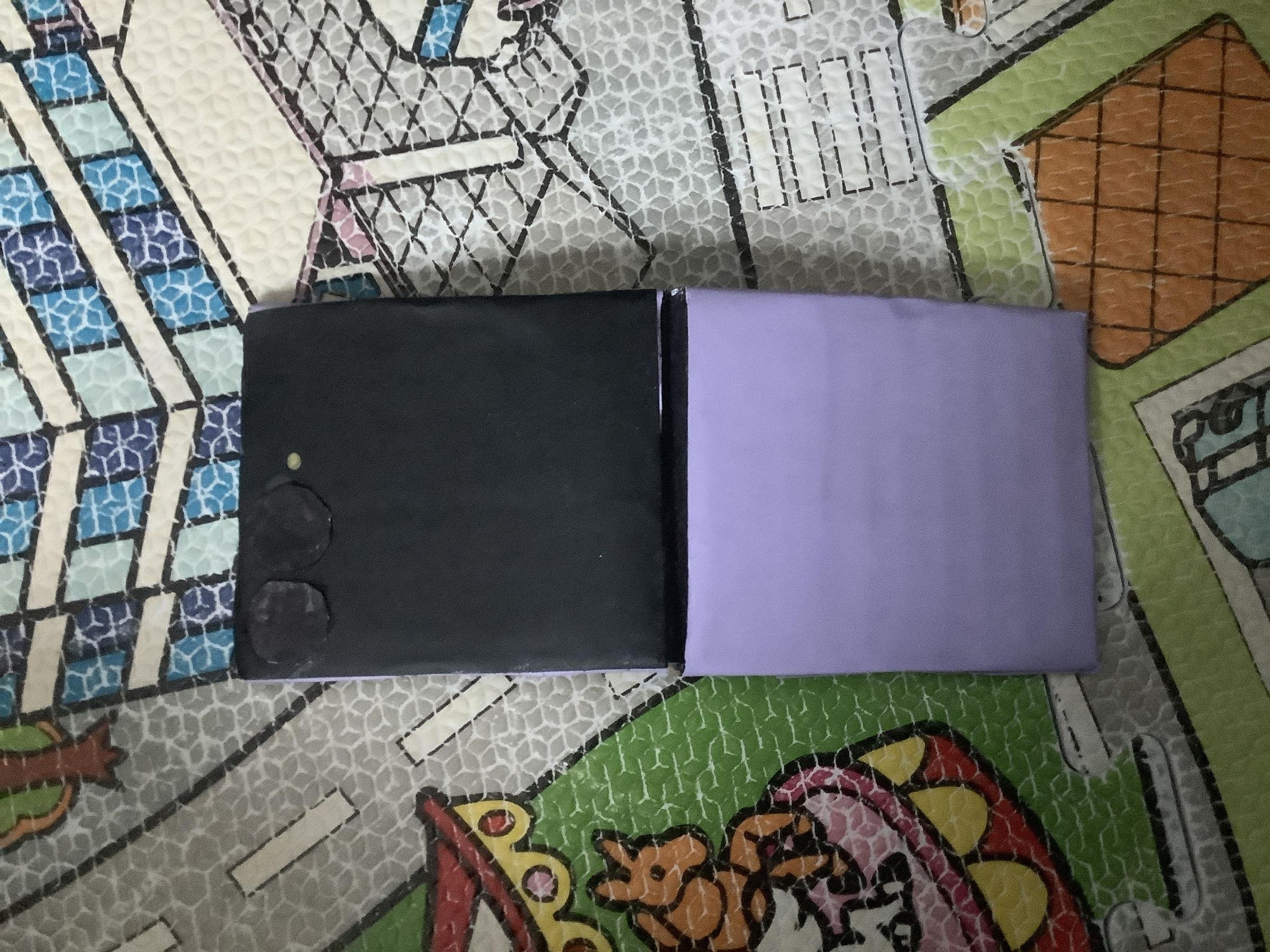
Hi, in this Instructable I will show you how to make a Samsung Galaxy Z Flip 8. It is a very simple and rewarding make, and is brilliant for cosplay or just tricking ur friends! It is very important to follow along with the pictures and wording, and always read andd look before taking action.
Supplies
You will need:
Cardboard
Glue
Black paper and paper of ur choice
Black Marker
Ruler
Tape
Scissors
Side note- Read through the steps before gathering items as I might forget to name some here.
Cutouts
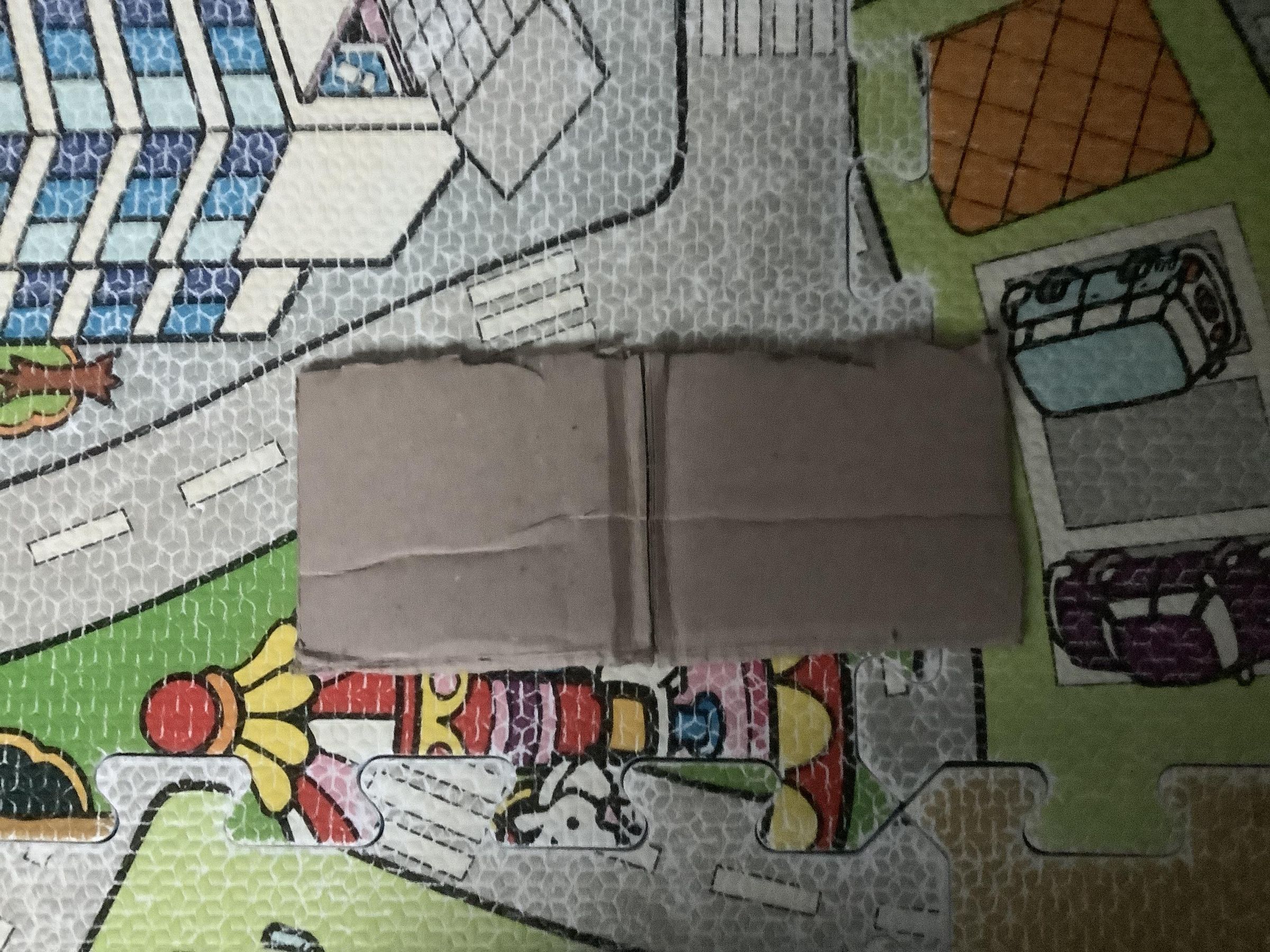
Cut a piece of cardboard the same size out.
Chop
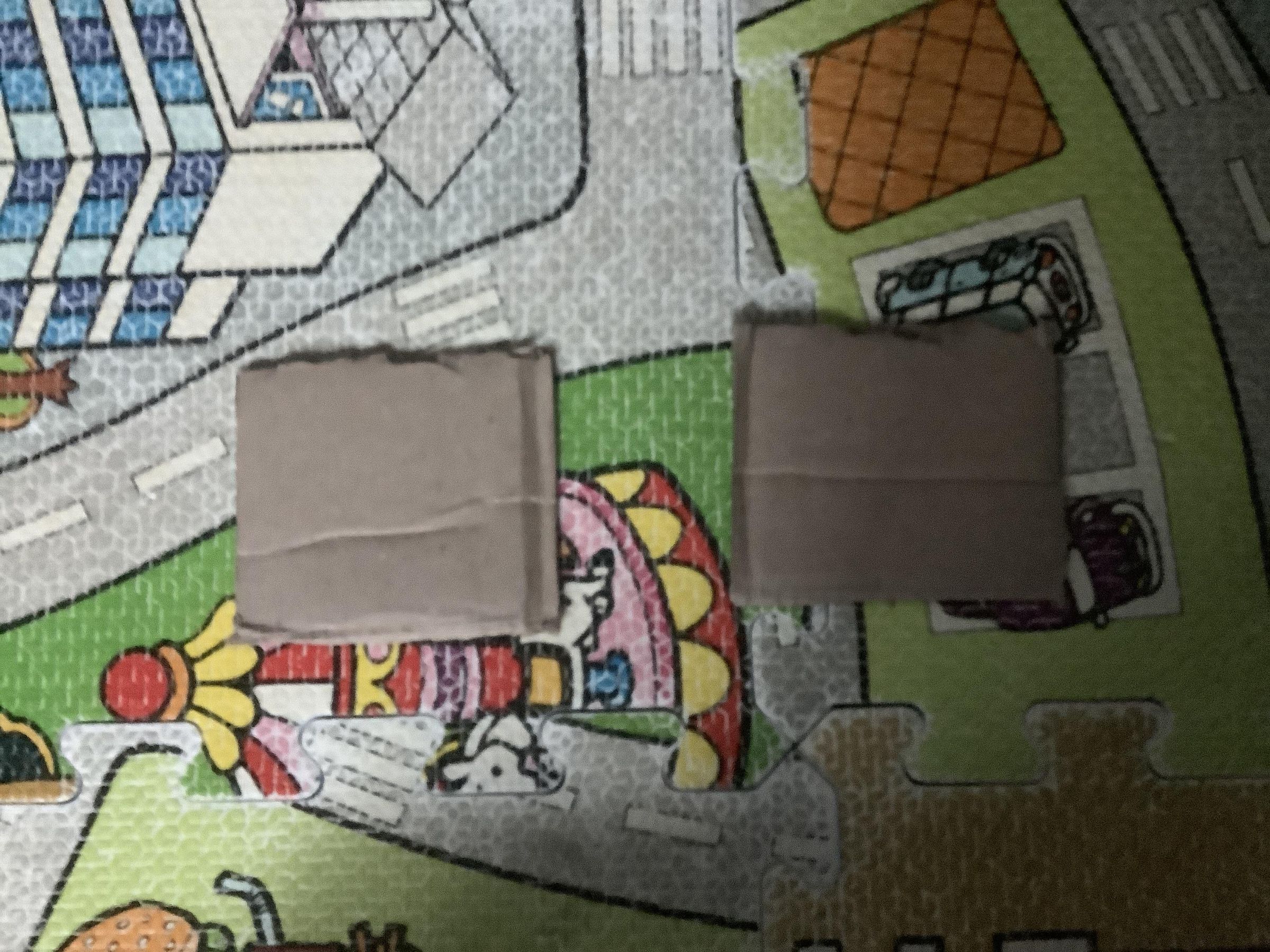
Find the exact middle and chop down.
Hinge 1
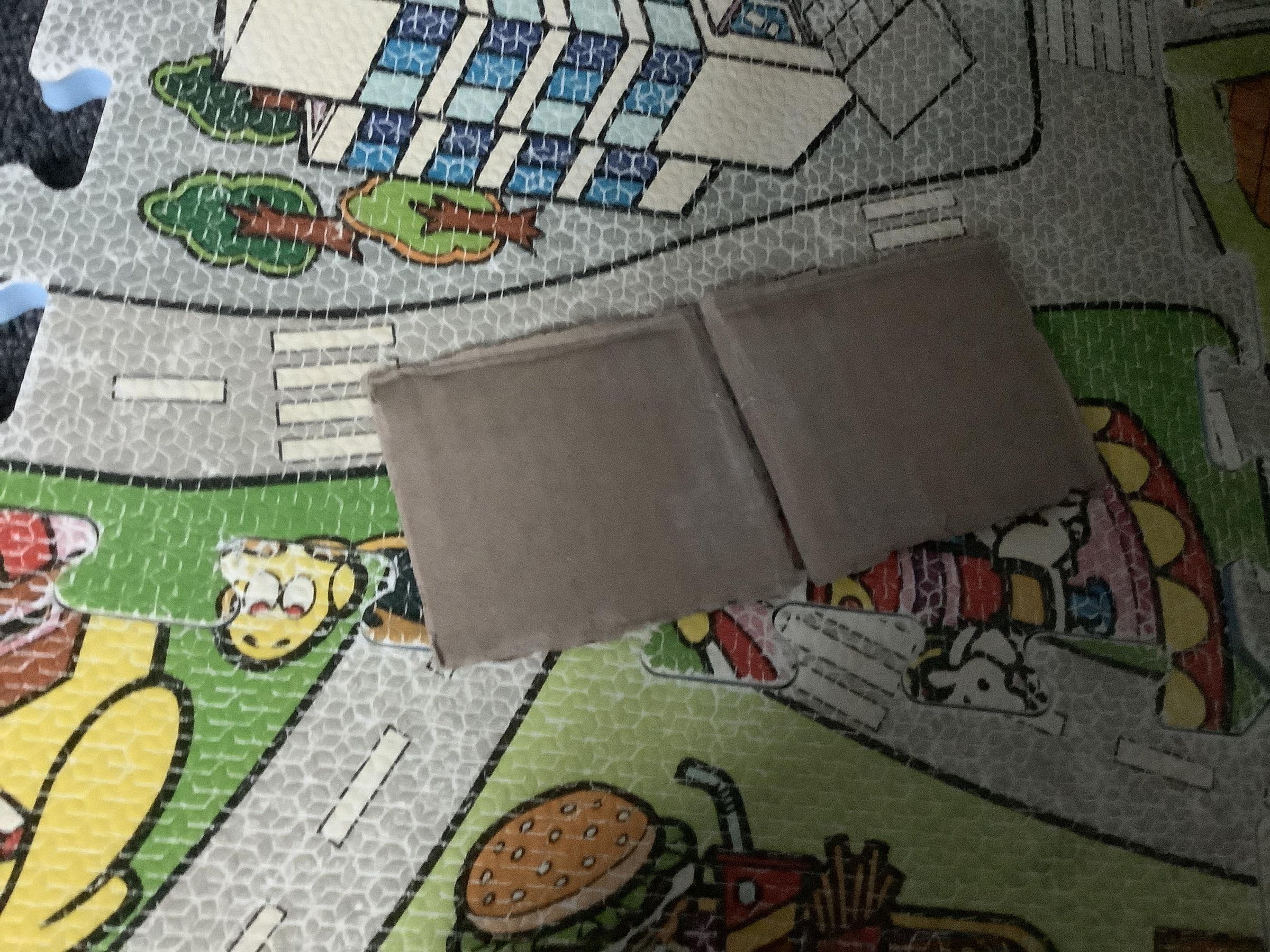
Fold them on top of each other and put tape around the hinge, then open it and put some inside.
Hinge 2
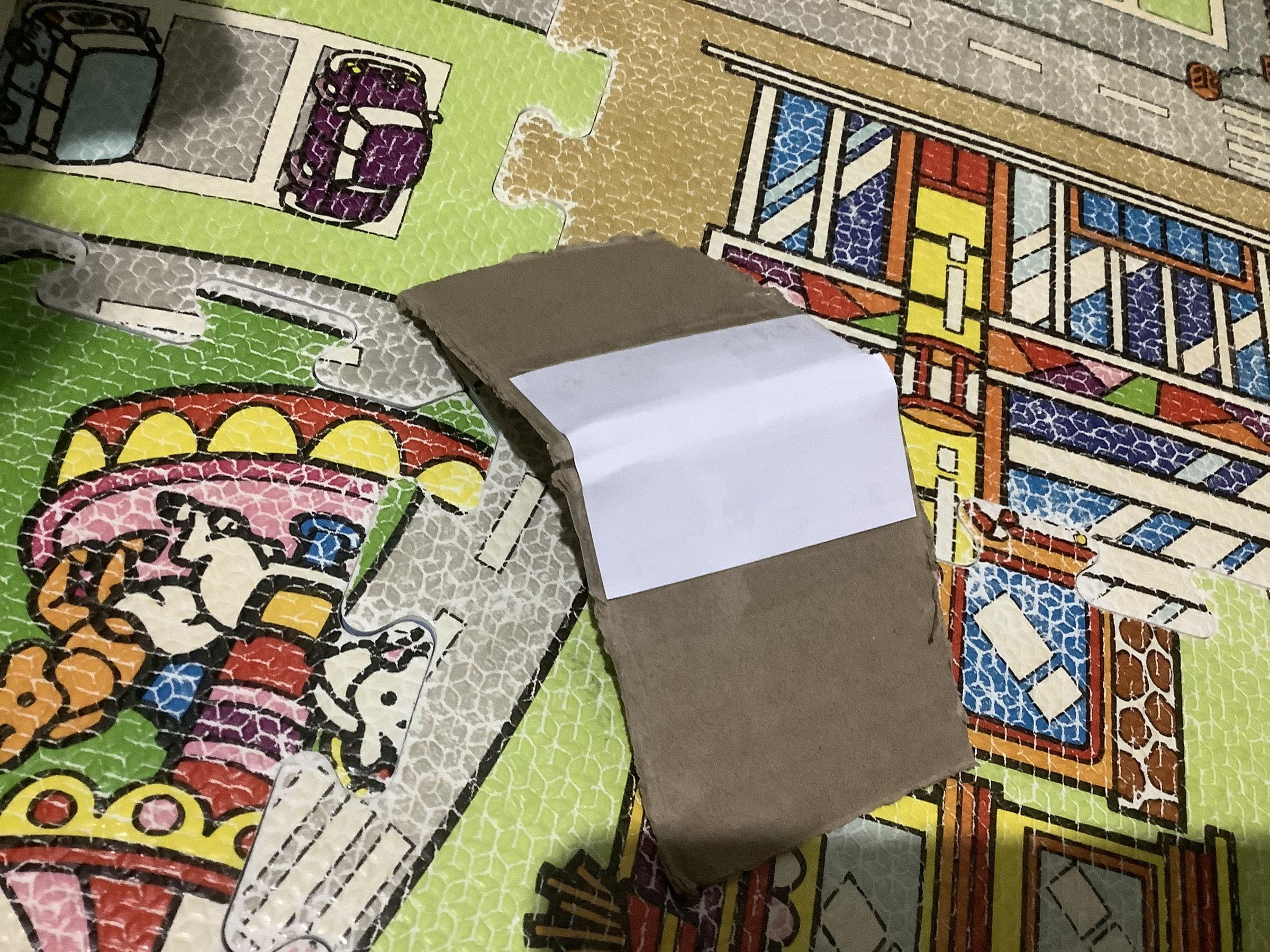
Put paper around the outer side of the hinge.
Paper Application 1
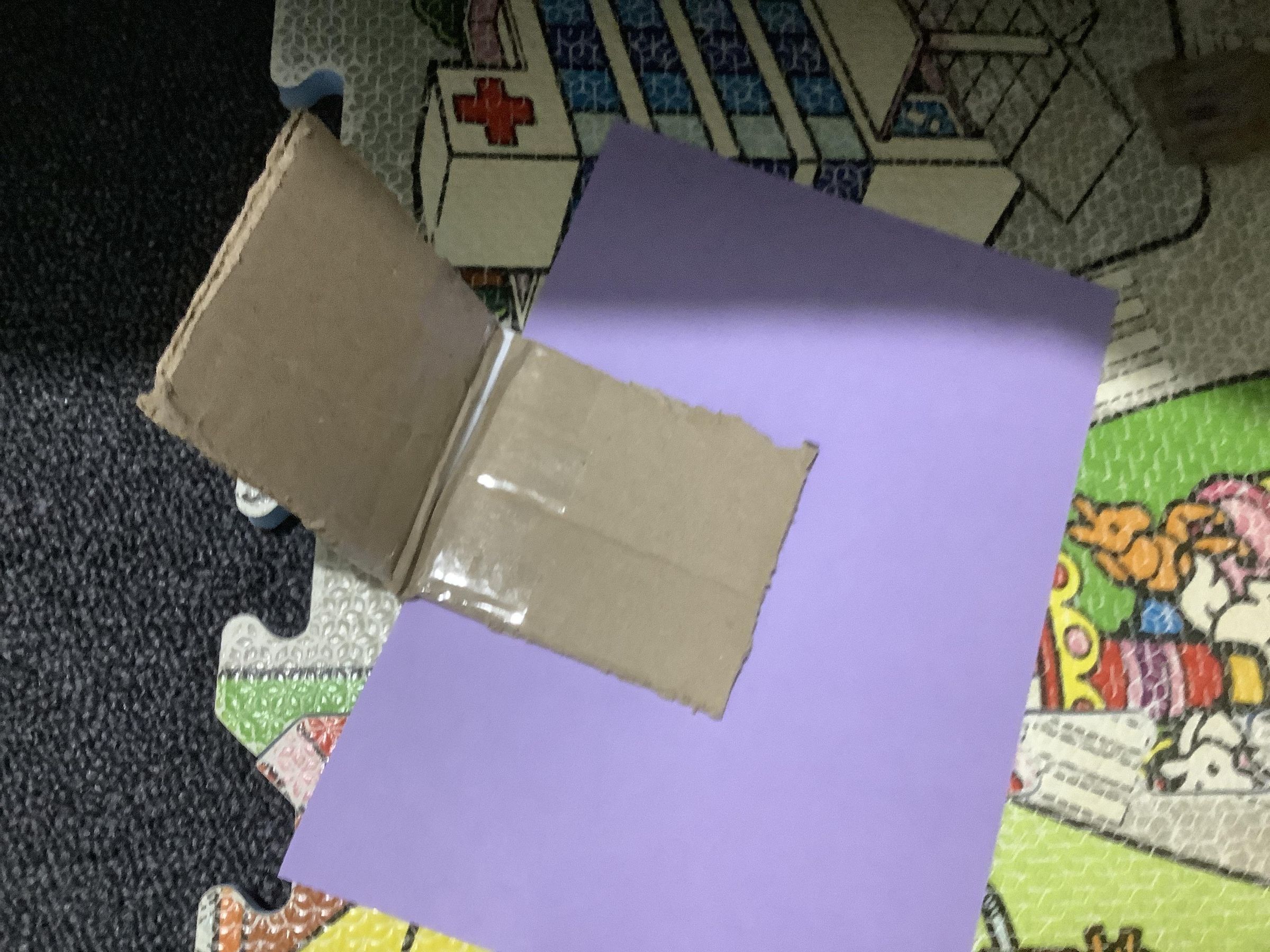
Put glue on one outer side, then put the coloured (or blank) paper carefully on. For better results, cut the paper in half first the way the pieces come out more square.
Paper Application 2
Repeat the step before on the side opposite.
Cut the Overhangs
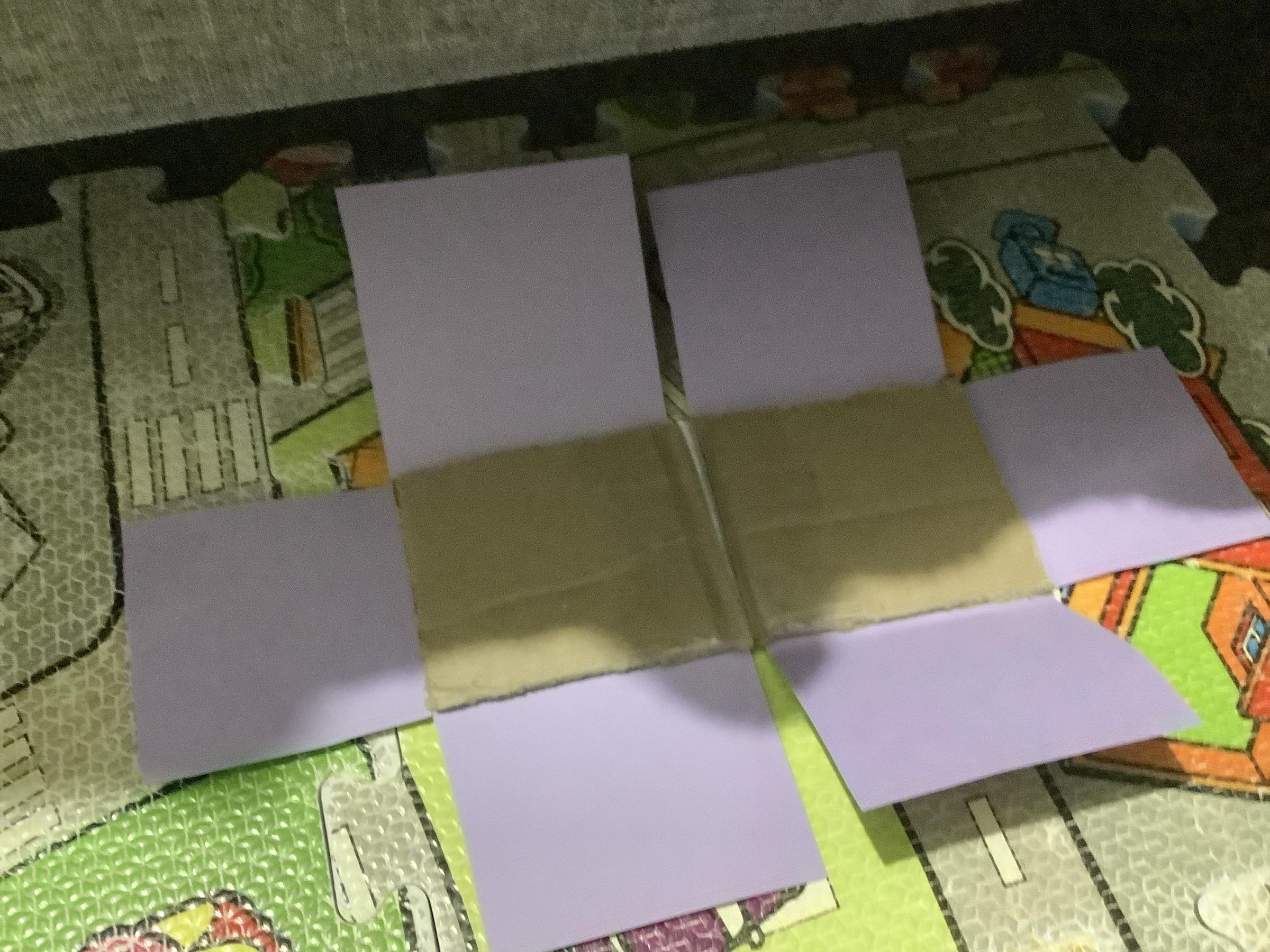
Cut the 90* squares out.
Glue the Overhangs
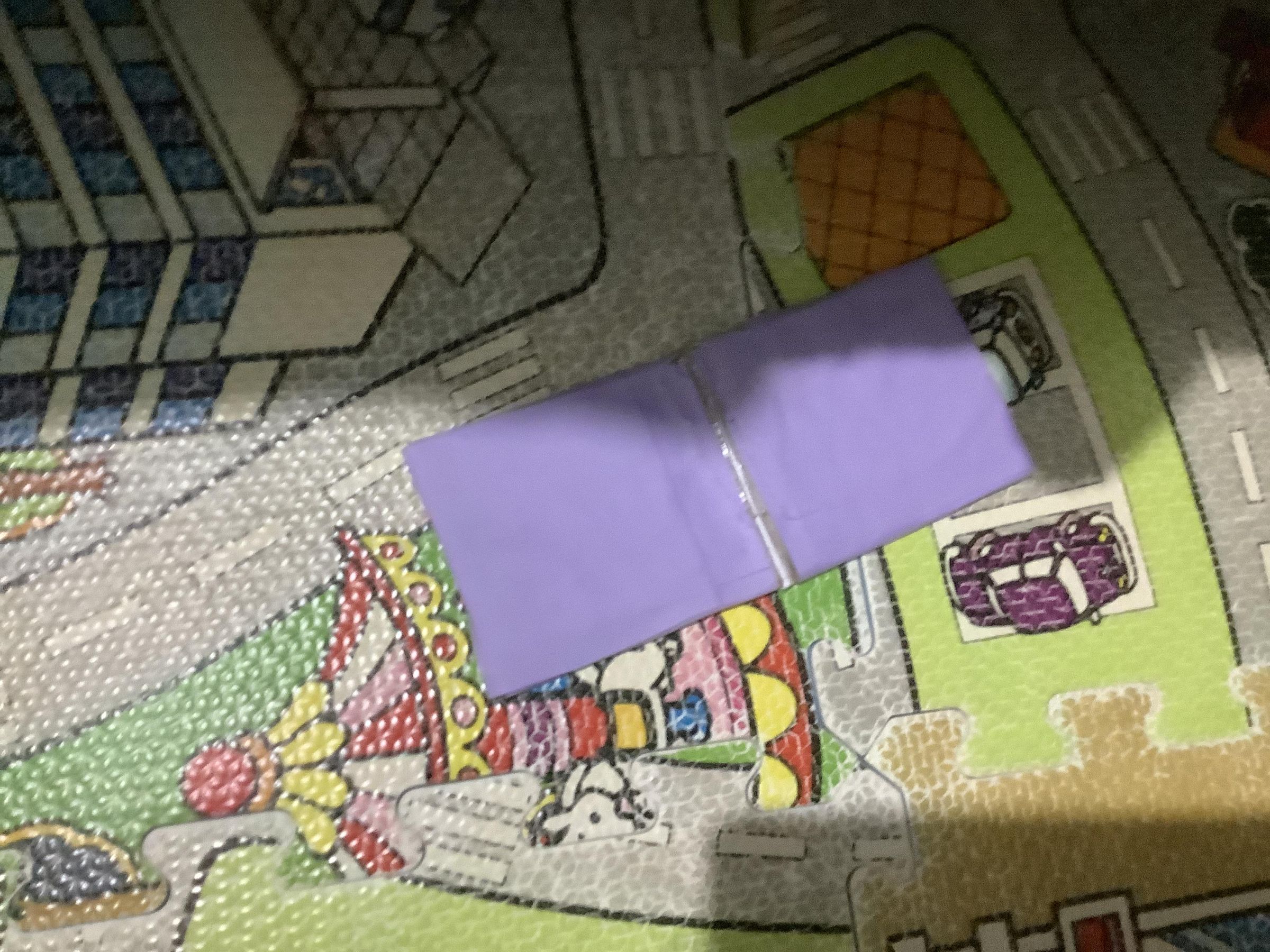
Glue the overhangs tightly in, then rub ur finger on the sides to make it more square.
Idk
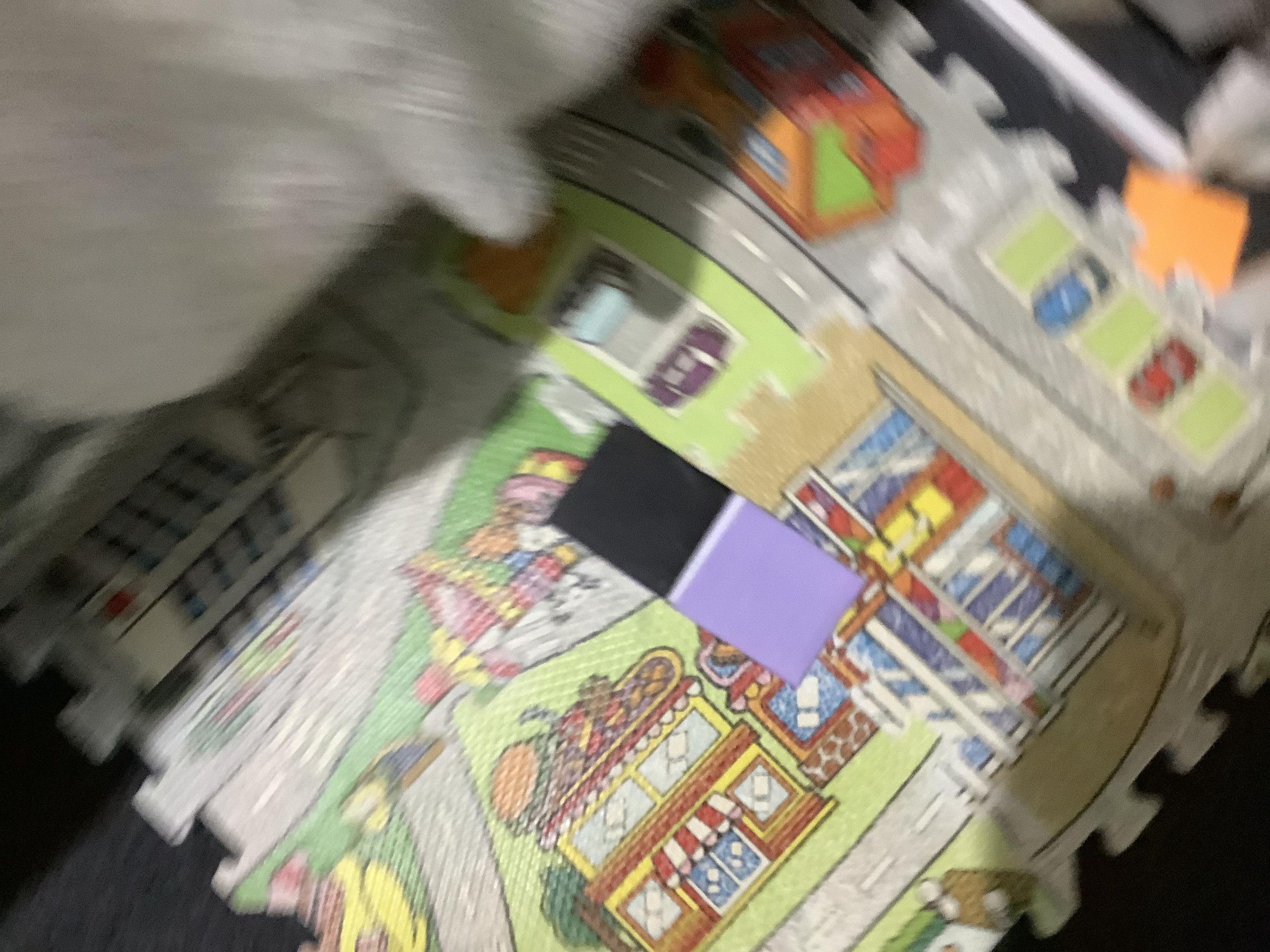
Flip to the cleaner side, put glue on the top half, then put black paper neatly on it then trim.
Screeners
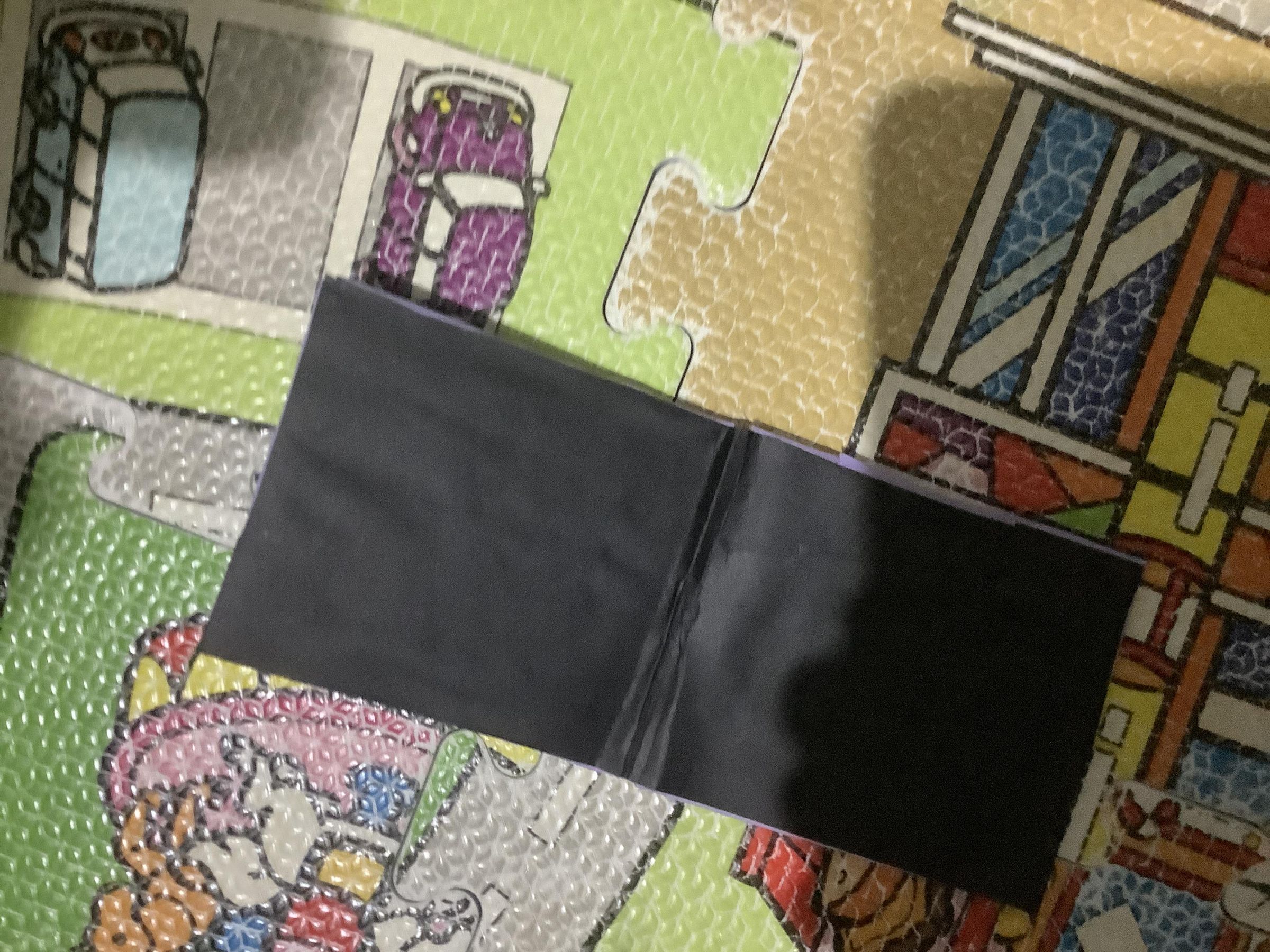
Flip to the completely coloured side, put glue all on the side, then put black paper on and rim.
Test Fold!
Test fold it. You may need to pressure point (lightly) the hinge area.
Hinge 3
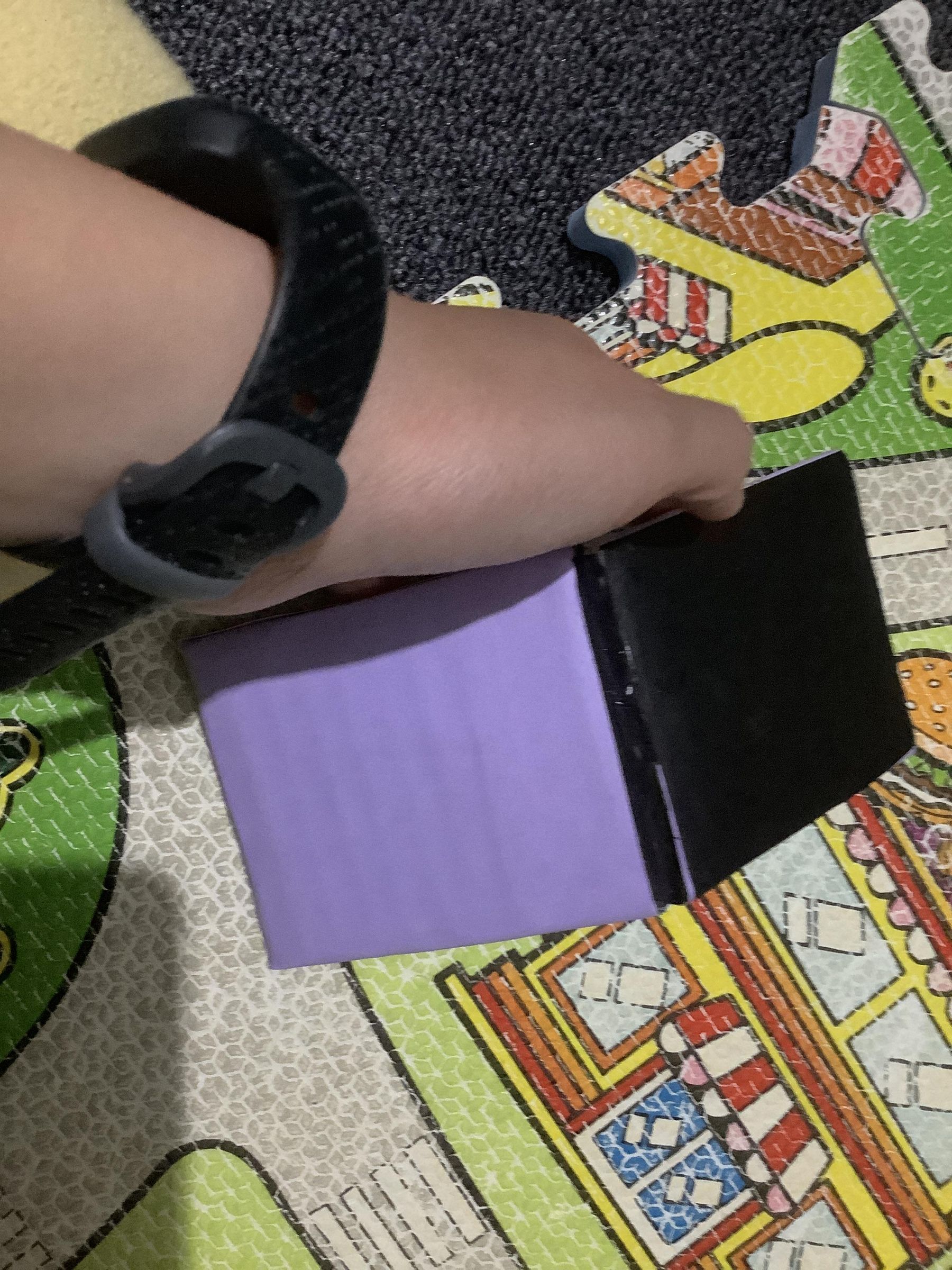
Go back to the other side’s hinge. Paint/Colour/Paper stick some on, either black or the corresponding colour due the body colour.
Lighter
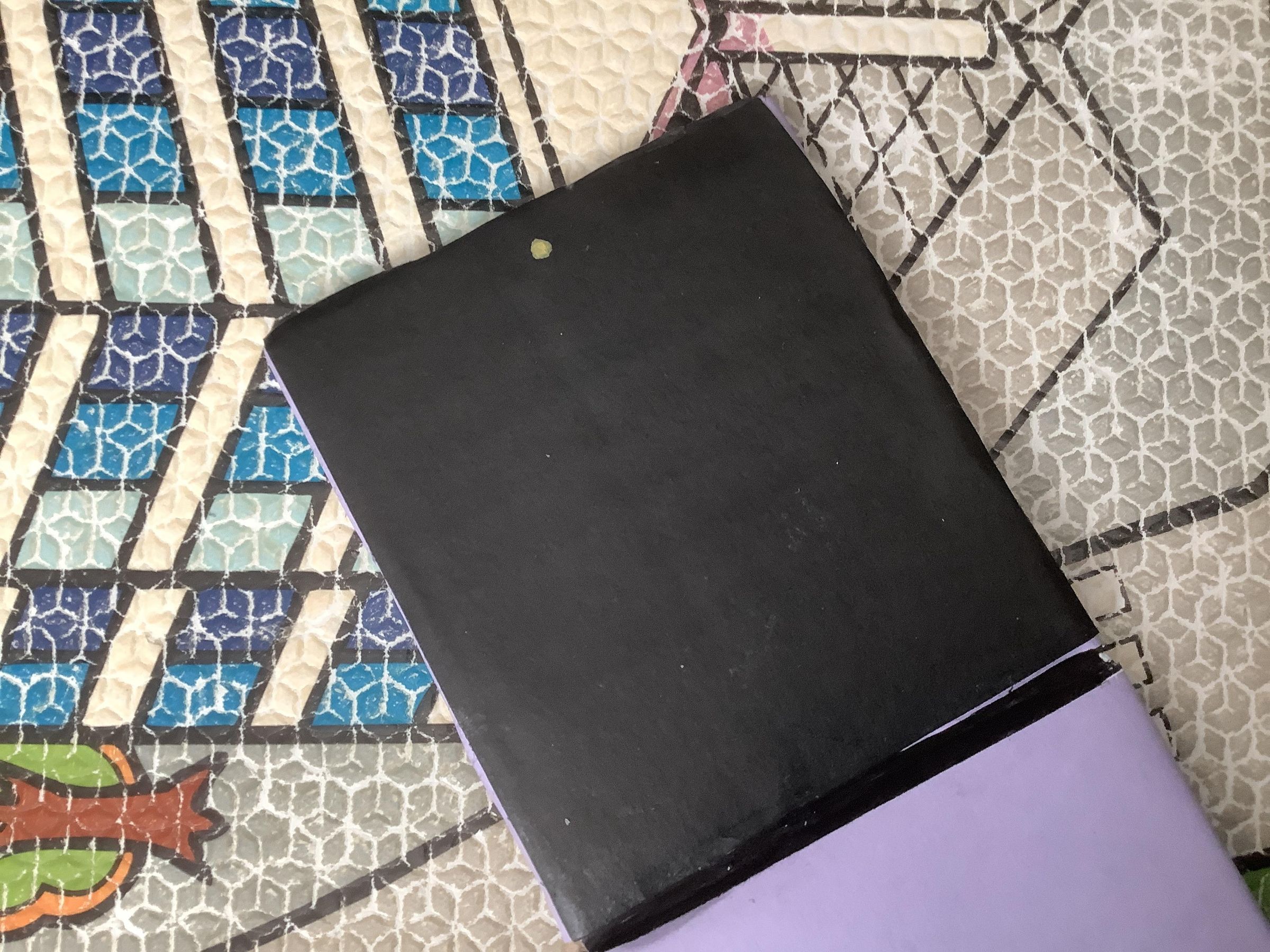
Draw a yellow dot the same way the picture indicates.
Cameras
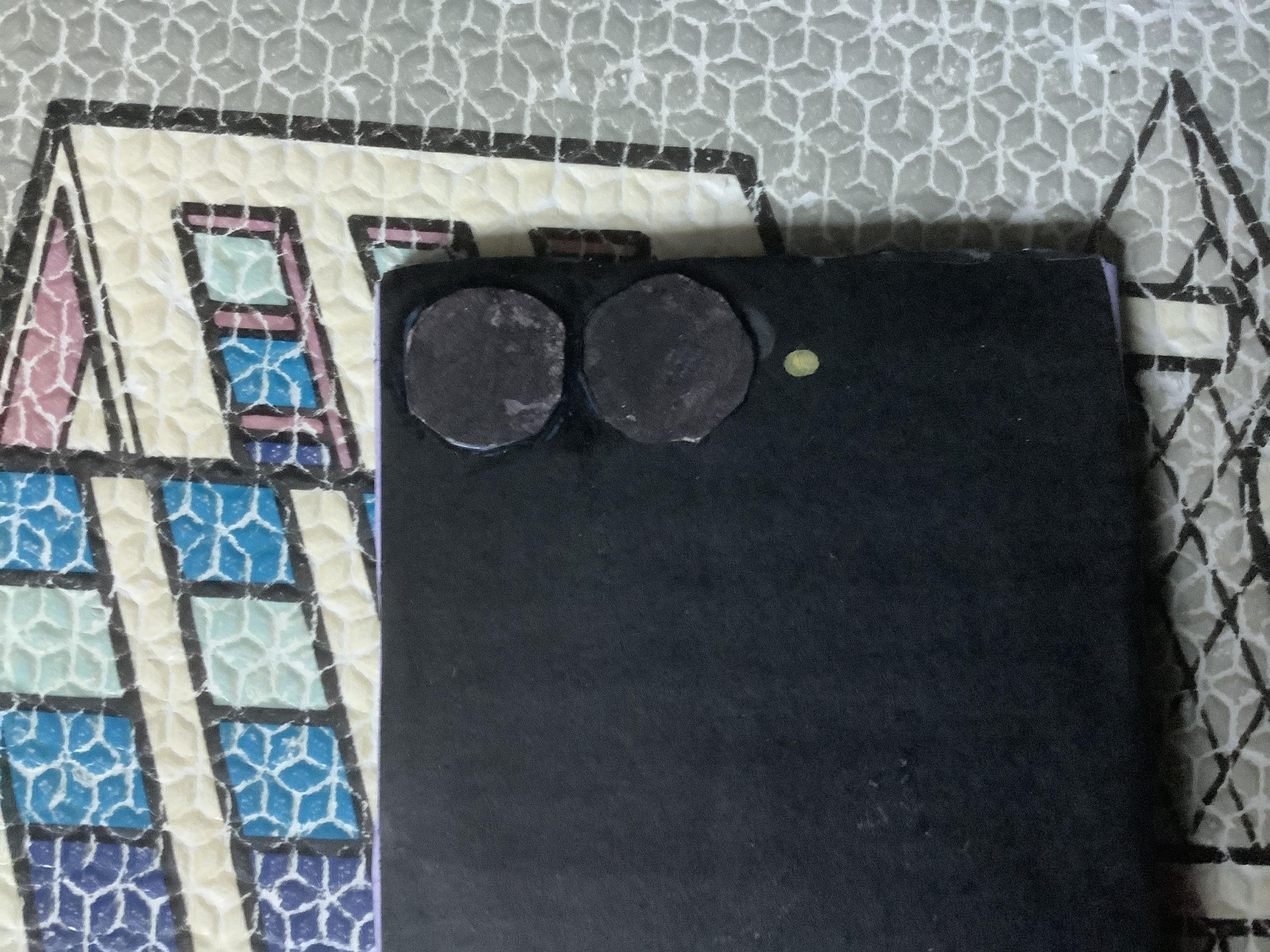
Draw two circles correctly sized out on cardboard then colour them black and stick them on as the picture shows.
Ur Done :) :).
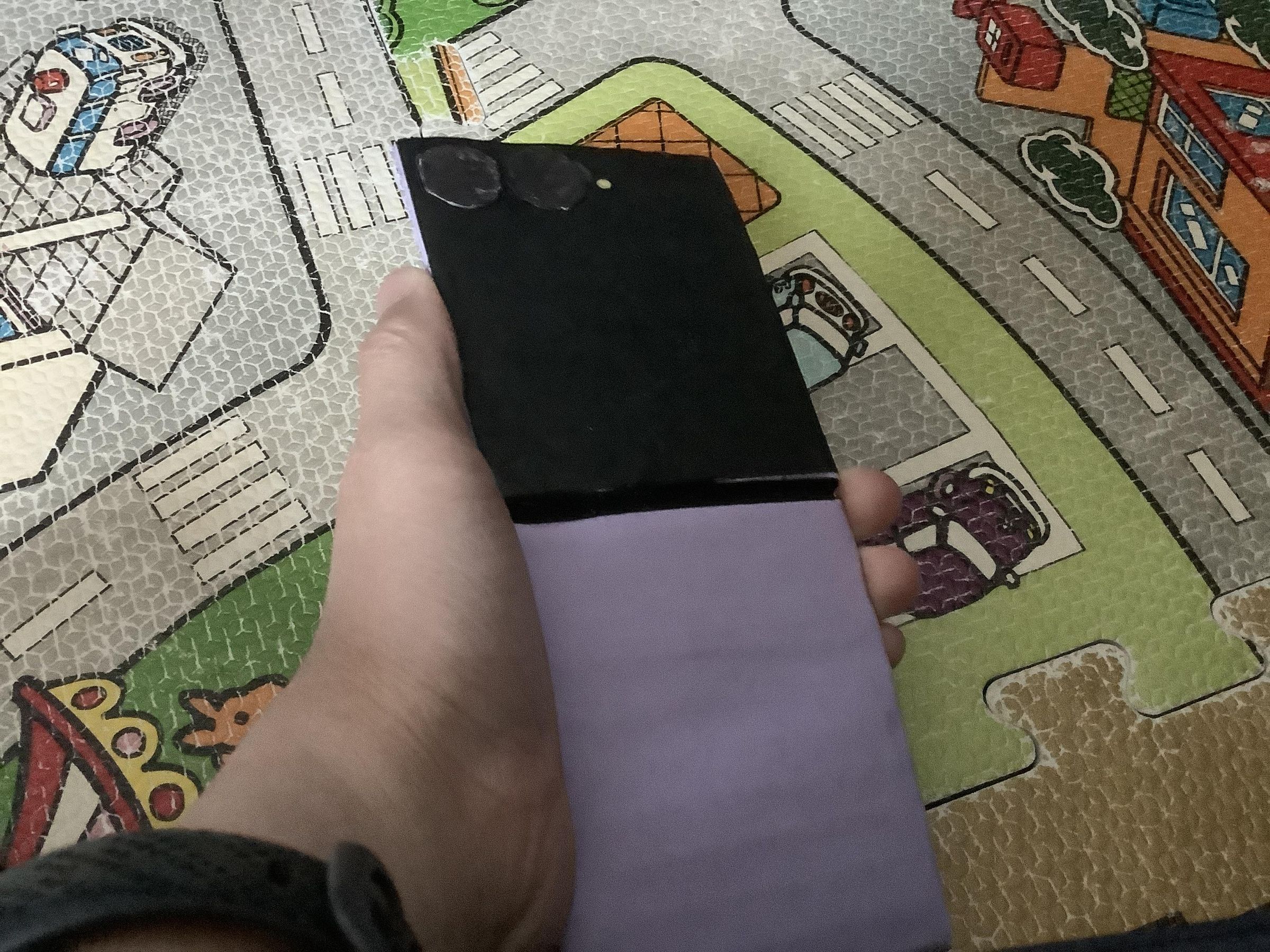
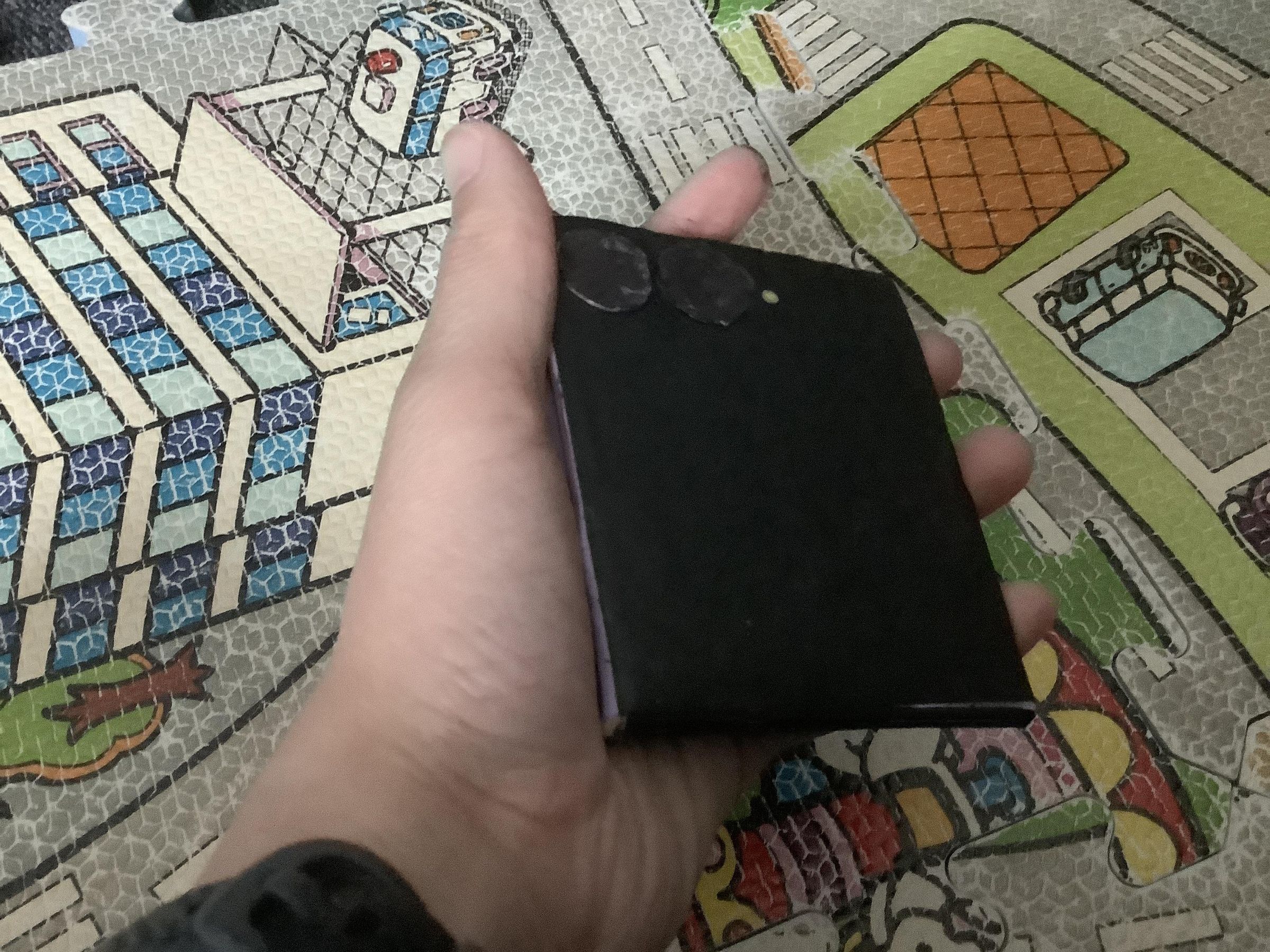
Guess what? Ur done. :) :) :)