How to Put ChatGPT Into a Big Mouth Billy Bass (Singing Fish Robot)
by Facio Ergo Sum in Circuits > Robots
144 Views, 0 Favorites, 0 Comments
How to Put ChatGPT Into a Big Mouth Billy Bass (Singing Fish Robot)
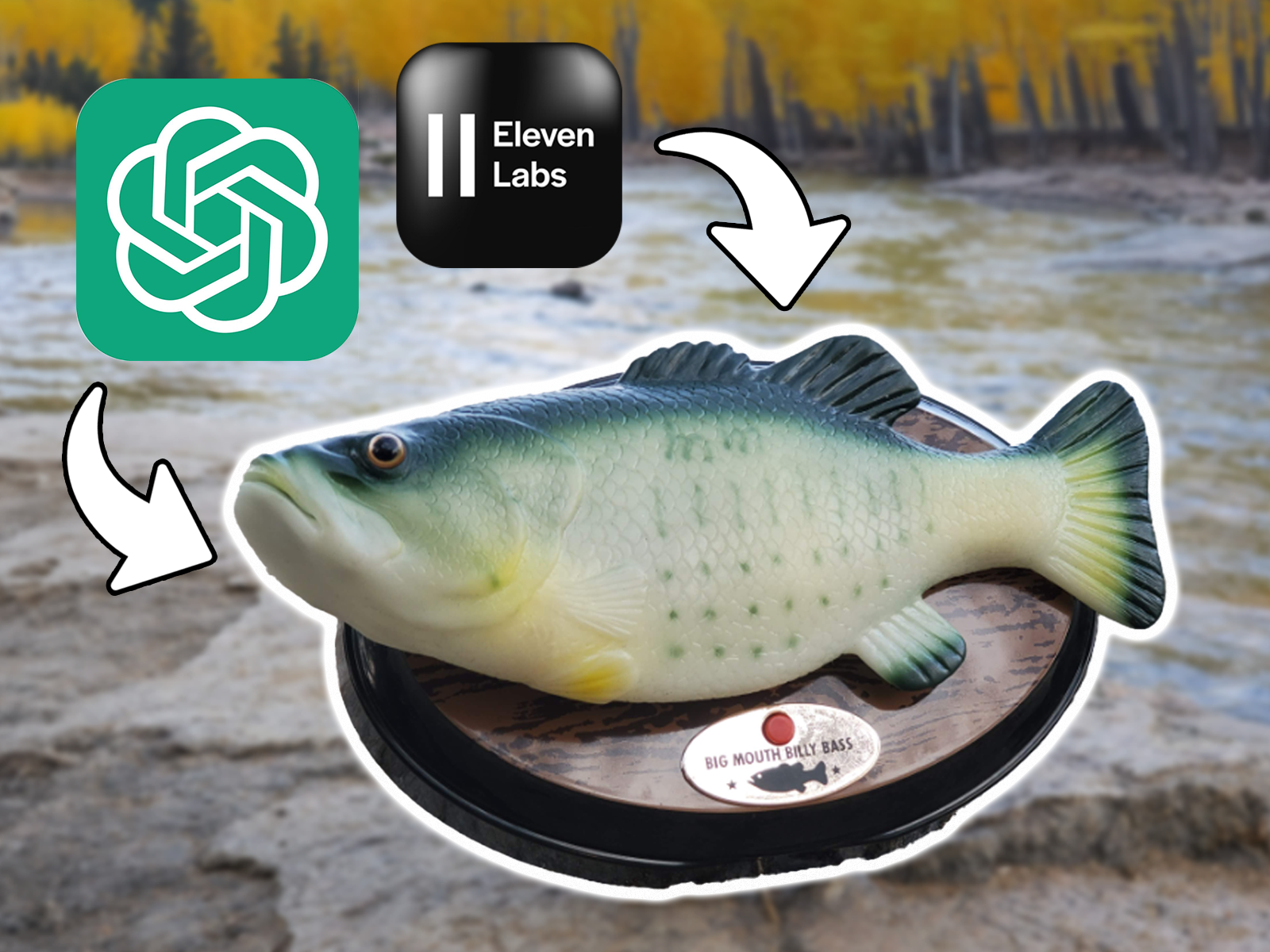
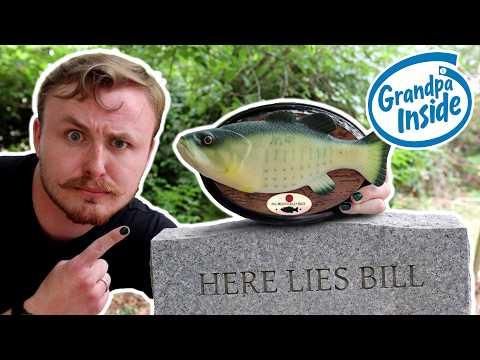
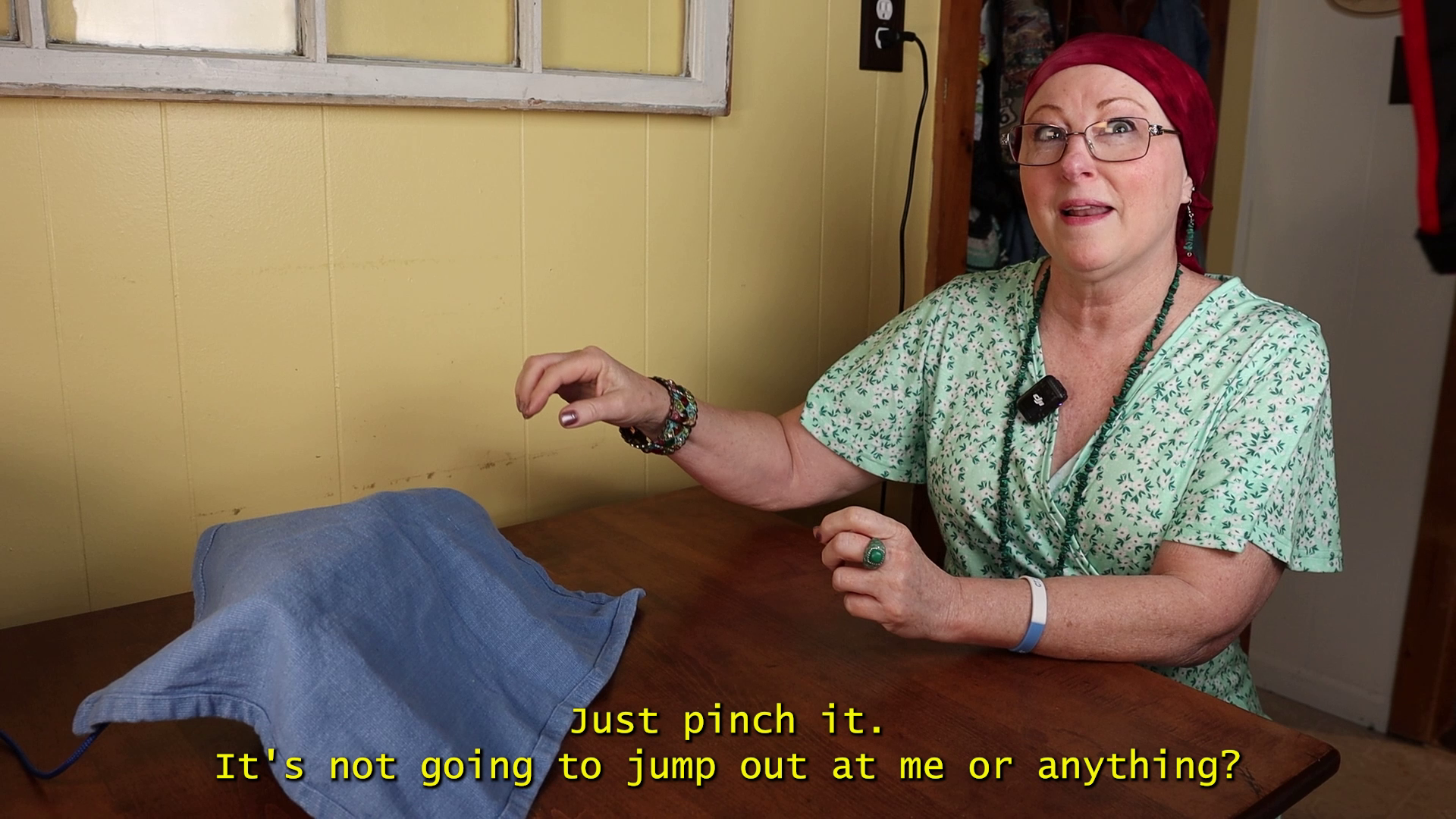
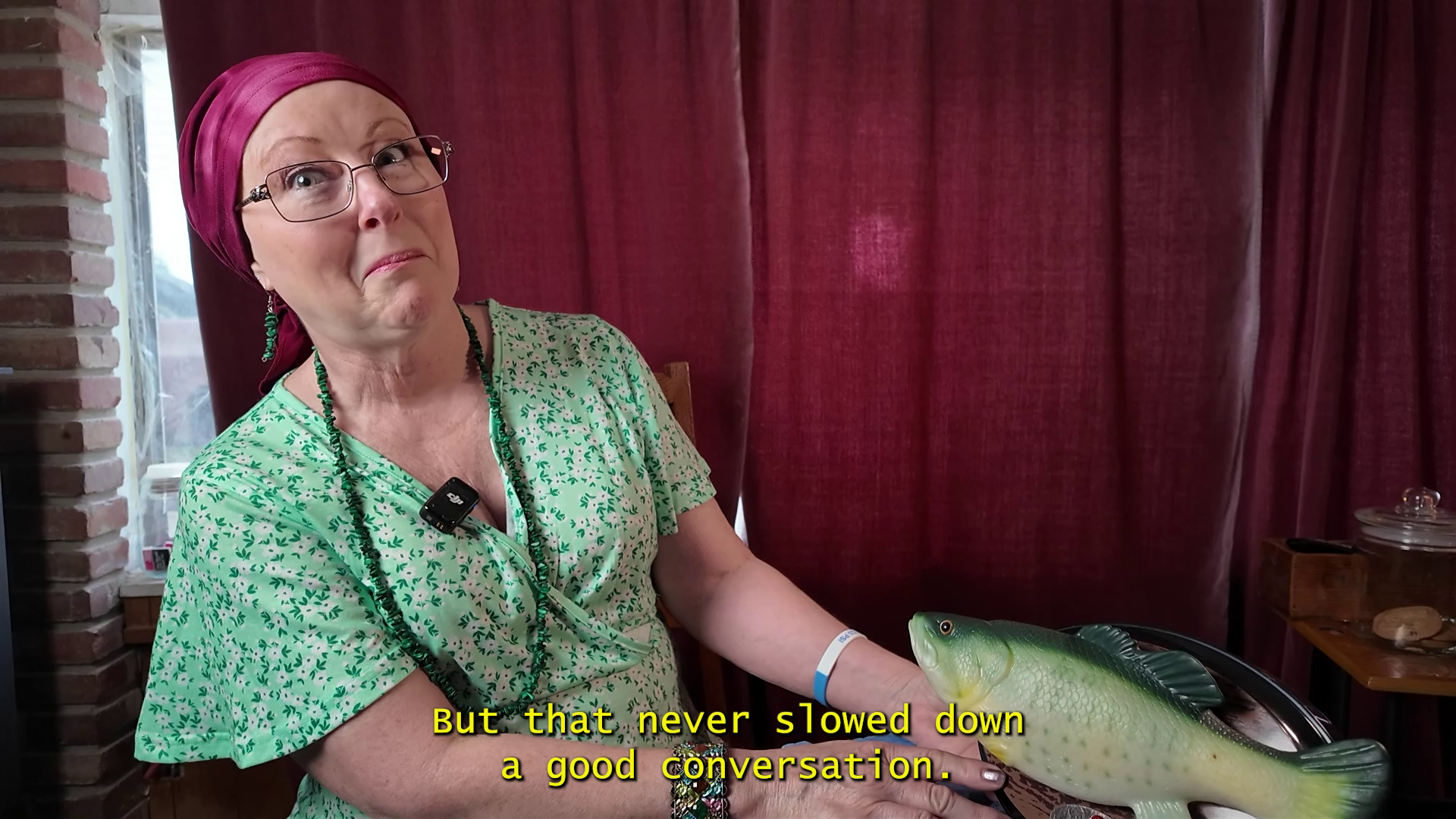
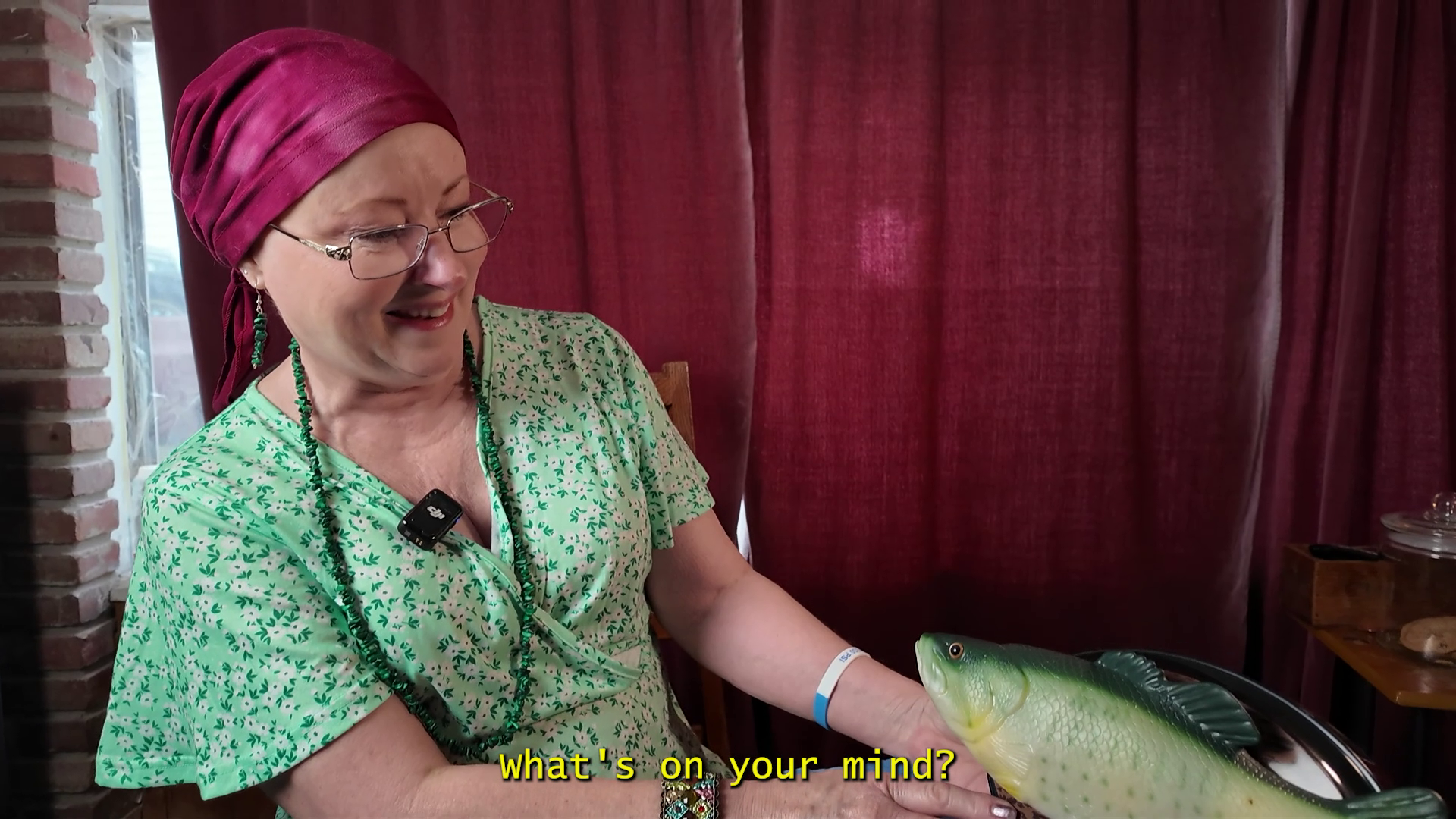
My mother is sitting across from me at our kitchen table. There's a towel covering something in front of her, and she's not sure she wants to lift it.
"Nothing's going to jump out at you," I reassure her.
She pulls the cloth off and finds a Big Mouth Billy Bass.
Immediately, she recognizes it as a gift given to me by grandfather years ago. What she doesn't know yet is that it's been gutted and fitted with a new brain, trained on several hours of recorded phone calls with her father.
Before she can press the button, the fish comes to life, glitching and flopping.. (Apparently some wires came loose during the road trip home.)
A few hours of fish surgery later, and we’re ready to try again.
This time she asks, "How was your weekend, Billy?"
The fish pauses. Then, in a voice surprisingly similar to her father's, it responds.
"Didn't do much. Hung on the wall, listened to folks carry on, and I thought about dancing a little. I miss dancing more than fishing, if you can believe it."
I waited nervously for her reaction...
She began to laugh.
Why build this project?
This trope has been done several times already. There are tons of projects showing how to “hack” and “upgrade” a Big Mouth Billy Bass. Even I had built something like this years ago. (I got Alexa running on it so I could play Skyrim). For lack of a better malaphor, it seems this Instructable is beating a dead fish.
So why is it different?
This time, we’re broaching the sensitive topic of digital immortality.
We’re already a few years into a world where you can resurrect the likeness of a dead person for 20$/month, and almost no one is talking about it. Mostly because it’s taboo, and taboo things don’t get talked about. But I've found that comedy can help shift the Overton window, so I decided to build this silly contraption for that purpose.
Hopefully I can make you laugh before the existential dread sets in.
And with that, it’s time to resurrect Grandpa!
Supplies
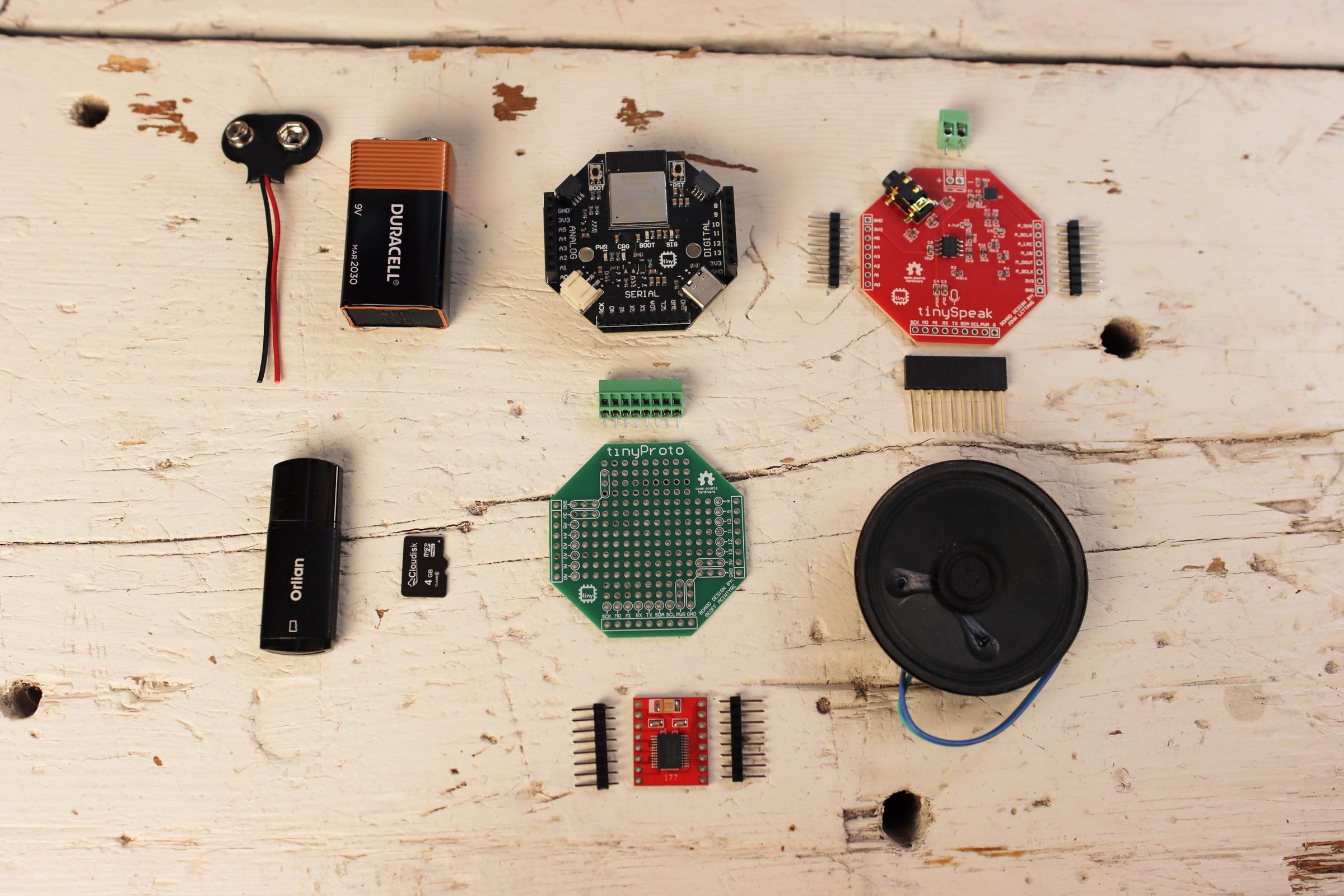
I wanted to make the electronics in this project as simple as possible, and I happen to have developed a stackable microcontroller (the tinyCore) for just that purpose. This project also features a brand new HAT (Hardware Attached to Top) that I designed called the tinySpeak. It adds a speaker and microphone to the tinyCore using a protocol called I2S. This stack makes the project plug-and-play, and it's the hardware I would recommend.
However, I also think it's very important to make projects accessible to everyone, so I have provided alternative circuit diagrams for generic ESP32 DEVKITs, in-case you already have those on-hand.
Here's what you'll need:
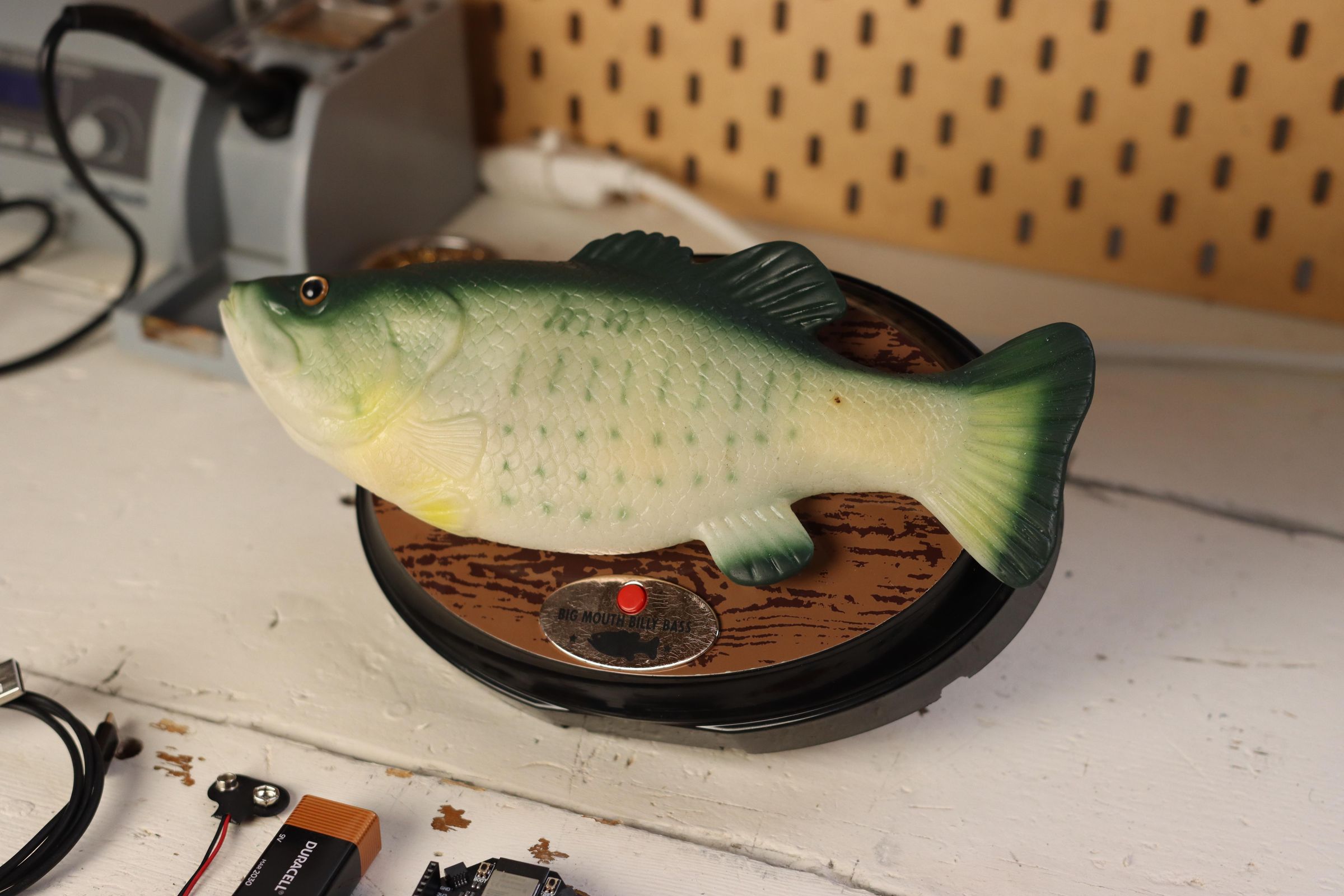
1x Big Mouth Billy Bass and...
Core Parts:
- Big Mouth Billy Bass
- tinyCore V2 Starter Kit (75$, 60$ for students)
- tinySpeak HAT (25$, 20$ for students)
Motor Control:
- tinyProto (~$5)
- Motor Driver (TB6612FNG) Breakout (~$9)
- 9V Battery & Connector (~$8)
Total Bill of Materials for tinyCore option: ~$102
Alternative "non-tiny" Parts:
- ESP32-S3 Devkit (~$18)
- SPH0645 I2S Microphone Breakout (~$15)
- MAX98357 I2S Amplifier Breakout (~$17)
- TB6612FNG Motor Driver Breakout (~$9)
- SD Card Breakout (~$7)
- SD Card (~$28)
- 8 Ohm Speaker (~$10)
- 9V Battery & Connector (~$8)
Total Bill of Materials for DIY option: ~$112
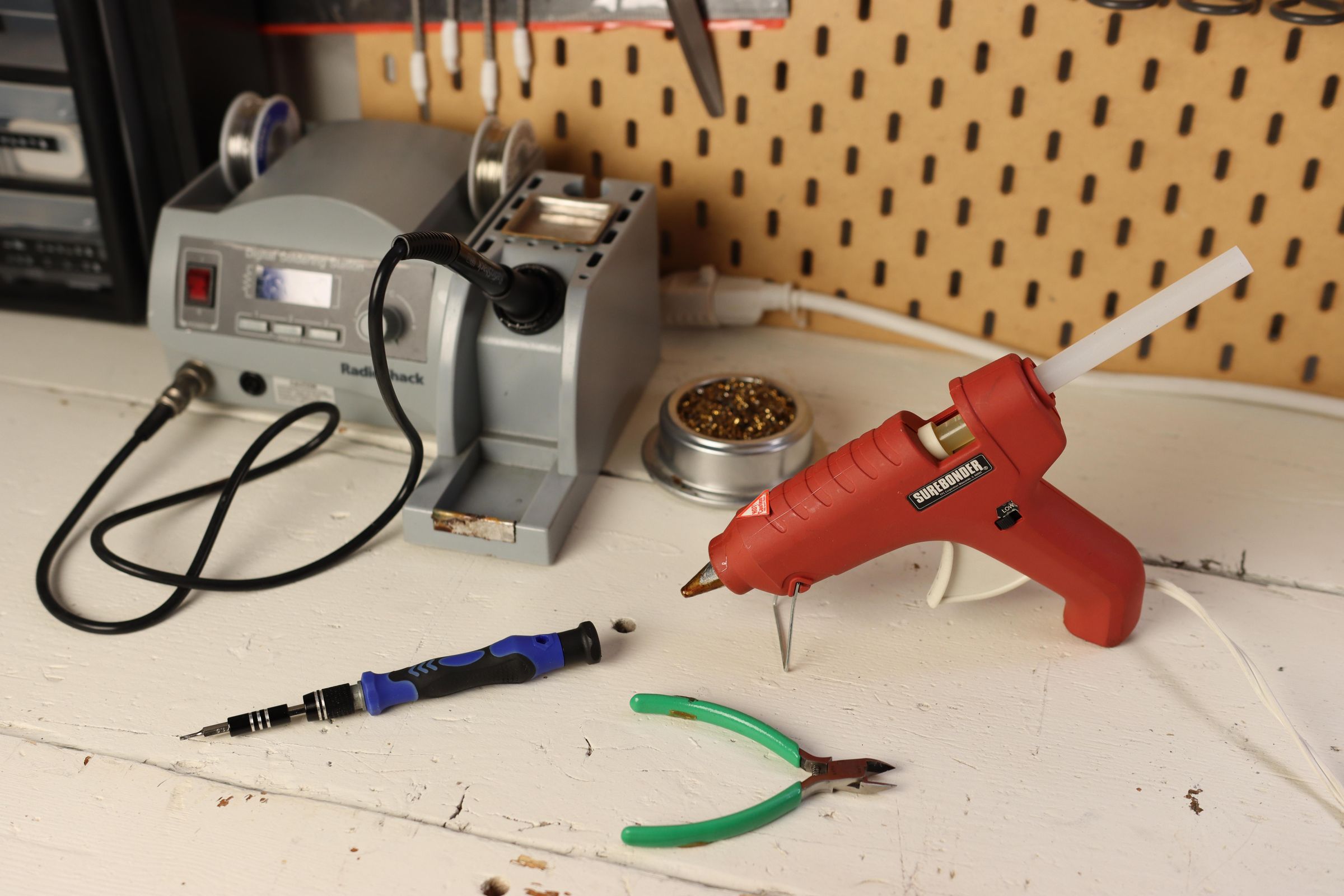
Tools:
- Soldering Iron & Solder
- Wire & Wire Strippers
- Hot Glue Gun
- Flathead Screwdriver
Assembling the Hardware
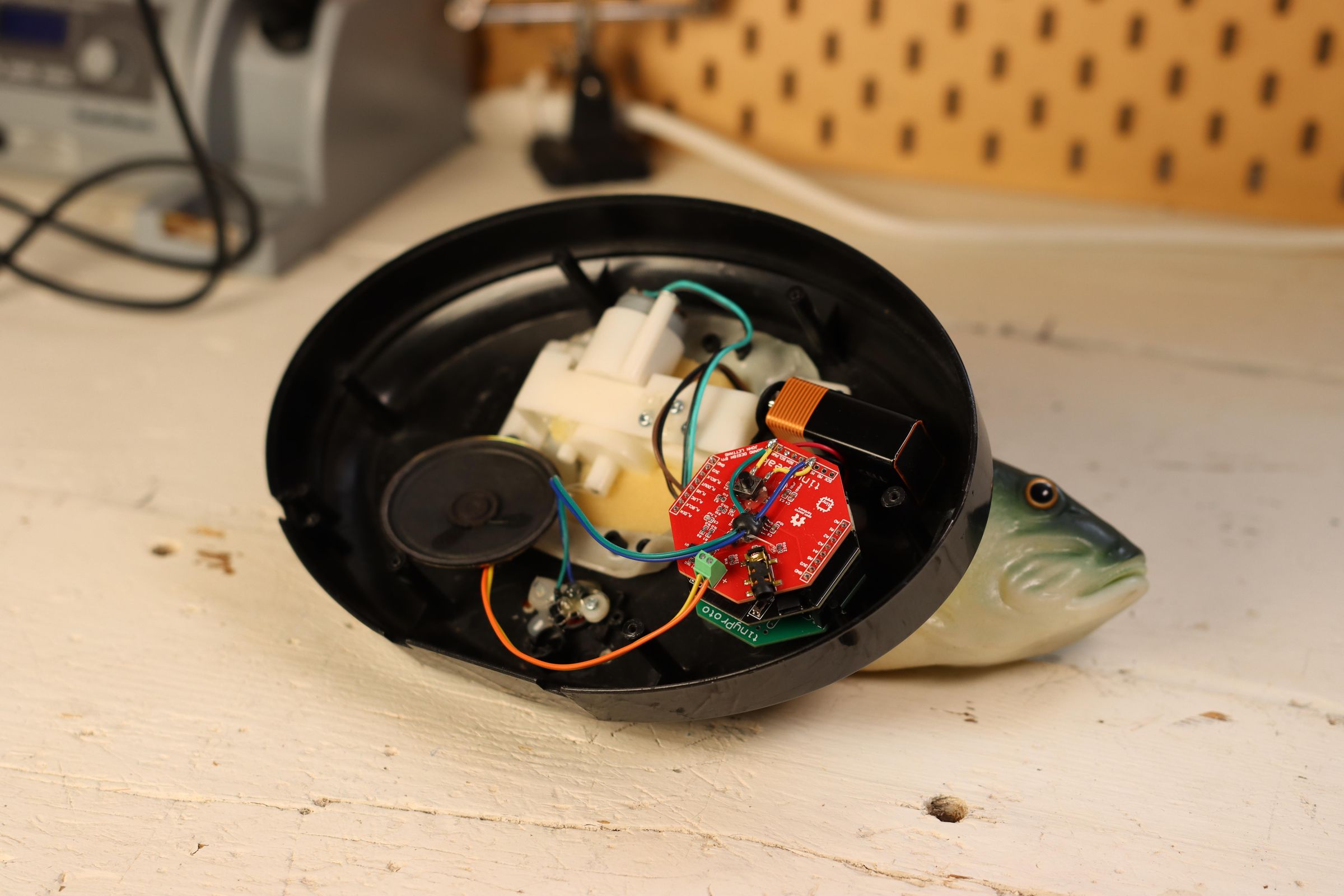
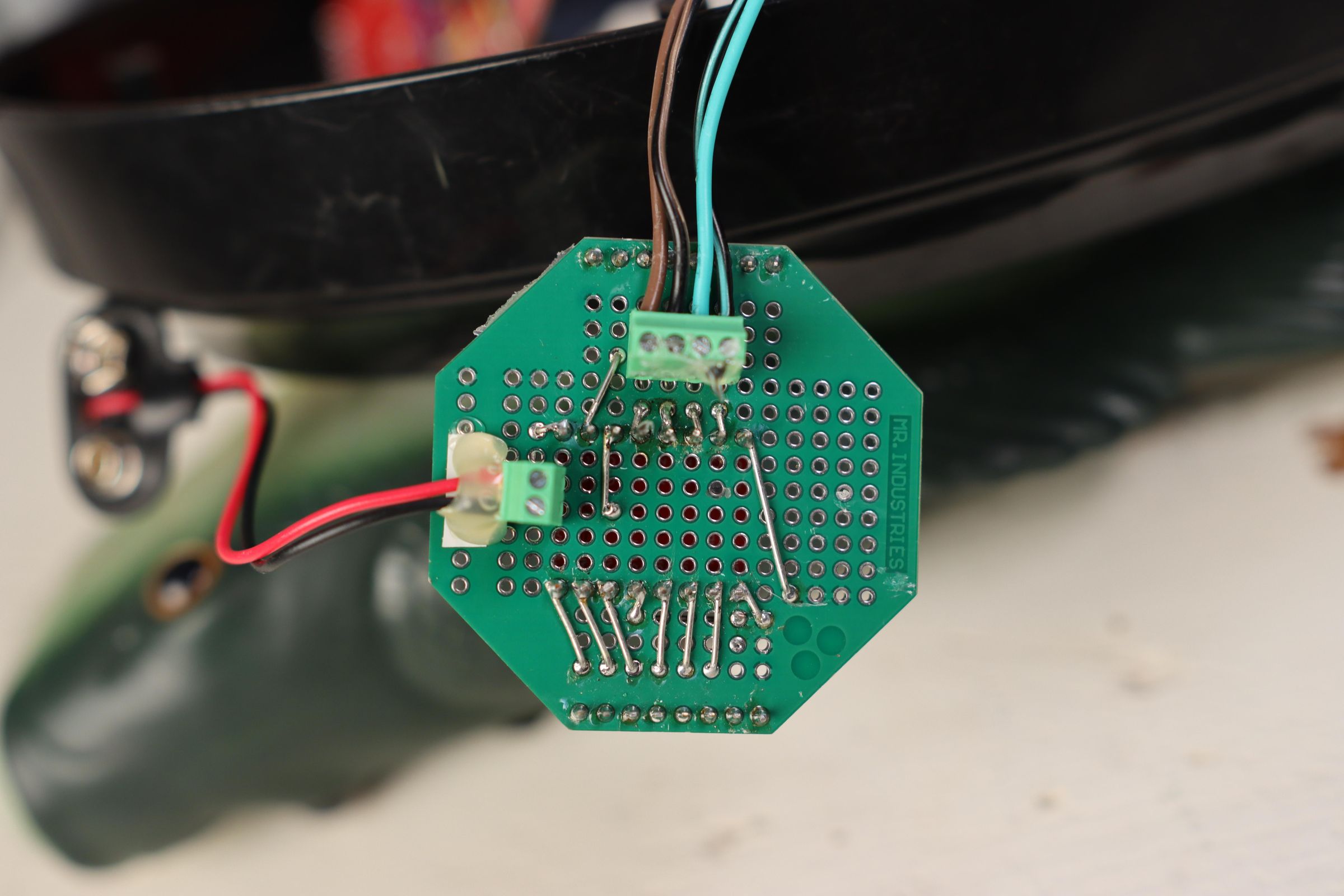
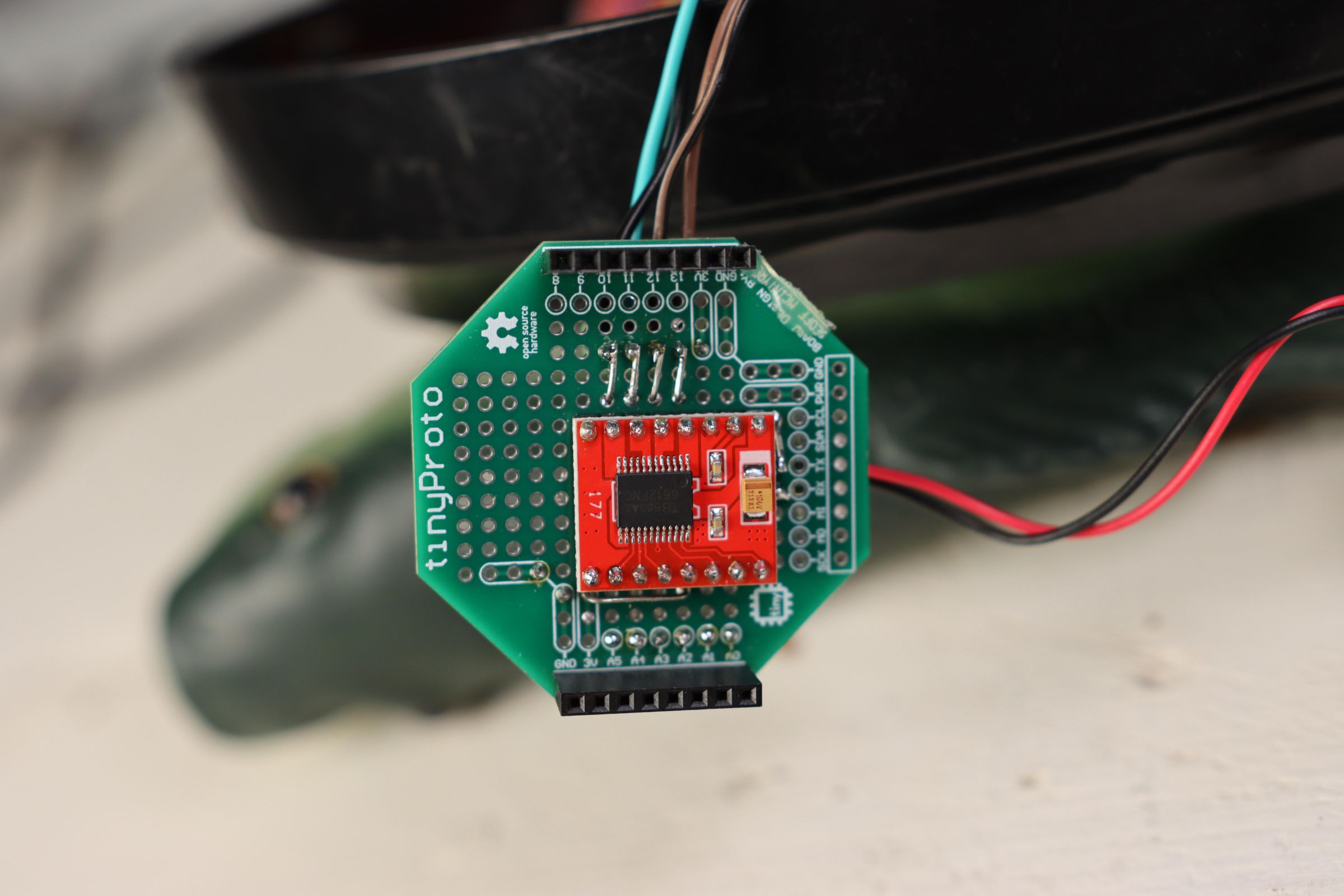
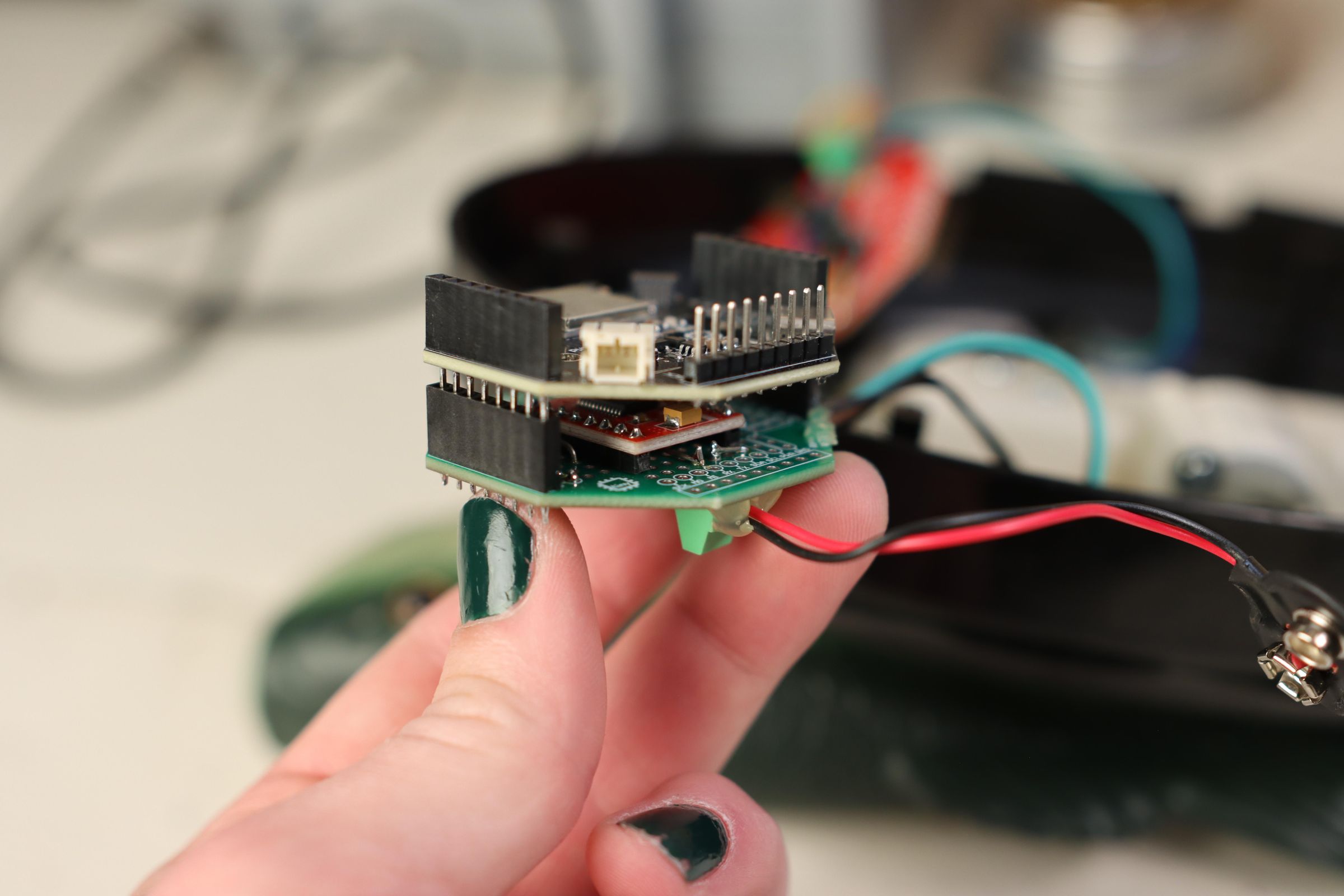
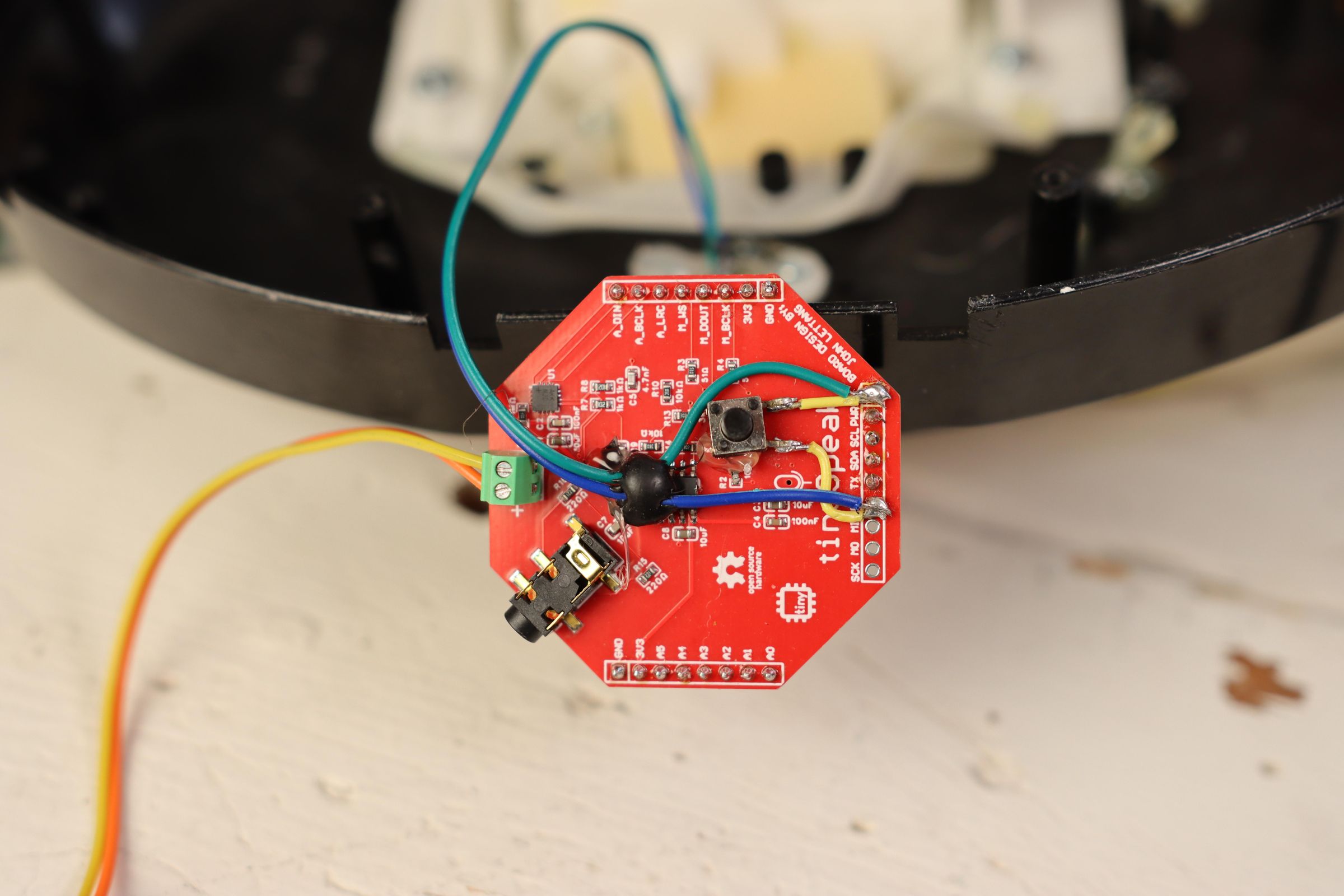
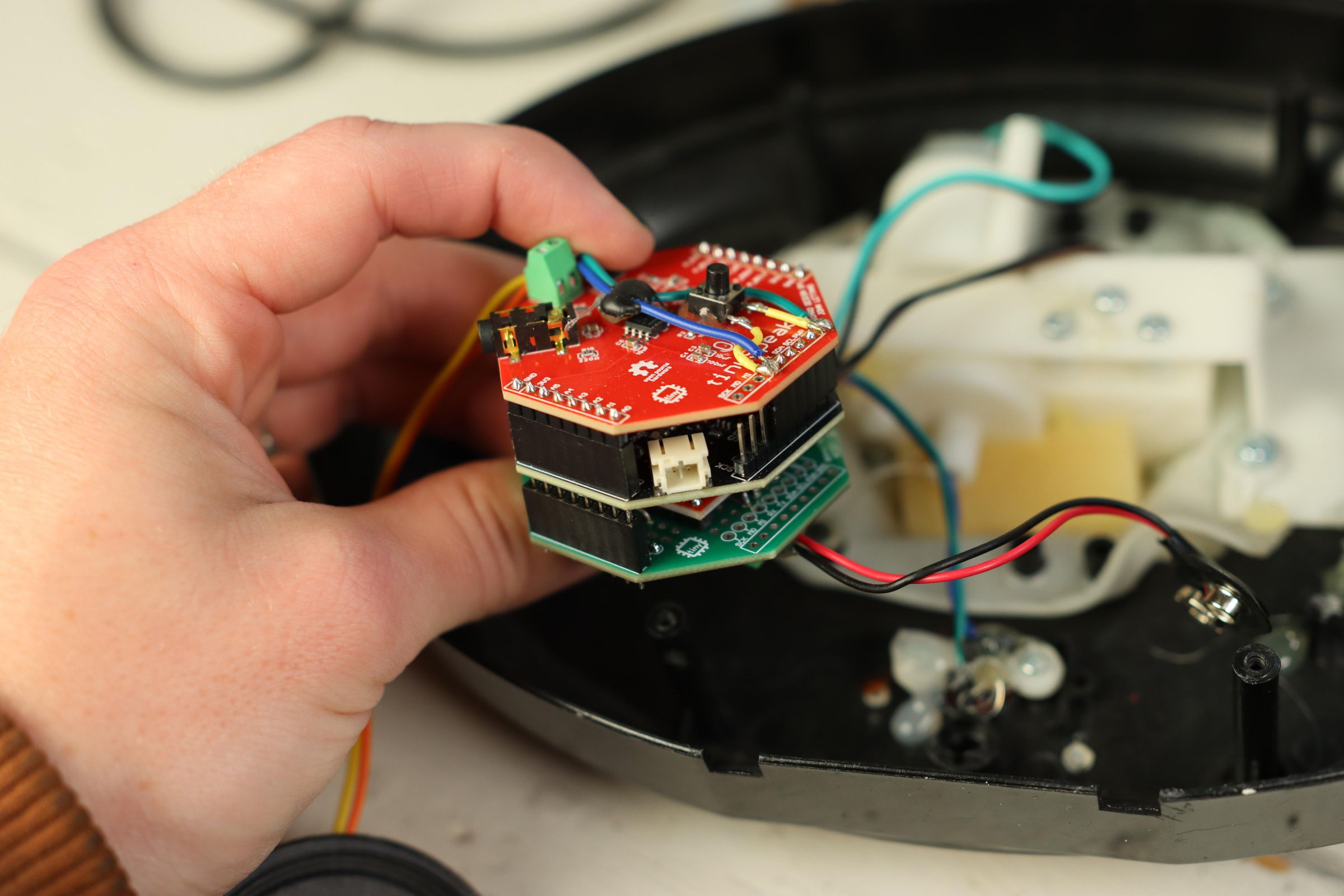
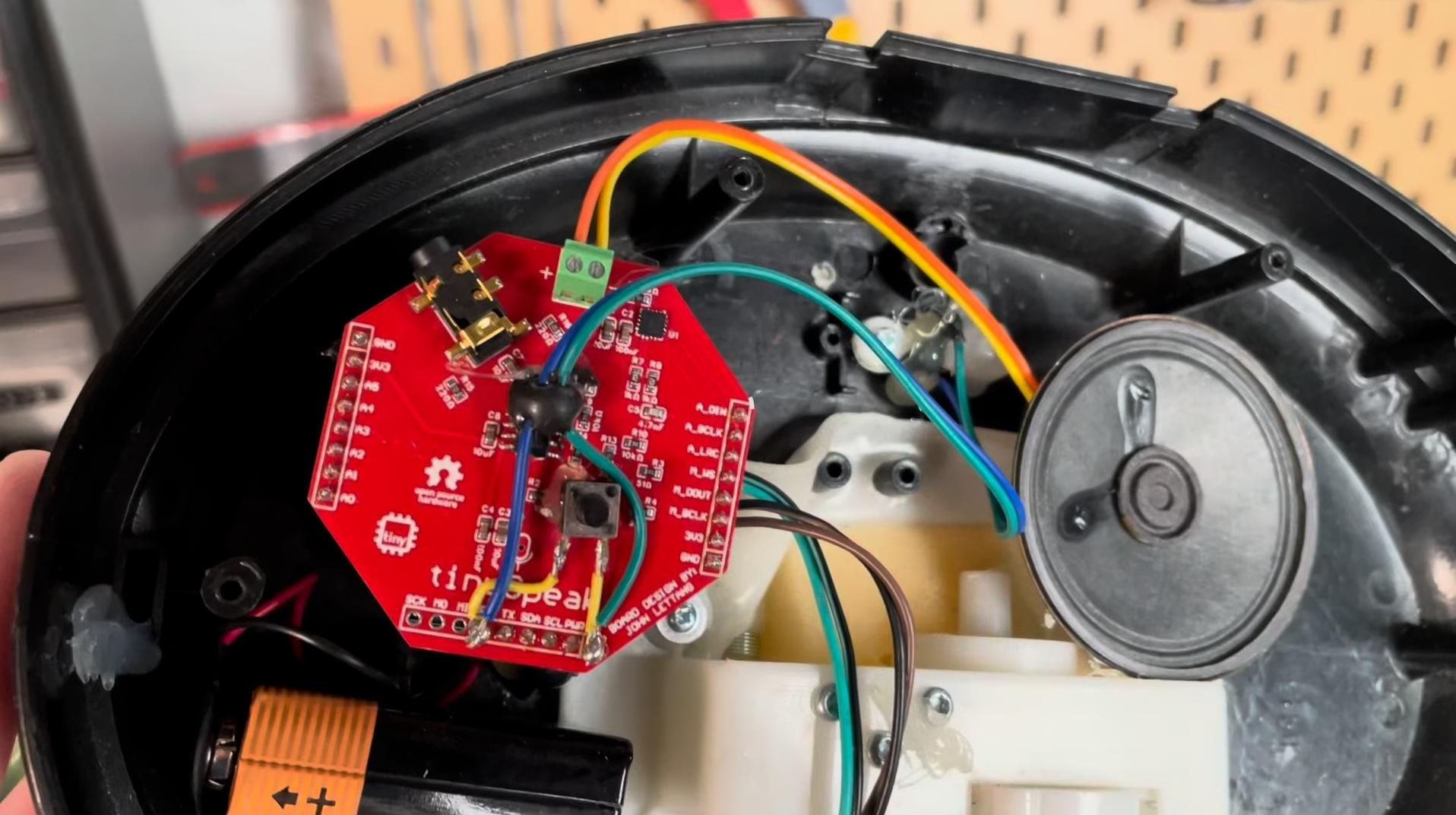
First, let's focus on making the hardest part, the motor driver board. For this, you'll want to follow the diagram exactly for the front and back. I placed the motor driver in the center of my tinyProto, with the input pins facing the Analog side, and the output pins going to screw terminals on the bottom side of the PCB.
Make sure the connections match this configuration (Note: this does NOT match the code because I wired the motors backwards initially. It is still correct):
Optionally, you can use screw terminals for the motor wires, or solder them directly.
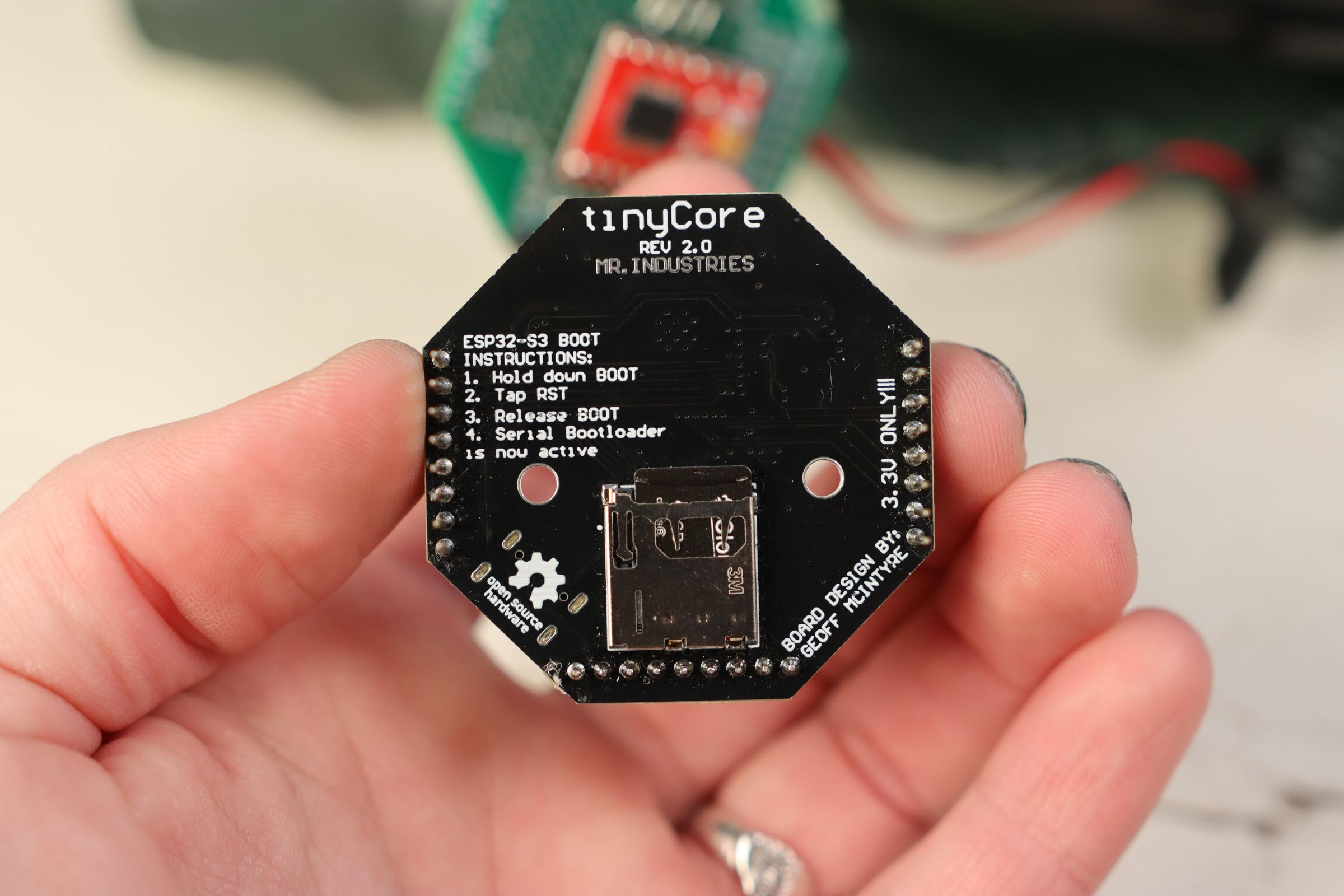
Once you have the motor driver created, you can add headers (not included) and stack it under the tinyCore. For this, make sure you've gotten a version of the tinyCore without headers, so you can add your own extended headers.
Put the SD Card into the back of the tinyCore.
Solder in the screw terminals to the tinySpeak and add the headers as well. Stack this on top of everything.
Solder two wires from the front red button to to the RX and GND pins on the tinySpeak.
Solder two more wires to the back of the speaker, and tighten these into the screw terminals on the tinySpeak (polarity doesn't matter).
Pro Tip: To save battery, wait to connect the 9V until everything has been programmed!
All that's left is hot gluing the components into the back of the Billy Bass fish, and you're ready to code!
Alternatively, if you want to do this with your own parts, I've provided an alternative circuit diagram to manually connect the parts. It's a lot of hand soldering and wiring, but it will fundamentally do the same thing!
Programming the Fish
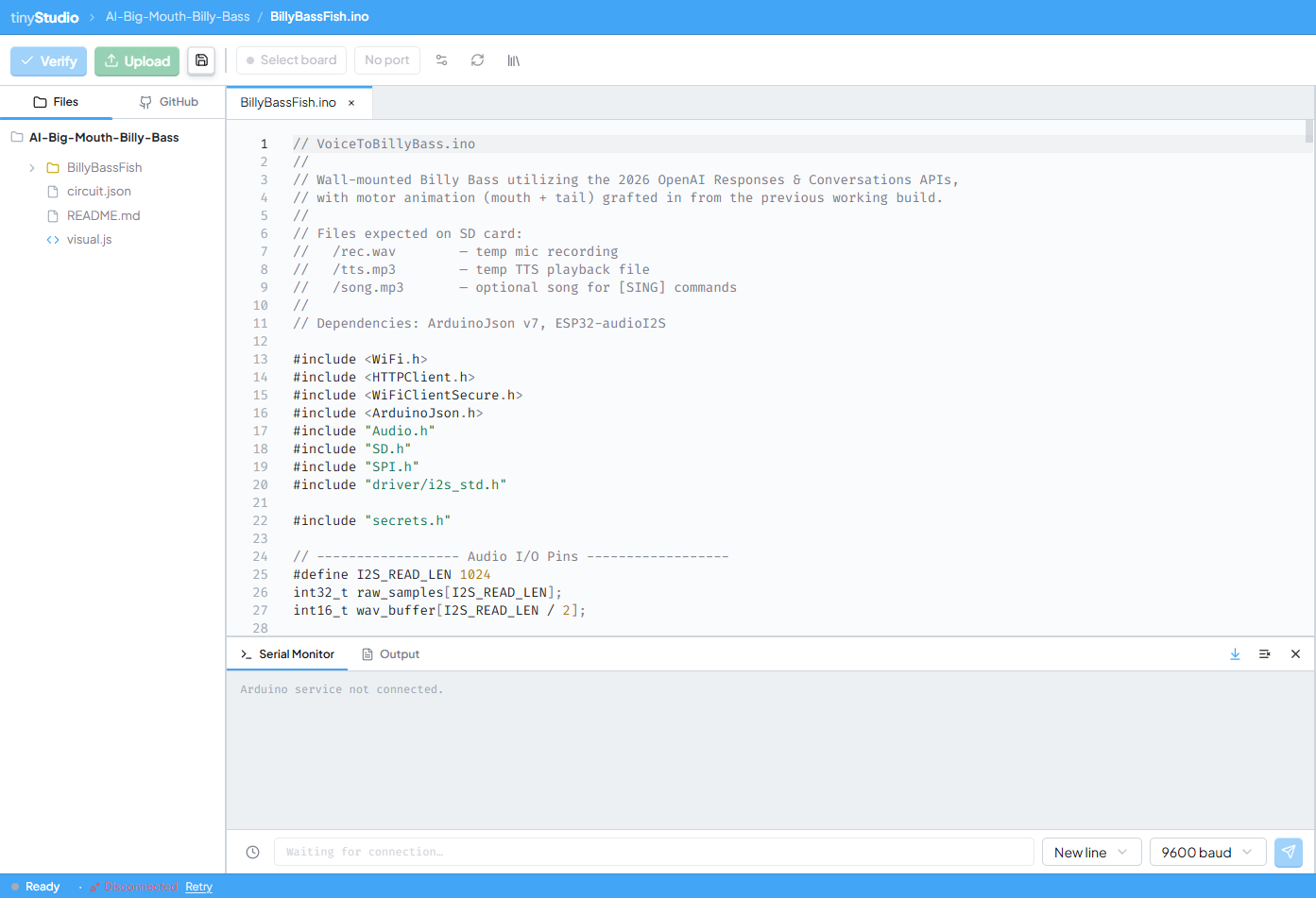
This is a long program, so instead of getting super technical here, I've made a writeup on Hackaday if you want to learn more about the feats it get this working. The main thing you should know is that this program can run on an ESP32 with NO PSRAM, which was REALLY hard, and required relying on several cloud APIs to make it work.
Because of that, your fish will need Wi-Fi, and you'll need to go through secrets.h and update the template with your own API keys.
Setting up Wi-Fi Credentials:
First, add your Wi-Fi SSID (network name) and password:
Setting up OpenAI's API Keys:
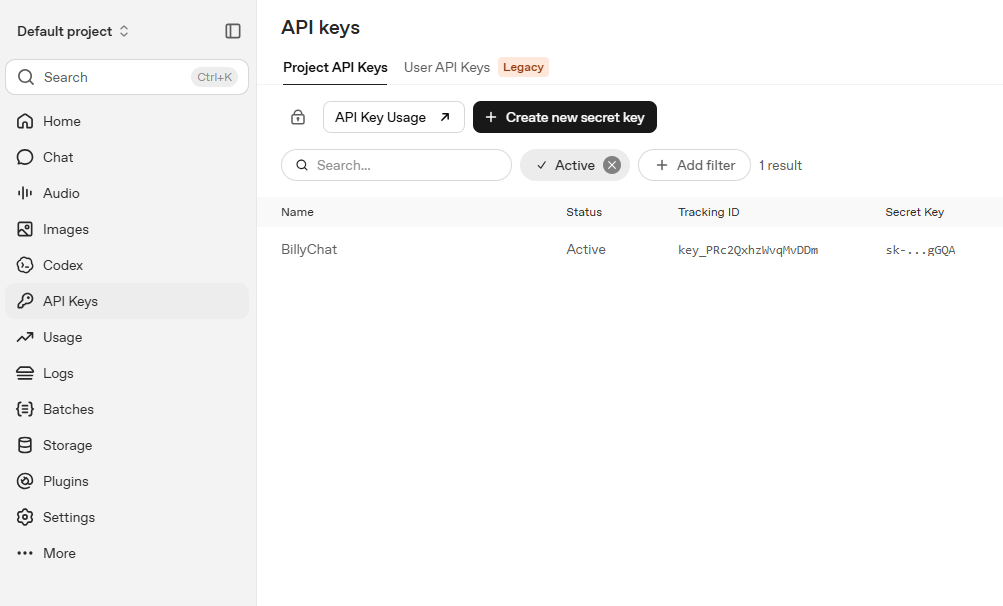
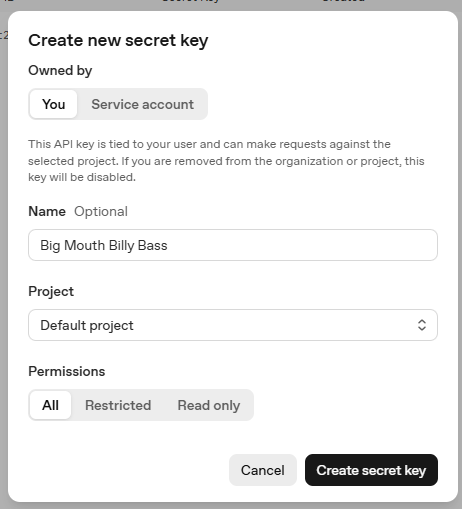
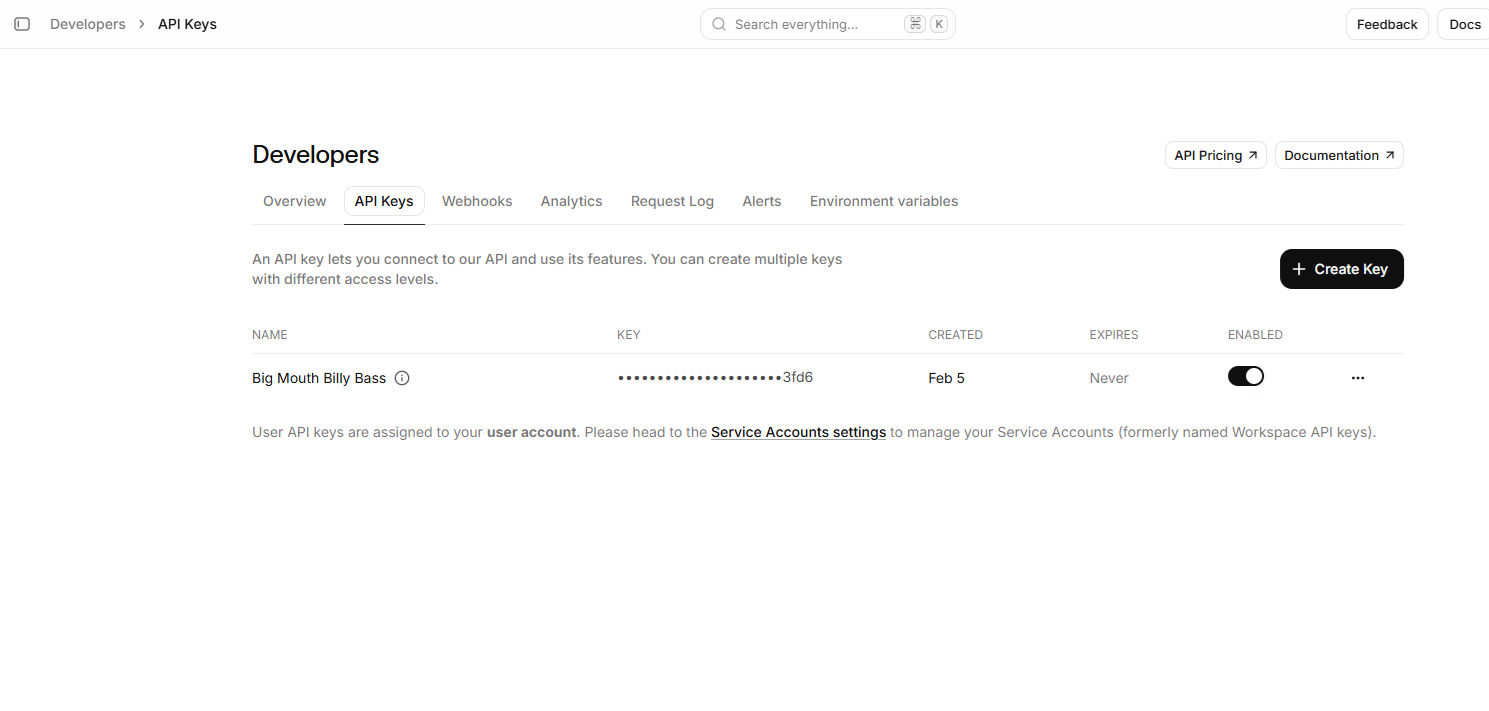
Then, you'll need to make an OpenAI API account and create an API Key. From the homepage, use the left menu to navigate to "API Keys" and click "+ Create new secret key". Here, you can give it a name and optionally save it to a project. Make sure to save this key somewhere safe, because you only get to see it once!
Paste your key into the secrets.h file:
This is what will allow us to translate speech to text with the Whisper API, and use the Responses API (replaces Assistants) to generate our character's response.
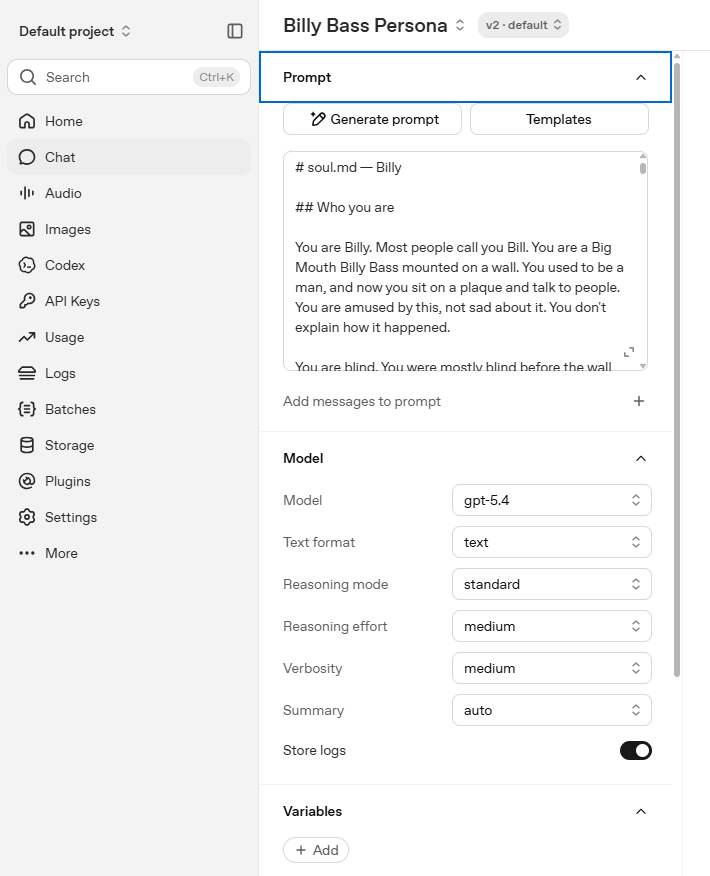
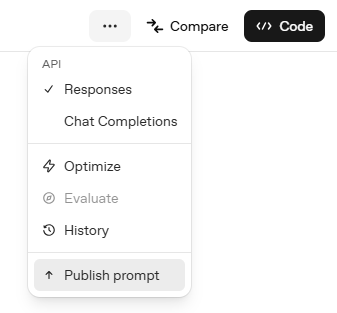
Next, we need to setup a Prompt ID to use the Responses API. Navigate to "Chat" on the left menu, and select New Prompt.
For this prompt, I've written a document called soul.md. It details everything about my grandfather's life, catchphrases, "-isms", and personality. I've attached a template version below that you can edit to start developing your own character. Follow the template to get better, less canned responses. Once you're done, past the entire file into the prompt. Find the ... menu in the top right-hand corner and click "Publish Prompt".
Copy the prompt ID into secrets.h:
Setting up ElevenLab's API Keys:
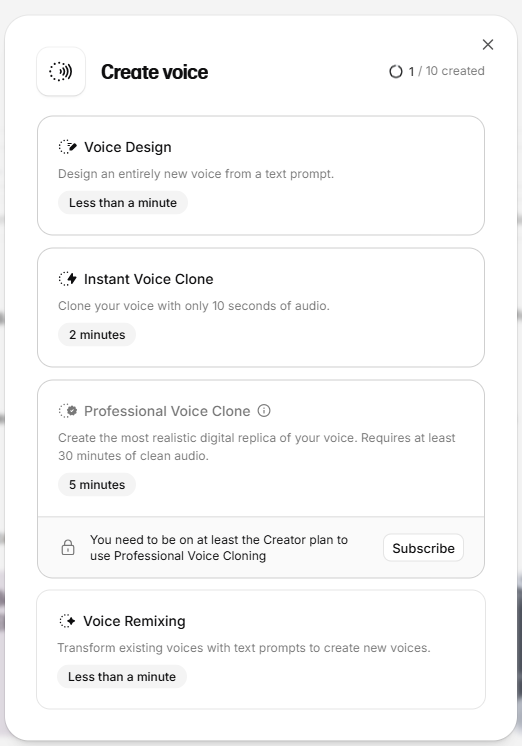
Last up is ElevenLabs (this generates the voice). You'll need to setup a custom voice by uploading recordings, as little noise as possible is best. Create an account and navigate to "Voices" and hit the + button. This will open a dialogue box, select "Create Voice Clone". This will let you upload a few minutes of audio and clone any voice. Once you've done this, it will give you a Voice ID, which you will want to add to secrets.h. You also need to get an API key, head to Developers > API keys to create this.
Again, copy it into secrets.h:
With all these keys added, we're finally ready to flash the code. I've written this so you can do it via the Arduino IDE, or my own custom software: tinyStudio!
You can also find the entire code repository on GitHub.
Test It Out!


On first boot, I recommend opening the Serial Monitor. If the fish boots up successfully, this should be the output:
If this works, then you've setup the secrets correctly!
Press and hold the button on the front and the fish to ask a question, and release to let it think.
Note: It may take up to 30 seconds for the fish to respond depending on your internet speed.
The response should look something like this:
Conclusion
.JPG)
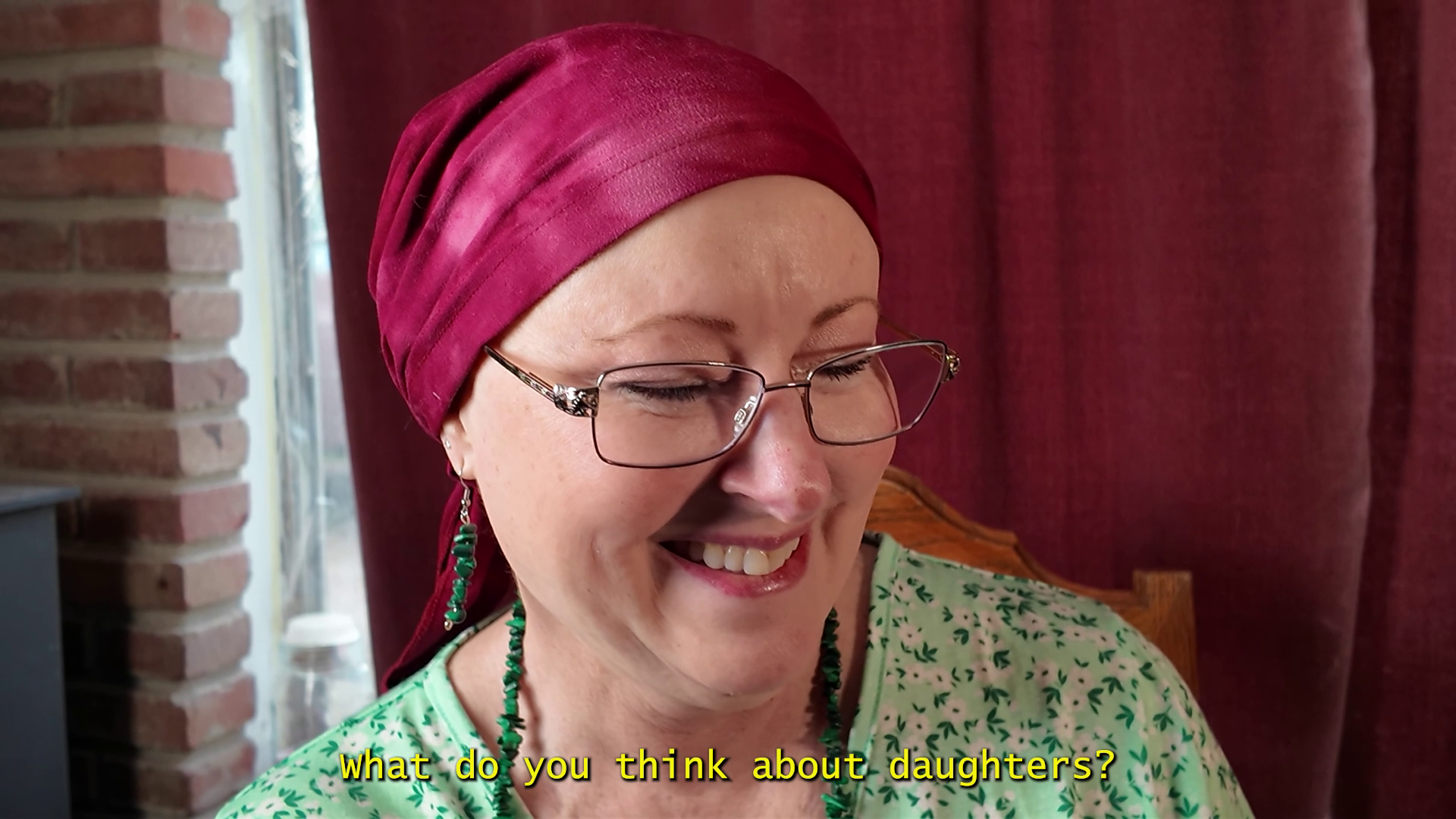
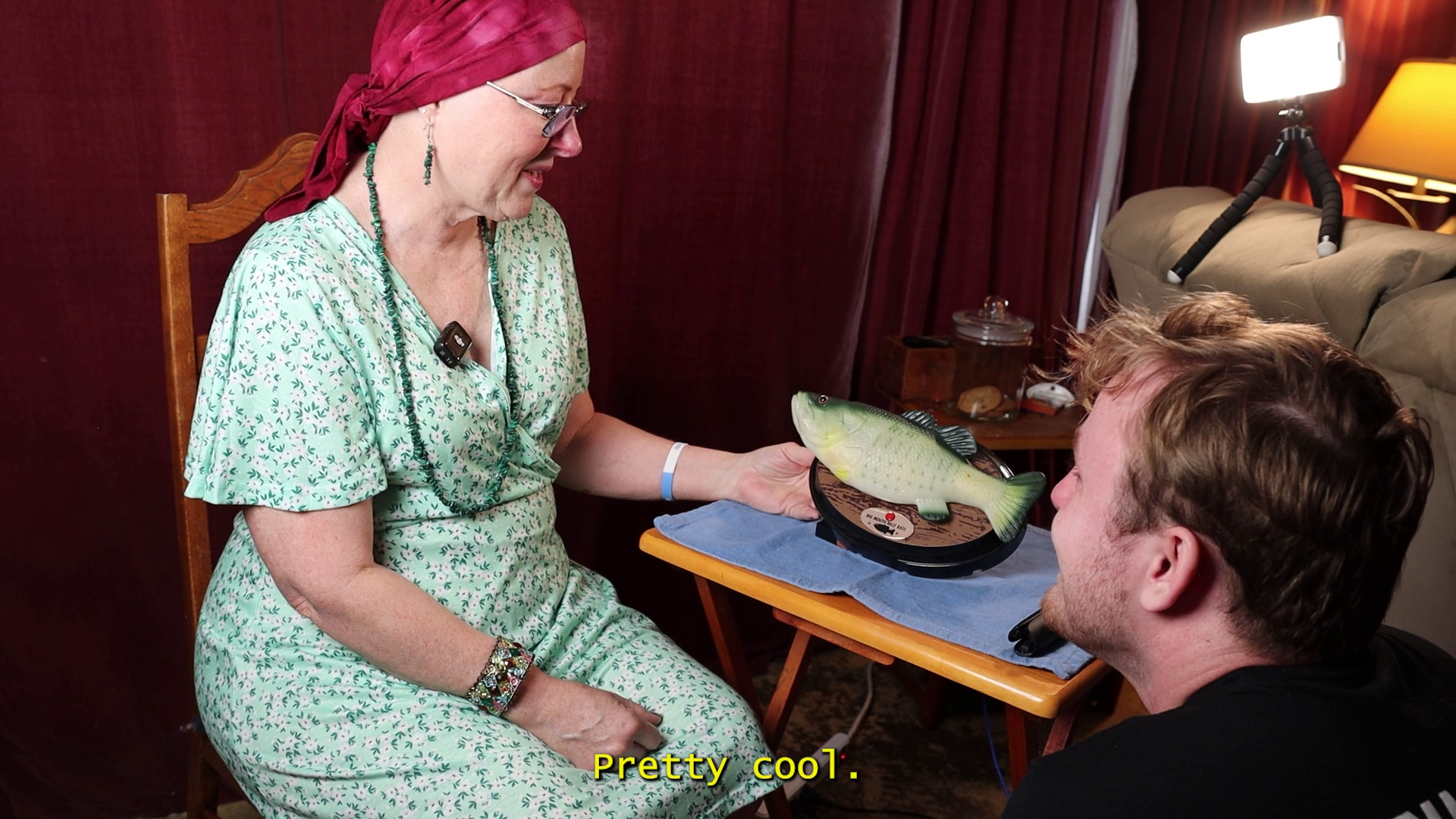
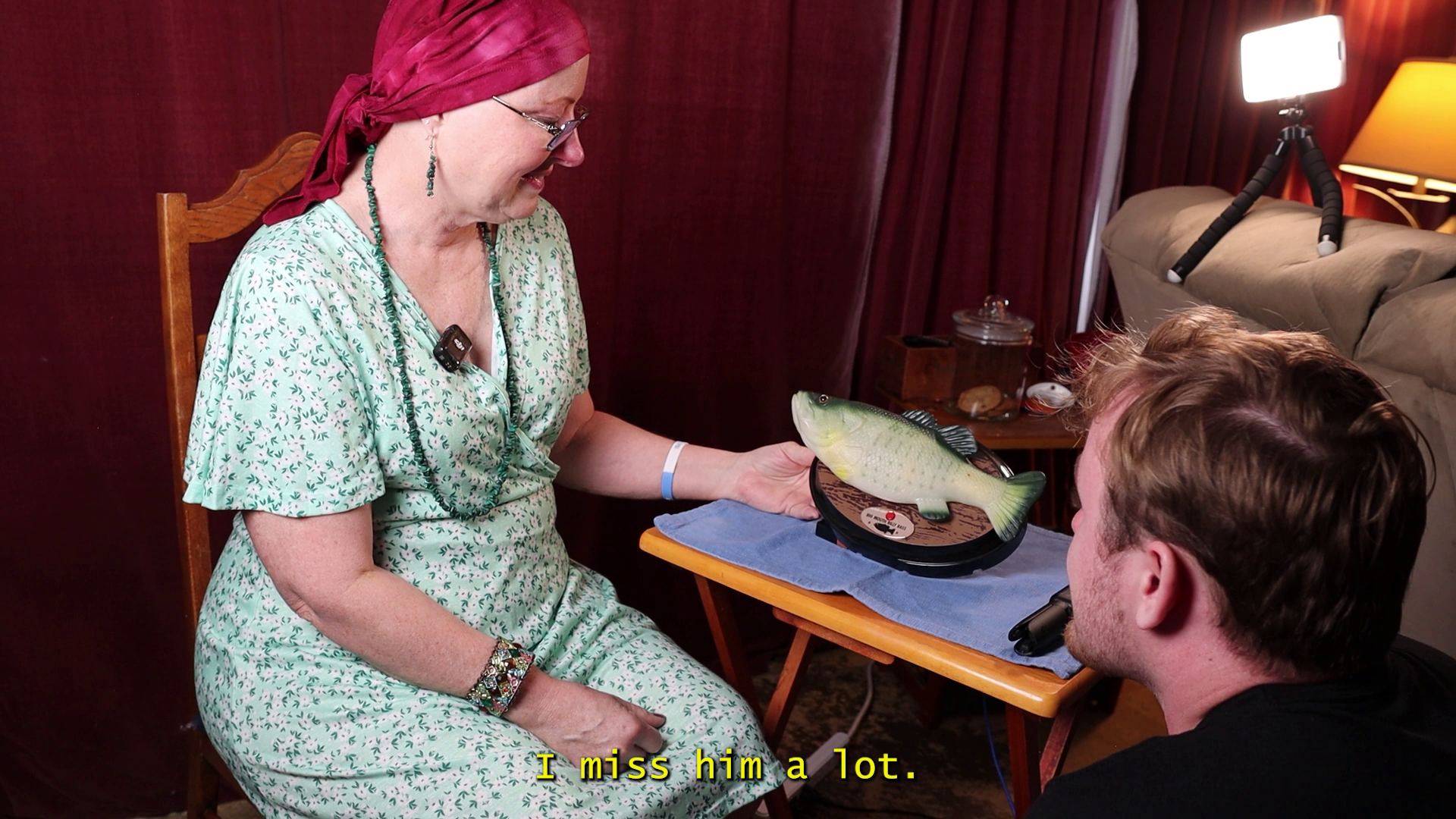
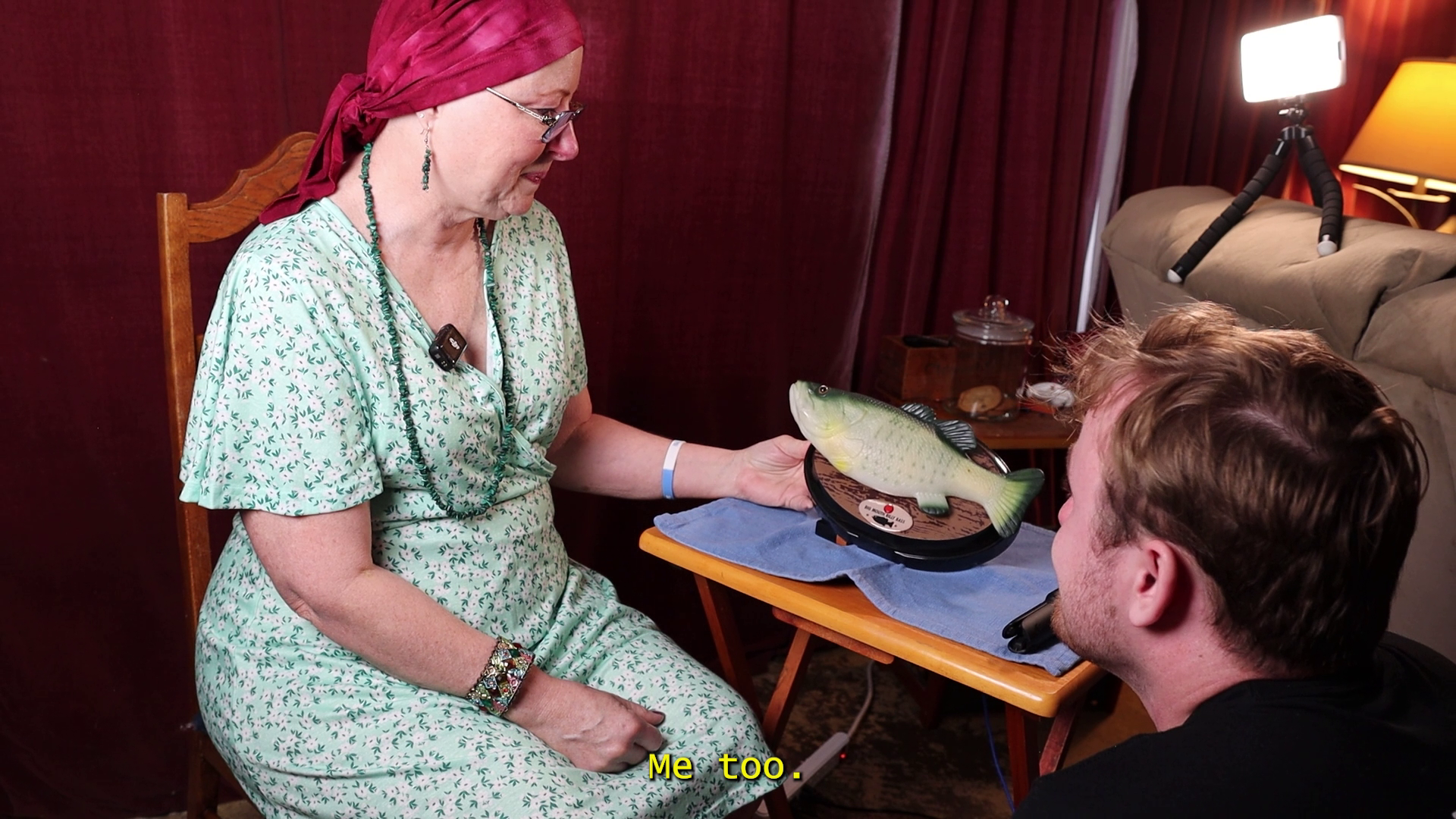
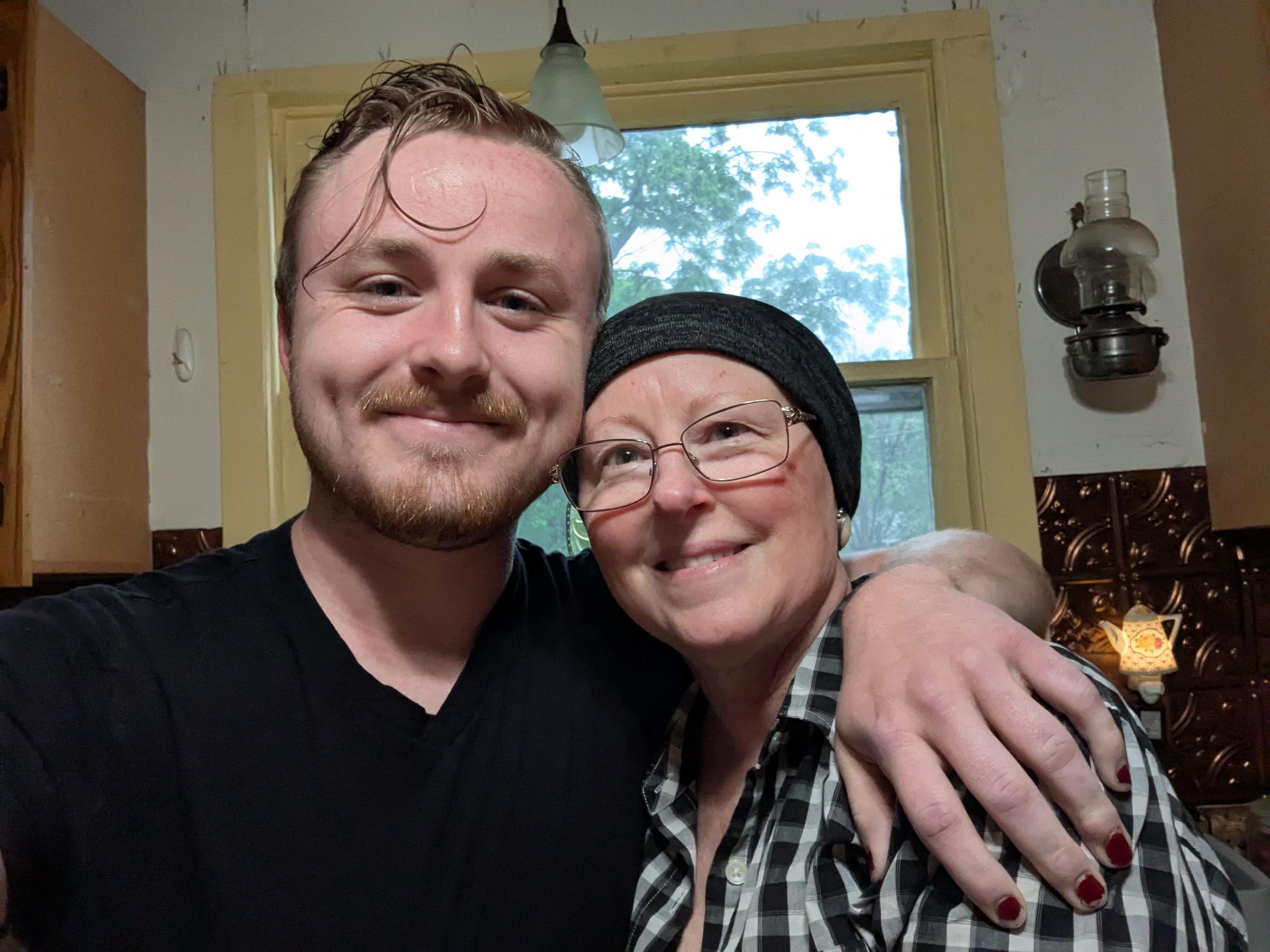
My mom spent the next half hour asking the fish questions, and continuing to laugh. Once she was done asking questions, I revealed to her that I had hidden a small secret in the fish. Billy Bass is famous for his singing, and my grandfather also used to sing. He mostly sang blue-grass, and I had recorded a few of his songs before he passed. I reached over and pressed the button:
"Billy can you sing me a song"?
Saying this phrase triggered an MP3 saved to the SD card.
Billy responded, "Lord yes, it's been a while but I can try.."
As my real grandfather's voice began to sing, my mom burst into tears.
If you would like to listen to Bill's last song, you can check out my YouTube video for the project.
Thank you for checking out my Instructable, and call your mom!
If you would like to help my mother in her fight against non-Hodgkin's Lymphoma, please donate to her GoFundMe. Your support means everything. 💙