Joy-ball Switch


This project is an assistive gaming controller designed to improve accessibility for individuals with limited fine motor control. It features a joystick-style ball mounted on a platform with rubber band assistance, so it can return to its original place when released. There are four button switches that activate when the ball is gently moved. These inputs are connected through a 3.5 mm jack and are fully compatible with the Xbox Adaptive Controller, allowing users to easily integrate the device into existing gaming setups.
The system is intended to support players with motor impairments such as Cerebral Palsy, where precise or rapid finger movements may be difficult. By translating simple directional motion into digital inputs, the controller enables access to games that require quick or repetitive actions, including titles like Geometry Dash and browser-based games such as the Chrome T-Rex game. The goal is to provide a more intuitive and less physically demanding way to interact with digital games, increasing independence and enjoyment for users.
How it works:
- The ball is designed so a user can place their hand gently in a comfortable position without having to grip hard.
- They can use slight movements to click the buttons by moving their hand on the ball. The foam board padding on the ball helps it easily click the buttons and provides leverage.
- When a user moves the ball in a certain direction, it creates tension on the rubber bands as it stretches them. The bands help the ball return to its original position after it is released.
- The switch is wired to a 3.5 mm jack or compatible connector for the Xbox Adaptive Controller.
Supplies
- Ball and switch base (3D model included)
- Jumper cable wires
- Wire stripper
- Tactile push button switches
- Hot glue gun
- Soldering iron and solder
- Heat-shrink tubing
- Heat gun
- Foam board
- 2 rubber bands (1/8")
- Scissors
- 3D printer (Bambu recommended)
Print Out the 3D Model

STL file linked below
Downloads
Wiring on the Buttons


- Get two jumper wires with terminal fasteners and fasten them to the button.
- Strip the ends, and then strip both ends of two other jumper wires. It doesn't matter whether they are male-male, female-female, or male-female.
- Slide a heat-shrink tube (0.17" in diameter)
- Solder the fastened wires (one wire to another).
- Slide a heat-shrink tube (0.2" in diameter) over both ends of the second jumper wires.
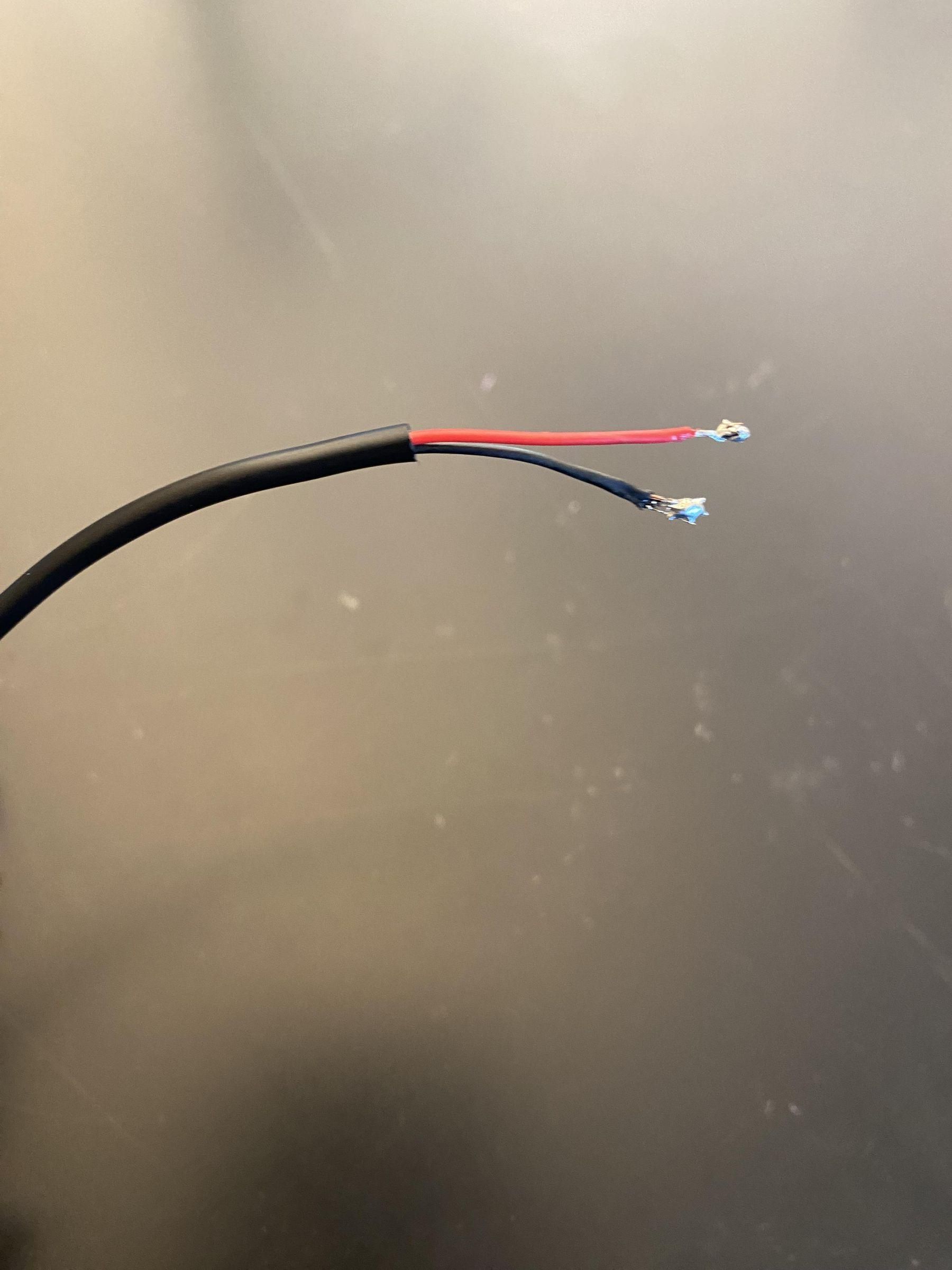
- Strip the ends of the 3.5 mm jack from both the main wire and the mini wires inside it. Solder each mini wire to each jumper cable.
- Move the heat-shrink tubes so they cover the soldered parts of the wires.
- Use the heat gun to shrink the tubes onto the wires.
- You will have to do this four times in total because there will be four buttons.
*Warning: It will take about a minute or two for the heat-shrink tubes to cool down. Be careful when handling the soldering iron and heat shrinking!
Hot Glue Buttons and Wires


*Note: These pictures were taken after I completed the final product.
- Hot glue the side of the button that is on top of the hole.
- The grooves are where the wires go to make the switch lie flat on the ground. Add a blob of hot glue to both of the wires together to make them stay secure. (shown in the 2nd picture).
- Do this four times (four buttons).
Rubber Bands & Foam Board


- Cut both rubber bands in half. This is so it is easier to slide them through the holes of the ball.
- Slide each of the rubber bands through the ball. You can use scissors to help push them through. Make sure you do so diagonally from each other, so the bands are not coming out of the hole that is next to the one you put the first rubber band in.
- Tie the band back together after each end is through the holes.
- Hook each band onto each of the four holes.
- Cut 8 small rectangles out of a foam board (approximately the same size).
- Hot glue 4 foam board pieces onto each of the hooks. For extra security, make sure the hot glue covers the rubber bands. Hold the bands until the glue dries on them.
- Hot glue the other 4 pieces onto the ball. Each one should be between two holes (shown in the third picture).
Test
- Plug each of the 3.5 mm jacks into the desired Xbox Adaptive Controller plugs (you can look up which ones fit up, down, left, and right).
- Test the product to see if it works correctly by loading up a video game such as the Chrome T-rex game or Geometry.
- There should only be slight movement needed to press each button, like this. Check to see if all buttons register/make an output. If it does, you're all set!
- If it doesn't, check your wiring on all slides, starting from the button. Make sure they are all fastened.
Have fun!