Obstacle Avoiding and Dht22 Robot Project
by devkrishnavhora in Circuits > Arduino
20 Views, 0 Favorites, 0 Comments
Obstacle Avoiding and Dht22 Robot Project
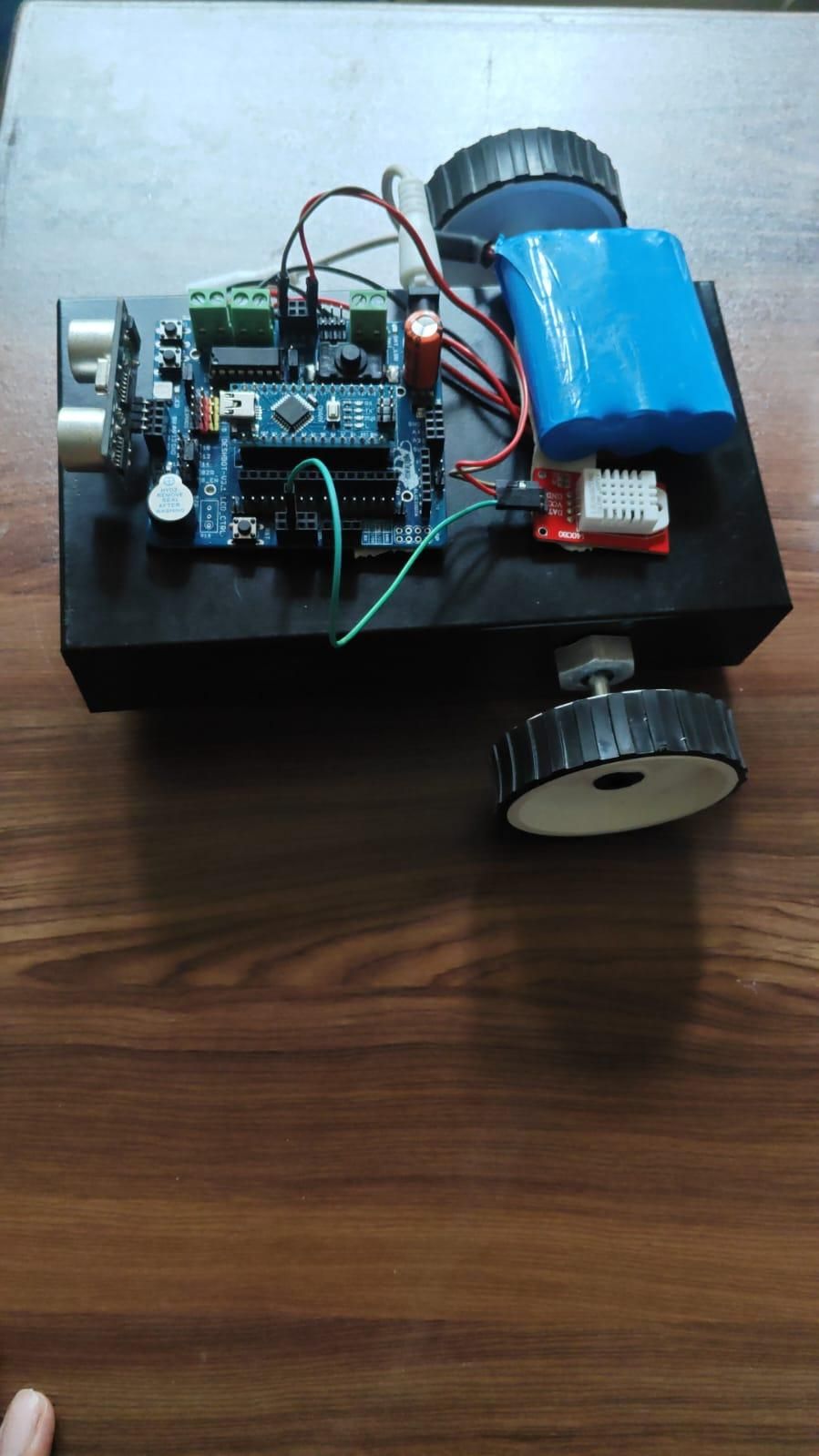
This project is making by using Deshbot shiel it is a Arduino Nano based obstacle avoiding robot. The robot uses an ultrasonic sensor to detect objects in front of it and automatically changes its direction to avoid a collision. Two DC geared motors are used to move the robot forward and turn it left when an obstacle is detected.
The robot is controlled using the DESHBOT motor shield, which makes it easier to connect the Arduino Nano and motors. A DHT22 temperature and humidity sensor can also be connected to monitor environmental temperature and humidity.
Supplies
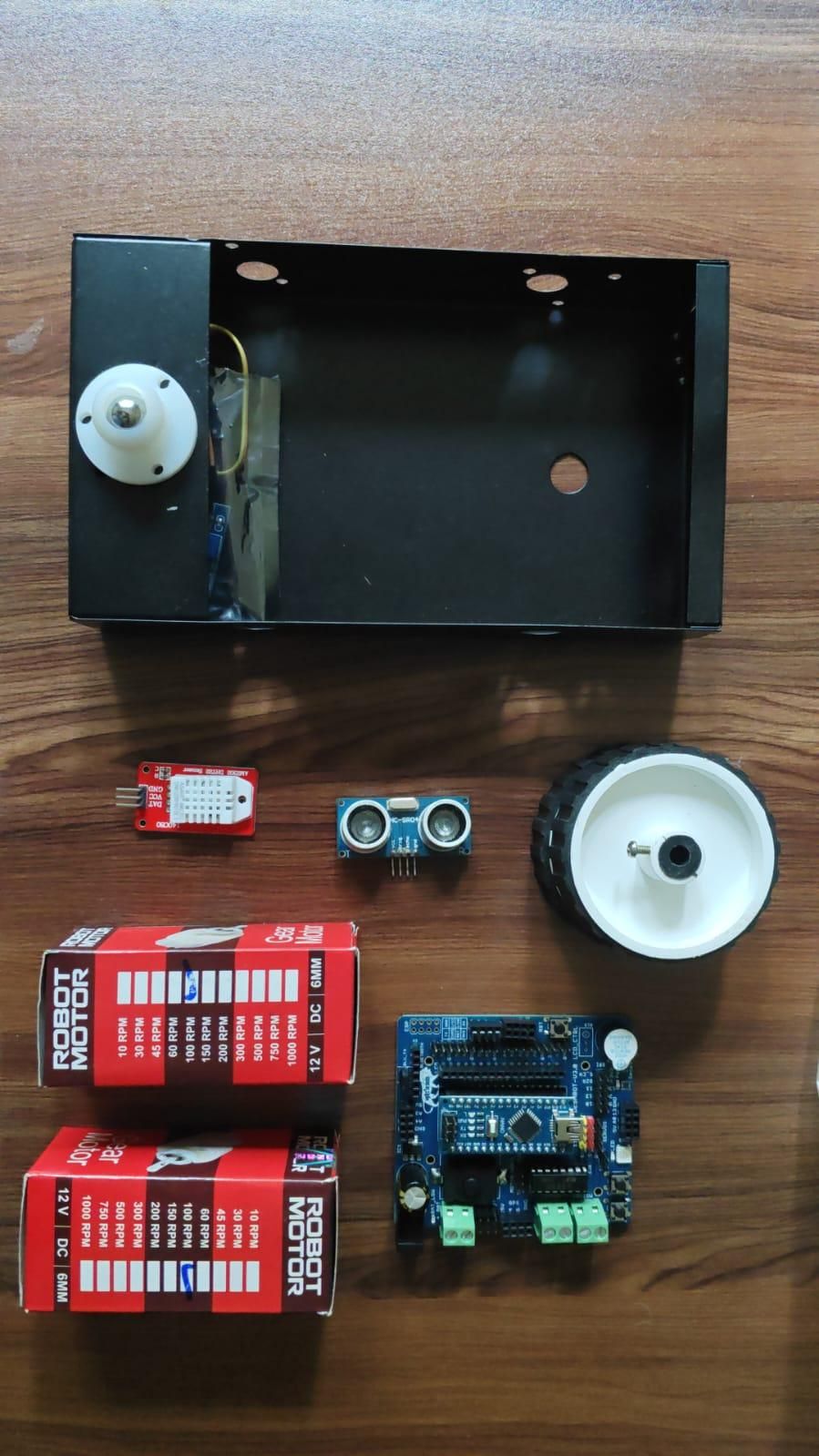
Components Required
- Arduino Nano
- DESHBOT Shield / Motor Driver Shield
- 2 × BO Motors
- 2 × Robot Wheels
- Ultrasonic Sensor
- DHT22 Sensor
- Robot Chassis
- Battery and Battery Holder
- Connecting Wires
Connect the DESHBOT Shield
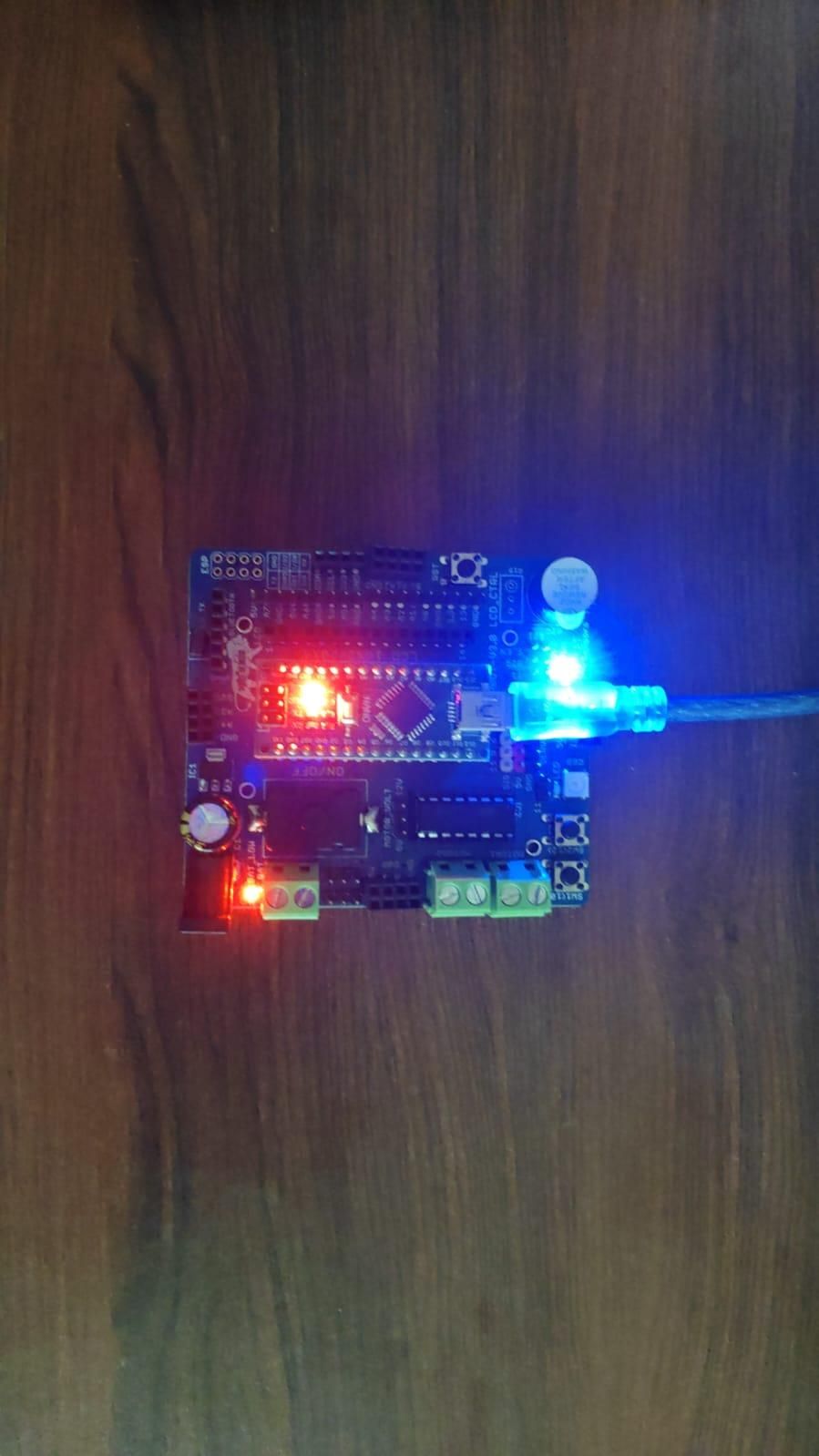
Step 1: Connect the DESHBOT Shield
First, place the DESHBOT Shield properly on the Arduino Nano. Make sure all the Nano pins are correctly aligned with the corresponding headers on the shield. The shield will be used as the main connection board for the robot, making it easier to connect the motors, sensors, power supply, and other components.
Before powering the robot, carefully check the labels printed on the DESHBOT Shield and make sure there are no loose or incorrectly connected wires.
Connect the Ultrasonic Sensor
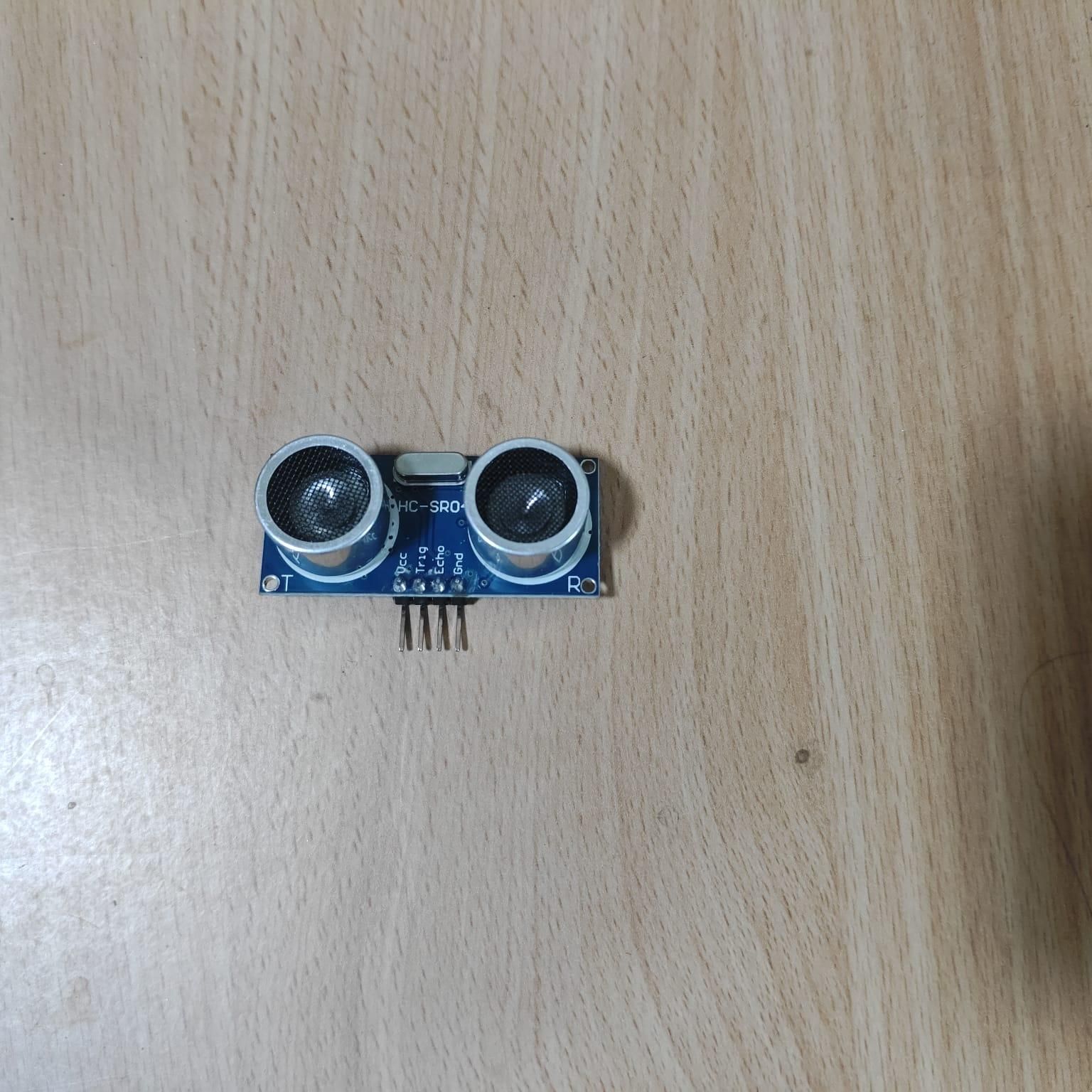
The ultrasonic sensor is used to detect objects in front of the robot.
Connect the sensor as follows:
Ultrasonic SensorArduino Nano
TRIG - A0
ECHO - D13
VCC - 5V
GND - GND
The Arduino sends a signal through the TRIG pin and measures the returning echo through the ECHO pin. The code calculates the distance between the robot and the object in centimeters.
Connect the DHT22 Sensor
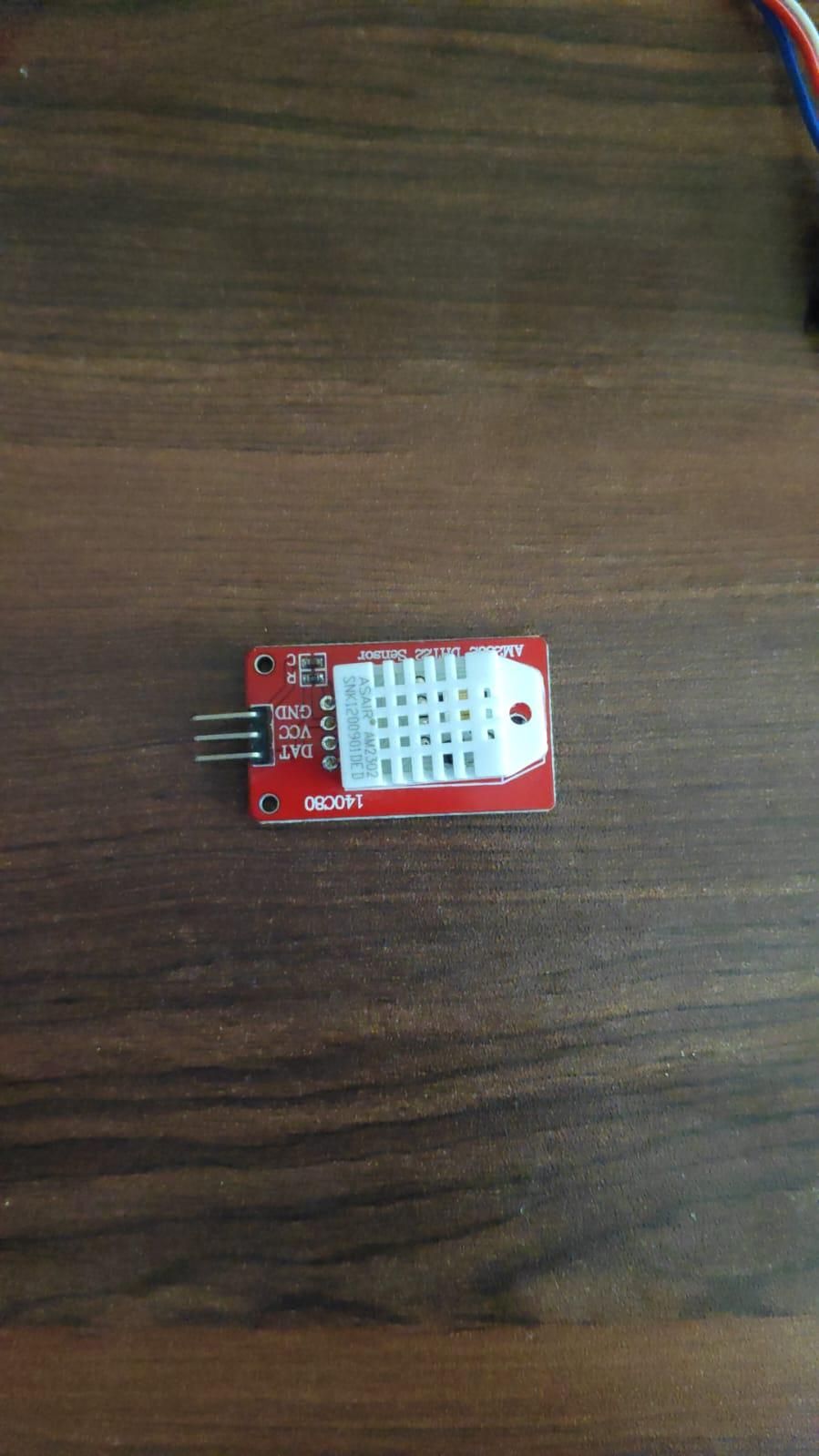
The DHT22 sensor measures the temperature and humidity of the surrounding environment.
Connect the DHT22 sensor as follows:
DHT22 PinArduino Nano
DATA - A1
VCC - 5V
GND - GND
In the code, the DHT22 is defined using:
The sensor continuously provides temperature readings in degrees Celsius and humidity readings as a percentage.
MOTOR DETAILS
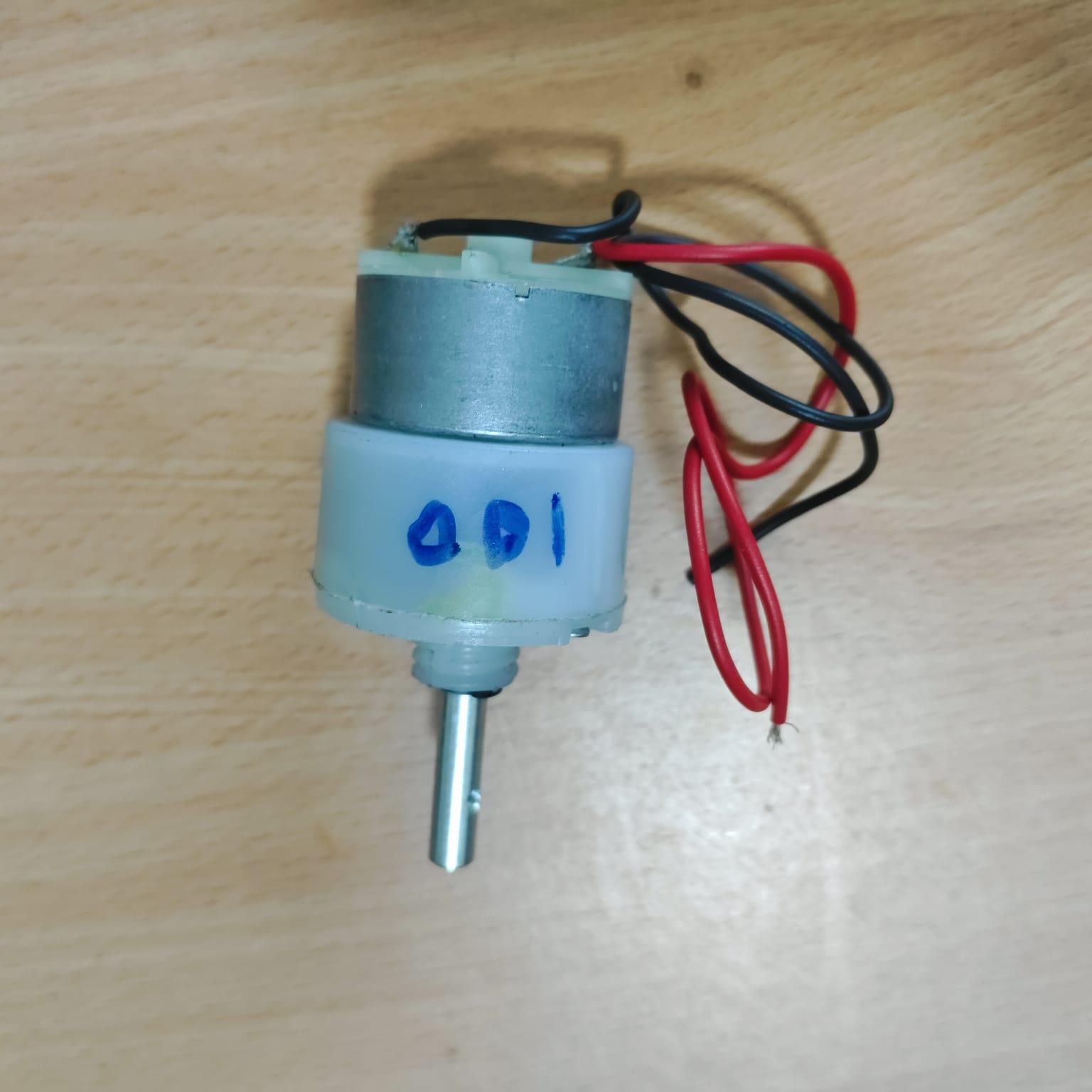
The robot uses two DC motors for movement. The motors are controlled through the motor driver or robot shield.
Motor 1
Motor Control PinArduino Nano
M1A - D9
M1B - D8
Motor 2
Motor Control PinArduino Nano
M2A - D7
M2B - D6
The two motors work together to move the robot forward. By changing the direction of the motors, the robot can also turn left.
Upload the Code
Connect the Arduino Nano which connected to the Deshbot shield to your computer using a USB cable and open the Arduino IDE. Select the correct Arduino Nano board and COM port.
Before uploading, make sure the DHT sensor library is installed. Then upload the program to the Arduino Nano.
The program initializes the ultrasonic sensor, DHT22 sensor, and both motor outputs when the robot starts.
Downloads
Working of the Robot
after powering on, the robot begins checking the distance in front of it using the ultrasonic sensor.
Normal Movement
When no obstacle is detected within 25 cm, both motors move in the forward direction. This allows the robot to travel straight ahead.
Obstacle Detection
When the ultrasonic sensor detects an object at a distance of 25 cm or less, the robot performs the following actions:
- Stops both motors.
- Waits for 5 seconds.
- Turns left by moving the left motor backward and the right motor forward.
- Continues turning for approximately 500 milliseconds.
- Stops briefly after completing the turn.
- Continues moving forward and checks for another obstacle.
Temperature and Humidity Monitoring
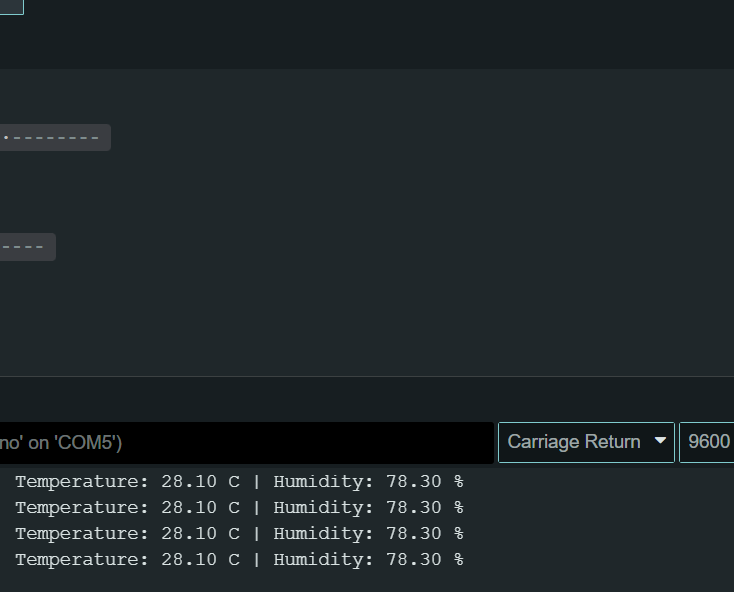
While the robot is moving, the DHT22 sensor continuously reads the environmental conditions.
The Arduino displays information similar to this in the Serial Monitor:
If the DHT22 sensor cannot be read correctly, the program displays:
This makes it easy to check whether the sensor is working properly.
Project Working Summary
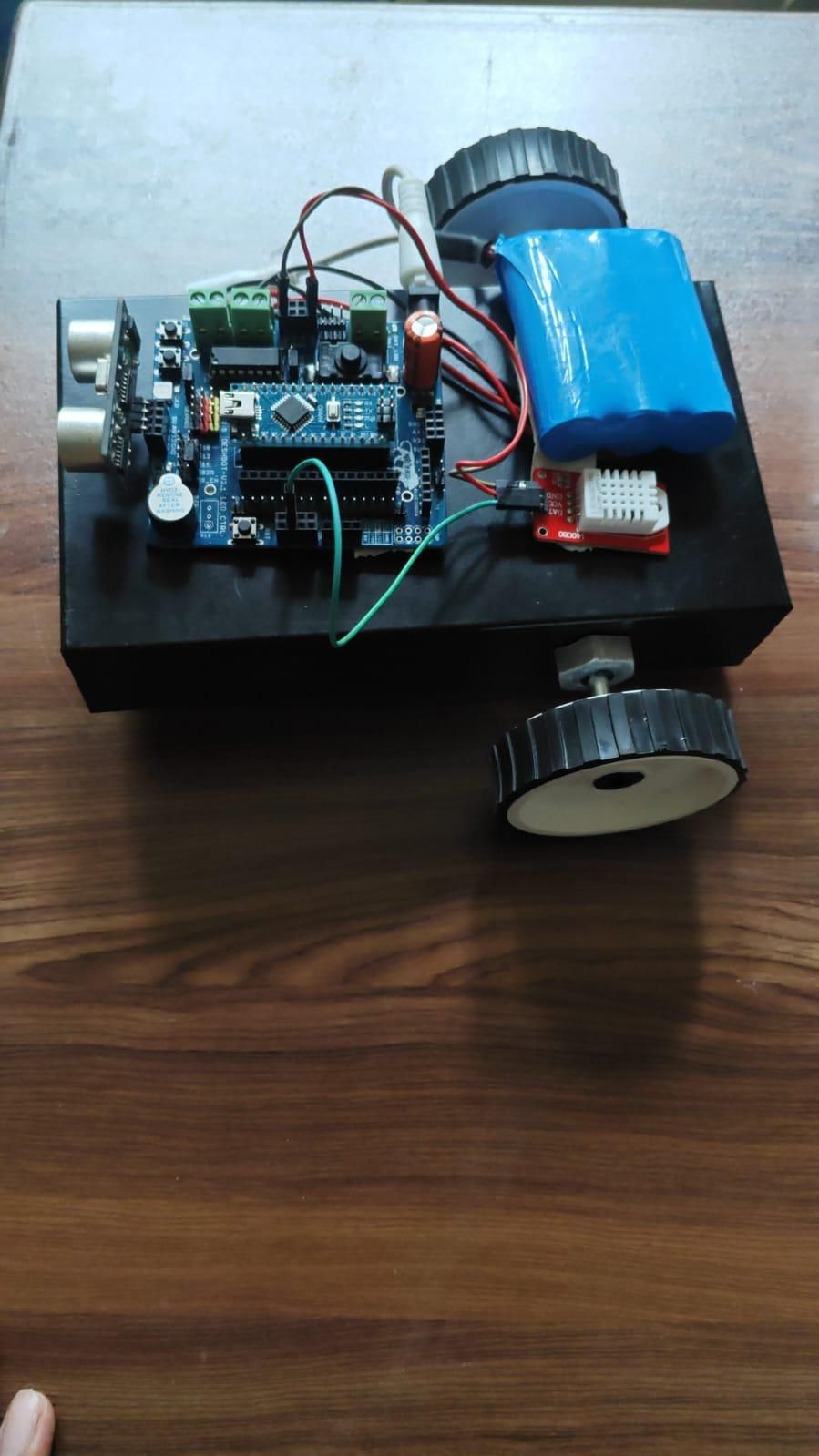
This project combines robot movement, obstacle detection, and environmental monitoring into one system. The ultrasonic sensor acts as the robot's obstacle detection system, while the DHT22 collects temperature and humidity data.
The robot moves straight when the path is clear. If it detects an obstacle closer than 25 cm, it stops, waits for 5 seconds, turns left, and then continues moving. Meanwhile, the DHT22 sensor continuously monitors the surrounding environment and sends the readings to the Serial Monitor.
This project is a useful example of combining multiple sensors and motors with an Arduino Nano to create a simple autonomous smart robot.