PCB Keychain: Giving a Geeky Second Life to Dead Electronics
2097 Views, 13 Favorites, 0 Comments
PCB Keychain: Giving a Geeky Second Life to Dead Electronics
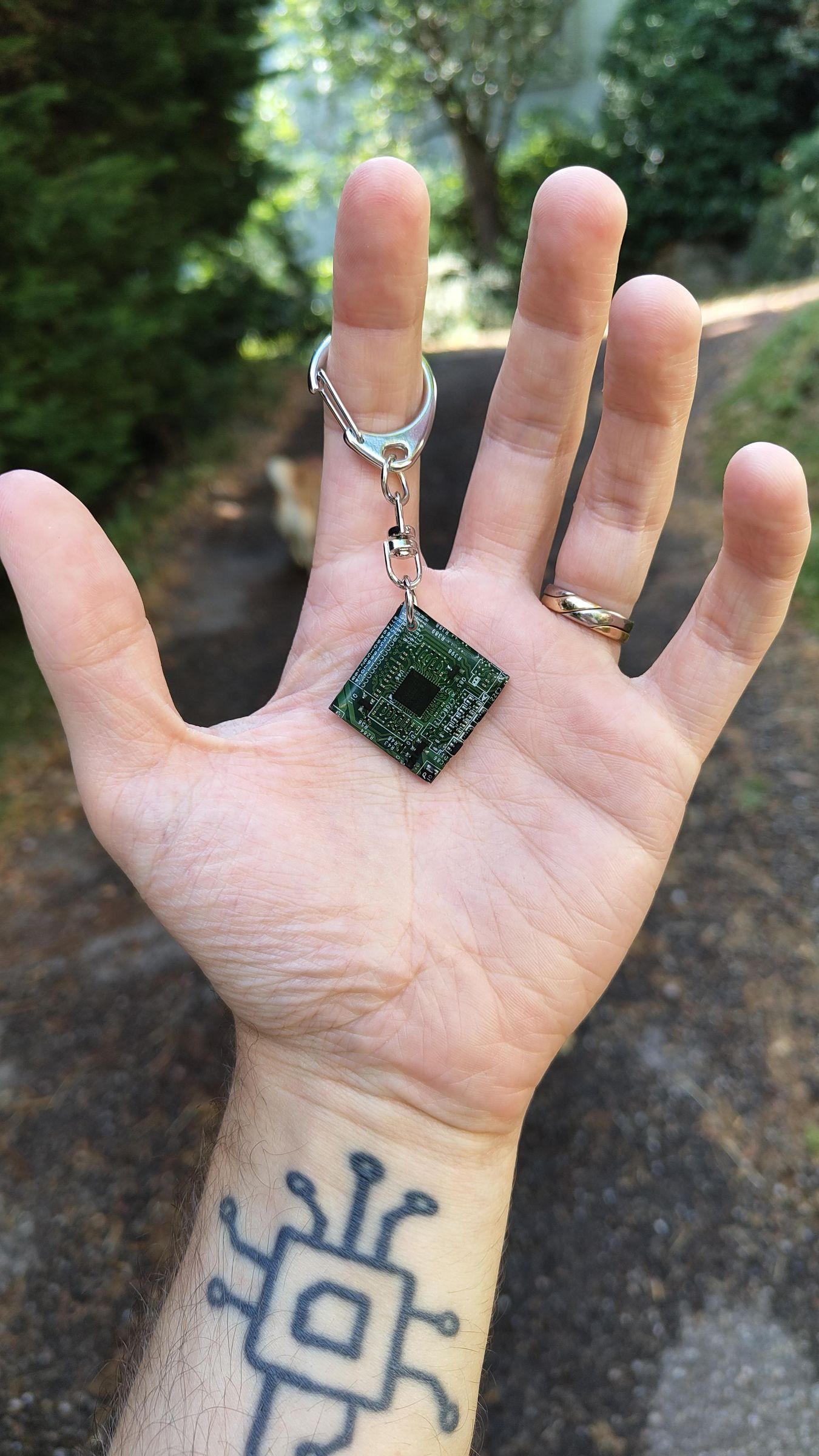
As a DIY and electronics enthusiast, I salvage a massive amount of computer hardware and obsolete devices. While most of these objects are technically dead, I remain fascinated by the design of their printed circuit boards (PCBs). The geometric lines of the copper traces, the solid blocks of color, and the surface-mounted micro-components are completely mesmerizing to me.
Rather than throwing away these boards with their beautiful components, I looked for a creative idea to give them a second life. The goal: transform them into useful daily objects that showcase this technological aesthetic. That is how I came up with the idea of making unique keychains!
Supplies
* Raw materials: Old electronic devices to scrap (motherboards, hard drives...).
* Cutting & Shaping: Rotary tool like a Dremel (with a metal cutting disc and a sanding drum).
* Protection (Crucial): Safety glasses, nitrile gloves, and a respiratory protection mask (FFP2 type).
* Coating: Clear glazing epoxy resin (parts A and B), mixing cups, and wooden stir sticks. (Here's the one I used https://www.amazon.fr/Transparente-Polyvalente-performance-artistiques-rev%C3%AAtement/dp/B07F6S3ZXT)
* Drilling: Drill (ideally a drill press) and a small diameter metal drill bit (2mm or 3mm).
* Hardware: Split rings for keychains and small jewelry or lineman's pliers.
* Supports: Cork stoppers to use as raised stands for drying.
Salvaging the PCBs


The first step involves dismantling the collected equipment: old laptops, DVD players, multimedia hard drives, or old modems.
Once the electronic boards are stripped bare and dusted off, I search for the most graphic areas. I hunt for dense alignments of traces, chips with a beautiful matte black finish, or areas rich in small, colorful components. Once the sections are spotted, I outline them directly on the board using an indelible marker, anticipating the final shape of the keychain (rectangle, square, bevel).
Cutting and Sanding: Shaping the Material
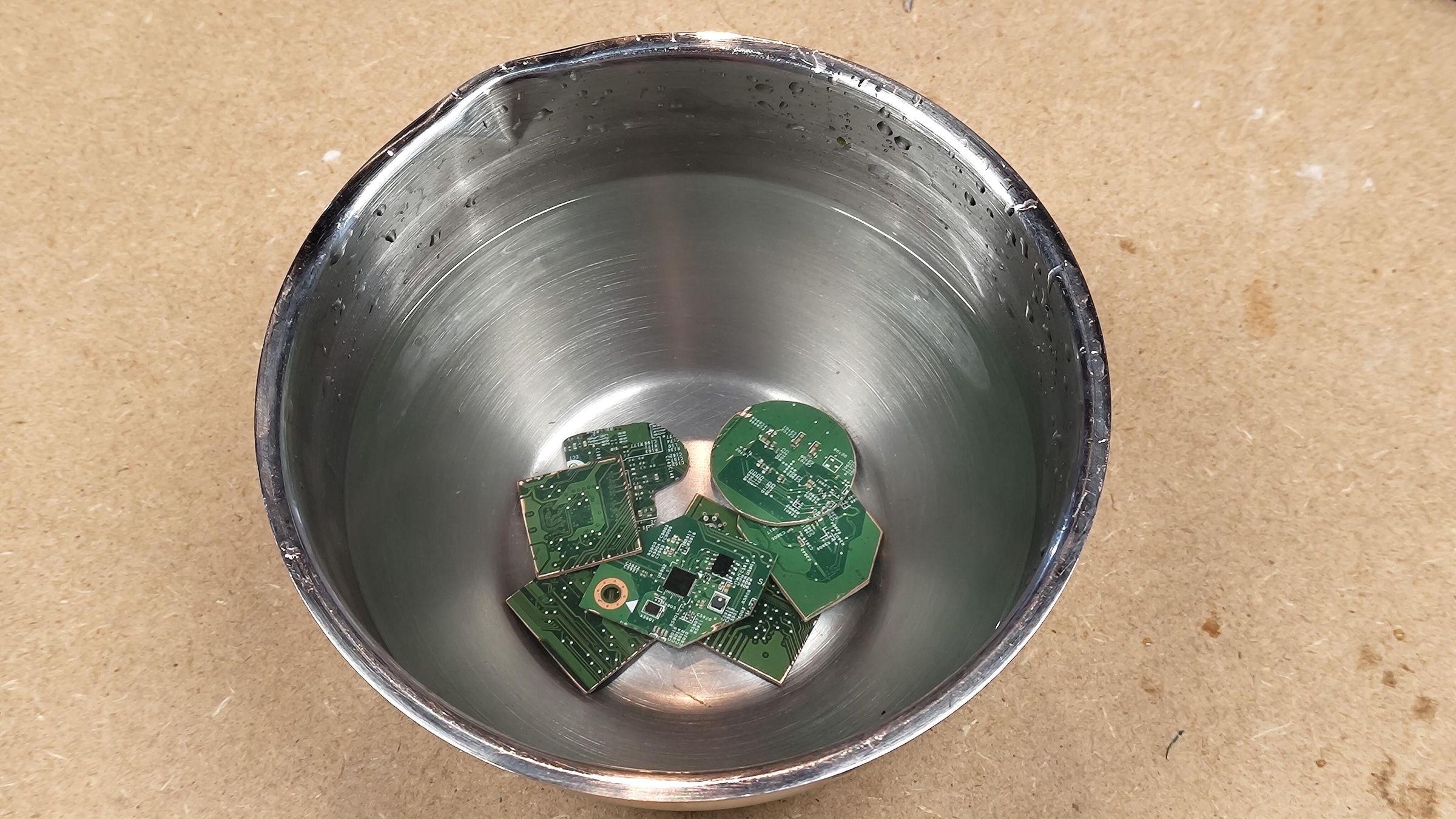
Using my Dremel equipped with a cutting disc, I start by roughly cutting out the pieces marked with the felt pen.
⚠️ Important Safety Note: PCBs are generally made of fiberglass and resin (FR-4). During cutting and sanding, they release a fine dust that is highly irritating to the eyes and harmful to the lungs. Wearing safety glasses and an FFP2 mask is absolutely vital during this phase, which is ideally done outdoors or in a well-ventilated workshop.
Once I have my raw pieces (in various sizes and shapes to test different looks), I move on to the shaping step. I replace the Dremel's cutting disc with a fine-grit sanding drum.
I clean up the edges to achieve the definitive shape of my future keychains. I make sure the edges and corners are perfectly sharp and square, with no copper burrs or fiberglass residue. This is a crucial detail for the success of the next step.
Finally, since cutting produces a huge amount of white dust, I submerge my pieces in a bowl of clean water to rinse them thoroughly before letting them dry completely in the open air.
Applying Resin
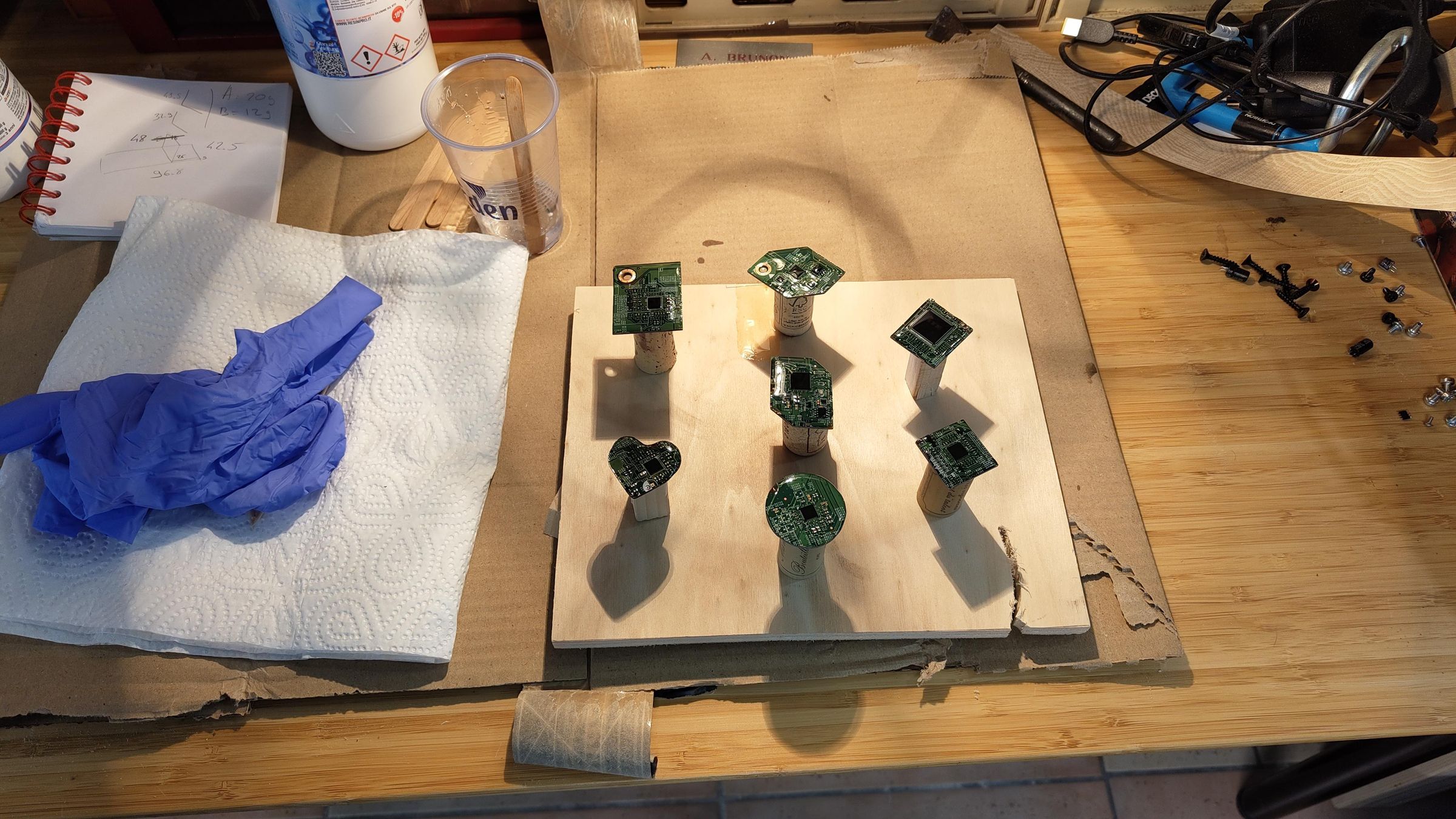
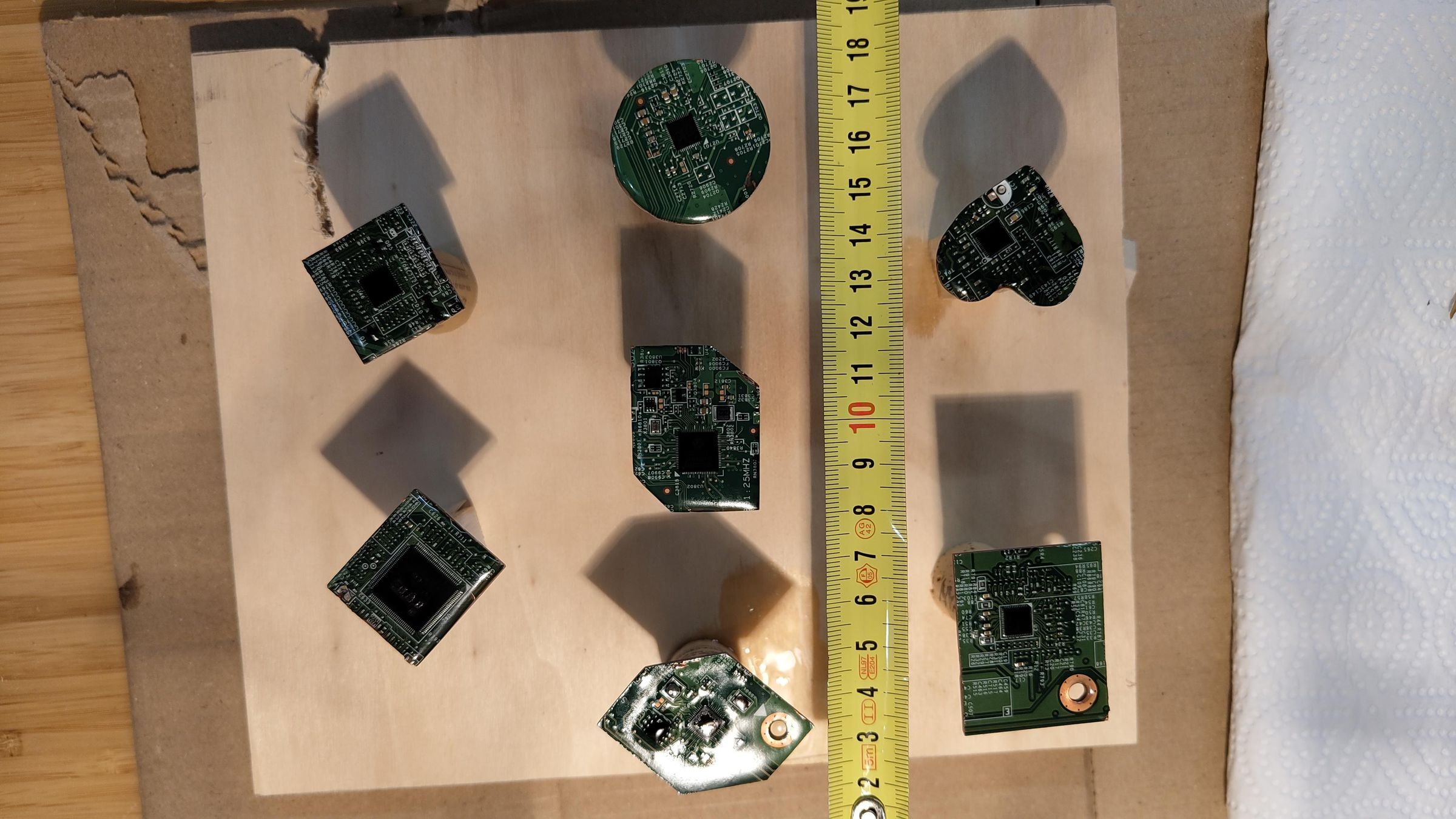
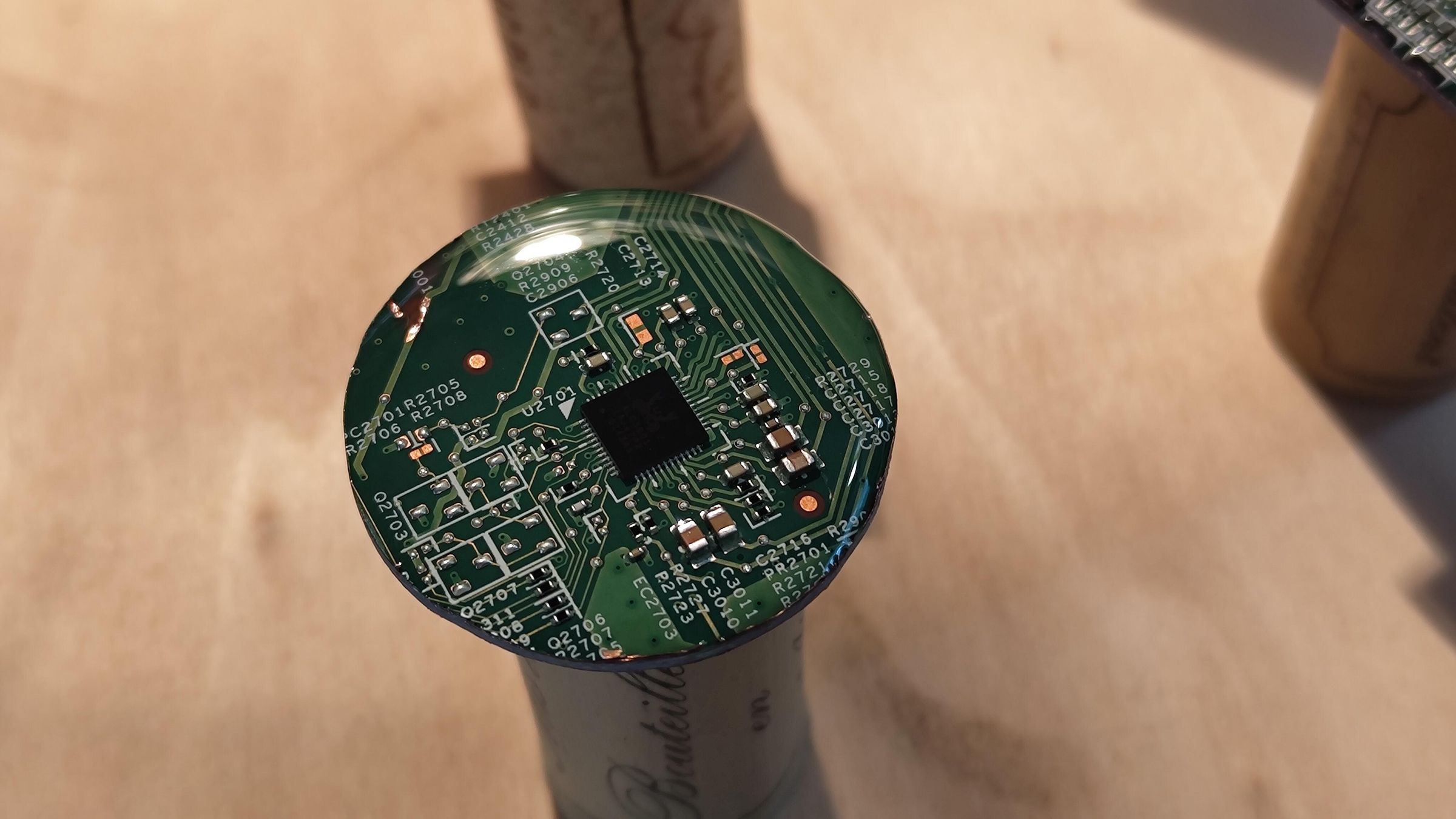
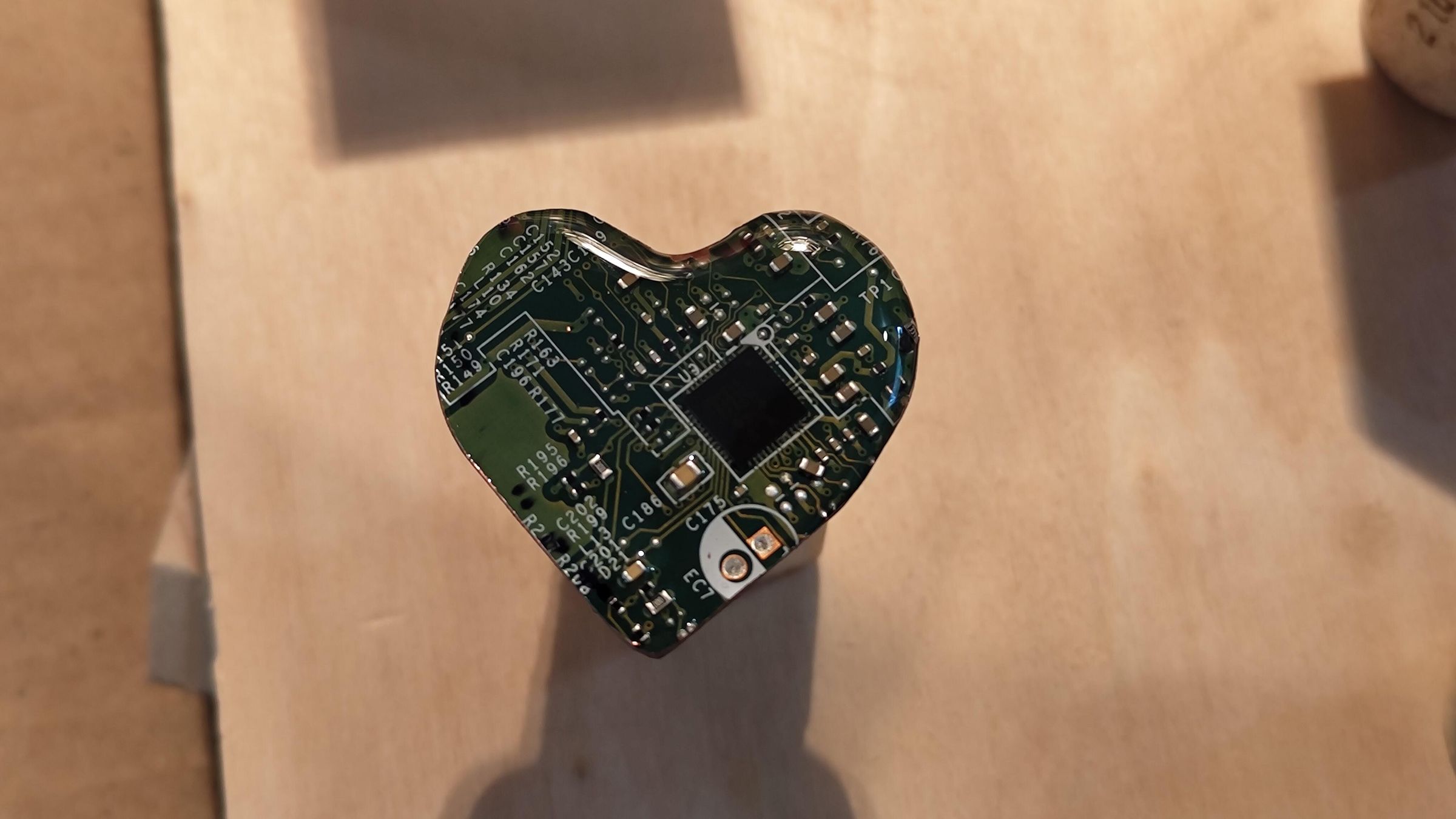
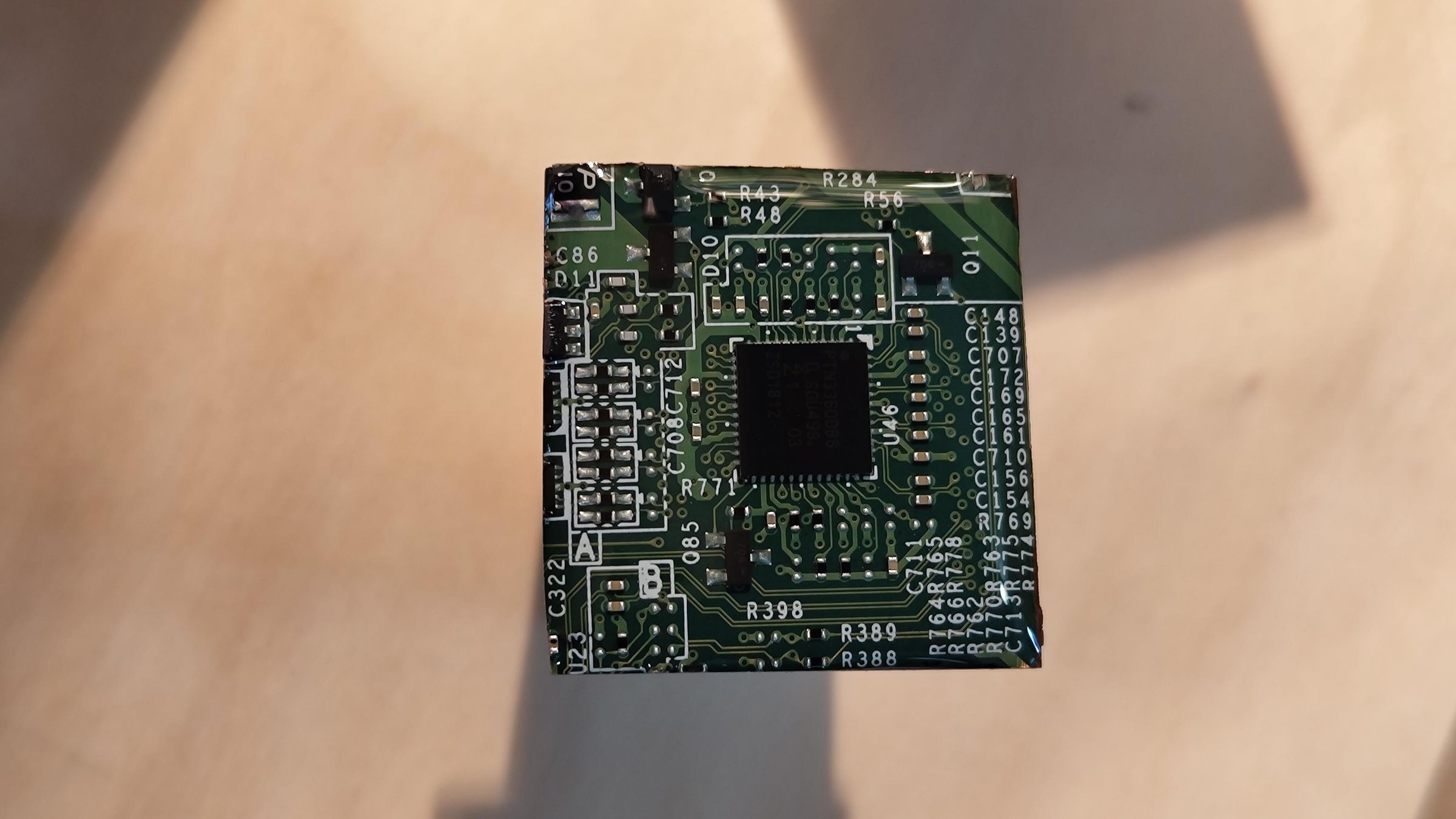

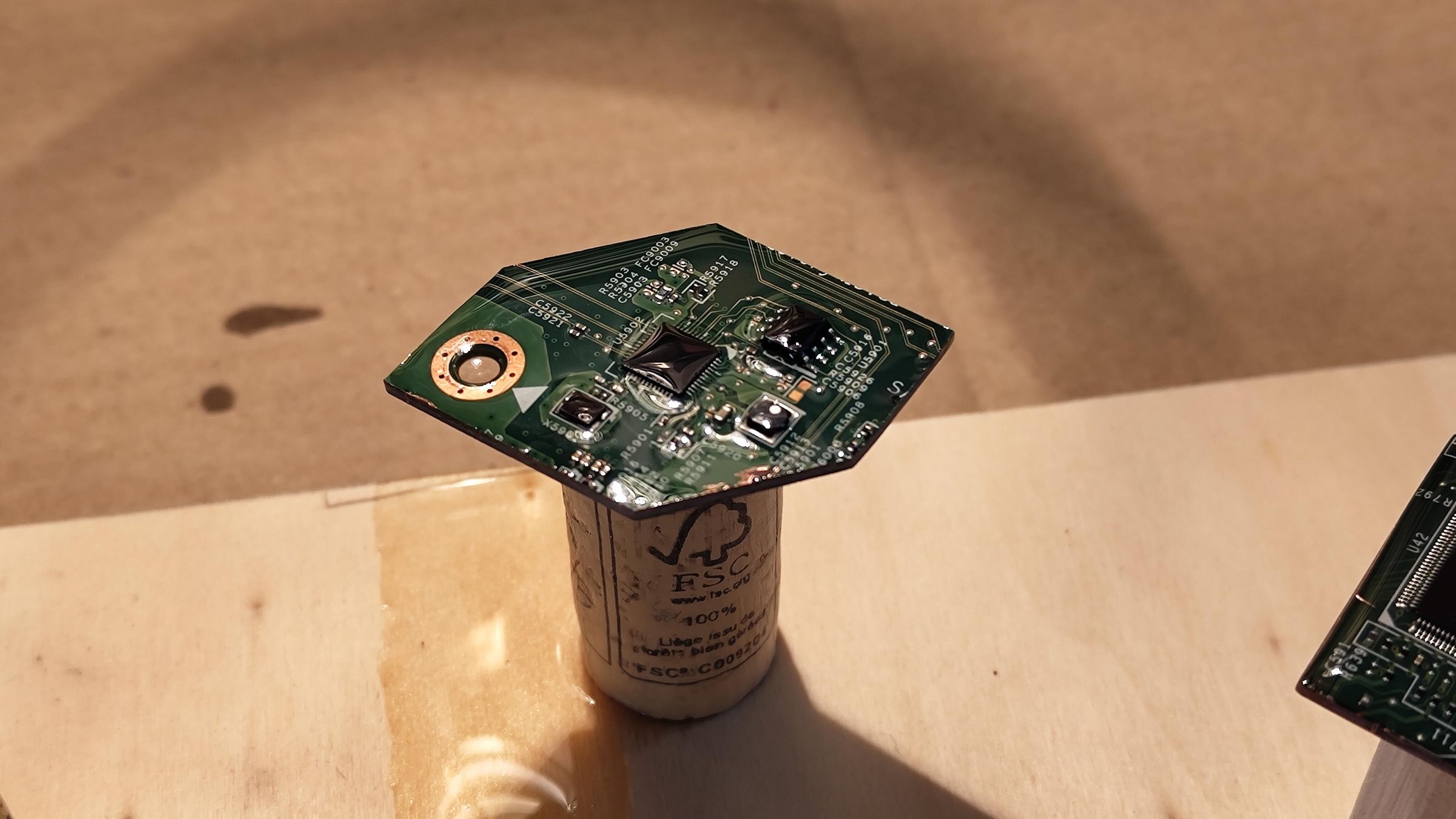
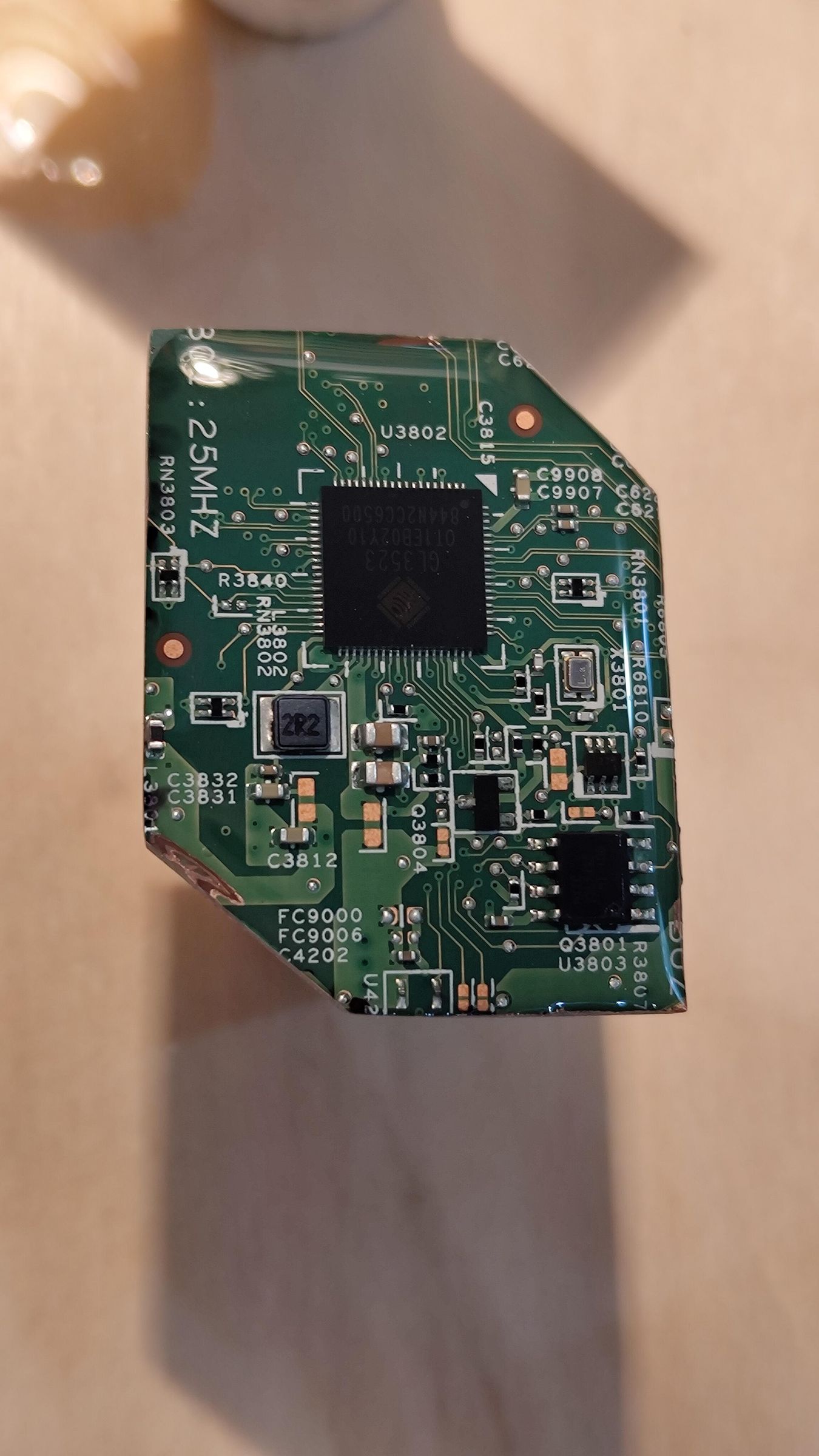
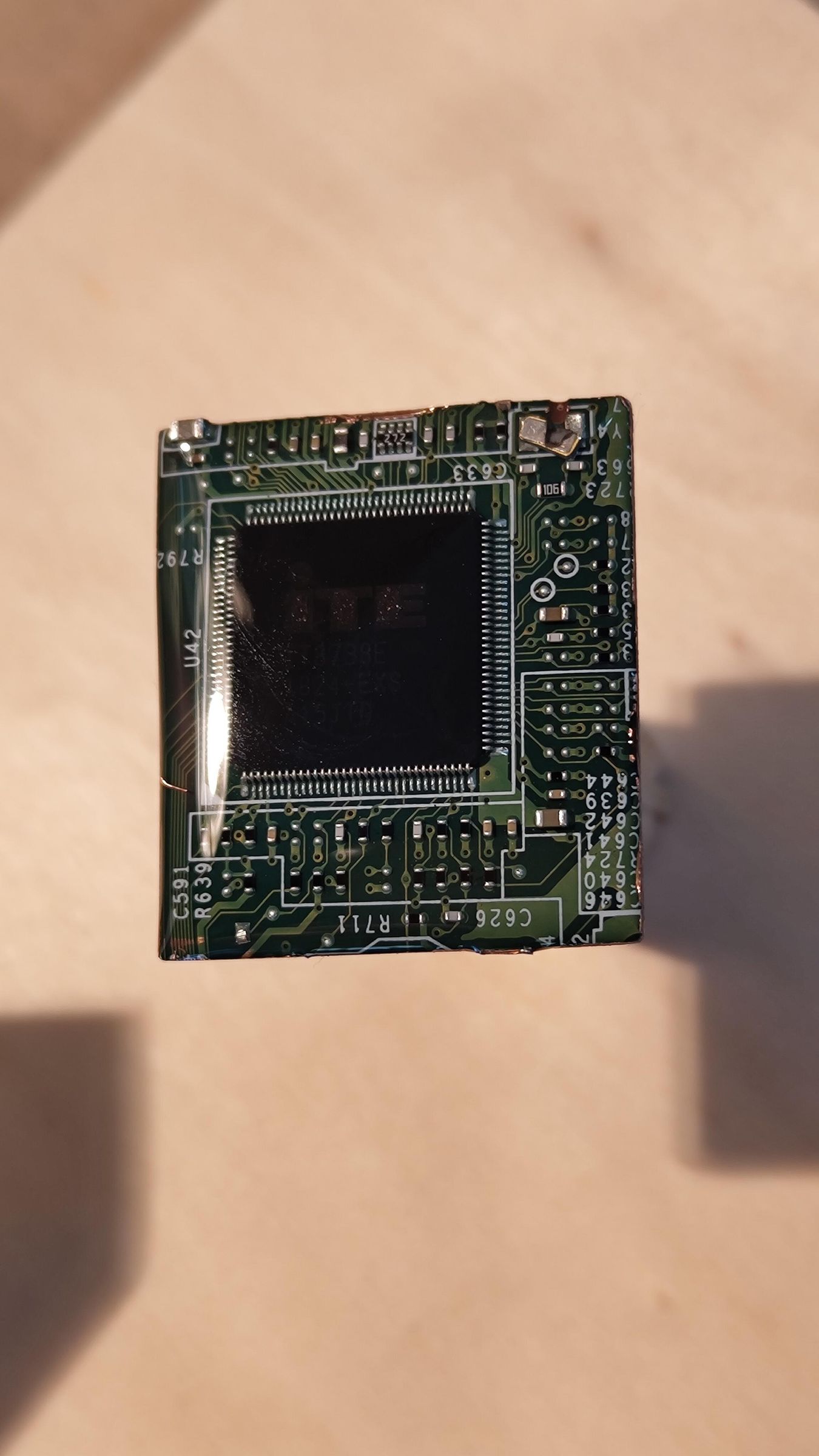
To protect the sharp components from friction and give visual depth to the PCB, I use liquid epoxy resin.
In a plastic cup, I prepare a small amount of resin by strictly following the proportions (by weight or volume depending on the manufacturer) of the polymer and the hardener. I mix it using a wooden stick very slowly and steadily for several minutes. Mixing gently is the secret to avoiding trapping micro-air bubbles. You have to be patient: a mix that is too rough or incomplete will leave sticky or cloudy areas on the surface of the piece after curing.
I then set my PCB pieces completely flat on cork stoppers. These stands elevate the piece above the work surface.
Using a wooden stick, I scoop up some resin and drop it dot by dot onto the center of the PCB. Thanks to the viscosity of the resin and the sharp edges shaped during sanding, the resin spreads on its own to the edges of the circuit without overflowing: this is the surface tension phenomenon (also known as the doming technique). This creates a clear dome that beautifully encapsulates the components.
If the tension ever breaks and the resin overflows, the stands make perfect sense: the excess drips underneath without gluing the piece to the workbench.
Finishing Touches

After a 24-hour drying cycle away from dust, the resin has perfectly cured. The result looks great: it has become hard as glass and offers a very aesthetic magnifying-glass effect over the internal components.
I then move on to drilling using a drill press. Choosing a corner clear of any massive components, I drill a small-diameter hole at a moderate speed so as not to crack the resin.
To finish, I use jewelry pliers to insert a small jump ring into the hole, from which I hang the main keychain ring. I tighten it firmly to ensure the durability of the assembly.
The final result is ultra-clean and very rewarding! I gave several to my relatives and colleagues, and the "technological upcycling" look was a unanimous hit.
Bonus


While salvaging parts from the devices, I managed to cleanly desolder two identical square chips (microprocessors), which feature magnificent gold pins on their underside.
Without adding any resin this time, I simply drilled through an upper corner to insert silver earring hooks directly. The contrast between the technicality of the silicon and the finesse of the jewelry gives a fantastic result—ideal for a look that is both geeky and chic!