Pixel Pet
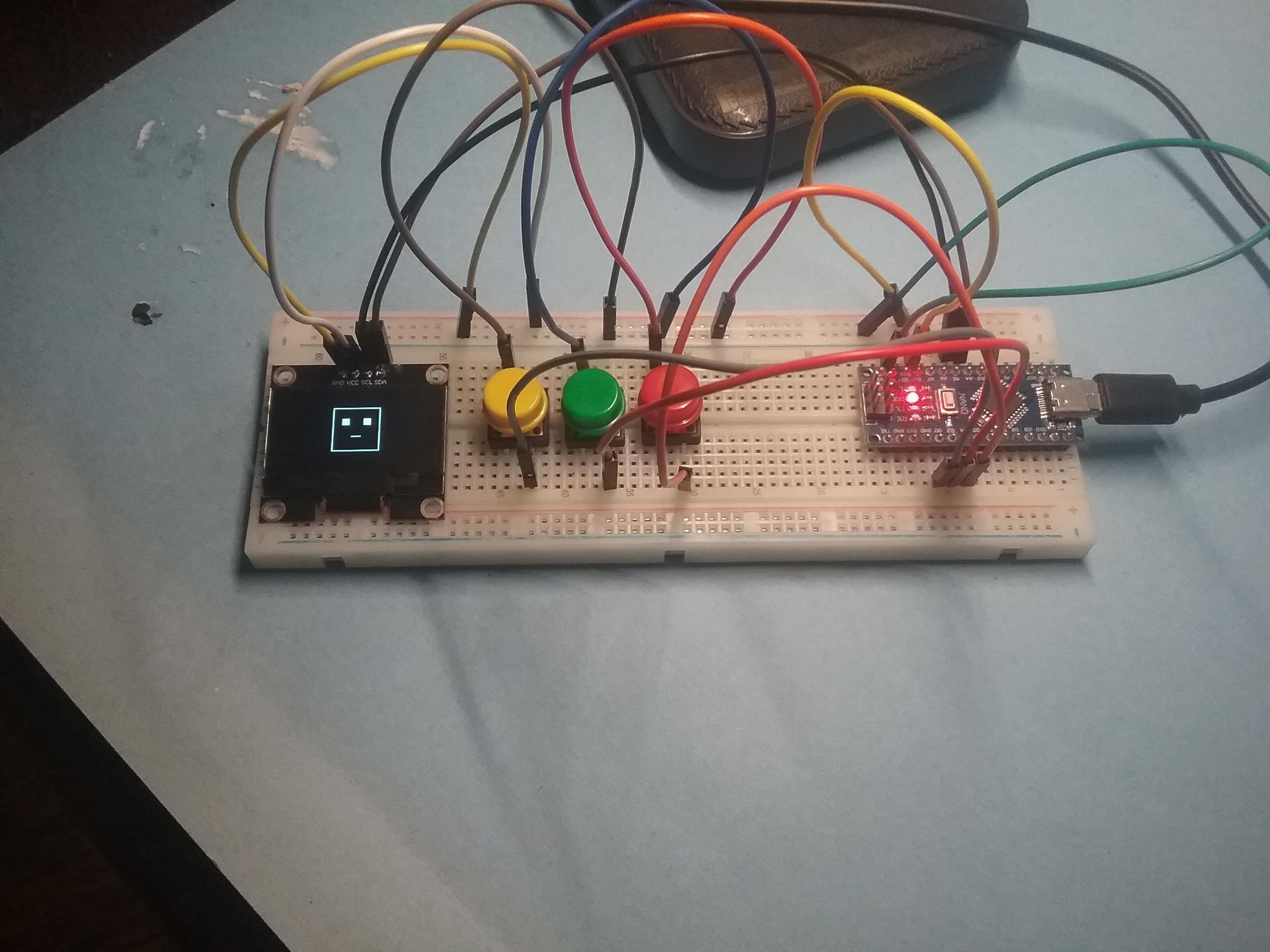
this is kinda like a tamogachi, but different. i call it: "pixel pet", and it should be very simple to make. you can feed your pet, play with your pet, check your pets stats, and find secret button combos (only two buttons at the same time). instructions on how to use it later.
Supplies
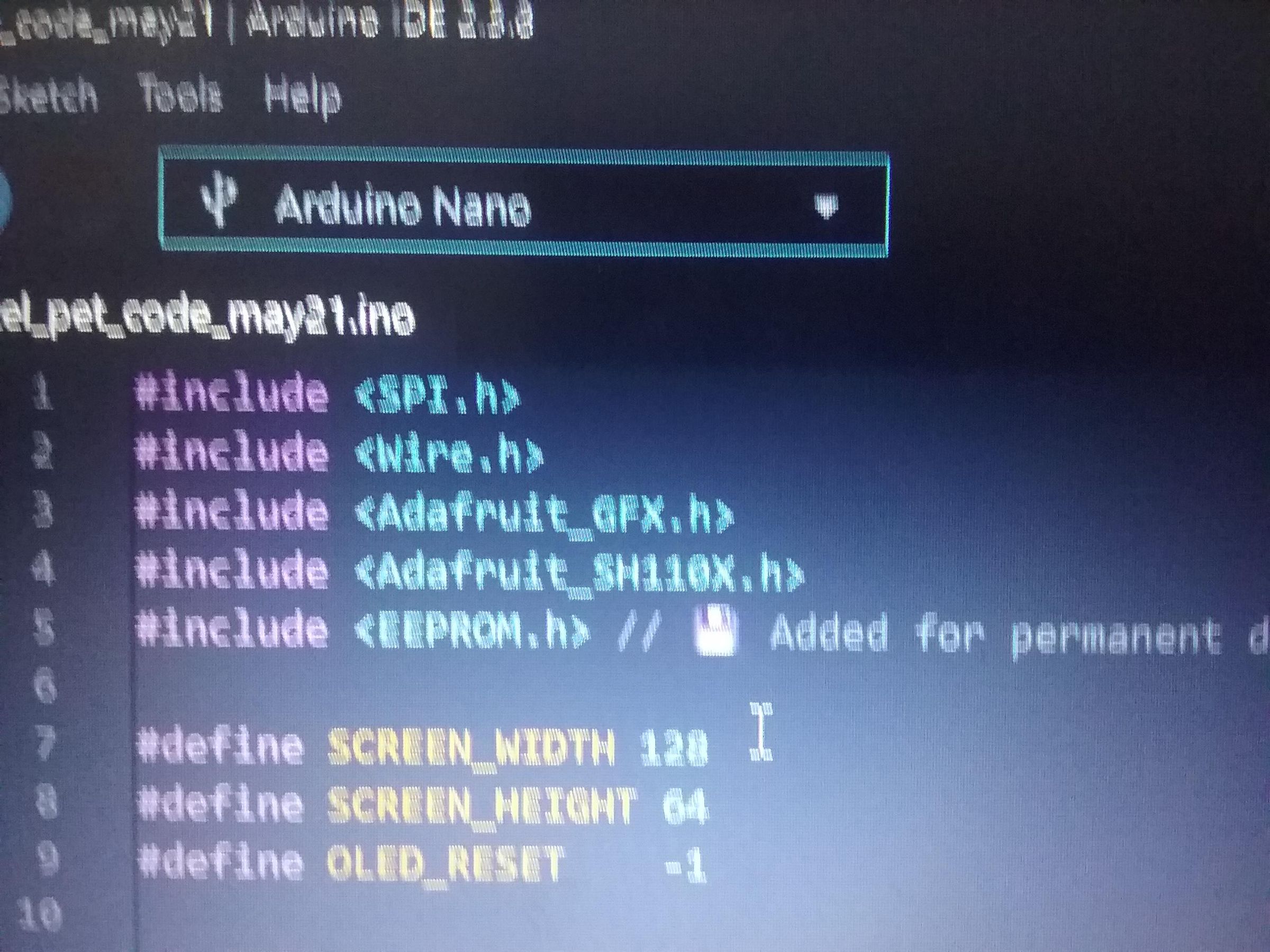
- one solderless breadboard
- a bunch of male to male jumper wires
- three push buttons
- one jmd1.3a oled display
- one arduino nano
- Adafruit GFX library
- SH110X library
Add Parts
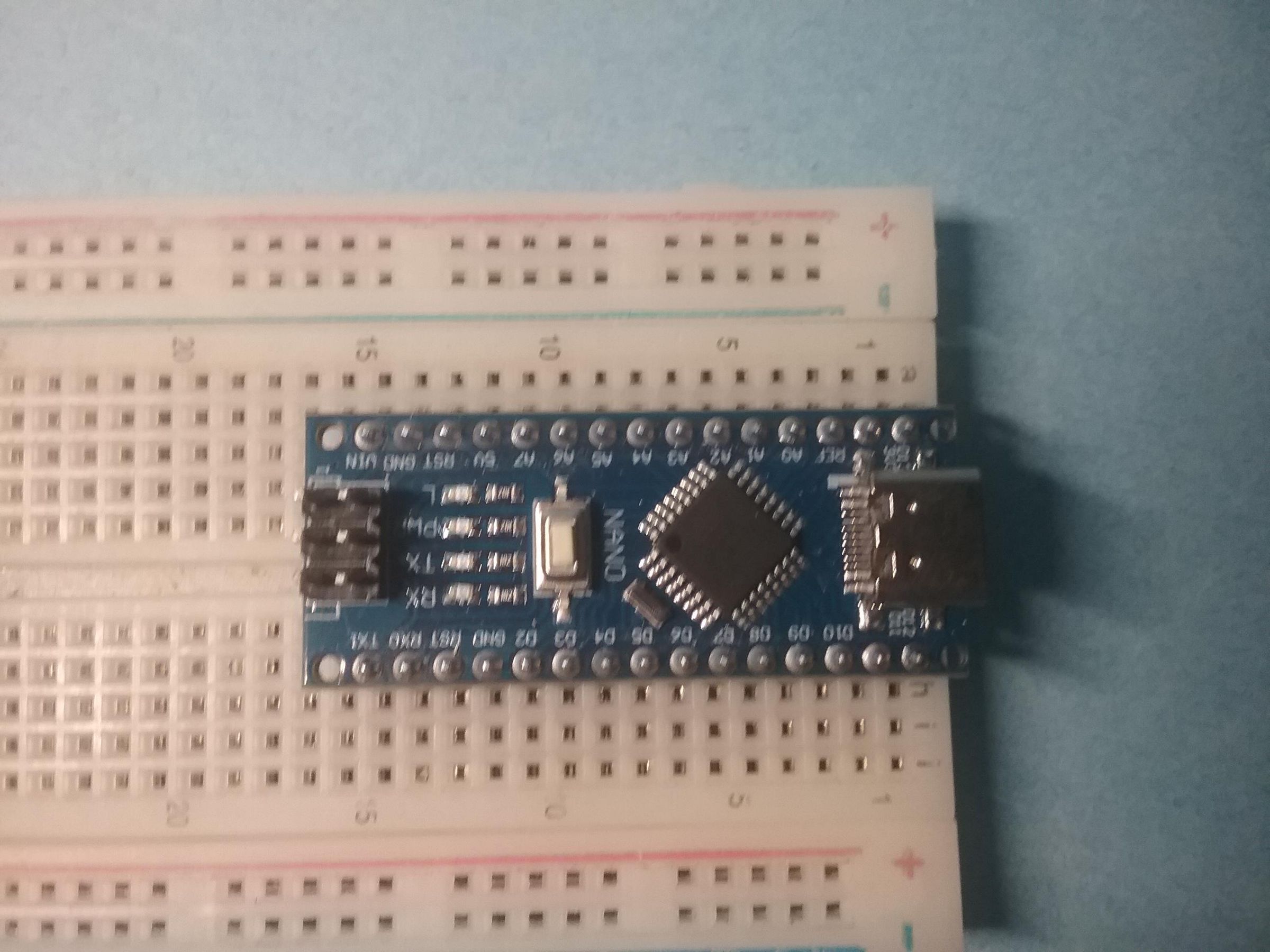
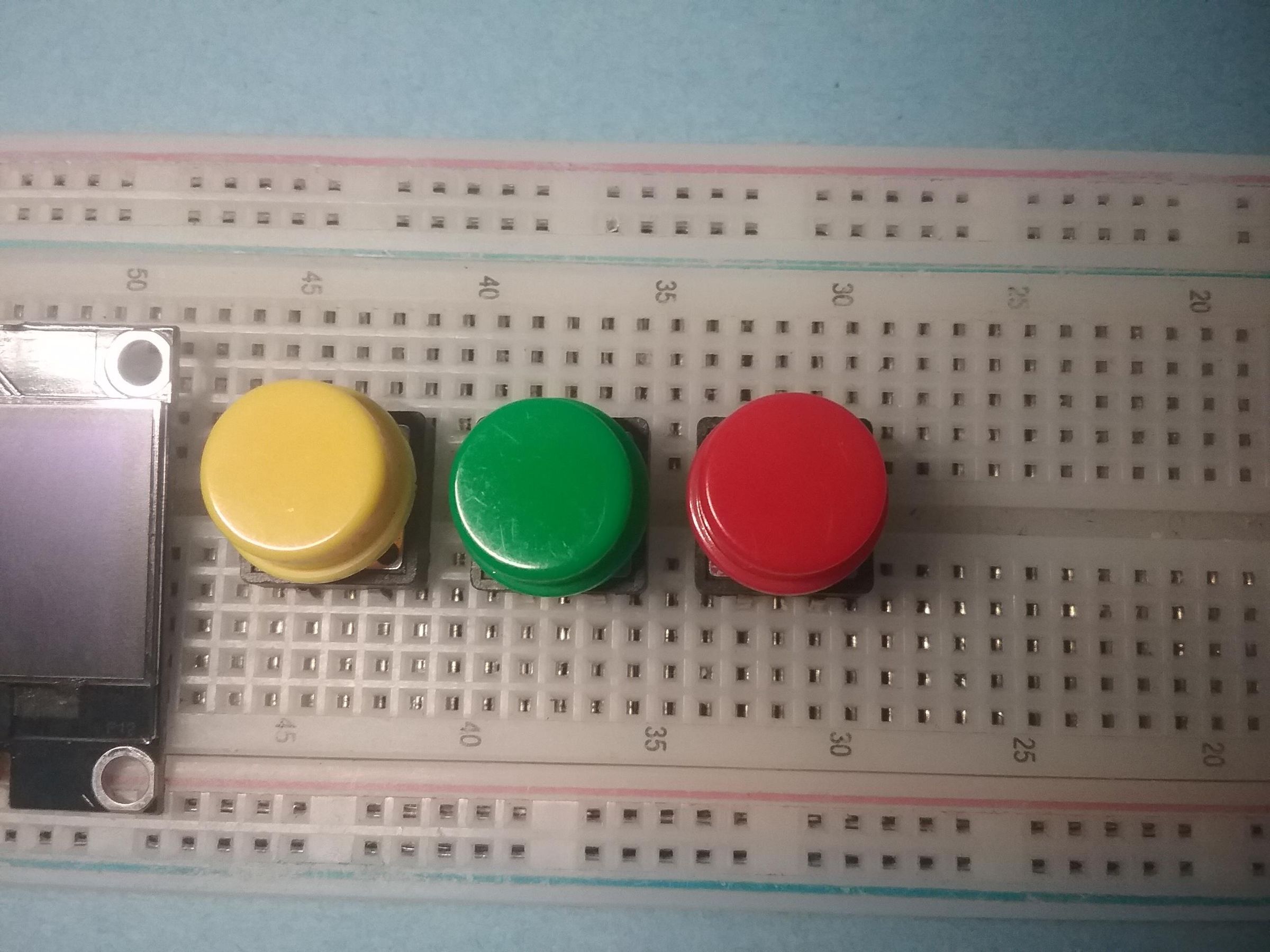
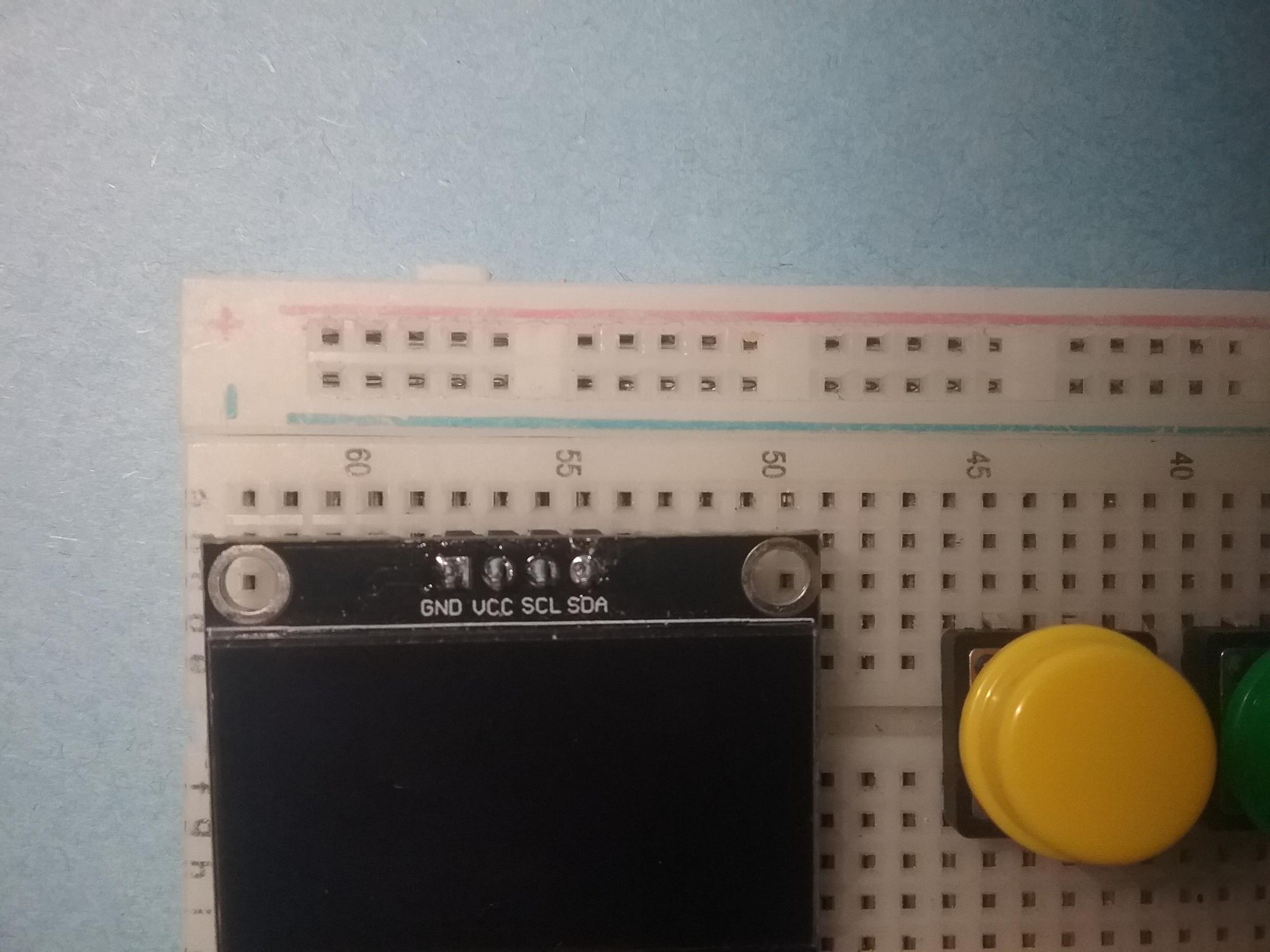
now carefully place the nano on the breadboard so the pins go into the holes, and make sure the pins have their own rows. then place your push buttons, then your oled display, just like they say in the images.
Add Power
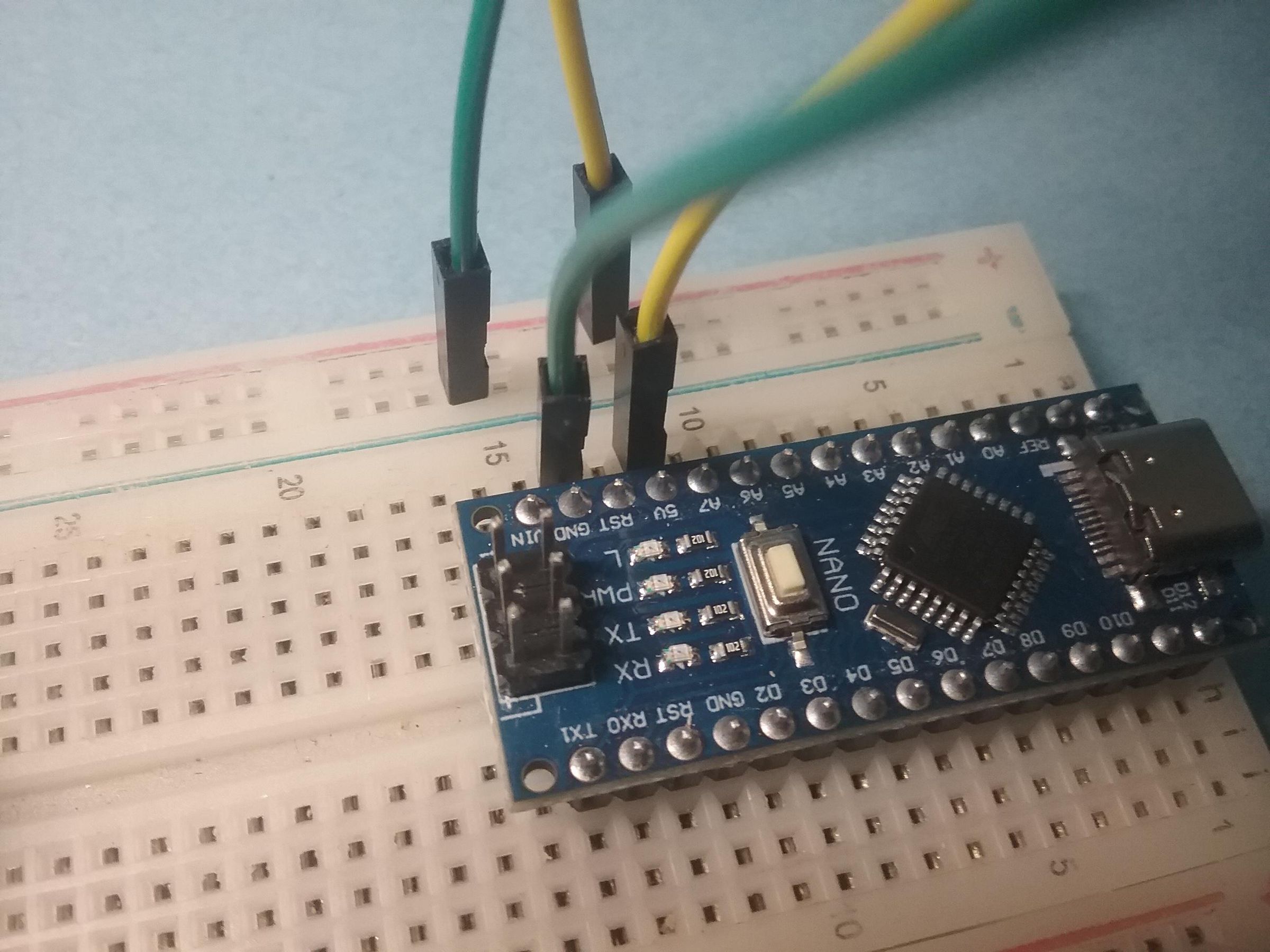
now take two jumper wires, and connect the 5V pin to the positive power rail on the breadboard, then do the same for GND.
Add Power to Buttons and Oled
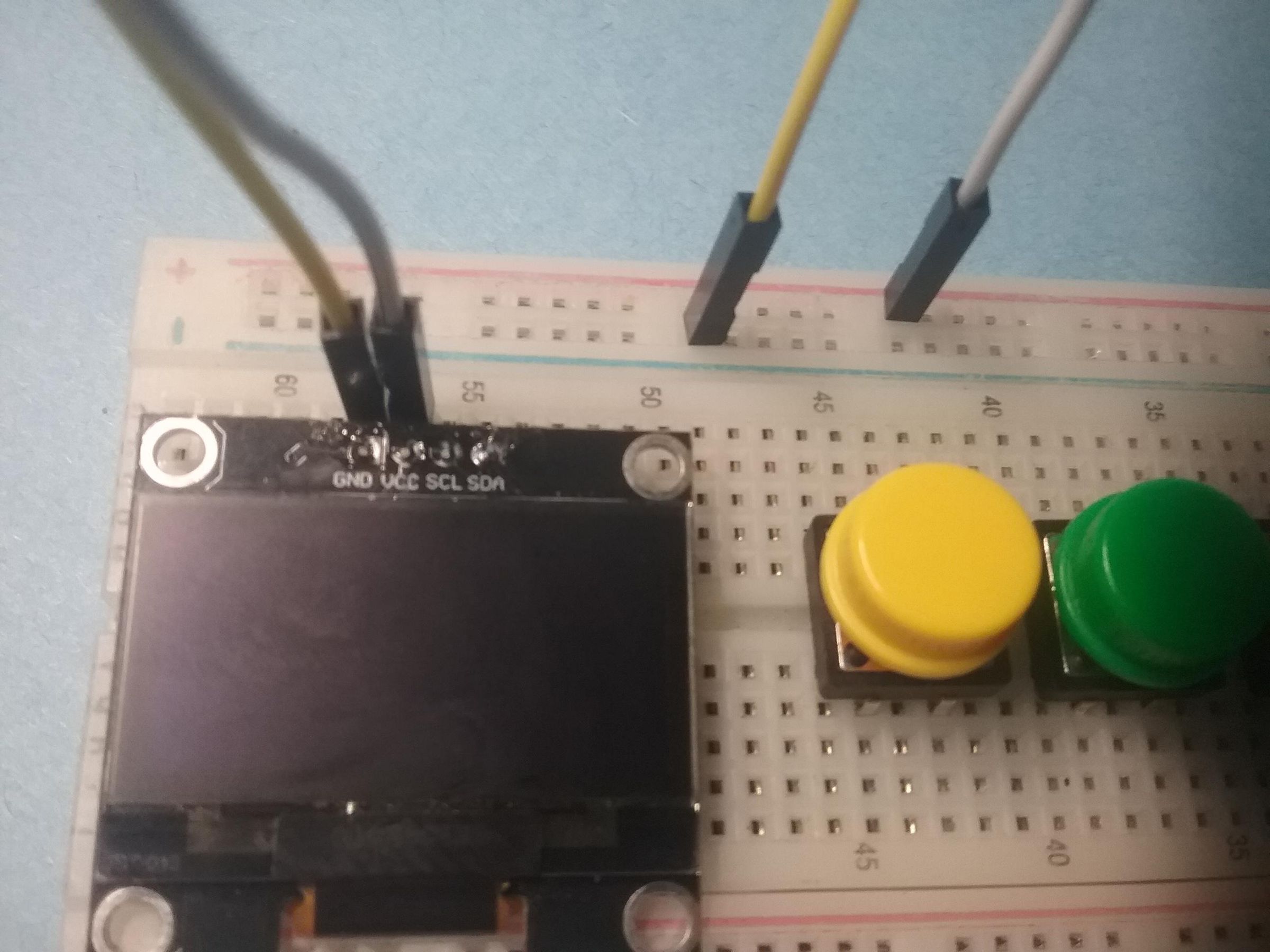
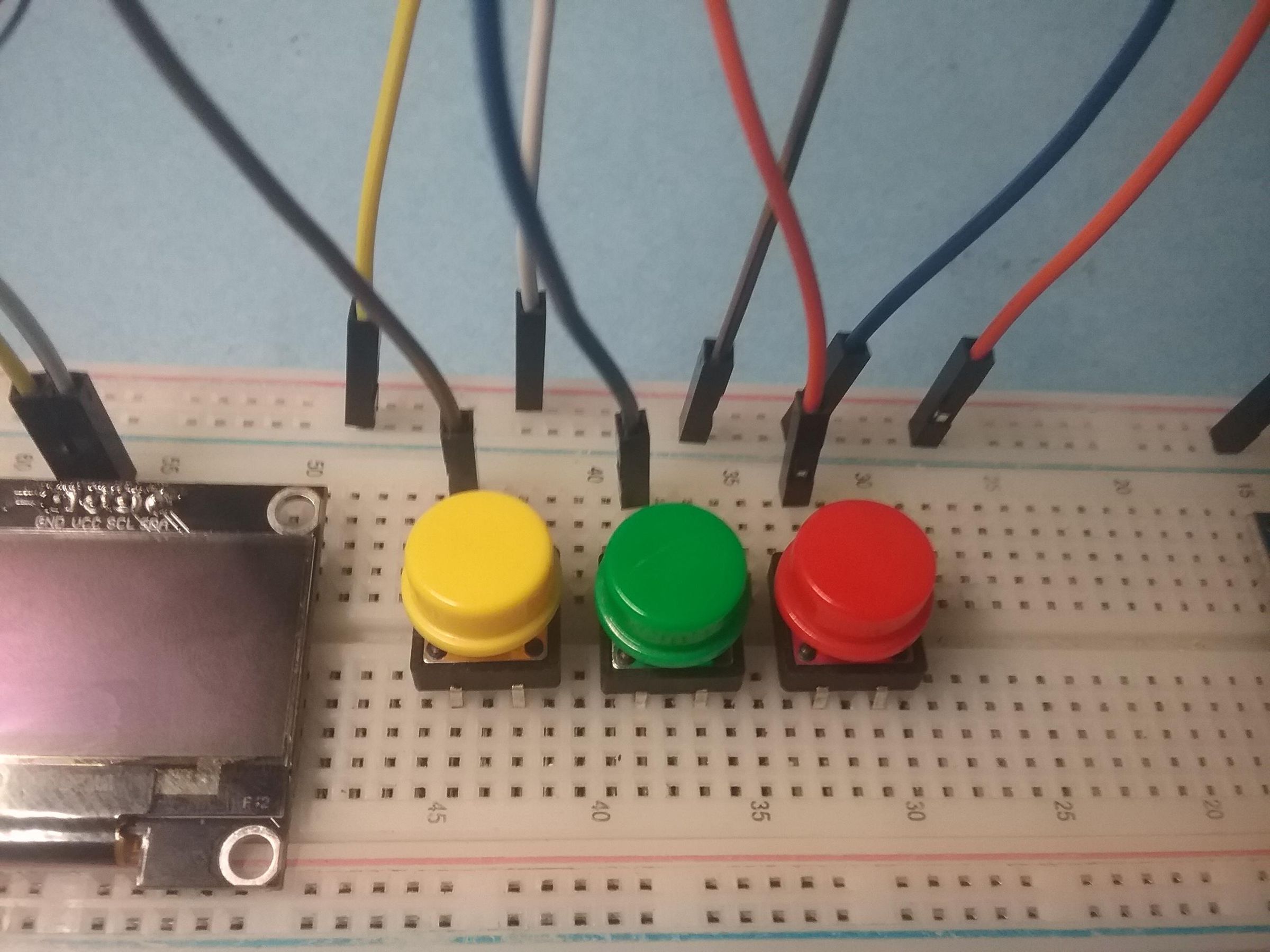
now wire the push buttons to the GND power rail on the breadboard. after you do that, wire the oled display: VCC to positive power rail, GND to GND rail.
Add Input/output Wires
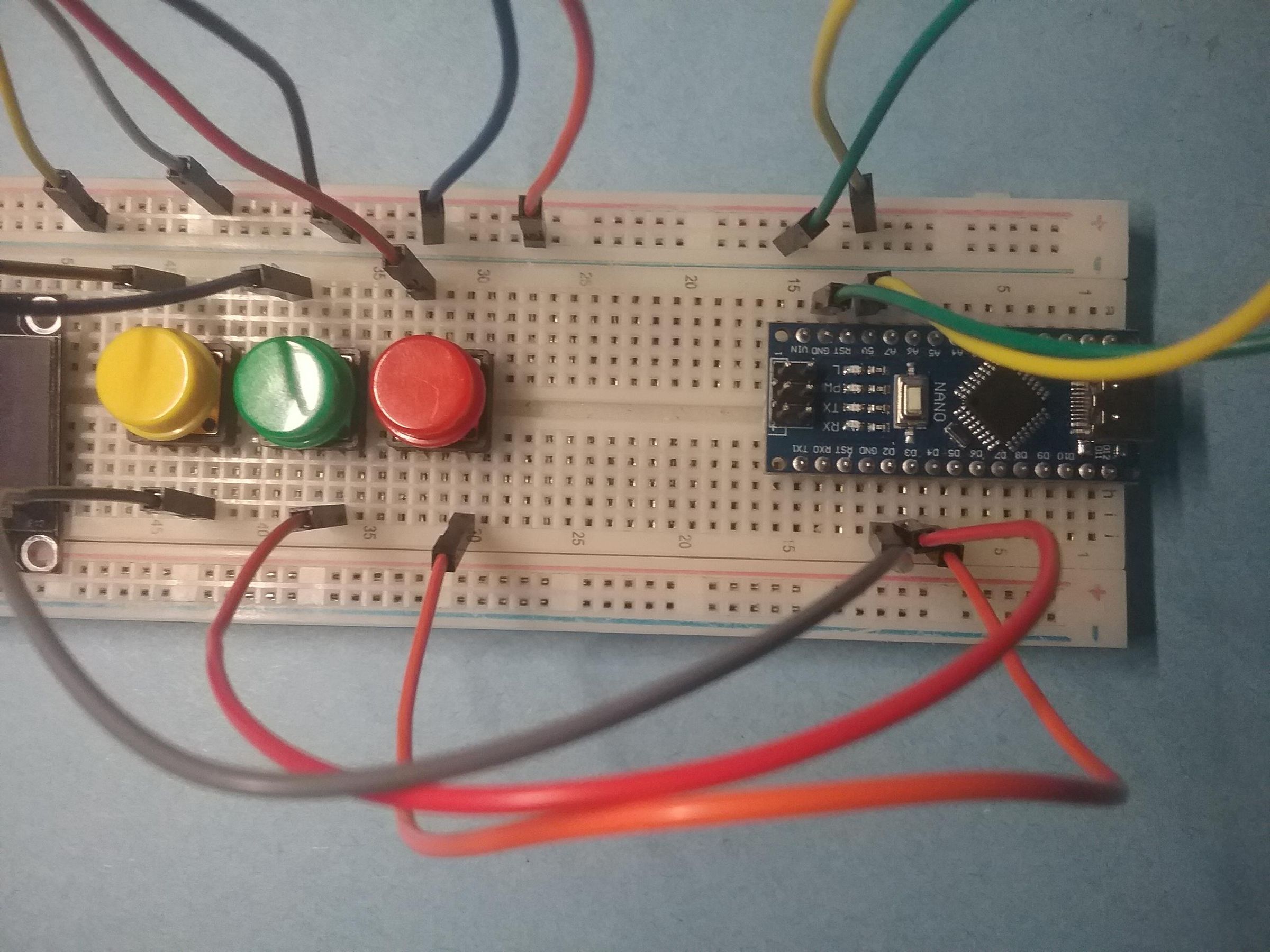
now wire button A to pin D2, button B to D3, button C to D4. on the oled display, wire scl>A5, sda>A4 (analog pins on arduino nano)
Coooooode It!
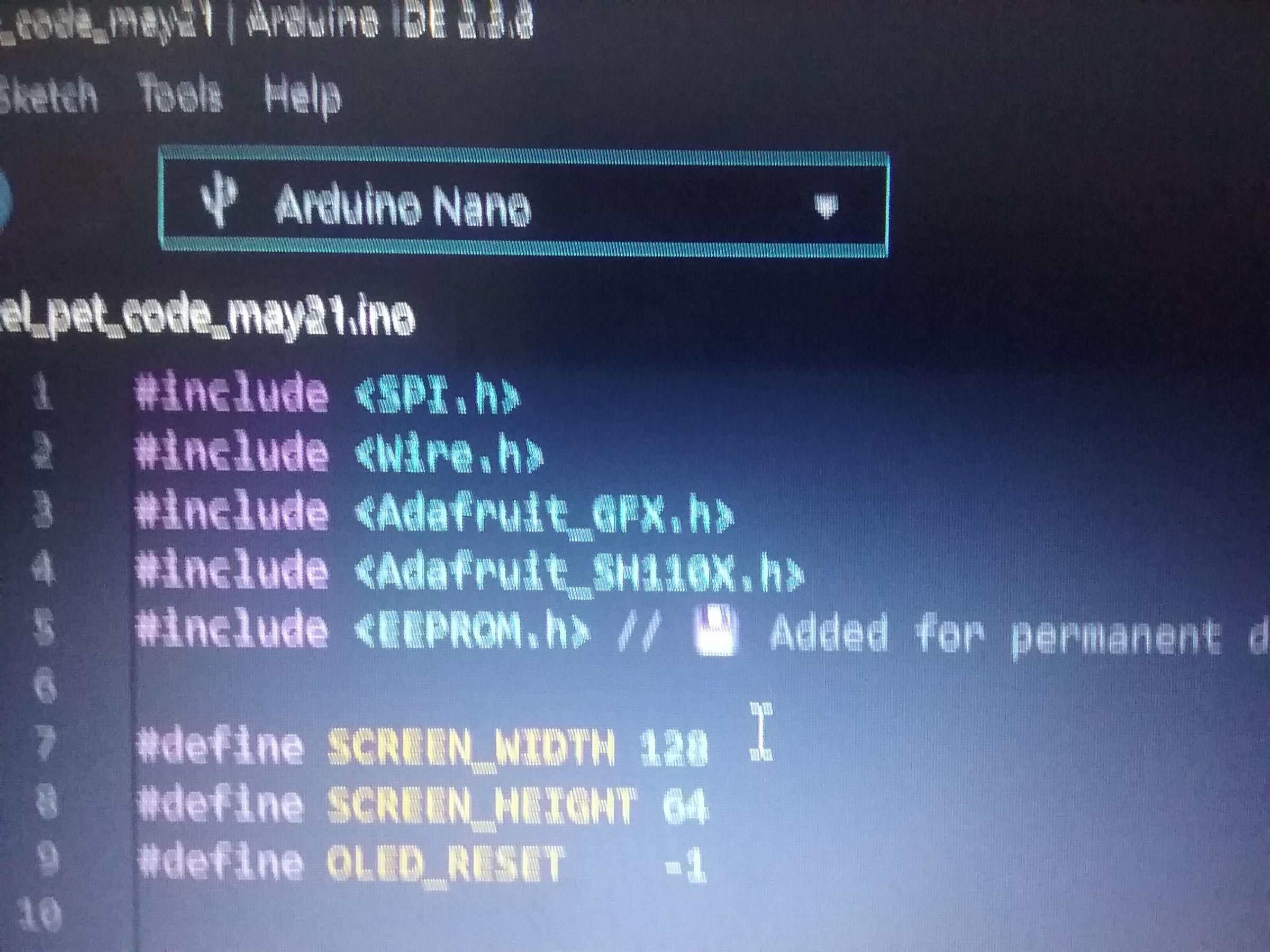
download the code below and flash your nano with it (make sure you install the librarys listed in the supplis list)
Downloads
How to Use It
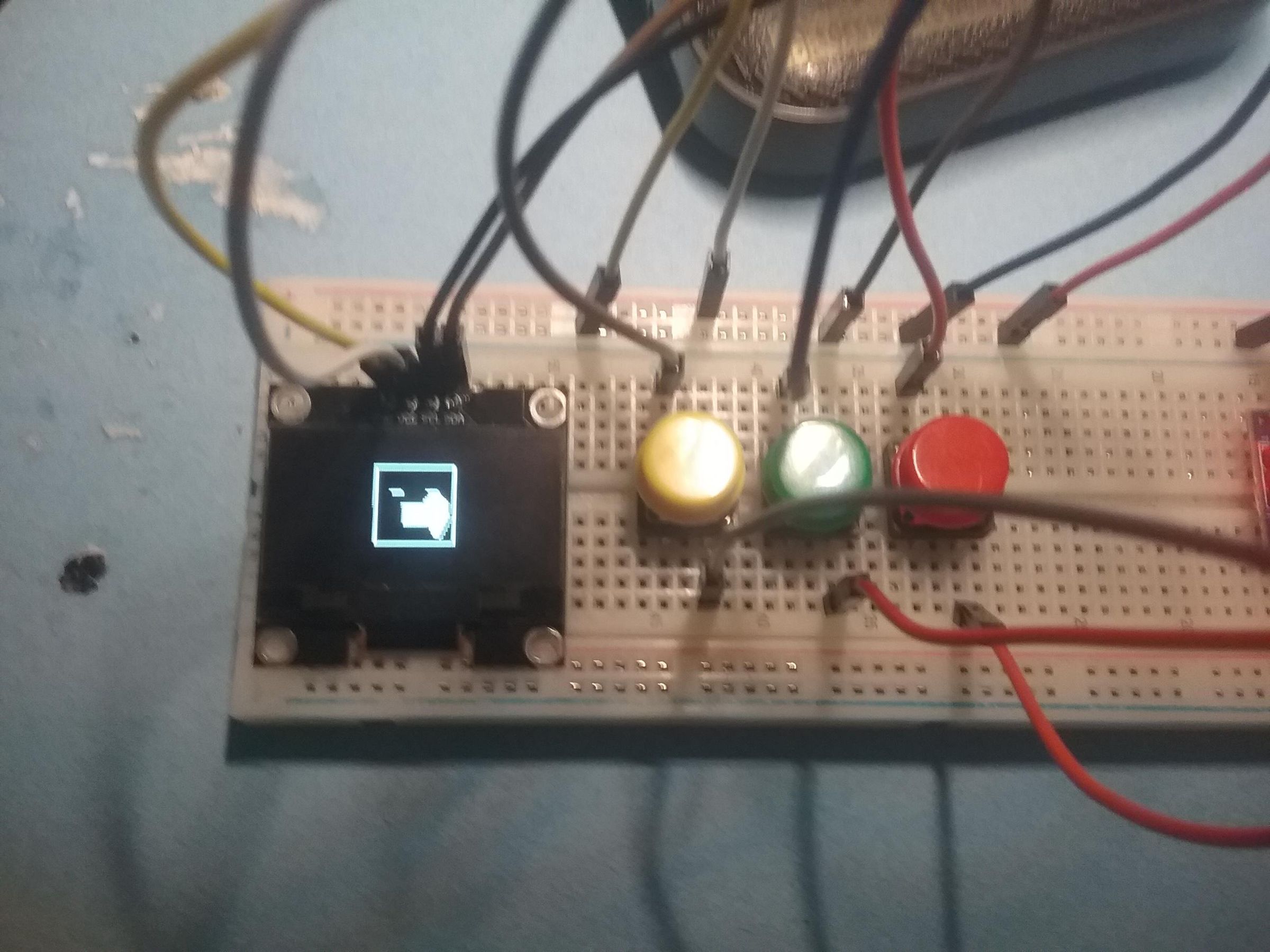
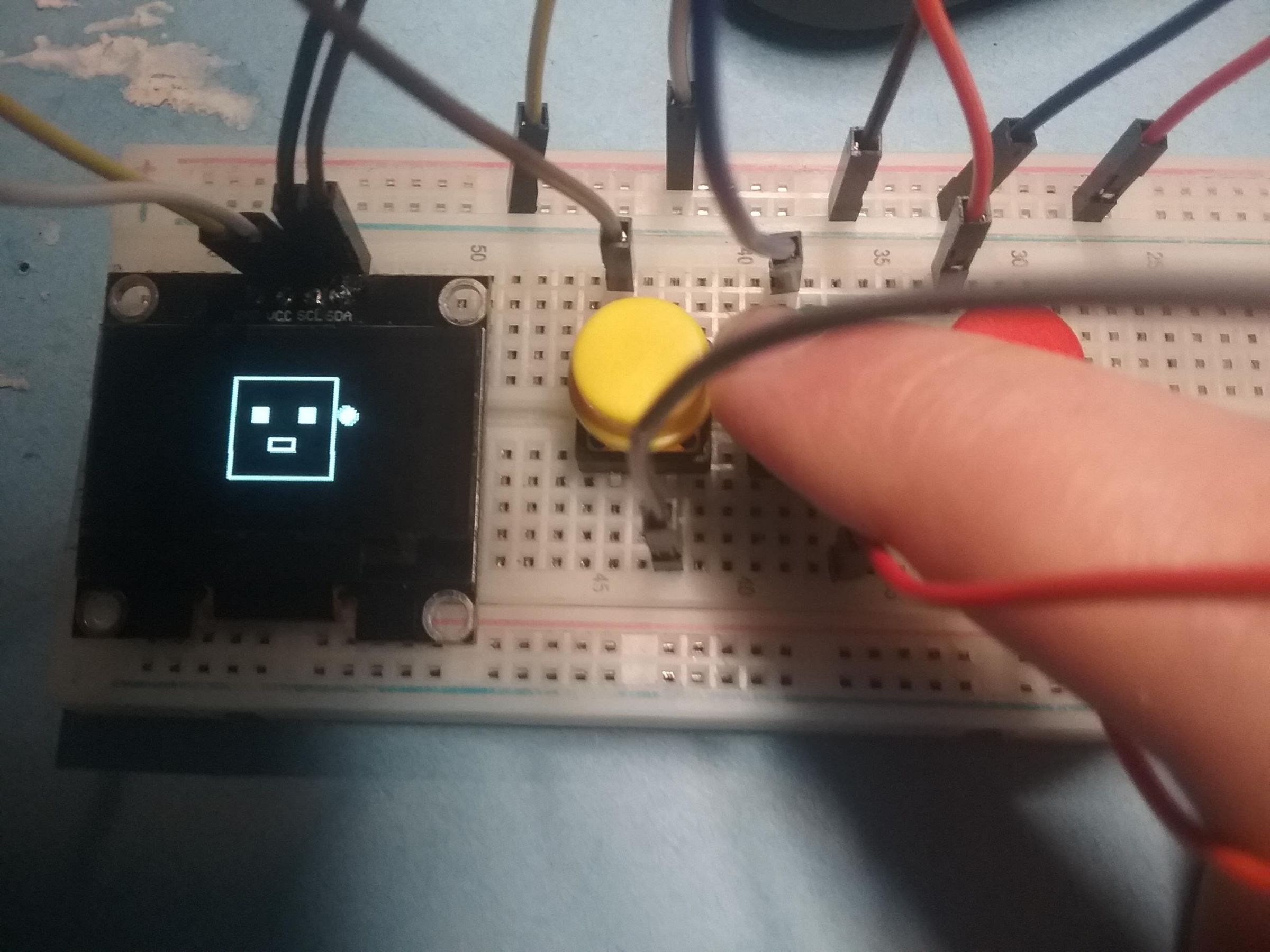
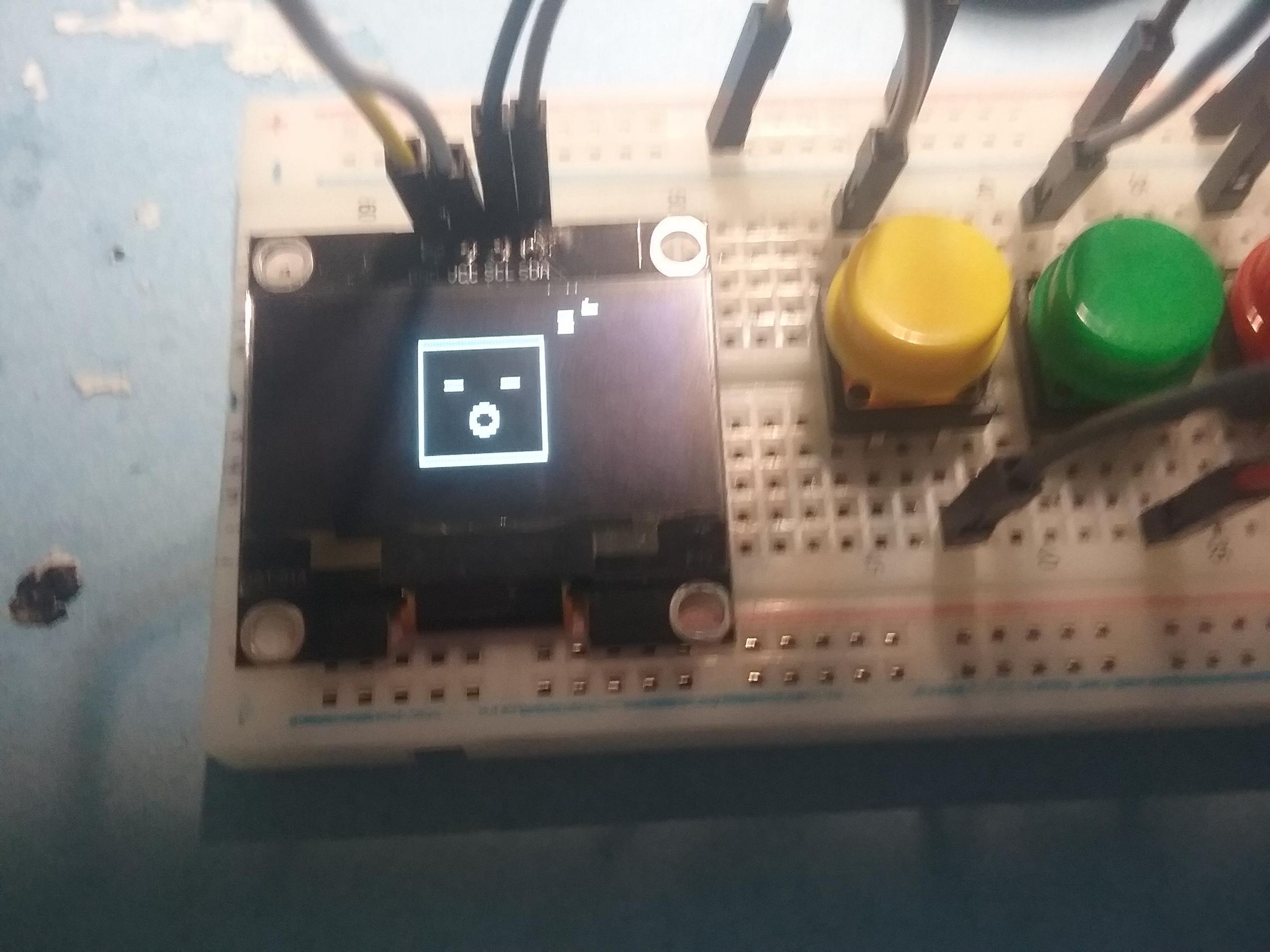
Here is exactly how to control the pixel pet using the three buttons.
Main Screen Controls
* Button A (Left) - Feeds your pet. It costs 5 BC. If you don't have enough BC, an error screen will pop up. when you press this button, the pet will eat a banana, hamburger, or ice cream cone.
* Button B (Middle) - Plays with your pet. This also costs 5 BC. If you're broke, it shows the error screen. when you press this button, the pet will play with a ball, do a cartwheel, or jump a couple times.
* Button C (Right) - Checks your pet's stats like hunger, happy, sleep, and your current BC balance.
* Button A + Button B (At the same time) - This will either bring up a joke or a super combo glow (boosts stats)
* Button B + Button C (At the same time) - This opens up the Secret Menu.
Secret Menu Controls
* Button A - Scrolls between the choices (Choice 1 is the mini-game, Choice 2 is the mutation menu).
* Button B - Selects the option you are highlighted on.
Mutation Menu Controls
* Button A - Cycles through the 4 different mutation types.
* Button B - Locks in your choice, saves it to memory, and goes back to the main screen.
Mini-Game Controls
A target will randomly pop up on either the left or right side of the screen. You have to react fast.
* Button A - Press this if the target spawns on the LEFT. You get 5 BC and 1 point.
* Button C - Press this if the target spawns on the RIGHT. You get 5 BC and 1 point.
* You win and go back to the main screen once you get 3 points (15 BC total).
Stats and Error Screens
* Any Button - Keeps the pet awake by resetting the 15-second sleep timer. You don't need to press anything to leave these screens, they automatically close and go back to normal after 2.5 seconds. just a reminder, if you unplug the arduino and plug it back in, all your progress will be saved! you also gain bc by sleeping.
Enjoy!
i hope this is a cool project, and i hope you like it!