Points of Interest
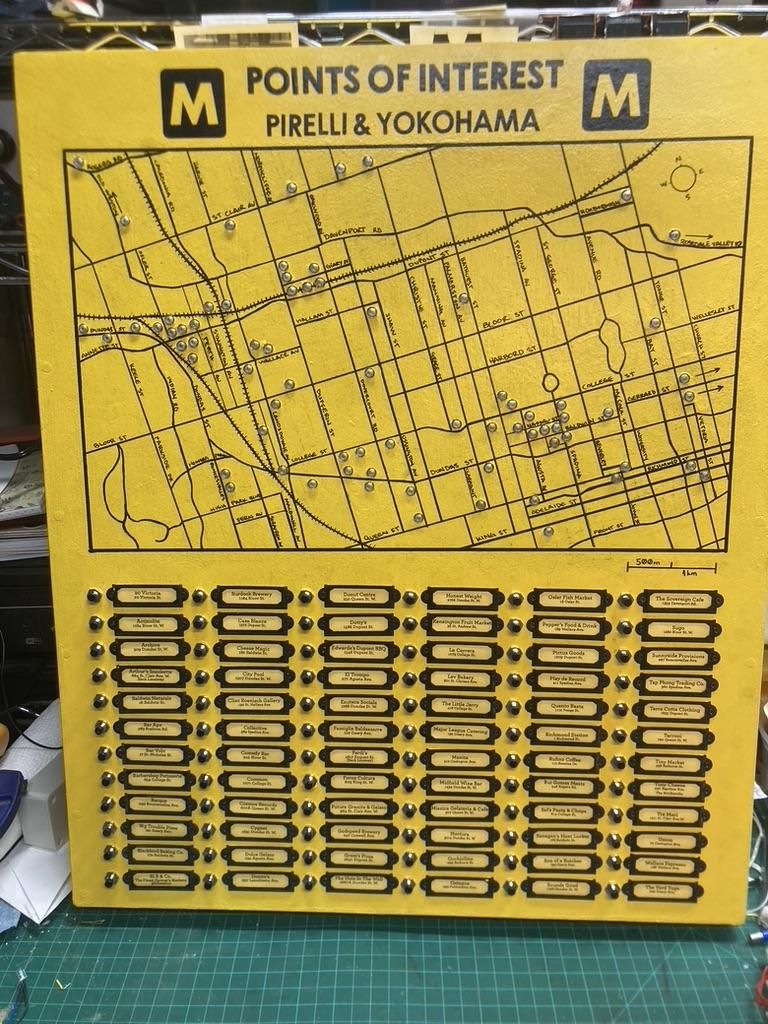
Hello everyone, I love instructables and this is my first ever Instructables, I hope it does justice to everyone who creates here.
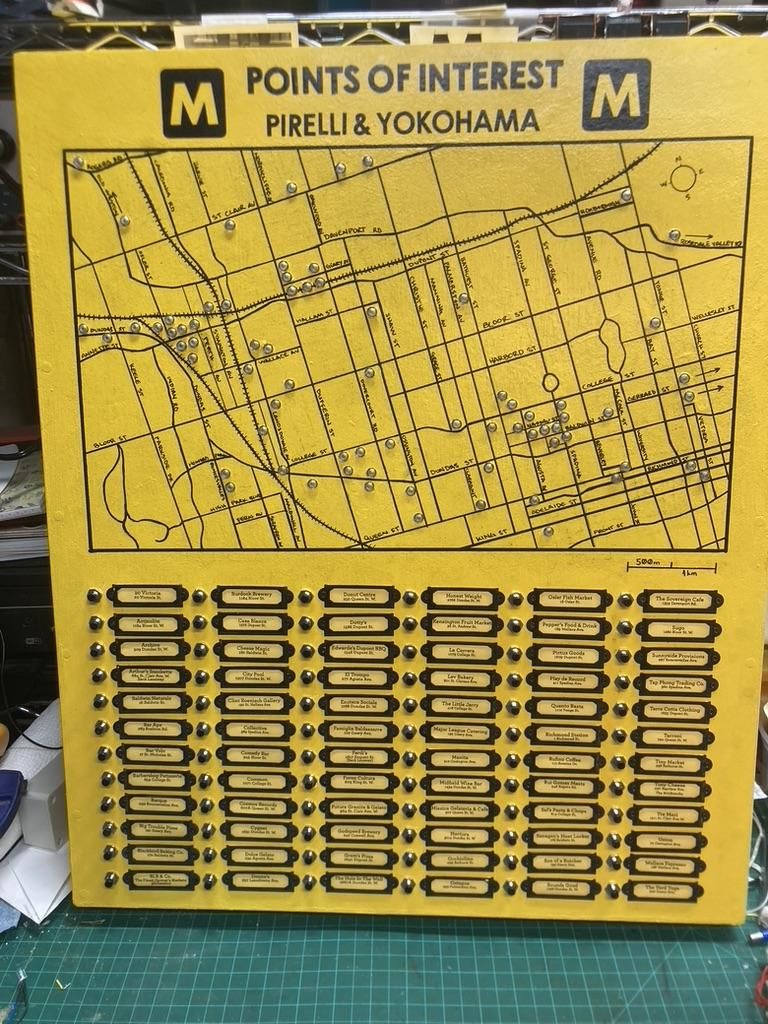
I made a interactive map of places that I like to shop at as well as support and promote. I drew a map, added address & name plates and connected switches to illuminate LED's of where the shops are on the map. FYI this is for Toronto, Ontario in Canada.
Supplies
Tools Used - To create the box/frame, I used a jig saw and a hand saw, but you could use any store bought frame, or foamcore. To create the holes for the Swtches and LED's, I used a power drill. and for the rectangele hole I used a small hacksaw blade.
For the main label I uses a Cricut Vinyl Cutter for the letters. I really wanted to hand paint, but I was in too much of a rush, and this was much quicker.
For the wiring and label frames I also used, a multimeter, wirestrippers, screwdrivers, hot glue and markers.
I also used a Map program/app from the City of Toronto https://map.toronto.ca/torontomaps/
Create the Box/Frame
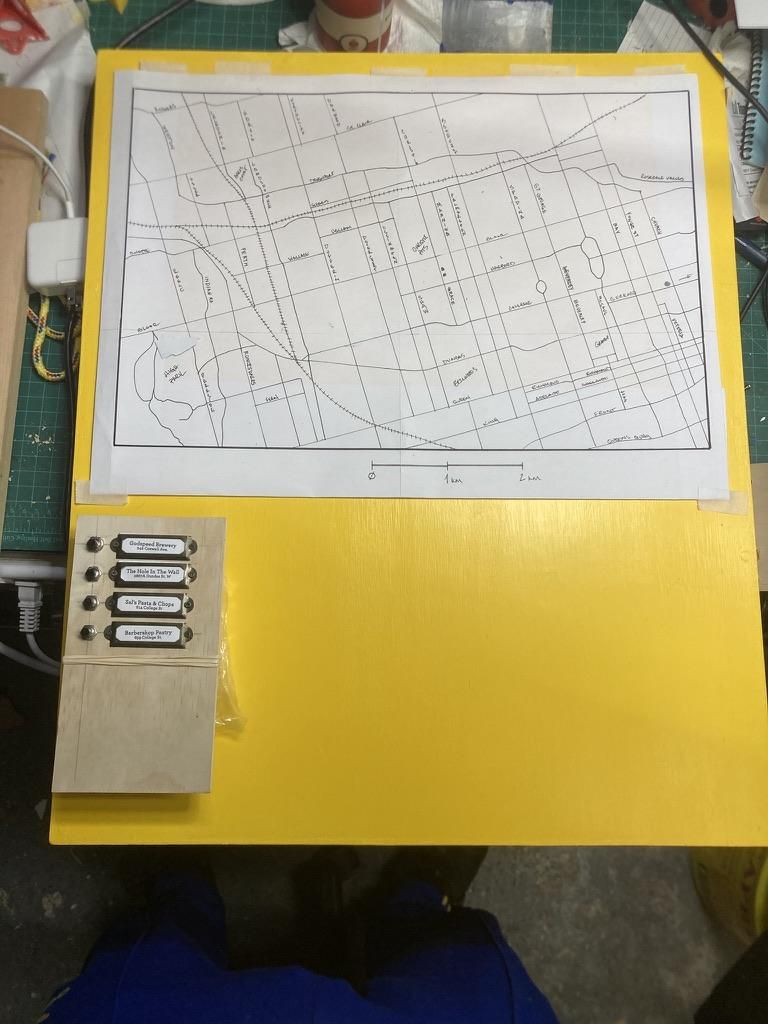
Create or buy whatever you want to mount your map and switches/info plates to. I made the box out of wood but you could use plastic, foam core, premade or to your specific dimensions.
Print Out and Trace Your Map

I used a map program from the City of Toronto https://map.toronto.ca/torontomaps/ to create my map. I printed it out, taped it together and used carbon paper to trace it onto the frame.
Layout Switches and Name Plates

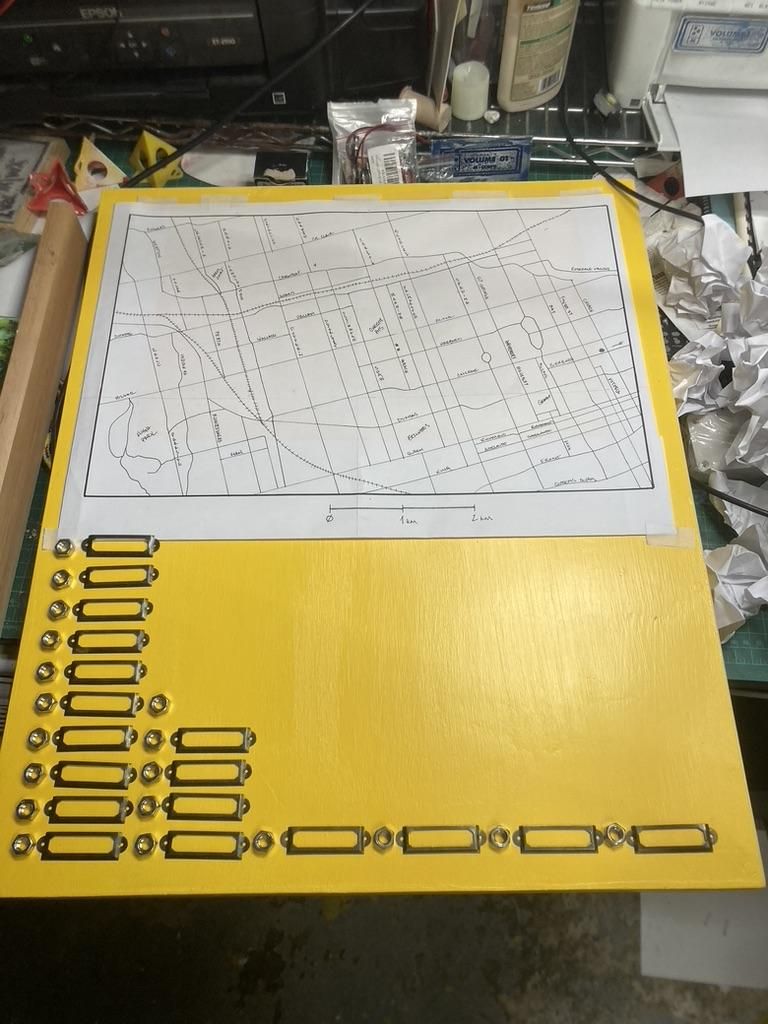
Using little metal name plate holders and washers/bolts lay out how may locations you want to have. I was able to fit 6 rows of 12 for a total of 72 locations, after that check your measurements, draw lines and mark where you need to drill holes.
Drill Holes and Insert Momentary Switches

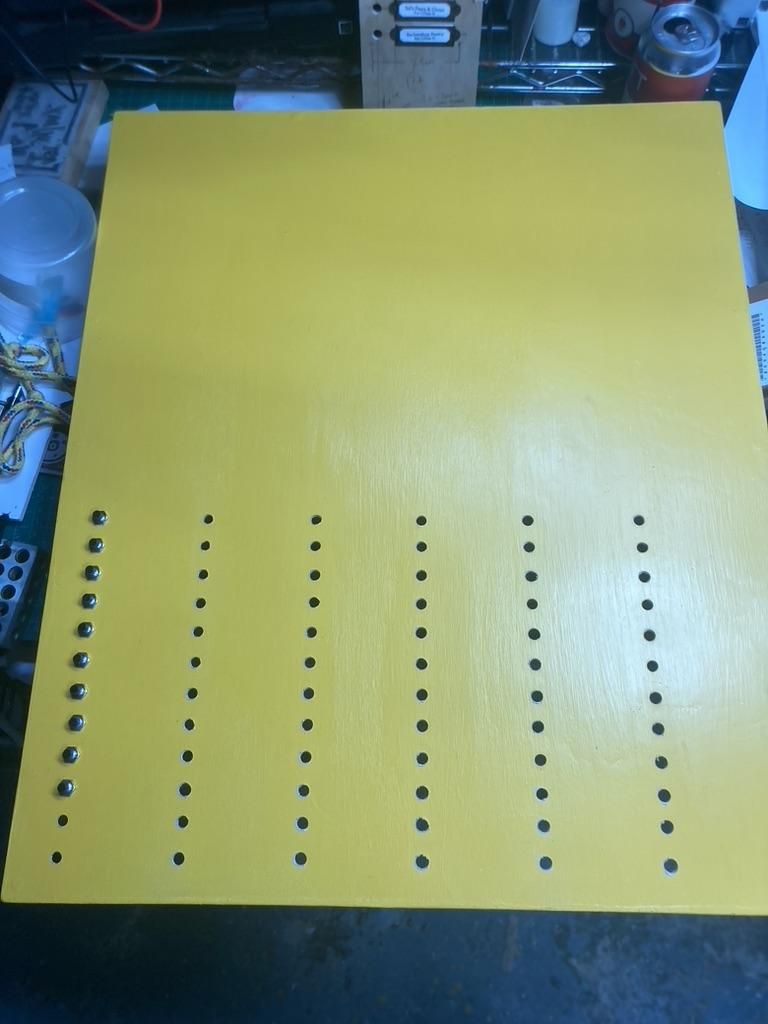
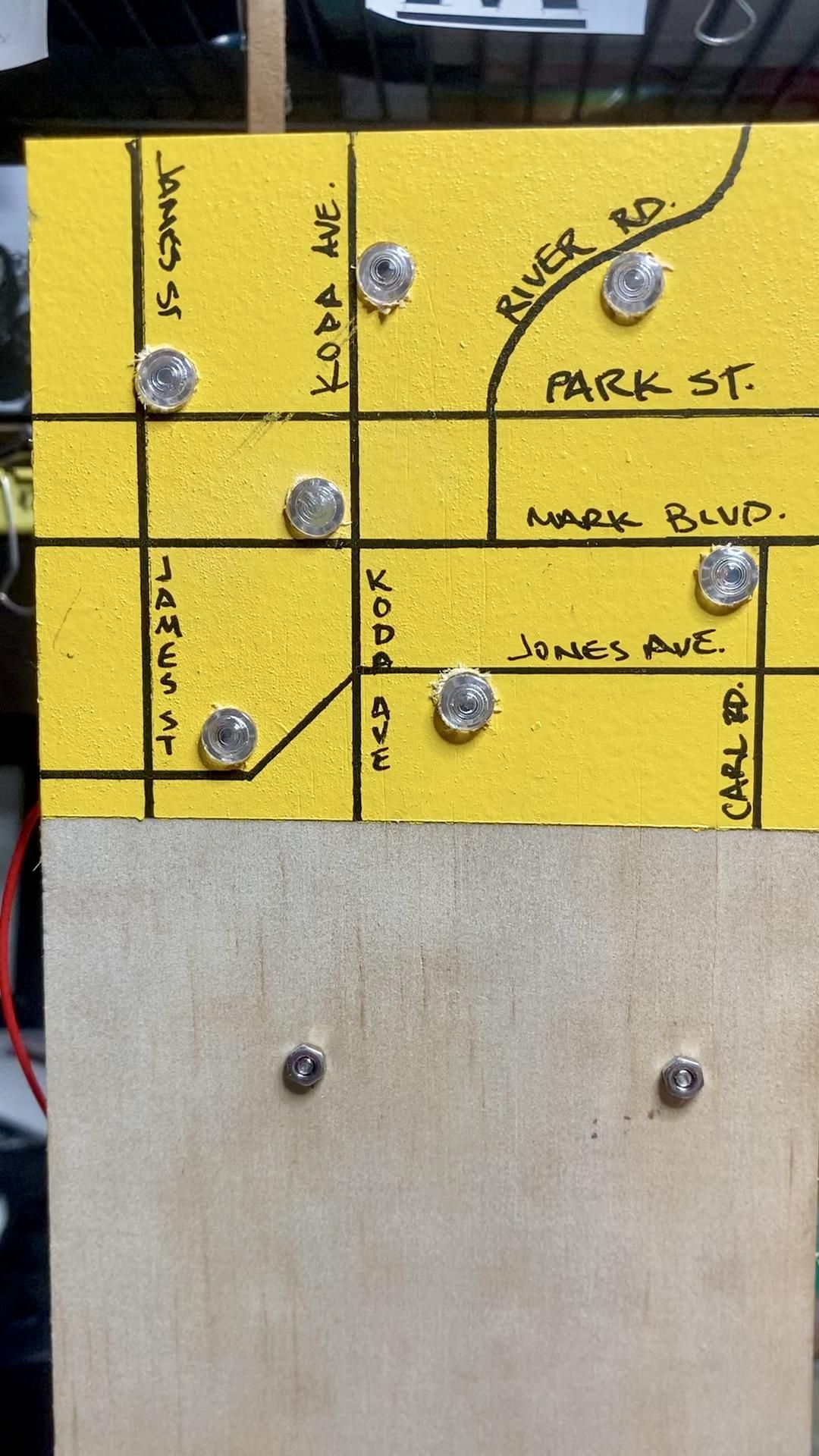
Drill your holes and mount the switches, depending on the thickness of your wood/material you mad need to counter sink the back of the board. For this project, it required counter sinking in the back.
Wire Planning and Bus Bars
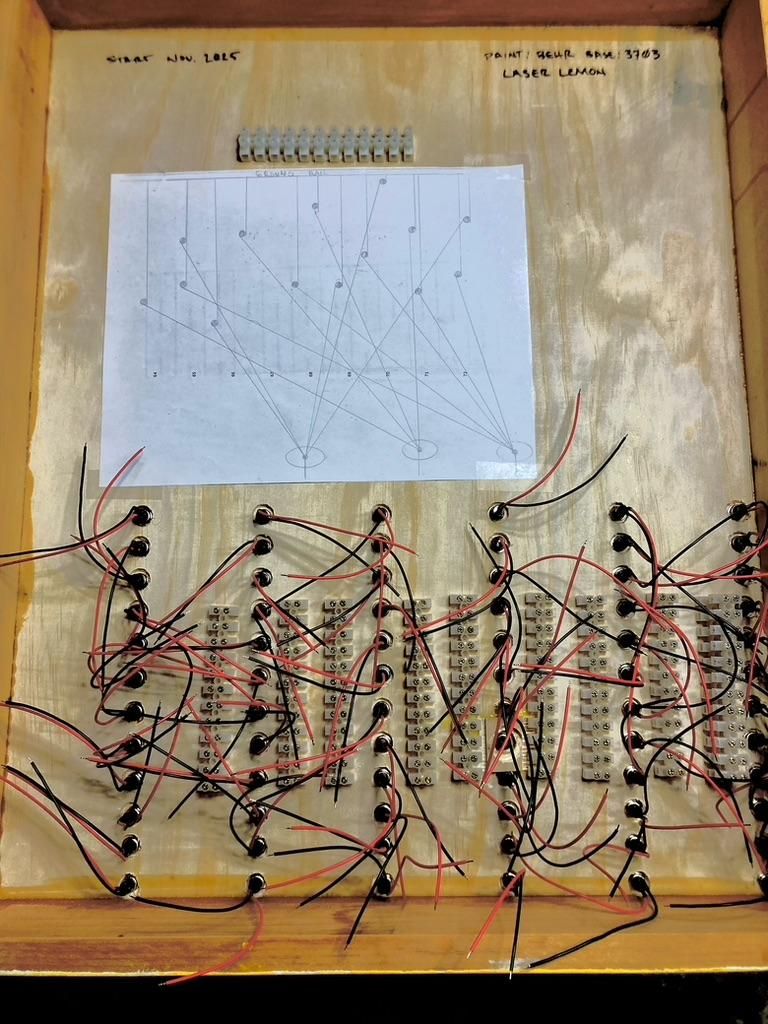
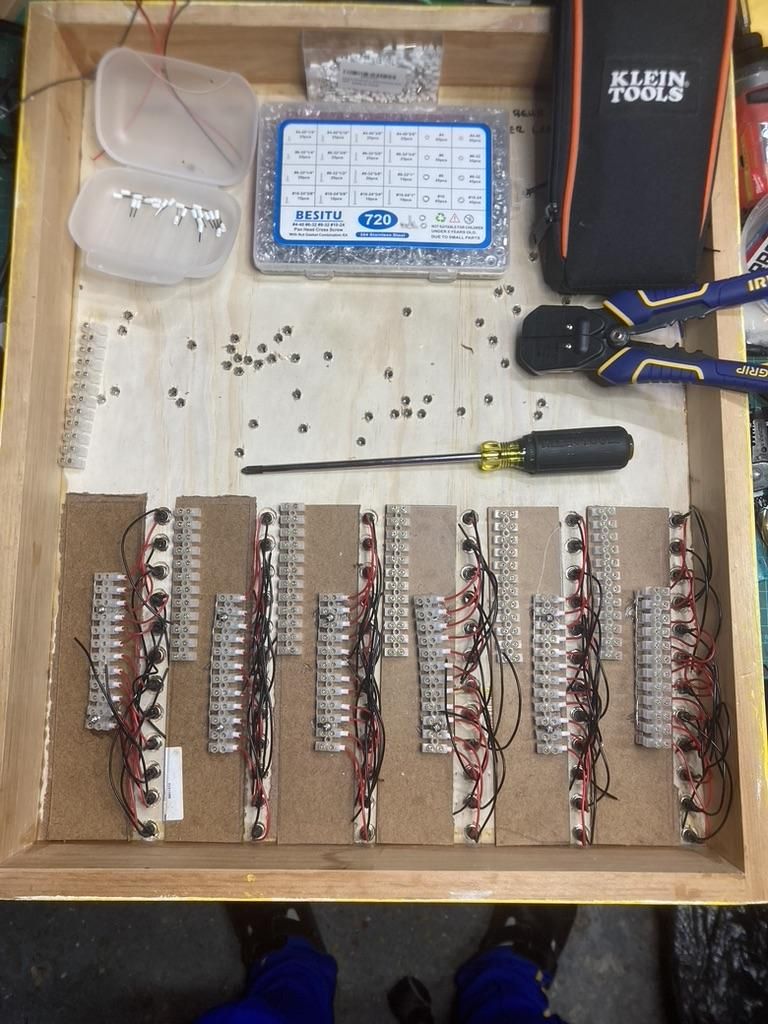
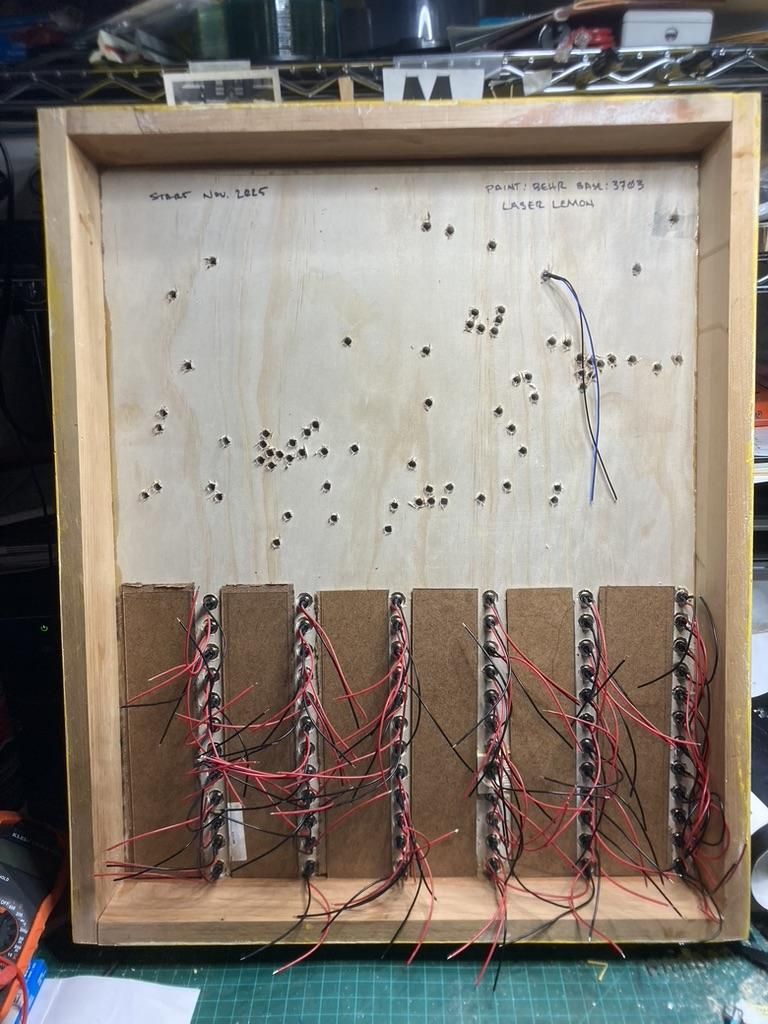
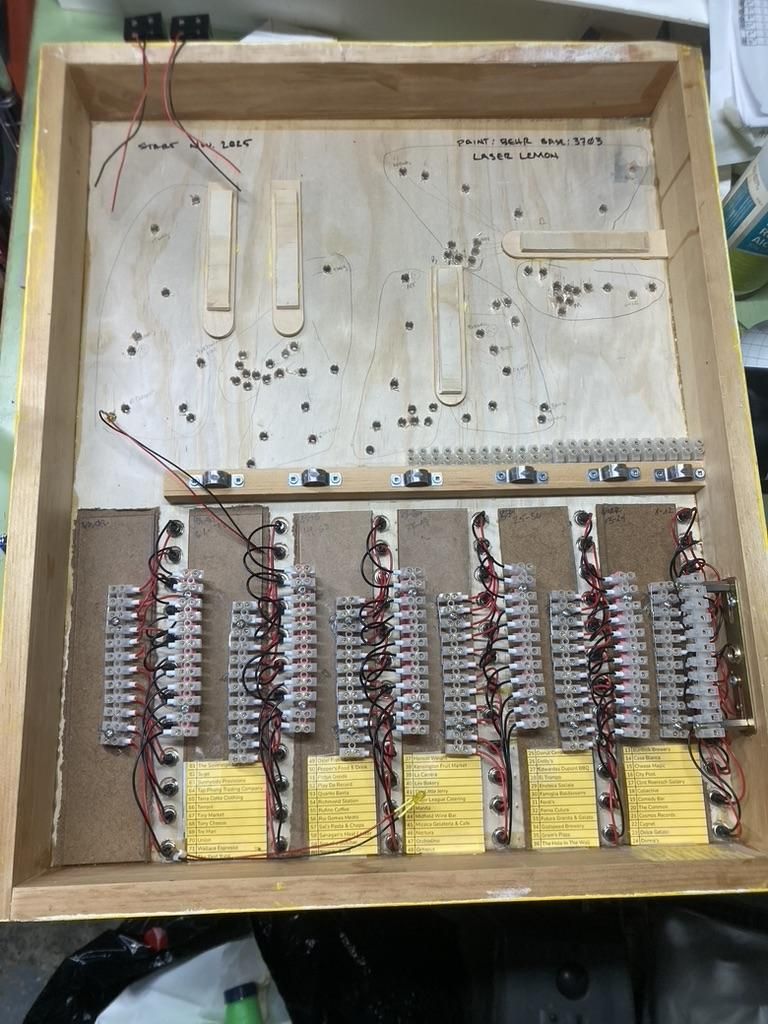

There are going to be a lot of wires, to try to keep it neat I used bus bars, and plan where you think the best routes for everything are. Drill the holes for the locations and install your LEDs. Its a good idea to label the back of your board with the locations and the order of the the connections. The little yellow sheets of paper are the order and location of the switches.
Double Check the Location Holes You Drilled
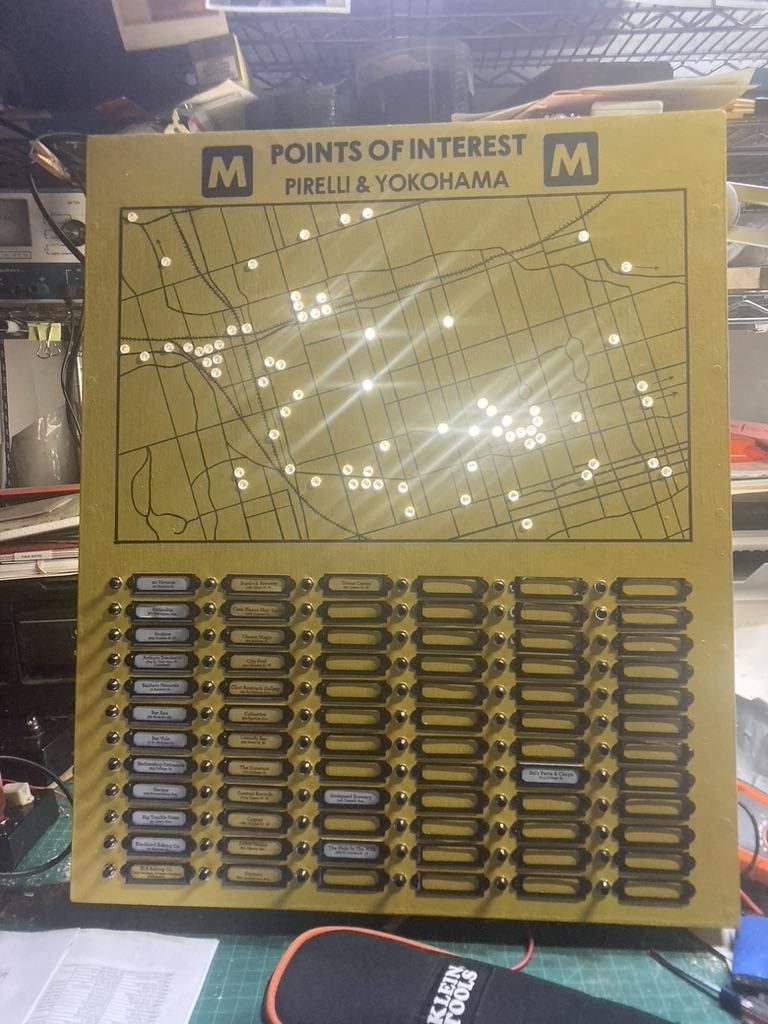
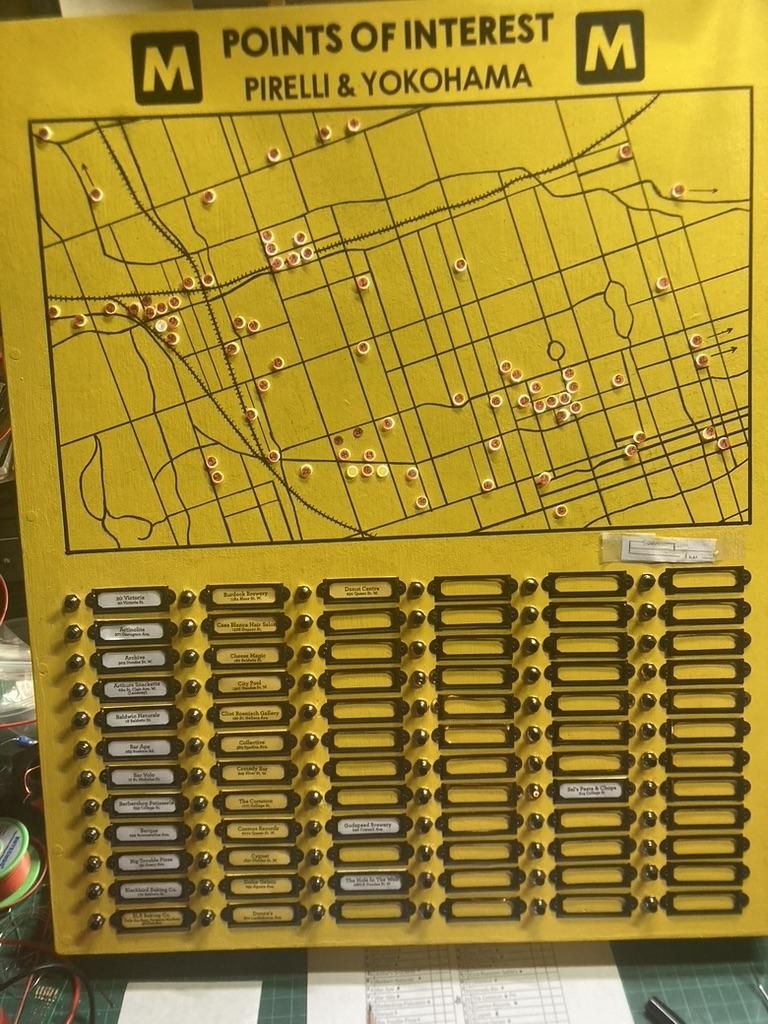
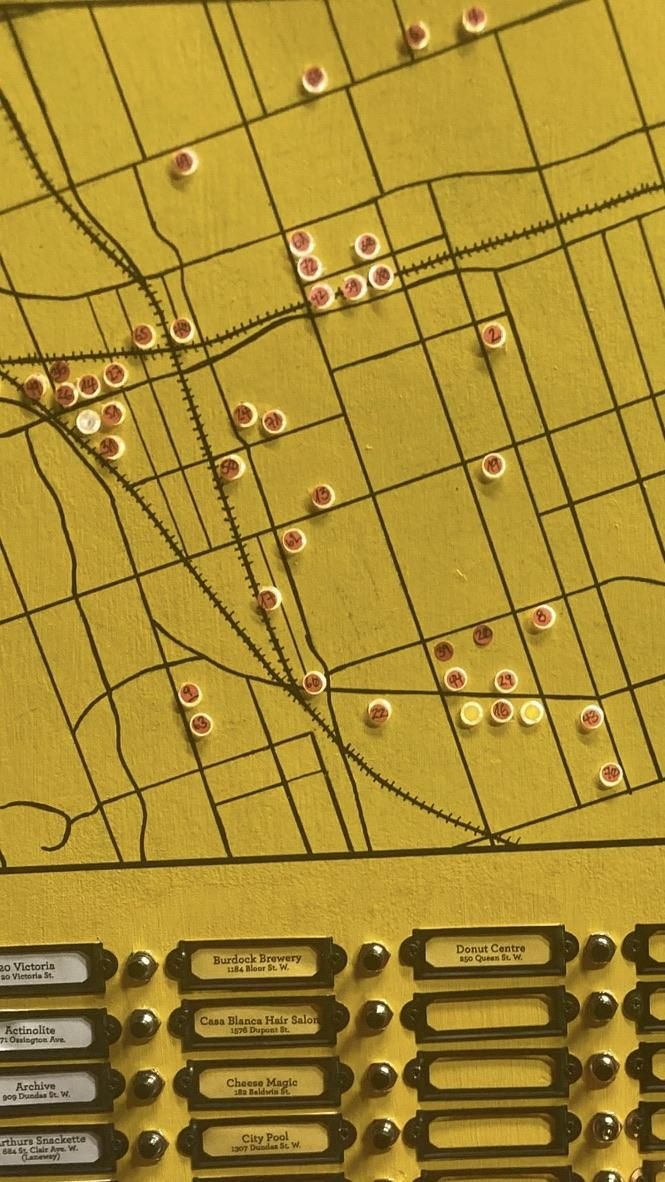

I shone a light through the holes and double checked the locations. To keep track of the locations that I had already cheked, I used little dot stickers to check them off. I discovered I drilled 2 holes in the wrong location. I was able to use a dowel to plug the holes, flush cut, sand and paint to correct the mistake.
You Are Here - Fading Led

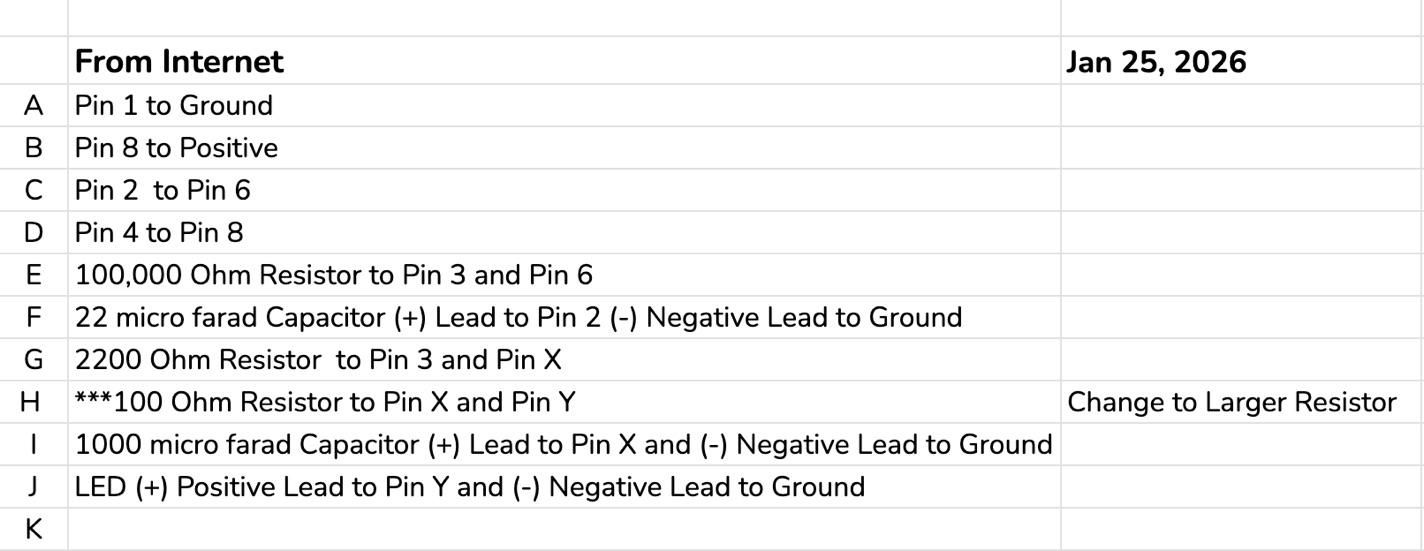

I created a circuit for a fade on and off LED using this video from YouTube https://youtu.be/H67tfKLM1Z4?si=U-iWrDgnBlcJSgZ9
This fading on/off orange LED is the "You Are Here" indicator on the map.
I wanted this project to be done without any arduino type of components, just capacitors, timers, basically like something from the 1980's.
I had success using the solderless breadboards but on every occasion that I tried recreate and solder it to a board, I did not have success. I am also a novice when it comes to soldering. For the final project I kept the breadboard circuit and just covered it in hot glue as a precaution against anything coming loose and falling out.
Choose You Label Style
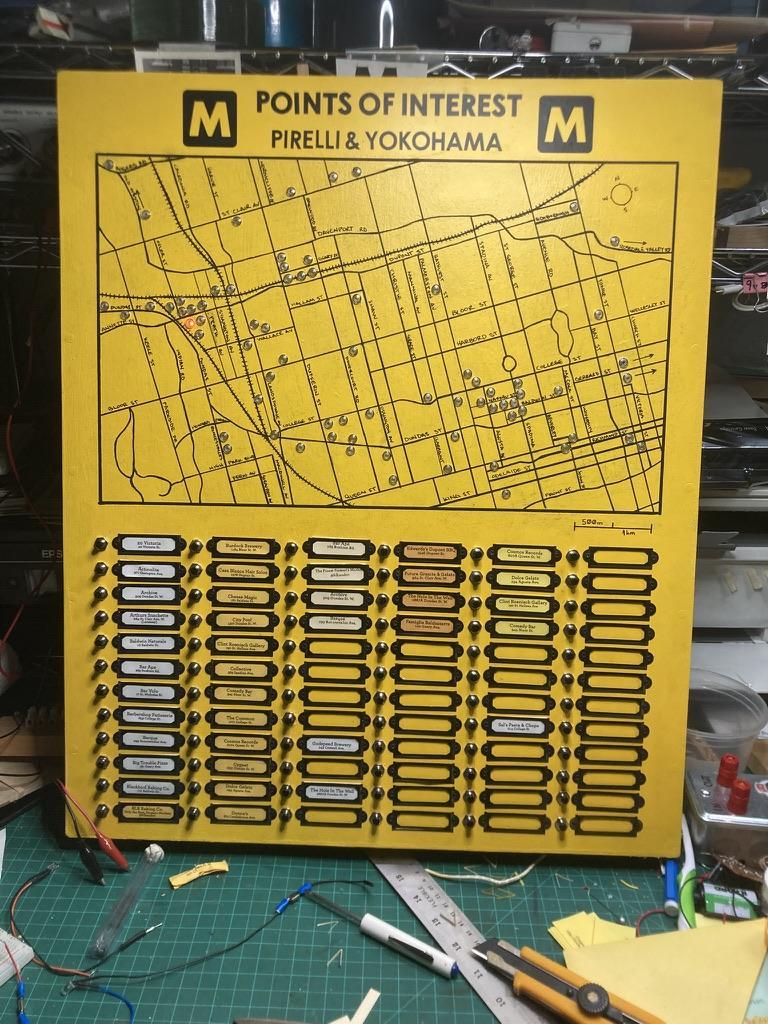


I choose to print out the Shops and Addresses on paper with a printer, and used a couple of different coloured papers to see what I liked the best. Print out all of your locations and insert them in the label holders.
Power It Up
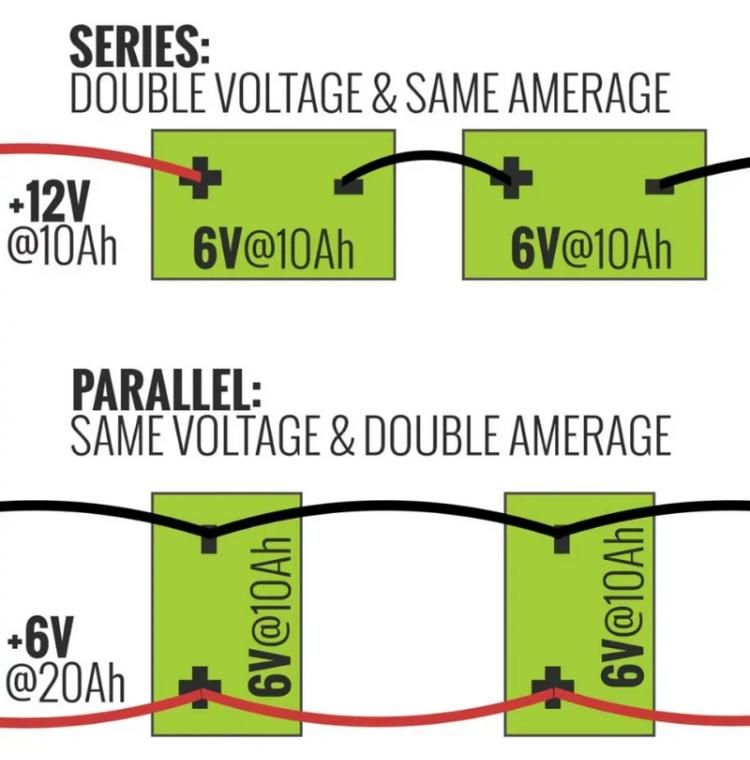


I connected three 9v batteries in parallel so it will work for long periods of time without having to change the batteries often.
Thank you for your time.
M
M-Corps