Potentiometer From Pencil Graphite and Paper
by DiscoLapy in Circuits > Electronics
1942 Views, 7 Favorites, 0 Comments
Potentiometer From Pencil Graphite and Paper

Build a Potentiometer from Pencil Graphite and Paper
This project demonstrates how to build a functional potentiometer using pencil graphite, paper, and a 3D printed mechanism. The graphite acts as a resistive track, while a rotating contact changes the resistance and controls the current flowing through a simple LED circuit.
The project is ideal for STEM education, physics demonstrations, electronics beginners, and makers interested in experimental electronics.
The full video tutorial is also here: https://youtu.be/h64I8FxnEqY?si=-Fmbxd_A_vlfnS3A
If you are interested in this set contact me on : discolapy@gmail.com and I could try to put the parts together for you.
This work is licensed under a Creative Commons (4.0 International License) Attribution-NonCommercial
Supplies
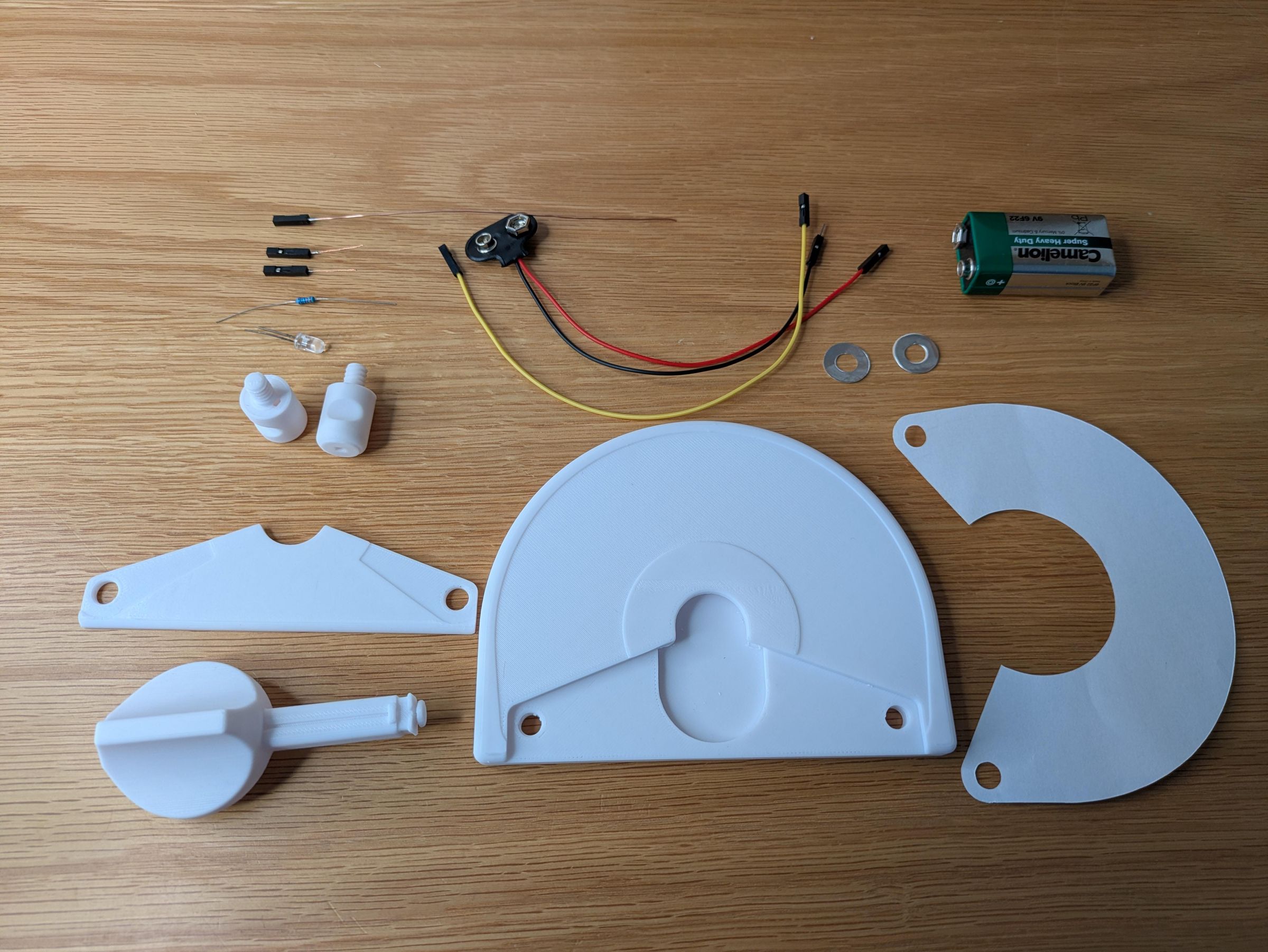
3D Printed Parts
Download all printable parts from: https://www.printables.com/model/1720779-pencil-graphite-potentiometer
Required printed parts:
- Baseplate
- Knob
- Triangular element
- 2× Screw-port elements
Electronics
- 1× LED
- 1× 330 Ohm resistor
- 1× 9V battery
- 1× 9V battery connector
- 1× Female-to-female Dupont wire
- 4× Female Dupont connectors
- 1× Male Dupont connector
- Thin solid-core wire
- Thin stranded wire
Other Materials
- White sticker paper or adhesive paper
- Pencil (recommended: 6B–8B)
- Aluminum foil
- Optional: adhesive aluminum foil tape
Tools
- 3D printer
- Soldering iron and solder
- Wire stripper
- Crimping tool
- Scissors
- Optional: Cricut cutting machine
- Optional: punch and die tool
Print the Parts
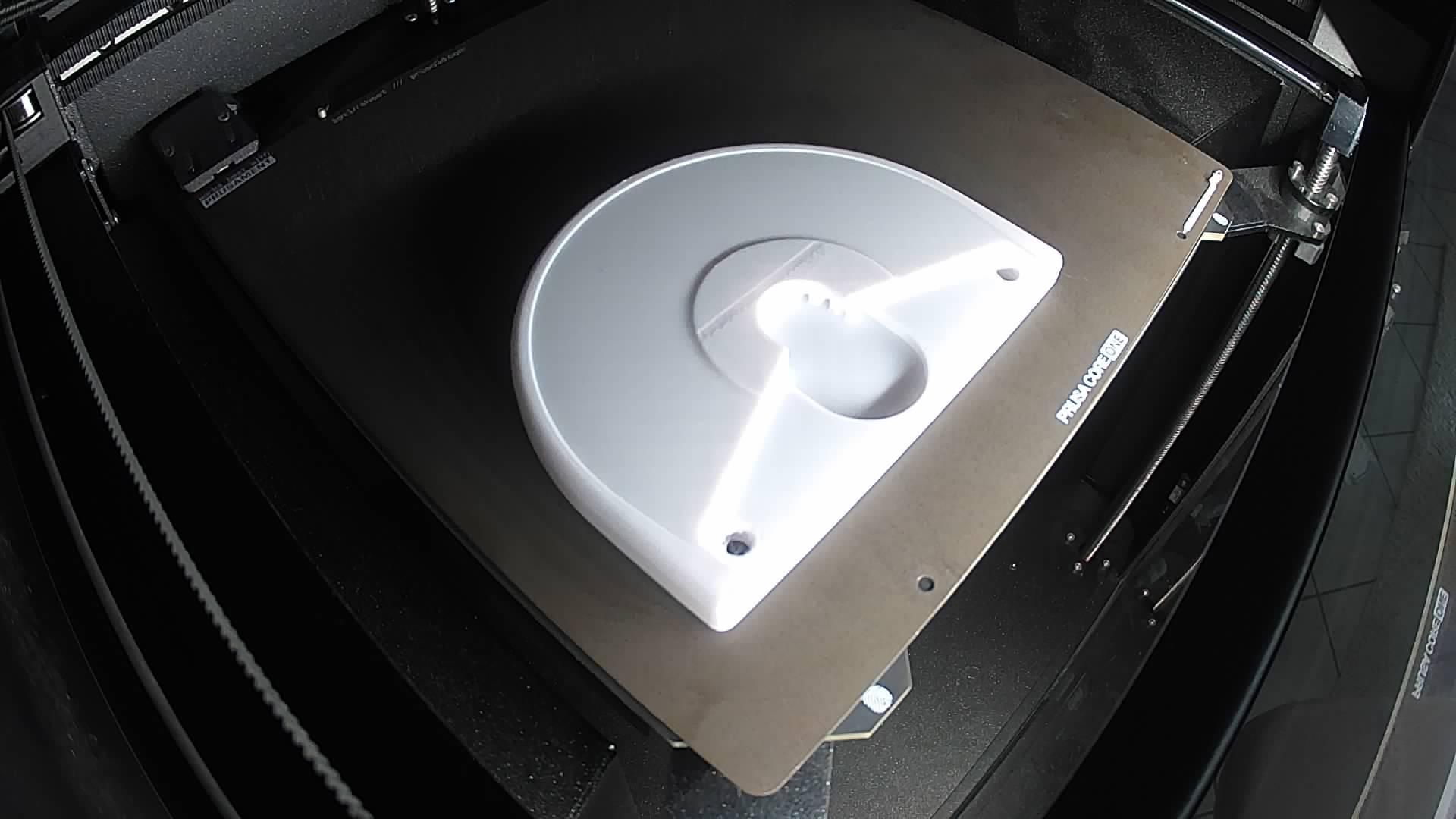
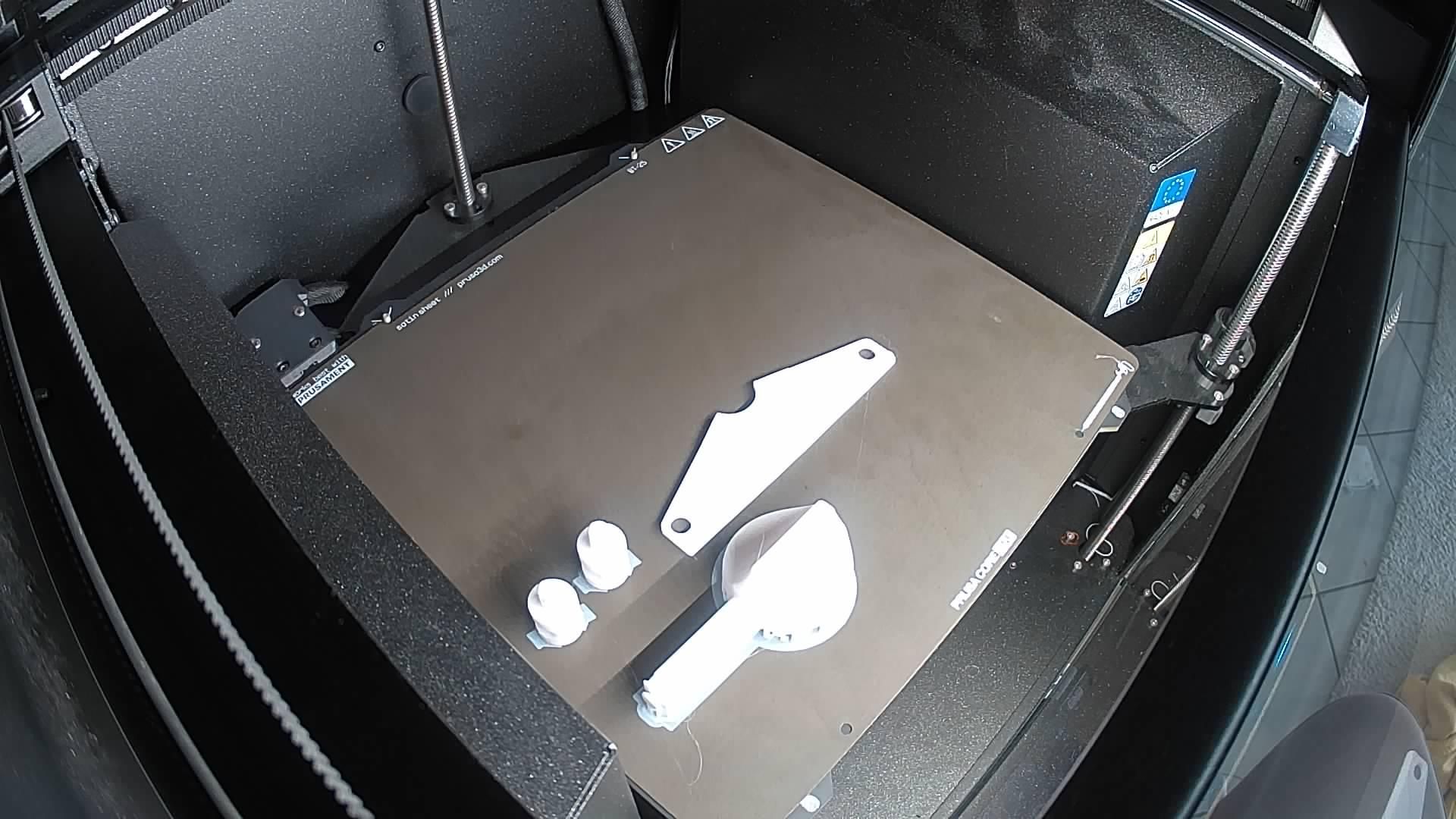
Print all 3D parts from the provided files and clean them after printing. Remove any support material and ensure all moving parts fit smoothly. Print the parts without supports inside the slots for Dupont connectors. Infil 10 - 15 %
Prepare the Knob Contact Wire
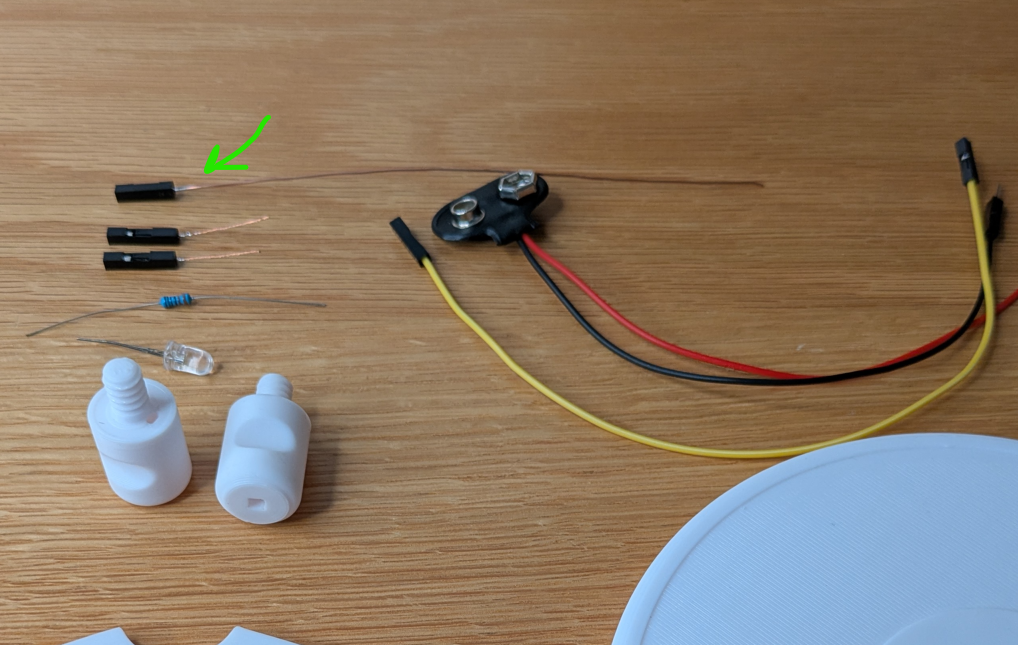
Take a thin solid-core wire approximately 20 cm long and remove the insulation.
Crimp a female Dupont connector onto one end. For better reliability, you can solder the crimped connection as well.
Place the Dupont connector housing onto the connector.
Straighten the wire carefully.
Assemble the Knob

Insert the wire into the round section of the knob part.
Carefully insert the Dupont connector into the knob body.
Route the wire through the channel on the knob arm and wrap it around the arm at least once — preferably two or three turns for better contact with the graphite.
Secure the wire at the tip of the arm. Trim any excess wire if necessary.
Insert the Knob Into the Baseplate
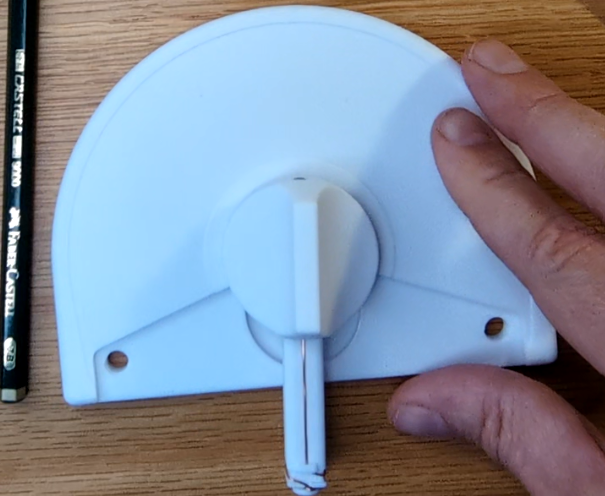
Place the knob into the slot in the baseplate and ensure it rotates smoothly.
Install the Triangular Element
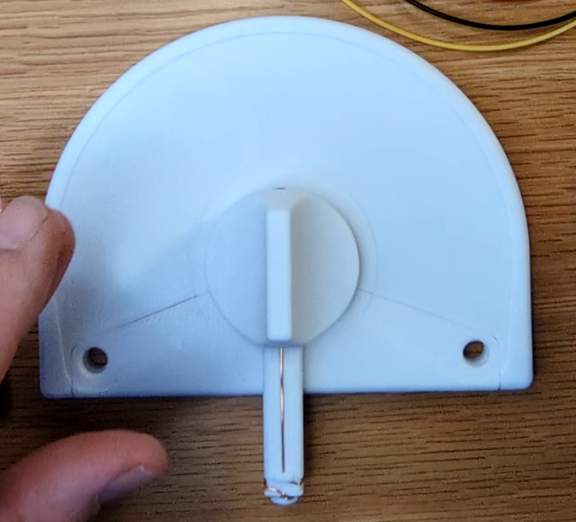
Insert the triangular element into the baseplate and position the knob so the contact wire points toward the triangular element.
Prepare the Paper Track
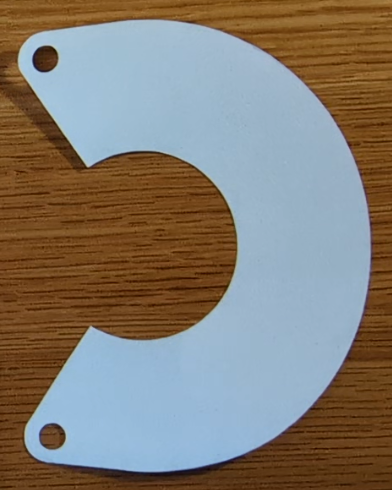
Print the paper template at 1:1 scale on white adhesive paper.
Cut the shape using scissors or a cutting machine such as a Cricut.
Attach the Paper
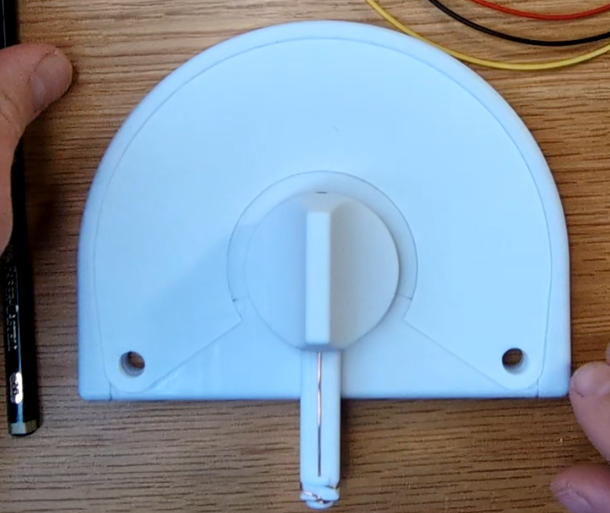
Remove the protective backing from the adhesive paper and carefully glue it onto the baseplate.
Make sure the paper is aligned properly and has no wrinkles.
Draw the Graphite Resistance Path
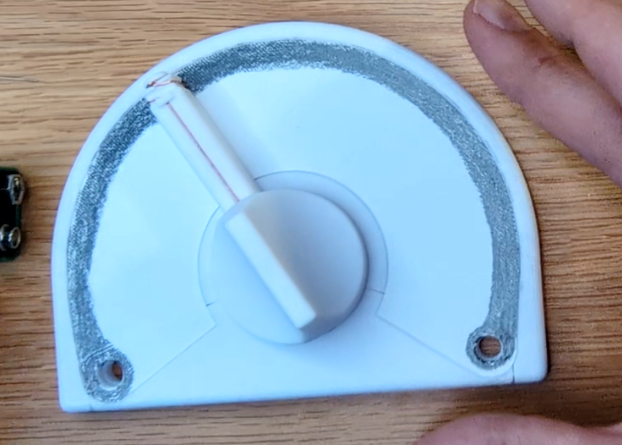
Using a soft pencil such as 7B, draw a long, thick graphite line along the curved section of the paper.
This graphite path will function as the resistive element of the potentiometer.
You can experiment with:
- different pencil grades,
- line thickness,
- line length,
- or even different path shapes.
Keep the graphite path electrically continuous.
Position the knob on the graphite pa
Prepare the Contact Washers
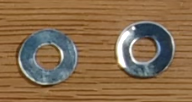
Prepare two metallic foil washers:
- Outer diameter: 15 mm
- Inner diameter: 6 mm
Possible fabrication methods:
- scissors,
- Cricut cutter,
- punch and die set.
Simple aluminum foil works well. Adhesive aluminum foil tape is even easier to use.
Attach the Washers

Glue or place the aluminum washers onto the holes in the triangular element.
These washers improve the electrical contact.
Prepare the Screw-Port Wires
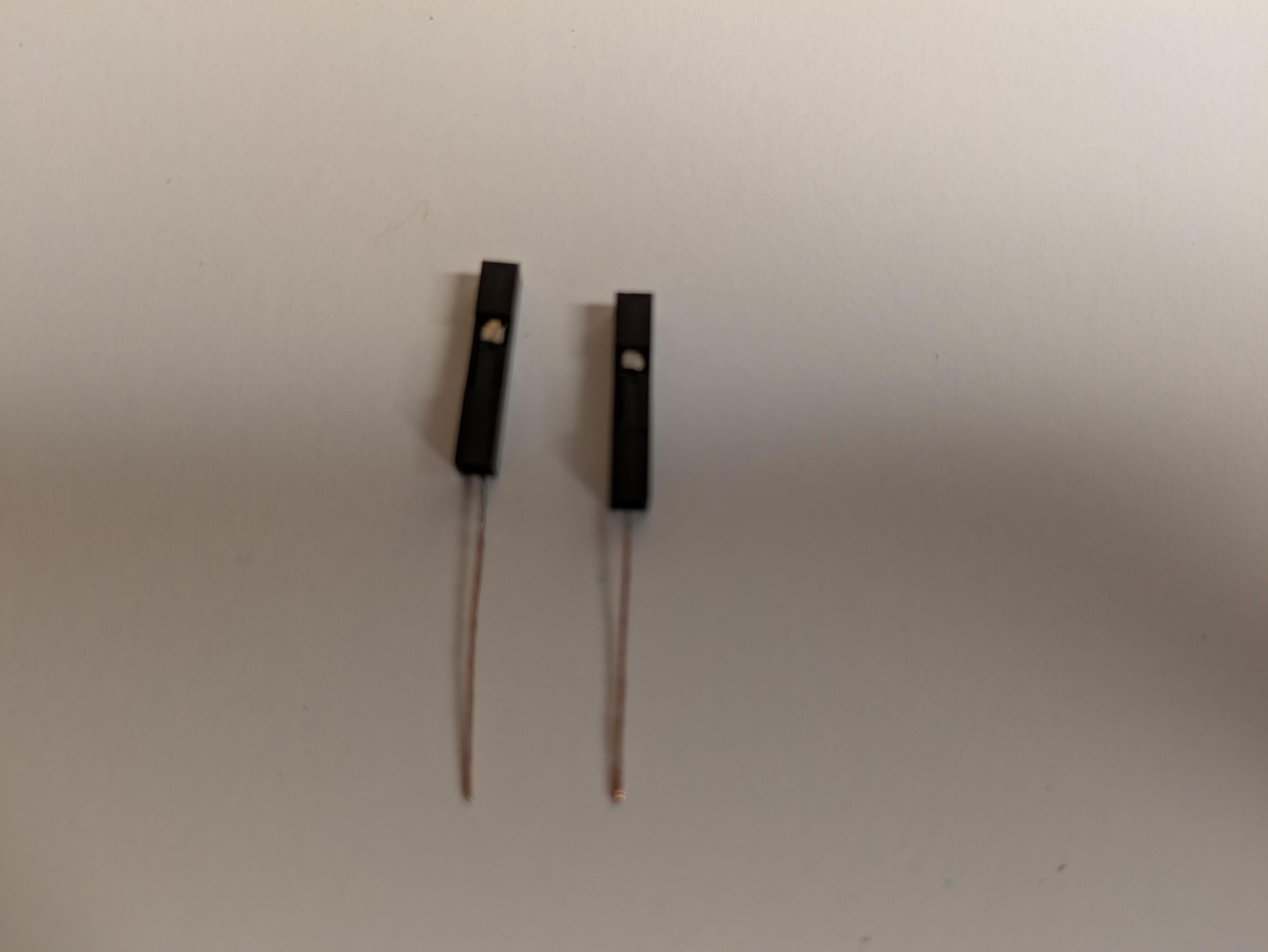
Prepare two bare wires approximately 32 mm long.
Crimp female Dupont connectors onto the wires. Again, soldering after crimping is optional but recommended.
Attach the Dupont connector housings.
Insert Wires Into Screw-Port Elements
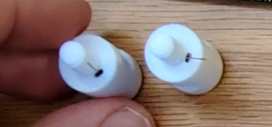
Insert the prepared wires into the screw-port elements. Ensure the wires pass smoothly through the parts and remain secure.
Install the Screw-Ports
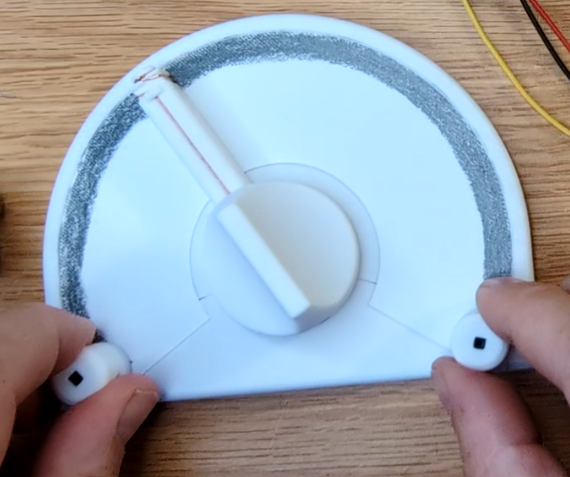
Screw the two screw-port elements into the triangular element and the baseplate.
The potentiometer assembly is now complete.
Prepare the Battery Connector

To simplify usage, prepare the 9V battery connector as follows:
- Crimp a female connector onto the positive wire (red)
- Crimp a male Dupont connector onto the negative wire (black)
Connect the Battery to the Knob
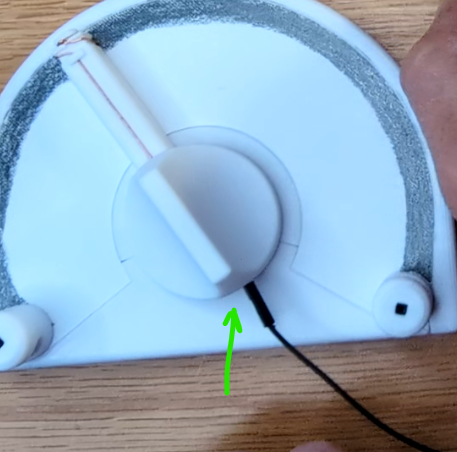
Insert the male connector from the battery wire into the female Dupont connector attached to the knob.
Connect the Resistor
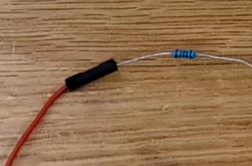
Insert the 330 Ohm resistor into the female connector on the positive battery wire.
Connect the LED
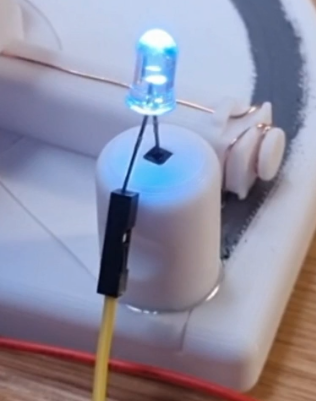
Using a female-to-female Dupont wire, connect the resistor to the longer leg of the LED. Insert the shorter leg of the LED into the female connector of the potentiometer output port.
Test the Potentiometer

Connect the battery and rotate the potentiometer.
The LED brightness should vary according to the resistance of the graphite track.
Experiment with:
- different pencil grades,
- wider or narrower graphite tracks,
- curved or segmented paths,
- multiple graphite layers.
This is a simple but powerful demonstration of variable resistance using everyday materials.