Quick and Portable Display
by Markus Opitz in Circuits > Microcontrollers
1094 Views, 11 Favorites, 0 Comments
Quick and Portable Display


A lot of projekts need a display. Often you have to connect your controller and the display by wires or by soldering. Here is a quick and easy display for any occasion.
No wires, no soldering!
And if you use a *XIAO ESP32 you can use all wireless (okay, together with battery with a little soldering then).
Here, for example, you can quickly create a desktop buddy, a clock, a Wi-Fi scanner, a weather gadget or a name tag.
And all of these are also available as standalone battery-powered devices and in wrist-worn versions.
*No matter which XIAO microcontroller you choose, the dimensions and the number of pins required are always the same. The images show a list of the different models, whether they feature an ESP32, nRF or RP chip. You’ll find the right model for your project.
Arduino IDE skills are recommended.
Supplies
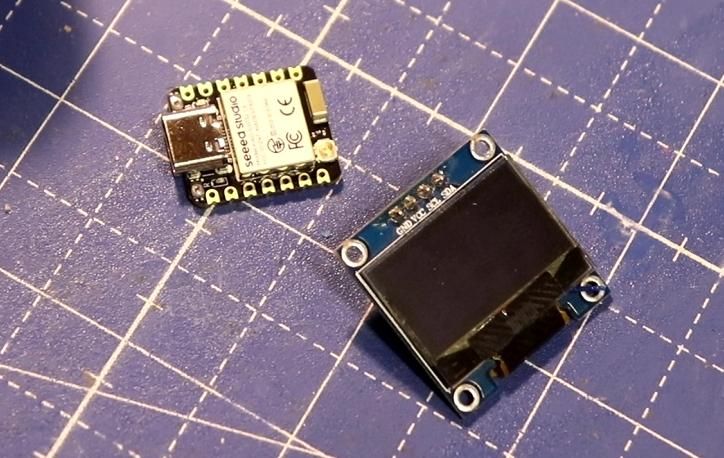
XIAO ESP32 (without presoldered pins)
OLED display SSD1306 (better with presoldered pins)
optional:
Power bank + USB-C adapter
LiPo battery
3D print equipment
Hardware Without Soldering


A XIAO ESP32 (-C3, -C6, -S3, or an nRf) is a brilliant little device and comes usually without presoldered pins. Good for our project! An OLED display SSD1306 usually has 4 presoldered pins in the sequence
GND, VCC, SCL, SDA.
We just have to plug that in to the XIAO ESP32 GND, 3.3V, D10, D9. D9/10 are normally not the right pins but we can fix that in our software.
Pins and holes usually fit together so well that soldering isn’t necessary for a quick project. Of course, you can always solder them later. In any case, the arrangement remains very compact.
Our circuit is ready for a test now!
The OLED pins fit perfectly into the XIAO, whose pin holes are also electrically conductive on the inside. However, they can sometimes be a bit loose. To secure them in place, you can insert a thin wire into each hole and press the pins in. This provides a secure hold without the need for soldering and allows them to be removed at any time!
Any in the internet available and filtered information can now be displayed, also counters, eyes, animations, sensor readings, weather information, …
Software Preparations
Download the files of your choice from steps 3–9. Then follow the instructions on a recommended setup page.
To upload the software to the XIAO ESP... , please use my old project “Getting Started with ESP32-C3” or the instructions from SeeedStudio.
Example 1: Desktop Buddy

This is an example of funny eyes, a desktop buddy. Without sensors it cannot react, but the random animation can make you smile.
Hint: A XIAO … sense has IMU sensors.
Downloads
Example 2: Clock

This skript is getting time and date via internet from the NTP server, when your WiFi is near. With a soldered battery (step 7) you could also make a DIY wrist watch.
The skript is logging into your Wifi if available (please configure SSID and password), getting the time and displaying it on the OLED. If Wifi is out of reach the watch is using it‘s own timer until next contact.
I have set the timezone for Germany. You can find your time zone in a list here.
Just replace the „CET-1CEST, M3….“ with the code of your time zone.
Downloads
Example 3: WiFi Strength Monitor
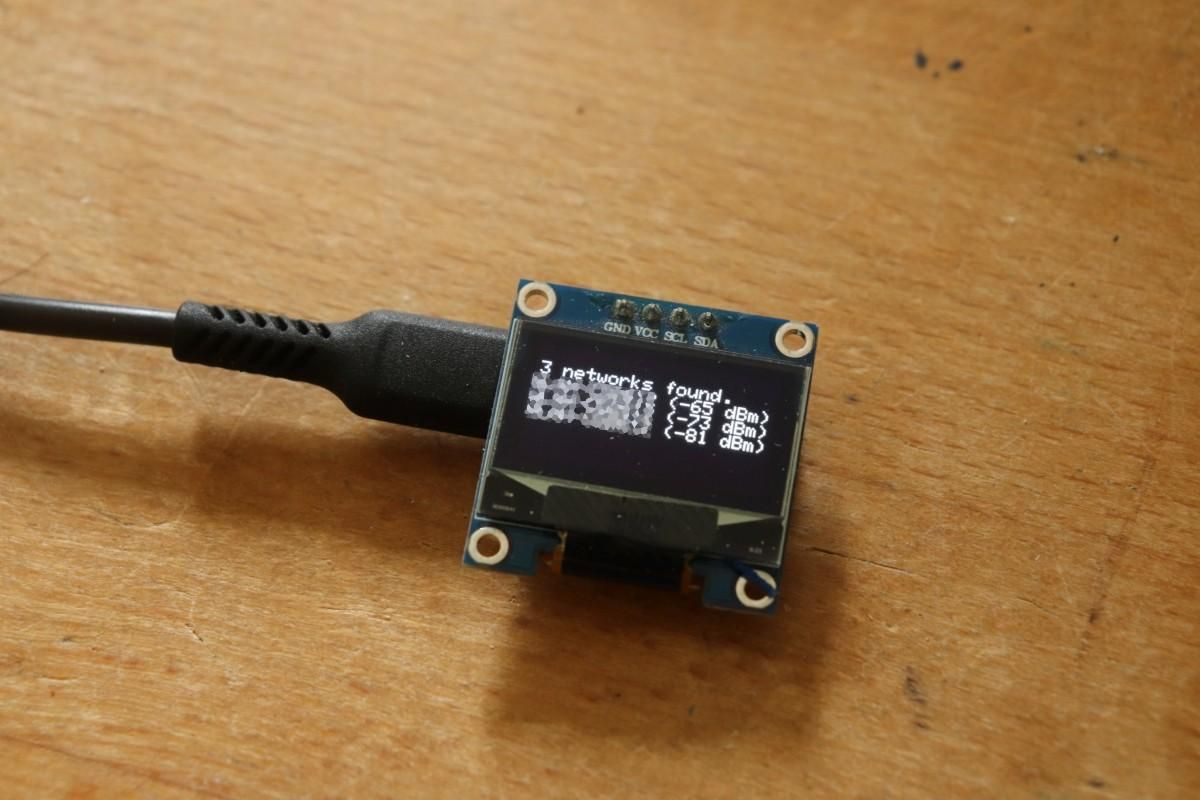
Useful to detect blind spots in your WiFi mesh: The ESP32 logs into your WiFi (please insert name and password in the skript) and shows signal strength on the display.
Downloads
Example 4: Weather Gadget
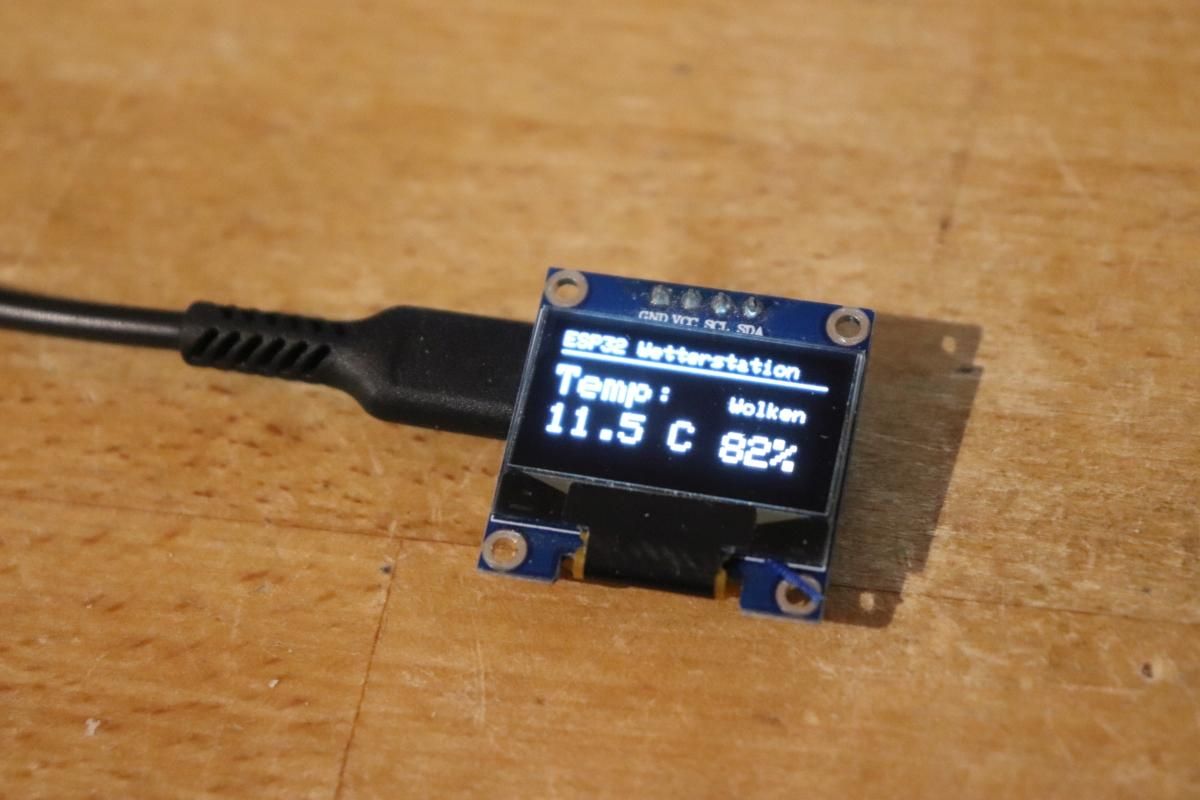
Nice for the desktop: a little customizable weather gadget that shows the weather forecast.
Downloads
Example 5: Name Tag or Price Label
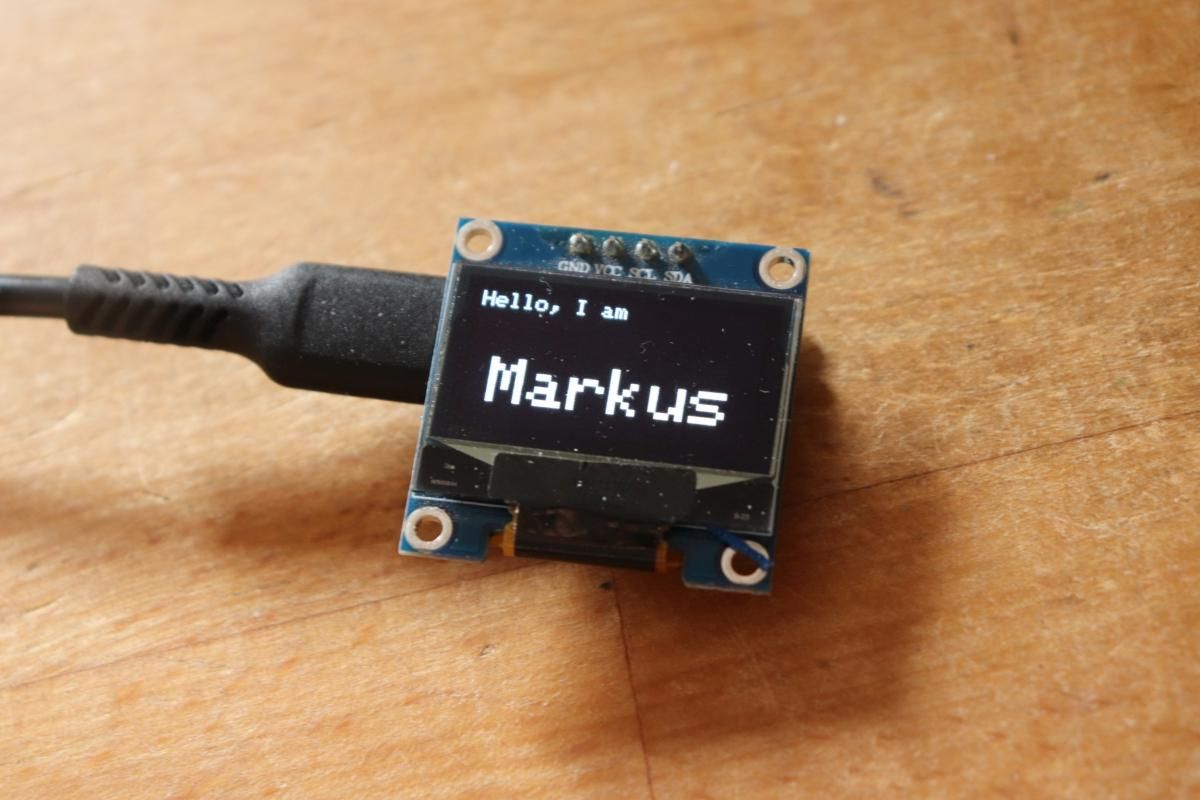
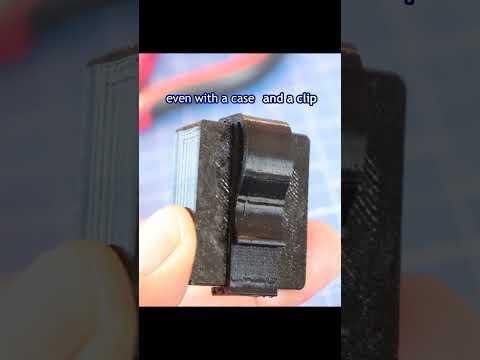
You could also make a name tag or price tag. With the clip from step 10, you can even wear it.
Downloads
Example 6: Show Input of Microphone As Amplitude (XIAO NRF)
with XIAO nRF: show data of microphone
Downloads
Suggestions
Other possible applications:
- Show your own sensor readings from other microcontrollers
- Display data via Wi-Fi, Bluetooth or ESP-NOW
- Show the counter of your webpage
- with XIAO nRF: show data of microphone and/or IMU sensors
With lightsleep or deepsleep functions you could save energy.
Optional Extras 1: Working on Battery
Well, here you have to solder, sorry. There are two contacts on the underside of the circuit board to which you can connect the battery. Check the polarity!
With a LiPo battery and a mini toggle switch, you can run the device independently, for example as a wristwatch.
Bonus 1
3D printed case for XIAO and OLED display.
Bonus 2
3D printed case for XIAO, OLED display and 100mAh LiPo battery.
Bonus 3
Clip as add-on for wearing.
Optional Extras 2: Wearable Display
To carry your display around I have designed a case with band. Download the STL file, configure it in your slicer and 3D print it. For better usage I added a small switch.
3D printed case for XIAO, OLED display and 100mAh LiPo battery and wrist band.