RADIOSCOUT, a Working GPS Compass With a Rotary Dial
by badcrumblefx in Circuits > Arduino
1657 Views, 11 Favorites, 0 Comments
RADIOSCOUT, a Working GPS Compass With a Rotary Dial
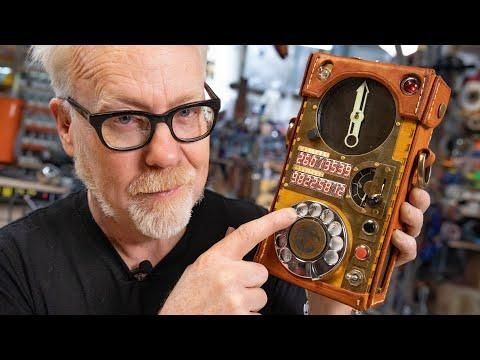


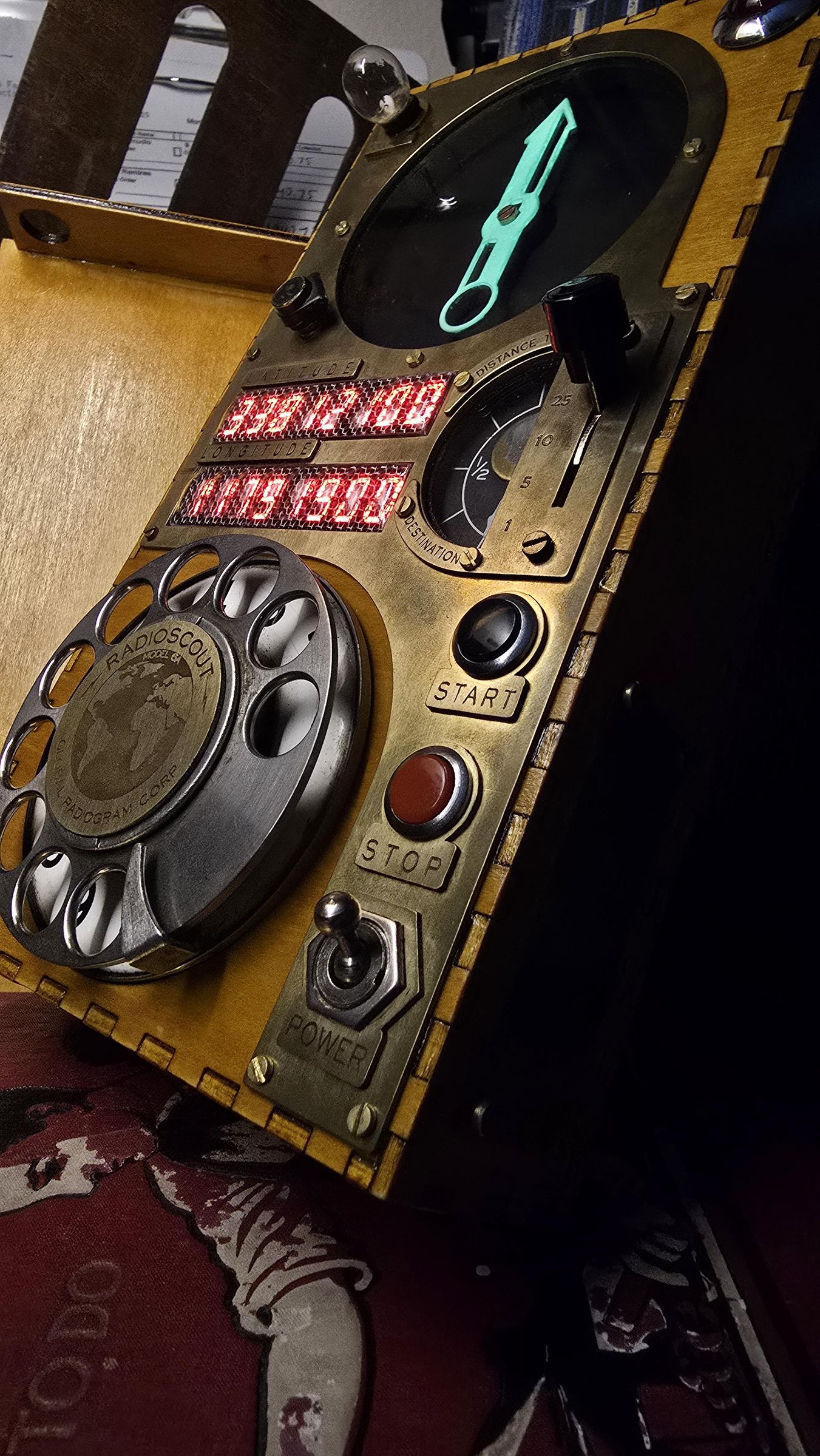

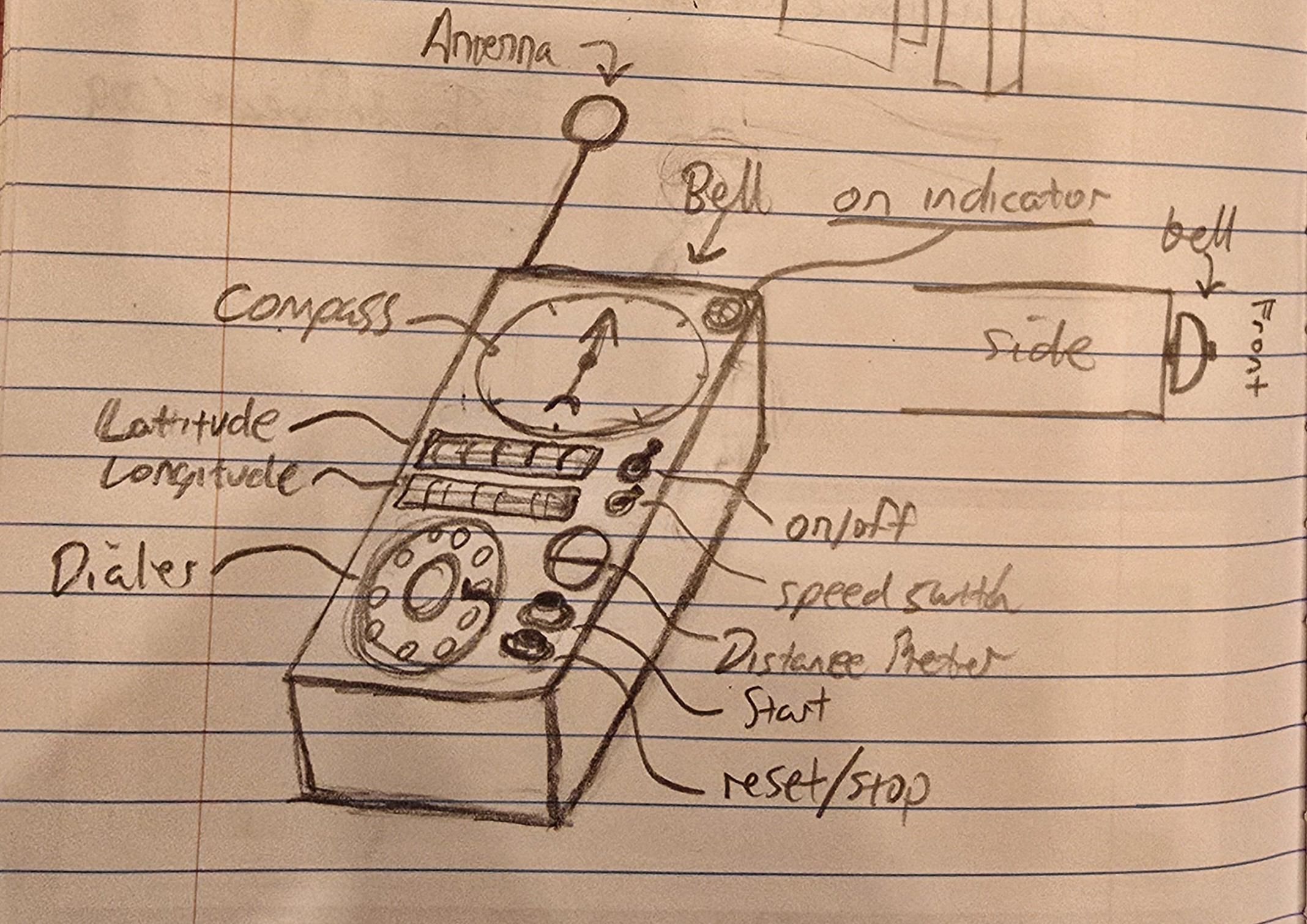
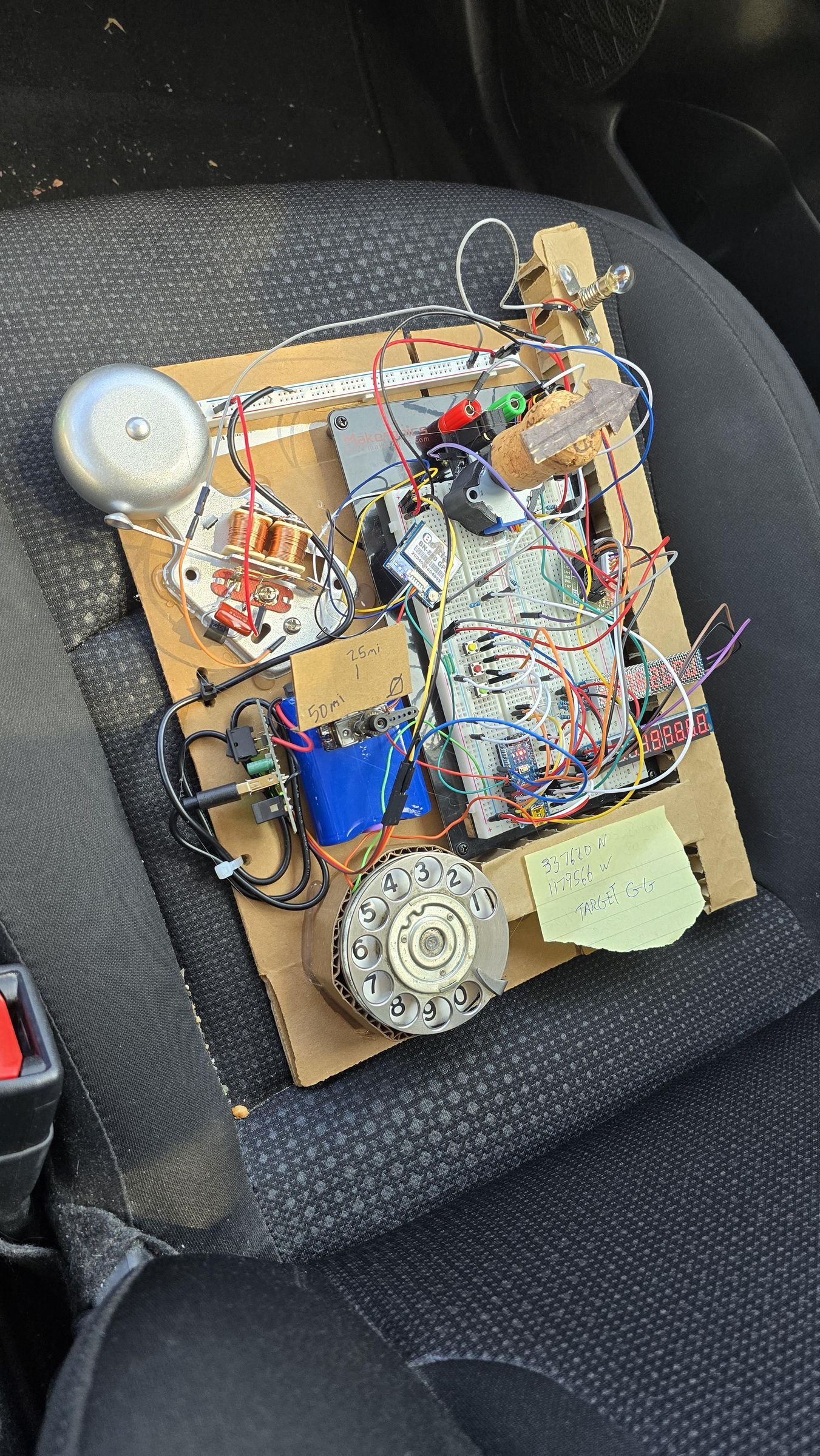

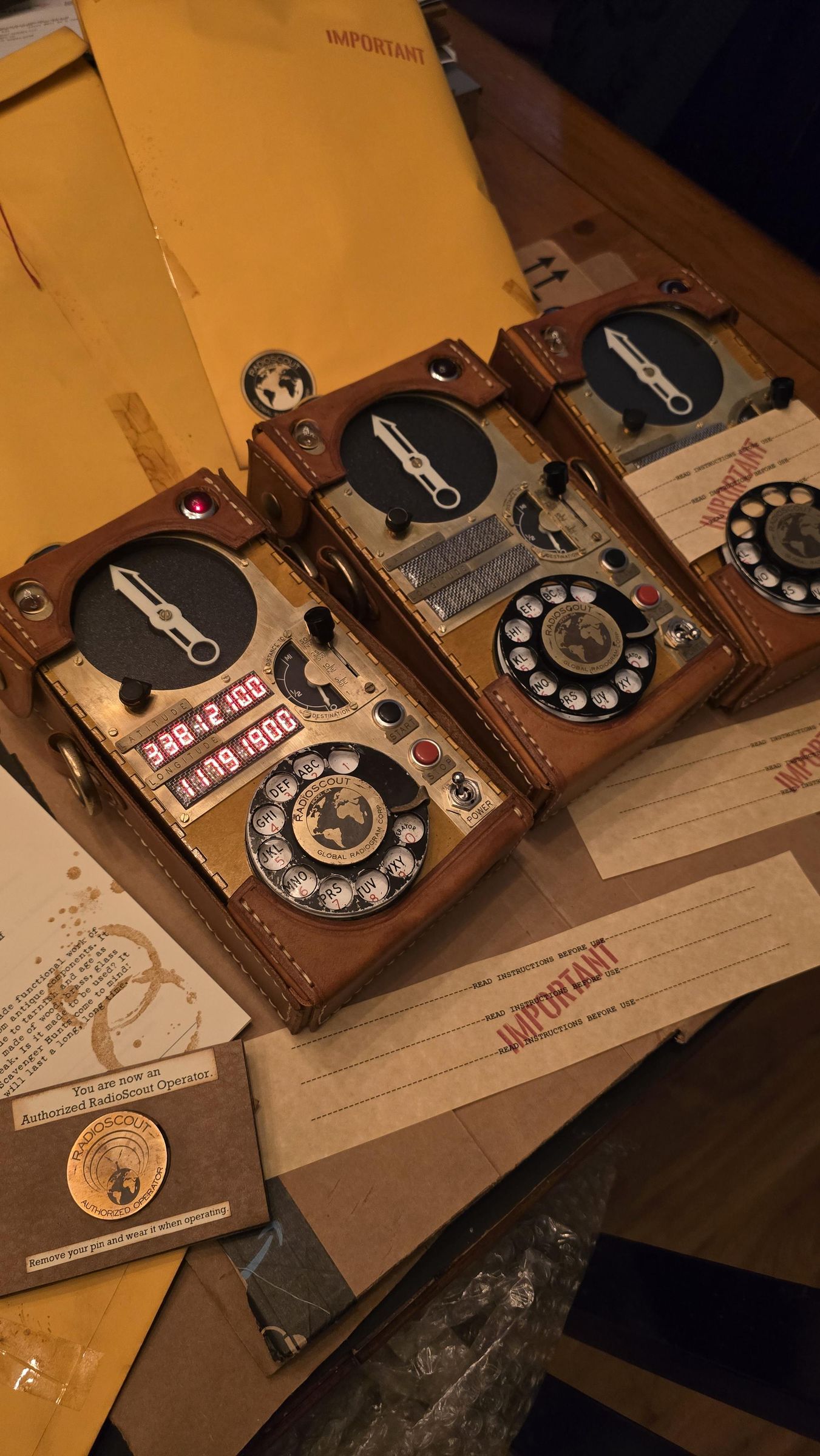
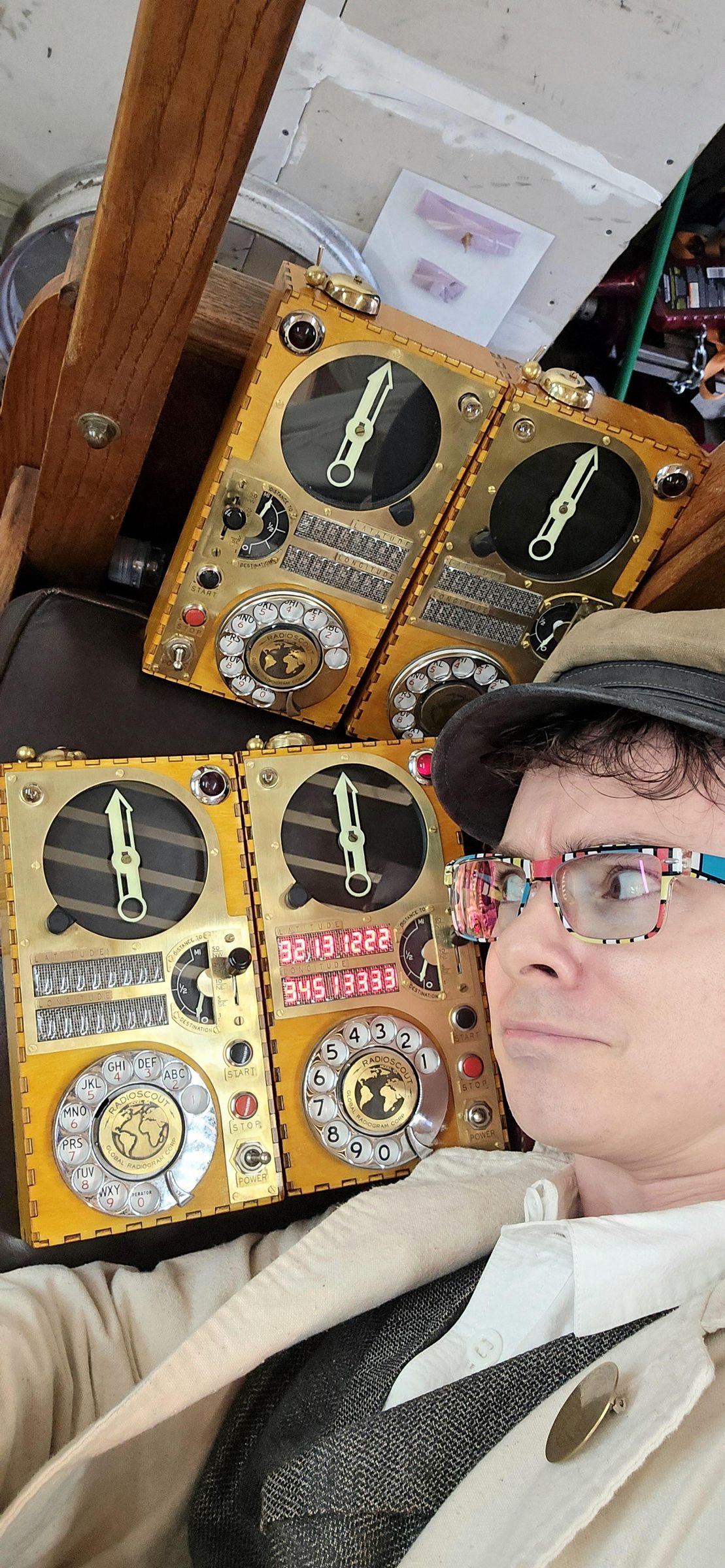
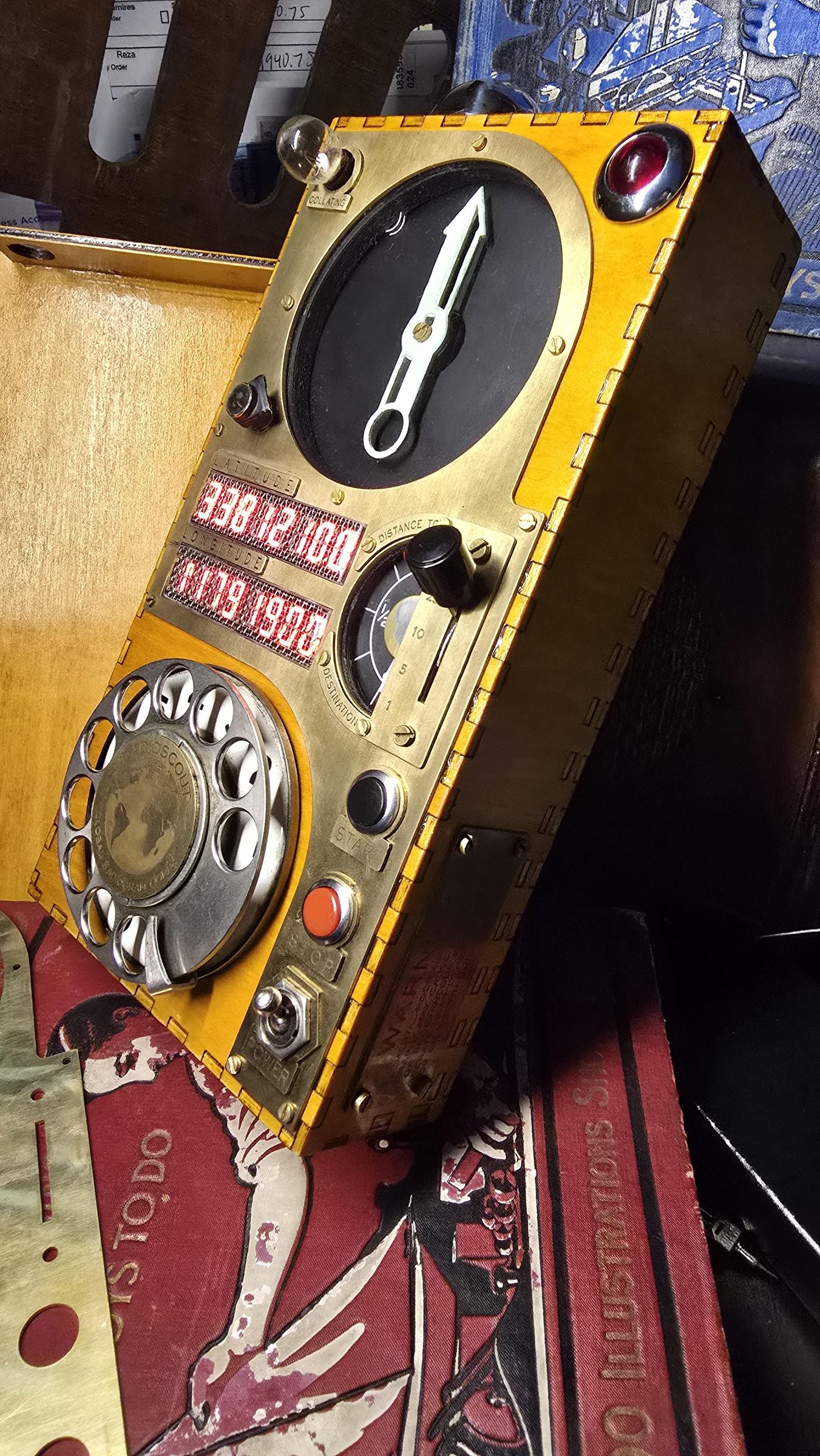
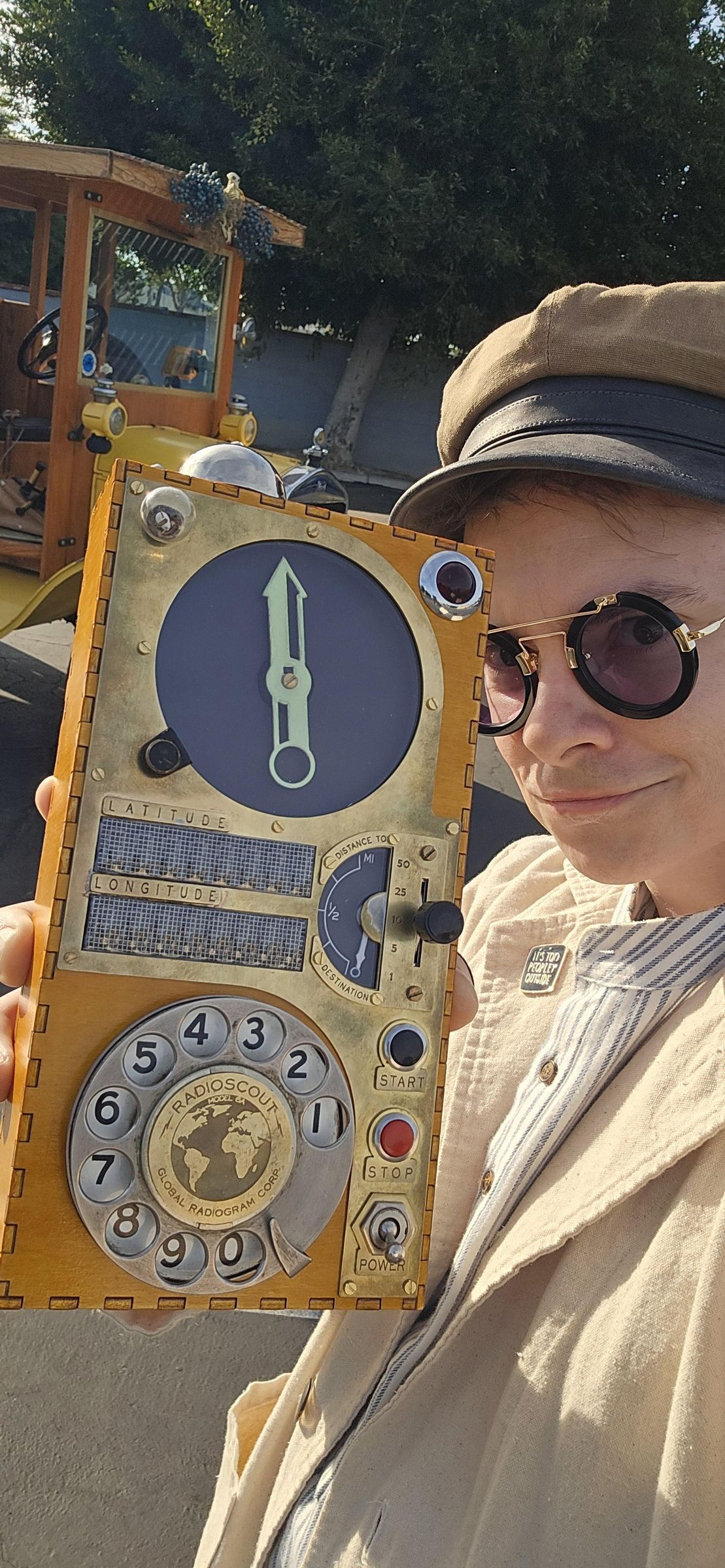
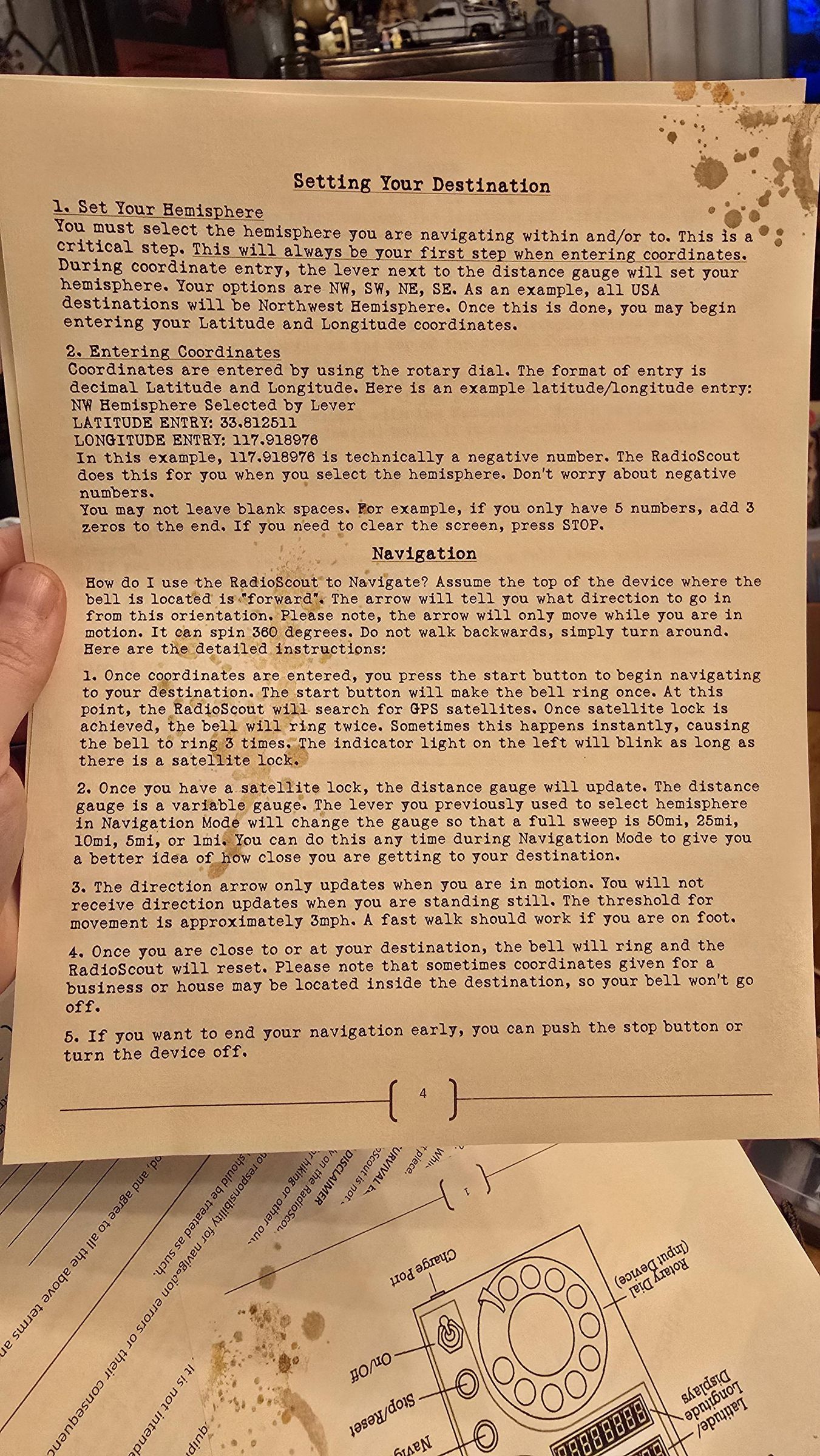
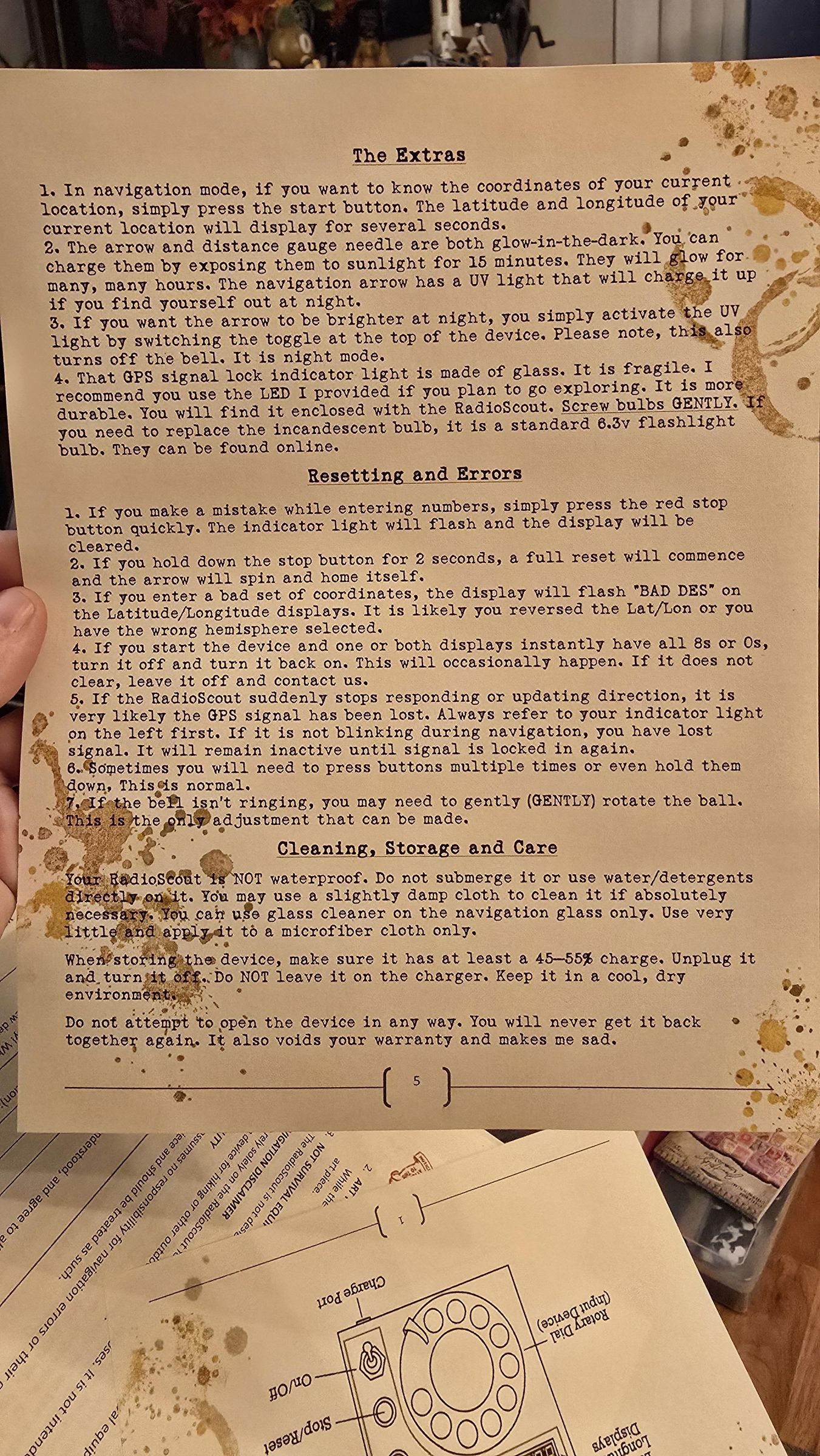
My name is Jase and I'm a maker on instagram/tiktok under the name HardlyHumanFX. I promised I would eventually release the build files when I first started this crazy project. Here it is. This is a working GPS that points at your destination. Your enter latitude and longitude with the rotary dial. You can adjust the distance indicator with the control lever, which alters the gauge from a 50 mile gauge, all the way down to 1 mile. So, as you get closer to your destination, you can refine the increments and see bigger changes on the same dial. Think of it as "zooming in". The program even supports "speed dial" where it can save destinations for future use, or save current location. The little lightbulb flashes when the GPS has connected to the satellites. The bell goes off when you reach your destination.
It was a crazy and grueling process to get it to work well and be as portable as it became. I hope you enjoy it and build one yourself.
Supplies


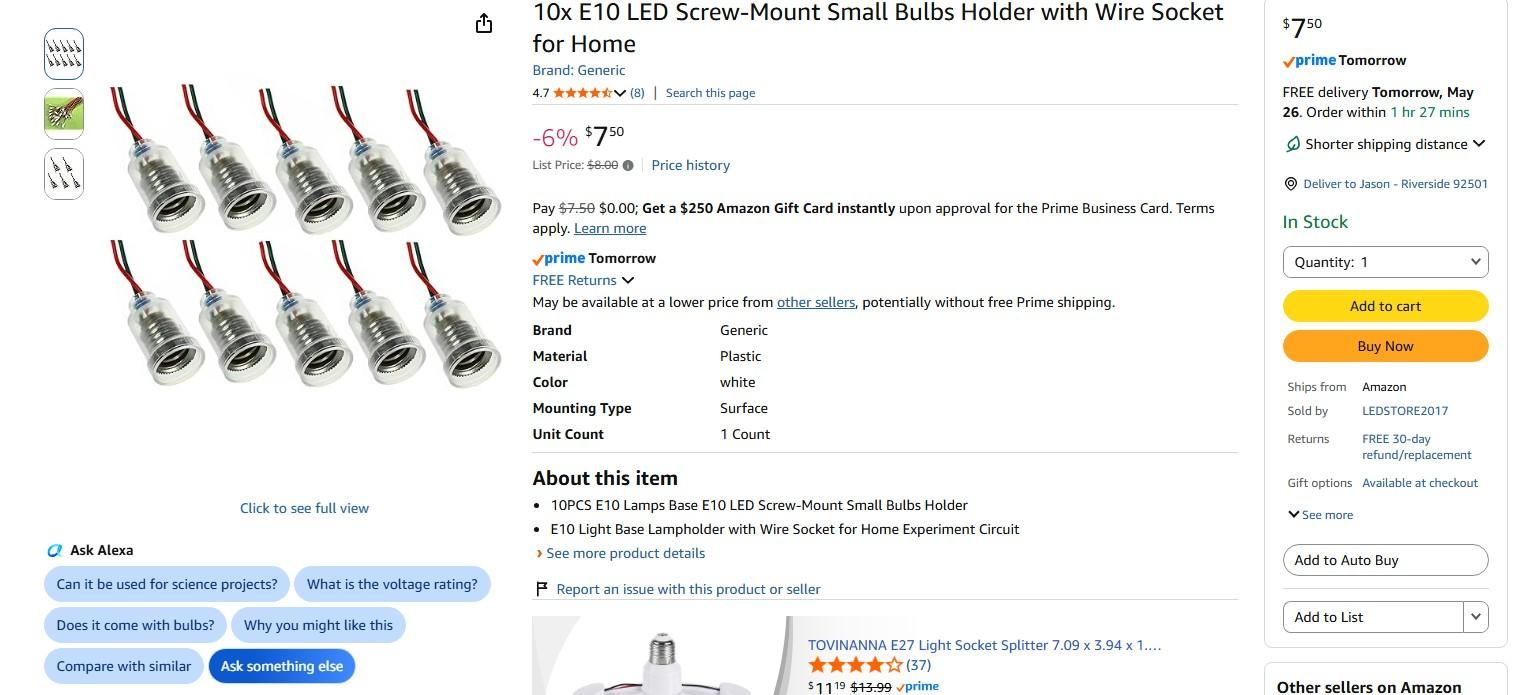
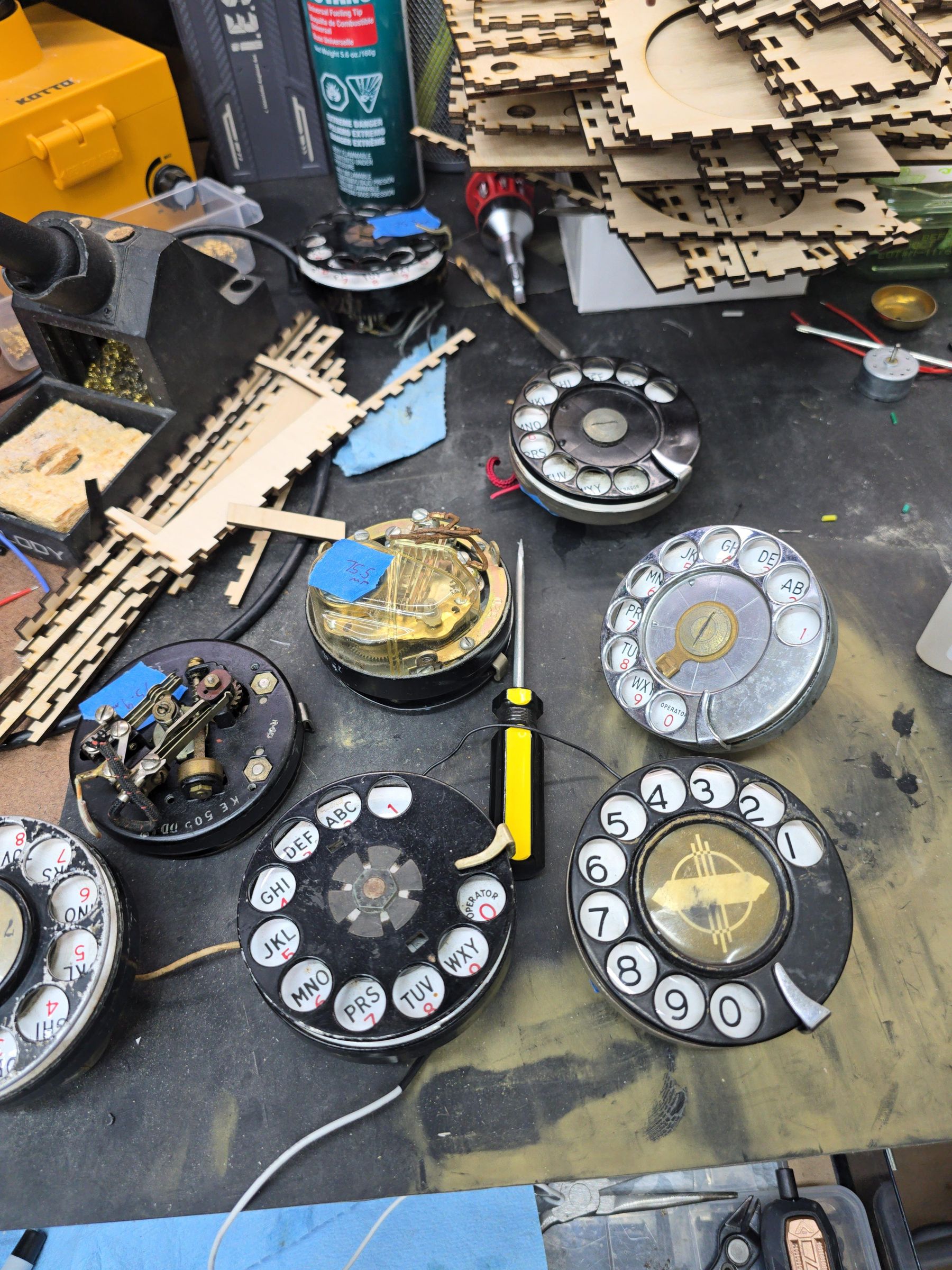
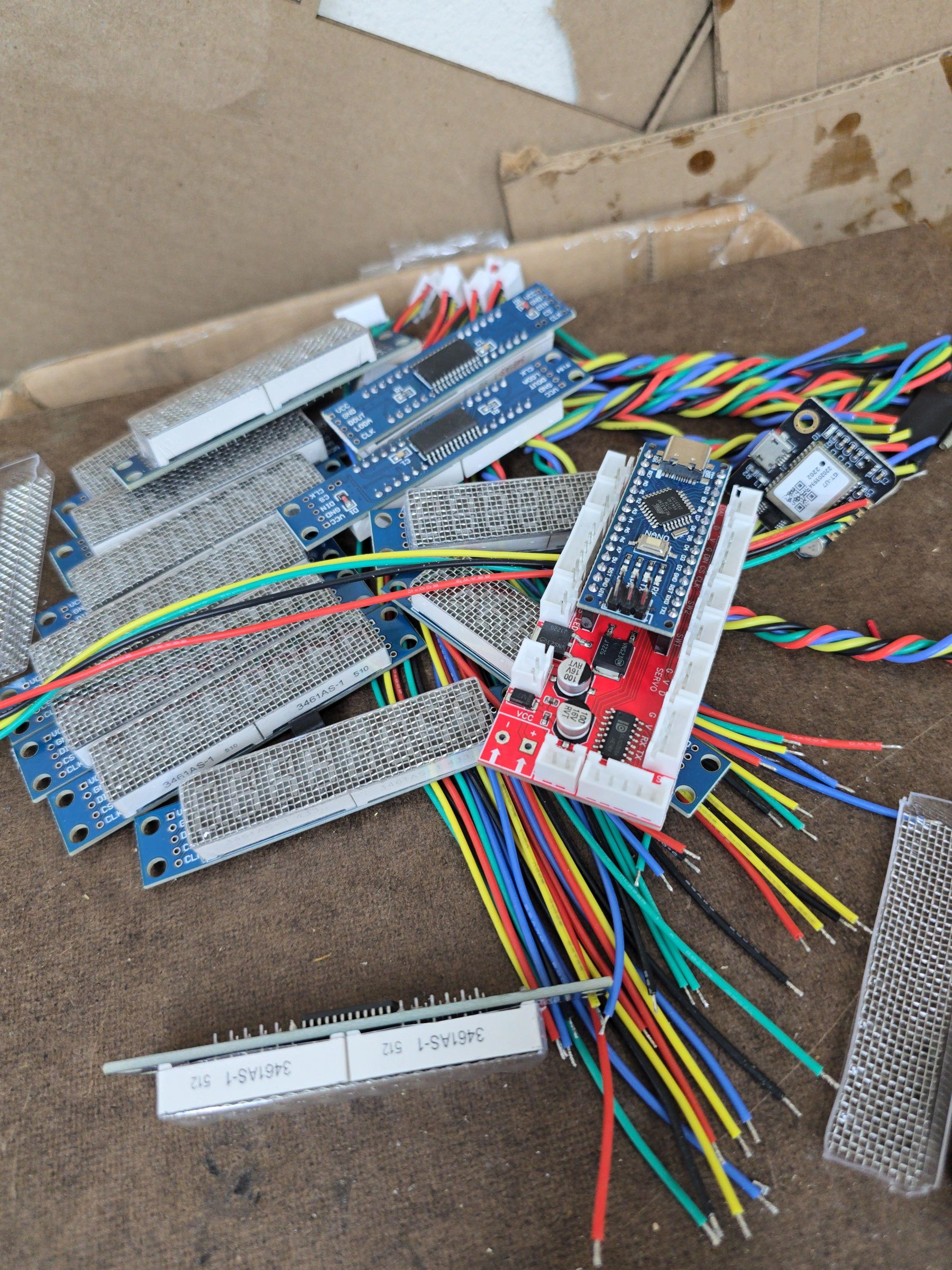


In order to make this, I used a variety of tools. I outsourced the PCB manufacture to JLCPCB. I can't attach the GERBER files through Instructables for some reason, so here's a repository: https://github.com/hardlyhumanfx/radioscout. Additionally, I sent out the metal pieces to SendCutSend. I happen to have a 3D printer and a laser bed. I also needed the support of resin printing and a vacuum forming machine. I also etched brass so I would have brass labels on everything. You don't have to do all that for a working device, but I have included many resources and designs here which should theoretically allow you to get that far. I'll go over more things you need as wel go through the steps. You of course need a rotary phone dial--preferably a metal one from the 1920s-1930s because they were a little smaller.
Making the Box


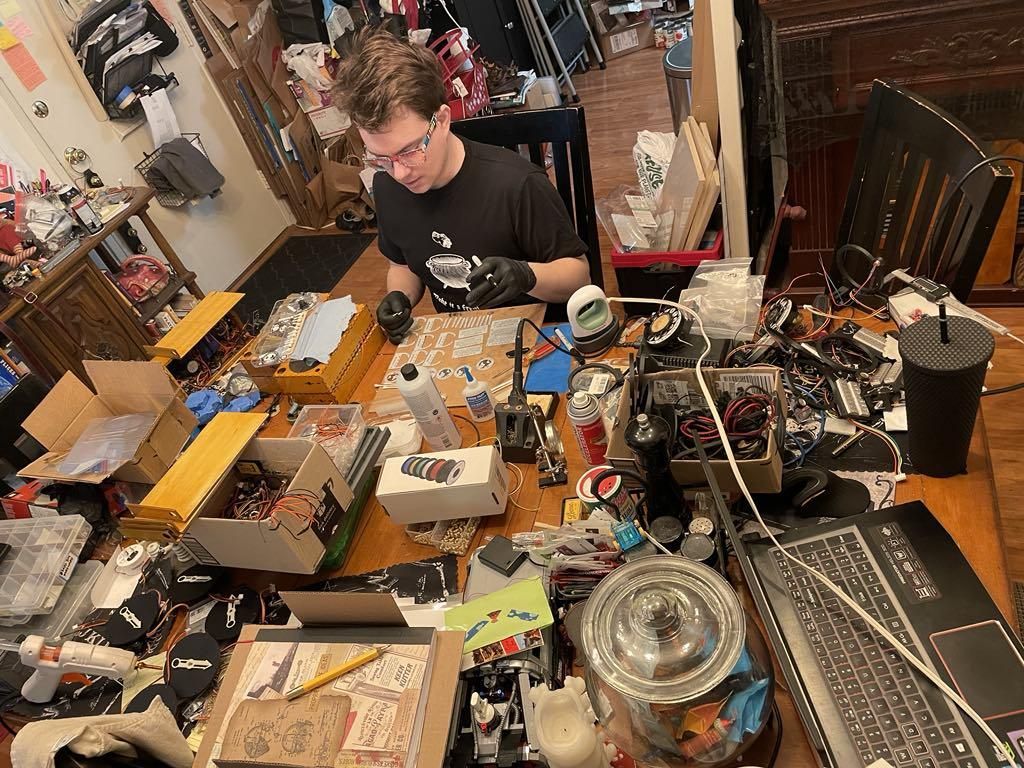
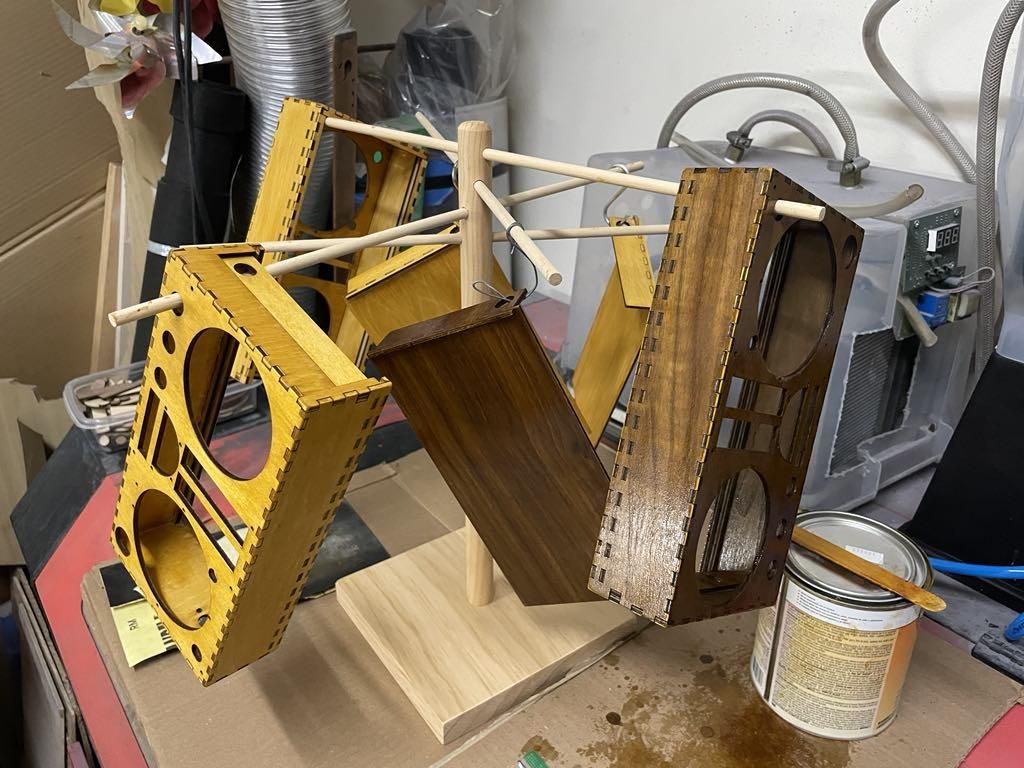

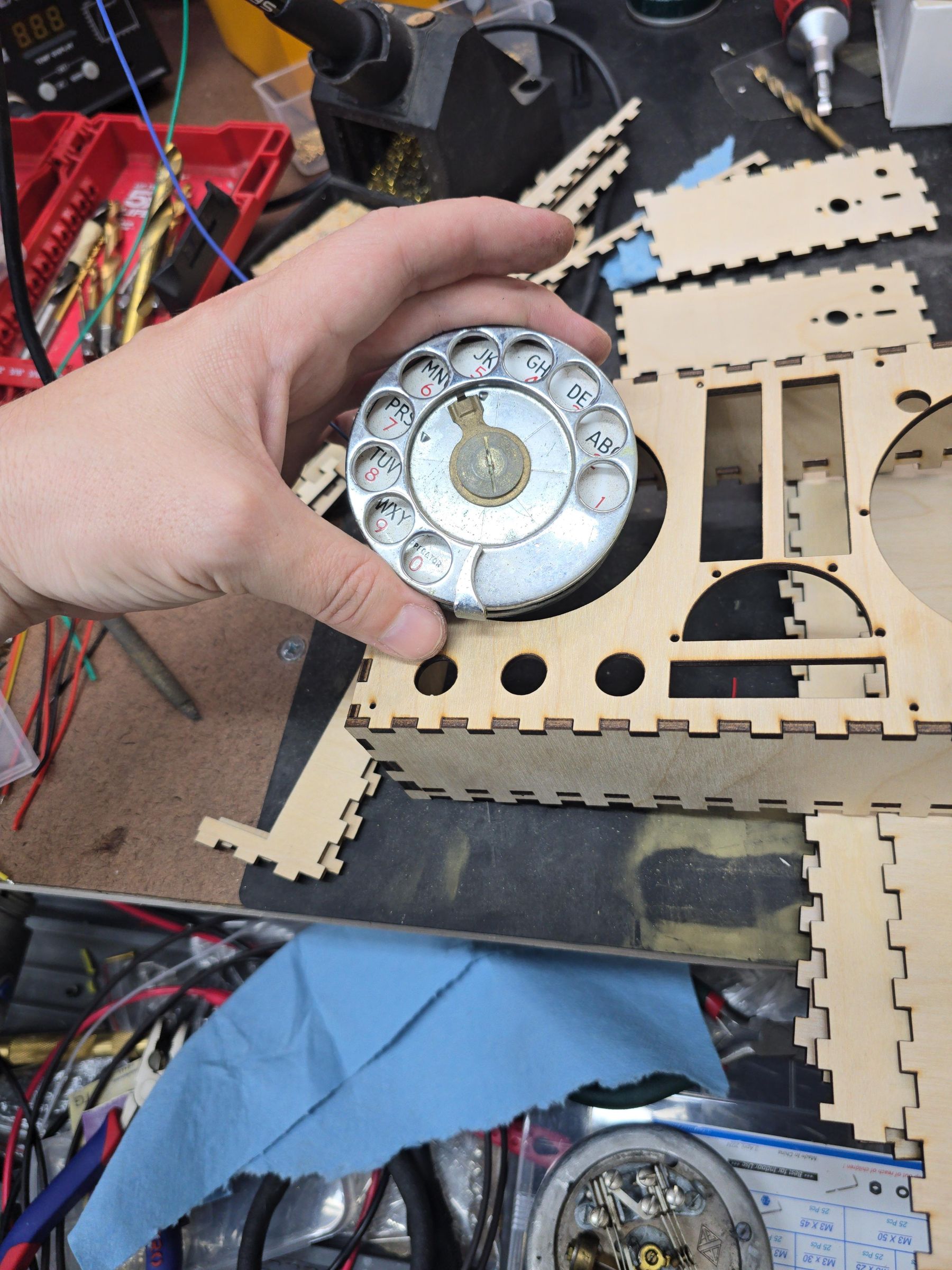
The wood box is a satisfying build. It's made from thin baltic birch. You'll want to bring callipers with you to the lumber yard and try to find sheets that are about 3.2 to 3.5mm thick, depending on how much material your laser eats. You could alter the cut files, and come up with your own enclosure of course.
I will tell you that you will have to make the indicator light hole whatever size you need, depending on the light enclosure you find. The same goes for the rotary phone dial. They are all a little bit different.
I strongly recommend you 3D print everything you need first, then assemble because you will want to see how everything fits.
You're Not Going to Like This


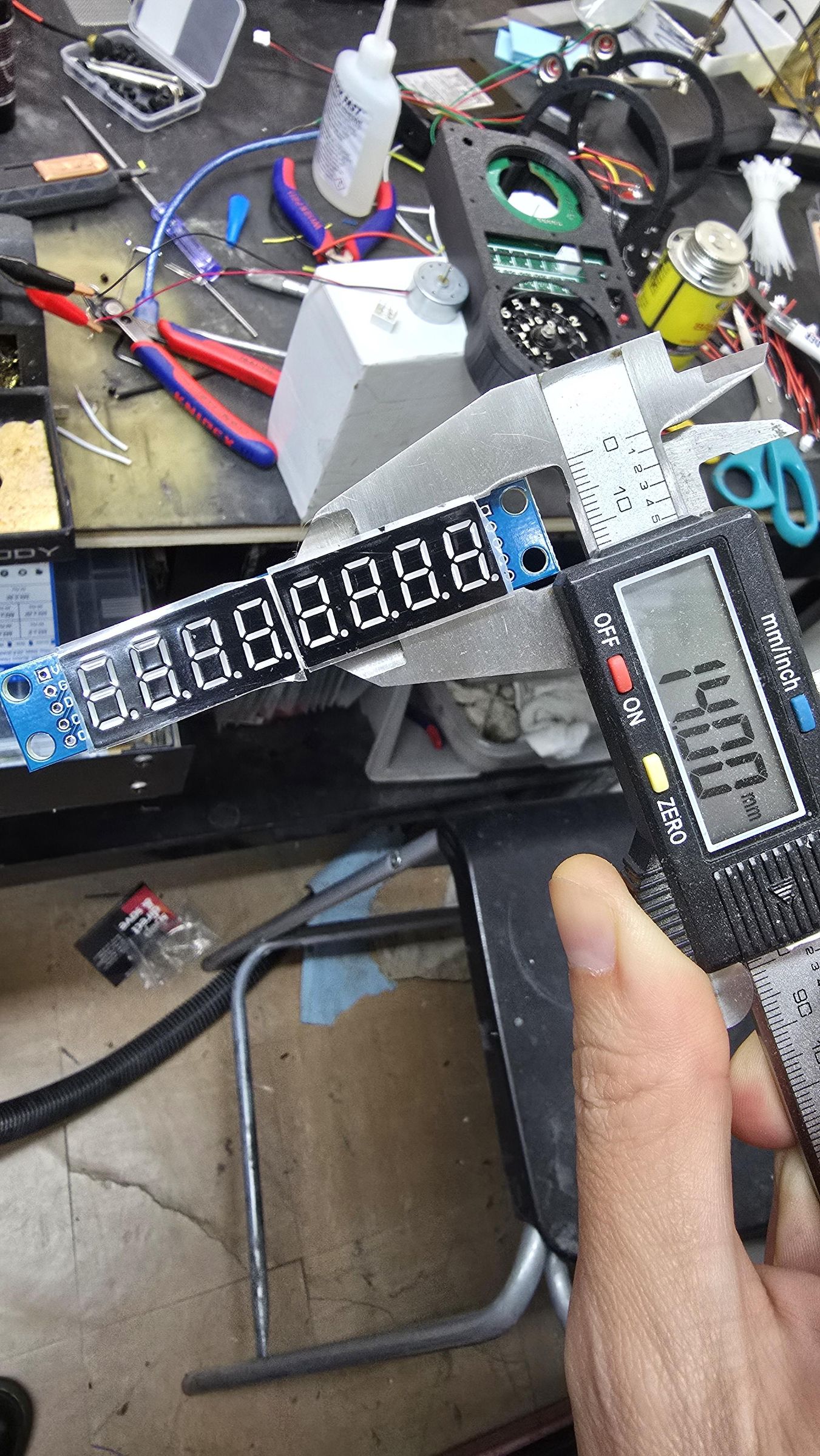





Van Gogh'd
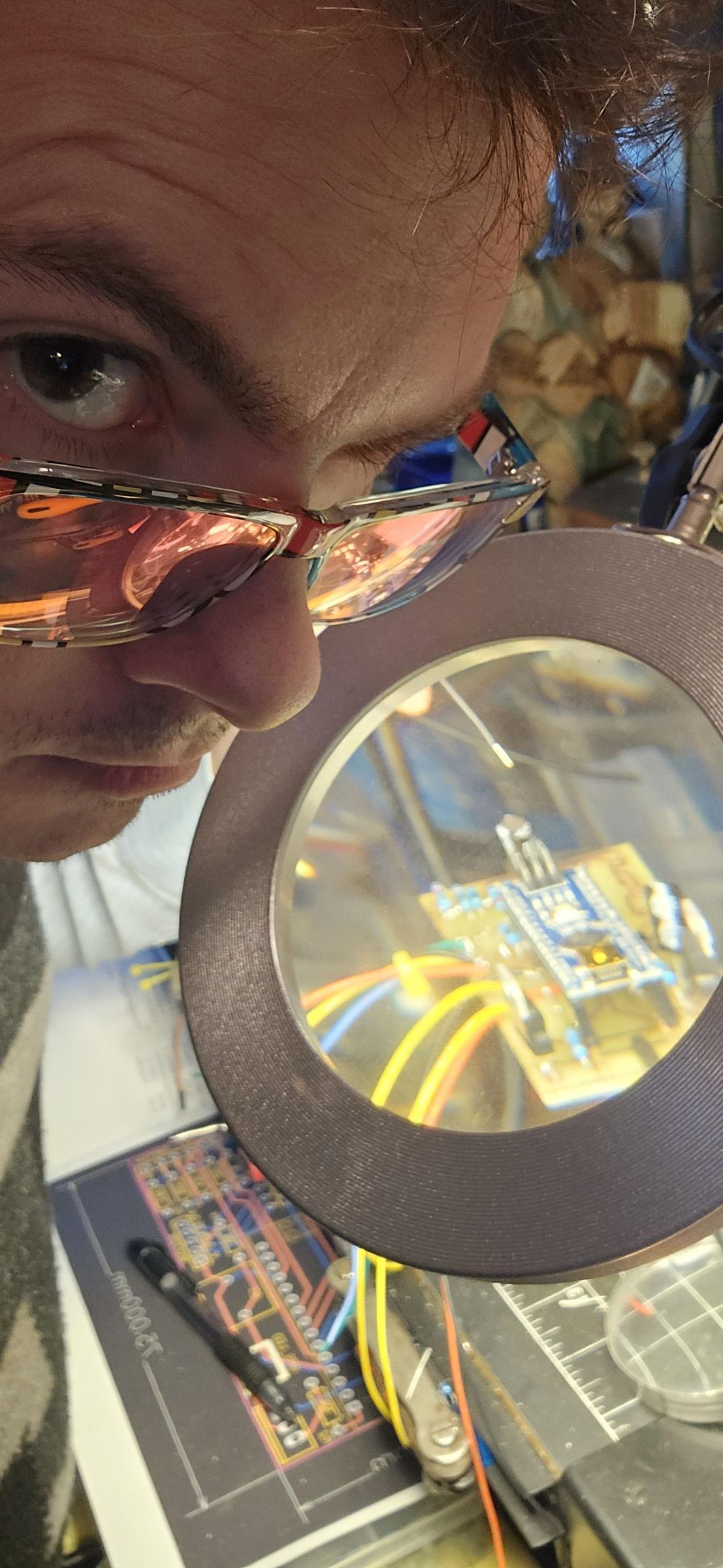
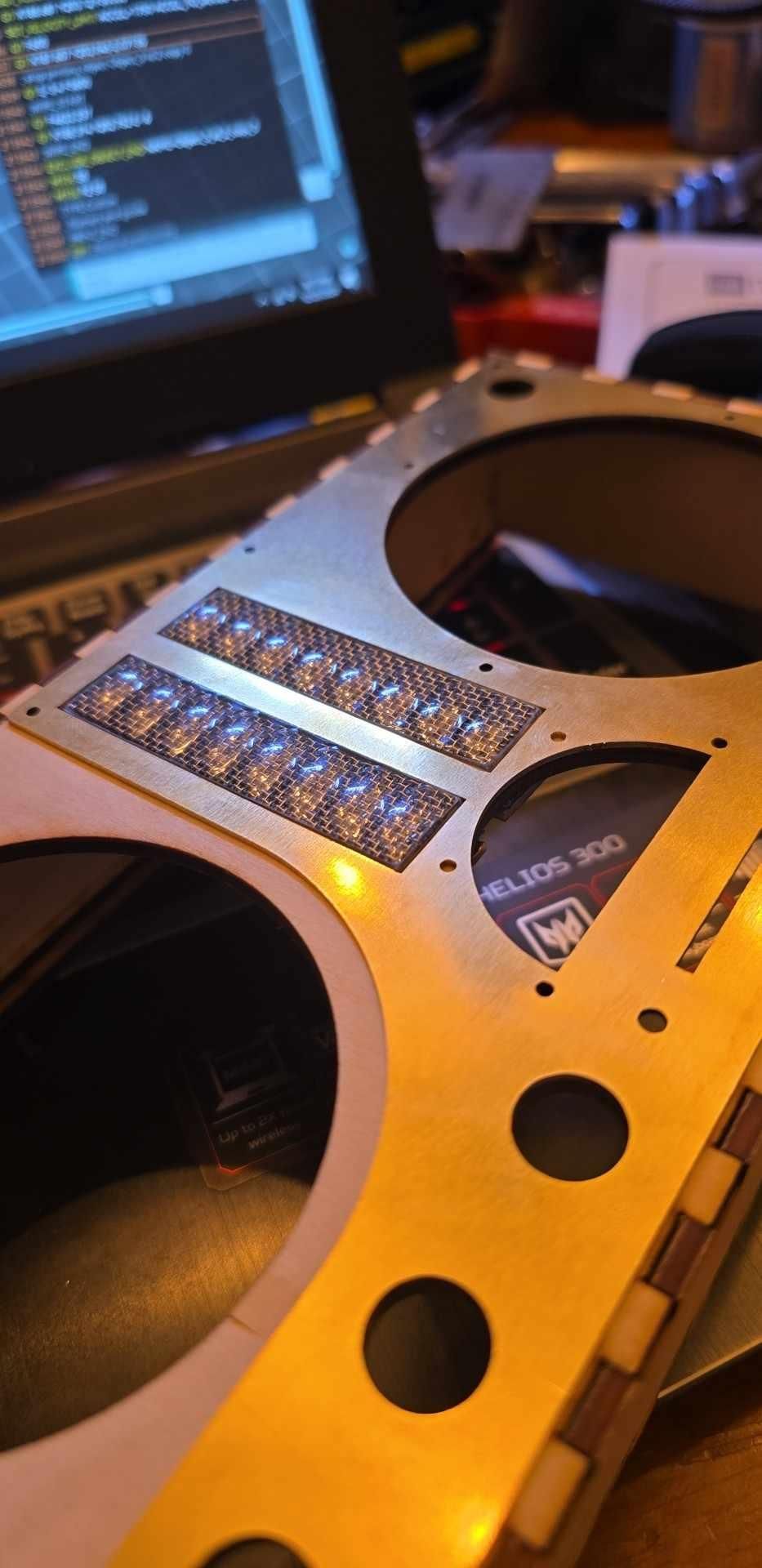
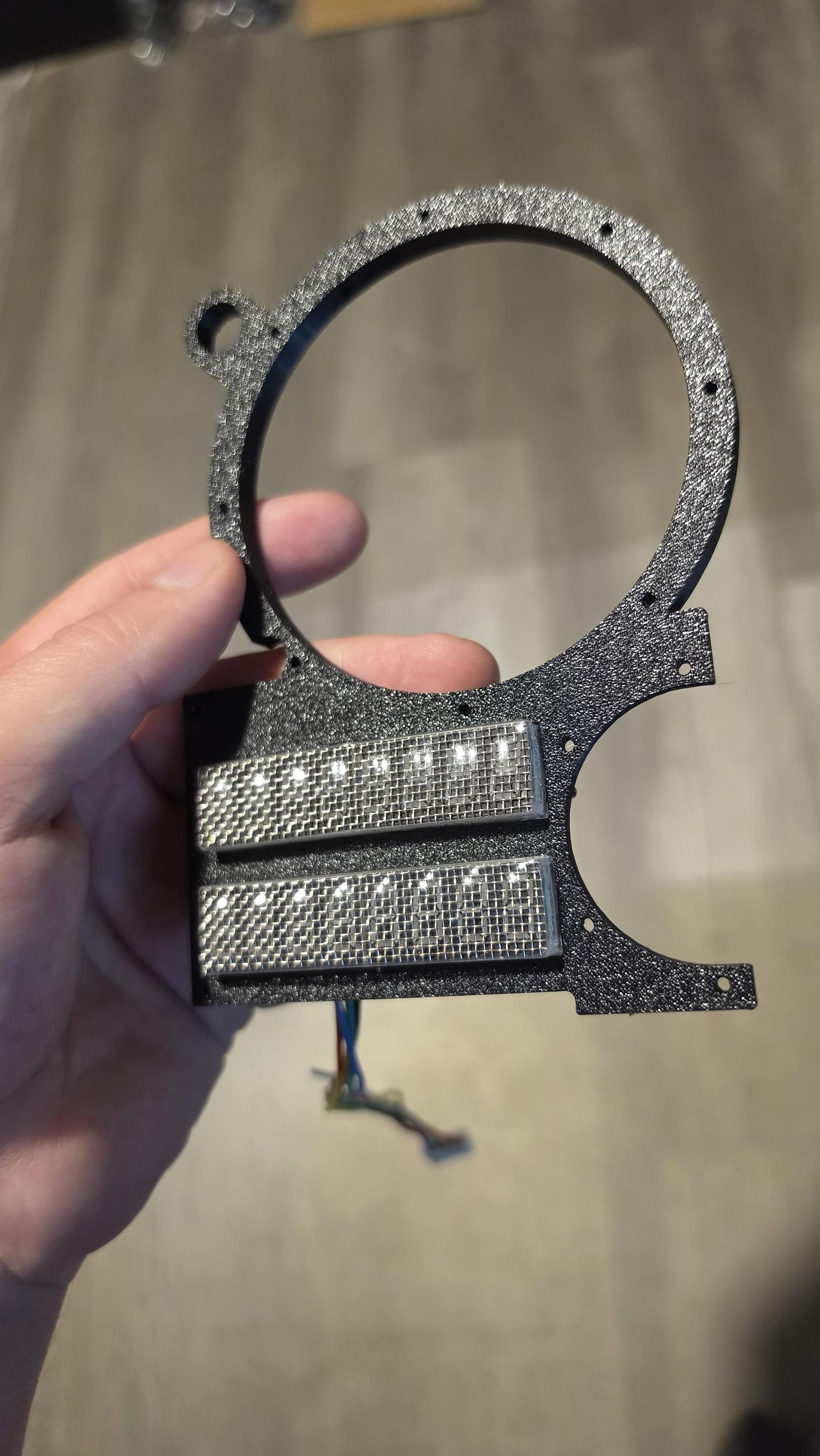
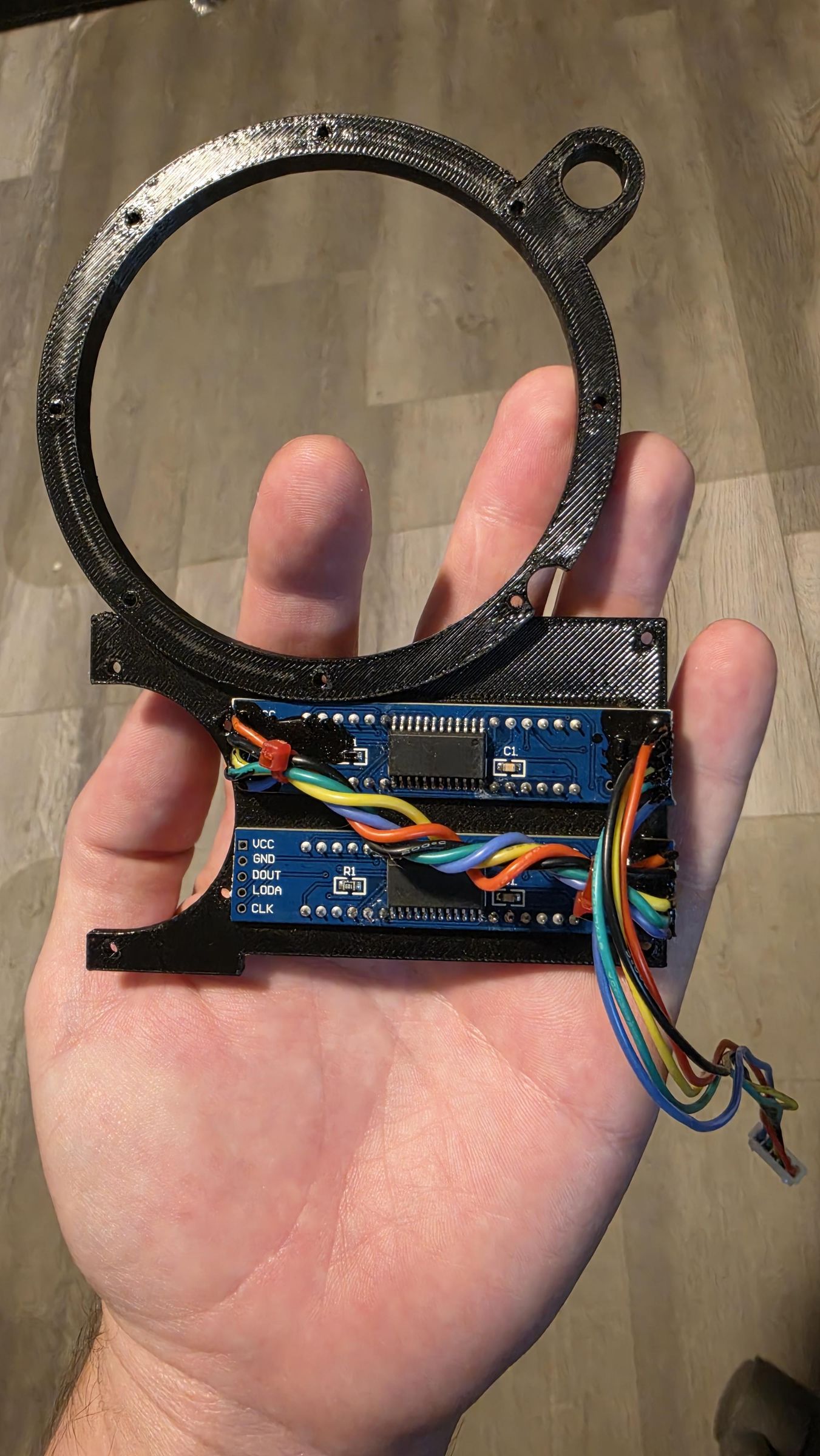
When I started this, I thought I would build 1 unit for fun. So, you have inherited my dumb measuring error. When you put the display in, it has little ears with holes meant to mount it to hardware. Well, I did not account for that. So I clipped them off VERY CLOSELY to the solder pads. I used wire snips. I sometimes destroyed displays. Hey don't look at me like that. I thought I was building one. Anyway, what I did is totally doable but you could also just alter the design to accommodate for these ears.
The Display Cover
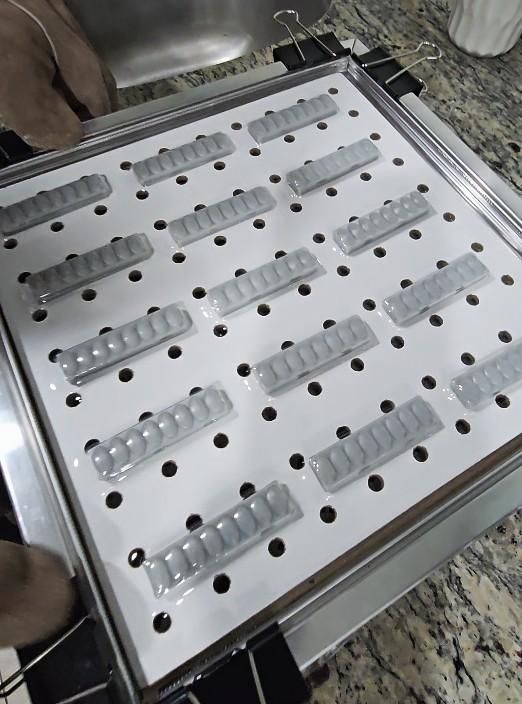
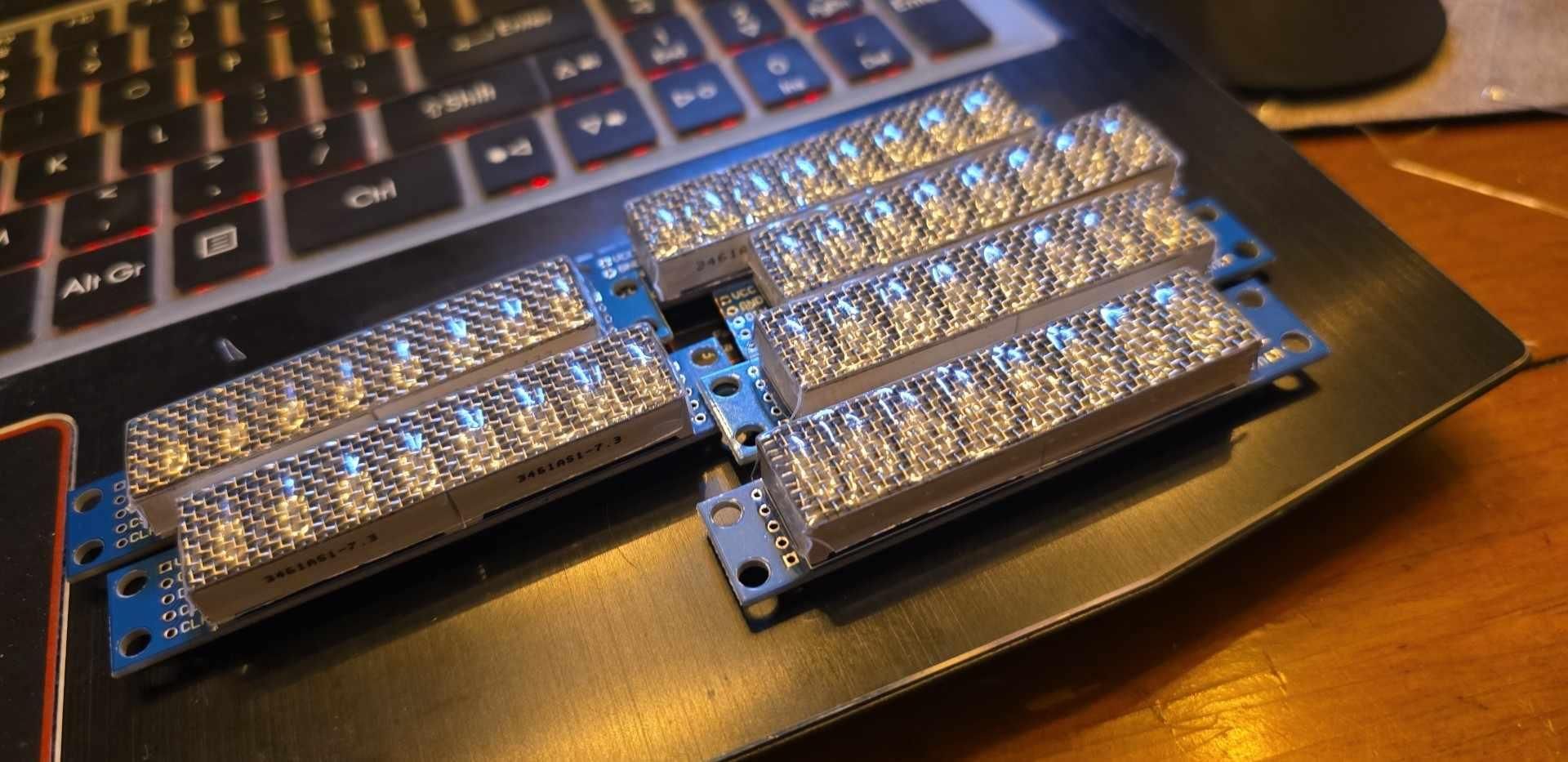
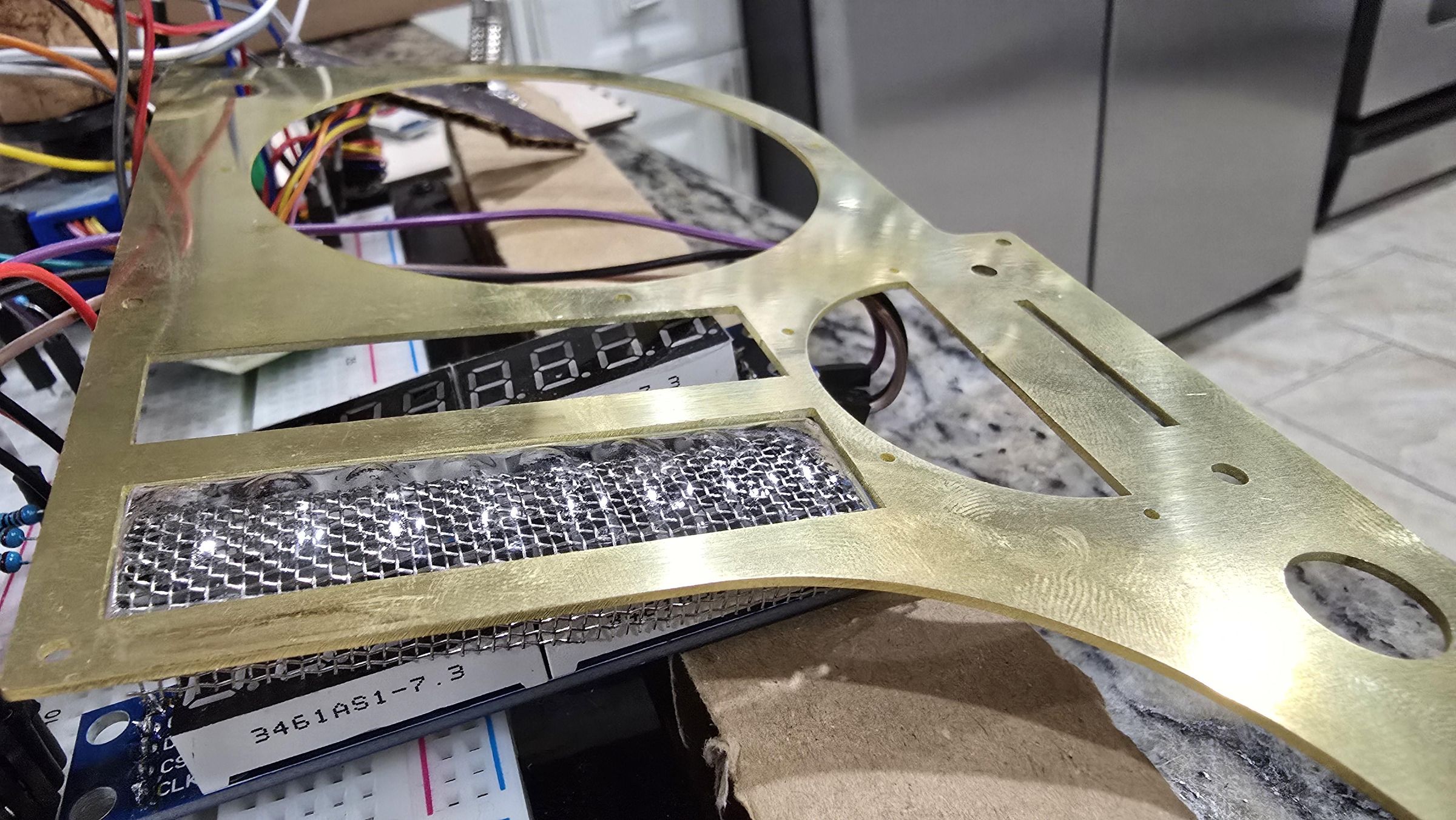
I actually used metal screen door mesh to make my modern MAX7219 displays look like Nixie Tubes. I also helped it along with my program, which illuminates/flickers them just enough to make you look twice. Additionally, I made a vacuum formed cover that makes them look like they have little magnifiers on them. It is a subtle but really fun effect. You'll need a resin printer for the 3D print and a vacuum former to do this step. It's optional.
Twisting the display wires: Do you know why I do that? It reduces noise from getting to the display. There's a lot going on in this device and inadequate shielding. This helps.
Now we can talk about the 3D parts.
Downloads
The 3D Parts and Hardware

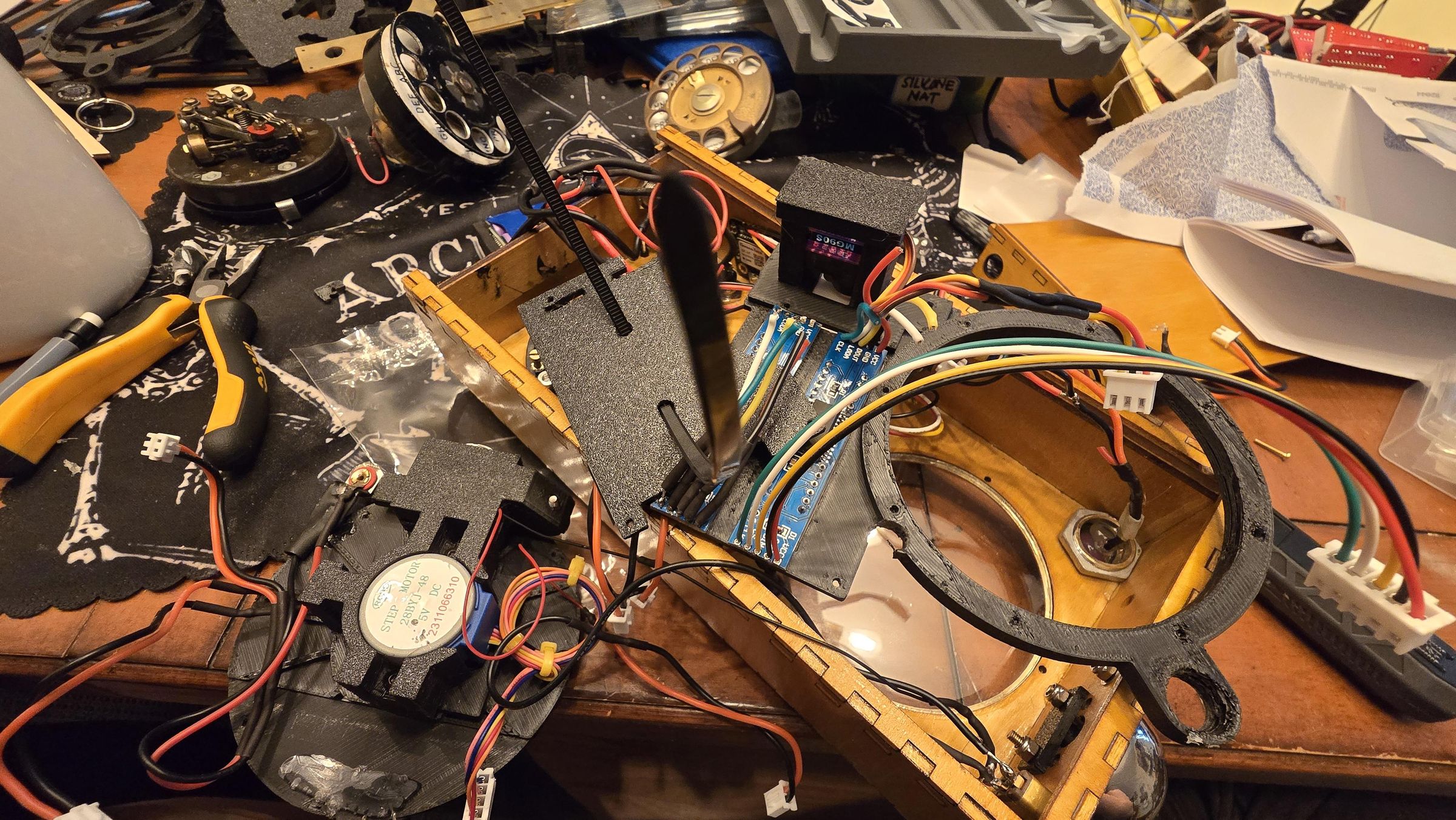
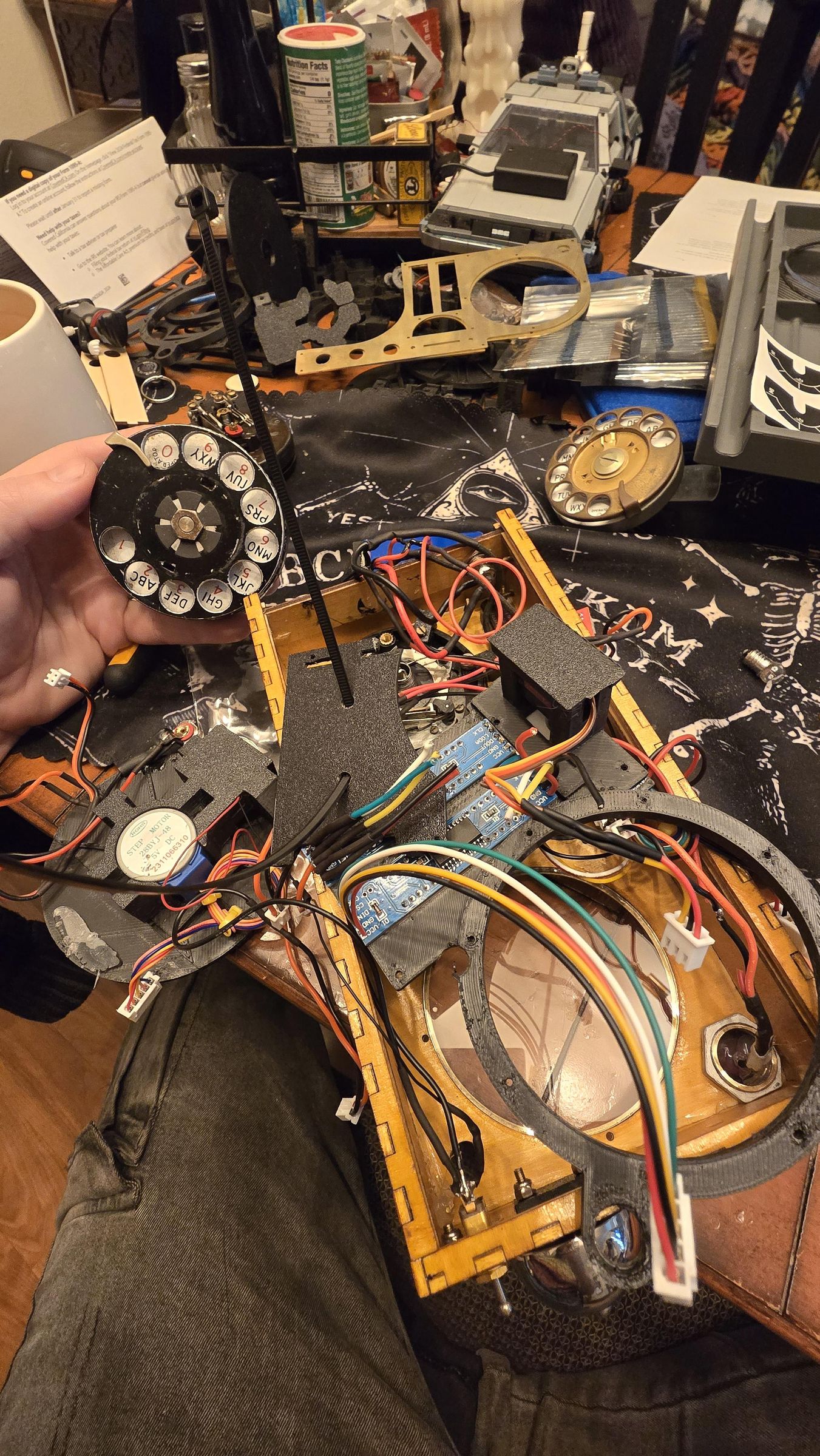




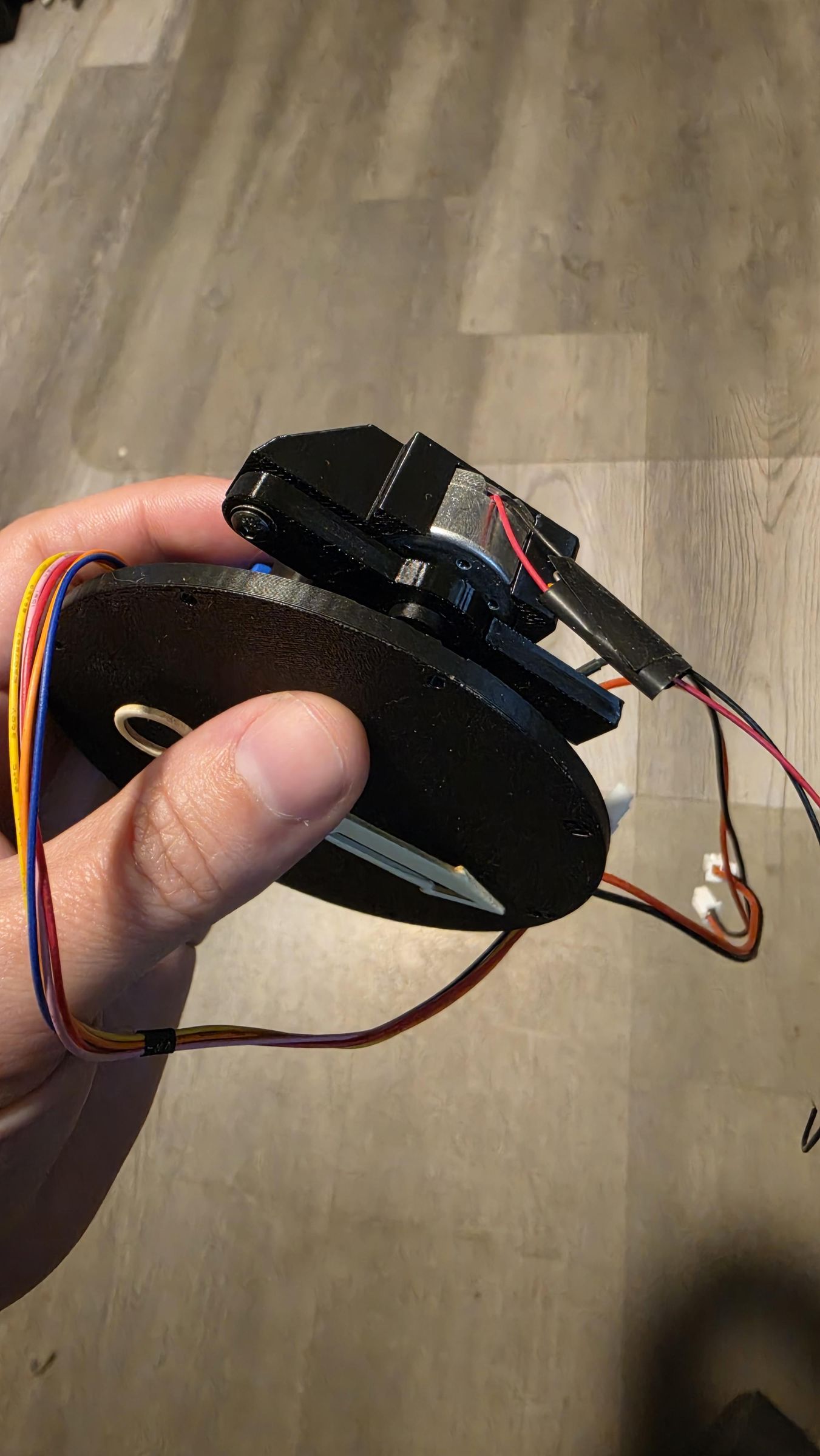
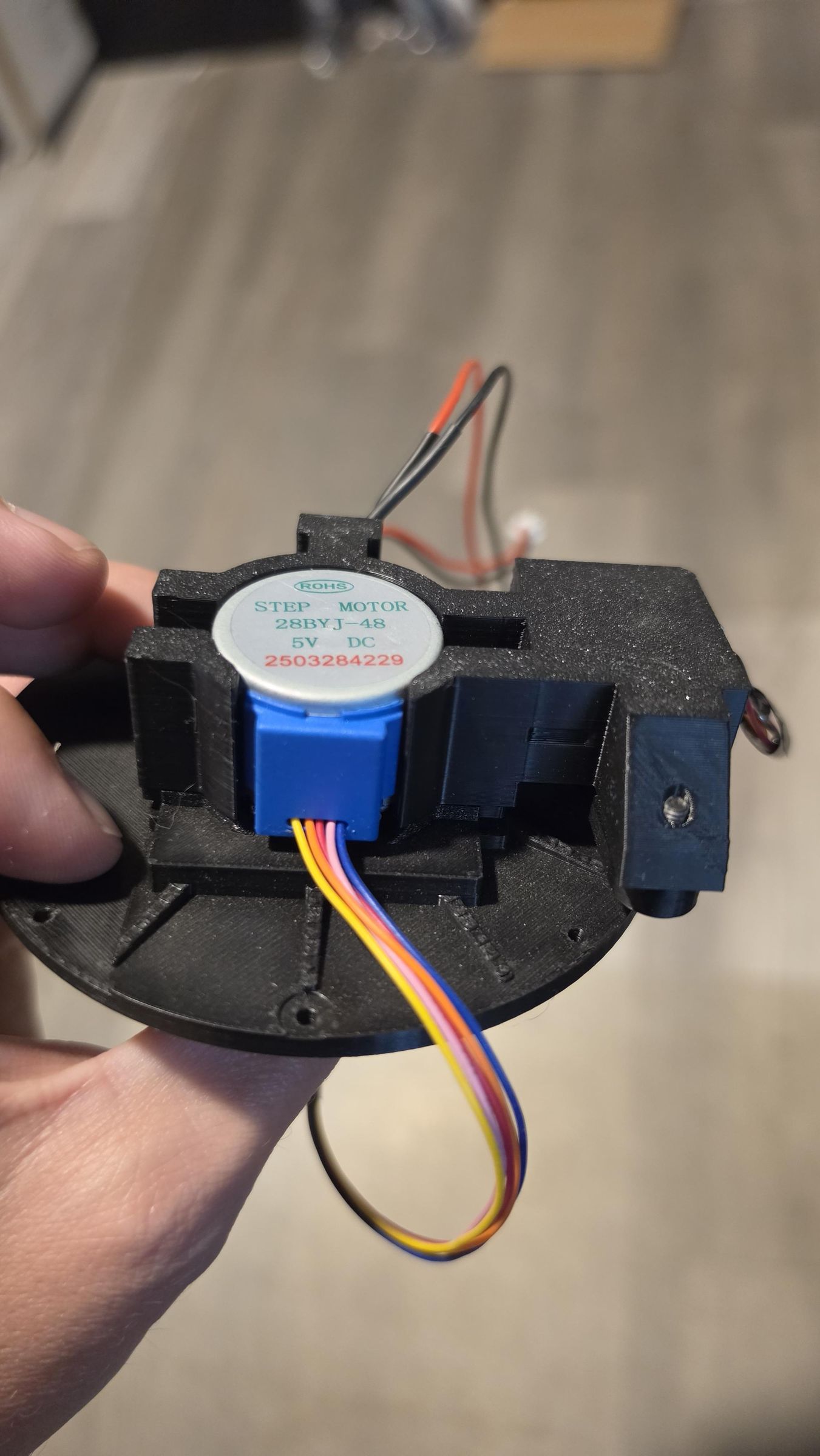

In this step, you'll be setting up the hardware. The stepper motor, the display, the servo, a light sensitive resisor, an LED, a 3v hobby motor. You'll want heat set inserts so you can put this together and take it apart again. It's optional. You could glue everything, if you're feeling really confident.
There is a cylinder with a little arm off of it. This is what the arrow sits on top of. The little arm blocks the light from passing from a 3mm LED to a light sensitive resistor. That's how the system knows where the arrow is. Yes, apparently this hardare already exists and it's cheap and versatile. Why did I design it like this? I didn't know. One time I built an x-ray machine at home because it didn't occur to me I could photoshop an image of an x-ray. Sometimes someone needs to stop me.
We're in another "you might not like this" territory. You see those ears on the servo? Guess what you have to do to them. That's right, clip them off a nd sand it flat. Sorry.
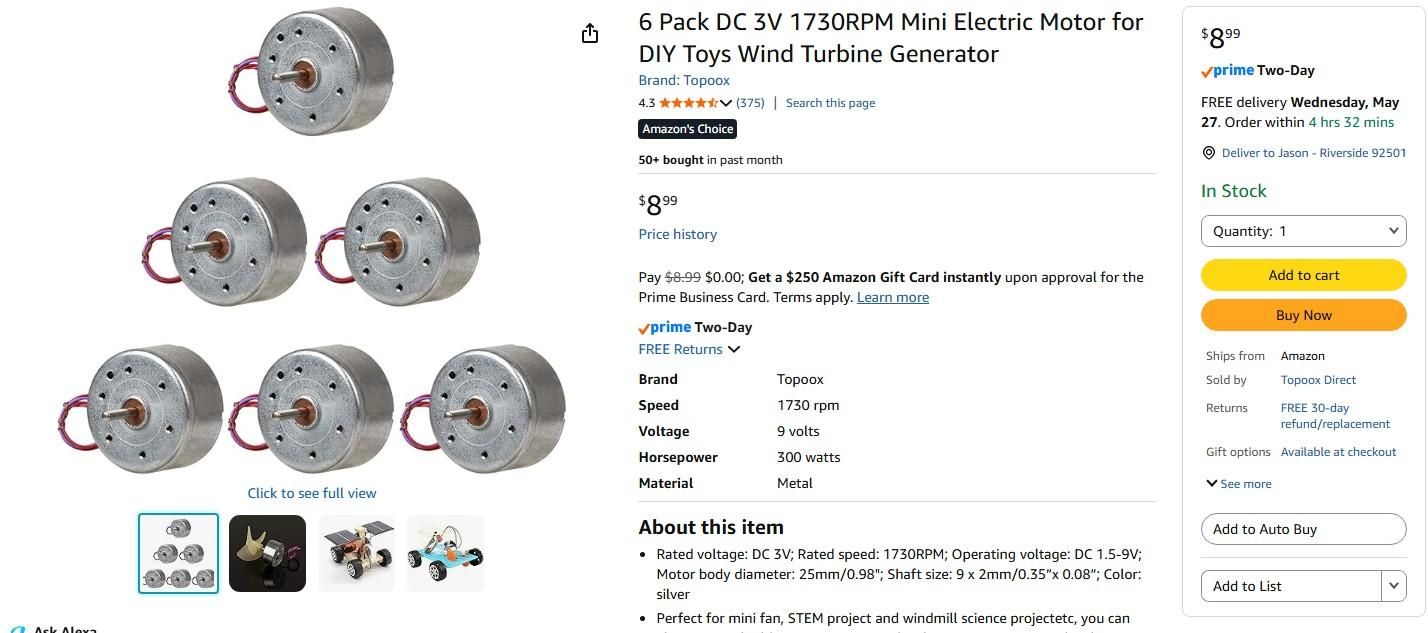
There is a small 3v hobby motor which connects to an offset cylinder. This is my mechanism for a bell ringer. Why did I do this? Because if you use a real bell, the magnetic flux messes up the arduino.
Downloads
The Brass
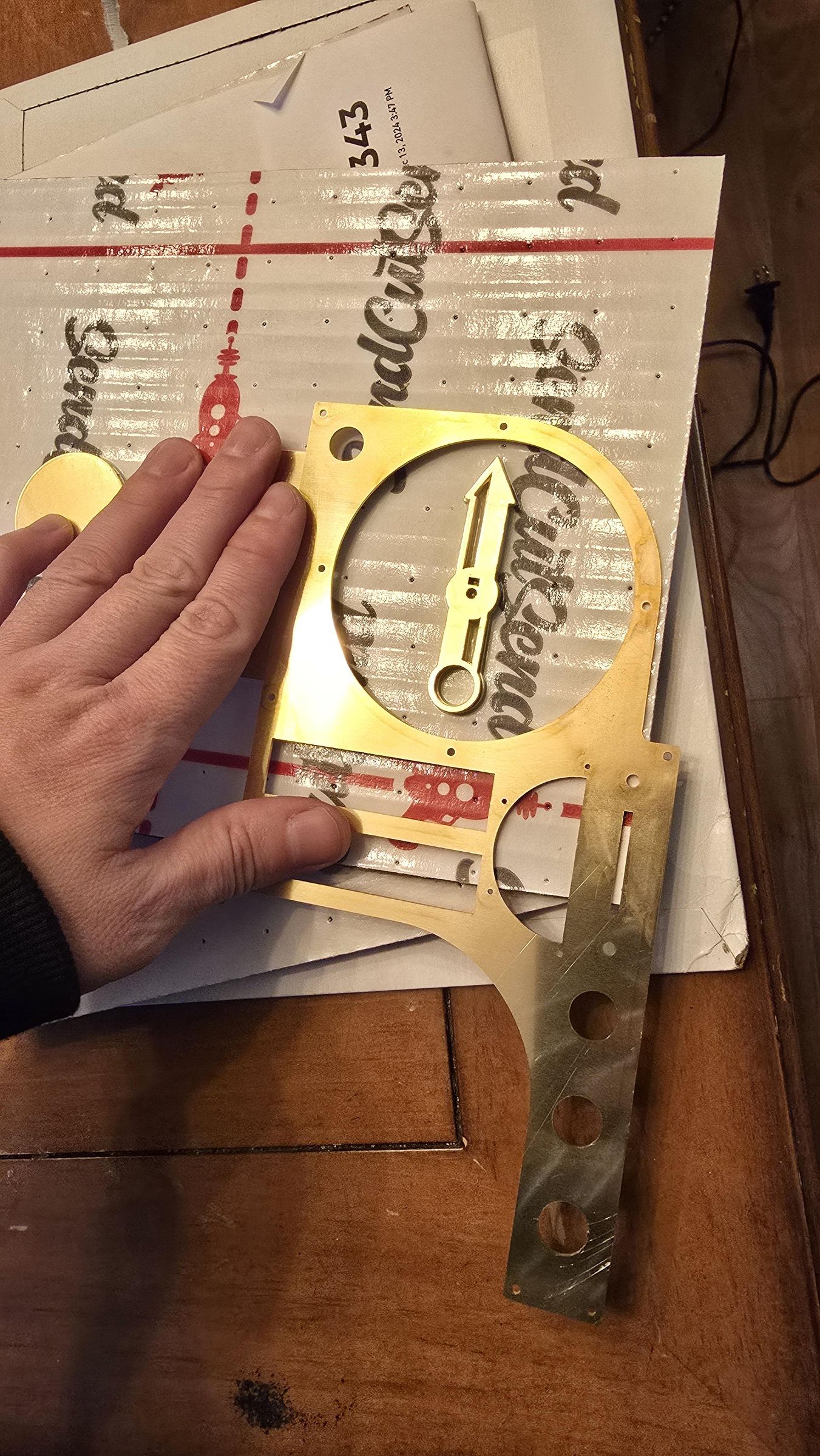

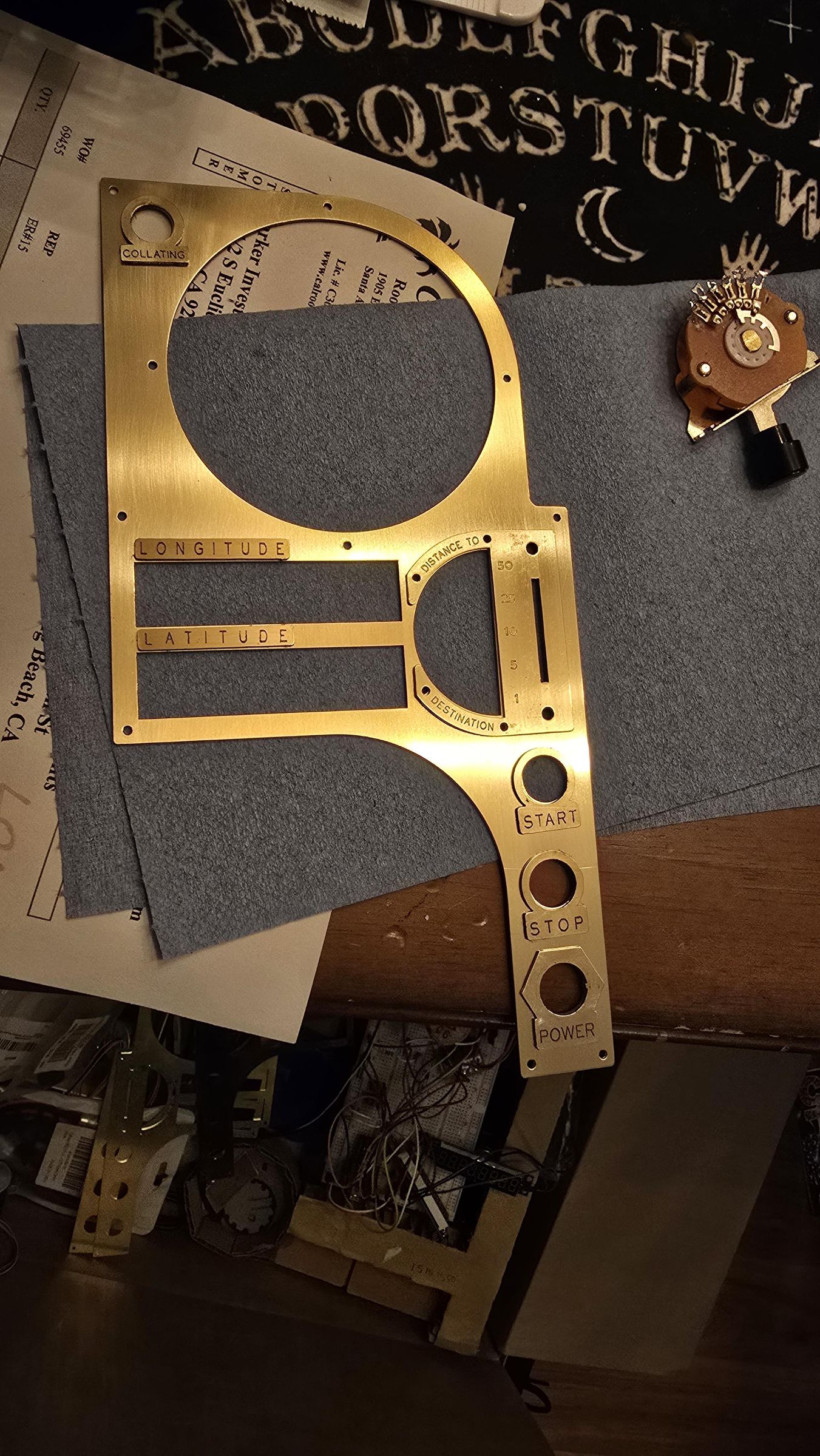


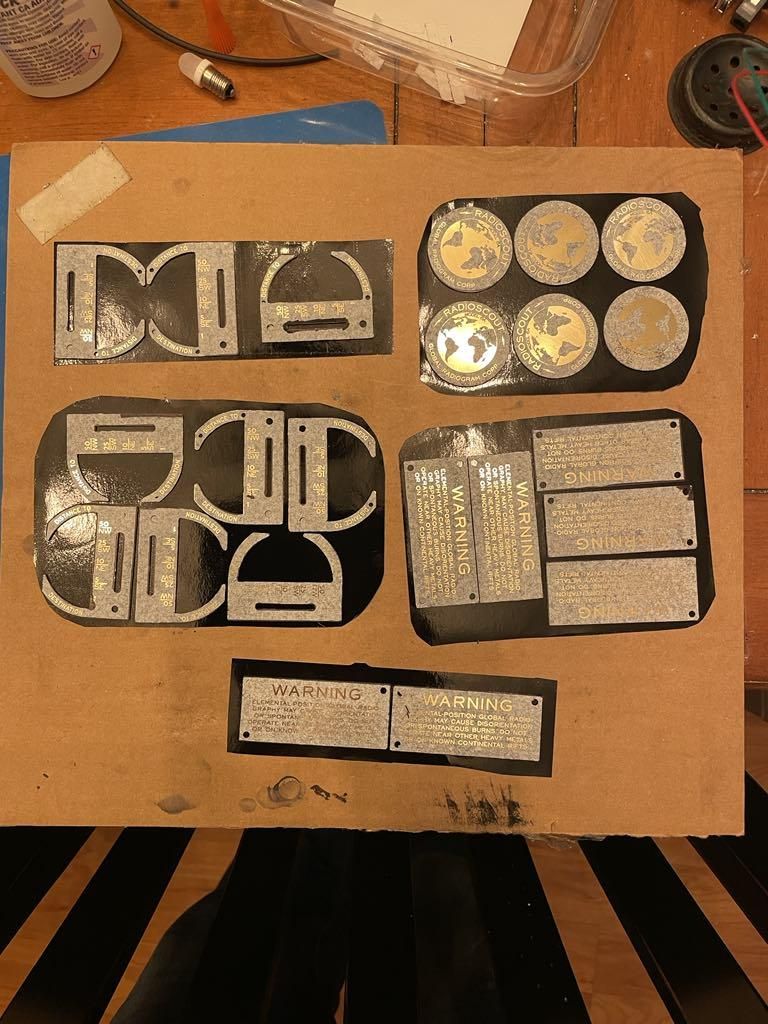
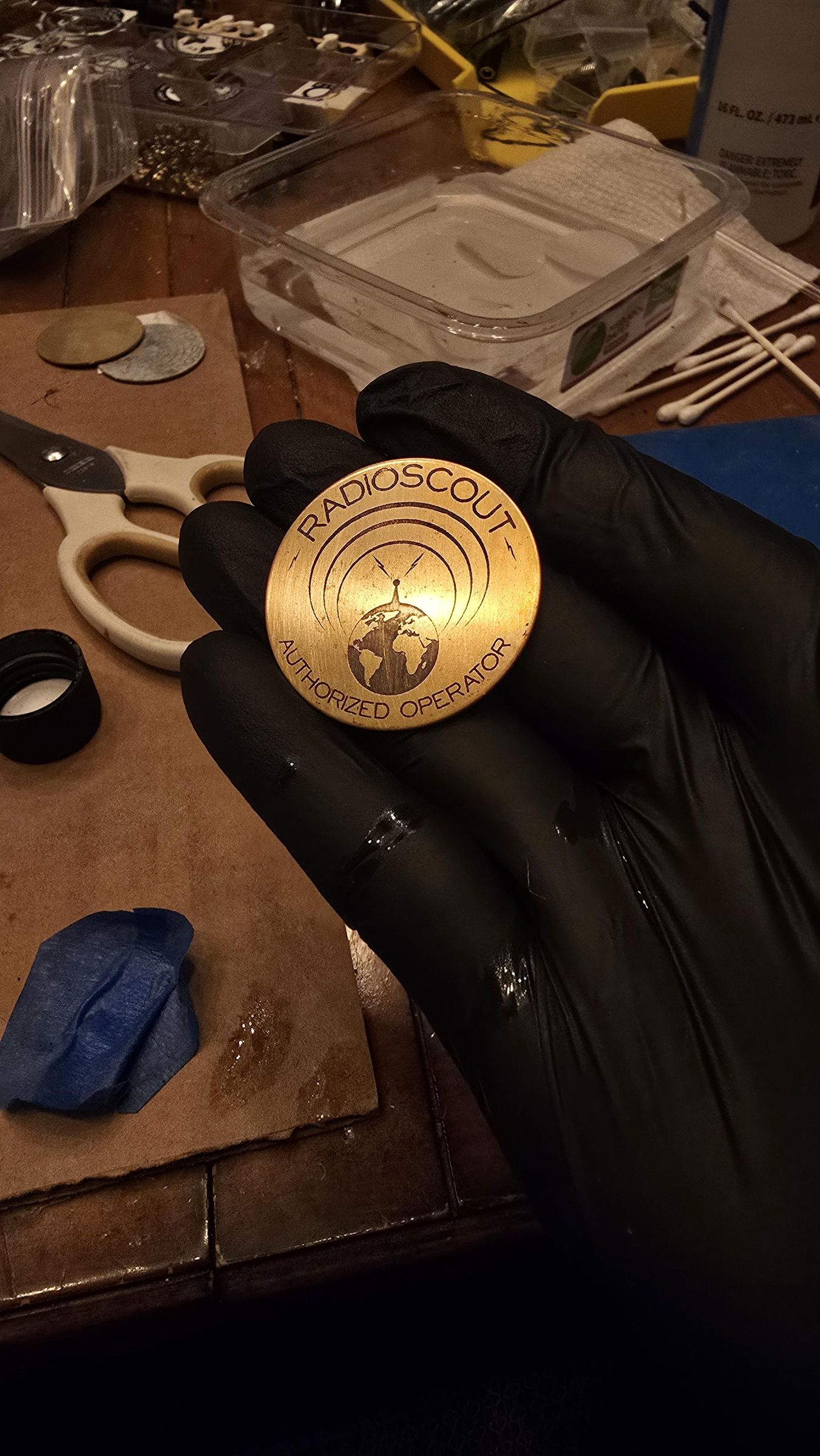
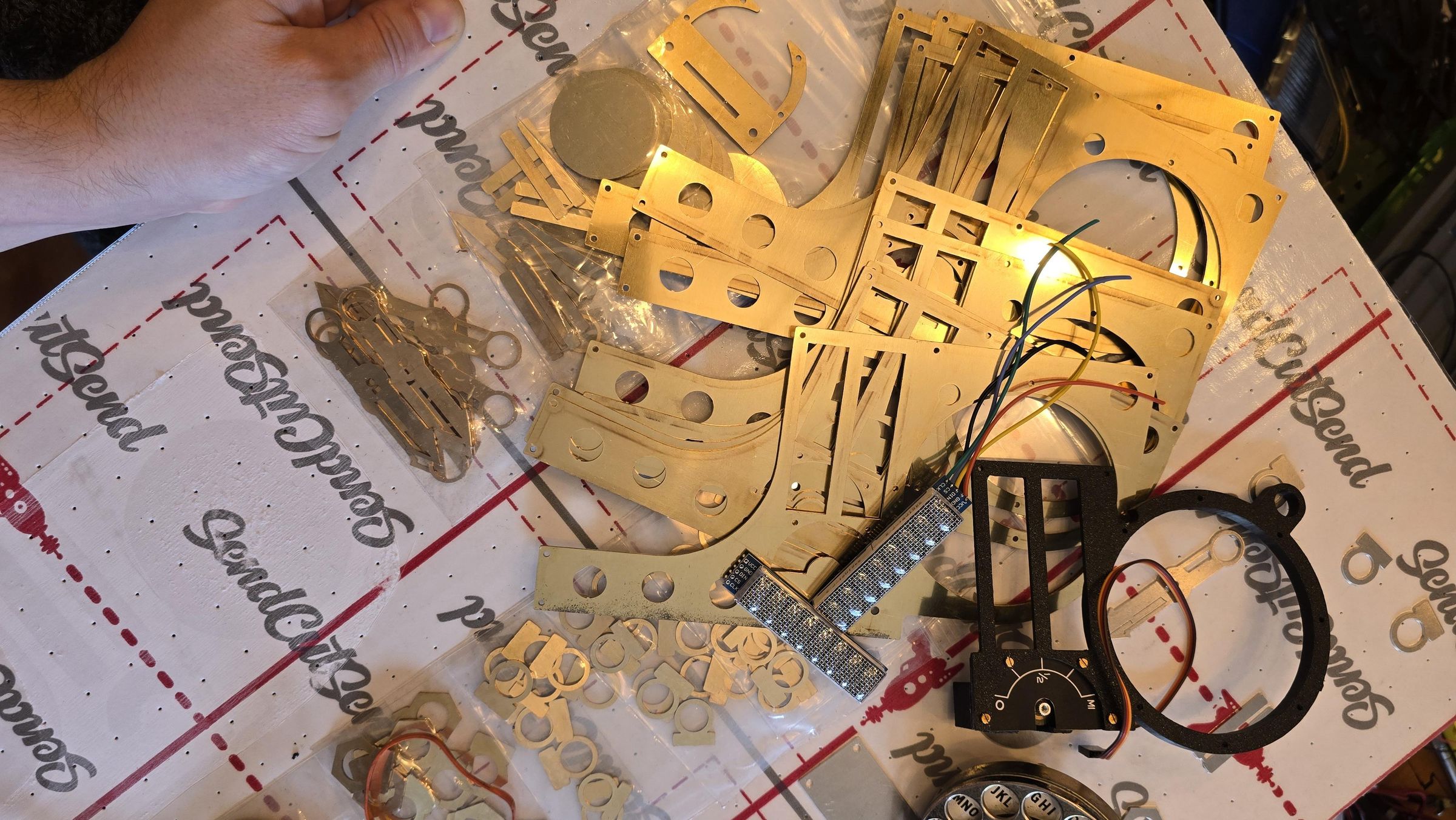

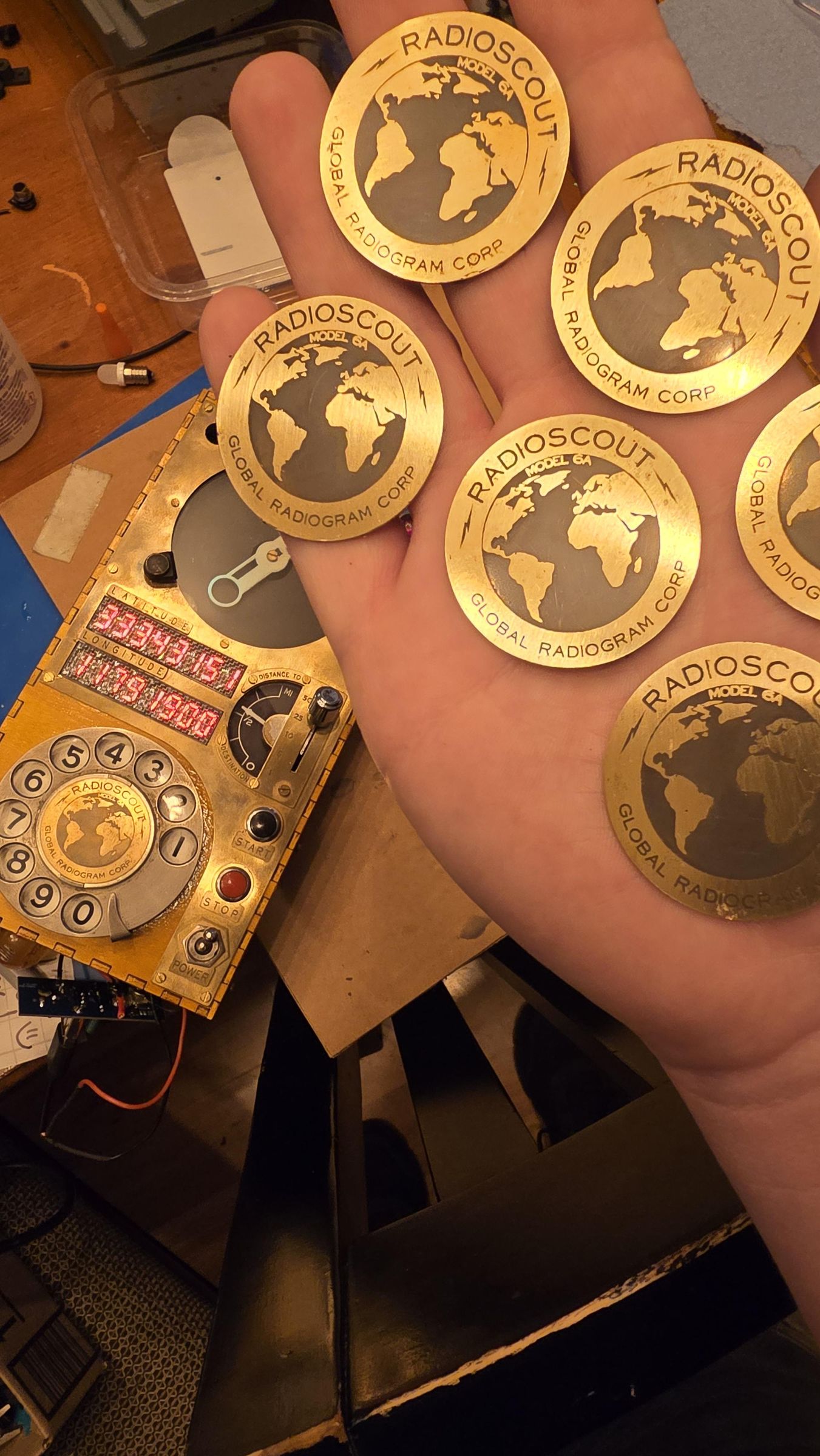
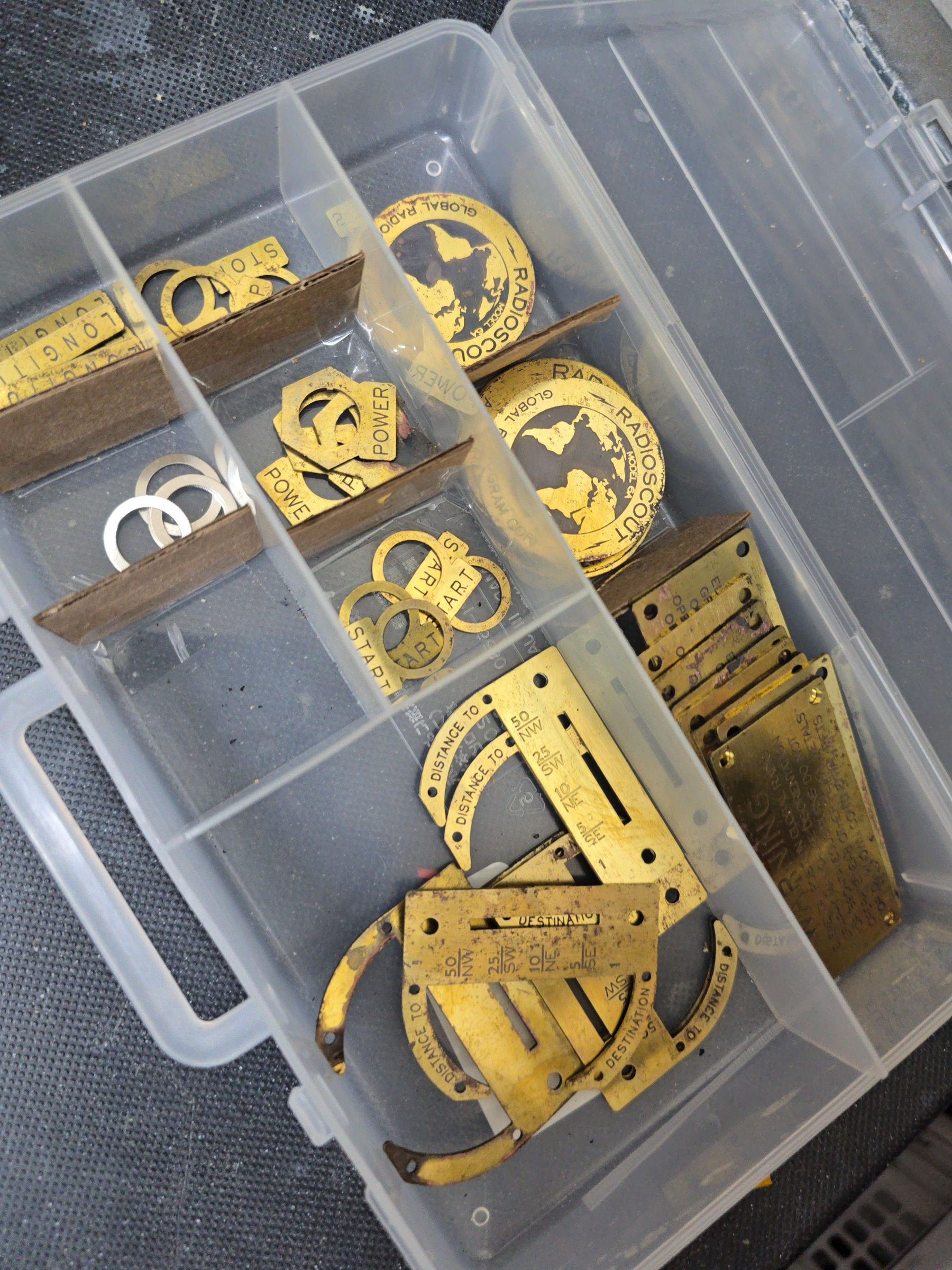


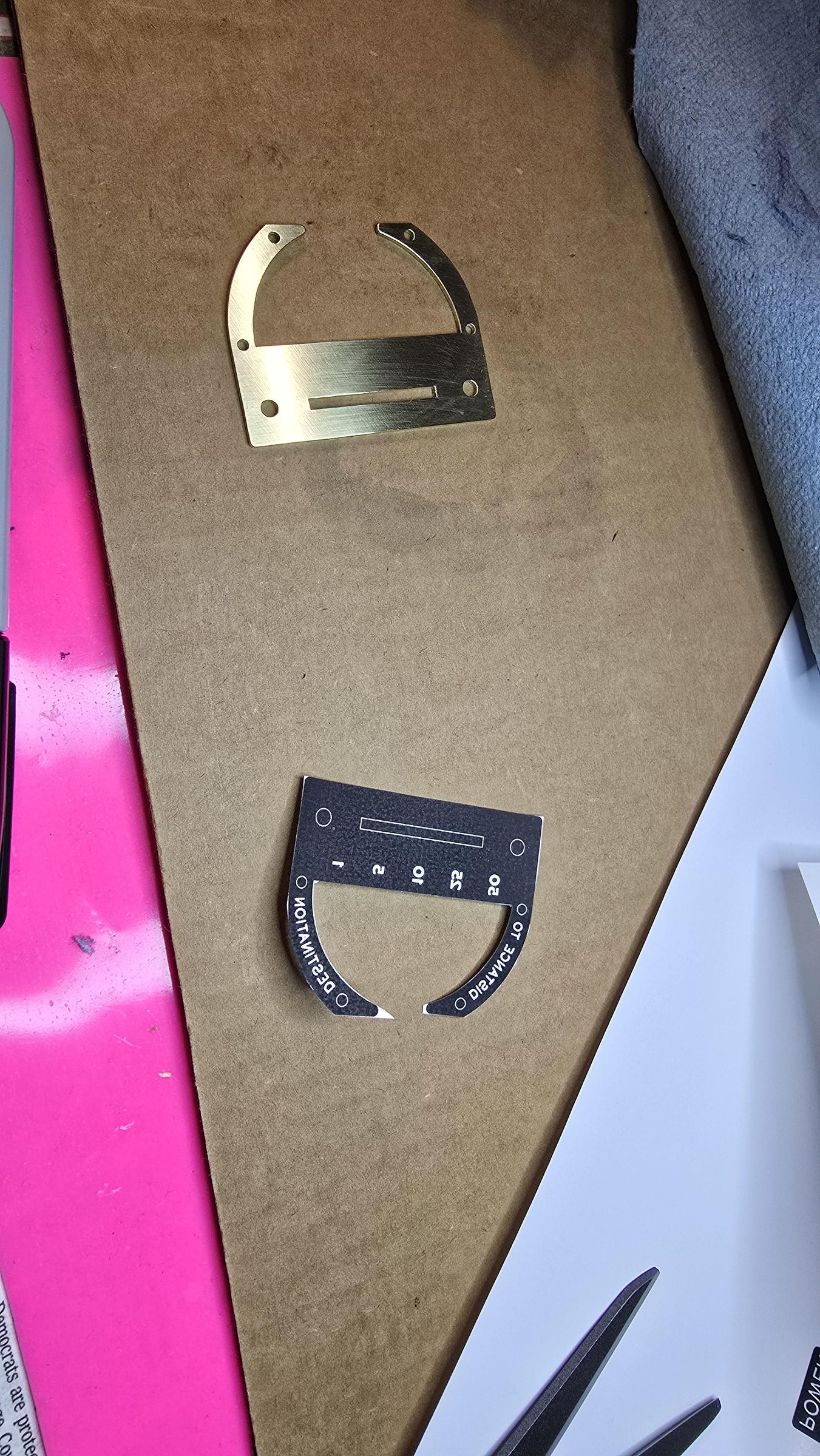
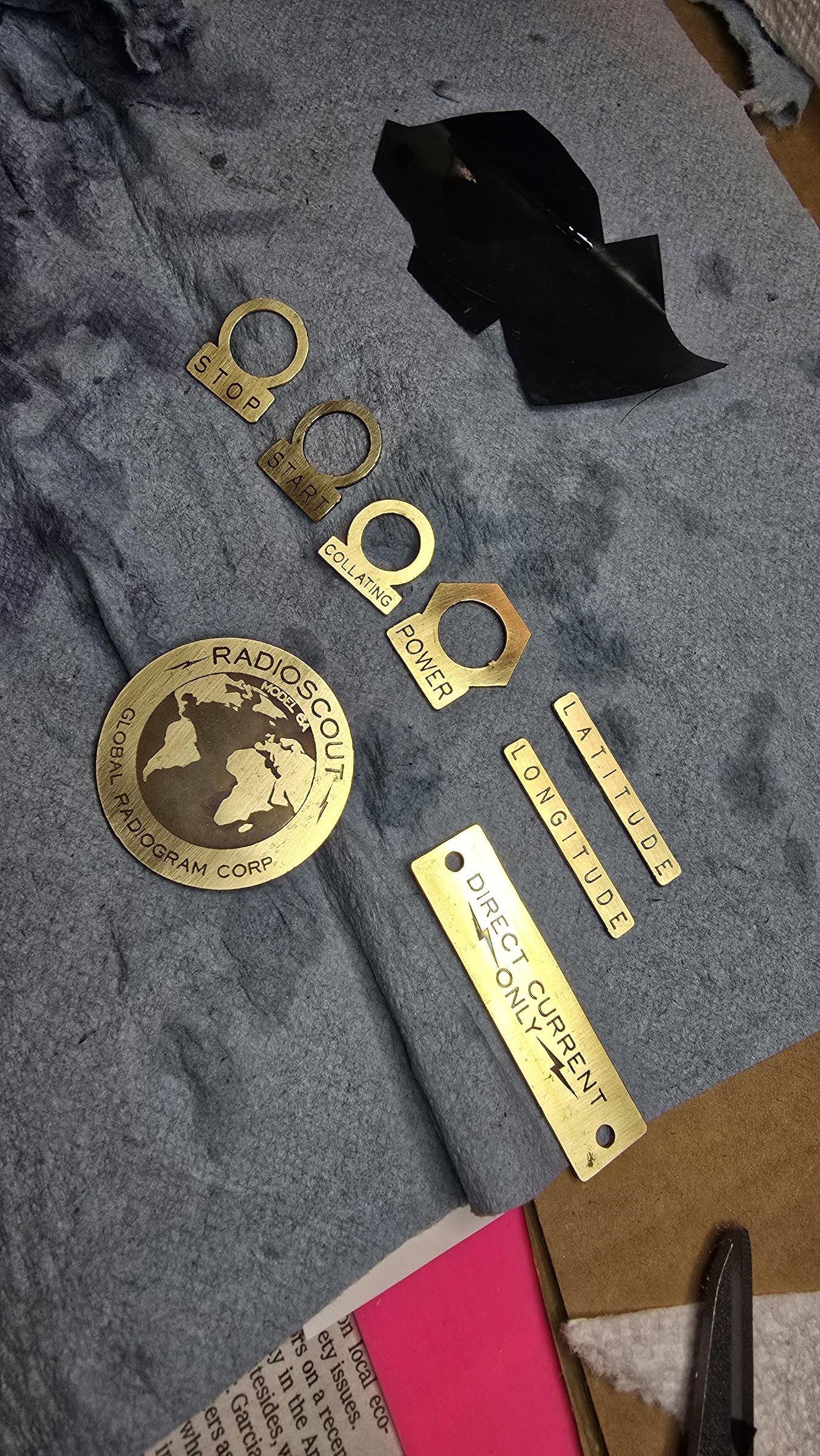
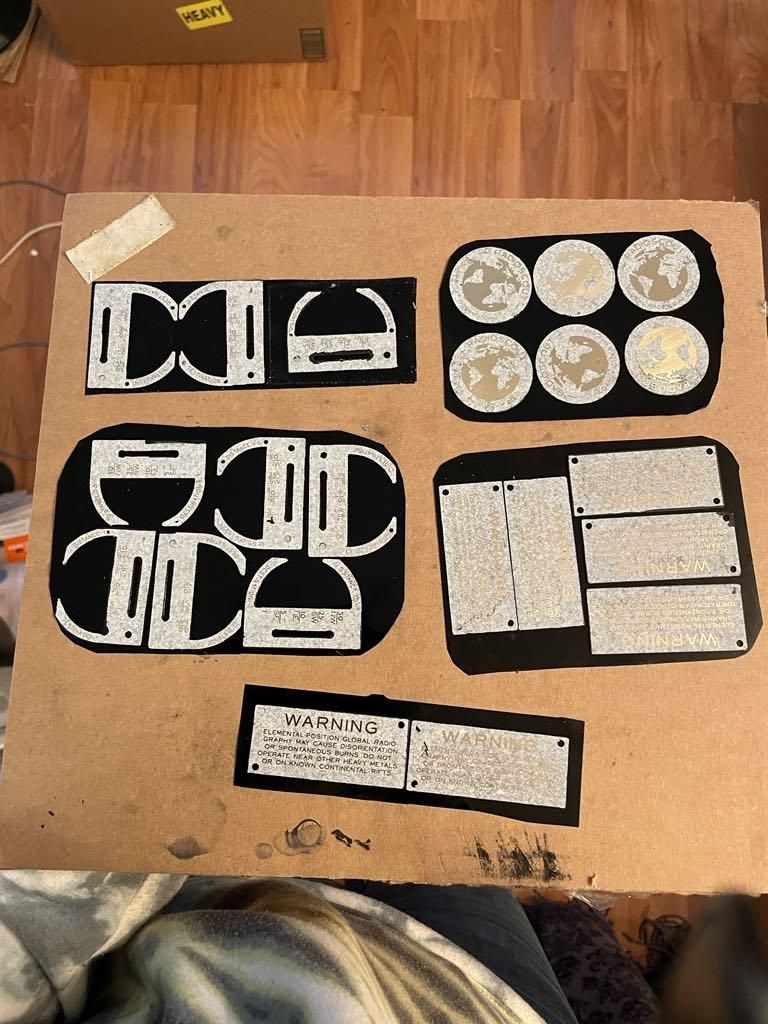
There's a lot going on here. Basically I ordered the brass from a company called SendCutSend. They are amazing. I included the design files here. After the parts arrive, you'll want to clean them up a bit then etch them. I could write an instructable just about how to heat transfer toner images to brass. But that is a well documented method. I'll go over it briefly here. Use magazine paper, which is thin and shiny. You can really use any shiny paper that's not too thick.
You'll need a laser printer. You actually take the design on the paper, ink side down, and you iron it directly onto the metal. You'll need to clean the metal with acetone first and maybe scrub it lightly with a fine steel wool pad to rough it a little. You can always polish after. Once you've done that, you can iron the graphic on. You're not really doing it for very long, maybe 30 seconds. And the iron should be on a low-ish settings. Press down firmly and use the tip of the iron to go over details, like lettering. When you pull away and the paper sticks to the brass and you can see the design a little but through the paper, you can dump the brass with its paper in a container of water. After about 45 minutes, you can take it out. and peel the paper away. It should almost fall off. It's ok if it doesnt. Rub it until there is only toner if necessary.
At this point, you are ready to cover the back with electrical tape, or paint, and dunk it in FERRIC CHLORIDE. While it is in that bath, you will agitate the solution by rocking the container and humming a lullaby. This goes on for about 15 minutes, depending on the strength of the solution. WEAR PROTECTIVE EYEWEAR AND GLOVES. And for the love of god, don't wear white, unless it is a labcoat and you're not fond of that labcoat.
Pour off the solution into a separate container and mark it with the date and batch#. You can adjust time and know how much more useful your solution is by doing this. I recommend against pouring it back into the mother container.
Now you have your pieces and they're still all toner black but they are etched! You can leave it this way...or...you can then wash them in water (which you must do ANYWAY) and then dunk them in a brass aging solution! What will this do? It will make the letters dark! It's a great step but totally unnecessary. Only leave it in there until the letters get dark. Immediately remove and wash under water.
After that is done, you'll need to clean off the toner with acetone. You're done! Maybe this was worse than the display thing. Was it?
Arduino, Circuit, Modules
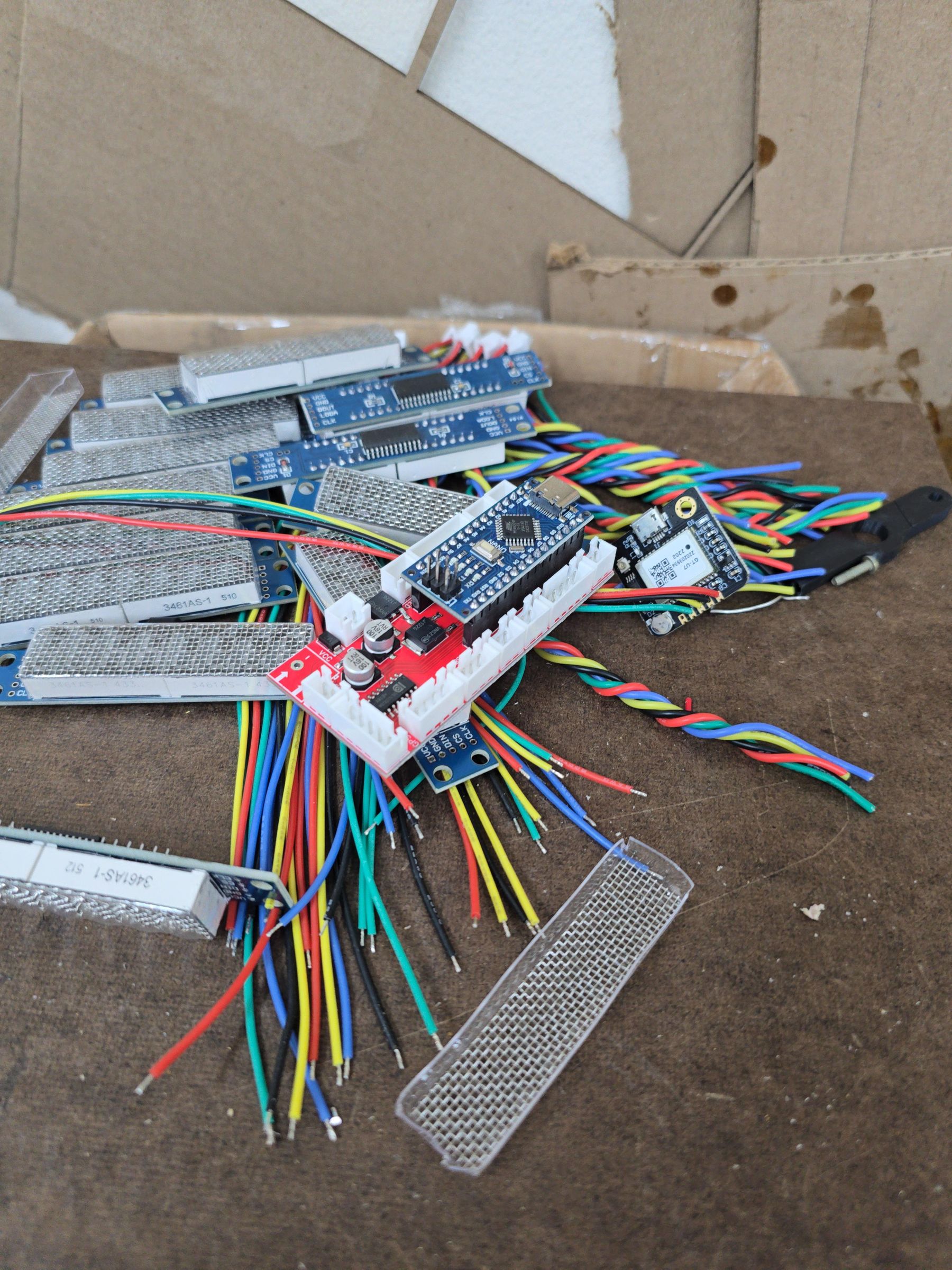

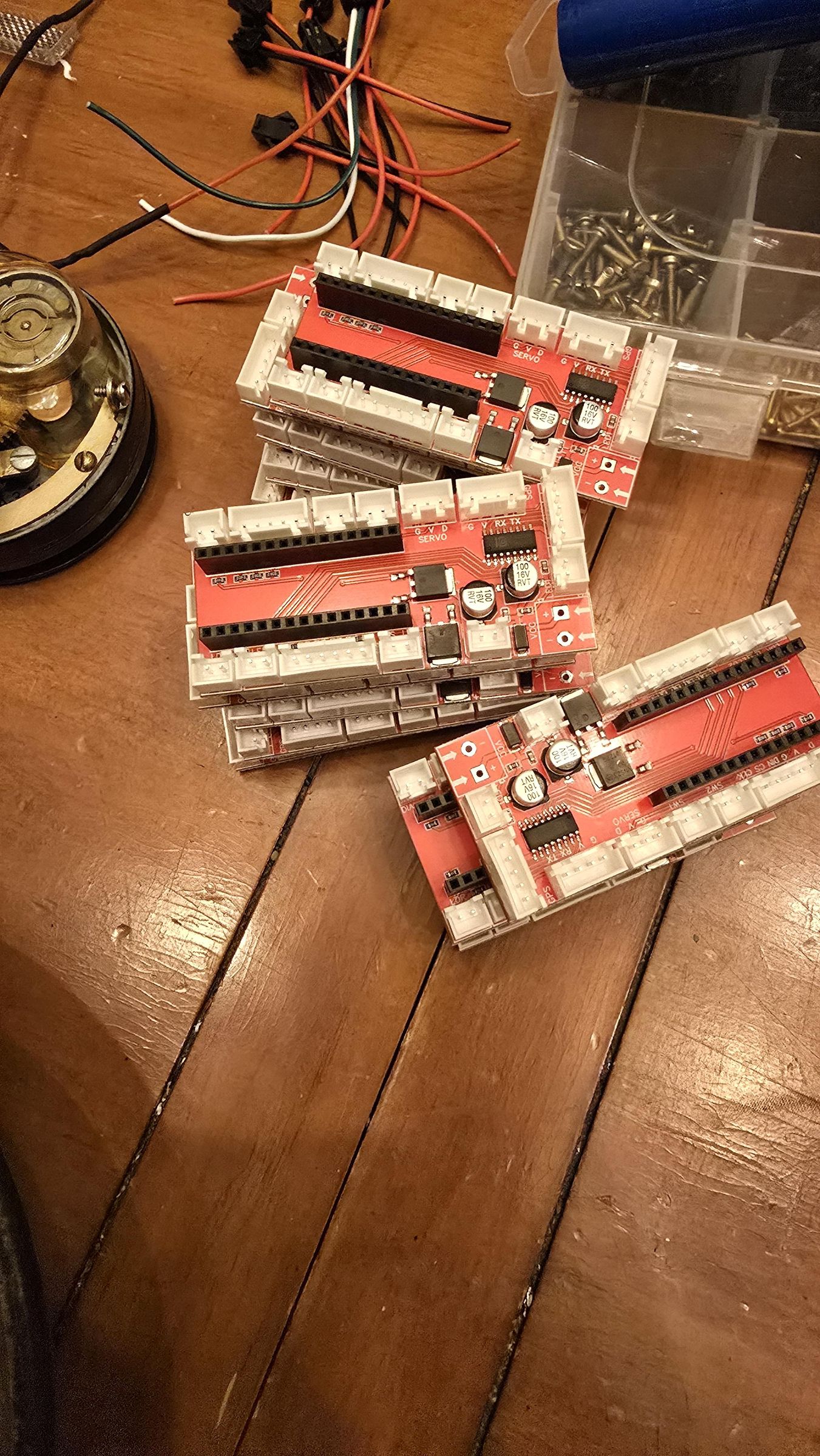
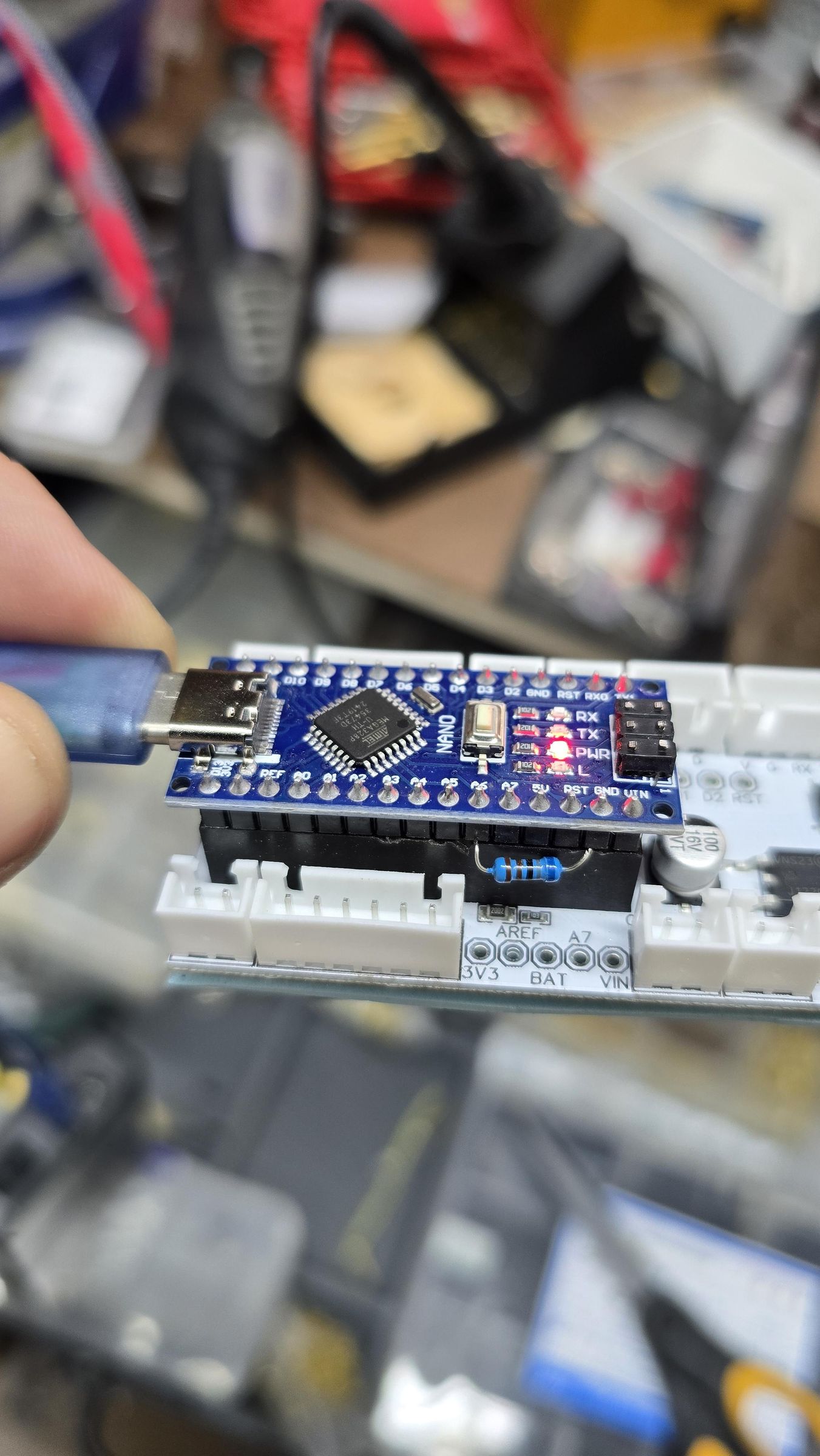


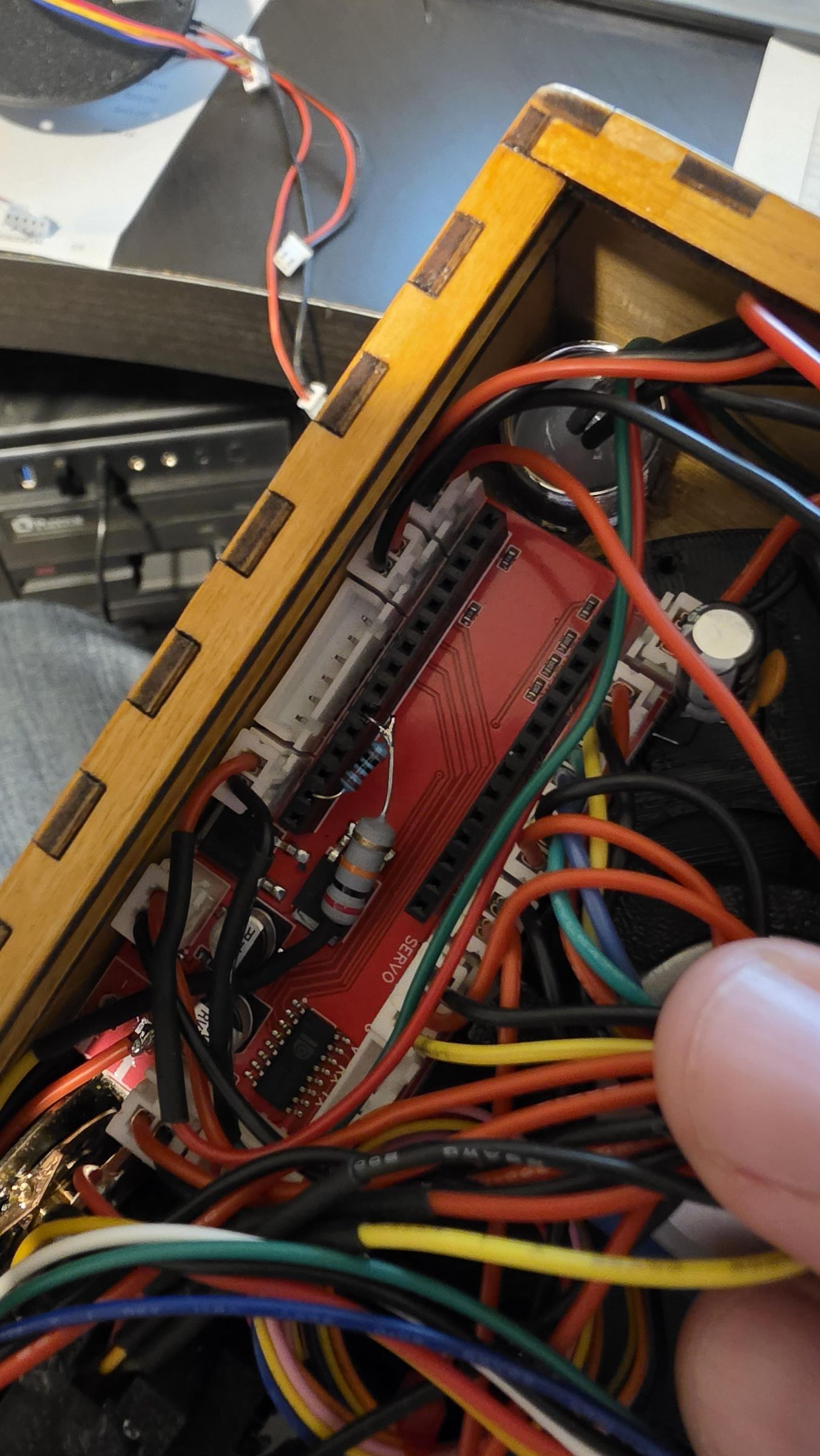
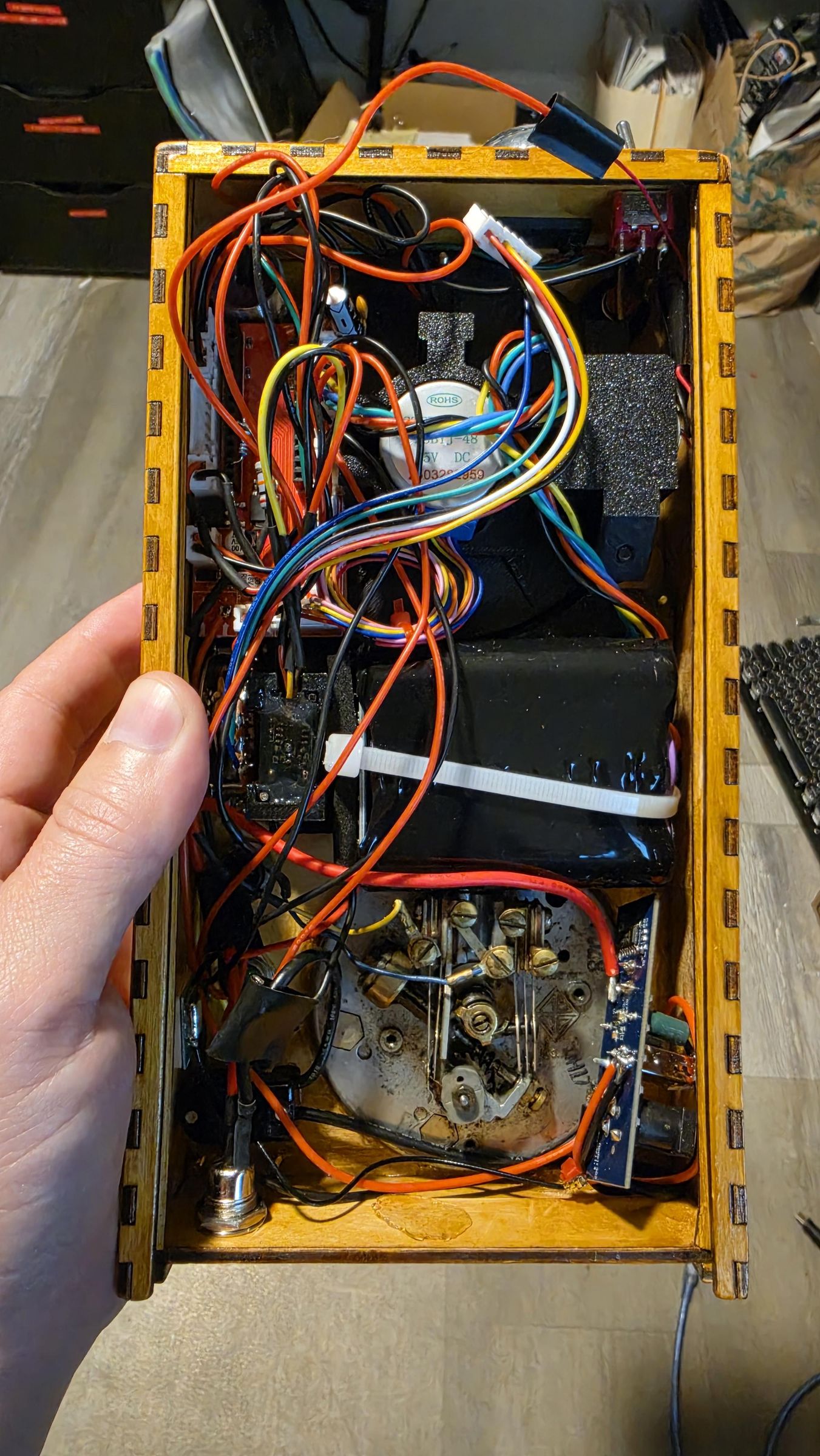


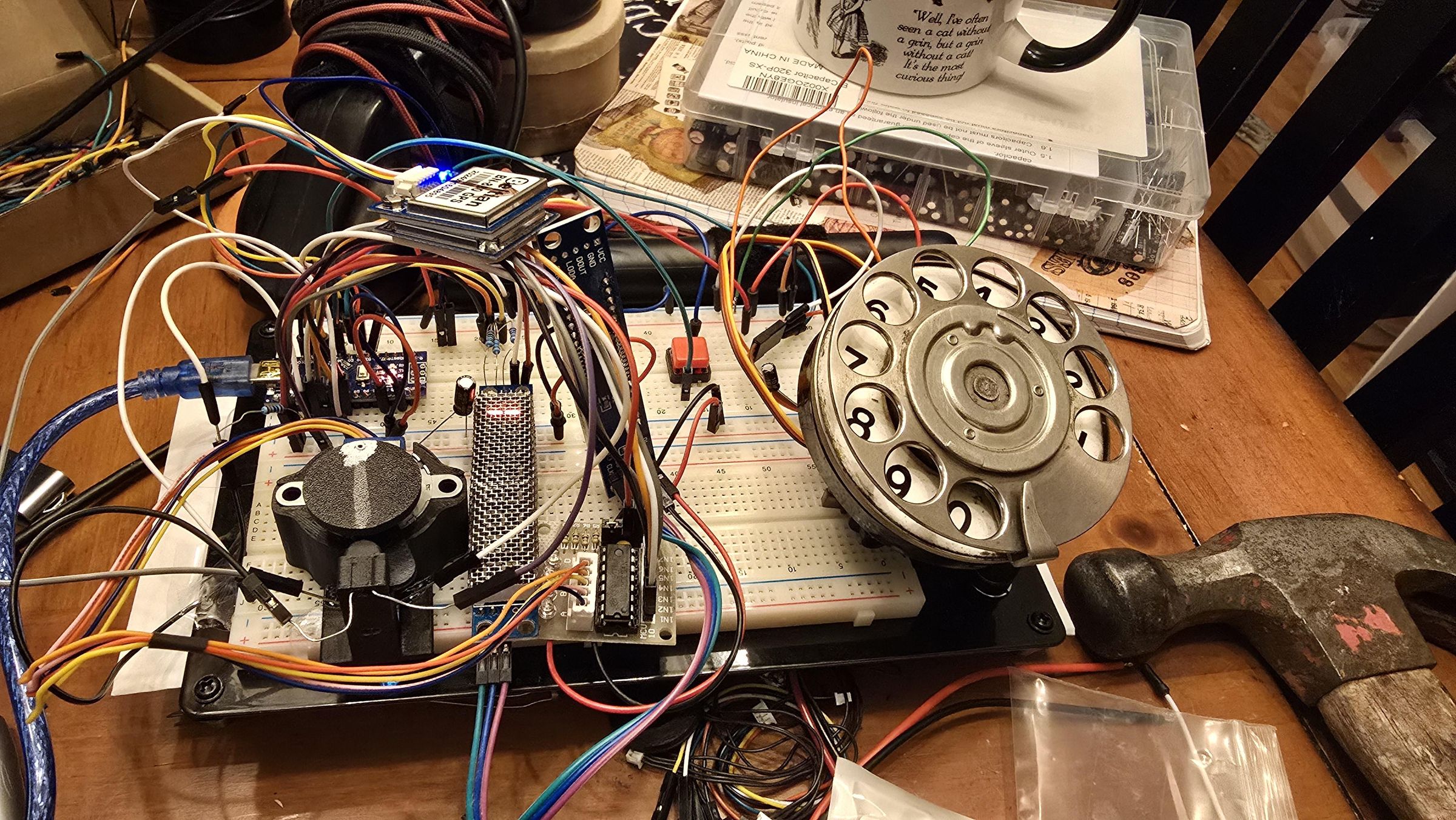
Yes, you could point-to-point solder and use TIP120 transistors to do this. But, if you have the resources, have the circuit made. Here is a repository with the GERBER files https://github.com/hardlyhumanfx/radioscout You can go to JLCPCB and basically order this to be sent complete to you. A word of caution. Some of the JST connectors could be backwards, or the positive/negative terminals may be backwards. This is because the hardware you receive may not be the same as what I used, so please check it before assembly/use.
I also forgot that there is an iteration where the voltage divider is backwards, so I modified it. This is how you tell the arduino how much battery power is left on your pack. I'm sorry but I am not sure which version is in the gerber file for production.
Another Thing You Will Not Like
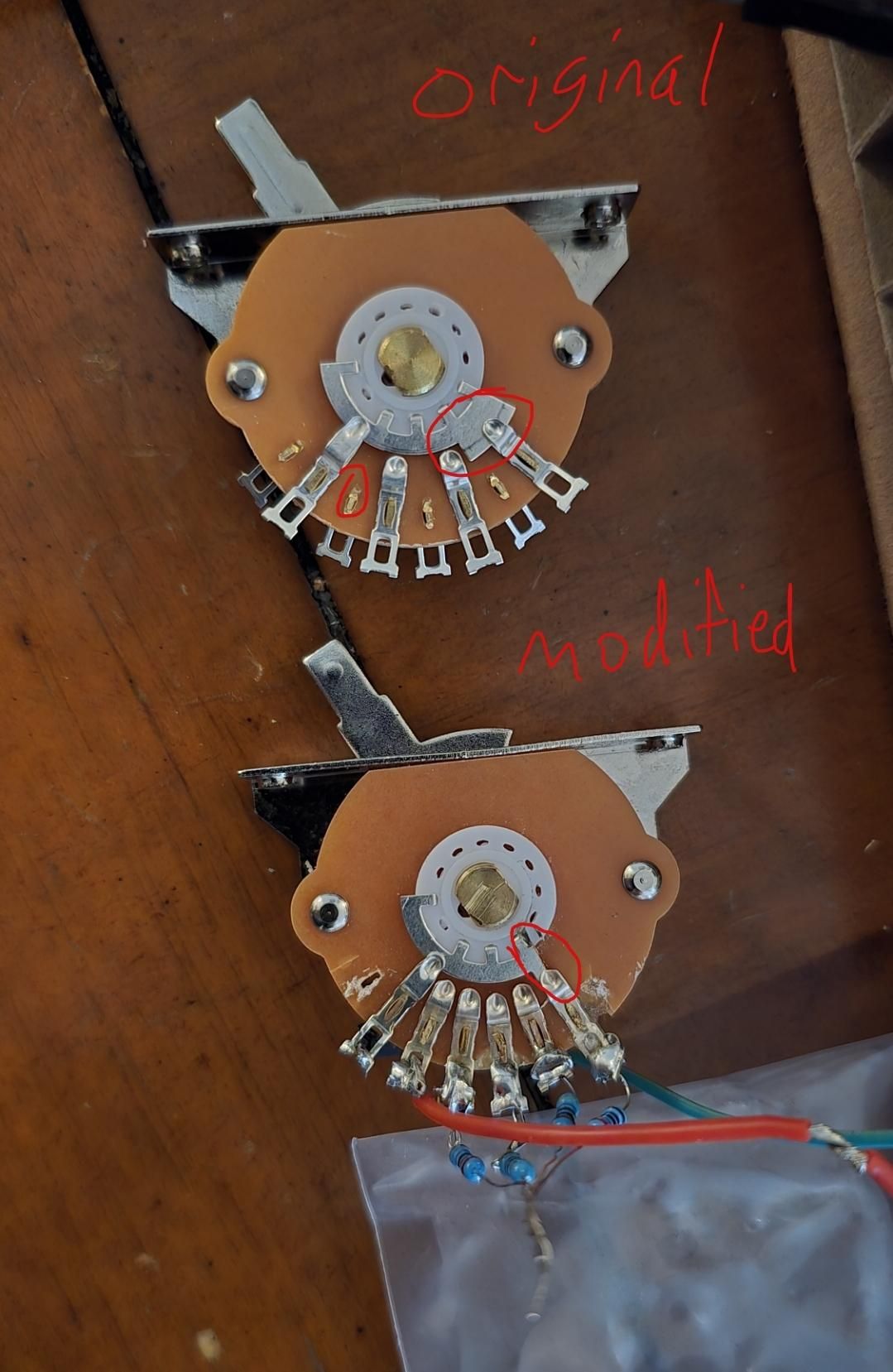


This is a significant modification to a guitar pickup switch. You see, when I first designed this, I thought a guitar pickup switch looked cool, and I thought I knew how it worked. I thought, it's a selector switch, so it must work like its potentiometer shaped selector switch counterpart, right? Imagine my surprise when this NONSENSE interrupted my calm.
Do you really need a lever instead of a traditional selector switch? NO YOU DO NOT. But also, YES YOU DO. I tried talking myself out of it. In the end, I kept the lever because again, I thought to myself, I'm only making 1 unit. You'll be cursing loudly at this.
You need to modify the switch so that the 'sweeper' only touches 1 contact at a time. You also need to move the contacts off the back. I used my wire snips to do this. And a tiny spatula. It is awful. After you finish, you must make sure 1) the contacts still work 2) they are set with super glue ONLY at the base where they make contact with the hardboard. 3) make sure the contacts still work. Sometimes they get a little bent, you can bend them back. It'll be fine. Probably. Maybe. I dont actually know. Once you get it right, it seems very reliable though.
Good Luck!






I know I haven't covered everything. it's a very complicated device and it was never meant to be completely shared. So, warts and all, you have it here. I will try to answer questions as best I can. There are many variables you can play with in the program. Keep the bell power low and the incandescent light pulses low. The power drop and magnetic flux caused by their use can corrupt the arduino and you will end up in the middle of nowhere with Fred the psychotic barber.