RGB LED Color Changer
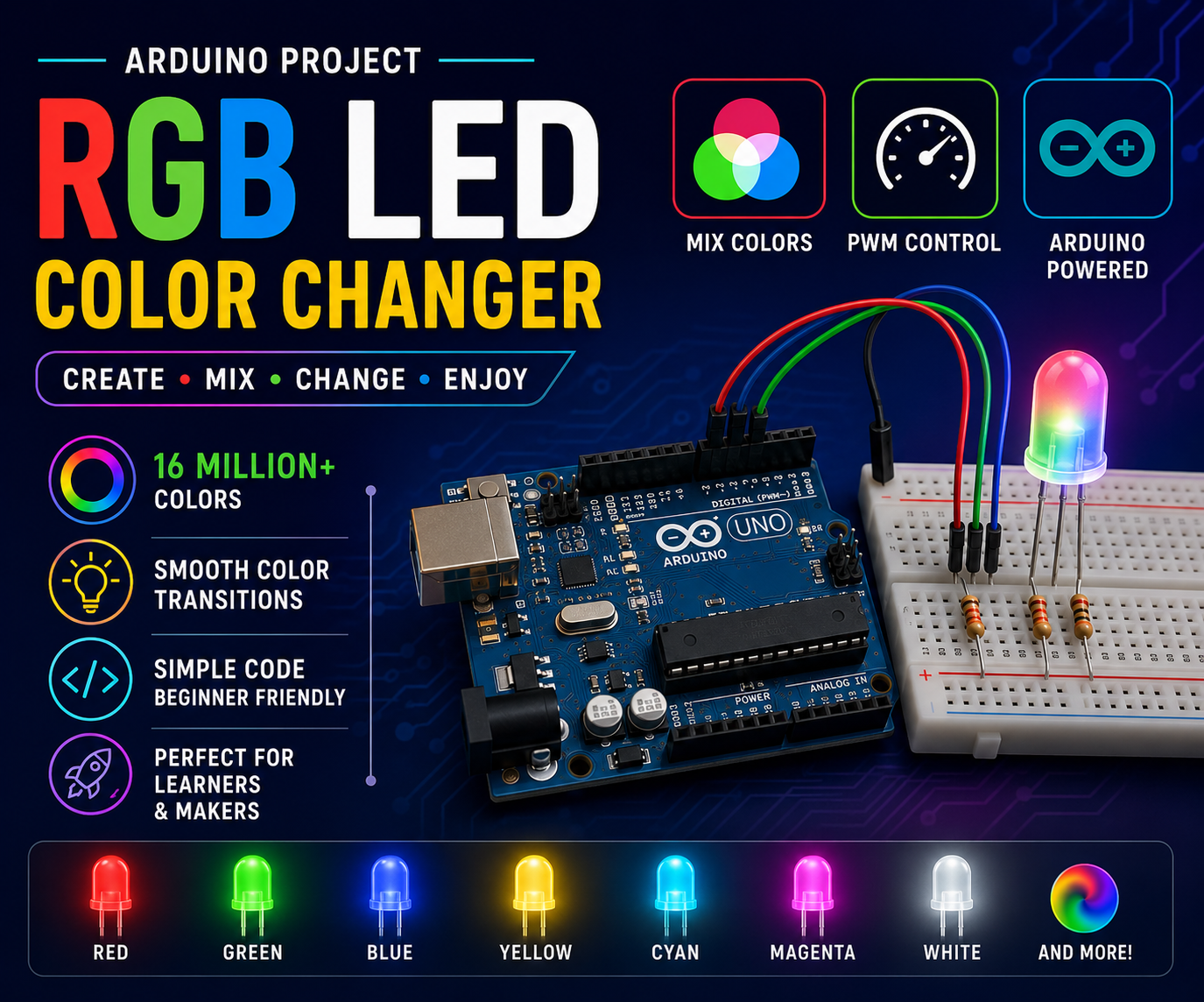
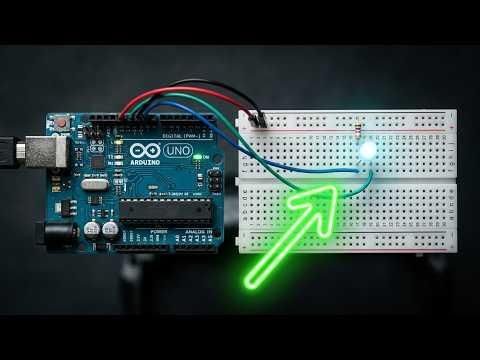
Have you ever wondered how RGB LEDs create millions of different colors? In this beginner-friendly Arduino project, we'll learn how to control an RGB LED using PWM (Pulse Width Modulation) and automatically cycle through multiple colors.
This project is perfect for beginners who want to understand:
- RGB LEDs
- PWM signals
- Color mixing
- Arduino programming fundamentals
By the end of this tutorial, your RGB LED will smoothly change between Red, Green, Blue, Yellow, Cyan, Magenta, and White.
Supplies
Gather the Components:
QuantityComponent
1 Arduino Uno
1 RGB LED (Common Cathode)
1 220Ω Resistors
1 Breadboard
Several Jumper Wires
1 USB Cable
Understanding RGB LEDs
An RGB LED contains three LEDs inside a single package:
- Red
- Green
- Blue
By adjusting the brightness of each LED, different colors can be produced.
Example Color Mixing
Identify RGB LED Pins
For a Common Cathode RGB LED:
Note: RGB LED pinouts may vary by manufacturer. Check your LED datasheet if colors don't behave correctly.
Circuit Diagram Arduino UNO
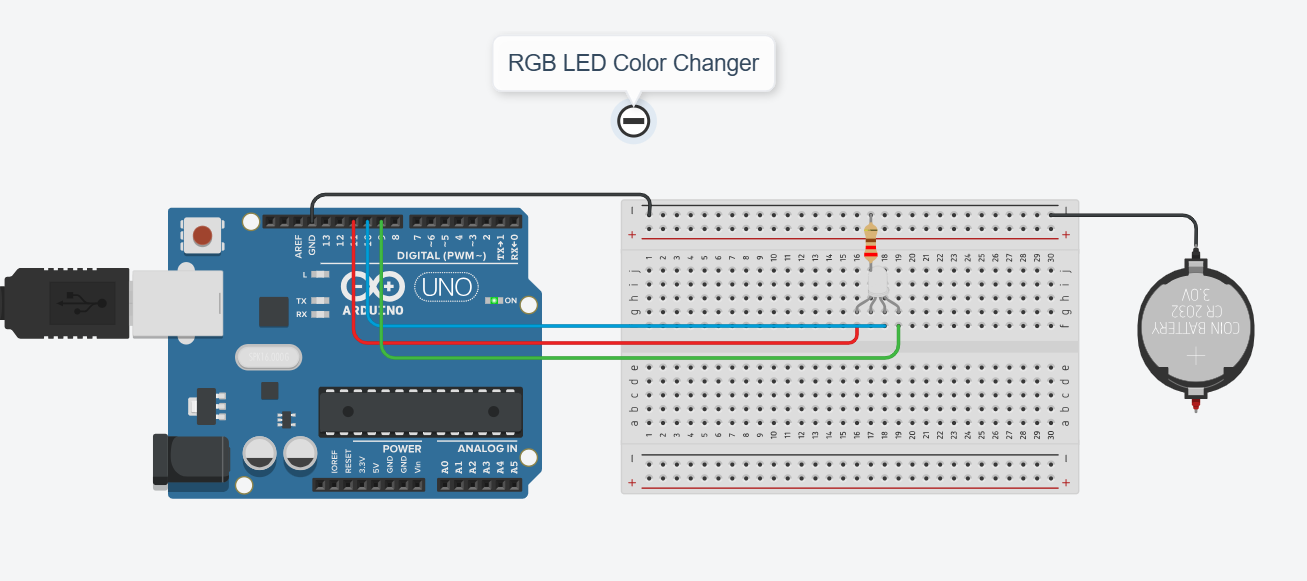
Arduino UNO
D11 ---- 220Ω ---- Red Pin
D10 ---- 220Ω ---- Green Pin
D9 ----- 220Ω ---- Blue Pin
GND ---------------- Common Cathode
Install Arduino IDE
If not already installed:
- Download Arduino IDE.
- Install it on your computer.
- Connect Arduino Uno using USB.
Configure Arduino IDE
Open Arduino IDE and select:
Then select:
Choose the port corresponding to your Arduino.
Upload the Code
Paste the following code into Arduino IDE.
Click:
Then:
Wait until the upload completes.
Observe the Output
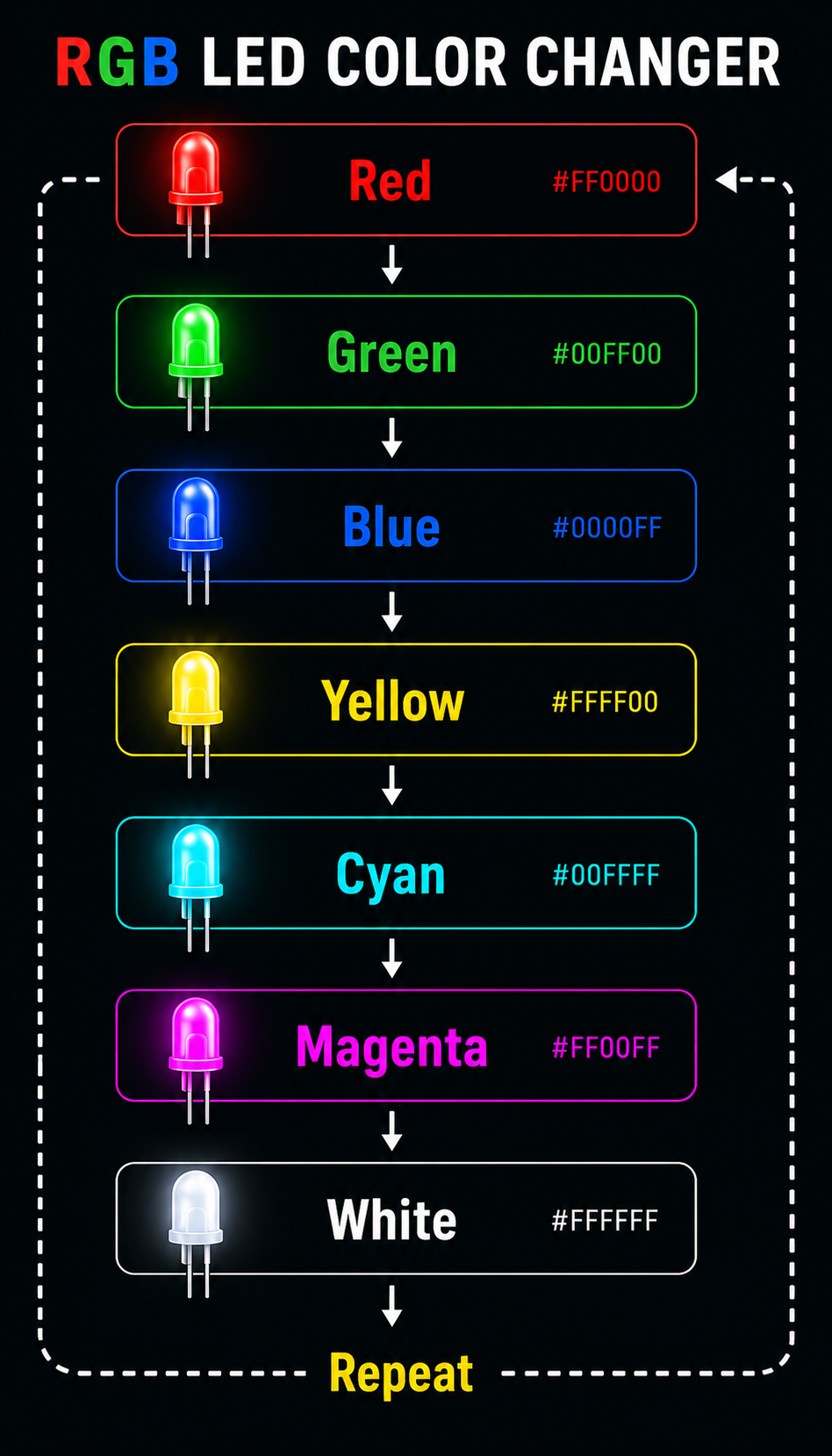
How PWM Creates Colors
The function:
controls LED brightness.
Range:
Example:
Produces an orange color by mixing:
- Full Red
- Medium Green
- No Blue
Create Your Own Colors
Try these values:
Orange
Purple
Pink
Sky Blue
Warm White
Experiment and discover your favorite colors.
Smooth Color Fading
Replace the loop with this code:
This creates a smooth fade effect instead of sudden color changes.
Troubleshooting
RGB LED Doesn't Light
- Verify wiring.
- Check resistor connections.
- Confirm common cathode is connected to GND.
Wrong Colors Appear
- RGB LED pin order may differ.
- Swap Red, Green, and Blue connections.
Upload Fails
- Verify COM port.
- Verify Arduino Uno board selection.
Future Improvements
You can enhance this project by adding:
- Potentiometers for manual color control
- Bluetooth control using ESP32
- IR remote control
- Sound-reactive color effects
- Color fading animations
- Smart home lighting projects
Conclusion
You have successfully built an RGB LED Color Changer using Arduino Uno. This project introduces PWM control, RGB color mixing, and Arduino programming concepts that are widely used in lighting systems, IoT devices, decorative electronics, and smart automation projects.
Happy Making! 🚀🔴🟢🔵