Robo Soccer
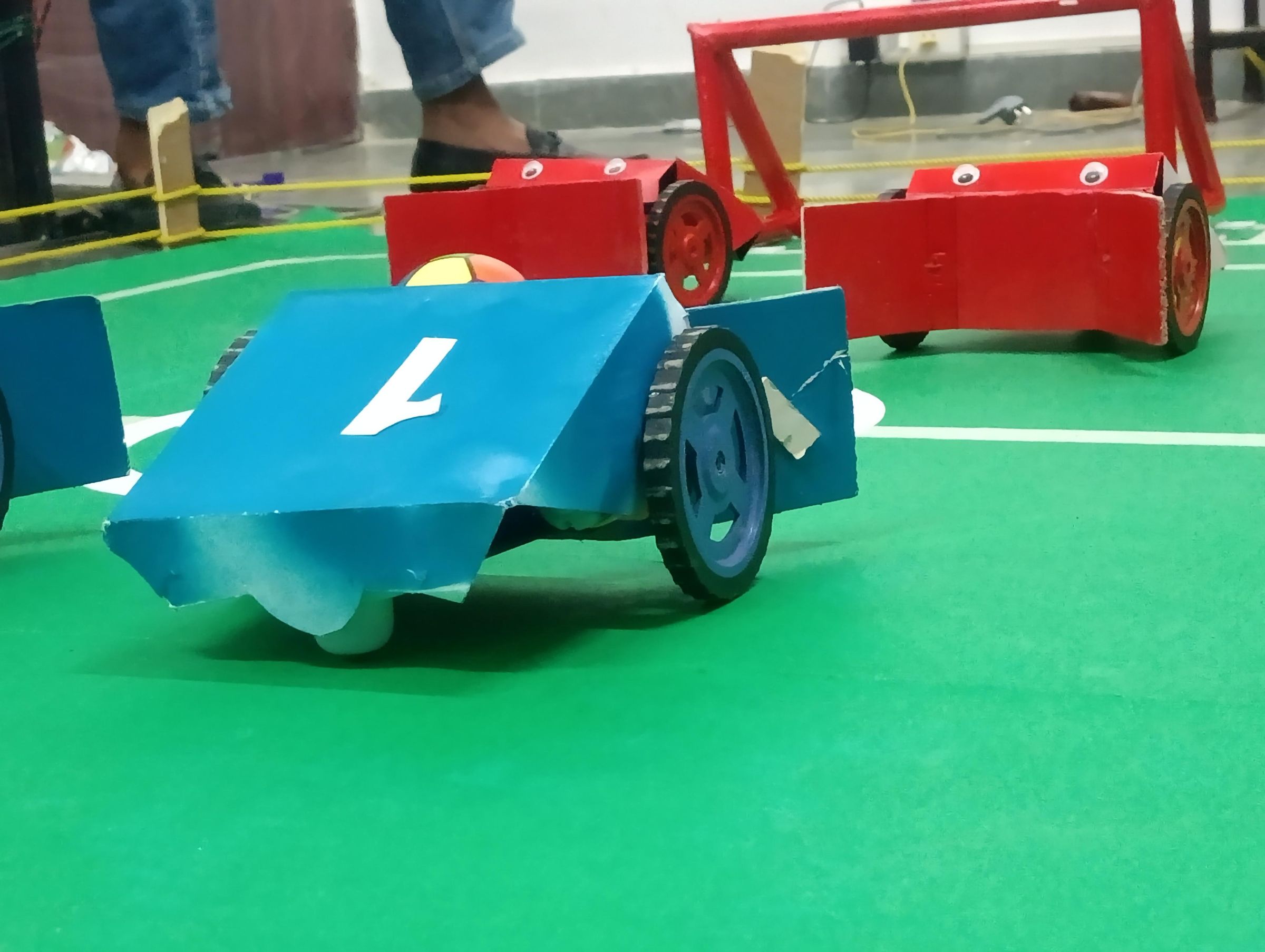
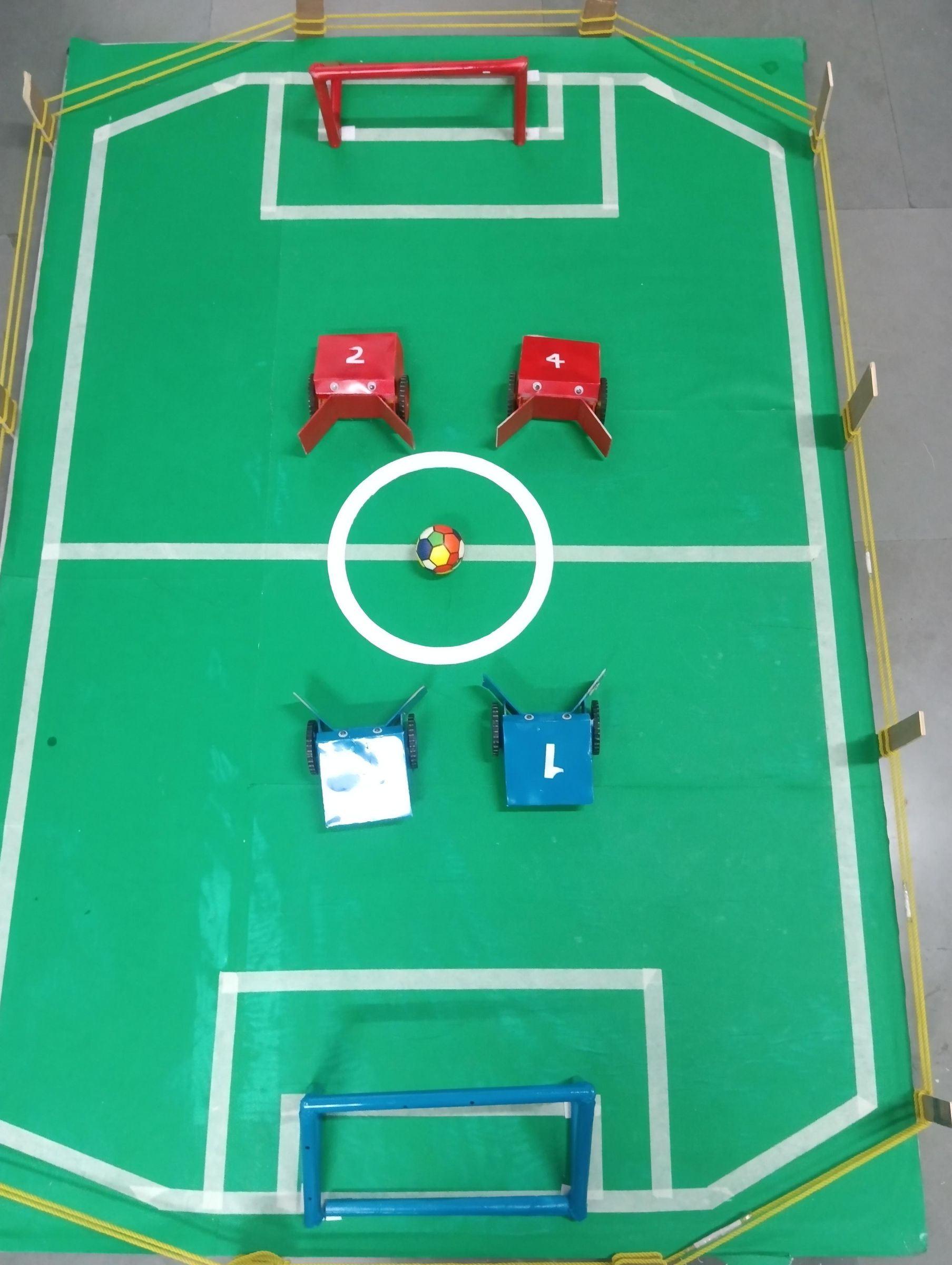

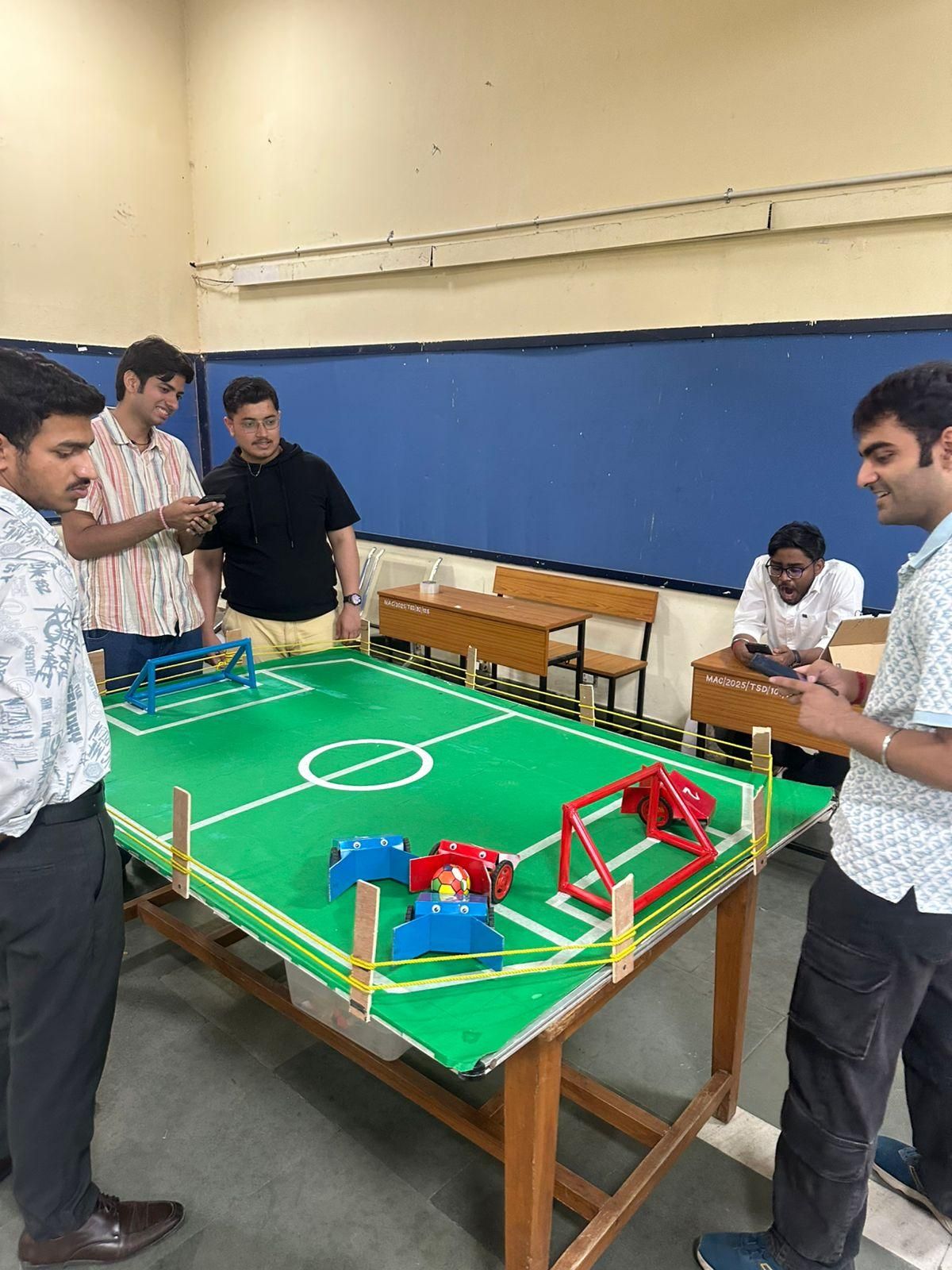
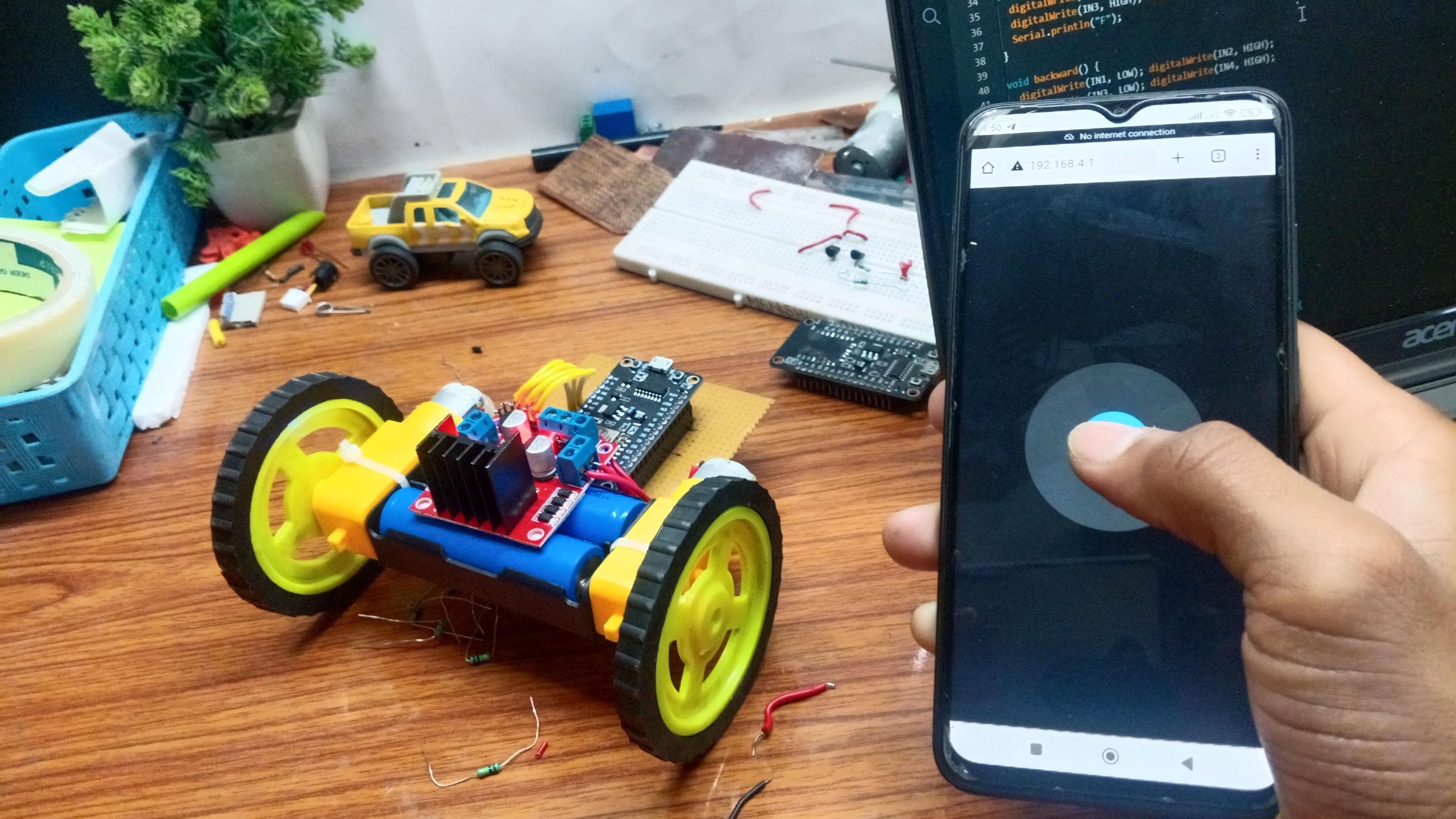
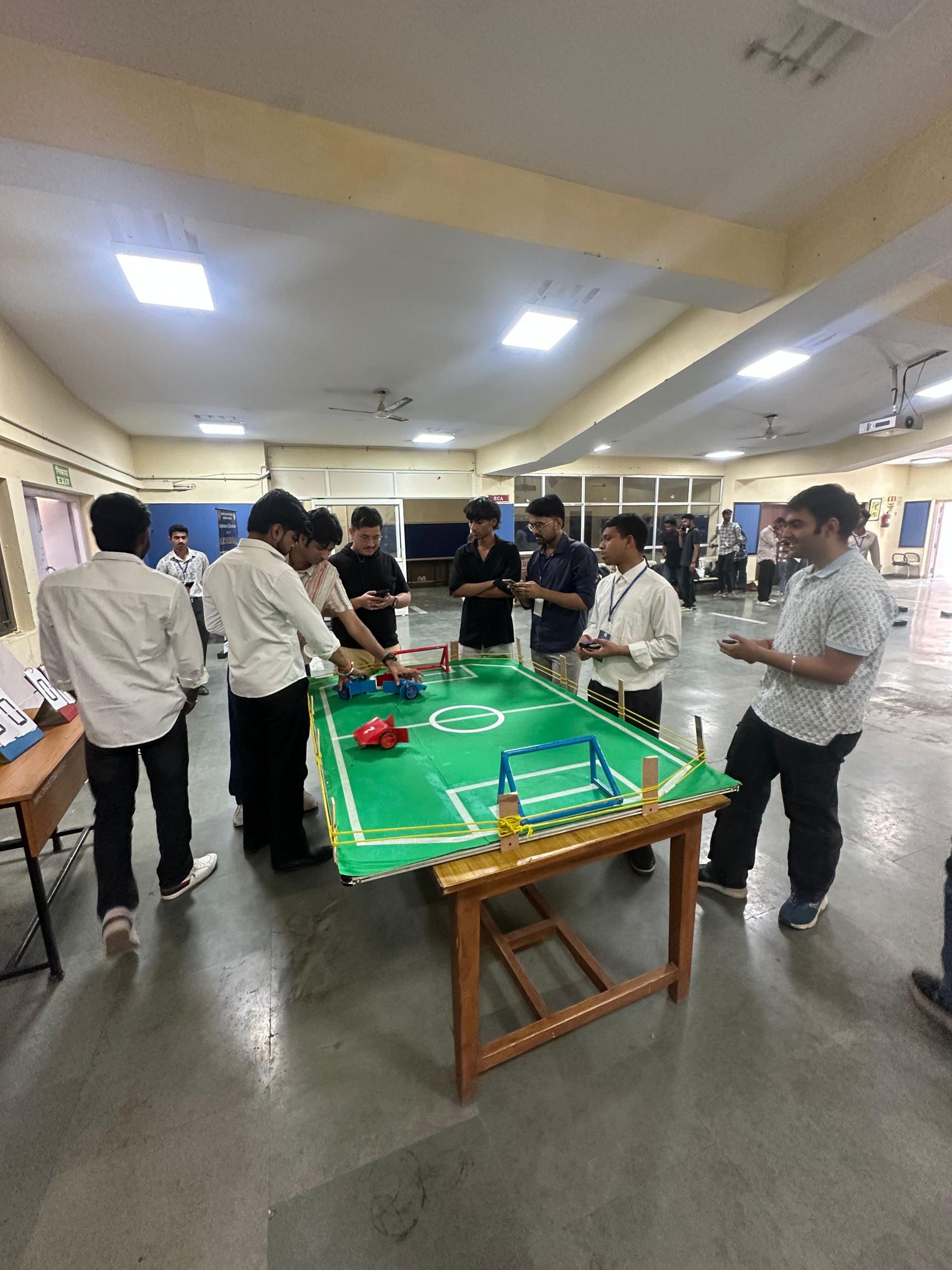
We developed a Robo Soccer system using multiple NodeMCU (ESP8266) boards, consisting of four player-controlled robots and one central “mother node.” Each robot is wirelessly controlled by a player through their smartphone using a web-based interface.
The system allows up to four players (in teams of two) to participate in a soccer-like game, where each player connects to their respective robot via Wi-Fi. The robots generate their own access points, and players control them through a browser-based joystick interface by navigating to the IP address (192.168.4.1).
A central mother node is used to dynamically manage and configure each robot’s Wi-Fi credentials. It can assign SSID and password individually or collectively, where:
- SSID is set as the player’s name
- Password is set as the player’s date of birth
This ensures that each player connects only to their designated robot.
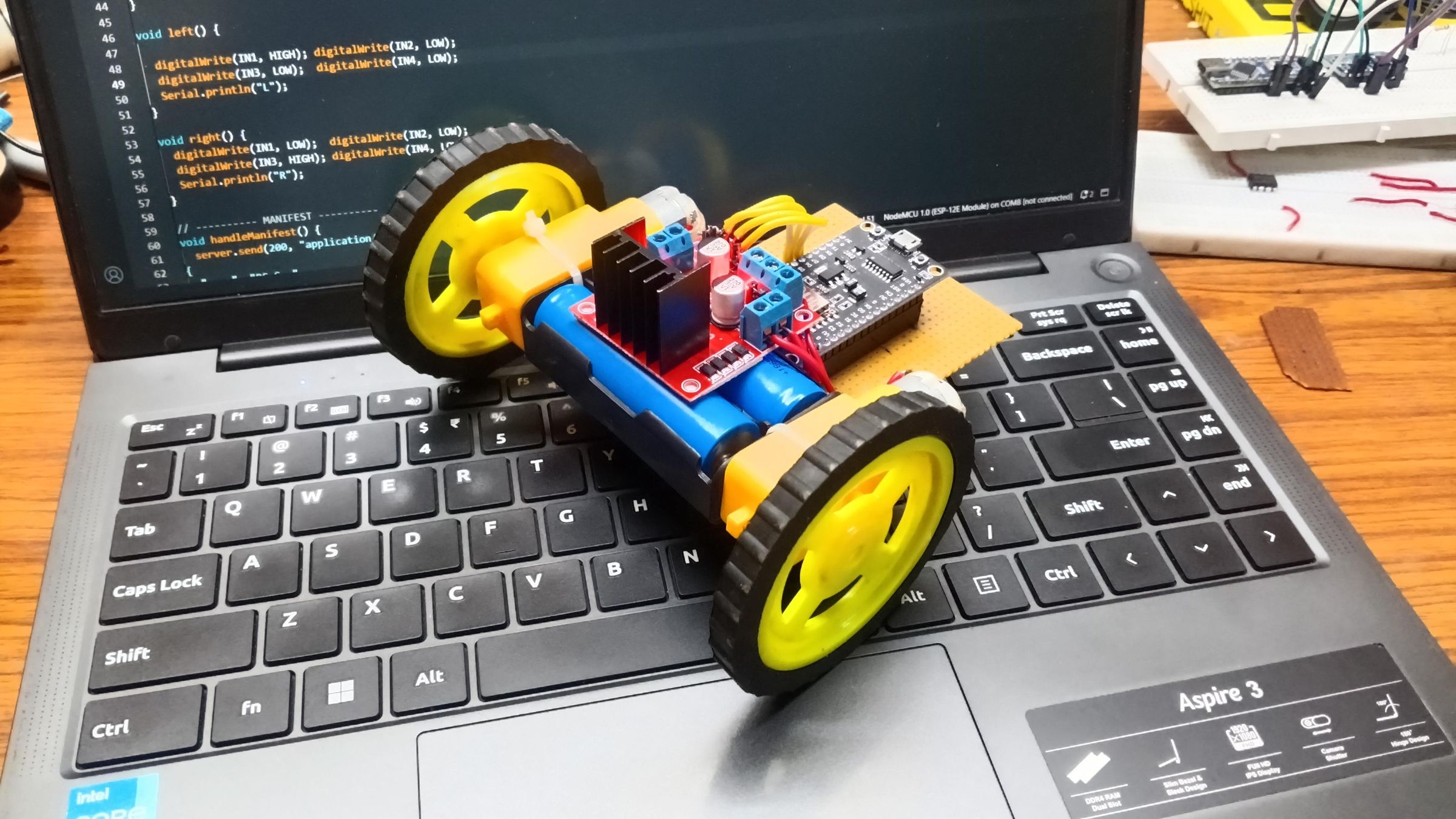
Each robot is powered by two 3.7V, 2000mAh Li-ion cells connected in Series, providing stable voltage and extended battery life. The movement of the robot is controlled using BO motors, driven by an MX1508 motor driver module, which enables efficient bidirectional control of the motors through the NodeMCU.
We created this project to explore and demonstrate real-time wireless control using IoT, combined with a fun and interactive gaming concept.
The main purposes of this project are:
- To understand multi-device communication using NodeMCU (ESP8266)
- To implement a centralized control system (mother node) for managing multiple robots
- To develop a web-based control interface, eliminating the need for installing mobile applications
- To simulate a real-time multiplayer robotic system, improving responsiveness and control
- To apply IoT concepts in a practical and engaging scenario like Robo Soccer
Additionally, the project demonstrates how wireless networks and embedded systems can be integrated for applications in automation, robotics, and smart control systems.
Supplies
List of Supplies
- 5 NodeMCU (ESP8266) boards (4 for robots and 1 as mother node)
- 4 MX1508 motor driver modules
- 8 BO motors (2 for each robot)
- 8 Li-ion batteries (3.7V, 2000mAh – 2 per robot, connected in series )
- Battery holders or connectors
- 4 Perfboard used as chassis ( 7x9 cm )
- Wheels for motors
- Castor wheels ( for balance)
- Jumper wires
- Switches for power control
- Zip tie for attaching motors to chassis
- Smartphone with a web browser (like Google Chrome)
- USB cable for programming
- Sunboard for making claws and body
- Soldering tools and basic assembling tools
Prepare the Chassis

Start by assembling the robot base:
- Fix the BO motors on the chassis using zip ties
- Attach the wheels to the motor shafts
- Add a castor wheel in front or back for balance
At this stage, you should have a simple rolling structure.
Setup the Power System
- Take two 3.7V Li-ion batteries
- Connect them in series (positive to negative )
- This keeps voltage ~7.4 V
- Connect the battery output to a switch (for easy ON/OFF control)
Now your robot has a stable power source.
Connect Motor Driver (MX1508)
Each robot uses one MX1508 motor driver:
- Connect Motor A to left motor
- Connect Motor B to right motor
Then:
- Connect VCC and GND of driver to battery
- Connect control pins (IN1, IN2, IN3, IN4) to NodeMCU GPIO pins( D5, D6, D7, D8)
This allows NodeMCU to control motor direction.
Connect NodeMCU
- Power the NodeMCU (via battery Vin/GND or regulator if needed)
- Connect GPIO pins to motor driver inputs
Example mapping (you can change):
- D5 → IN1
- D6 → IN2
- D7 → IN3
- D8 → IN4
Now NodeMCU can control movement.
Upload Code to NodeMCU
Program each NodeMCU using Arduino IDE:
- Include Wi-Fi libraries
- Set NodeMCU as Access Point (AP mode)
- Default IP: 192.168.4.1
- Create a web server that serves a joystick interface
The code should:
- Read joystick inputs from browser
- Control motors (forward, backward, left, right, stop)
Configure Mother Node
The mother NodeMCU is used for control and setup:
- It sends commands to change:
- SSID = Player Name
- Password = Player DOB
- It can configure:
- Individual bots
- All bots at once
This makes each robot uniquely accessible
Testing
- Turn ON robot
- Connect phone to robot Wi-Fi
- Open browser → go to 192.168.4.1
- Control using joystick
- Check all directions:
- Forward
- Backward
- Left
- Right
Fix wiring if any motor runs incorrectly.
Game Setup

- Assign SSID = Player Name
- Assign Password = DOB
- Players connect to their robots
- Start match and control bots in real-time