Screws to Skies: Building the Pluto 1.2 Drone
by annsh_shah in Workshop > Electric Vehicles
39 Views, 0 Favorites, 0 Comments
Screws to Skies: Building the Pluto 1.2 Drone
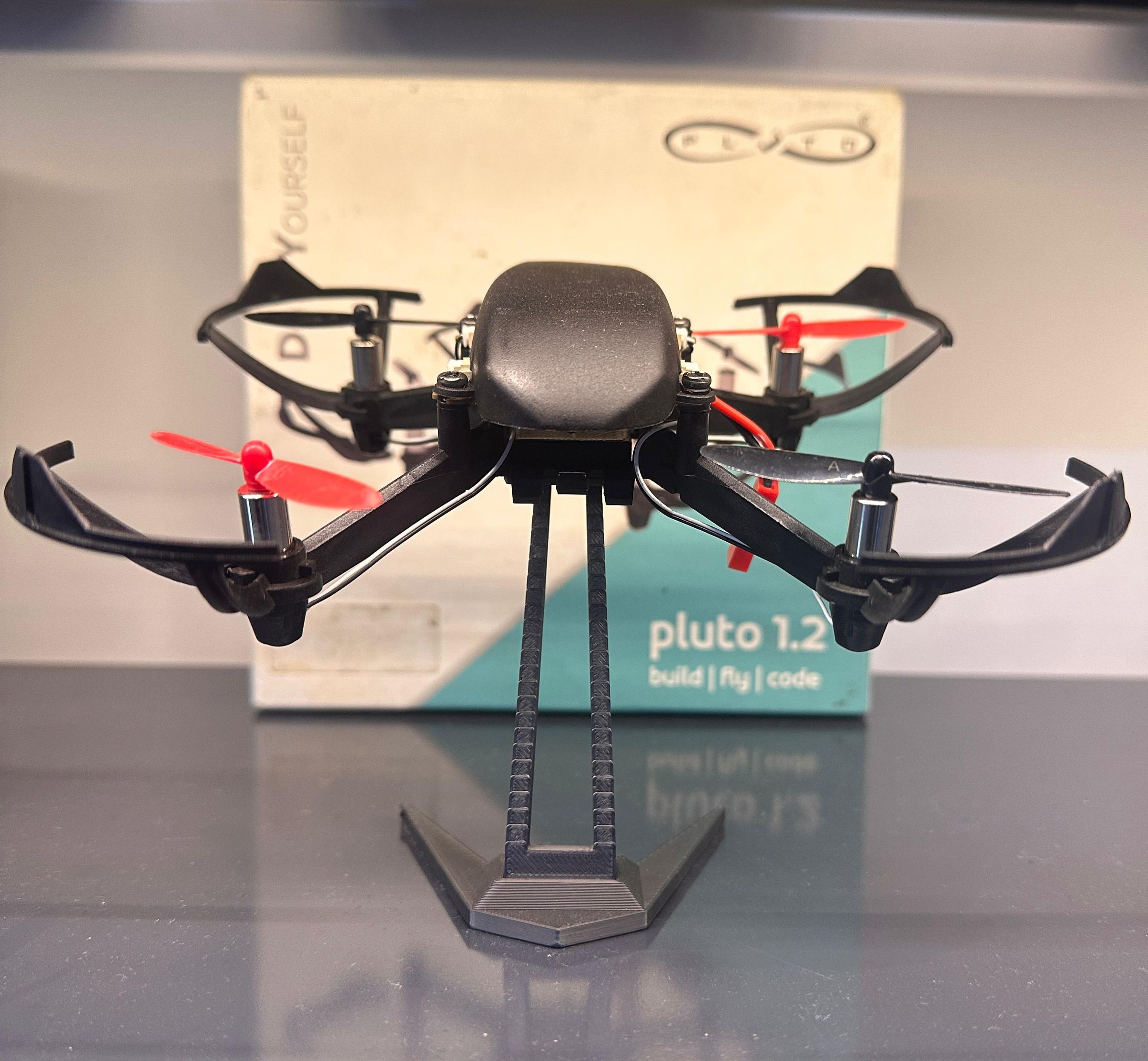
How to Build a Nano Drone: A Beginner's Guide
A drone (or quadcopter) is a flying machine powered by four motors and propellers. Two propellers spin clockwise and two spin counterclockwise to keep the drone stable. A flight controller continuously adjusts the motor speeds to maintain balance and respond to user commands.
In this project, we assemble and fly the Pluto 1.2 drone—a compact quadcopter designed for hands-on learning. The entire assembly process is simple and can be completed in under 30 minutes.
Important Notes
- Ensure Type A and Type B propellers are mounted on their correct motors. Incorrect placement can cause the drone to flip during takeoff.
- Do not attach the propellers while testing connections. Install them only after verifying that all motors are working properly.
You can get your Pluto 1.2 Drone from the link below:
https://www.dronaaviation.com/product/pluto-1-2
Ready? Let's build it.
Supplies

Figure: List of components used to build Pluto 1.2 Drone
Insert the Rubber Dampeners Into the Corners of the Flight Controller

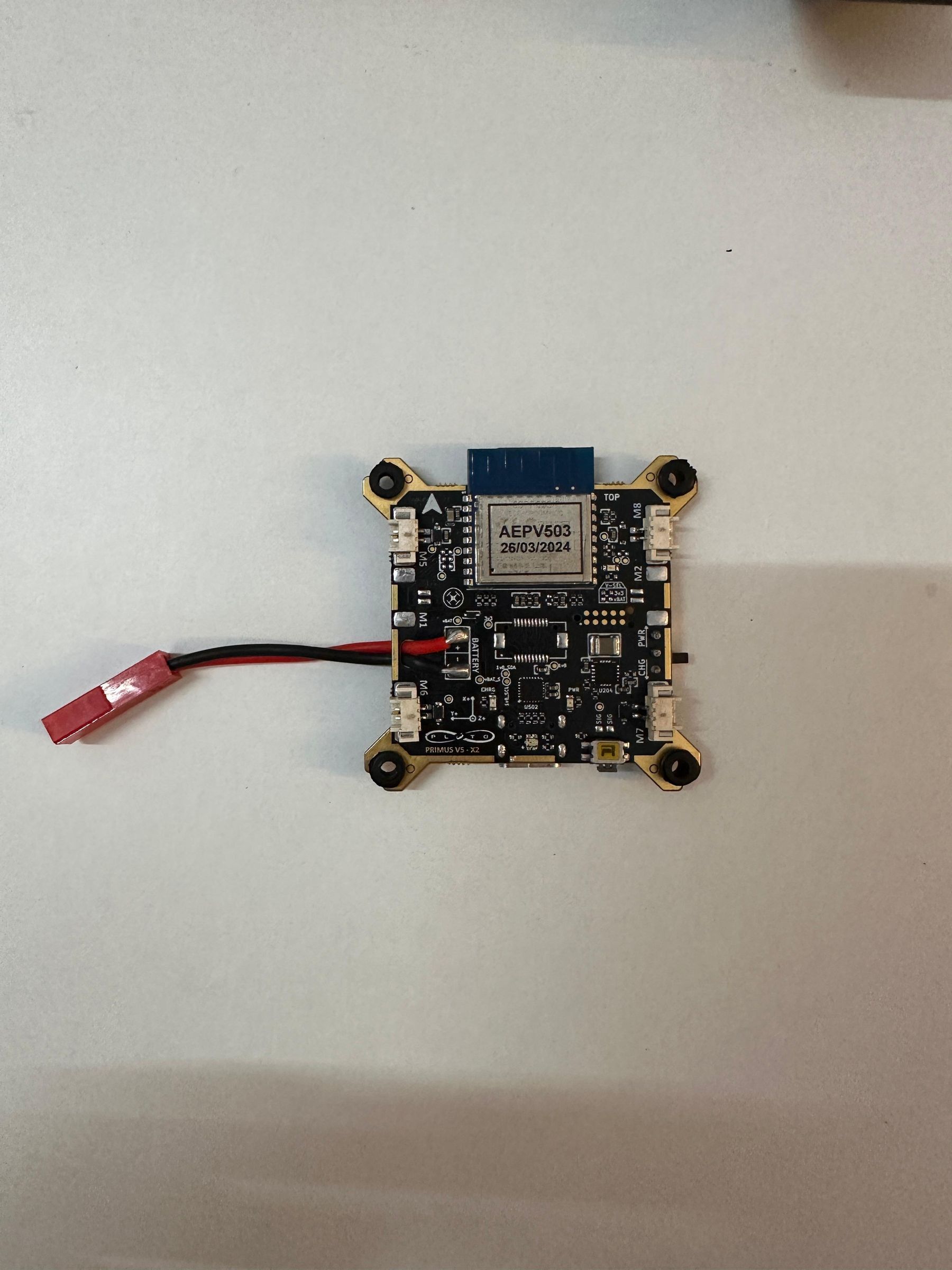
Note: the side with the arrow mark is the top and keep it in that postion for the rest of the assembly.
Allign the Arrow Mark on the Main Frame and the Flight Controller and Secure It There Using Screws

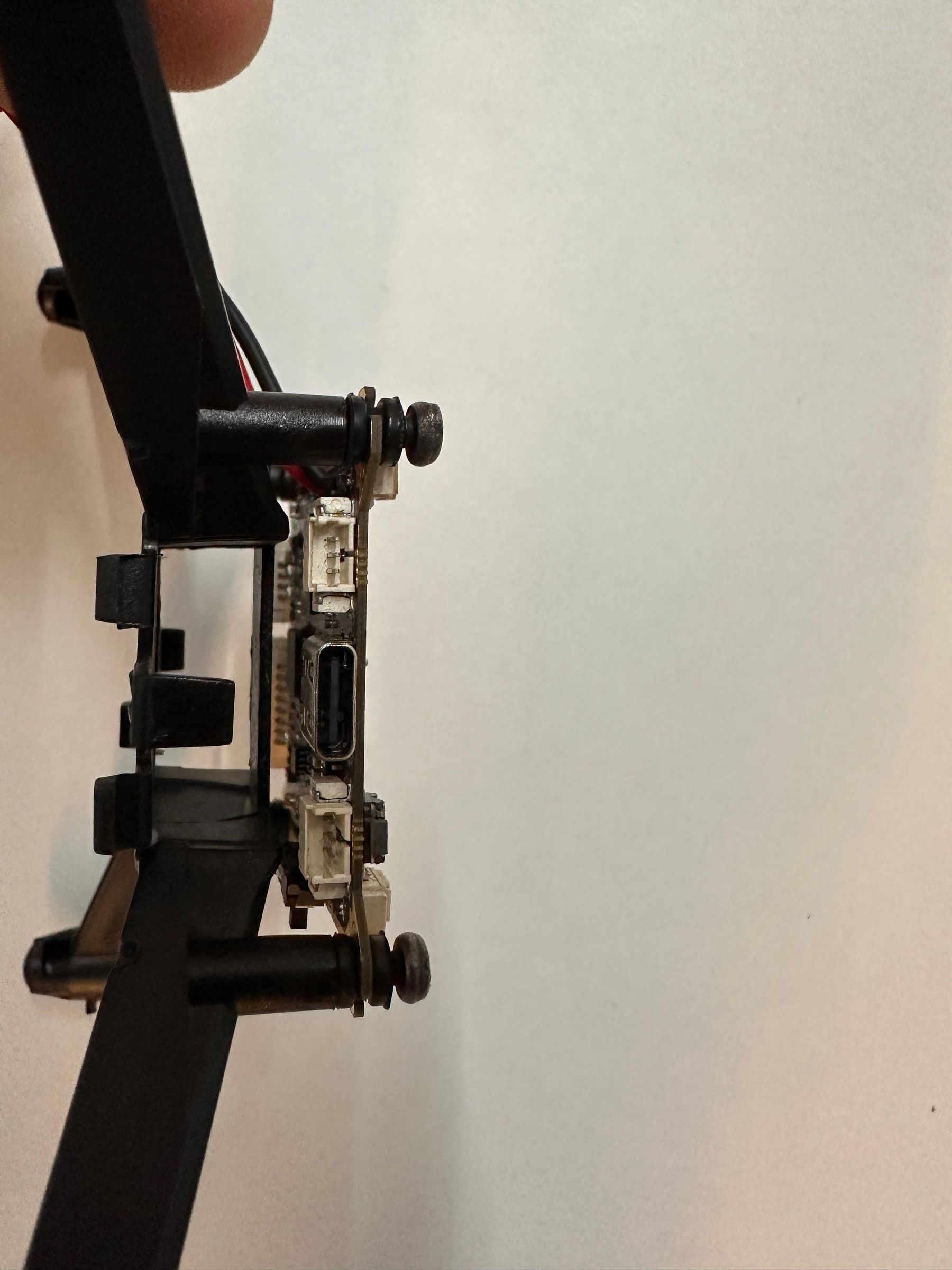
Don’t tighten the screws to the fullest and leave some space for the canopy to be attached
Insert the 4 Motors at the Mounts Provided at the End of Each Arm Press It Firmly Using the Tool Given

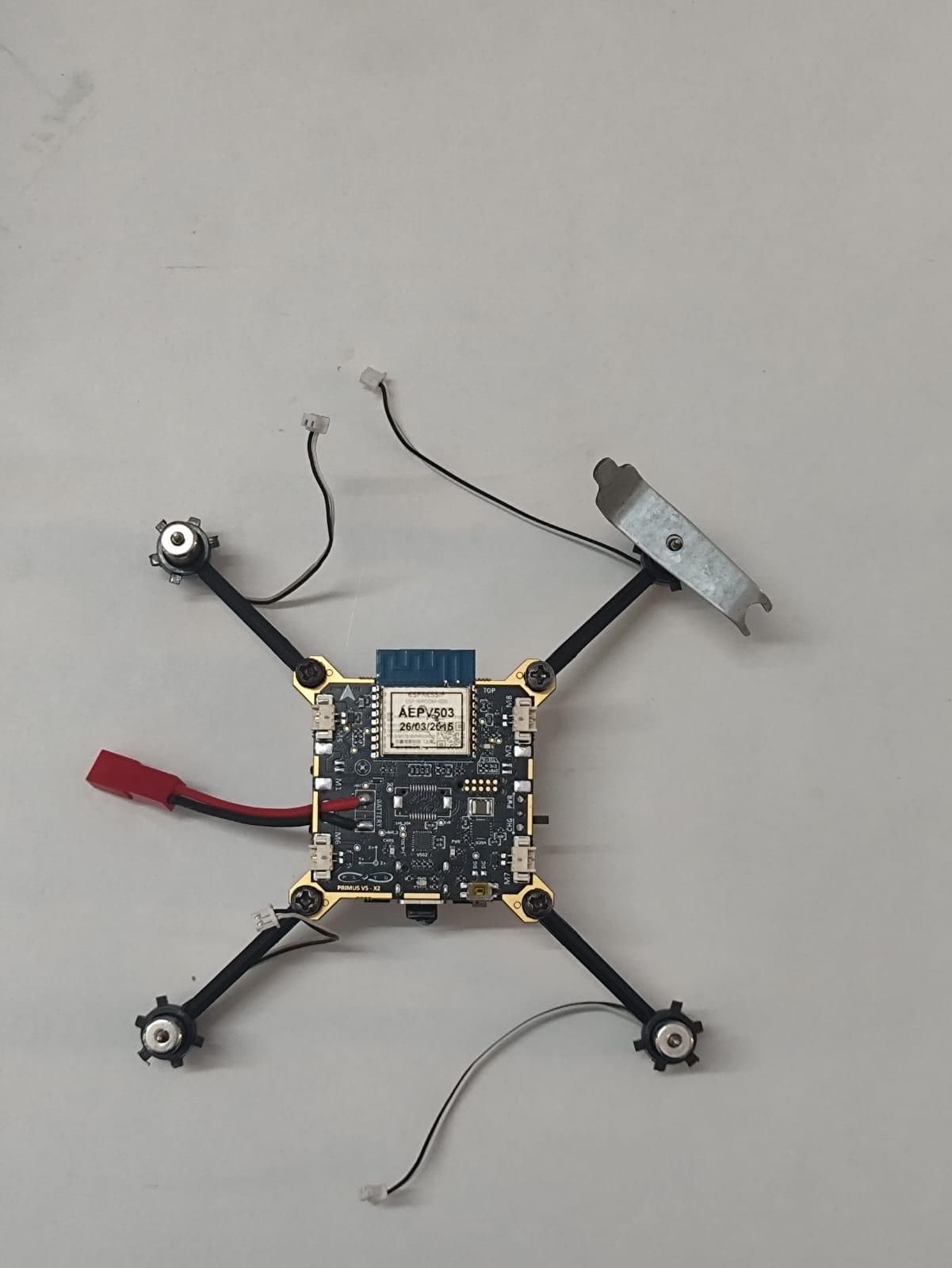
Attaching the Propellers and Connecting the Motor Wires

Pay close attention to the configurations and their placement and refer the image provided
Snap the Protective Canopy Onto the Main Frame

Use the little space we had left while fixing the screws
Connect the Battery With the Flight Controller

Slide the battery in the cavity right below the conotroller. Connect the red power cables together.
Connect the Propeller Guards to Ensure Safe Flight
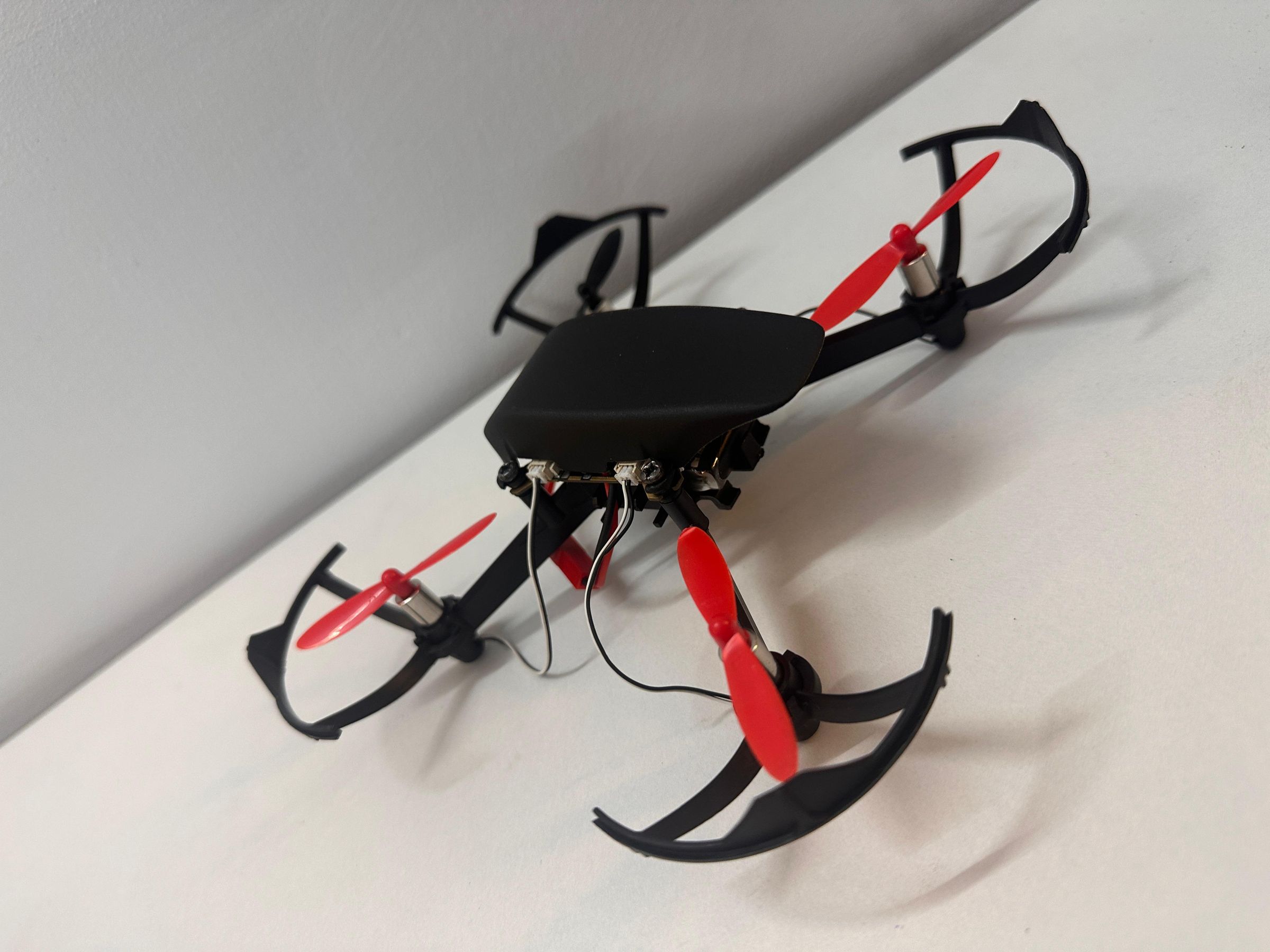
Enjoy flyinig your freshly made drone using the Pluto Controller App.